



HP vs Dell vs Lenovo Desktop PCs: Which One Should You Buy?

Choosing the right desktop PC can feel a bit like picking a side in a long-running tech rivalry. HP, Dell, and Lenovo are three of the biggest names and for good reason. They all offer reliable, powerful desktops that suit everything from casual home use to hardcore business workloads and creative setups.
But when it comes to HP vs Dell vs Lenovo desktop PCs, which brand actually wins for you?
Why Compare HP, Dell, and Lenovo Desktop PCs?
HP, Dell, and Lenovo are all global heavyweights in the PC world. They each offer a wide range of desktops — from budget-friendly towers to powerful workstations and compact all-in-one PCs.
But here’s the thing:
Not all desktop PCs are built for the same kind of user.
Some are better for productivity, some for gaming, and others for long-term reliability. Understanding the differences is key before you hit “Add to Basket”.
HP Desktop PCs: Style Meets Performance
HP desktops are known for blending solid performance with modern design. If you like your tech to look as good as it runs, HP might already be winning points.
What HP Does Best
- Sleek, minimal designs
- Strong performance for home and office use
- Great all-in-one desktop options
- Reliable hardware with wide availability
Popular HP desktop ranges include:
- HP Pavilion – Perfect for everyday use and home offices
- HP Envy – More power, better visuals, premium feel
- HP EliteDesk – Business-focused, secure, and durable
HP desktops are especially popular with students, creatives, and home users who want a clean setup without bulky hardware.
Best for:
✔ Home users
✔ Students
✔ Office work
✔ All-in-one PC fans
Dell Desktop PCs: Built for Reliability and Power
Dell has built its reputation on durability, performance, and long-term reliability. If you want a desktop PC that just works, and keeps working, Dell is a strong contender.
What Dell Does Best
- Excellent build quality
- Strong performance across all price ranges
- Business-grade reliability
- Easy upgrades and maintenance
Popular Dell desktop ranges include:
- Dell Inspiron – Great value for everyday users
- Dell XPS – Premium desktops with serious power
- Dell OptiPlex – Trusted by businesses worldwide
Dell desktops tend to prioritise function over flashy design, but they make up for it with consistent performance and long lifespan.
Best for:
✔ Professionals
✔ Work-from-home setups
✔ Businesses
✔ Power users
Lenovo Desktop PCs: Practical, Powerful, and Affordable
Lenovo desktops are all about value for money and practicality. They don’t always shout the loudest, but they quietly deliver excellent performance, especially at competitive prices.
What Lenovo Does Best
- Affordable pricing without cutting corners
- Strong performance for multitasking
- Compact and space-saving designs
- Business-level security features
Popular Lenovo desktop ranges include:
- Lenovo IdeaCentre – Ideal for everyday home use
- Lenovo ThinkCentre – Business-class performance
- Lenovo Legion – Gaming-focused desktops
Lenovo is a favourite among users who want reliable performance on a budget, without unnecessary extras.
Best for:
✔ Budget-conscious buyers
✔ Office and business users
✔ Multitasking
✔ Compact setups
HP vs Dell vs Lenovo Desktop: Performance Comparison
When comparing HP vs Dell vs Lenovo desktop PCs, performance depends more on specifications than the brand alone. All three offer desktops with:
- Intel Core i3, i5, i7, and i9 processors
- AMD Ryzen options
- SSD and HDD storage combinations
- Integrated or dedicated graphics
That said, there are some trends worth noting:
|
Feature |
HP |
Dell |
Lenovo |
|
Everyday Performance |
⭐⭐⭐⭐ |
⭐⭐⭐⭐ |
⭐⭐⭐⭐ |
|
High-End Power |
⭐⭐⭐⭐ |
⭐⭐⭐⭐⭐ |
⭐⭐⭐⭐ |
|
Multitasking |
⭐⭐⭐⭐ |
⭐⭐⭐⭐⭐ |
⭐⭐⭐⭐ |
|
Gaming Options |
⭐⭐⭐ |
⭐⭐⭐⭐ |
⭐⭐⭐⭐ |
Dell often edges ahead for high-performance and professional workloads, while Lenovo offers excellent power at lower price points. HP sits nicely in the middle, balancing style and performance. Furthermore, processor choice plays a big role in the HP vs Dell vs Lenovo desktop debate, and understanding Intel vs AMD for desktop PCs can help you pick the right performance level.
Design & Build Quality: Which Looks and Feels Better?
Design might not affect performance, but it definitely affects your desk setup.
- HP desktops usually look the most modern and stylish
- Dell desktops focus on durability and practicality
- Lenovo desktops prioritise compact, no-frills designs
If aesthetics matter, HP is often the favourite. If durability matters more, Dell and Lenovo shine. Not sure which specs matter most when choosing between HP, Dell and Lenovo desktop PCs? Our desktop PC specs guide breaks it all down in simple terms.
Price & Value for Money
When it comes to value, Lenovo desktop PCs often offer the best bang for your buck, especially for students and small businesses.
- HP: Mid-range pricing with premium design
- Dell: Slightly higher prices, but excellent long-term reliability
- Lenovo: Competitive pricing across most categories
Furthermore, you can find refurbished and discounted desktops from all three brands, making it easier to grab a high-spec PC for less. Furthermore, if you’re comparing HP vs Dell vs Lenovo desktop PCs on a budget, refurbished desktops can be a smart way to get higher specs for less without sacrificing reliability.
Which Desktop Brand is Best for You?
Here’s a quick cheat sheet
- Choose HP desktop if you want a stylish, reliable desktop for home or study
- Choose Dell desktop if you need power, reliability, and business-grade performance
- Choose Lenovo desktop if you want great performance at a lower price
No matter which brand you choose in the HP vs Dell vs Lenovo desktop comparison, understanding desktop PC lifespan and following the right maintenance tips can help your system last well over five years. The best desktop PC isn’t about the brand name — it’s about how well it fits your lifestyle.

Final Verdict: HP vs Dell vs Lenovo Desktop PCs
So, who wins the HP vs Dell vs Lenovo desktop battle?
Honestly? There’s no single winner.
Each brand excels in different areas:
- HP nails design and everyday usability
- Dell dominates professional performance and reliability
- Lenovo delivers unbeatable value and practicality
The good news? You can’t really go wrong — especially when shopping smart at Laptop Outlet, where quality desktops meet affordable pricing.

FAQs: HP vs Dell vs Lenovo Desktop PCs
Which is better: HP, Dell, or Lenovo desktop?
It depends on your needs. HP is great for home users, Dell is ideal for professionals, and Lenovo offers excellent value for money.
Are Dell desktops more reliable than HP?
Dell desktops are known for long-term reliability, especially business models like OptiPlex, but HP also offers dependable systems.
Is Lenovo good for desktop PCs?
Yes, Lenovo desktop PCs are reliable, affordable, and well-suited for both home and business use.
Which brand is best for office work?
Dell and Lenovo desktops are particularly strong for office and professional tasks, thanks to performance and durability.
Are HP desktops good for students?
Absolutely. HP desktops, especially Pavilion models, are popular with students for everyday tasks and studying.
Related Articles

Published: October 23, 2025
Your complete guide to performance, specs, and picking the right system for work or play.
When it comes to raw power, flexibility, and longevity, desktop PCs still reign supreme. Sure, laptops have gone lighter, and tablets now pretend to be “pro,” but if you’re serious about performance — whether for gaming, design, business, or just smooth multitasking - a desktop remains the smart choice.
In this ultimate desktop PCs guide, we’ll cover everything: from how desktops stack up against laptops, to what all those spec-sheet numbers (CPU, GPU, RAM, SSDs) really mean. You’ll also find insights into the latest desktop PC trends in 2025, and our recommendations for every type of user — from casual home users to hardcore creators.
1. Desktop PCs vs Laptops —What’sthe Real Difference?
Before diving into specs and performance, let’s address the age-old debate: why pick a desktop when you can buy a laptop? The answer depends on your priorities — but desktops win in more areas than most people think.
Last Updated: August 25, 2026
The best desktop PC for work depends on matching hardware to your actual tasks rather than simply choosing the most powerful option. Finance teams working in spreadsheets need different specifications compared to architects using 3D software, while reception areas often benefit from compact all-in-one systems instead of traditional towers. This guide highlights current desktop PCs from Laptop Outlet across four categories: Tower PCs, All-in-One PCs, Mini PCs and Workstations, based on availability checked on 14 August 2026, though stock may change.
How We Selected These Desktop PCs for Work
We prioritised business-ready specifications, useful connectivity, sensible memory and storage configurations, operating-system suitability and the workload each machine is best placed to handle. Rather than treating every professional as a power user, the list covers everyday office work, hybrid working, compact desks, creative projects and heavier technical workloads.
A useful rule is to buy for your

Last Updated: November 25, 2025
Unboxing a brand-new computer is always exciting, whether you’ve chosen a compact laptop for portability or a powerful desktop for home productivity. But once the thrill settles, the next step is understanding how to set up your new laptop or desktop properly. A smooth setup ensures your device runs efficiently, securely, and exactly the way you need it to. In this guide, we walk you through the essential steps to get started.
1. Powering Up and Completing Initial Setup
The first step in setting up your new laptop or desktop is powering it on and walking through the built-in setup wizard. Most Windows devices will guide you through essential features such as:
- Language and region selection
- Wi-Fi connection
- Microsoft account login or creation
- Device name setup
Signing in with a Microsoft account allows you to sync settings across devices, access OneDrive cloud storage, and download apps seamlessly from the Microsoft Store.
If you prefer not to create an account, some versions of Windows

Last Updated: April 29, 2026
If you’re buying a gaming or creator PC in 2025, you’ve probably asked the same question as everyone else:
“Do I get more performance for my money from a desktop, or from a laptop?”
Marketing loves to tell you that gaming laptops are “desktop-class”. The reality is more nuanced. In this 2025 study we’ve combined UK market data, global hardware surveys, independent GPU benchmarks, and real UK pricing to see where the better performance per pound actually is.
How we ran this 2025 “performance per pound” study

Rather than running our own gamer survey, we pulled from large, trusted datasets and combined them:
UK ownership & market context
- ONS / Living Costs and Food Survey: 90% of UK private households had a home computer in 2020–21.
- Grand View Research(UK gaming PC market): UK gaming PC revenue was about £2.12bn in 2024, projected to reach £3.88bn by 2030, with desktops still the largest product segment (≈59% of 2024 revenue) and laptops the fastest-growing category.
Global gaming hardware

Last Updated: February 19, 2026
A new year is the perfect excuse to retire the sluggish desktop that wheezes when you open five tabs or the “gaming PC” that now struggles to hold stable FPS in modern titles. New Year desktop PC deals are one of the best windows to upgrade because prices tend to be sharper, stock gets refreshed, and you can often jump up a whole performance tier for less than you’d expect.
If you’re shopping from the UK, this is also the season where desktop PC New Year deals UK searches explode for a reason: people want a better PC for less, and they want it delivered quickly and safely. Laptop Outlet’s New Year event is built for that kind of upgrade run, tech across categories, limited-time promos, and a straightforward way to browse by what you actually need. You can start with huge savings in New Year tech sale while you compare options and decide your budget.
What counts as a “great deal” in 2026?
The best New Year desktop PC Deals don’t just mean “lowest price.” A great deal in 2026 is one where

Last Updated: January 27, 2026
Intel has remained a titan in the world of PC gaming for decades. Their processors power some of the most capable high-performance gaming desktops on the market today.
Recently, we have seen a massive shift in how these chips operate. The evolution from the classic Core i-series to the brand-new Ultra Core processors marks a new era. These advancements are not just about speed; they are redefining the entire gaming experience.
If you want a top-tier machine, understanding how Intel CPUs work in gaming desktops is essential.
The Role of a CPU in Gaming
The CPU acts as the brain of your computer. It handles every logic calculation and physics instruction required for your game.
CPU vs GPU: Understanding the Balance
The GPU handles the visuals and graphics rendering. Meanwhile, the CPU manages physics, logic, and artificial intelligence.
You need a strong balance between both components to avoid lag. If one is too slow, the other cannot perform at its full potential during intense sessions.

Last Updated: January 27, 2026
Building or buying a high-end gaming PC is an exciting journey for any enthusiast. The market moves fast, and staying updated on the latest hardware is essential for the best experience.
In this gaming desktop PC breakdown, we will explore the core parts that make a machine powerful. We will look at the latest processors from AMD and Intel, the incredible graphics power of NVIDIA RTX and Radeon RX, alongside other core components.
Whether you want to play the newest AAA titles or compete in esports, understanding these parts is vital. Let us dive into the modern world of gaming PC technologies.
Understanding Gaming Desktop PCs
A gaming desktop PC is a high-performance computer designed specifically to handle demanding video games. Unlike standard PCs, these machines focus on graphical power and fast processing speeds. They use specialised parts that can handle high heat and heavy workloads.
While gaming laptops and consoles are popular, the desktop remains the "gold standard" for several

Last Updated: February 03, 2026
Choosing a new processor used to be a simple choice between raw power and budget value. However, as we move through 2026, the landscape has shifted.
The rivalry of Intel vs AMD desktop processors has reached a fever pitch, with both "Team Blue" and "Team Red" offering incredible technology that caters to very specific types of users.
This guide breaks down everything you need to know about the current market to help you decide which brand deserves a spot in your desktop PC.
The State of the Market in 2026
As we move through 2026, both manufacturers have moved beyond simple core-count wars.
Intel has doubled down on its "Arrow Lake" and "Nova Lake" architectures, focusing heavily on integrated AI NPUs (Neural Processing Units) and a refined tiled architecture.
Meanwhile, AMD continues to dominate the enthusiast market with its Zen 5 architecture, led by the legendary 3D V-Cache technology.
Intel’s Current Strategy: The AI PC Era
Intel has successfully transitioned to its LGA 1851 socket.
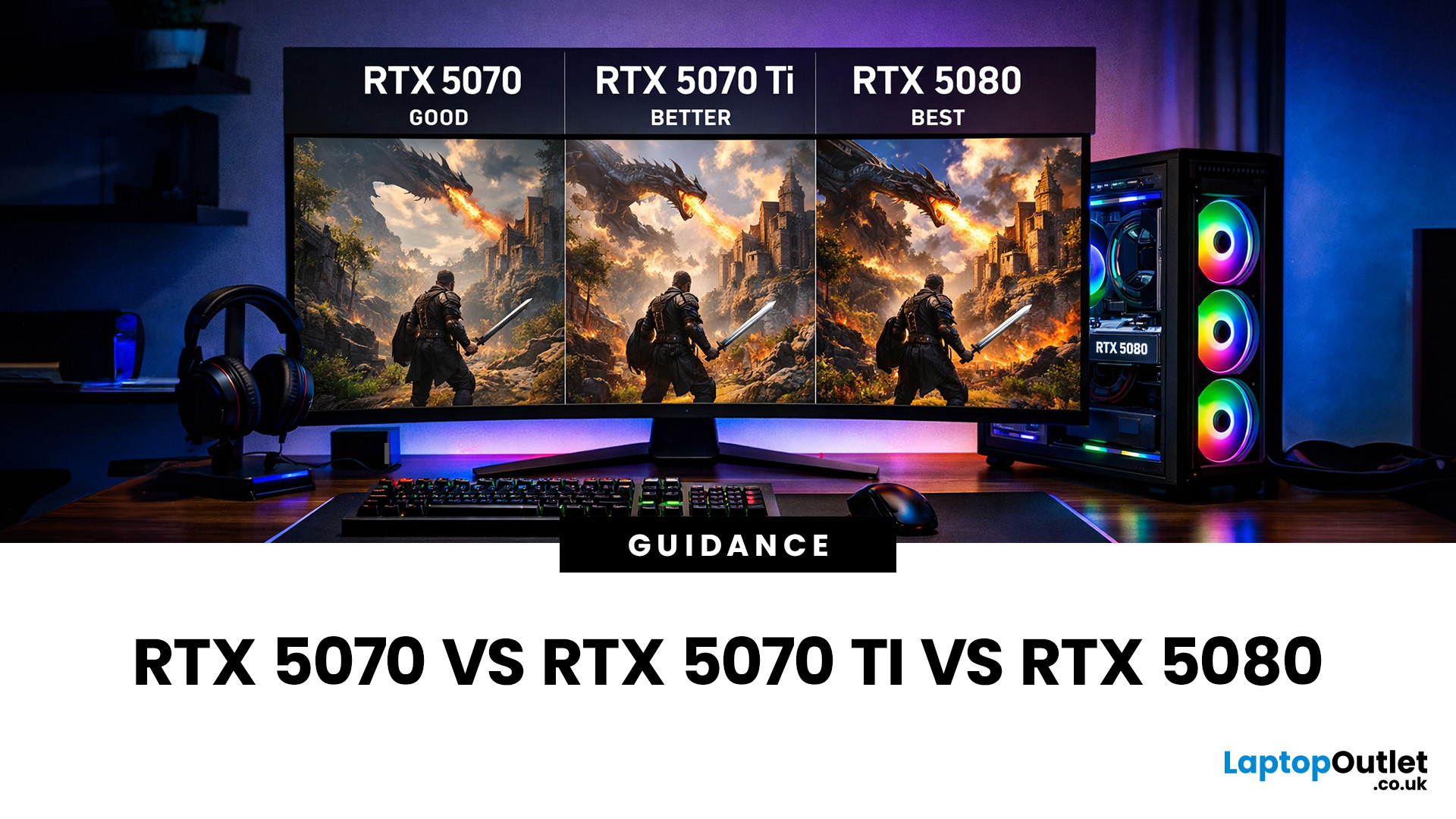
Last Updated: July 20, 2026
Choosing between an RTX 5070 and RTX 5080 gaming PC is one of the biggest decisions you may face when buying or upgrading a gaming desktop. Although both GPUs support NVIDIA’s latest gaming technologies, they are designed for different resolutions, performance targets, system budgets, and types of players.
In this RTX 5070 vs RTX 5080 comparison, we examine gaming performance, ray tracing, power requirements, system specifications, overall value and the right graphics card for you. We will also briefly explain where the RTX 5070 Ti fits for buyers who want more performance than the RTX 5070 without moving to a premium RTX 5080 gaming PC.
Whether you are considering an RTX 5070 prebuilt PC or planning a high-end custom desktop, this guide will help you understand the difference between RTX 5070 and 5080 gaming systems.
Understanding the RTX 50 Series Line-Up
NVIDIA’s RTX 50 series GPUs are designed to push performance further while improving efficiency and AI-powered features. Across the

Published: February 04, 2026
Your desktop PC is a key part of daily life. It handles work, gaming, and more. But how long can it last? Many users worry about desktop PC lifespan.
The good news is you can extend it to five years or beyond. With smart choices and simple habits, your setup stays reliable. This guide shares practical steps. It covers everything from processor picks to daily care.
Understanding Desktop PC Lifespan
Desktop PCs don't have a fixed expiry date. Their lifespan depends on build quality, usage, and maintenance. On average, a well-kept desktop lasts 5-8 years. But push it right, and you can hit 10 years or more. Why care? A longer desktop computer lifespan saves money and reduces waste.
Key Factors Affecting Longevity
Several elements play a role in how long your desktop endures. First, hardware quality matters most. Cheap parts wear out fast. Second, heat buildup shortens life—poor cooling is a killer. Third, software updates keep things secure and efficient. Finally, your habits, like overworking

