



RTX 5070 vs RTX 5070 Ti vs RTX 5080: Which GPU for Your Gaming Desktop?
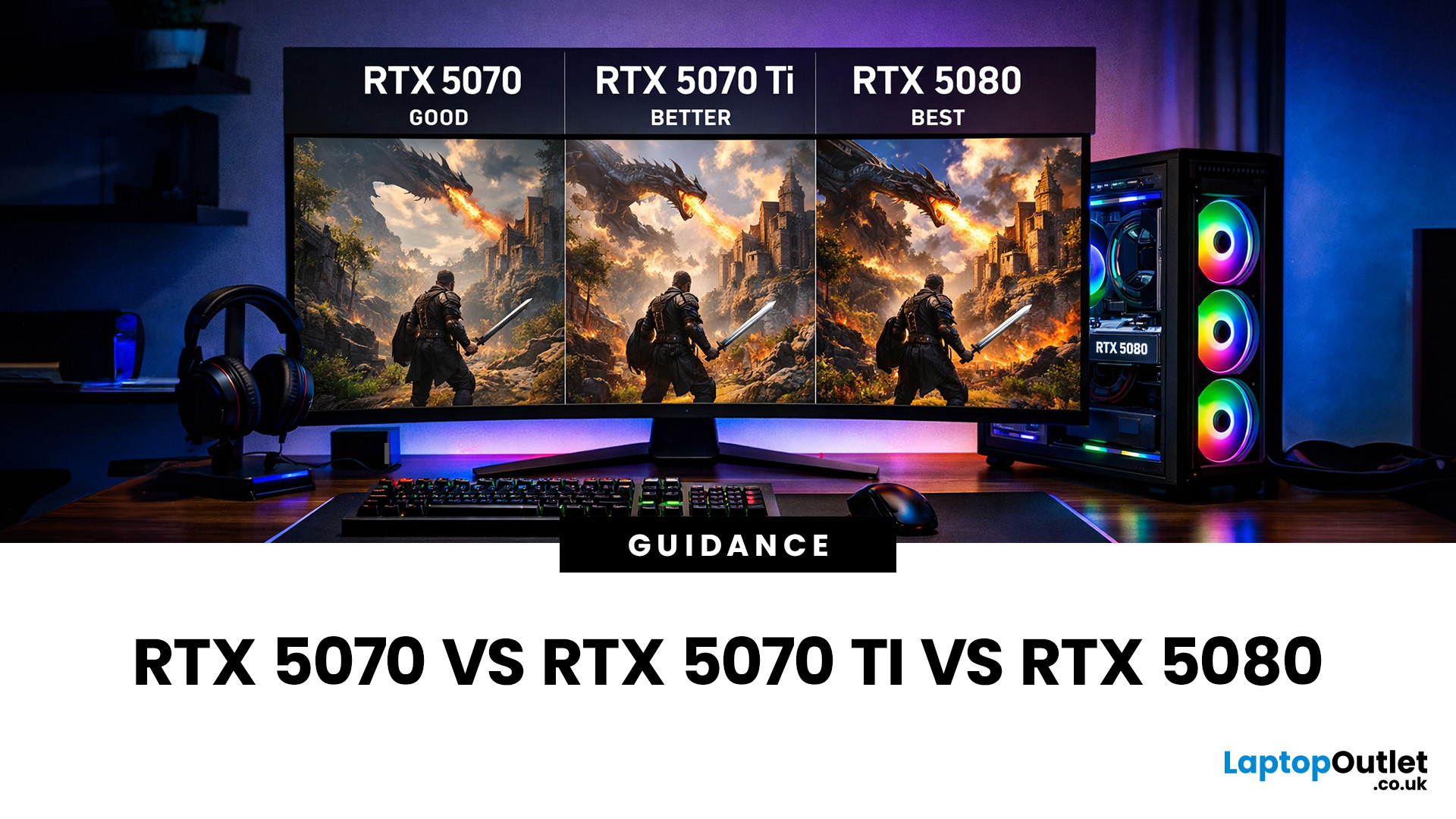
Choosing between an RTX 5070 and RTX 5080 gaming PC is one of the biggest decisions you may face when buying or upgrading a gaming desktop. Although both GPUs support NVIDIA’s latest gaming technologies, they are designed for different resolutions, performance targets, system budgets, and types of players.
In this RTX 5070 vs RTX 5080 comparison, we examine gaming performance, ray tracing, power requirements, system specifications, overall value and the right graphics card for you. We will also briefly explain where the RTX 5070 Ti fits for buyers who want more performance than the RTX 5070 without moving to a premium RTX 5080 gaming PC.
Whether you are considering an RTX 5070 prebuilt PC or planning a high-end custom desktop, this guide will help you understand the difference between RTX 5070 and 5080 gaming systems.
Understanding the RTX 50 Series Line-Up
NVIDIA’s RTX 50 series GPUs are designed to push performance further while improving efficiency and AI-powered features. Across the range, you can expect:
- Advanced ray tracing capabilities
- DLSS improvements for higher frame rates
- Better power efficiency compared to previous generations
- Stronger performance at higher resolutions
However, the RTX 5070, RTX 5070 Ti, and RTX 5080 target very different users. Let’s look at each one in more detail. Buyers can explore our range of RTX-based gaming setups when comparing complete desktop configurations.
RTX 5070: Excellent Value for Modern Gaming
The RTX 5070 is positioned as a powerful mid-range GPU that offers a significant upgrade over older RTX 40 series cards. It’s designed for gamers who want excellent performance without paying premium prices.
Key strengths of the RTX 5070
- Ideal for 1080p and 1440p gaming
- Smooth performance in modern AAA titles
- Strong ray tracing at medium to high settings
- More accessible price point compared to higher-tier GPUs
For most gamers, the RTX 5070 hits a sweet spot. It handles competitive esports titles effortlessly and delivers solid frame rates in demanding games like open-world RPGs and action shooters.
When considering RTX 5070 vs 5080, the RTX 5070 is far more budget-friendly while still offering next-generation features. If you mainly play at 1080p or 1440p, this GPU will feel more than capable.
RTX 5070 Ti: The Balanced Performer
The RTX 5070 Ti sits between the standard 5070 and the flagship 5080. It’s aimed at gamers who want extra performance headroom without jumping all the way to the top-tier option.
Why choose the RTX 5070 Ti?
- Better performance at 1440p and entry-level 4K gaming
- Higher core counts and faster memory than the RTX 5070
- More consistent ray tracing performance
- Ideal for high-refresh-rate monitors
If you’re upgrading from an older GPU and want something that will stay relevant for years, the RTX 5070 Ti is a strong contender. It offers noticeable gains over the standard 5070, especially in demanding titles and when enabling advanced graphics settings.
In the RTX 5070 vs 5080 discussion, the 5070 Ti often emerges as a compromise choice – delivering near-enthusiast performance at a more reasonable cost. If you’re weighing up overall cost alongside GPU performance, our guide on how to choose the right desktop PC for your budget breaks down what you can realistically expect under £500, £500–£1,000, and £1,000+.
RTX 5080: Premium Power for Enthusiasts
The RTX 5080 is designed for gamers who want the best possible performance without compromise. It’s built for high-resolution gaming, creative workloads, and future-proofing.
What makes the RTX 5080 stand out?
- Excellent 4K gaming performance
- Superior ray tracing and AI-driven features
- Ideal for ultra settings in modern and upcoming games
- Perfect for VR, streaming, and content creation
When comparing RTX 5070 vs 5080, the difference becomes clear at higher resolutions. The RTX 5080 delivers smoother frame rates at 4K and handles heavy ray tracing workloads with ease.
That said, this level of performance comes at a higher cost and power requirement. It’s best suited for gamers with high-end monitors or those who want a GPU that will remain competitive for many years.
RTX 5070 vs RTX 5080 Gaming PC Performance Comparison
If you’re torn between the RTX 5070 and RTX 5080, the decision largely depends on how you game.
|
Feature |
RTX 5070 Gaming PC |
RTX 5080 Gaming PC |
|
Best Resolution |
1080p and 1440p |
High-refresh 1440p and 4K |
|
Typical User |
Mainstream and competitive gamer |
Enthusiast and 4K gamer |
|
Ray Tracing |
Strong with optimised settings |
Better for demanding ray-traced games |
|
CPU Requirements |
Mid-range to upper-mid-range CPU |
High-end CPU recommended |
|
Power Requirements |
Lower overall system power |
Higher-capacity PSU usually required |
|
Cooling Requirements |
Standard quality cooling |
Strong airflow and premium cooling |
|
System Cost |
More affordable |
Considerably more expensive |
|
Best Value For |
1440p gaming |
Premium 4K gaming |
For most players, the RTX 5070 offers more than enough performance. The RTX 5080 only becomes essential if you’re aiming for 4K gaming, ultra settings, or professional workloads.
Of course, your GPU is only one part of the equation – understanding how other components impact performance is just as important. Our desktop PC specs explained guide helps you decide what you actually need for gaming, streaming, or everyday use.
RTX 5070 Gaming PC vs RTX 5080 Gaming PC
The graphics card is not the only difference between an RTX 5070 gaming PC and an RTX 5080 gaming PC. Each GPU performs best when paired with suitable supporting components.
An RTX 5070 gaming PC can usually be paired with a capable mid-range or upper-mid-range processor, making it a practical choice for buyers who want strong 1440p performance without overspending on the rest of the system. A well-configured RTX 5070 prebuilt PC should also include sufficient memory, fast SSD storage, dependable cooling, and a quality power supply.
An RTX 5080 gaming PC requires a more powerful overall configuration. A faster processor can help prevent performance limitations at high frame rates, while a higher-capacity power supply, improved cooling, and a spacious case may be needed to support the graphics card effectively.
This means the difference between RTX 5070 and 5080 systems is not limited to GPU price. Buyers should compare the cost of the entire gaming desktop, including the processor, power supply, cooling system, memory, storage, and monitor.
RTX 5070 Benchmarks vs RTX 5080 Benchmarks
RTX 5070 benchmarks are most relevant to gamers targeting 1080p or 1440p performance. Results can vary considerably depending on the game, processor, graphics settings, ray tracing level, DLSS mode, and whether frame generation is enabled.
RTX 5080 benchmarks generally become more meaningful at 1440p and 4K, where the additional performance can provide higher frame rates and greater stability with demanding settings. The difference is often more noticeable when ray tracing, high-resolution texture packs, or ultra-quality presets are enabled.
When reviewing benchmark results, make sure both graphics cards were tested with the same processor, memory, game version, graphics preset, and DLSS settings. Comparing results from different test systems can give a misleading impression of the true 5070 vs 5080 performance difference. You must explore high-performance gaming desktops to compare processors, memory, storage, and graphics options.
Which GPU Is Right for Your Gaming Desktop?
Choose the RTX 5070 if:
- You game at 1080p or 1440p
- You want excellent performance at a sensible price
- You’re upgrading from an older GPU and want a big leap
Choose the RTX 5070 Ti if:
- You want extra performance without going full flagship
- You use a high-refresh-rate 1440p monitor
- You want a balance of power and value
Choose the RTX 5080 if:
- You game at 4K or plan to upgrade soon
- You want maximum ray tracing performance
- You stream, create content, or use demanding applications
With next-generation GPUs like the RTX 5070 and RTX 5080 driving higher performance, it’s no surprise that costs are increasing – something we explore in detail in our article on why desktop PC prices are rising in 2026 and how to still get a good deal.

Final Verdict: RTX 5070 vs RTX 5070 Ti vs RTX 5080
The right choice depends on your gaming resolution, performance expectations, and total desktop budget. An RTX 5070 gaming PC is likely to offer better overall value for players focused on 1080p, 1440p, esports titles, and mainstream AAA gaming.
An RTX 5080 gaming PC is the stronger option for 4K gaming, demanding ray tracing, high-refresh-rate displays, streaming, and creative workloads. However, buyers should consider the higher cost of the complete system, including its processor, power supply, cooling, and supporting components.
For most gamers, the NVIDIA GeForce RTX 5070 provides the more practical balance of performance and price. The RTX 5080 is better suited to enthusiasts who can take full advantage of its additional performance. The RTX 5070 Ti remains a useful middle option for buyers who want greater 1440p headroom without paying for a complete RTX 5080 system.

FAQs
Is the RTX 5070 good enough for modern games?
Yes, the RTX 5070 handles modern AAA games very well at 1080p and 1440p, offering smooth frame rates and solid ray tracing performance.
What’s the main difference between RTX 5070 and RTX 5070 Ti?
The RTX 5070 Ti offers higher performance, better ray tracing, and improved consistency at higher resolutions compared to the RTX 5070.
Is the RTX 5080 worth the extra cost?
The RTX 5080 is worth it if you game at 4K, want ultra settings, or need strong performance for streaming or creative work.
RTX 5070 vs 5080: Which is better for 1440p gaming?
Both are excellent, but the RTX 5070 is more cost-effective for 1440p, while the RTX 5080 offers extra headroom and future-proofing.
Do I need a new power supply for RTX 5080?
In many cases, yes. The RTX 5080 typically requires a higher wattage PSU compared to the RTX 5070 and 5070 Ti.
What is the difference between RTX 5070 and 5080 gaming PCs?
An RTX 5080 gaming PC is designed for higher-resolution and more demanding gaming, while an RTX 5070 gaming PC offers a more affordable option for strong 1080p and 1440p performance. RTX 5080 systems may also require more powerful processors, higher-capacity power supplies, and stronger cooling.
Is an RTX 5070 prebuilt PC worth buying?
An RTX 5070 prebuilt PC can be a good choice for gamers who want a ready-to-use 1440p system. Check the processor, RAM, SSD capacity, power-supply quality, case airflow, and upgrade options rather than judging the computer by its graphics card alone.
| Read More: |
| Refurbished Desktop PCs: Are They Worth Buying in 2026 |
| Intel vs AMD for Desktop PCs 2026: Which Should You Choose |
| HP vs Dell vs Lenovo Desktop PCs: Brand Comparison Guide |
Related Articles

Last Updated: August 12, 2026
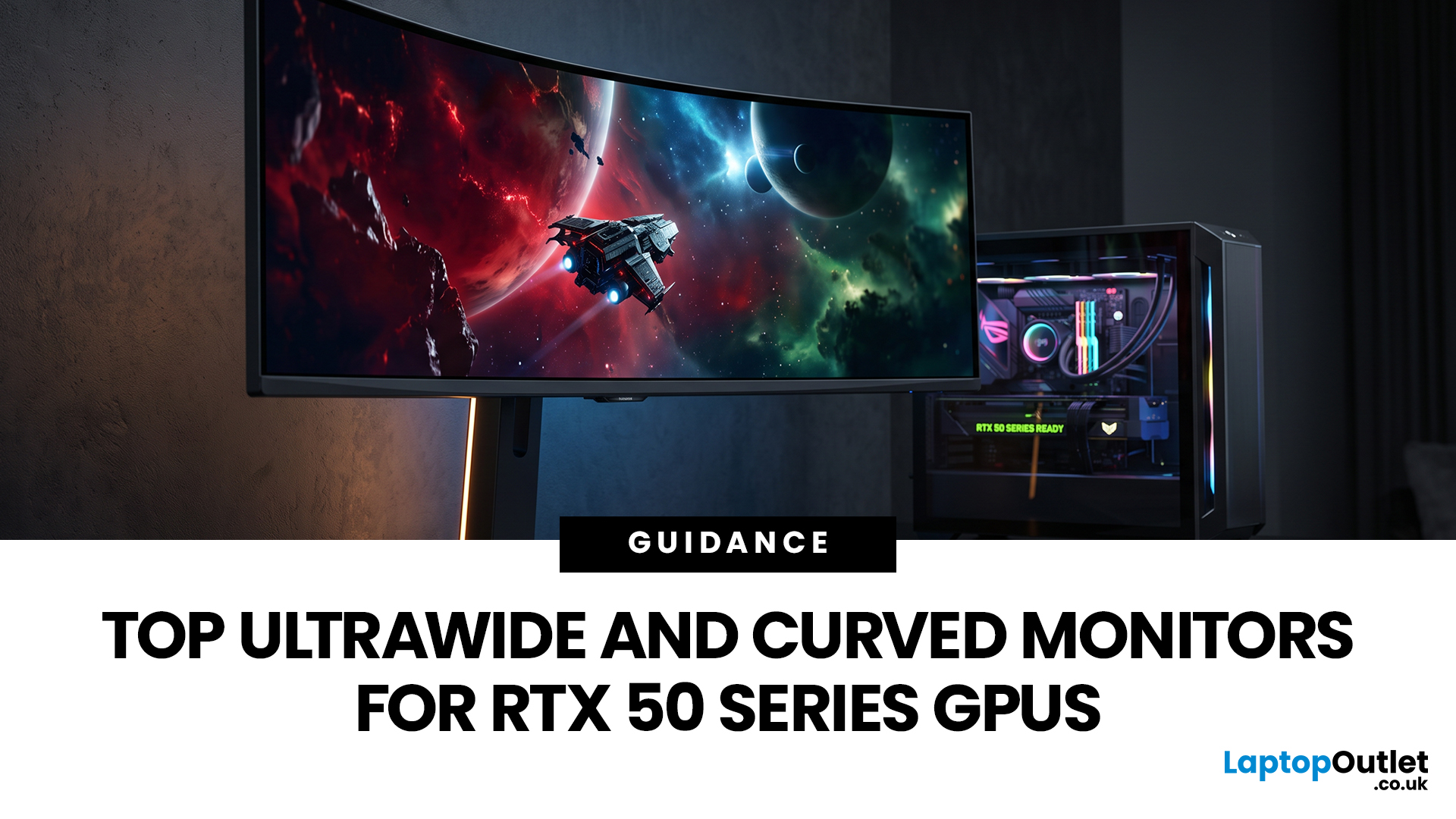
Picking a monitor for an RTX 50 Series GPU isn’t just about chasing the highest refresh rate, it’s about getting the right vibe for your setup. Think resolution, panel type and aspect ratio that actually match how you game, how powerful your RTX 5080 or RTX 5070 Ti is, and how much space you’ve got on your desk.
If you’re on an RTX 5080, a massive 49-inch 5120 × 1440 ultrawide hits different for immersive racing, sim and open-world gameplay. The RTX 5070 Ti feels right at home on a 34-inch 3440 × 1440 ultrawide, while a compact QHD curved monitor is perfect if you want smooth, high-refresh gaming on a budget.
Quick Comparison
| Best For | Monitor | Screen and Resolution | Refresh Rate | Panel | Main Strength | Consider Before Buying |
| RTX 5080 | Philips Evnia 49M2C8900 | 48.9-inch, 5120 × 1440, 32:9 | 240Hz | QD-OLED | Maximum immersion with OLED picture quality | Requires substantial desk space and strong GPU performance |
| RTX 5070 Ti | AOC G4 CU34G4Z | 34-inch, 3440 × 1440, 21:9 | 240Hz | Fast VA | Strong balance of speed, |
Last Updated: July 10, 2026
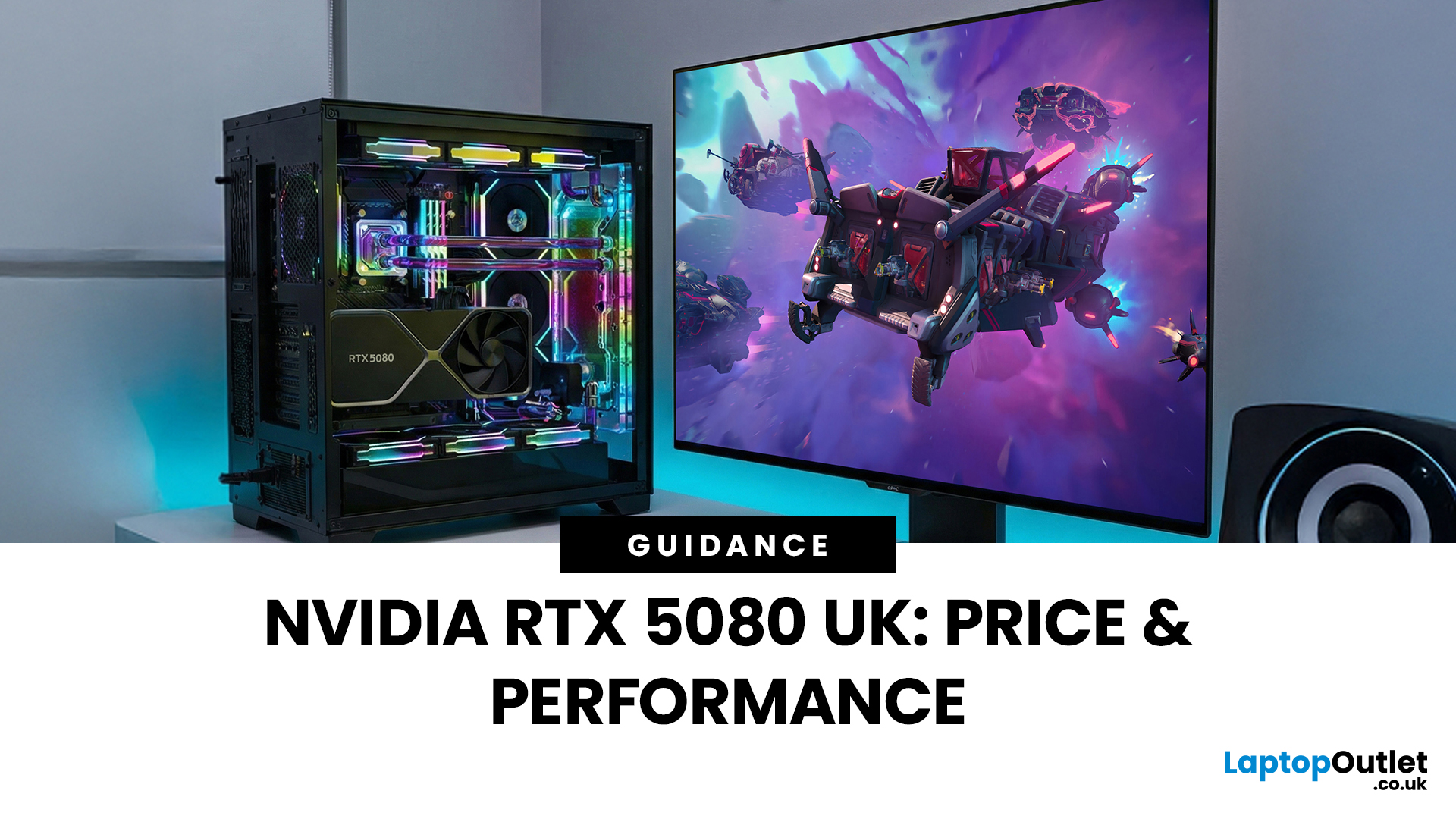
The arrival of a new flagship-tier graphics card always creates excitement, and the NVIDIA RTX 5080 UK is no exception. If you are a gamer or creator who wants to upgrade, understanding the price, performance, and real-world benefits of this card is essential. In this guide, we break down everything you need to know about the RTX 5080, from expected pricing in the UK to gaming performance, comparisons with other high-performance graphics cards, and whether it’s worth waiting for future variants.
How Does the GeForce RTX 5080 Compare to Previous NVIDIA GPUs?
Compared to previous-generation GPUs, the GeForce RTX 5080 delivers notable improvements in both raw performance and efficiency. NVIDIA has focused heavily on performance per watt, meaning users can expect more power without excessive heat or energy consumption. Key improvements include:
- Faster core architecture
- Improved ray tracing performance
- Enhanced AI and DLSS capabilities
- Better memory handling for high-resolution gaming
These

Last Updated: April 28, 2026
If you’re looking for the most powerful consumer GPU NVIDIA has ever produced, the RTX 5090 graphics card is designed with you in mind. Whether you’re building a no-compromise gaming PC, upgrading a professional workstation, or simply want the very best from the latest graphics technology, the RTX 5090 sits at the very top of NVIDIA’s graphics cards UK lineup. In this guide, we’ll walk you through everything you need to know as a UK buyer, from the RTX 5090 release date and expected pricing to real-world performance and whether this GPU actually makes sense for how you use your PC.
What Exactly is the RTX 5090 Graphics Card?
The RTX 5090 graphics card is NVIDIA’s flagship GPU, built for users who don’t want to make trade-offs. If you play at 4K, use ultra-wide monitors, or rely on your system for demanding creative work, this is the kind of hardware designed to keep up. As a true RTX 5090 high-end GPU, it’s aimed at:
- Gamers who want maximum frame rates at ultra settings
- Creators working
Last Updated: April 28, 2026
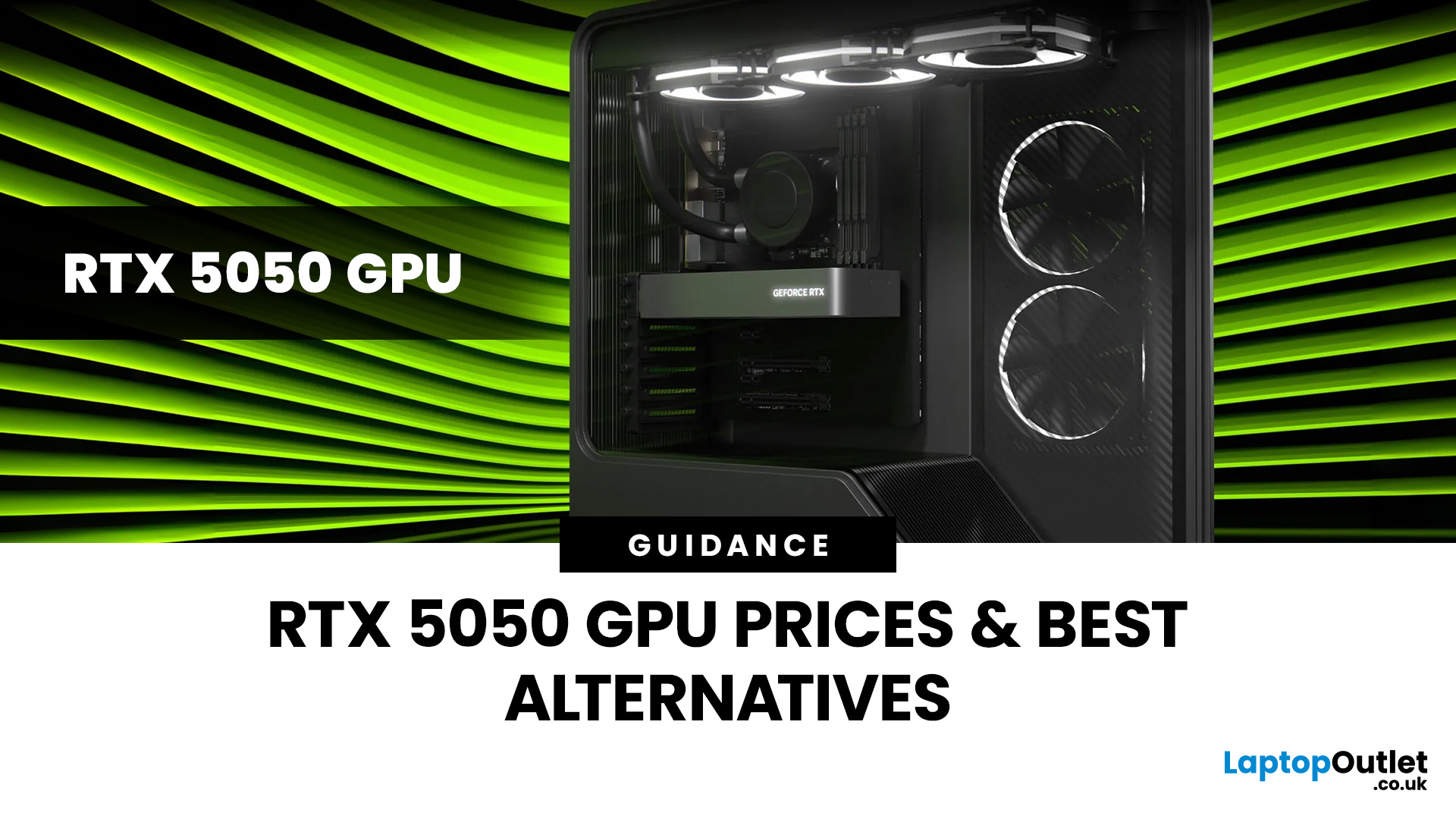
Finding the right graphics card at the right price has become one of the biggest challenges for PC gamers in the UK. With new GPU generations launching and stock levels fluctuating, buyers are looking for hardware that delivers strong performance without stretching their budget. In this guide, we explore everything you need to know about the NVIDIA RTX 5050 GPU, including expected gaming performance, anticipated UK pricing, and where it fits within today’s competitive graphics card market. We’ll also highlight the best alternatives available at Laptop Outlet, ensuring you have plenty of options if stock is limited.
What is the NVIDIA RTX 5050 GPU?
The NVIDIA RTX 5050 GPU is expected to sit at the entry-to-mid-level end of NVIDIA’s next-generation RTX lineup. Designed for gamers who want modern features without the premium price tag, the RTX 5050 PC graphics card is aimed at smooth 1080p gaming and entry-level 1440p performance. As part of NVIDIA’s latest architecture, the RTX 5050 graphics

Last Updated: January 13, 2026
NVIDIA used CES (Consumer Technology Association)2026 to outline what it believes is the next major shift in computing — a move away from general-purpose processors towards systems designed primarily for artificial intelligence.
Speaking in Las Vegas, CEO Jensen Huang positioned NVIDIA not just as a graphics company, but as a platform provider for what it calls the “AI era”, spanning data centres, gaming PCs, gaming laptops, robotics, autonomous vehicles and cloud services.
Rather than focusing on a single blockbuster product, NVIDIA announcements CES 2026 centred on a broad ecosystem update. Key themes included the next-generation Rubin compute platform, and advances in AI-driven graphics through DLSS 4.5, new RTX AI PCs.
The Rubin Platform: NVIDIA’s Next-Generation AI Architecture

The biggest news for businesses was the Rubin platform. It is the successor to the successful Blackwell architecture. This system is a team of six different chips working together.
NVIDIA designed this platform

Last Updated: January 27, 2026
The world of PC gaming has changed forever thanks to a massive leap in graphics innovation. If you have looked at modern gaming desktop PCs recently, you have likely seen the term "RTX" everywhere.
But what is NVIDIA RTX technology exactly? It is not just a fancy label on a box. It represents a total shift in how your computer creates the images you see on screen.
By combining clever artificial intelligence with raw power, NVIDIA has made games look like Hollywood films while keeping them running smoothly.
Introduction to NVIDIA RTX Technology
NVIDIA RTX (Ray Tracing Texel eXtreme) is more than just a brand name. it is a high-end computing platform. It combines specialized hardware cores with advanced software to create lifelike visuals.
A Brief History of NVIDIA Graphics Cards
Before RTX, we had the GTX (Giga Texel Shader eXtreme) series. These cards were powerful, but they relied on "rasterisation." This is a method where a 3D scene is squashed into 2D pixels on your screen. It worked

Last Updated: January 27, 2026
Building or buying a high-end gaming PC is an exciting journey for any enthusiast. The market moves fast, and staying updated on the latest hardware is essential for the best experience.
In this gaming desktop PC breakdown, we will explore the core parts that make a machine powerful. We will look at the latest processors from AMD and Intel, the incredible graphics power of NVIDIA RTX and Radeon RX, alongside other core components.
Whether you want to play the newest AAA titles or compete in esports, understanding these parts is vital. Let us dive into the modern world of gaming PC technologies.
Understanding Gaming Desktop PCs
A gaming desktop PC is a high-performance computer designed specifically to handle demanding video games. Unlike standard PCs, these machines focus on graphical power and fast processing speeds. They use specialised parts that can handle high heat and heavy workloads.
While gaming laptops and consoles are popular, the desktop remains the "gold standard" for several

Published: March 10, 2026
Buying a graphics card is normally a matter of comparing the models you can actually purchase, checking performance, and deciding how much you want to spend. The current NVIDIA cycle is less straightforward because buyers are weighing a real product line against a possible refresh that has not been officially announced. That is why the question around RTX 50 SUPER vs RTX 50 has become so common.
The GeForce RTX 50 series is already established as NVIDIA’s current graphics cards range. In the UK, that line-up covers the RTX 5090, RTX 5080, RTX 5070 Ti, RTX 5070, RTX 5060 Ti and RTX 5060, with Blackwell architecture, DLSS 4, ray tracing, Reflex 2 and NVIDIA Studio forming the core platform story. RTX 50 SUPER is different. There is no official NVIDIA product page, release date, or confirmed desktop stack for a SUPER refresh at the time of writing.
That matters because this is not a normal side-by-side comparison. One option is official and available now. The other is a rumoured RTX 50 series
Last Updated: July 07, 2026
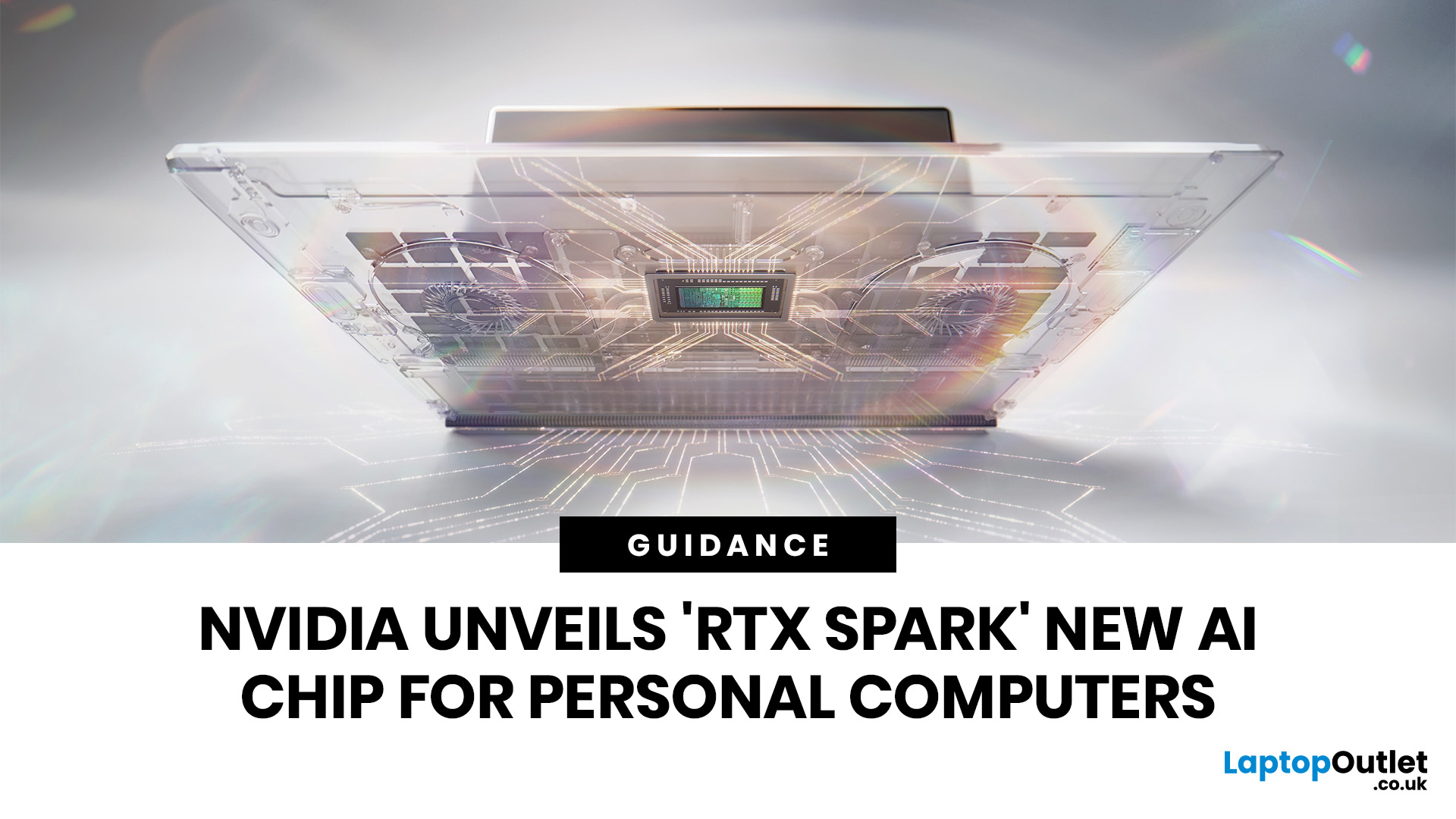
NVIDIA RTX Spark is one of the biggest PC announcements of the AI era. It is NVIDIA’s new AI computing platform for Windows PCs, built to bring local AI agents, RTX graphics, GPU acceleration and high-performance creative work into slim laptops and compact desktop systems.
That matters because personal computing is changing quickly. You are no longer only opening apps, browsing websites or editing documents. The next generation of PCs is being designed to understand your work, run AI models locally, help with coding, create images and videos, search your files, render complex scenes and play demanding games with AI-enhanced graphics.
This is where NVIDIA RTX Spark comes in. According to NVIDIA’s official RTX Spark product page, the platform brings together up to 6,144 Core Blackwell RTX GPUs, a 20-core NVIDIA Grace CPU, up to 128GB unified memory and up to 1 petaflop of AI performance in one platform. In simple words, NVIDIA wants RTX Spark to turn the Windows PC into a personal AI supercomputer.
Published: July 08, 2026
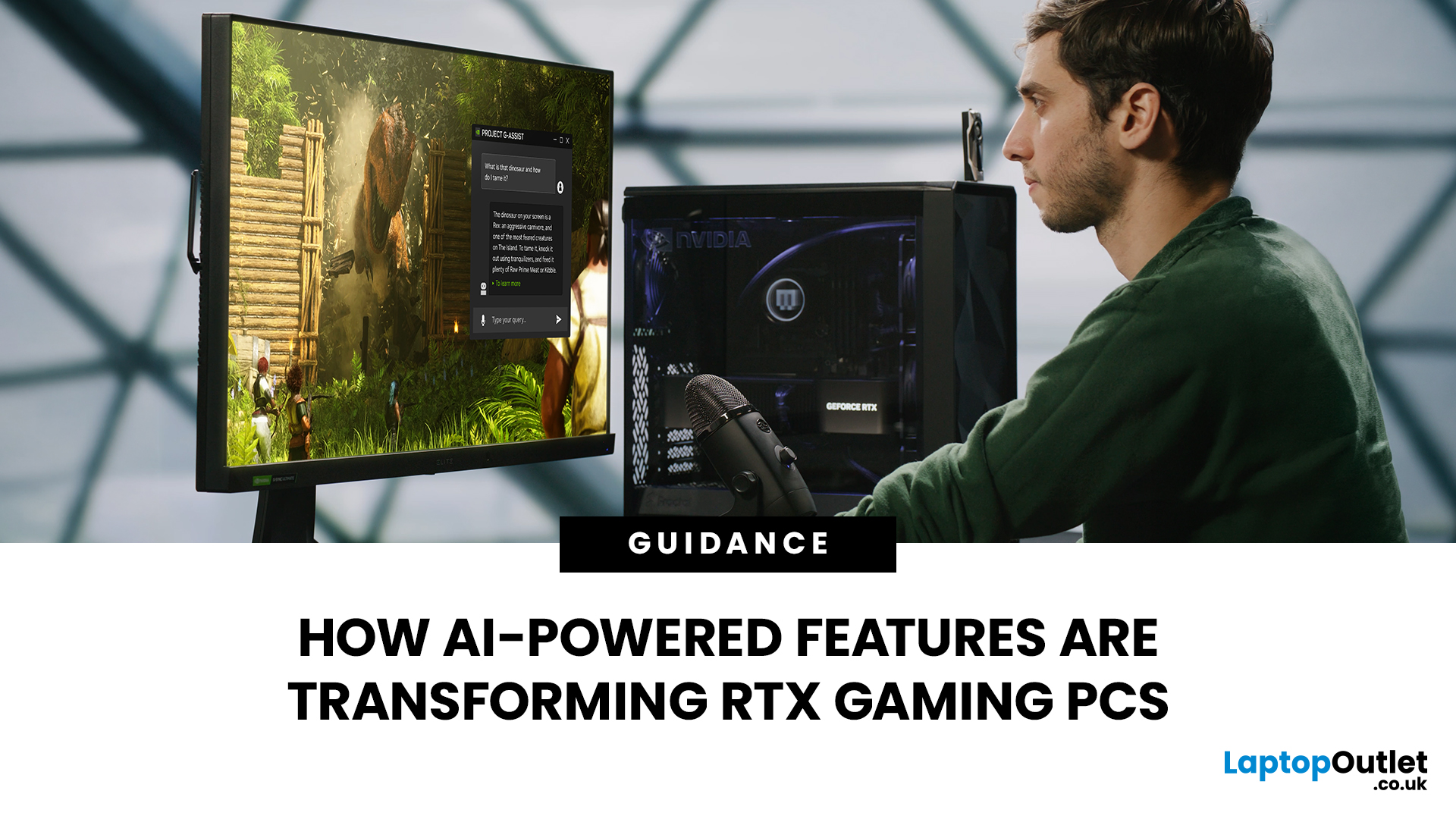
AI RTX gaming PCs can deliver real value, but only when their features align with how you actually play.
| AI-powered RTX gaming PCs use NVIDIA RTX AI features like DLSS upscaling, Frame Generation, ray tracing, and Reflex to boost FPS, improve visual quality, and reduce input lag. They are worth buying when matched to your games, monitor, and budget, especially for 1080p high-refresh, 1440p, streaming, and creator workloads. For UK gamers, prioritise RTX 5050/5060 or higher, 16GB RAM, a strong CPU, and 1TB SSD to get smoother gameplay, better ray tracing, and future-ready performance. |
Modern RTX gaming PCs use AI features like DLSS, Frame Generation, ray tracing, and NVIDIA Reflex to boost FPS, improve visuals, and reduce input lag. But the real value depends on your games, monitor, budget, and specs.
This guide explains what AI-powered RTX gaming actually means, which features matter, and how UK gamers can choose the right RTX PC without falling for marketing hype.

