



New Year Desktop PC Deals 2026: Cheap Gaming PCs & Workstations

A new year is the perfect excuse to retire the sluggish desktop that wheezes when you open five tabs or the “gaming PC” that now struggles to hold stable FPS in modern titles. New Year desktop PC deals are one of the best windows to upgrade because prices tend to be sharper, stock gets refreshed, and you can often jump up a whole performance tier for less than you’d expect.
If you’re shopping from the UK, this is also the season where desktop PC New Year deals UK searches explode for a reason: people want a better PC for less, and they want it delivered quickly and safely. Laptop Outlet’s New Year event is built for that kind of upgrade run, tech across categories, limited-time promos, and a straightforward way to browse by what you actually need. You can start with huge savings in New Year tech sale while you compare options and decide your budget.
What counts as a “great deal” in 2026?
The best New Year desktop PC Deals don’t just mean “lowest price.” A great deal in 2026 is one where the spec balance matches your use case:
- Workstations: CPU cores, memory capacity, storage speed, and stability (often more than raw FPS).
- Everyday productivity: quiet performance, fast SSD, and enough RAM to keep everything smooth.
- Compact setups: efficiency, thermals, and connectivity (ports matter a lot here).
Laptop Outlet makes it easier to browse by category, gaming desktops, workstations, mini PCs, and tower PCs so you don’t have to filter through irrelevant listings. Their desktop range highlights choice across types and top brands, which is helpful if you’re comparing form factors and budgets.
If you’re upgrading beyond just a display, seasonal offers on New Year motherboard deals 2026: Customise your motherboard and CPU bundle can help balance performance when pairing new GPUs and CPUs with high-refresh monitors.
Step 1: Pick your “PC type” before you chase discounts
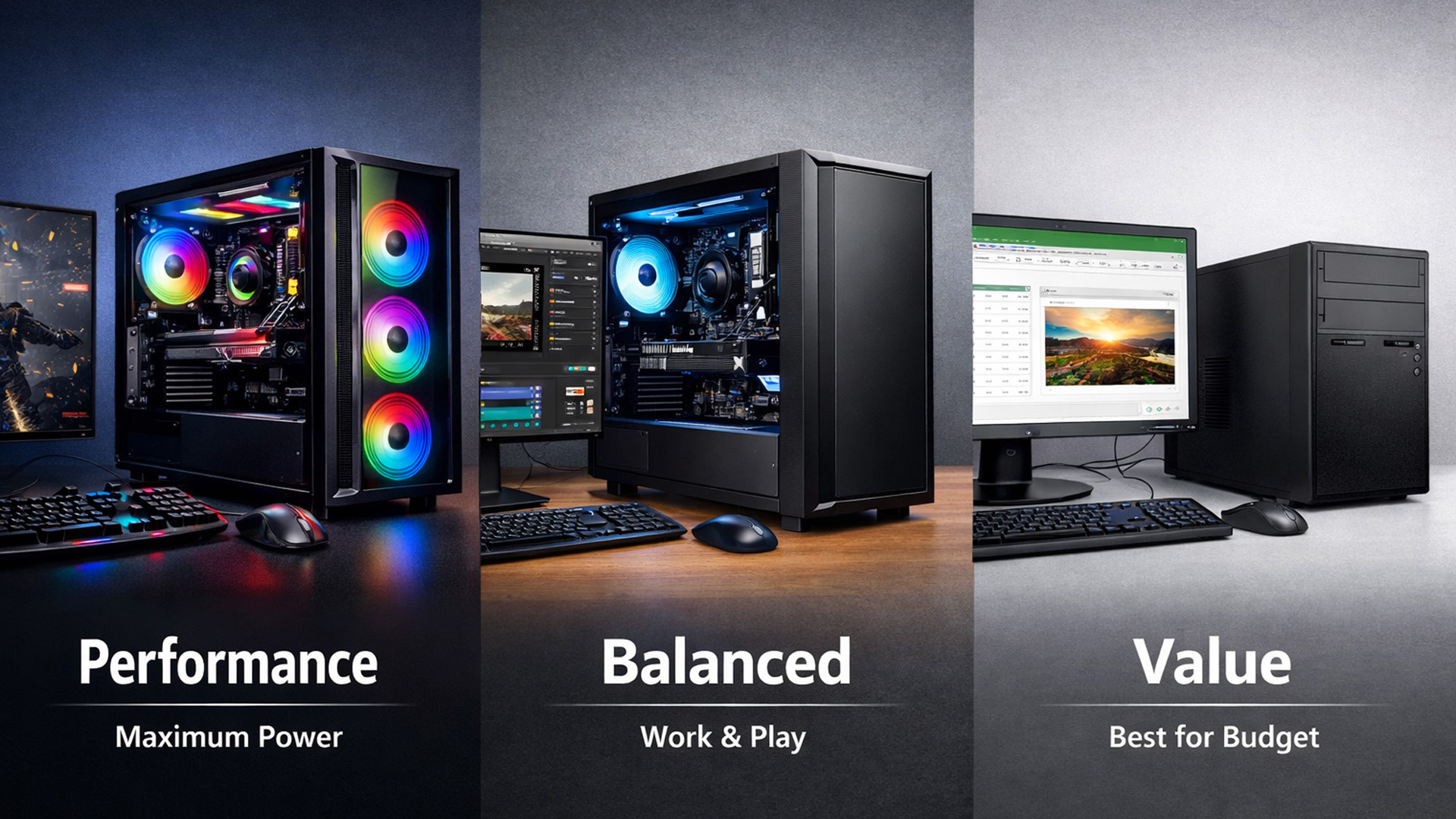
1) Gaming desktops (for high FPS and modern AAA)
If your goal is smoother gameplay and higher settings, focus on gaming desktops first. This is where you’ll see the strongest RTX gaming PC offers UK and where “value” often means a better graphics card for the same money. Laptop Outlet’s gaming desktop category is a fast way to shop prebuilt gaming PCs New Year without drowning in non-gaming configs: Affordable gaming PCs.
That page also makes it clear gaming desktops are available from top names (HP, ASUS, Lenovo and others) and are positioned as online-ready with UK shipping exactly what deal-season buyers want.
How to spot a good gaming deal (quick checklist):
- GPU tier: the biggest driver of real-world FPS (especially at 1440p and 4K).
- CPU match: strong enough to keep your GPU fed (especially in esports titles).
- RAM: 16GB is a practical baseline; 32GB is great if you multitask, stream, or mod heavily.
- Storage: NVMe SSD for fast load times; 1TB is a comfortable starting point in 2026.
If you’re shopping specifically for esports-style performance, refresh-rate targets matter too (240Hz+ monitors, competitive settings), so a balanced CPU + GPU pairing becomes even more important than ultra-high resolution.
2) Workstations (for creators, engineering, data, heavy workloads)
If you’re buying for professional work, 3D modelling, CAD, video production, simulation, heavy multitasking, then workstation PC discounts are where the smartest long-term value usually sits. These machines are built to stay stable under load and stay fast as your projects grow.
Laptop Outlet’s workstation page specifically frames savings plus finance options, which matters because workstation budgets can jump quickly once you add more memory and higher-grade components.
Workstation buying priorities for 2026:
- CPU cores/threads for render times, exports, compiles, and simulations.
- Memory headroom (32GB+ is common for pro workflows).
- Storage speed + capacity (fast scratch space plus enough room for project files).
- Reliability: cooling, power delivery, and stable performance under long sessions.
3) Refurbished desktops (for maximum value)
Refurb can be the most underrated way to win New Year upgrades, especially for office setups, home productivity, student machines, and even light creative work. If your goal is “spend less, still get a smooth experience,” it’s hard to beat a good refurb.
Laptop Outlet positions refurbished desktops as value-forward while aiming for “like-new” performance at a lower cost, perfect for deal season: affordable renewed PCs.
Refurb is also the easiest way to shop brand-specific needs like HP & Dell desktop deals without paying the typical new-device premium.
Shoppers focused on value should also explore top 10 refurbished monitors to buy in New Year deals 2026, where lightly used displays can deliver high refresh rates for less.
4) Mini PCs and small form factor desktops (for tight spaces)
Not everyone wants a big tower under the desk. For bedrooms, minimal setups, dorm rooms, reception desks, and clean workspaces, small form factor desktops are the upgrade path that keeps everything tidy.
If you’re searching for a small form factor PCs sale, you’ll usually land in Mini PC territory. Laptop Outlet describes Mini PCs as compact desktops designed to save space while still delivering reliable daily performance, great for modern productivity setups: portable mini PCs.
Mini PCs can be fantastic as:
- a quiet office machine,
- a living-room media box,
- a light workstation for admin/content,
- or a “second PC” for streaming tools and productivity.
5) Tower PCs (for expandability and long-term upgrades)
Towers are still the king of upgrades. If you want to add storage later, improve cooling, upgrade a GPU, or expand RAM without compromise, go tower.
Laptop Outlet positions tower PCs around performance and reliability for gaming, business, and creative work exactly the “do more over time” promise buyers want in 2026: Heavy duty tower PCs.
If you’re browsing across multiple categories and want a broader view, it’s also worth scanning All top brands' Desktop PCs to compare tower vs mini vs all-in-one styles in one place.
High refresh monitors really shine when matched with capable hardware, which is why deals on New Year processor deals 2026: Cheap processors for gaming, streaming & work can make just as much difference to smooth gameplay as the screen itself.
Step 2: Match the spec “recipe” to what you do
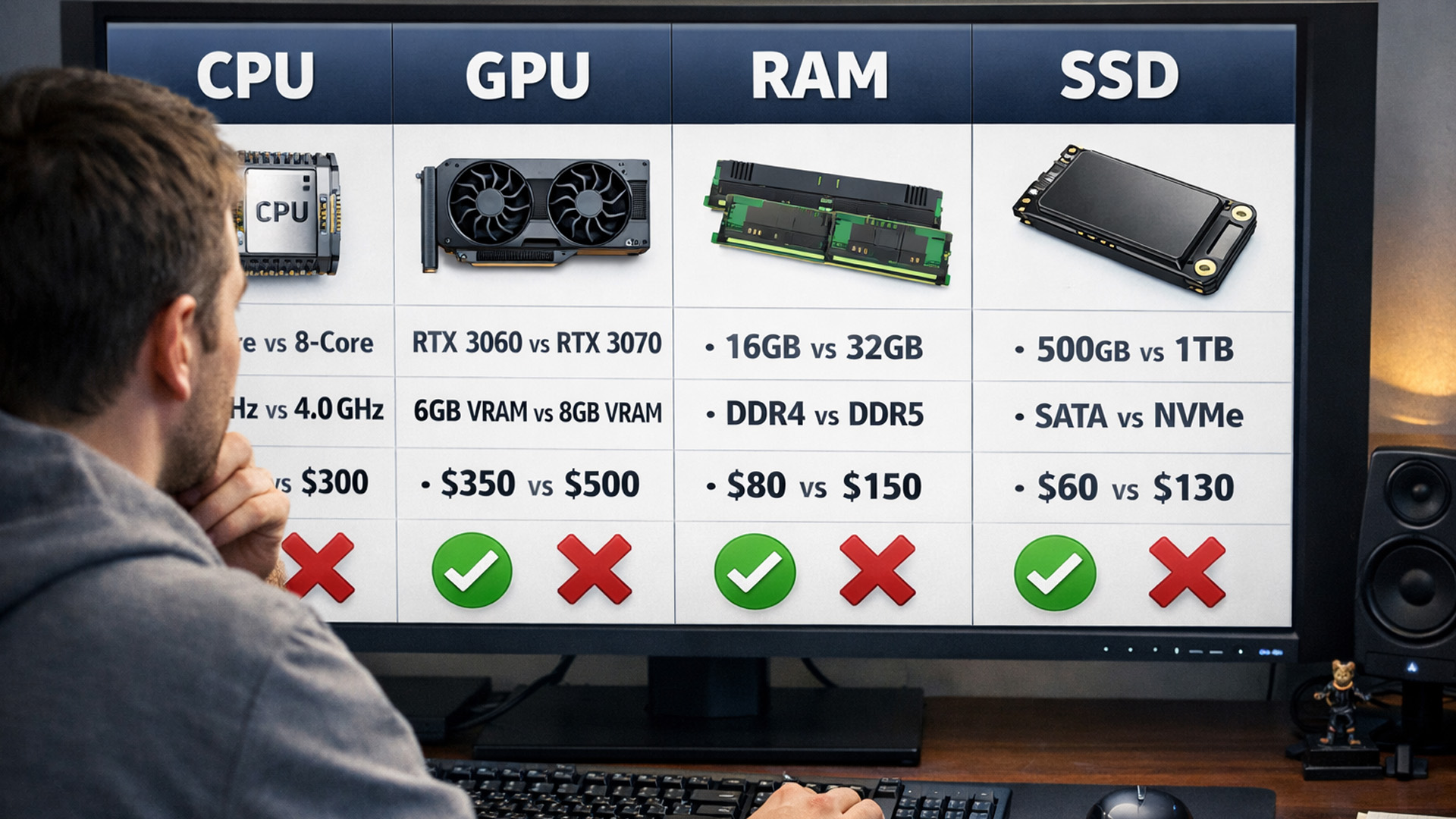
1) For gaming: don’t buy the wrong balance
The biggest mistake during New Year Desktop PC Deals is overpaying for the wrong part of the system. In gaming, the GPU tends to dominate results. That’s why RTX gaming PC offers UK are so popular: for many players, moving up a GPU tier delivers the most visible improvement (higher FPS, better settings, smoother 1440p, stronger ray tracing, better upscaling performance).
A 2026 gaming-focused baseline that feels modern:
- 16GB RAM minimum (32GB is better if you multitask/stream)
- NVMe SSD for fast game loads
- A GPU that matches your monitor (1080p esports vs 1440p AAA vs 4K)
If you’re shopping prebuilt gaming PCs New Year, also think about the “hidden” parts that affect experience:
- airflow/cooling (important for consistent boost clocks),
- PSU quality (important for stability and upgrades),
- and upgrade access (especially in compact cases).
If your plan includes streaming, content creation, or recording gameplay, treat CPU and RAM as more important than you otherwise would those background tasks love cores and memory.
If you’re still comparing screen types or sizes, the wider savings in New Year monitor deals 2026: Start the year with big savings make it easier to jump between curved, ultrawide, and flat panels without paying full price.
2) For workstations: performance is measured in minutes saved
Workstations aren’t about “Can it run?” They’re about “How fast can I finish?” If you render, export, compile, simulate, or work with large files, shaving minutes off tasks adds up quickly over a year.
That’s why workstation PC discounts can be a better “return on spend” than chasing a pure gaming deal. If your workflow is heavy, aim for:
- more CPU cores,
- more RAM headroom,
- fast storage,
- and stable sustained performance.
The simplest way to shop that category is still best PCs for heavy work, because it keeps you focused on machines built for heavy loads.
3) For productivity: smooth beats “maxed out”
A productivity desktop PC doesn’t need a monster GPU. It needs to feel instant:
- fast boot,
- fast app launches,
- smooth multitasking,
stable RAM + SSD. If you’re buying for office work, home admin, students, or a family PC, spending smart here often beats overspending on a GPU you’ll never use.
Step 3: Windows 11 and “ready for 2026” features
For most buyers, Windows 11 desktop PC matters because Windows 11 is now the standard baseline for modern compatibility, driver support, and day-to-day security expectations. When you’re comparing deals, confirm whether the system ships with Windows 11 (Home or Pro) and whether that matches your needs (Pro is often useful for business features like BitLocker and domain tools).
Laptop Outlet’s desktop range includes filters showing Windows 11 options across listings, which makes it easier to narrow choices once you’ve picked your category and budget.
Step 4: Use category links like shortcuts (instead of endless scrolling)
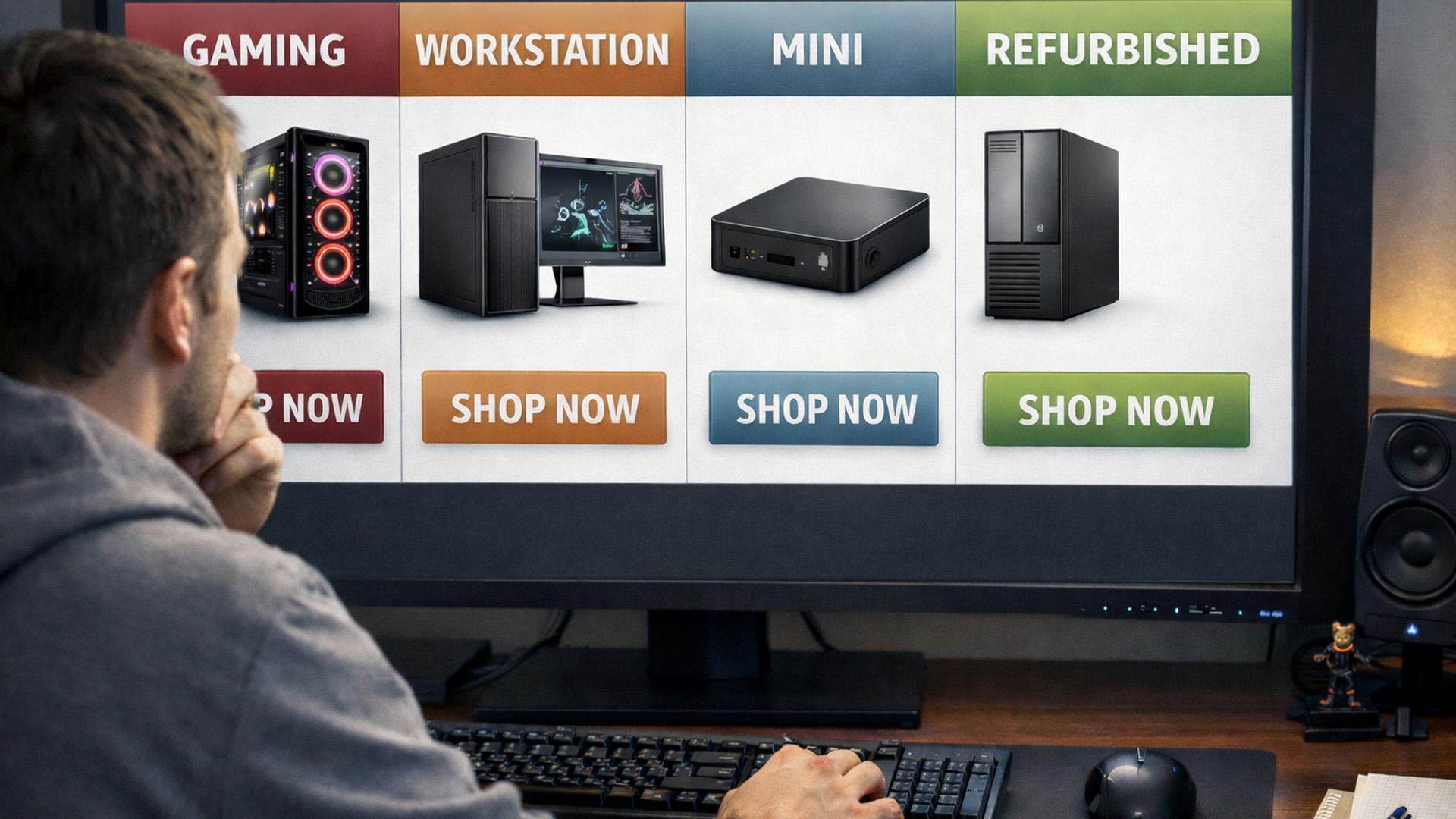
A deal season problem: you find too many options. The fix is browsing with purpose:
- If your focus is gaming value and GPU-forward builds, jump straight to affordable gaming PCs.
- If your focus is professional performance and stability, go to the best PCs for heavy work.
- If your focus is maximum savings per pound, shop affordable renewed PCs.
- If your space is tight or you want a clean minimalist setup, browse portable Mini PCs.
- If you want future upgrades and maximum expandability, compare heavy duty tower PCs.
And if you’re trying to time your purchase around promotions, keep the huge savings in New Year tech sale open in another tab so you don’t miss broader discounts.
Step 5: Make deal-season decisions that prevent buyer’s remorse
1) Decide your upgrade goal in one sentence
Try one of these:
- “I want the best FPS for my money.” (Gaming desktops)
- “I want faster exports and smoother heavy apps.” (Workstations)
- “I want a reliable PC for less.” (Refurbished)
- “I want a powerful PC that fits anywhere.” (Mini/small form factor)
- “I want a PC I can upgrade for years.” (Tower)
This keeps you from getting distracted by random bargains.
Creators who game after work often combine premium monitors with devices from New Year Apple deals 2026: Big discounts on MacBooks, iPads, iPhones & more, especially when looking for colour-accurate secondary displays.
2) Check the “total setup” picture
A refurbished desktop is best when it fits your whole setup:
- What monitor resolution will you play/work on?
- Do you need Wi-Fi, lots of USB ports, or multiple display outputs?
- Do you need quiet performance (home office) or high airflow (gaming/creative)?
3) Know when refurbished is the smarter “new”
Refurb is ideal when:
- you want great day-to-day speed,
- you don’t need a high-end GPU
Laptop Outlet explicitly positions refurbished desktops as value + reliability at a lower cost, which aligns with why so many buyers go this route in New Year season.
Finance and payment flexibility (helpful for higher-tier builds)
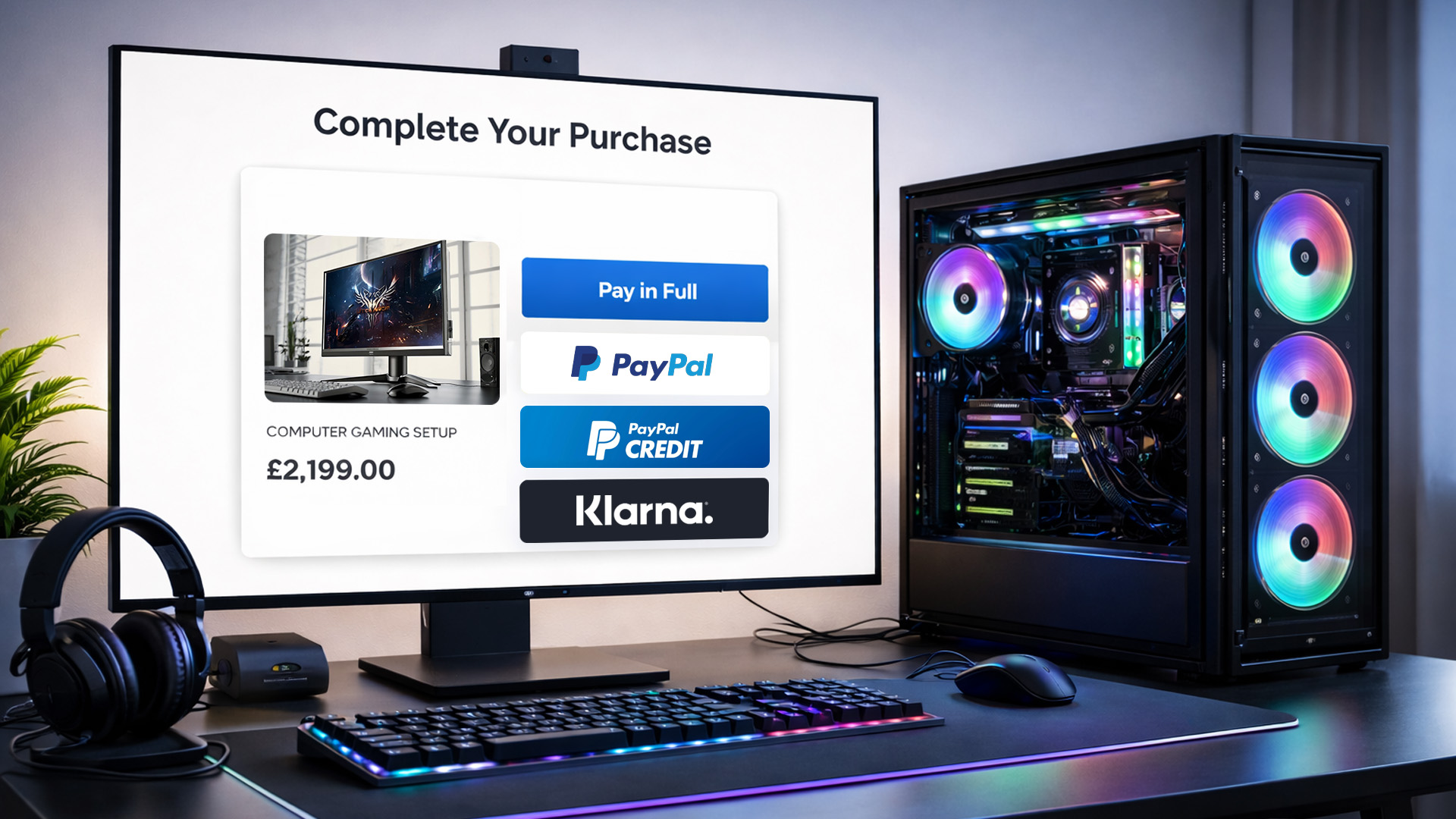
New Year upgrades often come with “one tier higher” temptation, especially when you’re looking at gaming GPUs or workstation-ready specs. Some Laptop Outlet category pages mention payment options like Klarna, PayPal Credit, and PayPal Pay in 3, which can help spread the cost on eligible purchases.
(As always, availability depends on eligibility and checkout, so treat it as an option, not a guarantee.)
Many gamers pairing a new display with a fresh rig are also checking New Year gaming laptop deals 2026: Best laptops to play the latest games, making New Year sales one of the best all-round upgrade windows.

Wrap-up: the fastest route to the right deal
The best New Year Desktop PC Deals are the ones that match how you actually use your PC. If you’re chasing frames and modern visuals, start with cheap gaming PCs New Year sale listings and prioritise GPU value, especially if you’re hunting RTX gaming PC offers UK. If you’re buying for serious workloads, workstation PC discounts often deliver the best long-term payoff because time saved is money saved. And if space or budget is the main constraint, a small form factor PCs sale or a refurbished desktop can be the smartest “upgrade without overspending” move.

Quick Answers
1) What are the best New Year Desktop PC Deals to look for in 2026?
The best New Year Desktop PC Deals usually bundle the most performance per pound: gaming buyers should prioritise GPU value (especially RTX gaming PC offers UK), while professionals should focus on workstation PC discounts that improve render/export times. It’s worth checking Huge Savings in New Year Tech Sale first to spot the biggest sitewide reductions.
2) Are cheap gaming PCs in the New Year sale good enough for modern games?
Yes - many cheap gaming PCs New Year sale options are capable of smooth 1080p and even 1440p gaming if the GPU is strong and the system has enough RAM and an SSD. If you want a safer shortcut, browse prebuilt gaming PCs New Year in the dedicated category and filter by your target specs.
3) Should I buy a workstation PC or a productivity desktop PC for work?
If you’re doing heavy tasks like 3D, CAD, video editing, or big spreadsheets, a workstation is usually better because workstation PC discounts can make high-core CPUs and extra memory more affordable. For general office use, a productivity desktop PC with a fast SSD and sufficient RAM is often the best-value choice.
4) Are refurbished PCs a smart choice during desktop PC New Year deals UK?
They can be one of the best-value options, especially for home offices, students, or business use. Affordable renewed PCs often cost less while still offering reliable performance for everyday tasks, making them a strong option within desktop PC New Year deals UK.
5) Are Mini PCs worth it, or should I choose a tower PC instead?
If you want something compact, tidy, and easy to place anywhere, a small form factor PCs sale (Mini PCs) can be perfect, great for light-to-medium workloads and clean desk setups. If you want more power headroom, better cooling, and future upgrades, heavy duty tower PCs are usually the smarter long-term pick.
| Read More: |
| Best Smartphones Under £500 in New Year Deals 2026 |
| New Year Tablet Deals 2026: Cheap Android Tablets & iPads |
| New Year Graphics Card Deals 2026: Discounts on NVIDIA, AMD, ASUS & More |
Related Articles

Last Updated: April 02, 2026
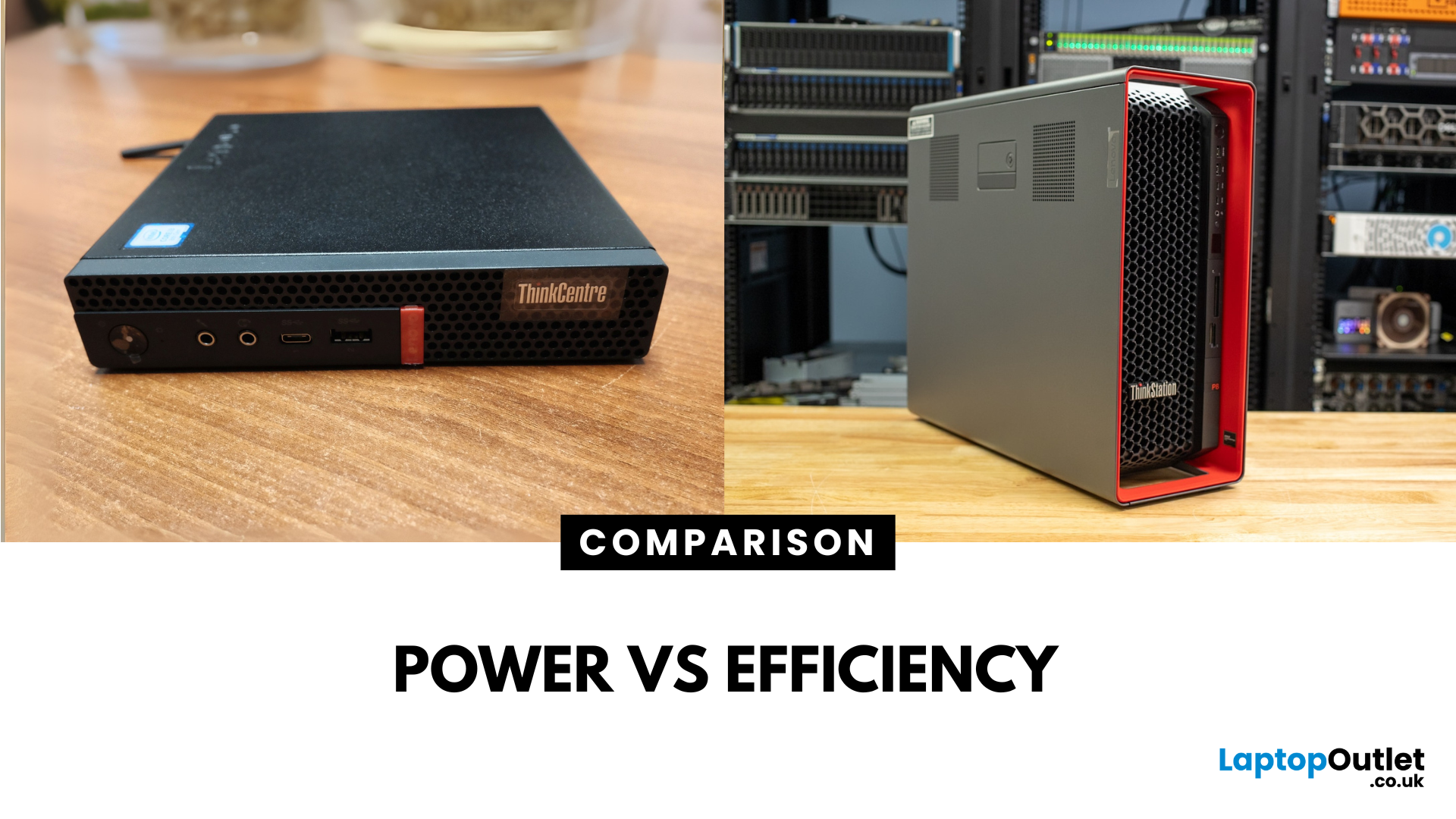
Main Difference Between ThinkStation vs ThinkCentre
ThinkStation is Lenovo’s professional workstation line which is built for tasks like 3D rendering, CAD, engineering simulations, and data-heavy workflows. They systems come with workstation-grade CPUs and GPUs, ISV certifications, and serious upgrade potential. ThinkCentre is Lenovo’s mainstream business desktop family which is perfect for office tasks with reliable components, enterprise features, and space-saving designs.
Feature Comparison Table
| Feature | ThinkStation (Workstation) | ThinkCentre (Business Desktop) |
| Target Users | Engineers, designers, data scientists | Office staff, SMBs, general business |
| Processor Options | Xeon / Threadripper PRO, high-core count CPUs | Core i3/i9, AMD Ryzen PRO processors |
| Graphics | NVIDIA Quadro / RTX A-series, ISV-certified | Integrated or basic discrete options |
| Upgradeability | Excellent: Support multi-GPUs, ECC RAM, RAID storage | Limited: Smaller chassis, fewer slots |
| Form Factors | Towers & Tiny workstations | Towers, |

Last Updated: June 15, 2026
The world of gaming desktops has never been more exciting. In 2026, gamers can enjoy next-level performance powered by Intel Core 14th Gen and AMD Ryzen 9000-series processors, paired with NVIDIA RTX 40 and 50-series GPUs. Whether you’re after an entry-level setup or a high-end machine for 4K gaming and VR, today’s best gaming desktop 2026 options offer something for every type of player. This guide breaks down the top categories, performance, features, and ideal users, to help you buy the best gaming desktop PC for your needs.
Best Budget Gaming Desktops in 2026
If you’re new to PC gaming or shopping on a budget, 2026 offers plenty of affordable options that deliver reliable 1080p performance.
Budget Highlights
- Processor: Intel Core i5-14400F / AMD Ryzen 5 8600G
- Graphics: NVIDIA RTX 50 series / AMD Radeon RX 7000 series XT
- RAM & Storage: 16GB DDR5, 512GB – 1TB SSD
Top Choices
| Model Image | Model | Processor | Graphics Capability | Memory (RAM) | Storage | Operating System | Special Features |
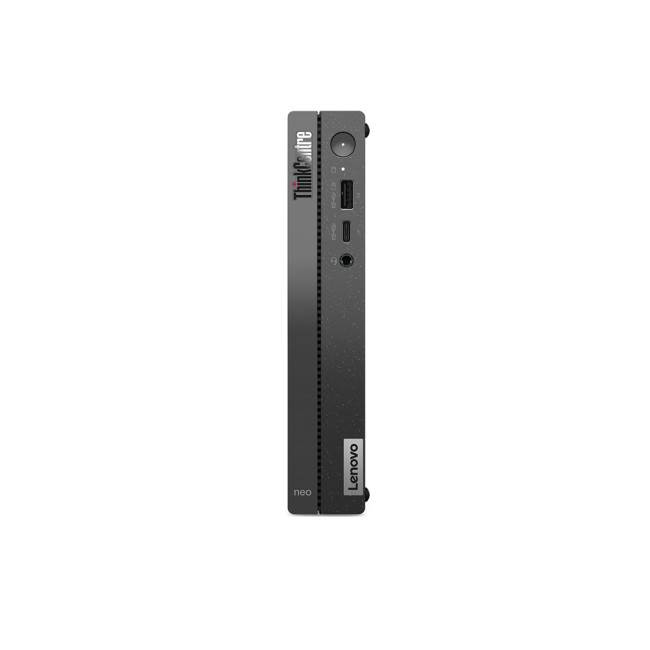 | Lenovo |

Last Updated: September 28, 2026
Quick Answer: Prebuilt or Custom PC?
A prebuilt PC is usually better if you want a complete, tested computer with Windows, warranty support and minimal setup. A custom PC gives you greater control over components, cooling, appearance and future upgrades. Neither is automatically faster or less expensive. The better choice depends on the exact specification, component quality, total cost and how much involvement you want.
Buying a desktop PC often comes down to one choice: buy a complete system or choose the components yourself.
Both routes can deliver excellent performance. The difference is mainly in how much control, setup work, upgrade flexibility and support you want after buying.
This guide compares prebuilt vs custom desktop PCs across cost, performance, cooling, warranties, upgrades and everyday use so you can decide which approach actually suits your needs.
What Is the Difference Between a Prebuilt and Custom PC?
A prebuilt PC arrives as a complete system assembled by a manufacturer
Published: October 23, 2025
Your complete guide to performance, specs, and picking the right system for work or play.
When it comes to raw power, flexibility, and longevity, desktop PCs still reign supreme. Sure, laptops have gone lighter, and tablets now pretend to be “pro,” but if you’re serious about performance — whether for gaming, design, business, or just smooth multitasking - a desktop remains the smart choice.
In this ultimate desktop PCs guide, we’ll cover everything: from how desktops stack up against laptops, to what all those spec-sheet numbers (CPU, GPU, RAM, SSDs) really mean. You’ll also find insights into the latest desktop PC trends in 2025, and our recommendations for every type of user — from casual home users to hardcore creators.
1. Desktop PCs vs Laptops —What’sthe Real Difference?
Before diving into specs and performance, let’s address the age-old debate: why pick a desktop when you can buy a laptop? The answer depends on your priorities — but desktops win in more areas than most people think.
Last Updated: August 25, 2026
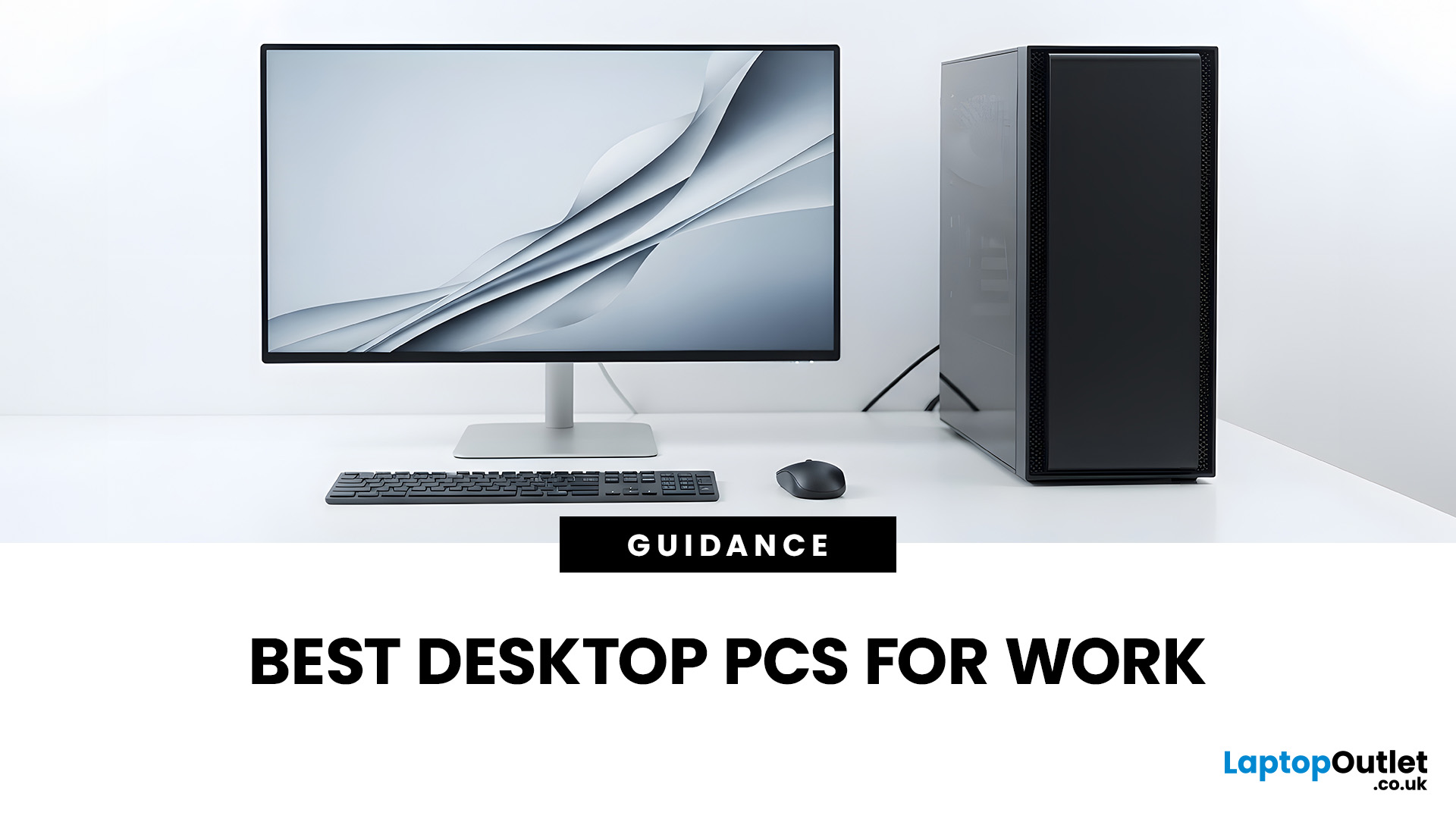
The best desktop PC for work depends on matching hardware to your actual tasks rather than simply choosing the most powerful option. Finance teams working in spreadsheets need different specifications compared to architects using 3D software, while reception areas often benefit from compact all-in-one systems instead of traditional towers. This guide highlights current desktop PCs from Laptop Outlet across four categories: Tower PCs, All-in-One PCs, Mini PCs and Workstations, based on availability checked on 14 August 2026, though stock may change.
How We Selected These Desktop PCs for Work
We prioritised business-ready specifications, useful connectivity, sensible memory and storage configurations, operating-system suitability and the workload each machine is best placed to handle. Rather than treating every professional as a power user, the list covers everyday office work, hybrid working, compact desks, creative projects and heavier technical workloads.
A useful rule is to buy for your

Last Updated: June 05, 2026
If you’re upgrading your gaming rig or building one from scratch in 2025, the motherboard you choose is going to set the tone for your entire PC. Whether you’re aiming for an affordable setup or an ultra-high-end powerhouse, the motherboard is the foundation - determining not just what components you can use today, but how future-ready your system will be.
This guide takes you through the best motherboards for gaming PCs in 2025, handpicked for performance, features, and value. You’ll find AMD and Intel options, from budget boards with modern DDR5 support to premium PCIe 5.0 powerhouses. Every recommendation is researched using up-to-date 2025 benchmarks, market data, and UK availability, ensuring you can make an informed purchase that fits your budget and build goals.
Why the Motherboard Matters in 2025

With the launch of AMD’s Ryzen 9000 and Intel’s 15th-gen “Arrow Lake” CPUs, the motherboard landscape has changed considerably. New chipsets like AMD B650E and Intel Z890 bring cutting-edge

Last Updated: December 03, 2025
Ever found yourself out and about, needing to work on your laptop, but there’s no reliable Wi-Fi? It’s a common scenario. Luckily, your smartphone holds the solution: tethering.
Tethering is a simple, effective way to use your phone's mobile data connection to get your PC online. Essentially, you're turning your phone into a portable Wi-Fi hotspot or a physical modem.
This comprehensive guide will walk you through the three main ways to tether phone to PC, ensuring you can get back to work (or play) swiftly and securely.
What is Tethering?
Tethering is the process of sharing your mobile phone's internet connection with another device, like a computer or tablet. It effectively turns your phone into a portable Wi-Fi router. You are "tethering" the two devices together to share the data.
You can tether phone to PC using a cable (USB), wirelessly (Wi-Fi hotspot), or via Bluetooth. Each method has its own advantages, which we will explore below.
Method 1: Wi-Fi

Last Updated: November 25, 2025
Unboxing a brand-new computer is always exciting, whether you’ve chosen a compact laptop for portability or a powerful desktop for home productivity. But once the thrill settles, the next step is understanding how to set up your new laptop or desktop properly. A smooth setup ensures your device runs efficiently, securely, and exactly the way you need it to. In this guide, we walk you through the essential steps to get started.
1. Powering Up and Completing Initial Setup
The first step in setting up your new laptop or desktop is powering it on and walking through the built-in setup wizard. Most Windows devices will guide you through essential features such as:
- Language and region selection
- Wi-Fi connection
- Microsoft account login or creation
- Device name setup
Signing in with a Microsoft account allows you to sync settings across devices, access OneDrive cloud storage, and download apps seamlessly from the Microsoft Store.
If you prefer not to create an account, some versions of Windows
Last Updated: April 17, 2026
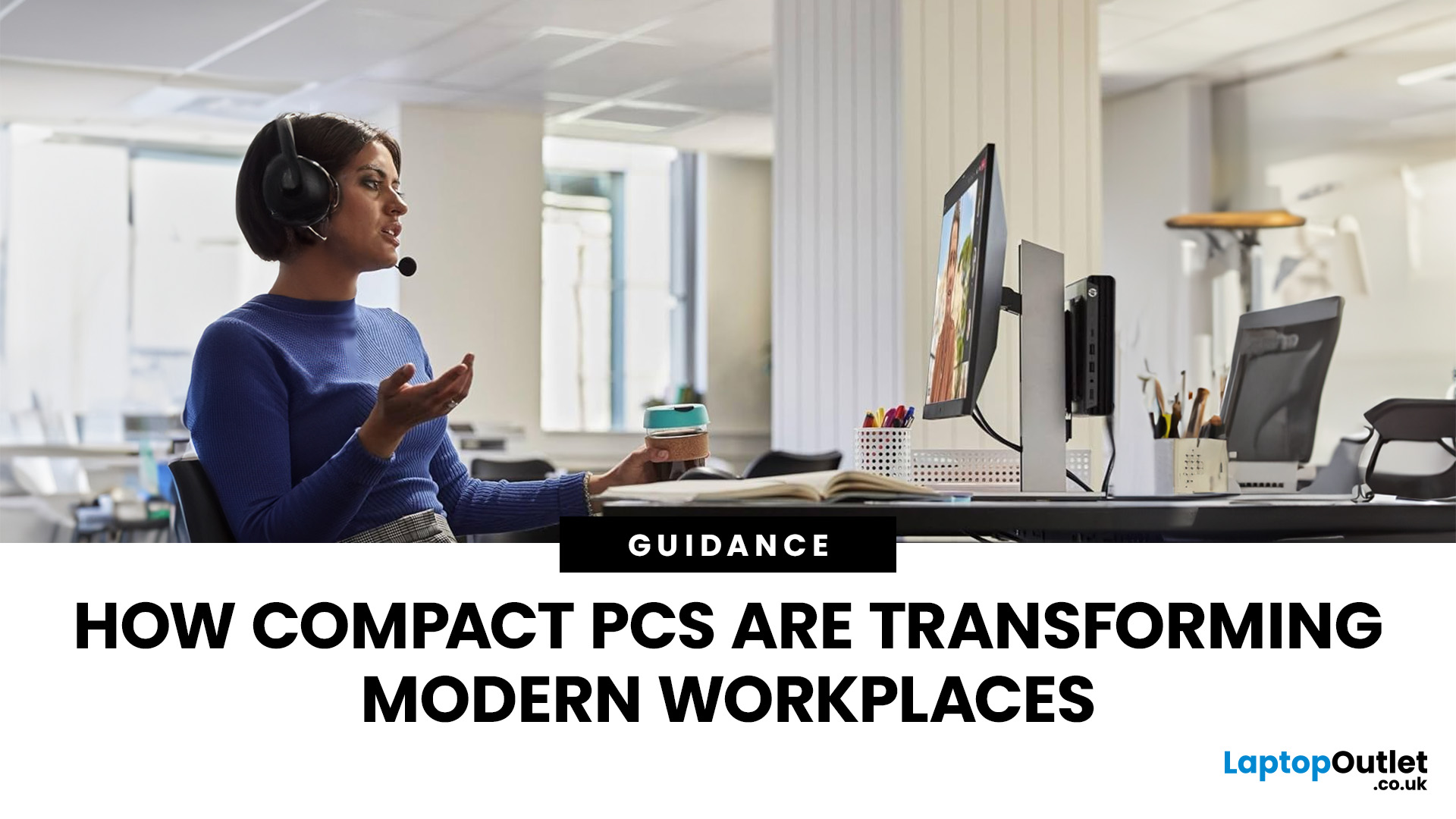
Businesses don’t usually change their hardware habits quickly. But across 2026, many companies large and small are moving away from traditional desktop towers and switching to mini PCs.
This isn’t a trend pushed by marketing. It’s happening because compact systems are proving more practical in day-to-day business use: they take up less space, are easier to deploy at scale, and handle modern office workloads reliably.
Here’s what is driving the shift.
1. Mini PCs Free Up the Kind of Space Offices Never Seem to Have
A full-size desktop setup often needs more room than people realise: the tower, the cables, and the desk space you have to keep clear for airflow. Mini PCs reduce most of that clutter.
They can sit behind a monitor, on a shelf, or be mounted out of sight which makes them ideal for workplaces where:
- desks are shared
- teams rotate seats
- offices want cleaner setups
- hybrid workers plug in and out frequently
Employees get more usable space. IT teams get simpler layouts. Offices look
Last Updated: February 26, 2026
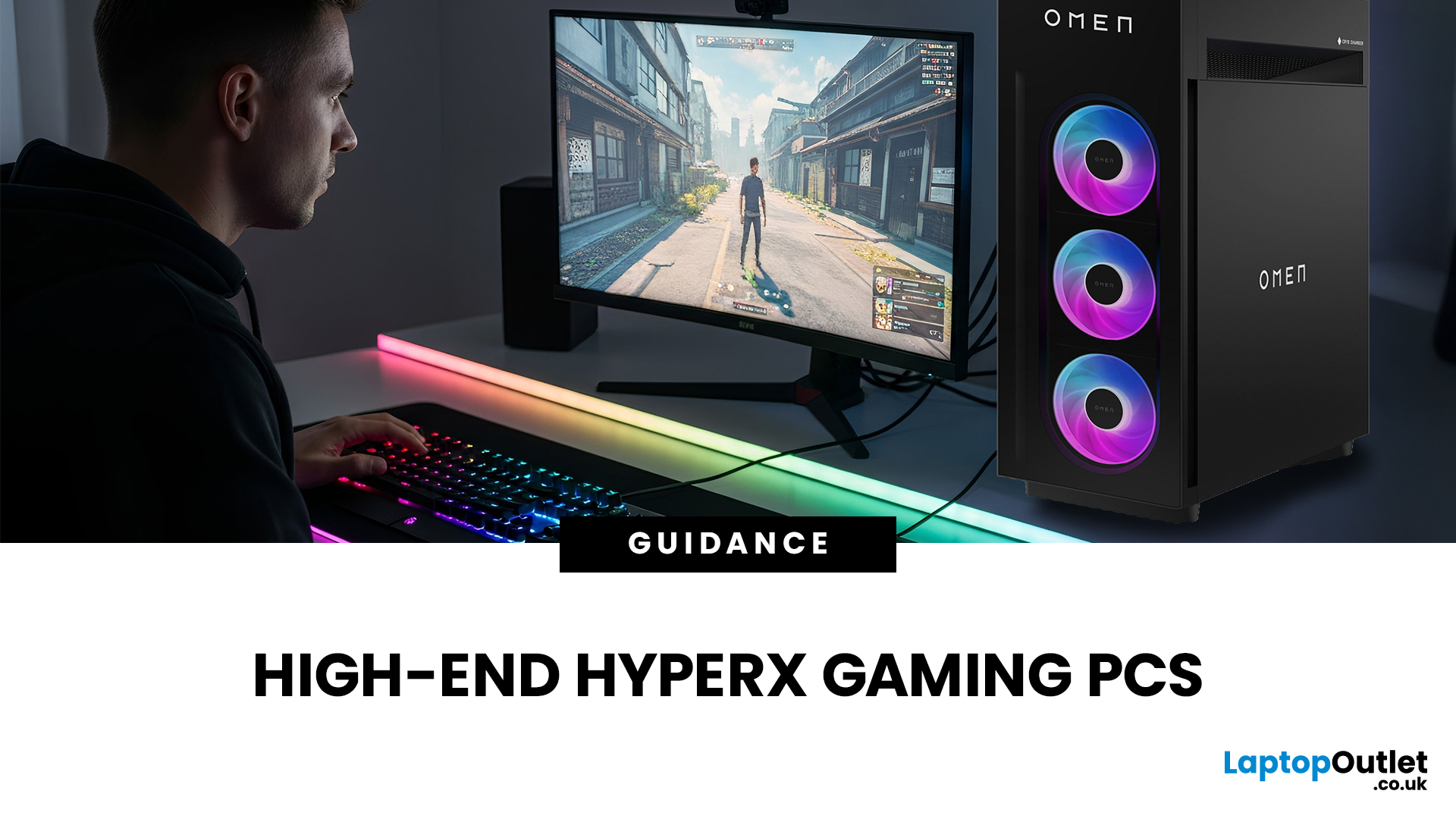
If you're looking to elevate your gaming experience in 2026, HyperX is one of the most exciting names to watch. Now operating under HP, HyperX is known for its premium gaming accessories and enthusiast-grade components, and it is now making a strong mark in the desktop PC space. This complete breakdown covers HyperX gaming PC specs, performance capabilities, and feature sets.
Best HyperX Gaming PCs in 2026: Top Picks
If you’re after powerful, prebuilt desktops that deliver high-end gaming performance and match or even surpass many systems often paired with HyperX accessories, it’s important to note that HyperX itself does not manufacture gaming PCs. Instead, HP, the parent company behind HyperX, produces some of the strongest desktop gaming machines on the market. Among them, the two HyperX OMEN towers below stand out. They offer top-tier specs, modern cooling solutions, and excellent upgrade potential.
OMEN 35L GT16-0034na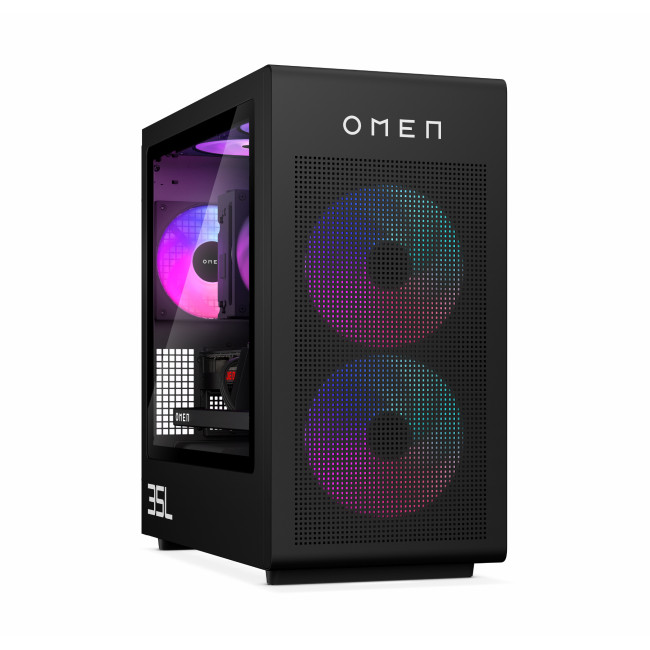
- CPU: Intel Core Ultra 7 265K (20-core)
- GPU: NVIDIA

