



Desktop PC Lifespan: How to Make Your Desktop Last 5+ Years

Your desktop PC is a key part of daily life. It handles work, gaming, and more. But how long can it last? Many users worry about desktop PC lifespan.
The good news is you can extend it to five years or beyond. With smart choices and simple habits, your setup stays reliable. This guide shares practical steps. It covers everything from processor picks to daily care.
Understanding Desktop PC Lifespan
Desktop PCs don't have a fixed expiry date. Their lifespan depends on build quality, usage, and maintenance. On average, a well-kept desktop lasts 5-8 years. But push it right, and you can hit 10 years or more. Why care? A longer desktop computer lifespan saves money and reduces waste.
Key Factors Affecting Longevity
Several elements play a role in how long your desktop endures. First, hardware quality matters most. Cheap parts wear out fast. Second, heat buildup shortens life—poor cooling is a killer. Third, software updates keep things secure and efficient. Finally, your habits, like overworking the system, speed up decline. Keep these in mind as we move forward.
Intel vs AMD: Which Processor Wins for Longevity?
One of the biggest decisions you will face is choosing between Intel and AMD. This choice directly impacts your desktop PC lifespan because the processor (CPU) acts as the brain of your system.
The Comparison Table: Intel vs AMD (2026 Edition)
|
Feature |
Intel (Core Ultra / i-Series) |
AMD (Ryzen 9000 / X3D Series) |
|
Platform Longevity |
Often changes socket types every 2 generations. |
Sockets (like AM5) typically last many years. |
|
Productivity |
Excellent single-core and multi-threaded stability. |
High-performance multitasking powerhouse. |
|
Gaming |
Strong, consistent performance. |
X3D chips lead the market in gaming speeds. |
|
Heat Efficiency |
Improving, but high-end chips can run hot. |
Generally more power-efficient with lower heat. |
|
Best For |
Professional workstations and stability. |
Gamers and those who want easy future upgrades. |
The Verdict on CPU Choice
If your goal is to make your PC last 5+ years, AMD is currently the better choice for longevity. This is primarily due to their "socket" philosophy.
AMD tends to support the same motherboard connection for many years, meaning you can swap in a new, faster CPU in three years without buying a whole new computer. Intel often requires a new motherboard every two years, which can make long-term upgrading more expensive.
10 Steps to Make Your Desktop Last 5+ Years
Extending your desktop PC lifespan requires a mix of smart purchasing and proactive maintenance. Follow these ten steps to ensure your system stays fast and reliable.
1. Invest in a High-Quality Power Supply (PSU)
The power supply is the heart of your PC. A "cheap" PSU can send irregular voltage to your expensive components, slowly frying them over time. Always look for an "80 Plus Gold" rating or higher. A reliable PSU protects your hardware from electrical fatigue.
2. Prioritise Airflow and Cooling
Heat is the silent killer of electronics. Ensure your case has at least two intake fans and one exhaust fan. If your CPU is running at 90°C daily, its lifespan will plummet. Consider a high-quality aftermarket air cooler or a liquid AIO (All-In-One) cooler to keep temperatures low.
3. Keep the Dust Bunnies Away
Dust acts as an insulator, trapping heat inside your components. Every six months, open your PC case and use a tin of compressed air to blow out the dust. Focus on the fans, the heatsinks, and the power supply vents. This simple habit can add years to your desktop PC lifespan.
4. Over-Provision Your RAM
In 2026, 16GB of RAM is the bare minimum. If you want your PC to last five years, aim for 32GB of DDR5 RAM. As software and web browsers become more memory-hungry, having that extra "headroom" prevents your system from slowing down to a crawl in three years' time.
5. Use an SSD as Your Primary Drive
Traditional Hard Disk Drives (HDDs) have moving parts that eventually wear out. Solid State Drives (SSDs) are faster and far more durable. Ensure your operating system (Windows) is installed on an NVMe SSD for maximum speed and longevity.
6. Manage Your Startup Apps
A PC feels "old" when it takes five minutes to boot. Go to your Task Manager and disable apps that don't need to start when you turn the computer on. This reduces the daily strain on your CPU and RAM, keeping the user experience snappy.
7. Use a Surge Protector or UPS
Power surges can kill a motherboard instantly. At the very least, use a high-quality surge-protected power strip. Better yet, invest in an Uninterruptible Power Supply (UPS). A UPS provides "clean" power and gives you time to shut down safely during a blackout.
8. Update Your Drivers and BIOS
Manufacturers release updates to improve stability and efficiency. Regularly update your GPU drivers and check for BIOS updates from your motherboard manufacturer. These "digital tune-ups" ensure your hardware is working as efficiently as possible.
9. Avoid Constant "Max Load"
While it’s tempting to leave your PC rendering videos or mining cryptocurrency 24/7, constant 100% usage wears out components. Give your PC time to rest. Use sleep mode for short breaks and shut it down completely if you won't be using it for several hours.
10. Perform a Fresh Windows Reinstall
Over years of use, "digital clutter" builds up in the registry and system files. Every two years, consider a fresh installation of your operating system. It’s like giving your PC a new pair of lungs—it will run significantly faster and feel like a brand-new machine.

Is 5+ Years Realistic?
Absolutely. By choosing a balanced build (leaning towards AMD for future-proofing) and keeping the internals clean, your desktop PC lifespan can easily exceed five years. It’s about being proactive rather than reactive. Treat your PC well, and it will return the favour with years of reliable performance.
Upgrade your setup today with a high-performance desktop computers and enjoy power that lasts.

A Few Things You Might Be Thinking About...
What is the average desktop PC lifespan?
Most well-maintained desktops last 5 to 8 years. While the hardware may still function after a decade, software demands often make it feel obsolete by that point.
Is Intel or AMD better for a long-lasting PC?
AMD is generally better for longevity due to their longer support for motherboard sockets (AM5), allowing for easier CPU upgrades without replacing the entire system.
Is it okay if I leave my PC on at night?
It is best to turn it off at night. This saves energy and prevents unnecessary wear on moving parts like cooling fans and hard drives.
How often should I clean the dust out of my PC?
You should aim for a deep clean every 6 to 12 months. If your PC sits on the floor or you have pets, every 4 months is safer.
Can an SSD help my old computer last longer?
Absolutely. Replacing an old hard drive with an SSD is the single most effective way to make an aging computer feel brand new again.
When should I finally replace my desktop?
If your PC can no longer run the latest security updates or if simple tasks like web browsing involve constant lagging, it is time for an upgrade.
| Read More: |
| What Desktop PC Should I Buy? |
| How to Build a Gaming PC? |
| How to Check Your PC Specs? |
Related Articles

Last Updated: June 15, 2026
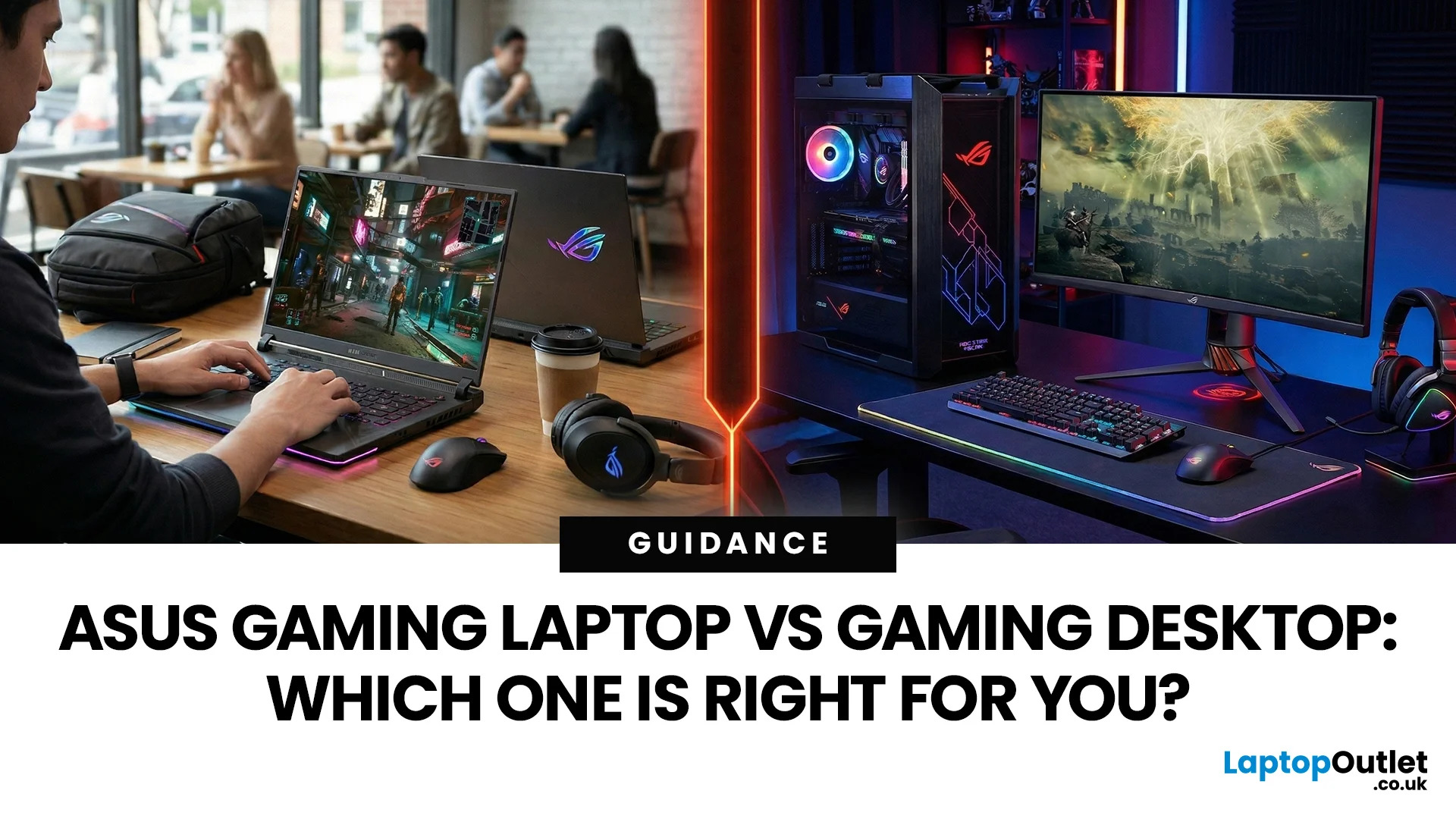
In the ever-evolving world of gaming tech, choosing between an ASUS gaming laptop and a gaming desktop can feel like choosing your final Pokemon. Both come packed with next-level power, but they serve different styles of gamers. Whether you're eyeing up a TUF Gaming Laptop, a sleek ROG Zephyrus, or a power-packed ASUS ROG desktop, this 2025 showdown is here to help UK gamers make the ultimate decision.
Why ASUS? A Gaming Legacy Built to Dominate
ASUS is a beast in the gaming world. From the ASUS ROG (Republic of Gamers) line to the ultra-durable ASUS TUF Gaming range, the brand brings serious heat to both laptops and desktops. Whether you're grinding in Apex Legends or conquering Elden Ring, ASUS delivers game-changing tech designed to crush every task.
Explore the full range of ASUS Laptops and ASUS Desktops.
Portability vs. Power: What’s Your Gaming Lifestyle?
Choosing between an ASUS gaming laptop and an ASUS gaming desktop in 2026 comes down to how and where you play. UK gamers

Last Updated: April 07, 2026
It’s 2025, and the tech world is split: some swear by sleek, portable laptops while others can’t live without the raw power of desktops. So, which one is right for you? Whether you’re a gamer chasing frames, a student hustling assignments, or a professional smashing deadlines, this guide breaks it down using real products you can snag right now at Laptop Outlet.
Quick Comparison Table: Laptops vs Desktops
| Feature | Laptops | Desktops |
| Performance | Strong for multitasking & portable workflows (ASUS ROG Strix, HP ZBook Fury) | Beast mode specs for gaming & pro work (MEDION ERAZER, iMac) |
| Portability | Ultra-portable for study, travel, or hybrid work | Fixed setup—ideal for a dedicated workspace |
| Upgradability | Limited to RAM/SSD in most models | Fully upgradeable: GPU, CPU, RAM, storage |
| Price Range | £350–£3,500+ | £500–£4,000+ (plus monitor & accessories) |
| Best For | Students, hybrid workers, light gaming | Gamers, creators, engineers |
Gaming Power: Desktops Dominate, But Laptops
Last Updated: April 02, 2026
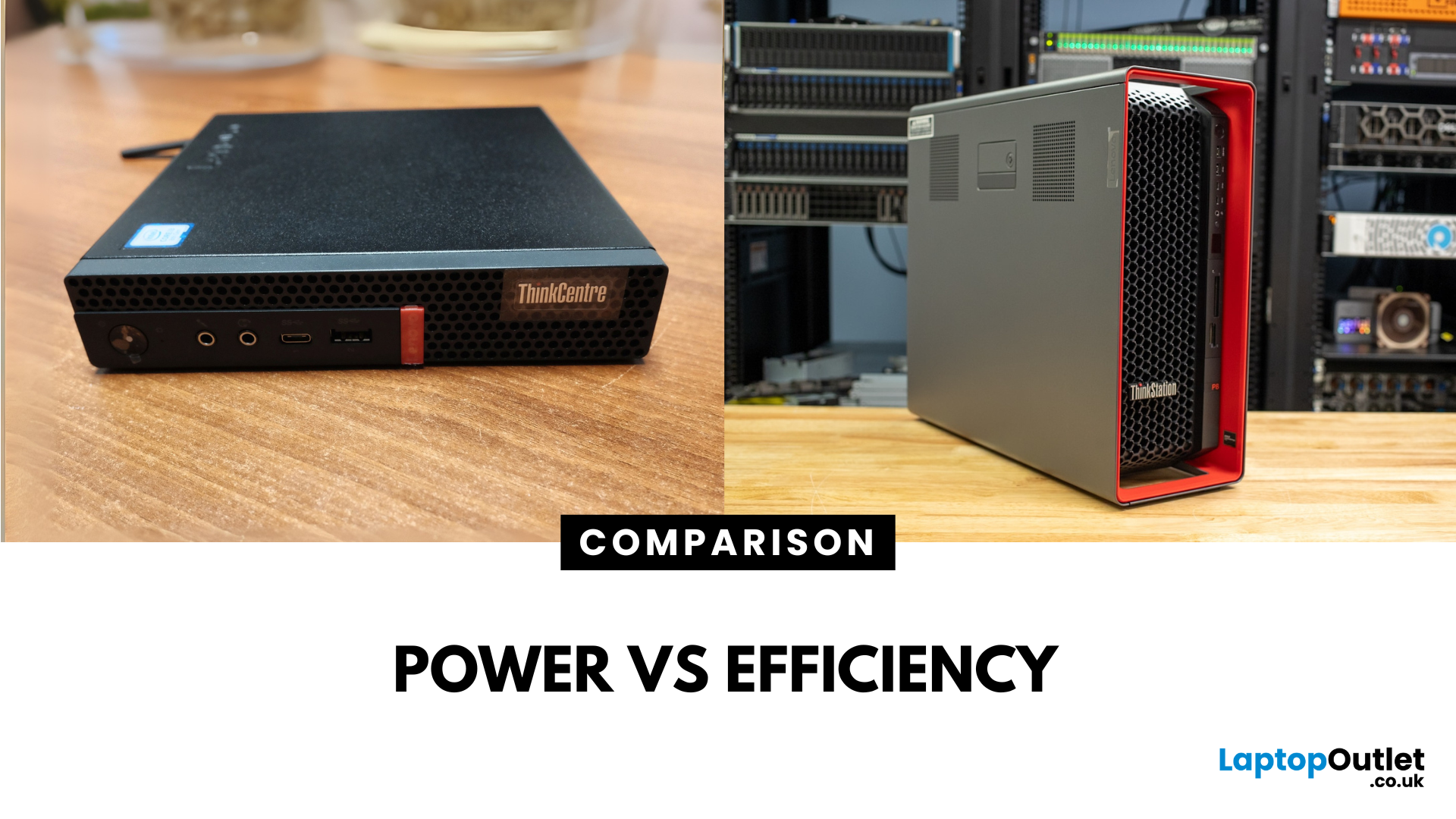
Main Difference Between ThinkStation vs ThinkCentre
ThinkStation is Lenovo’s professional workstation line which is built for tasks like 3D rendering, CAD, engineering simulations, and data-heavy workflows. They systems come with workstation-grade CPUs and GPUs, ISV certifications, and serious upgrade potential. ThinkCentre is Lenovo’s mainstream business desktop family which is perfect for office tasks with reliable components, enterprise features, and space-saving designs.
Feature Comparison Table
| Feature | ThinkStation (Workstation) | ThinkCentre (Business Desktop) |
| Target Users | Engineers, designers, data scientists | Office staff, SMBs, general business |
| Processor Options | Xeon / Threadripper PRO, high-core count CPUs | Core i3/i9, AMD Ryzen PRO processors |
| Graphics | NVIDIA Quadro / RTX A-series, ISV-certified | Integrated or basic discrete options |
| Upgradeability | Excellent: Support multi-GPUs, ECC RAM, RAID storage | Limited: Smaller chassis, fewer slots |
| Form Factors | Towers & Tiny workstations | Towers, |
Last Updated: June 15, 2026
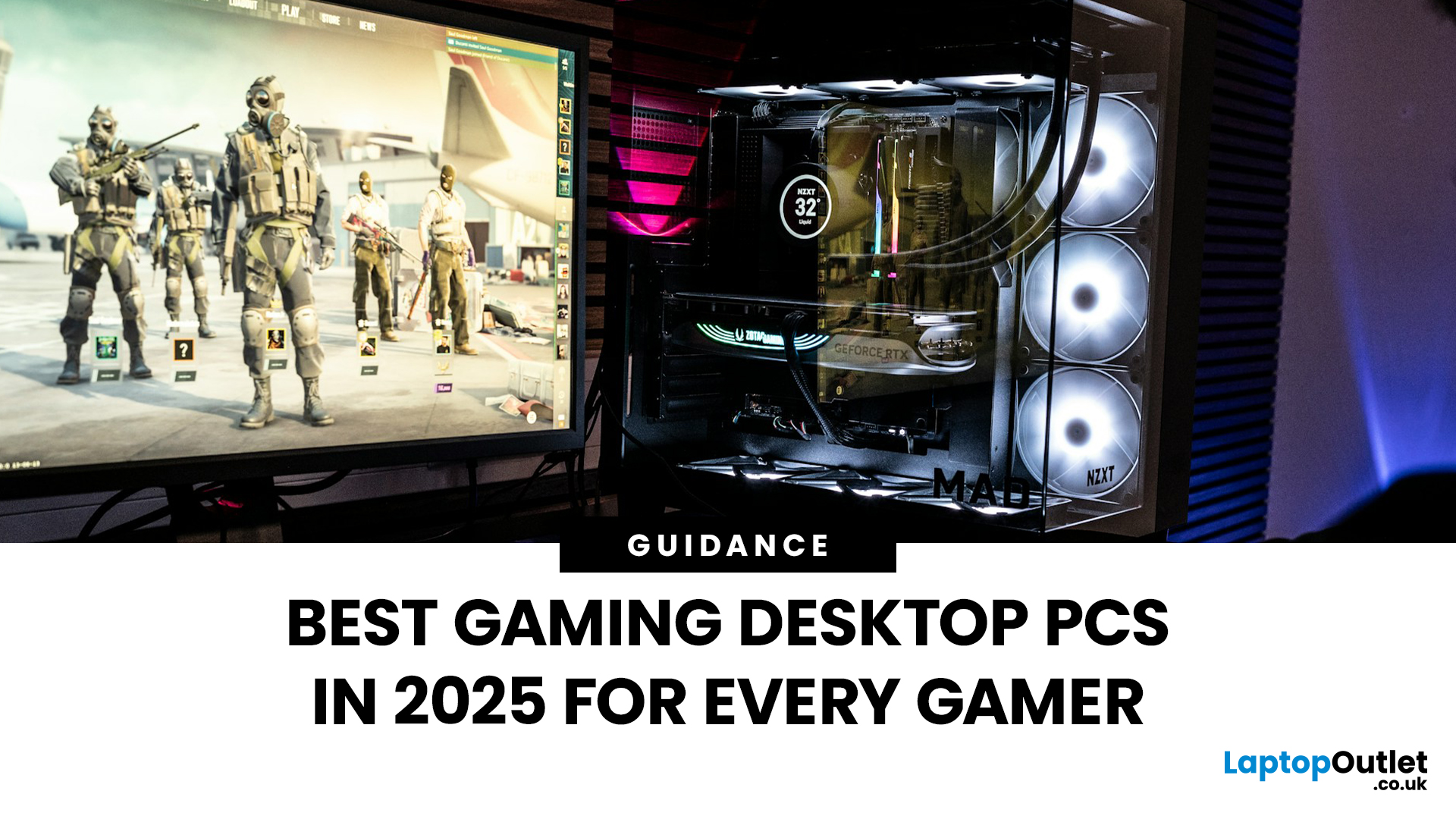
The world of gaming desktops has never been more exciting. In 2026, gamers can enjoy next-level performance powered by Intel Core 14th Gen and AMD Ryzen 9000-series processors, paired with NVIDIA RTX 40 and 50-series GPUs. Whether you’re after an entry-level setup or a high-end machine for 4K gaming and VR, today’s best gaming desktop 2026 options offer something for every type of player. This guide breaks down the top categories, performance, features, and ideal users, to help you buy the best gaming desktop PC for your needs.
Best Budget Gaming Desktops in 2026
If you’re new to PC gaming or shopping on a budget, 2026 offers plenty of affordable options that deliver reliable 1080p performance.
Budget Highlights
- Processor: Intel Core i5-14400F / AMD Ryzen 5 8600G
- Graphics: NVIDIA RTX 50 series / AMD Radeon RX 7000 series XT
- RAM & Storage: 16GB DDR5, 512GB – 1TB SSD
Top Choices
| Model Image | Model | Processor | Graphics Capability | Memory (RAM) | Storage | Operating System | Special Features |
 | Lenovo |

Last Updated: September 28, 2026
Quick Answer: Prebuilt or Custom PC?
A prebuilt PC is usually better if you want a complete, tested computer with Windows, warranty support and minimal setup. A custom PC gives you greater control over components, cooling, appearance and future upgrades. Neither is automatically faster or less expensive. The better choice depends on the exact specification, component quality, total cost and how much involvement you want.
Buying a desktop PC often comes down to one choice: buy a complete system or choose the components yourself.
Both routes can deliver excellent performance. The difference is mainly in how much control, setup work, upgrade flexibility and support you want after buying.
This guide compares prebuilt vs custom desktop PCs across cost, performance, cooling, warranties, upgrades and everyday use so you can decide which approach actually suits your needs.
What Is the Difference Between a Prebuilt and Custom PC?
A prebuilt PC arrives as a complete system assembled by a manufacturer
Published: October 23, 2025
Your complete guide to performance, specs, and picking the right system for work or play.
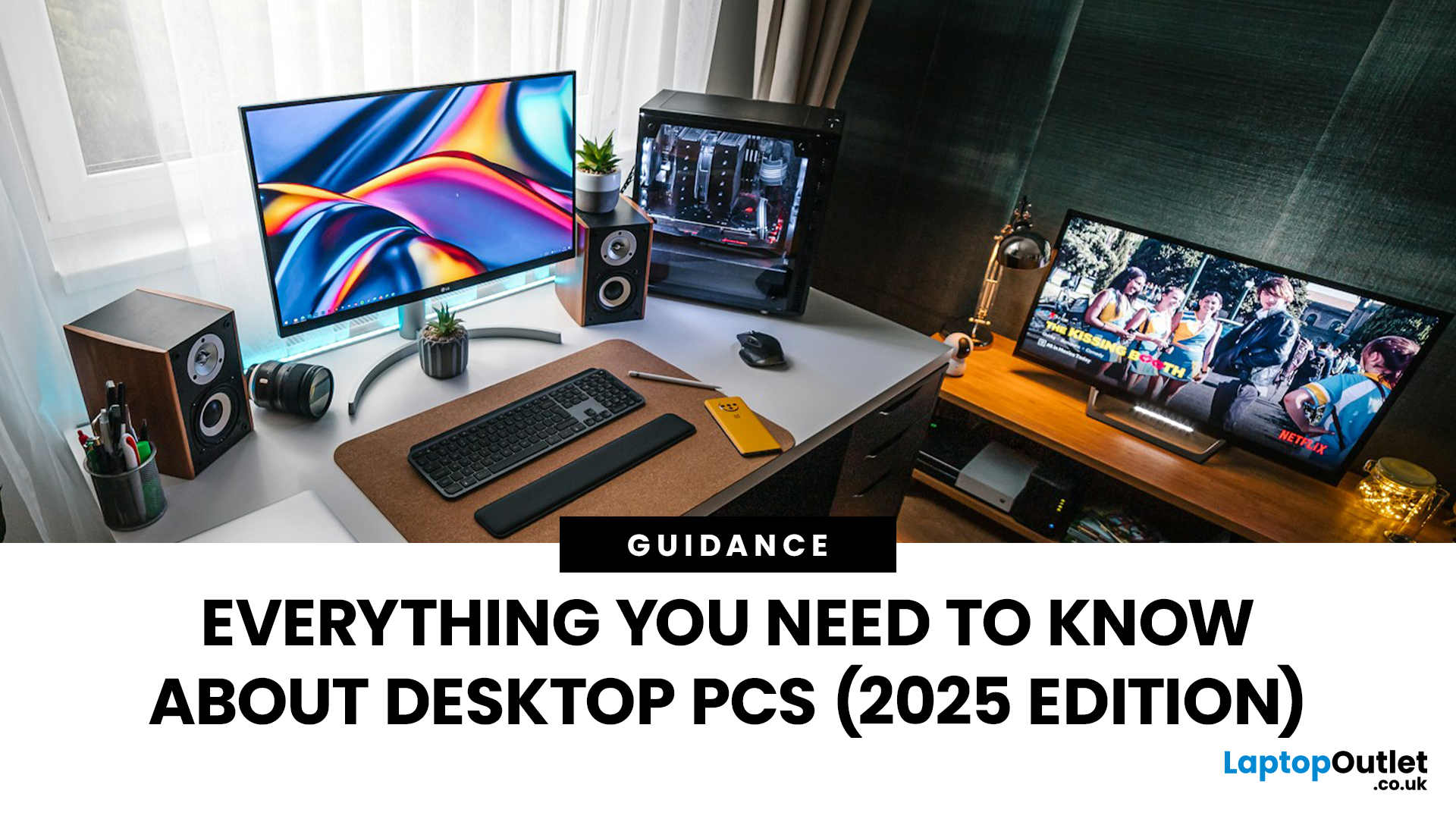
When it comes to raw power, flexibility, and longevity, desktop PCs still reign supreme. Sure, laptops have gone lighter, and tablets now pretend to be “pro,” but if you’re serious about performance — whether for gaming, design, business, or just smooth multitasking - a desktop remains the smart choice.
In this ultimate desktop PCs guide, we’ll cover everything: from how desktops stack up against laptops, to what all those spec-sheet numbers (CPU, GPU, RAM, SSDs) really mean. You’ll also find insights into the latest desktop PC trends in 2025, and our recommendations for every type of user — from casual home users to hardcore creators.
1. Desktop PCs vs Laptops —What’sthe Real Difference?
Before diving into specs and performance, let’s address the age-old debate: why pick a desktop when you can buy a laptop? The answer depends on your priorities — but desktops win in more areas than most people think.
Last Updated: August 25, 2026
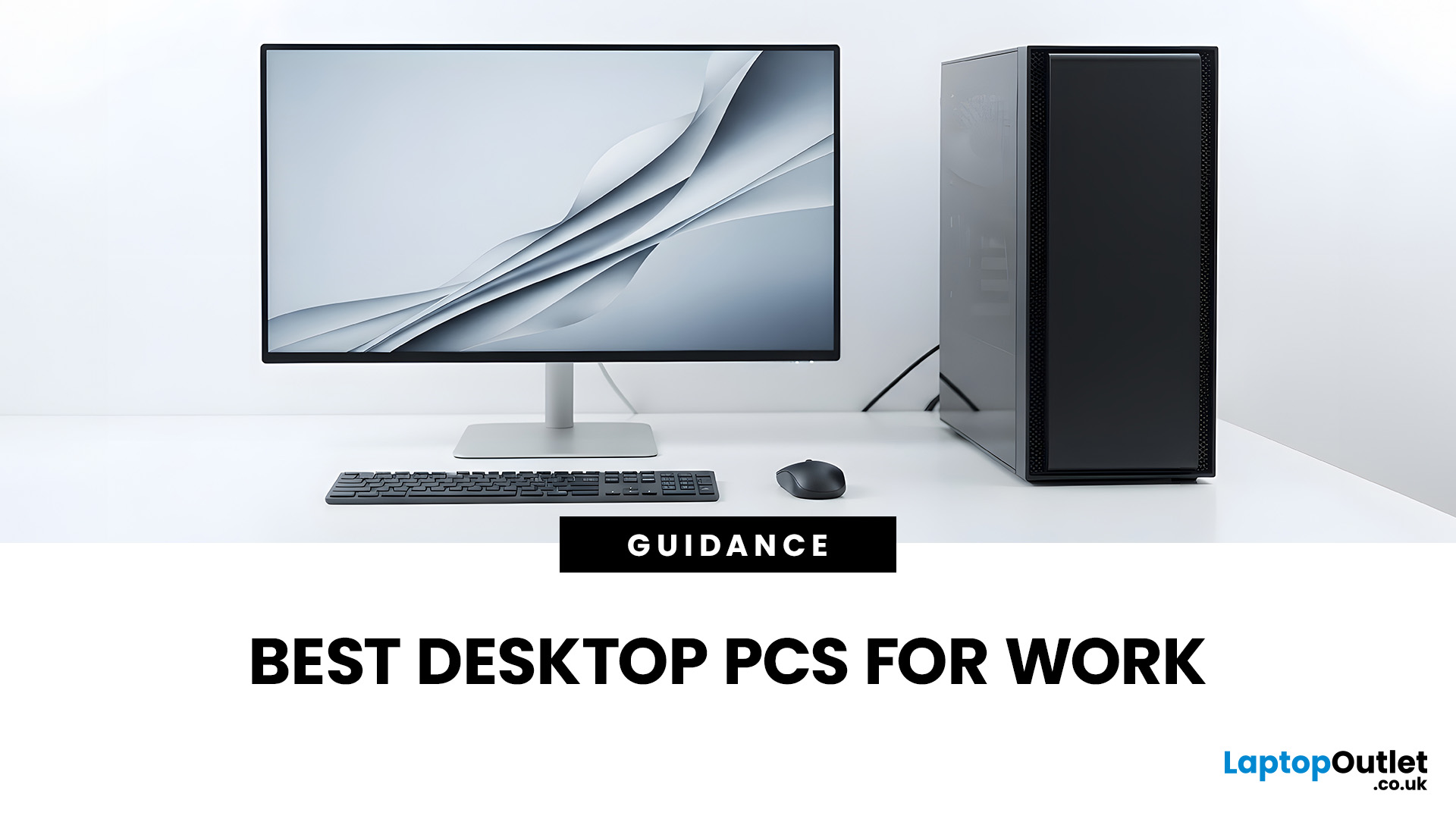
The best desktop PC for work depends on matching hardware to your actual tasks rather than simply choosing the most powerful option. Finance teams working in spreadsheets need different specifications compared to architects using 3D software, while reception areas often benefit from compact all-in-one systems instead of traditional towers. This guide highlights current desktop PCs from Laptop Outlet across four categories: Tower PCs, All-in-One PCs, Mini PCs and Workstations, based on availability checked on 14 August 2026, though stock may change.
How We Selected These Desktop PCs for Work
We prioritised business-ready specifications, useful connectivity, sensible memory and storage configurations, operating-system suitability and the workload each machine is best placed to handle. Rather than treating every professional as a power user, the list covers everyday office work, hybrid working, compact desks, creative projects and heavier technical workloads.
A useful rule is to buy for your

Last Updated: November 25, 2025
Unboxing a brand-new computer is always exciting, whether you’ve chosen a compact laptop for portability or a powerful desktop for home productivity. But once the thrill settles, the next step is understanding how to set up your new laptop or desktop properly. A smooth setup ensures your device runs efficiently, securely, and exactly the way you need it to. In this guide, we walk you through the essential steps to get started.
1. Powering Up and Completing Initial Setup
The first step in setting up your new laptop or desktop is powering it on and walking through the built-in setup wizard. Most Windows devices will guide you through essential features such as:
- Language and region selection
- Wi-Fi connection
- Microsoft account login or creation
- Device name setup
Signing in with a Microsoft account allows you to sync settings across devices, access OneDrive cloud storage, and download apps seamlessly from the Microsoft Store.
If you prefer not to create an account, some versions of Windows

Last Updated: April 29, 2026
If you’re buying a gaming or creator PC in 2025, you’ve probably asked the same question as everyone else:
“Do I get more performance for my money from a desktop, or from a laptop?”
Marketing loves to tell you that gaming laptops are “desktop-class”. The reality is more nuanced. In this 2025 study we’ve combined UK market data, global hardware surveys, independent GPU benchmarks, and real UK pricing to see where the better performance per pound actually is.
How we ran this 2025 “performance per pound” study

Rather than running our own gamer survey, we pulled from large, trusted datasets and combined them:
UK ownership & market context
- ONS / Living Costs and Food Survey: 90% of UK private households had a home computer in 2020–21.
- Grand View Research(UK gaming PC market): UK gaming PC revenue was about £2.12bn in 2024, projected to reach £3.88bn by 2030, with desktops still the largest product segment (≈59% of 2024 revenue) and laptops the fastest-growing category.
Global gaming hardware

Last Updated: February 19, 2026
A new year is the perfect excuse to retire the sluggish desktop that wheezes when you open five tabs or the “gaming PC” that now struggles to hold stable FPS in modern titles. New Year desktop PC deals are one of the best windows to upgrade because prices tend to be sharper, stock gets refreshed, and you can often jump up a whole performance tier for less than you’d expect.
If you’re shopping from the UK, this is also the season where desktop PC New Year deals UK searches explode for a reason: people want a better PC for less, and they want it delivered quickly and safely. Laptop Outlet’s New Year event is built for that kind of upgrade run, tech across categories, limited-time promos, and a straightforward way to browse by what you actually need. You can start with huge savings in New Year tech sale while you compare options and decide your budget.
What counts as a “great deal” in 2026?
The best New Year desktop PC Deals don’t just mean “lowest price.” A great deal in 2026 is one where

