



How Intel CPUs Work in Gaming Desktops: Performance and Technology Explained

Intel has remained a titan in the world of PC gaming for decades. Their processors power some of the most capable high-performance gaming desktops on the market today.
Recently, we have seen a massive shift in how these chips operate. The evolution from the classic Core i-series to the brand-new Ultra Core processors marks a new era. These advancements are not just about speed; they are redefining the entire gaming experience.
If you want a top-tier machine, understanding how Intel CPUs work in gaming desktops is essential.
The Role of a CPU in Gaming
The CPU acts as the brain of your computer. It handles every logic calculation and physics instruction required for your game.
CPU vs GPU: Understanding the Balance
The GPU handles the visuals and graphics rendering. Meanwhile, the CPU manages physics, logic, and artificial intelligence.
You need a strong balance between both components to avoid lag. If one is too slow, the other cannot perform at its full potential during intense sessions.
How Intel CPUs Influence FPS, Load Times, and AI-Driven Gameplay
Intel Core processors excel at managing the complex physics and AI found in modern titles. They ensure that your frame rates stay high and consistent during intense battles.
Faster clock speeds also mean your game levels load much quicker than on older hardware. Advanced AI features now help with everything from NPC logic to background noise cancellation.
Intel’s 2026 Gaming CPU Lineup Overview
The current market offers a wide variety of chips for every type of gamer. You can choose between the classic Core series or the new Ultra range.
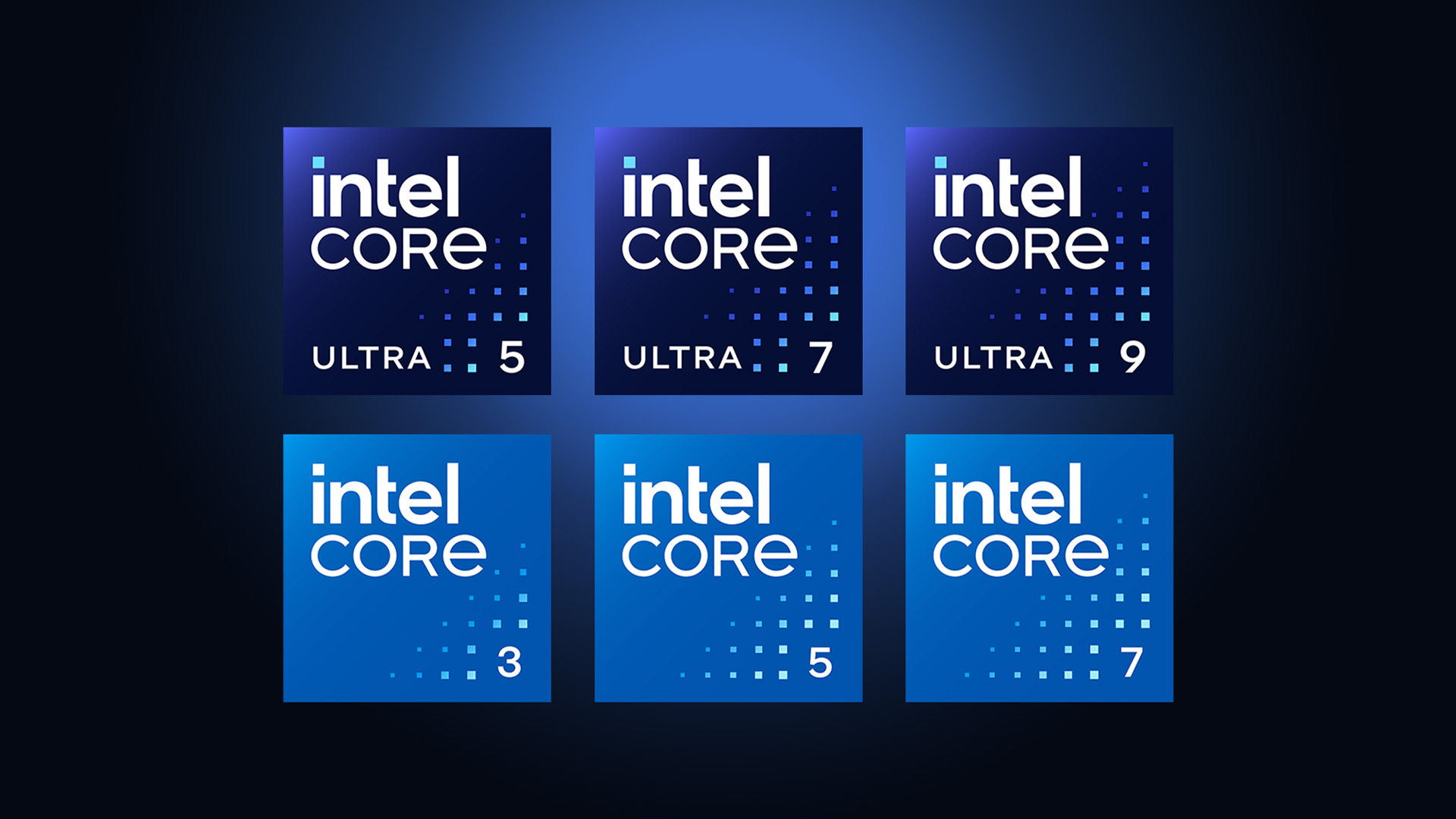
Core i5, i7, i9: Classic Gaming Workhorses
The Core i-series remains a reliable foundation for many high-performance gaming desktops. The i5 and i7 models offer incredible value for money.
They provide enough speed for most modern titles without breaking the bank. The i9 PCs sit at the top for those who want no compromises in their daily gaming.
Ultra 5, Ultra 7, Ultra 9: The New Gen of High-Performance CPUs
Intel’s Ultra series represents a shift toward more intelligent, "tile-based" architecture designs. These chips are built for the most demanding high-performance gaming desktops available today.
They feature enhanced AI capabilities and lower power consumption than previous generations. If you want the absolute latest technology, the Ultra 9 is the king of the mountain.
Inside Intel CPU Architecture for Gaming
Intel uses a unique design to handle different types of tasks at the same time. This hybrid approach makes your computer much more efficient.

Performance-cores (P-cores) vs Efficiency-cores (E-cores)
Modern Intel chips split the work between two different types of cores. P-cores handle the heavy lifting, such as running the actual game engine and physics. E-cores take care of background tasks like Discord, Chrome, or Windows updates.
This split keeps your game running smoothly without any interruptions from your operating system.
Intel Thread Director
The Thread Director is one of the most important Intel CPU features, acting as a built-in "manager" that talks directly to your operating system. It decides which core should handle which task in real-time.
By moving small tasks to E-cores, it keeps the P-cores free for the game. This results in a much smoother experience when you are streaming or recording your gameplay sessions.
Cache Hierarchy and Latency Reduction
Latency is the enemy of any gamer who wants a responsive feel. Intel has redesigned its cache hierarchy to keep important data closer to the processing cores.
This reduces the time the CPU spends waiting for information from the system RAM. Lower latency results in a "snappier" feeling when you move your mouse or fire a weapon.
Performance Factors That Matter in Gaming
Raw speed is great, but how the CPU handles tasks is what truly matters. Intel focuses on several key areas to boost performance.
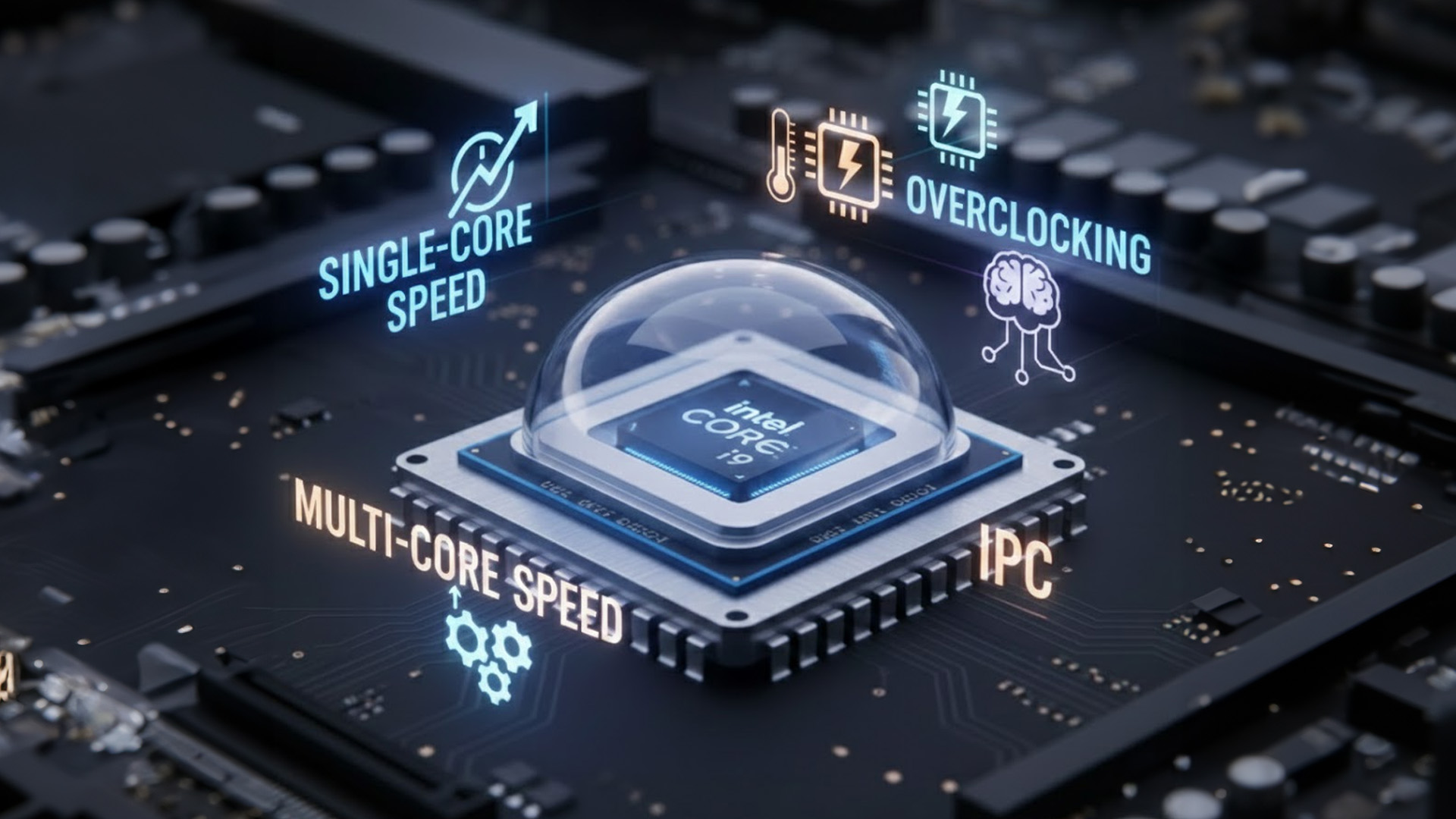
Single-core vs Multi-core Performance
Most games still rely heavily on a single "master" core for physics and logic. Intel has traditionally led the market in single-core speeds, which plays a major role in overall Intel gaming performance.
However, modern engines are starting to use more cores for better environmental effects. Intel CPUs are designed to excel in both areas for maximum compatibility.
Why IPC (Instructions Per Cycle) Matters More Than Raw GHz
Clock speed is just one part of the equation for total performance. IPC measures how much work a CPU can do in one single "tick" of its clock.
A modern chip at 4GHz can easily beat an older chip at 5GHz. This is because the newer architecture is much more efficient at processing data. Always look for the latest generation for the best IPC gains.
Overclocking Potential in Core i9 and Ultra 9 CPUs
For those who want extra power, "K" series Intel chips allow for overclocking. This means you can manually increase the speed of the processor beyond its factory settings.
This provides a nice performance boost for high-end setups. Just ensure you have a premium cooling solution to handle the extra heat.
Intel-Specific Gaming Technologies in 2026
Intel provides several software and hardware features that give gamers an edge. These tools work behind the scenes to improve your visuals.
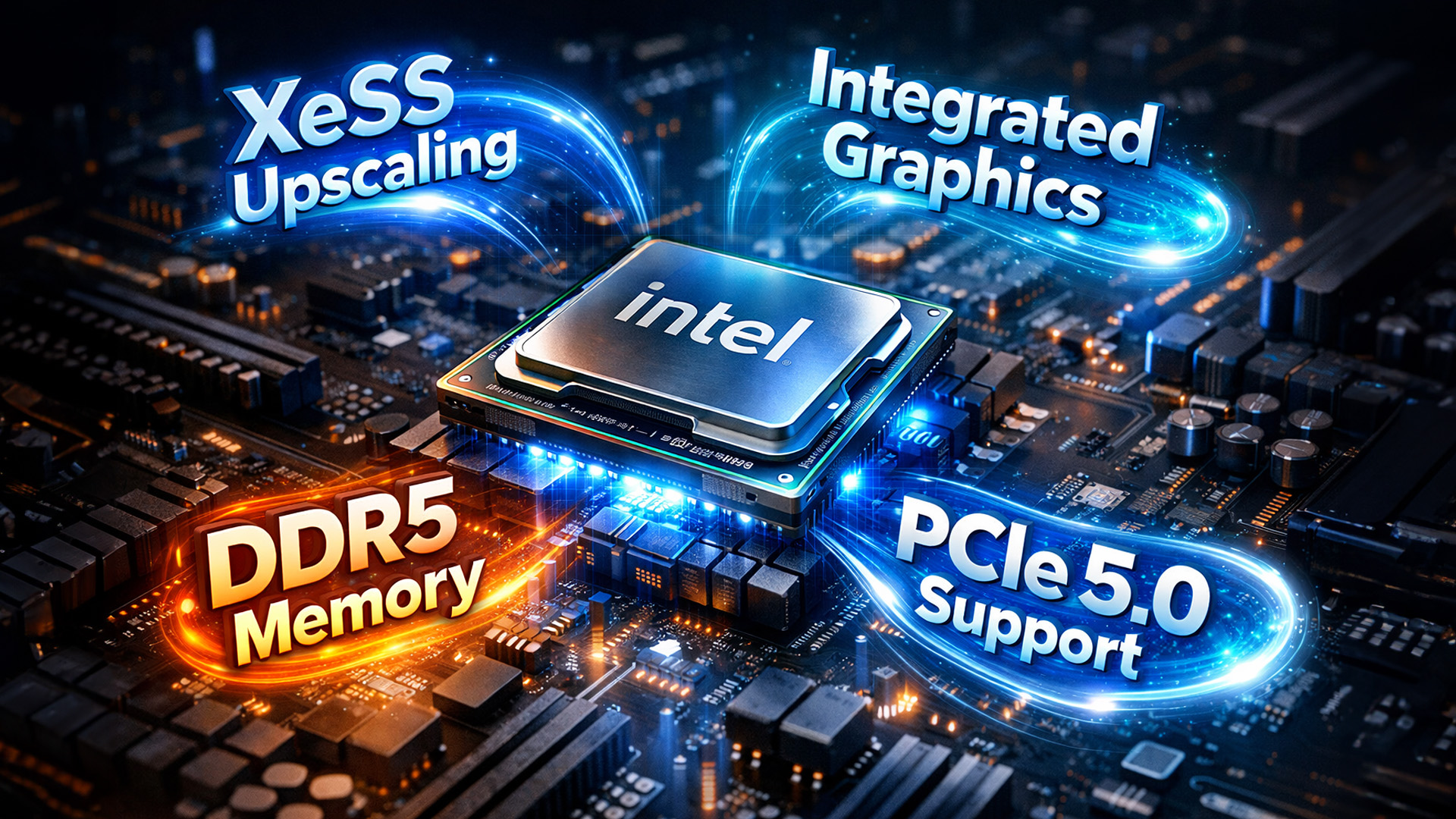
Intel XeSS AI Upscaling for Sharper Visuals
XeSS is an AI-driven tool that makes your games look better while running faster. It renders the game at a lower resolution and then uses AI to upscale it.
This gives you a high-definition look without the massive performance hit of native 4K. It is a fantastic way to boost your frames in demanding new titles.
Integrated Graphics in Core i5/i7 and Ultra 5/7 for Budget Builds
Not everyone can afford a dedicated GPU right away when building. Intel's latest UHD and Arc graphics are surprisingly capable for light gaming. You can play titles like Valorant or League of Legends quite easily.
This makes gaming desktops with Intel CPUs a great starting point for beginners. You can always add a powerful graphics card later on.
PCIe 5.0 and DDR5: Faster Data for Faster Games
Modern Intel motherboards support the very latest data standards like PCIe 5.0. This allows your SSD to load game files at lightning speeds. DDR5 memory support also provides a huge bandwidth boost over the older DDR4 standard.
These technologies work together to eliminate stutters and make the entire system feel much more fluid.
Real-World Gaming Benchmarks & Scenarios
Numbers in a lab are one thing, but actual gameplay is what matters. Let's look at how these chips perform in common gaming situations.
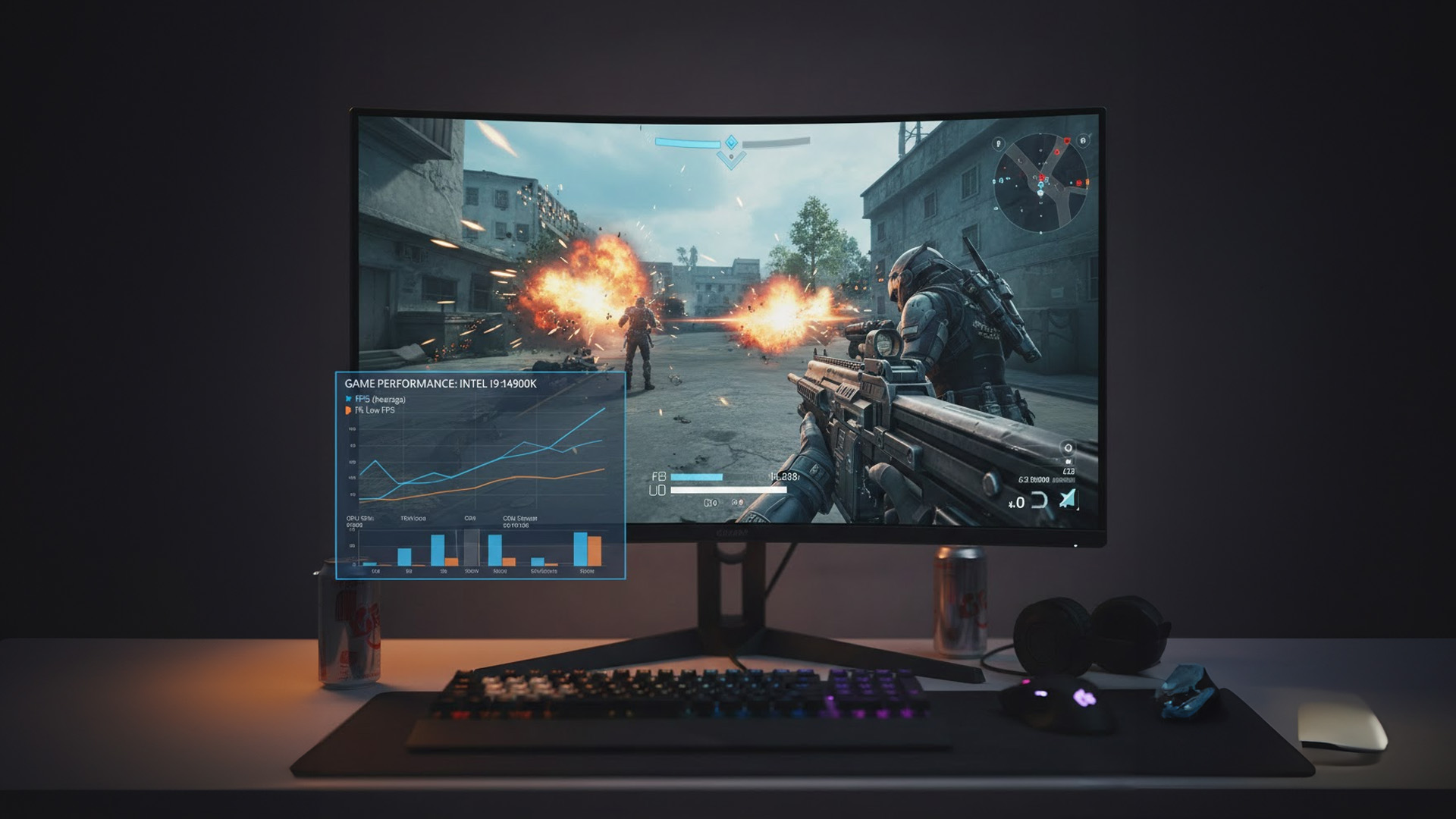
FPS Benchmarks for Core i5, i7, i9, and Ultra Series
In 1080p gaming, the Core i5 usually hits the "sweet spot" of 144 FPS in most shooters. The i7 and Ultra 7 models are perfect for 1440p gaming with higher settings.
The i9 and Ultra 9 are designed for 4K gaming or ultra-high refresh rates. These chips ensure your monitor's speed is never wasted by a slow processor.
CPU Bottleneck Scenarios and How to Avoid them
A bottleneck happens when your GPU is waiting on your CPU to finish its tasks. This usually occurs if you pair a low-end processor with a very high-end graphics card.
To avoid this, try to match your components within the same performance tier. For example, an Ultra 7 pairs perfectly with a high-end RTX 4080 or RTX 5080 card.
VR and 240Hz Gaming Performance with Intel CPUs
Virtual Reality requires extremely low latency to prevent motion sickness. Intel chips are designed to handle these rapid data transfers.
They also support 240Hz monitors for ultra-smooth professional play. This makes them a top choice for competitive esports athletes. You get a clear advantage in fast-moving environments.
Choosing the Right Intel CPU for Your Gaming Desktop
Selecting a processor depends on your goals, your screen resolution, and your budget. The following table breaks down the best options available in 2026.
|
User Type |
Recommended CPU |
Best Feature |
Ideal Resolution |
|
Budget Gamer |
Intel Core i3 / i5 |
Great value for money |
1080p |
|
Mainstream |
Intel Core i7 / Ultra 5 |
Balanced performance |
1440p |
|
Enthusiast |
Intel Core i9 / Ultra 7 |
High core counts |
4K / VR |
|
Pro Streamer |
Intel Ultra 9 |
Ultimate multitasking |
4K + Streaming |
Best Budget Choice
The Intel Core i5-14400 or the newer Ultra 5 entry models are perfect for most people. They handle all modern games with ease and do not require expensive cooling solutions.
Best Mid-range Choice
The Intel Core i7 or Ultra 7 series offers the best "sweet spot" for 1440p gaming. These chips have enough cores to handle gaming, Discord, and a web browser all at once.
Best High-end Choice
For those who want no compromises, the Ultra 9 is the undisputed king of the lineup. It offers the highest clock speeds and the most advanced AI features for a premium experience.
Intel vs AMD CPUs: The Ultimate 2026 Comparison
Choosing between Intel and AMD is often the hardest part of building a PC. Both brands offer incredible performance but have different strengths.
|
Feature |
Intel (Core/Ultra) |
Winner for Gaming |
|
|
Peak Gaming Speed |
High single-core clocks; consistent across all titles. |
Leading performance in CPU-bound games via 3D V-Cache. |
AMD |
|
Power Efficiency |
Greatly improved with Arrow/Panther Lake; lower idle power. |
Better performance-per-watt during high-load gaming. |
AMD |
|
Multi-Core Tasks |
Uses Hybrid Architecture (P-cores/E-cores) for high-thread counts. |
Traditional high-performance cores with SMT; excels in rendering. |
Tie |
|
Memory Support |
Superior high-speed DDR5 stability (8000MT/s+ support). |
Optimal at "sweet spot" speeds (6000-6400MT/s); sensitive to latency. |
Intel |
|
Platform Longevity |
New LGA 1851 socket; typically supports 2–3 generations. |
AM5 socket; committed support through 2027+. |
AMD |
|
Integrated Graphics |
Arc (Xe2/Xe3) graphics currently lead in raw iGPU benchmarks. |
Radeon 800M/900M series; strong but currently trailing Intel. |
Intel |
|
Overclocking |
Granular control; better memory and bus tuning for enthusiasts. |
Simplified via PBO; X3D models have limited manual voltage. |
Intel |
If you decide the "Red Team" is the right fit, explore our range of the best AMD PCs for gaming. These systems offer fantastic multi-threaded performance, making them ideal for gamers who also tackle heavy video editing or streaming.
Check out our guide: How AMD Processors Work in Gaming PCs: Key Features and Benefits

Power Your Play with Intel
Understanding how Intel CPUs work in gaming desktops helps you build a better, faster PC. From the smart hybrid architecture to the latest DDR5 support, Intel continues to innovate.
Whether you choose the reliable Core i-series or the futuristic Ultra series, you are getting world-class performance. These processors ensure your games run smoothly, look sharp, and load quickly every single time.
If you are ready to upgrade your setup, check out the wide range of Radeon and RTX desktop gaming computers available.

A Little More Information...
What Intel CPU features make them good for gaming?
Key Intel CPU features include high IPC, large Smart Cache, and Turbo Boost technology. These work together to process game data quickly and reduce annoying stutters.
What is the main benefit of Intel's Hybrid Architecture in gaming?
It allows P-cores to focus entirely on the game's heavy logic while E-cores handle background apps, preventing micro-stutters and maximising frame rates.
Should I choose DDR4 or DDR5 for an Intel build?
In 2026, DDR5 is the standard. It offers significantly higher bandwidth, which is essential for the latest open-world games to stream assets without slowing down.
How does the Intel Core Ultra differ from the i-series?
The Ultra series uses a modular "chiplet" design with dedicated AI cores. This new architecture offers better power efficiency and superior thermal management for gaming.
Can I overclock my Intel gaming CPU?
Only "K" series or Ultra 9 processors have unlocked multipliers for overclocking. You will need a compatible motherboard and a strong cooling system to do this safely.
How does Intel XeSS help with gaming?
XeSS uses AI to upscale your game’s resolution. This allows you to play at higher settings with better frame rates, even on more modest hardware setups.
Related Articles

Last Updated: August 20, 2026
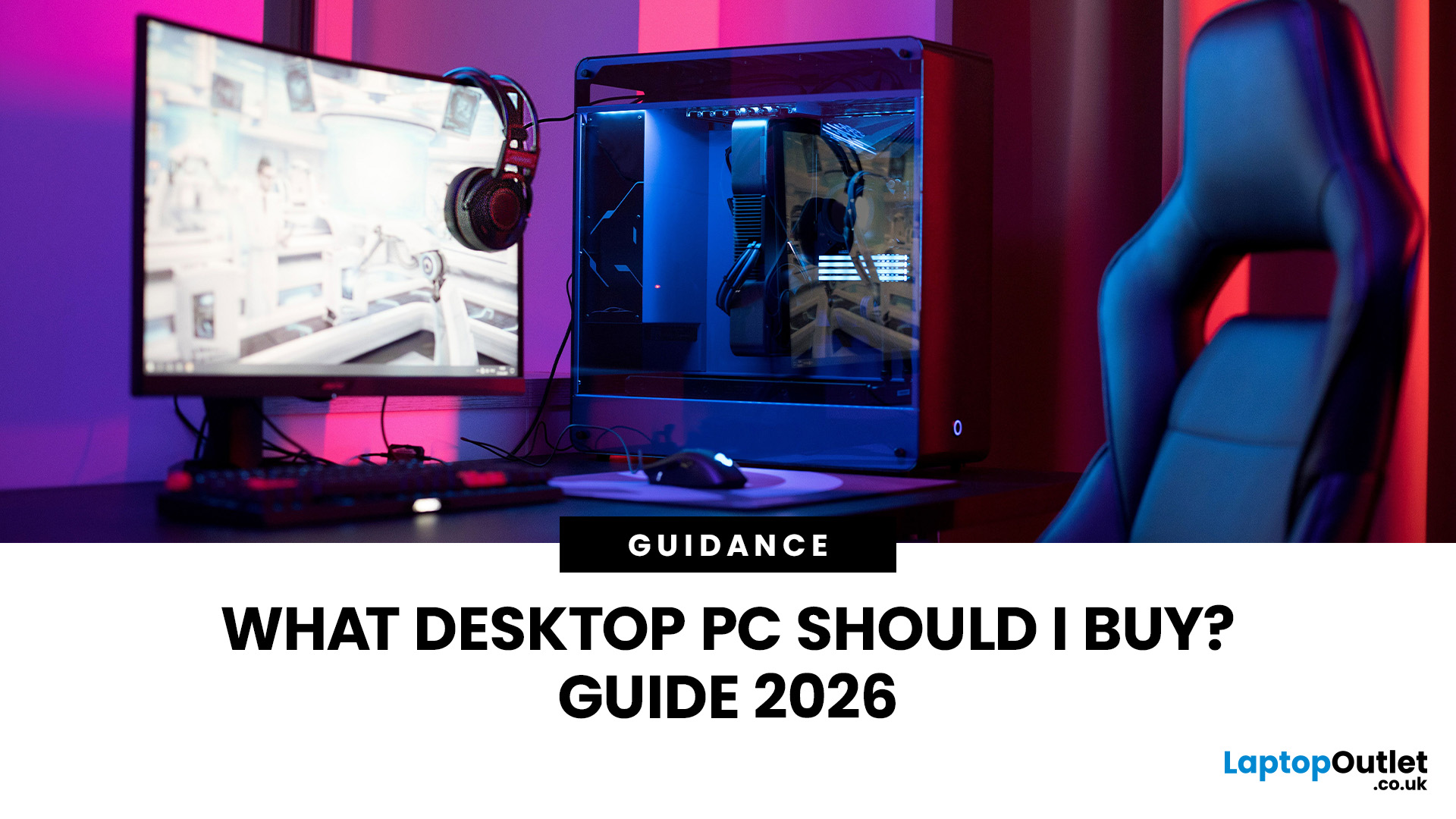
Buying a new desktop PC can be confusing when you are faced with different processors, graphics cards, RAM capacities, storage options and form factors.
The right choice depends on what you actually need the computer to do. A PC for browsing, studying and office work does not need the same hardware as a gaming desktop or professional workstation.
This guide explains what to look for when buying a desktop PC in 2026, whether you need an affordable home computer, a productive office setup, a powerful gaming PC or a machine for creative work.
Key Factors to Consider Before Buying
Before comparing individual desktop PCs, think about:
- Your main use, such as gaming, work, study or creative applications
- Processor (CPU) performance
- Graphics (GPU) requirements
- RAM capacity
- SSD storage
- Desktop size and form factor
- Upgrade potential
- Connectivity and ports
- Operating system
- Your overall budget
For most buyers, getting a balanced specification is more important than simply choosing the fastest processor
Last Updated: June 15, 2026
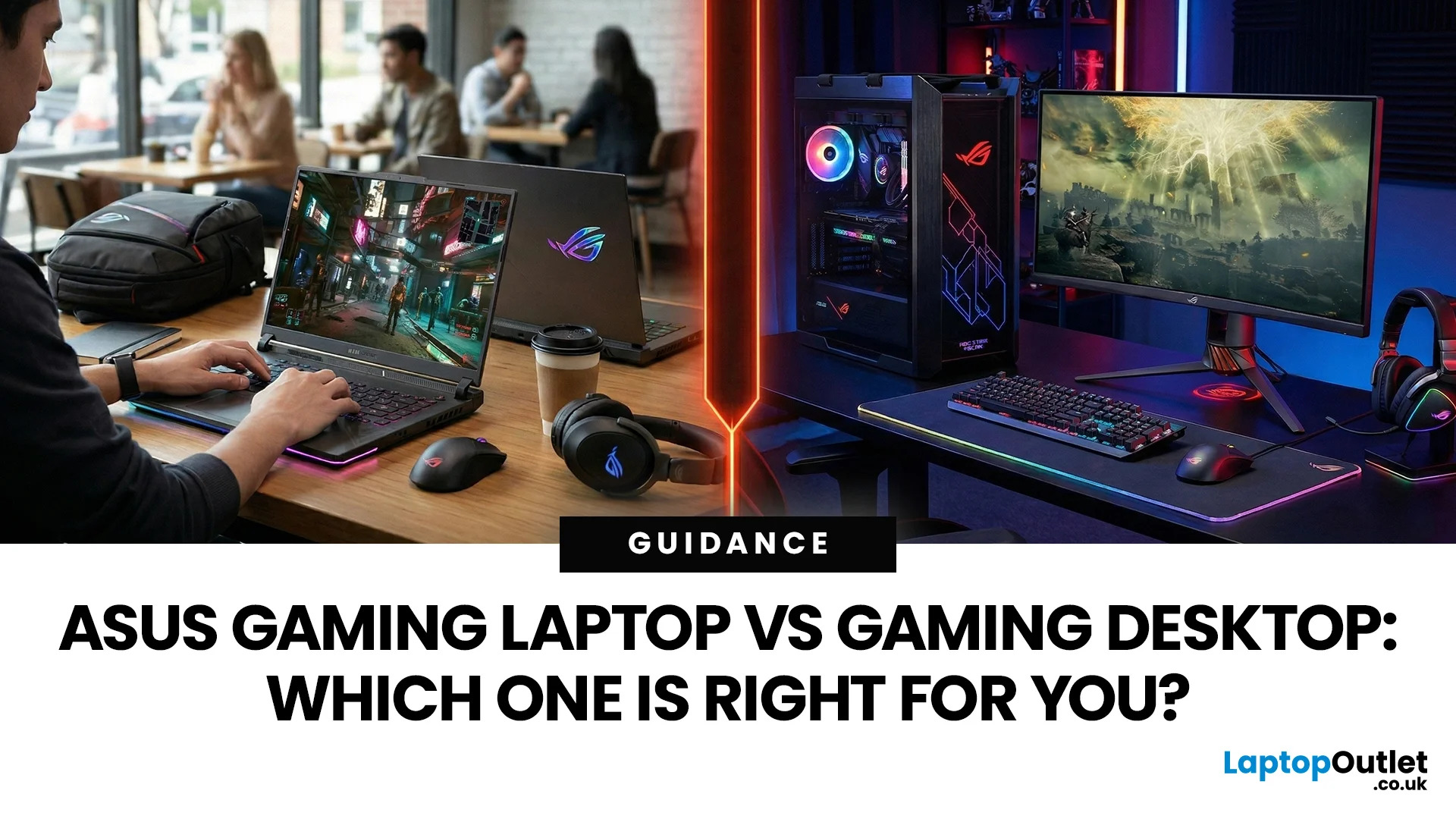
In the ever-evolving world of gaming tech, choosing between an ASUS gaming laptop and a gaming desktop can feel like choosing your final Pokemon. Both come packed with next-level power, but they serve different styles of gamers. Whether you're eyeing up a TUF Gaming Laptop, a sleek ROG Zephyrus, or a power-packed ASUS ROG desktop, this 2025 showdown is here to help UK gamers make the ultimate decision.
Why ASUS? A Gaming Legacy Built to Dominate
ASUS is a beast in the gaming world. From the ASUS ROG (Republic of Gamers) line to the ultra-durable ASUS TUF Gaming range, the brand brings serious heat to both laptops and desktops. Whether you're grinding in Apex Legends or conquering Elden Ring, ASUS delivers game-changing tech designed to crush every task.
Explore the full range of ASUS Laptops and ASUS Desktops.
Portability vs. Power: What’s Your Gaming Lifestyle?
Choosing between an ASUS gaming laptop and an ASUS gaming desktop in 2026 comes down to how and where you play. UK gamers

Last Updated: April 07, 2026
It’s 2025, and the tech world is split: some swear by sleek, portable laptops while others can’t live without the raw power of desktops. So, which one is right for you? Whether you’re a gamer chasing frames, a student hustling assignments, or a professional smashing deadlines, this guide breaks it down using real products you can snag right now at Laptop Outlet.
Quick Comparison Table: Laptops vs Desktops
| Feature | Laptops | Desktops |
| Performance | Strong for multitasking & portable workflows (ASUS ROG Strix, HP ZBook Fury) | Beast mode specs for gaming & pro work (MEDION ERAZER, iMac) |
| Portability | Ultra-portable for study, travel, or hybrid work | Fixed setup—ideal for a dedicated workspace |
| Upgradability | Limited to RAM/SSD in most models | Fully upgradeable: GPU, CPU, RAM, storage |
| Price Range | £350–£3,500+ | £500–£4,000+ (plus monitor & accessories) |
| Best For | Students, hybrid workers, light gaming | Gamers, creators, engineers |
Gaming Power: Desktops Dominate, But Laptops
Last Updated: April 02, 2026
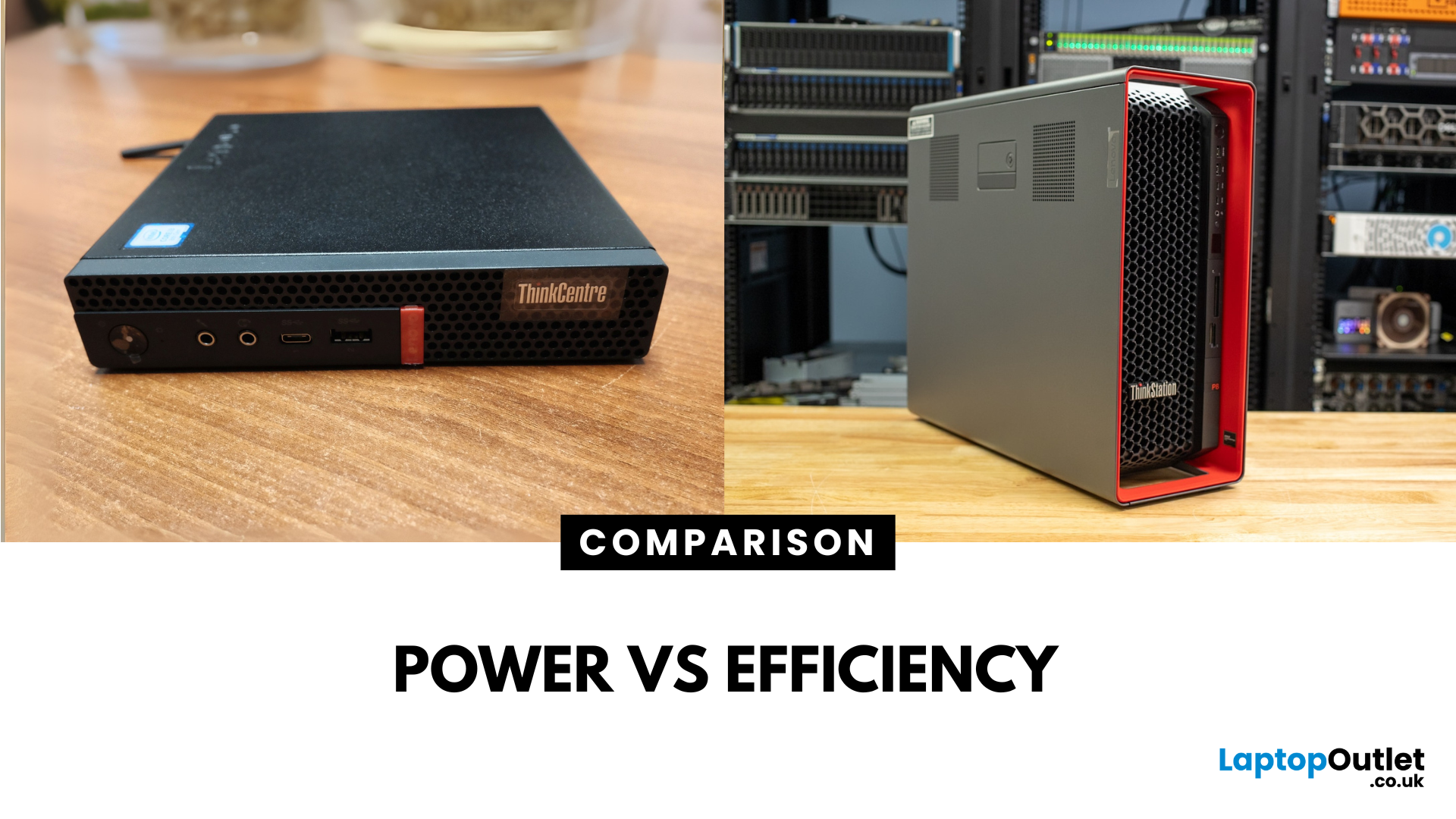
Main Difference Between ThinkStation vs ThinkCentre
ThinkStation is Lenovo’s professional workstation line which is built for tasks like 3D rendering, CAD, engineering simulations, and data-heavy workflows. They systems come with workstation-grade CPUs and GPUs, ISV certifications, and serious upgrade potential. ThinkCentre is Lenovo’s mainstream business desktop family which is perfect for office tasks with reliable components, enterprise features, and space-saving designs.
Feature Comparison Table
| Feature | ThinkStation (Workstation) | ThinkCentre (Business Desktop) |
| Target Users | Engineers, designers, data scientists | Office staff, SMBs, general business |
| Processor Options | Xeon / Threadripper PRO, high-core count CPUs | Core i3/i9, AMD Ryzen PRO processors |
| Graphics | NVIDIA Quadro / RTX A-series, ISV-certified | Integrated or basic discrete options |
| Upgradeability | Excellent: Support multi-GPUs, ECC RAM, RAID storage | Limited: Smaller chassis, fewer slots |
| Form Factors | Towers & Tiny workstations | Towers, |

Last Updated: June 15, 2026
The world of gaming desktops has never been more exciting. In 2026, gamers can enjoy next-level performance powered by Intel Core 14th Gen and AMD Ryzen 9000-series processors, paired with NVIDIA RTX 40 and 50-series GPUs. Whether you’re after an entry-level setup or a high-end machine for 4K gaming and VR, today’s best gaming desktop 2026 options offer something for every type of player. This guide breaks down the top categories, performance, features, and ideal users, to help you buy the best gaming desktop PC for your needs.
Best Budget Gaming Desktops in 2026
If you’re new to PC gaming or shopping on a budget, 2026 offers plenty of affordable options that deliver reliable 1080p performance.
Budget Highlights
- Processor: Intel Core i5-14400F / AMD Ryzen 5 8600G
- Graphics: NVIDIA RTX 50 series / AMD Radeon RX 7000 series XT
- RAM & Storage: 16GB DDR5, 512GB – 1TB SSD
Top Choices
| Model Image | Model | Processor | Graphics Capability | Memory (RAM) | Storage | Operating System | Special Features |
 | Lenovo |

Last Updated: September 28, 2026
Quick Answer: Prebuilt or Custom PC?
A prebuilt PC is usually better if you want a complete, tested computer with Windows, warranty support and minimal setup. A custom PC gives you greater control over components, cooling, appearance and future upgrades. Neither is automatically faster or less expensive. The better choice depends on the exact specification, component quality, total cost and how much involvement you want.
Buying a desktop PC often comes down to one choice: buy a complete system or choose the components yourself.
Both routes can deliver excellent performance. The difference is mainly in how much control, setup work, upgrade flexibility and support you want after buying.
This guide compares prebuilt vs custom desktop PCs across cost, performance, cooling, warranties, upgrades and everyday use so you can decide which approach actually suits your needs.
What Is the Difference Between a Prebuilt and Custom PC?
A prebuilt PC arrives as a complete system assembled by a manufacturer
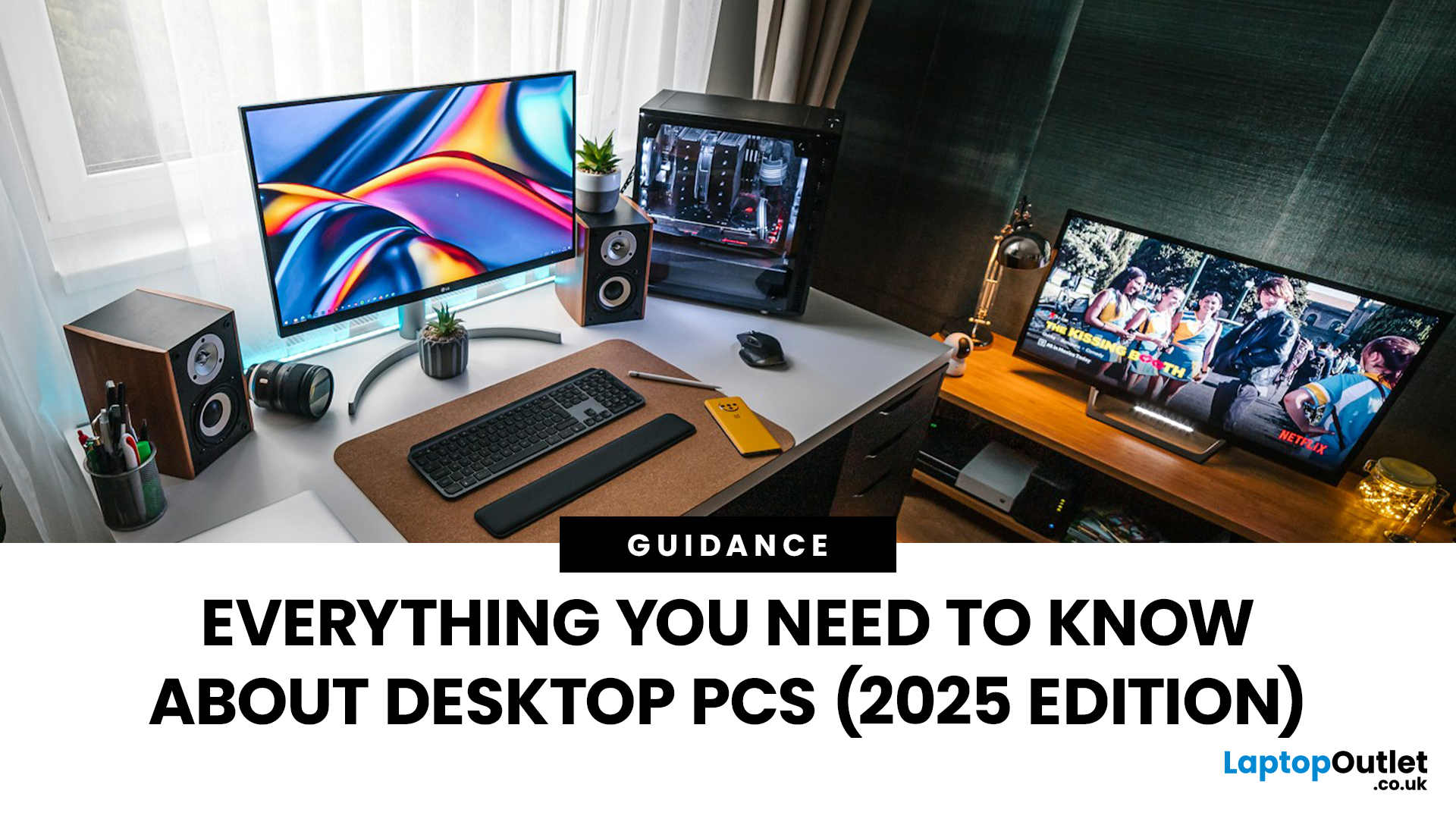
Published: October 23, 2025
Your complete guide to performance, specs, and picking the right system for work or play.
When it comes to raw power, flexibility, and longevity, desktop PCs still reign supreme. Sure, laptops have gone lighter, and tablets now pretend to be “pro,” but if you’re serious about performance — whether for gaming, design, business, or just smooth multitasking - a desktop remains the smart choice.
In this ultimate desktop PCs guide, we’ll cover everything: from how desktops stack up against laptops, to what all those spec-sheet numbers (CPU, GPU, RAM, SSDs) really mean. You’ll also find insights into the latest desktop PC trends in 2025, and our recommendations for every type of user — from casual home users to hardcore creators.
1. Desktop PCs vs Laptops —What’sthe Real Difference?
Before diving into specs and performance, let’s address the age-old debate: why pick a desktop when you can buy a laptop? The answer depends on your priorities — but desktops win in more areas than most people think.
Last Updated: August 25, 2026
The best desktop PC for work depends on matching hardware to your actual tasks rather than simply choosing the most powerful option. Finance teams working in spreadsheets need different specifications compared to architects using 3D software, while reception areas often benefit from compact all-in-one systems instead of traditional towers. This guide highlights current desktop PCs from Laptop Outlet across four categories: Tower PCs, All-in-One PCs, Mini PCs and Workstations, based on availability checked on 14 August 2026, though stock may change.
How We Selected These Desktop PCs for Work
We prioritised business-ready specifications, useful connectivity, sensible memory and storage configurations, operating-system suitability and the workload each machine is best placed to handle. Rather than treating every professional as a power user, the list covers everyday office work, hybrid working, compact desks, creative projects and heavier technical workloads.
A useful rule is to buy for your

Last Updated: November 25, 2025
Unboxing a brand-new computer is always exciting, whether you’ve chosen a compact laptop for portability or a powerful desktop for home productivity. But once the thrill settles, the next step is understanding how to set up your new laptop or desktop properly. A smooth setup ensures your device runs efficiently, securely, and exactly the way you need it to. In this guide, we walk you through the essential steps to get started.
1. Powering Up and Completing Initial Setup
The first step in setting up your new laptop or desktop is powering it on and walking through the built-in setup wizard. Most Windows devices will guide you through essential features such as:
- Language and region selection
- Wi-Fi connection
- Microsoft account login or creation
- Device name setup
Signing in with a Microsoft account allows you to sync settings across devices, access OneDrive cloud storage, and download apps seamlessly from the Microsoft Store.
If you prefer not to create an account, some versions of Windows

Last Updated: April 29, 2026
If you’re buying a gaming or creator PC in 2025, you’ve probably asked the same question as everyone else:
“Do I get more performance for my money from a desktop, or from a laptop?”
Marketing loves to tell you that gaming laptops are “desktop-class”. The reality is more nuanced. In this 2025 study we’ve combined UK market data, global hardware surveys, independent GPU benchmarks, and real UK pricing to see where the better performance per pound actually is.
How we ran this 2025 “performance per pound” study

Rather than running our own gamer survey, we pulled from large, trusted datasets and combined them:
UK ownership & market context
- ONS / Living Costs and Food Survey: 90% of UK private households had a home computer in 2020–21.
- Grand View Research(UK gaming PC market): UK gaming PC revenue was about £2.12bn in 2024, projected to reach £3.88bn by 2030, with desktops still the largest product segment (≈59% of 2024 revenue) and laptops the fastest-growing category.

