



Gaming Desktop PC Breakdown: AMD, Intel & RTX Tech

Building or buying a high-end gaming PC is an exciting journey for any enthusiast. The market moves fast, and staying updated on the latest hardware is essential for the best experience.
In this gaming desktop PC breakdown, we will explore the core parts that make a machine powerful. We will look at the latest processors from AMD and Intel, the incredible graphics power of NVIDIA RTX and Radeon RX, alongside other core components.
Whether you want to play the newest AAA titles or compete in esports, understanding these parts is vital. Let us dive into the modern world of gaming PC technologies.
Understanding Gaming Desktop PCs
A gaming desktop PC is a high-performance computer designed specifically to handle demanding video games. Unlike standard PCs, these machines focus on graphical power and fast processing speeds. They use specialised parts that can handle high heat and heavy workloads.
While gaming laptops and consoles are popular, the desktop remains the "gold standard" for several reasons:
- Customisation: You can hand-pick every part to suit your specific budget.
- Upgradability: Swap out your GPU or add more RAM as games become more demanding.
- Thermal Headroom: Larger cases allow for superior cooling, preventing performance "throttling."
- Raw Power: Desktop components generally have higher power limits than portable versions.
Having balanced gaming desktop components is the secret to a great experience. If you buy a top-tier GPU but a weak CPU, you will face "bottlenecking." This means one part holds the others back. A balanced build ensures every pound you spend translates into better gameplay.
CPU Showdown: AMD vs Intel
Choosing the right processor is the first step in your build. This component acts as the brain of your computer and handles all the complex game logic and physics.
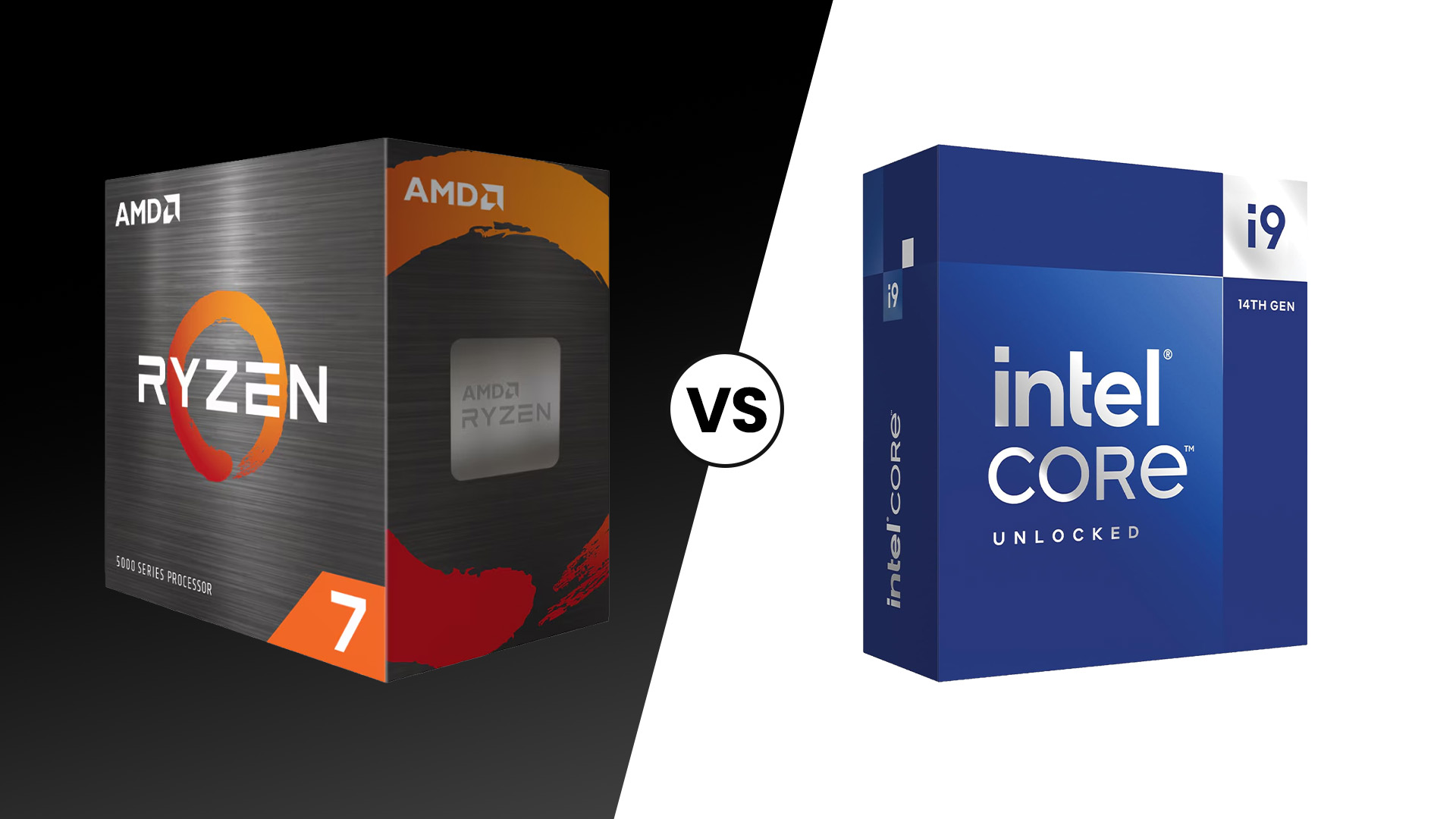
AMD Gaming Desktop CPUs
AMD has become a leader in the world of high-performance gaming. Their Ryzen series is famous for offering many cores and excellent efficiency.
Most AMD-powered gaming desktops today use the AM5 platform, which supports the latest DDR5 memory. This ensures your system is ready for the future.
- Ryzen 5: This is the sweet spot for most gamers. It offers six to eight cores, providing enough power for 1080p and 1440p gaming without breaking the bank.
- Ryzen 7: These chips are the gold standard for enthusiasts. With eight high-speed cores, they are perfect for high-refresh-rate gaming and light streaming.
- Ryzen 9: These are the ultimate productivity and gaming hybrids. With up to 16 cores, they handle 4K gaming and heavy video editing with ease.
AMD's AMD gaming desktop technology includes "3D V-Cache." This special tech adds extra memory directly to the chip. It significantly boosts frame rates in many popular games.
For different resolutions, here are the best AMD processors to consider for your 2026 build:
- 1080p Gaming: The Ryzen 5 9600X provides amazing speed for fast-paced shooters.
- 1440p Gaming: The Ryzen 7 9800X3D is widely considered the best gaming chip available.
- 4K Gaming: The Ryzen 9 9950X handles massive open-world games and heavy workloads perfectly.
Discover how AMD processors power your gaming PC with key features and benefits.
Intel Gaming Desktop CPUs
Intel remains a powerhouse in the industry with their reliable and fast processors. Their new "Core Ultra" branding marks a big shift in how they design chips.
Intel-based gaming computers focus on a mix of Performance-cores and Efficient-cores. This design helps the PC manage background tasks without slowing down your game.
- Core Ultra 5: Great for entry-level builds. It provides stable performance for everyday gaming and multitasking.
- Core Ultra 7: A high-end choice for serious gamers. It balances single-core speed with enough threads for modern gaming and content creation.
- Core Ultra 9: The flagship model. It is designed for those who want the absolute highest clock speeds and no compromises in performance.
Intel's Intel gaming desktop technology also includes advanced AI features. These help the system optimise power usage and improve stability during intense gaming sessions.
Selecting the right Intel chip depends on your monitor's resolution and your performance targets:
- 1080p Gaming: The Core Ultra 5 245K offers great single-core speeds for high frame rates.
- 1440p Gaming: The Core Ultra 7 265K is a versatile beast for smooth, high-fidelity gameplay.
- 4K Gaming: The Core Ultra 9 285K is the top choice for ultra-high-definition gaming enthusiasts.
Explore how Intel CPUs drive gaming desktop performance and advanced technology.
Detailed Comparison: AMD vs Intel
Choosing between these two giants depends on your specific needs and your total budget.
|
Feature |
AMD Ryzen 9000 Series |
Intel Core Ultra (Series 2) |
|
Primary Strength |
Gaming efficiency and 3D V-Cache |
Single-core speed and AI integration |
|
Socket Type |
AM5 (Long-term support) |
LGA 1851 (New for 2026) |
|
Best For |
Pure gaming and value |
Professional work and gaming mix |
|
Top Model |
Ryzen 9 9950X |
Core Ultra 9 285K |
In summary, AMD offers better gaming value, while Intel provides excellent stability for mixed professional use.
GPU Breakdown: NVIDIA RTX vs AMD Radeon
The graphics card is the most important part of any gaming setup. It determines how beautiful your games look and how smoothly they run on your screen.
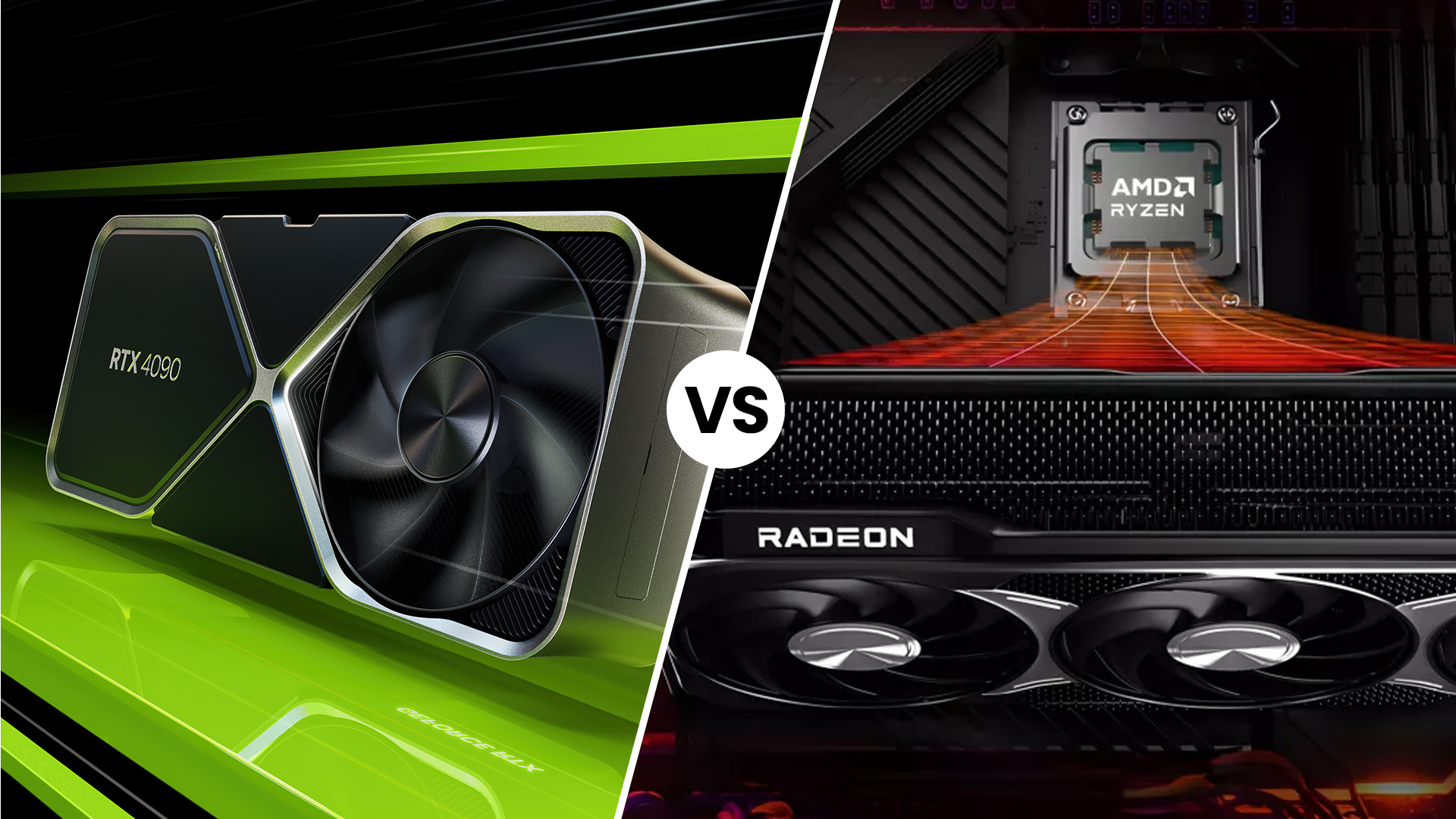
NVIDIA RTX Graphics Cards
NVIDIA leads the market with their cutting-edge NVIDIA RTX technology. The new RTX 50-series cards have set a new bar for visual fidelity. These cards use hardware-accelerated Ray Tracing to create realistic lighting and shadows.
Key Features of gaming desktops with RTX GPUs:
- DLSS 4.0: Uses AI to generate entire frames, massively boosting your game's smoothness.
- Ray Tracing: Simulates real-world light behaviour for stunningly realistic reflections and shadows.
- Reflex Tech: Reduces system latency, which is essential for competitive online multiplayer games.
- NVENC Encoder: Provides the best quality for gamers who want to stream to Twitch.
- AI Tensor Cores: Powers advanced features like noise cancellation and virtual backgrounds for calls.
See how NVIDIA RTX technology, Ray Tracing, and DLSS revolutionise gaming PCs.
AMD Radeon Graphics Cards
AMD's Radeon RX 7000 and the new RX 9000 series offer incredible performance for the price. They focus on providing a lot of "Raw Power" and large amounts of Video RAM (VRAM). This makes them great for high-resolution gaming where memory is very important.
Key Features of gaming desktops with AMD Radeon GPUs:
- FSR 4: An open-source alternative to DLSS that works on many different monitors.
- Huge VRAM: Often offers more memory than NVIDIA, which helps in texture-heavy 4K games.
- Infinity Cache: A special high-speed cache that speeds up data transfer for the GPU.
- Anti-Lag+: Reduces the delay between your mouse click and the action on screen.
- Value Focus: Usually provides more "frames per pound" compared to the competition's high-end cards.
Detailed Comparison: NVIDIA vs AMD
Both brands have amazing options, but they appeal to different types of PC gamers.
|
Feature |
NVIDIA RTX 50-Series |
AMD Radeon RX 9000 Series |
|
Best Feature |
Superior Ray Tracing and DLSS |
Massive VRAM and better pricing |
|
Software |
GeForce Experience / App |
AMD Software: Adrenalin Edition |
|
Power Use |
Efficient but can be high |
Generally high but very scalable |
|
Target User |
Those who want the best tech |
Those who want maximum value |
NVIDIA is king for those who want the latest features, while AMD is the hero for budget-conscious gamers.
The Core Components Breakdown for 2026 Builds
A great PC is more than just a CPU and GPU. Other gaming desktop components ensure your system remains fast, stable, and quiet during long sessions.
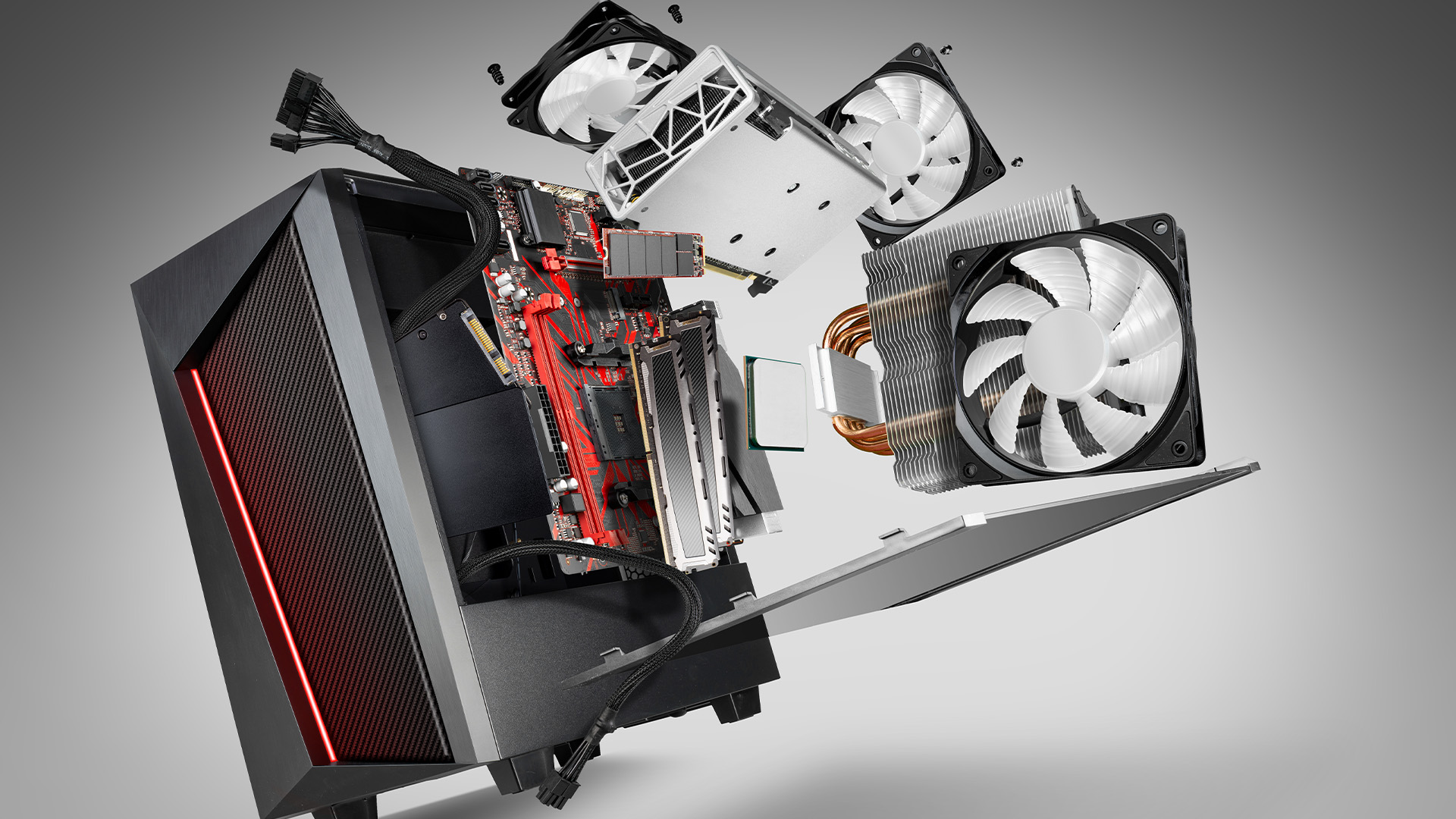
Motherboards: AMD vs. Intel
The motherboard connects everything. For AMD, the AM5 platform (X870/B850 chipsets) is the standard, offering PCIe 5.0 support for the latest drives.
Intel users now use the LGA 1851 socket (Z890/H810), which focuses on high-speed connectivity and Thunderbolt 4 support.
Always ensure your motherboard has enough USB ports and good power delivery for your chosen CPU.
Memory: DDR5
In 2026, DDR4 is officially a thing of the past for new builds. DDR5 is the mandatory standard. It offers much higher bandwidth and better power efficiency.
For a modern gaming PC, 32GB is now the recommended "sweet spot." Look for speeds of 6400MT/s or higher. High-speed RAM helps the CPU process data faster, especially in open-world games.
Storage: PCIe Gen 5 NVMe
Loading screens are nearly extinct thanks to PCIe Gen 5 NVMe SSDs. These drives can reach speeds of over 12,000 MB/s.
While Gen 4 drives are still fast enough for most, Gen 5 is the future, especially as games begin to use "DirectStorage" technology. This allows the GPU to pull data directly from the SSD, making open-world games feel seamless.
Cooling & PSU: Handling High-TDP Components
Modern parts generate significant heat. High-TDP (Thermal Design Power) components like an RTX 5090 or a Core Ultra 9 require robust cooling. Large 360mm or 420mm All-In-One (AIO) liquid coolers are now common.
Equally important is the Power Supply Unit (PSU). You should look for ATX 3.1 compatible power supplies with at least an 850W or 1000W rating to handle power spikes safely.
Recommended 2026 Gaming Desktop Builds
We have designed three tiers of builds to help you decide which path to take for your setup. Each build focuses on a specific goal.
The Ultimate 8K/4K Beast
This rig is for those who refuse to compromise on visual fidelity or performance. It is designed to crush any game at maximum settings with full path tracing enabled.
- CPU: AMD Ryzen 9 9950X3D or Intel Core Ultra 9 285K.
- GPU: NVIDIA GeForce RTX 5090 (32GB).
- RAM: 64GB DDR5 8400MHz.
- Storage: 4TB PCIe Gen 5 NVMe SSD.
The Competitive Esports Champion
Focused on low latency and ultra-high frame rates, this build is for professional and aspiring competitive players. It prioritises CPU speed and memory latency over flashy 4K visuals.
- CPU: AMD Ryzen 7 9800X3D (for the X3D cache advantage).
- GPU: NVIDIA GeForce RTX 5070 Ti or RX 9070 XT.
- RAM: 32GB DDR5 8000MHz (Low Latency).
- Storage: 1TB PCIe Gen 5 NVMe (Fast Boot).
- Display Support: Optimized for 540Hz OLED monitors.
The Budget-Friendly 1440p PC
You don't need to spend thousands to have a great time. This "sweet spot" build provides a premium experience at 1440p without the enthusiast price tag.
- CPU: Intel Core Ultra 5 245K or Ryzen 5 9600X.
- GPU: AMD Radeon RX 9070 or RTX 5060 Ti.
- RAM: 32GB DDR5 6000MHz.
- Storage: 2TB PCIe Gen 4 NVMe SSD.
Check out the wide range of PC components at Laptop Outlet to build your dream machine today!

Your Gaming PC Recap
This gaming desktop PC breakdown shows that 2026 is an incredible time for hardware enthusiasts. Whether you prefer the AI-centric focus of Intel or the gaming-optimised cache of AMD, there is a perfect build for everyone.
Remember to prioritise a balanced system where your GPU and CPU can both shine. Always look for high-speed DDR5 and Gen 5 storage to keep your system future-proof.
Quick Checklist:
- Define your target resolution (1080p, 1440p, or 4K).
- Choose your CPU brand (AMD for gaming value, Intel for clock speed).
- Pick a GPU (NVIDIA for Ray Tracing, AMD for VRAM value).
- Ensure you have at least 32GB of DDR5 RAM.
- Always opt for an NVMe SSD over a traditional hard drive.
If you are ready to upgrade, explore gaming desktop PCs to find the perfect match for your budget.

Things You Might Want to Know...
What are the core components of a gaming PC?
The essential parts are the CPU (processor), GPU (graphics card), Motherboard, RAM (memory), SSD (storage), PSU (power supply), and the Case. A dedicated CPU cooler is also required.
How much RAM do I need for gaming in 2026?
32GB of DDR5 RAM is the new standard. While 16GB can run older titles, 32GB prevents stuttering in modern open-world games and allows for smoother background multitasking.
Do I need an SSD or an HDD for gaming?
You must use an NVMe SSD for your operating system and games. Modern titles use "DirectStorage" technology, which requires SSD speeds to eliminate long loading screens and texture pop-in.
Should I build my own PC or buy a pre-built?
Build your own for the best value, customization, and quality control. Buy a pre-built if you prefer a professional warranty, immediate setup, and don't want to handle the assembly process.
How do I know if my PC parts are compatible?
Check the CPU Socket (e.g., AMD AM5 or Intel LGA 1851), ensure the motherboard supports DDR5 RAM, and verify the PSU wattage exceeds your total system draw by at least 20%.
How long will a 2026 gaming desktop stay relevant?
A well-balanced mid-range system should handle new games at high settings for 3-4 years, and at adjusted settings for up to 6 years.
| Read More: |
| How to Build a Gaming PC |
| How to Choose the Right GPU for Your PC in 2025 |
| How to Optimise Your PC for Gaming |
Related Articles


Last Updated: June 10, 2026
Hades II has arrived, and it’s already proving itself as one of the most stylish, addictive, and fast-paced roguelikes of the year. Supergiant Games has taken everything players loved from the first title and given it more flair, more depth, more chaos, and far more visual punch. And with all that comes the question many players are quietly asking: what are the best gaming PCs and laptops for Hades II?
Whether you're upgrading your battlestation, grabbing a powerful yet portable gaming laptop, or hunting a cheap refurbished gaming laptop for Hades 2, this guide breaks down real, current system requirements, recommended modern hardware, and the best deals you can jump on right now.
Let’s dig in.
Why Gaming PCs and Laptops for Hades II Matters?
Although Hades II is beautifully optimised, it is still more demanding than the original game. More spell effects, more enemies on screen, more layered environments, higher-resolution assets and a broader range of animations mean your hardware needs
Last Updated: February 24, 2026
Looking for the best budget gaming laptops and PCs for Sonic Rumble? You’re in the right place. At Laptop Outlet, we’ve scoured our range of powerful yet affordable gaming laptops, so you can find the perfect gear to jump into Sonic’s newest adventure without breaking the bank. Whether you’re after cheap gaming PC deals Sonic, gaming laptops with entry-level GPUs, or compact rigs that punch above their weight, we’ve got you covered. Let’s dive into the best options that’ll give you smooth gameplay, popping visuals, and long-lasting performance.
Recommended Specs to Play Sonic Rumble
By balancing these core specs, you’ll enjoy Sonic Rumble with the performance it deserves:
Processor (CPU)
A modern multi-core processor (such as Intel Core i5/i7 or AMD Ryzen 5/7) is great for entry-to-mid-range gaming. For high-end gaming, you would need an i9 or AMD Ryzen 9.
Graphics (GPU)
To play Sonic Rumble smoothly, aim for at least an entry-level dedicated GPU, something like NVIDIA’s RTX 4070 or
Last Updated: July 10, 2026
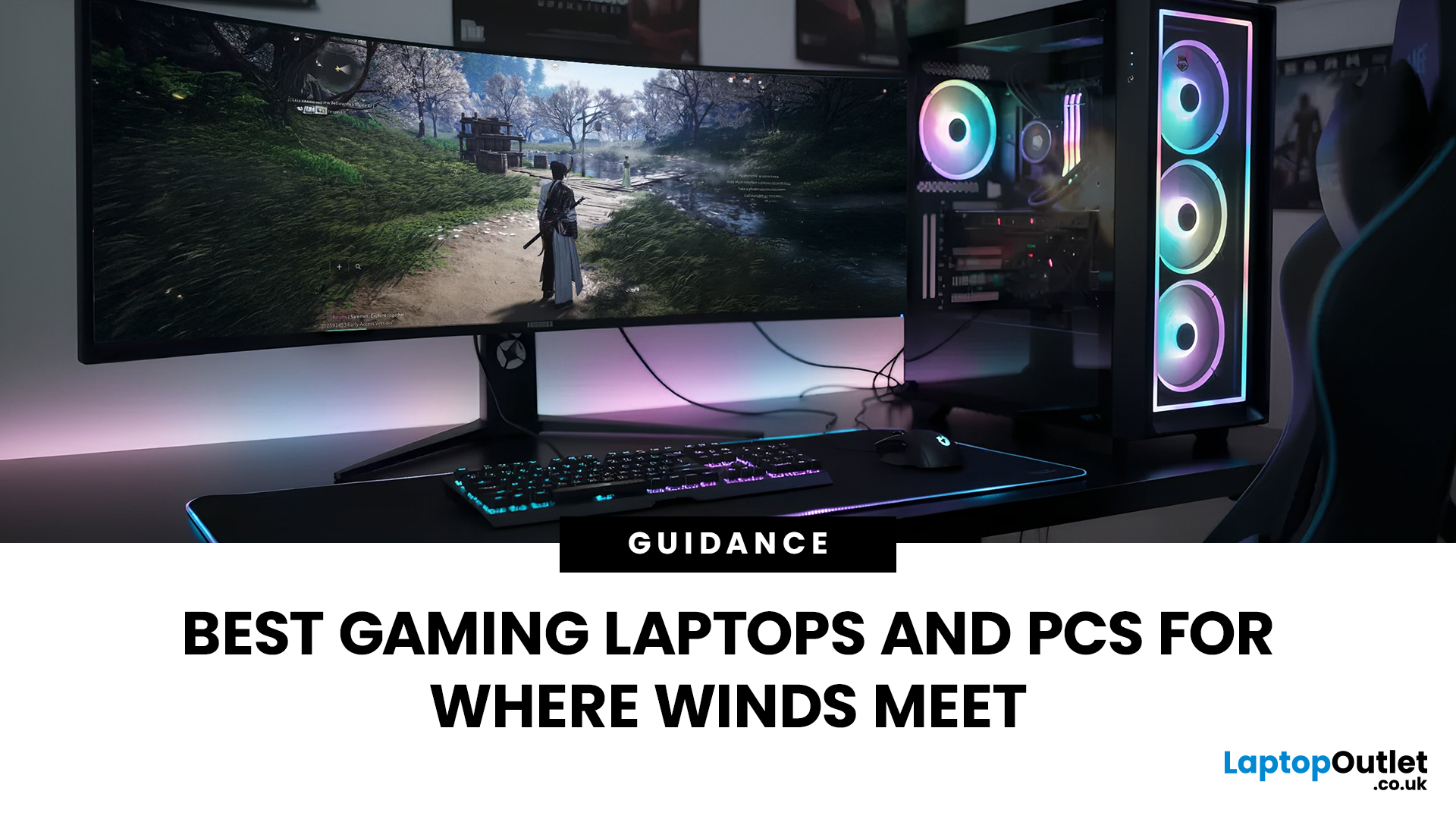
If you’re gearing up to explore the beautifully crafted, action-packed world of Where Winds Meet, choosing the right hardware is just as important as mastering your combat skills. This visually rich open-world action RPG blends fast-paced combat, sweeping landscapes and cinematic storytelling, all of which demand capable, well-balanced hardware.
In this guide, we’ll break down the recommended specs for Where Winds Meet, explain what really matters when it comes to performance, and highlight excellent-value options, including gaming deals for Where Winds Meet that won’t stretch your budget.
Recommended Specs for Where Winds Meet
Before diving into specific systems, let’s outline the core specifications you should be aiming for.
Processor (CPU)
Open-world RPGs rely heavily on CPU performance for AI, physics and world simulation. A modern Intel Core i5 / i7 or AMD Ryzen 5 / 7 is ideal. This ensures stable performance during exploration and combat-heavy sequences.
Graphics Card (GPU)
A dedicated

Last Updated: December 24, 2025
Technology never stands still, and if the past few years have taught us anything, it’s that innovation moves fast. As we look ahead, tech trends 2026 are shaping up to be smarter, faster and more user-focused than ever before. From AI-powered laptops to next-level PCs and sustainable tech, the future is all about performance with purpose. So, whether you’re upgrading your setup, planning ahead, or just love staying in the know, here’s a breakdown of the biggest tech trends set to define 2026.
AI Everywhere: Smarter Devices, Smarter Decisions
Artificial Intelligence is no longer a “nice to have” by 2026, it’s expected to be built into almost every device we use. We’re talking about laptops that learn your preferences, PCs that optimise performance in real time, and software that adapts to how you work or play.
AI-driven features such as predictive battery management, real-time security monitoring and intelligent multitasking will become standard. For users, this means less time managing

Last Updated: February 19, 2026
A new year is the perfect excuse to retire the sluggish desktop that wheezes when you open five tabs or the “gaming PC” that now struggles to hold stable FPS in modern titles. New Year desktop PC deals are one of the best windows to upgrade because prices tend to be sharper, stock gets refreshed, and you can often jump up a whole performance tier for less than you’d expect.
If you’re shopping from the UK, this is also the season where desktop PC New Year deals UK searches explode for a reason: people want a better PC for less, and they want it delivered quickly and safely. Laptop Outlet’s New Year event is built for that kind of upgrade run, tech across categories, limited-time promos, and a straightforward way to browse by what you actually need. You can start with huge savings in New Year tech sale while you compare options and decide your budget.
What counts as a “great deal” in 2026?
The best New Year desktop PC Deals don’t just mean “lowest price.” A great deal in 2026 is one where
Last Updated: January 21, 2026
In today’s fast-paced, digitally driven world, business professionals need technology that keeps up with their demanding schedules. Whether you’re running meetings, responding to emails on the train, managing spreadsheets from home, or presenting ideas to clients, having the best tablet for business can make a noticeable difference to productivity and flexibility.
Tablet PCs have evolved far beyond simple media consumption devices. Modern business-focused tablets now rival laptops, offering powerful processors, desktop-grade software support, long battery life, and seamless connectivity. For UK professionals who value portability without sacrificing performance, choosing the right device is crucial.
In this in-depth guide, we explore the best tablet for business use in the UK. We’ll cover what features matter most, compare leading brands, and help you decide which tablet PC suits your workflow, whether you’re a business owner, remote worker, or professional constantly on the move.
Why
Last Updated: January 21, 2026
For years, Lenovo has quietly done something most tech brands struggle with:
making devices that actually make sense for real people.
- Not flashy-for-the-sake-of-it.
- Not overpriced because of a logo.
- Not confusing hybrids that don’t know what they want to be.
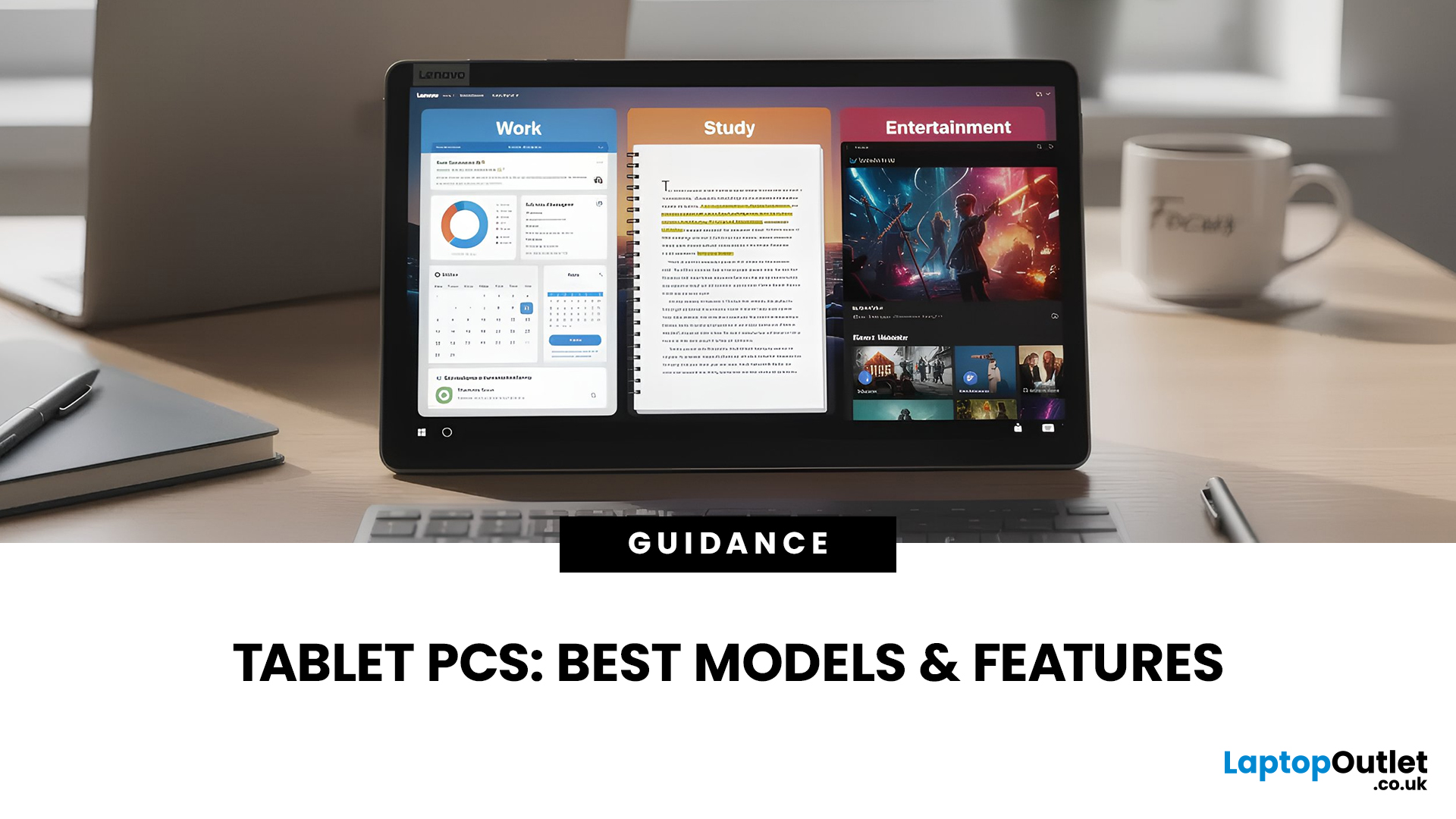
In 2026, Lenovo Tablet PCs feel more relevant than ever, especially if you care about value, flexibility, and devices that work just as well for studying, working, streaming, or light creativity.
This isn’t about hype.
It’s about what Lenovo tablets actually do well, where they fit best, and why they’re still one of the smartest tablet choices in the UK right now.
Why Lenovo Tablet PCs Still Matter in 2026
The tablet market has split into extremes. On one end, you’ve got ultra-premium devices that cost as much as laptops. On the other, budget tablets that struggle with basic multitasking.
Lenovo lives in the sweet spot.
Lenovo tablet PCs focus on:
- Practical performance
- Reliable build quality
- Sensible pricing
- Clear use cases
That’s

Last Updated: January 27, 2026
Intel has remained a titan in the world of PC gaming for decades. Their processors power some of the most capable high-performance gaming desktops on the market today.
Recently, we have seen a massive shift in how these chips operate. The evolution from the classic Core i-series to the brand-new Ultra Core processors marks a new era. These advancements are not just about speed; they are redefining the entire gaming experience.
If you want a top-tier machine, understanding how Intel CPUs work in gaming desktops is essential.
The Role of a CPU in Gaming
The CPU acts as the brain of your computer. It handles every logic calculation and physics instruction required for your game.
CPU vs GPU: Understanding the Balance
The GPU handles the visuals and graphics rendering. Meanwhile, the CPU manages physics, logic, and artificial intelligence.
You need a strong balance between both components to avoid lag. If one is too slow, the other cannot perform at its full potential during intense sessions.
Last Updated: January 27, 2026
Over the past decade, AMD has transformed from an underdog in the CPU market to a dominant force in gaming PCs.
With its Ryzen series, AMD has consistently delivered processors that combine high performance, competitive pricing, and innovative features. For UK gamers, this has meant more choice, better value, and the ability to build powerful rigs without overspending.
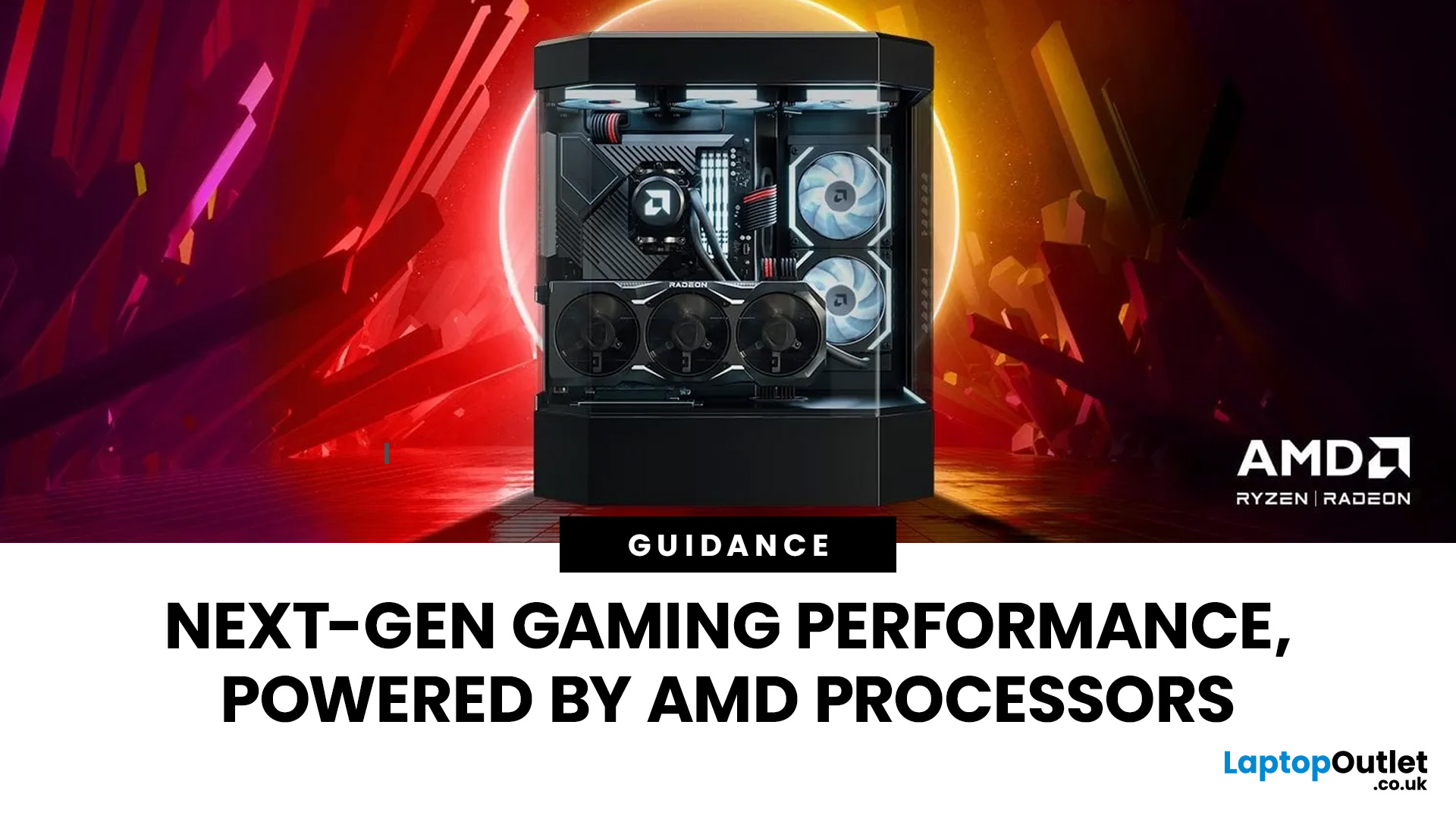
In this guide, we’ll explore exactly how AMD processors work in gaming PCs, the key features that make them stand out, and the benefits they bring to gamers.
Understanding AMD Processors in Gaming PCs
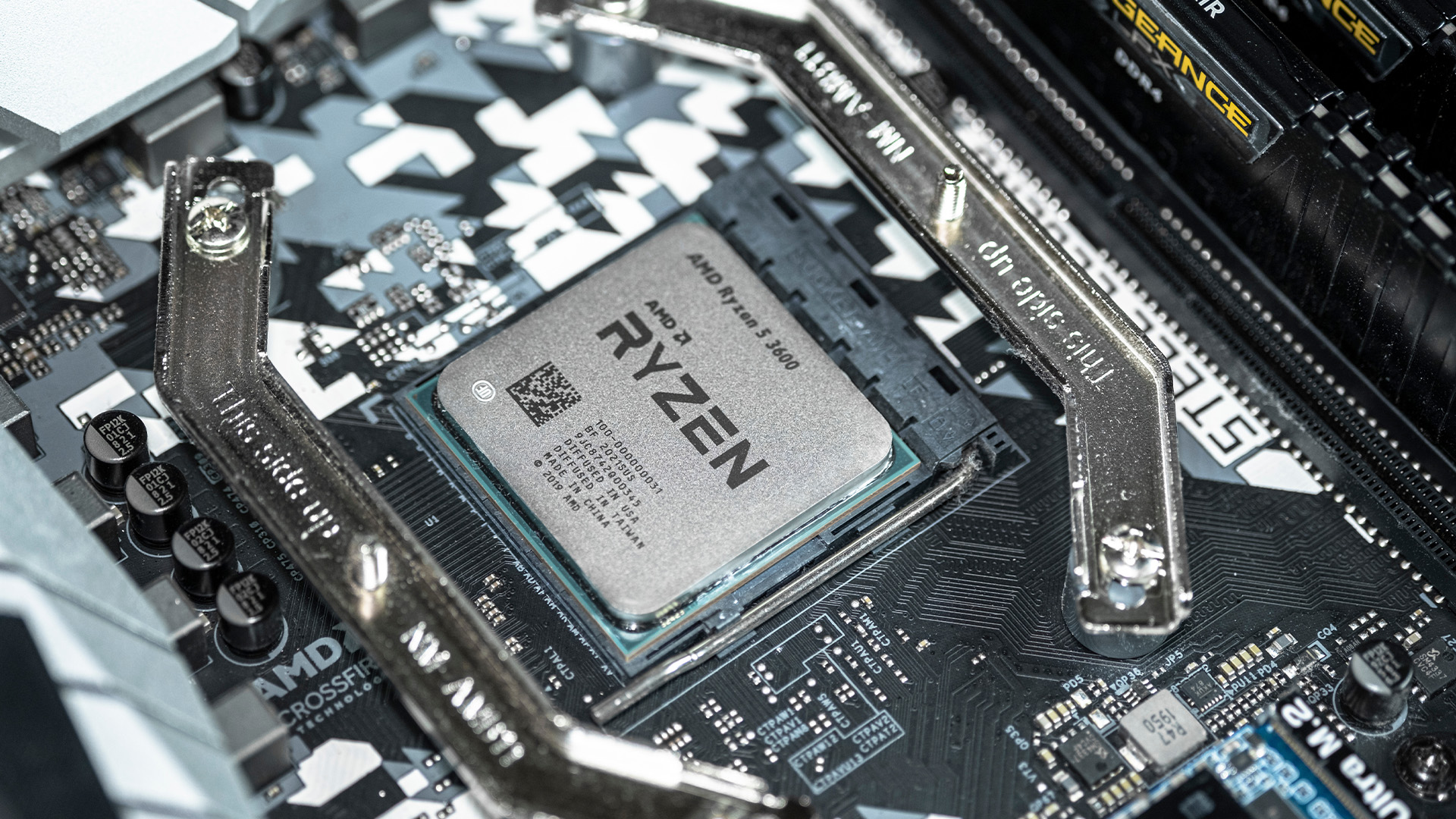
In any gaming setup, the Central Processing Unit (CPU) acts as the primary coordinator. It handles complex AI logic, processes game physics, and manages all background system tasks while your graphics card renders the visuals.
AMD has revolutionised this space by moving away from traditional "monolithic" chip designs where everything is on one piece of silicon. Instead, the modern AMD CPU architecture uses a modular

Last Updated: January 27, 2026
The world of PC gaming has changed forever thanks to a massive leap in graphics innovation. If you have looked at modern gaming desktop PCs recently, you have likely seen the term "RTX" everywhere.
But what is NVIDIA RTX technology exactly? It is not just a fancy label on a box. It represents a total shift in how your computer creates the images you see on screen.
By combining clever artificial intelligence with raw power, NVIDIA has made games look like Hollywood films while keeping them running smoothly.
Introduction to NVIDIA RTX Technology
NVIDIA RTX (Ray Tracing Texel eXtreme) is more than just a brand name. it is a high-end computing platform. It combines specialized hardware cores with advanced software to create lifelike visuals.
A Brief History of NVIDIA Graphics Cards
Before RTX, we had the GTX (Giga Texel Shader eXtreme) series. These cards were powerful, but they relied on "rasterisation." This is a method where a 3D scene is squashed into 2D pixels on your screen. It worked

