



Are Refurbished Desktop PCs Worth Buying in 2026?

If you’re asking “are refurbished desktop PCs worth it” in 2026, you’re not alone. Refurb is having a moment in the UK, partly because budgets are tight, and partly because more people want a cheaper, lower-waste way to get solid tech. At the same time, buyers are more hesitant than ever… and that hesitation is not random. A few very 2026-specific changes have raised the stakes.
This guide breaks down the real reasons people hesitate in 2026, and how Laptop Outlet reduces those risks so you can buy refurbished with genuine peace of mind - without losing out on choice or price.
What changed in 2026 that made buyers more cautious?
1) The Windows 10 “cliff edge” is now behind us
Windows 10 support ended on 14th October 2025, which means many older desktops are now in a riskier zone if they can’t upgrade cleanly.
Yes, Microsoft offers Extended Security Updates (ESU), but for consumers it’s a limited runway (through 2026) and comes with requirements that can add friction.
Why this makes refurbished desktops feel risky in 2026: buyers are worried they’ll pay for a refurbished machine and then discover it’s stuck on an unsupported OS or needs workarounds to stay secure.
If you’re unsure what refurbished really means and how it differs from other used tech, check out our guide on what refurbished means vs second-hand products to clear up the terminology.
2) Office support and “everyday productivity” expectations shifted
Microsoft also aligned support changes around the Windows 10 end-of-support window, pushing people toward newer setups for the smoothest Microsoft 365 experience.
What buyers fear: “Will this refurb feel outdated faster than I expect?”
3) The refurb market is bigger and marketplaces are crowded
Online marketplaces now dominate refurbished distribution (large share in 2025, still growing), which is good for price competition but also increases inconsistency in standards.
What buyers fear: “Refurbished” can mean anything from properly tested and warrantied… to “wiped and listed.”
4) Running costs matter more (yes, even for desktops)
UK households are still watching bills closely, and energy headlines haven’t gone away. For example, Ofgem’s price cap changes for Jan–Mar 2026 were publicly announced, keeping energy cost in the conversation.
Why this affects refurbished desktops: older desktops can be less efficient at idle and under load, so some buyers worry that “cheap upfront” becomes “more expensive over time.”
5) Buyers are more security-aware than they were a few years ago
Refurb hesitation isn’t just “is it used?” anymore. It’s:
- Was it properly wiped?
- Are firmware/updates still supported?
- Is there a real warranty if something fails after a month?
This is also happening in a tighter compliance landscape for refurbished goods in Europe (product safety and waste rules getting more serious).
The growth in availability and consumer interest is part of the broader refurbished tech boom in the UK, which has brought both opportunity and inconsistency to the market.
So… are refurbished desktop PCs worth it in 2026?
They can be - if you buy refurbished the right way.
The “worth it” equation in 2026 comes down to whether the seller solves these specific fears:
- OS + security readiness (post-Windows 10 era)
- Transparent warranty + simple claims
- Clear condition grading and honest listing (no vague specs)
- Data handling and sanitisation you can trust
- Returns policy that doesn’t trap you
If those are handled properly, refurbished desktops can deliver excellent value—especially for home office, schoolwork, admin, and general productivity.
Just as with desktop PCs, many buyers ask whether refurbished peripherals like screens are worth it, see our checklist before buying a refurbished monitor for a practical example of what to consider.
Why buyers hesitate in 2026 (and how Laptop Outlet resolves it)
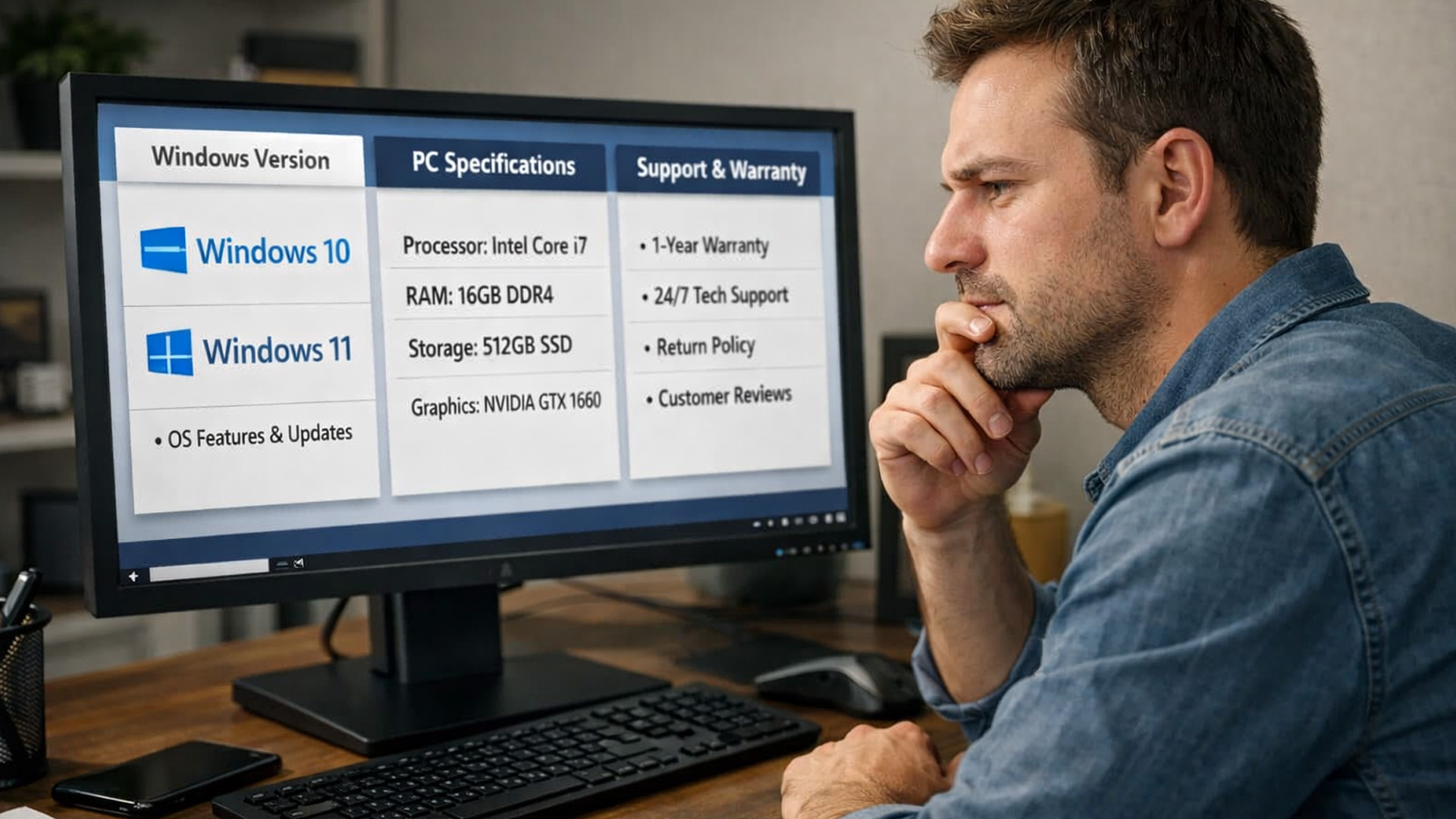
Hesitation #1: “Will it be supported and secure?”
The 2026 reality: Windows 10 is out of mainstream support, and buyers don’t want uncertainty.
How Laptop Outlet reduces the risk:
- We make warranty length and product details clear on the product page, so you’re not guessing what you’re buying.
- If something isn’t right, you have a straightforward route through support to diagnose, repair, or replace under warranty terms.
(Tip for your copy: you can also add a “What to check” snippet on listings e.g., Windows 11 compatibility, TPM, etc. so shoppers feel guided, not sold to.)
Hesitation #2: “Refurbished could mean anything”
The 2026 reality: because online channels are so dominant, standards vary wildly from seller to seller.
How Laptop Outlet reduces the risk:
- We don’t hide behind vague wording warranty, returns are documented, and customers are directed to check the warranty shown for that specific refurbished product.
- We back the experience with a support process designed to be clear and practical (diagnosis → return instructions → repair or replacement).
Hesitation #3: “What about my data… or someone else’s data?”
The 2026 reality: security anxiety is higher, and data wiping is a major trust factor.
How Laptop Outlet reduces the risk:
- Laptop Outlet states that returned items received on-site undergo datasanitisation, ensuring customer data is securely wiped before further processing.
That kind of explicit policy language matters, because it shows data handling is treated as a real operational step, not a marketing phrase.
For a deeper look at how refurbishment testing and certification works behind the scenes, see our blog on refurbished tech testing and certification standards.
Hesitation #4: “If something goes wrong, I’ll be stuck”
The 2026 reality: buyers want a safety net, not a gamble.
How Laptop Outlet reduces the risk:
- Laptop Outlet explains warranty coverage in plain English: what’s covered (hardware faults from normal use), what’s not (accidental damage, wear and tear), and how to claim.
- The returns/warranty page also sets expectations and provides direct contact routes for warranty claims and data enquiries.
This matters because the #1 reason people regret a refurbished purchase isn’t “it was used” it’s “support disappeared when I needed it.”
If you’re curious about why choose a refurbished monitor (and how similar value logic applies to desktops), that blog gives real-world examples of savings without quality compromise.
“Affordable in the UK” without the brag: how to say it credibly
Instead of “cheapest” claims, you can position affordability like this:
- Value comes from matching specs to real needs (so buyers don’t overspend on new hardware they won’t use)
- Refurb lets you choose stronger build quality (e.g., ex-business models) at a lower price point
- Warranty + returns reduce the ‘hidden cost’ risk (repairs/replacements handled through a defined process)
This is persuasive because it explains why the price is good, without sounding like empty hype.

In 2026, people hesitate because the world changed: Windows 10 ended, security expectations rose, marketplaces got noisier, and buyers want clarity.
So are refurbished desktop pcs worth it?
Yes - when the seller removes uncertainty with transparent warranty terms, clear product information, reliable support processes, and trustworthy data handling. For those looking to shop refurbished desktop PCs, Laptop Outlet’s published warranty guidance and customer data sanitisation policy directly address some of the biggest concerns buyers face in 2026.

Are Refurbished Desktop PCs Worth It in 2026?
Will a refurbished desktop still be secure now that Windows 10 support has ended?
This is one of the biggest concerns in 2026. Since Windows 10 reached end of support in October 2025, buyers worry about security updates and long-term usability. A refurbished desktop is only worth buying if it’s properly set up with a supported operating system or a clear upgrade path and backed by a warranty so you’re not left exposed if compatibility issues arise.
Can refurbished desktops keep up with modern software and everyday AI features?
For most users, yes. In 2026, the majority of AI features in productivity apps are cloud-based, not reliant on powerful local hardware. That means a well-specified refurbished desktop can comfortably handle work, study, browsing, and office software without needing the very latest processor. The key is buying a system that’s been tested and configured correctly, not just wiped and resold.
Are refurbished desktops more expensive to run because of energy usage?
This is a valid concern in the UK, where energy costs remain a talking point in 2026. Older desktops can draw more power than brand-new ultra-efficient models, but this doesn’t automatically make refurbished a bad choice. Many ex-business desktops are designed for efficient long-term use, and for typical home or office workloads, the difference in running costs is often smaller than people expect.
How do I know my data and the previous owner’s data are completely wiped?
Data security is a much bigger worry in 2026 than it was a few years ago. A trustworthy refurbished retailer should clearly state that data sanitisation is part of their refurbishment process, not something left vague or implied. If a seller can’t explain how returned devices are handled and wiped, that’s a red flag, regardless of price.
Is buying refurbished still worth it when new desktop PCs are cheaper than before?
New desktops have become more affordable but refurbished still makes sense when you want better build quality, a wider range of specifications, and stronger value at a given price point. In 2026, the real comparison isn’t “new vs refurbished” it’s cheap new consumer hardware versus tested, warrantied refurbished systems. The latter often wins on durability and overall value when backed by proper support.
| Read More: |
| Refurbished Tech Boom: Why More Users Choose Renewed Devices |
| Refurbished vs Second-Hand: Which is a Smarter Choice? |
| What Does Refurbished Mean? |
Related Articles


Last Updated: September 28, 2026
Quick Answer: Prebuilt or Custom PC?
A prebuilt PC is usually better if you want a complete, tested computer with Windows, warranty support and minimal setup. A custom PC gives you greater control over components, cooling, appearance and future upgrades. Neither is automatically faster or less expensive. The better choice depends on the exact specification, component quality, total cost and how much involvement you want.
Buying a desktop PC often comes down to one choice: buy a complete system or choose the components yourself.
Both routes can deliver excellent performance. The difference is mainly in how much control, setup work, upgrade flexibility and support you want after buying.
This guide compares prebuilt vs custom desktop PCs across cost, performance, cooling, warranties, upgrades and everyday use so you can decide which approach actually suits your needs.
What Is the Difference Between a Prebuilt and Custom PC?
A prebuilt PC arrives as a complete system assembled by a manufacturer
Published: October 23, 2025
Your complete guide to performance, specs, and picking the right system for work or play.
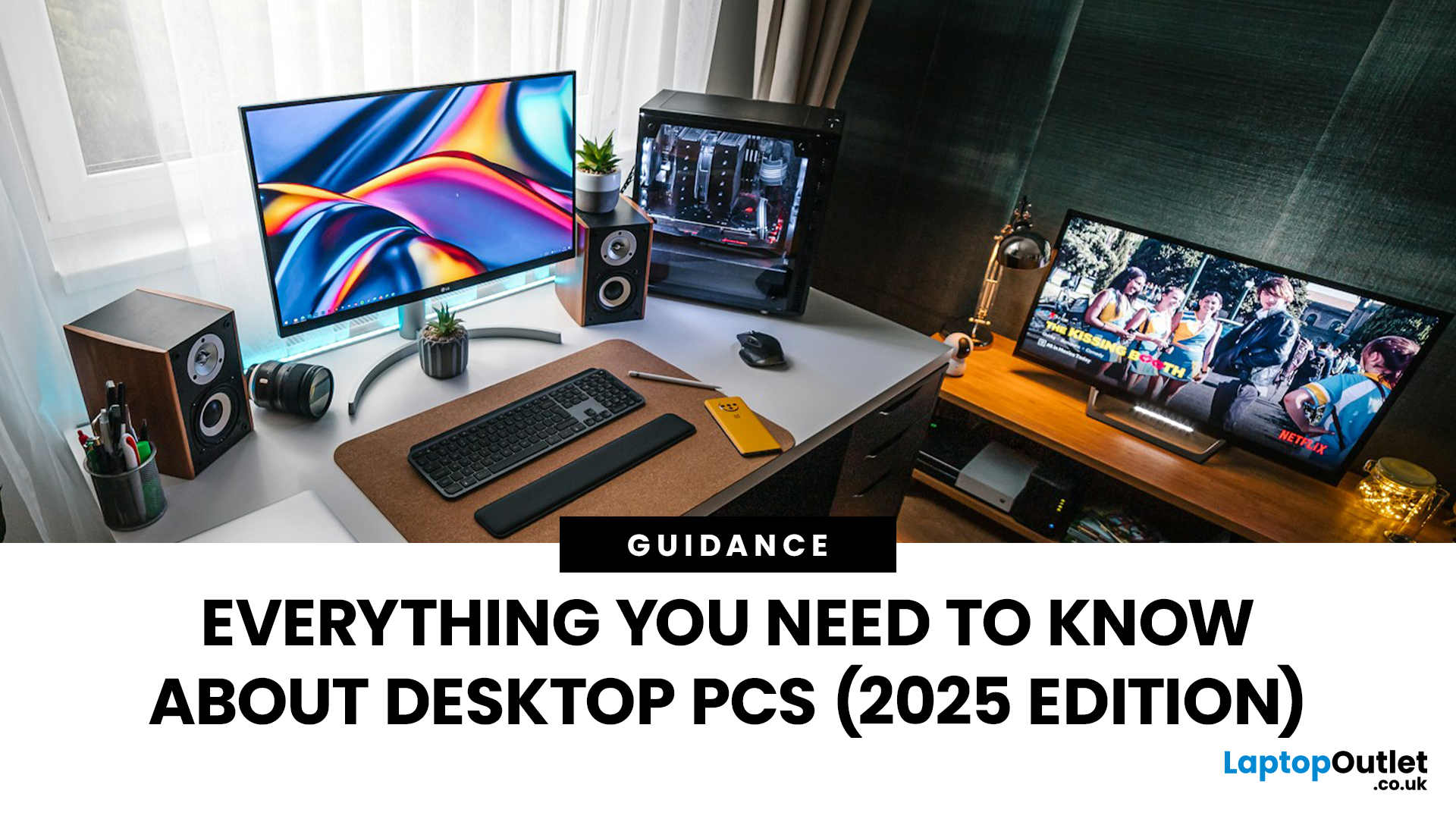
When it comes to raw power, flexibility, and longevity, desktop PCs still reign supreme. Sure, laptops have gone lighter, and tablets now pretend to be “pro,” but if you’re serious about performance — whether for gaming, design, business, or just smooth multitasking - a desktop remains the smart choice.
In this ultimate desktop PCs guide, we’ll cover everything: from how desktops stack up against laptops, to what all those spec-sheet numbers (CPU, GPU, RAM, SSDs) really mean. You’ll also find insights into the latest desktop PC trends in 2025, and our recommendations for every type of user — from casual home users to hardcore creators.
1. Desktop PCs vs Laptops —What’sthe Real Difference?
Before diving into specs and performance, let’s address the age-old debate: why pick a desktop when you can buy a laptop? The answer depends on your priorities — but desktops win in more areas than most people think.
Last Updated: August 25, 2026
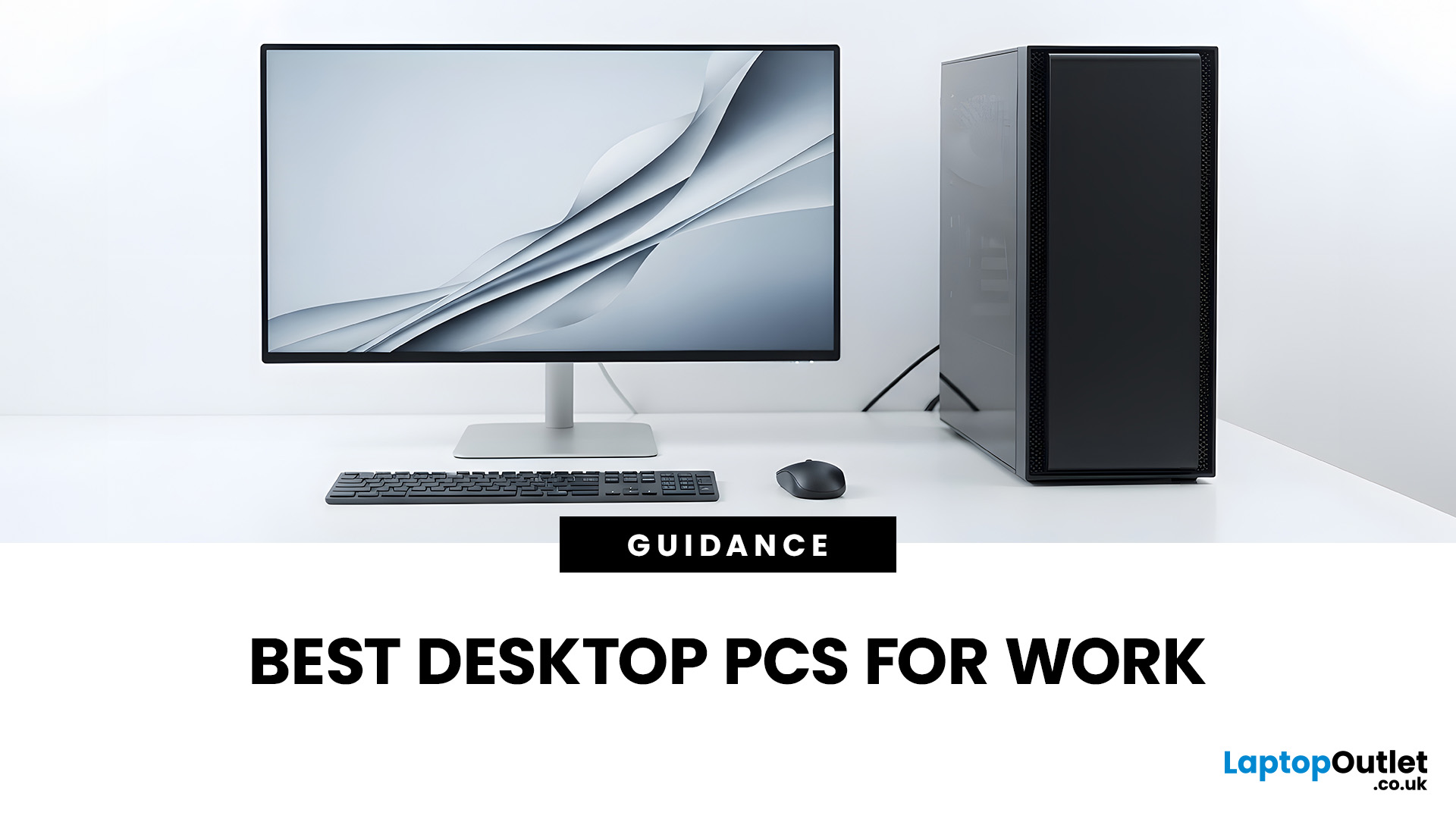
The best desktop PC for work depends on matching hardware to your actual tasks rather than simply choosing the most powerful option. Finance teams working in spreadsheets need different specifications compared to architects using 3D software, while reception areas often benefit from compact all-in-one systems instead of traditional towers. This guide highlights current desktop PCs from Laptop Outlet across four categories: Tower PCs, All-in-One PCs, Mini PCs and Workstations, based on availability checked on 14 August 2026, though stock may change.
How We Selected These Desktop PCs for Work
We prioritised business-ready specifications, useful connectivity, sensible memory and storage configurations, operating-system suitability and the workload each machine is best placed to handle. Rather than treating every professional as a power user, the list covers everyday office work, hybrid working, compact desks, creative projects and heavier technical workloads.
A useful rule is to buy for your

Last Updated: February 19, 2026
A new year is the perfect excuse to retire the sluggish desktop that wheezes when you open five tabs or the “gaming PC” that now struggles to hold stable FPS in modern titles. New Year desktop PC deals are one of the best windows to upgrade because prices tend to be sharper, stock gets refreshed, and you can often jump up a whole performance tier for less than you’d expect.
If you’re shopping from the UK, this is also the season where desktop PC New Year deals UK searches explode for a reason: people want a better PC for less, and they want it delivered quickly and safely. Laptop Outlet’s New Year event is built for that kind of upgrade run, tech across categories, limited-time promos, and a straightforward way to browse by what you actually need. You can start with huge savings in New Year tech sale while you compare options and decide your budget.
What counts as a “great deal” in 2026?
The best New Year desktop PC Deals don’t just mean “lowest price.” A great deal in 2026 is one where

Last Updated: January 27, 2026
Building or buying a high-end gaming PC is an exciting journey for any enthusiast. The market moves fast, and staying updated on the latest hardware is essential for the best experience.
In this gaming desktop PC breakdown, we will explore the core parts that make a machine powerful. We will look at the latest processors from AMD and Intel, the incredible graphics power of NVIDIA RTX and Radeon RX, alongside other core components.
Whether you want to play the newest AAA titles or compete in esports, understanding these parts is vital. Let us dive into the modern world of gaming PC technologies.
Understanding Gaming Desktop PCs
A gaming desktop PC is a high-performance computer designed specifically to handle demanding video games. Unlike standard PCs, these machines focus on graphical power and fast processing speeds. They use specialised parts that can handle high heat and heavy workloads.
While gaming laptops and consoles are popular, the desktop remains the "gold standard" for several

Last Updated: February 03, 2026
Choosing a new processor used to be a simple choice between raw power and budget value. However, as we move through 2026, the landscape has shifted.
The rivalry of Intel vs AMD desktop processors has reached a fever pitch, with both "Team Blue" and "Team Red" offering incredible technology that caters to very specific types of users.
This guide breaks down everything you need to know about the current market to help you decide which brand deserves a spot in your desktop PC.
The State of the Market in 2026
As we move through 2026, both manufacturers have moved beyond simple core-count wars.
Intel has doubled down on its "Arrow Lake" and "Nova Lake" architectures, focusing heavily on integrated AI NPUs (Neural Processing Units) and a refined tiled architecture.
Meanwhile, AMD continues to dominate the enthusiast market with its Zen 5 architecture, led by the legendary 3D V-Cache technology.
Intel’s Current Strategy: The AI PC Era
Intel has successfully transitioned to its LGA 1851 socket.

Published: February 04, 2026
Your desktop PC is a key part of daily life. It handles work, gaming, and more. But how long can it last? Many users worry about desktop PC lifespan.
The good news is you can extend it to five years or beyond. With smart choices and simple habits, your setup stays reliable. This guide shares practical steps. It covers everything from processor picks to daily care.
Understanding Desktop PC Lifespan
Desktop PCs don't have a fixed expiry date. Their lifespan depends on build quality, usage, and maintenance. On average, a well-kept desktop lasts 5-8 years. But push it right, and you can hit 10 years or more. Why care? A longer desktop computer lifespan saves money and reduces waste.
Key Factors Affecting Longevity
Several elements play a role in how long your desktop endures. First, hardware quality matters most. Cheap parts wear out fast. Second, heat buildup shortens life—poor cooling is a killer. Third, software updates keep things secure and efficient. Finally, your habits, like overworking

Last Updated: February 11, 2026
Buying a desktop PC can quickly become frustrating. Endless specs, unfamiliar terms, and conflicting advice make it hard to know what really matters, and easy to waste money on the wrong setup. But here’s the solution: once you understand what desktop PC specifications actually do, choosing the right machine becomes simple. In this desktop PC specs explained guide, we break down every key component in plain English, showing you exactly what you need for work, home or gaming, and what you can safely ignore. No jargon, no guesswork, just confident buying decisions.
Processor (CPU): The Brain of Your Desktop
The processor, or CPU, is one of the most important parts of any desktop PC. It handles instructions and calculations, directly affecting how fast your system feels.
What to look for:
- Cores & Threads: More cores help with multitasking and demanding software
- Clock Speed (GHz): Higher speeds generally mean faster performance
What you actually

Last Updated: February 10, 2026
Buying a desktop PC is a big decision, especially when prices can range from a few hundred pounds to several thousand. The right choice depends not just on your budget, but on how you plan to use your PC now and in the future.
Let us help you understand exactly what you get at different price points, what specifications really matter, and how to avoid common mistakes. Whether you’re buying your first desktop or upgrading an older system, this guide will walk you through everything you need to know.
Why Choose a Desktop PC Instead of a Laptop?

Before diving into budgets, it’s worth understanding why many UK buyers still choose desktops:
- Better performance for the price
- Easier and cheaper upgrades
- Longer lifespan
- Improved cooling and sustained performance
- More connectivity options
For home offices, gaming setups, and creative work, desktops almost always offer better long-term value.
Understanding Desktop PC Specifications (Quick Primer)
If you’re not technical, these are the core components
Last Updated: May 05, 2026
Let’s call this out early: “AI-Ready” is one of those phrases that sounds important but tells you almost nothing by itself.
Every PC brand is using it. Every listing claims it. And most buyers still walk away thinking, “Cool… but what does that actually do for me?”
So instead of selling you a future fantasy, let’s talk about what AI-Ready desktops actually change in 2026, where they matter, and where they really don’t.
First: Why Everyone Is Suddenly Calling Their PCs “AI-Ready”
AI didn’t just become a software thing - it became a hardware conversation.
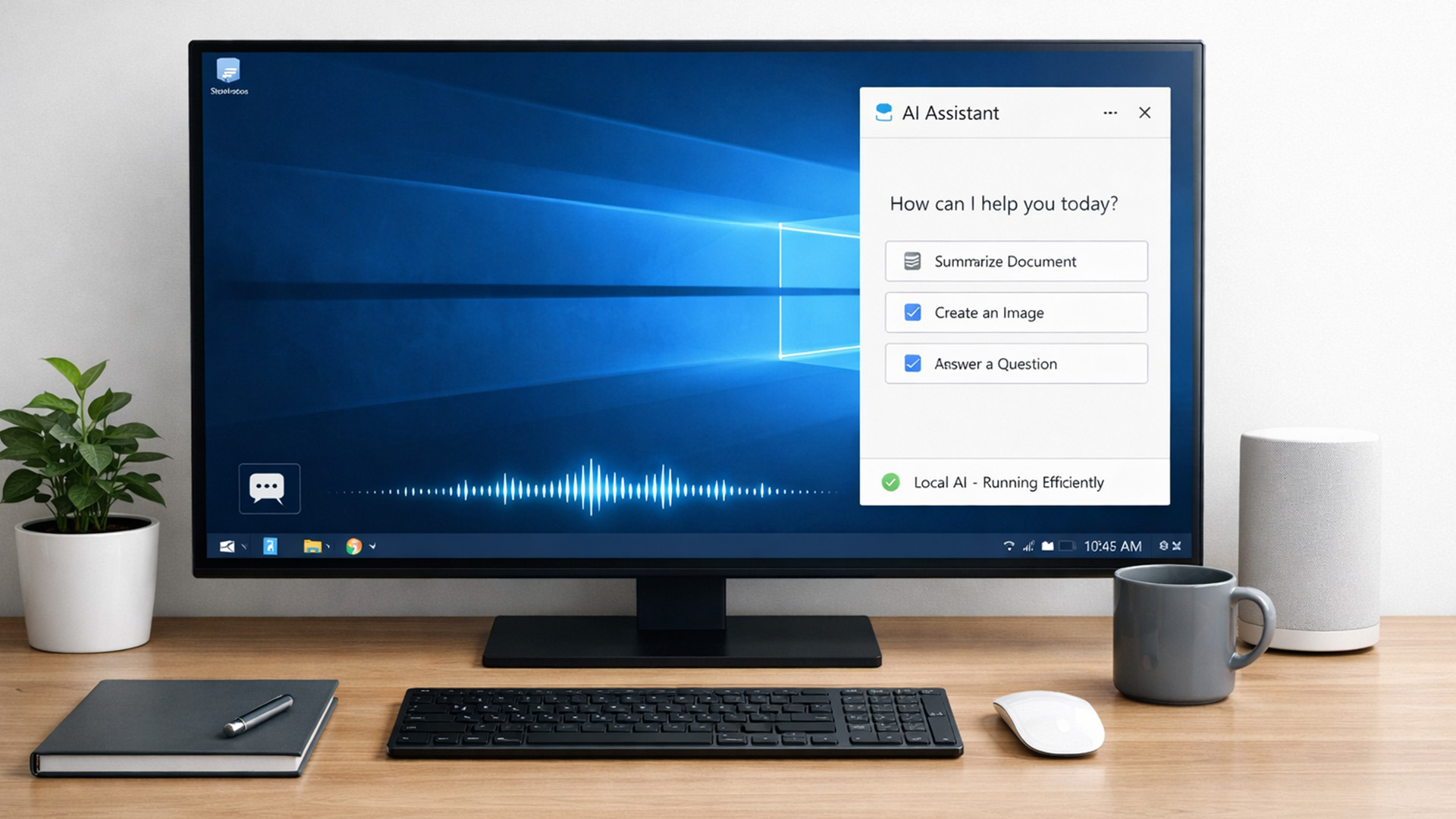
For years, AI lived in the cloud. You typed something, it went to a server, magic happened, and the result came back. Now, operating systems (especially Windows) are pushing AI features onto the device itself. That shift is what triggered the “AI-Ready” wave.
An AI-Ready desktop is basically a PC that can:
- Run certain AI tasks locally
- Do it efficiently
- Without destroying performance or power usage
That’s it. No sentience. No robot takeover.

