



Everything You Need to Know About Desktop PCs (2025 Edition)
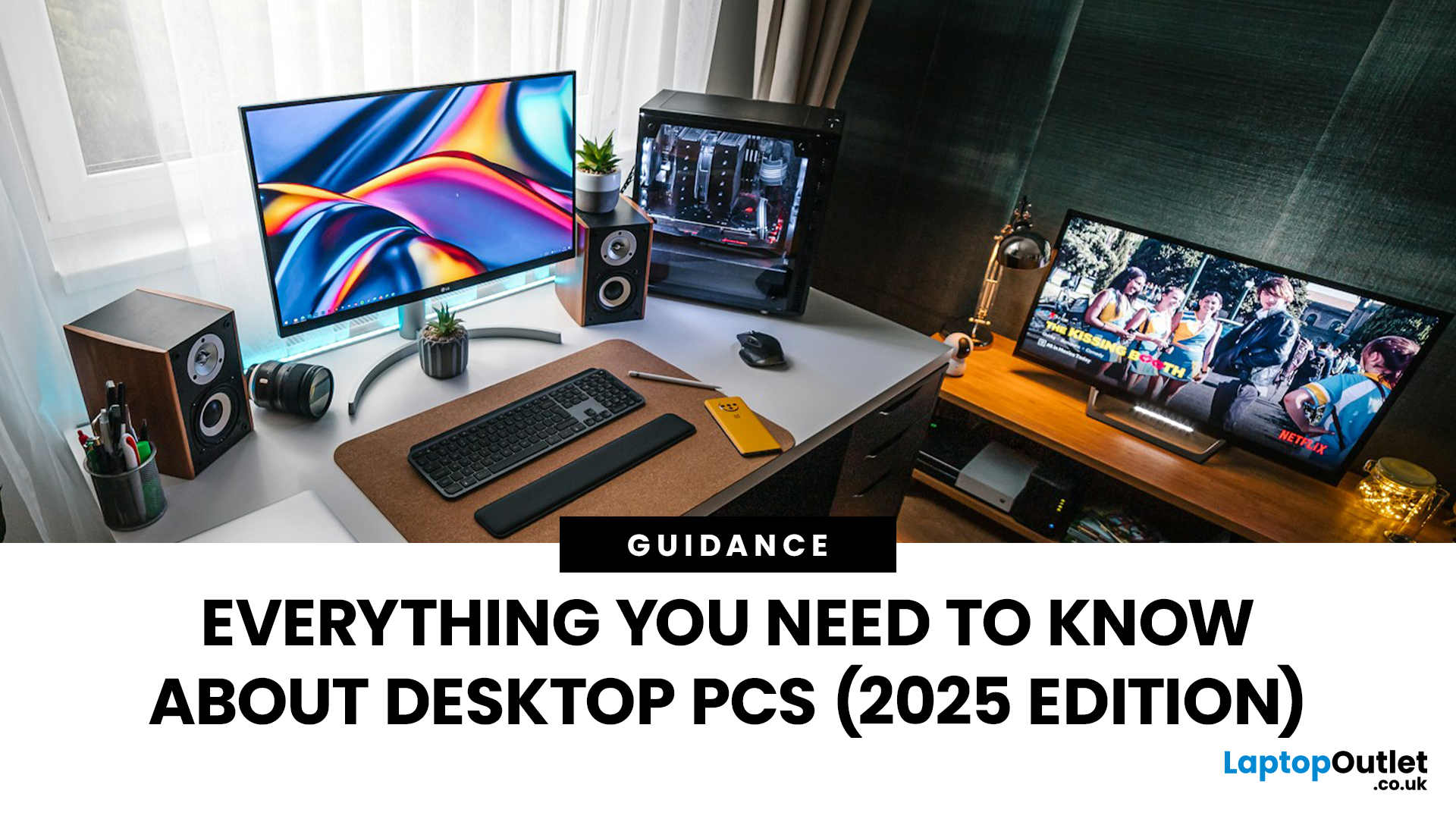
Your complete guide to performance, specs, and picking the right system for work or play.
When it comes to raw power, flexibility, and longevity, desktop PCs still reign supreme. Sure, laptops have gone lighter, and tablets now pretend to be “pro,” but if you’re serious about performance — whether for gaming, design, business, or just smooth multitasking - a desktop remains the smart choice.
In this ultimate desktop PCs guide, we’ll cover everything: from how desktops stack up against laptops, to what all those spec-sheet numbers (CPU, GPU, RAM, SSDs) really mean. You’ll also find insights into the latest desktop PC trends in 2025, and our recommendations for every type of user — from casual home users to hardcore creators.
1. Desktop PCs vs Laptops —What’sthe Real Difference?
Before diving into specs and performance, let’s address the age-old debate: why pick a desktop when you can buy a laptop? The answer depends on your priorities — but desktops win in more areas than most people think.
Performance
Desktops simply have more room — for better cooling, bigger power supplies, and high-performance parts. The same processor in a desktop usually outperforms its laptop equivalent because it can sustain higher speeds for longer.
Upgradability
Most laptops are sealed up tighter than Fort Knox. Desktops? Open them up, and you can swap RAM, SSDs, graphics cards, and even CPUs. You can upgrade gradually over years instead of replacing the whole system.
Longevity
Because desktops don’t overheat or throttle as easily, they tend to last longer. Many professionals use the same tower for five to eight years — just updating components when needed.
Comfort & Setup
Desktops allow for bigger, better displays, ergonomic setups, and multiple monitors — something laptop users can only dream of.
Verdict
If you’re always on the go, a laptop makes sense. But if your work (or play) happens at a desk, a desktop PC will give you better performance, longer lifespan, and more freedom to customise.
Ready to explore options? Check out the full range of desktop PCs at Laptop Outlet — from creative workstations to compact business systems.
2. Understanding PC Specs — CPU, GPU, RAM, and Storage Explained
Every desktop ad looks impressive — “12-core CPU! RTX graphics! DDR5 RAM!” But what does any of that mean in real life? Let’s break it down in plain English.
CPU (Processor)
Think of it as your computer’s brain.
- For everyday work, an Intel Core i3 or i5 is plenty.
- For heavy tasks like video editing, design, or gaming, you’ll want a Core i7 or i9 (or AMD Ryzen 7/9).
- More cores = better multitasking.
- Clock speed (in GHz) tells you how fast each core works — higher is better.
Explore Core i3 PCs for everyday users, or step up to Core i9 systems for power users.
GPU (Graphics Card)
Handles visuals — not just for gaming, but video playback, rendering, and design.
- Integrated graphics are fine for browsing, spreadsheets, or HD video.
- Dedicated GPUs (like NVIDIA RTX or AMD Radeon) are must-haves for creators and gamers.
- For example, a Core i7 gaming PC with an RTX 4070 easily outpaces any laptop for 3D work or editing.
You can shop high-performance gaming desktops or even find refurbished DELL PCs with solid GPUs at lower prices.
RAM (Memory)
RAM helps your system multitask.
- 8 GB is fine for light work.
- 16 GB is the sweet spot for most professionals.
- 32 GB+ is where you want to be for editing, CAD, or 3D.
Storage
Modern systems use SSDs (Solid State Drives) — they’re fast and silent. HDDs (Hard Drives) are slower but larger and cheaper.
Many desktops now mix both: SSD for speed, HDD for space.
The Balance
It’s not just about one component — it’s how they all work together. A Core i5 with a good SSD often feels faster than a Core i7 paired with a slow hard drive.
3. Types of Desktop PCs Explained
There’s no one-size-fits-all. The desktop family is huge — from traditional towers to all-in-one systems and tiny mini-PCs. Here’s how to tell which fits your lifestyle.
Tower PCs
The classic choice — powerful, upgradeable, and built for serious multitasking. Great for professionals and gamers alike.
Browse the latest tower desktops at Laptop Outlet.
Mini PCs
Small but mighty. Mini PCs are ideal for offices, education, and minimalist workspaces. Many pack full-sized power into palm-sized frames.
Discover cheap mini PCs for office use — efficient, silent, and easy to tuck away.
All-in-One PCs
The minimalist’s dream: a monitor and PC in one. Perfect for homes or creative studios short on space. Touchscreen options like the HP Pavilion AIO or MSI All-in-One PC make them versatile and stylish.
Check out the best touchscreen all-in-one PCs for clutter-free setups.
Workstations
If you run AutoCAD, Maya, or DaVinci Resolve, you need a workstation. These beasts feature Xeon or Core i9 CPUs, ECC RAM, and professional GPUs.
Explore best workstation computers for power users and creatives.
Thin Clients
Ideal for cloud-based businesses or remote access setups. These light desktops rely on servers or virtual machines rather than local hardware.
View thin client PCs for business networks.
4. Desktop PC Trends to Watch in 2025
Desktops have quietly evolved into more energy-efficient, creative, and AI-ready systems. Here’s what’s shaping the market right now.
1️⃣ Smaller, Smarter Designs
Gone are the chunky towers of the past. Brands like Lenovo, ASUS, and HP are creating sleek, modular systems that look at home in modern offices. Mini PCs and slim towers are dominating — without losing power.
2️⃣ AI-Enhanced Performance
AI acceleration is becoming standard, especially with Intel’s new Core Ultra chips and NVIDIA RTX GPUs that leverage AI cores. Expect faster rendering, real-time denoising, and smarter multitasking in creative workflows.
3️⃣ Sustainable Builds
The move toward recycled materials and modular parts is real. Brands like HP and Dell are using more eco-conscious designs, while refurbished PCs are being professionally rebuilt to extend hardware lifespans.
4️⃣ Quiet Powerhouses
Thermals have improved drastically. 2025 desktops are quieter and cooler — even when under full load — making them perfect for home offices or creative studios.
5️⃣ The Rise of the Hybrid PC
Many desktops now blur the line between gaming rig and professional workstation, capable of switching roles easily. Systems like the ASUS ROG Strix or MSI Infinite RS can handle both AAA gaming and 3D design effortlessly.
5. The Best Desktop Computers by Category
Here’s a quick look at standout desktop categories for 2025 — across work, play, and creativity.
Best Business & Office PCs
- HP Pro Tower 290 G9 – Reliable, easy to maintain, perfect for multitasking.
- Lenovo ThinkCentre M90t / M90a – Clean, quiet, and built for professional use.
- Dell OptiPlex 7010 – The go-to for secure enterprise setups.
Shop trusted HP, DELL, and Lenovo PCs.
Best for Creators & Designers
- ASUS ProArt Station D700 – ISV-certified, ultra-quiet, and built for creative workflows.
- MSI Creator P100X – Elegant design with high-end RTX performance.
- HP Z2 G9 Tower – Ideal for CAD, 3D, and editing professionals.
Explore workstation PCs and Core i9 systems.
Best for Gamers
- ASUS ROG Strix G35CA – The ultimate mix of gaming and productivity.
- MSI Infinite RS – Liquid-cooled powerhouse with RTX 4080.
- Dell Alienware Aurora R16 – Bold design, exceptional cooling.
Browse ASUS gaming PCs, MSI towers, and gaming desktops.
Best Value & Refurbished PCs
- HP EliteDesk 800 G6 (Refurbished) – Great business PC for less.
- DELL OptiPlex 7090 (Refurbished) – Affordable multitasking machine.
- Lenovo ThinkCentre M720 (Refurbished) – Ideal for small offices.
Find certified refurbished desktop PCs for premium quality on a budget.
6. Desktop PC Buying Guide — How to Choose the Perfect One
Choosing a desktop can feel overwhelming — but it doesn’t have to be. Here’s a quick step-by-step checklist.
Step 1: Define Your Use Case
- Home & Study: Core i3 / i5, 8–16 GB RAM.
- Business: Core i5 / i7, SSD storage, compact design.
- Gaming or Content Creation: Core i7 / i9, RTX GPU, 16–32 GB RAM.
- Workstation or CAD: Xeon or i9 CPU, ECC RAM, workstation GPU.
Step 2: Choose Your Form Factor
- Tower PC — for upgradability.
- All-in-One PC — for style and simplicity.
- Mini PC — for compact, efficient setups.
Step 3: Consider Longevity
Invest in quality parts. A mid-range desktop with good cooling will outlast a flashy laptop every time.
Step 4: Balance Price and Performance
Look for bundles or refurbished deals to stretch your budget. A Core i5 desktop often handles most workloads brilliantly — and you can upgrade later.
Start exploring affordable desktop PCs and refurbished deals today.
7. The Future of Desktop PCs — WhyThey’reHere to Stay
Despite years of “desktops are dying” headlines, they’re more alive than ever. In fact, 2025’s desktop scene looks better than it has in a decade. With hybrid work becoming the norm, people are rethinking their setups — and realising that nothing beats the comfort and power of a proper workstation.
We’re also seeing exciting innovation: AI-assisted cooling, 3D-printed cases, silent builds, and high-efficiency designs that rival laptops in power draw. Plus, modular parts mean your PC can evolve with you — instead of being replaced every two years.
Desktops are no longer just for gamers and techies. They’re the foundation of productivity, creativity, and remote work — quietly powering the world behind the scenes.

8. Conclusion — Build Your Perfect Setup
Whether you’re shopping for the best desktop computer for your office, studio, or home, there’s never been a better time to invest. The range today is vast — from Core i3 home PCs to Core i9 creative monsters, from thin clients to AI-ready workstations.
If you want value, performance, and reliability, start your search at Laptop Outlet — the UK’s trusted destination for:
- Refurbished desktops for unbeatable value
Your desktop isn’t just a computer — it’s your creative partner, your office, your entertainment hub, and your long-term investment. So choose one that’s built for how you work, play, and create — because in 2025, desktops aren’t just surviving. They’re thriving.
| Read More: |
| Prebuilt vs Custom Desktop PCs: Pros and Cons Explained |
| Best Gaming Desktop PCs in 2025 for Every Gamer |
| What Desktop PC Should I Buy |
Related Articles

Last Updated: September 22, 2026
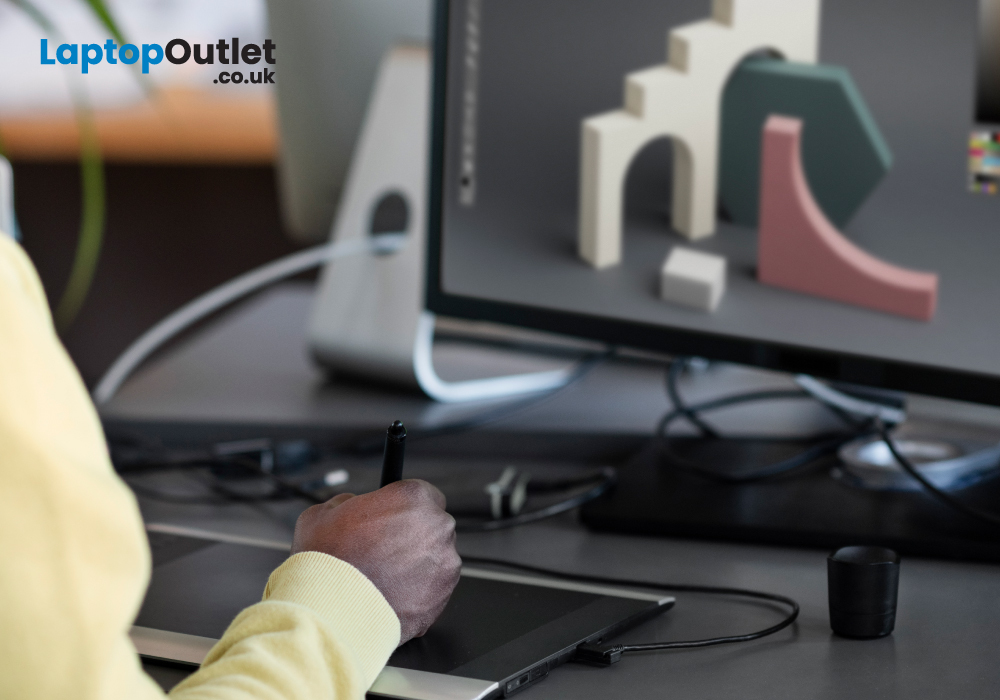
Are you an artist or creative professional looking for the right system to match your pace? If yes, you are in luck! In this article, we will tell you everything you need to know about the best desktop PCs for creatives and designers.
Desktop PCs have been regarded as "workhorses" for creative designers, from graphic designers to video editors to animators. With a desktop computer, you can perform multiple graphically demanding tasks such as dynamic designs, crafting informative illustrations, editing photos or videos, and performing 3D rendering, among others.
Purchasing a desktop PC is always exciting, but if you don’t know the exact components and specifications, it can be daunting too. In this article, we’ll walk you through all the elements to consider and explain the jargon along the way. We will also suggest to you the 5 best desktop PCs to help you find the right one as per your requirements.
Things to Consider When Choosing a Desktop PC
A desktop PC is the best choice for creative
Last Updated: June 03, 2025
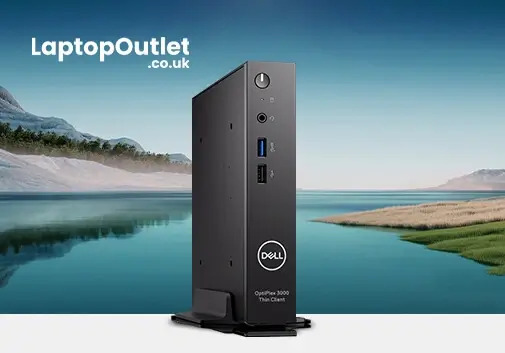
So, you've found yourself in the market looking for a Thin Client desktop PC and are overwhelmed about where to start. Fortunately, you're in the right place.
This guide has standards and features that can help you narrow your selection and get the most out of your VDI environment.
With the expansion of automation, virtualised computers, and remote work, the need for a Thin Client workstation has grown significantly. These lightweight and portable computing devices rely on the host machine for most of their storage and processing demands. The host machine can be a virtual or traditional computer and handles tasks like running applications, managing user accounts, and storing files.
Thin desktop PCs offer several key benefits over traditional computing devices, such as enhanced connectivity, robust security, easier IT management, and low hardware costs. However, selecting the Thin Client endpoint is not a one-size-fits-all endeavour. You need a comprehensive knowledge of your
Last Updated: September 29, 2026
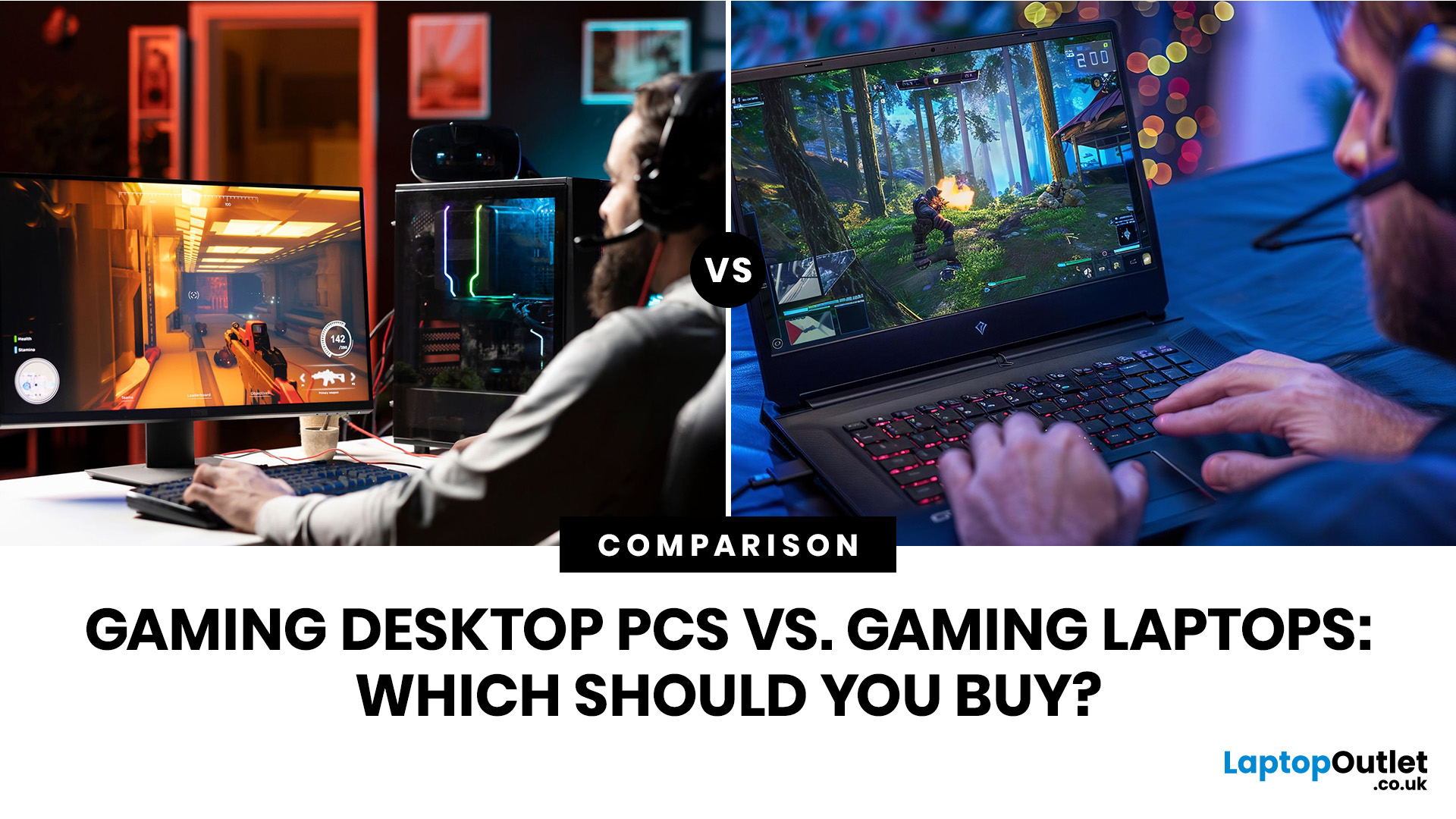
Choose a gaming desktop PC if you want the strongest performance, easier upgrades, better cooling, and the best long-term value. Choose a gaming laptop if you need portable play, a built-in screen, and one machine for gaming, study, work, or travel. In 2026, the sensible choice depends on your space, budget, upgrade plans, and real-world performance expectations.
The debate between a PC gaming laptop vs desktop has been running for years, and in 2026 it is more relevant than ever. Many current gaming laptops and PCs now support NVIDIA RTX 50-series graphics, PCIe Gen 5 storage, and DDR5 memory. On paper, they have never been closer. In practice, the differences that matter most to everyday gamers remain clear and significant. This guide will compare both platforms across all meaningful aspects to help you choose the right one.
Gaming Desktop vs Gaming Laptop: A Side-by-Side Overview
Before diving into the detail, here is a top-level comparison across the factors most UK buyers care about.
Last Updated: August 20, 2026
Buying a new desktop PC can be confusing when you are faced with different processors, graphics cards, RAM capacities, storage options and form factors.
The right choice depends on what you actually need the computer to do. A PC for browsing, studying and office work does not need the same hardware as a gaming desktop or professional workstation.
This guide explains what to look for when buying a desktop PC in 2026, whether you need an affordable home computer, a productive office setup, a powerful gaming PC or a machine for creative work.
Key Factors to Consider Before Buying
Before comparing individual desktop PCs, think about:
- Your main use, such as gaming, work, study or creative applications
- Processor (CPU) performance
- Graphics (GPU) requirements
- RAM capacity
- SSD storage
- Desktop size and form factor
- Upgrade potential
- Connectivity and ports
- Operating system
- Your overall budget
For most buyers, getting a balanced specification is more important than simply choosing the fastest processor

Last Updated: June 15, 2026
The world of gaming desktops has never been more exciting. In 2026, gamers can enjoy next-level performance powered by Intel Core 14th Gen and AMD Ryzen 9000-series processors, paired with NVIDIA RTX 40 and 50-series GPUs. Whether you’re after an entry-level setup or a high-end machine for 4K gaming and VR, today’s best gaming desktop 2026 options offer something for every type of player. This guide breaks down the top categories, performance, features, and ideal users, to help you buy the best gaming desktop PC for your needs.
Best Budget Gaming Desktops in 2026
If you’re new to PC gaming or shopping on a budget, 2026 offers plenty of affordable options that deliver reliable 1080p performance.
Budget Highlights
- Processor: Intel Core i5-14400F / AMD Ryzen 5 8600G
- Graphics: NVIDIA RTX 50 series / AMD Radeon RX 7000 series XT
- RAM & Storage: 16GB DDR5, 512GB – 1TB SSD
Top Choices
| Model Image | Model | Processor | Graphics Capability | Memory (RAM) | Storage | Operating System | Special Features |
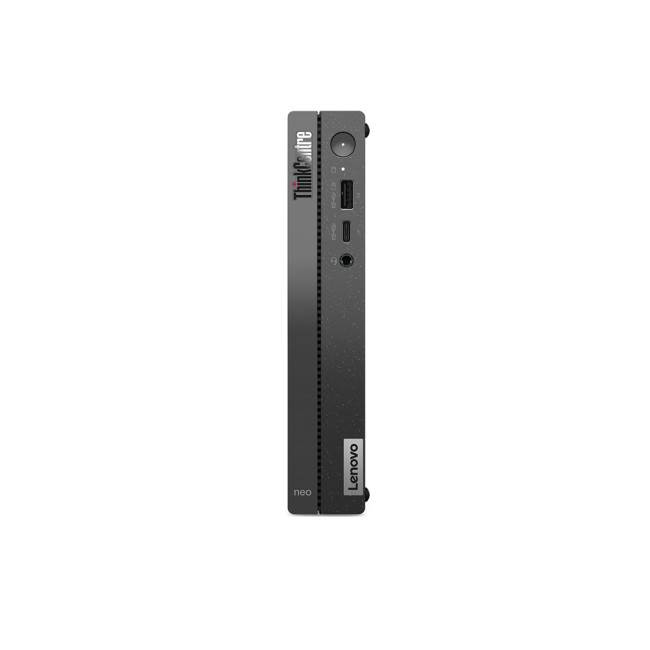 | Lenovo |

Last Updated: September 28, 2026
Quick Answer: Prebuilt or Custom PC?
A prebuilt PC is usually better if you want a complete, tested computer with Windows, warranty support and minimal setup. A custom PC gives you greater control over components, cooling, appearance and future upgrades. Neither is automatically faster or less expensive. The better choice depends on the exact specification, component quality, total cost and how much involvement you want.
Buying a desktop PC often comes down to one choice: buy a complete system or choose the components yourself.
Both routes can deliver excellent performance. The difference is mainly in how much control, setup work, upgrade flexibility and support you want after buying.
This guide compares prebuilt vs custom desktop PCs across cost, performance, cooling, warranties, upgrades and everyday use so you can decide which approach actually suits your needs.
What Is the Difference Between a Prebuilt and Custom PC?
A prebuilt PC arrives as a complete system assembled by a manufacturer

