



Best Desktop PCs for Work: Top Picks for Professionals
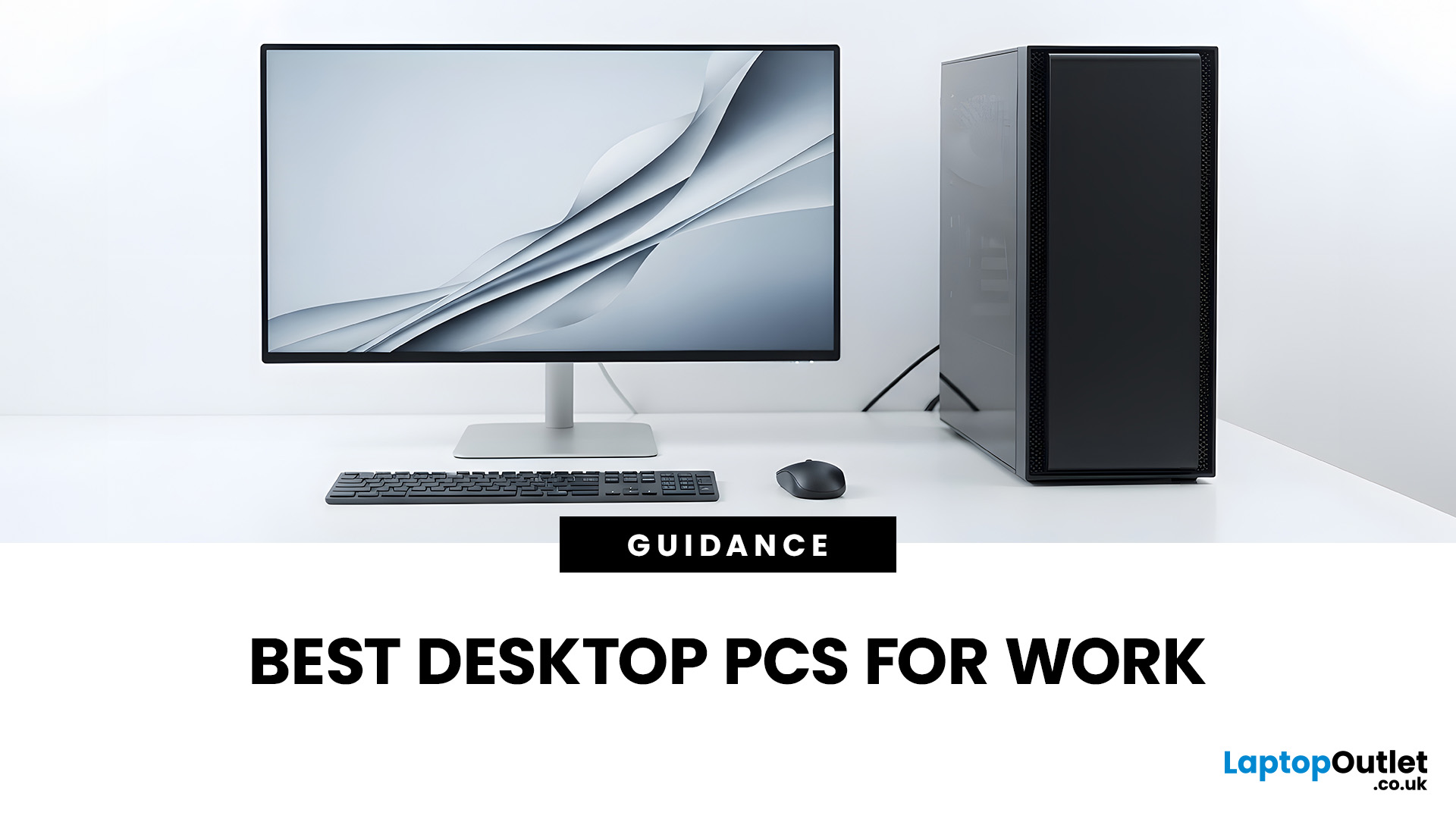
The best desktop PC for work depends on matching hardware to your actual tasks rather than simply choosing the most powerful option. Finance teams working in spreadsheets need different specifications compared to architects using 3D software, while reception areas often benefit from compact all-in-one systems instead of traditional towers. This guide highlights current desktop PCs from Laptop Outlet across four categories: Tower PCs, All-in-One PCs, Mini PCs and Workstations, based on availability checked on 14 August 2026, though stock may change.
How We Selected These Desktop PCs for Work
We prioritised business-ready specifications, useful connectivity, sensible memory and storage configurations, operating-system suitability and the workload each machine is best placed to handle. Rather than treating every professional as a power user, the list covers everyday office work, hybrid working, compact desks, creative projects and heavier technical workloads.
A useful rule is to buy for your real workload, not the highest specification on the page. For general office productivity, 16GB RAM provides more comfortable headroom for multitasking, while additional memory and dedicated graphics become more important for large datasets, video editing, 3D work, and specialist applications. Current professional buying guidance similarly recommends matching RAM, graphics, and form factor to the actual workload.
Best Tower PCs for Work
Reliable Tower PCs remain a strong choice when you want a separate monitor, straightforward servicing and more scope for upgrades. They suit permanent office setups where desk or floor space is less of a concern.
HP Pro 400 G9 – Best for Everyday Office Work
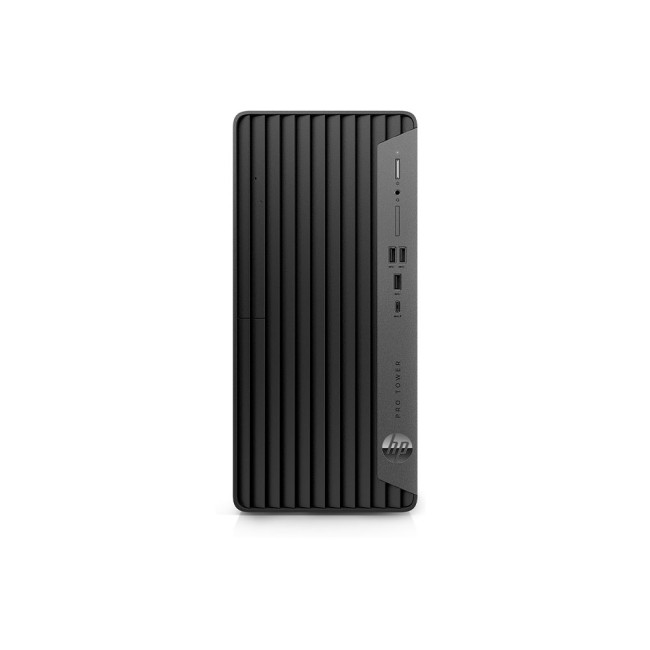
The HP Pro 400 G9 combines a 13th Gen Intel Core i5-13500 processor with 8GB RAM, a 256GB SSD and Windows 11 Pro. It is best suited to admin teams, educators, remote workers and small businesses handling documents, browser-based systems, email, video calls and routine data work. If you regularly keep many applications open, upgrading the memory is sensible because 8GB is more appropriate for lighter multitasking.
Dell Pro QCT1250 – Best Balanced Business Tower
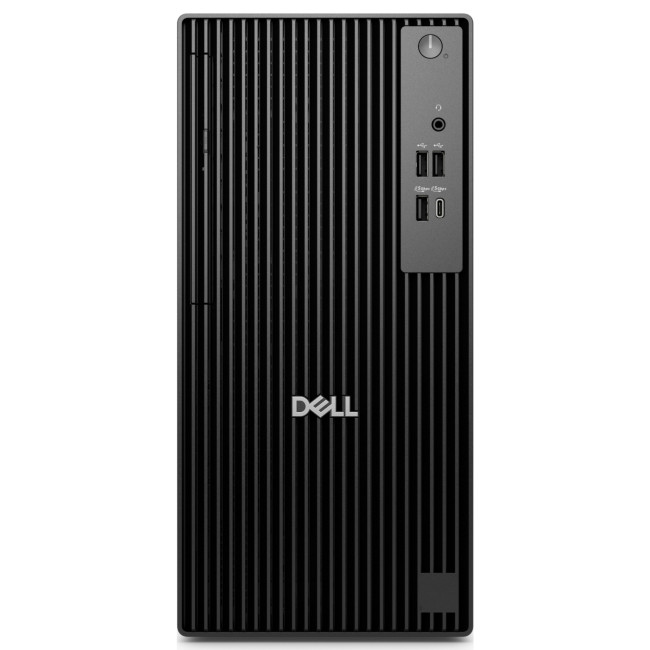
With an Intel Core Ultra 5 235, 16GB DDR5 memory, a 512GB SSD and Windows 11 Pro, the Dell Pro QCT1250 gives you a well-balanced everyday business configuration without moving into workstation territory. It suits managers, analysts, office professionals and growing teams using productivity suites, CRM platforms, conferencing tools and browser-heavy workflows. Integrated graphics keep it focused on mainstream business use rather than demanding 3D or GPU-intensive creative work.
Best All-in-One PCs for Work
All-in-One PCs combine the computer and display in one unit, helping reduce cable clutter and simplifying installation. They work especially well in reception areas, home offices, meeting spaces and customer-facing environments where a tidy desk matters.
Refurbished HP ProOne 440 G9 – Best Value Business All-in-One
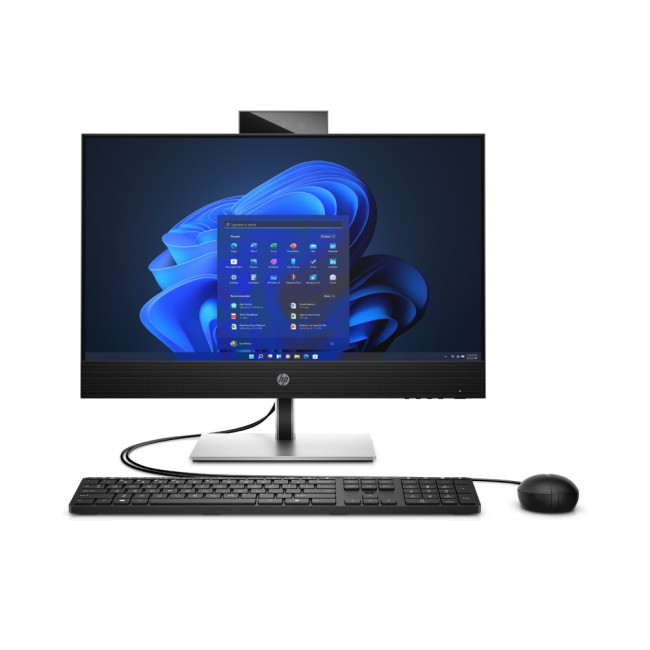
This refurbished HP ProOne 440 G9 pairs an Intel Core i7-13700T with 16GB RAM, a 512GB SSD and a 23.8-inch Full HD IPS display. It runs Windows 11 Pro and includes a webcam, making it practical for collaboration and video meetings. It suits small businesses, hybrid workers and shared desks needing capable productivity performance without a tower. Because it is refurbished, check the condition grade and warranty terms against your organisation’s procurement requirements.
HP 440 G9 Touchscreen – Best for Interactive Work
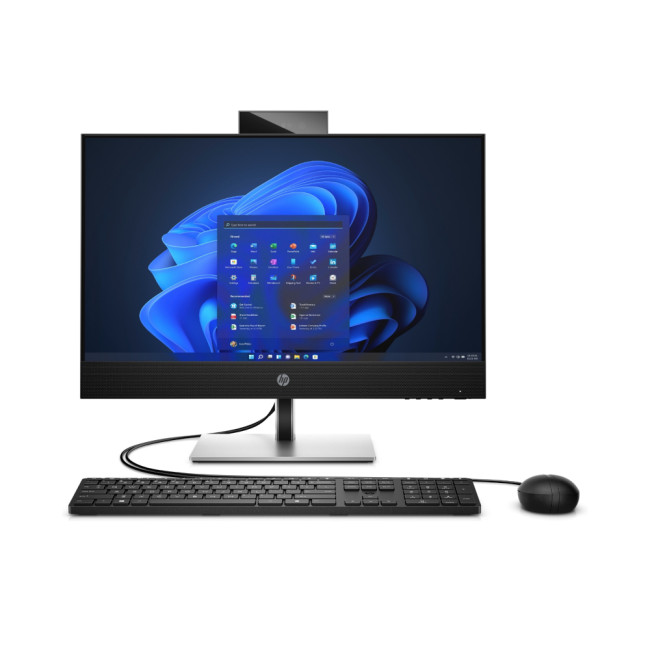
The HP 440 G9 uses an Intel Core i7-13700T processor, 16GB RAM and a 512GB SSD alongside a 23.8-inch Full HD IPS touchscreen and Windows 11 Pro. It is a useful option for front-desk teams, training rooms, presentations and professionals who benefit from direct touch input. Its Intel UHD 770 integrated graphics suit everyday business workloads, but serious 3D modelling and graphics-heavy applications call for a more specialised workstation.
Furthermore, for a home office, the computer should also fit into the rest of your remote work tech setup, including monitors, connectivity and peripherals.
Apple iMac M4 24-inch – Best for macOS-Based Teams
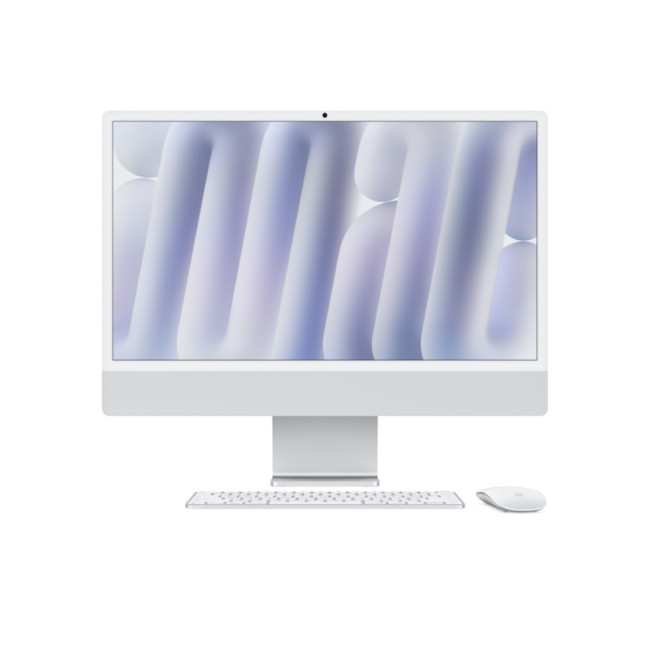
Apple’s 24-inch iMac M4 combines a 10-core M4 processor, 16GB memory, a 512GB SSD and a 4.5K Retina display, with built-in speakers and a webcam. It suits professionals already working within the Apple ecosystem, including agencies, creative teams and home-office users who want an integrated display and macOS experience. Before buying for a business, confirm that your essential applications, peripherals and IT-management tools support macOS.
Best Mini PCs for Work
Mini PCs are ideal when desk space is limited or you want a computer that can sit discreetly beside or behind a monitor. They can provide strong office performance, but you should pay closer attention to ports, memory, storage, and upgrade options because compact systems generally offer less internal expansion than towers.
Dell Pro QCM1250 – Best Mini PC for Mainstream Business Use
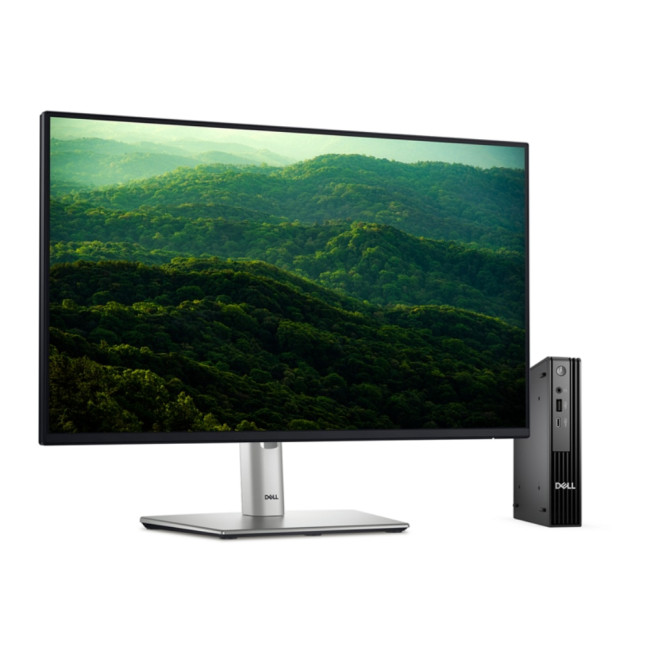
The Dell Pro QCM1250 has an Intel Core i5-14500T, 16GB DDR5 RAM, a 512GB SSD and Windows 11 Pro. It is a sensible compact business mini PC for office teams, home workers and multi-desk environments where you want reliable productivity without a full-size tower. HDMI, DisplayPort and USB-C connectivity also make it practical for modern monitor setups. Integrated graphics mean it is primarily designed for productivity rather than demanding graphics workloads.
Lenovo ThinkCentre Neo 50q Gen 4 – Best for Light Office Work
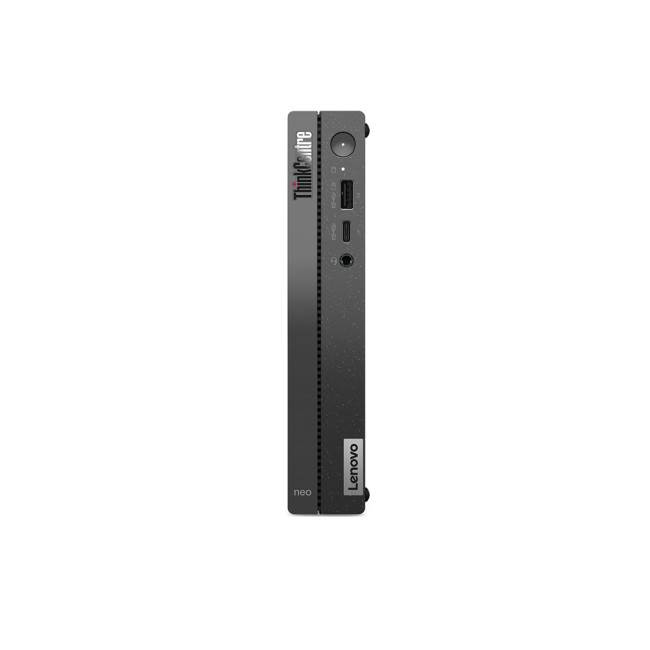
Lenovo’s ThinkCentre Neo 50q Gen 4 combines an Intel Core i5-13420H with 8GB RAM, a 256GB SSD and Windows 11 Pro. It suits reception desks, administrative roles, education environments and lighter business workloads where compact size matters more than maximum performance. If you regularly work with large spreadsheets, many browser tabs or several applications simultaneously, a higher-memory configuration would provide more comfortable long-term performance.
HP EliteDesk 8 Mini G1i – Best Premium Compact Office PC
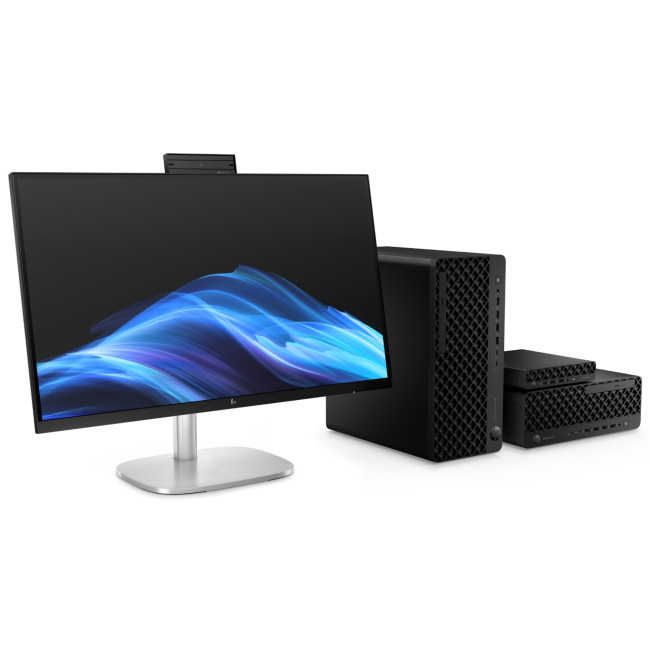
The HP EliteDesk 8 Mini G1i uses an Intel Core Ultra 5 235T processor with 16GB DDR5 memory, a 512GB SSD and Windows 11 Pro. Connectivity includes Thunderbolt 4, USB-C, HDMI and DisplayPort, providing flexibility for modern peripherals and workstation setups. It suits professionals who want a compact business desktop PC without dropping to entry-level specifications, particularly in corporate offices, hot-desking environments and clean home-office setups.
Best Workstations for Professional Workloads
Workstation desktops are worth considering when your software becomes the bottleneck. CAD, 3D modelling, engineering tools, large media projects, software development, and advanced data work can benefit from stronger processors, additional memory or dedicated graphics.
That does not mean every professional needs the largest GPU available. Match the workstation to the software you actually use.
Lenovo ThinkStation P2 – Best for Creative and GPU-Accelerated Work
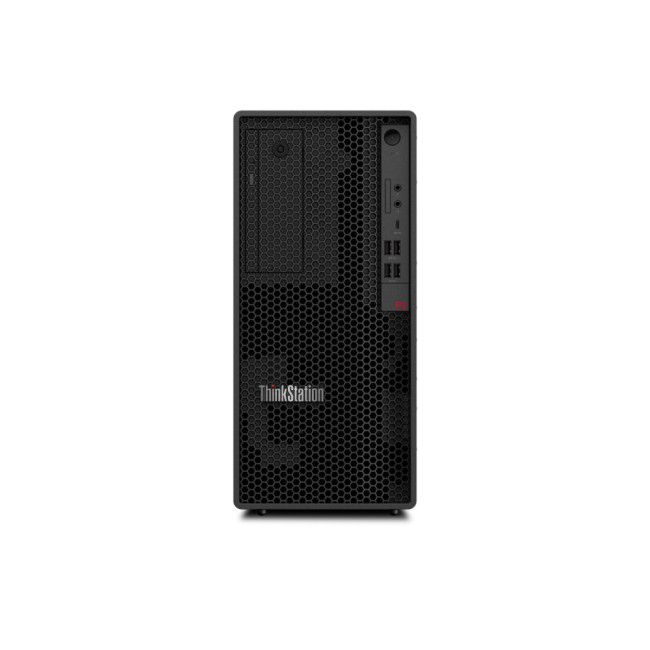
The Lenovo ThinkStation P2 pairs an Intel Core i7-14700 with 32GB DDR5 RAM, a 1TB SSD and NVIDIA GeForce RTX 4060 graphics. It also runs Windows 11 Pro and carries a three-year warranty in the Laptop Outlet listing. It suits video editing, content creation, development, and other workloads benefiting from dedicated GPU acceleration. If your CAD or engineering application requires specific professional graphics certification, check the software vendor’s approved hardware list first.
Dell Pro Precision 7 Tower T1 – Best for CPU-Focused Professional Work
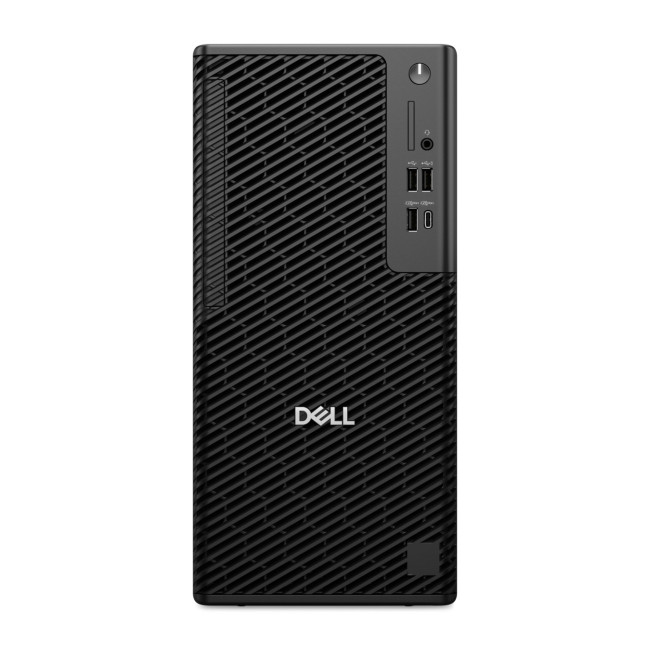
This Dell Pro Precision 7 configuration uses an Intel Core Ultra 7 265 processor, 16GB DDR5 RAM and a 1TB SSD with integrated graphics and Windows 11 Pro. It suits developers, analysts, business power users and technical professionals whose workloads depend more heavily on CPU, memory and storage performance than graphics processing. Integrated graphics are the main trade-off, so this is not the right configuration for demanding 3D rendering or GPU compute.
Storage requirements also depend on your workload, so our guide to choosing PC storage for work can help you decide between SSDs, HDDs, and external storage.
Dell Pro Precision 7 T1 with RTX A1000 – Best for Professional Graphics
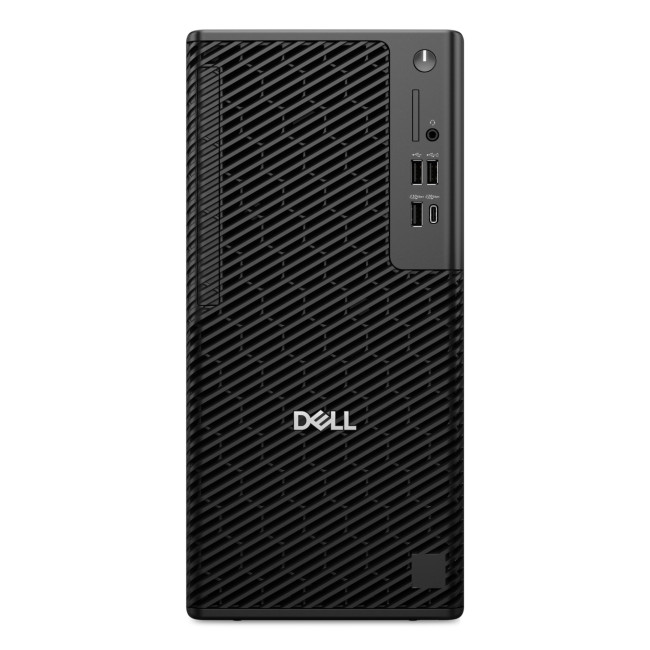
The higher-spec Dell Pro Precision 7 T1 combines an Intel Core Ultra 7 265 with 32GB DDR5 RAM, a 1TB SSD and NVIDIA RTX A1000 graphics with 8GB GDDR6 memory. It is better suited to CAD, 3D visualisation, design and professional workflows that benefit from dedicated graphics. It also runs Windows 11 Pro. Before ordering, check the recommended GPU and memory requirements for your exact applications rather than assuming any workstation configuration will automatically be optimal.

Wrapping Up
There is no single best desktop PC for work for every professional. For mainstream office use, a 16GB business tower or mini PC offers a strong balance of performance and practicality. If you want fewer cables and an integrated screen, an all-in-one can simplify your workspace. Creative, engineering and technical workloads are where a properly configured workstation starts to become worthwhile.
Laptop Outlet currently stocks options across all four desktop categories, so compare the specifications against your actual software and daily workload rather than buying on processor name alone. Doing that helps you avoid both under-speccing a computer that slows down your work and overspending on performance you will rarely use.

Common Desktop Related Queries
How much RAM do I need for a work desktop PC?
For lighter administration, 8GB can still be usable, but 16GB is a more comfortable target for modern multitasking. Consider 32GB or more for large datasets, development environments, creative applications, virtual machines and other memory-heavy professional workloads.
Is a mini PC good enough for office work?
Yes. A mini PC with a capable processor, 16GB RAM and SSD storage can comfortably handle productivity suites, browser-based tools, video calls and general business software. The main compromise is usually internal expansion, so choose enough memory and storage for the period you expect to keep it.
Are all-in-one PCs good for business?
They can be. All-in-one desktop computers are particularly useful where desk space and presentation matter, including reception areas, meeting rooms and home offices. They are less attractive when easy component upgrades or specialised graphics are a priority.
Do I need a workstation for video editing or CAD?
Not always. Light editing and basic design work can run well on a standard professional desktop PC. A workstation becomes more valuable when you work with large projects, complex 3D scenes, high-resolution media or applications with specific GPU and memory requirements.
Is Windows 11 Pro worth choosing for work?
Windows 11 Pro is particularly relevant to business environments because Microsoft includes professional security and management capabilities such as hardware-backed protection, encryption and business-focused deployment features. Whether you need those capabilities depends on your organisation’s IT setup, policies, and security requirements.
| Read More: |
| Gaming Desktop PCs vs. Gaming Laptops: Which Should You Buy? |
| Intel vs AMD for Desktop PCs 2026: Which Should You Choose? |
| AI-Ready Desktop PCs: What Does it Actually Mean? |
Related Articles

Last Updated: July 20, 2026
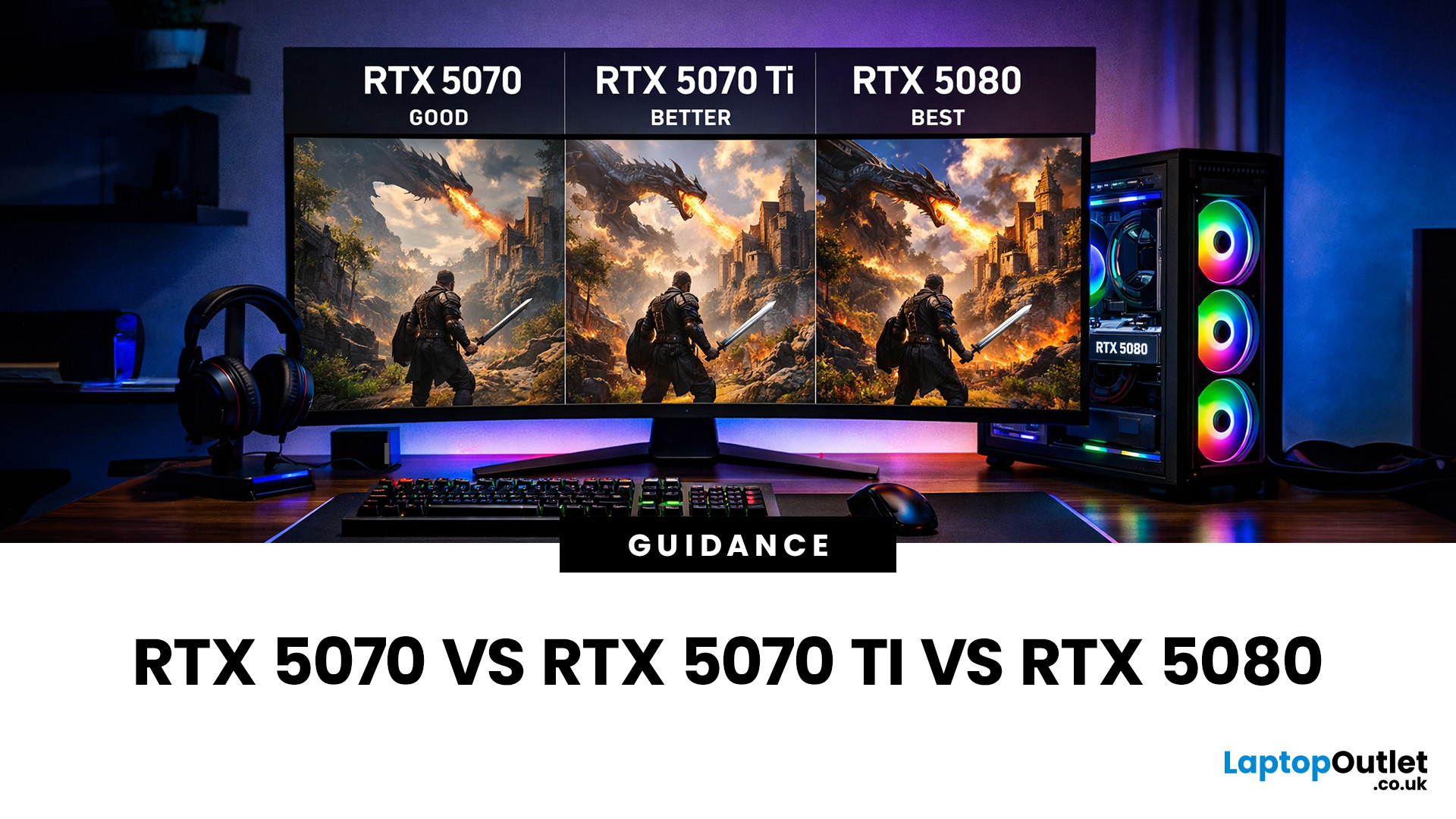
Choosing between an RTX 5070 and RTX 5080 gaming PC is one of the biggest decisions you may face when buying or upgrading a gaming desktop. Although both GPUs support NVIDIA’s latest gaming technologies, they are designed for different resolutions, performance targets, system budgets, and types of players.
In this RTX 5070 vs RTX 5080 comparison, we examine gaming performance, ray tracing, power requirements, system specifications, overall value and the right graphics card for you. We will also briefly explain where the RTX 5070 Ti fits for buyers who want more performance than the RTX 5070 without moving to a premium RTX 5080 gaming PC.
Whether you are considering an RTX 5070 prebuilt PC or planning a high-end custom desktop, this guide will help you understand the difference between RTX 5070 and 5080 gaming systems.
Understanding the RTX 50 Series Line-Up
NVIDIA’s RTX 50 series GPUs are designed to push performance further while improving efficiency and AI-powered features. Across the

Published: February 04, 2026
Your desktop PC is a key part of daily life. It handles work, gaming, and more. But how long can it last? Many users worry about desktop PC lifespan.
The good news is you can extend it to five years or beyond. With smart choices and simple habits, your setup stays reliable. This guide shares practical steps. It covers everything from processor picks to daily care.
Understanding Desktop PC Lifespan
Desktop PCs don't have a fixed expiry date. Their lifespan depends on build quality, usage, and maintenance. On average, a well-kept desktop lasts 5-8 years. But push it right, and you can hit 10 years or more. Why care? A longer desktop computer lifespan saves money and reduces waste.
Key Factors Affecting Longevity
Several elements play a role in how long your desktop endures. First, hardware quality matters most. Cheap parts wear out fast. Second, heat buildup shortens life—poor cooling is a killer. Third, software updates keep things secure and efficient. Finally, your habits, like overworking

Last Updated: February 11, 2026
Buying a desktop PC can quickly become frustrating. Endless specs, unfamiliar terms, and conflicting advice make it hard to know what really matters, and easy to waste money on the wrong setup. But here’s the solution: once you understand what desktop PC specifications actually do, choosing the right machine becomes simple. In this desktop PC specs explained guide, we break down every key component in plain English, showing you exactly what you need for work, home or gaming, and what you can safely ignore. No jargon, no guesswork, just confident buying decisions.
Processor (CPU): The Brain of Your Desktop
The processor, or CPU, is one of the most important parts of any desktop PC. It handles instructions and calculations, directly affecting how fast your system feels.
What to look for:
- Cores & Threads: More cores help with multitasking and demanding software
- Clock Speed (GHz): Higher speeds generally mean faster performance
What you actually

Last Updated: February 10, 2026
Buying a desktop PC is a big decision, especially when prices can range from a few hundred pounds to several thousand. The right choice depends not just on your budget, but on how you plan to use your PC now and in the future.
Let us help you understand exactly what you get at different price points, what specifications really matter, and how to avoid common mistakes. Whether you’re buying your first desktop or upgrading an older system, this guide will walk you through everything you need to know.
Why Choose a Desktop PC Instead of a Laptop?

Before diving into budgets, it’s worth understanding why many UK buyers still choose desktops:
- Better performance for the price
- Easier and cheaper upgrades
- Longer lifespan
- Improved cooling and sustained performance
- More connectivity options
For home offices, gaming setups, and creative work, desktops almost always offer better long-term value.
Understanding Desktop PC Specifications (Quick Primer)
If you’re not technical, these are the core components
Last Updated: May 05, 2026
Let’s call this out early: “AI-Ready” is one of those phrases that sounds important but tells you almost nothing by itself.
Every PC brand is using it. Every listing claims it. And most buyers still walk away thinking, “Cool… but what does that actually do for me?”
So instead of selling you a future fantasy, let’s talk about what AI-Ready desktops actually change in 2026, where they matter, and where they really don’t.
First: Why Everyone Is Suddenly Calling Their PCs “AI-Ready”
AI didn’t just become a software thing - it became a hardware conversation.
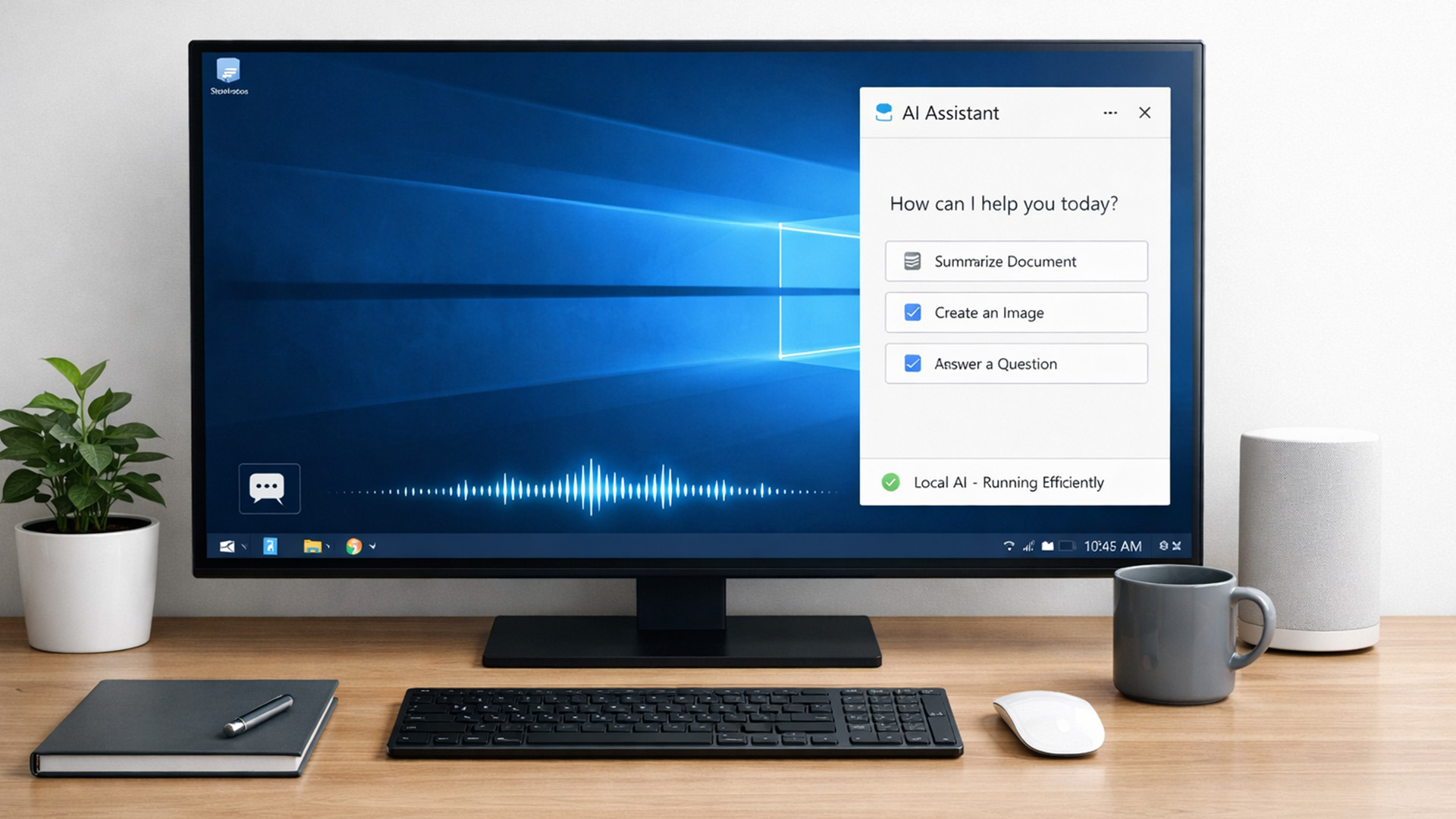
For years, AI lived in the cloud. You typed something, it went to a server, magic happened, and the result came back. Now, operating systems (especially Windows) are pushing AI features onto the device itself. That shift is what triggered the “AI-Ready” wave.
An AI-Ready desktop is basically a PC that can:
- Run certain AI tasks locally
- Do it efficiently
- Without destroying performance or power usage
That’s it. No sentience. No robot takeover.

Last Updated: February 11, 2026
Choosing the right desktop PC can feel a bit like picking a side in a long-running tech rivalry. HP, Dell, and Lenovo are three of the biggest names and for good reason. They all offer reliable, powerful desktops that suit everything from casual home use to hardcore business workloads and creative setups.
But when it comes to HP vs Dell vs Lenovo desktop PCs, which brand actually wins for you?
Why Compare HP, Dell, and Lenovo Desktop PCs?
HP, Dell, and Lenovo are all global heavyweights in the PC world. They each offer a wide range of desktops — from budget-friendly towers to powerful workstations and compact all-in-one PCs.
But here’s the thing:
Not all desktop PCs are built for the same kind of user.
Some are better for productivity, some for gaming, and others for long-term reliability. Understanding the differences is key before you hit “Add to Basket”.
HP Desktop PCs: Style Meets Performance
HP desktops are known for blending solid performance with modern design. If you like your
Published: February 09, 2026
If you have been browsing for a new PC lately, you might have noticed a bit of a price shock. Whether you are looking for a sleek all-in-one for your home office or a powerful gaming rig, the numbers on the price tags in 2026 are noticeably higher than they were just a couple of years ago.
Many UK buyers are left scratching their heads, asking the same question: why are desktop PCs expensive all of a sudden? It is a fair question. In this guide, we will break down exactly what is driving these costs and, more importantly, how you can still find incredible value.
Key Reasons Desktop PC Prices Are Rising
Understanding the "why" behind the price hike helps you time your purchase better. Here are the primary factors driving the market today.
The "AI Squeeze" on Components
The biggest culprit isn't a lack of chips, but a shift in what those chips are used for. Huge data centres are currently buying up almost 70% of the world’s advanced memory (DRAM) and storage (NAND) to power AI models.

Last Updated: September 15, 2026
If you’re asking “are refurbished desktop PCs worth it” in 2026, you’re not alone. Refurb is having a moment in the UK, partly because budgets are tight, and partly because more people want a cheaper, lower-waste way to get solid tech. At the same time, buyers are more hesitant than ever… and that hesitation is not random. A few very 2026-specific changes have raised the stakes.
This guide breaks down the real reasons people hesitate in 2026, and how Laptop Outlet reduces those risks so you can buy refurbished with genuine peace of mind - without losing out on choice or price.
What changed in 2026 that made buyers more cautious?
1) The Windows 10 “cliff edge” is now behind us
Windows 10 support ended on 14th October 2025, which means many older desktops are now in a riskier zone if they can’t upgrade cleanly.
Yes, Microsoft offers Extended Security Updates (ESU), but for consumers it’s a limited runway (through 2026) and comes with requirements that can add friction.
Why this makes refurbished
Published: March 12, 2026
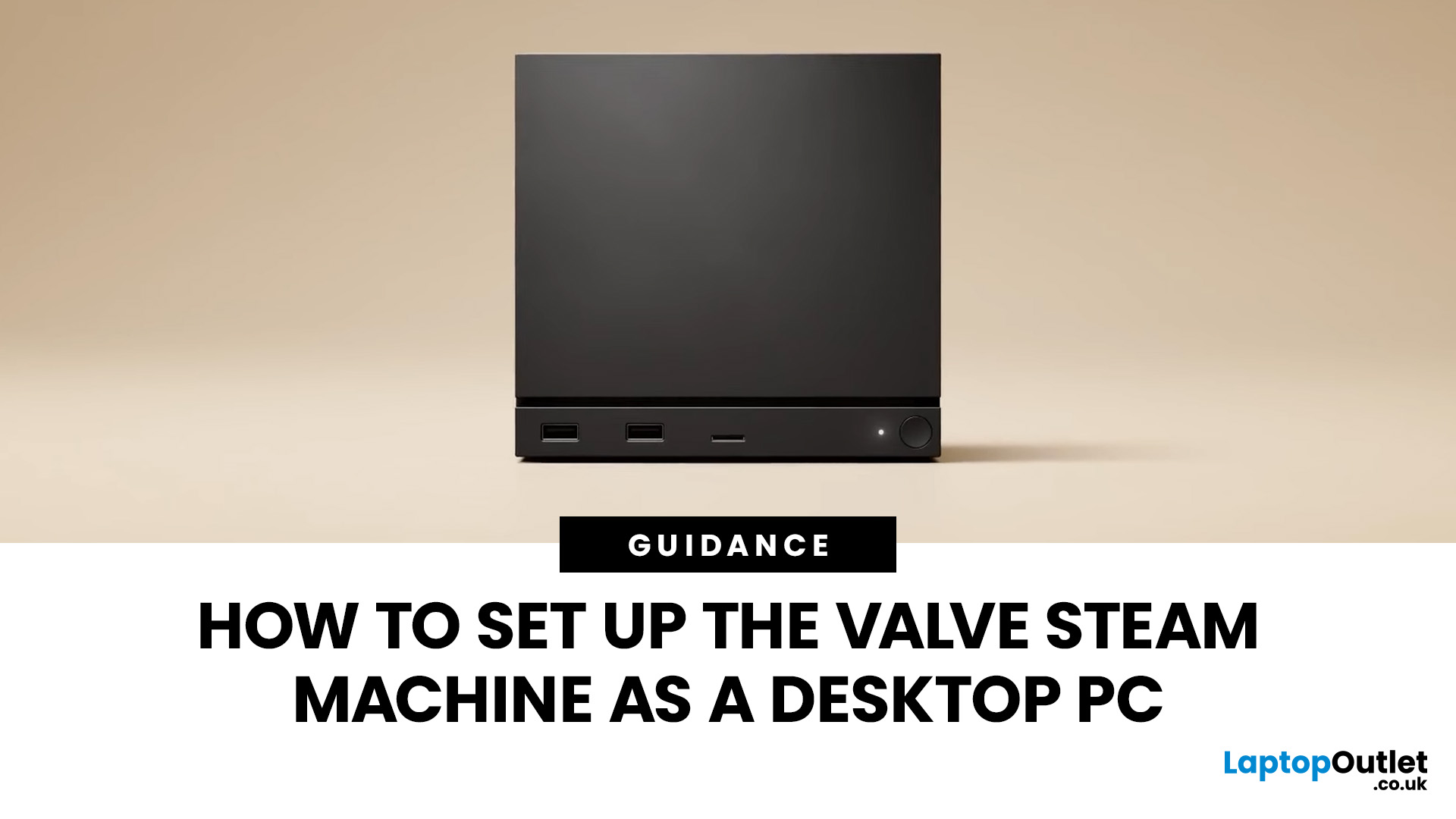
If you have an old Valve Steam Machine tucked away under the telly or on a shelf, you might be wondering whether it can still do more than launch games. The good news is that, with the right setup, it can absolutely pull double duty as a compact desktop computer for everyday use.
This guide walks you through a practical Valve Steam Machine setup for desktop use, from connecting a monitor and peripherals to accessing SteamOS desktop mode and making the system feels more like a standard PC. Whether you want a lightweight machine for web browsing, media streaming, or casual home computing, repurposing a Steam Machine can be a clever and cost-effective option.
What is a Valve Steam Machine?
A Valve Steam Machine was originally designed as a living-room gaming PC. It brought PC gaming closer to the console experience, usually running SteamOS and focusing on controller-friendly play from the sofa.
That said, the hardware inside many Steam Machines is still capable of handling basic desktop
Published: June 11, 2026
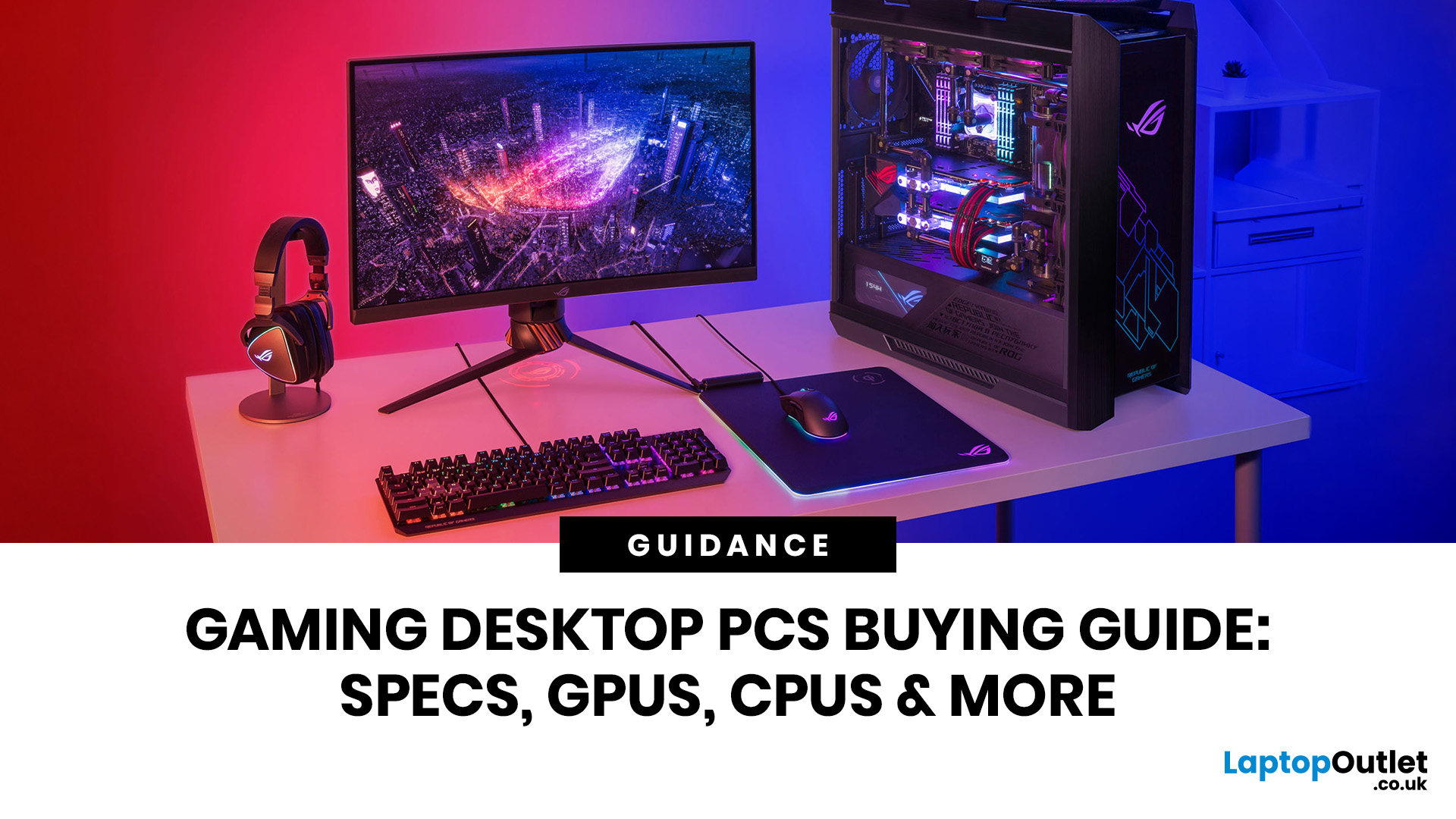
Choosing the right gaming desktop can be the difference between smooth, immersive gameplay and a system that struggles within a year. This gaming PC buying guide explains the key components that affect gaming performance, future-proofing, and value for money, so you can buy with confidence rather than guessing from confusing spec sheets.
A good gaming PC is not just about the most expensive graphics card. It is about balance. The CPU, GPU, RAM, storage, cooling, power supply, motherboard, and case all work together. Whether you play competitive esports, cinematic single-player titles, open-world RPGs, racing games or VR, understanding the right configuration helps you avoid overspending and choose a desktop that lasts.
This article is designed as a practical gaming PC specs guide for beginners, but it also includes up-to-date 2026 advice for buyers comparing modern RTX, Radeon, Intel, and AMD-powered systems.
Why Buy a Gaming Desktop PC?
A gaming desktop PC remains one of the best choices

