



Black Friday is here! Get an extra £10 off when you spend £200 with code: BF10LO. T&Cs apply*

Blog Categories





October 22, 2026

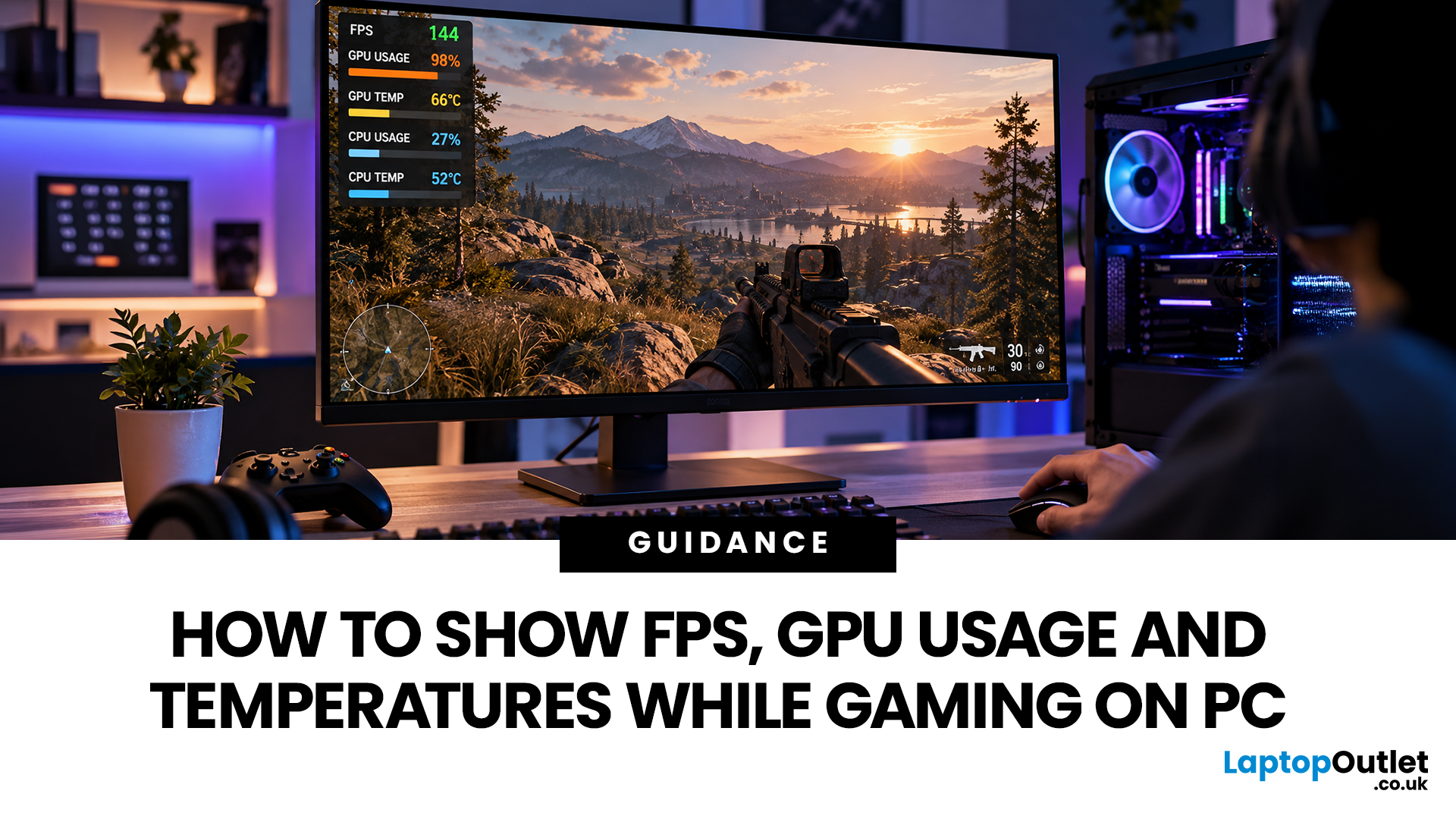
A game can look smooth one moment and start stuttering the next. When that happens, knowing your frame rate, GPU usage and temperatures can help you understand what's going on.
You don't need specialist equipment to check these numbers. Steam, NVIDIA, AMD Software, Windows Xbox Game Bar and MSI Afterburner all offer ways to monitor gaming performance, although the information they display varies.
This guide explains how to show FPS while gaming, monitor GPU activity and temperatures, and understand what the readings mean. We'll also cover the most common overlay problems and how to fix them.
Quick Answer: How to Show FPS While Gaming
The easiest way to show FPS in a PC game is to enable a performance overlay through Steam, your graphics software or Windows Xbox Game Bar.
Here are the main options:
| Tool | What it can display | Best for |
| Steam | FPS and other performance metrics, depending on settings | Games launched through Steam |
| NVIDIA App | FPS, GPU utilisation, temperatures and other supported |
October 22, 2026
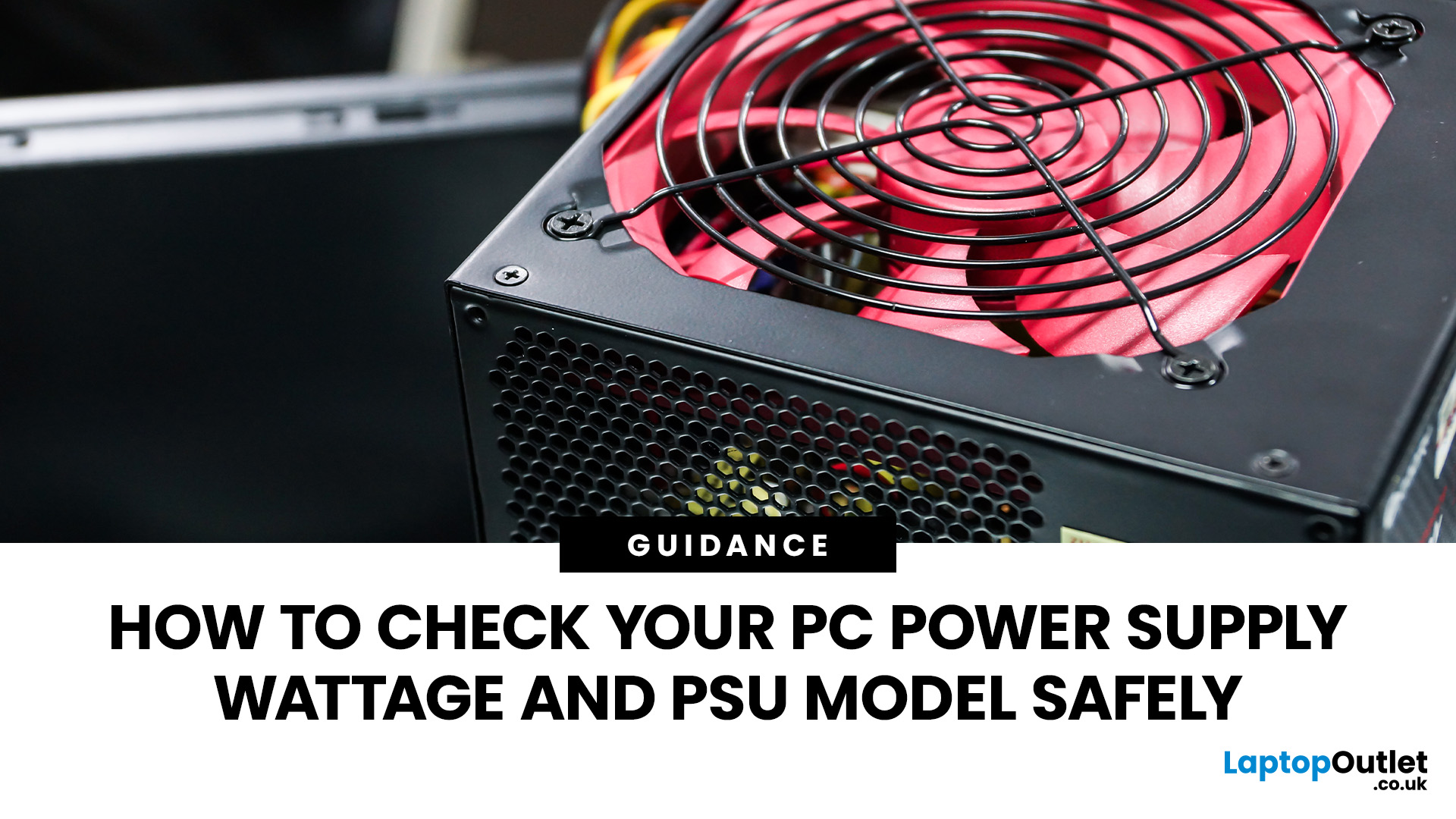
Not sure whether your PC has a 450W, 650W or 850W power supply? The most reliable way to find out is to check the label on your power supply unit (PSU). You can also use your computer's specifications or purchase records to identify its wattage without opening the case.
However, Windows 11 and Windows 10 cannot normally display your PSU's wattage or model.
This guide explains how to check PC power supply wattage safely, locate the PSU label and understand what software can actually tell you.
How to Find PSU Wattage: Quick AnswerThere are several ways to find your PSU's rated wattage and model, depending on your computer's design and available documentation.
|
October 20, 2026
October 15, 2026
August 24, 2026
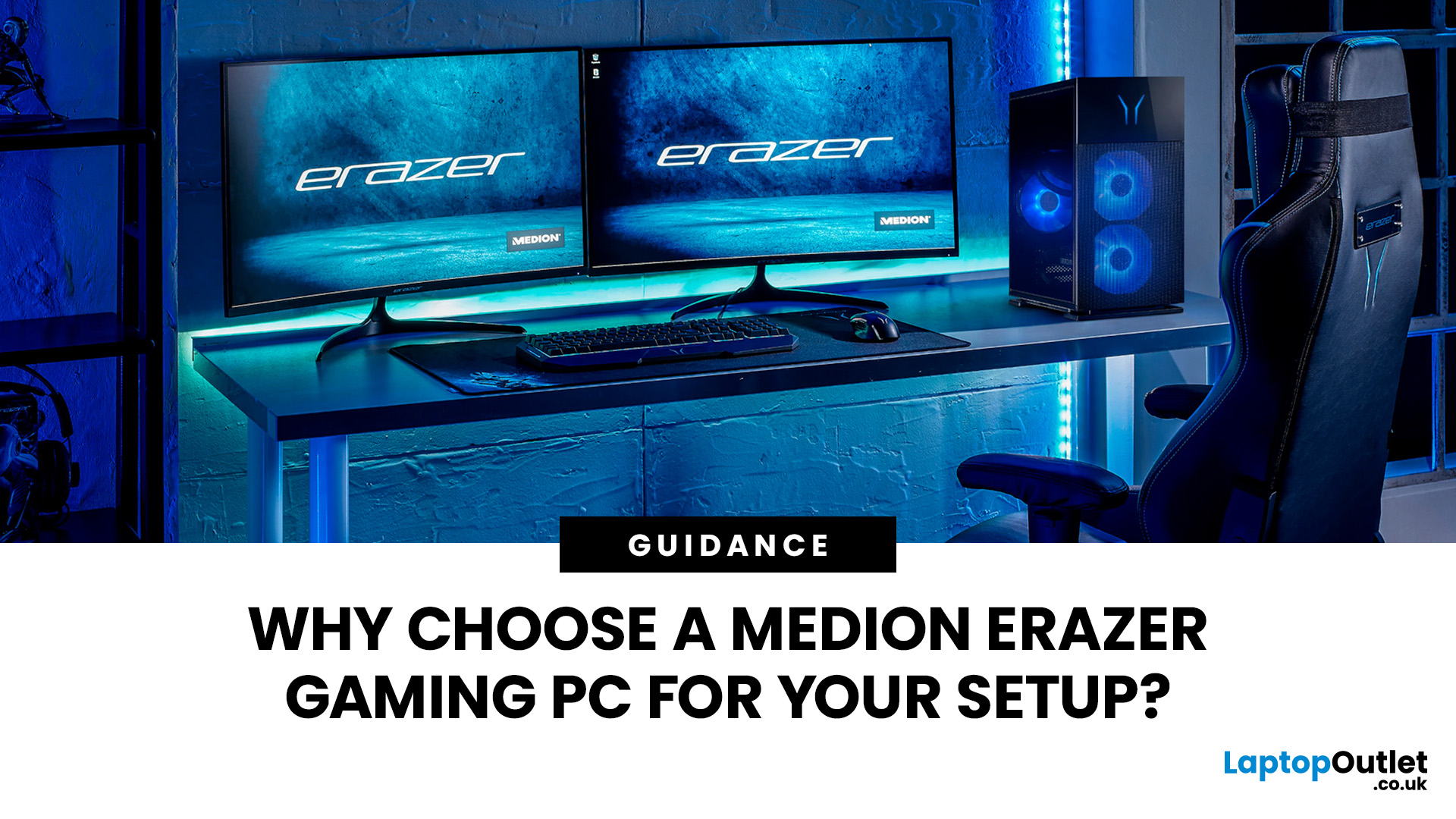
A Medion Erazer gaming PC is a solid choice for desktop gaming without the hassle of building your own system.
The range covers 1080p, 1440p and high-end gaming with NVIDIA GeForce RTX graphics, Intel or AMD processors, SSD storage and Windows 11.
However, not every model suits every gamer. Entry-level options work well for esports and 1080p gaming, while AAA titles, streaming and higher resolutions need stronger specs. The key is to match the PC to your games, not just its design.
This guide covers where Medion Erazer desktops
August 20, 2026
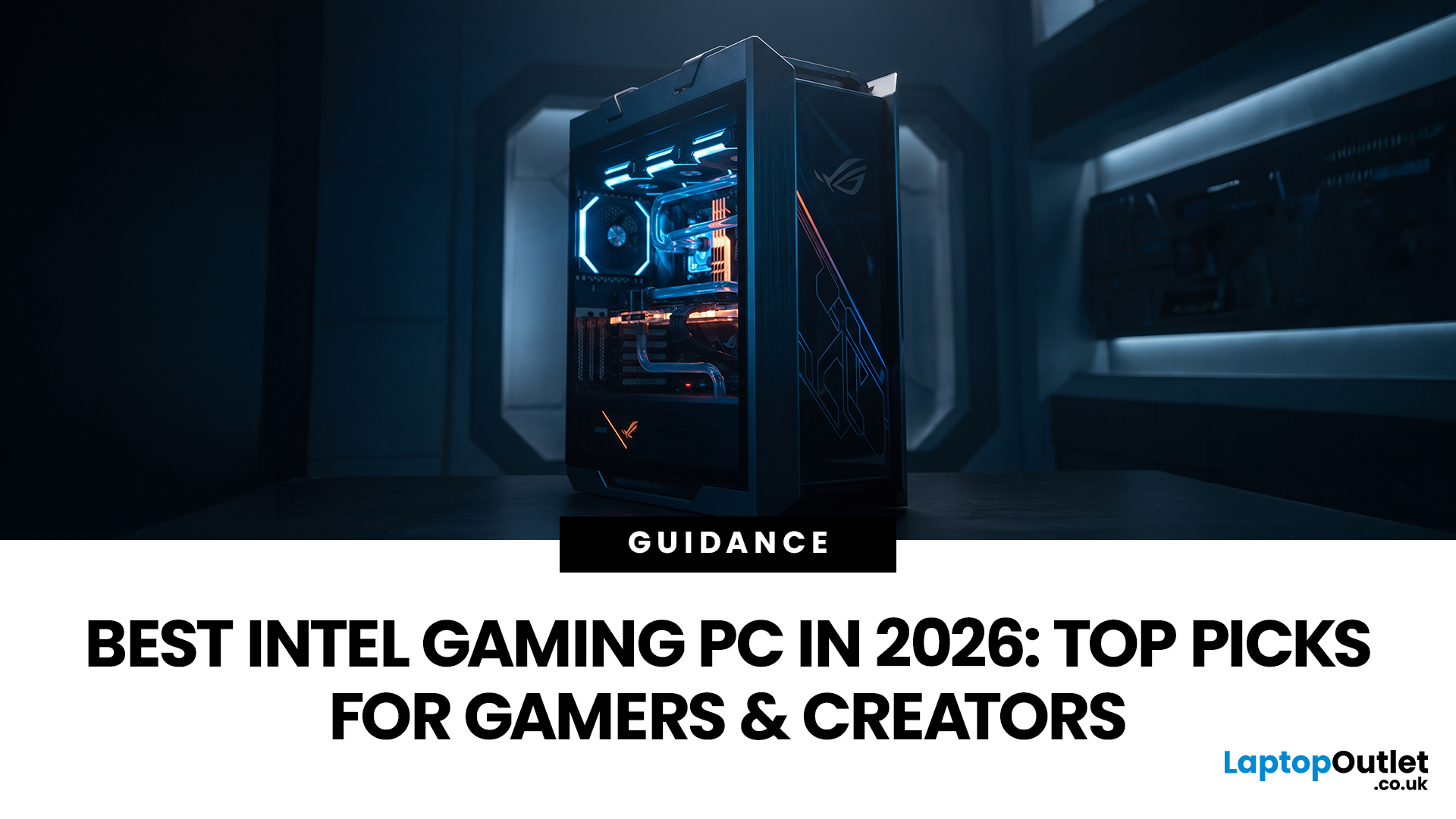
Choosing the best Intel PC for gaming and creative work in 2026 means looking beyond the processor name. CPU performance matters, but your graphics card, system memory, storage and cooling can have just as much impact on how the PC handles games and demanding applications.
This guide compares eight Intel-powered desktops for different types of gamers and creators, from accessible 1080p systems to powerful 4K gaming and content-creation PCs.
Why Intel PCs Make Sense for Gaming and Content Creation
Intel is a strong choice for gaming and content creation because its desktop range covers everything from mainstream Core i5 systems to more powerful Core i7 and Core Ultra configurations. That gives buyers plenty of choice when matching performance to gaming, streaming or creative workloads.
Many high-performance Intel processors use a hybrid architecture with Performance-cores and Efficient-cores. With Intel Thread Director, compatible systems can help the operating system prioritise demanding
August 17, 2026
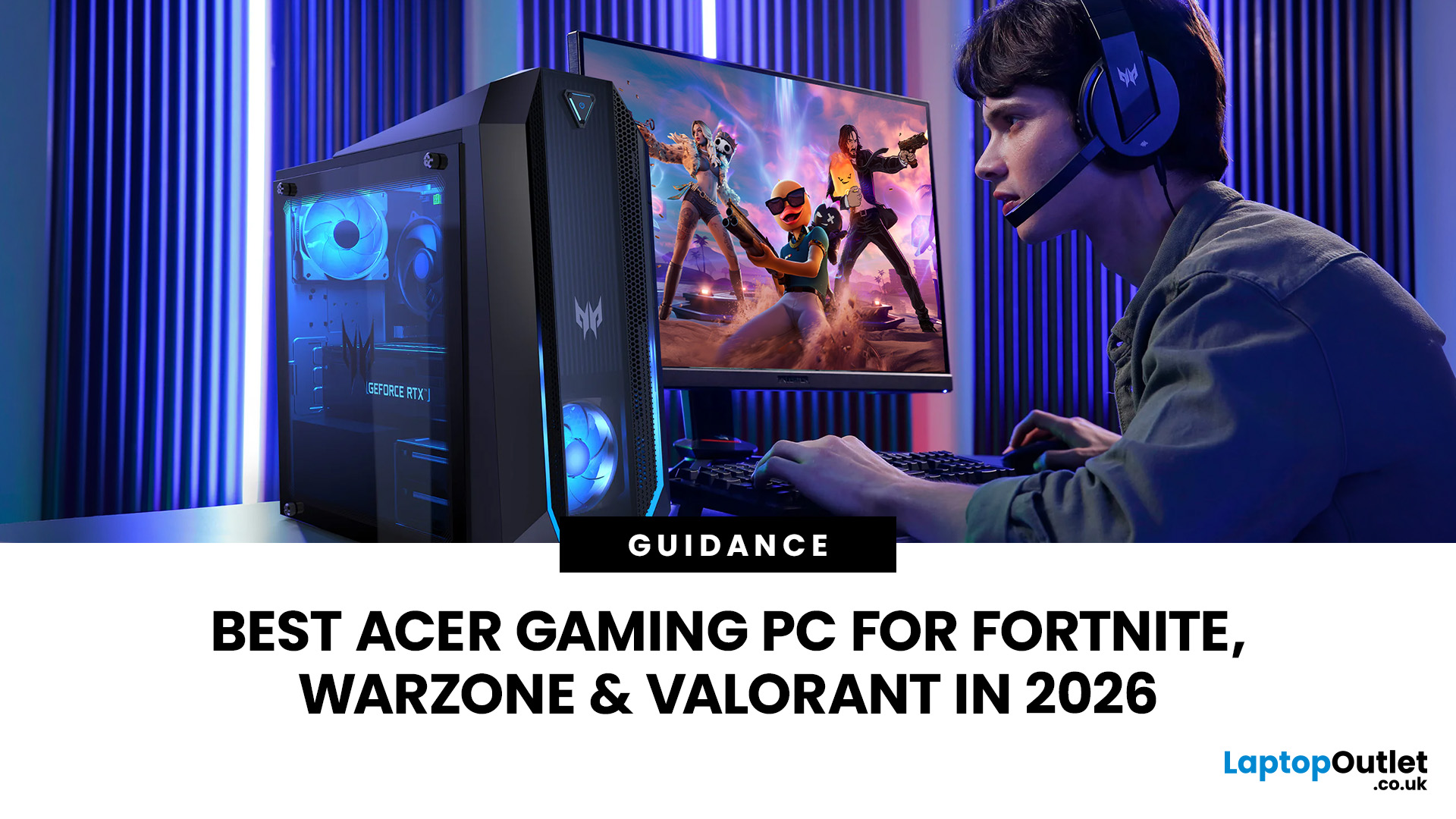
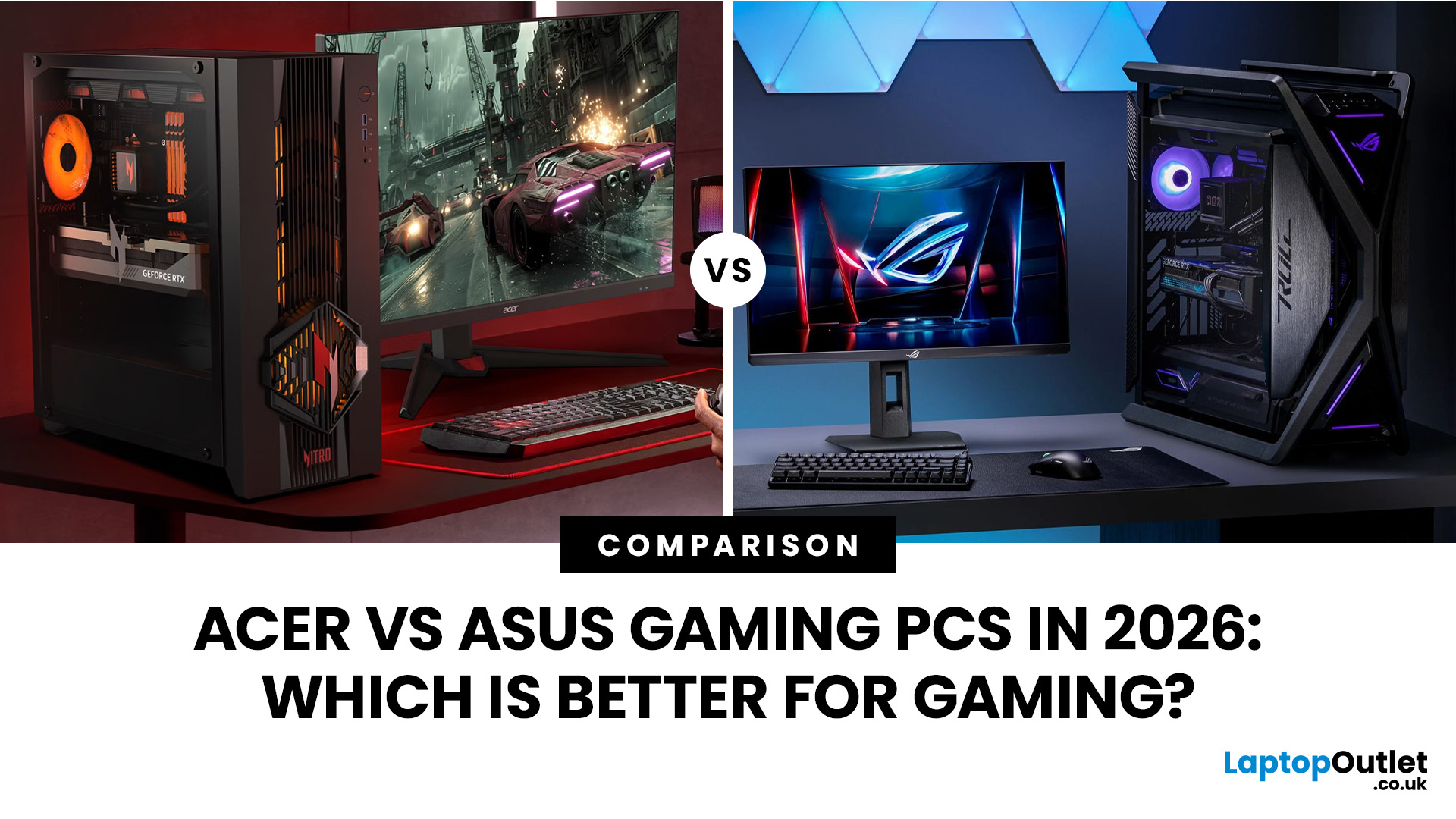
An Acer gaming PC can run Fortnite, Call of Duty: Warzone and Valorant, but the frame rate you get depends heavily on the graphics card, processor, resolution and in-game settings.
If you are comparing Acer gaming PC FPS, the biggest difference comes from whether you choose an entry-level RTX 3050 system, a newer RTX 5060 setup or a more powerful RTX 5070 desktop. Fortnite and Valorant are relatively accessible, while Warzone places much greater demands on your GPU, memory, and storage.
The Acer Nitro N20 and Predator PO3-665 desktops currently available from Laptop Outlet cover all three of these performance levels, so let’s look at what their specifications actually mean when you start playing.
Fortnite, Warzone, and Valorant PC Requirements in 2026
Before choosing a PC, compare its components against what the developers currently recommend.
| Game | Current PC Hardware Guidance | What You Should Aim For |
| Fortnite | Recommended: GTX 960-class GPU, Core i5-7300U/Ryzen 3 3300U and 16GB RAM. Epic |
August 03, 2026
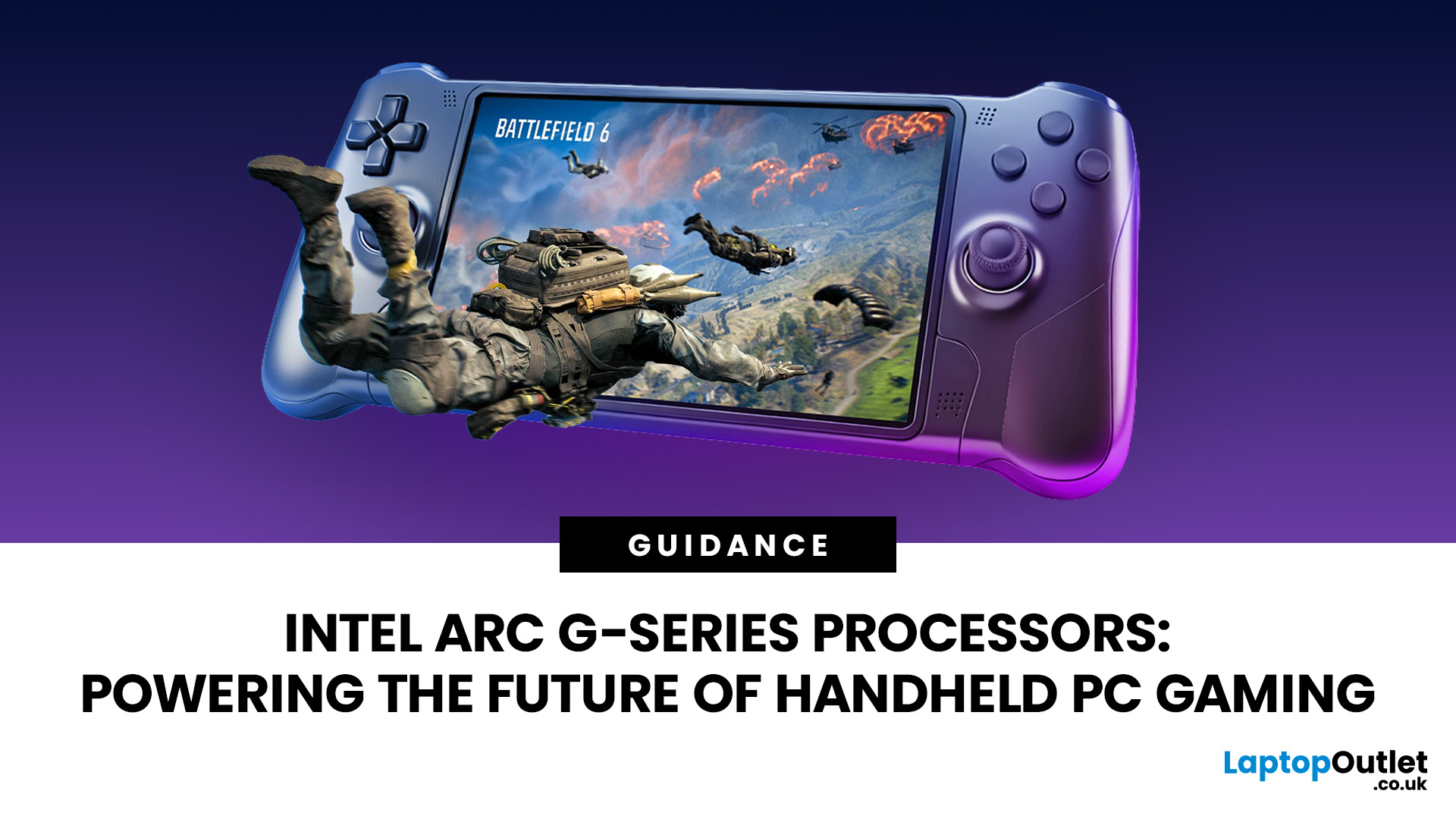
Handheld PC gaming has reached the point where portability alone is no longer enough. Players now expect current PC games, sharper displays, stable frame rates and usable battery life from a device small enough to carry in a bag.
Intel Arc G-Series processors have been developed specifically for that challenge. Instead of placing a conventional laptop processor inside a handheld and adjusting its power limits, Intel has rebalanced the design around integrated graphics, efficient CPU cores and lower-wattage gaming.
The first two processors are the Intel Arc G3 and Intel Arc G3 Extreme. Both combine a 14-core CPU, Xe3-based Intel Arc graphics, XeSS
July 21, 2026
September 02, 2026
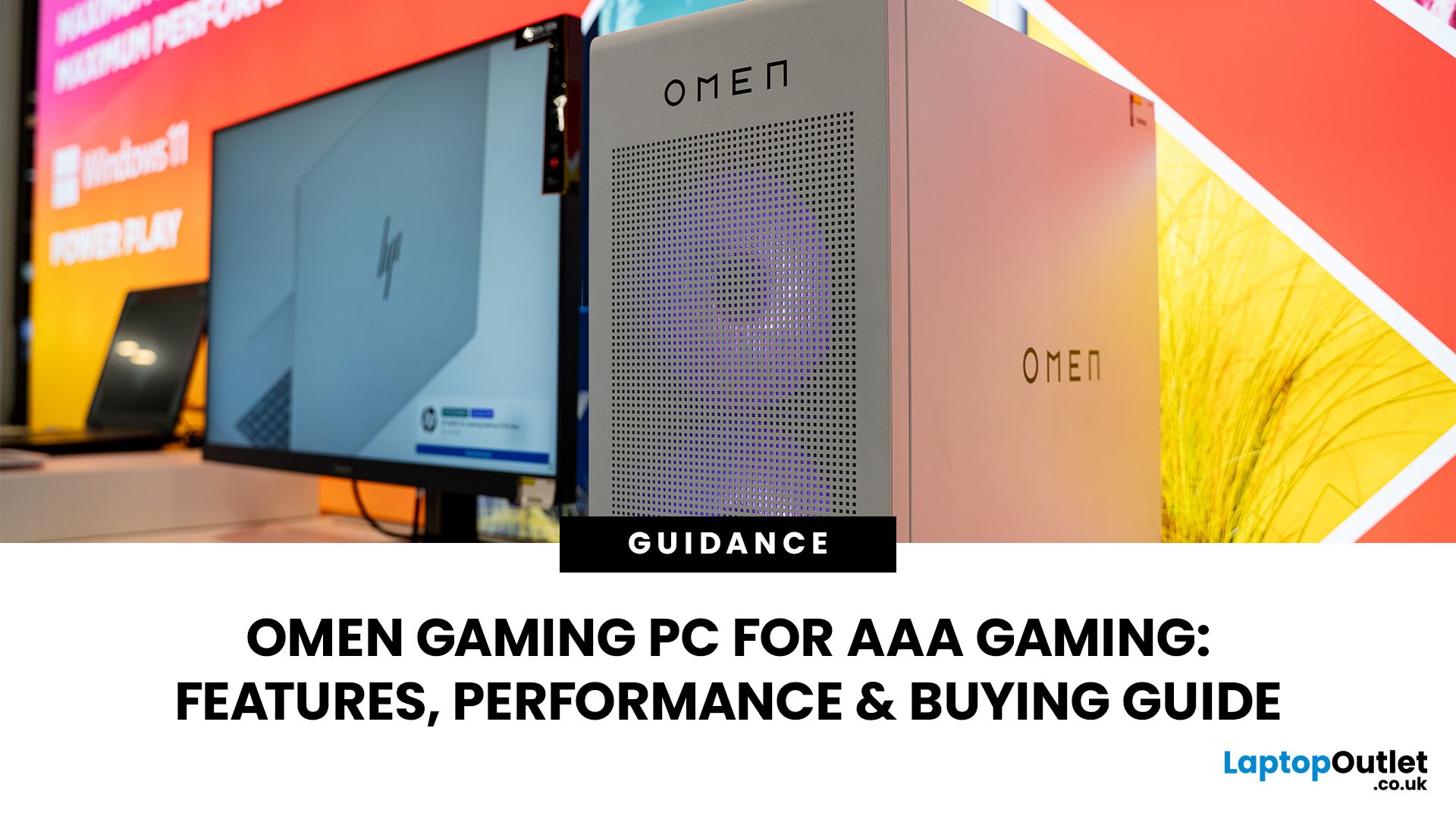
AAA games can be absolutely stunning, but they are not shy about demanding serious hardware. High-resolution textures, dense open worlds, ray-traced lighting, advanced physics, and background asset streaming can push an ordinary desktop to its limits. If your computer is short on graphics power, memory or cooling capacity, the result may be stuttering, inconsistent frame rates and a graphics menu full of compromises.
That's where an OMEN gaming PC comes in. An HP OMEN desktop combines dedicated gaming graphics, modern processors, SSD storage, and performance-focused cooling in a pre-built system. But not every configuration delivers the same experience, one OMEN gaming desktop may be ideal for 1080p gaming, while another is built for high-refresh 1440p or demanding 4K gameplay. This guide breaks down the HP OMEN specs that actually matter and how to match them to the way you play.
Is an OMEN Gaming PC Actually Good for AAA Games?
Yes. A correctly configured OMEN PC for AAA games can deliver
September 03, 2026
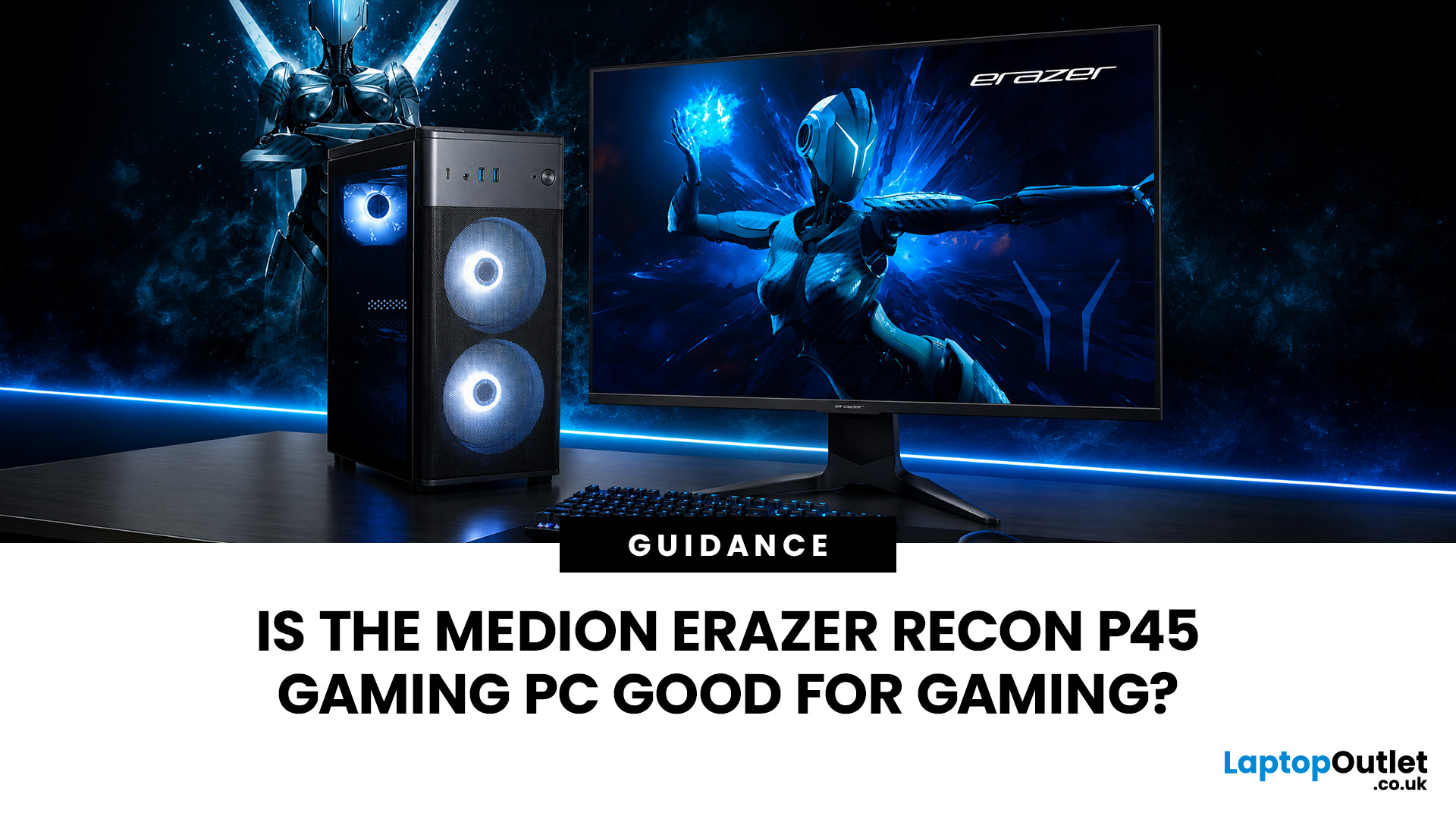
Yes, the Medion Erazer Recon P45 is a good gaming PC for players who want smooth everyday gaming, strong 1080p performance, fast loading times and a ready-to-use desktop without building a PC from scratch.
At Laptop Outlet, current Medion Erazer Recon P45 Gaming PC options include configurations with an AMD Ryzen 5 5500, 1TB SSD, Windows 11 Home, and dedicated NVIDIA RTX graphics, including RTX 5060 and RTX 5050 variants. The RTX 5060 model also includes 32GB RAM in the listed specification, while the RTX 5050 model is listed with 16GB RAM.
Is the Medion Erazer Recon P45 Worth it?
For most UK gamers, the Medion Recon P45 PC makes sense if you want a capable prebuilt gaming desktop that can handle modern games, multitasking, streaming, schoolwork, everyday browsing, and entertainment. It is especially suitable for:
| User Type | Is it a Good Fit? | Why |
| Beginner gamers | Yes | No PC-building knowledge needed |
| 1080p players | Yes | RTX graphics and Ryzen 5 power are well matched |
| Students | Yes | Good for gaming, |
July 13, 2026
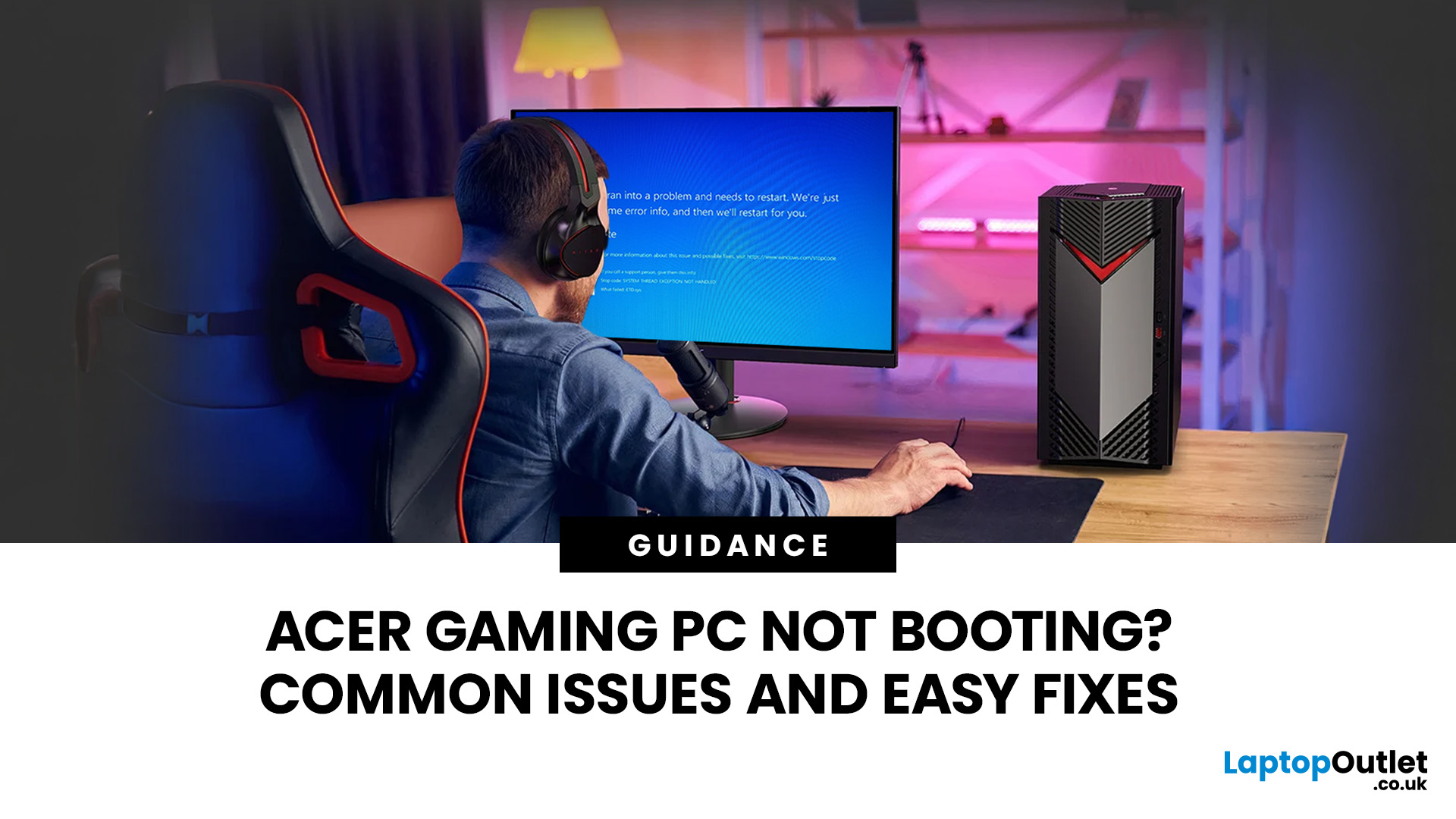
An Acer gaming PC not booting can feel like instant panic mode, especially when you were ready to jump into a game, finish work, or just chill. One minute everything is fine, and the next your PC turns on but no display appears, the monitor says no signal, or the screen stays completely black.
The good news? A PC not booting does not always mean something major is broken. Sometimes it is a loose cable, a monitor input issue, a RAM problem, or a BIOS setting that needs a reset. In this guide, we will walk through the most common Acer desktop startup issues, what they usually mean, and the easy fixes you can try before heading straight to a repair shop.
Is Your Acer PC Actually Not Booting, or is There No Display?
Before you start unplugging parts, it helps to know what problem you are really dealing with. A PC can fail in different ways, and each one points to a different cause.
If your Acer PC is not starting up that means there are no lights, no fans, and no sound at all, it may be a power