



Latest Home Printing Trends in 2026: What to Expect Next
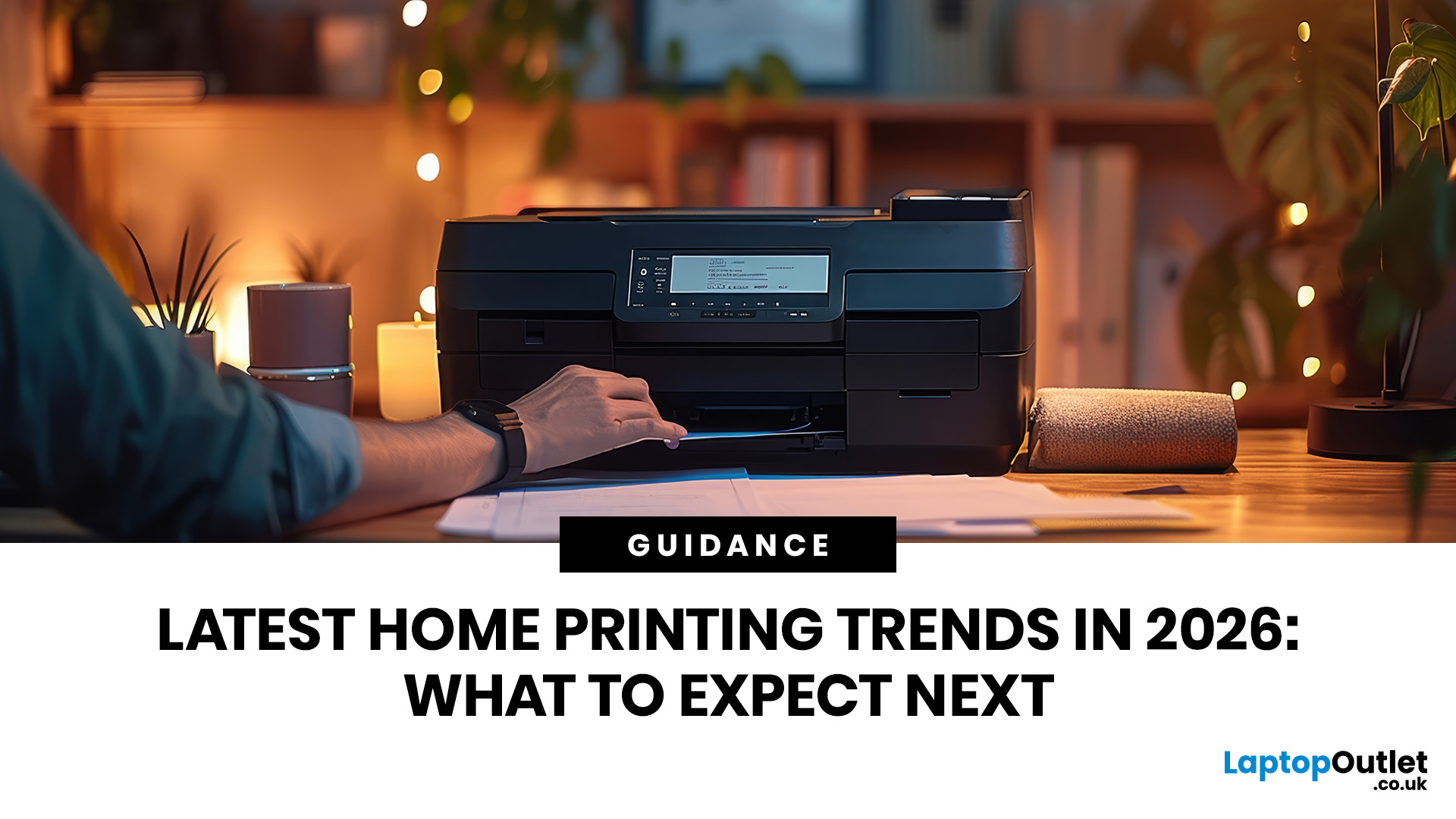
Printers are no longer just “that thing in the corner” for the occasional return label.
For UK buyers, the most important shift is simple: people want printers that are affordable to run, easy to connect and useful for both home and work.
For UK homes, hybrid workers, students and small businesses, printers remain an important everyday tool. But with so many options available, choosing the right one can be challenging.
This guide explores the latest home printing trends in 2026 and what UK buyers should look for when choosing a printer for home, work or study.
Why Home Printing Still Matters for UK Buyers
The idea that nobody needs a printer anymore is outdated.
Many UK households now use printers for:
- Hybrid work documents
- School and university assignments
- Returns labels
- Invoices and receipts
- Travel documents
- Forms and applications
- Business paperwork
- Craft and creative projects
- Scanning ID or signed documents
Hybrid working is one reason printers still matter. The Office for National Statistics reported that more than a quarter of working adults in Great Britain hybrid worked between January and March 2025, showing that home-office tools remain relevant for many UK workers.
At the same time, UK homes are highly connected. Ofcom’s Online Nation 2025 report found that 95% of the UK population aged 16+ had internet access at home, which explains why modern printers are moving towards wireless, app-based and mobile-first use.
For a deeper breakdown of printer types, key features and buying factors, you can also read our complete home printer buying guide for 2026.
1. Refillable Ink Tanks Are Becoming More Popular
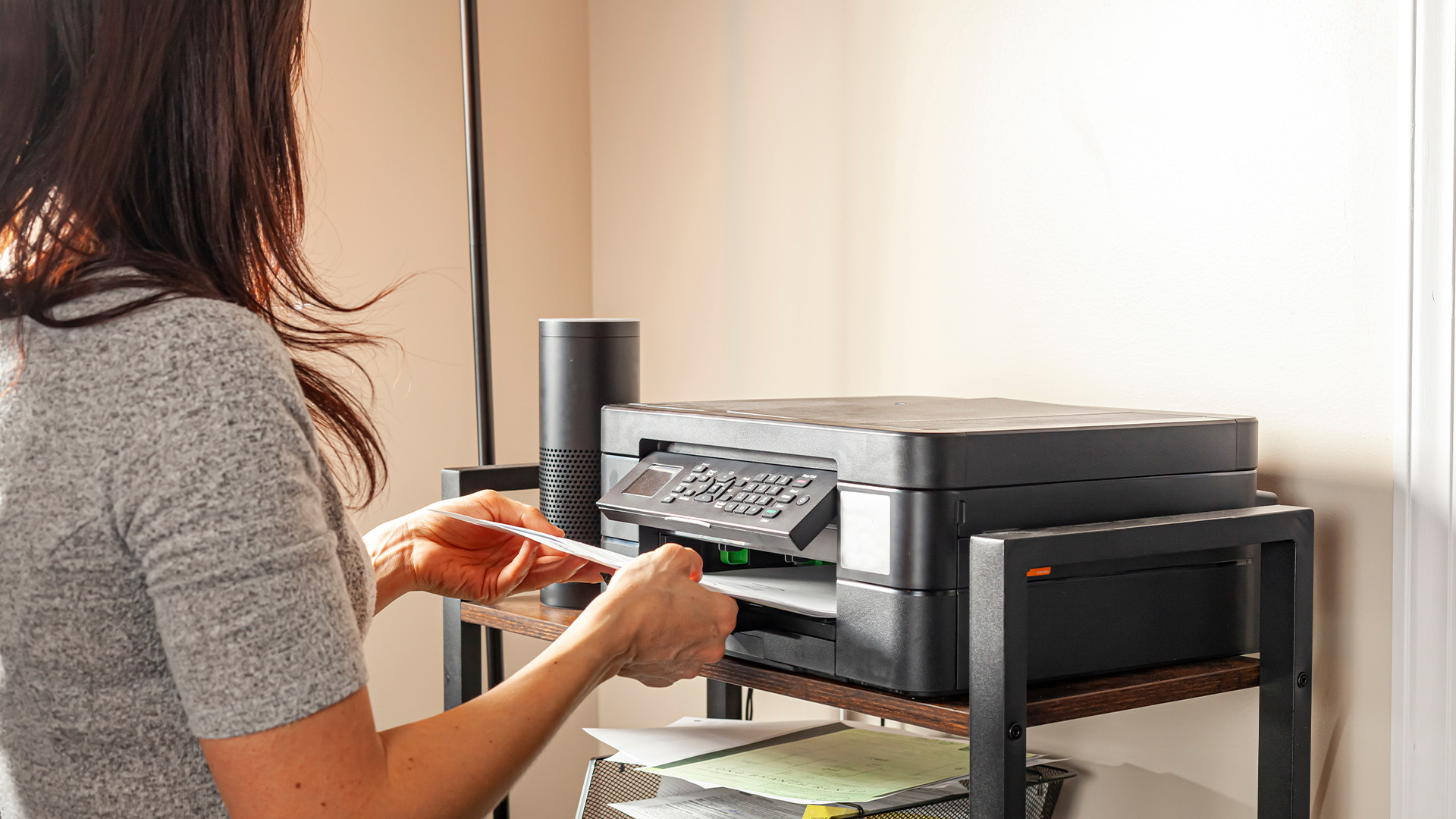
One of the biggest advancements in home printing is the move towards refillable ink tank printers.
Traditional cartridge printers can be affordable upfront, but replacement ink can quickly become expensive. Ink tank printers use refillable reservoirs instead of small cartridges, which can reduce running costs for regular users.
Why UK buyers like ink tank printers
Ink tank printers are useful because they offer:
- Lower cost per page
- Higher ink capacity
- Less frequent refilling
- Good value for families and students
- Better suitability for regular colour printing
They are especially useful if you print schoolwork, invoices, labels, forms or colour documents every week.
Ink tank printers usually cost more upfront. They also make the most sense when used regularly. If you only print once every few months, a simple inkjet or laser printer may be a better fit.
Best for
- Families
- Students
- Hybrid workers
- Freelancers
- Home businesses
- Regular colour printing
For colour-heavy printing, UK buyers can compare high-quality inkjet printers.
2. Multifunction Printers Are Becoming the Default Choice
Most UK buyers do not just want to print anymore. They want to print, scan and copy from one compact machine.
That is why multifunction printers are one of the strongest home printer technology trends in 2026.
A good all-in-one printer can help with:
- Printing work documents
- Scanning signed forms
- Copying ID
- Printing school projects
- Managing invoices
- Digitising paperwork
- Printing return labels
Instead of buying separate devices, one printer can handle everyday admin for the whole household.
You can compare multifunction printers if you want one device for home, study and work.
What to look for
When choosing a multifunction printer, check for:
- Wireless printing
- Mobile app support
- Duplex printing
- Automatic document feeder
- Compact size
- Affordable ink or toner
- Easy scanning features
3. Mobile Printing Is Now Essential
Here is a common problem: the document is on your phone, but the printer only wants to talk to a laptop.
That should not be normal in 2026.
The future of home printers is mobile-first. UK buyers expect printers to work smoothly with phones, tablets, laptops and cloud storage.
Modern printers increasingly support:
- Wi-Fi printing
- App-based setup
- Smartphone scanning
- Cloud printing
- Driverless printing
- QR code setup
- Printing from iOS and Android devices
This matters because most homes now use multiple devices. One person may print from a work laptop, another from a phone, and a student from a tablet. If connection problems, paper jams or print errors keep happening, it is worth checking a practical guide on why your home printer is not working before replacing the printer completely.
Buyer tip
Before buying, check compatibility with:
- Windows
- macOS
- iOS
- Android
- Chromebook
- Your home Wi-Fi setup
A printer that is difficult to connect will become frustrating fast.
4. Compact Printers Are Better for Real UK Homes
Not everyone has a separate home office.
Many UK buyers need a printer that fits in a bedroom, kitchen corner, shared flat, student room or small workspace. That is why compact designs are becoming more important.
The latest home printer technology focuses on smaller machines that still offer useful features.
Compact printer features to look for
Look for:
- Small footprint
- Front-loading paper tray
- Quiet printing
- Wireless connectivity
- All-in-one functionality
- Neat cable management
- Easy access to ink or toner
Do not only measure the printer when it is closed. Check how much space it needs when the paper tray, scanner lid and output tray are open. A printer that looks compact online may need more desk space in real use.
5. Running Costs Matter More Than the Upfront Price
A cheap printer is not always cheap to own.
For UK buyers dealing with household budgets, running cost is one of the most important buying factors in 2026.
Before buying, consider:
- Ink or toner price
- Page yield
- Cost per page
- Duplex printing
- Energy use
- Replacement supplies
- Warranty
- Expected lifespan
If you print rarely, a cheaper printer may be fine. If you print regularly, look harder at ink or toner costs. A slightly more expensive printer may save money over time.
Best practice
Before choosing a printer, check:
- How much replacement ink or toner costs
- How many pages it can print
- Whether high-yield options are available
- Whether the printer supports double-sided printing
- Whether supplies are easy to buy in the UK
For a broader comparison, UK buyers can browse the full range of printers.
6. Laser Printers Still Make Sense for Work and Business Use
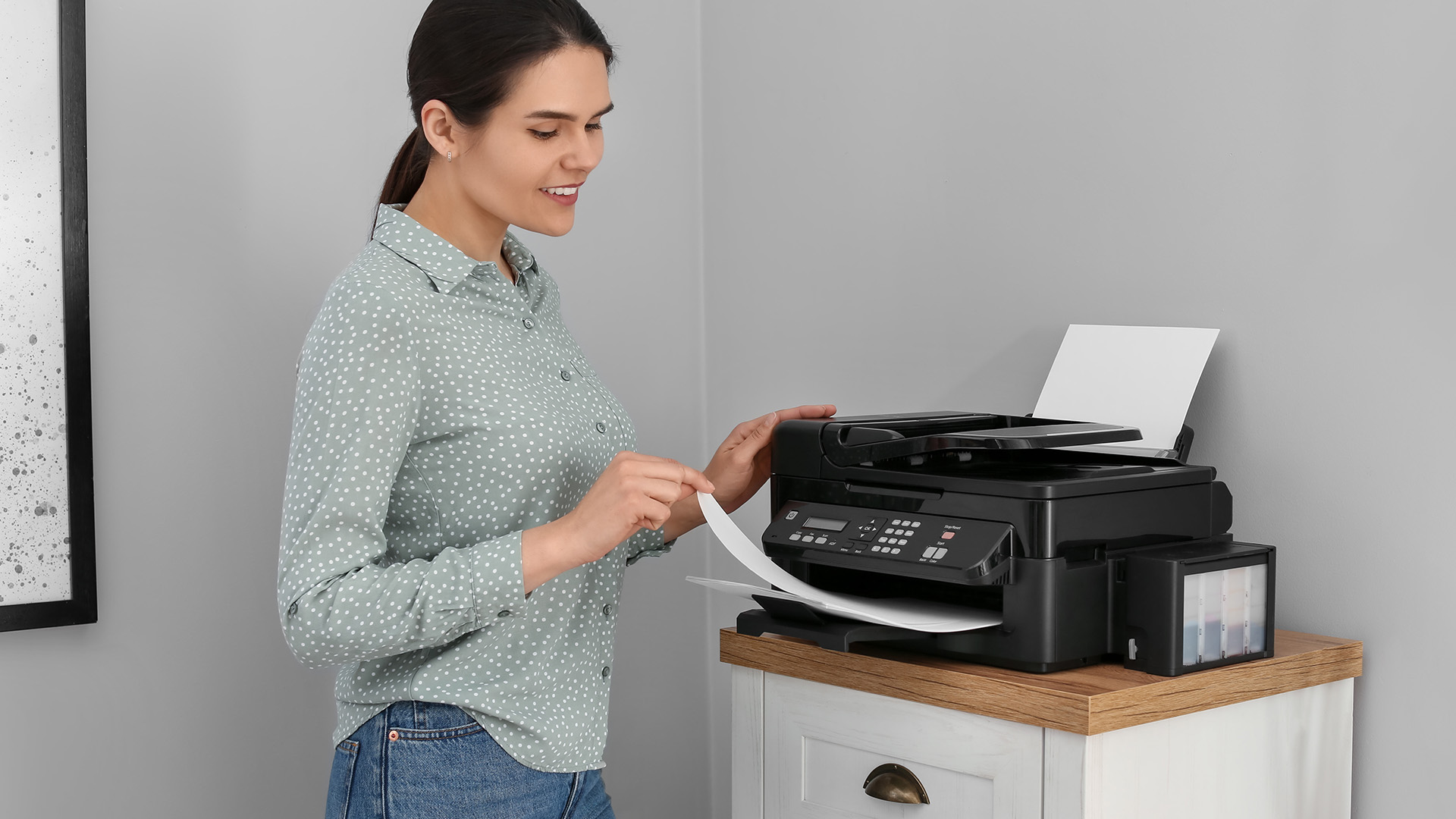
Inkjet printers are popular for home use, but laser printers are still a strong option for business documents.
If you mostly print text, invoices, forms, reports or shipping labels, a laser printer can be a smart choice.
Benefits of laser printers
Laser printers are known for:
- Fast printing
- Sharp text
- Reliable document output
- Good performance for regular business printing
- Lower smudge risk
- Stronger suitability for higher-volume use
UK home workers and small businesses may prefer laser printers when speed and document clarity matter more than photo printing.
You can compare laser printers for business use if your home setup also supports work or business tasks.
When laser may not be ideal
Laser printers are not always the best choice for:
- Photo printing
- Creative colour projects
- Very occasional printing
- Buyers needing low upfront cost
7. Inkjet Printers Are Still Strong for Colour and Everyday Use
Inkjet printers remain popular because they are flexible.
They are useful for:
- Colour documents
- Homework
- Photos
- Posters
- Craft projects
- Everyday home printing
- Mixed document types
For many households, a good inkjet printer offers the right balance between price, quality and flexibility.
Inkjet pros
- Good colour quality
- Suitable for photos
- Usually compact
- Often affordable upfront
- Works with different paper types
Inkjet cons
- Ink can be expensive
- Ink may dry if unused for long periods
- Slower than some laser printers
- Not always ideal for high-volume document printing
8. Sustainability Is Becoming a Bigger Buying Factor
More UK buyers are thinking about waste, energy use and long-term product value.
Printers fall under electrical and electronic equipment, and UK WEEE regulations cover responsibilities around collection, recycling and disposal of electrical goods.
For buyers, this means it is worth choosing printers and supplies with recycling, energy efficiency and lower waste in mind.
Eco-conscious printer features
Look for:
- Automatic double-sided printing
- Refillable ink tanks
- High-yield cartridges or toner
- Energy-saving modes
- Recyclable packaging
- Manufacturer recycling schemes
- Long-lasting components
If you regularly print work documents or school materials, duplex printing can reduce paper use immediately. If you print often, high-yield ink or toner can reduce replacement frequency.
9. Printer Security Matters for Home Workers
A printer connected to Wi-Fi is part of your home network.
That means security matters, especially if you print business documents, customer information, contracts, invoices or personal records.
Secure printing best practices
UK home workers should:
- Change the default printer password
- Keep printer firmware updated
- Use secure Wi-Fi
- Turn off unused connection features
- Avoid printing confidential files on shared networks
- Choose business-friendly models for sensitive work
This is especially important for hybrid workers and small businesses.
10. Brand Choice Still Matters
Printer buying is not only about the machine. It is also about supplies, software, support and long-term reliability. If HP is on your shortlist, a dedicated HP printer buying guide can help you compare the right model for home, study or office use.
Different brands suit different needs.
Canon printers
Canon printers for home and office are often a good fit for users who want colour quality, photo-friendly printing and everyday versatility.
Brother printers
Reliable Brother printers are often chosen for dependable document printing, home office use and practical business features.
Xerox printers
Professional Xerox printers are useful for buyers who need office-style printing, strong document handling and professional output.
What UK buyers should check
Before choosing a brand, ask:
- Are replacement supplies easy to buy in the UK?
- Is the mobile app easy to use?
- Does it support your laptop and phone?
- Is the printer suitable for your monthly print volume?
- Are high-yield supplies available?
- Is warranty support clear?
Inkjet vs Laser vs Multifunction: Which Should You Choose?
|
BUYER NEED |
BEST PRINTER TYPE |
WHY |
|---|---|---|
|
Everyday family printing |
Inkjet or multifunction |
Flexible for documents and colour |
|
Home office documents |
Laser or multifunction laser |
Fast, sharp and reliable |
|
Regular colour printing |
Ink tank inkjet |
Lower long-term ink costs |
|
Student use |
Compact inkjet or all-in-one |
Affordable and versatile |
|
Small business use |
Laser or business multifunction |
Better for volume and paperwork |
|
Photos and creative work |
Inkjet |
Stronger colour and paper flexibility |
Home Printer Buying Guide for UK Buyers
Before choosing a printer, answer these questions.
1. What do you print most?
Documents, photos, labels, invoices and schoolwork all need different features.
2. How often do you print?
Occasional users should avoid overbuying. Regular users should focus on running costs.
3. Do you need scanning?
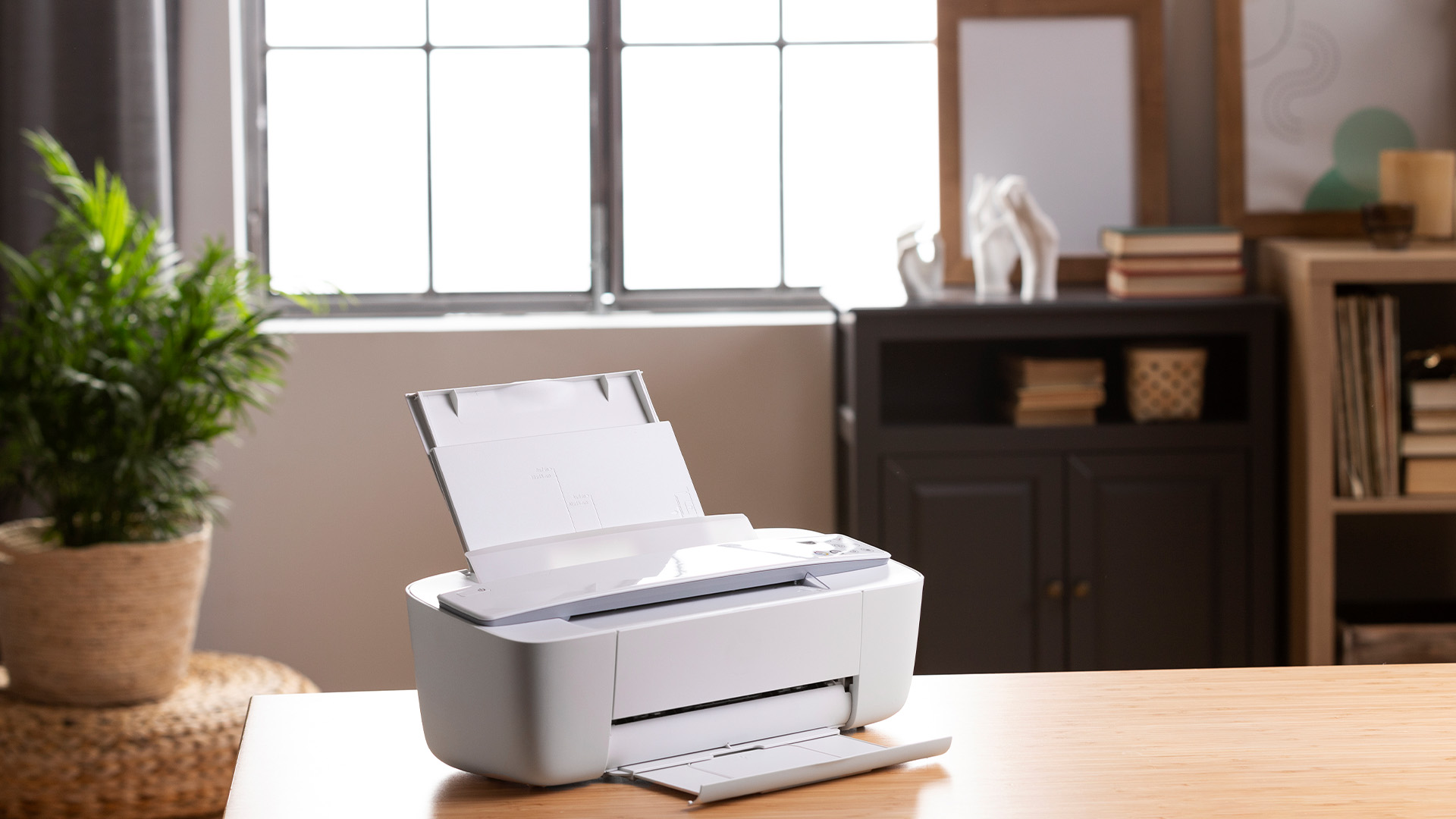
If yes, choose an all-in-one printer.
4. Is colour important?
If yes, consider inkjet or ink tank.
5. Do you mostly print text?
If yes, laser may be better.
6. How much space do you have?
Measure the full printer space with trays open.
7. Are supplies affordable?
Check ink or toner prices before buying.
UK buyers can start with printers for home use or compare options across the full printer range.

Final Thoughts
The biggest home printing trends in 2026 are not about flashy features. They are about solving real buyer problems.
UK buyers want printers that are easier to connect, cheaper to run, compact enough for modern homes and reliable enough for work, study and everyday admin.
For most users, the best printer will be a practical all-in-one model with wireless printing, sensible running costs and easy access to replacement ink or toner. For business-heavy printing, laser printers remain a strong choice. For colour and creative use, inkjet and ink tank models are still highly relevant.
The smartest next step is to compare printers by how you actually use them.

Common Questions for Latest Home Printing Trends
What are the latest home printing trends in 2026?
The latest home printing trends include refillable ink tanks, compact all-in-one printers, wireless printing, mobile app control, better security, energy-saving features and lower running costs.
Are home printers still worth buying in the UK?
Yes, home printers are still worth buying if you regularly print work documents, schoolwork, forms, labels, invoices or travel documents. The key is choosing a printer based on your real usage.
What is the best printer type for home use?
For most homes, a multifunction inkjet or ink tank printer is a practical choice. For mostly text-based work, a laser printer may be better.
Is inkjet or laser better for home printing?
Inkjet is better for colour, photos and mixed use. Laser is better for fast text printing and regular business documents.
How can I reduce printing costs at home?
Choose high-yield ink or toner, use duplex printing, print in draft mode when possible, compare cost per page and avoid buying based only on upfront price.
What should UK buyers look for in a home printer?
UK buyers should look for wireless printing, affordable supplies, compact design, reliable brand support, duplex printing, mobile compatibility and the right print technology for their needs.
| Read More |
| Why Your Home Printer Isn’t Working: Common Issues & Fixes |
| The Complete Guide to Home Printers in 2026: Types, Features & Buying Advice |
| HP Printer Buying Guide: How to Choose the Right One |
Related Articles

Last Updated: May 12, 2026
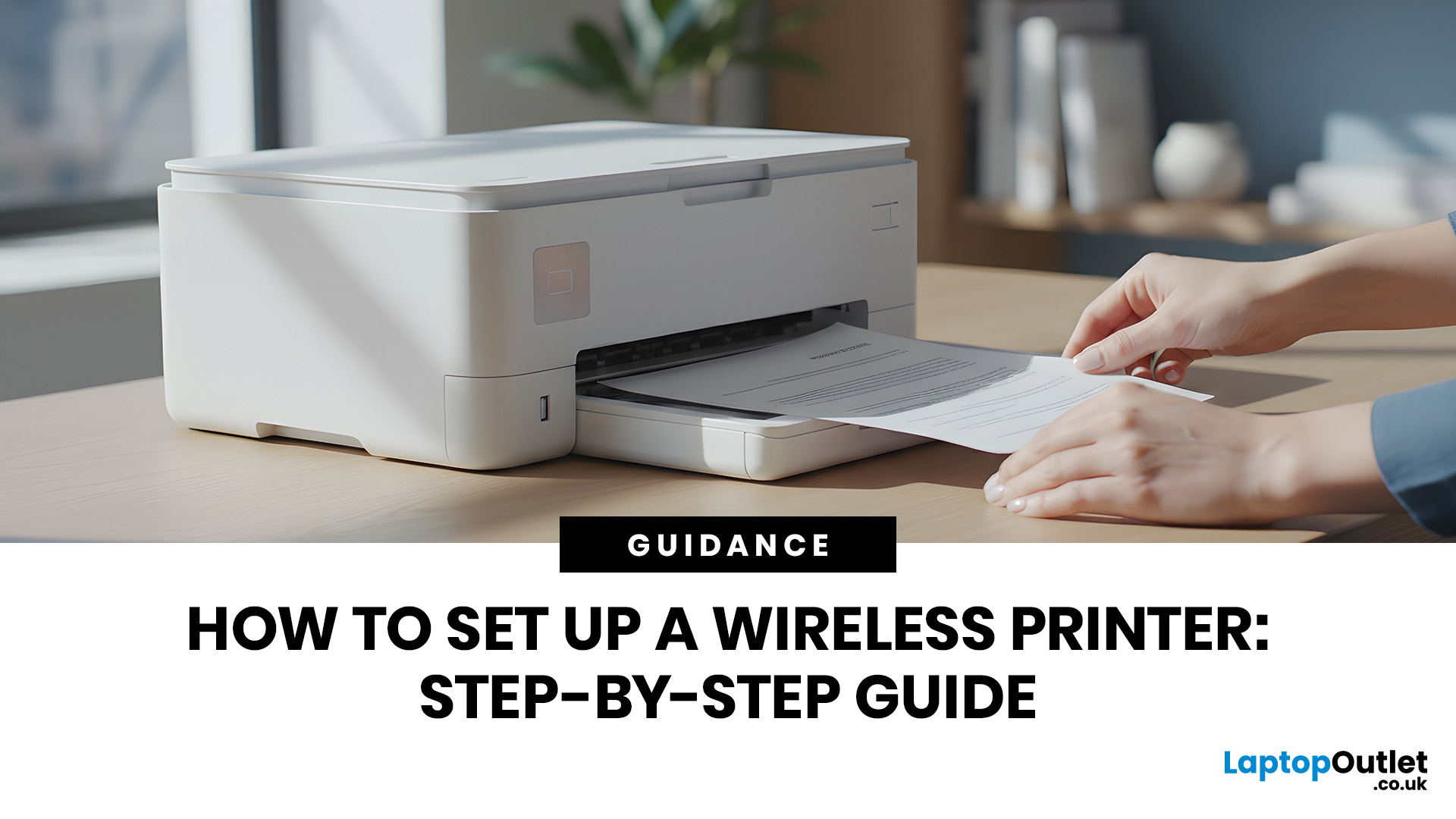
Quick Answer: To set up a wireless printer, connect it to your Wi-Fi network using the WPS button, your printer’s touchscreen menu, Wi-Fi Direct, or a temporary USB cable. Then add it on Windows via Settings > Printers & Scanners, or on macOS via System Settings. On mobile, AirPrint handles iPhones automatically, while Android uses the Default Print Service, Mopria, or manufacturer apps. Most setups take under 10 minutes.
Knowing how to set up a wireless printer properly saves you from the frustration of cables, failed connections, and endless troubleshooting. Whether you have just unboxed a brand-new model or are reconnecting an existing one to a new router, this guide walks you through it all.
What Do You Need Before Setting Up a Wireless Printer?
A quick checklist before you begin will save a lot of frustration. Getting these sorted upfront means the setup should go smoothly first time round.
- Your WiFi network name (SSID) and password
- Your printer powered on and within range of
Published: May 11, 2026
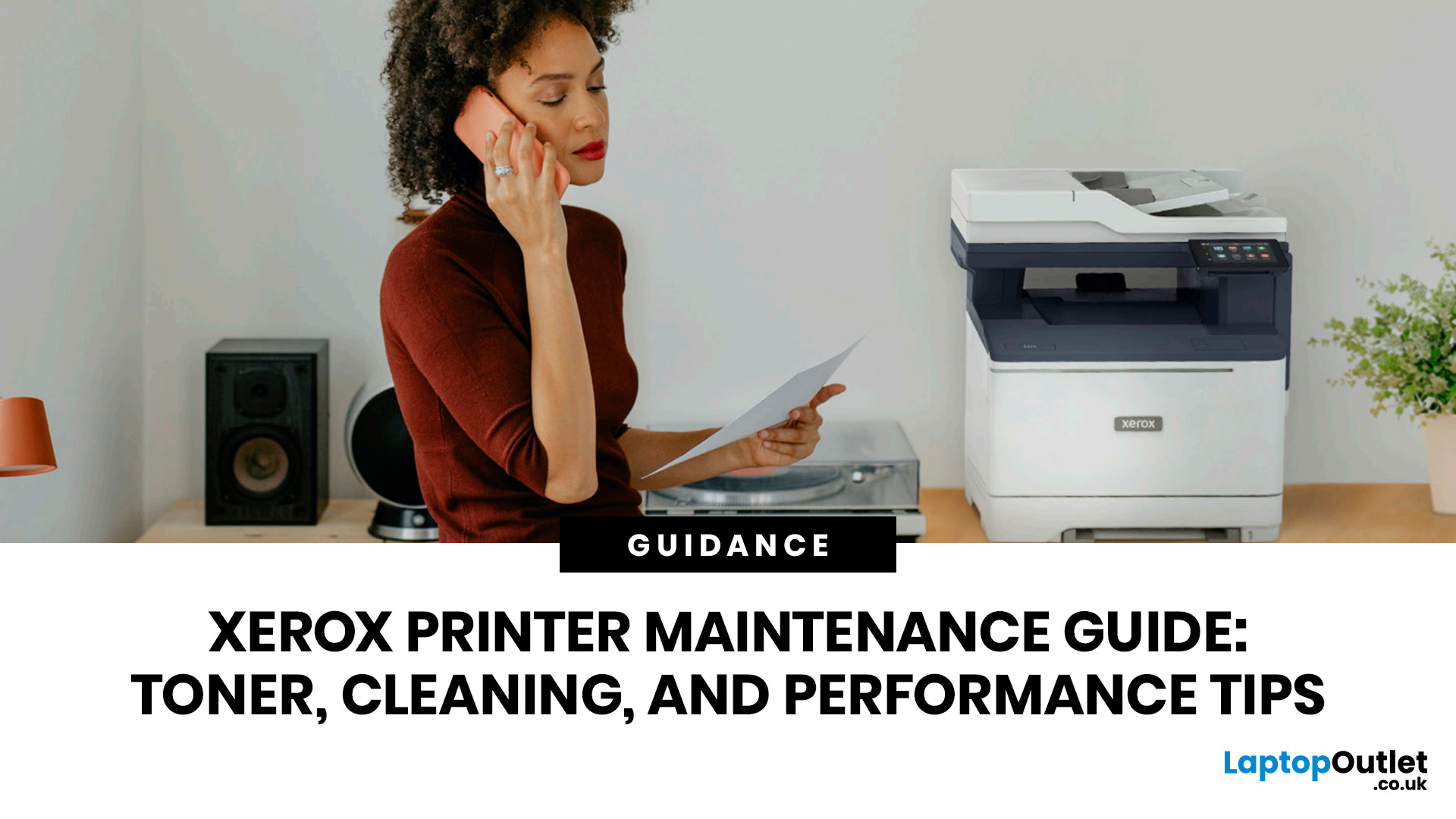
When your Xerox printer starts leaving streaks, fading text, jamming paper, or showing toner warnings, the problem is often easier to fix than it looks. In many cases, you can improve print quality with the right toner check, a quick scanner clean, better paper loading, or a simple printhead lens clean.
This Xerox printer maintenance guide provides a clear, step-by-step routine you can follow without guesswork. You will learn how to replace Xerox toner, how to clean a Xerox printer safely, what causes common toner issues, and which quick checks improve everyday performance.
The aim is simple: help you keep your Xerox printer producing sharp, clean pages for longer. Xerox support notes that printhead lenses require cleaning when print quality starts to degrade, especially when prints show light streaks or voids, while its safety guidance also warns against using pressurised sprays, strong solvents, or direct liquid cleaning inside the printer.
Want to compare Xerox models before you maintain,
Last Updated: May 13, 2026
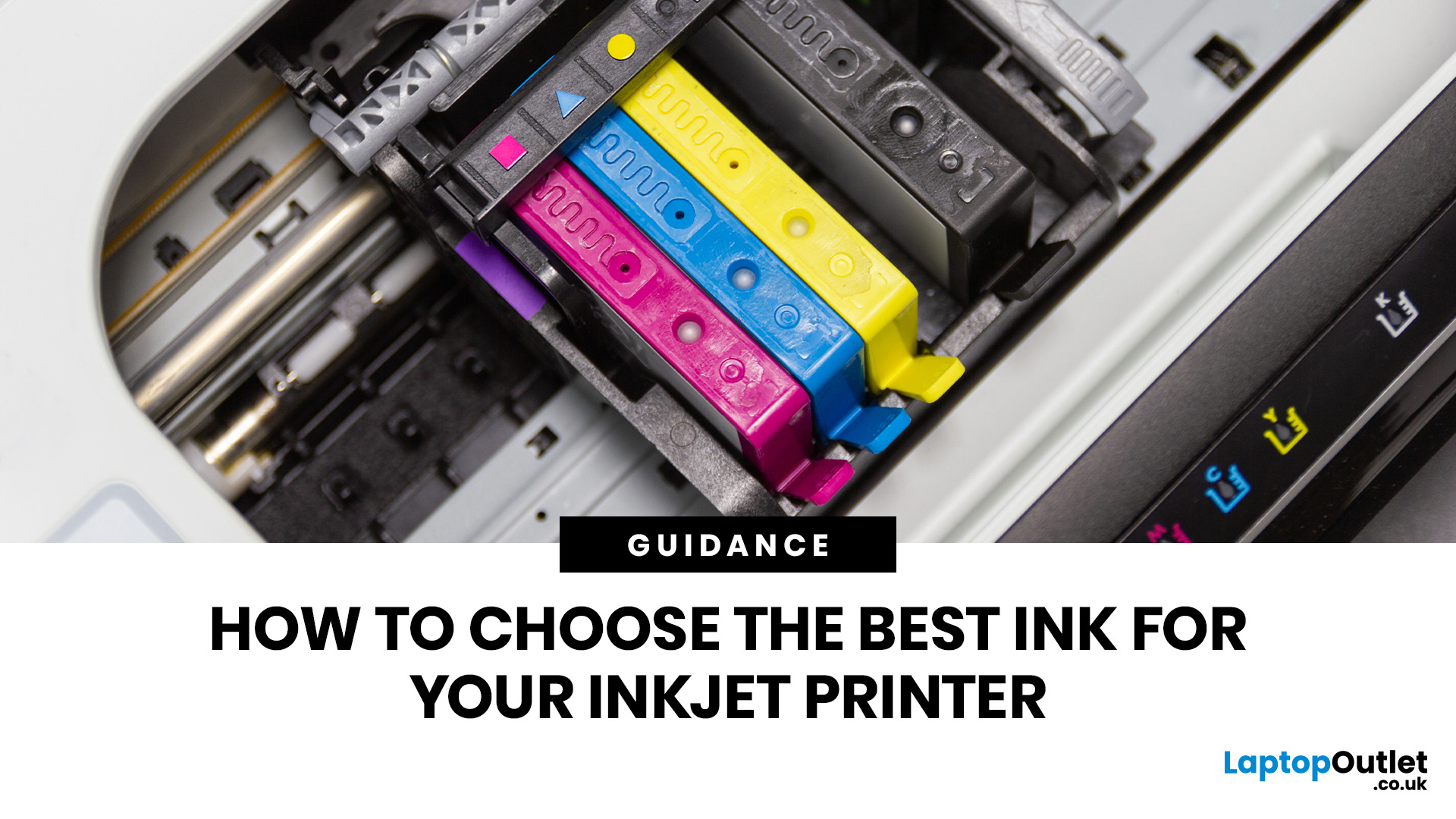
Quick Answer: Choose ink that matches your exact printer model first. Then decide whether you need original cartridges, compatible cartridges, remanufactured cartridges, refill ink, or bottled ink for an ink tank printer.
For sharp documents, pigment ink is usually the stronger choice. For bright photos and colourful images, dye-based ink often gives richer colour. You should not buy ink only because it is cheap. Check the cartridge number, page yield, ink type, printer warranty position, return policy, and whether you print often enough to justify XL, refillable, or subscription ink.
Introduction
Buying ink sounds simple until you see original cartridges, compatible cartridges, remanufactured cartridges, refill kits, XL cartridges, ink bottles, dye ink, pigment ink, and subscription plans. The wrong choice can leave you with poor print quality, blocked cartridges, warning messages, or higher running costs than expected.
You do not need to understand every technical detail to make a
Last Updated: July 06, 2026
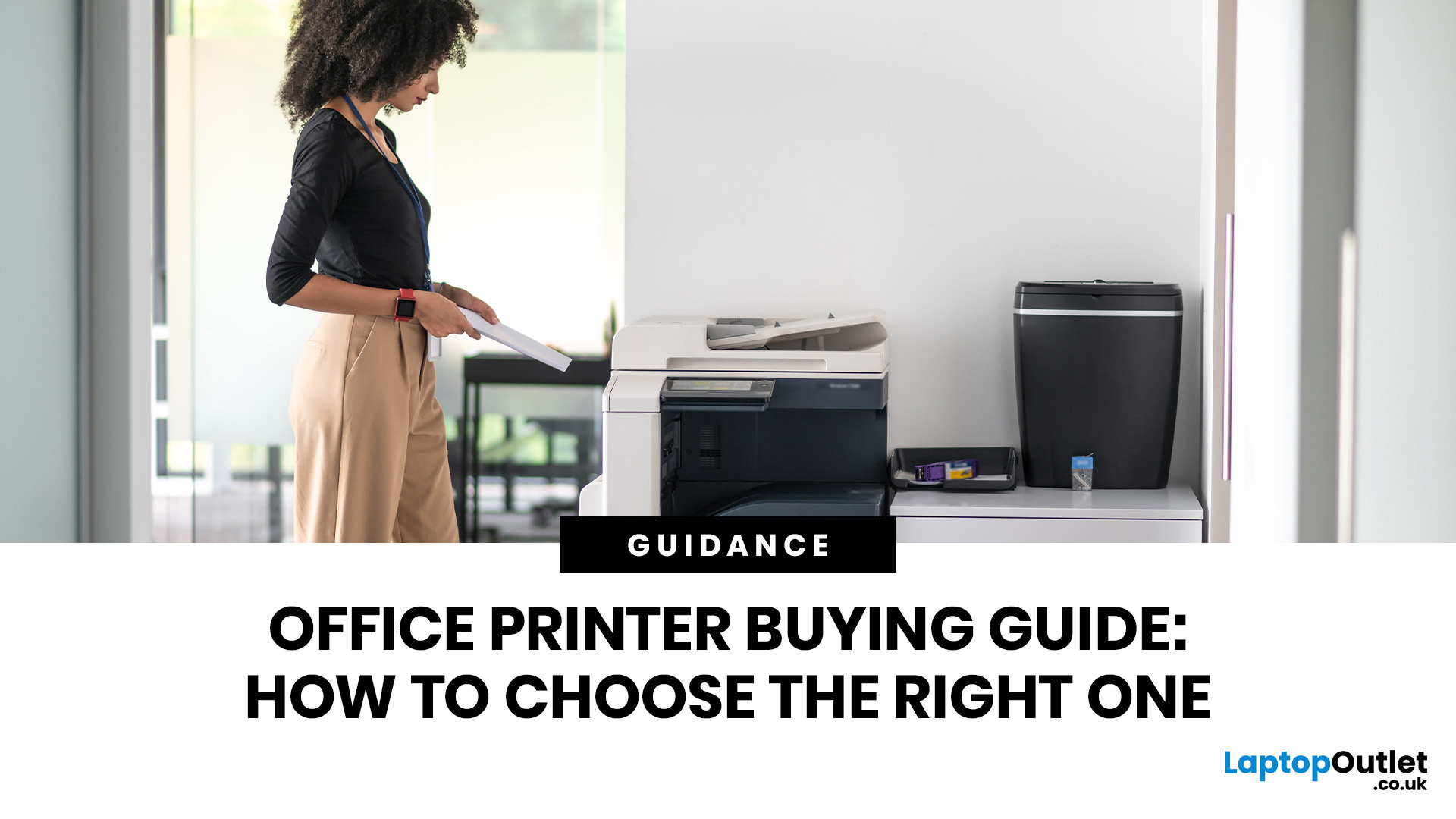
Quick Answer: To choose the right office printer, identify your monthly print volume, preferred print type (colour or mono), and whether you need scanning or copying. Laser printers suit high-volume offices, inkjet printers work well for colour-heavy or lower-volume tasks, and all-in-one models offer the best flexibility. Always factor in running costs, connectivity, and paper handling alongside the upfront price.
Picking the wrong printer for your office is an easy mistake to make, and a surprisingly costly one. Between the upfront price, ink or toner costs, paper handling, and connectivity options, there is a lot more to consider than most people realise.
This office printers buying guide covers everything you need to make a confident, well-informed decision in 2026. Whether you are kitting out a home office, a small business, or a large corporate workspace, we have got you covered.
What Types of Office Printer Are There?
Understanding the different categories of printers for
Last Updated: May 25, 2026
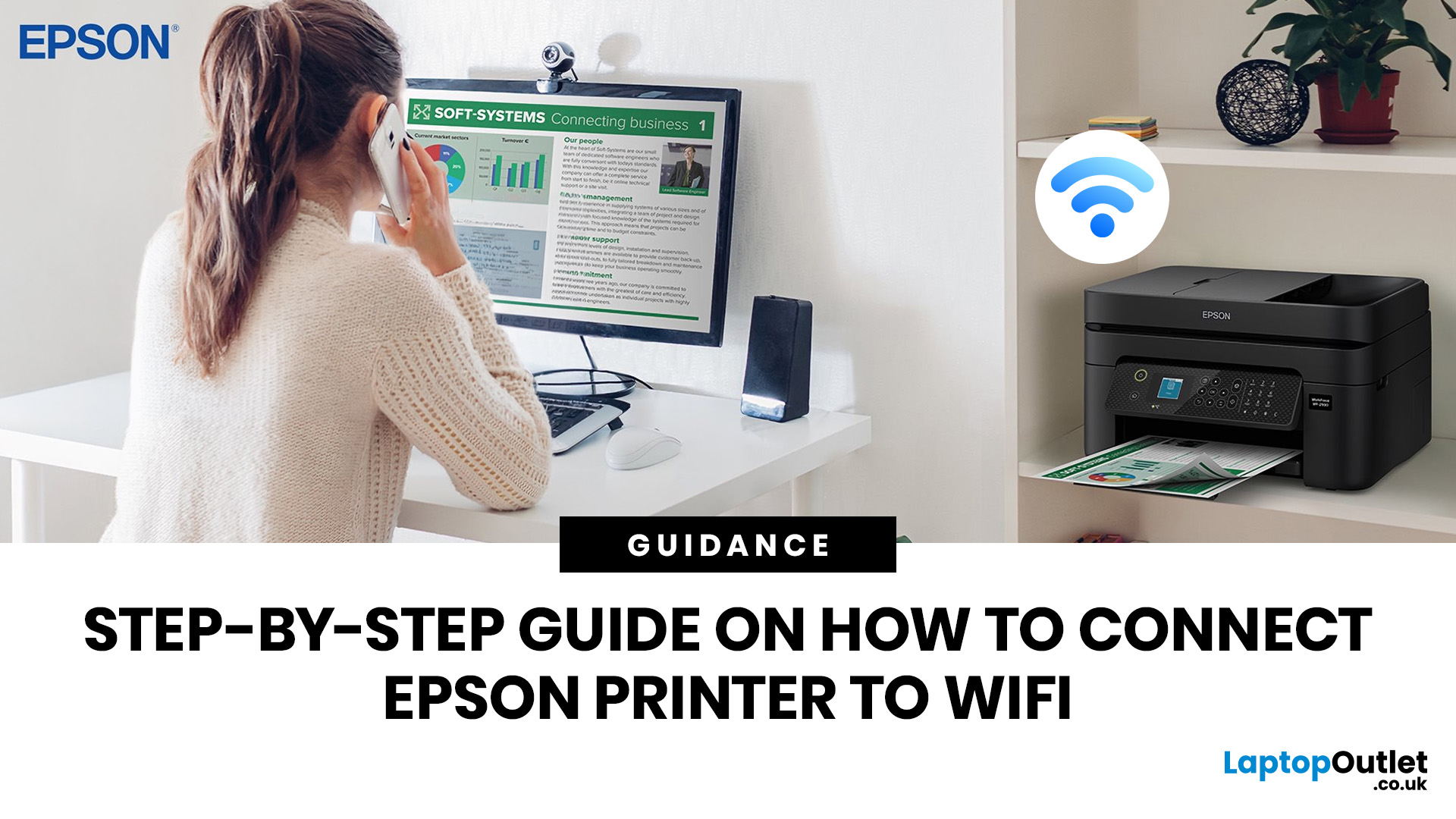
To connect an Epson printer to WiFi, turn on the printer, open its WiFi or Network Settings, select WiFi Setup Wizard, choose your network name, enter the WiFi password and confirm the connection. If your Epson printer has no screen, use Epson Smart Panel, WPS, Epson setup software or a temporary USB setup method, depending on your model. Always keep your WiFi name and password ready before starting.
Trying to set up a printer and watching it refuse to connect is a very specific kind of pain. You just want to print one document, and suddenly your Epson printer is acting like it has trust issues with your router.
This guide explains how to connect Epson printer to WiFi in simple steps, whether your model has a screen, works through WPS, needs the Epson Smart Panel app, or requires setup software on Windows or Mac. We will also cover what to do if your Epson printer is not connecting to WiFi, because let’s be honest, that is usually where the drama starts.
Before You Start: What You Need
Last Updated: June 08, 2026
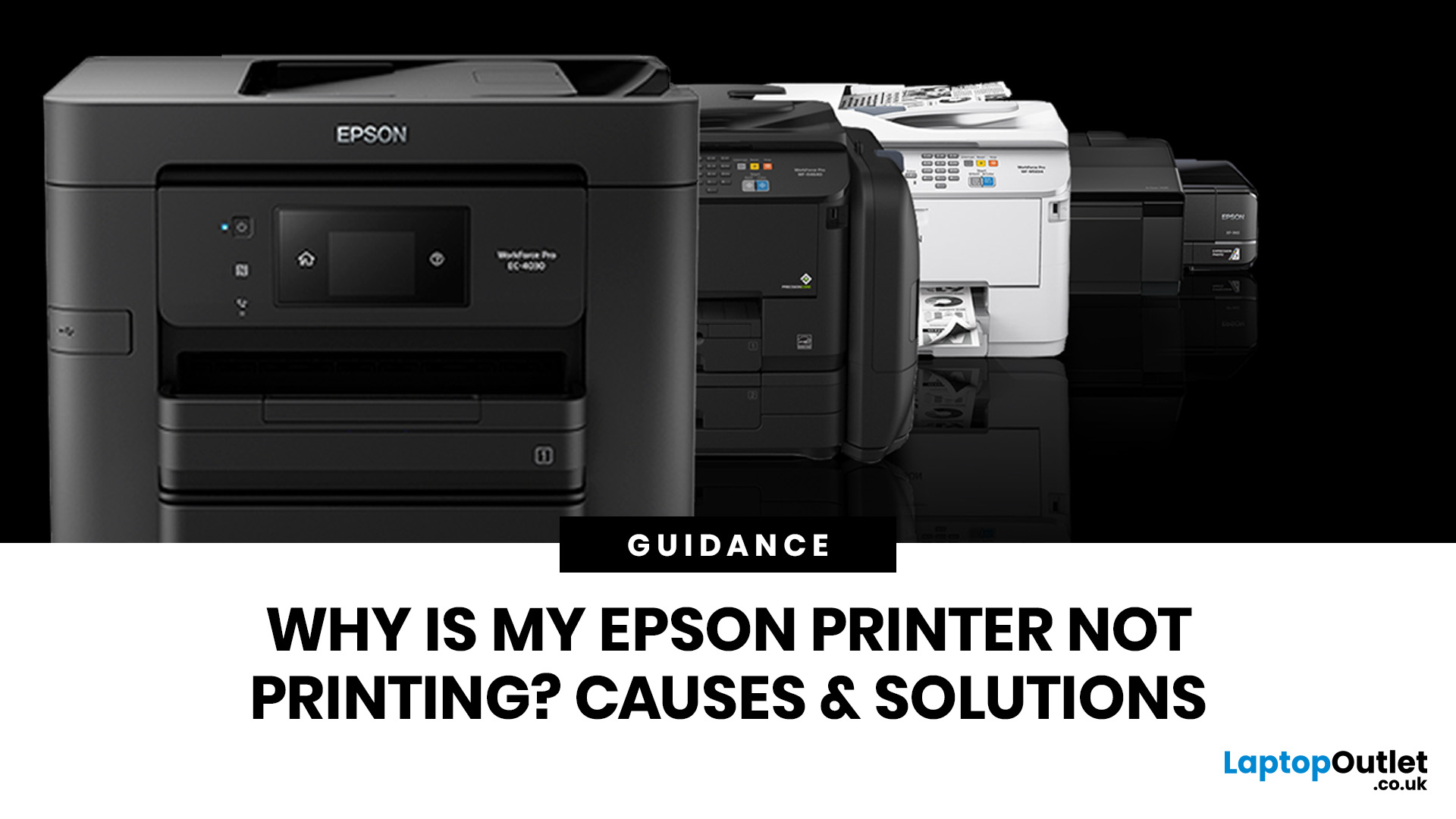
If your Epson printer is not printing, the problem is usually caused by low ink, clogged print heads, offline settings, connection issues, stuck print jobs, or outdated drivers. Most Epson printer problems can be fixed with simple troubleshooting steps such as checking cartridges, cleaning the print head, clearing the print queue, updating drivers, or resetting the printer.
An Epson printer not printing can be frustrating, especially when you need an important document, return label, invoice, or school assignment right away. The good news is that most Epson printer problems are not as serious as they first seem. In many cases, the issue comes down to low ink, clogged nozzles, offline settings, a weak connection, or a stuck print queue.
So, if you are wondering, “Why is my Epson printer not printing?”, this guide will walk you through the most common causes and simple ways to fix Epson printer issues at home. Before you think about replacing your printer, try these easy Epson printer troubleshooting
Last Updated: June 10, 2026
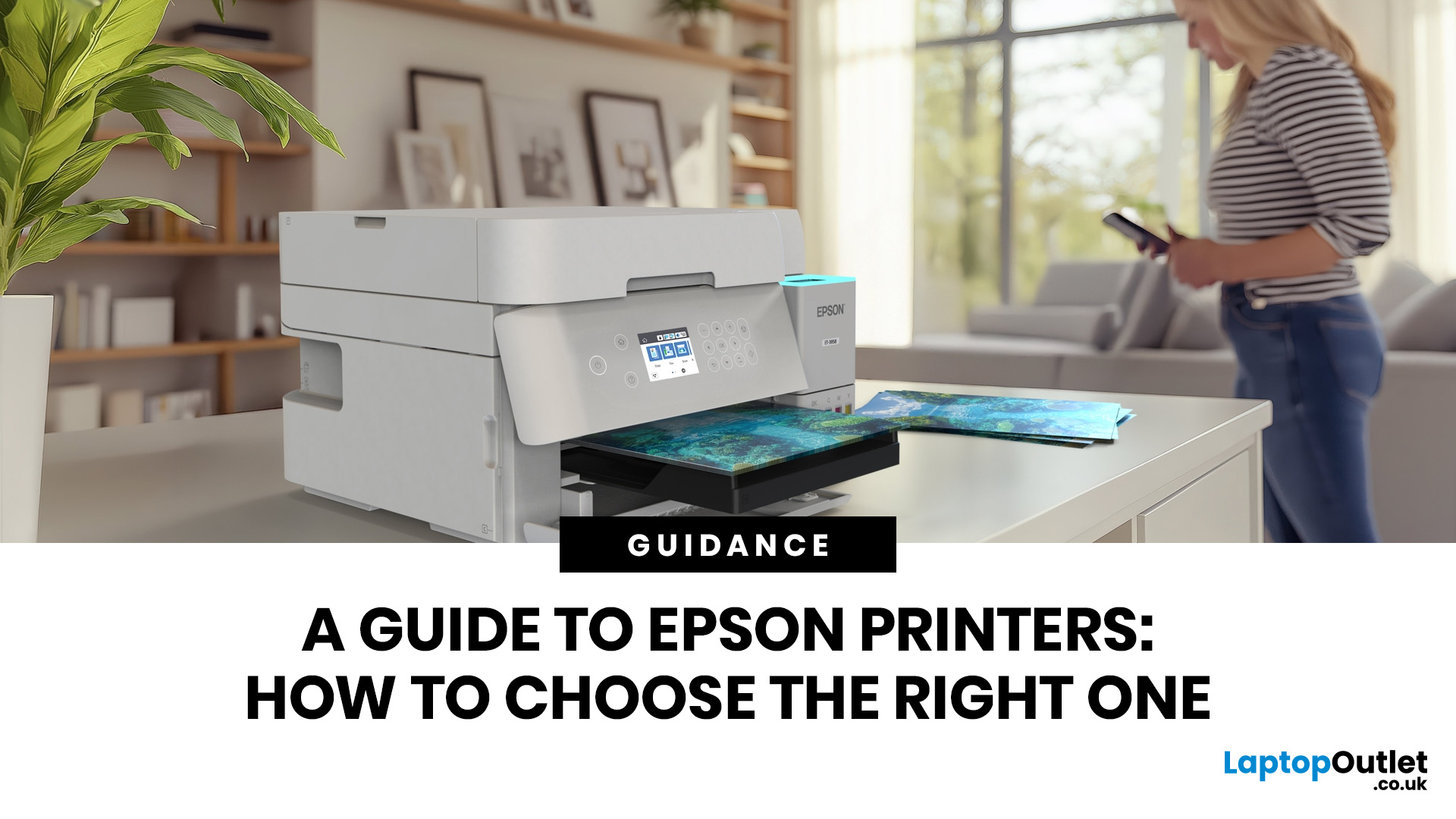
Epson is one of the most popular printer brands for UK homes, students, hybrid workers, small offices and creative users. Choosing the right Epson printer depends on how often you print, what you print, and how much you want to spend long term. For occasional home use, an affordable Epson inkjet printer is a solid pick. For regular printing, Epson EcoTank offers better running value with refillable ink tanks. If you need scanning, copying and mobile printing, choose a wireless all-in-one Epson printer for the easiest everyday setup.
Buying a printer should be simple. You want to print, scan, copy, maybe send something from your phone, and not spend half your life decoding ink cartridges like it is a secret side quest. That is where Epson printers come in. The brand covers compact inkjet printers, refillable EcoTank printers, wireless all-in-one models, photo printers and business-friendly options.
This Epson printer guide breaks down how Epson printers work, how to choose an Epson printer,
Last Updated: June 10, 2026
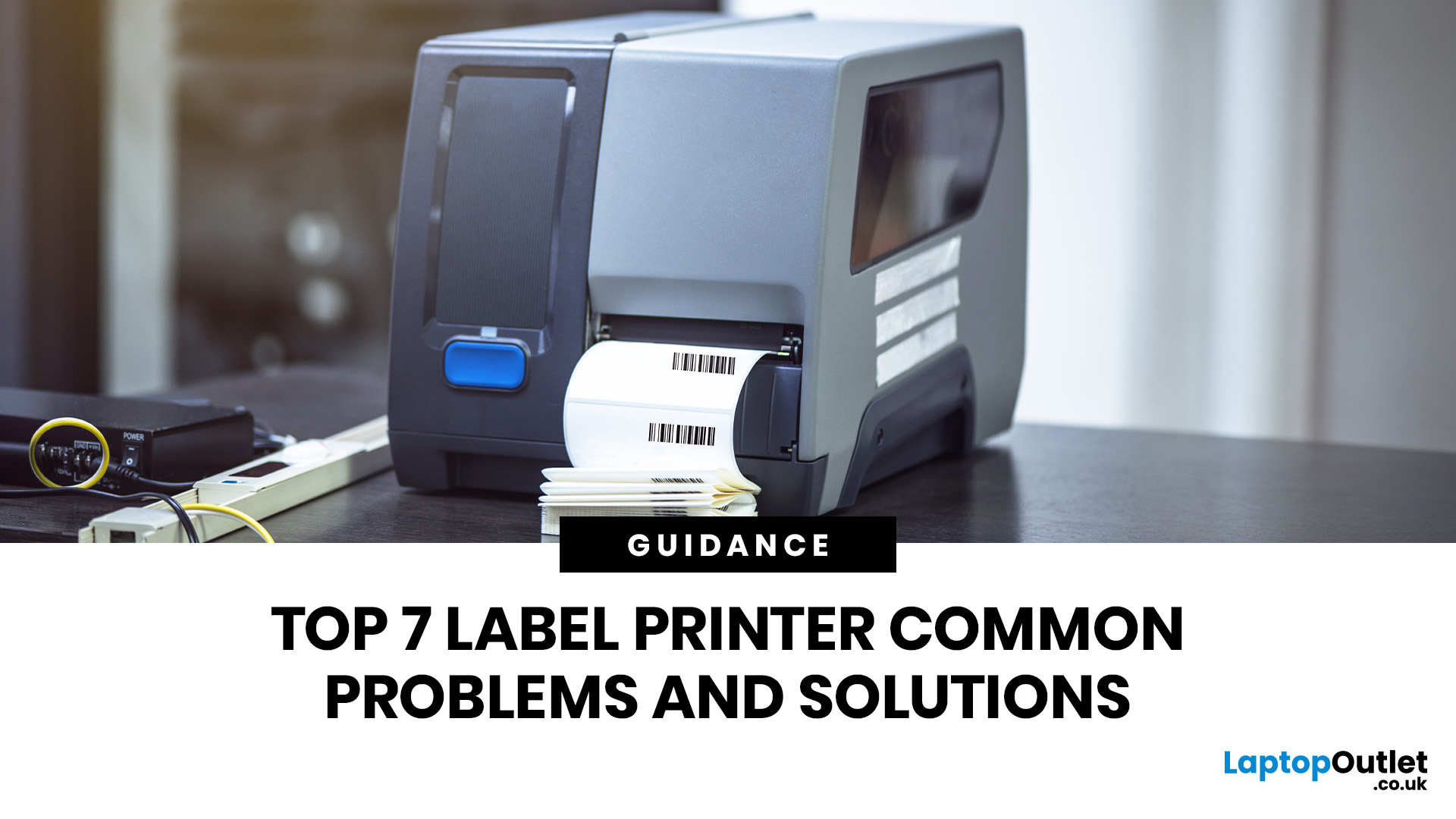
Label printers are practical, reliable, and incredibly useful when they work as expected. Whether you use one for shipping labels, barcodes, product tags, warehouse labels, office organisation, or home storage, a good label printer can save time and keep everything running smoothly.
Like any printer, label printers can occasionally run into problems. You may find your label printer not printing, producing faded labels, jamming midway through a job, or printing blurry labels that are difficult to scan. These label printer issues can be frustrating, especially when you need quick and accurate prints for business operations.
The good news is that many label printer common problems are easy to fix once you know what is causing them. In this guide, we’ll walk you through the top seven label printer errors users often face and show you how to solve them with simple, practical steps. This guide covers seven common label printer issues, explains what causes them, and shows you how to solve them
Last Updated: June 09, 2026
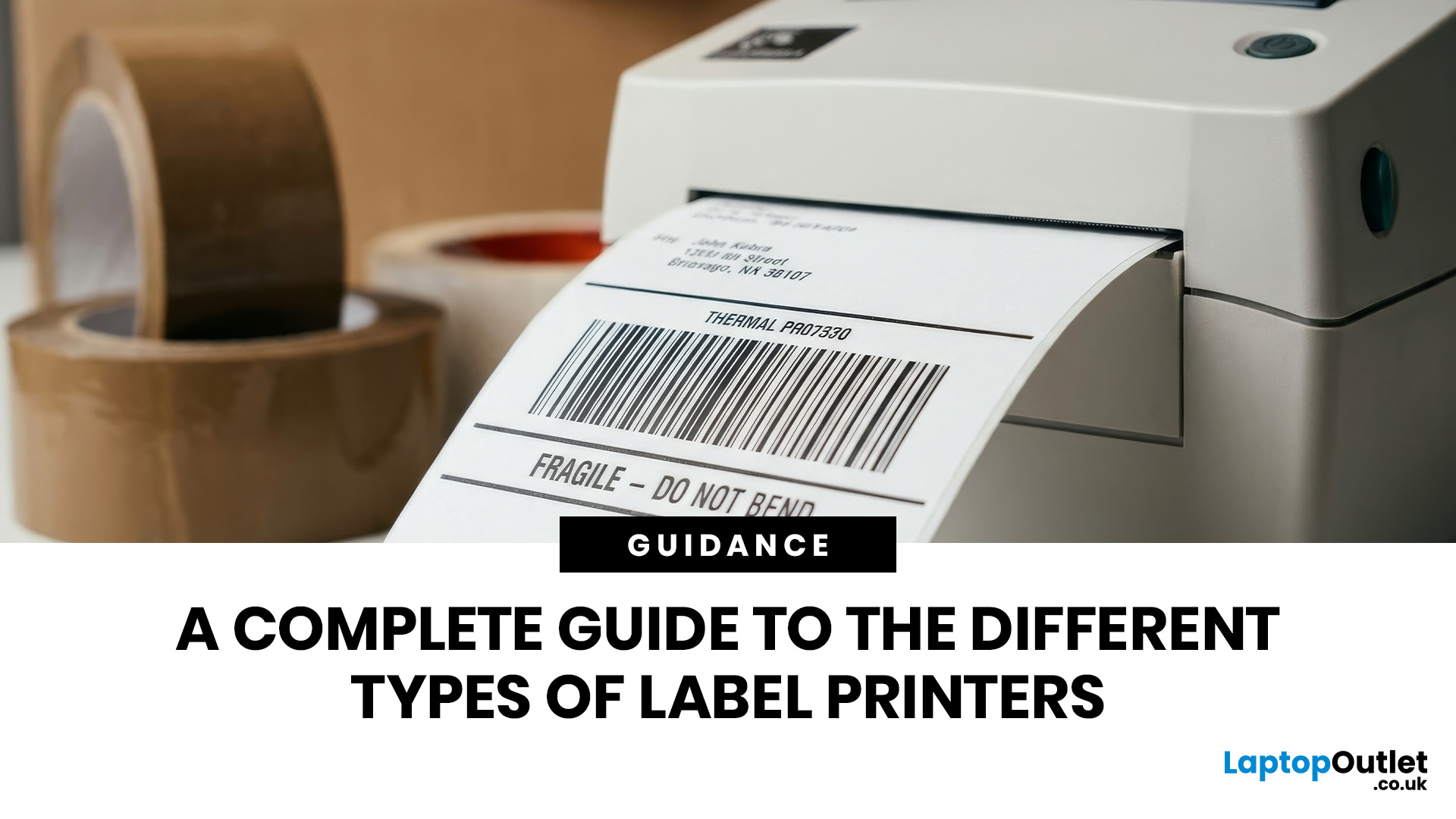
The main types of label printers are direct thermal, thermal transfer, inkjet, and laser. Direct thermal printers use heat-sensitive paper with no ink or ribbon, making them ideal for short-term labels like shipping and receipts. Thermal transfer printers use a wax or resin ribbon for durable, long-lasting labels. Inkjet and laser printers can print onto standard label sheets and work well for colour-rich or low-volume tasks. The right choice depends on your print volume, label durability requirements, and budget.
Whether you are running a small e-commerce shop, managing a busy warehouse, or simply trying to get your home office organised, choosing the right label printer can make a real difference. There are several label printer types on the market, each suited to different tasks, environments, and budgets.
This guide breaks down all the major types of label printers, explains how each technology works, and helps you figure out which one is the right fit for your needs.
Label Printer
Published: June 11, 2026
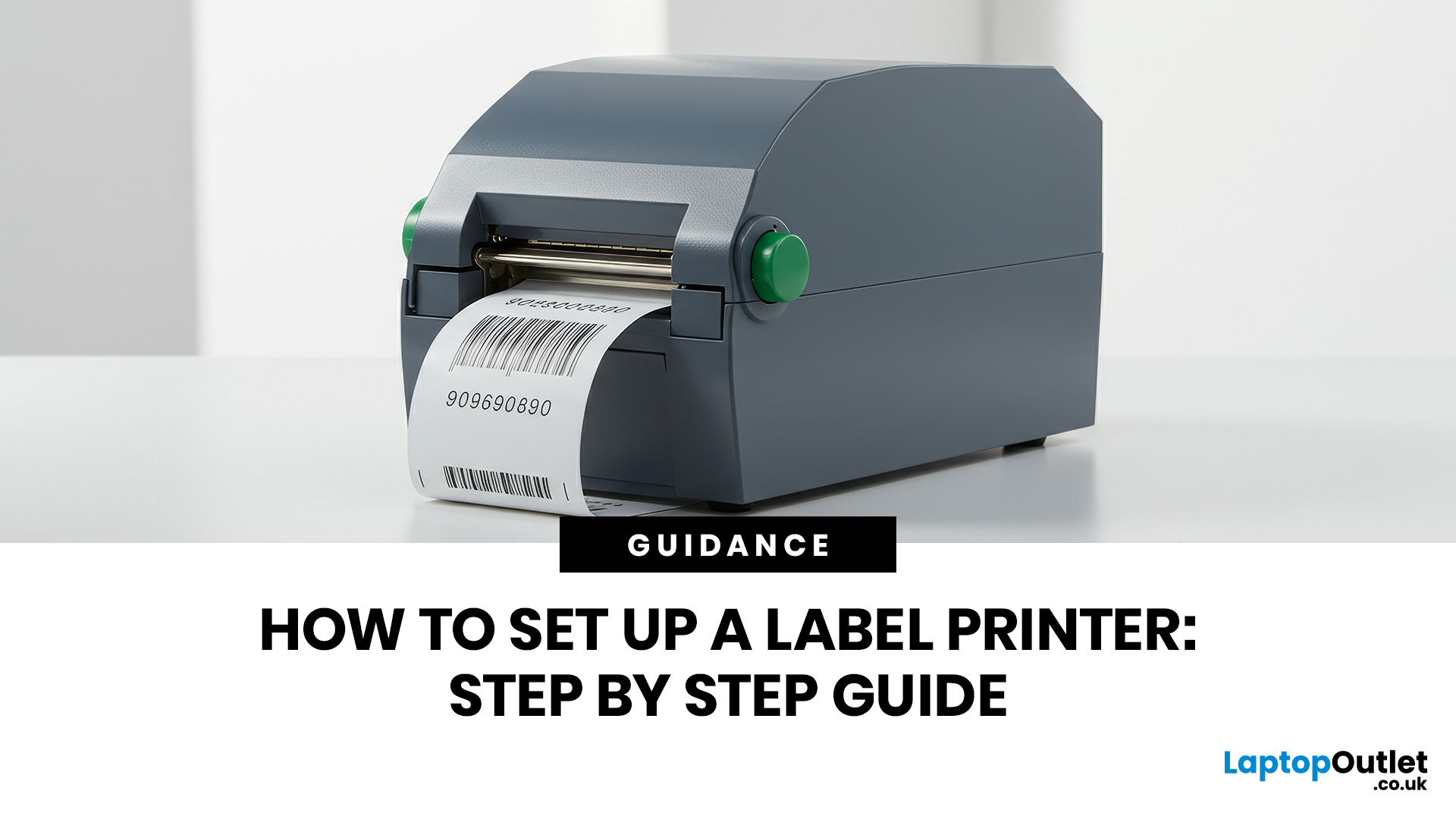
You are printing shipping labels, barcode labels, address stickers, product tags, file labels, or office labels. Setting up a label printer properly from the start saves time and avoids annoying print errors later.
This label printer setup guide walks you through every step in a clear, beginner-friendly way, so you can install, configure, and start printing labels without guessing your way through the manual.
Why Label Printer Setup Guide Matters
A label printer may look like a plug-and-play device, but the setup still matters. If the printer driver is wrong, the labels may print sideways. If the label size

