



The Complete Guide to Home Printers in 2026: Types, Features & Buying Advice
A printer sounds simple… until you need one.
Then suddenly you are comparing inkjet vs laser, cartridges vs ink tanks, print speed, Wi-Fi, duplex printing, scanners, toner, photo quality, paper sizes and running costs. And the worst part? The cheapest printer on the shelf can become the most expensive one after a few months of ink refills.
This home printers guide is here to make the decision easier.
Whether you are buying for schoolwork, hybrid working, family documents, shipping labels, retail paperwork or creative photo printing, the goal is the same: choose a printer that fits your real usage, not just your budget today.
What Is the Search Intent Behind “Home Printers Guide”?
People searching for a home printers guide are usually not ready to buy blindly. They want clarity first.
The intent is mostly informational, with a strong commercial layer. In simple terms, readers want to know:
- Which type of printer is best for home use?
- Is inkjet or laser better?
- What is the cheapest printer to run?
- Do I need an all-in-one printer?
- Which features are worth paying for?
- What should I avoid?
- Where can I compare and shop printers confidently?
That means this guide should help you understand the category, compare options and move toward a smarter buying decision without pressure.
For a practical next step while reading, you can explore printers for home use or browse the wider range to shop printers.
What Is a Home Printer?
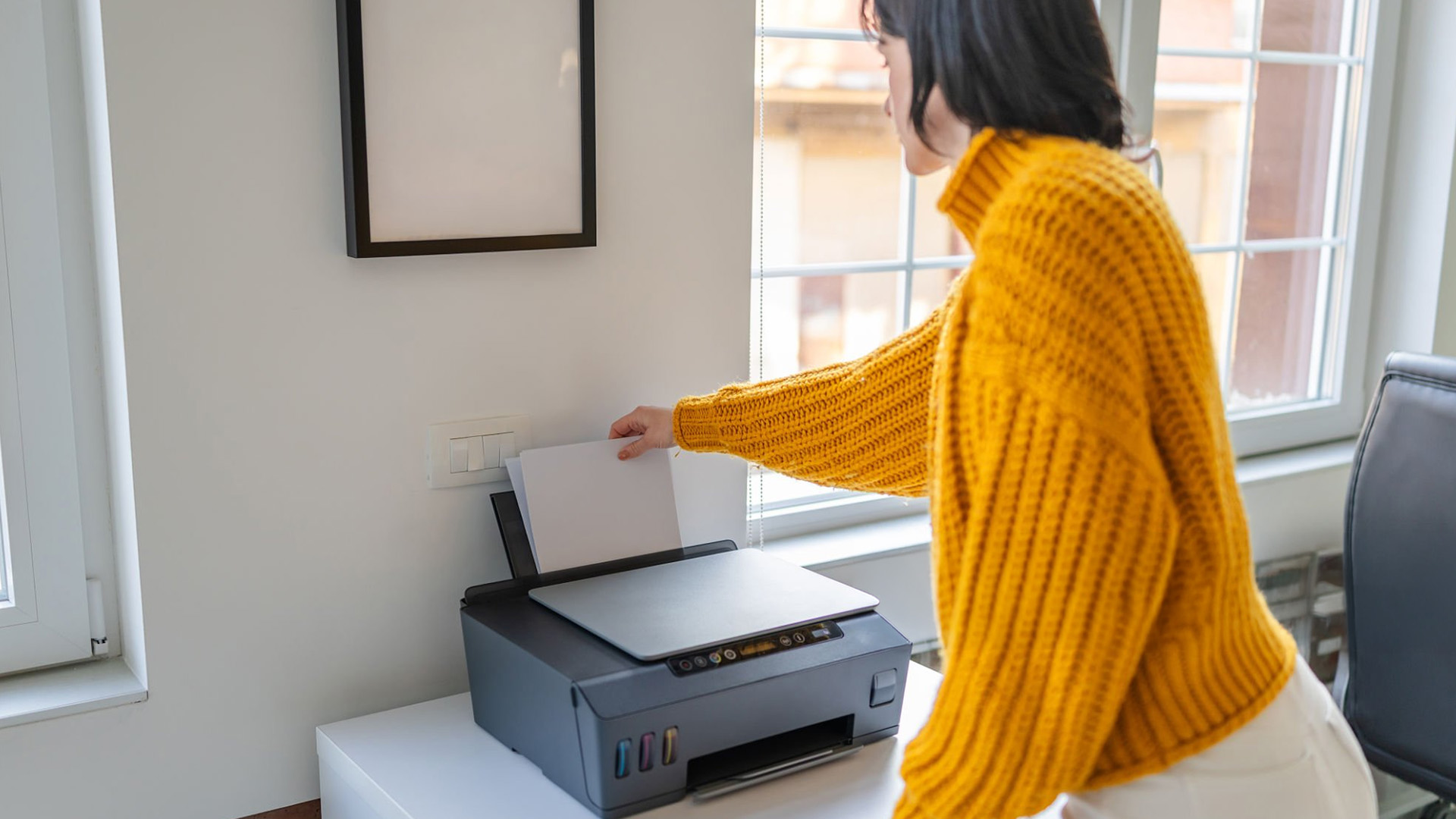
A home printer is a compact printing device designed for everyday personal, family, study, creative or small-business use. Most home printers connect through Wi-Fi, USB or mobile apps and can print documents, forms, labels, photos, schoolwork, tickets and work files.
Many modern home printers are multifunction devices. That means they can also scan and copy.
How Home Printers Work
Home printers work by receiving a digital file from your device, processing the layout and transferring text or images onto paper.
The method depends on the printer type:
- Inkjet printers spray tiny droplets of liquid ink onto paper.
- Laser printers use toner powder, heat and static electricity to bond text or graphics onto paper.
- All-in-one printers combine printing with scanning and copying.
- Photo printers use advanced ink systems or dye-sublimation technology to produce richer image quality.
Home Printer Types: Which One Do You Actually Need?
Choosing between home printer types is the biggest decision because it affects print quality, speed, maintenance and long-term cost.
1. Inkjet Printers for Everyday Printing
Inkjet printers for everyday printing are popular because they are versatile, compact and usually affordable upfront. The are the best home office printer, who needs printer for their work at their homes.
They are ideal for:
- Family documents
- Homework
- Colour graphics
- Occasional photos
- Creative projects
- Light home-office use
|
PROS |
CONS |
|---|---|
|
|
2. Laser Printers for Fast Text Printing
Laser printers are built for speed, sharp text and higher-volume printing.
They are ideal for:
- Work documents
- Invoices
- Shipping labels
- Contracts
- Retail paperwork
- Study notes
- Black-and-white printing
|
PROS |
CONS |
|---|---|
|
|
3. All-in-One Home Printers
Best All-in-one home printers for home use combine printing, scanning and copying in one device. Some models also support fax, although most home users no longer need that.
They are ideal for:
- Scanning IDs and forms
- Copying documents
- Printing homework
- Managing home-office paperwork
- Creating digital records
|
PROS |
CONS |
|
|
4. Photo Printers
Home printers for photos are designed for richer colours, smoother gradients and better detail. Some use extra colour cartridges for improved accuracy.
They are ideal for:
- Family photos
- Creative portfolios
- Craft projects
- Photography students
- Small product shoots
- Marketing samples
|
PROS |
CONS |
|---|---|
|
|
Home Printers Comparison Table
|
PRINTER TYPE |
BEST FOR |
UPFRONT COST |
RUNNING COST |
PHOTO QUALITY |
SPEED |
BEST USER |
|---|---|---|---|---|---|---|
|
Inkjet printer |
Mixed documents and colour |
Low to medium |
Medium to high |
Good to excellent |
Medium |
Families, students, casual users |
|
Laser printer |
Text-heavy printing |
Medium to high |
Low to medium |
Basic |
Fast |
Home offices, retailers, business users |
|
All-in-one printer |
Print, scan and copy |
Medium |
Depends on ink/toner |
Good |
Medium |
Most households |
|
Ink tank printer |
Frequent colour printing |
Higher |
Low |
Good |
Medium |
Regular home users |
|
Photo printer |
High-quality images |
Medium to high |
High |
Excellent |
Slow to medium |
Creatives and photographers |
For most homes, an all-in-one inkjet or ink tank printer offers the best balance. For text-heavy work, laser is usually the smarter long-term choice.
How to Choose a Home Printer: The Practical Buying Checklist
Here is the part that saves money.
Before comparing models, ask yourself these questions.
1. What Will You Print Most?
Match the printer to your main task:
- Mostly text? Choose a laser printer.
- Mostly photos? Choose a photo-focused inkjet.
- Mixed home use? Choose an all-in-one inkjet.
- Regular colour documents? Consider an ink tank printer.
- Retail paperwork and labels? Choose laser or business inkjet.
Do not buy a photo printer just because it looks premium if you only print invoices. Do not buy a basic mono laser printer if your kids need colourful school projects every week. A good buying decision starts when you match your printer to your daily use, whether that means homework, invoices, photos, labels or hybrid work documents.
2. How Often Will You Print?
Printing frequency matters more than most people think.
- Occasional printing: Cartridge inkjet or compact laser
- Weekly printing: All-in-one inkjet or laser
- Frequent printing: Ink tank or laser
- High-volume printing: Laser printer or business-class multifunction printer
Inkjet printers may need regular use to prevent clogged printheads. Laser printers are often better if you print in bursts and leave the device unused for weeks.
3. What Is the Real Home Printer Cost?
The home printer cost is not just the price on the product page.
Calculate:
- Printer purchase price
- Ink or toner replacement cost
- Page yield
- Paper cost
- Energy use
- Maintenance parts, where applicable
The simplest formula is:
Cost per page = cartridge or toner price ÷ estimated page yield
4. Do You Need Low Ink Cost?
If you print regularly, prioritise home printers with low ink cost.
Look for:
- High-yield cartridges
- Ink tank systems
- Toner yield information
- Duplex printing
- Draft mode
- Separate colour cartridges
- Clear replacement supply pricing
Ink tank printers often cost more upfront but can reduce running costs for regular users because bottled ink systems usually deliver a lower cost per page than traditional small cartridges.
5. What Features Are Actually Worth Paying For?
The most useful home printer's features include:
- Wi-Fi printing: Print from laptops, phones and tablets.
- Automatic duplex printing: Print on both sides to save paper.
- Scanner and copier: Useful for documents, IDs and receipts.
- Automatic document feeder: Helpful for scanning multi-page documents.
- Mobile app support: Makes setup and printing easier.
- Cloud printing: Useful for remote and hybrid workflows.
- Borderless photo printing: Great for creative users.
- Separate ink cartridges: Replace only the colour that runs out.
- Energy-efficient modes: Helps reduce electricity usage.
Best Home Printers by Use Case
Instead of chasing a single “best home printer,” choose by situation.
Best for Everyday Family Use
Choose an all-in-one inkjet printer.
Why it works:
- Prints documents and colour pages
- Scans school forms and IDs
- Handles occasional photos
- Usually compact and affordable
Explore all-in-one home printers if you want one device for the whole household.
Best for Students
Choose a compact inkjet or mono laser printer.
For students printing lecture notes, essays and forms, a mono laser printer can be cost-effective. For design, art or media courses, an inkjet with strong colour quality is better, and if you’re specifically looking for the best printer scanner for home, it’s worth considering models that combine reliable printing with easy scanning for everyday academic use.
Best for Home Offices
Choose a laser printer or business all-in-one.
Look for:
- Fast print speed
- Duplex printing
- Reliable Wi-Fi
- Scanner
- High-yield toner
- Secure print features, if available
Small business retailers should also consider paper tray capacity and label compatibility.
Best for Photos
Choose a photo-focused inkjet printer.
Look for:
- Borderless printing
- High print resolution
- Multiple colour inks
- Glossy paper support
- Good colour accuracy
If photos matter more than document speed, do not compromise here.
Best for Low Running Cost
Choose an ink tank printer or laser printer.
A laser printer is often better for heavy text printing. An ink tank printer is often better for regular colour printing, and if you’re searching for the best color printer for home, ink tank models are usually the most practical choice for consistent, cost-effective colour output.
Home Printer Advantages and Disadvantages
Home Printer Advantages
The biggest home printer benefits are convenience, control and long-term flexibility.
A home printer lets you:
- Print urgent documents instantly
- Avoid last-minute print shop trips
- Scan and copy paperwork at home
- Support school and work tasks
- Print labels, forms, returns and tickets
- Create photos and craft materials
- Keep sensitive documents private
For hybrid workers, parents, students and small businesses, those benefits quickly add up.
Home Printer Disadvantages
A printer is useful, but it is not magic. The common downsides include:
- Ink or toner replacement costs
- Occasional connectivity issues
- Paper jams
- Dried ink on unused inkjets
- Setup time
- Desk space
- Maintenance
The fix? Buy for your real print behaviour and not for the lowest upfront price.
Common Home Printer Buying Mistakes
Avoid these and you are already ahead of most buyers.
Mistake 1: Ignoring Running Costs
A low purchase price is tempting, but replacement ink can change the total cost fast. Always check cartridge or toner prices before buying.
Mistake 2: Buying Inkjet for Rare Printing
If you print once every two months, an inkjet may clog or waste ink during cleaning cycles. A laser printer may suit you better.
Mistake 3: Forgetting About Scanning
Many buyers think they only need printing. Then they need to scan a passport, contract, school form or receipt. This is why all-in-one printers are so popular for home use.
Mistake 4: Overpaying for Features You Will Not Use
Touchscreens, fax, premium photo modes and large paper trays are useful for some people. They are not essential for everyone.
Mistake 5: Not Checking Device Compatibility
Before buying, check support for Windows, macOS, ChromeOS, iOS and Android depending on your household devices.
Brand Options: Canon, Brother and Xerox Printing Solutions
Different printer brands often suit different users.
- Canon printing solutions are often popular for home, creative and photo-focused printing.
- Brother printing solutions are widely considered strong for reliable home-office and business document workflows.
- Xerox printing solutions are often associated with business productivity, office printing and document handling.
The better question is not “Which brand is best?” It is “Which model fits my print volume, budget and feature needs?”
Latest Home Printing Trends to Know
The latest home printing trends are being shaped by hybrid work, mobile devices and cost-conscious buyers.
The most important trends include:
- More multifunction printers for home offices
- Wireless and cloud-enabled printing
- Lower running cost options such as ink tank systems
- More mobile app control
- Energy-efficient printer designs
- Compact printers for smaller UK homes
- Growing demand for printers that support both family and business use
This shift makes sense. A printer is no longer just a “document machine.” For many homes, it is part of a mini productivity setup.
If you are planning to keep your setup future-proof, it is also worth checking the latest home printing trends before choosing a new model.
Quick Guide to Home Printer Troubleshooting
Even the best home printers need occasional fixes. Here is a simple guide to home printer troubleshooting.
If Your Printer Will Not Connect
Try this:
- Restart the printer and router.
- Check that both devices are on the same Wi-Fi network.
- Update the printer app or driver.
- Re-add the printer on your laptop or phones.
- Use USB temporarily if urgent.
If Prints Look Faded
Check:
- Ink or toner levels
- Print quality settings
- Paper type
- Printhead cleaning options
- Cartridge installation
If Paper Keeps Jamming
Try:
- Removing damaged paper
- Aligning the paper guides
- Using the correct paper size
- Not overfilling the tray
- Checking for stuck scraps inside
If Ink Runs Out Too Fast
Use:
- Draft mode for internal documents
- Duplex printing
- Black-and-white mode when colour is not needed
- High-yield cartridges
- Ink tank options for regular use
If your printer keeps disconnecting, jamming or producing faded prints, this guide to common printer issues and fixes can help you troubleshoot before replacing it.
Home Printer Buying Guide: Final Decision Framework
Use this simple framework before you buy.
- Print mostly text? Choose laser.
- Print photos or colour projects? Choose inkjet.
- Need scanning and copying? Choose all-in-one.
- Print often? Choose ink tank or laser.
- Print rarely? Consider laser to avoid dried ink.
- Need business reliability? Prioritise speed, paper capacity and high-yield supplies.
- Want the safest family option? Choose an all-in-one wireless printer.
Then compare:
- Purchase price
- Ink or toner cost
- Page yield
- Print speed
- Wi-Fi reliability
- Duplex printing
- Paper handling
- Brand support
- Warranty
- Reviews
For a balanced starting point, compare home printers, browse inkjet printers, or check laser printers depending on your usage.

Summing Up: Choose the Printer That Fits Your Life, Not Just Your Basket
The best home printer is the one that matches how you actually print.
For casual family use, an all-in-one inkjet is usually the easiest choice. For lots of black-and-white documents, a laser printer is more efficient. For regular colour printing, an ink tank printer can reduce running costs. For photos, choose a dedicated photo-friendly inkjet.
Before buying, compare the full picture: print quality, ink or toner cost, page yield, Wi-Fi features, scanner needs, paper handling and long-term value.
A good printer should make life easier; not become another device you regret buying.

Questions About Home Printers
What is the best printer for home use?
The best type of printer for most homes is an all-in-one inkjet because it can print, scan and copy while handling both documents and colour pages. For heavy text printing, a laser printer is usually better.
Is inkjet or laser better for home printers?
Inkjet is better for colour, photos and mixed creative printing. Laser is better for fast, sharp and cost-efficient text printing.
Which home printer has the lowest ink cost?
Ink tank printers usually have some of the lowest ink costs for regular colour printing. Laser printers are often cost-effective for black-and-white documents.
Are all-in-one printers worth it?
Yes, for most homes. An all-in-one printer is worth it if you ever need to scan, copy or digitise documents. It saves space and avoids buying separate devices.
How much should I spend on a home printer?
Budget buyers may find basic printers at lower prices, but a better long-term choice often sits in the mid-range. Focus on total cost, not just upfront price.
Do I need Wi-Fi printing?
For most homes, yes. Wi-Fi printing makes it easier to print from laptops, tablets and phones without cables.
What printer is best for photos?
A photo-focused inkjet printer is best for photos because it usually offers better colour depth, smoother gradients and support for glossy photo paper.
Which is best printer for small business?
Small business retailers should consider laser printers or business all-in-one printers with fast speeds, high-yield supplies, reliable paper handling and scanning features.
| Read More |
| Latest Home Printing Trends in 2026: What to Expect Next |
| Why Your Home Printer Isn’t Working: Common Issues & Fixes |
| How to Choose the Right Printer for Your Needs |
Related Articles

Published: May 11, 2026
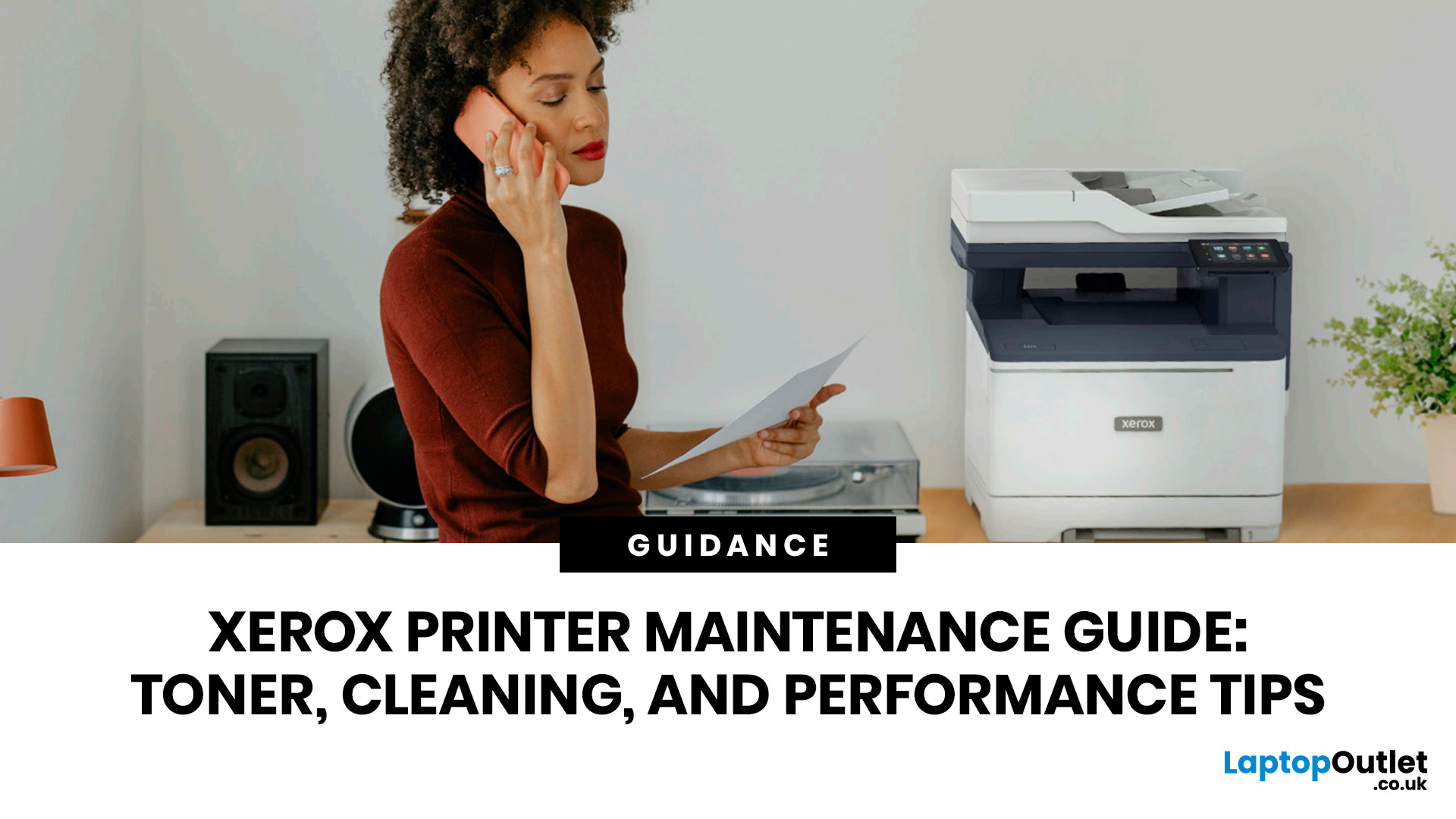
When your Xerox printer starts leaving streaks, fading text, jamming paper, or showing toner warnings, the problem is often easier to fix than it looks. In many cases, you can improve print quality with the right toner check, a quick scanner clean, better paper loading, or a simple printhead lens clean.
This Xerox printer maintenance guide provides a clear, step-by-step routine you can follow without guesswork. You will learn how to replace Xerox toner, how to clean a Xerox printer safely, what causes common toner issues, and which quick checks improve everyday performance.
The aim is simple: help you keep your Xerox printer producing sharp, clean pages for longer. Xerox support notes that printhead lenses require cleaning when print quality starts to degrade, especially when prints show light streaks or voids, while its safety guidance also warns against using pressurised sprays, strong solvents, or direct liquid cleaning inside the printer.
Want to compare Xerox models before you maintain,
Last Updated: May 13, 2026
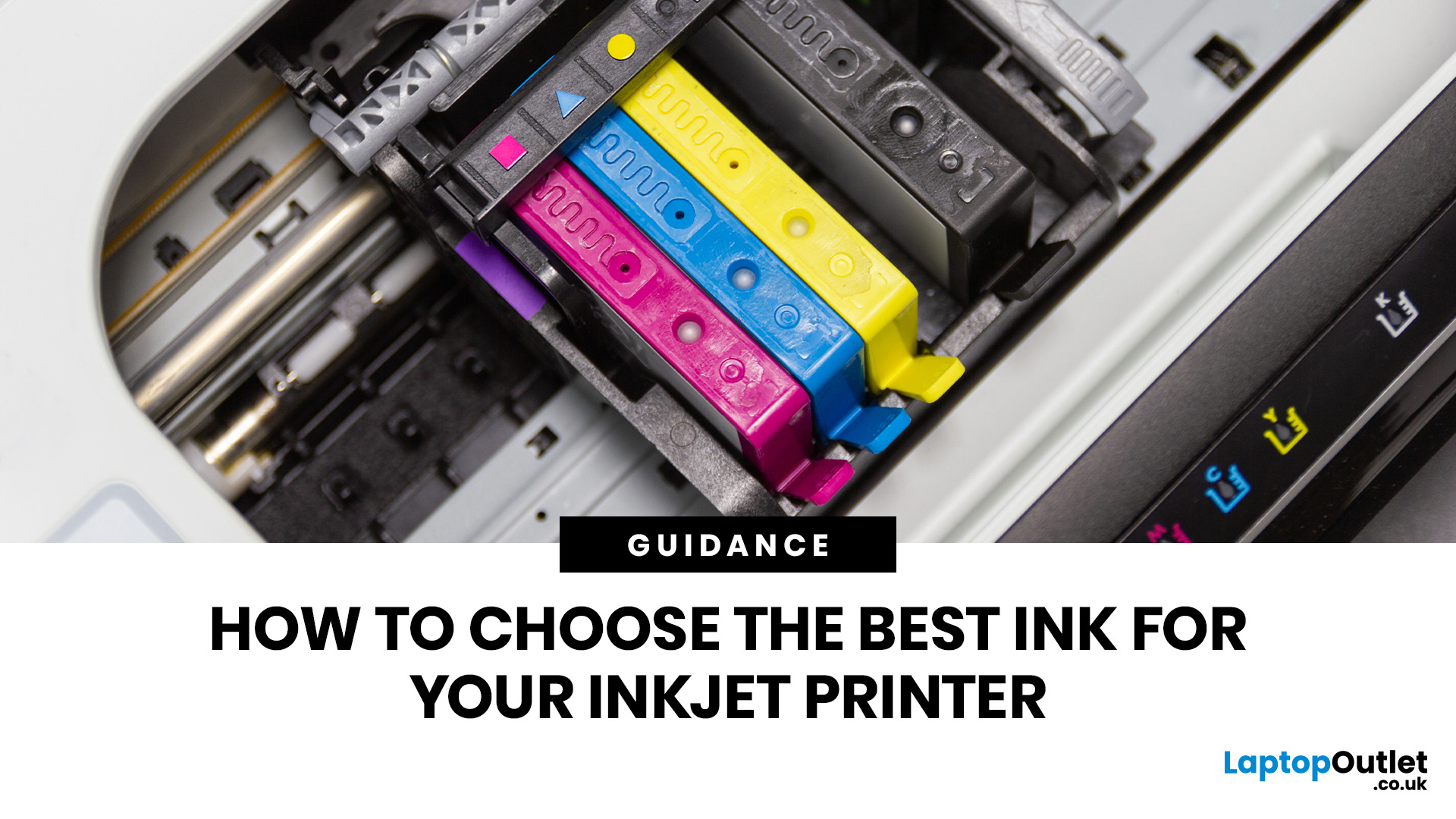
Quick Answer: Choose ink that matches your exact printer model first. Then decide whether you need original cartridges, compatible cartridges, remanufactured cartridges, refill ink, or bottled ink for an ink tank printer.
For sharp documents, pigment ink is usually the stronger choice. For bright photos and colourful images, dye-based ink often gives richer colour. You should not buy ink only because it is cheap. Check the cartridge number, page yield, ink type, printer warranty position, return policy, and whether you print often enough to justify XL, refillable, or subscription ink.
Introduction
Buying ink sounds simple until you see original cartridges, compatible cartridges, remanufactured cartridges, refill kits, XL cartridges, ink bottles, dye ink, pigment ink, and subscription plans. The wrong choice can leave you with poor print quality, blocked cartridges, warning messages, or higher running costs than expected.
You do not need to understand every technical detail to make a
Last Updated: July 06, 2026
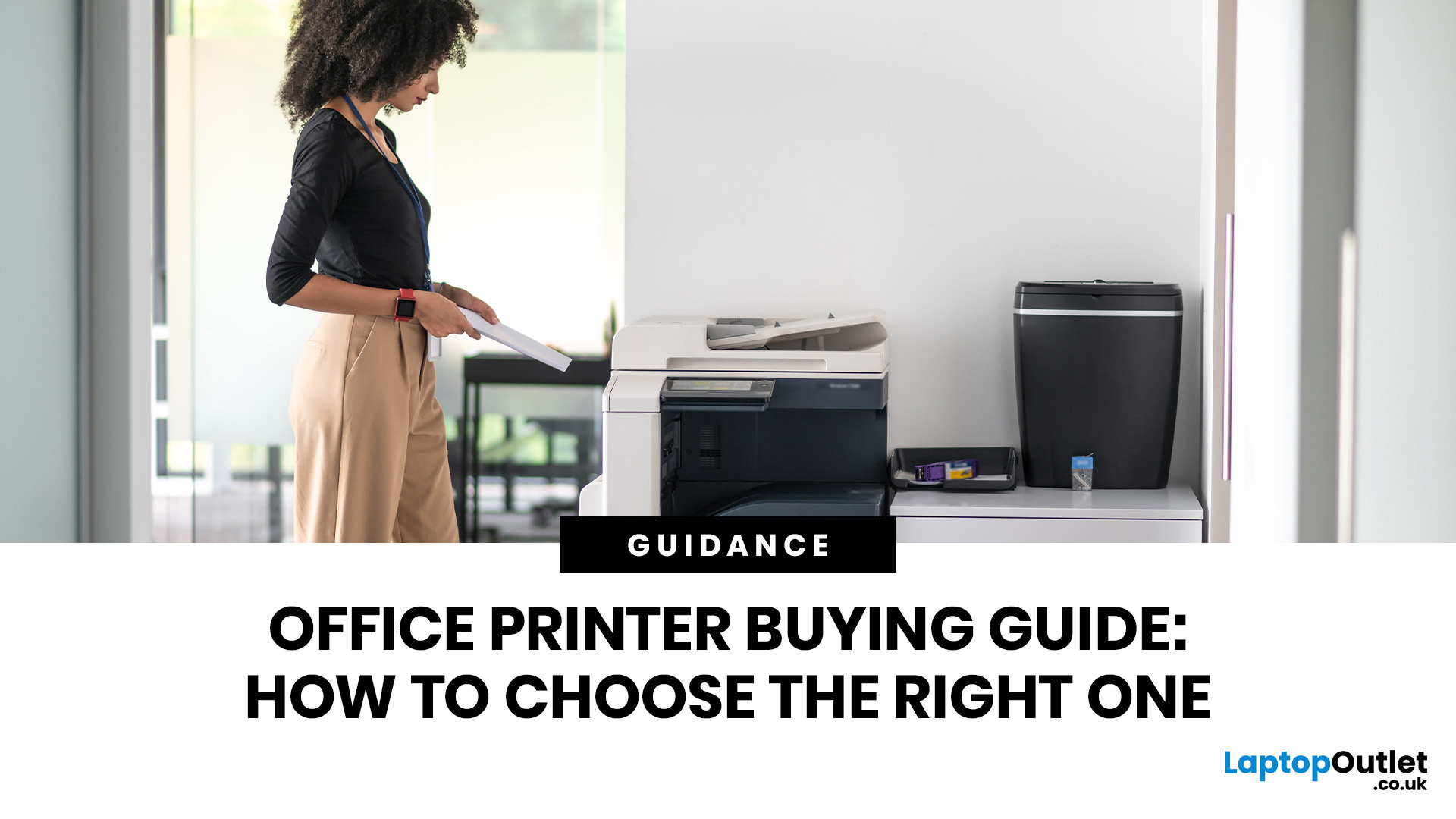
Quick Answer: To choose the right office printer, identify your monthly print volume, preferred print type (colour or mono), and whether you need scanning or copying. Laser printers suit high-volume offices, inkjet printers work well for colour-heavy or lower-volume tasks, and all-in-one models offer the best flexibility. Always factor in running costs, connectivity, and paper handling alongside the upfront price.
Picking the wrong printer for your office is an easy mistake to make, and a surprisingly costly one. Between the upfront price, ink or toner costs, paper handling, and connectivity options, there is a lot more to consider than most people realise.
This office printers buying guide covers everything you need to make a confident, well-informed decision in 2026. Whether you are kitting out a home office, a small business, or a large corporate workspace, we have got you covered.
What Types of Office Printer Are There?
Understanding the different categories of printers for
Last Updated: May 25, 2026
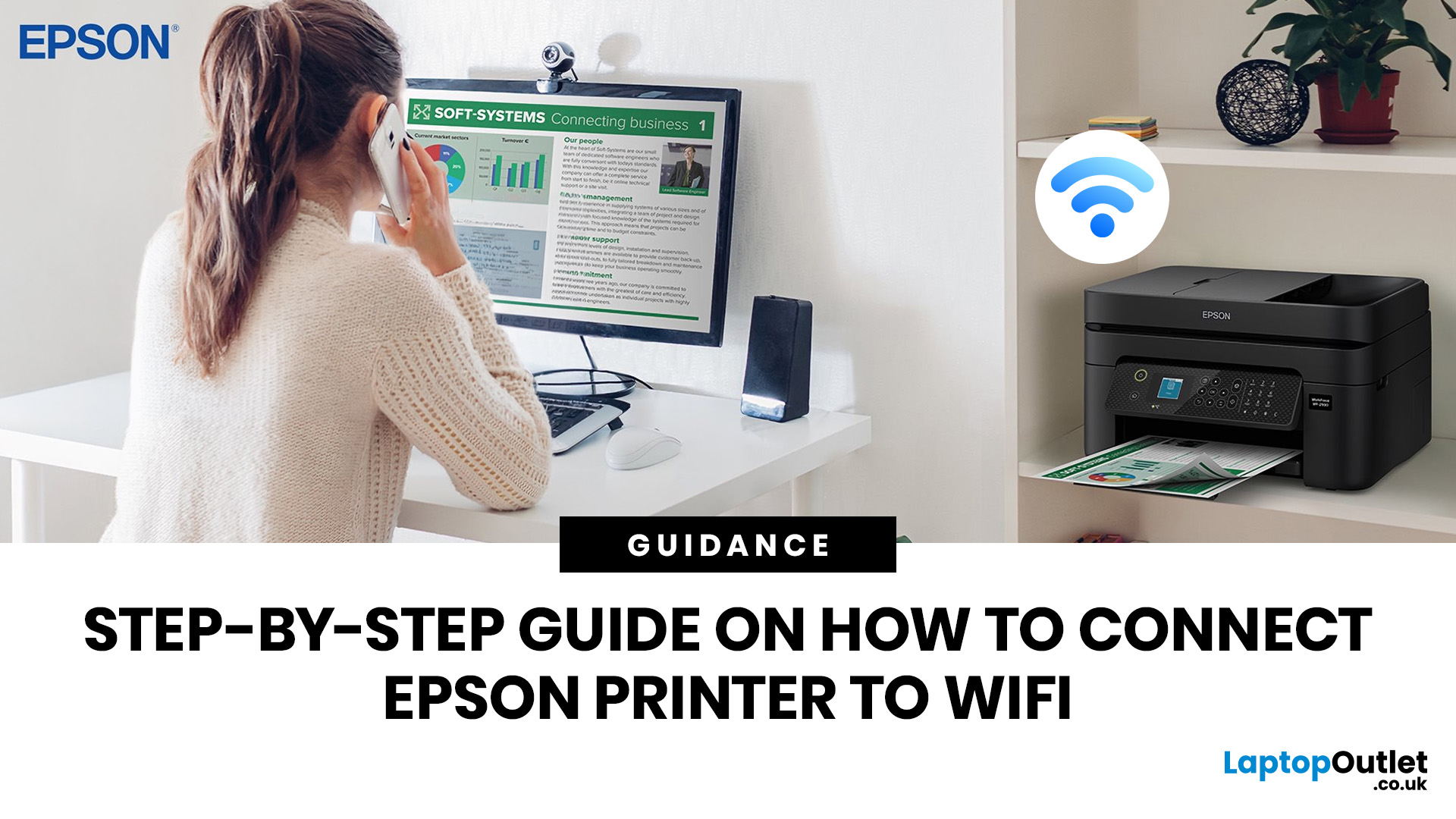
To connect an Epson printer to WiFi, turn on the printer, open its WiFi or Network Settings, select WiFi Setup Wizard, choose your network name, enter the WiFi password and confirm the connection. If your Epson printer has no screen, use Epson Smart Panel, WPS, Epson setup software or a temporary USB setup method, depending on your model. Always keep your WiFi name and password ready before starting.
Trying to set up a printer and watching it refuse to connect is a very specific kind of pain. You just want to print one document, and suddenly your Epson printer is acting like it has trust issues with your router.
This guide explains how to connect Epson printer to WiFi in simple steps, whether your model has a screen, works through WPS, needs the Epson Smart Panel app, or requires setup software on Windows or Mac. We will also cover what to do if your Epson printer is not connecting to WiFi, because let’s be honest, that is usually where the drama starts.
Before You Start: What You Need
Last Updated: June 08, 2026
If your Epson printer is not printing, the problem is usually caused by low ink, clogged print heads, offline settings, connection issues, stuck print jobs, or outdated drivers. Most Epson printer problems can be fixed with simple troubleshooting steps such as checking cartridges, cleaning the print head, clearing the print queue, updating drivers, or resetting the printer.
An Epson printer not printing can be frustrating, especially when you need an important document, return label, invoice, or school assignment right away. The good news is that most Epson printer problems are not as serious as they first seem. In many cases, the issue comes down to low ink, clogged nozzles, offline settings, a weak connection, or a stuck print queue.
So, if you are wondering, “Why is my Epson printer not printing?”, this guide will walk you through the most common causes and simple ways to fix Epson printer issues at home. Before you think about replacing your printer, try these easy Epson printer troubleshooting
Last Updated: June 10, 2026
Epson is one of the most popular printer brands for UK homes, students, hybrid workers, small offices and creative users. Choosing the right Epson printer depends on how often you print, what you print, and how much you want to spend long term. For occasional home use, an affordable Epson inkjet printer is a solid pick. For regular printing, Epson EcoTank offers better running value with refillable ink tanks. If you need scanning, copying and mobile printing, choose a wireless all-in-one Epson printer for the easiest everyday setup.
Buying a printer should be simple. You want to print, scan, copy, maybe send something from your phone, and not spend half your life decoding ink cartridges like it is a secret side quest. That is where Epson printers come in. The brand covers compact inkjet printers, refillable EcoTank printers, wireless all-in-one models, photo printers and business-friendly options.
This Epson printer guide breaks down how Epson printers work, how to choose an Epson printer,
Last Updated: June 10, 2026
Label printers are practical, reliable, and incredibly useful when they work as expected. Whether you use one for shipping labels, barcodes, product tags, warehouse labels, office organisation, or home storage, a good label printer can save time and keep everything running smoothly.
Like any printer, label printers can occasionally run into problems. You may find your label printer not printing, producing faded labels, jamming midway through a job, or printing blurry labels that are difficult to scan. These label printer issues can be frustrating, especially when you need quick and accurate prints for business operations.
The good news is that many label printer common problems are easy to fix once you know what is causing them. In this guide, we’ll walk you through the top seven label printer errors users often face and show you how to solve them with simple, practical steps. This guide covers seven common label printer issues, explains what causes them, and shows you how to solve them
Last Updated: June 09, 2026
The main types of label printers are direct thermal, thermal transfer, inkjet, and laser. Direct thermal printers use heat-sensitive paper with no ink or ribbon, making them ideal for short-term labels like shipping and receipts. Thermal transfer printers use a wax or resin ribbon for durable, long-lasting labels. Inkjet and laser printers can print onto standard label sheets and work well for colour-rich or low-volume tasks. The right choice depends on your print volume, label durability requirements, and budget.
Whether you are running a small e-commerce shop, managing a busy warehouse, or simply trying to get your home office organised, choosing the right label printer can make a real difference. There are several label printer types on the market, each suited to different tasks, environments, and budgets.
This guide breaks down all the major types of label printers, explains how each technology works, and helps you figure out which one is the right fit for your needs.
Label Printer
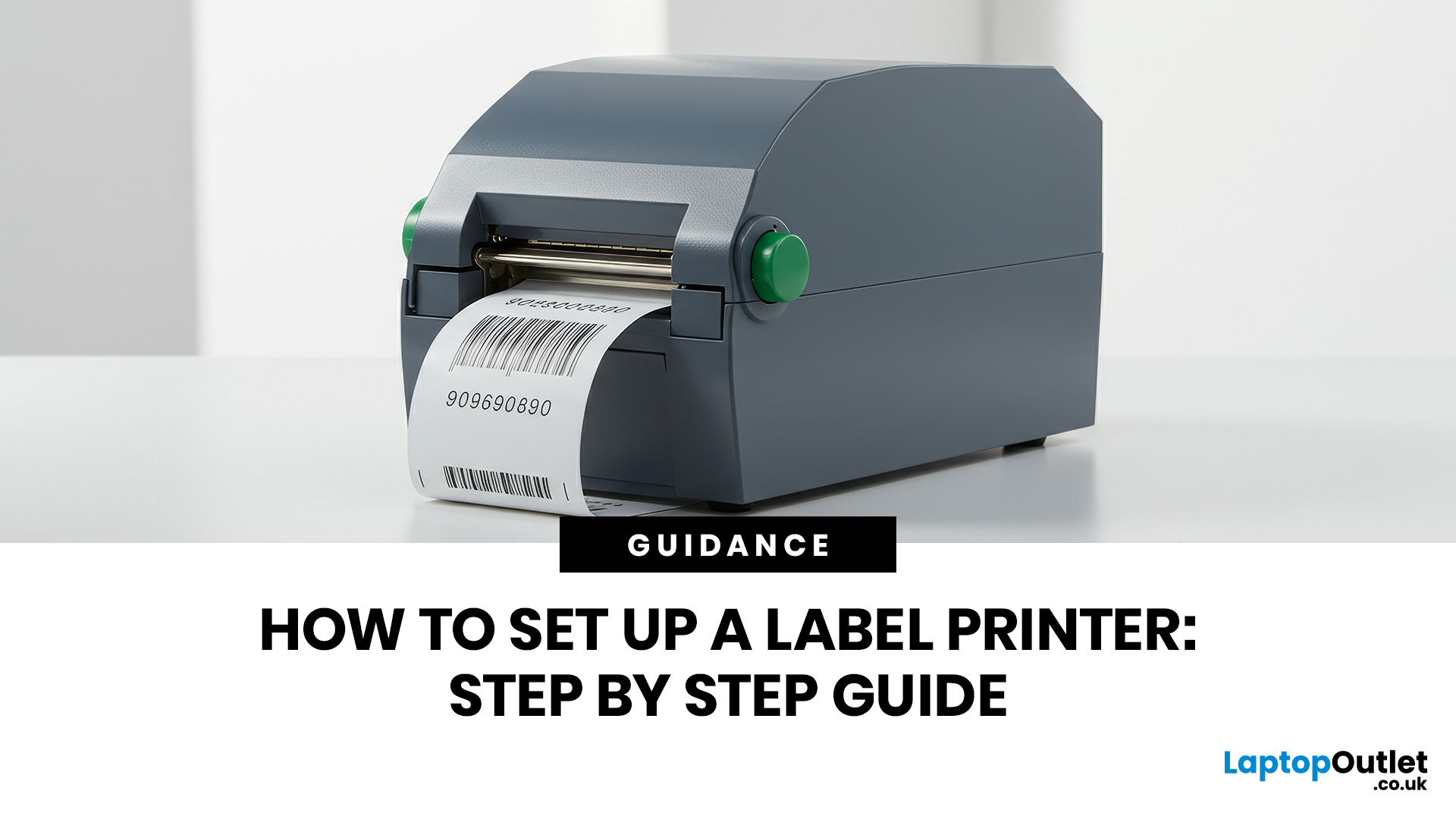
Published: June 11, 2026
You are printing shipping labels, barcode labels, address stickers, product tags, file labels, or office labels. Setting up a label printer properly from the start saves time and avoids annoying print errors later.
This label printer setup guide walks you through every step in a clear, beginner-friendly way, so you can install, configure, and start printing labels without guessing your way through the manual.
Why Label Printer Setup Guide Matters
A label printer may look like a plug-and-play device, but the setup still matters. If the printer driver is wrong, the labels may print sideways. If the label size
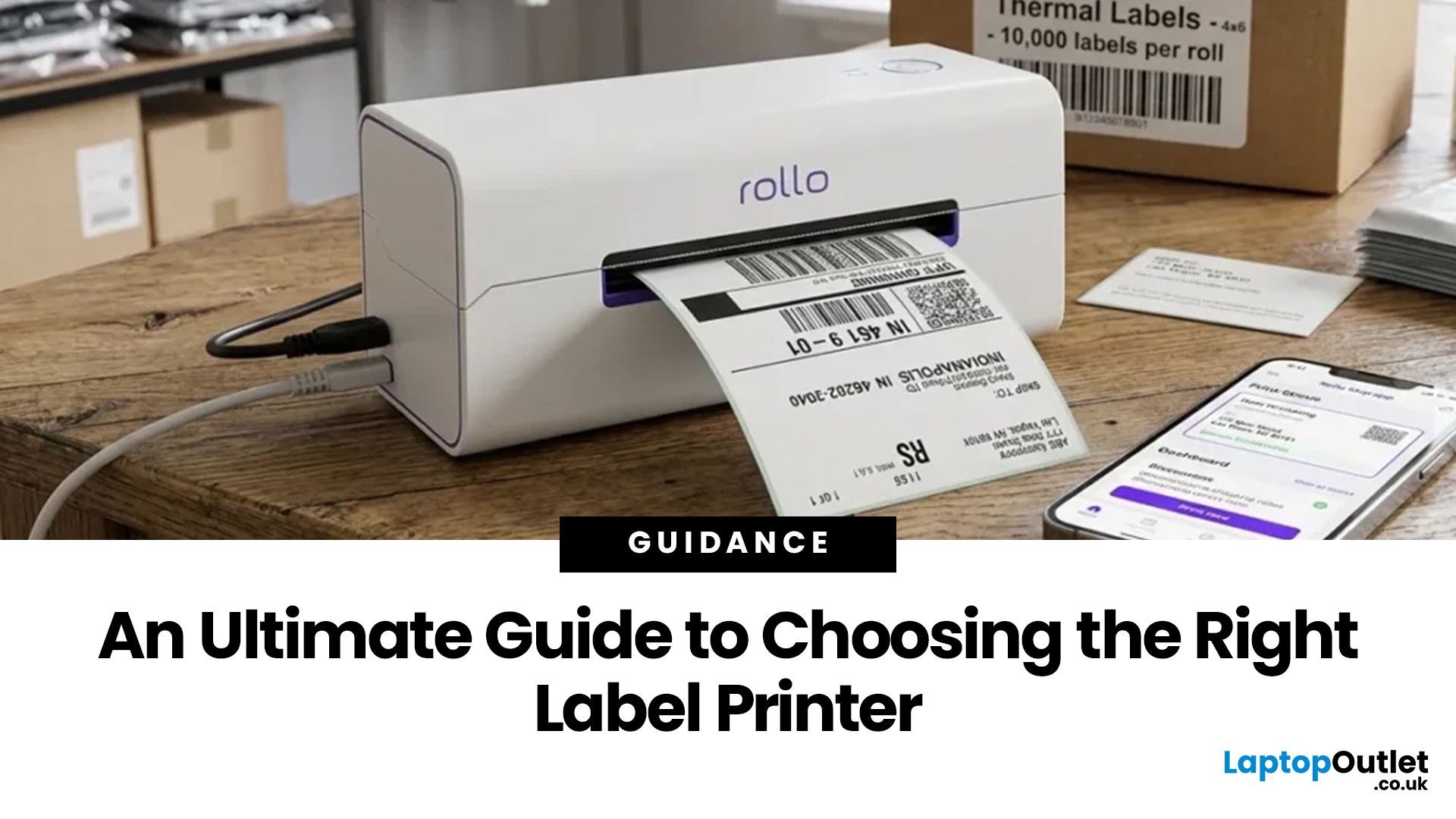
Last Updated: June 15, 2026
Choosing the right label printer doesn’t have to be complicated. This label printers guide makes it easy to understand the main features, costs, label printer types, and how to choose a label printer that fits your home, office, or business needs.
Whether you’re organising your home office, printing parcel labels, managing stock, creating barcodes, or simply keeping things neat, the right label printer can save time and make everything look more professional.
In this

