



A Guide to Epson Printers: How to Choose the Right One
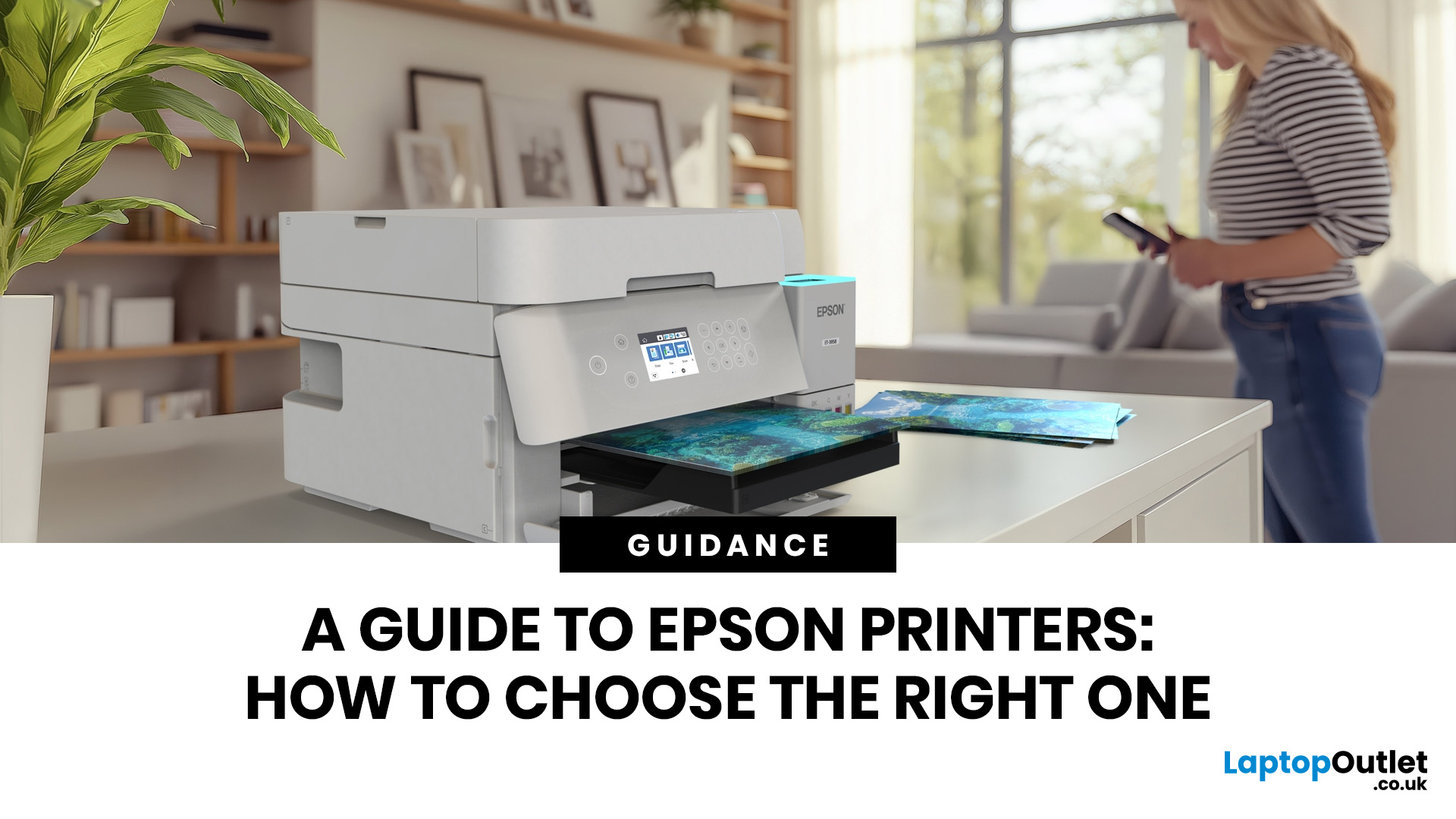
Epson is one of the most popular printer brands for UK homes, students, hybrid workers, small offices and creative users. Choosing the right Epson printer depends on how often you print, what you print, and how much you want to spend long term. For occasional home use, an affordable Epson inkjet printer is a solid pick. For regular printing, Epson EcoTank offers better running value with refillable ink tanks. If you need scanning, copying and mobile printing, choose a wireless all-in-one Epson printer for the easiest everyday setup.
Buying a printer should be simple. You want to print, scan, copy, maybe send something from your phone, and not spend half your life decoding ink cartridges like it is a secret side quest. That is where Epson printers come in. The brand covers compact inkjet printers, refillable EcoTank printers, wireless all-in-one models, photo printers and business-friendly options.
This Epson printer guide breaks down how Epson printers work, how to choose an Epson printer, what features actually matter, how much an Epson printer may cost, and whether you should choose inkjet, EcoTank or even compare a laser printing solution before you buy.
Which Epson Printer Should You Choose?
For most UK homes, a wireless all-in-one Epson printer is the safest shout. It gives you printing, scanning and copying in one device, so you are covered for school forms, return labels, uni notes, work documents and the occasional “I need this printed in five minutes” panic.
The best Epson printer depends on how often you print and what you print most.
|
YOU'RE BUYING FOR... |
BEST EPSON PRINTER TYPE |
WHY IT MAKES SENSE |
|---|---|---|
|
Everyday home use |
Epson wireless all-in-one printer |
Great for documents, homework, labels, scanning and copying |
|
Students |
Affordable Epson inkjet printer |
Budget-friendly for coursework, notes and occasional printing |
|
Families |
Epson EcoTank printer |
Better for regular printing and long-term ink value |
|
Home office users |
Epson WorkForce or EcoTank all-in-one |
Useful for scanning, copying, documents and productivity |
|
Photo printing |
Epson photo inkjet or photo EcoTank |
Stronger colour quality and better image output |
|
Heavy text printing |
Epson EcoTank or laser printer |
EcoTank helps cut ink costs, while laser is strong for fast text documents |
Why Choose an Epson Printer?
Epson printers are popular because they cover different types of users without making things overly complicated. You can choose a simple printer for home admin, a multifunction model for scanning and copying, an EcoTank printer for lower long-term running costs, or a photo-focused model for creative projects.
At Laptop Outlet, Epson printers are positioned for sharp everyday printing, strong colour performance and long-term value, with options for compact home use, refillable EcoTank printing and hybrid working. The main reasons shoppers choose Epson include:
- Flexible printer types: inkjet, EcoTank, all-in-one, photo and business-focused models.
- Strong colour output: useful for documents, school projects, photos and creative work.
- Wireless convenience: many models support mobile and Wi-Fi printing.
- EcoTank savings potential: ideal if you print often and want fewer cartridge replacements.
- Home and office practicality: many models include scanning, copying and automatic double-sided printing, depending on the model.
How We Match Epson Printers to Real Buyers
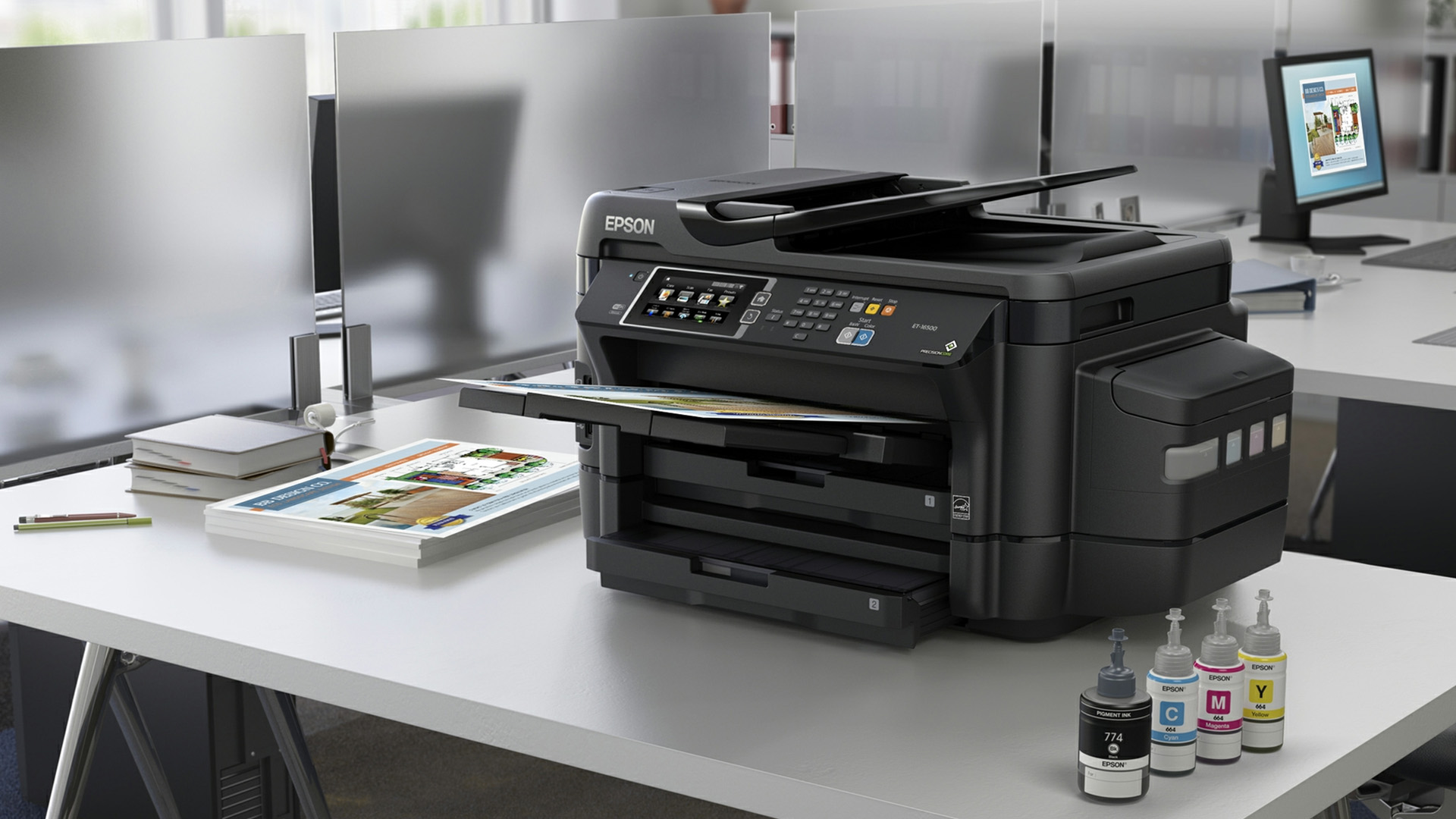
At Laptop Outlet, we do not look at Epson printers as one-size-fits-all products. We compare models by how people actually use them:
- Students needing affordable printers for coursework,
- Families wanting wireless all-in-one convenience,
- Home workers needing reliable scanning and copying,
- Frequent users looking for EcoTank value.
This means a compact Epson inkjet may suit light home use, while an EcoTank model makes more sense for regular printing. By matching printer features to real buying needs, we help shoppers choose with confidence, not guesswork.
How Do Epson Printers Work?
Epson printers mainly use inkjet technology. Inkjet printers create prints by placing tiny droplets of ink onto paper. This makes them well-suited to colour documents, mixed home printing and photos.
Epson Inkjet Printers
A standard Epson inkjet printer is often the best option for light to moderate home use. It is usually more affordable upfront than a refillable ink tank printer, making it a solid pick if you only print occasionally. Choose an Epson inkjet printer if you mostly print:
- Return labels
- Homework
- Forms
- Recipes
- Occasional photos
- Travel documents
- Uni or college notes
Inkjet printers are especially useful for people who want colour printing without buying a large office-style machine. Laptop Outlet also highlights inkjet printers as a good fit for flexible colour printing and everyday use.
Epson EcoTank Printers
EcoTank is Epson’s refillable ink tank range. Instead of using cartridges, EcoTank printers have built-in tanks that you refill with ink bottles. Epson explains that EcoTank printers are fundamentally different from most cartridge printers because they use large ink tanks filled with included ink bottles.
This makes EcoTank a strong choice if you print regularly. You usually pay more upfront, but the long-term running cost can be much lower. Epson says some EcoTank printers include enough ink to print up to 15,000 pages, depending on the model and stated conditions. Choose Epson EcoTank if you print:
- Every week
- In higher volumes
- Schoolwork for multiple children
- Home office documents
- Business paperwork
- Colour handouts or creative projects
EcoTank is the “buy it once and chill for longer” option.
Epson Wireless Printers
Many Epson printers support wireless printing, so you can print from laptops, smartphones and tablets without plugging in a cable every time. Epson’s Smart Panel app lets users print, copy, scan, set up, monitor and troubleshoot supported printers from a smartphone or tablet.
Wireless printing is useful if:
- Multiple people share one printer.
- You print from your phone.
- Your printer is not next to your laptop.
- You want a cleaner desk setup.
- You work or study from different rooms.
Epson Printer Types: Which One Fits Your Setup?
Not every Epson printer is built for the same job. Here is the simple breakdown.
Epson EcoTank: Best for Regular Printing
EcoTank printers are built for people who print often and care about running costs. Instead of replacing cartridges, you refill the ink tanks with bottles.
Best for:
- Families
- Students who print frequently
- Home offices
- Small businesses
- Teachers or tutors
- Anyone who prints a lot of colour documents
EcoTank is not always the cheapest option on day one, but it often makes more sense over time if your printer gets regular use. Epson says EcoTank printers can offer up to 95% savings on printing costs and that over 100 million EcoTank printers had been sold worldwide as of 30 September 2024.
Epson Expression: Best for Everyday Home Use
Epson Expression printers are generally a good fit for light home use. They are designed for everyday jobs like documents, labels, forms, homework and occasional colour printing.
Best for:
- Home users
- Students
- Occasional printing
- Compact spaces
- Budget-conscious shoppers
If you do not print huge amounts, an affordable Epson inkjet printer may be all you need.
Epson WorkForce: Best for Productivity
Epson WorkForce printers are aimed more at business, admin and productivity tasks. They are a smart choice if your printer needs to do more than sit in the corner looking decorative.
Best for:
- Home offices
- Small businesses
- Hybrid workers
- Frequent document printing
- Scanning and copying
- Multi-page admin tasks
Look for features like automatic double-sided printing, automatic document feeders, larger paper trays and stronger connectivity.
Epson Photo Printers: Best for Creative Users
If you care about colour quality, photo detail and glossy prints, a photo-focused Epson printer is worth considering. Epson highlights photo printing as one of its EcoTank use cases, with selected models designed for rich, vibrant colours and glossy photo output.
Best for:
- Photography
- Family photos
- Creative projects
- Design coursework
- Crafting
- Marketing visuals
For casual family photos, a normal colour inkjet may be enough. For better results, go for a photo-focused Epson model.
7 Things to Check Before Buying Epson Printer
This is the actual Epson printer buying guide bit. Before you hit “Buy Now”, ask yourself these seven questions.
1. What will you print most?
Start with your real usage, not the fanciest spec sheet.
If you print mostly text documents, you need reliable black text, good speed and sensible running costs. If you print school projects, presentations or images, colour quality matters more. If you print photos, you need a printer that can handle photo paper and strong colour detail.
A printer for return labels and homework is not the same as a printer for A3 photos or daily business invoices.
2. How often will you print?
This matters more than most people think.
If you print once or twice a month, a budget-friendly Epson inkjet printer may be enough. If you print every week, EcoTank becomes much more attractive because the long-term ink value is stronger. If you print every day for work, look at EcoTank or WorkForce models with better paper handling. Quick rule:
- Occasional printing: affordable inkjet
- Regular home printing: wireless all-in-one or EcoTank
- Heavy printing: EcoTank, WorkForce or laser printer comparison
3. What is your real Epson printer cost?
When people ask “how much is an Epson printer?”, they usually mean two things:
- How much does the printer cost today?
- How much will it cost to keep using it?
That second question is the big one.
A cheaper printer can look like a win upfront, but ink costs may add up if you print often. EcoTank printers usually cost more at checkout, but the refillable ink system can reduce long-term running costs for regular users. Epson’s own savings calculator and EcoTank pages focus on total cost of ownership, cost per page and ink savings comparisons.
So, do not only ask “What is the cheapest Epson printer?” Ask “Which Epson printer is cheapest for how I actually print?”
4. Do you need scanning and copying?
If you are buying for printer for home use, study or office use, an all-in-one printer is usually worth it. An all-in-one Epson printer can print, scan and copy from one device. That is useful for passports, forms, contracts, homework, receipts, work documents and random admin moments. Look for:
- Scanner
- Copier
- Automatic document feeder
- Double-sided printing
- Mobile scanning
- Cloud or app support
If you only need to print, a print-only model may be fine. But for most homes, multifunction is the safer choice.
5. Do you want wireless printing?
Honestly, yes. In 2026, wireless printing is close to essential for most homes and hybrid work setups. Epson wireless printing features can make it easier to print from your phone, tablet or laptop. Epson Smart Panel also supports printer setup, monitoring and troubleshooting for compatible models, which is useful when you do not want to dig through menus like it is 2009. Wireless printing is especially useful for:
- Shared family printers
- Student rooms
- Home offices
- Small businesses
- Printing from phones
- Keeping desks cable-free
6. How much space do you have?
Some printers are compact and desk-friendly. Others need more room, especially if they include larger paper trays, scanners or automatic document feeders. For a bedroom, small home office or shared flat, choose a compact Epson inkjet or small EcoTank model. For a business or heavy home office setup, a larger WorkForce or EcoTank printer may be worth the extra space.
Measure your desk before buying. Future you will be grateful.
7. Do you print photos?
If yes, do not treat all printers as equal. Standard Epson inkjet printers are fine for casual images and school projects. But if you want better colour depth, sharper detail and glossy photo output, look at Epson photo printers or photo-focused EcoTank models. For creators, students and families who print photos regularly, this is where spending a little more can make a noticeable difference.
Epson Printer Cost: How Much Should You Spend?
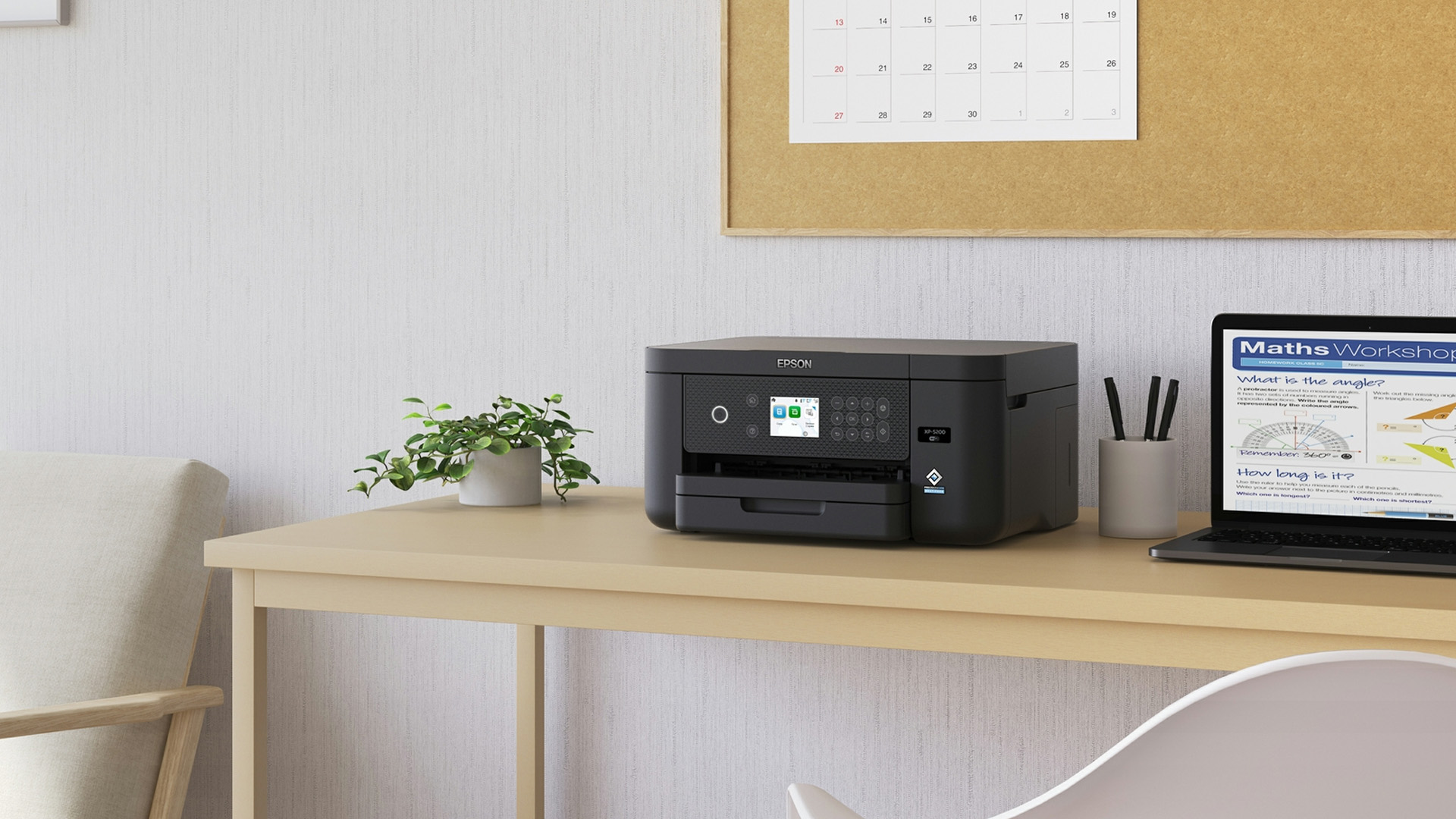
Epson printer cost depends on the model type, features and ink system. Prices can change often, especially during deals and promotions, so always check the latest product price before buying. Here is the general way to think about budget.
Budget Epson Printers
Best for light printing, students and occasional home use. Choose this if you print:
- A few pages a week
- Homework
- Travel forms
- Labels
- Simple documents
This is where affordable printers make sense. You get the basics without paying for features you will barely use.
Mid-Range Epson Printers
Best for homes and hybrid workers who need a bit more flexibility. Look for:
- Wireless printing
- All-in-one functionality
- Double-sided printing
- Better print speed
- Mobile app support
This is the sweet spot for many UK households.
Epson EcoTank Printers
Best for regular printing and lower long-term running costs. EcoTank models usually cost more upfront, but they can be better value if you print often. Epson says EcoTank models can save up to 95% on printing costs, and selected models include up to three years’ worth of ink based on Epson’s stated print volume assumptions.
Choose EcoTank if you are tired of the “printer says low ink again” drama.
Premium Epson Printers
Best for creative users, businesses and heavy workloads. Premium models may include:
- Better colour output
- A3 or wide-format printing
- Higher paper capacity
- Faster performance
- More advanced scanning
- Better photo printing
These are worth considering if print quality or productivity directly affects your work.
Epson Inkjet vs EcoTank vs Laser: Which is Better?
This is one of the biggest printer buying questions, so here is the easy version.
|
PRINTER TYPE |
BEST FOR |
WATCH OUT FOR |
|
Epson inkjet |
Everyday colour printing, homework, photos and low upfront cost |
Ink can become expensive if you print frequently |
|
Epson EcoTank |
Regular printing, families, students and home offices |
Higher upfront price than basic inkjets |
|
Laser printer |
Fast, sharp text printing and high-volume documents |
Usually less ideal for photo-quality colour printing |
Inkjet printers are a strong choice for everyday colour printing. EcoTank is better if you print frequently and want to reduce ongoing ink pressure. Laser printers are worth comparing if your printing is mostly black-and-white documents, invoices, reports and office paperwork. Laptop Outlet also notes that laser printers are often better for frequent document printing and sharp text.
Best Epson Printers for Different Needs
Affordable Epson Printer for Home Use
For most homes, choose a wireless all-in-one Epson printer. It gives you the flexibility to print, scan and copy without buying separate devices.
Best for:
- Schoolwork
- Family documents
- Return labels
- Recipes
- Occasional photos
- Home admin
If you print regularly, choose EcoTank. If you print occasionally, choose a more affordable Epson inkjet printer.
Reliable Epson Printer for Students
Students usually need something compact, affordable and wireless.
Look for:
- Low upfront price
- Wi-Fi printing
- Compact size
- Good text quality
- Reasonable ink costs
- Scan and copy if needed
A basic Epson Expression or compact all-in-one inkjet can be a good fit. If you print a lot of lecture notes, coursework or revision packs, EcoTank may be better long-term.
Portable Epson Printer for Home Office
For home office use, look for an Epson WorkForce or EcoTank all-in-one.
Prioritise:
- Automatic double-sided printing
- Scanning
- Copying
- Automatic document feeder
- Strong Wi-Fi
- Good paper capacity
- Lower running costs
Home office printing is not just about the printer price. It is about saving time, avoiding faff and keeping your workflow moving.
Best Epson Printer for Photos
For photo printing, choose an Epson photo printer or a photo-focused EcoTank model.
Look for:
- High print resolution
- Photo paper support
- Strong colour performance
- Borderless printing
- Multiple ink colours on photo models
- A4 or A3 support if needed
If you only print the odd family photo, a standard colour Epson inkjet may be enough. If photos are a hobby, coursework need or side hustle, go more specialised.
Best Epson Printer for Regular Printing
EcoTank is the main recommendation here. It is designed for people who print often and want fewer ink replacements.
Best for:
- Families
- Small offices
- Students printing frequently
- Teachers
- Admin-heavy households
- Hybrid workers
Epson says EcoTank printers can come with enough ink for thousands of pages and can reduce printing costs compared with cartridge printing, depending on model and usage. And if your work is mostly text-heavy, it is worth comparing Epson EcoTank with a laser printing solution before buying.
Best Epson Printer for Occasional Printing
If you only print a few pages here and there, an affordable Epson inkjet printer is usually enough. Do not overbuy if you do not need to. A simple wireless inkjet can cover the basics without taking over your desk or your budget.
Epson Wireless Printing Features Worth Knowing
Wireless printing is one of those features you do not fully appreciate until you have it. Then you never want to go back.
Wi-Fi Printing
Wi-Fi printing lets you print without plugging your laptop into the printer. It is ideal for shared homes, family use, student rooms and home offices. If your printer is connected to WiFi but still not responding, check out our guide on Why is My Epson Printer Not Printing? Causes & Solutions to troubleshoot the issue quickly.
Mobile Printing
Many Epson printers support mobile printing through Epson apps and compatible services. Epson Smart Panel can turn your mobile device into a print, scan and management tool for supported printers.
App-Based Setup and Troubleshooting
The Epson Smart Panel app can help users set up, monitor and troubleshoot compatible printers from a phone or tablet. That is useful when your printer decides to be dramatic five minutes before a deadline.
Cloud and Scan-to-Cloud Features
Selected Epson apps support printing and scan-to-cloud features from mobiles, tablets and laptops. Epson highlights smart-device printing and scan-to-cloud support across its app ecosystem.
Common Epson Printing Problems and Quick Fixes
Even good printers have their moments. Here are the common Epson printing problems users search for.
Why is my Epson Printer Not Printing?
Common causes include:
- Printer is offline
- Wi-Fi connection has dropped
- Ink is low
- Paper is jammed
- Print queue is stuck
- Driver or software needs updating
- Nozzles are blocked
Start with the basics: check power, Wi-Fi, paper, ink and printer status. Then restart the printer and your device. If that fails, check the Epson software or support page for your exact model. Epson’s UK support hub provides drivers, downloads, manuals and troubleshooting guides by product model or serial number.
Why are My Prints Streaky or Faded?
This is often caused by blocked nozzles or dried ink. Running the Epson head cleaning process can help improve print quality.
Signs you may need head cleaning:
- Lines across prints
- Missing colours
- Faded text
- Patchy images
- Uneven photo output
Even after setting up your Epson printer wirelessly, faded prints or streaks can still occur. Here’s How to Clean an Epson Printer Heads for Better Print Quality.
Why Will My Epson Printer Not Connect to Wi-Fi?
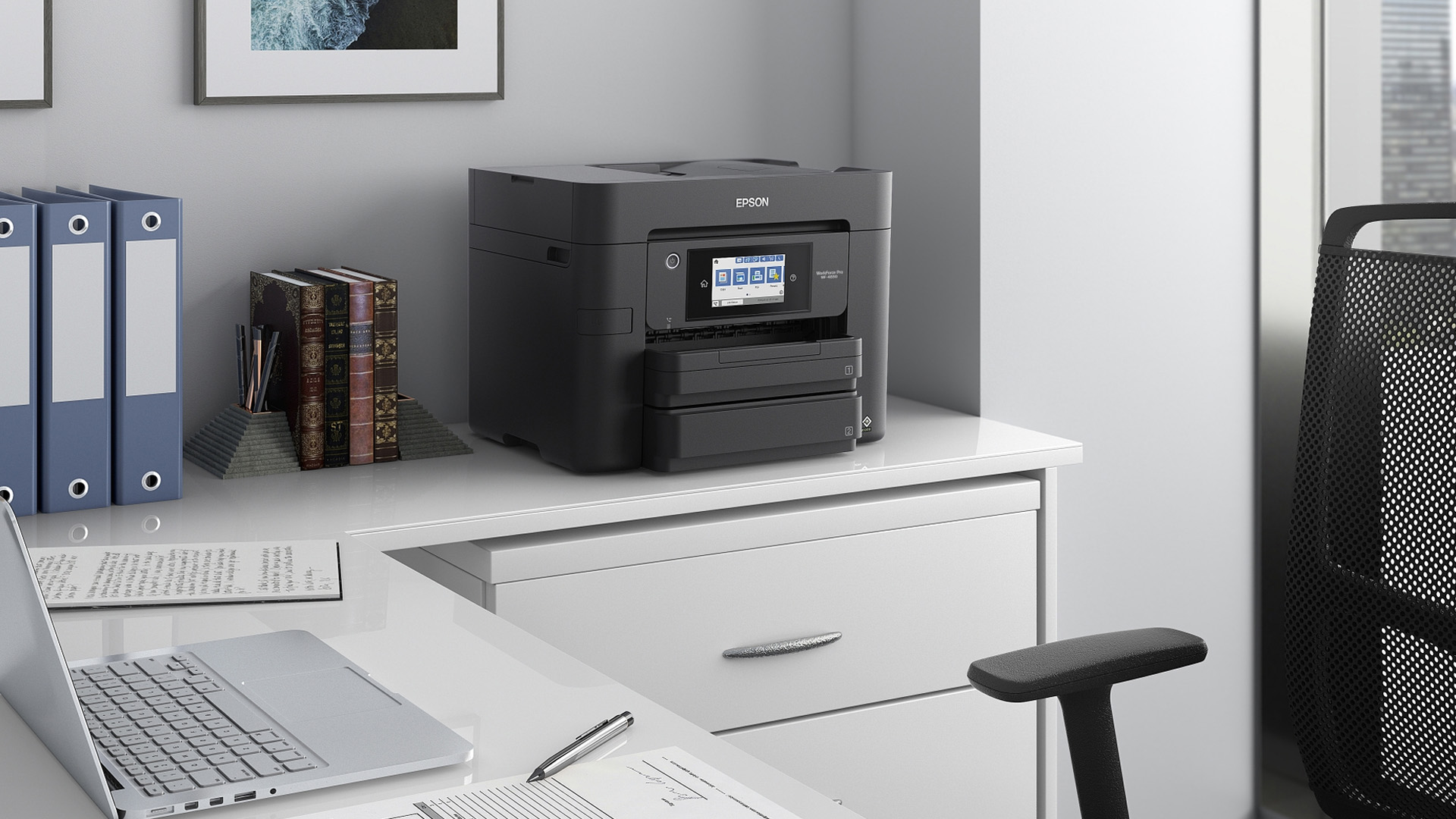
This may happen because of a changed router password, weak signal, wrong network selection, outdated software or temporary connection issues. Try:
- Restarting the printer and router
- Checking the Wi-Fi password
- Moving the printer closer to the router
- Reconnecting through Epson software or Smart Panel
- Updating drivers if needed
If your printer is connected to WiFi but still not responding, check out our guide on Why is My Epson Printer Not Printing? Causes & Solutions to troubleshoot the issue quickly.

Final Verdict: Which Epson Printer is Right for You?
- Choose an Epson inkjet printer if you want affordable, everyday colour printing for home, study or occasional documents.
- Choose an Epson EcoTank printer if you print regularly and want better long-term ink value. EcoTank is especially strong for families, students, home offices and small businesses that print often.
- Choose an Epson WorkForce printer if you need productivity features for business or home office use, such as scanning, copying, automatic double-sided printing and stronger paper handling.
- Choose an Epson photo printer if colour quality, photo detail and creative output matter most.

Still Got Questions?
How do I choose an Epson printer?
Choose an Epson printer based on what you print, how often you print, whether you need scan and copy features, your budget, wireless printing needs and long-term ink costs. For occasional printing, an Epson inkjet may be enough. For regular printing, Epson EcoTank is usually the smarter option.
Are Epson EcoTank printers worth it?
Yes, Epson EcoTank printers can be worth it if you print regularly. They usually cost more upfront than basic cartridge printers, but Epson says selected EcoTank models can save up to 95% on printing costs, depending on model and usage.
How much is an Epson printer?
Epson printer prices vary depending on the model, features and ink system. A basic Epson inkjet printer will usually cost less upfront, while an EcoTank or business-focused printer may cost more but offer stronger long-term value for frequent printing.
What is the difference between Epson inkjet and Epson EcoTank?
Both use inkjet-style printing, but standard Epson inkjet printers usually use cartridges, while Epson EcoTank printers use refillable ink tanks. EcoTank is designed to reduce cartridge replacements and lower long-term running costs for regular users.
Are Epson printers good for home use?
Yes, Epson printers are a strong choice for home use because the range includes compact inkjet models, wireless all-in-one printers and refillable EcoTank printers for families, students and home offices.
| Read More: |
| Office Printer Buying Guide: How to Choose the Right One |
| How to Choose the Best Ink for Your Inkjet Printer |
| How to Set Up a Wireless Printer: Step-by-Step Guide |
Related Articles

Last Updated: July 07, 2026
Quick Answer: The main types of printers are inkjet, laser, multifunction (all-in-one), and label printers. Inkjet printers are great for photos and colour printing at home. Laser printers suit high-volume office use. Multifunction printers combine printing, scanning, and copying. Label printers handle specialist tasks like shipping labels. The right choice depends on your print volume, budget, and intended use.
Choosing the right printer feels overwhelming when you are faced with so many options. Inkjet or laser? All-in-one or dedicated? It is easy to spend money on a printer that simply does not match your needs. This guide cuts through the noise. We'll cover the various types of printers in detail. By the end, you will know exactly which printer fits your home, business, or creative needs.
What Are the Main Types of Printers Available Today?
There are several categories of printers commonly available to UK buyers, each designed with a different use case in mind. Understanding what
Last Updated: July 09, 2026
If you are comparing Xerox printer types, the easiest way to narrow it down is to start with how you print. For home use and light admin, compact mono, or colour laser models usually make the most sense. For small teams and busier desks, multifunction and office-focused Xerox models are often the better fit. Our current Xerox range reflects that clearly, with mono laser, colour laser, multifunction and VersaLink options aimed at home working, small businesses and larger office environments.
This guide breaks down the different Xerox printers that matter most, what each type is best at, and how to choose the right one without overbuying.
Which Xerox Printer Type Should You Choose?
If you mainly print forms, invoices, and text-heavy documents, mono laser is the strongest place to start. Xerox mono laser models are for straightforward document printing and regular office use, while other Xerox models are a fit for small to medium businesses and home working.
If you need colour for reports,
Last Updated: May 12, 2026
Buying a printer in 2026 should be straightforward, but with dozens of models, technologies, and pricing traps to navigate, it can feel overwhelming. This complete printers buying guide cuts through the noise and helps you find exactly what you need, at the right price, for your home, home office, or business.
What Is a Printer and What Does It Do?
A printer is a hardware device that takes digital data from a computer, phone, or tablet and reproduces it as a physical document or image on paper. It bridges the gap between the digital and physical worlds and remains one of the most widely used pieces of office and home technology in the UK.
Modern printers do a great deal more than simply print text. Today's models can scan documents, copy pages, send faxes, print directly from USB drives, and even connect to cloud services. Whether you need to print a single boarding pass or thousands of invoices each month, there is a printer designed precisely for that purpose.
Whether you are looking
Published: May 07, 2026
Most Xerox printer problems come from paper jams, low toner, incorrect paper settings, outdated drivers, network issues or print-quality settings. Start by restarting the printer, checking the paper tray, confirming toner levels, matching the paper type in the driver, and looking up any Xerox printer error codes in the official Xerox support portal.
Xerox printers are built for reliable document printing, but even a good printer can have a bad day. One minute everything is fine, the next your Xerox printer is offline, paper is stuck halfway through, prints look faded, or a random fault code appears on the display. Annoying? Absolutely. Usually fixable? Also, yes.
This guide covers the most common Xerox printer issues, what causes them, and how to fix them without panicking. It is written for everyday users, home offices and small businesses that need their printer working again quickly.
Quick Xerox printer troubleshooting checklist
Before going deep, try these basics first:
| Problem | Quick |
Last Updated: May 19, 2026
Quick Answer
For a quick HP printer installation, follow this order:
- Place the printer close to your router during setup.
- Connect the power cable and turn the printer on.
- Load plain A4 paper.
- Install the supplied ink cartridges or toner.
- Open the HP app or HP Smart app.
- Choose Set Up a New Printer or Add Printer.
- Connect the printer to your Wi-Fi network.
- Print a test page.
Once that is done, you can print wirelessly from your laptop, phone, tablet, or desktop.
Setting up an HP printer should not feel technical, even when you are doing it for the first time. Most new printers require only a few basic steps: power, paper, ink or toner, Wi-Fi connection, and device setup.
The confusion usually starts when different devices ask for different setup routes. A Windows laptop may ask you to add the printer through Printers & Scanners. A Mac may detect it through AirPrint. A phone may need the HP app. A Chromebook may require you to add it in Chrome OS printer settings. Your printer may also
Last Updated: May 12, 2026
Quick Answer: Choosing the best printer for small business comes down to your print volume, budget, and document types. For mostly text, a laser printer offers fast speeds and low running costs. For colour-rich output, an inkjet is worth a look. If you need to print, scan, and copy, an all-in-one covers every base.
Running a small business means every purchase needs to earn its keep. A printer is no different. Whether you're producing invoices, contracts, client proposals, or marketing materials, finding the best printer for small business use can save you a surprising amount of time, money, and frustration over a year.
The UK printer market in 2026 is packed with options. Getting this decision wrong costs you far more in ink, toner, and paper waste than the device itself. This guide covers everything you genuinely need to know before you buy a printer, from print technology and running costs to connectivity and security.
What Types of Printer Are Available for Small Businesses?
Last Updated: May 12, 2026
Quick Answer: To set up a wireless printer, connect it to your Wi-Fi network using the WPS button, your printer’s touchscreen menu, Wi-Fi Direct, or a temporary USB cable. Then add it on Windows via Settings > Printers & Scanners, or on macOS via System Settings. On mobile, AirPrint handles iPhones automatically, while Android uses the Default Print Service, Mopria, or manufacturer apps. Most setups take under 10 minutes.
Knowing how to set up a wireless printer properly saves you from the frustration of cables, failed connections, and endless troubleshooting. Whether you have just unboxed a brand-new model or are reconnecting an existing one to a new router, this guide walks you through it all.
What Do You Need Before Setting Up a Wireless Printer?
A quick checklist before you begin will save a lot of frustration. Getting these sorted upfront means the setup should go smoothly first time round.
- Your WiFi network name (SSID) and password
- Your printer powered on and within range of
Published: May 11, 2026
When your Xerox printer starts leaving streaks, fading text, jamming paper, or showing toner warnings, the problem is often easier to fix than it looks. In many cases, you can improve print quality with the right toner check, a quick scanner clean, better paper loading, or a simple printhead lens clean.
This Xerox printer maintenance guide provides a clear, step-by-step routine you can follow without guesswork. You will learn how to replace Xerox toner, how to clean a Xerox printer safely, what causes common toner issues, and which quick checks improve everyday performance.
The aim is simple: help you keep your Xerox printer producing sharp, clean pages for longer. Xerox support notes that printhead lenses require cleaning when print quality starts to degrade, especially when prints show light streaks or voids, while its safety guidance also warns against using pressurised sprays, strong solvents, or direct liquid cleaning inside the printer.
Want to compare Xerox models before you maintain,
Last Updated: October 13, 2026
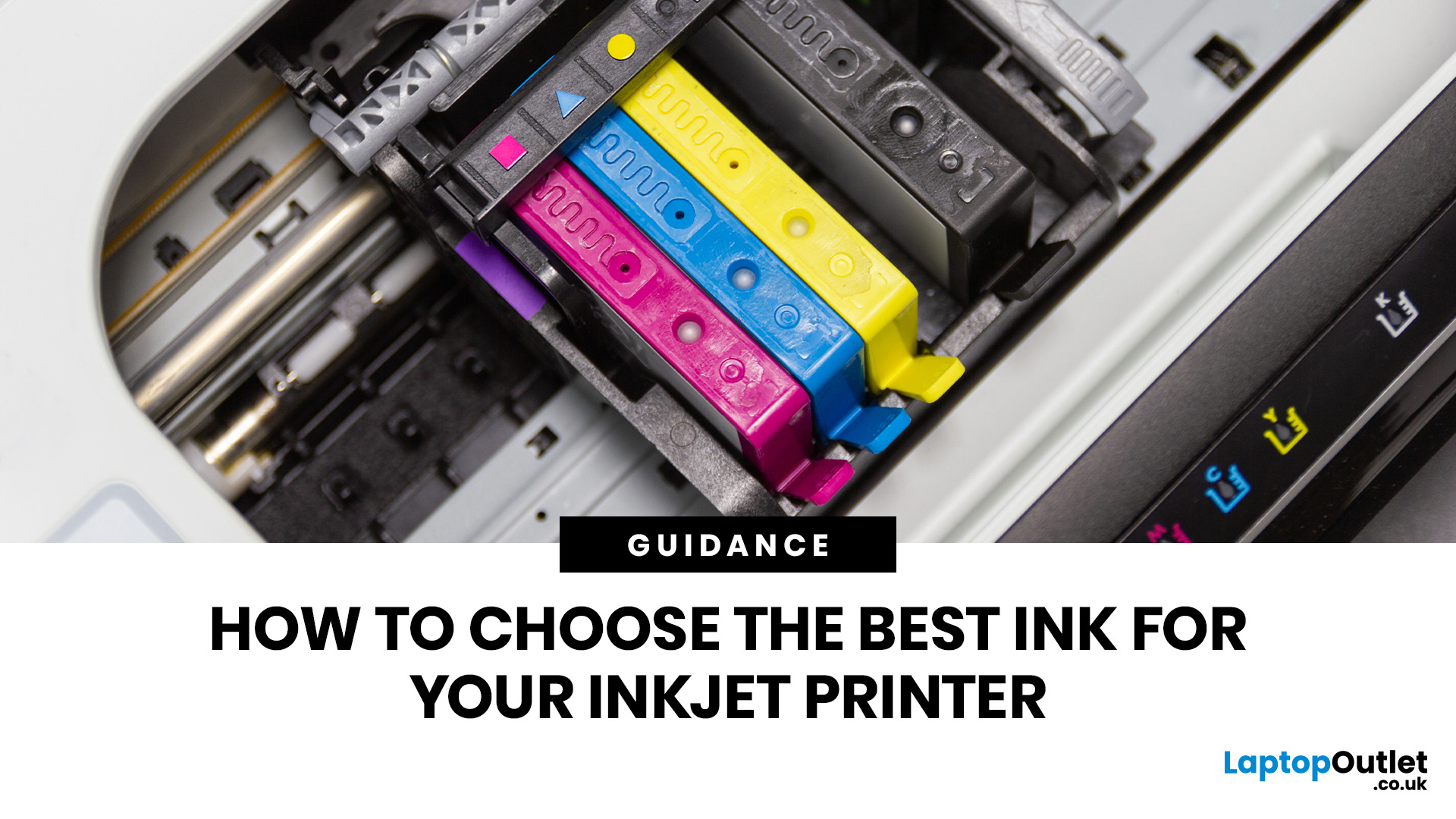
Quick Answer: Choose ink that matches your exact printer model first. Then decide whether you need original cartridges, compatible cartridges, remanufactured cartridges, refill ink, or bottled ink for an ink tank printer.
For sharp documents, pigment ink is usually the stronger choice. For bright photos and colourful images, dye-based ink often gives richer colour. You should not buy ink only because it is cheap. Check the cartridge number, page yield, ink type, printer warranty position, return policy, and whether you print often enough to justify XL, refillable, or subscription ink.
Introduction
Buying ink sounds simple until you see original cartridges, compatible cartridges, remanufactured cartridges, refill kits, XL cartridges, ink bottles, dye ink, pigment ink, and subscription plans. The wrong choice can leave you with poor print quality, blocked cartridges, warning messages, or higher running costs than expected.
You do not need to understand every technical detail to make a good
Last Updated: July 06, 2026
Quick Answer: To choose the right office printer, identify your monthly print volume, preferred print type (colour or mono), and whether you need scanning or copying. Laser printers suit high-volume offices, inkjet printers work well for colour-heavy or lower-volume tasks, and all-in-one models offer the best flexibility. Always factor in running costs, connectivity, and paper handling alongside the upfront price.
Picking the wrong printer for your office is an easy mistake to make, and a surprisingly costly one. Between the upfront price, ink or toner costs, paper handling, and connectivity options, there is a lot more to consider than most people realise.
This office printers buying guide covers everything you need to make a confident, well-informed decision in 2026. Whether you are kitting out a home office, a small business, or a large corporate workspace, we have got you covered.
What Types of Office Printer Are There?
Understanding the different categories of printers for

