



A Complete Guide to the Different Types of Label Printers
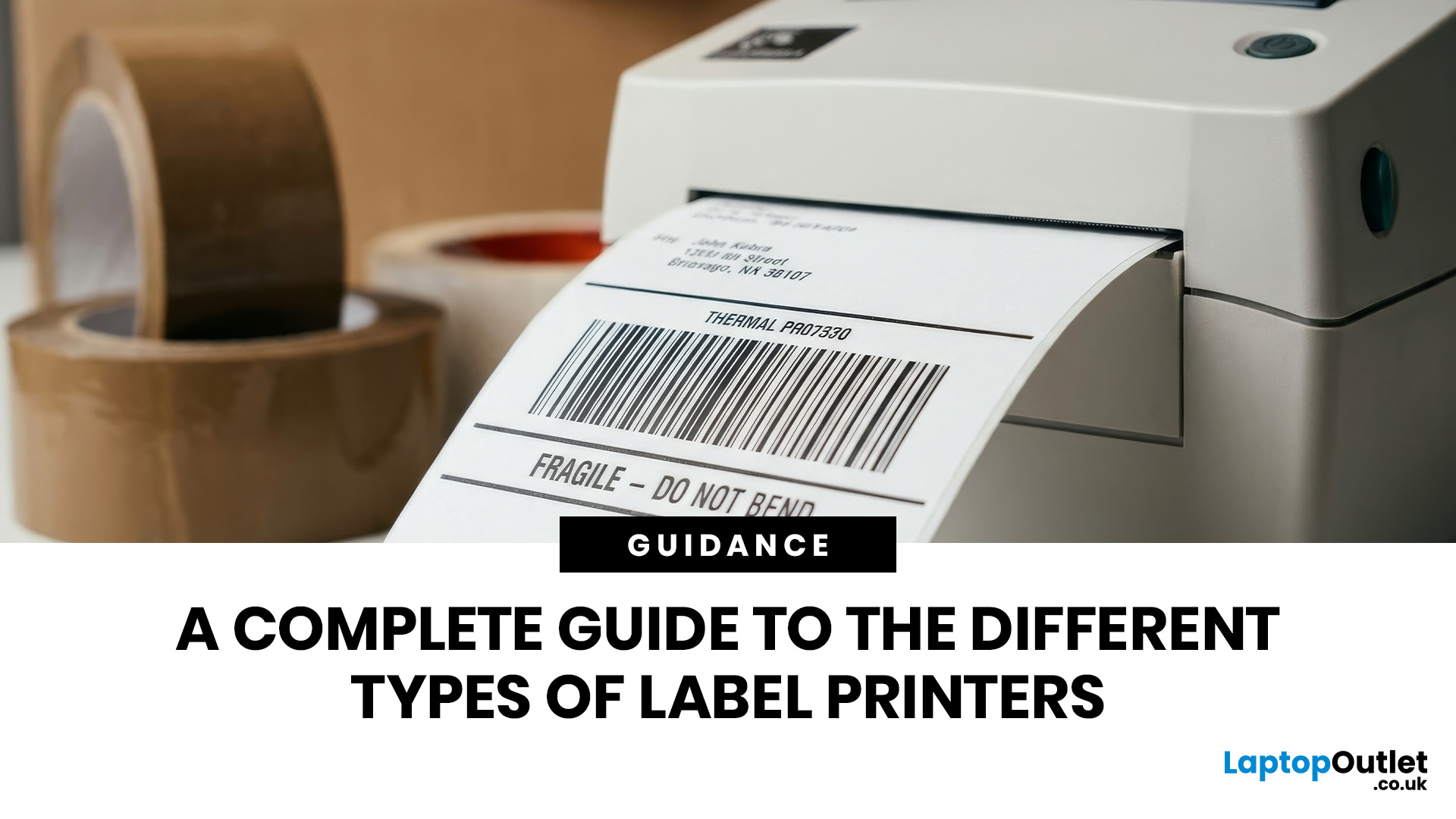
The main types of label printers are direct thermal, thermal transfer, inkjet, and laser. Direct thermal printers use heat-sensitive paper with no ink or ribbon, making them ideal for short-term labels like shipping and receipts. Thermal transfer printers use a wax or resin ribbon for durable, long-lasting labels. Inkjet and laser printers can print onto standard label sheets and work well for colour-rich or low-volume tasks. The right choice depends on your print volume, label durability requirements, and budget.
Whether you are running a small e-commerce shop, managing a busy warehouse, or simply trying to get your home office organised, choosing the right label printer can make a real difference. There are several label printer types on the market, each suited to different tasks, environments, and budgets.
This guide breaks down all the major types of label printers, explains how each technology works, and helps you figure out which one is the right fit for your needs.
Label Printer vs Label Maker: What Is the Difference?
Before diving into the different types of label printers, it helps to understand the distinction between a label printer and a label maker. The two terms are often used interchangeably, but they are not quite the same thing.
- Label Maker: A standalone, often handheld device with a built-in keyboard. These are popular for home organisation, office filing, and light labelling tasks. They typically use adhesive tape cartridges and do not require a computer.
- Label Printer: A dedicated printer that connects to a computer or mobile device and prints rolls of die-cut labels. These are suited to higher volumes and more complex tasks such as shipping, barcoding, and product labelling.
For most business use cases, a dedicated label printer will give you far more flexibility, speed, and cost efficiency than a label maker.
The Main Types of Label Printers Explained
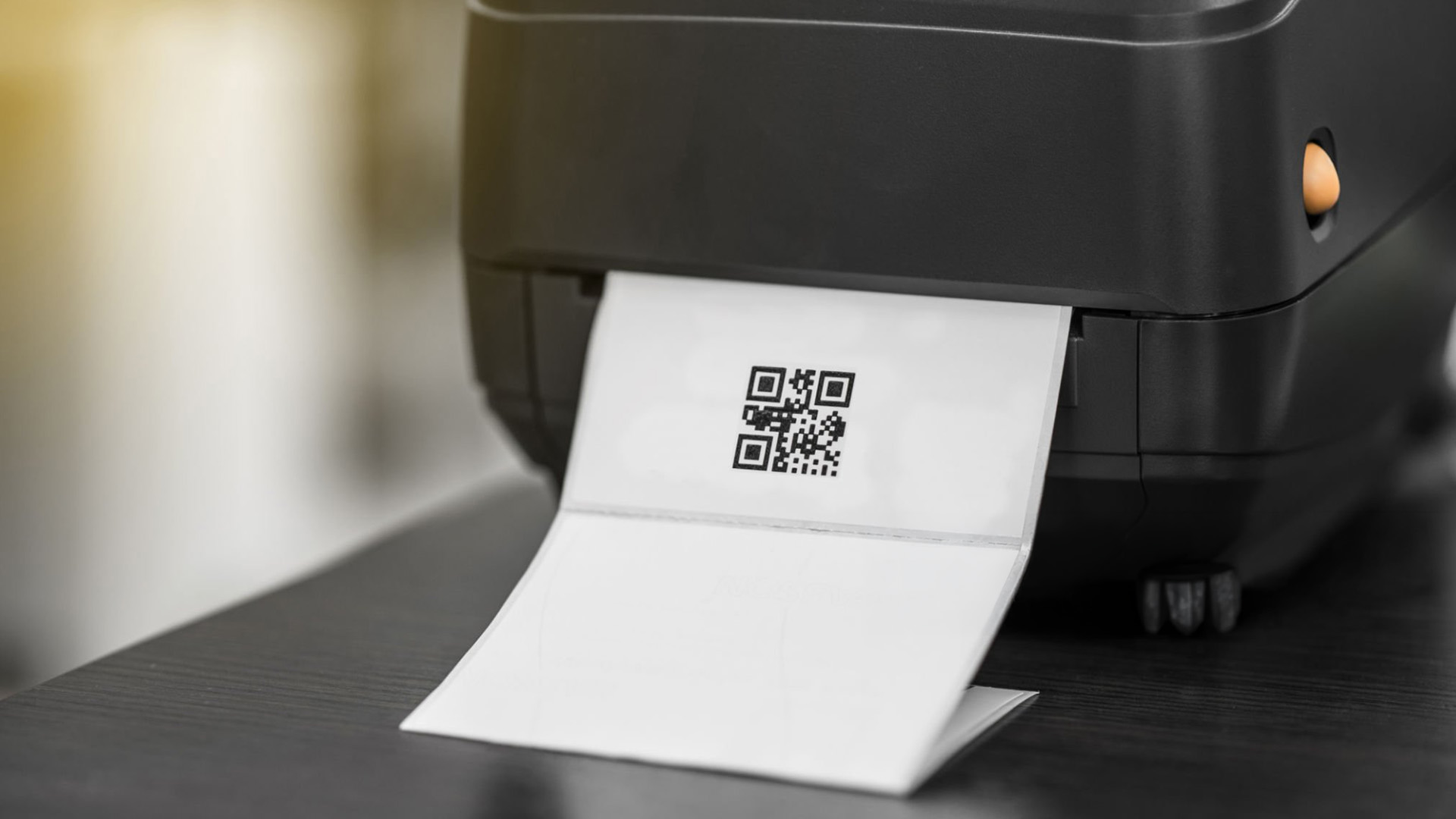
There are four core technologies used in label printing today: direct thermal, thermal transfer, inkjet, and laser. Understanding how each one works is key to making a smart buying decision. The different types of label makers within these categories also vary by form factor, from compact desktop models to rugged industrial machines.
1. Direct Thermal Printers
Direct thermal printers work by applying heat directly to specially coated, heat-sensitive paper. There is no ink, toner, or ribbon involved. The heat causes the paper's chemical coating to darken in the precise areas needed to form text, barcodes, or images.
Because there are no consumables beyond the label roll itself, direct thermal printers are simple to load, easy to maintain, and generally cheaper to run in the short term.
| Worth Knowing: Direct thermal labels are sensitive to heat, direct sunlight, and abrasion. Overexposure to these conditions can cause the label to darken or become unreadable. They are not suitable for labels that need to last more than six to twelve months. |
| Best for: Shipping labels, Royal Mail and courier labels, receipts, event wristbands, food-use best-before labels, and patient or visitor identification. |
|
ASPECT |
DETAIL |
|---|---|
|
Uses ink/ribbon? |
✗ No — heat-sensitive paper only |
|
Label lifespan |
6–12 months (environment dependent) |
|
Running costs |
Low (no ribbon or ink to replace) |
|
Print speed |
Fast — ideal for high volumes |
|
Durability |
Low — susceptible to heat, light, and moisture |
|
Typical price range (UK) |
£30–£300 depending on model and brand |
2. Thermal Transfer Printers
Thermal transfer printers also use a heated printhead, but here the heat melts ink from a wax, wax-resin, or full-resin ribbon onto the label surface. The ribbon acts as a buffer between the printhead and the label, which means the printhead lasts longer and the print quality is noticeably sharper.
Because the ink bonds firmly to the label material, thermal transfer labels resist heat, moisture, UV light, and chemicals far better than direct thermal ones. This makes them the preferred choice for labels that need to remain legible for months or even years.
| Tip: If you need to print onto synthetic materials such as polypropylene, polyester, or vinyl, thermal transfer is the technology to use. Direct thermal only works with specially coated paper stock. |
| Best for: Warehouse asset tracking, product labels, compliance labels, outdoor-use labels, medical device labelling, and any application requiring long-term readability. |
|
ASPECT |
DETAIL |
|
Uses ink/ribbon? |
✓ Yes — wax, wax-resin, or full-resin ribbon |
|
Label lifespan |
Several years with the right ribbon and media |
|
Running costs |
Moderate (ribbon replacement required) |
|
Print speed |
Fast, particularly on industrial models |
|
Durability |
High — resistant to heat, chemicals, UV, and abrasion |
|
Typical price range (UK) |
£100–£1,500+ depending on model |
Ribbon Types for Thermal Transfer
- Wax ribbons: Most affordable option; suitable for standard paper labels in indoor environments.
- Wax-resin ribbons: A middle-ground option offering better durability than plain wax; works on coated paper and some synthetics.
- Full-resin ribbons: The most durable type; designed for synthetic label materials and demanding environments such as cold storage or outdoor use.
Direct Thermal vs. Thermal Transfer Printers: Side-by-Side
This is one of the most common questions buyers ask. Here is a quick comparison to help you decide which technology suits your situation. Choosing between direct thermal vs. thermal transfer printers comes down to one key question: how long does your label need to last?
|
FEATURE |
DIRECT THERMAL |
THERMAL TRANSFER |
|---|---|---|
|
Ink/Ribbon needed |
✗ No |
✓ Yes |
|
Label longevity |
6–12 months |
Several years |
|
Label material options |
Thermal paper only |
Paper + synthetics |
|
Heat/UV resistance |
✗ Poor |
✓ Excellent |
|
Chemical resistance |
✗ Poor |
✓ Good to excellent |
|
Running cost |
Lower |
Slightly higher |
|
Maintenance |
Minimal |
Ribbon changes required |
|
Best for |
Shipping, receipts, short-term labels |
Asset tags, product labels, compliance |
3. Inkjet Label Printers
Standard inkjet printers can print directly onto sheets of pre-cut label stock, making them a convenient option if you already own a reliable inkjet printer and only need to print labels occasionally. There are also dedicated inkjet label printers, such as the Epson ColorWorks range, which are designed specifically for printing full-colour product labels on rolls.
Inkjet label printing is particularly well-suited to colour-rich applications where visual appeal matters, such as product packaging, artisan food labels, or craft labels.
| Worth Knowing: Standard inkjet-printed labels may smear if they get wet unless you use waterproof label sheets or a printer with pigment-based inks. Always check the ink and media combination before printing labels for outdoor or damp environments. |
| Best for: Colour product labels, artisan or craft labels, low-to-medium volume printing, businesses that already own an inkjet printer. |
If you need a versatile everyday printer that handles labels as well as standard documents, take a look at our reliable inkjet printersfor options that cover both.
4. Laser Label Printers
Laser printers use heat and toner powder to fuse text and images onto label sheets. Like inkjet, standard office laser printers can handle label sheets without any special setup. Monochrome laser labels are sharp and smudge-resistant once printed, which makes them popular for professional address labels, file labels, and product codes.
Colour laser label printing gives you excellent quality on short runs, though the per-label cost is typically higher than thermal printing for high volumes.
| Tip: When using a laser printer for labels, always check that the label sheets you buy are specifically rated for laser use. Labels designed for inkjet can melt or jam in a laser printer's fuser unit, which could damage the machine. |
| Best for: Office address labels, professional filing, product codes, and low-to-medium volume colour label printing. |
From home use to busy office environments, you will find a great range of multifunctional printers that handle labels, documents, and more from a single device.
Label Printer Form Factors: Desktop, Portable, and Industrial
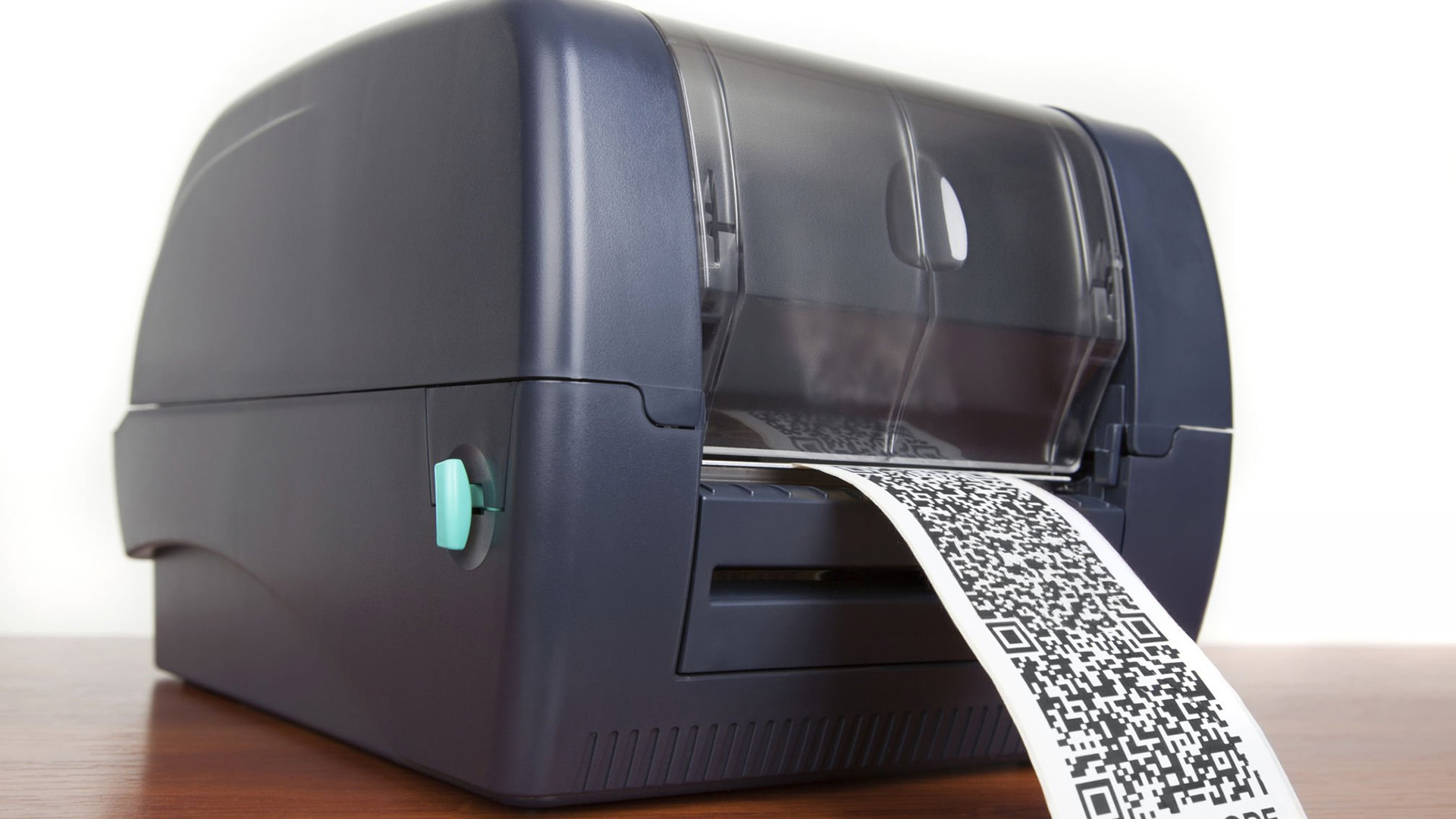
Beyond print technology, the physical form factor of a label printer matters just as much for day-to-day use. The right size and build depends on where you will use it, how many labels you print, and whether you need to move around while printing.
Desktop Label Printers
Desktop models are compact, mains-powered units designed for moderate daily use. They are a common sight in retail shops, small offices, healthcare receptions, and e-commerce fulfilment areas. They offer higher resolution and connectivity options such as USB, Wi-Fi, or Bluetooth.
- Print volume: Up to around 1,000 labels per day
- Typical use: Shipping labels, address labels, product tags, retail barcodes
- Popular brands: Brother QL series, Dymo LabelWriter, Zebra ZD series
Portable and Handheld Label Printers
Portable label printers run on batteries and allow you to print on the go, directly at the point of application. Field engineers, warehouse operatives, and logistics teams often rely on these for tasks like asset tagging, shelf labelling, and stock counts.
- Print volume: Lower — suited to on-the-spot printing rather than batch runs
- Typical use: Asset tagging, shelf labelling, field service work, inventory checks
- Popular brands: Zebra ZQ series, Brother PT-E series, Brady M211
If you are printing shipping labels at home or for a small business, explore our home printing solutions to find the right setup.
Industrial Label Printers
Industrial printers are built for high-volume, continuous operation in demanding environments such as factories, distribution centres, and logistics hubs. They feature robust metal housings, wider label capacity, and heavy-duty printheads rated for millions of label cycles.
- Print volume: 5,000+ labels per day
- Typical use: Warehouse pallet labels, compliance labels, large-scale barcoding, ERP/WMS integration
- Popular brands: Zebra ZT series, Honeywell, Sato, TSC
Explore our curated range of business printersto find desktop and professional models suited to your daily label printing demands.
Top Label Printer Brands Available in the UK
The UK label printer market is well-served by several established brands, each with a different focus. Here is a quick overview of the leading manufacturers and what they are known for, so you can shortlist the right one for your requirements.
|
BRAND |
KNOWN FOR |
BEST SUITED TO |
|---|---|---|
|
Reliable, versatile desktop and portable label printers. Wide label compatibility and stable software. |
Small businesses, offices, home users |
|
|
Zebra |
Industry-leading thermal printers for desktop, mobile, and industrial use. Trusted by logistics and healthcare sectors. |
Warehouses, logistics, healthcare, retail |
|
Dymo |
Compact, easy-to-use desktop label printers. Note: Dymo's newer 550 and 5XL models require genuine Dymo labels via RFID chip. |
Home offices, light business use |
|
High-resolution inkjet label printers (ColorWorks range) for full-colour product labels. |
Food producers, artisan brands, product labelling |
|
|
Brady |
Specialist portable and industrial printers for facility management, electrical labelling, and safety compliance. |
Engineering, electrical, industrial sectors |
|
TSC / Honeywell |
Cost-effective industrial thermal printers with strong build quality and broad media compatibility. |
Manufacturing, warehousing, large-volume logistics |
| Good to Know: Brother and Zebra printers do not lock you into proprietary label rolls the way Dymo's newer models do. If long-term running costs and label flexibility matter to you, both are worth prioritising. |
Check out our wide range of affordable label printers, all offering excellent value without compromising on quality.
How to Choose the Right Label Printer for Your Needs
With so many label printer types on the market, narrowing down the right one comes down to a handful of practical questions. Work through these before you buy and you will save yourself a lot of time and money.
1. How Many Labels Will You Print Per Day?
Print volume is perhaps the single most important factor. A desktop direct thermal printer is fine for up to around 1,000 labels per day. Beyond that, you should be looking at an industrial model. Buying a light-duty machine for heavy-volume work leads to faster wear and more downtime.
2. How Long Does Your Label Need to Last?
If your labels only need to last a few weeks (shipping labels, receipts, event passes), direct thermal is cost-effective and perfectly adequate. If they need to remain legible for months or years, or endure tough conditions, thermal transfer is the right call.
3. Do You Need FullColour?
Direct thermal and thermal transfer printers generally print in monochrome (black only). For vibrant, full-colour product labels, you will need an inkjet or laser label printer, or a dedicated colour inkjet label printer such as those in the Epson ColorWorks range.
4. What Label Materials Do You Need?
If you only ever print on standard paper labels, direct thermal will do fine. If you need to print on synthetic materials (polyester, polypropylene, vinyl), thermal transfer with the appropriate ribbon is required.
5. Where Will the Printer Be Used?
A fixed office or warehouse calls for a desktop or industrial unit. If you print labels at multiple locations, on the shop floor, or out in the field, a portable battery-powered printer is far more practical.
6. What Is Your Total Budget?
Factor in both the upfront cost of the printer and the ongoing cost of consumables (label rolls, ribbons). A cheaper printer with expensive proprietary labels can cost significantly more over time than a slightly pricier model with open-standard label compatibility.
|
YOUR SITUATION |
RECOMMENDED TYPE |
|---|---|
|
Printing shipping labels for an online shop |
Direct Thermal (Desktop) |
|
Labelling warehouse stock and assets |
Thermal Transfer (Desktop or Industrial) |
|
Printing colour product labels for artisan goods |
Inkjet or Colour Laser |
|
Occasional address or filing labels in a home office |
Inkjet or Laser (via label sheets) |
|
On-the-go labelling in the field or warehouse floor |
Portable Direct Thermal or Thermal Transfer |
|
High-volume 24/7 production environment |
Industrial Thermal Transfer |
Want the full picture before you decide? This guide to label printers covers everything you need to find the ideal printer for home or business use.
Key Specifications to Check Before You Buy
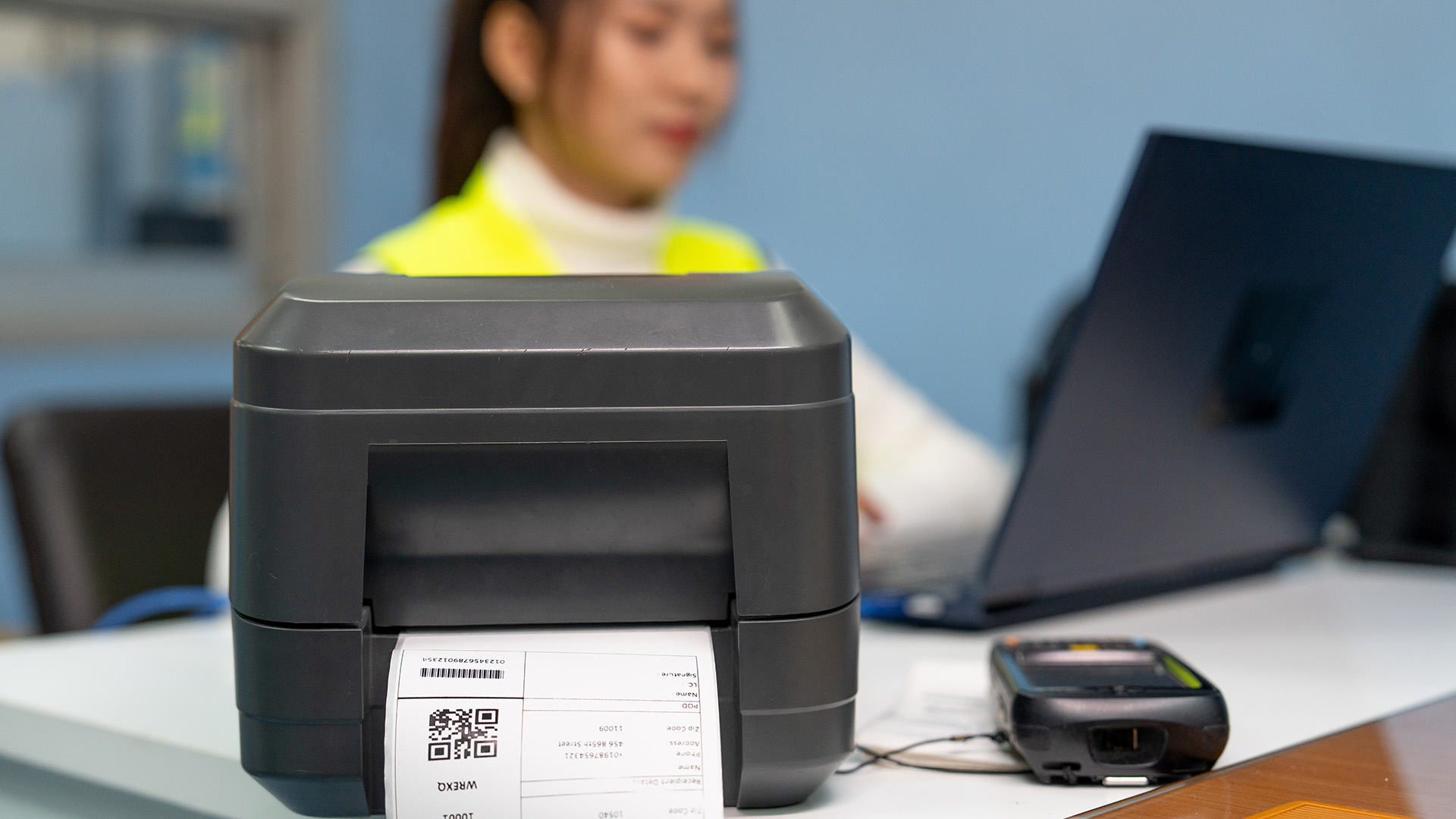
Once you have narrowed down the type of label printer you need, these are the specific specifications worth checking to ensure you are getting a machine that will perform as expected.
- Print resolution (DPI): 203 DPI is sufficient for standard barcodes and text. For small fonts or high-detail graphics, look for 300 DPI or above.
- Print speed (mm/s or IPS): Higher speeds matter more for high-volume environments. Typical desktop models print at 100–200 mm/s; industrial models can exceed 300 mm/s.
- Maximum label width: Most desktop printers handle up to 4 inches (around 102 mm). If you print pallet labels or wide-format labels, check the maximum media width carefully.
- Connectivity: Check for USB, Ethernet, Wi-Fi, or Bluetooth, depending on how you will connect the printer to your systems.
- Compatibility with label design software: Most brands offer free software (Brother P-Touch Editor, Zebra ZDesigner, Dymo Connect). Ensure it is compatible with your operating system.
- Cutter and peeler options: Many desktop and industrial label printers support automatic cutters or peel-and-present modules, which speed up high-volume label application significantly.

Which One Wins for You?
Understanding the types of label printers available is the first step to choosing the right machine for your needs. Direct thermal printers are the go-to choice for short-term labels like shipping and receipts, while thermal transfer printers are better for durable, long-lasting labels on a range of materials. Inkjet and laser printers serve well for colour-rich or occasional label printing tasks.
Consider your daily print volume, how long your labels need to last, whether you need colour, and your total cost of ownership before making a decision. Getting the right label printer in place from the start avoids unnecessary expense and downtime further down the line.
Check out our curated list of the best printers, chosen to cover every use case from home to enterprise.

Here’s What Most Buyers Ask...
What is the most common type of label printer used by small businesses in the UK?
Desktop direct thermal printers are the most widely used by UK small businesses, particularly for shipping and address labels.
Can a normal inkjet printer print labels?
Yes. Most standard inkjet printers can print onto inkjet-compatible label sheets available from stationery retailers across the UK.
How long do direct thermal labels last?
Direct thermal labels typically last six to twelve months before fading, depending on exposure to heat, light, and moisture.
Do thermal transfer printers need special paper?
Yes. Thermal transfer printers require a compatible ink ribbon and suitable label media, including paper, polypropylene, polyester, or vinyl.
Which label printer brand is best in the UK?
Brother and Zebra are widely regarded as the most reliable brands for UK businesses, offering open label compatibility and strong software support.
What is the difference between a label maker and a label printer?
Label makers are handheld standalone devices for basic tasks; label printers connect to a computer and handle higher volumes and more complex label formats.
Are thermal label printers worth it for home use?
Yes, if you ship parcels regularly or manage home storage. Entry-level direct thermal printers start from around £30 to £50 in the UK.
Related Articles

Last Updated: May 12, 2026
Buying a printer in 2026 should be straightforward, but with dozens of models, technologies, and pricing traps to navigate, it can feel overwhelming. This complete printers buying guide cuts through the noise and helps you find exactly what you need, at the right price, for your home, home office, or business.
What Is a Printer and What Does It Do?
A printer is a hardware device that takes digital data from a computer, phone, or tablet and reproduces it as a physical document or image on paper. It bridges the gap between the digital and physical worlds and remains one of the most widely used pieces of office and home technology in the UK.
Modern printers do a great deal more than simply print text. Today's models can scan documents, copy pages, send faxes, print directly from USB drives, and even connect to cloud services. Whether you need to print a single boarding pass or thousands of invoices each month, there is a printer designed precisely for that purpose.
Whether you are looking
Published: May 07, 2026
Most Xerox printer problems come from paper jams, low toner, incorrect paper settings, outdated drivers, network issues or print-quality settings. Start by restarting the printer, checking the paper tray, confirming toner levels, matching the paper type in the driver, and looking up any Xerox printer error codes in the official Xerox support portal.
Xerox printers are built for reliable document printing, but even a good printer can have a bad day. One minute everything is fine, the next your Xerox printer is offline, paper is stuck halfway through, prints look faded, or a random fault code appears on the display. Annoying? Absolutely. Usually fixable? Also, yes.
This guide covers the most common Xerox printer issues, what causes them, and how to fix them without panicking. It is written for everyday users, home offices and small businesses that need their printer working again quickly.
Quick Xerox printer troubleshooting checklist
Before going deep, try these basics first:
| Problem | Quick |
Last Updated: May 19, 2026
Quick Answer
For a quick HP printer installation, follow this order:
- Place the printer close to your router during setup.
- Connect the power cable and turn the printer on.
- Load plain A4 paper.
- Install the supplied ink cartridges or toner.
- Open the HP app or HP Smart app.
- Choose Set Up a New Printer or Add Printer.
- Connect the printer to your Wi-Fi network.
- Print a test page.
Once that is done, you can print wirelessly from your laptop, phone, tablet, or desktop.
Setting up an HP printer should not feel technical, even when you are doing it for the first time. Most new printers require only a few basic steps: power, paper, ink or toner, Wi-Fi connection, and device setup.
The confusion usually starts when different devices ask for different setup routes. A Windows laptop may ask you to add the printer through Printers & Scanners. A Mac may detect it through AirPrint. A phone may need the HP app. A Chromebook may require you to add it in Chrome OS printer settings. Your printer may also
Last Updated: May 12, 2026
Quick Answer: Choosing the best printer for small business comes down to your print volume, budget, and document types. For mostly text, a laser printer offers fast speeds and low running costs. For colour-rich output, an inkjet is worth a look. If you need to print, scan, and copy, an all-in-one covers every base.
Running a small business means every purchase needs to earn its keep. A printer is no different. Whether you're producing invoices, contracts, client proposals, or marketing materials, finding the best printer for small business use can save you a surprising amount of time, money, and frustration over a year.
The UK printer market in 2026 is packed with options. Getting this decision wrong costs you far more in ink, toner, and paper waste than the device itself. This guide covers everything you genuinely need to know before you buy a printer, from print technology and running costs to connectivity and security.
What Types of Printer Are Available for Small Businesses?
Last Updated: May 12, 2026
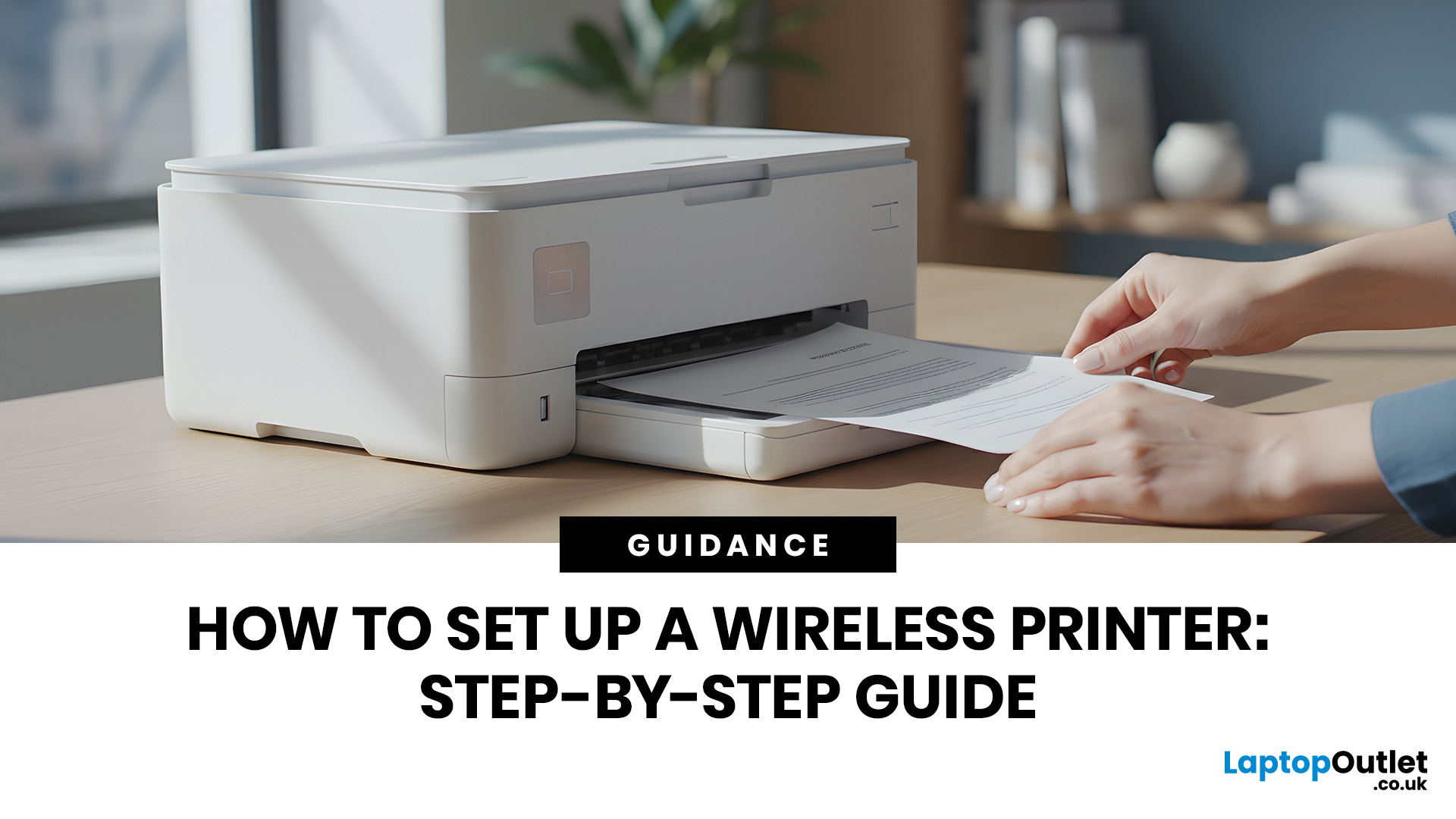
Quick Answer: To set up a wireless printer, connect it to your Wi-Fi network using the WPS button, your printer’s touchscreen menu, Wi-Fi Direct, or a temporary USB cable. Then add it on Windows via Settings > Printers & Scanners, or on macOS via System Settings. On mobile, AirPrint handles iPhones automatically, while Android uses the Default Print Service, Mopria, or manufacturer apps. Most setups take under 10 minutes.
Knowing how to set up a wireless printer properly saves you from the frustration of cables, failed connections, and endless troubleshooting. Whether you have just unboxed a brand-new model or are reconnecting an existing one to a new router, this guide walks you through it all.
What Do You Need Before Setting Up a Wireless Printer?
A quick checklist before you begin will save a lot of frustration. Getting these sorted upfront means the setup should go smoothly first time round.
- Your WiFi network name (SSID) and password
- Your printer powered on and within range of
Published: May 11, 2026
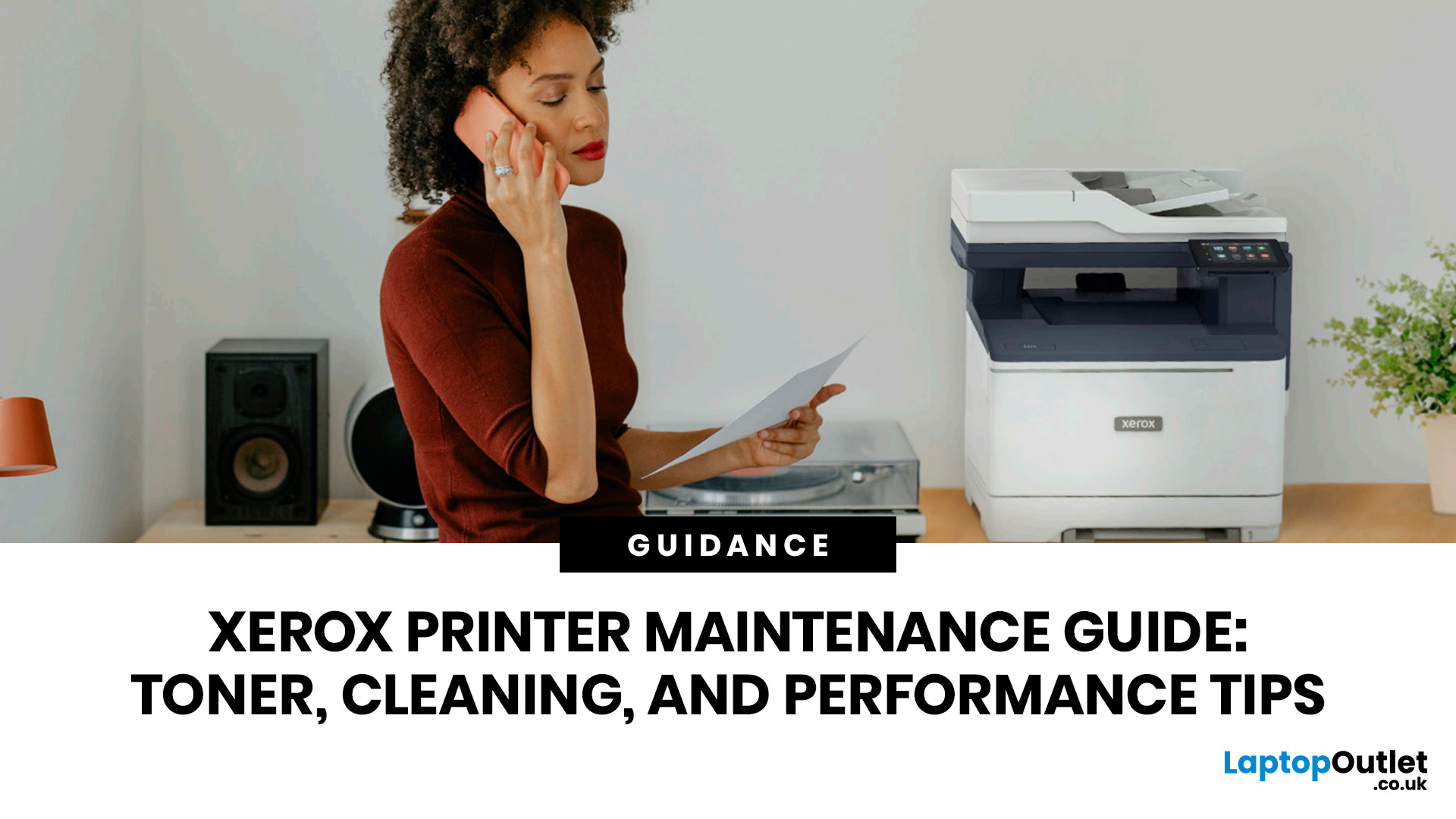
When your Xerox printer starts leaving streaks, fading text, jamming paper, or showing toner warnings, the problem is often easier to fix than it looks. In many cases, you can improve print quality with the right toner check, a quick scanner clean, better paper loading, or a simple printhead lens clean.
This Xerox printer maintenance guide provides a clear, step-by-step routine you can follow without guesswork. You will learn how to replace Xerox toner, how to clean a Xerox printer safely, what causes common toner issues, and which quick checks improve everyday performance.
The aim is simple: help you keep your Xerox printer producing sharp, clean pages for longer. Xerox support notes that printhead lenses require cleaning when print quality starts to degrade, especially when prints show light streaks or voids, while its safety guidance also warns against using pressurised sprays, strong solvents, or direct liquid cleaning inside the printer.
Want to compare Xerox models before you maintain,
Last Updated: October 13, 2026
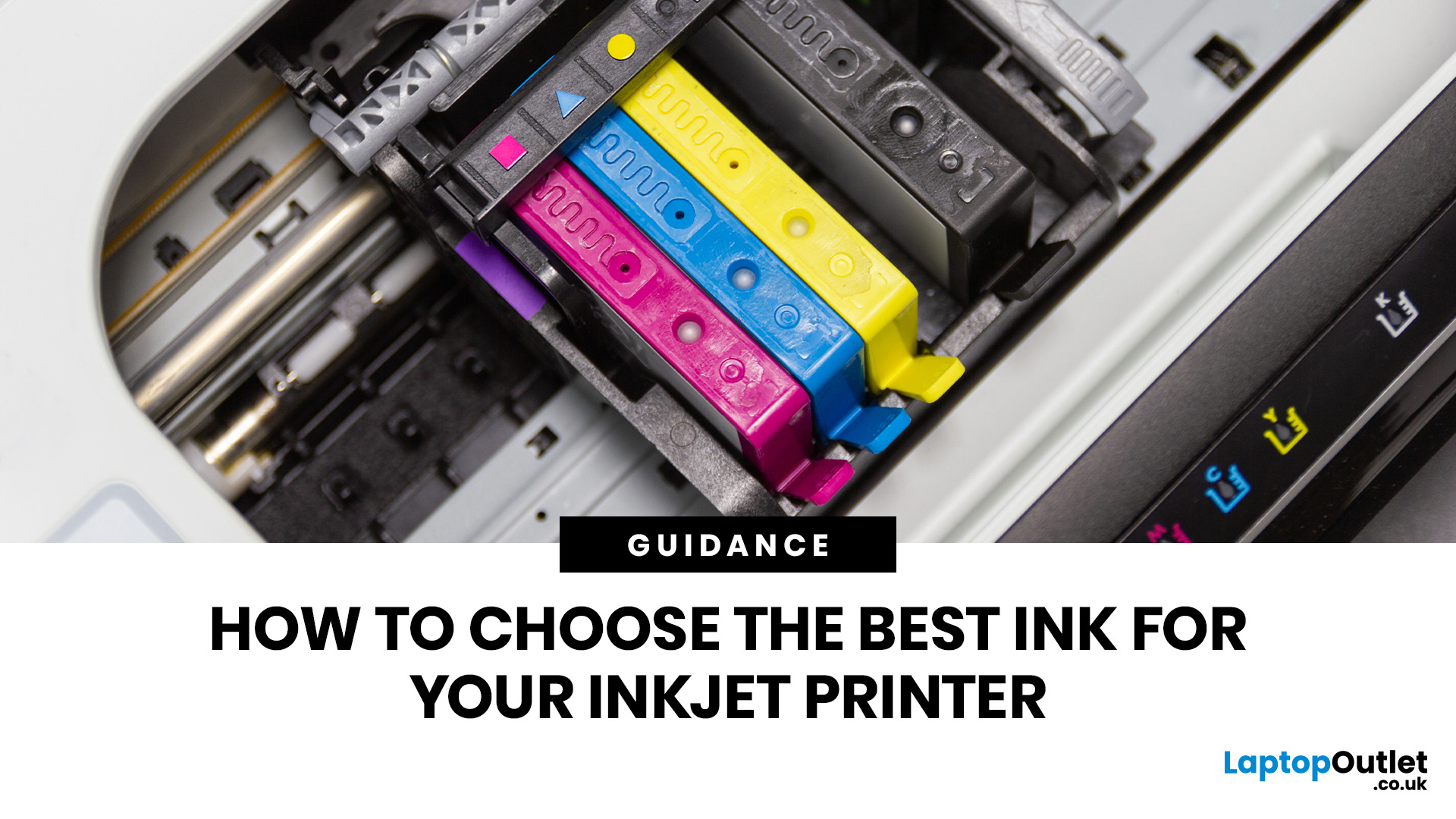
Quick Answer: Choose ink that matches your exact printer model first. Then decide whether you need original cartridges, compatible cartridges, remanufactured cartridges, refill ink, or bottled ink for an ink tank printer.
For sharp documents, pigment ink is usually the stronger choice. For bright photos and colourful images, dye-based ink often gives richer colour. You should not buy ink only because it is cheap. Check the cartridge number, page yield, ink type, printer warranty position, return policy, and whether you print often enough to justify XL, refillable, or subscription ink.
Introduction
Buying ink sounds simple until you see original cartridges, compatible cartridges, remanufactured cartridges, refill kits, XL cartridges, ink bottles, dye ink, pigment ink, and subscription plans. The wrong choice can leave you with poor print quality, blocked cartridges, warning messages, or higher running costs than expected.
You do not need to understand every technical detail to make a good
Last Updated: July 06, 2026
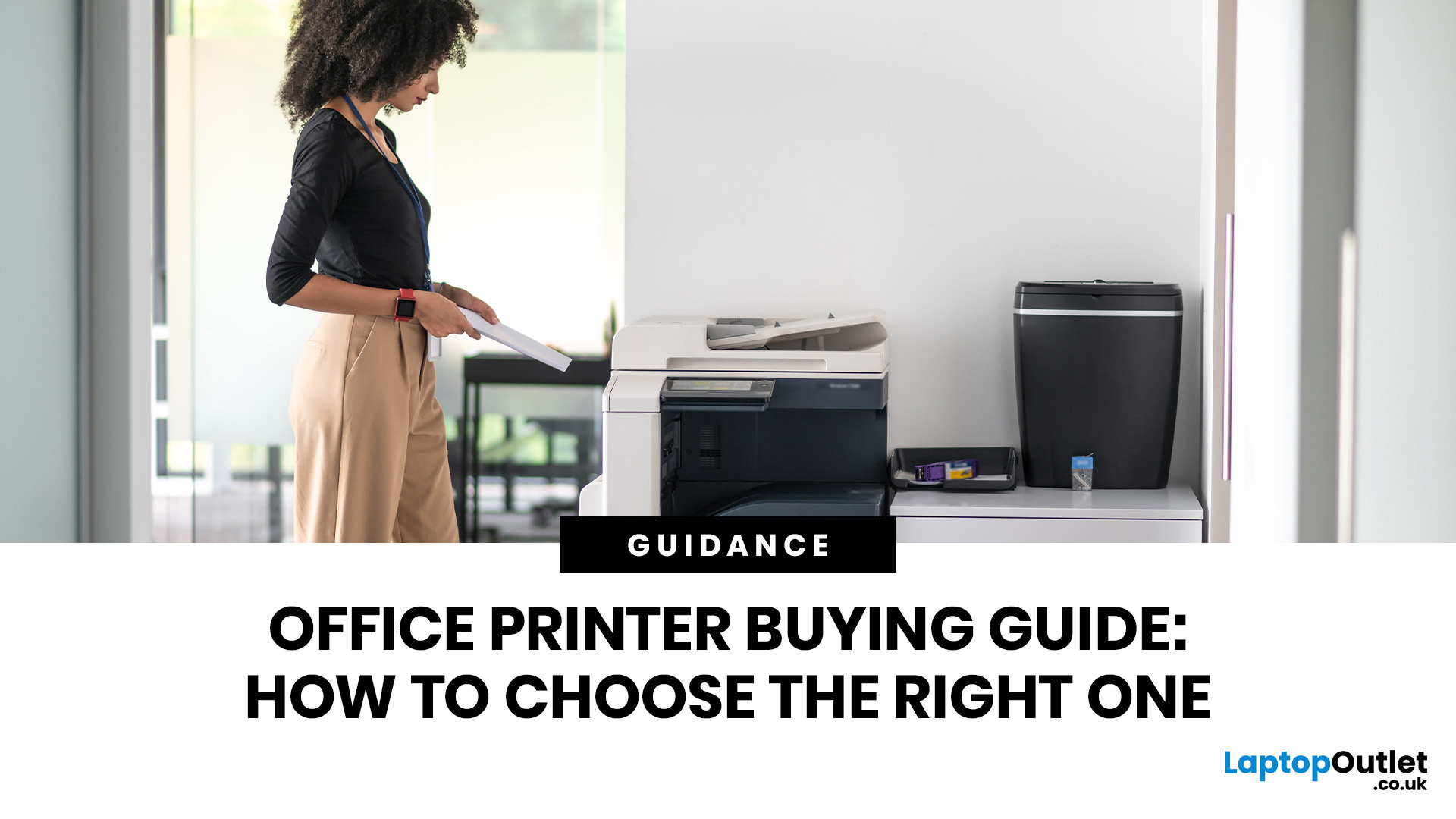
Quick Answer: To choose the right office printer, identify your monthly print volume, preferred print type (colour or mono), and whether you need scanning or copying. Laser printers suit high-volume offices, inkjet printers work well for colour-heavy or lower-volume tasks, and all-in-one models offer the best flexibility. Always factor in running costs, connectivity, and paper handling alongside the upfront price.
Picking the wrong printer for your office is an easy mistake to make, and a surprisingly costly one. Between the upfront price, ink or toner costs, paper handling, and connectivity options, there is a lot more to consider than most people realise.
This office printers buying guide covers everything you need to make a confident, well-informed decision in 2026. Whether you are kitting out a home office, a small business, or a large corporate workspace, we have got you covered.
What Types of Office Printer Are There?
Understanding the different categories of printers for
Last Updated: May 25, 2026
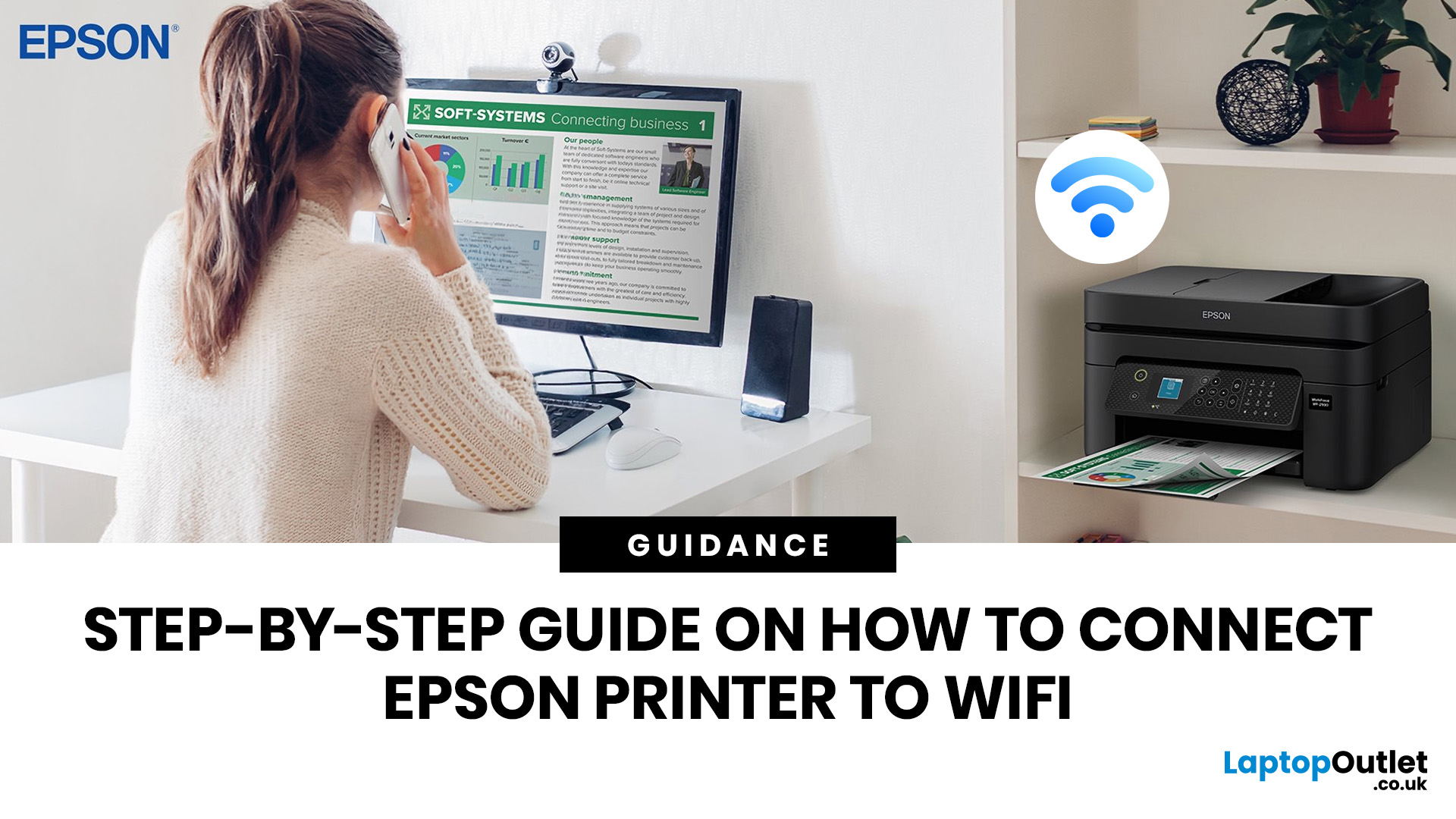
To connect an Epson printer to WiFi, turn on the printer, open its WiFi or Network Settings, select WiFi Setup Wizard, choose your network name, enter the WiFi password and confirm the connection. If your Epson printer has no screen, use Epson Smart Panel, WPS, Epson setup software or a temporary USB setup method, depending on your model. Always keep your WiFi name and password ready before starting.
Trying to set up a printer and watching it refuse to connect is a very specific kind of pain. You just want to print one document, and suddenly your Epson printer is acting like it has trust issues with your router.
This guide explains how to connect Epson printer to WiFi in simple steps, whether your model has a screen, works through WPS, needs the Epson Smart Panel app, or requires setup software on Windows or Mac. We will also cover what to do if your Epson printer is not connecting to WiFi, because let’s be honest, that is usually where the drama starts.
Before You Start: What You Need
Last Updated: June 08, 2026
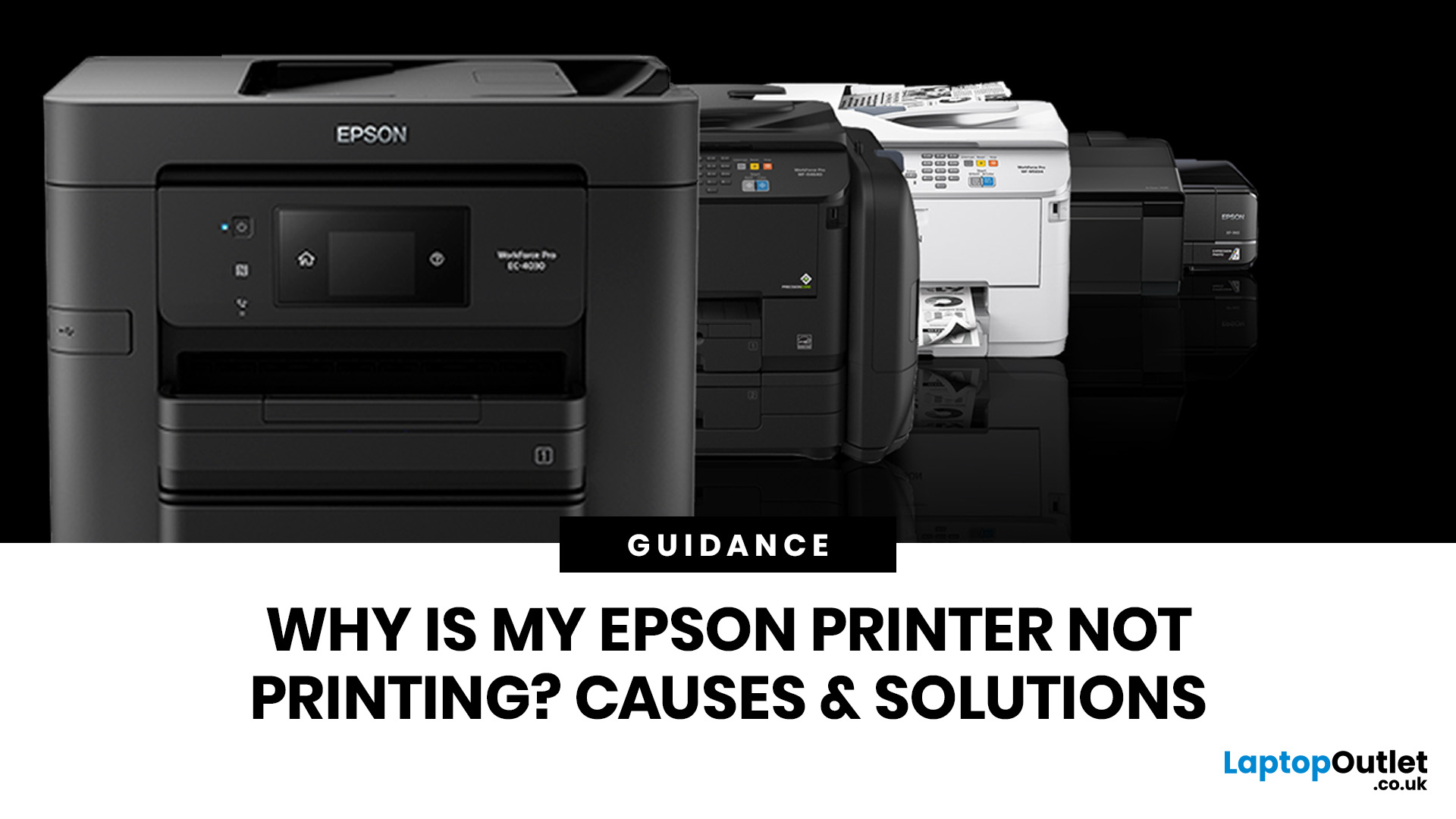
If your Epson printer is not printing, the problem is usually caused by low ink, clogged print heads, offline settings, connection issues, stuck print jobs, or outdated drivers. Most Epson printer problems can be fixed with simple troubleshooting steps such as checking cartridges, cleaning the print head, clearing the print queue, updating drivers, or resetting the printer.
An Epson printer not printing can be frustrating, especially when you need an important document, return label, invoice, or school assignment right away. The good news is that most Epson printer problems are not as serious as they first seem. In many cases, the issue comes down to low ink, clogged nozzles, offline settings, a weak connection, or a stuck print queue.
So, if you are wondering, “Why is my Epson printer not printing?”, this guide will walk you through the most common causes and simple ways to fix Epson printer issues at home. Before you think about replacing your printer, try these easy Epson printer troubleshooting

