



How to Choose the Best Ink for Your Inkjet Printer
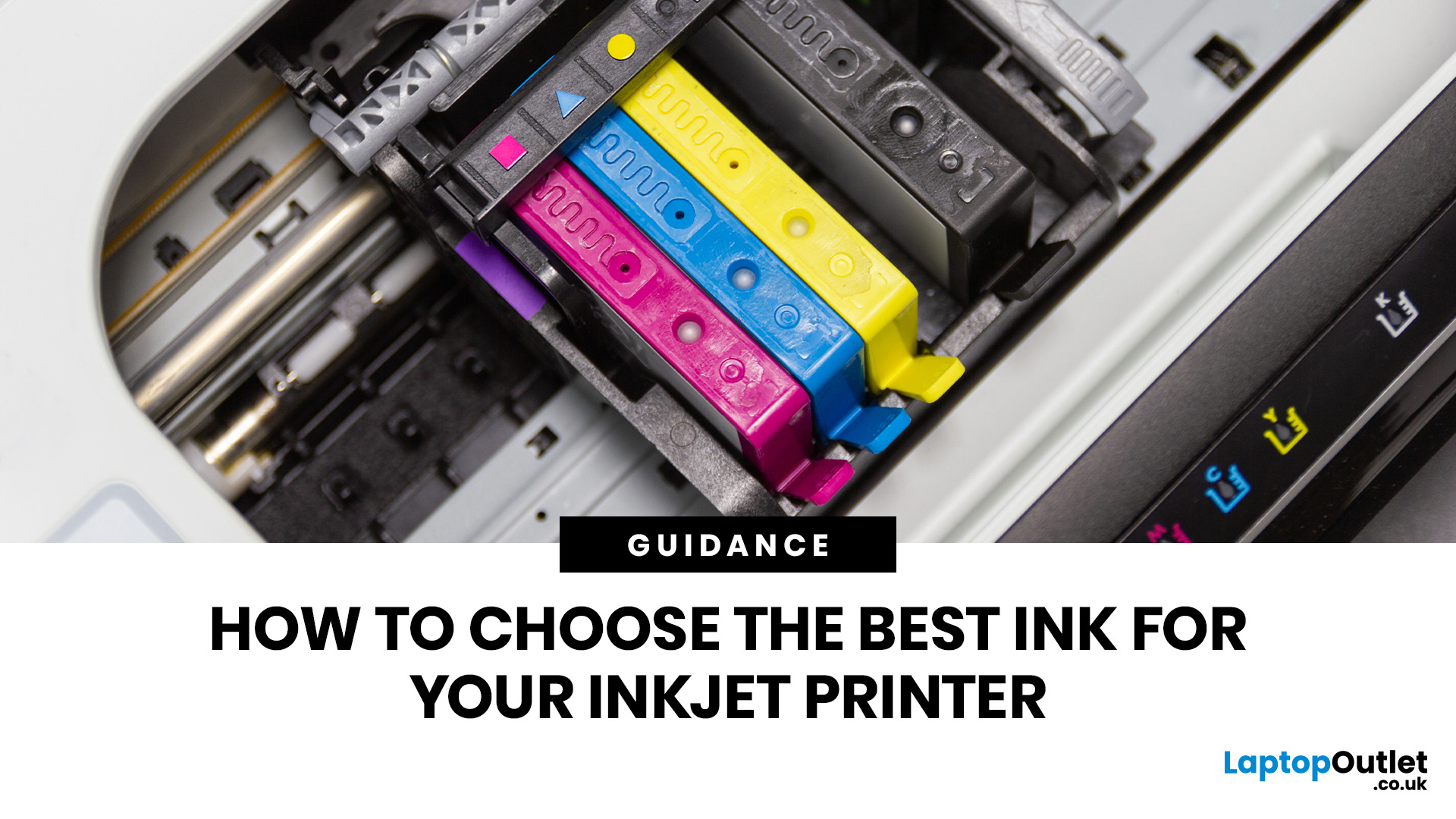
Quick Answer: Choose ink that matches your exact printer model first. Then decide whether you need original cartridges, compatible cartridges, remanufactured cartridges, refill ink, or bottled ink for an ink tank printer.
For sharp documents, pigment ink is usually the stronger choice. For bright photos and colourful images, dye-based ink often gives richer colour. You should not buy ink only because it is cheap. Check the cartridge number, page yield, ink type, printer warranty position, return policy, and whether you print often enough to justify XL, refillable, or subscription ink.
Introduction
Buying ink sounds simple until you see original cartridges, compatible cartridges, remanufactured cartridges, refill kits, XL cartridges, ink bottles, dye ink, pigment ink, and subscription plans. The wrong choice can leave you with poor print quality, blocked cartridges, warning messages, or higher running costs than expected.
You do not need to understand every technical detail to make a good decision. You need to know what your printer accepts, what you print most often, and which ink option offers the best balance of quality, reliability, and price.
This guide will help you choose the best ink for your inkjet printer without guessing. You will learn the main types of ink for inkjet printers, when original ink is worth it, when compatible ink makes sense, and how to avoid common mistakes with refills and low-cost cartridges.
For a broader printer buying overview, you can also read our complete guide on inkjet printers.
What should you check before buying ink for your inkjet printer?
- Check your printer model, cartridge number, ink type, cartridge size, and page yield before you buy. These details matter more than the brand name on the cartridge's front.
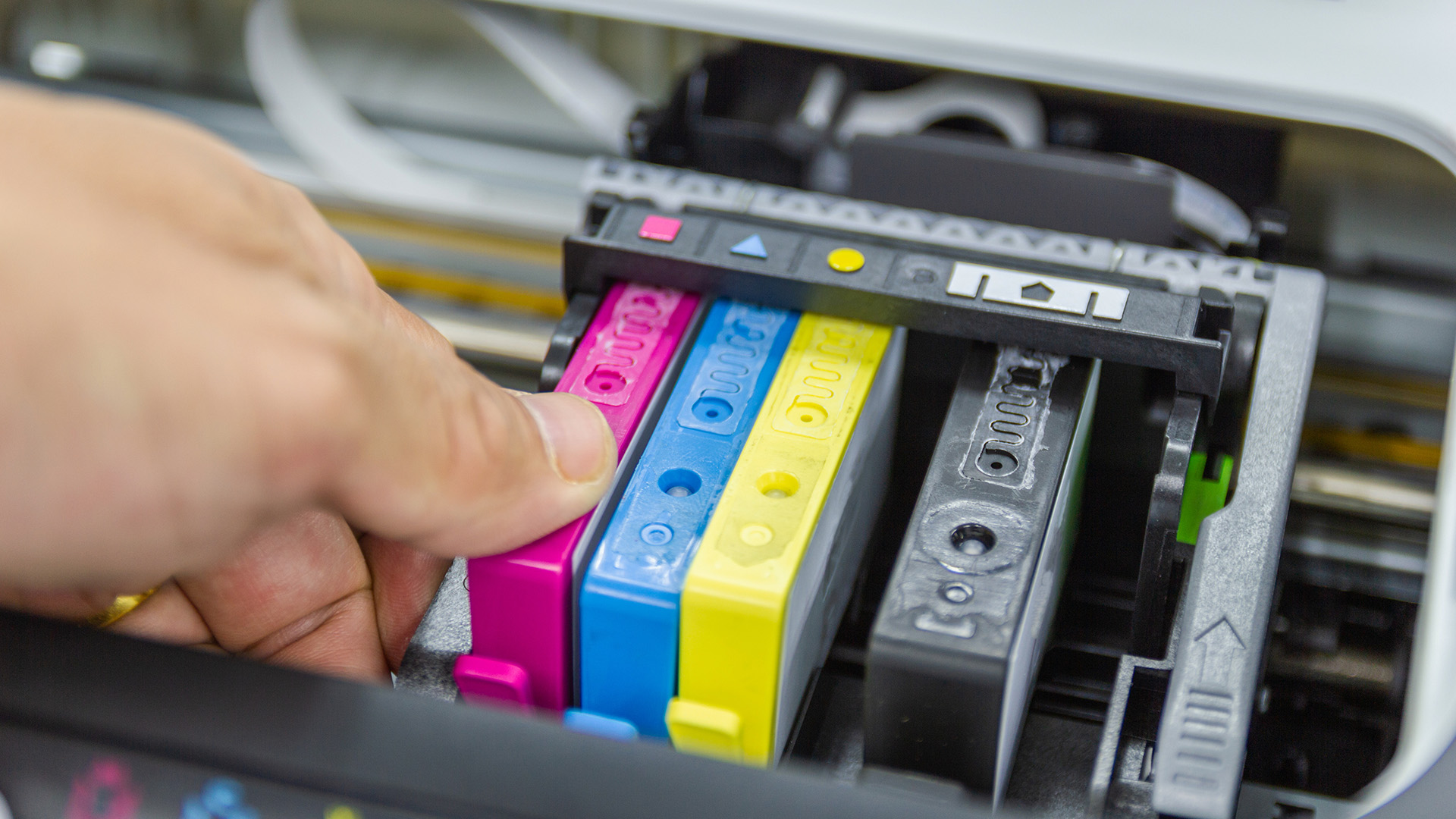
- Start with the exact printer model. You can usually find it on the printer body, inside the cartridge access area, in the printer app, or on your old cartridge.
- Next, check the cartridge number. Many cartridges look similar but are not interchangeable. A small difference in number, region, chip, or cartridge series can stop the cartridge from working.
- You should also check page yield. Page yield means the estimated number of pages a cartridge can print under standard test conditions.
What are the main types of ink for inkjet printers?
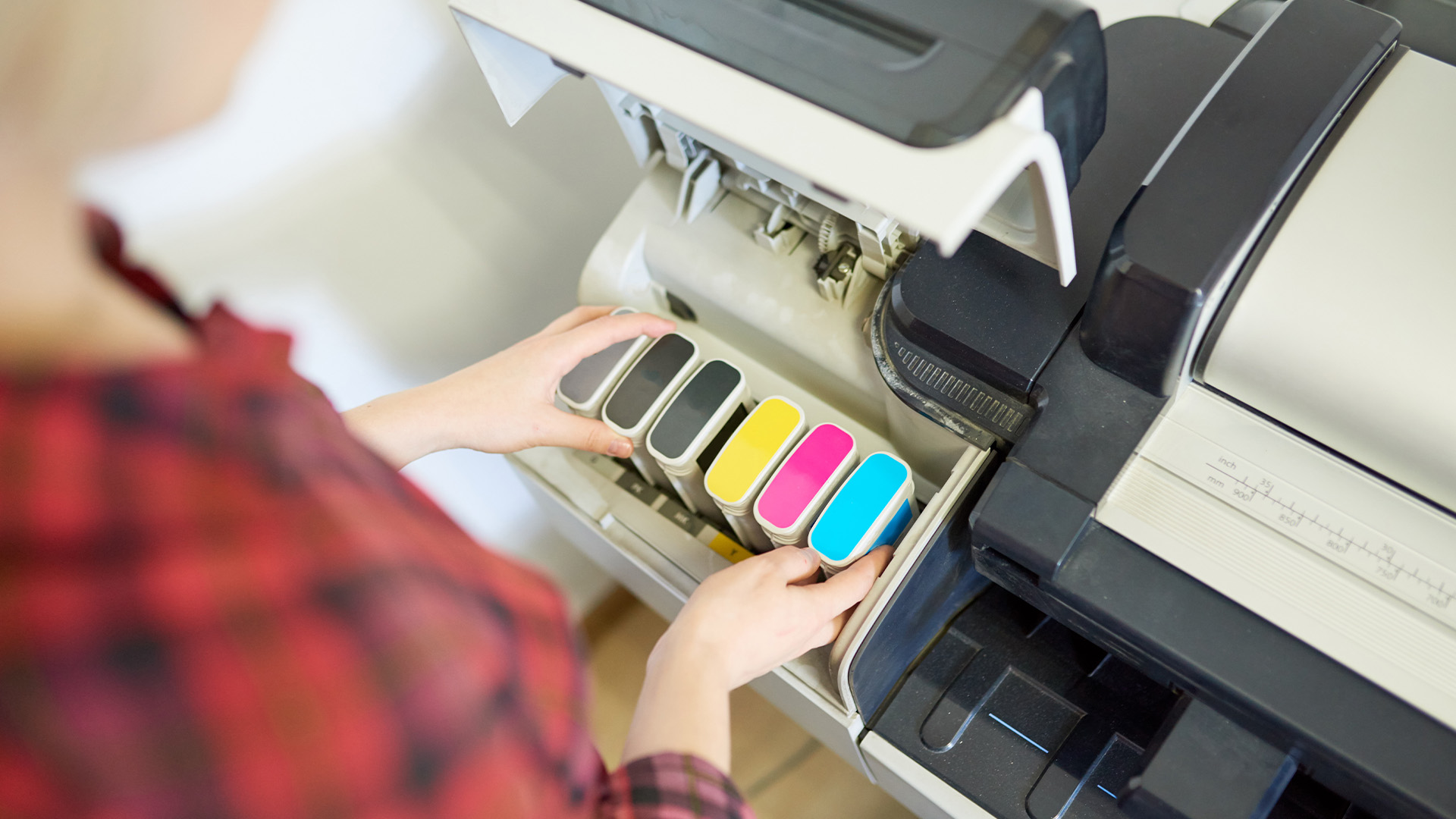
The main types of ink for inkjet printers are dye-based and pigment-based. You may also see original cartridges, compatible cartridges, remanufactured cartridges, refill ink, and bottled ink, but those terms describe the cartridge format or supplier rather than the ink chemistry.
Dye-based ink
Dye-based ink is often used for colourful prints, photos, school projects, graphics, and everyday home printing. It usually produces bright colours and smooth images, especially on suitable paper.
Dye ink works well when you print:
- Photos for albums or frames
- Colour homework
- Creative projects
- Everyday colour documents
- Posters and invitations
The drawback is durability. Dye ink can be more likely to blur when wet, depending on the paper. It may also be less suitable for documents that need to last for years.
Pigment-based ink
Pigment-based ink is usually better for sharp text, documents, labels, office paperwork, and prints that need stronger resistance to moisture or fading.
Pigment ink works well when you print:
- Business documents
- Forms and letters
- Reports
- Shipping labels
- Certificates
- Prints that need a longer storage life
The drawback is that pigment ink may not always produce the same glossy vibrancy as dye ink on photo paper. Canon also notes that pigment ink can show greater variation in glossiness on glossy paper than dye ink.
Dye ink vs pigment ink: which is better?
Dye ink is better for vivid colour and photo-style printing. Pigment ink is better for sharper documents, moisture resistance, and longer-lasting prints.
|
Print need |
Better ink type |
Why |
|
Family photos |
Dye ink |
Brighter colour and smooth gradients |
|
School projects |
Dye ink |
Strong colour for images and graphics |
|
Office documents |
Pigment ink |
Sharper text and better durability |
|
Shipping labels |
Pigment ink |
Better resistance to smudging |
|
Long-term records |
Pigment ink |
More stable for stored documents |
|
Everyday mixed printing |
Either |
Depends on your printer model and paper |
The key point is compatibility. Do not switch ink chemistry unless your printer is designed for it. Some printers use dye ink for colour and pigment ink for black text. Others use all dye or all pigment systems.
Original, compatible, remanufactured, or refill ink: what should you choose?
Choose original ink when quality and reliability matter most. Choose compatible ink when you want lower costs, and you trust the supplier. Choose remanufactured ink when you want a balance of price and sustainability. Choose refill ink or bottled ink only when your printer is designed for it, or you know exactly what you are doing.
|
Ink option |
Best for |
Main benefit |
Main risk |
|
Original ink |
Quality-sensitive users |
Best compatibility and predictable results |
Higher price |
|
Compatible ink |
Budget-conscious users |
Lower upfront ink cost |
Quality varies by supplier |
|
Remanufactured ink |
Eco-conscious everyday users |
Reuses cartridge shells |
May vary in reliability |
|
Refill ink |
Experienced users |
Can reduce waste and cost |
Mess, leaks, poor recognition |
|
Ink bottles |
Ink tank printers |
Low running costs for regular printing |
Only works with supported tank models |
|
Subscription ink |
Predictable monthly printing |
Automatic supply and simple budgeting |
You pay by plan, not cartridge ownership |
According to Epson, its genuine ink is developed and manufactured to work with its printers and warns that compatible or remanufactured inks may lead to issues such as poor print quality, recognition problems, and clogged nozzles.
Is original ink worth it?
Original ink is worth it when you care about consistent print quality, warranty peace of mind, photo accuracy, or professional-looking business documents.
You should lean toward original ink when you print:
- Client-facing documents
- Important forms
- Photos you want to keep
- Colour-sensitive graphics
- Documents for work or study submissions
- Prints where smudging or fading would be a problem
Original ink is usually more expensive, but it reduces guesswork. You know it is designed for your printer, has been tested by the manufacturer, and is less likely to trigger compatibility warnings.
Is compatible ink worth buying?
Compatible ink is worth considering if you print regularly and want affordable ink for your inkjet printer. The key is to buy from a supplier with strong reviews, clear compatibility information, and a replacement or refund policy.
Compatible ink can be useful for:
- Draft documents
- Homework
- Everyday colour pages
- Recipes and forms
- Internal office prints
- High-volume casual printing
Avoid unknown ultra-cheap cartridges with vague model information. Poor-quality compatibles can cause colour inconsistency, leaks, printer warnings, or unreliable page yield. Saving a few pounds is not worth it when the cartridge wastes paper, ink, and time.
Should you refill inkjet printer cartridges?
You can refill inkjet printer cartridges, but it is not the best choice for every user. Refilling can reduce waste and cost, but it can also be messy and less reliable than buying a fresh cartridge.
Refilling makes more sense when:
- Your cartridge type is refill-friendly
- You print often
- You are comfortable handling ink
- You accept some trial and error
- Print perfection is not your top priority
Refilling is less suitable when:
- You need professional-quality results
- Your printer rejects refilled cartridges
- You rarely print
- You want a simple plug-and-print experience
- You rely on your printer for work deadlines
Using the wrong cartridge or low-quality refill ink can lead to streaks, faded colours, or cartridge errors. Our common inkjet printer problems guide explains how to spot and fix these issues.
Are ink tank printers better for affordable ink?
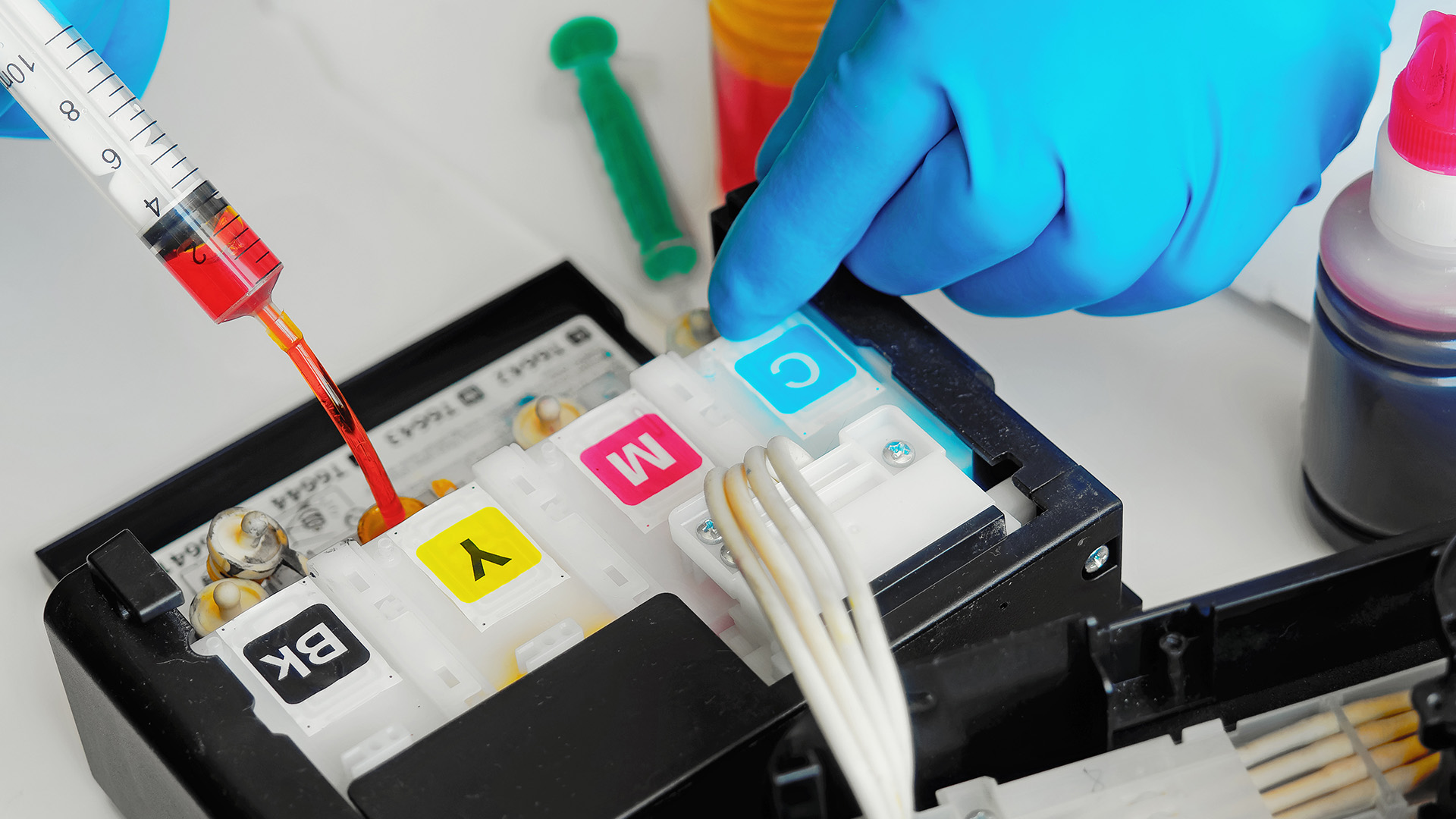
Ink tank printers are often better for affordable, long-term printing because they use refillable ink bottles rather than small cartridges. They usually cost more upfront, but they can reduce ink replacement costs for regular users.
Ink tank printers are a good fit when you print:
- Schoolwork every week
- Home office documents
- Colour worksheets
- Small business paperwork
- Craft sheets
- Photos and creative projects
They are less attractive when you print once every few months. The higher printer price may not pay off when your monthly print volume is very low.
When comparing new devices, browse the best inkjet printers and check whether each model uses cartridges or refillable tanks before you buy.
How do you choose ink by printer type?
The best ink choice changes depending on the device you own. A small home printer, a photo printer, and an office all-in-one do not always need the same ink strategy.
For a home inkjet printer
For a printer for home use, choose ink based on how often you print. Standard original cartridges suit occasional users. XL cartridges or compatible ink may suit families who print homework, forms, and colour pages more often.
Avoid bulk-buying cartridges when you rarely print. Ink can dry out over time, and your printer may need cleaning cycles that use extra ink.
For a multifunction inkjet printer
For multifunction printers, choose ink that supports your mix of printing, scanning, copying, and home-office tasks. Original or high-quality compatible cartridges are usually the best balance.
When your all-in-one printer is used for work, reliability matters. A failed cartridge can stop you from printing labels, forms, or urgent documents at the worst moment.
For a photo inkjet printer
For a photo printer, original ink is usually the safest choice. Photo printing depends on colour accuracy, paper compatibility, and long-term print stability. Dye ink often produces vivid photo results, while pigment ink is better for archival or fine-art-style prints.
Use proper photo paper. Even the best ink for an inkjet printer photo output will look average on poor paper.
For a small office inkjet printer
For office printing, check page yield, cartridge size, and cost per page. XL cartridges or ink tank models usually make more sense than standard cartridges.
When your office prints mostly black text, also consider whether a laser printing solution would be more cost-effective over time.
For an ink tank printer
Use the exact bottled ink specified for your printer. Do not mix brands or ink types unless the manufacturer confirms compatibility. Tank systems rely on the right ink viscosity, colour formulation, and printhead behaviour.
The benefit is long-term value. The risk is that the wrong bottle can create print quality or maintenance problems.
What does page yield mean when buying ink?
Page yield is an estimate of how many pages a cartridge can print under standard test conditions. It helps you compare cartridges, but it is not a promise that you will get that exact number of pages.
Your real yield depends on what you print. A page of black text uses far less ink than a full-colour photo or heavy graphics. Cleaning cycles, printer setup, and long gaps between prints can also affect ink use.
Canon says page yield can be a decision factor when buying an inkjet printer or all-in-one device and provides model-specific yield information for its products.
A simple way to compare ink value is:
Cartridge price divided by estimated page yield equals estimated cost per page.
For example, a £25 cartridge with a 250-page yield costs around 10p per page before paper. This is only an estimate, but it helps you compare standard, XL, original, and compatible options.
Are XL ink cartridges a better value?
XL ink cartridges are usually a better value when you print regularly. They hold more ink and often reduce the cost per page compared with standard cartridges.
Choose XL cartridges when you print every week, handle schoolwork, run a home office, or print frequent colour documents. Choose standard cartridges when you print occasionally and do not want ink sitting unused for months.
The best value is not always the biggest cartridge. It is the cartridge you will actually use before it dries, expires, or becomes unnecessary because you replace the printer.
What are eco-friendly ink options for inkjet printers?
Eco-friendly ink options include remanufactured cartridges, cartridge recycling programmes, refillable ink tank printers, and responsible cartridge returns.
You can reduce waste by:
- Recycling empty cartridges
- Choosing remanufactured cartridges from trusted suppliers
- Using refillable ink tank printers for regular printing
- Printing in draft mode, where quality is not essential
- Using duplex printing to reduce paper waste
- Avoiding unnecessary full-colour prints
Epson’s cartridge collection and recycling programme includes postal returns and bulk return options for cartridges, which shows how manufacturers are supporting cartridge recovery schemes.
Should you use an ink subscription?
An ink subscription can be useful when your monthly printing is predictable. Instead of buying cartridges one by one, you pay for a monthly page allowance.
This can work well for households, students, and home offices that print a steady number of pages. It is less ideal when your printing changes sharply from month to month, or you dislike ongoing subscriptions.
HP’s Instant Ink terms describe it as a subscription ink or toner supply service in which you pay a monthly fee based on the selected number of pages you can print. Before signing up, check the page allowance, overage fees, cancellation terms, internet connection requirements, and what happens to subscription cartridges after cancellation.
Common mistakes to avoid when buying inkjet printer cartridges
The most common mistake is buying only by printer brand. A cartridge that fits one HP, Canon, Epson, or Brother printer will not necessarily fit another model from the same brand.
Avoid these mistakes:
- Buying ink without checking the exact cartridge number
- Choosing the cheapest listing without checking reviews
- Mixing dye and pigment ink without compatibility confirmation
- Ignoring page yield
- Buying standard cartridges when you print heavily
- Buying XL cartridges when you barely print
- Using refill kits without knowing your cartridge type
- Forgetting to recycle used cartridges
Good ink buying is not about choosing the most expensive or cheapest option. It is about matching ink to your printer, your usage, and your expectations.
Best ink choice by user type
|
You are... |
Best ink choice |
Why |
|
Occasional home user |
Standard original cartridge |
Simple, reliable, low commitment |
|
Student |
XL or affordable compatible cartridge |
Better value for regular coursework |
|
Family household |
XL cartridge or ink tank bottle |
Better for homework and mixed printing |
|
Photo printer user |
Original photo ink |
Better colour consistency |
|
Home office worker |
Original or trusted compatible XL |
Balances reliability and running cost |
|
Small business user |
XL, ink tank, or laser alternative |
Lower cost per page matters |
|
Eco-conscious user |
Remanufactured, recycled, or tank ink |
Reduces cartridge waste |
|
Heavy text printer |
Laser printer toner |
Often better for high-volume documents |
For wider device comparisons, you can browse the best printers across inkjet, laser, home, and office categories.

Final verdict: what is the best ink for use in an inkjet printer use?
The best ink for an inkjet printer is the one that matches your exact printer model, print volume, and quality needs. Original ink is the safest choice for reliability and print quality. Compatible ink can be a smart way to save money when bought from a trusted supplier. Remanufactured and refillable options can reduce waste, while ink tank bottles are ideal for regular printing.
For most home users, standard or XL original cartridges are the easiest choice. For regular family or study printing, compatible XL cartridges or ink tank printers can offer better value. For photos and business documents, original ink is usually worth the extra cost.
Ink cost is one of the key factors to consider before buying or upgrading your printer, so it is worth reading our guide to the advantages and disadvantages of inkjet printers before you decide.

FAQs
What is the best ink for an inkjet printer?
The best ink is the ink that matches your exact printer model and print needs. Original ink is best for reliability, compatible ink can be better for saving money, and bottled ink is best for refillable ink tank printers.
How do I know which ink my printer needs?
Check your printer model, the old cartridge number, the printer manual, the printer app, or a manufacturer's cartridge lookup tool. Do not rely on the brand name alone because cartridges vary by model and region.
Is original ink better than compatible ink?
Original ink is usually better for guaranteed compatibility and consistent quality. Compatible ink can be a good value, but quality depends on the supplier, cartridge chip, and how well it matches your printer.
Can I use any ink in my inkjet printer?
No. You should only use ink or cartridges designed for your printer model. The wrong ink can cause poor print quality, recognition errors, leaks, or printhead problems.
What is the difference between dye and pigment ink?
Dye ink dissolves into the paper and often gives vivid colour. Pigment ink uses particles that sit closer to the paper surface, which can make it better for sharp text and moisture resistance.
Is refill ink safe for inkjet printers?
Refill ink can work with some cartridges and printers, but it carries more risk than standard cartridges. It may cause mess, leaks, colour issues, or cartridge recognition problems.
Are XL ink cartridges worth it?
XL cartridges are worth it when you print regularly. They usually hold more ink and can lower your cost per page. Standard cartridges may be better when you print rarely.
What is the most affordable ink for inkjet printers?
The most affordable option depends on your usage. Compatible cartridges, XL cartridges, remanufactured cartridges, and ink tank bottles can all reduce costs when matched to the right printer and print volume.
Are eco-friendly ink cartridges good?
Eco-friendly options such as remanufactured cartridges and recycling schemes can reduce waste. Choose reputable suppliers and check compatibility carefully before buying.
Should I choose an inkjet or a laser printer to save money?
Choose inkjet for colour, photos, and flexible home printing. Choose a laser when you mostly print large volumes of text. For heavy document printing, a laser printing solution may offer better long-term value.
| Read More |
| How to Choose the Right Printer for Your Needs |
| How Do I Find a Printer's IP Address? |
| How to Print from Your Phone to a Printer |
Related Articles


Published: April 13, 2026
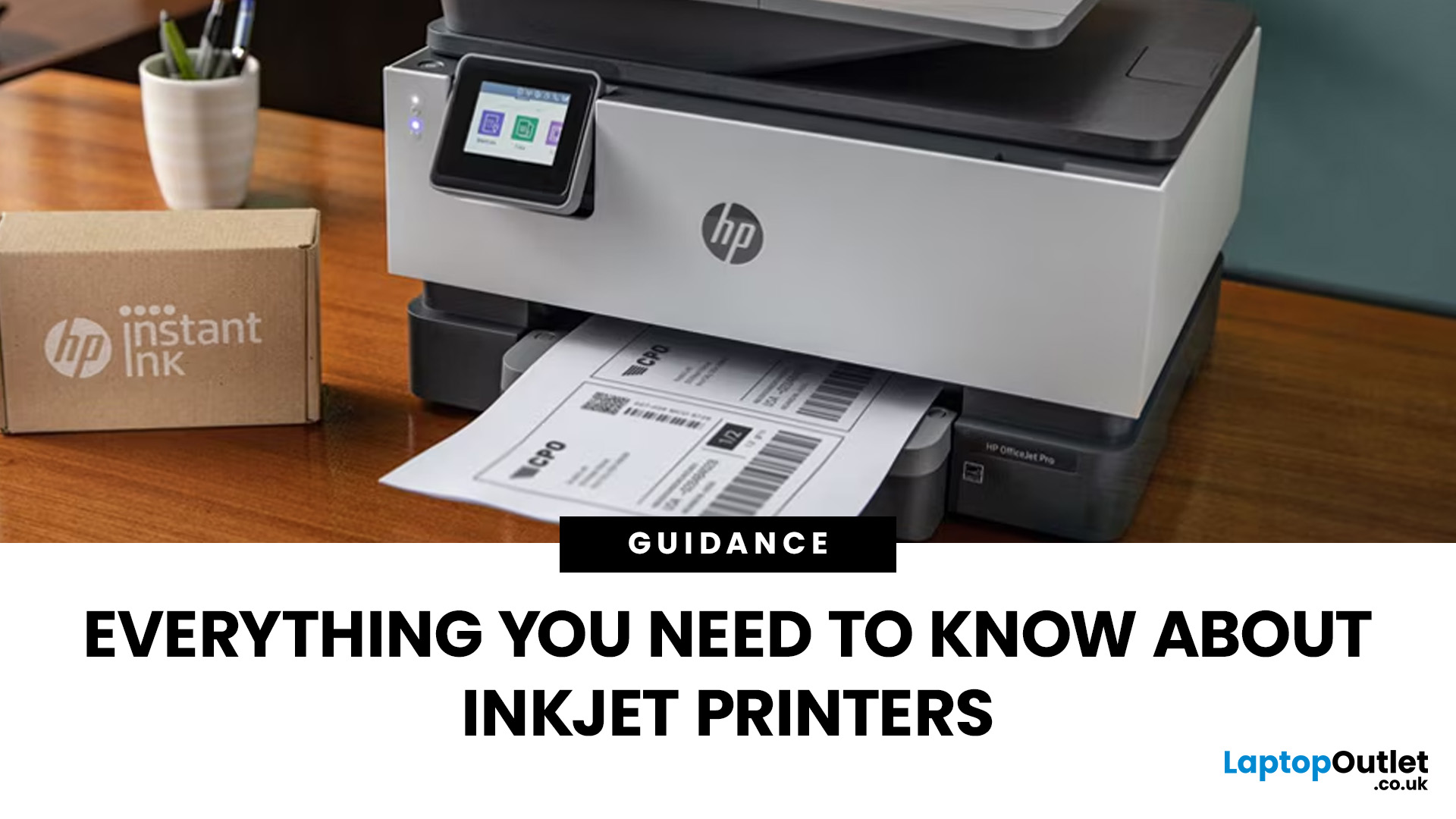
Inkjet printers are one of the most widely used printing solutions across UK homes, students, and small offices. They are affordable, versatile, and capable of producing high-quality colour output. But if you have used one for any length of time, you already know they can also be frustrating.
From faded prints to clogged nozzles and random error messages, inkjet printer problems are common. The good news is that most of these issues are not serious faults. In many cases, they are caused by usage habits, maintenance gaps, or simple setup errors. This guide goes beyond quick fixes. It explains why these problems happen, how to fix them properly, and how to prevent them in the future so your printer stays reliable long-term.
Why Inkjet Printer Problems Are So Common
To understand inkjet printer troubleshooting, you need to understand how these printers work in real use. Unlike laser printers, inkjet printers rely on liquid ink. That ink is pushed through extremely small nozzles to create
Last Updated: April 14, 2026
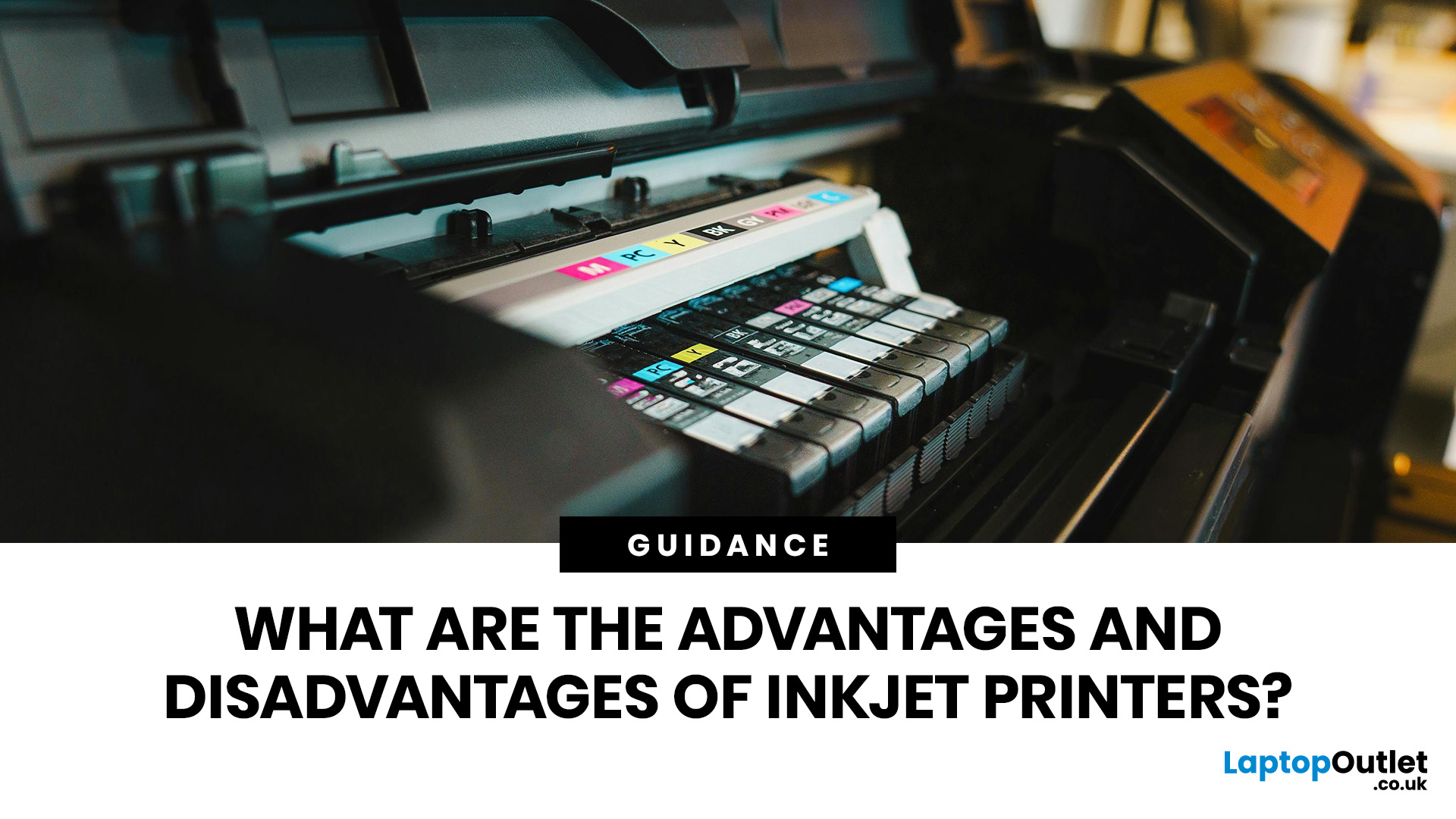
Buying a printer sounds simple until you start comparing print types, running costs, features, and maintenance. That is usually where inkjet models come into the picture. They are widely used, available at different price points, and often marketed as flexible printers for home and small office use. Even so, many buyers still have the same questions: what is an inkjet printer, how does it work, and is it the right fit for the way you print?
This inkjet printer guide breaks it down properly. It covers how inkjet printers work, the main types available, the real cost of ownership, how they compare with laser options, and what you need to know before buying one. Whether you need a printer for occasional homework, colour documents, creative work, or general home use, understanding the strengths and limits of inkjet printing makes it much easier to choose well.
What is an Inkjet Printer?
When people ask what is an inkjet printer, the simplest answer is that it is the most common type of printer
Last Updated: May 05, 2026
Quick Answer: Inkjet printers offer high colour quality, a compact design, and a lower upfront price, making them ideal for homes, students, creative projects, and light office use. The main disadvantages are higher ink costs on cartridge models, slower print speeds, possible ink smudging, and printhead maintenance when the printer sits unused.
Choosing a printer sounds simple until you start comparing ink costs, print speed, colour quality, maintenance, and the difference between inkjet and laser models. For many UK homes, students, hybrid workers, and small offices, an inkjet printer still makes a lot of sense. It is usually compact, affordable to buy, and strong at printing colour documents, photos, homework, labels, and everyday paperwork.
The part that needs more thought is the long-term cost. Some inkjet printers are cheap upfront, but can become expensive when you replace cartridges often. Others, such as refillable ink tank models, cost more upfront but may suit regular printing
Last Updated: July 07, 2026
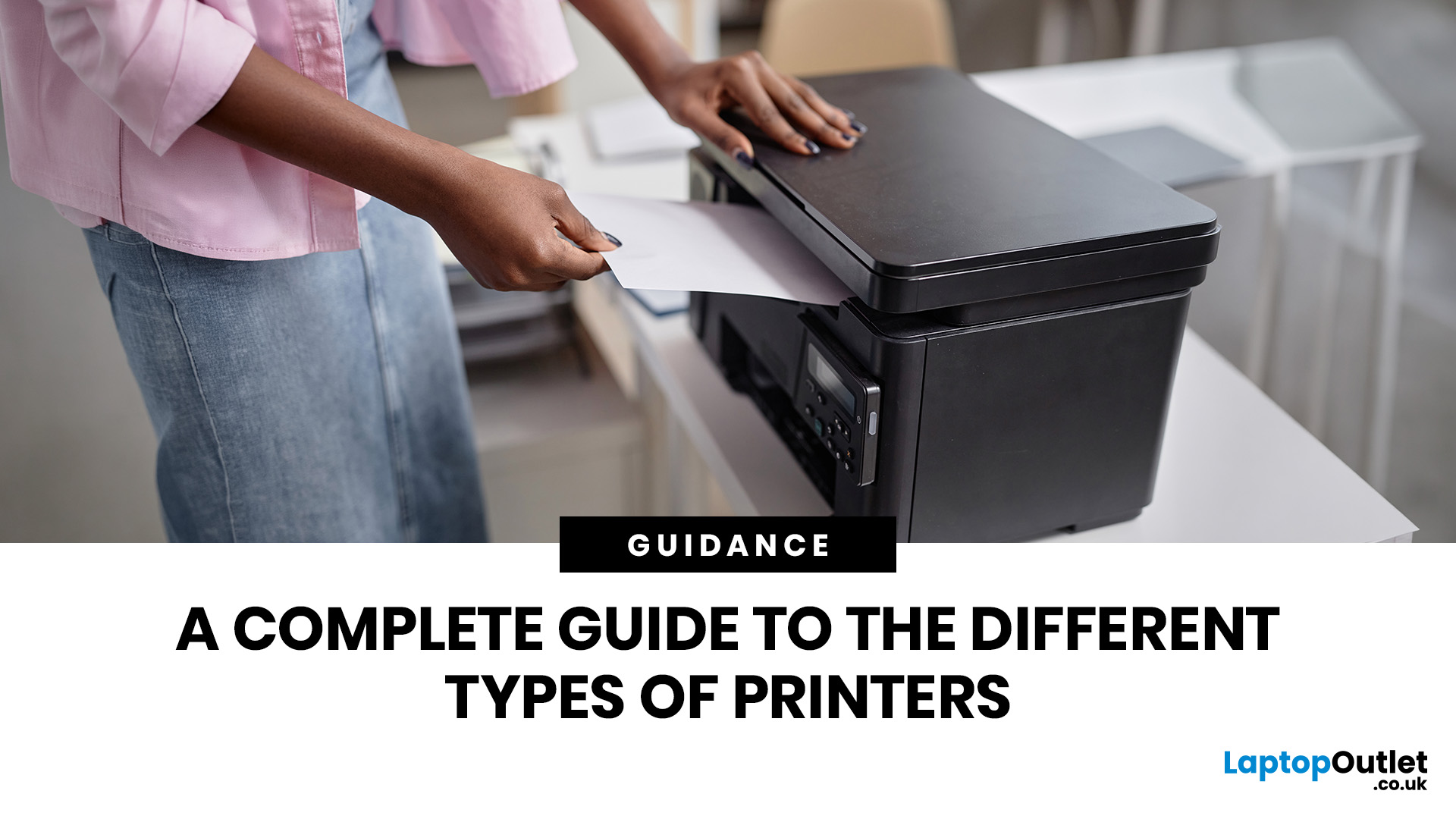
Quick Answer: The main types of printers are inkjet, laser, multifunction (all-in-one), and label printers. Inkjet printers are great for photos and colour printing at home. Laser printers suit high-volume office use. Multifunction printers combine printing, scanning, and copying. Label printers handle specialist tasks like shipping labels. The right choice depends on your print volume, budget, and intended use.
Choosing the right printer feels overwhelming when you are faced with so many options. Inkjet or laser? All-in-one or dedicated? It is easy to spend money on a printer that simply does not match your needs. This guide cuts through the noise. We'll cover the various types of printers in detail. By the end, you will know exactly which printer fits your home, business, or creative needs.
What Are the Main Types of Printers Available Today?
There are several categories of printers commonly available to UK buyers, each designed with a different use case in mind. Understanding what
Last Updated: July 09, 2026
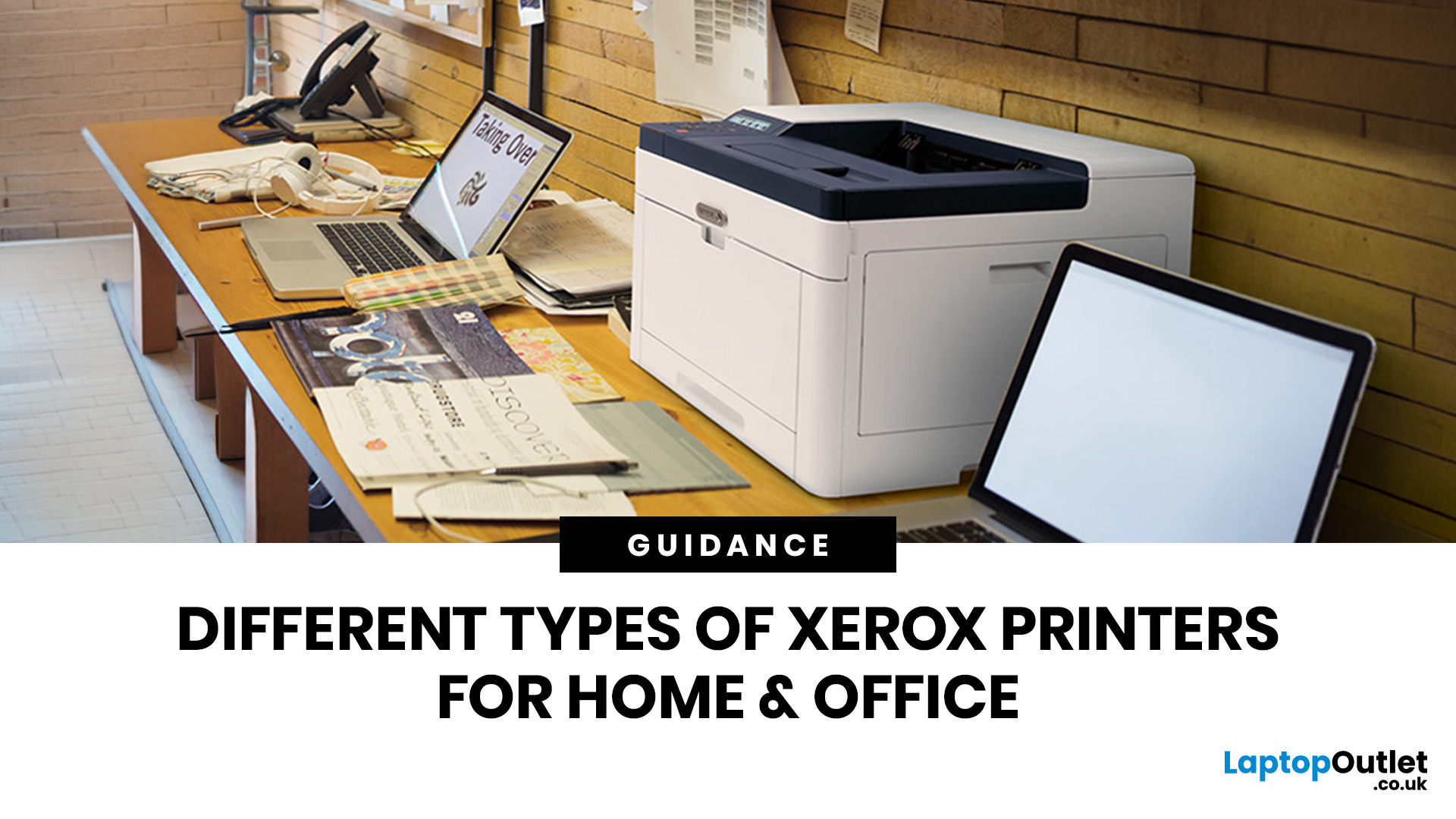
If you are comparing Xerox printer types, the easiest way to narrow it down is to start with how you print. For home use and light admin, compact mono, or colour laser models usually make the most sense. For small teams and busier desks, multifunction and office-focused Xerox models are often the better fit. Our current Xerox range reflects that clearly, with mono laser, colour laser, multifunction and VersaLink options aimed at home working, small businesses and larger office environments.
This guide breaks down the different Xerox printers that matter most, what each type is best at, and how to choose the right one without overbuying.
Which Xerox Printer Type Should You Choose?
If you mainly print forms, invoices, and text-heavy documents, mono laser is the strongest place to start. Xerox mono laser models are for straightforward document printing and regular office use, while other Xerox models are a fit for small to medium businesses and home working.
If you need colour for reports,
Last Updated: May 12, 2026
Buying a printer in 2026 should be straightforward, but with dozens of models, technologies, and pricing traps to navigate, it can feel overwhelming. This complete printers buying guide cuts through the noise and helps you find exactly what you need, at the right price, for your home, home office, or business.
What Is a Printer and What Does It Do?
A printer is a hardware device that takes digital data from a computer, phone, or tablet and reproduces it as a physical document or image on paper. It bridges the gap between the digital and physical worlds and remains one of the most widely used pieces of office and home technology in the UK.
Modern printers do a great deal more than simply print text. Today's models can scan documents, copy pages, send faxes, print directly from USB drives, and even connect to cloud services. Whether you need to print a single boarding pass or thousands of invoices each month, there is a printer designed precisely for that purpose.
Whether you are looking
Published: May 07, 2026
Most Xerox printer problems come from paper jams, low toner, incorrect paper settings, outdated drivers, network issues or print-quality settings. Start by restarting the printer, checking the paper tray, confirming toner levels, matching the paper type in the driver, and looking up any Xerox printer error codes in the official Xerox support portal.
Xerox printers are built for reliable document printing, but even a good printer can have a bad day. One minute everything is fine, the next your Xerox printer is offline, paper is stuck halfway through, prints look faded, or a random fault code appears on the display. Annoying? Absolutely. Usually fixable? Also, yes.
This guide covers the most common Xerox printer issues, what causes them, and how to fix them without panicking. It is written for everyday users, home offices and small businesses that need their printer working again quickly.
Quick Xerox printer troubleshooting checklist
Before going deep, try these basics first:
| Problem | Quick |
Last Updated: May 19, 2026
Quick Answer
For a quick HP printer installation, follow this order:
- Place the printer close to your router during setup.
- Connect the power cable and turn the printer on.
- Load plain A4 paper.
- Install the supplied ink cartridges or toner.
- Open the HP app or HP Smart app.
- Choose Set Up a New Printer or Add Printer.
- Connect the printer to your Wi-Fi network.
- Print a test page.
Once that is done, you can print wirelessly from your laptop, phone, tablet, or desktop.
Setting up an HP printer should not feel technical, even when you are doing it for the first time. Most new printers require only a few basic steps: power, paper, ink or toner, Wi-Fi connection, and device setup.
The confusion usually starts when different devices ask for different setup routes. A Windows laptop may ask you to add the printer through Printers & Scanners. A Mac may detect it through AirPrint. A phone may need the HP app. A Chromebook may require you to add it in Chrome OS printer settings. Your printer may also
Last Updated: May 12, 2026
Quick Answer: Choosing the best printer for small business comes down to your print volume, budget, and document types. For mostly text, a laser printer offers fast speeds and low running costs. For colour-rich output, an inkjet is worth a look. If you need to print, scan, and copy, an all-in-one covers every base.
Running a small business means every purchase needs to earn its keep. A printer is no different. Whether you're producing invoices, contracts, client proposals, or marketing materials, finding the best printer for small business use can save you a surprising amount of time, money, and frustration over a year.
The UK printer market in 2026 is packed with options. Getting this decision wrong costs you far more in ink, toner, and paper waste than the device itself. This guide covers everything you genuinely need to know before you buy a printer, from print technology and running costs to connectivity and security.
What Types of Printer Are Available for Small Businesses?
Last Updated: May 12, 2026
Quick Answer: To set up a wireless printer, connect it to your Wi-Fi network using the WPS button, your printer’s touchscreen menu, Wi-Fi Direct, or a temporary USB cable. Then add it on Windows via Settings > Printers & Scanners, or on macOS via System Settings. On mobile, AirPrint handles iPhones automatically, while Android uses the Default Print Service, Mopria, or manufacturer apps. Most setups take under 10 minutes.
Knowing how to set up a wireless printer properly saves you from the frustration of cables, failed connections, and endless troubleshooting. Whether you have just unboxed a brand-new model or are reconnecting an existing one to a new router, this guide walks you through it all.
What Do You Need Before Setting Up a Wireless Printer?
A quick checklist before you begin will save a lot of frustration. Getting these sorted upfront means the setup should go smoothly first time round.
- Your WiFi network name (SSID) and password
- Your printer powered on and within range of

