



Empower Your Workspace: Enhancing Productivity with a Lenovo Monitor
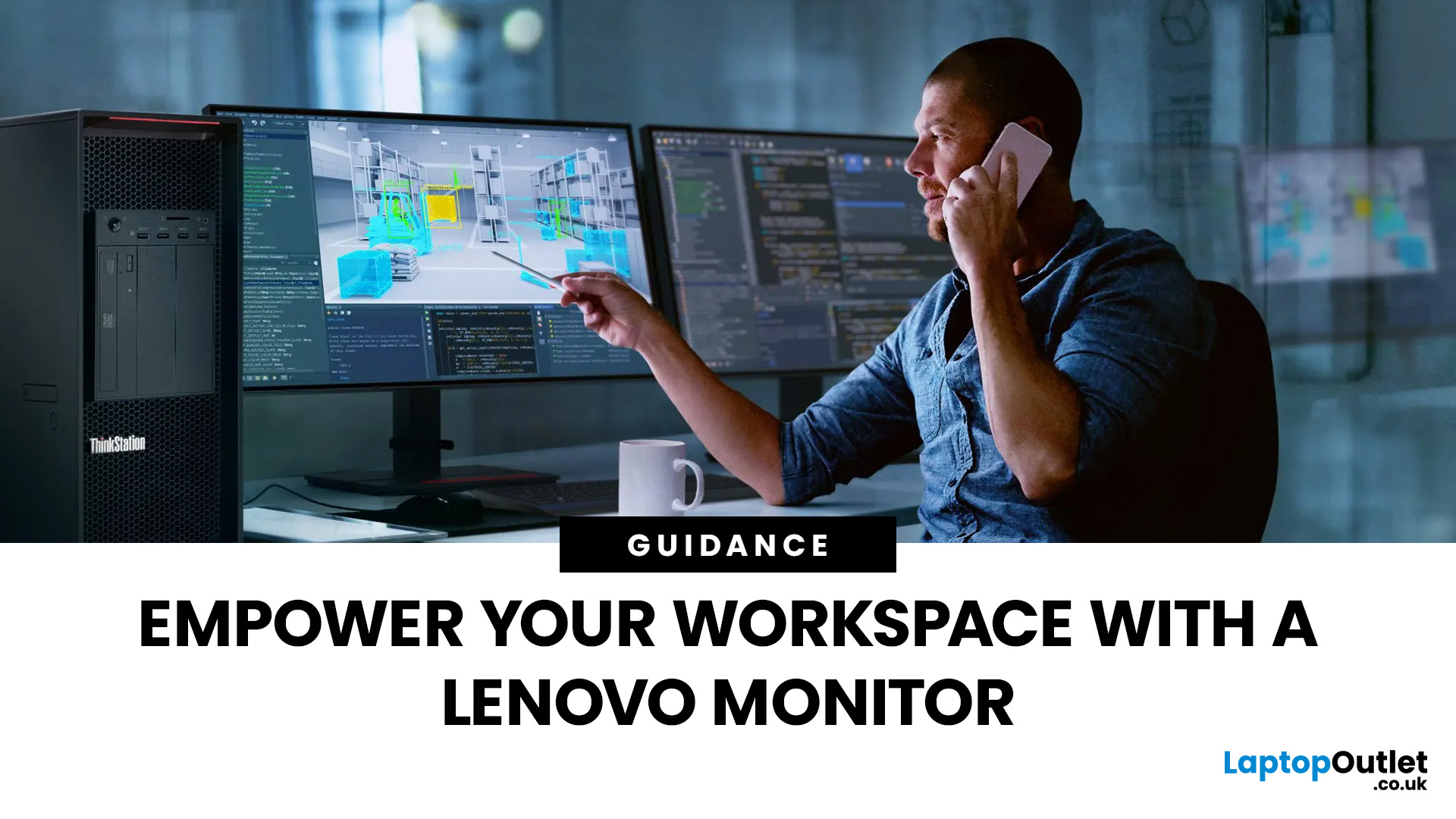
Empower your workspace with the transformative capabilities of Lenovo monitors, redefining your work experience with innovative technology. Enhance productivity and perform each task with precision, accuracy and speed, achieving higher outcomes and results.
Lenovo monitors, such as display, desktop, and portable monitors, are known for their dynamic capabilities and captivating features. They combine productivity with cutting-edge technologies to deliver revolutionary work experiences. A wide variety is available, allowing you to choose according to your preferences.
Why Lenovo Monitors? Lenovo's Productivity and Results
Lenovo provides unparalleled productivity and exceptional results. It is committed to innovation and quality, combining both to maximise efficiency and output. With advanced technologies and user-friendly interfaces, it offers monitors and other products for achieving excellence and satisfying high-quality standards.
Lenovo, one of the top monitor manufacturers in the world, is driven by a relentless commitment to deliver exceptional user experiences. Its monitors (Lenovo desktop monitors, Lenovo ThinkVision monitors, and others) elevate productivity through the following:
HD Resolutions
Lenovo display monitors often feature HD resolutions for clear and sharp visuals. They focus on details, enabling accuracy and precision.
Low Power Consumption and Efficient Workflows
They are energy-efficient and effectively meet environmental standards. They have lower operating costs, making them perfect for budget offices and enabling workers to focus solely on productivity.
Advanced Technologies for Additional Support
The monitors often feature advanced technologies like OLED and IPS for wide viewing angles and consistent image quality, promoting collaboration and maintaining clarity for amplifying productivity and results. In addition, they feature adaptive sync technologies like G-Sync and FreeSync for reducing screen tearing and stuttering and Eye-Care technologies (blue light filters and flicker-free technology) to minimise eye strain during extensive use. Smoother viewing and extensive use increase productivity through consistency and uninterrupted functionality.
Diverse Connectivity Options: Multiple Port Support
They offer versatile connectivity options, supporting HDMI, DisplayPort, and many USB ports, enabling seamless connection with external peripherals and establishing dual-screen setups for efficient workflows.
Fast Refresh Rates and Response Times for Lower Stuttering and Improved Viewing
Lenovo monitors feature fast refresh rates and response times for tasks such as video editing and image rendering, where motion handling holds significant importance, ensuring smooth transitions between frames, enabling precision and accuracy, and elevating productivity and results.
Dual-Monitor Displays: Additional Viewing and Collaboration
Some Lenovo monitors support dual-screen displays, which increase productivity through improved viewing and multitasking, encourage collaboration for better communication and understanding, promote higher visibility, streamline processes for effectively managing different projects, and stimulate optimal workflows through multimonitor setups.
User-Friendly Designs, Easy Adjustment Options
They have ergonomic designs for empowering any workspace, fit perfectly in every space, and feature easy adjustment options for comfortable viewing.
Types of Lenovo monitors
Lenovo offers a range of monitors, but four of its most popular ones are:
Business Monitors
These monitors organise your workspace and provide comfort during extensive use.
Home/Entertainment Monitors
You can easily find a Lenovo monitor for home or entertainment use, with sharp details and clarity for maximising use and providing the perfect entertainment experience.
Gaming Monitors
Lenovo gaming monitors have high refresh rates, satisfying different gaming requirements and gaming needs.
Portable Monitors
A wide range of Lenovo portable monitors is available, with extra-screen real estate for enhanced viewing. They sometimes support touch interaction, providing many benefits such as higher control and faster navigation.
What Are the Most Popular Monitor Screen Sizes and Resolutions for Maximising Work Productivity?
Sizes:
- Portable screens, smaller than 23 inches
- 23-24.5-inch screens
- 27–28-inch screens with more real estate and accurate viewing
- 29-inch or bigger screen sizes that provide more immersive experiences
Resolutions:
- 4K resolutions (3840 x 2160)
- Quad HD (2560 x 1440 or 3440 x 1440)
- Full HD (1920 x 1080)
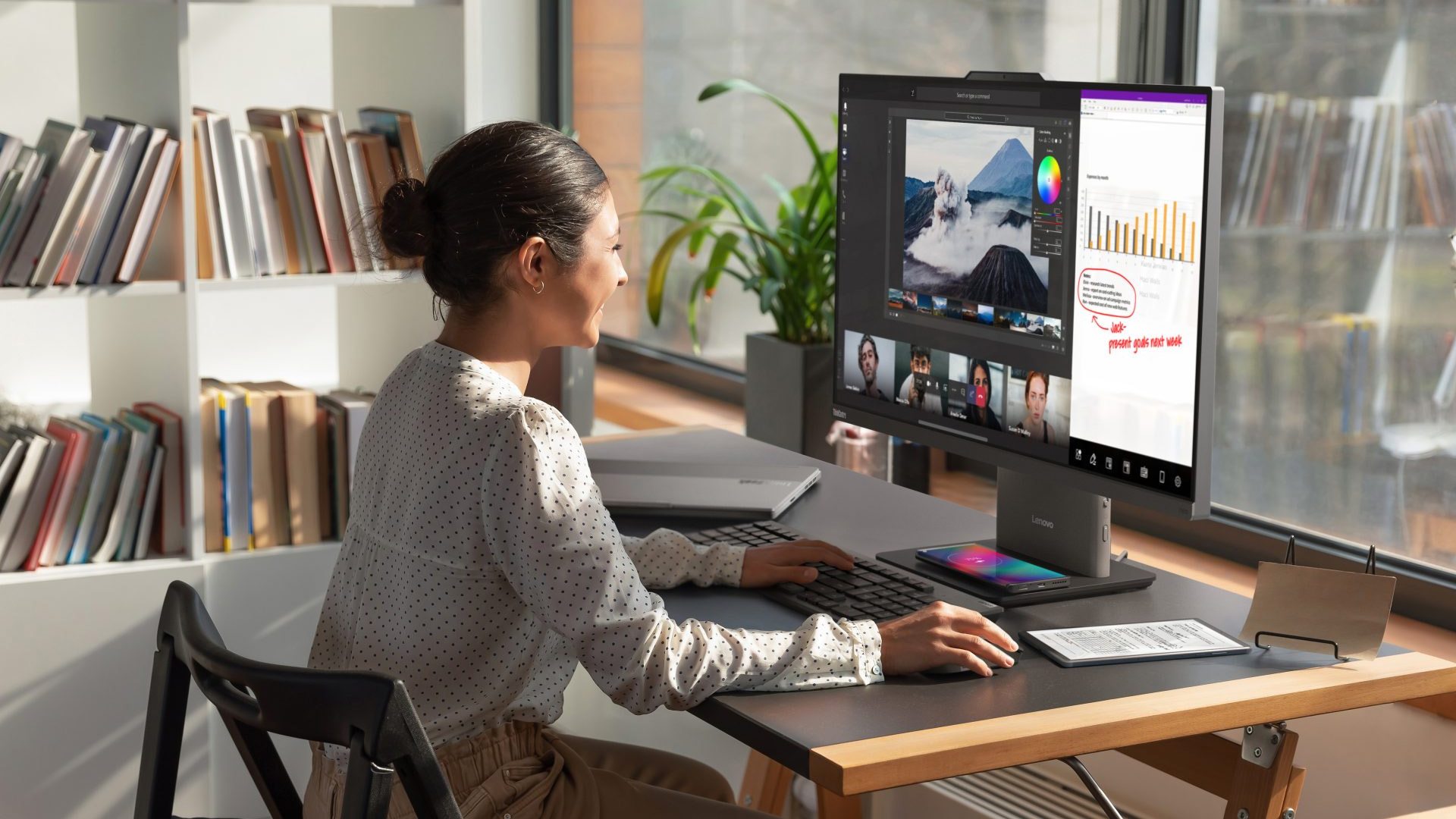
Top Lenovo Monitors Recommendations
Are you confused about which monitor to get for work? Don’t be. Here are the top seven Lenovo monitors for superior user experiences, achieving higher efficiency and maximising productivity.
Lenovo ThinkVision T27hv-20 27" QHD Conferencing Monitor
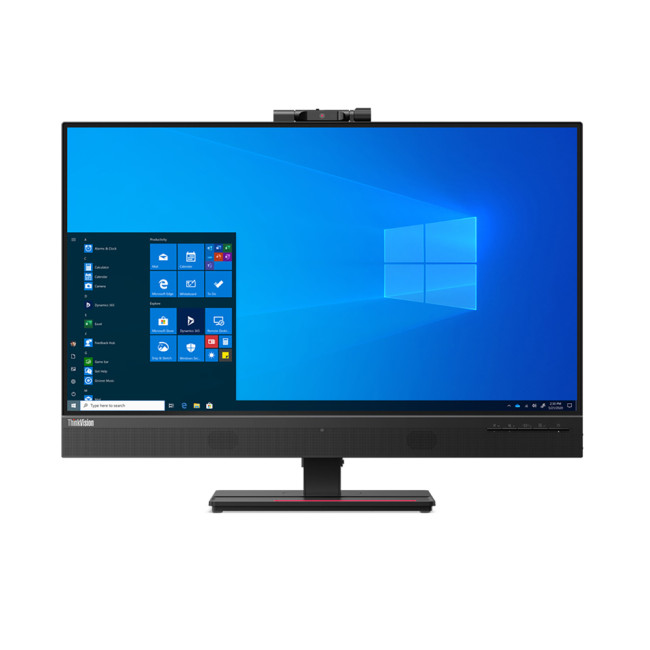
The Lenovo ThinkVision T27hv-20 is a strong choice for hybrid working, combining a 27-inch QHD IPS display with integrated conferencing tools. Its built-in 1080p IR camera, dual microphones and 3W speakers make video meetings easier, while USB-C, Ethernet and DisplayPort-out help reduce desk clutter. The height-adjustable stand supports comfortable positioning, and the sharp 2560 × 1440 resolution gives users useful space for documents, spreadsheets and multitasking throughout the working day.
Lenovo ThinkVision P27Q-40 27" QHD Monitor
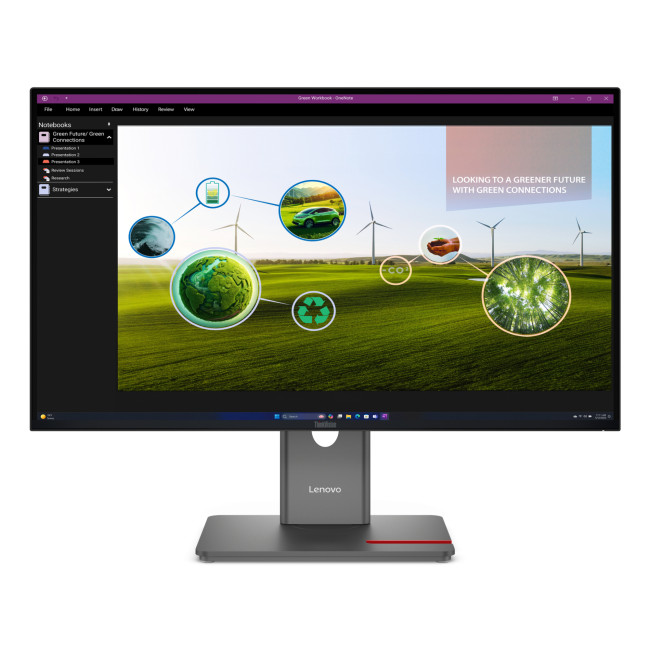
The Lenovo ThinkVision P27Q-40 is well suited to professionals who want sharper visuals, smoother motion and strong colour performance. Its 27-inch QHD IPS panel runs at 120Hz and offers factory-calibrated 98% DCI-P3 coverage, making it useful for office work, content creation and visual projects. A height-adjustable stand improves ergonomics, while HDMI 2.1, DisplayPort and USB-C connectivity make it easy to integrate laptops, desktops and peripherals into a flexible modern workspace.
New Open Box Lenovo ThinkVision P27Q-40 27" QHD Monitor
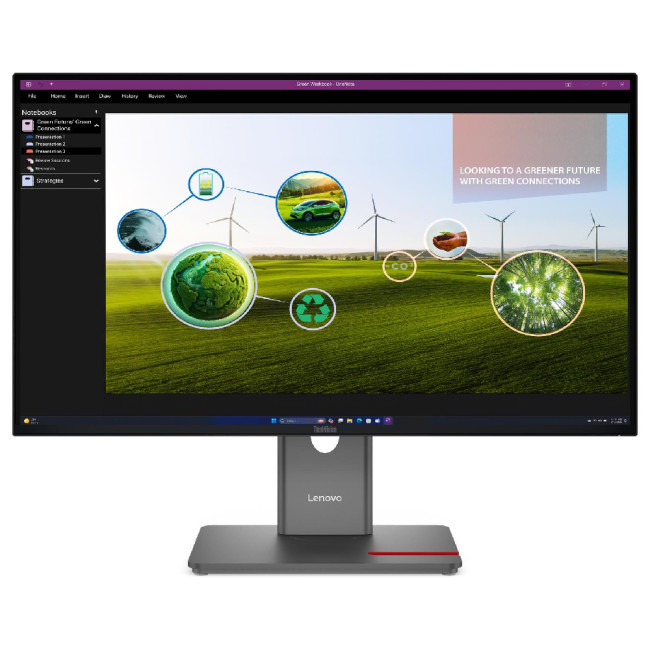
The open-box Lenovo ThinkVision P27Q-40 offers the same productivity-focused 27-inch QHD IPS experience in a different purchasing option. Its 2560 × 1440 resolution gives users more room for spreadsheets, documents and creative applications, while the 120Hz refresh rate keeps scrolling and on-screen movement smooth. Wide viewing angles and strong colour coverage also suit visual work. This version is listed as New Open Box, making it attractive for buyers seeking professional features at a lower price.
New Open Box Lenovo C24-40 23.8" Full HD Monitor
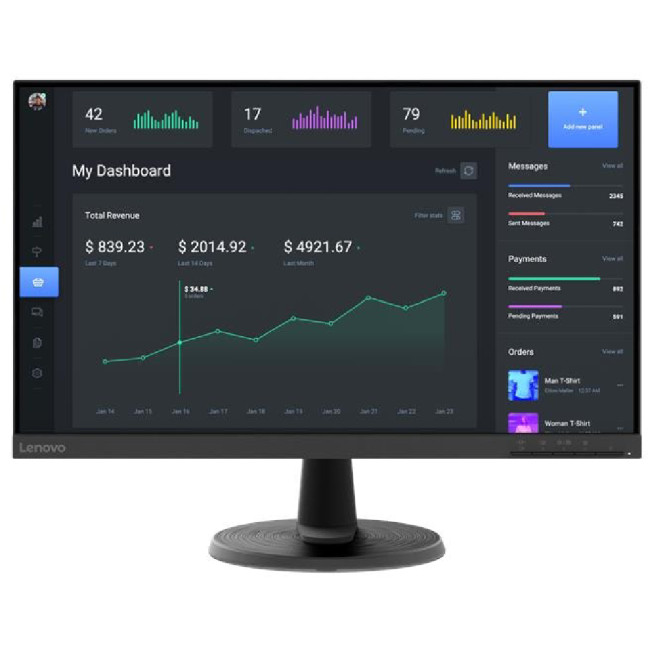
The open-box Lenovo C24-40 is a practical option for everyday office and home-working setups. Its 23.8-inch Full HD display provides clear space for emails, documents, browsing and video calls without taking over the desk. A 75Hz refresh rate offers slightly smoother movement than a standard 60Hz screen, while HDMI and VGA support both newer and older systems. This New Open Box model is especially suitable for users prioritising straightforward productivity and affordability.
Lenovo C24-40 23.8" Full HD VA Monitor
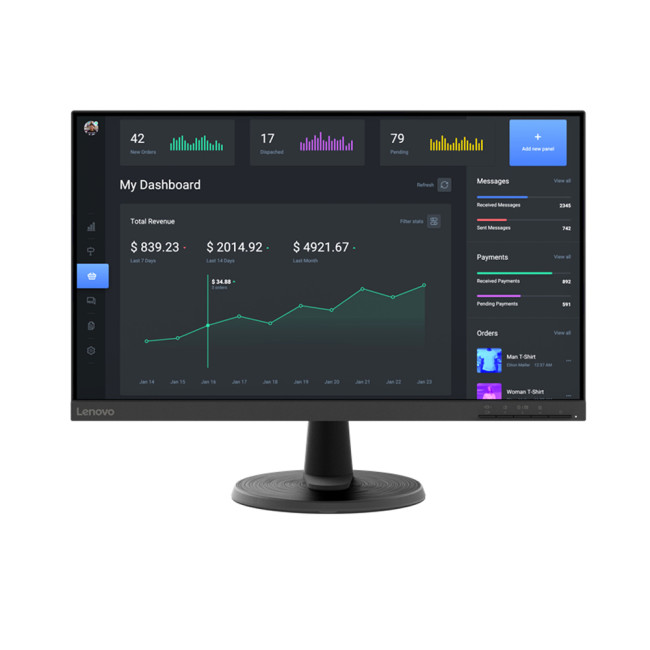
The Lenovo C24-40 is an accessible 23.8-inch Full HD monitor designed for everyday productivity. Its VA panel delivers a strong 3000:1 contrast ratio and wide viewing angles, helping text, spreadsheets and general content remain easy to view. The 75Hz refresh rate and AMD FreeSync also provide smoother motion for casual entertainment after work. Low Blue Light technology, a tilt-adjustable stand and HDMI/VGA connectivity make it a sensible fit for simple home-office or study setups.
Lenovo D24-40 23.8" Full HD VA Monitor
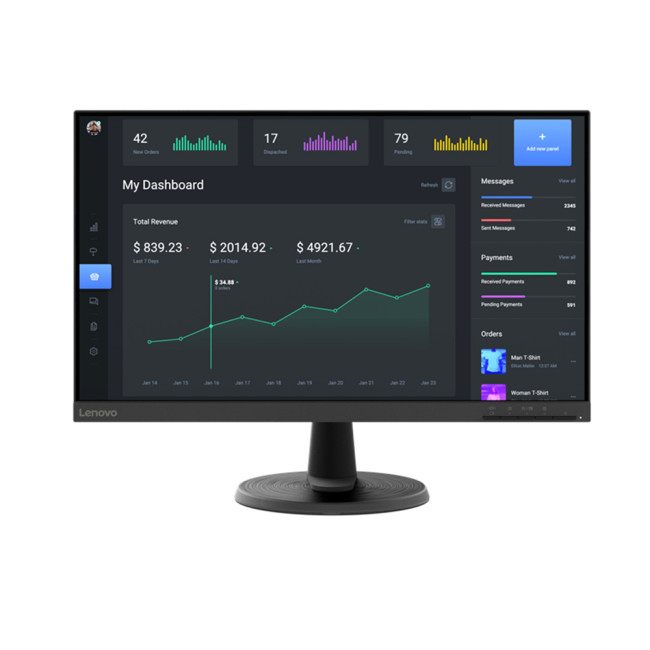
The Lenovo D24-40 combines an uncomplicated 23.8-inch Full HD workspace with features that suit long everyday sessions. Its VA panel, 3000:1 contrast ratio and 178-degree viewing angles provide clear, consistent visuals for office applications, web browsing and media. Three-sided slim bezels help it fit neatly into multi-monitor arrangements, while Low Blue Light technology supports viewing comfort. With HDMI, VGA, audio-out and VESA mounting support, it can adapt easily to different desk setups.
Lenovo Legion R34w-30 34" WQHD Curved Monitor
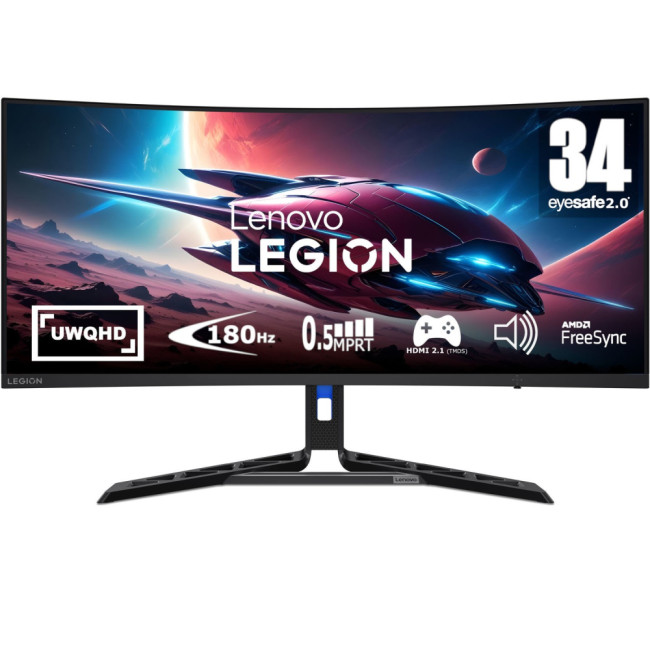
The Lenovo Legion R34w-30 is a strong option for users who want an expansive workspace without relying on two separate monitors. Its 34-inch curved 21:9 WQHD display provides a 3440 × 1440 canvas for timelines, large spreadsheets and side-by-side applications. The 180Hz refresh rate and 0.5ms response time also make it highly capable for gaming after work. Height adjustment, built-in speakers and strong sRGB coverage add further versatility for mixed productivity, creative and entertainment use.

How Do You Choose the Right Monitor for Your Office?
To choose the right monitor for your office, you should outline your exact purpose of use, your desired screen size and resolution, set out a budget, highlight the specifications and features it should have, and then research your options. Identify the top choices, shortlist them, and choose an option that best fits your needs. Check out our latest Lenovo monitors collections today.

Bottom Line
Lenovo is a well-established and reputable brand, offering laptops, computers, smartphones, monitors (Lenovo desktop monitors, display monitors, etc.), and other devices to provide the perfect experience. It offers remarkable customer support, improved functionality, high-end performance, and a variety of options to choose from.
As a leading name in the computer hardware industry, Lenovo provides many phenomenal monitors for exceptional viewing, enhancing productivity and results. While many Lenovo monitors are available, we recommend the ones listed above for cutting-edge features, responsiveness, low lag and latency, reduced screen tearing and stuttering, and revolutionary experiences.
With a wide selection of Lenovo monitors and 'cheap monitors UK' and competitive prices, the Laptop Outlet ensures you get value for your money. Plus, their monitors come with a 1- to 3-year warranty for added peace of mind and customer satisfaction.

In Case You’re Wondering...
How can a Lenovo monitor improve my productivity?
Lenovo monitors are designed for comfort, clarity, and multitasking. With features like ultra-wide displays, high refresh rates, and adjustable stands, they help users stay focused and efficient during long work hours.
Which Lenovo monitor is best for office or home productivity?
The Lenovo ThinkVision series is perfect for professionals, offering sharp visuals, ergonomic stands, and eye-care technology. The Lenovo L-series is a great choice for home and everyday productivity needs.
Do Lenovo monitors support multitasking features like split-screen or daisy-chaining?
Yes. Many Lenovo monitors support Picture-by-Picture (PBP) and Picture-in-Picture (PIP) modes, and some models allow USB-C daisy-chaining, letting you connect multiple screens seamlessly.
Are Lenovo monitors suitable for creative professionals?
Absolutely. Lenovo’s high-resolution models with 100% sRGB or DCI-P3 colour accuracy—like the ThinkVision P-series—are ideal for designers, editors, and photographers who need precise colour reproduction.
Can I connect my Lenovo monitor to a laptop or tablet?
Yes. Most modern Lenovo monitors feature USB-C, HDMI, and DisplayPort options, allowing easy connection to laptops, tablets, and even smartphones. Some models also offer power delivery through USB-C.
Do Lenovo monitors come with eye-care technology?
Yes. Lenovo monitors often include TÜV Rheinland-certified Low Blue Light and Flicker-Free technology, reducing eye strain during long working or study sessions.
Related Articles

Last Updated: July 07, 2026
Laptops are powerful enough to handle work, study, streaming, gaming and creative tasks, but the right accessories can make a big difference to how comfortable and productive your setup feels. From keyboards and monitors to laptop bags, hubs and stands, choosing the best accessories helps you get more from your device every day.
| The best laptop accessories in 2026 are the ones that make your device more comfortable, productive, portable and easier to use every day. Essential picks include a wireless keyboard and mouse, external monitor, USB-C hub, laptop stand, protective sleeve, mouse pad, webcam, headphones, cooling pad and external storage. Whether you use your laptop for work, study, gaming or travel, the right accessories can turn a basic setup into a more efficient workspace. |
In 2026, laptop users are not just looking for basic add-ons. They want accessories that improve posture, speed up multitasking, protect their devices and create a cleaner desk setup. Whether you are building
Last Updated: August 25, 2026
Quick answer: The best Lenovo gaming monitor for streaming and esports is the one your PC can drive consistently at its native resolution while it also handles your broadcast workflow. For many mixed-use setups, a 27-inch QHD display at 165Hz to 180Hz is the balanced choice. A 24.5-inch or 27-inch Full HD screen at 240Hz or above prioritises competitive speed, while a 34-inch UWQHD display at 165Hz to 180Hz provides more room for a single-screen streaming workspace.
Those are useful profiles, not universal rules. Your real decision depends on sustained frame rate, encoder load, game genre, desk space and whether OBS, chat and alerts live on the same display. A monitor does not encode the stream, and a 240Hz panel does not make viewers receive a 240fps broadcast. It changes the experience in front of you, which can still matter greatly during competitive play.
Last Updated: September 03, 2026
Choosing between an Ultrawide vs 4K monitor is one of the biggest decisions for gamers upgrading their setup in 2026. Both options can transform your gaming experience, but they do it in very different ways. The right choice depends on your games, GPU, desk space and budget, as well as whether you prioritise immersive gameplay or sharper resolution. This gaming monitor guide compares ultrawide and 4K displays across performance, game genres, GPU requirements, refresh rates, response time, and overall value.
Ultrawide vs 4K Monitor: Quick Comparison
| Feature | Ultrawide Gaming Monitor | 4K Gaming Monitor |
| Best for | Immersion, racing, RPGs, simulators, multitasking | Sharp visuals, AAA games, console gaming, creative use |
| Common aspect ratio | 21:9 or 32:9 | 16:9 |
| Main strength | Wider field of view | Higher pixel density |
| Image sharpness | Very good, especially at 3440 x 1440 | Excellent at 3840 x 2160 |
| GPU demand | Moderate to high | Very high |
| Competitive gaming | Good with high refresh rate | Good, but harder to drive |
Last Updated: July 16, 2026
Last Updated: September 24, 2026
Last Updated: July 30, 2026
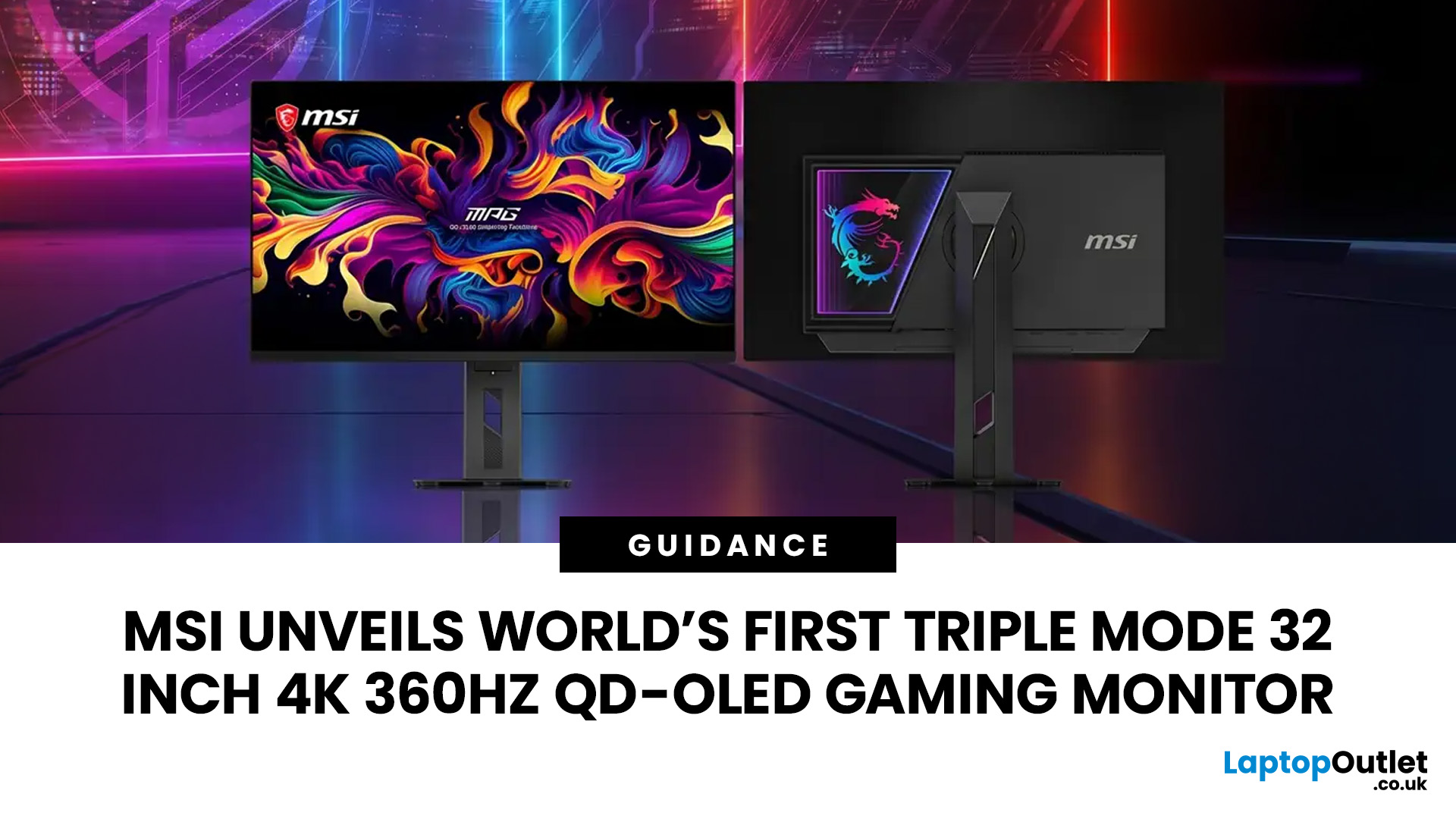
MSI has revealed a gaming monitor that sounds almost unreal on paper: a 32 inch 4K monitor with a 360Hz refresh rate, QD-OLED visuals, and a Triple Mode feature that lets gamers switch between different resolution and speed settings. Officially known as the MSI MPG OLED 322URDX36 (MSI lists the panel at 31.5 inches, though it's widely rounded to 32 inches), this display was unveiled ahead of COMPUTEX 2026 and is designed for players who want sharp 4K detail, ultra-smooth motion, and flexible performance in one premium screen.
For years, gamers had to choose between resolution and speed. A 4K monitor gave better image quality, while a lower-resolution, high-refresh-rate screen gave smoother competitive gameplay. MSI's new Triple Mode gaming monitor aims to close that gap, letting users move between 4K 360Hz, 1440p 520Hz, and Full HD 680Hz depending on the game, their hardware, and personal preference.
That makes it one of the most interesting display announcements for serious PC gamers,
Last Updated: August 11, 2026
Picking the best gaming monitor size isn’t just about going big or going home. Your screen size actually changes how your games look, feel, and perform. A 24-inch setup is clutch for competitive play, a 27-inch hits that sweet spot between clarity and immersion, and a 32-inch screen? That’s where things get seriously cinematic.
Size alone isn’t the whole story. Resolution, desk space, refresh rate, and what you actually play all matter. This gaming monitor size comparison breaks down 24, 27, and 32-inch displays so you can find your perfect match.
24 Inch vs 27 Inch vs 32 Inch Gaming Monitors: Quick Comparison
The following table provides a quick overview of how the three most popular gaming monitor sizes compare.
| Feature | 24-Inch Monitor | 27-Inch Monitor | 32-Inch Monitor |
| Recommended resolution | 1920 × 1080 | 2560 × 1440 | 2560 × 1440 or 3840 × 2160 |
| Best suited to | Competitive gaming | Mixed gaming and everyday use | Immersive and cinematic gaming |
| Typical desk requirement | Small | Medium | Large |
| Graphics |
Last Updated: August 11, 2026
Last Updated: September 03, 2026
An AOC curved gaming monitor can be a strong choice for immersive gaming, especially if you play racing, simulation, RPG, open-world or cinematic single-player games. The curved screen helps draw more of the display into your natural field of view, which can make gameplay feel more engaging on larger panels. For many PC gamers, the sweet spot is a 27-inch or 32-inch high-resolution QHD monitors. For maximum immersion, an AOC 34 curved gaming monitor or another ultrawide curved gaming monitor can offer a wider, more cinematic view.
Are AOC Curved Gaming Monitors Good for Immersive Gaming?
Yes, AOC curved gaming monitors can be good for immersive gaming, but the experience depends on three things:
- Screen size
- Resolution
- Refresh rate
A curved display is most effective when the screen is large enough for the curve to matter. On a 24-inch screen, the curve may feel subtle. On a 32-inch or 34-inch screen, it becomes much more noticeable because the edges of the panel sit further into your peripheral
Published: July 27, 2026

