



Unlocking Productivity: How Microsoft Copilot Transforms Your Workday
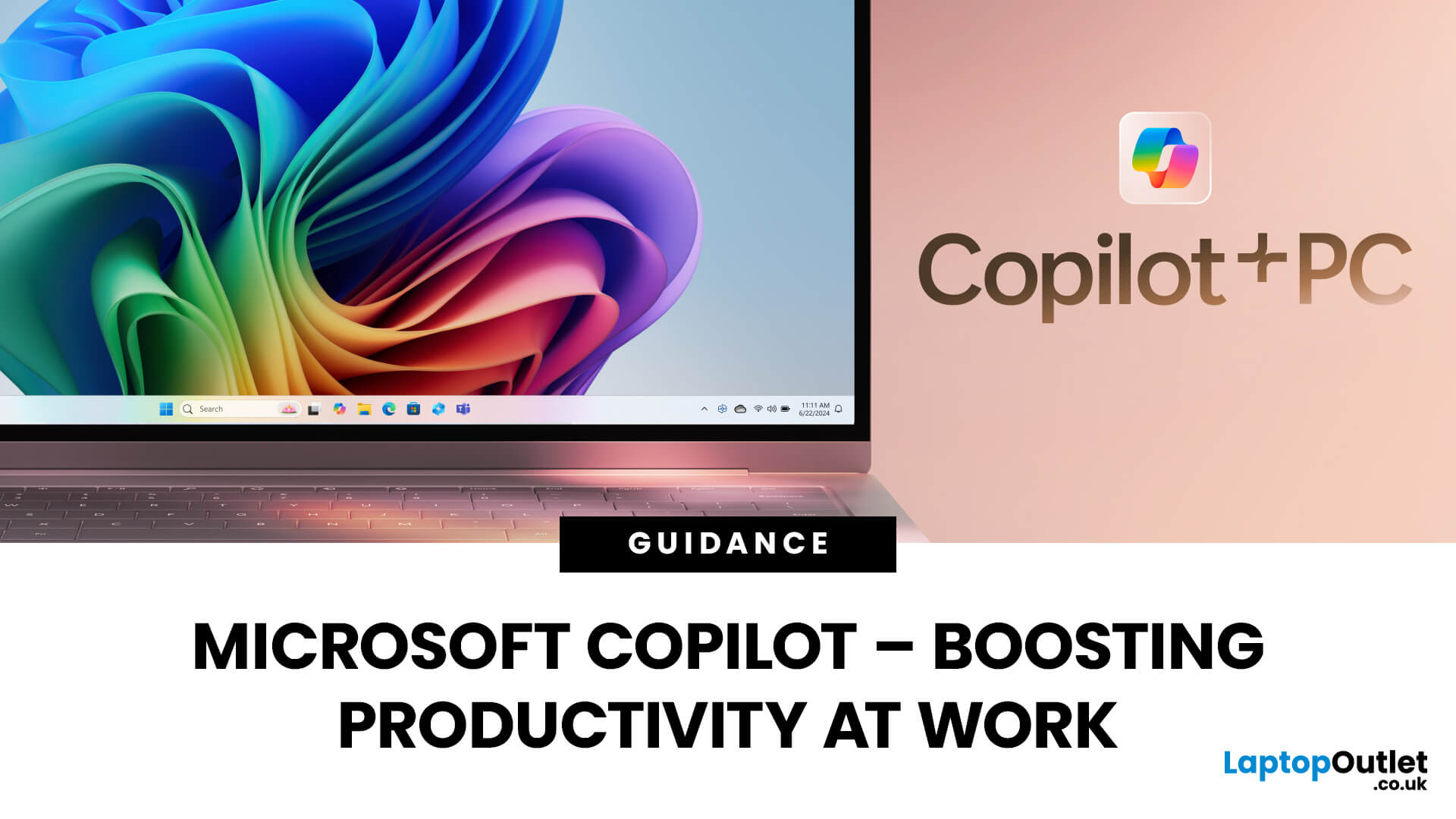
Microsoft Copilot is redefining how professionals work by seamlessly integrating AI assistance into everyday tools like Word, Excel, Outlook, and Teams. From drafting reports to analysing data and managing emails, Copilot streamlines routine tasks, freeing up time for creativity and strategy. Let’s explore how Microsoft Copilot empowers you to work smarter, not harder.
What is Microsoft Copilot?
Microsoft Copilot is a transformative tool for work because of its generative AI capabilities, deep integration with Microsoft 365, real-time assistance, task automation, and personalisation. With tailored assistance and natural language interaction, Microsoft’s intelligent AI assistant delivers an individualised user experience. Combined with the right set of user skills, using Copilot at work can lead to increased productivity, improved decision making, and enhanced creativity. Professionals can use Copilot with devices like the Surface Pro for more optimal performance.
Microsoft Copilot: Key Features
Task Automation
By combining key technologies such as Natural Language Processing (NLP), machine learning, data analysis, document understanding, and Microsoft 365 integration, Microsoft Copilot automates tasks to help businesses work smarter, increasing productivity, efficiency, and success.
Microsoft Copilot’s ability to automate mundane tasks such as report generation, meeting schedules, and document formatting saves valuable time, increases output and turnaround times, reduces errors, and creates unified workflows.
Copilot can also book rooms, draft emails to invite participants, select templates, create custom templates, and apply style guides.
A Creativity Catalyst
Microsoft Copilot is more than a simple productivity tool. It is a creative collaborator, sparking innovation through idea generation, content creation, design, presentation, and problem-solving.
Get Your First Draft with Copilot
Copilot is the ultimate brainstorming partner. It can generate ideas based on your given topics and prompts and create the first draft, helping you overcome your creative blocks.
Known for providing different viewpoints to problems, Copilot accelerates creativity by helping you think freshly. Along with drafting, it can edit your existing drafts and suggest improvements, adjust the style and tone of the content, and even recommend visuals.
PowerPoint Assistance
Using Microsoft Copilot, you can create presentations in PowerPoint.
Along with creating presentations, it also provides suggestions for effective presentation delivery.
Did you know in PowerPoint, Microsoft Copilot can:
- Create slides from scratch
- Structure your documents
- Suggest themes, layout, and images/icons
- Improve content clarity and conciseness
- Provide design feedback
- Generate speaker notes
- Provide slide summaries
An Excel Wizard
Microsoft Copilot is an Excel expert that can provide data insights, suggest formulas and their explanations, detect errors, create customisable reports, and a lot more!
Professionals use Copilot to get some of the most informative insights in Excel.
In Excel, Microsoft Copilot can:
- Provide answers or visualisations to questions about your data
- Suggest suitable charts based on your data
- Identify patterns, trends, and anomalies in your data for valuable insights
- Generate summaries of your data
- Recommend formula suggestions and explanations, and detects errors
- Highlight potential data quality issues and suggest enhancements
- Make it easy to analyse data by transforming it into a suitable format
- Automate generation of customisable reports
- Refresh and update reports to provide you with the latest information
Microsoft Copilot: Your 365 Companion
As said, Microsoft Copilot seamlessly integrates with Microsoft 365, providing new ways to interact with productivity tools. With this deep integration, Microsoft Copilot can provide AI-powered assistance in most apps you use on a given workday!
Microsoft Copilot’s integration with apps like Word, Excel, PowerPoint, Outlook, and Teams makes it a versatile tool for vast tasks.
Here’s a brief look into what this integration means and includes:
Microsoft Word
In MS Word, Copilot can perform various tasks, such as generating text, summarising documents, suggesting alterations and edits, and creating different writing styles.
Microsoft Excel
Microsoft Copilot is an indispensable tool for Excel assistance. It can analyse data by identifying patterns, trends, and correlations, create formulas, charts, and graphs based on your data, forecast future trends, and predict outcomes.
Microsoft PowerPoint
Professionals are highly impressed by Microsoft Copilot's ability to boost work productivity. It creates presentations from scratch, suggests design ideas and improvements, generates content, and adds visuals. This helps professionals focus on what’s more important, eliminates creative blocks, promotes fresh perspectives, and saves time.
Outlook
Many professionals use Copilot to draft emails, schedule meetings, prioritise their inboxes, and summarise emails.
Teams
The use of Microsoft Teams has experienced a significant surge in the UK since the COVID-19 pandemic.
Microsoft Copilot can do several tasks in Teams, such as summarise meetings, find information, and generate content. It also offers collaboration assistance by suggesting next steps or providing relevant information.
Business Chat
A new feature on Copilot, Business Chat, is a comprehensive tool that can enhance an organisation's efficiency, creativity, and decision-making.
Using the new feature, you can extract summary information from other apps in the Suite, such as slides, emails, chats, and meeting transcripts. Business Chat works across Microsoft 365 apps to progress communication, provide updates, and summarise content based on natural language prompts.
Benefits of Using Microsoft Copilot
Time-Saving
Microsoft Copilot allows you to focus on what’s essential by handling routine tasks. It streamlines workflows and bolsters productivity by automating repetitive tasks (emails, data analysis, managing meetings, and document creation), saving precious time for high-value activities.
Copilot also can generate content, design presentations, summarise information and meetings, automate reports, and retrieve information, making it an irreplaceable tool for time management and time-saving.
Improved Work Productivity
Copilot’s ability to provide intelligent suggestions and automate tasks increases productivity in the following ways:
Accelerated Task Completion
It reduces the time spent on brainstorming ideas and research, accelerating task completion.
Wiser Decisions
Utilising Copilot’s intelligent suggestions, professionals can make better and more informed decisions.
Higher Creativity
It sparks new ideas, removes creative blocks, harnesses fresh perspectives, and provides new ideas and innovative solutions.
Minimises Errors
Microsoft’s compelling AI tool helps prevent mistakes and reduces errors.
Task Automation
Shifts Focus to What’s Important
Automating mundane tasks helps employees focus on the more strategic and priority work.
Reduced Burnout
It prevents employee burnout and increases job satisfaction, automatically advancing work productivity.
Achieve More in Less Time
Because Microsoft Copilot streamlines workflows, it helps employees achieve more in less time.
Higher Quality Output
Task automation reduces the chances of error, leading to higher-quality output.
User Control
Microsoft has kept user control at the heart of Copilot. Despite handling a significant range of tasks and helping you with almost every work-related task, users can still maintain control over their data and Copilot’s output when using the AI tool.
Copilot protects your privacy, and while using it, you will always remain in control. Even if you use Copilot for hundreds of daily tasks, it will always be your discretion to accept its suggestions, modify them, or discard them. In addition, you can also provide feedback for improvement for more polished results and performance.
Additionally, Microsoft Copilot:
- Does not store or use personal information for training (except without explicit consent)
- Lets you review, edit, or delete the content it generates
- Allows you to customise its behaviour according to your specific requirements and needs
Everything about how Microsoft Copilot works can be found on Microsoft’s website.
Surface Pro Integration
Microsoft Copilot and the Microsoft Surface Pro are a dynamic and robust duo that elevate creativity and work productivity. This formidable integration guarantees an optimal user experience and helps you stay connected.
Optimised Performance
The Microsoft Surface Pro (a Copilot + PC) is ‘the most flexible, most powerful 2-in-1 out there’. It handles Copilot's computational demands and ensures smooth and efficient performance.
Using the Surface Pro's commanding hardware and touch capabilities, users can interact better with Copilot’s features.
Assistance On the Go
The Surface Pro is an ultra-light device that provides Copilot assistance on the go for uninterrupted productivity, access to information, better collaboration, and flexibility.
Benefits of The Surface Pen at Work
Precise, Natural Input
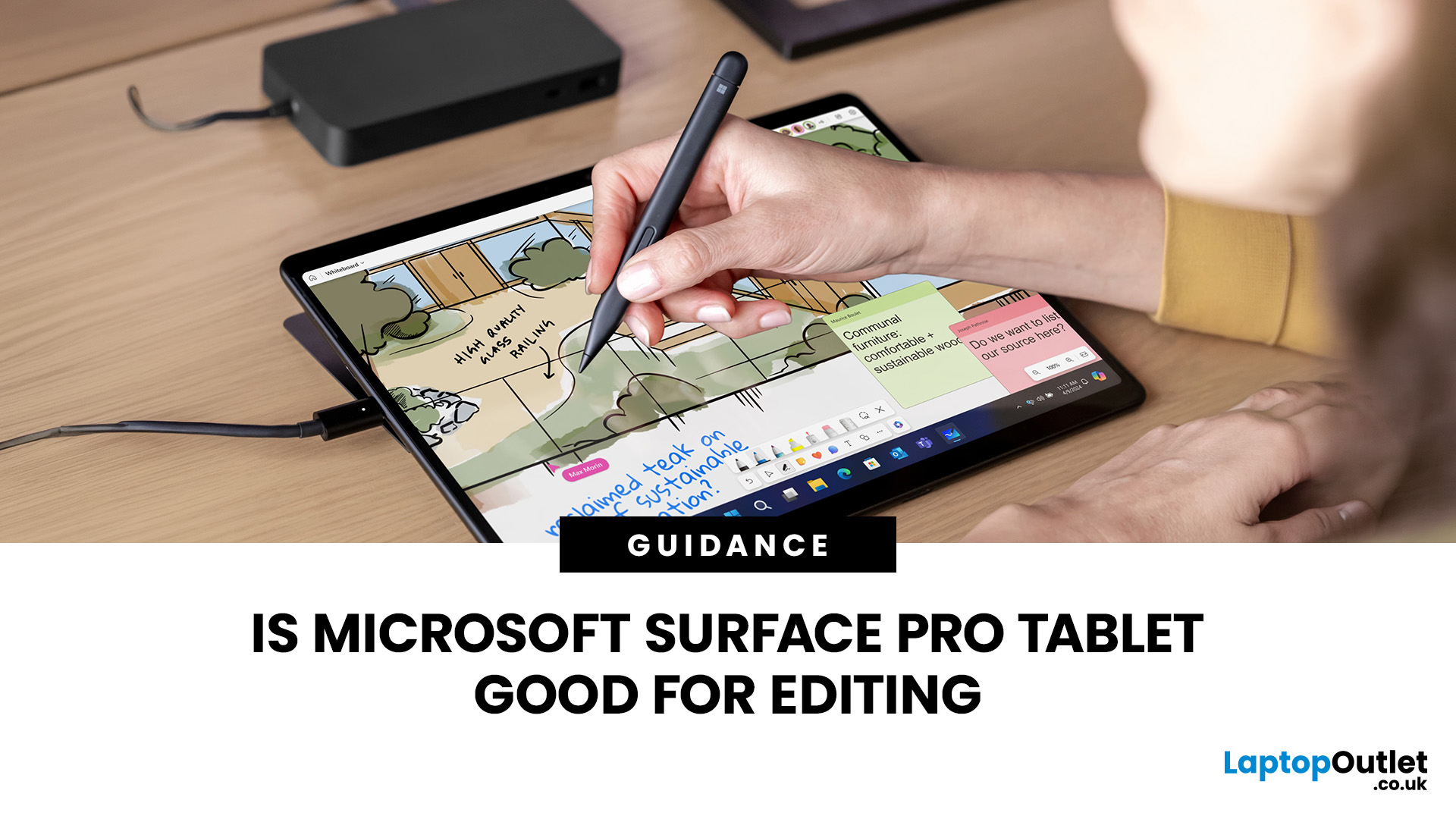
The Surface Pen makes input precise, which leads to more focused and accurate outcomes. Using the Pen, professionals can more profoundly annotate documents or design presentations. The Surface Pen saves time and is an ideal tool for brainstorming and reviewing documents.
Real-Time Ink
Professionals can use the Surface Pen’s real-time ink capabilities to naturally intensify collaboration.
Creates Better Together
You can also use the Surface Pro as a digital whiteboard to brainstorm, conceptualise, and visualise ideas.
Benefits of a High-Resolution Display for Work
Visual Clarity
A high-resolution display on board the Surface Pro enables more significant attention to detail for desirable results.
Smooth Multitasking
Its large screen display enables smooth multitasking for higher productivity.
Heightened Focused
A stunning display displays the images clearly and in a more detailed manner, augmenting clarity, focus, and productivity.
Using the Surface Pro’s Features with Microsoft 365 Apps and Copilot
When used in conjunction with Microsoft 365 apps and Copilot, the Microsoft Surface Pro’s features, like the Surface Pen and a high-resolution display, enhance collaboration and productivity in the following ways:
Interaction With Copilot
Professionals can use the Surface Pen to interact with Copilot more naturally, precisely, and acutely for favourable outcomes.
Superior Content Creation
Both the Surface Pro’s features and Copilot’s AI capabilities can boost the content creation process.
Higher Collaboration
The Surface Pro’s Pen and touchscreen combined with Microsoft 365 collaboration tools and Copilot provide an incomparable platform for team-based projects.

Conclusion
Microsoft laptops have a positive reputation for enhancing work productivity with their remarkable specifications and features, and the Surface Pro is no exception. Over time, Microsoft laptops with Windows 11 have become a preferred choice for work for many reasons.
The fusion of Copilot and Microsoft laptops like the Surface Pro Copilot+ PC is poised to revolutionise the workplace by improving efficiency, creativity, and problem-solving.
Laptop Outlet offers a wide range of Microsoft devices, including Microsoft laptops with Windows 11, Microsoft Surface devices, high-performance, sleek, and portable tablets, and PC accessories for the best computing and AI experience. Browse our diverse collection to find an unparalleled fit for your needs!

Microsoft Copilot – An All-In-One Work Companion!
What is Microsoft Copilot and how does it work?
Microsoft Copilot is an AI-powered assistant integrated into Microsoft 365 apps like Word, Excel, Outlook, and Teams, helping automate tasks, summarise information, and boost productivity.
Which Microsoft apps support Copilot?
Copilot works across Microsoft 365 apps including Word, Excel, PowerPoint, Outlook, and Teams, offering context-aware suggestions and workflow automation.
How does Microsoft Copilot improve productivity at work?
Copilot saves time by automating repetitive tasks, drafting emails, summarising meetings, and analysing data, allowing you to focus on creative and strategic work.
Is Microsoft Copilot available for all users?
Currently, Copilot is available for Microsoft 365 Business and Enterprise subscribers, with Copilot Pro offering advanced AI capabilities for individual users.
Does Microsoft Copilot ensure data privacy and security?
Yes, Microsoft Copilot follows enterprise-grade security and compliance standards, ensuring your data stays protected within the Microsoft 365 ecosystem.
| Read More: |
| Best Microsoft Deals: MS Surface to Boost Your Productivity |
| Surface Copilot + PC: The Future of AI-Driven Computing |
| Unlocking Productivity: How Microsoft Copilot Transforms Your Workday |
Related Articles

Last Updated: September 23, 2026
Last Updated: September 29, 2026
Quick Answer
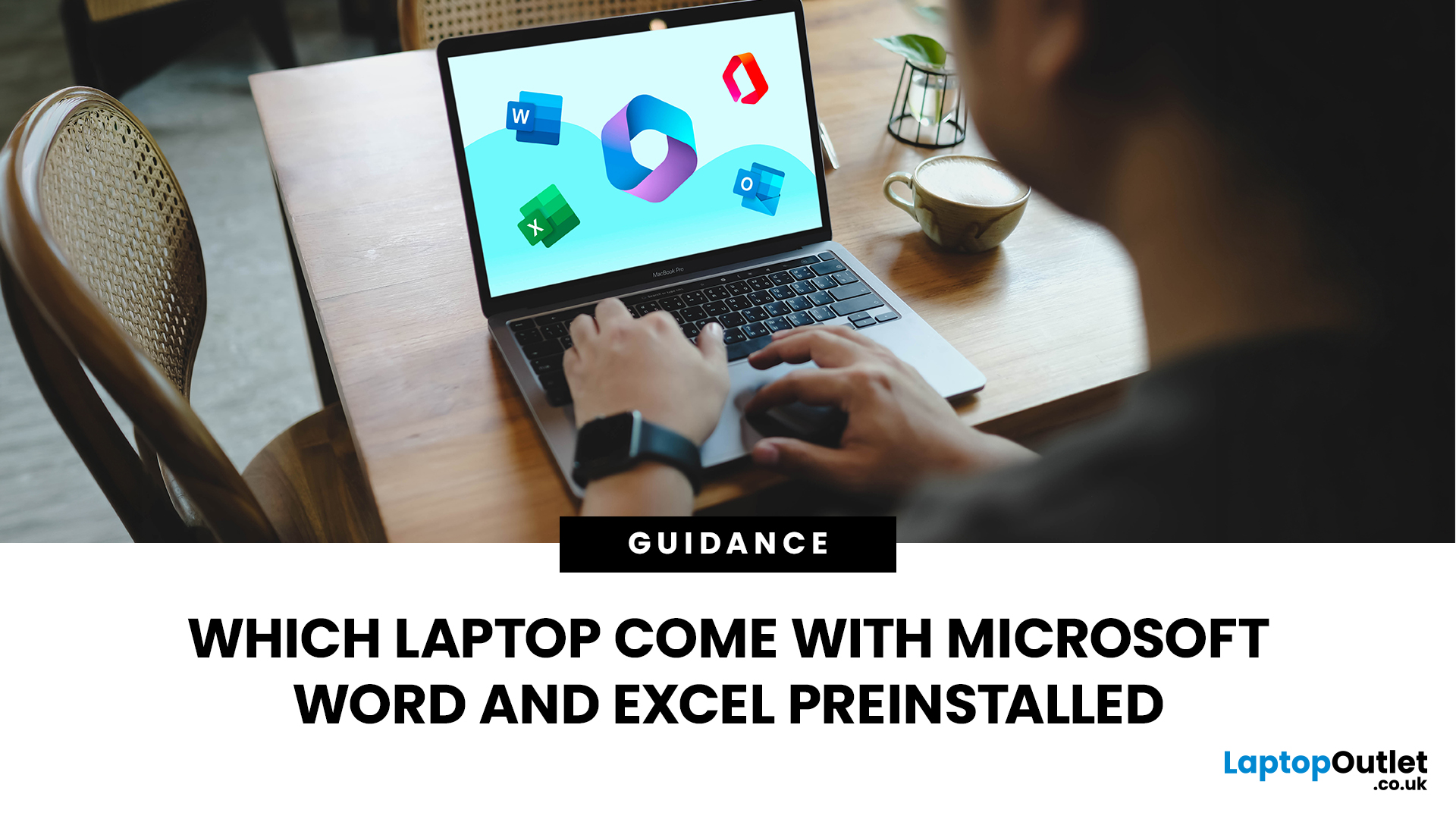
Some laptops are sold with Microsoft Word and Excel ready to activate, but Windows 11 itself does not include a permanent Office licence. The safest check is the exact product listing. Look for wording such as Microsoft 365 Personal included or Office Home 2024 included. If it only says Office is preinstalled, activation or purchase may still be required separately.
Do New Laptops Come with Word and Excel?
Sometimes, but not automatically. Windows 11 and Microsoft Office are separate products. A laptop can come with Windows 11 Home or Pro and still require a Microsoft 365 subscription or an Office 2024 licence for the full desktop versions of Word and Excel.
This is why brand alone is not a reliable guide. HP, Lenovo, Acer, Dell, ASUS and Microsoft all sell laptops that can run Word and Excel, but the software entitlement depends on the exact configuration or bundle you buy.
If you want the wider differences between the subscription plans, our Microsoft 365 subscription guide
Last Updated: March 17, 2026
Microsoft's Surface line of hardware is among the best you'll find for the Windows operating system. Microsoft's Surface series, originally just a tablet, has grown over the years to include everything from the conventional laptop to a massive desktop. But, among the wide range of Microsoft laptops, it is never easy to choose the one because every other Microsoft laptop stands ahead in the market competition and has its own place. If you are in the same trouble of choosing the right surface laptop, which suits best of your needs, then laptop Outlet has your back!
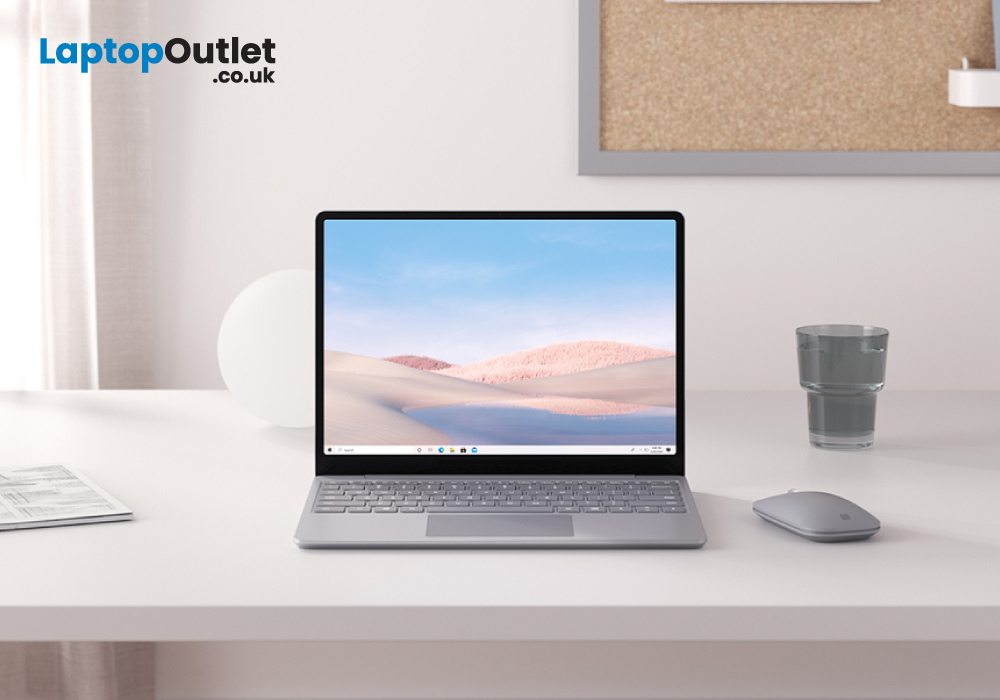
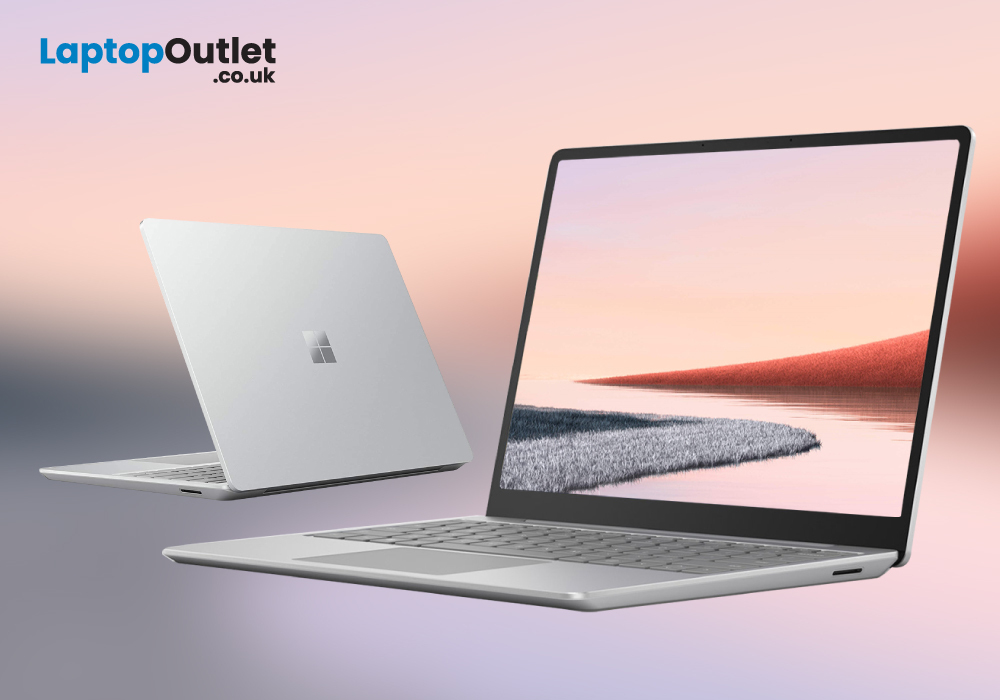
Microsoft Surface Laptop Go
Few could have predicted Microsoft's hardware lineup would grow so rapidly from its humble beginnings with a single 2-in-1 Surface in 2012. There are currently nine distinct product lines, with four entirely new pieces of hardware having been introduced in only the past three years.
The most recent of these is the Surface Laptop Go, a classic clamshell laptop meant to compete with the premium Surface
Last Updated: March 17, 2026
The Microsoft Surface business laptop is a compact yet powerful device, perfect for anyone who needs to have a highly efficient computing device on the go! The laptop comes with an ultra-powerful Intel Core i5 processor, making it perfect for handling challenging workloads and power-intensive activities. Furthermore, thanks to the 8 GB of RAM and 256 GB of SSD storage, you can multitask with ease, without any latencies or system slowdowns.
In this article, we have presented a comprehensive review of the Microsoft Surface Go laptop. Let’s get started!
Main features
- Intel Core i5 10th Gen. Processor
- 12.4 in Screen Size, 1536 x 1024
- 8 GB RAM, 256 GB SSD
- Intel UHD Graphics GPU
- Windows 10 Pro
Experience top-notch performance!
When it comes to buying PCs, the first factor checked by any potential user is the performance level. As stated earlier, the Surface business laptop comes with the latest Intel Core i5 10th generation processors, which deliver top-notch performance for
Last Updated: May 19, 2025
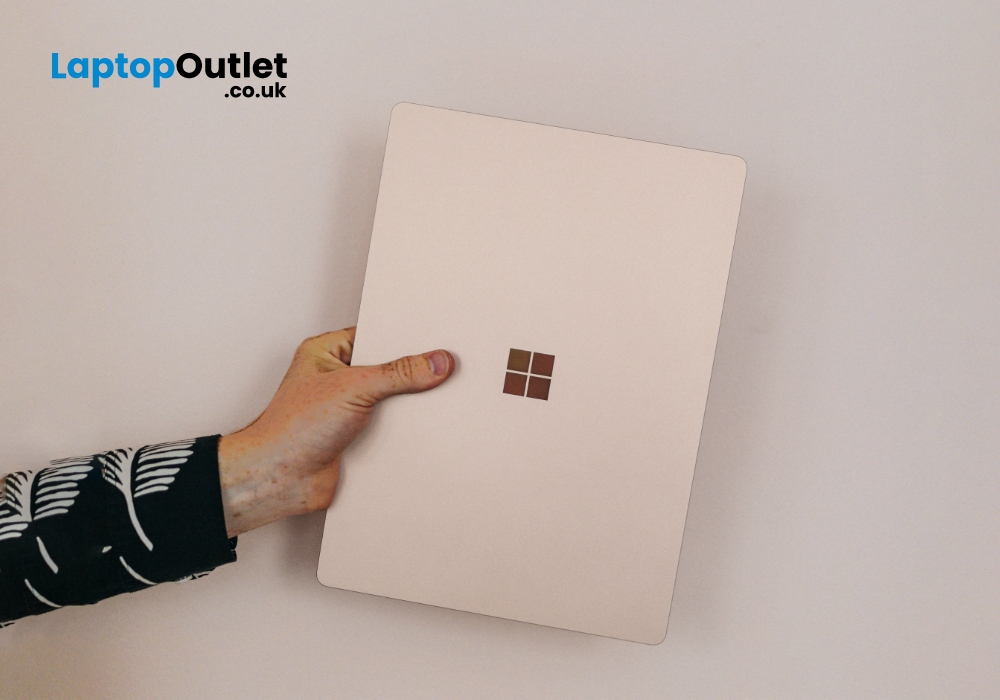
Over the past few years, Microsoft has extended its roots and now become a huge family of computers and laptops. The versatility and compatibility of Microsoft Surface products make them the topchoice of companies. Among these best-in-class products, Microsoft laptops offer excellent value with a premium experience, good battery life, rigorous design, lower costs, better performance, and greater flexibility.
If you are a student then your computing machine must be powerful, reliable, and efficient enough to handle all your academic operations. In this case, Microsoft provides the best Microsoft Surface laptops for students. These laptops are lightweight, and sleek, and come up with excellent window hardware at very affordable rates. Its remarkable performance and ultra-high speed with unique craftsmanship would tempt everyone.
In this article, we will explore the top 10 reasons why Microsoft Surface laptops are a great choice for students. Let’s dive in!
Versatility - A Class of its
Last Updated: June 03, 2025
Picture this: invoices that practically write themselves and payments that flow like clockwork. It's not a dream; it's the magic of Microsoft laptops revolutionising your billing game.
Efficient invoicing and seamless payment processes are the lifeblood of any business. Technology is pivotal in simplifying these critical operations in today's digital age. With powerful tools and software, Microsoft laptops have emerged as indispensable allies for businesses looking to streamline their billing procedures. In this comprehensive guide, we will delve into the world of invoicing and payments, exploring the challenges of traditional methods and uncovering the myriad benefits of harnessing Microsoft laptops for billing efficiency.
The Challenges of Traditional Invoicing and Payments:
Manual Billing Drawbacks:
In the not-so-distant past, manual invoicing was the norm for businesses of all sizes. However, this approach has limitations and drawbacks, hindering efficiency and profitability.

Last Updated: June 10, 2026
Elevate your digital experience with Microsoft products. Microsoft’s commitment to exceptional user experiences is evident in every product it creates, and its offerings speak for themselves. From the sleek Surface Pro Copilot+ PC to the powerful Surface Laptop 7 Copilot+ PC, top-of-the-line gaming consoles, accessories, intuitive software, and more, Microsoft combines style, performance, and innovation to deliver seamless experiences. Microsoft’s productivity software works in perfect harmony with its hardware, featuring products like Windows, Microsoft 365, Office, and Teams to deliver optimal performance. These products are for those who want the best in technology at cost-effective prices! Additionally, Microsoft’s cloud services, development tools, and business and enterprise products also stand out. Plus, with Microsoft deals and discounts at Laptop Outlet, you can get premium products at prices that won’t break the bank! Reimagine your digital world with these fantastic products!

