



How to Change the Keyboard Language
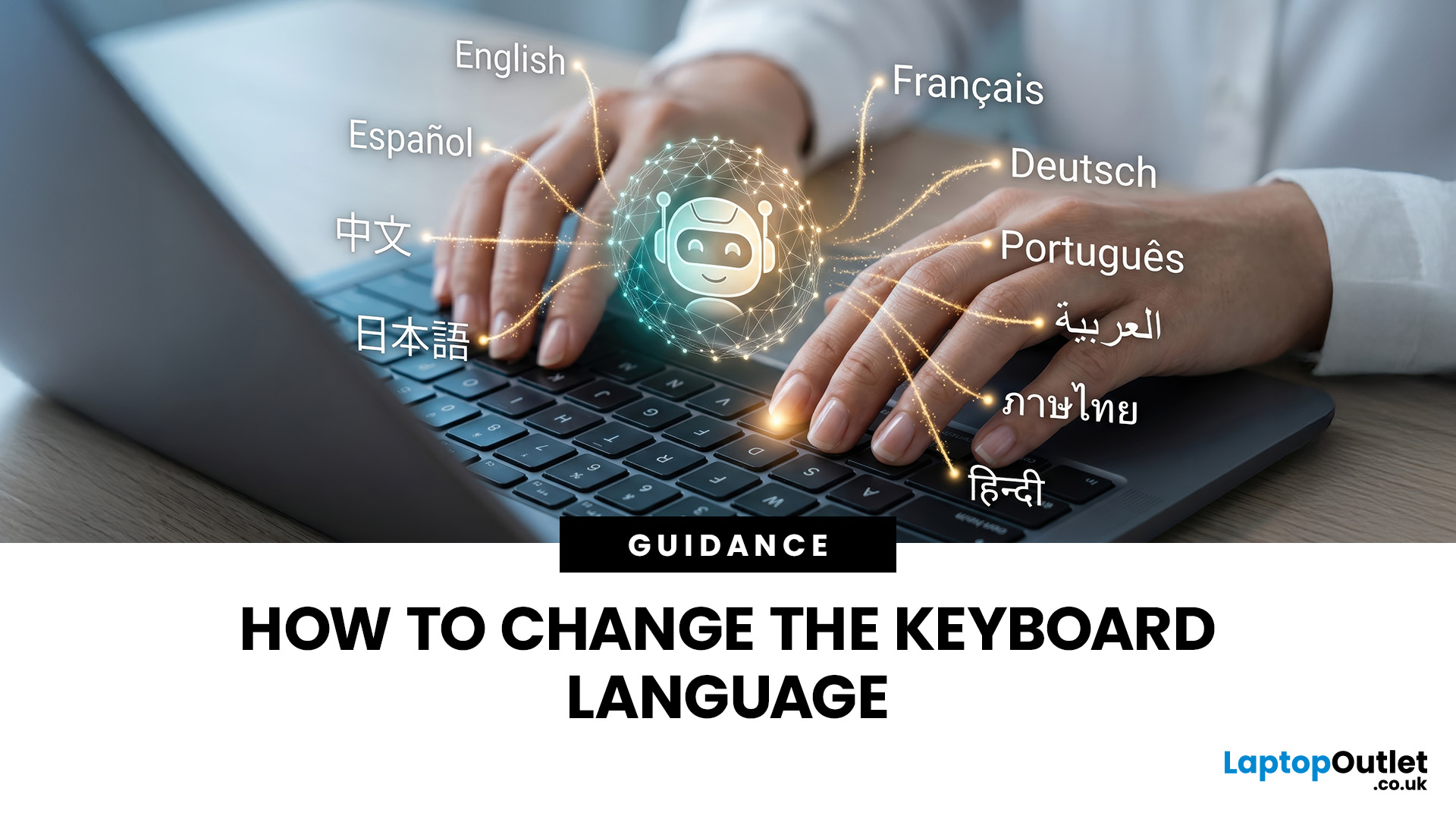
Changing your keyboard language lets you type in different languages, access regional characters, and use a layout that matches your physical keyboard. It is also one of the quickest ways to fix keys that produce the wrong symbols.
The process varies slightly between Windows, macOS, ChromeOS, Android, and iOS. This guide explains how to switch keyboard language on each platform, change a keyboard from US to UK and stop the layout from changing unexpectedly.
Quick Answer: How Do You Switch Keyboard Language?
On Windows, press Windows key + Spacebar. On a Mac, press Control + Spacebar. Chromebook users can press Ctrl + Shift + Space, while phone and tablet users can select the globe or language icon on the on-screen keyboard. These shortcuts only work when more than one keyboard language or layout has been added to the device.
Keyboard Language vs Keyboard Layout
A keyboard language controls features such as autocorrect, spelling suggestions and predictive text. A keyboard layout determines which character appears when you press a particular physical key.
For example, British and American keyboards both use English, but they place several symbols differently. Selecting English (US) while using a physical UK keyboard may cause the @, ", £, and # keys to produce unexpected characters.
Changing the keyboard layout does not normally change the language used by menus, settings or other parts of the operating system.
How to Change Keyboard Language on Windows 11
Windows 11 allows you to install several keyboard layouts without changing the main Windows display language.
- Open Start and select Settings.
- Go to Time & language.
- Select Language & region.
- Find the required language and select the three-dot menu.
- Choose Language options.
- Under Keyboards, select Add a keyboard.
- Choose the language or regional layout you want to use.
If the required language is not listed, return to Language & region and select Add a language first.
Once installed, press Windows key + Spacebar to switch between your available layouts. You can also select the language code, such as ENG UK or ENG US, from the right side of the taskbar.

How to Change Keyboard Language on Windows 10
The process is similar on Windows 10, although some menu names are slightly different.
- Open Start > Settings.
- Select Time & Language.
- Choose Language.
- Select your preferred language and click Options.
- Under Keyboards, select Add a keyboard.
- Choose the required layout.
Use Windows key + Spacebar to move between the installed keyboard languages.
How to Change Keyboard Language on Mac
macOS refers to keyboard languages and layouts as input sources.
- Open the Apple menu.
- Select System Settings.
- Choose Keyboard from the sidebar.
- Go to Text Input and select Edit.
- Select the + button.
- Search for the required language.
- Choose a layout and select Add.
The Input menu should appear in the menu bar after you add another input source. Select it whenever you want to change your layout manually.
To switch using the keyboard, press Control + Spacebar to return to the last input source you used. Press Control + Option + Spacebar to move to the next available source.
Do not use Command + Spacebar as the standard language shortcut. By default, that combination opens Spotlight search on a Mac.
You can also configure the Fn or Globe key to change input sources. Open System Settings > Keyboard, find the setting for what the Fn or Globe key should do and choose Change Input Source.
How to Change Keyboard Language on a Chromebook
ChromeOS calls keyboard languages input methods. Adding the correct input method is particularly important when a Chromebook has been imported or supplied with a different regional keyboard.
- Select the time in the bottom-right corner.
- Open Settings.
- Under Device, select Keyboard.
- Choose Change input settings.
- Under Input methods, select the keyboard languages you want.
- Select Add.
- Choose the keyboard you want to make active.
To display the current language beside the time, turn on Show input options in the shelf under the input settings.
- Press Ctrl + Shift + Space repeatedly to move through your installed keyboard languages.
- Press Ctrl + Space to return to the previous language.
How to Change Keyboard Language on iPhone or iPad
You can add multiple keyboards to an iPhone or iPad without changing the device’s main display language.
- Open Settings.
- Select General.
- Tap Keyboard.
- Choose Keyboards.
- Select Add New Keyboard.
- Choose the required language.
When typing, tap or hold the Globe icon to select another keyboard. Some multilingual keyboards can recognise more than one language without requiring you to switch manually.

How to Change Keyboard Language on Android
The steps can vary between Android manufacturers, but most devices use Gboard.
- Open an app in which you can type.
- Bring up the on-screen keyboard.
- Select the Settings icon.
- Tap Languages.
- Choose Add keyboard.
- Select a language and preferred layout.
- Tap Done.
To switch languages on Gboard, touch and hold the Spacebar, then select the required language. You can also enable a dedicated language-switch key in Gboard’s preferences.
How to Change Keyboard from US to UK
Changing from a US keyboard layout to a UK layout fixes common problems such as the @ and " symbols appearing in the wrong places. It also gives you direct access to the pound sign when the selected software layout matches a UK keyboard.
Change from US to UK on Windows
- Open Settings > Time & language > Language & region.
- Add English (United Kingdom) if it is not already installed.
- Select its three-dot menu and choose Language options.
- Under Keyboards, add United Kingdom.
- Press Windows key + Spacebar.
- Select ENG UK.
Once the UK layout works correctly, remove the unwanted US layout from the Keyboards section to prevent accidental switching.
Change from US to UK on Mac
- Open System Settings > Keyboard.
- Under Text Input, select Edit.
- Select the + button.
- Search for English.
- Choose British and select Add.
- Select British from the Input menu.
You can remove the US input source from the same Text Input menu when it is no longer required.
Change from US to UK on Chromebook
- Open Settings > Device > Keyboard.
- Select Change input settings.
- Add the English (UK) input method.
- Select English (UK) as the active keyboard.
- Remove or stop using English (US) if it is not needed.
You can then use the language indicator on the shelf to confirm that the UK input method is active.
Why are the @ and " Keys Swapped?
The @ and quotation mark keys are usually swapped because the device is using a US layout with a UK physical keyboard, or the opposite combination.
On a UK layout, Shift + 2 produces a quotation mark, while the @ symbol is located on the apostrophe key beside Enter. On a US layout, Shift + 2 produces the @ symbol.
This is a software layout issue rather than a faulty keyboard. Select the correct UK or US layout in your device settings and test the keys again.
The same issue may affect the pound sign, hash symbol, backslash, and Enter key. An external keyboard can also have its own regional layout, so check the printed key labels before choosing an input method.
Why Does My Keyboard Keep Changing Language?
A keyboard may keep changing language because several layouts are installed and a switching shortcut is being pressed accidentally. Common shortcuts include:
- Windows key + Spacebar on Windows
- Control + Spacebar on Mac
- Fn or the Globe key on some Mac keyboards
- Ctrl + Shift + Space on Chromebook
- The Globe icon on mobile keyboards
To stop unwanted changes, open your language settings and remove any keyboard layouts you do not use. Keeping only one layout prevents most accidental switches.
On a Mac, also open System Settings > Keyboard > Text Input > Edit and check whether automatically switch to a document’s input source is enabled. Turn it off if different documents keep activating different layouts.
On Windows, confirm the active layout by checking the language code on the taskbar. On Chromebook, check the code shown beside the time when input options are enabled.
Work or school devices may have language settings controlled by an administrator. Contact your organisation’s support team if an unwanted layout returns after you remove it.

Choosing a Keyboard that Matches Your Layout
Changing the software settings cannot change the labels printed on a physical keyboard. When buying an external model, check whether it uses a UK layout before ordering.
UK keyboards normally include a pound sign and use a taller Enter key. US keyboards commonly have a wider horizontal Enter key and place the @ symbol above the number 2.
For smaller desks and portable workstations, explore compact keyboards with a suitable UK layout before comparing connectivity, switches and number-pad options.

Final Thoughts
Learning how to change your keyboard language makes it easier to write in multiple languages, access regional symbols and correct keys that no longer match their printed labels.
Windows, Mac, and Chromebook devices all provide quick shortcuts, but installing too many layouts can lead to accidental switching. Remove unused input methods and confirm that your selected regional layout matches the physical keyboard.
For stands, hubs, sleeves, chargers, and other useful additions to your setup, browse the best laptop accessories available from Laptop Outlet.

FAQs
Can I have more than one keyboard language installed?
Yes. Windows, macOS, ChromeOS, Android and iOS support multiple keyboard languages. Once they are installed, you can switch between them using a shortcut or language icon.
How do I switch keyboard language quickly?
Press Windows key and Spacebar on Windows, Control and Spacebar on Mac, or Ctrl, Shift and Space on Chromebook. Mobile devices usually provide a Globe icon.
Why are my @ and quotation mark keys swapped?
Your selected regional layout probably does not match the physical keyboard. Change English (US) to English (UK), or vice versa, and test both keys again.
How do I stop my keyboard changing language automatically?
Remove unused layouts and avoid pressing the language-switch shortcut. Mac users should also disable automatic document input-source switching if individual files keep activating another keyboard layout.
Does changing the keyboard language change the device language?
No. Changing an input language or keyboard layout normally affects typing only. Menus, settings and applications remain in the existing display language unless changed separately.
Related Articles


Last Updated: December 19, 2025
Emojis have become a language of their own, especially for the Gen Z and Alphas. You’re replying to an email, chatting on WhatsApp Web, creating social posts, or even completing work messages with a little personality, being able to type emojis using your keyboard saves time and makes communication more expressive.
Let’s learn the easiest ways to type emojis on Windows, Mac, Chromebooks, and even mobile keyboards. No more copy-and-paste from emoji websites, you’ll be able to insert any emojy in seconds.
Why Use Keyboard Emojis?
Before we get into shortcuts, here’s why knowing them matters:
- Fast: Add emojis without switching tabs or using your mouse.
- Professional + fun: Modern workplaces increasingly accept emojis for clarity and tone.
- Easy to remember: Once you learn shortcuts, they feel natural.
- Universal: Works across apps - Word, Slack, Teams, Gmail, Instagram, web browsers, and more.
Now let’s jump into the shortcuts for every device. If you enjoy adding creativity to your messages,

Last Updated: February 13, 2026
Because nothing kills the vibe faster than a laptop, that suddenly decides your fingers are irrelevant.
You sit down. You open your laptop. You’re mentally prepared to be productive (or at least pretend). And then .....boom... your laptop touchpad is not working. Or your laptop keyboard is not working. Or worse… both.
At this point, your laptop isn’t broken; it’s personally offended by you.
Before you rage-buy a new device or spiral into tech despair, here’s the good news: most laptop keyboard problems and touchpad issues are completely fixable. And no, you don’t need a computer science degree or a sacrifice to the tech gods.
This guide is not one of those vague “restart your device” articles and call it a day. This is a deep-dive, all-reasons, all-solutions, no-BS troubleshooting guide, written in human language, with enough detail to actually solve the problem.
We’ll cover:
- Software vs hardware problems (and how to tell the difference)
- Every common and uncommon reason your laptop input
Last Updated: April 22, 2026
Stop reaching for the mouse every five seconds. Windows keyboard shortcuts are one of the fastest, simplest ways to boost your daily output - whether you're writing reports, navigating spreadsheets, or juggling a dozen open tabs at once.
This complete guide covers every shortcut worth knowing across Windows 10 and Windows 11, from the basics to the more advanced tricks that most people never discover.
Why Keyboard Shortcuts Are Worth Learning
Most people pick up one or two shortcuts by accident and never go any further. Yet the productivity gap between someone who relies on a mouse and someone genuinely fluent in shortcuts is striking - you spend less time clicking, less time searching, and considerably more time actually doing the work.
Here's what mastering shortcuts gives you:
- Speed: Tasks that take three clicks happen in milliseconds
- Concentration: Your hands stay on the keyboard, your eyes on the screen
- Less strain: Reduced repetitive mouse movement means fewer aches over a long
Last Updated: May 06, 2026
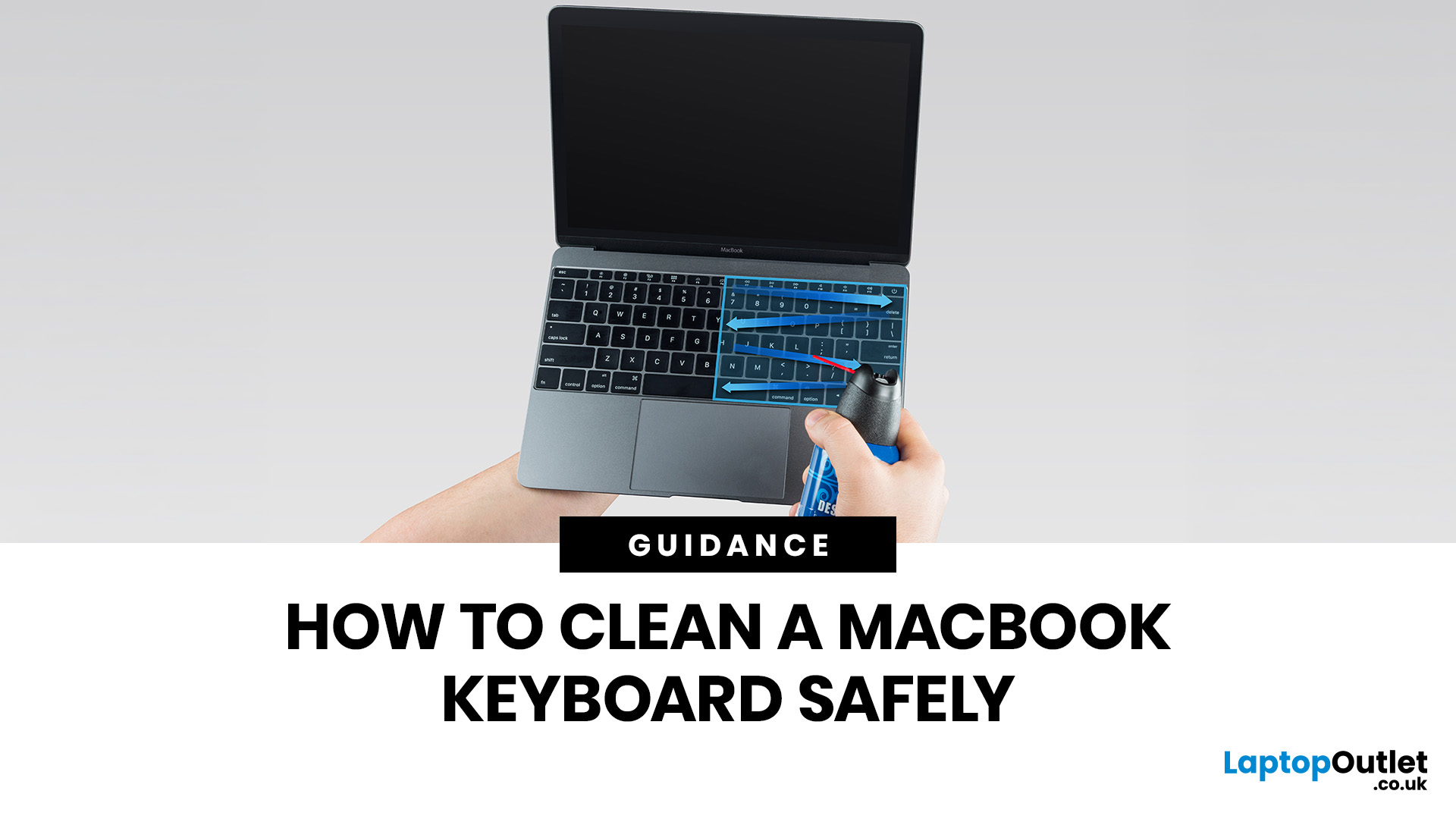
MacBook keyboard cleaning is simple when you do it the Apple-safe way: shut the laptop down, unplug it, use a soft lint-free cloth, keep moisture out of the openings, and never spray cleaner directly onto the keyboard. If you need to disinfect the surface, Apple says you can gently wipe off the hard, non-porous exterior, including the keyboard, with a 70 per cent isopropyl alcohol wipe, a 75 per cent ethyl alcohol wipe, or a disinfectant wipe.
That is the short version. The longer version matters because MacBook keyboards are not built for chaotic cleaning energy. Too much liquid, the wrong cleaner, or one “quick” spray straight onto the keys can turn a dusty keyboard into an expensive repair story. We will discuss today how to clean a Mac keyboard properly, how to remove dirt from MacBook keys, when compressed air makes sense, what not to use, and when a keyboard issue is no longer a cleaning job.
Quick Answer: How Can We Clean a MacBook Keyboard Safely?
The safest way to clean a MacBook
Last Updated: June 10, 2026
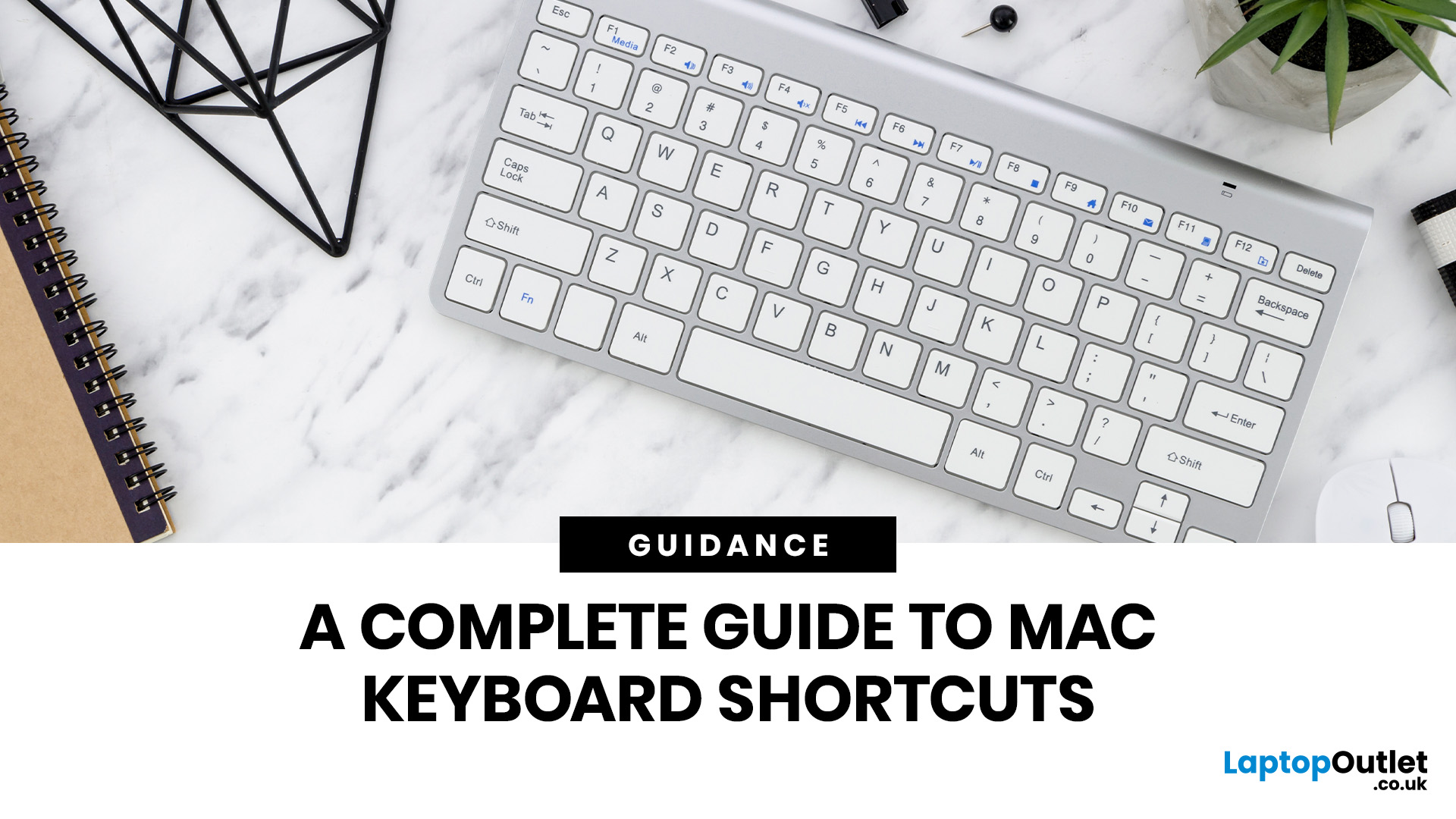
Mac keyboard shortcuts help you copy, paste, search, switch apps, manage files, take screenshots, and control system features faster from the keyboard. This 2026 guide explains the essential shortcuts, the meaning of Apple's modifier keys, practical shortcuts for everyday work, and the easiest ways to customise them for a smoother workflow.
What Are Mac Keyboard Shortcuts, And Why Should You Use Them?

Mac keyboard shortcuts are key combinations that carry out actions you would otherwise do with a mouse or trackpad. Apple notes that these shortcuts can save time, but also points out that some shortcuts vary by app, keyboard layout, and language.
For most people, the biggest benefit is speed. Copying text, opening Spotlight, closing tabs, switching apps, and locking the screen all feel quicker when your hands stay on the keyboard.
The same core shortcuts work across modern Macs, including MacBook, iMac, and Mac mini, as long as the keyboard layout matches.
If you are also comparing machines

Last Updated: October 12, 2026
Last Updated: June 11, 2026
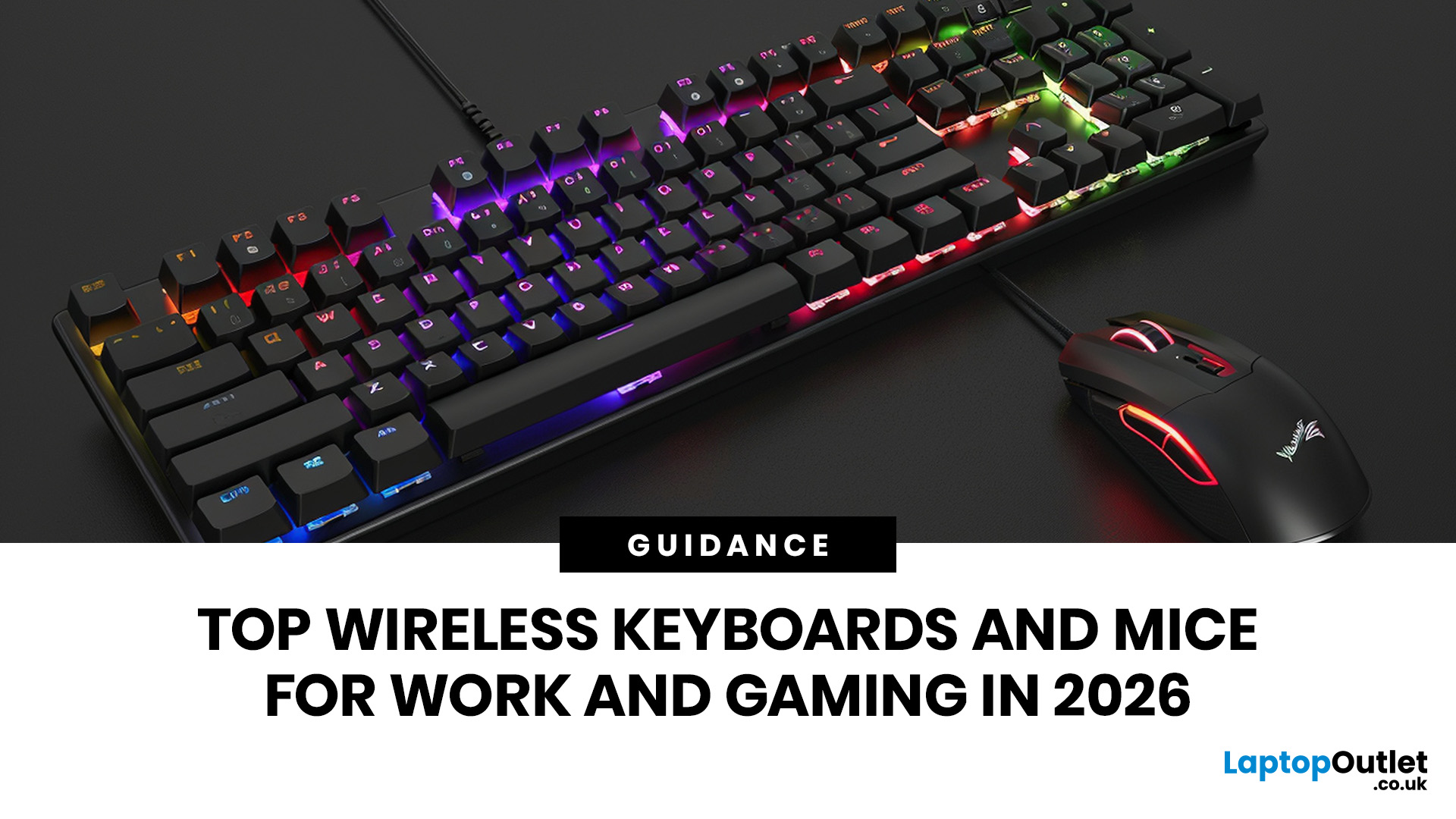
For a clean and minimalist look of your working or gaming setup, choosing the right wireless mouse and keyboard can make a bigger difference than you think.
If you're on a budget, the Logitech Wireless Mouse M235 is a reliable and affordable option.
For UK shoppers in 2026, the best setup is for comfort, connectivity, battery life, accuracy, layout, and daily usability. Some people need a simple keyboard mouse combo for emails and spreadsheets. Others want fast switches, RGB lighting, ultra-light mouse movement, and reliable wireless performance for gaming.
This guide breaks down the best wireless keyboard mouse UK options from Laptop Outlet, covering work-friendly sets, Bluetooth-ready mice, premium
Last Updated: July 16, 2026
Published: July 08, 2026
Last Updated: July 10, 2026
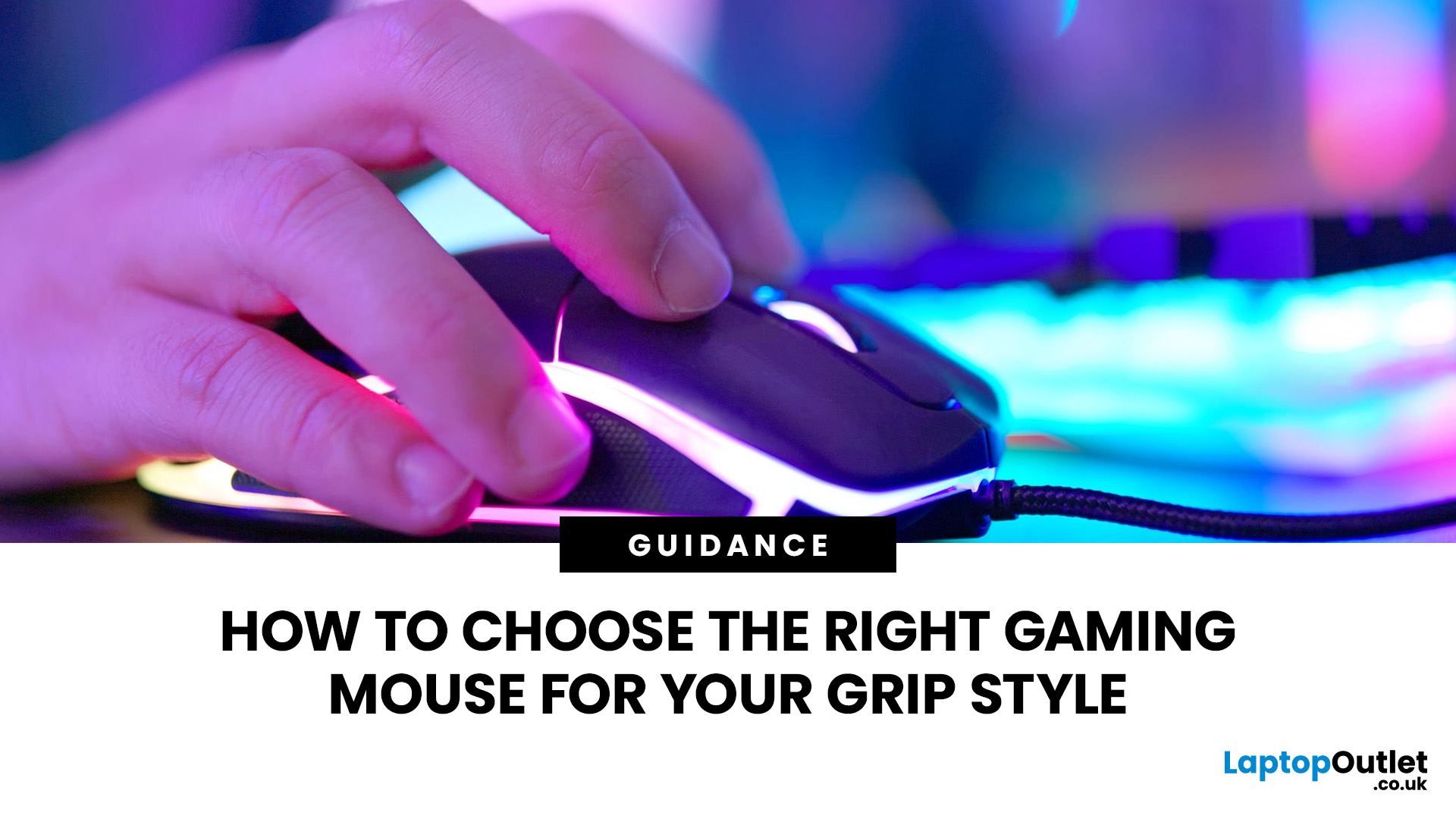
To choose the right gaming mouse for your grip style, first identify whether you use a palm, claw, or fingertip grip by placing your hand naturally on your current mouse. Palm grip players need a larger, fuller-bodied mouse; claw grip suits a mid-size mouse with a defined rear hump; and fingertip grip calls for a compact, lightweight mouse under 65g. Your grip style mouse choice affects comfort, control, and long-term wrist health, so getting the shape right matters more than any spec on the box.
This guide explains how to choose gaming mouse for your grip style. We will cover everything from identifying your grip and measuring your hand to understanding which shapes, weights, and features actually suit you.
The Three Main Gaming Mouse Grip Styles Explained<
Before you look at a single product listing, you need to know which of the three core grip styles you actually use. Most people have a natural default they've never consciously thought about. There's no objectively best mouse grip

