



Best Gaming Keyboards in 2026: Everything You Need to Know
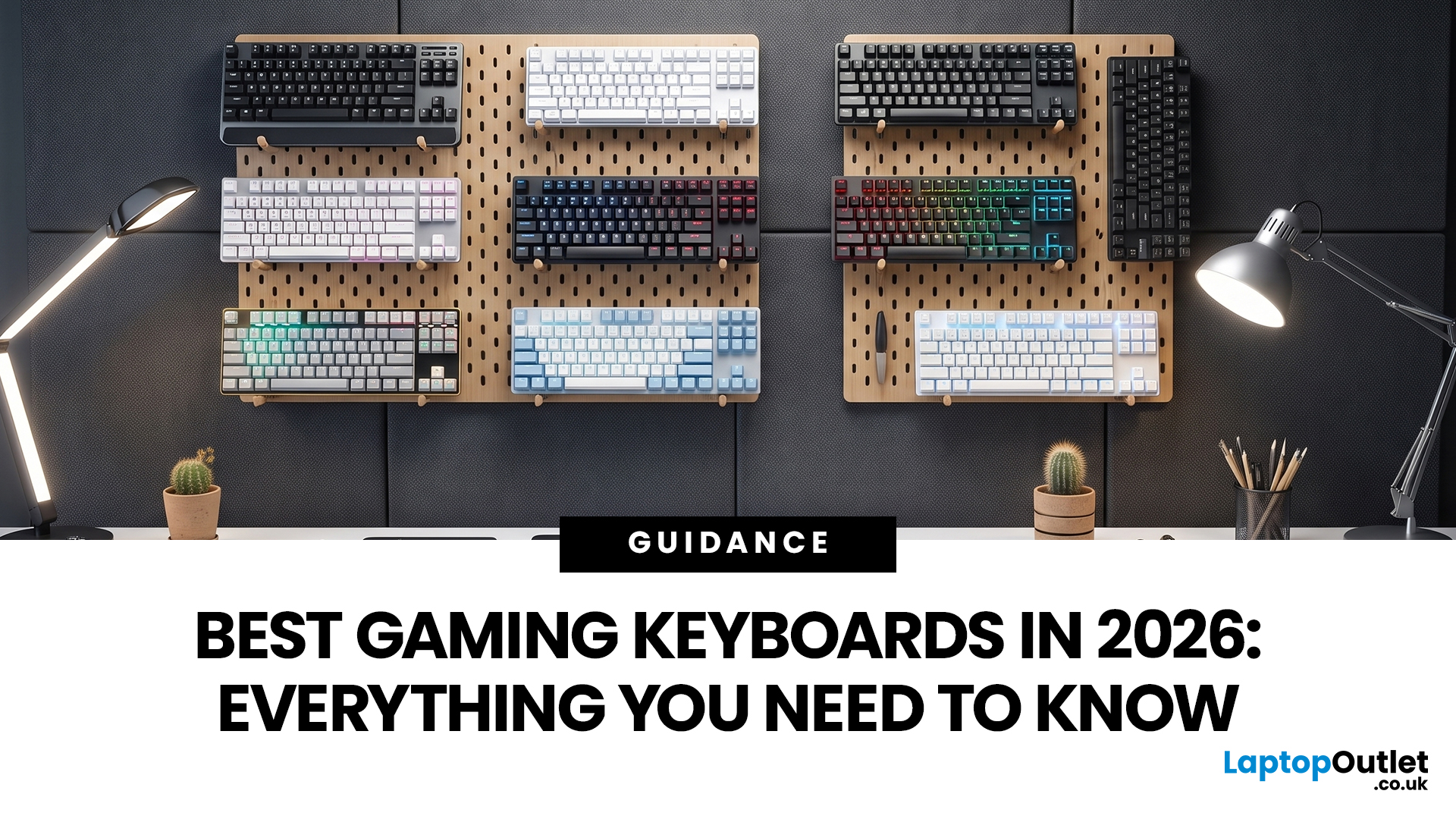
The best gaming keyboard in 2026 depends on how you play. Competitive gamers need fast switches and compact layouts, MMO players need programmable controls, and everyday gamers need comfort, RGB, durability and value. This guide compares recommended gaming keyboards by switch type, form factor, connectivity and real gaming use case.
A good gaming keyboard is more than a set of RGB lights. It affects reaction speed, comfort, desk space and how confidently you control movement, abilities and shortcuts in-game. In 2026, gamers can choose from mechanical, optical switch keyboard, Hall Effect keyboard, low-profile wireless, compact gaming keyboard and budget full-size options. The challenge is not finding the coolest gaming keyboard; it is choosing the right gamer keyboard for your setup, game genre and budget. Below, we break down key buying factors and compare gaming keyboards available from Laptop Outlet so you can find the high-performance gaming keyboards that PC players can rely on.
What Makes the Best Gaming Keyboard in 2026?
Before choosing a keyboard for gaming, focus on the features that directly improve play:
|
Feature |
Why it matters for gaming |
|
Switch type |
Mechanical switches feel tactile and durable, optical switches are fast, and Hall Effect magnetic switches allow adjustable actuation. |
|
Form factor |
Full-size boards suit productivity, TKL saves mouse space, and 65% or 75% layouts are ideal for compact setups. |
|
Rollover and anti-ghosting |
These help register multiple keys for gaming accurately during fast combos. |
|
Connectivity |
Wired USB is stable; tri-mode wireless adds Bluetooth and 2.4GHz freedom. |
|
Comfort |
Wrist rests, dampening layers and low-profile builds reduce fatigue in long sessions. |
|
Customisation |
RGB, macros and software profiles help tailor commands to different games. |
Recommended Gaming Keyboards: Specs, Features and Use Cases
ASUS TUF Gaming K1
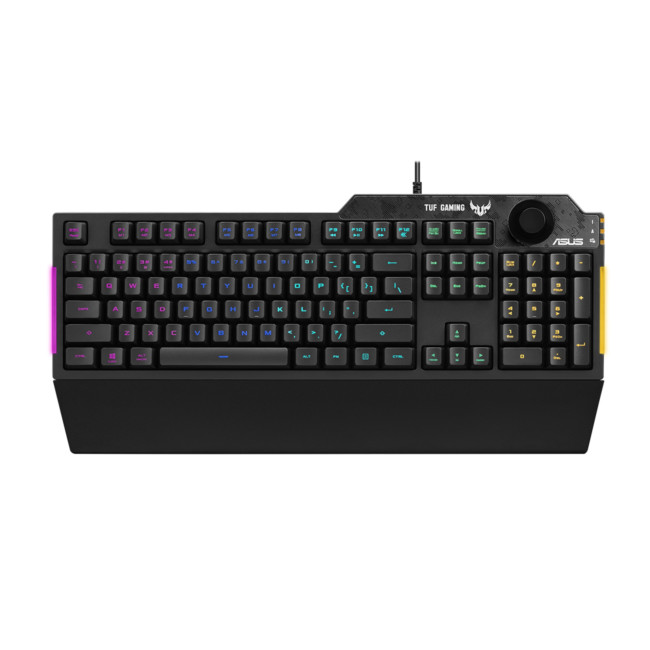
The ASUS TUF Gaming K1 is a full-size wired keyboard that offers excellent value for everyday gaming. It includes tactile TUF switches, 19-key rollover and spill resistance up to 300ml. Additional features like RGB lighting zones, a volume knob and a detachable wrist rest make it a practical choice for casual gamers, students and shared setups.
ASUS ROG Falcata Split Gaming Keyboard
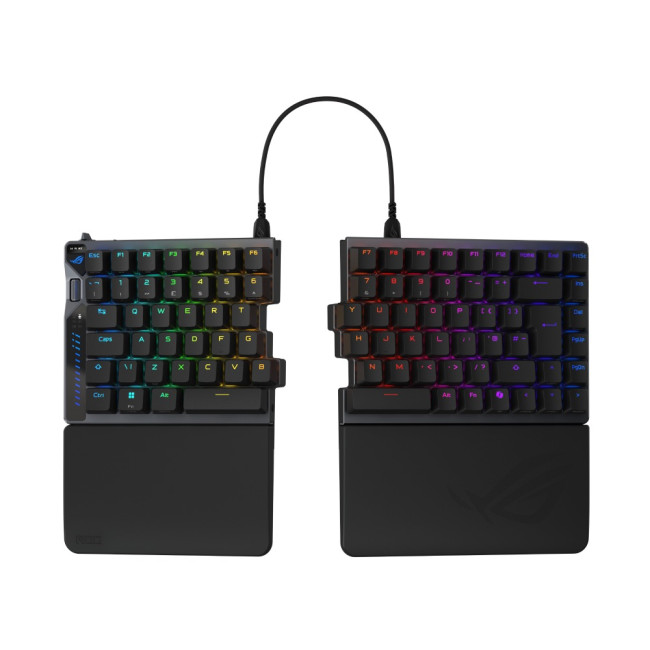
The ASUS ROG Falcata Split Gaming Keyboard stands out with its innovative split 75% design and advanced Hall Effect magnetic switches. It supports adjustable actuation from 0.1 to 3.5mm, Rapid Trigger functionality and up to 8K polling rate. With tri-mode connectivity and multi-layer dampening, it is ideal for competitive gamers who want precision, speed and ergonomic flexibility.
ASUS ROG Falchion RX Low Profile
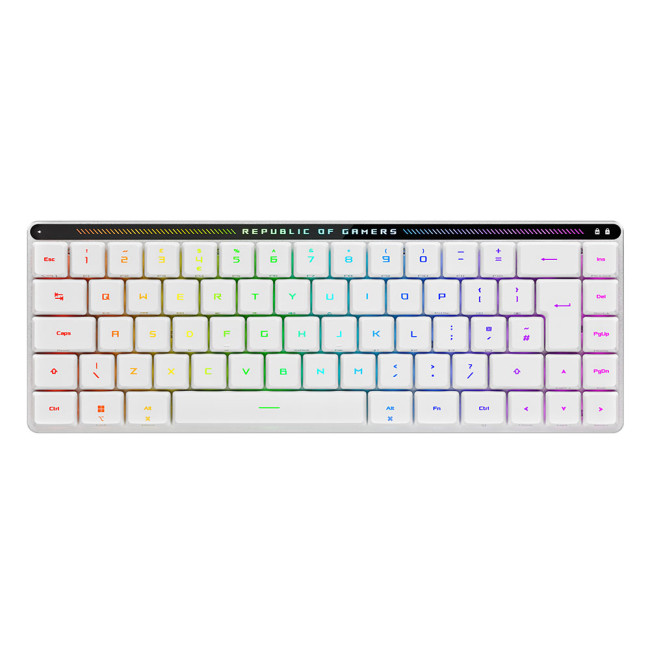
The ASUS ROG Falchion RX Low Profile is a compact 65% keyboard designed for gamers who prefer a minimalist setup. It supports Bluetooth, wired USB and 2.4GHz wireless connectivity via ROG SpeedNova. Its slim profile, protective cover and long battery life make it a great option for users who want portability and a clean desk setup.
Razer Tartarus V2 Gaming Keypad
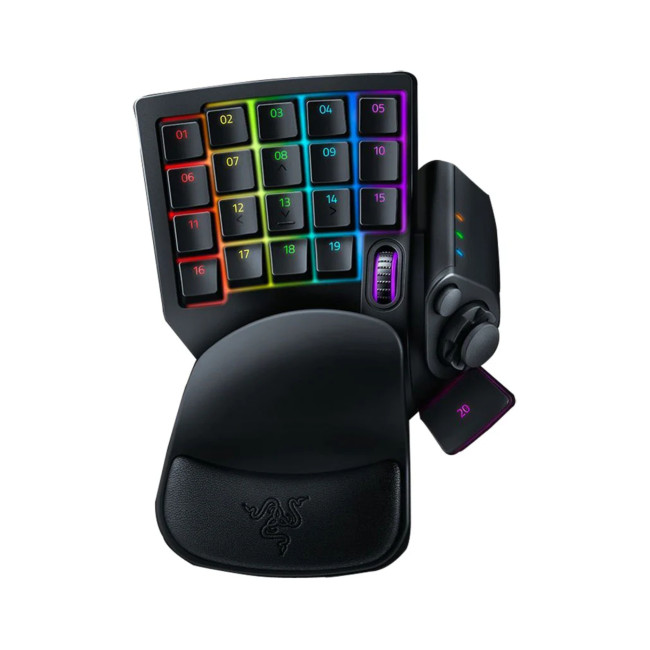
The Razer Tartarus V2 Gaming Keypad is not a traditional keyboard but a specialised gaming keypad designed for MMO and MOBA players. It features 32 programmable keys, an 8-way thumbpad and a scroll wheel, along with Chroma RGB lighting and Synapse customisation. It is best used as an add-on for players who rely heavily on macros and complex key bindings.
Razer Huntsman V3 Pro TKL Counter-Strike 2 Edition
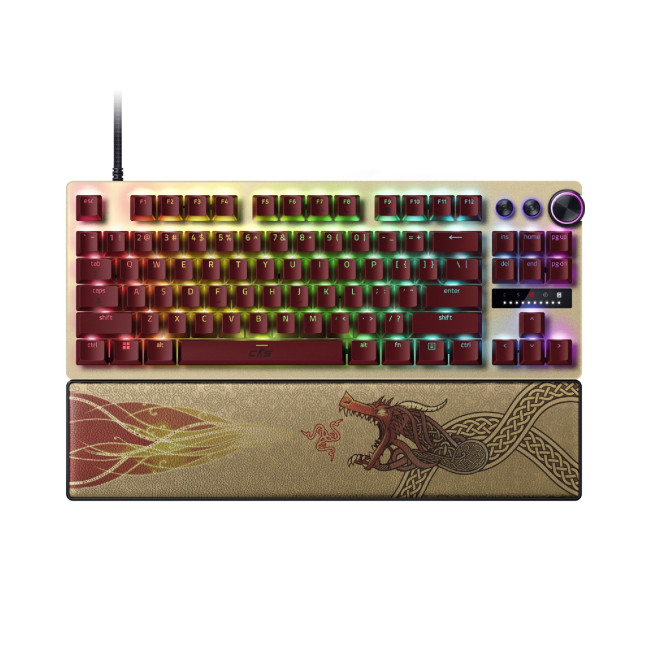
The Razer Huntsman V3 Pro TKL Counter-Strike 2 Edition is built for competitive gaming, especially FPS titles. It features optical switches with adjustable actuation and Rapid Trigger technology, along with a tenkeyless layout for improved mouse space. With onboard adjustments and durable construction, it is a top choice for players focused on precision and speed.
Trust GXT 836 Evocx
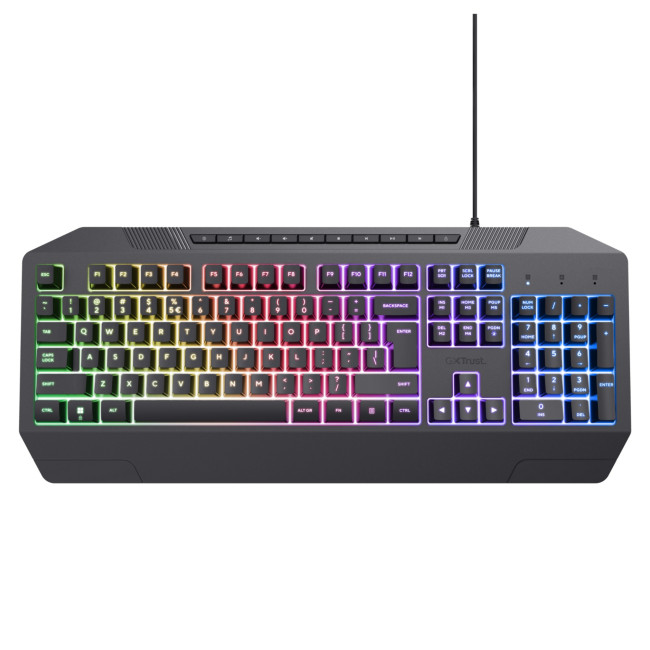
The Trust GXT 836 Evocx is an entry-level full-size gaming keyboard that offers solid performance at an affordable price. It includes RGB rainbow illumination, a stable wired connection and a straightforward design. This makes it a good option for casual gamers who want a reliable and budget-friendly keyboard for everyday use.
Gaming Keyboard Layouts Explained
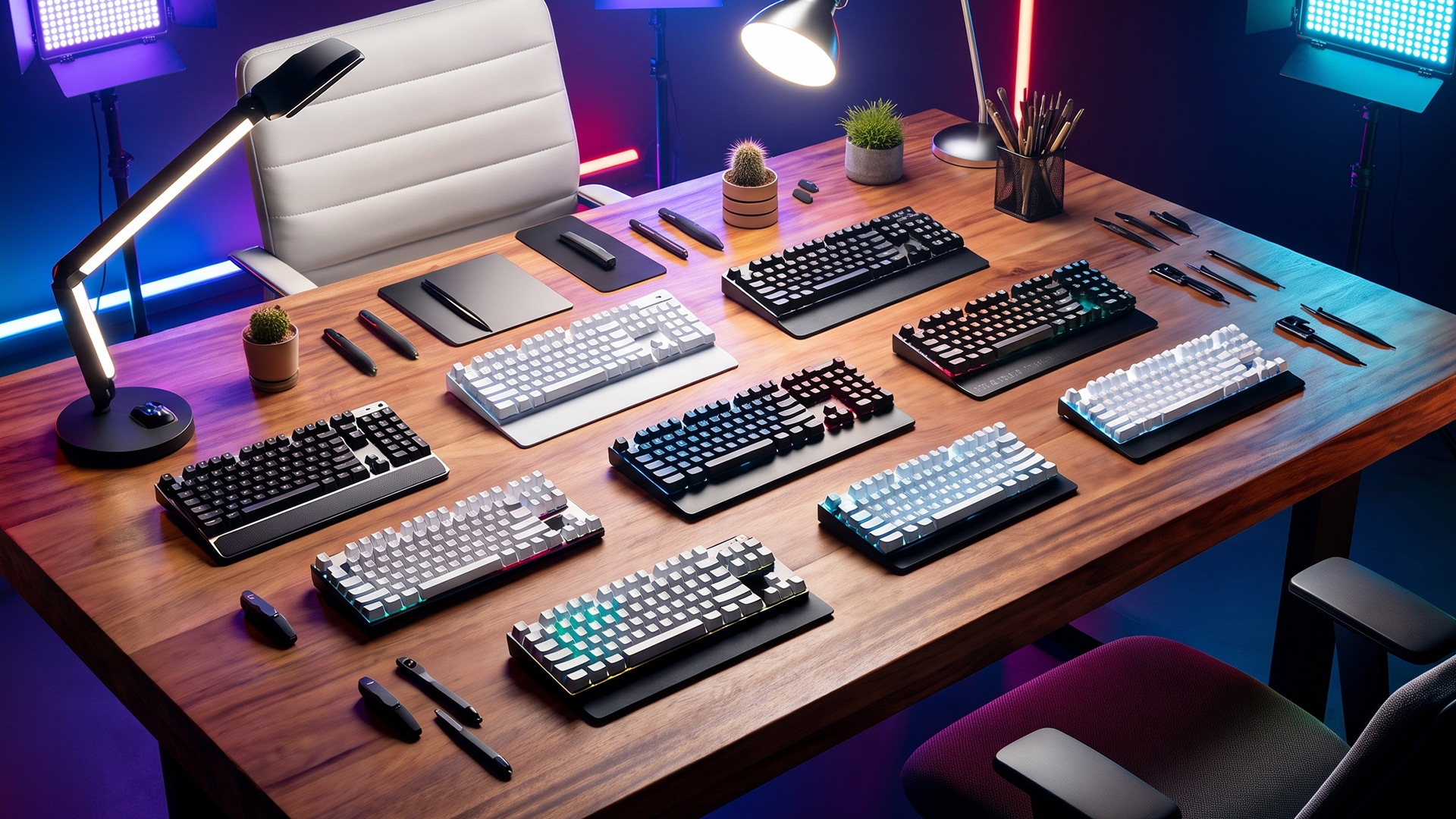
Gaming keyboards come in several sizes, and the right layout depends on how much desk space you have, the games you play and which keys you regularly use.
Full-size keyboards include the number pad, function row, navigation keys and arrow keys. They work well for gamers who also use their PC for studying, spreadsheets, editing or everyday productivity, but they take up more desk space.
Tenkeyless (TKL) keyboards remove the number pad while keeping the function row, arrow keys and most navigation controls. This gives your mouse more room to move, which can be useful for FPS gaming and lower-sensitivity aiming.
75% keyboards compress most of the keys found on a TKL board into a smaller footprint. They are a practical middle ground for players who want a compact gaming keyboard without losing dedicated arrow keys or the function row.
65% keyboards reduce the layout further while usually retaining arrow keys. Their smaller footprint works particularly well on compact desks, alongside gaming laptops or in setups where mouse space is a priority.
60% keyboards remove the function row, navigation cluster and usually dedicated arrow keys, placing many secondary commands behind function combinations. They provide maximum mouse space, but the reduced number of physical keys may not suit games or workflows that rely on frequent shortcuts.
There is no single ideal keyboard size for every gamer. Consider which keys for gaming you actually use, whether you need dedicated media or macro controls, and how much room your mouse needs before deciding between a full-size, TKL, 75%, 65% or 60% layout.

Bottom Line
In conclusion, choosing the best gaming keyboard in 2026 comes down to understanding your gaming style, setup and priorities. Whether you need lightning-fast response for competitive play, a compact design for limited desk space, or a budget-friendly option for everyday gaming, there is a keyboard tailored to your needs. By focusing on key factors such as switch type, layout, durability and customisation, you can confidently select a keyboard that enhances both performance and comfort.

In Case You’re Wondering...
What is the best gaming keyboard for most gamers in 2026?
For most gamers, a mechanical or optical keyboard with reliable rollover, RGB, durable switches and a comfortable layout is best. The ASUS TUF Gaming K1 is good for value, while the Razer Huntsman V3 Pro TKL and ASUS ROG Falcata suit competitive players.
Is a Hall Effect keyboard better for gaming?
A Hall Effect keyboard can be better for competitive gaming because magnetic switches often support adjustable actuation and Rapid Trigger. This helps players fine-tune how quickly keys respond, especially in FPS and esports titles.
Are compact gaming keyboards good for PC gaming?
Yes. A compact gaming keyboard gives your mouse more movement space, which is useful for low-sensitivity FPS players. TKL, 75% and 65% layouts are popular because they save desk space without removing the most important keys for gaming.
What are the best keys for gaming?
The most important keys for gaming are usually WASD, Space, Shift, Ctrl, number keys and ability keys around the left hand. For MMO and MOBA games, programmable macro keys or a gaming keypad can also be useful.
Should I choose wired or wireless gaming keyboards?
Wired keyboards are simple, stable and do not need charging. Wireless gaming keyboards are better for cleaner setups and flexibility, especially when they support 2.4GHz low-latency connectivity as well as Bluetooth and USB.
| Read More: |
| Best Laptop Accessories in 2026: Keyboards, Monitors, Hubs & More |
| Speed Up Your PC with Windows Keyboard Shortcuts Guide |
| Which Gaming Keyboard and Mouse Are the Best? Enjoy Wireless Gaming |
Related Articles

Last Updated: August 28, 2026
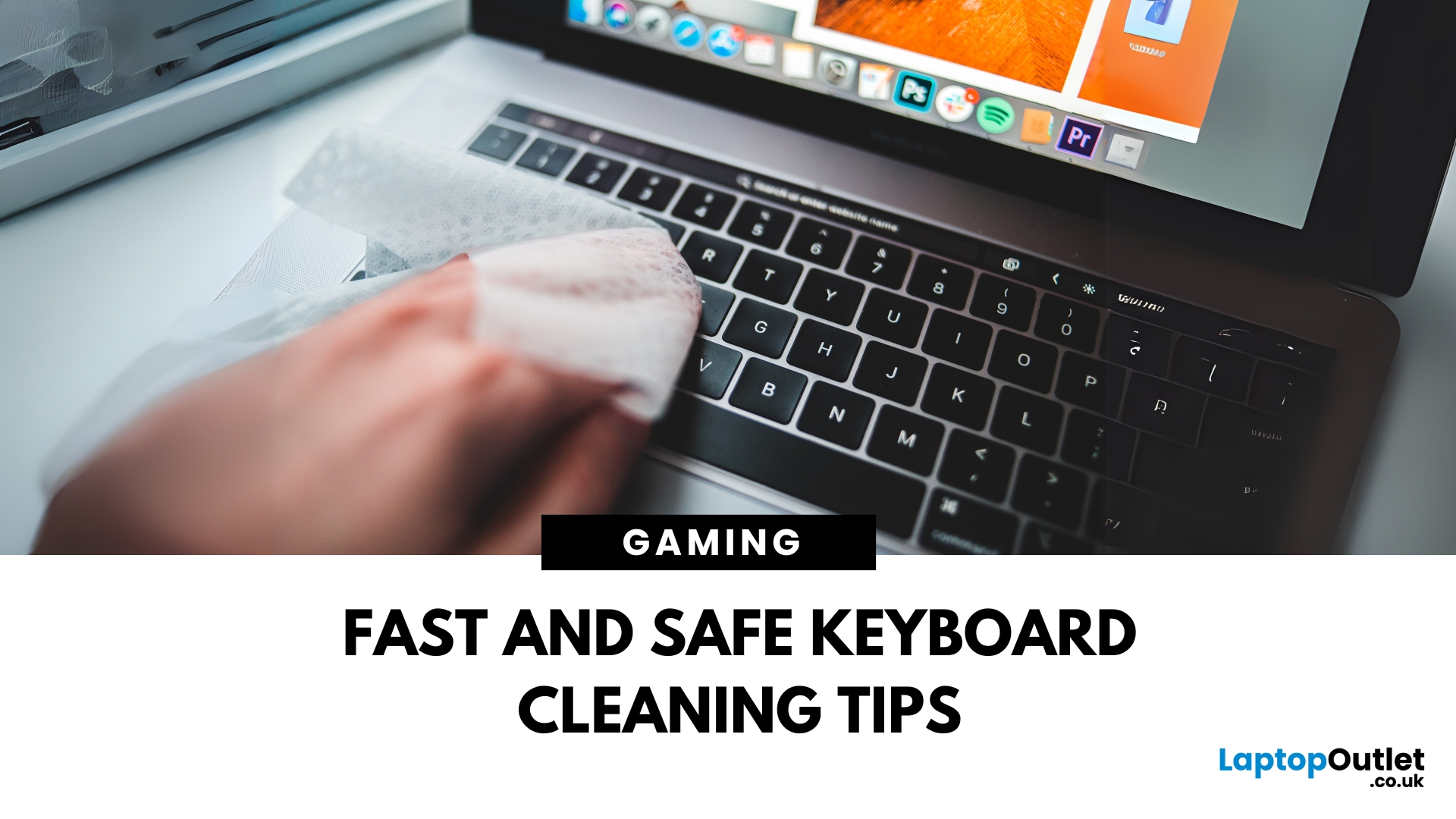
Dust, crumbs, skin oils, and drink residue can make a laptop keyboard look grubby or leave keys slow and sticky. Cleaning it correctly takes only a few minutes, but excess liquid or unsuitable products can damage the key coating and electronics.
How to Clean a Keyboard Safely: Quick Answer
Shut down and unplug the laptop. Remove loose debris with short bursts of compressed air, then wipe the keys with a soft microfibre cloth lightly dampened with 70% isopropyl alcohol. Never spray liquid directly onto the keyboard and let it dry fully before switching it on.
What You Will Need
- Soft microfibre cloth
- Compressed air
- Cotton buds or a soft brush
- 70% isopropyl alcohol
How to Clean a Laptop Keyboard Step by Step
1. Turn Off and Unplug the Laptop
Save your work, shut the laptop down and disconnect the charger and accessories. Cleaning
Last Updated: August 11, 2026
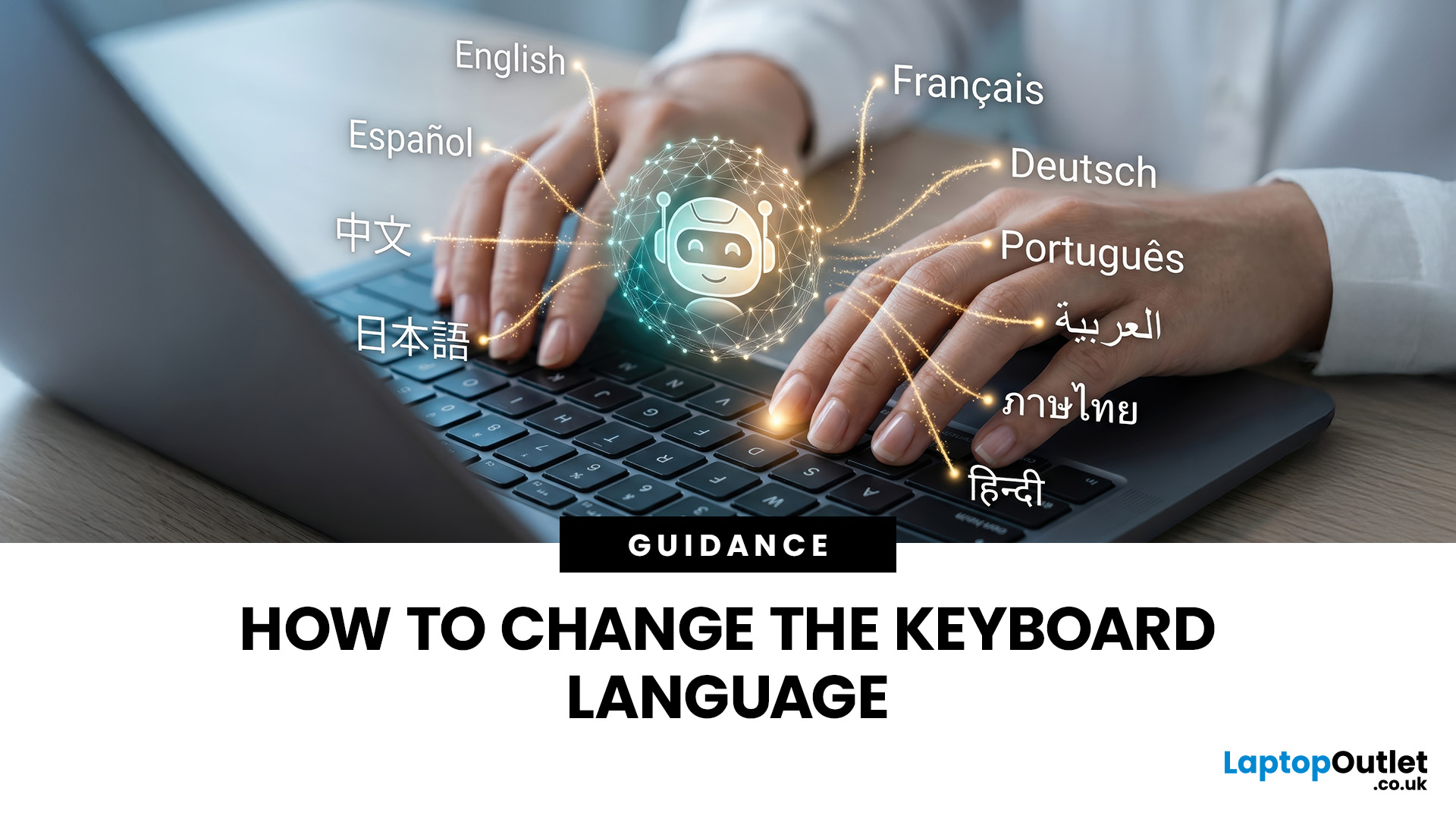
Changing your keyboard language lets you type in different languages, access regional characters, and use a layout that matches your physical keyboard. It is also one of the quickest ways to fix keys that produce the wrong symbols.
The process varies slightly between Windows, macOS, ChromeOS, Android, and iOS. This guide explains how to switch keyboard language on each platform, change a keyboard from US to UK and stop the layout from changing unexpectedly.
Quick Answer: How Do You Switch Keyboard Language?
On Windows, press Windows key + Spacebar. On a Mac, press Control + Spacebar. Chromebook users can press Ctrl + Shift + Space, while phone and tablet users can select the globe or language icon on the on-screen keyboard. These shortcuts only work when more than one keyboard language or layout has been added to the device.
Keyboard Language vs Keyboard Layout
A keyboard language controls features such as autocorrect, spelling suggestions and predictive text. A keyboard layout determines
Last Updated: October 03, 2025
Level Up Your Gameplay
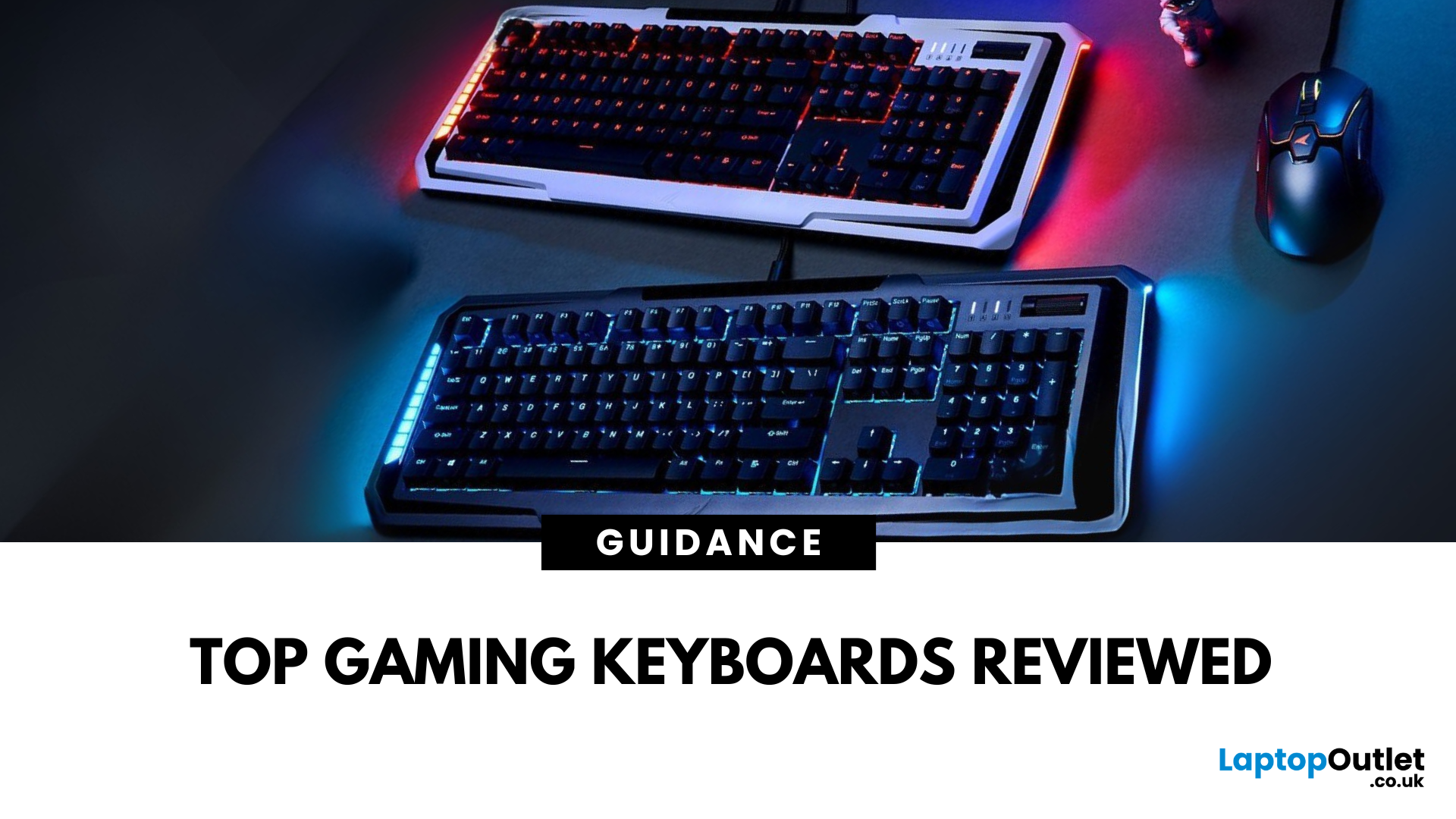
In fast-paced gaming, your keyboard can make or break your performance. But what makes a keyboard truly gaming-ready? Here’s a guide to help you find the best keyboard for gaming, focusing on key features instead of specific products.
Why Your Gaming Keyboard Matters
A good gaming keyboard offers:
Faster response times
Customisable keys for complex commands
Enhanced durability for intense sessions
Mechanical vs Membrane Keyboards
Mechanical Keyboards
Preferred for gaming due to:
Tactile feedback
Faster actuation
Longer lifespan (50M+ keystrokes)
Membrane Keyboards
Budget-friendly and quieter but:
Less responsive for competitive gaming
Shorter lifespan
Tip: Mechanical keyboards with red or silver switches are ideal for fast-paced FPS and MOBA games.
Key Features to Look For in a Gaming Keyboard
1. Switch Type
- Linear switches (Red): Smooth, fast keypresses
- Tactile switches (Brown): Feedback without loud clicks
- Clicky switches
Last Updated: June 16, 2026
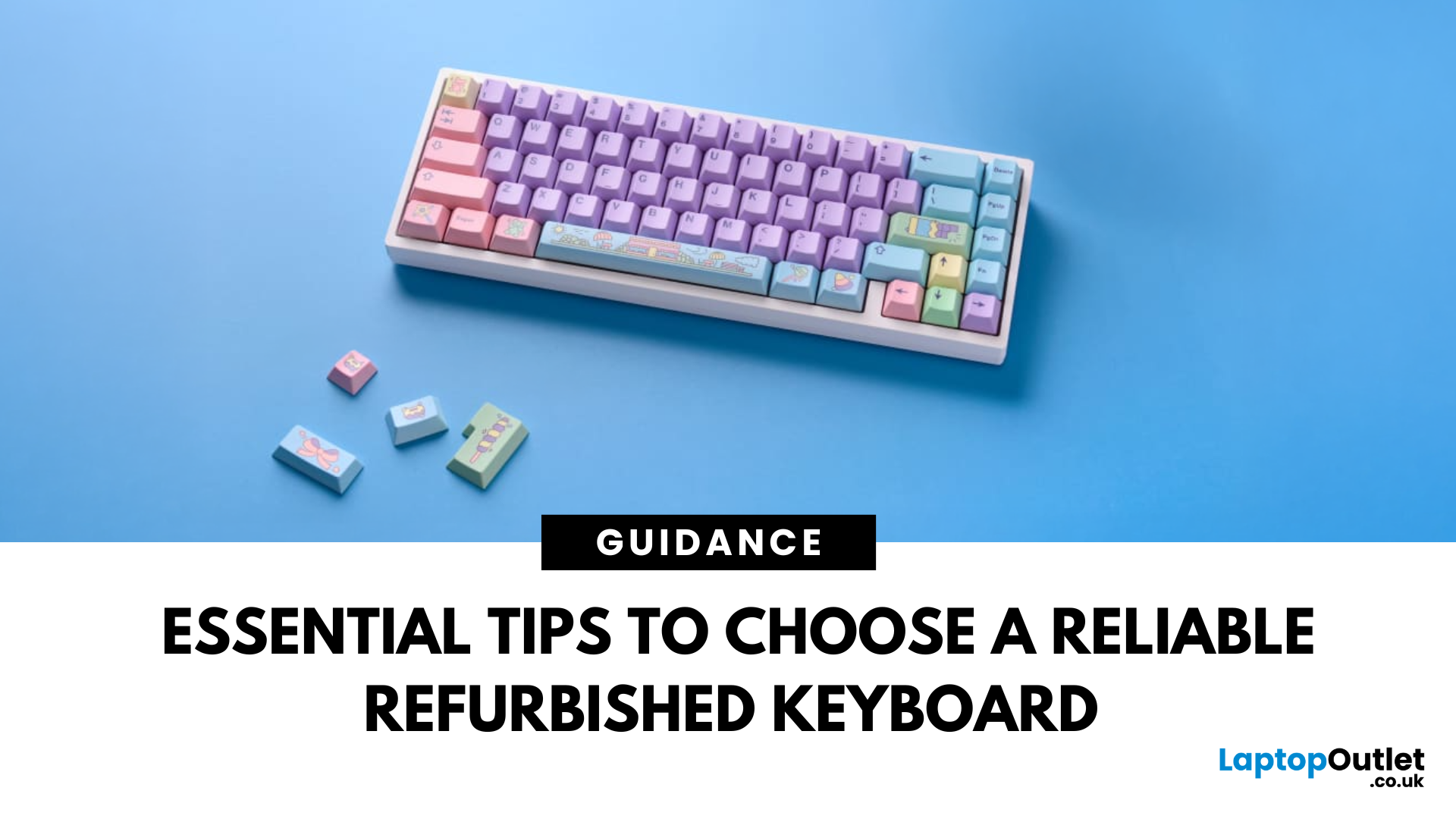
In today’s world of work, study, and gaming, the keyboard has become an essential tool for almost every digital task. But finding the right keyboard, one that feels good to type on, lasts for years, and fits your budget can be a challenge, especially with premium models commanding high prices. That’s why many smart buyers are turning to refurbished keyboards as a practical way to enjoy top-quality performance at a fraction of the cost.
Yet, like any piece of refurbished tech, a second-hand keyboard needs careful consideration before you buy. It’s not just about making sure it works; it’s about finding the right type, switch feel, layout, and condition that suits your daily needs.
This guide will walk you through everything you should look for when buying a refurbished keyboard.
So, let’s get into it!
Understand Your Keyboard Needs Before You Buy
Before diving into specifications and price comparisons, it’s important to identify what you actually need from a keyboard.
Are You a Heavy Typist

Last Updated: December 19, 2025
Emojis have become a language of their own, especially for the Gen Z and Alphas. You’re replying to an email, chatting on WhatsApp Web, creating social posts, or even completing work messages with a little personality, being able to type emojis using your keyboard saves time and makes communication more expressive.
Let’s learn the easiest ways to type emojis on Windows, Mac, Chromebooks, and even mobile keyboards. No more copy-and-paste from emoji websites, you’ll be able to insert any emojy in seconds.
Why Use Keyboard Emojis?
Before we get into shortcuts, here’s why knowing them matters:
- Fast: Add emojis without switching tabs or using your mouse.
- Professional + fun: Modern workplaces increasingly accept emojis for clarity and tone.
- Easy to remember: Once you learn shortcuts, they feel natural.
- Universal: Works across apps - Word, Slack, Teams, Gmail, Instagram, web browsers, and more.
Now let’s jump into the shortcuts for every device. If you enjoy adding creativity to your messages,

Last Updated: February 13, 2026
Because nothing kills the vibe faster than a laptop, that suddenly decides your fingers are irrelevant.
You sit down. You open your laptop. You’re mentally prepared to be productive (or at least pretend). And then .....boom... your laptop touchpad is not working. Or your laptop keyboard is not working. Or worse… both.
At this point, your laptop isn’t broken; it’s personally offended by you.
Before you rage-buy a new device or spiral into tech despair, here’s the good news: most laptop keyboard problems and touchpad issues are completely fixable. And no, you don’t need a computer science degree or a sacrifice to the tech gods.
This guide is not one of those vague “restart your device” articles and call it a day. This is a deep-dive, all-reasons, all-solutions, no-BS troubleshooting guide, written in human language, with enough detail to actually solve the problem.
We’ll cover:
- Software vs hardware problems (and how to tell the difference)
- Every common and uncommon reason your laptop input
Last Updated: April 22, 2026
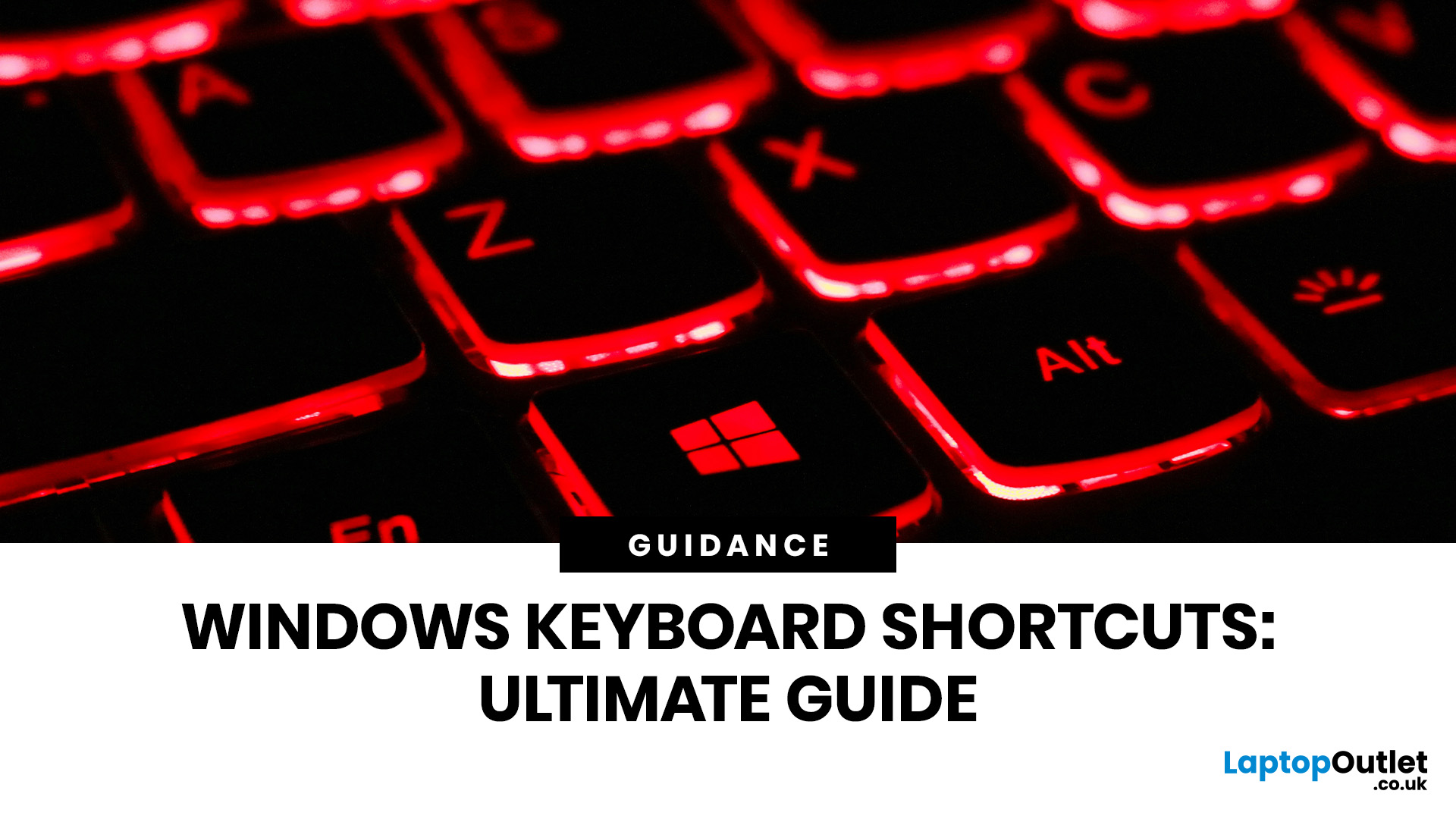
Stop reaching for the mouse every five seconds. Windows keyboard shortcuts are one of the fastest, simplest ways to boost your daily output - whether you're writing reports, navigating spreadsheets, or juggling a dozen open tabs at once.
This complete guide covers every shortcut worth knowing across Windows 10 and Windows 11, from the basics to the more advanced tricks that most people never discover.
Why Keyboard Shortcuts Are Worth Learning
Most people pick up one or two shortcuts by accident and never go any further. Yet the productivity gap between someone who relies on a mouse and someone genuinely fluent in shortcuts is striking - you spend less time clicking, less time searching, and considerably more time actually doing the work.
Here's what mastering shortcuts gives you:
- Speed: Tasks that take three clicks happen in milliseconds
- Concentration: Your hands stay on the keyboard, your eyes on the screen
- Less strain: Reduced repetitive mouse movement means fewer aches over a long
Last Updated: May 06, 2026
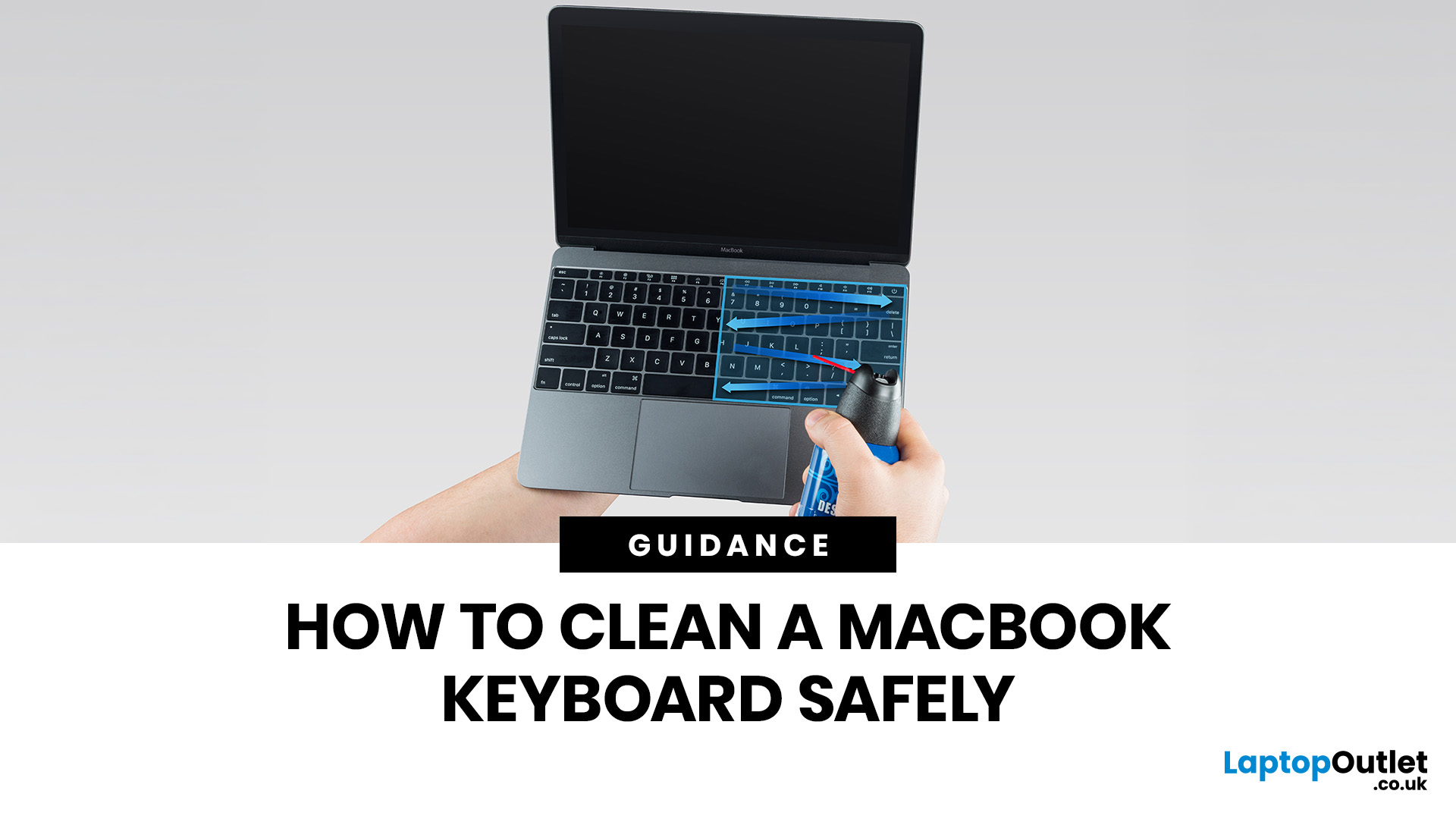
MacBook keyboard cleaning is simple when you do it the Apple-safe way: shut the laptop down, unplug it, use a soft lint-free cloth, keep moisture out of the openings, and never spray cleaner directly onto the keyboard. If you need to disinfect the surface, Apple says you can gently wipe off the hard, non-porous exterior, including the keyboard, with a 70 per cent isopropyl alcohol wipe, a 75 per cent ethyl alcohol wipe, or a disinfectant wipe.
That is the short version. The longer version matters because MacBook keyboards are not built for chaotic cleaning energy. Too much liquid, the wrong cleaner, or one “quick” spray straight onto the keys can turn a dusty keyboard into an expensive repair story. We will discuss today how to clean a Mac keyboard properly, how to remove dirt from MacBook keys, when compressed air makes sense, what not to use, and when a keyboard issue is no longer a cleaning job.
Quick Answer: How Can We Clean a MacBook Keyboard Safely?
The safest way to clean a MacBook
Last Updated: June 10, 2026
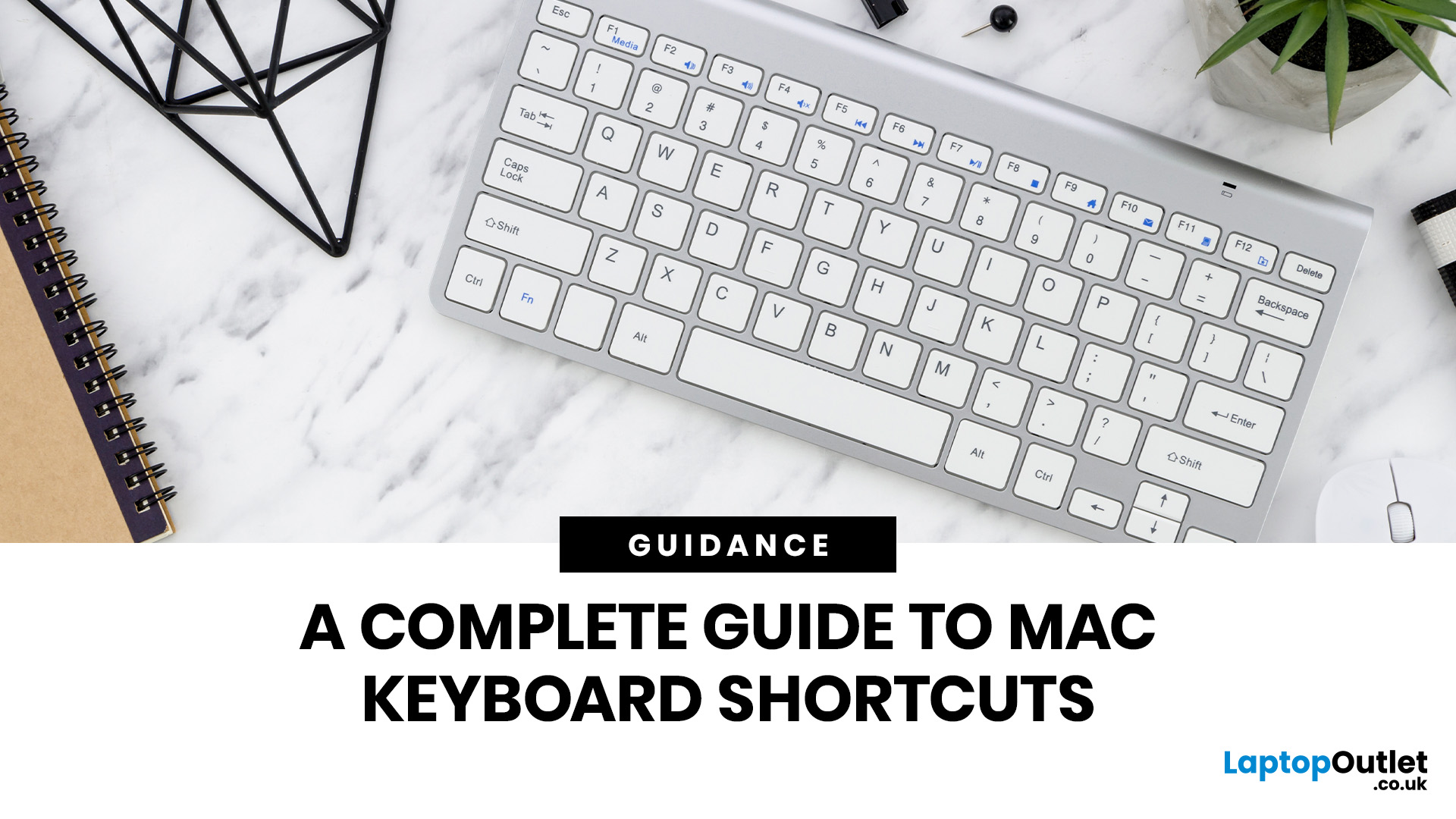
Mac keyboard shortcuts help you copy, paste, search, switch apps, manage files, take screenshots, and control system features faster from the keyboard. This 2026 guide explains the essential shortcuts, the meaning of Apple's modifier keys, practical shortcuts for everyday work, and the easiest ways to customise them for a smoother workflow.
What Are Mac Keyboard Shortcuts, And Why Should You Use Them?
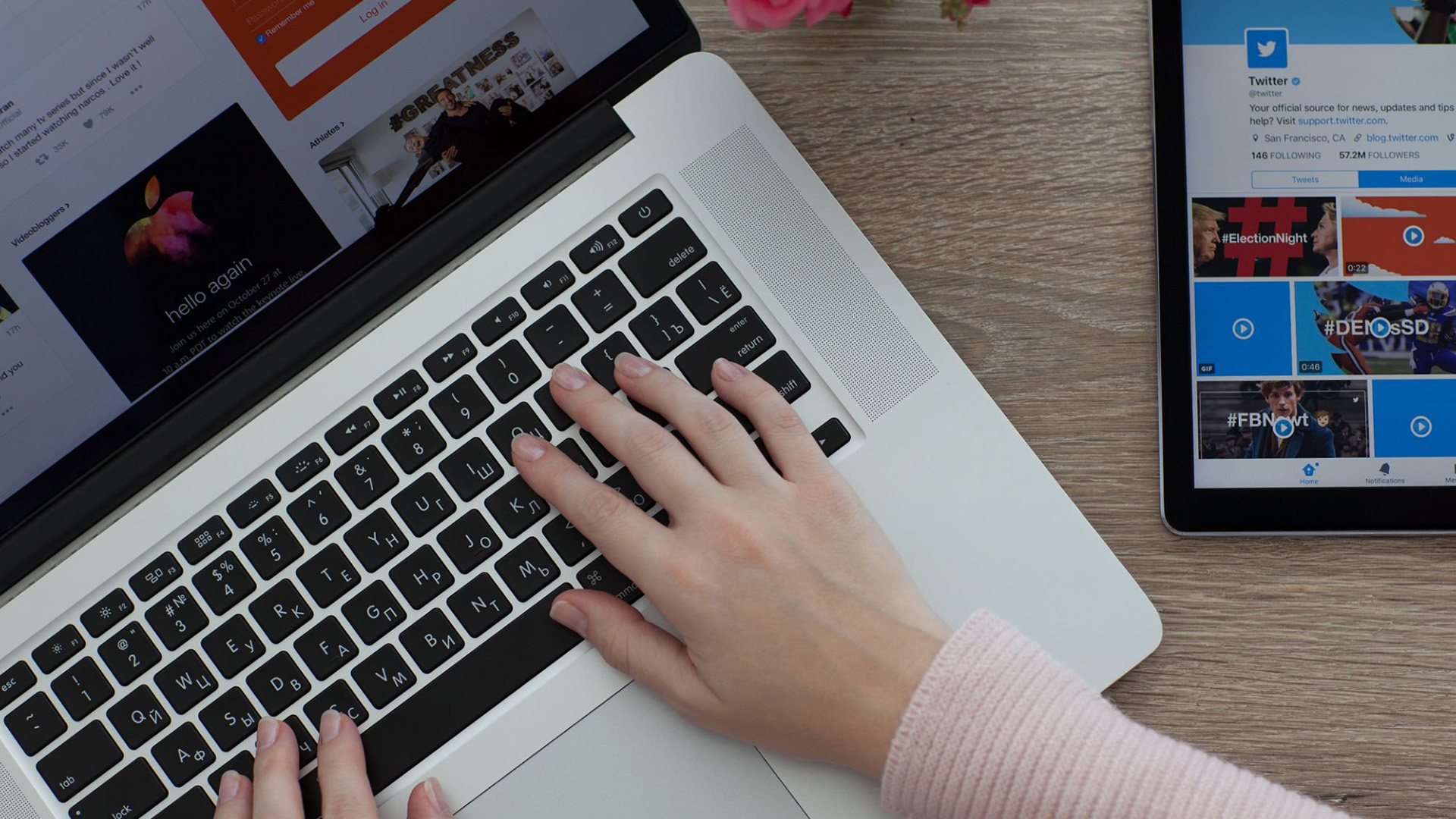
Mac keyboard shortcuts are key combinations that carry out actions you would otherwise do with a mouse or trackpad. Apple notes that these shortcuts can save time, but also points out that some shortcuts vary by app, keyboard layout, and language.
For most people, the biggest benefit is speed. Copying text, opening Spotlight, closing tabs, switching apps, and locking the screen all feel quicker when your hands stay on the keyboard.
The same core shortcuts work across modern Macs, including MacBook, iMac, and Mac mini, as long as the keyboard layout matches.
If you are also comparing machines
Last Updated: July 07, 2026
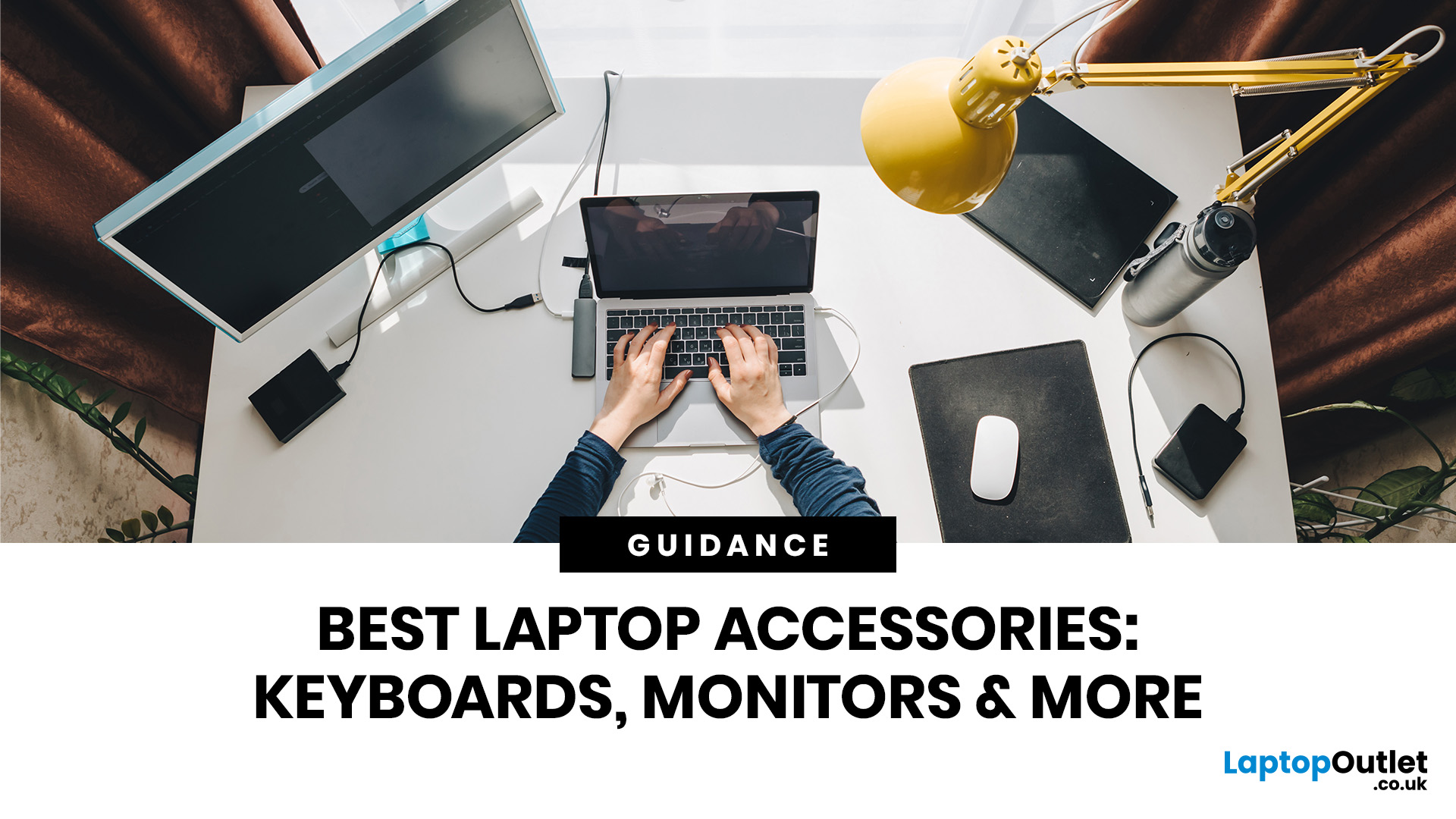
Laptops are powerful enough to handle work, study, streaming, gaming and creative tasks, but the right accessories can make a big difference to how comfortable and productive your setup feels. From keyboards and monitors to laptop bags, hubs and stands, choosing the best accessories helps you get more from your device every day.
| The best laptop accessories in 2026 are the ones that make your device more comfortable, productive, portable and easier to use every day. Essential picks include a wireless keyboard and mouse, external monitor, USB-C hub, laptop stand, protective sleeve, mouse pad, webcam, headphones, cooling pad and external storage. Whether you use your laptop for work, study, gaming or travel, the right accessories can turn a basic setup into a more efficient workspace. |
In 2026, laptop users are not just looking for basic add-ons. They want accessories that improve posture, speed up multitasking, protect their devices and create a cleaner desk setup. Whether you are building

