



Can Acer Gaming PC Run Fortnite, Warzone & Valorant 2026 Specs
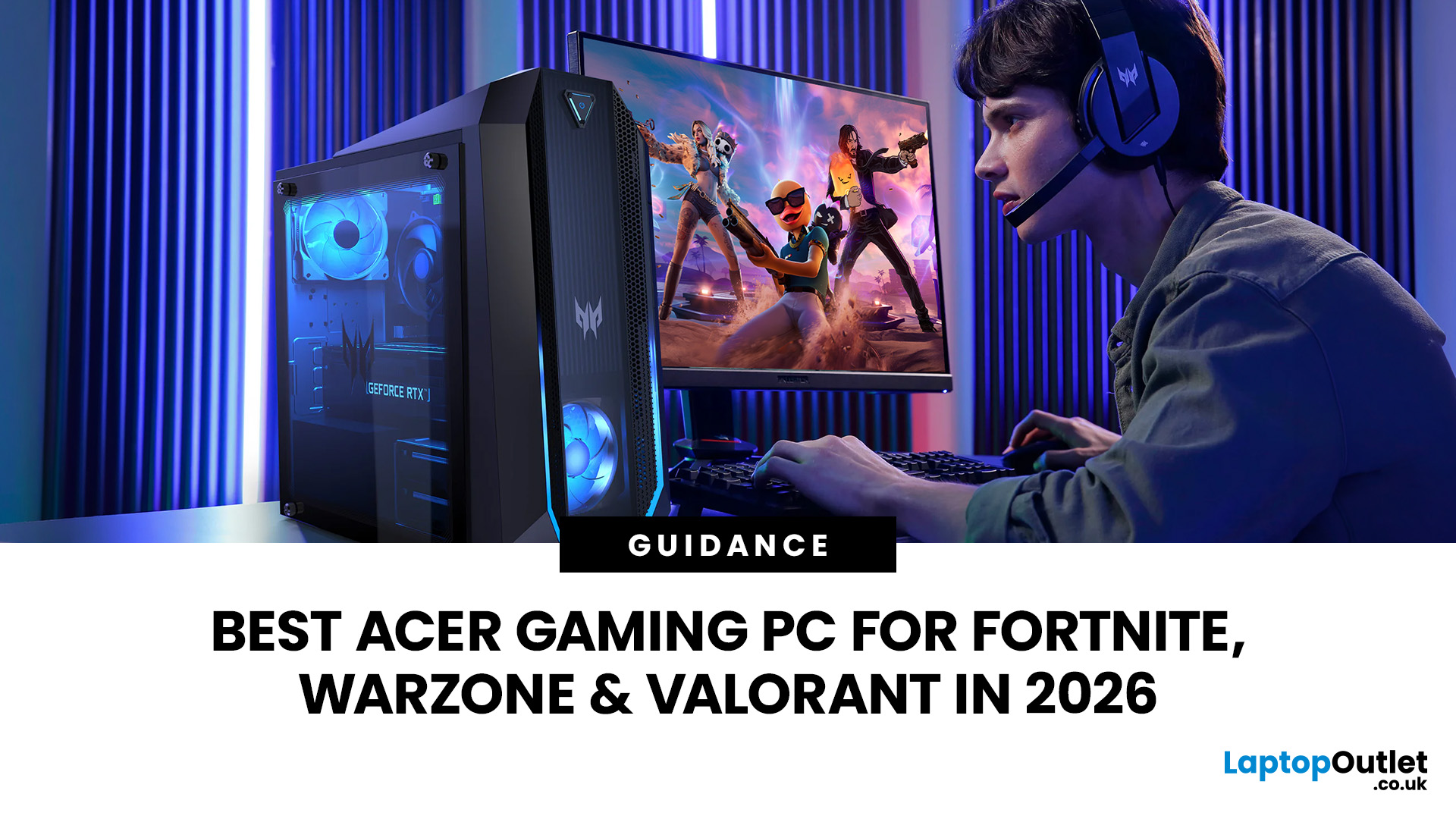
An Acer gaming PC can run Fortnite, Call of Duty: Warzone and Valorant, but the frame rate you get depends heavily on the graphics card, processor, resolution and in-game settings.
If you are comparing Acer gaming PC FPS, the biggest difference comes from whether you choose an entry-level RTX 3050 system, a newer RTX 5060 setup or a more powerful RTX 5070 desktop. Fortnite and Valorant are relatively accessible, while Warzone places much greater demands on your GPU, memory, and storage.
The Acer Nitro N20 and Predator PO3-665 desktops currently available from Laptop Outlet cover all three of these performance levels, so let’s look at what their specifications actually mean when you start playing.
Fortnite, Warzone, and Valorant PC Requirements in 2026
Before choosing a PC, compare its components against what the developers currently recommend.
|
Game |
Current PC Hardware Guidance |
What You Should Aim For |
|
Fortnite |
Recommended: GTX 960-class GPU, Core i5-7300U/Ryzen 3 3300U and 16GB RAM. Epic Quality calls for an RTX 3070-class GPU and 8GB VRAM. |
16GB RAM and a dedicated RTX GPU give you much more flexibility with resolution and visual settings. |
|
Warzone |
Recommended for around 60 FPS at high settings: RTX 3060/RX 6600 XT, 12GB RAM and 8GB VRAM. Competitive/Ultra tier lists RTX 4080 or RTX 5070, 16GB RAM and 12GB VRAM. |
Prioritise the GPU. Warzone is considerably more demanding than Valorant. |
|
Valorant |
Riot's high-end 144+ FPS specification lists an i5-9400F/Ryzen 5 2600X and GTX 1050 Ti/Radeon R7 370/Arc A310. |
Modern Acer Nitro and Predator configurations comfortably exceed the published hardware target on paper. |
Can an Acer Gaming PC Run Fortnite?
Fortnite can scale from relatively modest hardware to demanding Epic-quality graphics, which is why choosing the best gaming PC for Fortnite depends on how you want to play.
For competitive play at 1080p, you will usually favour lower visual settings and a higher frame rate rather than maximum shadows, effects and rendering quality. A system such as the Acer Nitro N20 RTX 3050 combines an Intel Core i5-13420H, 16GB RAM, 512GB SSD and dedicated RTX 3050 graphics.
That specification already exceeds Fortnite's standard recommended GPU requirement. It therefore makes sense as a gaming PC for Fortnite if your priority is Full HD competitive gaming rather than pushing every graphics option to Epic.
If you want stronger visual settings or more headroom for a high-refresh monitor, the RTX 5060 and RTX 5070 Acer models are better options. They also give your Fortnite computer more performance headroom as the game and Unreal Engine features continue to evolve.
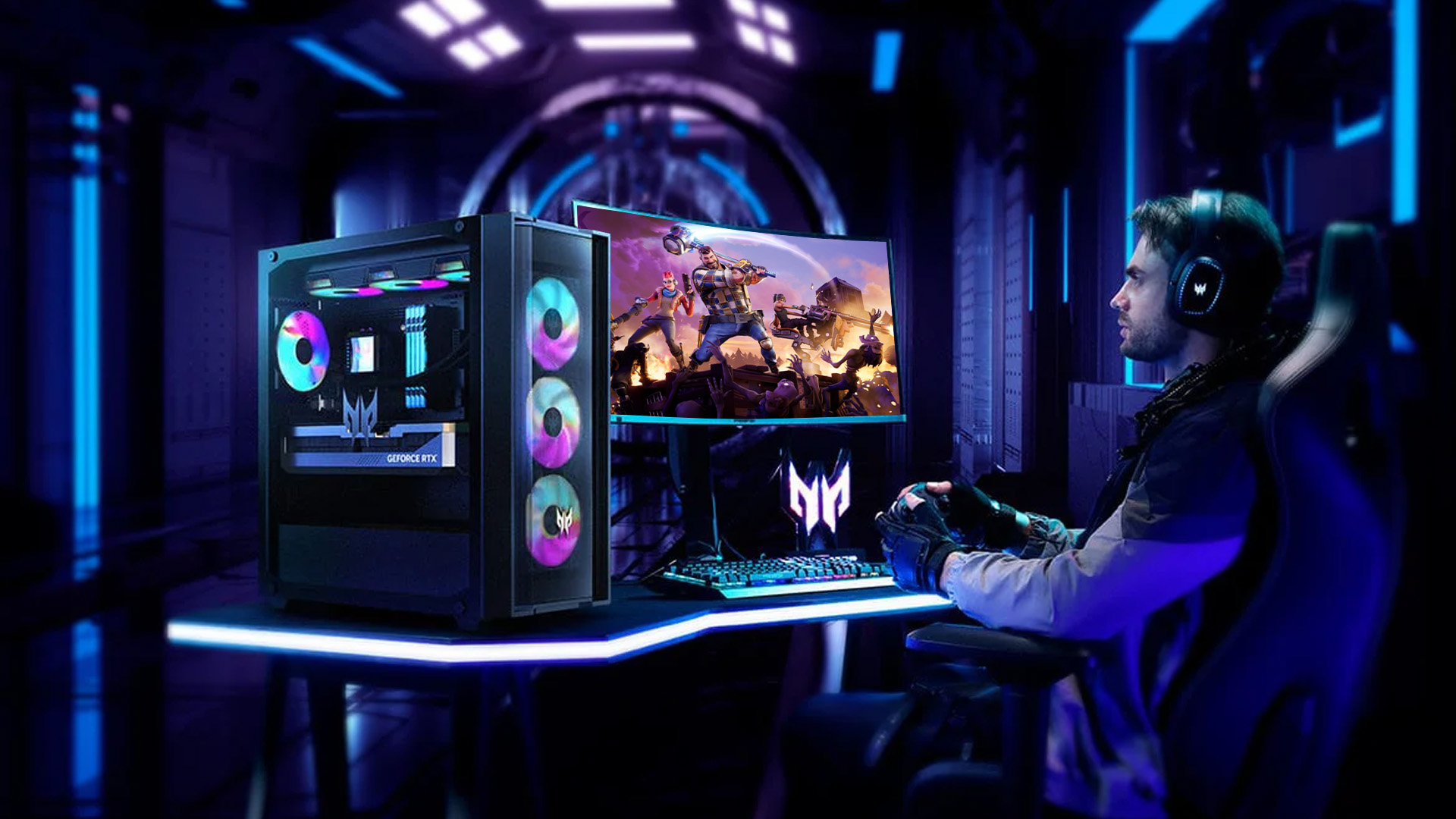
Which Acer Gaming PC is Better for Warzone?
Warzone is where hardware choice matters much more.
Activision currently recommends 12GB RAM, an RTX 3060-class graphics card with 8GB VRAM and an SSD for its 60 FPS/high-settings target. It also requires 116GB of available SSD space at launch, with additional storage potentially needed for updates.
The Acer Nitro N20 RTX 5060 comes with an Intel Core i5-13420H, 16GB RAM, a 512GB SSD and an RTX 5060 with 8GB GDDR7 memory. That makes it a much more appropriate gaming PC for Warzone than the RTX 3050 configuration when higher graphics settings and steadier performance are priorities.
Moving up again, the Acer Predator PO3-665 RTX 5060 combines the RTX 5060 with an Intel Core i5-14400F and 16GB RAM. It is well suited to someone looking for a balanced best gaming PC for Warzone option without immediately moving to the highest GPU tier.
One point is easy to overlook in 2026: Activision now requires TPM 2.0 and Secure Boot to play Warzone. If the game refuses to launch despite your hardware being powerful enough, check these security settings before assuming the GPU or CPU is the problem.
If you are comparing options by budget, you can also explore an affordable gaming desktop PC and prioritise GPU performance before spending extra on components that make little difference to the games you actually play.
Is Acer Predator RTX 5070 Better for High FPS Gaming?
For the strongest specification among the four models, look at the Acer Predator PO3-665 RTX 5070.
It combines an Intel Core i5-14400F, 16GB RAM, 512GB SSD and GeForce RTX 5070 with 12GB graphics memory. Significantly, the RTX 5070 itself appears in Activision's current competitive/Ultra Warzone GPU specification.
That makes this configuration the strongest choice here if you want a high FPS gaming PC for a high-refresh display, higher resolutions or more demanding graphical settings.
NVIDIA's RTX 5070 is based on its Blackwell architecture and includes 12GB GDDR7 memory, while the RTX 5060 carries 8GB GDDR7. The newer RTX 50-series cards also support NVIDIA's current DLSS technologies, which can help improve performance in supported games.
If you are upgrading an existing system instead, compare compatible NVIDIA graphics cards for gaming before replacing the entire desktop.
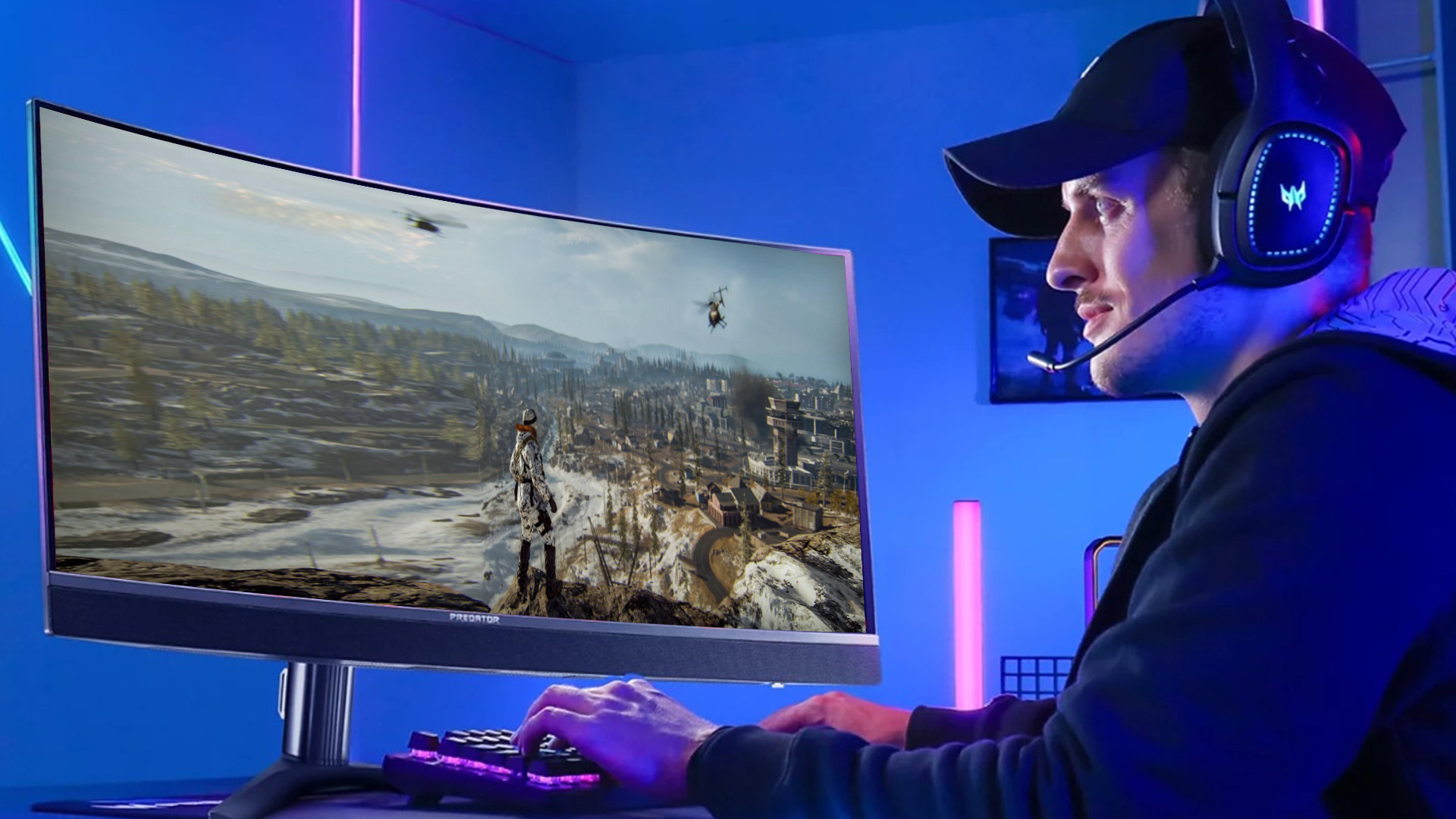
Can Acer Gaming PCs Run Valorant at High FPS?
Valorant is the easiest of these three games to run at high frame rates.
Riot lists the GTX 1050 Ti alongside an Intel Core i5-9400F as part of its high-end 144+ FPS hardware specification. Every dedicated-GPU Acer model discussed here is substantially newer than that graphics target.
That means even the RTX 3050 Nitro N20 is a sensible gaming PC for Valorant, while the RTX 5060 and RTX 5070 models provide considerable additional performance headroom.
However, once your GPU is already powerful enough, competitive Valorant performance can become increasingly sensitive to CPU performance, background applications and your monitor's refresh rate. There is little benefit in generating very high frame rates if you are still using a basic 60Hz display.
Audio matters too. If you mainly play ranked shooters, suitable gaming headsets for competitive gaming can help you hear positional cues more clearly alongside a responsive monitor and stable network connection.
Which Acer Gaming PC Should You Choose?
For Fortnite and Valorant at 1080p, the RTX 3050 Nitro N20 provides a practical starting point. The RTX 5060 Nitro N20 offers significantly more graphics headroom and is the stronger all-round choice if Warzone is also part of your regular rotation.
The Predator PO3-665 RTX 5060 adds a stronger desktop-class processor configuration, while the RTX 5070 model is the most appropriate of these four for demanding graphics, higher resolutions and competitive Warzone ambitions.
If you want to compare more configurations before deciding, Laptop Outlet's latest Acer gaming desktops include both Nitro and Predator options for different performance requirements.
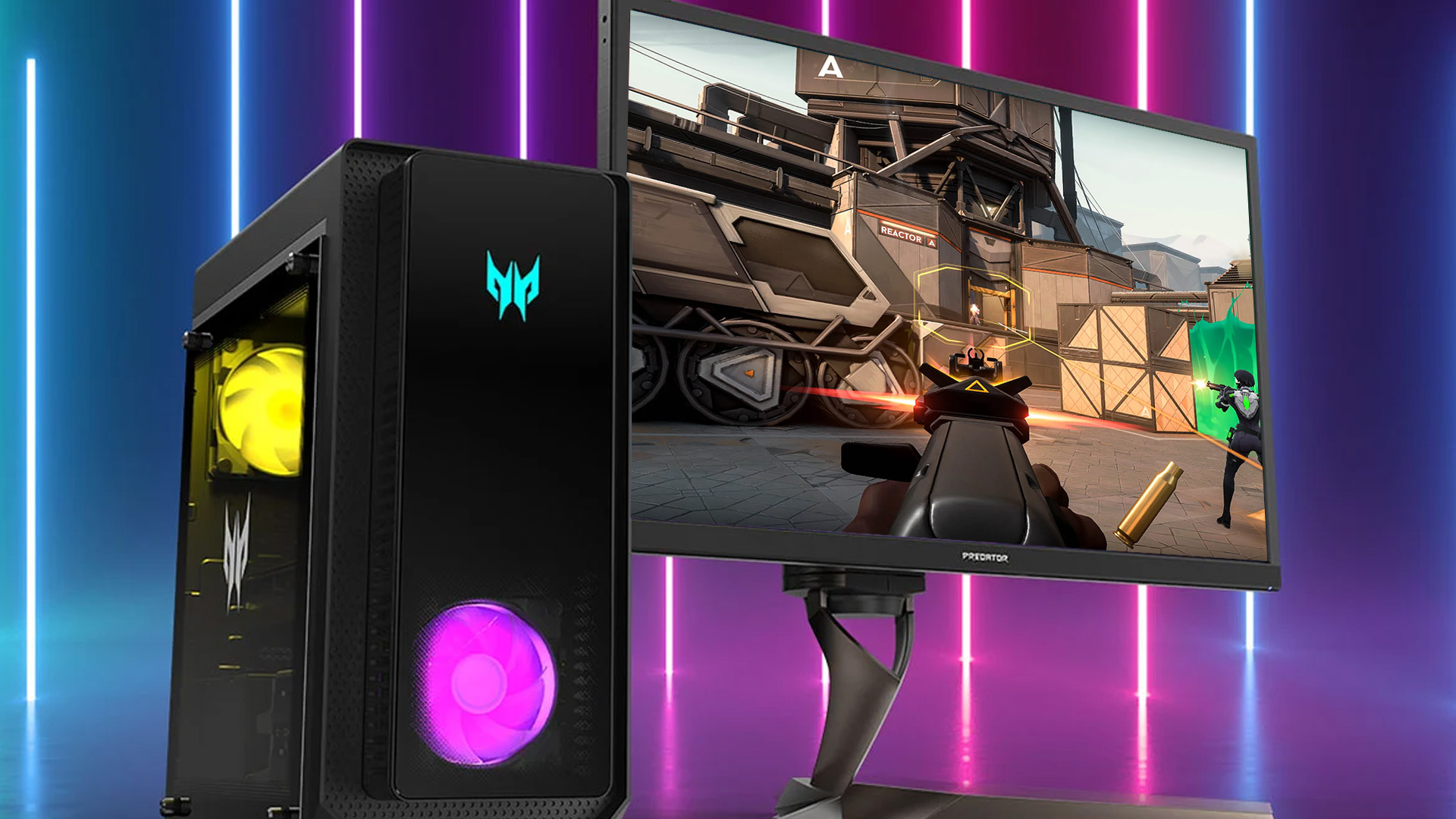
How to Improve FPS on an Acer Gaming PC
If your FPS is lower than expected, try these changes before considering a hardware upgrade:
- Install the latest stable NVIDIA graphics driver.
- Reduce shadows, ray tracing and demanding effects first.
- Use DLSS or another supported upscaling option where appropriate.
- Close unnecessary browser tabs, launchers and background applications.
- Make sure your monitor is actually running at its intended refresh rate in Windows.
- Use Ethernet where possible for competitive online games.
- Keep enough SSD capacity free for game updates and temporary files.
- Check TPM 2.0 and Secure Boot if Warzone will not launch.
Exact Acer gaming PC FPS will still vary by map, game patch, graphics preset, resolution, driver version and background workload. Treat unsupported exact FPS claims cautiously unless they come from testing of the same CPU, GPU, memory configuration, and game settings.
If your Acer system powers on incorrectly or fails to start at all, see Acer Gaming PC Not Booting? Common Issues and Easy Fixes for practical troubleshooting steps before considering a repair or replacement.

Bottom Line
To sum up, current Acer Nitro and Predator gaming desktops can run Fortnite, Warzone and Valorant, but you do not need the same hardware for all three.
Choose an RTX 3050 system mainly for accessible 1080p esports gaming, an RTX 5060 for a stronger balance across Fortnite, Valorant, and Warzone, or an RTX 5070 Predator when higher settings, higher resolutions and high-refresh gaming are more important.
The right PC is not automatically the one with the fastest GPU. Match the specification to your monitor, preferred settings and the games you play most, and you will get better value without paying for performance you will rarely use.

Still Got Questions...
Is an Acer Nitro PC Good for Fortnite?
Yes. Current Acer Nitro desktops with dedicated RTX graphics exceed Fortnite's standard recommended GPU requirement, although the settings and resolution you choose will determine actual performance.
Is 16GB RAM enough for Fortnite and Warzone in 2026?
Yes for the current published requirements. Fortnite recommends 16GB RAM, while Warzone recommends 12GB for its 60 FPS/high-settings tier and 16GB for competitive/Ultra configurations.
Is an RTX 3050 enough for Warzone?
It can meet the game's broader playable hardware range, but Activision currently specifies an RTX 3060 for its recommended 60 FPS/high-settings target. An RTX 5060 or better gives you more useful headroom for Warzone.
Is an RTX 5060 good for Fortnite and Valorant?
Yes. Both games publish substantially lower baseline graphics requirements. The RTX 5060 is therefore better suited to players seeking higher settings or high-refresh gaming rather than simply meeting minimum requirements.
Which Acer gaming PC is best for Warzone?
Among the four models covered here, the Predator PO3-665 with RTX 5070 is the strongest fit. Its RTX 5070 and 12GB VRAM directly match the GPU and video-memory level listed in Activision's current competitive/Ultra Warzone specification.
Related Articles

Published: February 09, 2026
If you have been browsing for a new PC lately, you might have noticed a bit of a price shock. Whether you are looking for a sleek all-in-one for your home office or a powerful gaming rig, the numbers on the price tags in 2026 are noticeably higher than they were just a couple of years ago.
Many UK buyers are left scratching their heads, asking the same question: why are desktop PCs expensive all of a sudden? It is a fair question. In this guide, we will break down exactly what is driving these costs and, more importantly, how you can still find incredible value.
Key Reasons Desktop PC Prices Are Rising
Understanding the "why" behind the price hike helps you time your purchase better. Here are the primary factors driving the market today.
The "AI Squeeze" on Components
The biggest culprit isn't a lack of chips, but a shift in what those chips are used for. Huge data centres are currently buying up almost 70% of the world’s advanced memory (DRAM) and storage (NAND) to power AI models.

Last Updated: September 15, 2026
If you’re asking “are refurbished desktop PCs worth it” in 2026, you’re not alone. Refurb is having a moment in the UK, partly because budgets are tight, and partly because more people want a cheaper, lower-waste way to get solid tech. At the same time, buyers are more hesitant than ever… and that hesitation is not random. A few very 2026-specific changes have raised the stakes.
This guide breaks down the real reasons people hesitate in 2026, and how Laptop Outlet reduces those risks so you can buy refurbished with genuine peace of mind - without losing out on choice or price.
What changed in 2026 that made buyers more cautious?
1) The Windows 10 “cliff edge” is now behind us
Windows 10 support ended on 14th October 2025, which means many older desktops are now in a riskier zone if they can’t upgrade cleanly.
Yes, Microsoft offers Extended Security Updates (ESU), but for consumers it’s a limited runway (through 2026) and comes with requirements that can add friction.
Why this makes refurbished
Published: March 12, 2026
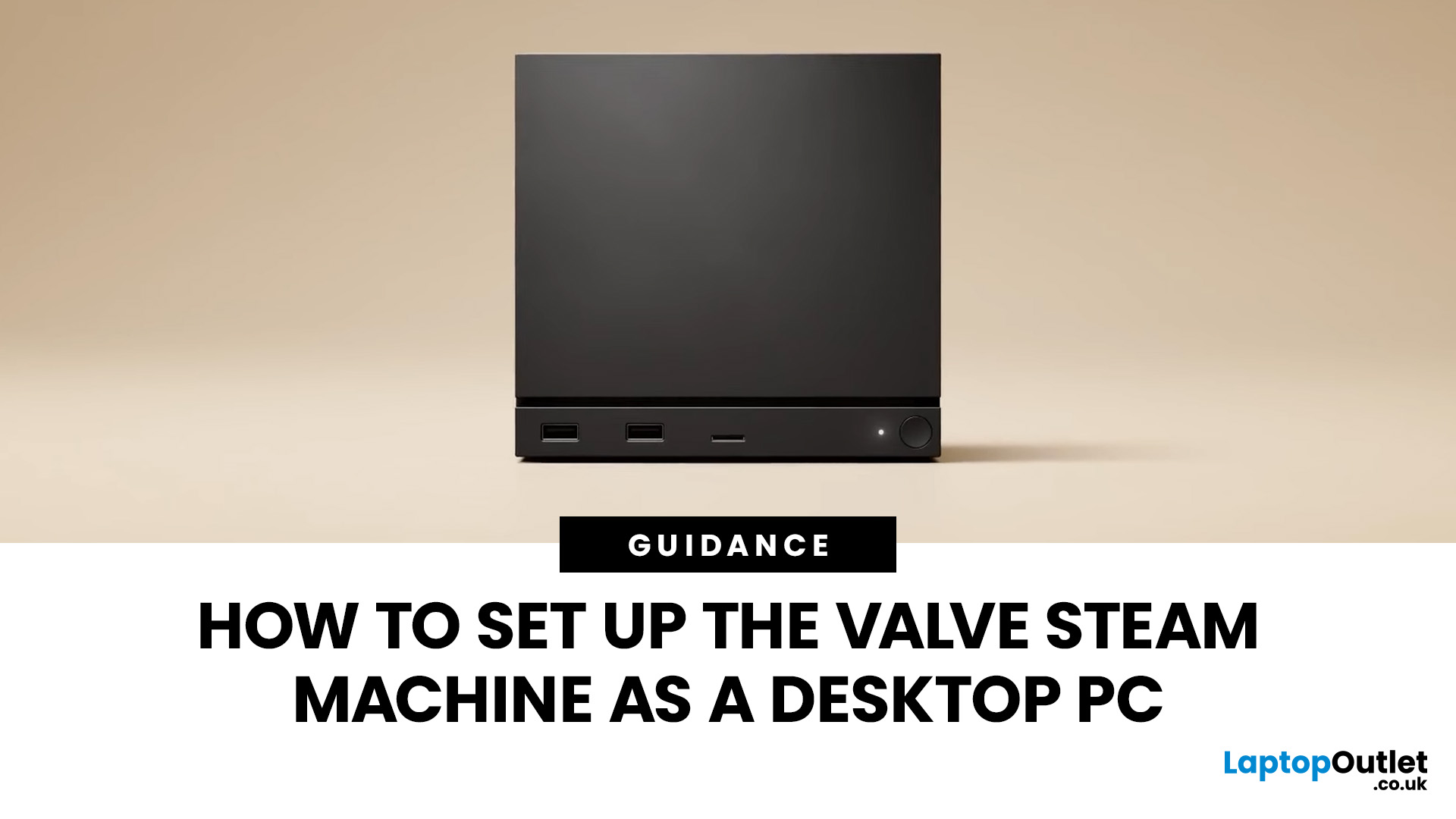
If you have an old Valve Steam Machine tucked away under the telly or on a shelf, you might be wondering whether it can still do more than launch games. The good news is that, with the right setup, it can absolutely pull double duty as a compact desktop computer for everyday use.
This guide walks you through a practical Valve Steam Machine setup for desktop use, from connecting a monitor and peripherals to accessing SteamOS desktop mode and making the system feels more like a standard PC. Whether you want a lightweight machine for web browsing, media streaming, or casual home computing, repurposing a Steam Machine can be a clever and cost-effective option.
What is a Valve Steam Machine?
A Valve Steam Machine was originally designed as a living-room gaming PC. It brought PC gaming closer to the console experience, usually running SteamOS and focusing on controller-friendly play from the sofa.
That said, the hardware inside many Steam Machines is still capable of handling basic desktop
Published: June 11, 2026
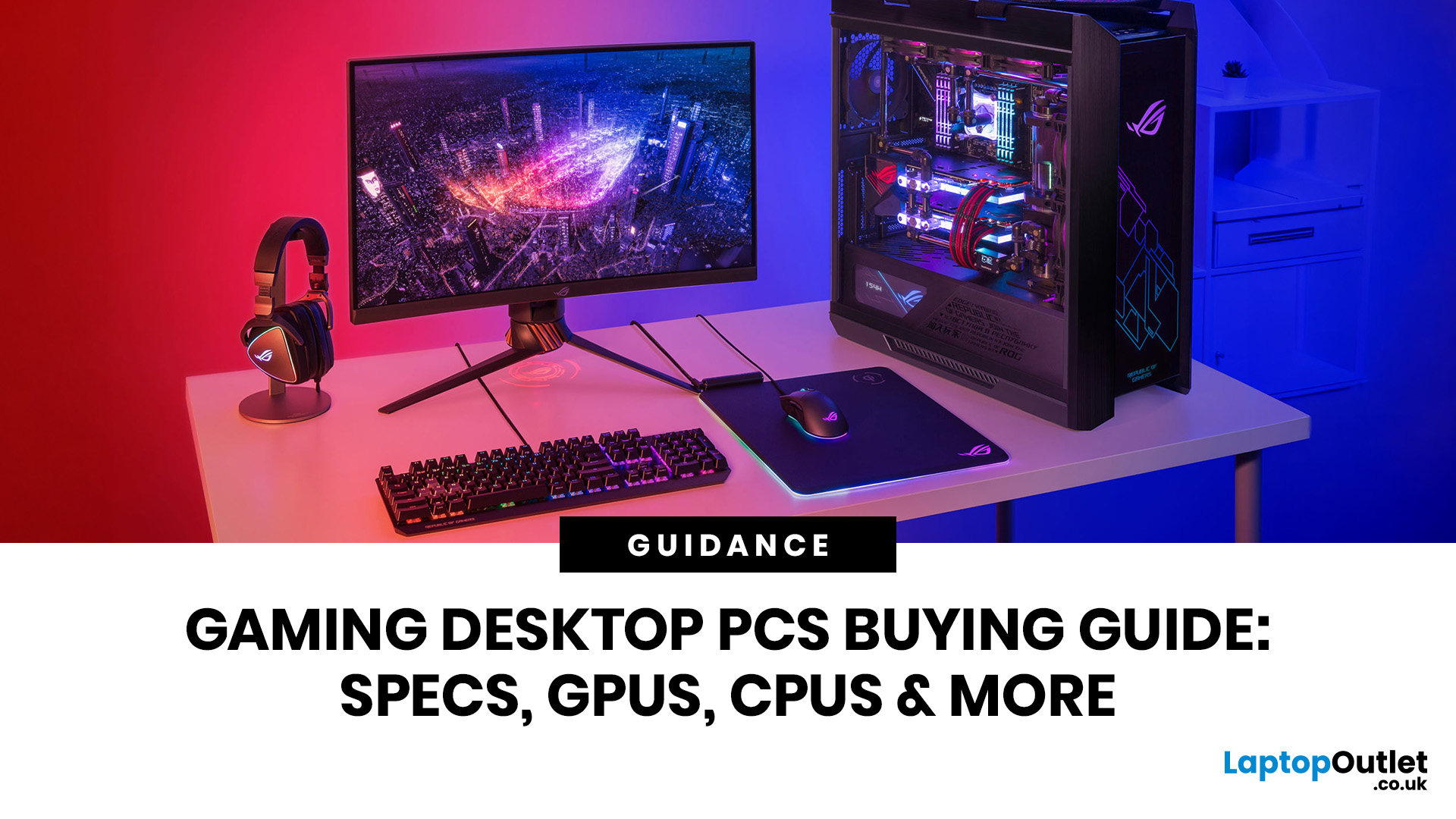
Choosing the right gaming desktop can be the difference between smooth, immersive gameplay and a system that struggles within a year. This gaming PC buying guide explains the key components that affect gaming performance, future-proofing, and value for money, so you can buy with confidence rather than guessing from confusing spec sheets.
A good gaming PC is not just about the most expensive graphics card. It is about balance. The CPU, GPU, RAM, storage, cooling, power supply, motherboard, and case all work together. Whether you play competitive esports, cinematic single-player titles, open-world RPGs, racing games or VR, understanding the right configuration helps you avoid overspending and choose a desktop that lasts.
This article is designed as a practical gaming PC specs guide for beginners, but it also includes up-to-date 2026 advice for buyers comparing modern RTX, Radeon, Intel, and AMD-powered systems.
Why Buy a Gaming Desktop PC?
A gaming desktop PC remains one of the best choices
Last Updated: June 15, 2026
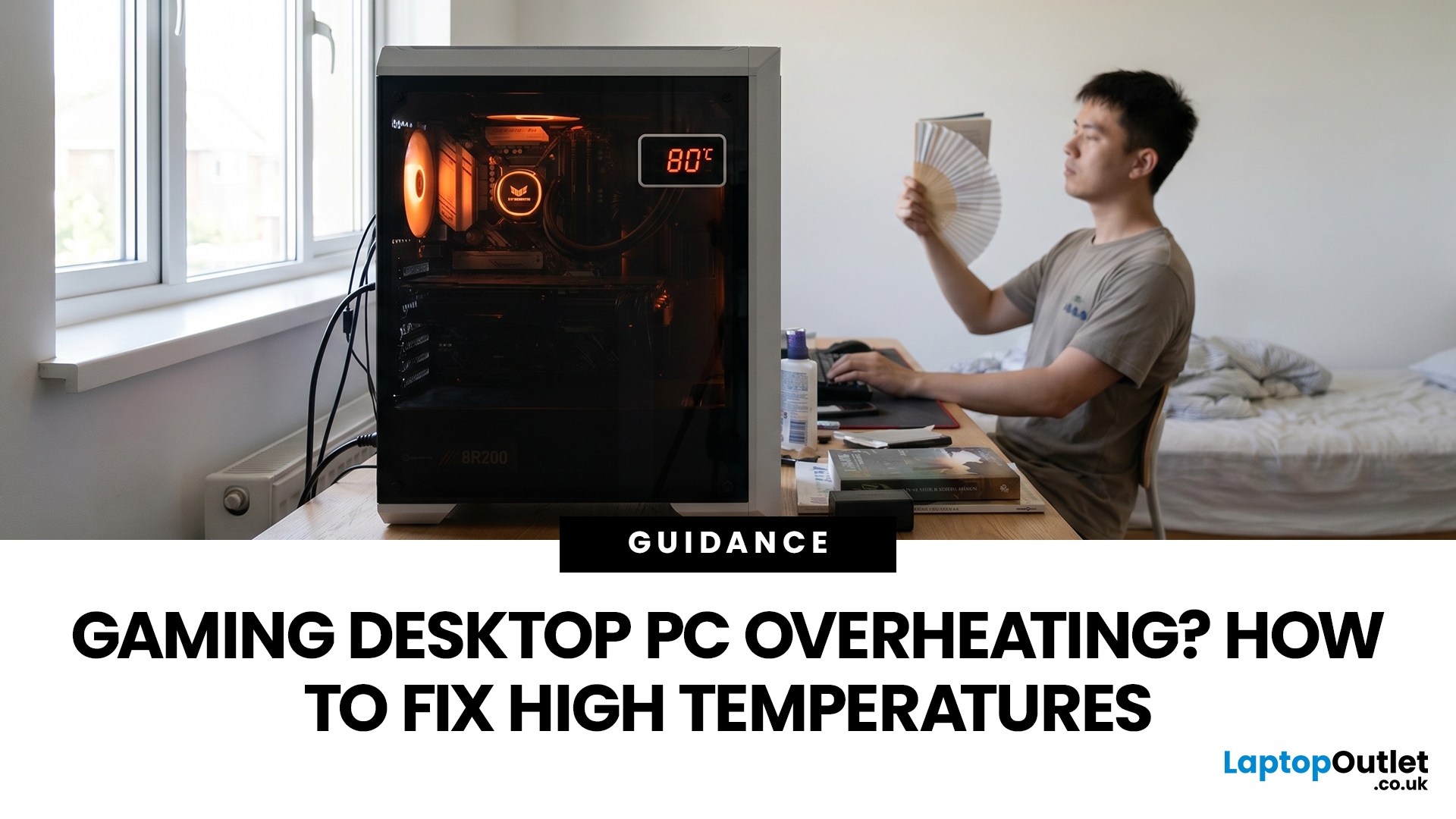
A gaming PC overheating usually comes down to one of five things: blocked airflow, dust build-up, weak cooling, aggressive game settings, or poor contact between the CPU/GPU and its cooler.
| Here is the fast version:
|
Gaming PC Overheating: What It Means and Why It Matters
You’re mid-match. Your FPS is smooth. Then suddenly, the game stutters, the fans sound like a jet engine, and your PC feels like it could toast bread.
That is not “just gaming PC life”.
A hot gaming desktop is normal. An overheating
Last Updated: September 03, 2026
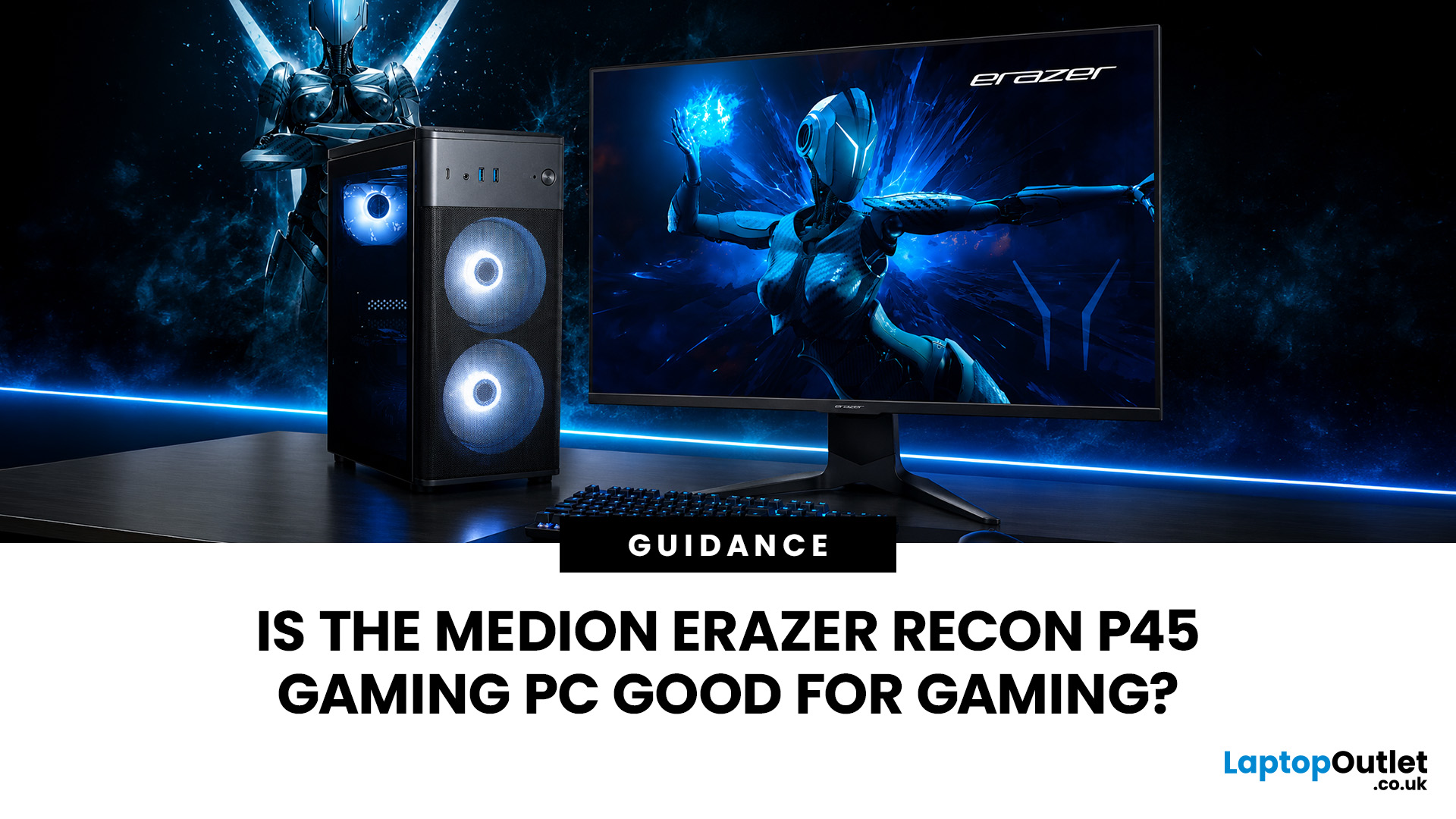
Yes, the Medion Erazer Recon P45 is a good gaming PC for players who want smooth everyday gaming, strong 1080p performance, fast loading times and a ready-to-use desktop without building a PC from scratch.
At Laptop Outlet, current Medion Erazer Recon P45 Gaming PC options include configurations with an AMD Ryzen 5 5500, 1TB SSD, Windows 11 Home, and dedicated NVIDIA RTX graphics, including RTX 5060 and RTX 5050 variants. The RTX 5060 model also includes 32GB RAM in the listed specification, while the RTX 5050 model is listed with 16GB RAM.
Is the Medion Erazer Recon P45 Worth it?
For most UK gamers, the Medion Recon P45 PC makes sense if you want a capable prebuilt gaming desktop that can handle modern games, multitasking, streaming, schoolwork, everyday browsing, and entertainment. It is especially suitable for:
| User Type | Is it a Good Fit? | Why |
| Beginner gamers | Yes | No PC-building knowledge needed |
| 1080p players | Yes | RTX graphics and Ryzen 5 power are well matched |
| Students | Yes | Good for gaming, |
Last Updated: July 15, 2026
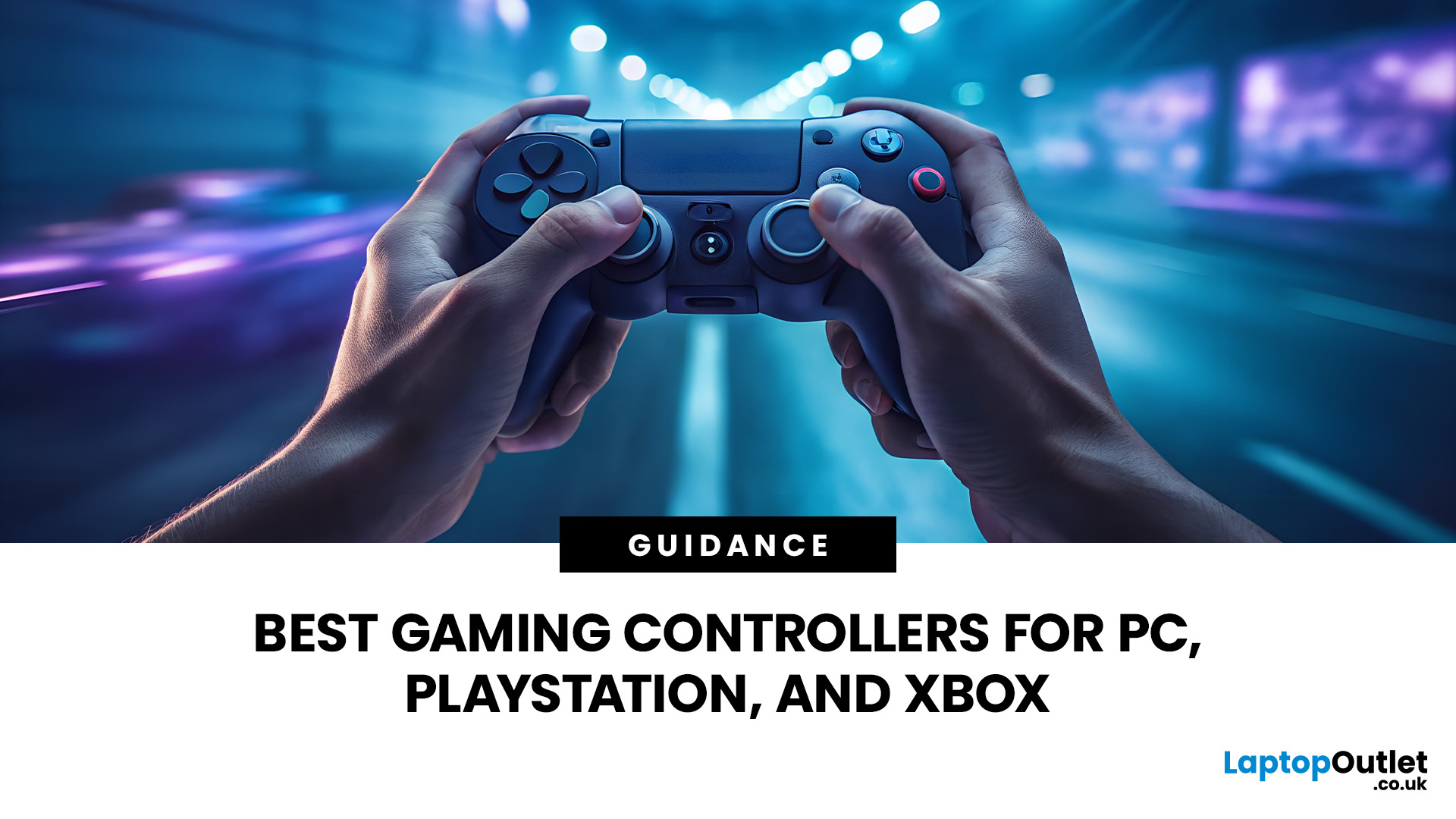
Buying a controller looks easy until you check the small print.
One pad works on PC but not PS5. Another works on Xbox but only wired. Some have Hall Effect sticks. Some have back buttons. Some look cool, then feel cheap after two weeks.
So, this guide keeps it simple. If you want the best gaming controller for your setup, start with where you play, then match the controller to the game type. Not the other way round.
This is a UK-first guide for PC, PlayStation, Xbox, fighting games, and flight sims. We’ll cover compatibility, comfort, wired vs wireless, stick drift, pro features, and which products actually fit each buyer.
Best Gaming Controller by Type at a Glance
| Type | Best fit | Why it makes sense |
| Best overall | ASUS ROG Raikiri II | Premium PC/Xbox wireless |
| Best controller for PC | Turtle Beach Stealth Pivot | Strong PC wireless pick |
| Best PS5 controller | Sony DualSense | Proper PS5 features |
| Best Xbox controller | ASUS ROG Raikiri Wired | Wired Xbox value |
| Best FPS controller | Razer Wolverine V3 | Fast esports |
Last Updated: September 01, 2026
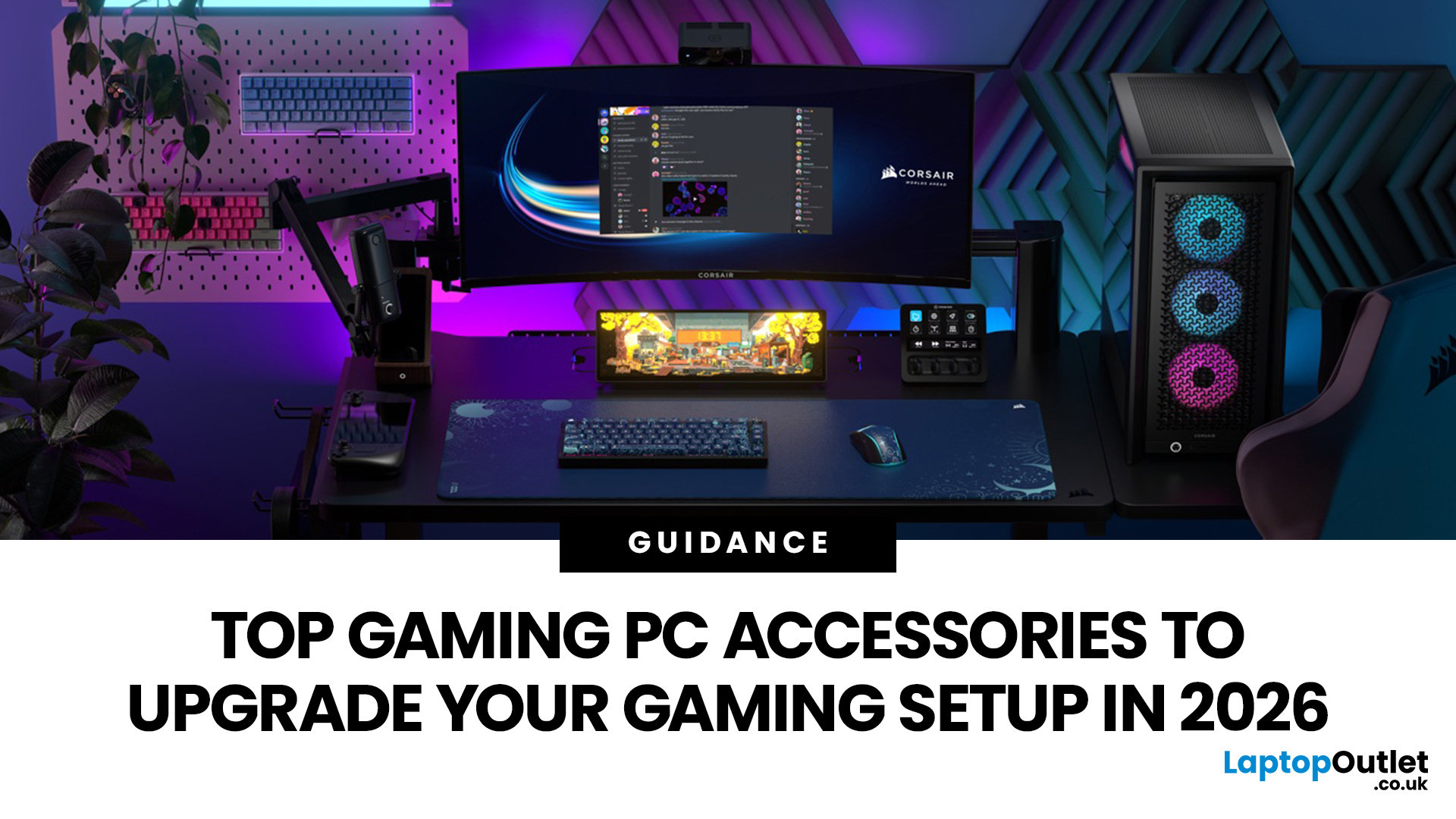
In gaming, your PC is the engine - but your accessories are the steering wheel, tyres, mirrors, and dashboard. You can have all the power in the world, but if your mouse feels sluggish, your monitor looks choppy, your headset misses key sound cues, or your desk is a cable jungle, the whole setup feels off.
Your PC might be built to run the latest games, but your accessories decide how well you actually experience them. A lightweight mouse can sharpen your aim, a mechanical keyboard can clean up your inputs, a gaming headset can help you catch every footstep, and a high refresh rate
Last Updated: September 02, 2026
AAA games can be absolutely stunning, but they are not shy about demanding serious hardware. High-resolution textures, dense open worlds, ray-traced lighting, advanced physics, and background asset streaming can push an ordinary desktop to its limits. If your computer is short on graphics power, memory or cooling capacity, the result may be stuttering, inconsistent frame rates and a graphics menu full of compromises.
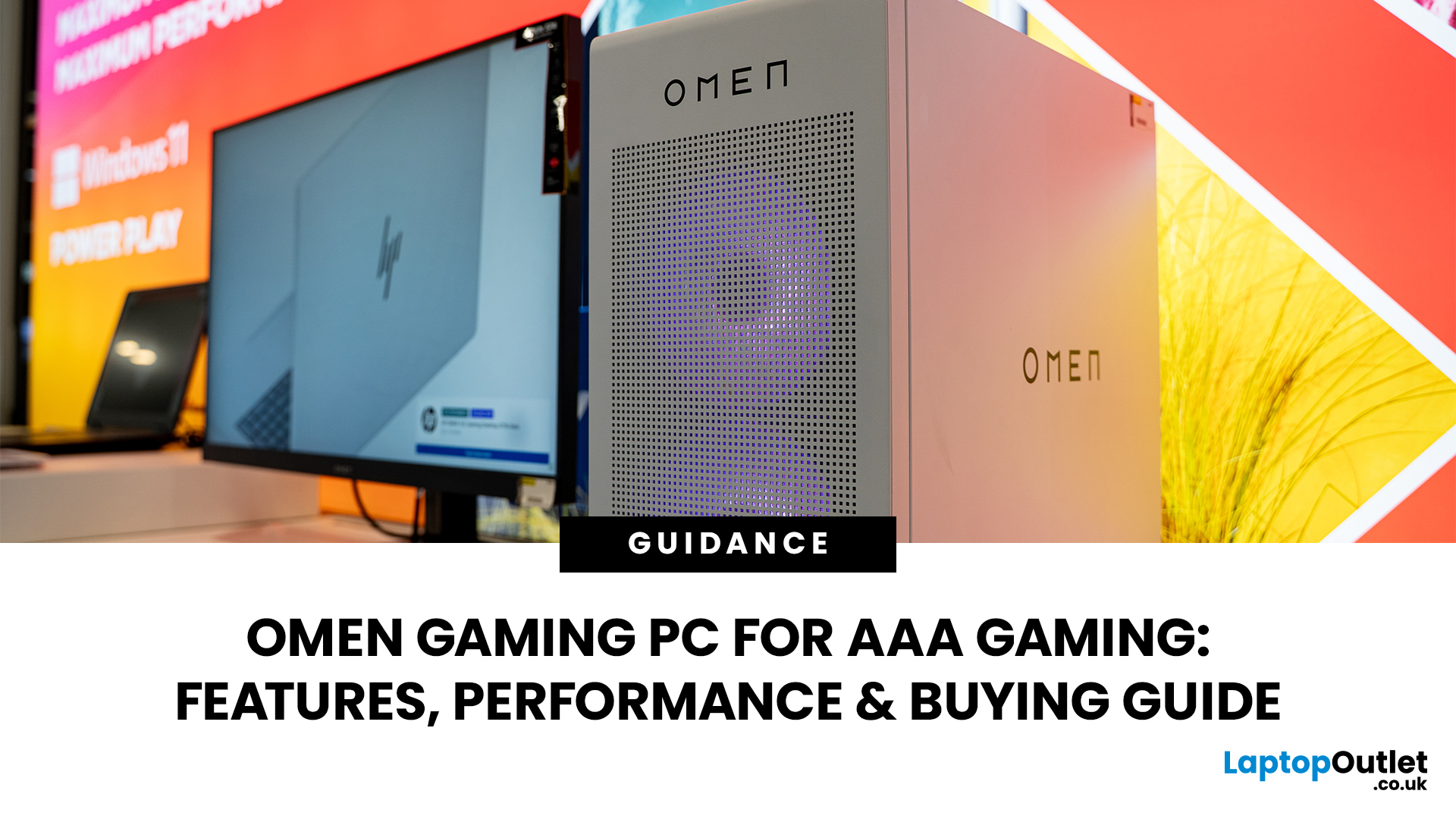
That's where an OMEN gaming PC comes in. An HP OMEN desktop combines dedicated gaming graphics, modern processors, SSD storage, and performance-focused cooling in a pre-built system. But not every configuration delivers the same experience, one OMEN gaming desktop may be ideal for 1080p gaming, while another is built for high-refresh 1440p or demanding 4K gameplay. This guide breaks down the HP OMEN specs that actually matter and how to match them to the way you play.
Is an OMEN Gaming PC Actually Good for AAA Games?
Yes. A correctly configured OMEN PC for AAA games can deliver
Published: July 21, 2026
For 1080p, an RTX 5060 is the sensible mainstream pick. For 1440p, step up to an RTX 5060 Ti 16GB or RTX 5070. For 4K, the RTX 5080 is the best-balanced choice for most people, with the RTX 5090 reserved for buyers who genuinely need its 32GB of memory or maximum settings at every resolution.
Picking one of the best RTX gaming PCs isn't about flexing the priciest GPU - it's about matching your rig to your setup and the games you actually play. A competitive player on a 1080p 240Hz display needs strong CPU performance and low latency. Someone playing cinematic single-player games on a 4K screen needs more GPU power, VRAM, and cooling. A 1440p buyer usually wants the strongest balance of image quality, speed, and price.
Getting this right prevents two expensive mistakes: overspending on performance your display can't show, or buying a PC that leans too heavily on generated frames to hit numbers it can't sustain natively. The most common upgrade enquiry we see at Laptop Outlet is from 1080p

