



Acer vs ASUS Gaming PCs in 2026: Which is Better for Gaming?
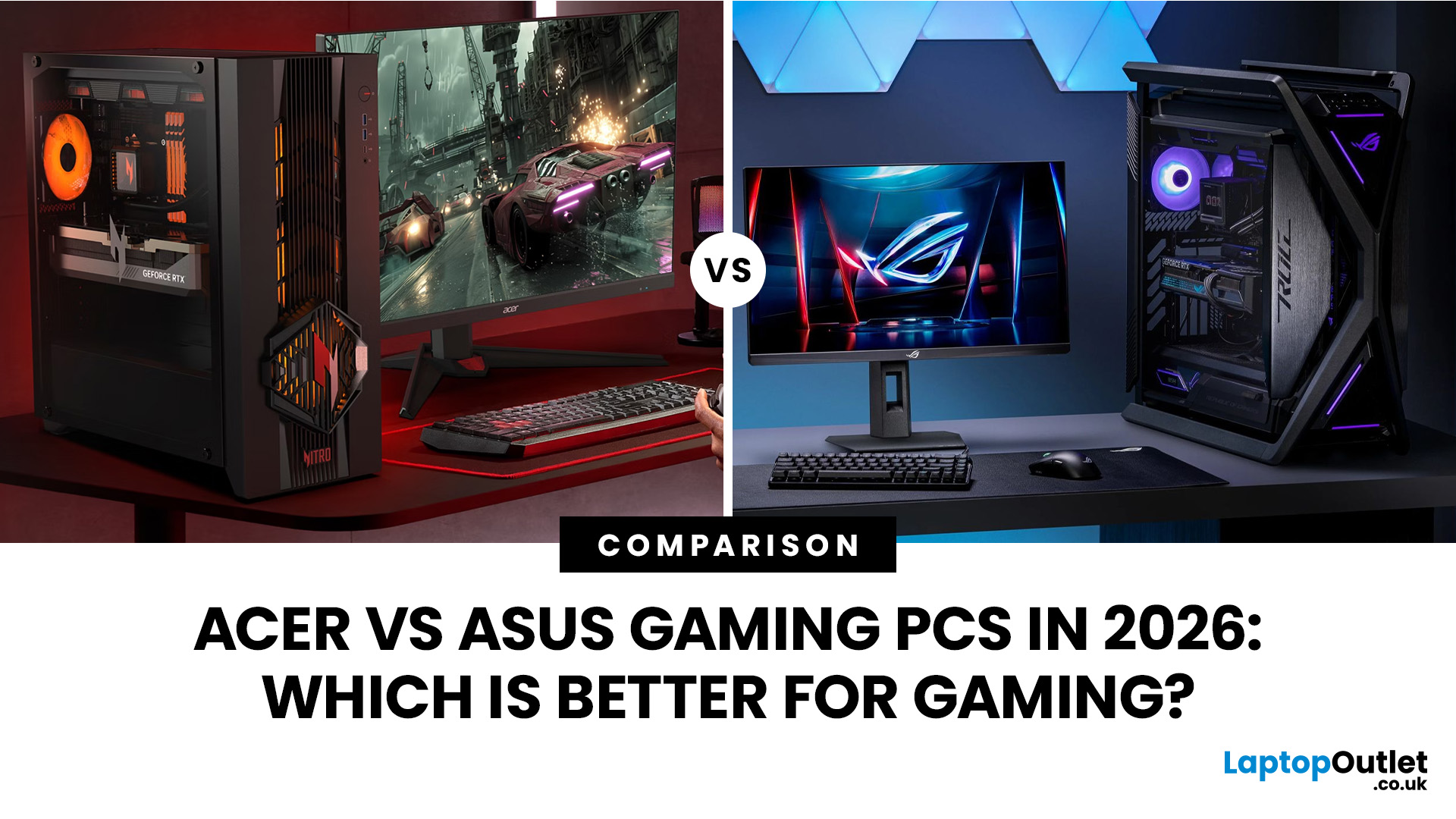
Choosing between an Acer vs ASUS desktop for gaming is mainly a configuration decision. The graphics card usually has the greatest effect on frame rates, while the processor, cooling, memory and power limits influence consistency. This guide compares the ranges, gaming performance, cooling, upgradeability and UK value using clearly labelled retail, reviewed and announced specifications.
Acer vs ASUS Gaming Desktops: A Quick Look
This summary covers the purchase factors that most often separate the two brands. An unusually well-priced individual SKU can still reverse a brand-level verdict.
|
Specification |
Acer |
ASUS |
Edge |
|
UK availability |
Clearer Nitro-to-Predator range with more reviewed and listed UK models. |
T500 is identifiable, but several ROG models vary by region or remain newly announced. |
Acer |
|
Hardware choice |
Intel-led range from entry-level Nitro systems to RTX 5090 Orion configurations. |
Broader Intel, AMD, NVIDIA and Radeon combinations across TUF and ROG. |
ASUS |
|
1080p and 1440p |
Nitro 60/65 and Orion 3000/5000 provide a clear progression through these resolutions. |
T500 performs well, while stronger G700/GM700 choices depend on the exact regional SKU. |
Acer |
|
4K gaming |
Reviewed or listed Orion 7000 systems are available with RTX 5080 and RTX 5090 graphics. |
High-spec G700/GM700 can suit 4K; the RTX 5090 G1000 is the flagship option. |
Acer currently |
|
Cooling and noise |
Orion 7000 cooling is independently tested; smaller systems vary by configuration. |
G1000 looks ambitious, but T500 testing found high temperatures and noticeable noise. |
Acer currently |
|
Upgrades and storage |
Orion 5000/7000 offer useful RAM and drive expansion, subject to SKU-specific layouts. |
G1000 looks flexible, but T500/T700 proprietary parts reduce the wider range average. |
Acer |
|
Design and size |
More conventional towers, with compact Nitro and Orion choices plus larger flagships. |
Greater design variety; the T500 is especially compact and the G1000 is more distinctive. |
ASUS |
|
UK pricing and value |
Prices are easier to compare across more UK-listed models and buying tiers. |
Value can be strong on a discounted SKU, but pricing and specifications are less consistent. |
Acer |
|
Overall verdict |
The safer and clearer choice for most UK buyers, especially in the mid-range and high end. |
Best when compactness, styling or a particular Intel/AMD/NVIDIA/Radeon combination matters most. |
Acer for most buyers |
Acer vs ASUS Gaming Desktop Ranges in 2026
The latest gaming computer systems often share family names across several specifications. Parts vary by country, retailer and product code, so check the complete SKU.
Acer Gaming Desktops: Predator and Nitro
Acer Predator Desktop Range |
||
|
Predator Orion 3000 |
Predator Orion 5000 |
Predator Orion 7000 |
|
Within the Acer gaming PC range, the compact 28-litre Orion 3000 targets 1440p gaming. One reviewed configuration combines a Core i7-14700F, RTX 5070, 16GB DDR4 and a 1TB SSD. It performs well for its price, but the older memory platform and restricted internal space reduce future-proofing. |
The current PO5-660 sits in the middle of Acer’s range. A reviewed UK model uses a Core Ultra 7 265F, RTX 5070, 32GB DDR5 and a 1TB NVMe SSD. Acer announced the family with graphics options up to the RTX 5080, but retail specifications differ. The chassis supports up to 128GB of memory and additional SSD and hard-drive storage. |
Acer’s flagship is available with up to a Core Ultra 9 285K and RTX 5090. The range supports up to 128GB DDR5, 6TB of M.2 storage and 4TB of hard-drive storage. Reviewed UK versions include an RTX 5080 model at about £3,299, while a higher RTX 5090 configuration has been listed at about £5,299. |
Acer Nitro Gaming PC Range |
||
|
Acer Nitro 50 |
Acer Nitro 60 |
Acer Nitro 65 |
|
Acer’s compact value-focused Nitro 50 varies by market. A recent US configuration uses a Core i5-14400F, GeForce RTX 3050, 16GB DDR5 memory and a 1TB SSD. This specification is aimed mainly at 1080p gaming, although stronger regional variants may be available. Check the complete model number, graphics card and power-supply specification before buying. |
The newer Nitro 60 offers a more capable entry into Acer’s mainstream gaming range. Recent retail configurations combine a Core i5-14400F with a GeForce RTX 5060, 16GB DDR5 memory and a 1TB SSD, making it suitable for strong 1080p and selected 1440p gaming. UK availability varies, so confirm the exact SKU, price and warranty. |
The Nitro 65 extends the range towards high-refresh 1440p gaming. RTX 5070 configurations have appeared in 2026, overlapping with lower Orion 3000 models. The better purchase depends on cooling, memory, PSU quality and price. |
ASUS Gaming Desktops: ROG and TUF Gaming
ASUS TUF Gaming Desktop Range |
|
|
TUF Gaming T500 |
TUF Gaming T700 |
|
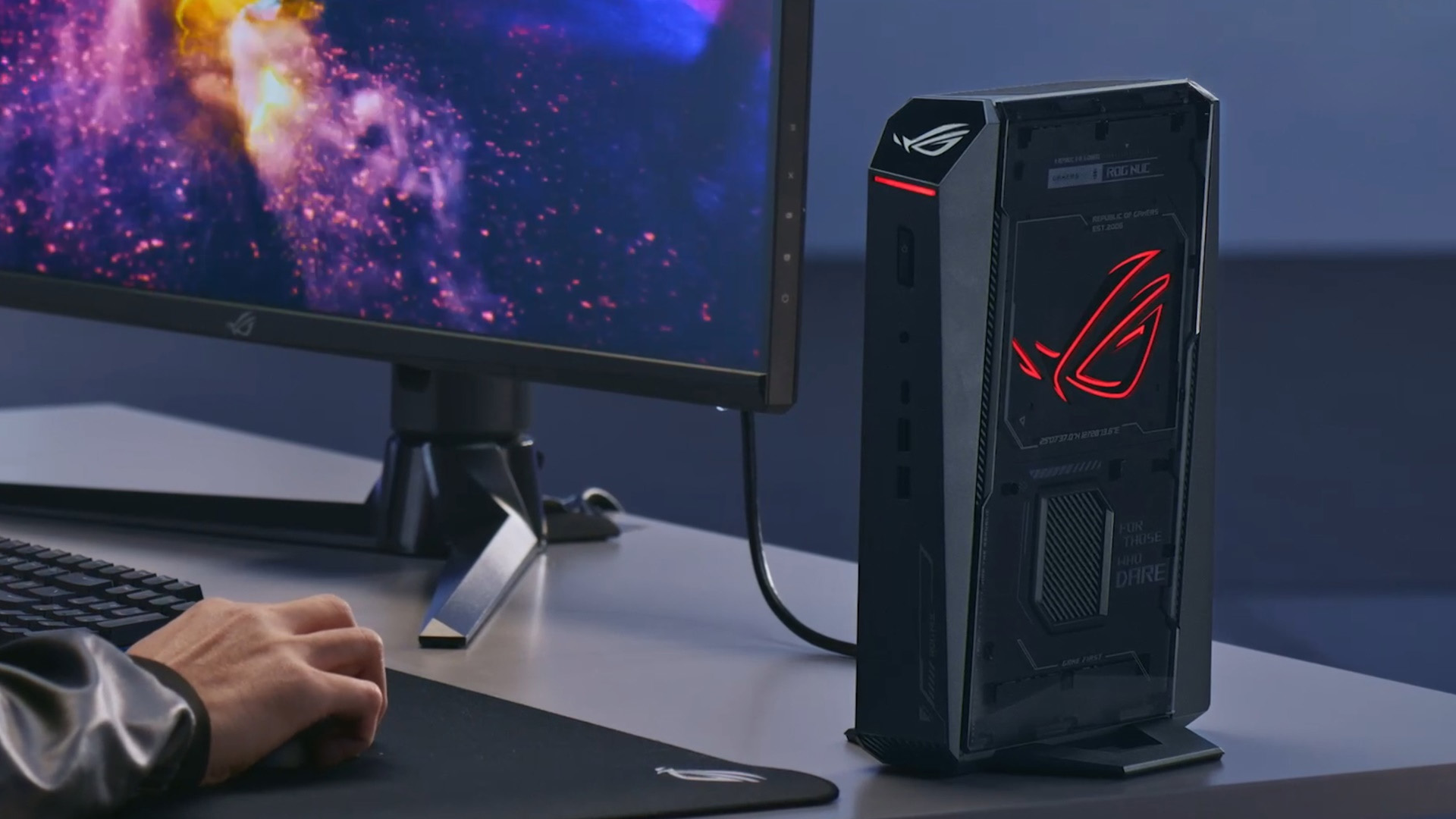
The T500 combines a desktop graphics card with a soldered Intel H-series mobile processor on a custom motherboard. Reviewed versions use a Core i7-13620H and RTX 5060 Ti, while lower configurations are also sold. Buyers seeking an ASUS gaming system for competitive gaming may appreciate its solid 1080p and 1440p performance, but the processor cannot be upgraded and several internal parts are proprietary. |
Announced at Computex 2026, the T700 is a newer tower with Intel or AMD processor options and graphics up to an ASUS Prime RTX 5070. It still uses a proprietary motherboard. UK price and wide retail availability were not confirmed at launch, so it should be labelled as announced rather than treated as a normally stocked alternative. |
ASUS ROG Gaming Desktop Range |
|
|
ROG G700/GM700 |
ROG G1000 |
|
These are conventional ROG towers sold in different regional configurations. One US GM700 example combines a Ryzen 9 9950X3D, Radeon RX 9070 XT, 32GB DDR5 and a 2TB SSD. Other G700-family listings use different Intel, AMD, NVIDIA and Radeon components. The exact suffix and retailer specification are therefore essential. |
Announced at CES 2026, the 104-litre G1000 is a showcase flagship with up to a Ryzen 9 9950X3D, RTX 5090, 420mm liquid cooler, 1,000W 80 PLUS Gold power supply and four M.2 slots. ASUS says it uses standard-sized components and tool-free access, but UK pricing and general availability remained unclear at announcement. |
Gaming Performance: Compare the GPU First
A fair comparison for the best gaming PC brand starts with the desktop GPU, followed by the CPU, memory layout, cooling and power limits.
|
Buying tier |
Acer example |
ASUS example |
Best suited to |
|
Compact/value |
Orion 3000 with RTX 5070 |
TUF T500 with RTX 5060 or 5060 Ti |
1080p to 1440p |
|
Mid-range |
Orion 5000 with RTX 5070; announced up to RTX 5080 |
G700/GM700 configuration varies |
High-refresh 1440p; selective 4K |
|
High-end |
Orion 7000 with RTX 5080 |
High-spec G700/GM700 where sold |
Strong 4K gaming |
|
Flagship |
Orion 7000 with RTX 5090 |
ROG G1000 with RTX 5090, announced |
Premium 4K and demanding creative work |
Systems using the same desktop GPU often perform within a similar range, but meaningful differences can come from the processor, memory channels, GPU power limits and cooling. The model badge alone does not predict frame rates.
The T500 illustrates this point. Its desktop RTX 5060 Ti is capable at 1080p and 1440p, but independent testing found CPU thermal throttling and a peak temperature of 96°C. It is best considered a compact, ready-made system rather than a long-term upgrade platform.
When choosing the best FPS gaming PC, buyers should also prioritise consistently high frame rates, low input latency and effective cooling rather than relying on the model badge alone.
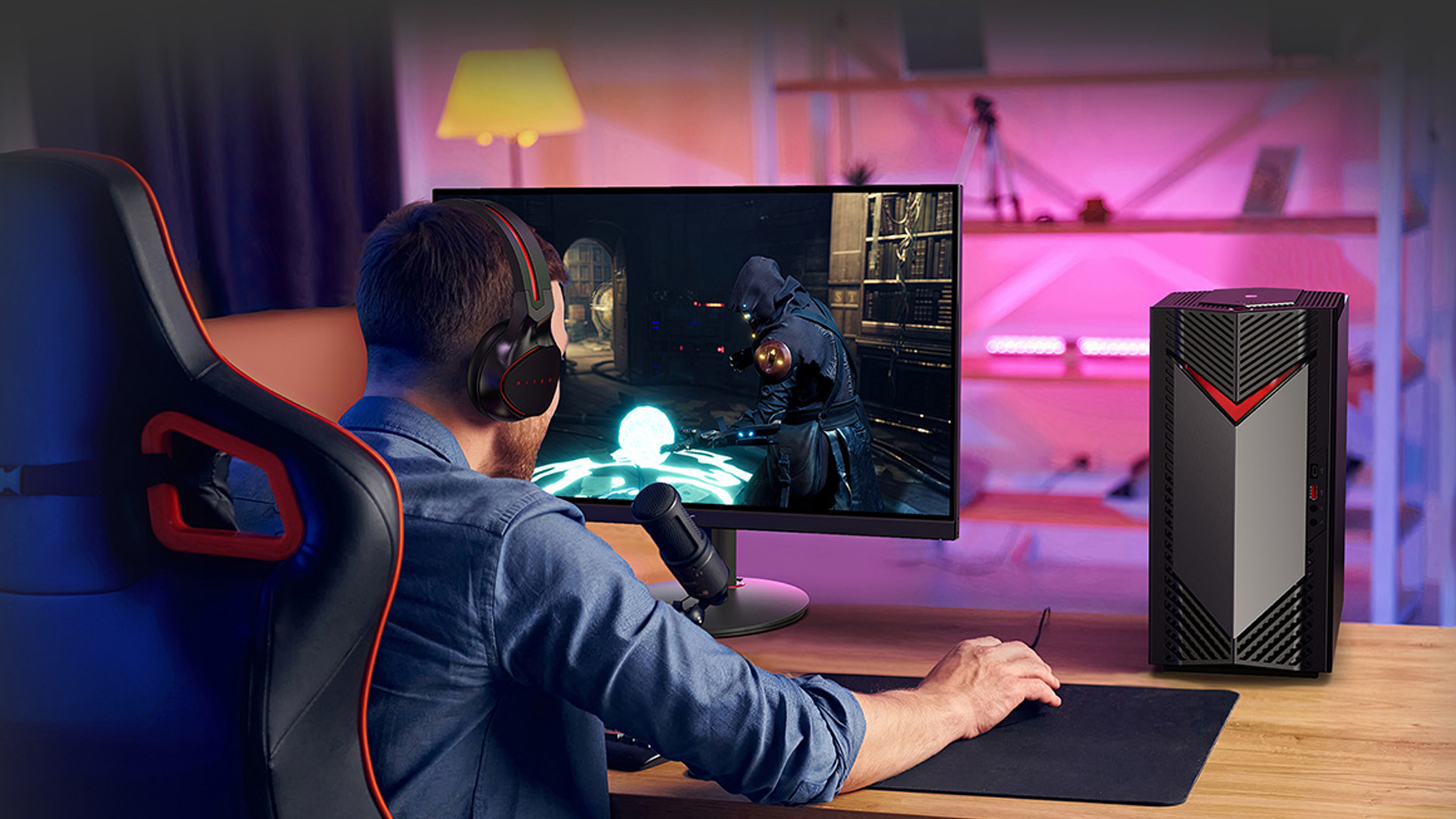
Cooling and Noise
Coolers affect sustained performance, fan noise and component temperatures. Neither company wins across every model.
The Orion 7000 uses a 360mm CPU liquid cooler and Acer’s CycloneX 360 airflow system. Independent testing of an RTX 5080/Core Ultra 7 265KF configuration recorded controlled temperatures and strong sustained performance. Acer’s smaller Orion 3000 has less airflow and expansion room, although the reviewed RTX 5070 model remained within safe temperatures.
ASUS cooling varies more sharply. The G1000 places its 420mm liquid cooler in a separate upper chamber called the ROG Thermal Atrium and divides the chassis into three thermal zones. The T500 uses a far simpler heat-pipe arrangement in a compact enclosure; testing found throttling, high CPU temperatures and noticeable fan noise.
Do not compare brand-wide cooling claims. Compare Orion 7000 with G1000, Orion 3000 with T500 and Orion 5000 with a similarly specified G700 or GM700.
Build Quality and Design
Acer and ASUS both use tempered glass, lighting and gaming-focused styling, but their chassis target different buyers.
The Orion 3000 prioritises a smaller footprint. The Orion 5000 offers more storage and memory expansion without becoming as large as a flagship tower. The 67-litre Orion 7000 provides considerably more cooling and upgrade space, plus Wi-Fi 7, 2.5Gb Ethernet and a hot-swappable M.2 bay on supported configurations.
The T500 is compact and distinctive but relies on a custom motherboard, restricted rear connectivity and proprietary internal design. The G1000 takes the opposite approach: its 104-litre chassis, three thermal zones and AniMe Holo lighting prioritise airflow and spectacle over desk space.
Neither brand is universally more durable. Check the exact power supply, motherboard, fan noise, cable management and warranty rather than judging the case exterior alone.
Upgradeability and Future-Proofing
Model-level upgradeability is a crucial factor to consider, especially when you are looking for the best desktops for work that can double as high-performance gaming rigs.
The Orion 5000 supports up to 128GB of memory, an additional SSD and two hard-drive bays. The Orion 7000 supports up to 128GB DDR5 and multiple storage devices, including its accessible M.2 bay. However, buyers should still inspect motherboard layouts, connectors and GPU clearance before assuming every part follows standard ATX conventions.
ASUS describes the G1000 as using standard-sized components with tool-free access, up to four M.2 slots and memory expansion to 128GB. That makes it more promising for future upgrades than the T500, although the G1000’s retail configurations and replacement-part details should be checked once it becomes widely available.
The T500 allows practical RAM, SSD and graphics-card changes, but its soldered mobile CPU, custom motherboard, cooler and power supply substantially limit its useful upgrade path. The newly announced T700 also uses a proprietary motherboard.
Before buying any prebuilt, check the CPU socket, DIMM slots, M.2 slots, power-supply wattage and connectors, graphics-card clearance and whether replacing parts affects the warranty.
4K Gaming and High Refresh Rates
The graphics card matters more than the brand logo.
- RTX 5090 Orion 7000 and ROG G1000 configurations target premium 4K gaming and heavy creative workloads.
- RTX 5080 systems are strong 4K choices, although ray tracing and demanding games may still require upscaling.
- RTX 5070 systems are generally best balanced for high-refresh 1440p, with selective 4K gaming using appropriate settings.
- RTX 5060 and 5060 Ti T500 configurations are primarily 1080p and 1440p machines.
DLSS 4.5 can improve image quality and displayed frame rates in supported games, with advanced Multi Frame Generation features on RTX 50-series hardware. Generated frames do not replace strong base performance and do not automatically improve input latency. NVIDIA Reflex support depends on the GPU, game and software, not whether the desktop is made by Acer or ASUS.
UK Pricing and Value
Prices change frequently and identical family names can hide different parts. These ranges show what UK buyers should broadly expect to pay for comparable 2026 specifications. Confirm the price and SKU before ordering.
|
Model |
Expected UK price* |
Important context |
|
Acer Nitro 50 |
£700–£900 |
Entry-level or older specifications; check the GPU carefully |
|
Acer Nitro 60 |
£950–£1,200 |
Reasonable target for an RTX 5060 and 16GB configuration |
|
Acer Nitro 65 |
£1,400–£1,700 |
Estimated range for RTX 5070-class configurations |
|
Predator Orion 3000 |
£1,250–£1,450 |
RTX 5070 review price was £1,399; discounts can take it lower |
|
Predator Orion 5000 PO5-660 |
£2,000–£2,200 |
Reviewed RTX 5070 configuration launched at approximately £2,199 |
|
Predator Orion 7000 |
£3,100–£3,400 with RTX 5080; £4,900–£5,300 with RTX 5090 |
Powerful and well cooled, but priced as a premium flagship |
|
TUF Gaming T500 |
£850–£1,200 |
RTX 5060 models should sit near the lower end; RTX 5060 Ti near the upper end |
|
TUF Gaming T700 |
£1,300–£1,700 estimated |
No confirmed UK RRP; depends heavily on CPU and RTX 5070 specification |
|
ROG G700 or GM700 |
£1,800–£2,800 |
Wide regional range; premium Ryzen 9 and RX 9070 XT builds cost more |
|
ROG G1000 |
£4,500–£6,000 estimated |
No confirmed UK price; RTX 5090, huge chassis and holographic hardware imply flagship pricing |
The Orion figures use reviewed or listed UK configurations. T700 and G1000 estimates reflect their announced hardware and comparable premium prebuilts, not converted overseas RRPs.
Value depends on the deal. Compare the GPU, CPU, dual-channel RAM, SSD, PSU, cooling and warranty. A cheaper machine with single-channel memory, a weak PSU or limited cooling may offer worse long-term value.
Software and Warranty
PredatorSense or AcerSense controls supported Acer performance modes, lighting, fan behaviour and monitoring. ASUS Armoury Crate provides similar controls for ROG and TUF systems. Both can add background services, so remove only software you do not need after confirming that fan, lighting and driver controls remain available.
Warranty terms vary by retailer, region and model. Confirm the duration, collection or return-to-base process, paid extensions and whether user upgrades affect support. Keep original components in case the factory configuration is required for a repair.
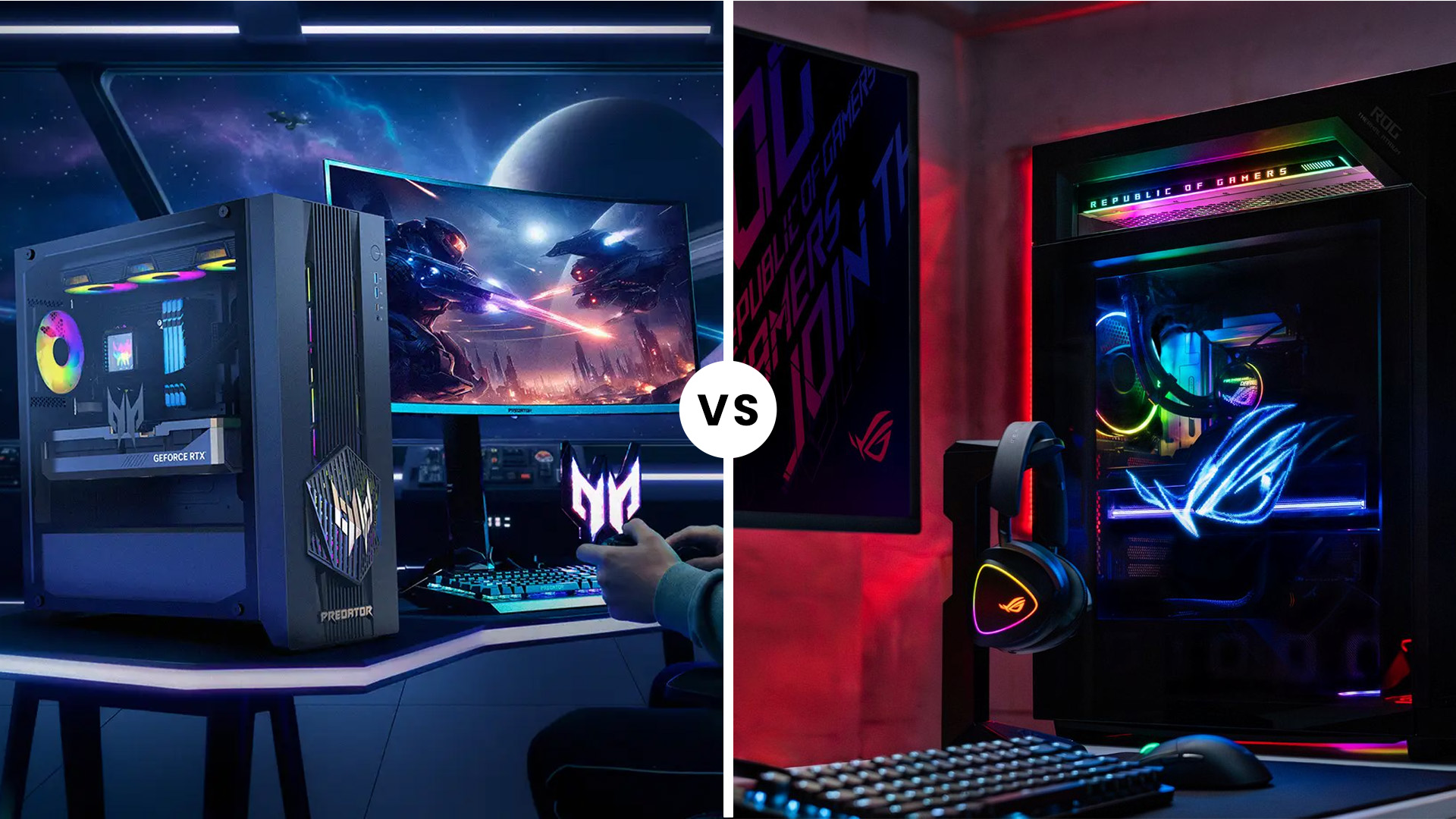
Acer vs ASUS Desktop for Gaming: Which Should You Choose?
Choose Acer if:
- You want the clearest UK progression from compact Orion 3000 to Orion 5000 and Orion 7000.
- You need the storage, memory and cooling capacity of the larger Predator models.
- A specific Acer SKU provides the stronger GPU and warranty for the price.
Choose ASUS if:
- A G700 or GM700 configuration offers the CPU and GPU combination you need.
- You want the compact T500 and accept its soldered processor and limited upgrade path.
- You are considering the T700 or G1000 after UK prices, specifications and availability are confirmed.

Acer vs. ASUS: Which Brand Wins?
There is no automatic winner in the Acer vs ASUS desktop for gaming comparison. Acer currently offers the clearer UK-facing range, led by the well-equipped Orion 5000 and high-end Orion 7000. ASUS offers more varied designs, from the compact but restricted T500 to regional G700/GM700 configurations and the announced G1000 flagship.
For most buyers, the best system is the one with the strongest appropriate desktop GPU, a suitable CPU, dual-channel memory, sufficient cooling, a properly specified power supply and a realistic upgrade path. Compare exact SKUs and current UK prices rather than relying on brand loyalty.

Just So You Know...
Is Acer or ASUS better for gaming in 2026?
Neither is universally better. Acer has a clearer Predator range in the UK, while ASUS offers more varied designs. The exact GPU, CPU, cooling, memory and price matter more than the manufacturer name.
Does ASUS offer better cooling than Acer?
Not across the range. The G1000 has an ambitious 420mm cooling system, while the Orion 7000 uses a tested 360mm liquid cooler and CycloneX airflow. The compact T500 has considerably less cooling capacity and has throttled in independent testing.
Can Acer and ASUS gaming desktops be upgraded?
Some can. The Orion 5000, Orion 7000 and announced G1000 offer meaningful memory and storage expansion. The T500 permits limited upgrades but has a soldered processor and several proprietary parts. Check the exact SKU before purchasing.
Can Acer gaming desktops handle 4K gaming?
Yes, when equipped with an appropriate graphics card. RTX 5080 and RTX 5090 Orion systems suit high-end 4K gaming. RTX 5070 systems are generally better balanced for 1440p, although supported upscaling can make selected 4K settings practical.
| Read More: |
| Acer Gaming PC Not Booting? Common Issues and Easy Fixes |
| ASUS Gaming Laptop vs Gaming Desktop: Which Is Better for UK Gamers in 2026? |
| Upgrade Your Home Setup with ASUS PCs |
Related Articles


Last Updated: June 10, 2026
Hades II has arrived, and it’s already proving itself as one of the most stylish, addictive, and fast-paced roguelikes of the year. Supergiant Games has taken everything players loved from the first title and given it more flair, more depth, more chaos, and far more visual punch. And with all that comes the question many players are quietly asking: what are the best gaming PCs and laptops for Hades II?
Whether you're upgrading your battlestation, grabbing a powerful yet portable gaming laptop, or hunting a cheap refurbished gaming laptop for Hades 2, this guide breaks down real, current system requirements, recommended modern hardware, and the best deals you can jump on right now.
Let’s dig in.
Why Gaming PCs and Laptops for Hades II Matters?
Although Hades II is beautifully optimised, it is still more demanding than the original game. More spell effects, more enemies on screen, more layered environments, higher-resolution assets and a broader range of animations mean your hardware needs

Last Updated: February 19, 2026
A new year is the perfect excuse to retire the sluggish desktop that wheezes when you open five tabs or the “gaming PC” that now struggles to hold stable FPS in modern titles. New Year desktop PC deals are one of the best windows to upgrade because prices tend to be sharper, stock gets refreshed, and you can often jump up a whole performance tier for less than you’d expect.
If you’re shopping from the UK, this is also the season where desktop PC New Year deals UK searches explode for a reason: people want a better PC for less, and they want it delivered quickly and safely. Laptop Outlet’s New Year event is built for that kind of upgrade run, tech across categories, limited-time promos, and a straightforward way to browse by what you actually need. You can start with huge savings in New Year tech sale while you compare options and decide your budget.
What counts as a “great deal” in 2026?
The best New Year desktop PC Deals don’t just mean “lowest price.” A great deal in 2026 is one where

Last Updated: January 27, 2026
Intel has remained a titan in the world of PC gaming for decades. Their processors power some of the most capable high-performance gaming desktops on the market today.
Recently, we have seen a massive shift in how these chips operate. The evolution from the classic Core i-series to the brand-new Ultra Core processors marks a new era. These advancements are not just about speed; they are redefining the entire gaming experience.
If you want a top-tier machine, understanding how Intel CPUs work in gaming desktops is essential.
The Role of a CPU in Gaming
The CPU acts as the brain of your computer. It handles every logic calculation and physics instruction required for your game.
CPU vs GPU: Understanding the Balance
The GPU handles the visuals and graphics rendering. Meanwhile, the CPU manages physics, logic, and artificial intelligence.
You need a strong balance between both components to avoid lag. If one is too slow, the other cannot perform at its full potential during intense sessions.
Last Updated: January 27, 2026
Over the past decade, AMD has transformed from an underdog in the CPU market to a dominant force in gaming PCs.
With its Ryzen series, AMD has consistently delivered processors that combine high performance, competitive pricing, and innovative features. For UK gamers, this has meant more choice, better value, and the ability to build powerful rigs without overspending.
In this guide, we’ll explore exactly how AMD processors work in gaming PCs, the key features that make them stand out, and the benefits they bring to gamers.
Understanding AMD Processors in Gaming PCs
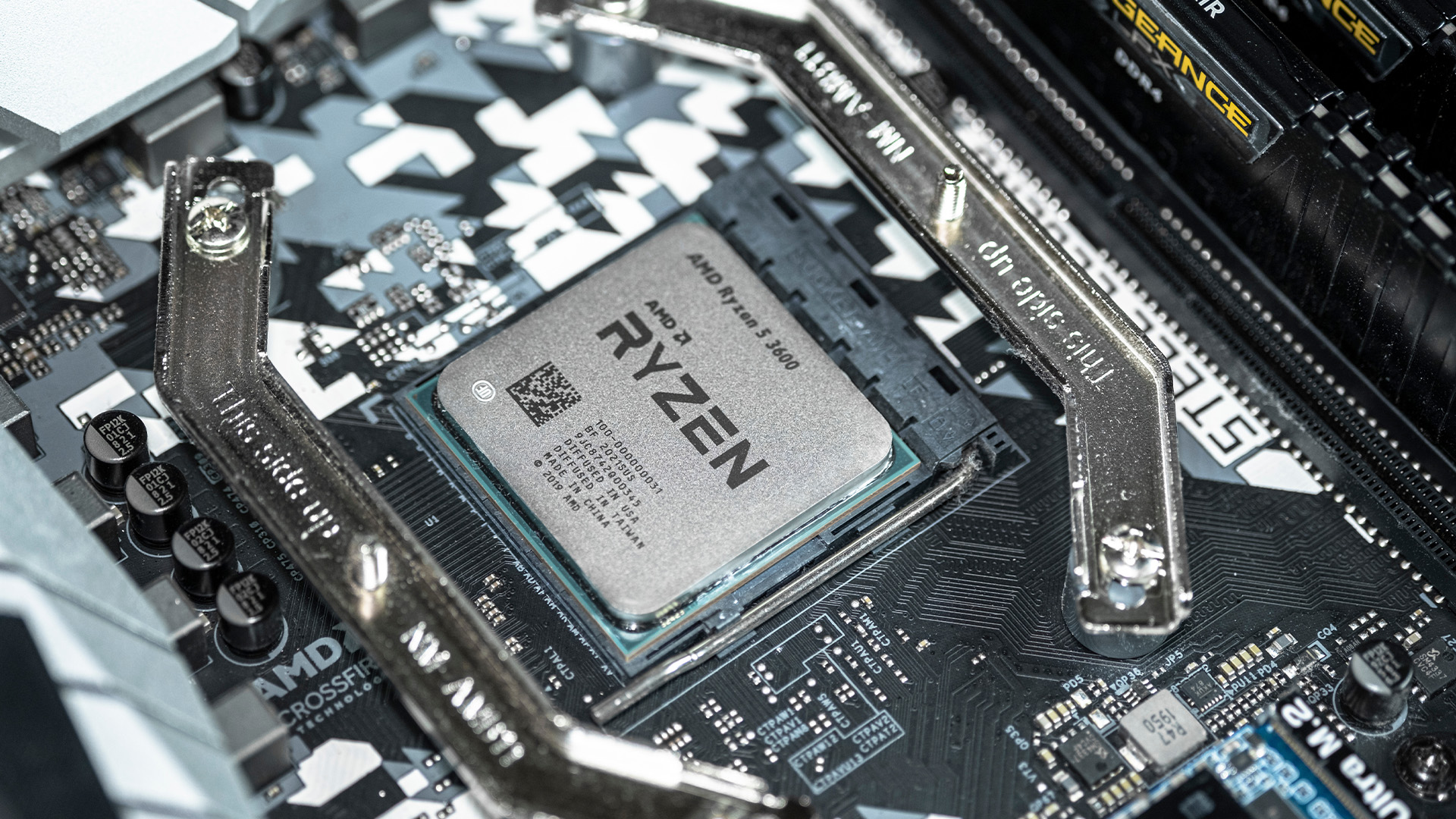
In any gaming setup, the Central Processing Unit (CPU) acts as the primary coordinator. It handles complex AI logic, processes game physics, and manages all background system tasks while your graphics card renders the visuals.
AMD has revolutionised this space by moving away from traditional "monolithic" chip designs where everything is on one piece of silicon. Instead, the modern AMD CPU architecture uses a modular

Last Updated: January 27, 2026
The world of PC gaming has changed forever thanks to a massive leap in graphics innovation. If you have looked at modern gaming desktop PCs recently, you have likely seen the term "RTX" everywhere.
But what is NVIDIA RTX technology exactly? It is not just a fancy label on a box. It represents a total shift in how your computer creates the images you see on screen.
By combining clever artificial intelligence with raw power, NVIDIA has made games look like Hollywood films while keeping them running smoothly.
Introduction to NVIDIA RTX Technology
NVIDIA RTX (Ray Tracing Texel eXtreme) is more than just a brand name. it is a high-end computing platform. It combines specialized hardware cores with advanced software to create lifelike visuals.
A Brief History of NVIDIA Graphics Cards
Before RTX, we had the GTX (Giga Texel Shader eXtreme) series. These cards were powerful, but they relied on "rasterisation." This is a method where a 3D scene is squashed into 2D pixels on your screen. It worked
Last Updated: July 03, 2026
Published: July 08, 2026
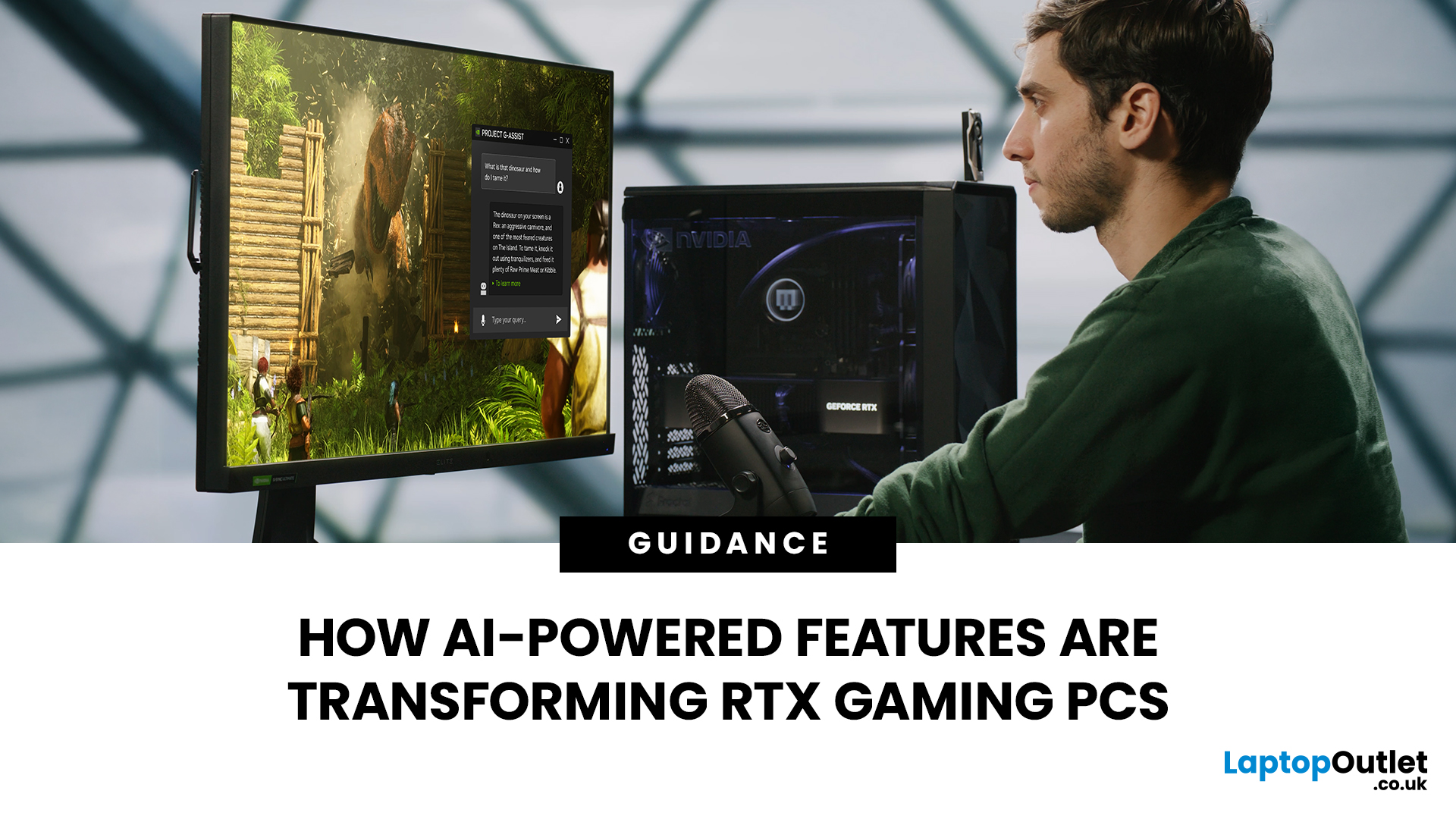
AI RTX gaming PCs can deliver real value, but only when their features align with how you actually play.
| AI-powered RTX gaming PCs use NVIDIA RTX AI features like DLSS upscaling, Frame Generation, ray tracing, and Reflex to boost FPS, improve visual quality, and reduce input lag. They are worth buying when matched to your games, monitor, and budget, especially for 1080p high-refresh, 1440p, streaming, and creator workloads. For UK gamers, prioritise RTX 5050/5060 or higher, 16GB RAM, a strong CPU, and 1TB SSD to get smoother gameplay, better ray tracing, and future-ready performance. |
Modern RTX gaming PCs use AI features like DLSS, Frame Generation, ray tracing, and NVIDIA Reflex to boost FPS, improve visuals, and reduce input lag. But the real value depends on your games, monitor, budget, and specs.
This guide explains what AI-powered RTX gaming actually means, which features matter, and how UK gamers can choose the right RTX PC without falling for marketing hype.
What Does “AI RTX Gaming
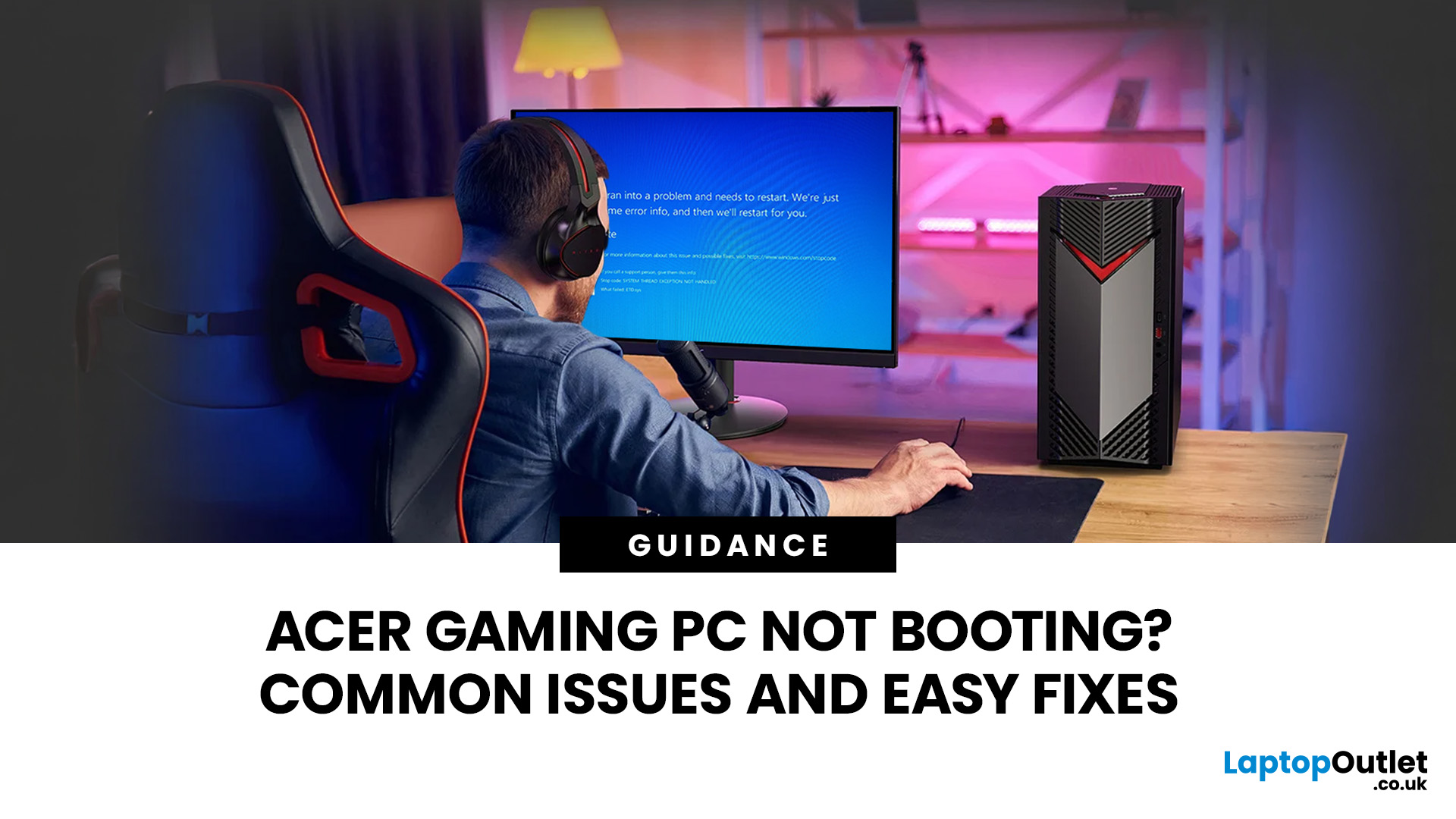
Last Updated: July 13, 2026
An Acer gaming PC not booting can feel like instant panic mode, especially when you were ready to jump into a game, finish work, or just chill. One minute everything is fine, and the next your PC turns on but no display appears, the monitor says no signal, or the screen stays completely black.
The good news? A PC not booting does not always mean something major is broken. Sometimes it is a loose cable, a monitor input issue, a RAM problem, or a BIOS setting that needs a reset. In this guide, we will walk through the most common Acer desktop startup issues, what they usually mean, and the easy fixes you can try before heading straight to a repair shop.
Is Your Acer PC Actually Not Booting, or is There No Display?
Before you start unplugging parts, it helps to know what problem you are really dealing with. A PC can fail in different ways, and each one points to a different cause.
If your Acer PC is not starting up that means there are no lights, no fans, and no sound at all, it may be a power
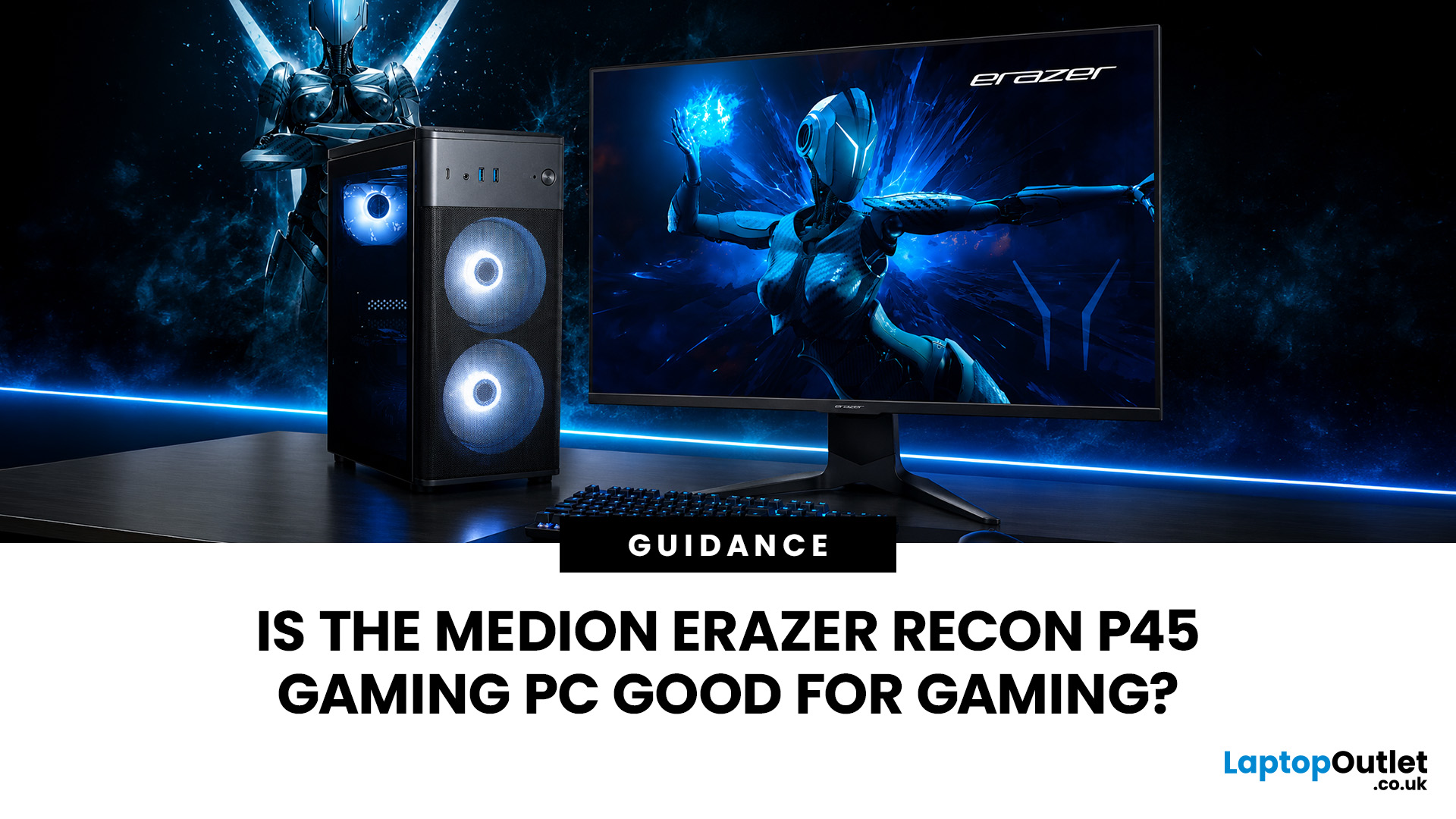
Last Updated: September 03, 2026
Yes, the Medion Erazer Recon P45 is a good gaming PC for players who want smooth everyday gaming, strong 1080p performance, fast loading times and a ready-to-use desktop without building a PC from scratch.
At Laptop Outlet, current Medion Erazer Recon P45 Gaming PC options include configurations with an AMD Ryzen 5 5500, 1TB SSD, Windows 11 Home, and dedicated NVIDIA RTX graphics, including RTX 5060 and RTX 5050 variants. The RTX 5060 model also includes 32GB RAM in the listed specification, while the RTX 5050 model is listed with 16GB RAM.
Is the Medion Erazer Recon P45 Worth it?
For most UK gamers, the Medion Recon P45 PC makes sense if you want a capable prebuilt gaming desktop that can handle modern games, multitasking, streaming, schoolwork, everyday browsing, and entertainment. It is especially suitable for:
| User Type | Is it a Good Fit? | Why |
| Beginner gamers | Yes | No PC-building knowledge needed |
| 1080p players | Yes | RTX graphics and Ryzen 5 power are well matched |
| Students | Yes | Good for gaming, |
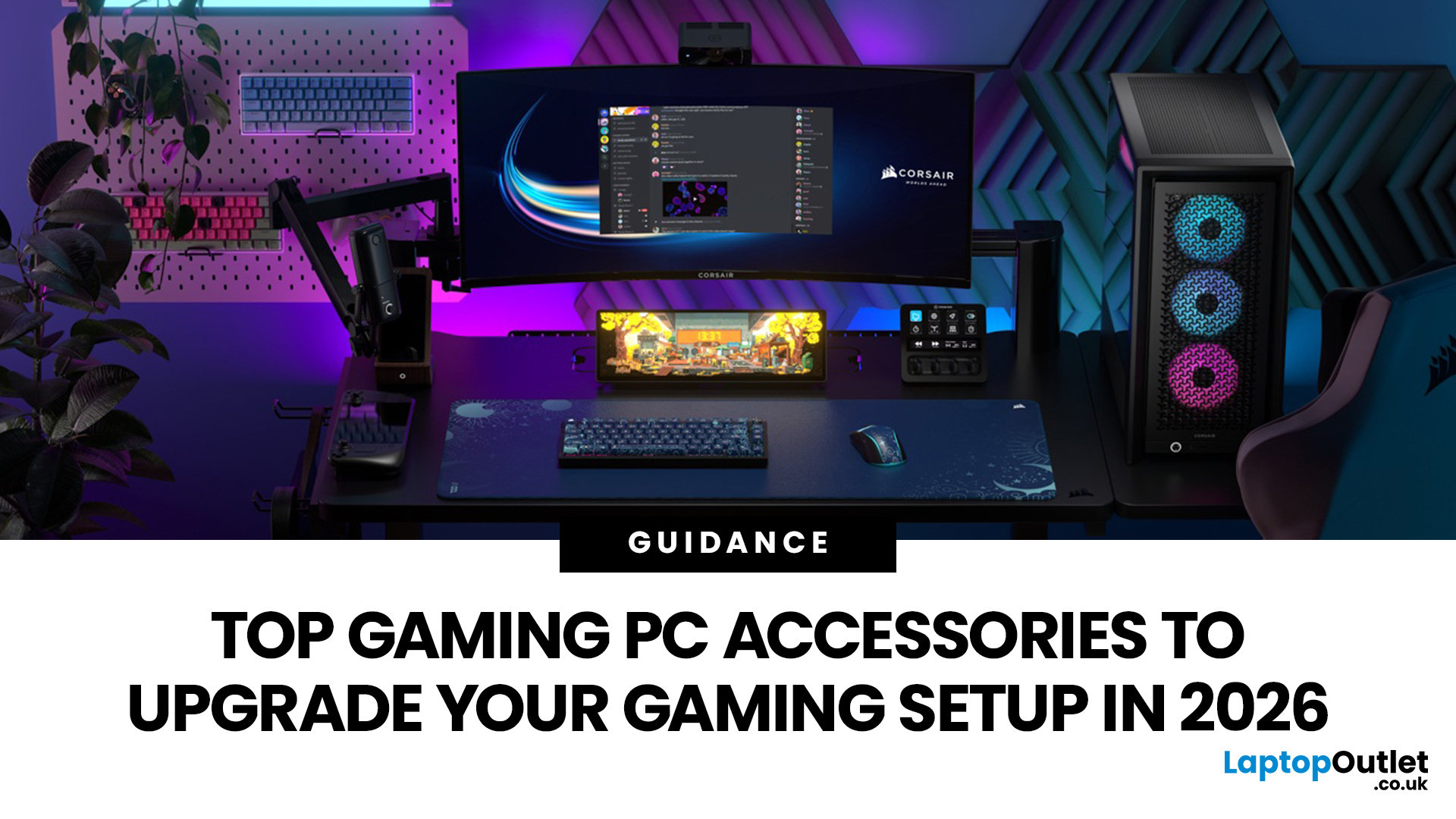
Last Updated: September 01, 2026
In gaming, your PC is the engine - but your accessories are the steering wheel, tyres, mirrors, and dashboard. You can have all the power in the world, but if your mouse feels sluggish, your monitor looks choppy, your headset misses key sound cues, or your desk is a cable jungle, the whole setup feels off.
Your PC might be built to run the latest games, but your accessories decide how well you actually experience them. A lightweight mouse can sharpen your aim, a mechanical keyboard can clean up your inputs, a gaming headset can help you catch every footstep, and a high refresh rate

