



Best RTX Gaming PCs for 1080p, 1440p & 4K Gaming in 2026
For 1080p, an RTX 5060 is the sensible mainstream pick. For 1440p, step up to an RTX 5060 Ti 16GB or RTX 5070. For 4K, the RTX 5080 is the best-balanced choice for most people, with the RTX 5090 reserved for buyers who genuinely need its 32GB of memory or maximum settings at every resolution.
Picking one of the best RTX gaming PCs isn't about flexing the priciest GPU - it's about matching your rig to your setup and the games you actually play. A competitive player on a 1080p 240Hz display needs strong CPU performance and low latency. Someone playing cinematic single-player games on a 4K screen needs more GPU power, VRAM, and cooling. A 1440p buyer usually wants the strongest balance of image quality, speed, and price.
Getting this right prevents two expensive mistakes: overspending on performance your display can't show, or buying a PC that leans too heavily on generated frames to hit numbers it can't sustain natively. The most common upgrade enquiry we see at Laptop Outlet is from 1080p buyers who bought a card that was underpowered for the CPU they paired it with, or overpowered for the monitor they actually own - resolution and refresh rate first, GPU tier second, is the right order to shop in.
Which RTX gaming PC should you buy: At a glance
|
Gaming target |
Recommended RTX tier |
Supporting specification |
Typical system price* |
Main concern |
|
1080p, 60–144Hz |
RTX 5050 or RTX 5060 |
Six-core CPU, 16GB–32GB RAM, 1TB SSD |
£700–£950 |
Avoid overspending |
|
1080p, 180–360Hz |
RTX 5060 or RTX 5060 Ti |
Fast Ryzen 5/7 or Core Ultra 5/7 |
£950–£1,200 |
CPU limits and latency |
|
1440p, 60–144Hz |
RTX 5060 Ti 16GB or RTX 5070 |
32GB DDR5, 1TB–2TB SSD |
£1,100–£1,450 |
VRAM and ray tracing |
|
1440p, 144–240Hz |
RTX 5070 or RTX 5070 Ti |
Fast Ryzen 7 or Core Ultra 7-class CPU |
£1,400–£1,800 |
Frame-rate consistency |
|
4K, 60–120Hz |
RTX 5070 Ti or RTX 5080 |
32GB RAM, 2TB SSD, quality PSU |
£1,700–£2,300 |
Base FPS vs generated FPS |
|
Premium 4K, 120Hz+ |
RTX 5080 or RTX 5090 |
High-end CPU, 32GB–64GB RAM |
£2,200–£3,500+ |
Cost, heat and power |
*Indicative price ranges for a complete system at time of writing, based on typical component and prebuilt pricing. Always check live stock and pricing before buying, availability shifts month to month, especially at the top and bottom of the range.
These are buying tiers, not guaranteed frame rates. Results vary by game, settings, CPU, and DLSS mode.
Browse our full range of RTX gaming PCs filtered by resolution, or talk to our team - we can match a system to your exact display before you buy.
What's new in RTX gaming PCs in 2026?
NVIDIA's Blackwell desktop range runs from the RTX 5050 to the RTX 5090, and the full lineup has now been on shelves for over a year - this generation is mature, well-reviewed, and stock is generally healthy across every tier. The architecture brought fifth-generation Tensor Cores, fourth-generation ray-tracing cores, PCIe 5.0, and neural rendering. Most RTX 50-series cards use GDDR7 memory; the entry-level RTX 5050 is the exception, sticking with 8GB of GDDR6 to hit its lower price point.
DLSS 4.5, Dynamic Multi Frame Generation and 6X mode
DLSS 4.5 is the headline 2026 update. Its second-generation transformer Super Resolution model is available to all RTX owners through the NVIDIA app. For RTX 50-series GPUs specifically, ‘Dynamic Multi Frame Generation and up to 6X Multi Frame Generation’ became available in March 2026 for compatible games.
Dynamic mode adjusts the frame-generation multiplier in real time to match your display's target refresh rate, rather than locking to a fixed multiplier regardless of scene demand. NVIDIA has also announced a second-generation DLSS 4.5 Ray Reconstruction update for August 2026 - treat this as not yet available at the time of publishing.
Here's the honest bit buyers need to hear displayed FPS and traditionally rendered FPS are not the same thing. Multi Frame Generation can meaningfully improve visible smoothness in supported single-player games, especially at 4K, but it works best when it's boosting an already-responsive base frame rate, not papering over a genuinely weak one.
If you're a competitive player, prioritise strong conventional performance and low latency over a GPU that only looks good on a generated-FPS chart.
Reflex 2, neural rendering and modern display support
NVIDIA Reflex 2 introduces Frame Warp, a further latency-reduction technique - but NVIDIA's own current specification pages still mark this as "coming soon," not shipping. RTX Neural Shaders can integrate neural networks directly into programmable shaders, with early uses including texture compression.
Buy for the performance available in your games right now, and treat any feature still listed as upcoming as a bonus, not a reason to buy today.
RTX 5070-class cards and above include DisplayPort 2.1b, HDMI 2.1b, and AV1 encoding as standard - genuinely useful if you're running a high-refresh display, streaming, or doing video work alongside gaming.
Best RTX gaming PCs for 1080p
A 1080p RTX gaming PC doesn't need a flagship graphics card. At lower resolution, CPU performance matters more, because the GPU can finish rendering frames fast enough for processor bottlenecks to become the limiting factor.
RTX 5050: best entry-level option
The RTX 5050 is a sensible entry point for esports titles, lighter games, and mainstream 1080p play when price is the priority. Its 8GB GDDR6 memory suits that entry-level position, but if you're planning heavy ray tracing or a future move to 1440p, look one tier up instead. NVIDIA positions this card around 1080p High settings in its own performance comparisons.
RTX 5060: best overall 1080p choice
The RTX 5060 is the practical choice for a new 1080p gaming PC. It carries 8GB of GDDR7 and is built for maxed-out 1080p settings. Pair it with a recent six-core-or-better CPU, 16GB to 32GB of RAM, and a 1TB SSD. Prebuilt manufacturers pair this same GPU with very different processors, memory, and storage, when you compare the latest RTX gaming computers, look at the full specification rather than the graphics-card name alone.
RTX 5060 Ti: best for high-refresh 1080p
The RTX 5060 Ti comes in 8GB or 16GB GDDR7 versions. The 16GB version is the safer buy for texture-heavy games, content creation, and a future 1440p monitor, check the exact VRAM carefully, because both versions can appear under the same product name.
Average FPS numbers can look impressive while weak minimum frame rates still cause visible stutter. A genuinely smooth high-refresh gaming PC needs a capable processor as well as a fast GPU, not just a big headline number.
Best RTX gaming PCs for 1440p
A 1440p RTX gaming PC is the sweet spot for a lot of players: sharper than 1080p, without the full hardware cost of 4K.
RTX 5060 Ti 16GB: best value-focused choice
An RTX 5060 Ti 16GB system makes a capable 1440p PC build for players willing to trim the heaviest settings in the most demanding games. Its larger memory helps with high-resolution textures, mods, and creative applications, though more VRAM alone doesn't make a GPU faster.
RTX 5070: best overall 1440p gaming PC
The RTX 5070 carries 12GB of GDDR7 on a 192-bit interface and is a strong fit for high-quality 1440p gaming. It's the balanced choice for buyers who don't need the cost or power draw of an enthusiast-tier card. When you're reviewing broader gaming computer systems, check whether a price increase is buying you a genuinely faster GPU, or just extras like a premium case that won't improve your frame rate.
RTX 5070 Ti: best PC for 1440p 144Hz
The best PC for 1440p 144Hz needs to hold smooth performance through busy scenes, not just hit a high peak number in a benchmark. The RTX 5070 Ti has 16GB of GDDR7, a 256-bit interface, and a 300W reference power rating, giving it real headroom for ray tracing and, later, a move up to 4K.
Pair it with a Ryzen 7 X3D or Core Ultra 7-class CPU if high refresh rates are the priority. For slower, cinematic games, putting more of your budget into the GPU is generally the better call than chasing the fastest CPU on the shelf.
Best RTX gaming PCs for 4K
A 4K display has four times the pixel count of 1080p, so the graphics card becomes the single most important component - while VRAM, cooling, PSU quality, and DLSS image quality all matter more too.
RTX 5070 Ti: entry point for optimised 4K
An RTX 5070 Ti can deliver a genuinely good 4K experience with DLSS enabled and the heaviest settings trimmed back. Think of it as a flexible high-refresh 1440p card that also does entry-level 4K well, rather than a no-compromise native-4K option.
RTX 5080: best graphics card for 4K gaming for most buyers
For most enthusiasts, the RTX 5080 is the best graphics card for 4K gaming in a balanced prebuilt. It carries 16GB of GDDR7, dual ninth-generation NVENC encoders, AV1 support, and a 360W reference power rating. NVIDIA recommends an 850W system PSU for its reference configuration, though the real requirement depends on the rest of your build.
Choose a system with a named, reputable PSU, a spacious case, and cooling designed for long sessions, those details affect noise, temperature, and long-term reliability far more than RGB lighting does.
RTX 5090: maximum 4K and creator performance
The RTX 5090 has 32GB of GDDR7, a 575W reference power rating, and NVIDIA's own recommendation of a 1,000W system PSU. It suits maximum 4K settings, demanding ray tracing, VR, local AI work, and professional creative projects, but it's genuinely unnecessary for most gaming-only setups. If you're only gaming, an RTX 5080 will get you further per pound.
Upgrading an existing desktop instead of replacing it? Confirm case clearance, PSU capacity, connectors, and CPU balance before you choose the best NVIDIA graphics solution for your build.
What CPU, RAM and storage should you choose?
Current processor options include AMD's Ryzen 9000 X3D chips with second-generation 3D V-Cache, and Intel's current Core Ultra 200-series desktop processors. If a specific newer Core Ultra "Plus" refresh is live in your market, check Intel's own product pages for confirmation before treating it as standard, Intel's desktop lineup has been refreshed more than once recently, and naming has shifted with it.
X3D processors matter most for high-refresh gaming. Higher core-count CPUs suit gaming combined with streaming, editing, or rendering.
For a new mid-range or high-end system, 32GB of DDR5 is the sensible target. 16GB can serve a budget build but check whether it's fitted as two matched modules rather than one. Choose at least a 1TB NVMe SSD; 2TB is more comfortable for a modern game library.
You don't need a Gen 5 SSD for high frame rates. A good Gen 4 drive paired with a stronger GPU usually delivers better gaming value than the reverse trade-off.
Do you need a specific monitor for these tiers?
Your GPU tier should match your monitor's resolution and refresh rate, not the other way round. As a rough pairing guide: 1080p 144Hz+ panels suit the RTX 5050–5060 Ti range; 1440p 144Hz panels are where the RTX 5070 and 5070 Ti earn their keep; and a 4K 120Hz+ display is what actually justifies stepping up to an RTX 5080 or 5090. Buying the display and the GPU as a mismatched pair is one of the most common and most avoidable, overspends we see.
Seven checks before buying a prebuilt RTX PC
- Exact GPU and VRAM - RTX 5060 Ti systems may contain the 8GB or 16GB version; confirm which.
- PSU identity - look for the brand, model, wattage, and efficiency rating, not just a number.
- RAM layout - two matched modules are preferable to one large module.
- Cooling - check case airflow, fan count, and the CPU cooler.
- Storage - a 512GB SSD fills up fast; check for spare M.2 slots.
- Upgradeability - proprietary motherboards, PSUs, or cases can limit future changes.
- Warranty - understand collection, labour, and replacement-parts coverage.

Final verdict
The best RTX gaming PCs match your real resolution, refresh rate, and the games you actually play, not the biggest number on the box. Choose an RTX 5050 or RTX 5060 for 1080p, an RTX 5060 Ti 16GB or RTX 5070 for 1440p, an RTX 5070 Ti for high refresh 1440p and flexible 4K, or an RTX 5080 for premium 4K.
Save the RTX 5090 for when its maximum performance or 32GB of memory will genuinely get used. Whatever tier you land on, prioritise a balanced CPU, adequate RAM and storage, a named PSU, and proper airflow over anything decorative.

Frequently asked questions
What are the best RTX gaming PCs in 2026?
The strongest mainstream choices are an RTX 5060 PC for 1080p, an RTX 5070 PC for 1440p, and an RTX 5080 PC for 4K. The RTX 5070 Ti is the best crossover option for high-refresh 1440p and optimised 4K.
Is 8GB of VRAM enough in 2026?
It can be enough for 1080p with sensible settings. For 1440p, heavy mods, high-resolution textures, or longer-term use, 12GB or 16GB is the safer choice.
Is an RTX 5060 suitable for 1440p?
It can run many games at 1440p with adjusted settings and DLSS, but an RTX 5060 Ti 16GB or RTX 5070 is a better dedicated 1440p choice.
Do DLSS 4.5 generated frames count as real performance?
They're genuinely displayed frames, and they do improve smoothness, but they don't replace the responsiveness of a strong, traditionally rendered base frame rate. Compare base performance as well as Multi Frame Generation results before deciding.
Do I need an RTX 5090 for 4K?
No. The RTX 5080 is the more balanced premium 4K choice for most gamers. Reserve the RTX 5090 for maximum settings or demanding professional workloads.
Is 1440p or 4K better for gaming?
1440p offers the better balance of high frame rates and cost. 4K delivers more detail, but needs a stronger GPU and makes DLSS, cooling, VRAM, and PSU quality all more important to get right.
| Read More: |
| CyberPowerPC EXB2B10002 Review: Is This RTX 5060 Prebuilt Worth It? |
| Is CyberPowerPC Good for Gaming? A Complete Buyer’s Guide |
| Gaming Desktop PCs vs. Gaming Laptops: Which Should You Buy? |
Related Articles


Last Updated: February 11, 2026
Choosing the right desktop PC can feel a bit like picking a side in a long-running tech rivalry. HP, Dell, and Lenovo are three of the biggest names and for good reason. They all offer reliable, powerful desktops that suit everything from casual home use to hardcore business workloads and creative setups.
But when it comes to HP vs Dell vs Lenovo desktop PCs, which brand actually wins for you?
Why Compare HP, Dell, and Lenovo Desktop PCs?
HP, Dell, and Lenovo are all global heavyweights in the PC world. They each offer a wide range of desktops — from budget-friendly towers to powerful workstations and compact all-in-one PCs.
But here’s the thing:
Not all desktop PCs are built for the same kind of user.
Some are better for productivity, some for gaming, and others for long-term reliability. Understanding the differences is key before you hit “Add to Basket”.
HP Desktop PCs: Style Meets Performance
HP desktops are known for blending solid performance with modern design. If you like your

Last Updated: September 15, 2026
If you’re asking “are refurbished desktop PCs worth it” in 2026, you’re not alone. Refurb is having a moment in the UK, partly because budgets are tight, and partly because more people want a cheaper, lower-waste way to get solid tech. At the same time, buyers are more hesitant than ever… and that hesitation is not random. A few very 2026-specific changes have raised the stakes.
This guide breaks down the real reasons people hesitate in 2026, and how Laptop Outlet reduces those risks so you can buy refurbished with genuine peace of mind - without losing out on choice or price.
What changed in 2026 that made buyers more cautious?
1) The Windows 10 “cliff edge” is now behind us
Windows 10 support ended on 14th October 2025, which means many older desktops are now in a riskier zone if they can’t upgrade cleanly.
Yes, Microsoft offers Extended Security Updates (ESU), but for consumers it’s a limited runway (through 2026) and comes with requirements that can add friction.
Why this makes refurbished
Published: March 06, 2026
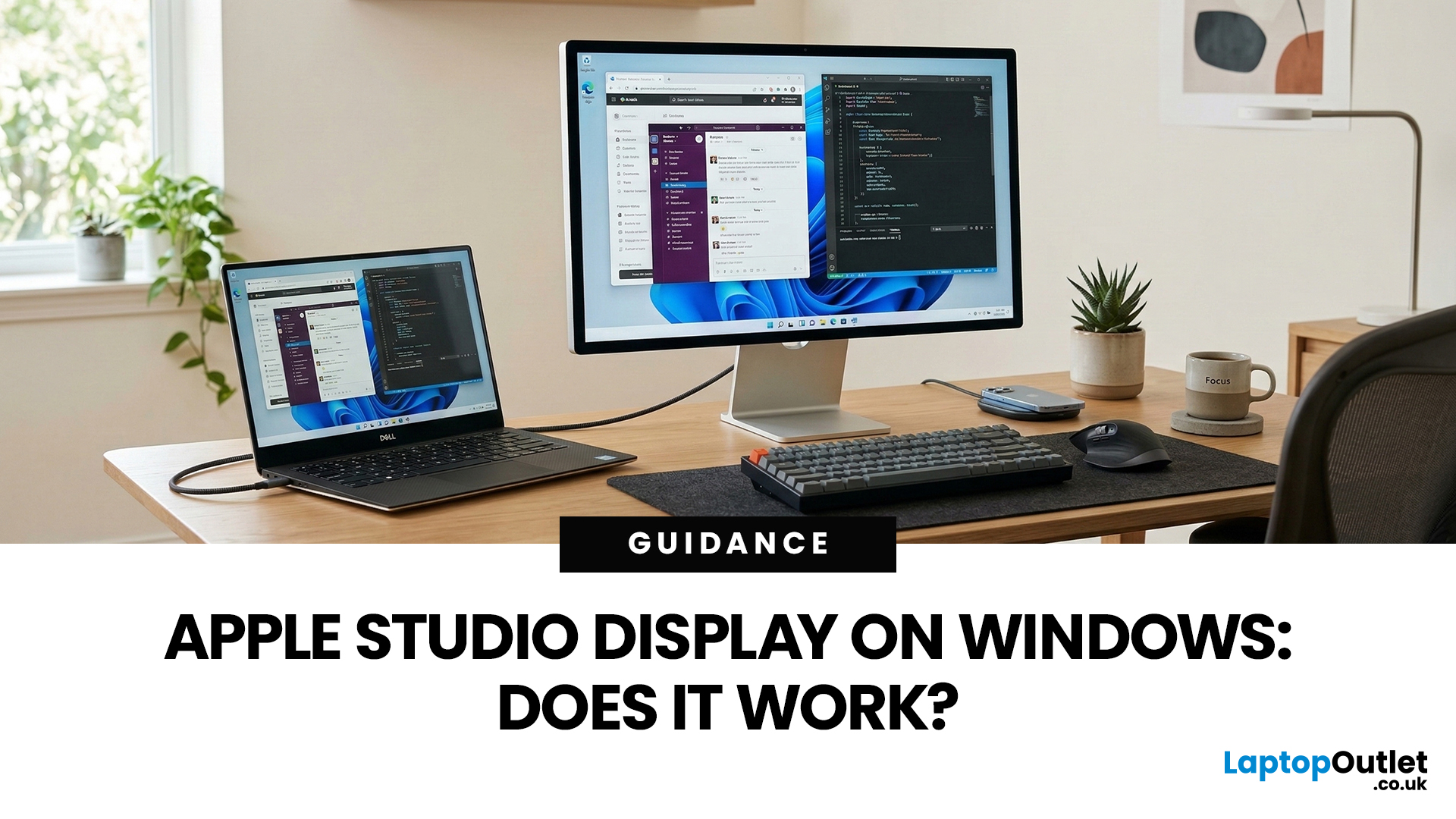
You’ve seen the Apple Studio Display. It’s sleek, stupidly sharp, and it makes your desk look like you’ve got your life together. But you’re on Windows. So, the big question is: Does Apple Studio Display work with Windows PCs? Yes, it can. But you won’t always get the full “Apple magic” experience on Windows.
Apple Studio Display + Windows: What Works vs What Doesn’t
Core Monitor Functions (generally work)
The good news: the basics are solid.
- You’ll get a picture (yep, it’s a monitor)
- Resolution and scaling can be adjusted in Windows settings
- It can act as an audio device (the built-in speakers often show up as an output option)
In other words: for day-to-day “I need a stunning screen”, you’re fine.
Features that May be Limited or Not Supported on Windows
Here’s where the “Apple ecosystem” bit starts showing:
- Center Stage (auto-follow webcam feature): usually not available as intended on Windows
- True Tone (auto colour temperature shifts): Generally not supported
- Firmware updates: typically

Last Updated: April 07, 2026
If your PC is on for hours every day, it is absolutely part of your electricity bill story. Not in a dramatic “this one desktop is ruining your life” way, but enough that efficiency matters. That is why energy-efficient PCs are getting more attention from UK buyers who want solid performance without wasting power.
And honestly, fair enough. Nobody wants a machine that runs hot, pulls extra watts for no reason, and quietly adds more to the bill every month. This guide breaks down what energy efficient computers mean, how much you could realistically save in a year, and where the biggest differences show up between everyday desktops and a power efficient gaming PC.
What Counts as an Energy-Efficient PC?
An energy-efficient PC is simply a desktop that delivers the performance you need without drawing more power than necessary. That can come from better components, smarter power management, or both. A more efficient system usually has a few things going for it:
- newer processors that do more
Last Updated: June 10, 2026
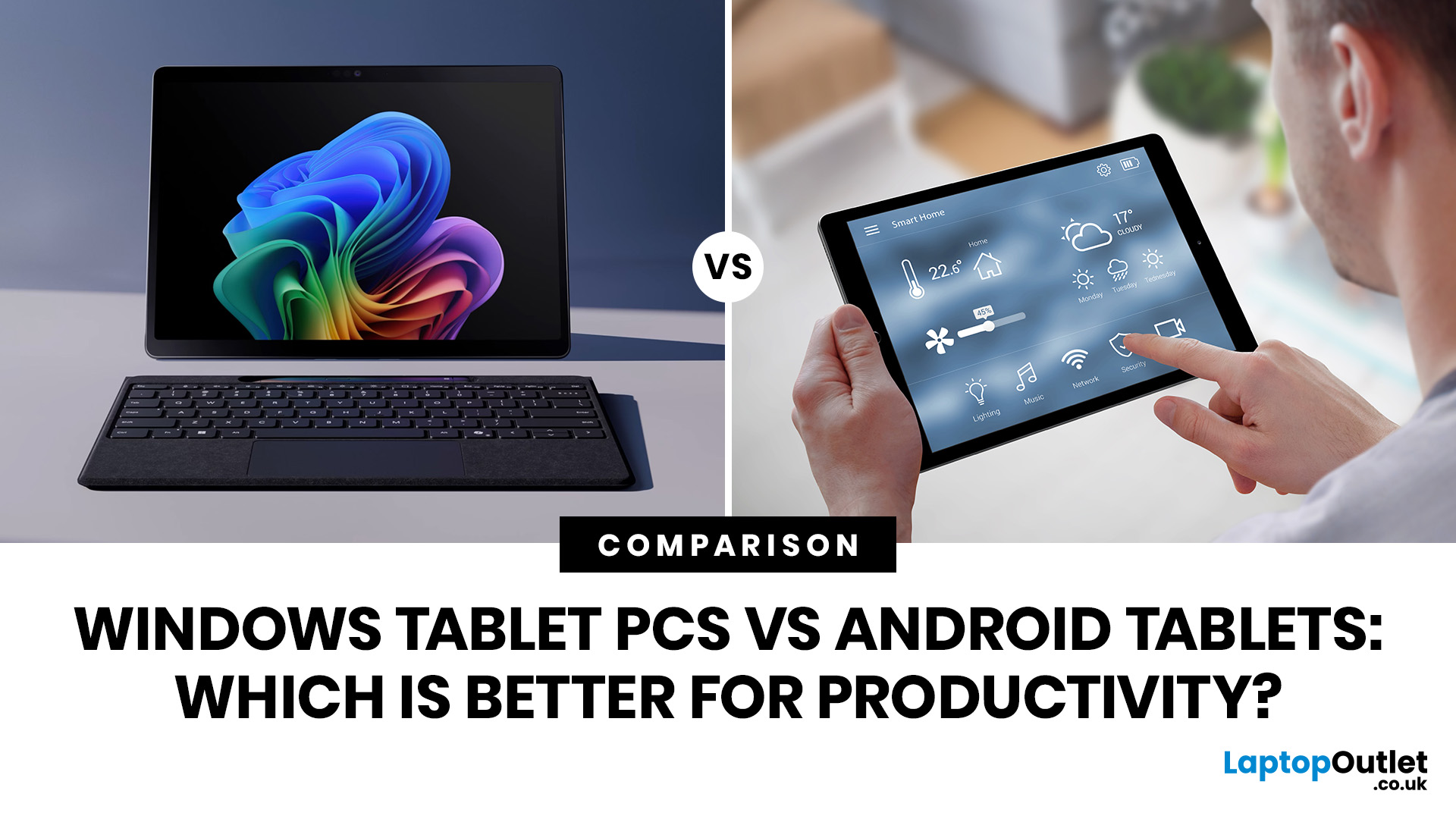
When comparing Windows tablet PCs vs Android tablets, Windows is usually better for productivity-heavy tasks like multitasking, office work and business use, while Android tablets are better for portability, value and lighter everyday productivity.
When comparing Windows tablet PCs vs Android tablets, the best choice depends on how you work. Some users need laptop-style performance for spreadsheets, email, browser tasks and multitasking, while others prefer a portable device for note-taking, research, video calls and everyday flexibility.
That is why the Android vs Windows tablets debate matters. Windows tablets offer a more PC-like experience with stronger multitasking, while Android tablets focus on portability, convenience and app-based productivity.
For buyers in the UK, the best option depends on whether you value desktop-style software, keyboard-led productivity and business features, or a lighter, more affordable system that is easy to carry and simple to use. If you are browsing
Published: June 11, 2026
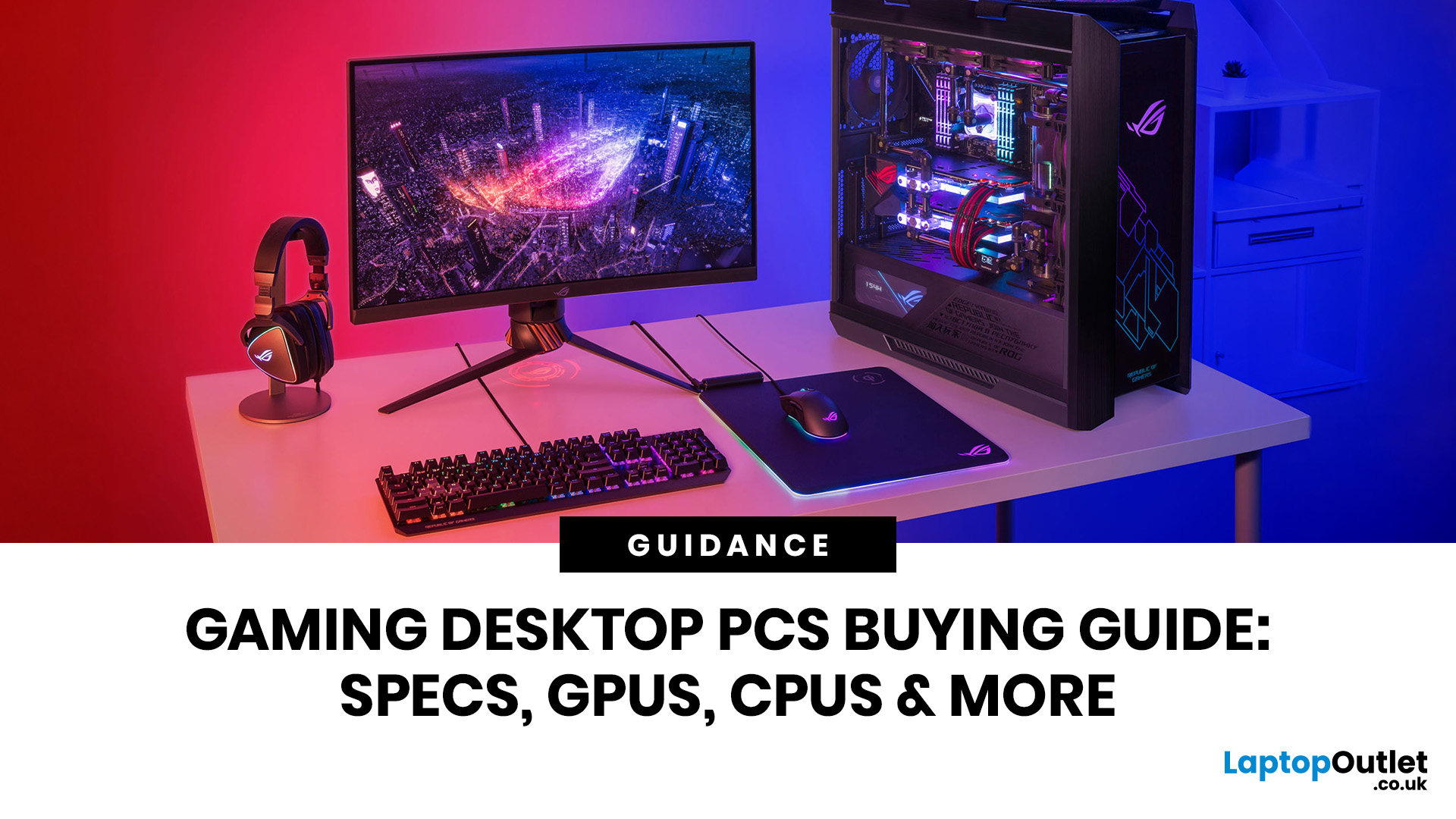
Choosing the right gaming desktop can be the difference between smooth, immersive gameplay and a system that struggles within a year. This gaming PC buying guide explains the key components that affect gaming performance, future-proofing, and value for money, so you can buy with confidence rather than guessing from confusing spec sheets.
A good gaming PC is not just about the most expensive graphics card. It is about balance. The CPU, GPU, RAM, storage, cooling, power supply, motherboard, and case all work together. Whether you play competitive esports, cinematic single-player titles, open-world RPGs, racing games or VR, understanding the right configuration helps you avoid overspending and choose a desktop that lasts.
This article is designed as a practical gaming PC specs guide for beginners, but it also includes up-to-date 2026 advice for buyers comparing modern RTX, Radeon, Intel, and AMD-powered systems.
Why Buy a Gaming Desktop PC?
A gaming desktop PC remains one of the best choices
Last Updated: July 03, 2026
Published: July 08, 2026
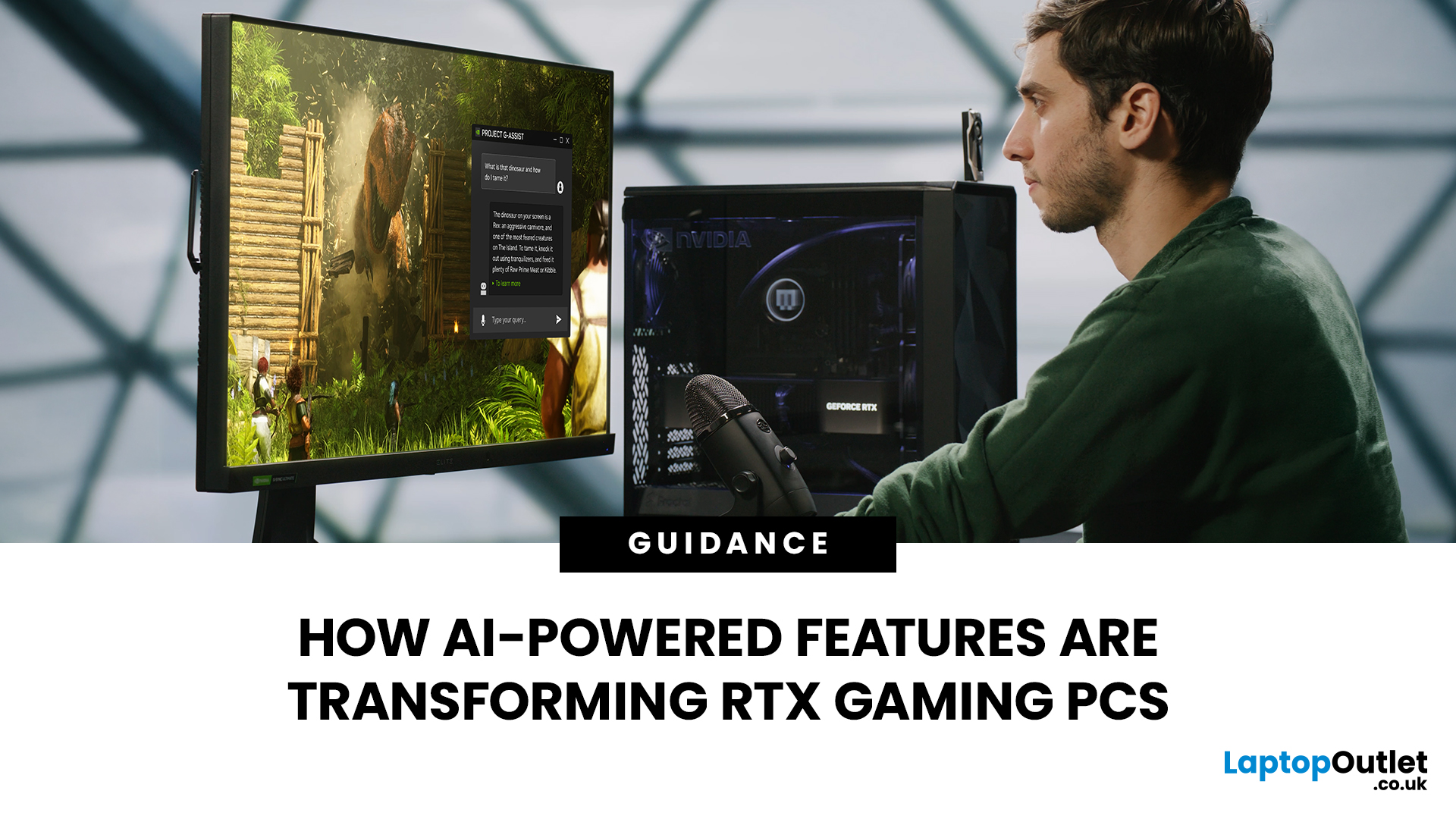
AI RTX gaming PCs can deliver real value, but only when their features align with how you actually play.
| AI-powered RTX gaming PCs use NVIDIA RTX AI features like DLSS upscaling, Frame Generation, ray tracing, and Reflex to boost FPS, improve visual quality, and reduce input lag. They are worth buying when matched to your games, monitor, and budget, especially for 1080p high-refresh, 1440p, streaming, and creator workloads. For UK gamers, prioritise RTX 5050/5060 or higher, 16GB RAM, a strong CPU, and 1TB SSD to get smoother gameplay, better ray tracing, and future-ready performance. |
Modern RTX gaming PCs use AI features like DLSS, Frame Generation, ray tracing, and NVIDIA Reflex to boost FPS, improve visuals, and reduce input lag. But the real value depends on your games, monitor, budget, and specs.
This guide explains what AI-powered RTX gaming actually means, which features matter, and how UK gamers can choose the right RTX PC without falling for marketing hype.
What Does “AI RTX Gaming
Last Updated: July 13, 2026
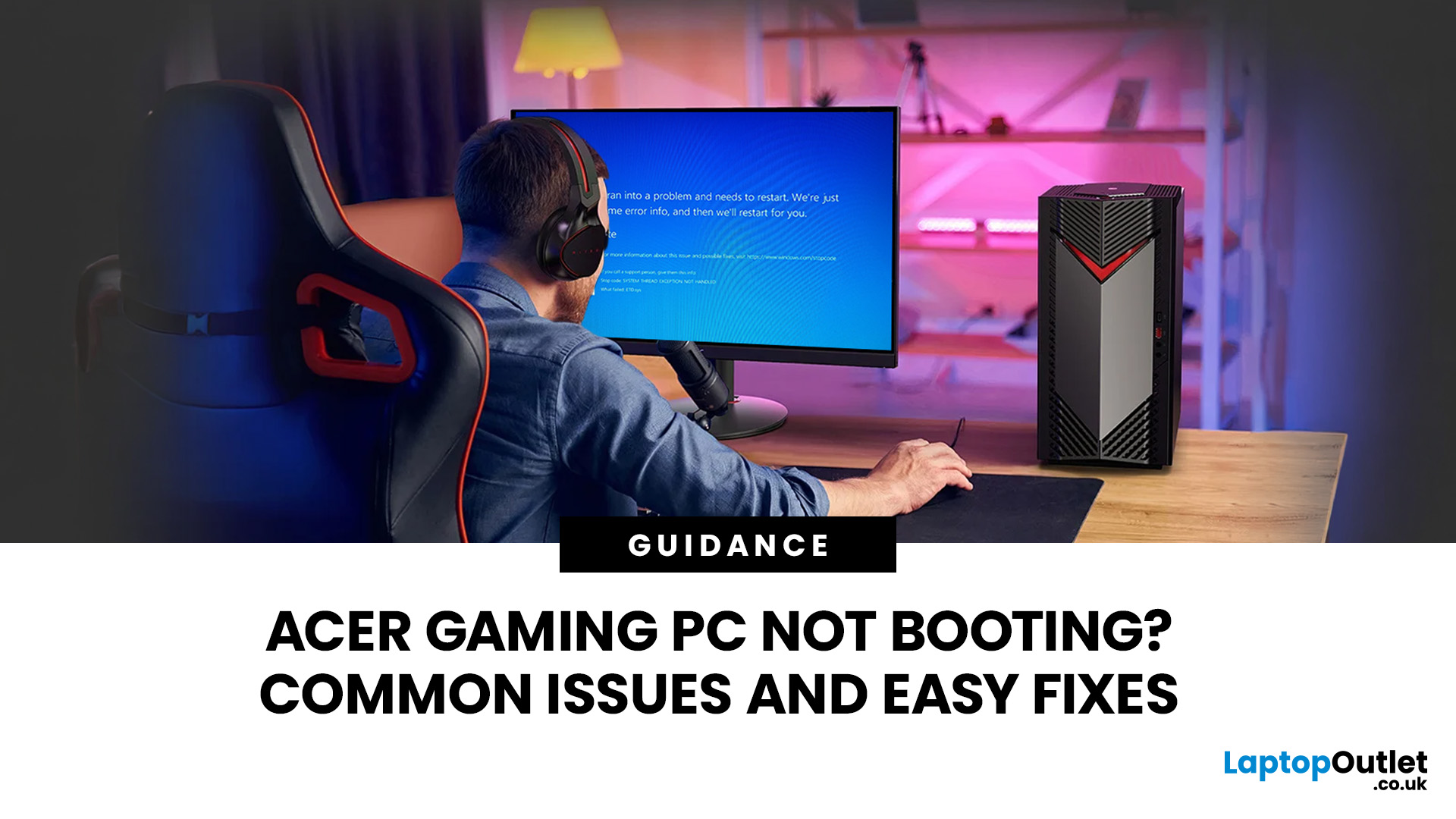
An Acer gaming PC not booting can feel like instant panic mode, especially when you were ready to jump into a game, finish work, or just chill. One minute everything is fine, and the next your PC turns on but no display appears, the monitor says no signal, or the screen stays completely black.
The good news? A PC not booting does not always mean something major is broken. Sometimes it is a loose cable, a monitor input issue, a RAM problem, or a BIOS setting that needs a reset. In this guide, we will walk through the most common Acer desktop startup issues, what they usually mean, and the easy fixes you can try before heading straight to a repair shop.
Is Your Acer PC Actually Not Booting, or is There No Display?
Before you start unplugging parts, it helps to know what problem you are really dealing with. A PC can fail in different ways, and each one points to a different cause.
If your Acer PC is not starting up that means there are no lights, no fans, and no sound at all, it may be a power
Last Updated: September 03, 2026
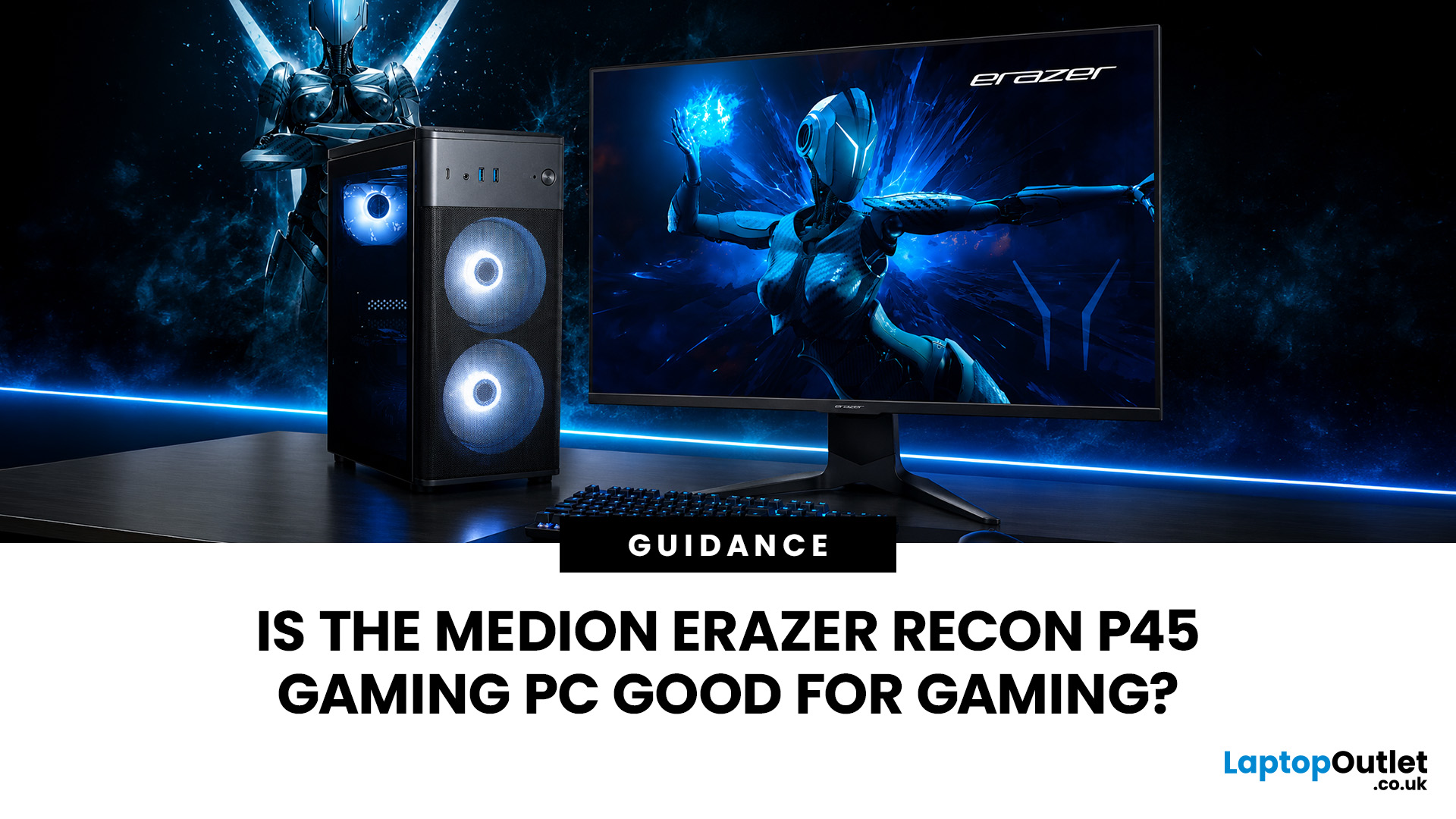
Yes, the Medion Erazer Recon P45 is a good gaming PC for players who want smooth everyday gaming, strong 1080p performance, fast loading times and a ready-to-use desktop without building a PC from scratch.
At Laptop Outlet, current Medion Erazer Recon P45 Gaming PC options include configurations with an AMD Ryzen 5 5500, 1TB SSD, Windows 11 Home, and dedicated NVIDIA RTX graphics, including RTX 5060 and RTX 5050 variants. The RTX 5060 model also includes 32GB RAM in the listed specification, while the RTX 5050 model is listed with 16GB RAM.
Is the Medion Erazer Recon P45 Worth it?
For most UK gamers, the Medion Recon P45 PC makes sense if you want a capable prebuilt gaming desktop that can handle modern games, multitasking, streaming, schoolwork, everyday browsing, and entertainment. It is especially suitable for:
| User Type | Is it a Good Fit? | Why |
| Beginner gamers | Yes | No PC-building knowledge needed |
| 1080p players | Yes | RTX graphics and Ryzen 5 power are well matched |
| Students | Yes | Good for gaming, |

