



Top Gaming PC Accessories to Upgrade Your Gaming Setup in 2026
In gaming, your PC is the engine - but your accessories are the steering wheel, tyres, mirrors, and dashboard. You can have all the power in the world, but if your mouse feels sluggish, your monitor looks choppy, your headset misses key sound cues, or your desk is a cable jungle, the whole setup feels off.
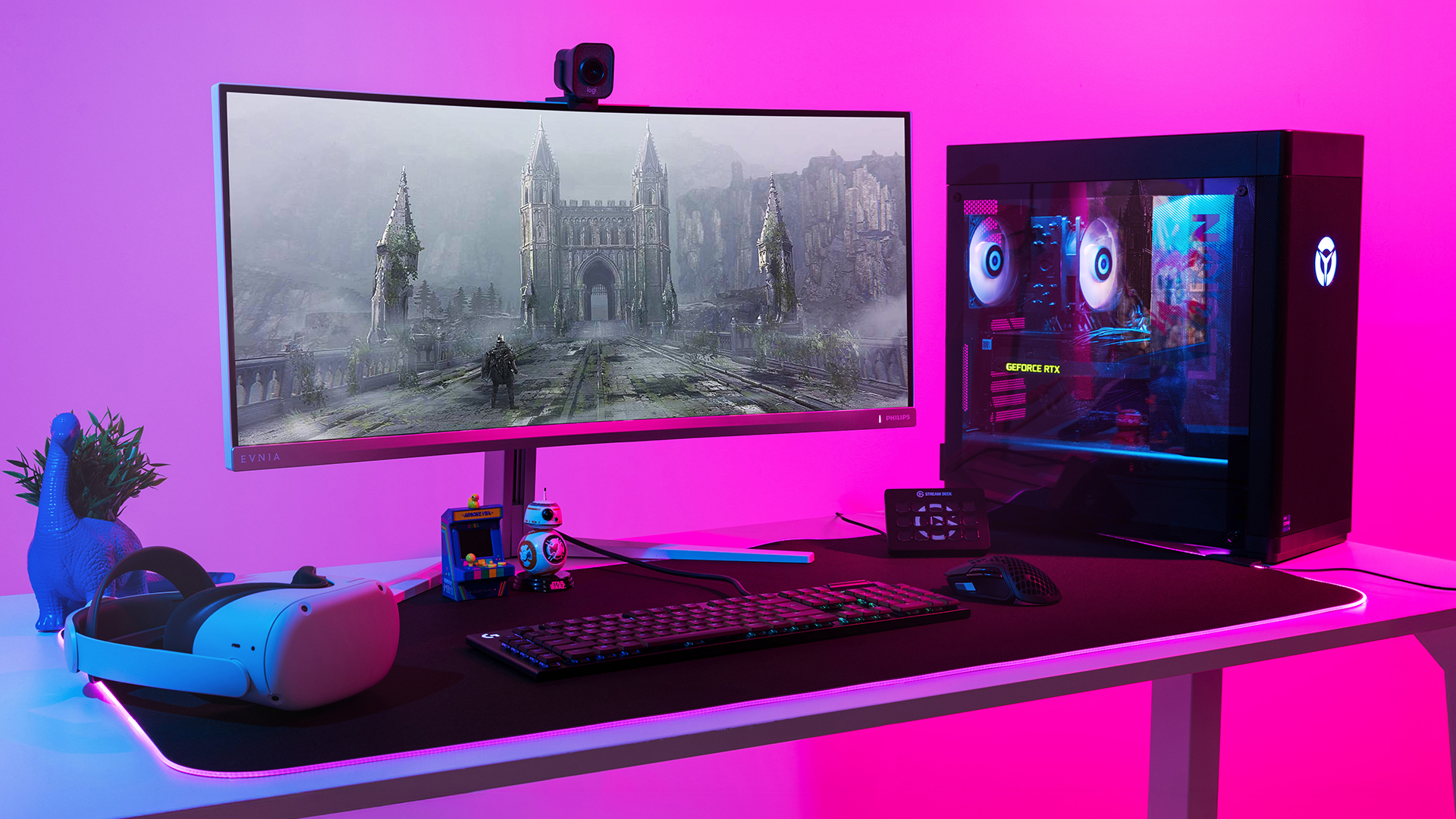
Your PC might be built to run the latest games, but your accessories decide how well you actually experience them. A lightweight mouse can sharpen your aim, a mechanical keyboard can clean up your inputs, a gaming headset can help you catch every footstep, and a high refresh rate monitor can make fast movement feel smoother. So, if you want your setup to look good and play even better, these are the top gaming PC accessories worth upgrading in 2026.
Quick Budget Guide for Gaming PC Accessories
Before choosing the top gaming PC accessories, it helps to know where your money makes the biggest difference. Some upgrades are small and affordable, while others are premium investments for serious gaming setups.
|
Budget Level |
Typical Price Range (UK) |
Best For |
Accessories to Prioritise |
|
Budget |
£10 – £80 |
Simple setup improvements without spending too much |
Mouse pads, wired headsets, Ethernet cables, headset stands, basic webcams |
|
Mid-Range |
£80 – £300 |
Most gamers who want better performance and comfort |
Mechanical keyboards, wireless gaming mice, QHD gaming monitors, external SSDs, dual-monitor stands |
|
Premium |
£300+ |
Competitive gamers, streamers, creators, and high-end setups |
OLED gaming monitors, Wi-Fi 7 routers, premium microphones, ultrawide monitors, advanced monitor arms |
A budget setup does not mean a weak setup. The best approach is to upgrade based on what actually affects your gameplay first - control, visuals, sound, connection, comfort, and storage.
1. Mechanical Gaming Keyboards
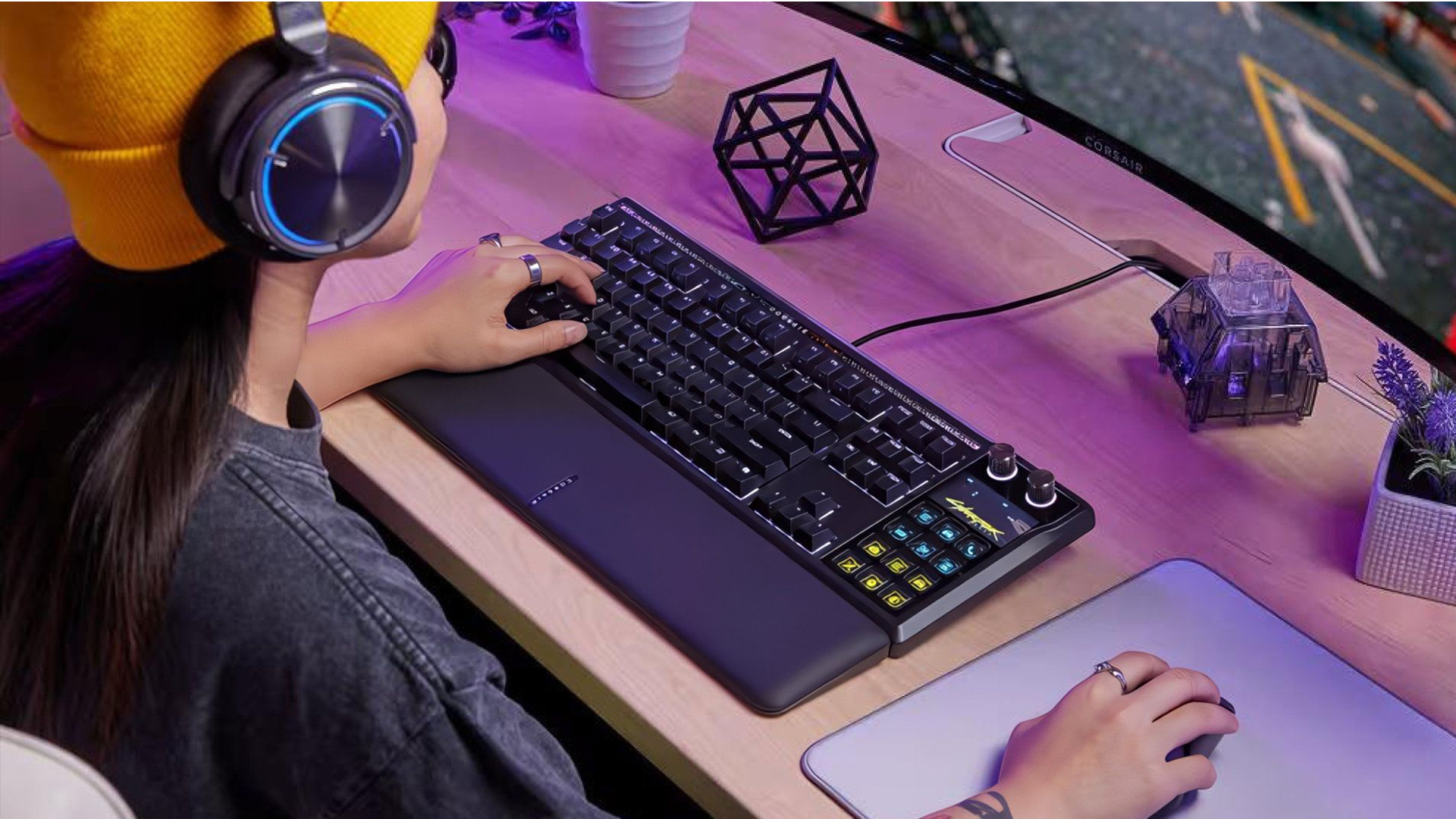
A gaming keyboard is one of the easiest ways to make your setup feel instantly more responsive. Unlike basic membrane keyboards, mechanical gaming keyboards offer a more satisfying key feel, stronger durability, and better control during fast gameplay. For FPS players, linear switches can feel smooth and quick. For mixed gaming, typing, and work, tactile switches often provide a more balanced experience.
When choosing a keyboard in 2026, look for anti-ghosting, N-key rollover, hot-swappable switches, sturdy keycaps, and a layout that fits your desk. Full-size boards are great if you use a number pad, but TKL, 75%, and 65% layouts free up more mouse space, which is useful for low-sensitivity aim.
For most players, mechanical gaming keyboards are not just stylish computer accessories gaming upgrades; they make everyday gaming, typing, chatting, and shortcut use feel smoother and more accurate.
ASUS ROG Strix Scope II 96 NX Mechanical Switches Wireless RGB Gaming Keyboard
|
Highlights:
|
|
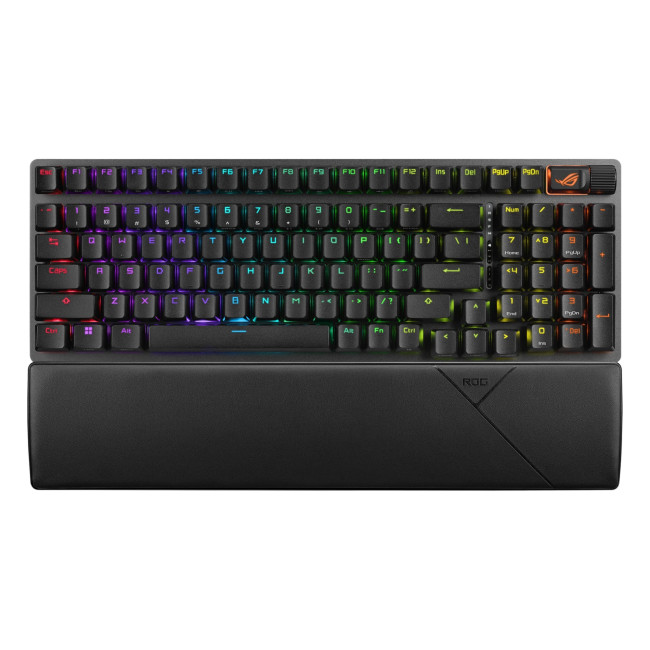
The ASUS ROG Strix Scope II 96 NX Mechanical Switches Wireless RGB Gaming Keyboard is the best all-round keyboard recommendation for most gamers. Its 96% layout keeps the function row and number keys while saving desk space, which is useful if you need more room for mouse movement. Tri-mode connectivity gives you Bluetooth, 2.4GHz wireless, and wired USB options, while hot-swappable ROG NX mechanical switches, dampening foam, and a detachable wrist rest make it feel smooth, stable, and comfortable for long sessions.
Razer Huntsman V3 Pro Tenkeyless Gaming Keyboard Counter-Strike 2 Edition
|
Highlights:
|
|
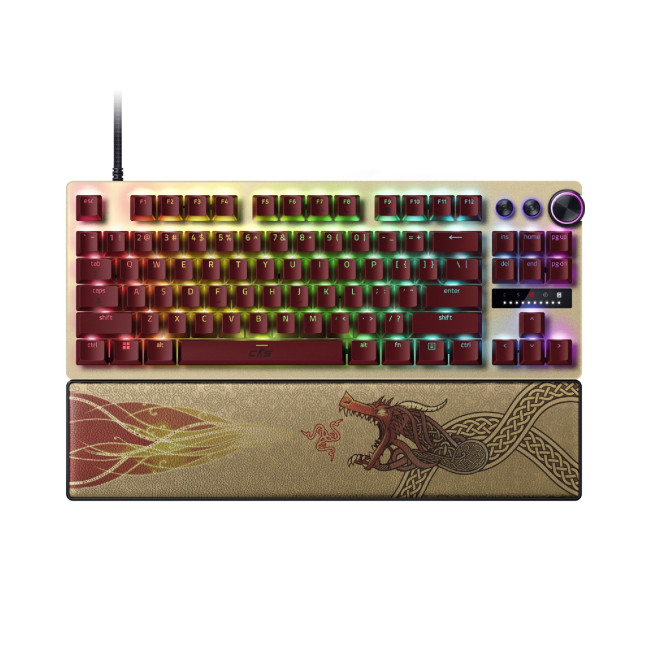
The Razer Huntsman V3 Pro Tenkeyless Gaming Keyboard Counter-Strike 2 Edition is the stronger pick for competitive players who want more desk space and faster repeated inputs. Its tenkeyless design gives your mouse more freedom, while Rapid Trigger, adjustable actuation, and a 100-million keystroke lifespan make it ideal for FPS gamers who need speed, control, and durability. It is especially suitable for players who prefer a wired esports-style setup with fewer compromises.
2. Wireless Gaming Mice
A mouse can make or break your aim. A heavy, uncomfortable, or unreliable mouse can slow you down, while a lightweight wireless model can improve freedom of movement and reduce cable drag. That is why wireless gaming mice are now some of the most useful gaming peripherals for competitive and casual players alike.
The key is not chasing the highest DPI number. In real-world gaming, comfort, sensor quality, low-latency 2.4GHz wireless, battery life, and weight matter more. A mouse under 80g is usually ideal for FPS players, while a slightly heavier ergonomic mouse may suit RPG, strategy, or everyday use better.
If you want cleaner desk space and better control, wireless gaming mice are among the best gaming accessories to upgrade early. Pair one with a large mouse pad and you will feel the difference straight away.
ASUS ROG Harpe Ace Aim Lab Edition Wireless Gaming Mouse
|
Highlights:
|
|
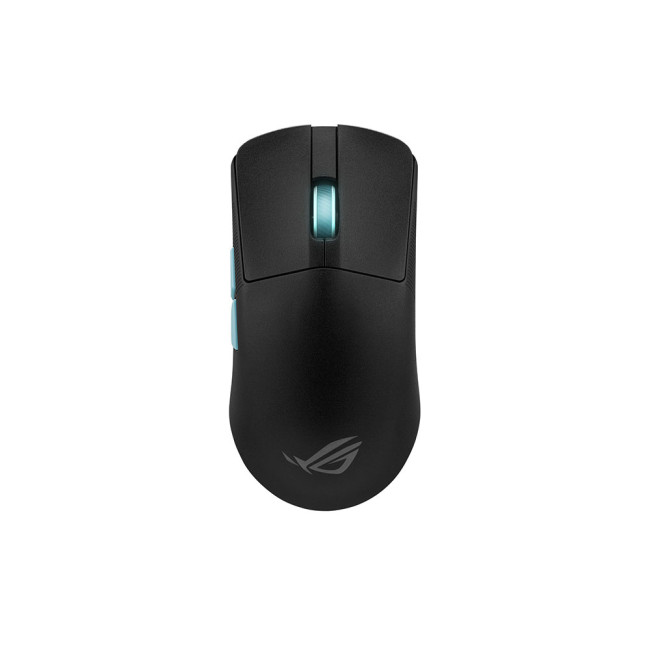
The ASUS ROG Harpe Ace Aim Lab Edition Wireless Gaming Mouse is the best pick for competitive gamers who want a light, accurate wireless mouse. At 54g, it is built for fast flicks and quick tracking, while the 36,000 DPI optical sensor, USB 2.0, Bluetooth 5.1, and RF 2.4GHz connectivity make it flexible for gaming, work, and travel. It is a strong choice for FPS players, esports-style setups, and anyone who wants a lightweight mouse with premium control.
ASUS ROG Strix Impact III Wireless Gaming Mouse
|
Highlights:
|

|
The ASUS ROG Strix Impact III Wireless Gaming Mouse is a more affordable wireless recommendation that still feels serious enough for gaming. It has a 57g lightweight design, 36,000 DPI optical sensor, 2.4GHz RF and Bluetooth connectivity, six programmable buttons, and an ambidextrous shape. This makes it a great option for gamers who want a clean wireless setup without paying premium esports mouse prices.
Razer Basilisk V3 Wired Optical Gaming Mouse
|
Highlights:
|
|
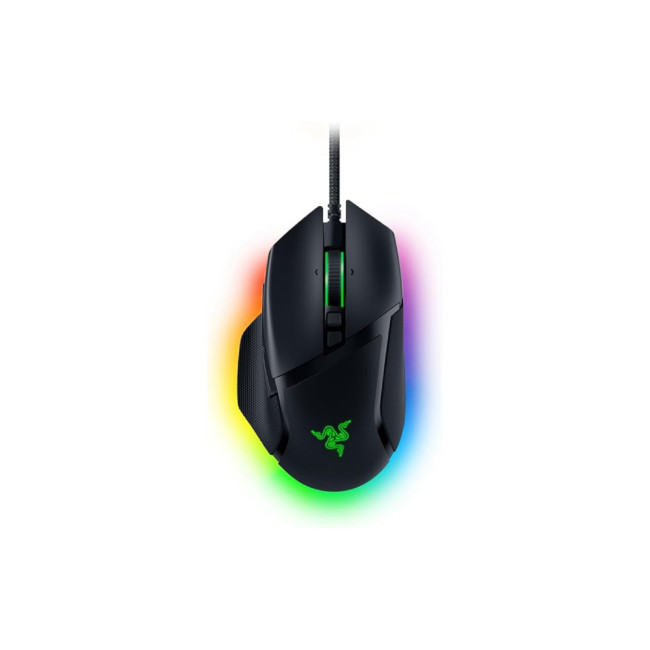
The Razer Basilisk V3 Wired Optical Gaming Mouse is the best wired alternative for players who prefer an ergonomic right-handed shape and extra controls. With a 26,000 DPI optical sensor, 10+1 programmable buttons, and Razer HyperScroll tilt wheel, it works especially well for RPGs, MMOs, productivity, and mixed gaming. If you want a mouse that feels practical beyond competitive shooters, this is one of the best-value gaming peripherals to include.
3. Gaming Headsets
Audio is often underrated, but it is one of the biggest advantages in multiplayer games. A quality headset helps you hear footsteps, direction cues, reloads, engine sounds, team calls, and environmental details more clearly. It also keeps late-night gaming quieter for everyone around you.
The best gaming headsets in 2026 should offer clear directional audio, a comfortable fit, a reliable microphone, and either low-latency wireless or a dependable wired connection. Do not buy purely because a headset advertises “surround sound”. Comfort, mic clarity, and accurate positioning are more important.
For streamers and squad players, a flip-to-mute or detachable microphone is useful. For long sessions, lightweight materials and breathable ear cushions matter. A headset is one of the most practical pieces of gaming equipment because it improves immersion, communication, and focus without needing a full speaker setup. If display quality is your biggest upgrade priority, it also helps to compare the best gaming monitor brands for gaming in the UK by refresh rate, panel type, resolution, and budget.
Acer Predator Galea 550 Wireless Gaming Headset
|
Highlights:
|
|
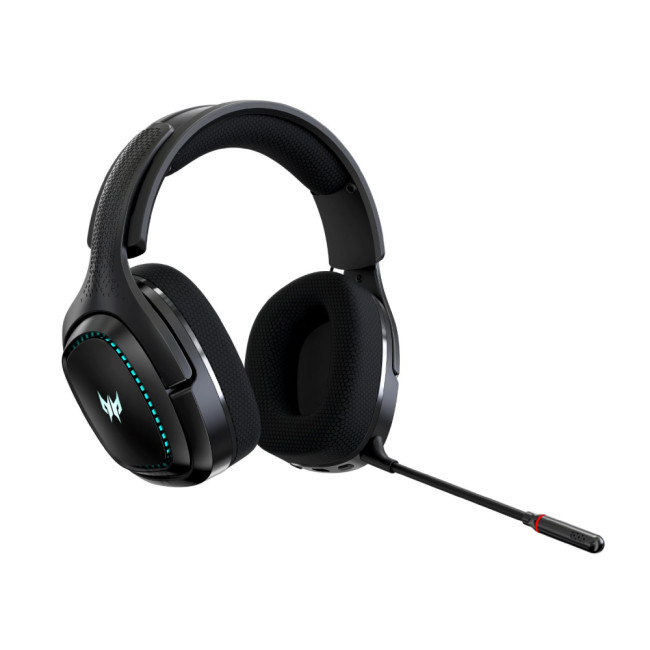
The Acer Predator Galea 550 Wireless Gaming Headset is the best wireless gaming headset recommendation from the current in-stock options. It supports 2.4GHz RF and Bluetooth 5.2 connections, USB-C charging, ENC microphone support, an attachable boom mic, onboard controls, up to 12 hours of use, and up to 10 metres of range. It is a practical pick for gamers who want wireless freedom without paying premium headset prices.
ASUS TUF Gaming H1 7.1 Wireless Gaming Headset
|
Highlights:
|
|
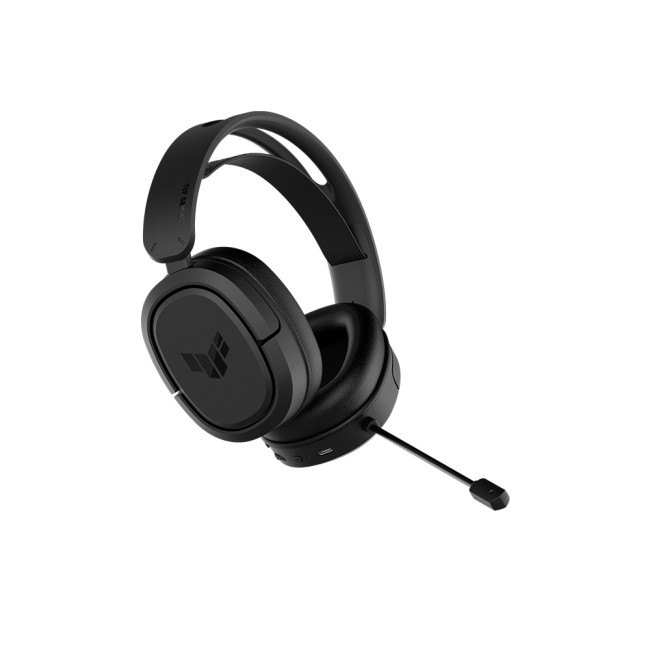
The ASUS TUF Gaming H1 7.1 Wireless Gaming Headset is a strong value wireless headset. It uses a 2.4GHz wireless connection, USB-C connector, virtual 7.1 surround sound, 40mm ASUS Essence drivers, and a lightweight suspension headband. It is a good option for players who want comfort, deep bass, and clear team communication.
Microsoft Modern USB-C Wired Headset
|
Highlights:
|

|
The Microsoft Modern USB-C Wired Headset is the best headset-mic pick for users who split their setup between gaming, study, and work calls. It includes a noise-reducing boom microphone, USB-C connectivity, and a comfortable wired design. It is not a flashy gaming headset, but it is practical for Discord, online meetings, classes, and voice chat.
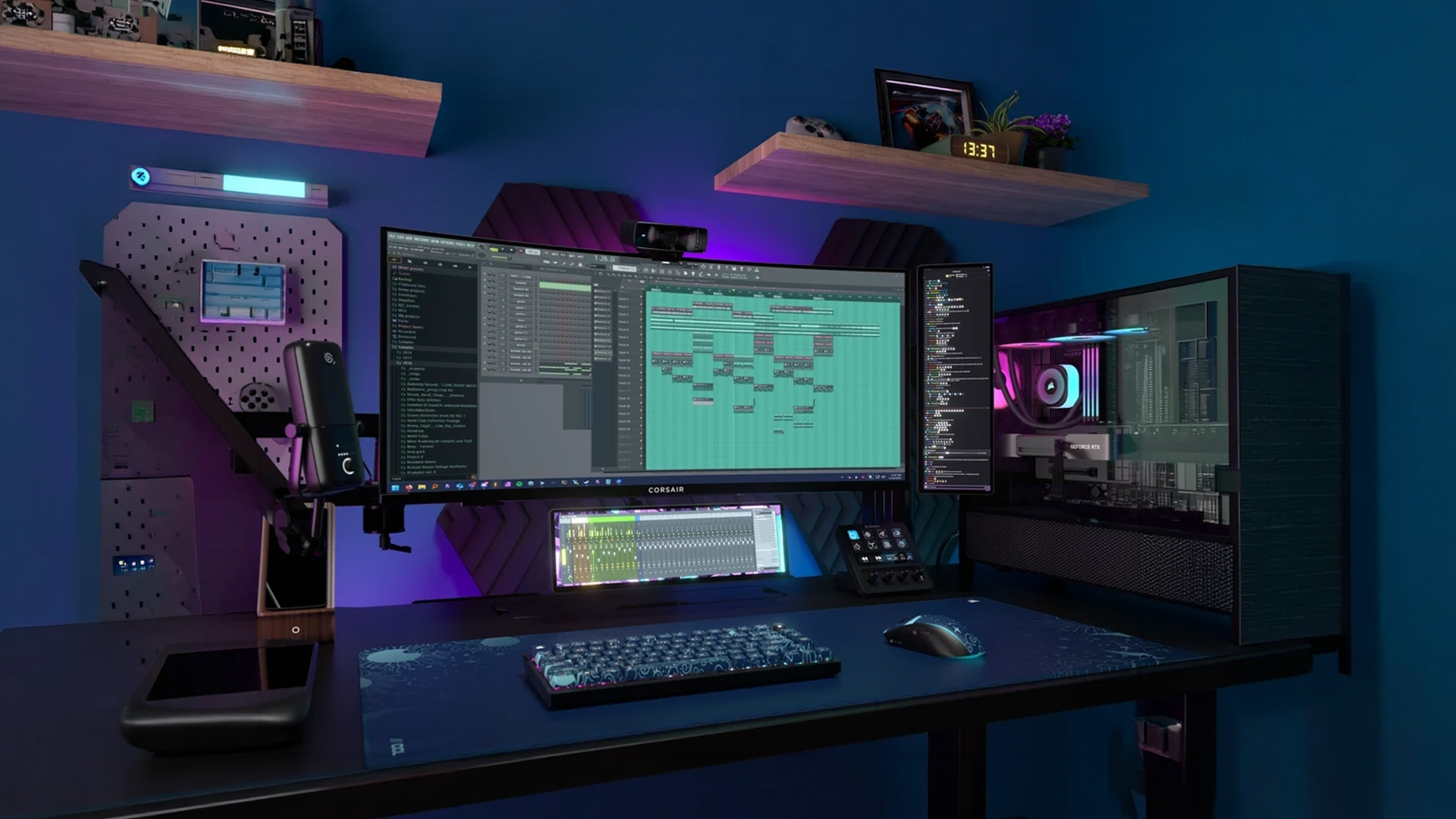
4. High Refresh Rate Gaming Monitors
Your monitor controls how smooth, sharp, and responsive your games actually look. You can have a powerful GPU, but if your display is limited, you will not experience the full benefit. That makes high refresh rate gaming monitors one of the most important upgrades for any serious setup.
For most gamers, 144Hz is a strong starting point. Competitive players may prefer 240Hz or higher, while high-end users can look at 1440p or 4K displays with fast refresh rates. Features such as Variable Refresh Rate help reduce screen tearing, while HDMI gaming features like VRR, Auto Low Latency Mode, and Quick Frame Transport are designed to improve responsiveness and smooth gameplay.
If you are buying a modern high-end gaming monitor, check the ports carefully. Some newer DisplayPort 2.1 setups need certified DP80 cables for reliable high-bandwidth performance, and VESA maintains a certified product database for DP80 cable compatibility.
Philips Evnia 49M2C8900/00 48.9" Dual QHD OLED 240Hz Curved Gaming Monitor
|
Highlights:
|
|
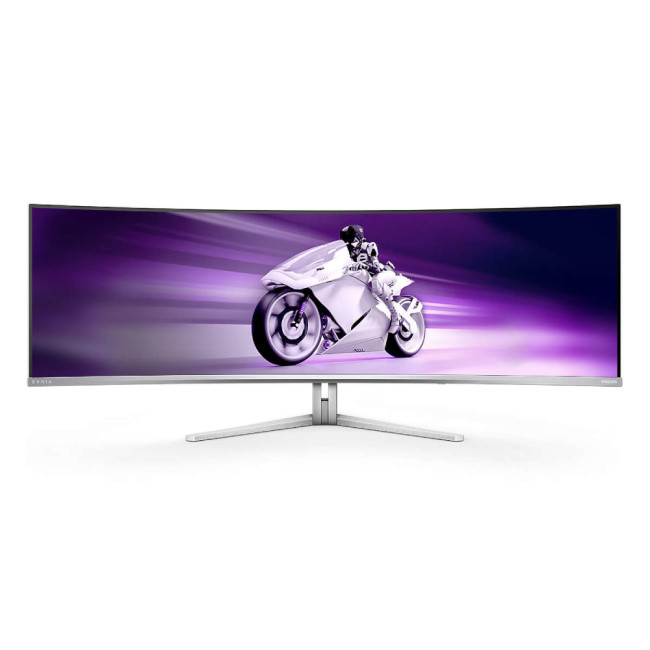
The Philips Evnia 49M2C8900/00 48.9" Dual QHD OLED 240Hz Curved Gaming Monitor is the premium recommendation for gamers who want a true showcase display. Its 48.9" curved OLED panel, 5120 x 1440 Dual QHD resolution, 240Hz refresh rate, 0.03ms response time, AMD FreeSync Premium Pro, NVIDIA G-SYNC compatibility, and 32:9 aspect ratio make it ideal for racing sims, immersive RPGs, multitasking, and high-end battle stations.
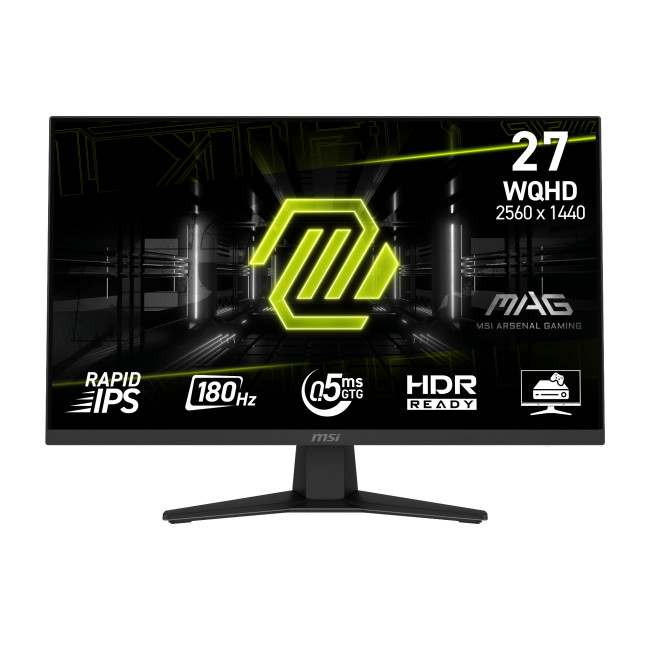
MSI MAG 274QF 27" Rapid IPS Quad HD 180Hz Gaming Monitor
|
Highlights:
|
|
The MSI MAG 274QF 27" Rapid IPS Quad HD 180Hz Gaming Monitor is the best-value monitor pick for most gamers. Its 27" Quad HD Rapid IPS panel, 180Hz refresh rate, 0.5ms response time, Adaptive Sync, and 2560 x 1440 resolution make it a smart balance of speed, sharpness, and price. It is ideal for competitive gaming, everyday PC use, and players upgrading from a basic 60Hz or 75Hz display.
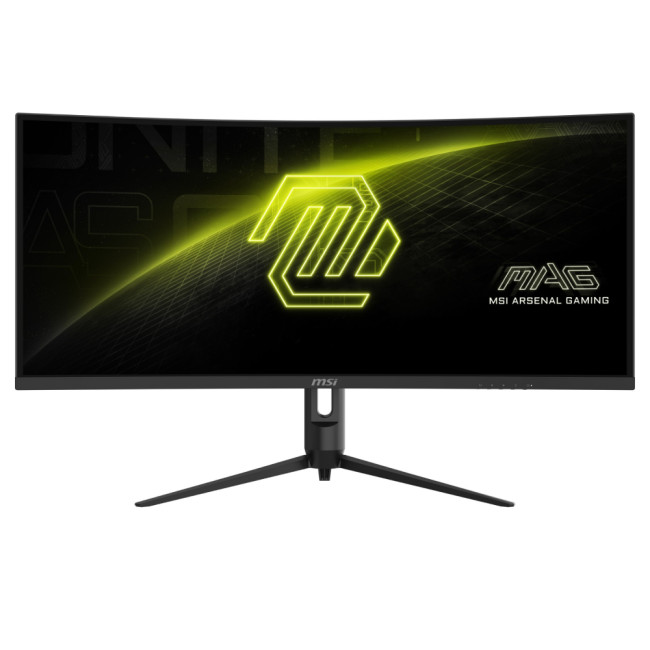
MSI MAG 342CQR E2 34" Ultrawide Quad HD 180Hz Curved Gaming Monitor
|
Highlights:
|
|
The MSI MAG 342CQR E2 34" Ultrawide Quad HD 180Hz Curved Gaming Monitor is a strong mid-range ultrawide alternative. With a 34" curved VA panel, 3440 x 1440 resolution, 180Hz refresh rate, 1ms response time, Adaptive Sync, and 21:9 aspect ratio, it is great for racing games, story-driven titles, multitasking, and players who want a more cinematic setup without going all the way to a 49" screen.
5. PC Gaming Controllers
Keyboard and mouse are brilliant for shooters and strategy games, but they are not always the best choice. Racing games, fighting games, platformers, sports titles, third-person adventures, and couch gaming often feel better with a controller. That is why PC gaming controllers still deserve a place in a modern gaming setup.
For Windows users, Xbox Wireless Controllers are a safe and familiar option because many PC games support them, and Microsoft confirms they can connect to Windows devices using USB, the Xbox Wireless Adapter, or Bluetooth.
In 2026, look for USB-C support, strong wireless stability, comfortable triggers, textured grips, and long battery life. Hall effect sticks are also worth considering where available, as they are designed to reduce the risk of stick drift over time.
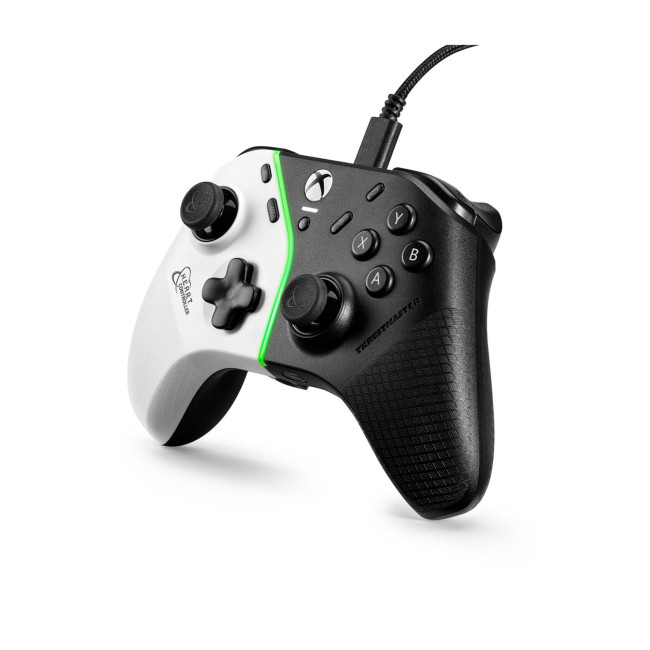
Thrustmaster H.E.A.R.T Controller for PC and Xbox
|
Highlights:
|
|
The Thrustmaster H.E.A.R.T Controller for PC and Xbox is the best new controller recommendation. It supports wired connectivity, HallEffect AccuRate Technology, programmable mechanical buttons, ergonomic triggers, textured grips, and textured rear buttons. It is a practical pick for players who want reliable input, strong grip, and better long-term stick accuracy for PC and Xbox gaming.
6. Large Gaming Mouse Pads and Desk Mats
A mouse pad might seem basic, but it can seriously improve consistency. A large gaming mouse pad gives your mouse more space, reduces surface friction, and protects your desk. For FPS players using lower sensitivity, an XL or XXL mat is one of the simplest upgrades.
Look for stitched edges, a non-slip rubber base, a surface that suits your play style, and enough room for both your keyboard and mouse. Speed surfaces are better for fast flicks, while control surfaces help with precision tracking.
Good gaming mouse mats are one of the cheapest gaming gadgets on the list, but they make your whole setup feel more finished and comfortable.
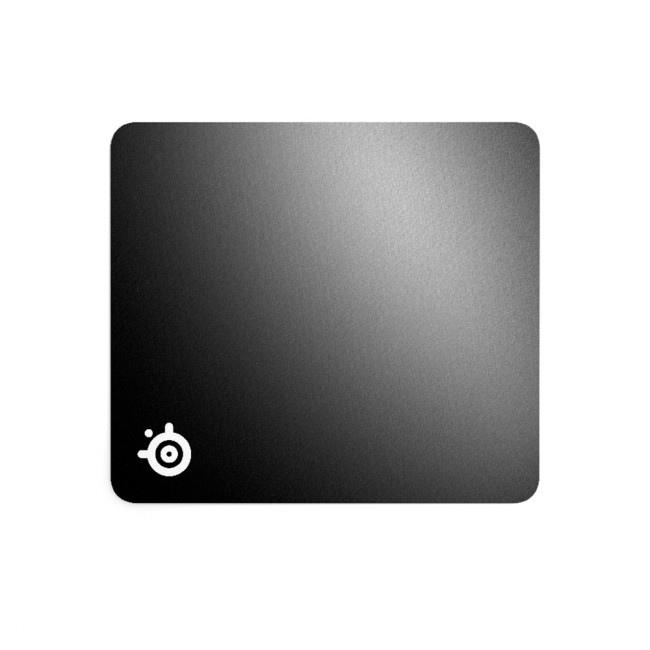
SteelSeries QcK Micro-Woven Gaming Mouse Pad
|
Highlights:
|
|
The SteelSeries QcK Micro-Woven Gaming Mouse Pad is a strong all-round pick for gamers who want proven control without overspending. Its micro-woven cloth surface is built for accurate tracking, while the never-slip base keeps the pad steady during fast movements. It is a practical choice for FPS, MOBA, strategy, and everyday PC use.
ASUS ROG Sheath BLK Mouse Pad
|
Highlights:
|

|
The ASUS ROG Sheath BLK Mouse Pad is a great desk-mat option for players who want more room for their keyboard and mouse together. Its smooth surface supports precise tracking, while the non-slip rubber base and anti-fray stitched edges make it a reliable long-term upgrade for a cleaner stuff for gaming setup.
7. Recommended Dual-Screen Stands and Monitor Arms
Dual-screen stands are great for streamers, multitaskers, creators, and gamers who want Discord, OBS, walkthroughs, or system monitoring open on a second display.
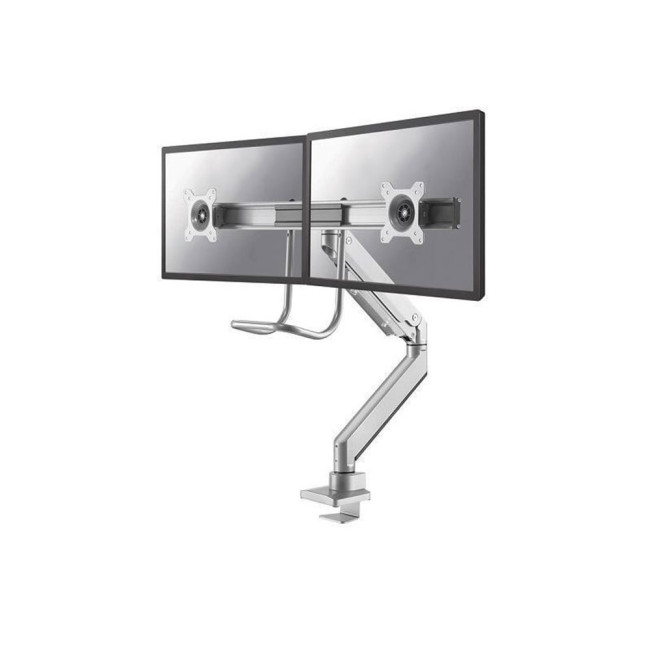
Neomounts NM-D775DXSILVER 10-32" Gas Spring Monitor Arm
|
Highlights:
|
|
The Neomounts NM-D775DXSILVER Gas Spring Monitor Arm is the best premium dual-monitor arm pick. It supports two flat screens up to 32", uses a desk clamp or grommet mount, and offers tilt, swivel, rotation, height adjustment, and cable management. It is ideal for gamers, editors, and professionals who want more control over screen positioning.
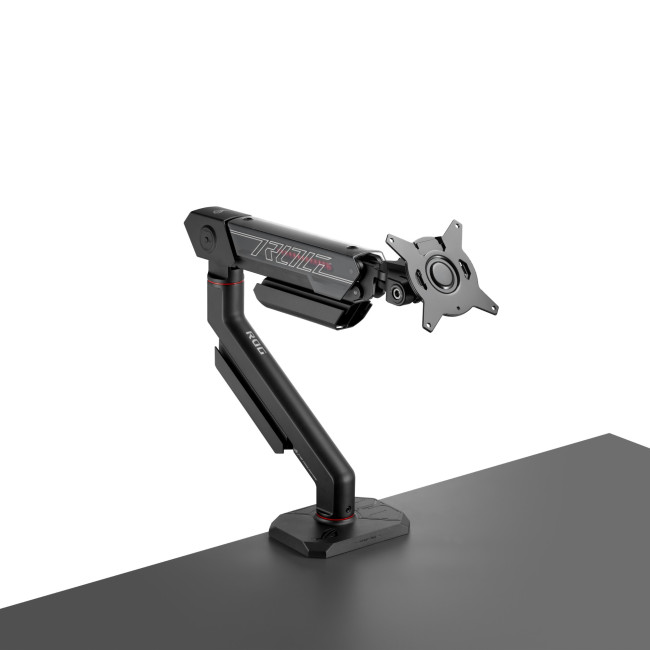
ASUS ROG Ergo AAS01R 49" Monitor Arm
|
Highlights:
|
|
The ASUS ROG Ergo AAS01R Monitor Arm is not a dual-screen stand, but it is the best recommendation for gamers using a large ultrawide monitor instead of two separate screens. It supports 10" to 49" displays, full-motion adjustment, and VESA 100 x 100mm mounting. It is a strong choice for premium gaming desks with a large OLED or ultrawide display.
8. Wi-Fi 7 Router or Ethernet Upgrade
Not every gaming upgrade sits on your desk. If your online matches are laggy, your router or network setup could be the problem. Ethernet is still the most reliable choice for competitive gaming, but Wi-Fi 7 is now a serious upgrade for modern wireless homes.
Wi-Fi Alliance says Wi-Fi 7 includes technologies such as Multi-Link Operation, 4K QAM, and 320MHz channels, all designed to improve capacity and user experience across supported devices.
For gaming, look for routers with strong coverage, low-latency performance, 2.5GbE ports where possible, QoS or traffic prioritisation, and enough bandwidth for multiple devices. If your PC is far from the router, a mesh system or powerline solution may help, but wired Ethernet is still the cleanest answer for serious competitive play.
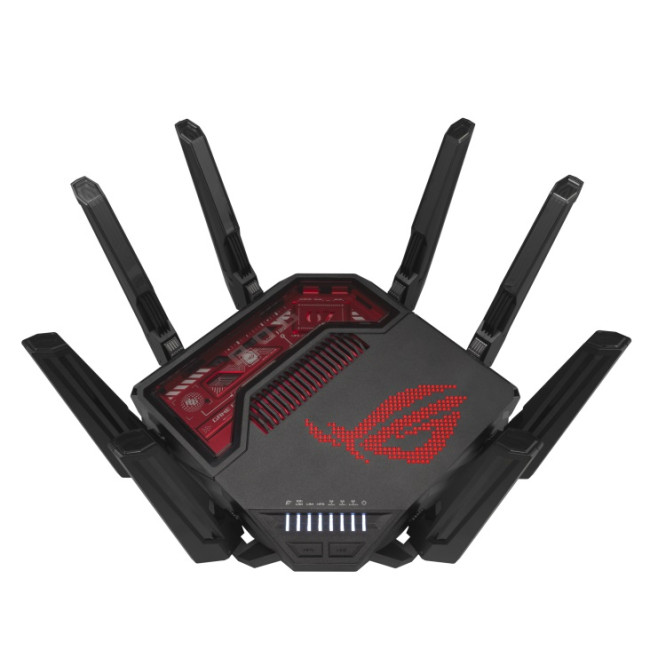
ASUS ROG Rapture BE19000 Tri-Band Wi-Fi 7 Gaming Router
|
Highlights:
|
|
The ASUS ROG Rapture BE19000 Tri-Band Wi-Fi 7 Gaming Router is the best premium gaming router recommendation. It is built for high-performance wireless setups, with Wi-Fi 7 support, tri-band connectivity, and 20 Gigabit Ethernet features. It suits serious gamers, streamers, and multi-device homes where strong bandwidth and reliable low-lag performance matter.
Ubiquiti Dream Router 7 Tri-Band Router
|
Highlights:
|
|
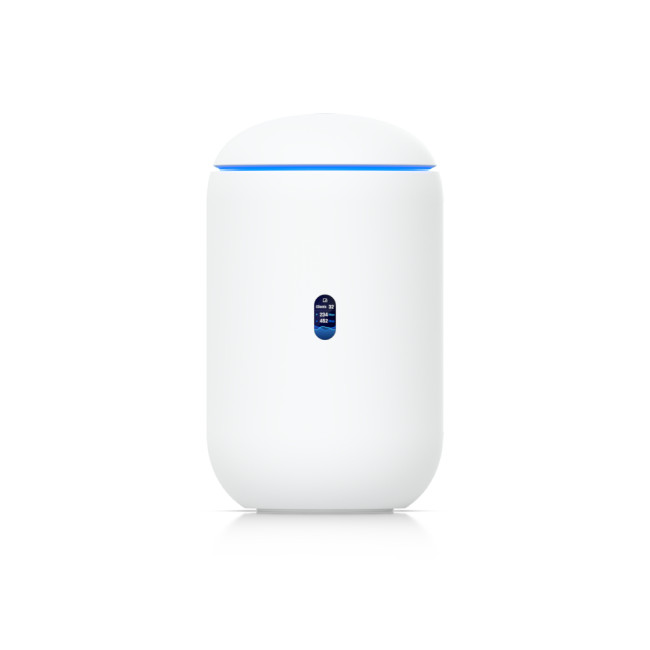
The Ubiquiti Dream Router 7 is a strong all-round router pick for smaller homes or gaming rooms. It offers tri-band Wi-Fi, Gigabit Ethernet support, and coverage for up to 1,750 sq ft. This makes it ideal for players who want fast home networking without going for an oversized gaming router.
TP-Link Deco BE65 BE9300 Tri-Band Whole Home Mesh Wi-Fi 7 System
|
Highlights:
|
|
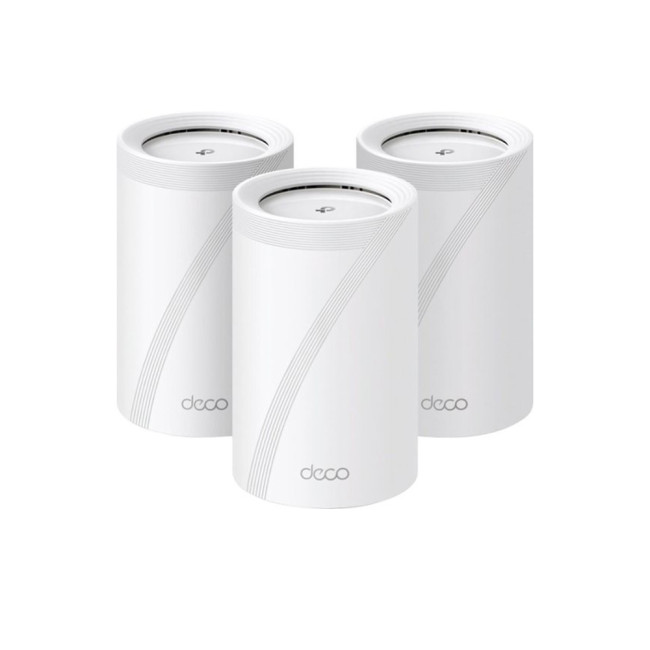
The TP-Link Deco BE65 3-Pack Mesh Wi-Fi 7 System is the best recommendation for larger homes. Its 3-pack mesh design covers up to 7,800 sq ft, making it useful if your gaming PC, console, or streaming setup is far from the main router. It is a smart choice for reducing weak spots across bedrooms, offices, and shared living spaces.
9. SSD Upgrades for Extra Game Storage
Game installs are only getting bigger, and nobody wants to delete half their library every time a new title launch. Extra storage is one of the most practical equipment for gaming upgrades, especially if you play AAA games or use a gaming laptop with limited internal space.
For desktops, an internal NVMe SSD is usually the best performance option. For portability, an external SSD is handy for moving game libraries, videos, clips, screenshots, and backups. Choose at least 1TB if you play casually, but 2TB is more comfortable for larger libraries.
Also check USB speed. USB-IF has published USB4 specifications supporting up to 80Gbps performance over USB Type-C, showing how fast modern external connectivity can become when both the device and host support the right standard.
Many of these upgrades also work brilliantly for gaming laptops, especially if you are building a portable setup with the best laptop accessories in 2026 such as external monitors, keyboards, hubs, and SSDs.
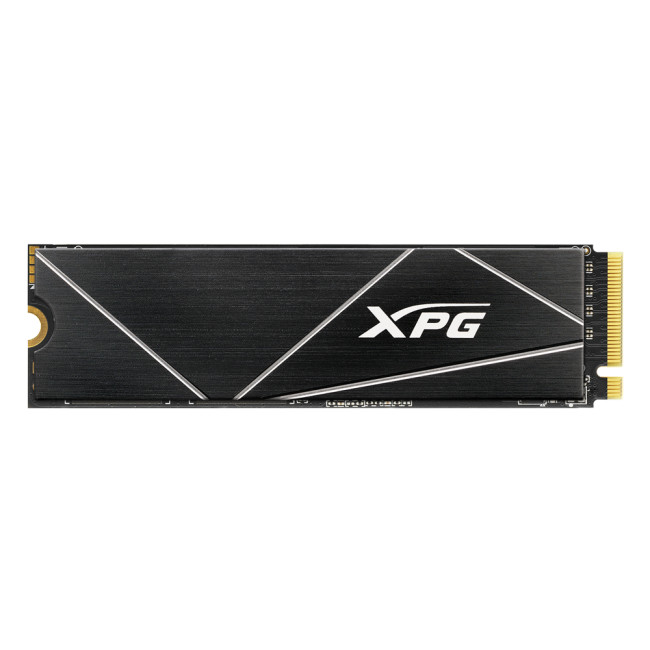
ADATA XPG GAMMIX S70 Blade 2TB M.2 NVMe PCIe 4.0 SSD
|
Highlights:
|
|
The ADATA XPG GAMMIX S70 Blade 2TB SSD is the best internal SSD recommendation for gamers who want strong performance and a useful 2TB capacity. The M.2 NVMe PCIe 4.0 format makes it suitable for fast game loading, large installs, creative files, and demanding applications. It is a smart upgrade if your current drive is filling up quickly.
Kingston NV3 4TB M.2 NVMe PCIe 4.0 SSD
|
Highlights:
|

|
The Kingston NV3 4TB SSD is the better pick if storage capacity matters most. With 4TB of NVMe storage, it gives gamers room for large AAA libraries, updates, game captures, mods, and creative projects. It is ideal for users who do not want to keep uninstalling games every few weeks.
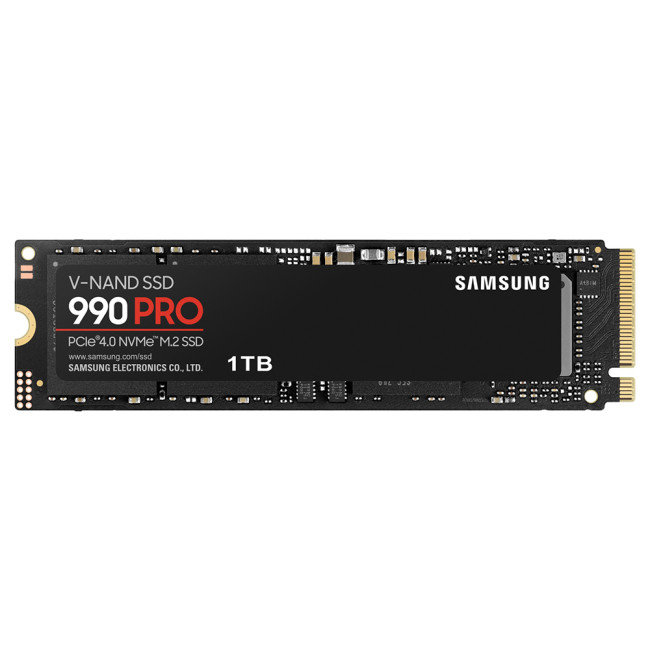
Samsung 990 PRO 1TB M.2 NVMe PCIe 4.0 SSD
|
Highlights:
|
|
The Samsung 990 PRO 1TB SSD is a strong performance-focused internal storage pick for gaming systems. With PCIe 4.0 NVMe and read speeds of up to 7,450 MB/s, it delivers fast performance for game loading, large installations, editing, and everyday productivity. Its compact M.2 2280 form factor makes it a good choice for compatible desktops where fast internal storage is a priority.
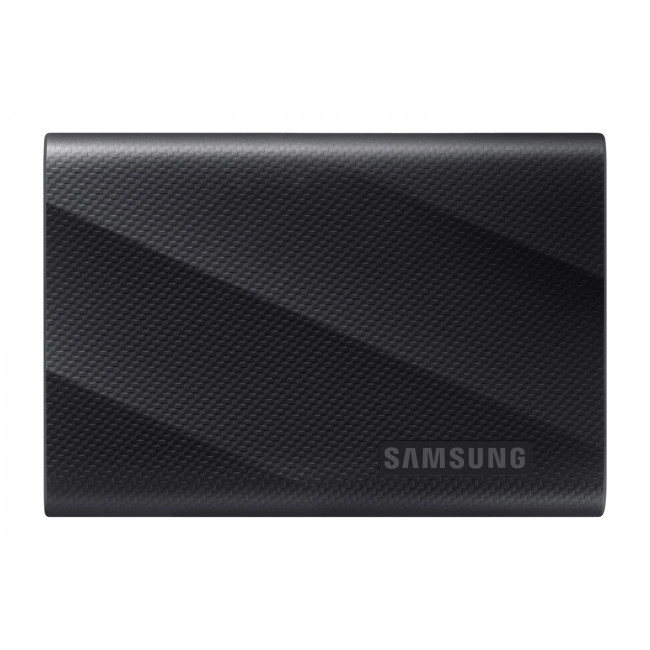
Samsung T9 1TB USB 3.2 Gen2x2 USB-C Portable SSD
|
Highlights:
|
|
The Samsung T9 1TB External SSD is a strong portable storage pick for gamers and creators who need fast access to files across different devices. With USB 3.2 Gen2x2 and read speeds of up to 2,000 MB/s, it works well for moving game clips, project files, backups, and other large media between compatible systems. Its compact USB-C design makes it useful for gaming laptops, consoles, content creation, and hybrid work setups.
10. Streaming Microphones and Webcams
If you stream, record videos, join Discord regularly, or work from the same setup, a dedicated microphone and good webcam can make you look and sound more professional. A headset mic is fine for casual chat, but a USB microphone with a boom arm usually gives cleaner voice quality.
These gaming gadgets are especially useful for streamers, content creators, students, and remote workers who use the same desk for gaming and everyday tasks.
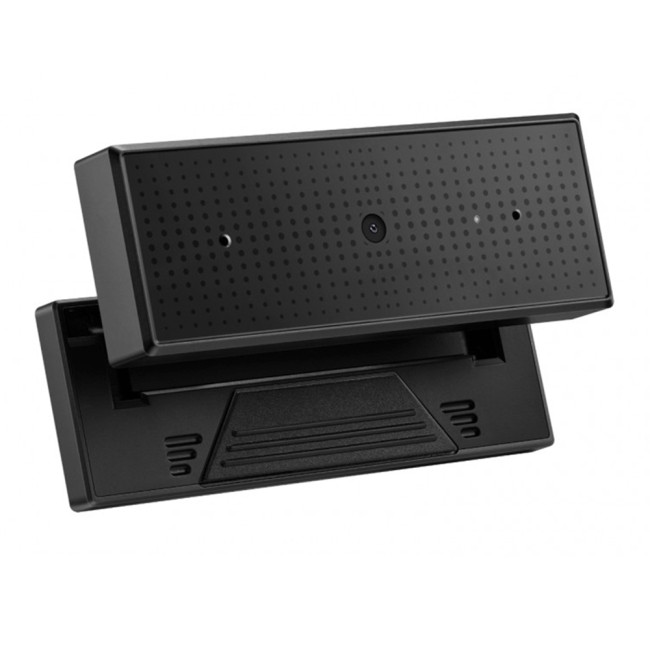
ASUS ROG Eye S USB FHD Webcam
|
Highlights:
|
|
The ASUS ROG Eye S USB FHD Webcam is the best webcam recommendation for gamers and streamers. It records at Full HD 1080p 60fps, which is smoother than standard 30fps webcams. It also includes beamforming microphones with AI-powered noise cancelling, making it useful for streaming, video calls, Discord, and content creation.
Logitech C930e USB Webcam
|
Highlights:
|
|
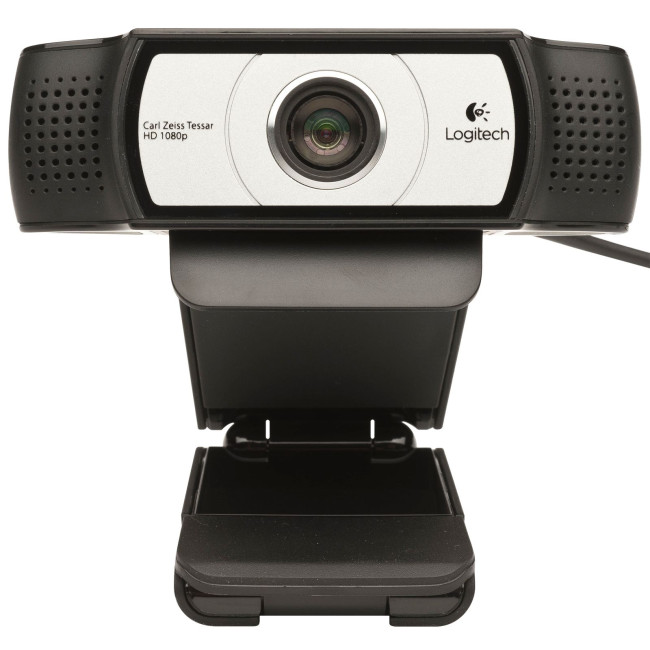
The Logitech C930e USB Webcam is a strong professional-style webcam for users who want reliable Full HD video. With 1920 x 1080 resolution, 30fps recording, USB connectivity, and a compact design, it works well for meetings, streaming, online lessons, and everyday video calls.
Lenovo Performance FHD Webcam with Windows Hello
|
Highlights:
|
|
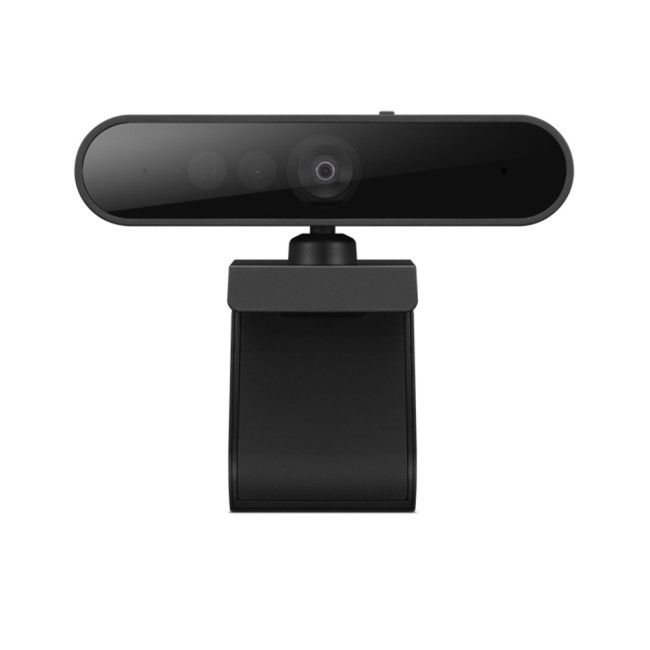
The Lenovo Performance FHD Webcam is the best value webcam pick. It supports Full HD 1920 x 1080 video, USB-C connectivity, a wide 95-degree field of view, and Windows Hello compatibility. It is especially useful for users who want a webcam that handles both work and casual gaming communication.
ASUS ROG Carnyx RGB Table Microphone
|
Highlights:
|
|
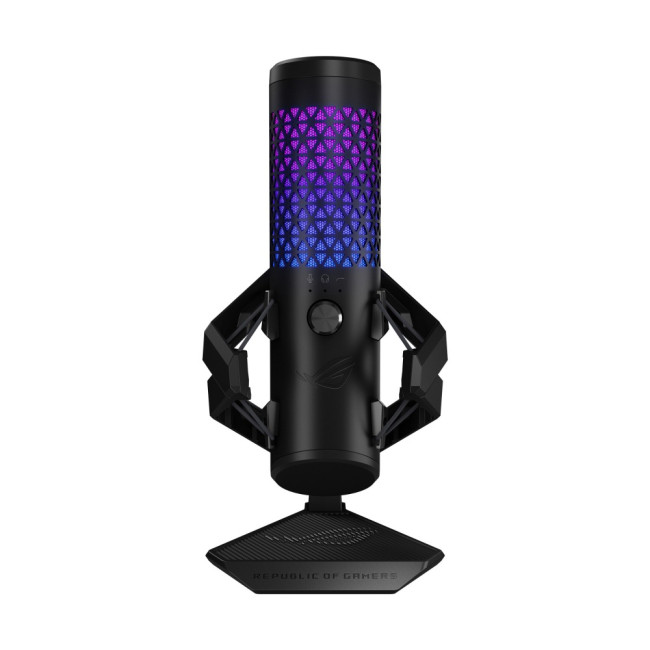
The ASUS ROG Carnyx RGB Table Microphone is the best dedicated microphone recommendation for streamers and content creators. It features a 25mm condenser capsule, 192kHz/24-bit audio, cardioid pickup, a high-pass filter, built-in pop filter, metal shock mount, one-touch mute, USB connectivity, and Aura Sync RGB. It is a strong upgrade over a basic headset mic if voice quality matters.
Other Gaming Accessories Worth Considering
Not every upgrade needs a full product recommendation. Some gaming accessories are smaller add-ons that improve comfort, organisation, and overall setup quality. They may not be the main priority, but they help make your gaming space feel cleaner and more complete.
-
Monitor and Display Accessories
Simple upgrades like DisplayPort or HDMI 2.1 cables, monitor risers, VESA mounts, and screen cleaning kits help keep your display setup running smoothly. Using the right cable is especially important for high refresh rate or 4K monitors.
-
Cable Management and Power
Cable sleeves, clips, under-desk trays, and surge-protected power strips help reduce clutter and protect your gear. These are essential for setups with multiple devices and RGB lighting.
-
Connectivity and Expansion
USB hubs, USB-C docks, and Ethernet adapters make it easier to connect all your devices without constantly swapping cables, especially for laptop or multi-device setups.
-
Comfort and Ergonomics
Wrist rests, desk mats, and footrests can improve posture and reduce strain during long gaming sessions, adjustable gaming chair making your setup more comfortable over time.
-
Lighting and RGB Accessories
Lighting plays a bigger role than just aesthetics. RGB light strips, monitor light bars, and ambient lighting can improve visibility, reduce eye strain, and enhance the overall gaming atmosphere, especially for streaming or late-night sessions.
-
Cleaning and Maintenance
Basic tools like compressed air, screen wipes, and keyboard cleaning kits help keep your setup in good condition and performing well.
Think of these as support gear rather than main upgrades. Your core accessories matter most, but these smaller additions help bring everything together for a smoother and more enjoyable gaming experience.
Best Gaming Accessories by Player Type
Competitive FPS gamers should prioritise a high refresh rate monitor, lightweight wireless mouse, large mouse pad, mechanical keyboard, headset, and Ethernet connection.
Casual players should start with the basics: headset, controller, mouse pad, keyboard, and cable management.
Small-room gamers should choose compact keyboards, wireless mice, monitor arms, and accessories that reduce clutter.
Racing and simulation fans should consider a controller, wheel setup, ultrawide monitor, headset, and stable desk or cockpit frame.
Final Buying Advice
The top gaming PC accessories in 2026 are the ones that solve real problems. Do not buy accessories just because they look cool. Ask whether the upgrade improves control, comfort, audio, visuals, storage, connection quality, or organisation.
Start with best gaming accessories that affect every session: keyboard, mouse, headset, monitor, and controller. Then build around your play style with storage, networking, lighting, streaming gear, mouse pads, and desk organisation.
A better setup does not need to be complicated. With the right pc gaming accessories, your desk becomes cleaner, your games feel smoother, your communication improves, and every session feels easier to enjoy.
Common Questions for Gaming Accessories
What are the top gaming PC accessories to upgrade first in 2026?
The top gaming PC accessories to upgrade first are a mechanical gaming keyboard, wireless gaming mouse, gaming headset, high refresh rate monitor, and PC gaming controller. These upgrades improve control, comfort, visuals, audio, and overall gameplay straight away.
Are wireless gaming accessories good for competitive gaming?
Yes, modern wireless gaming accessories can be excellent for competitive gaming, especially wireless mice and headsets using low-latency 2.4GHz connections. For the best results, choose accessories with strong battery life, reliable connectivity, and fast response times.
Is a high refresh rate gaming monitor worth it?
A high refresh rate gaming monitor is worth it if you play FPS, racing, esports, or fast action games. Moving from 60Hz to 144Hz or higher can make gameplay feel smoother, more responsive, and easier to track during quick movement.
What gaming accessories are best for small desk setups?
For smaller desks, choose compact pc gaming accessories such as a tenkeyless keyboard, lightweight wireless mouse, headset stand, monitor arm, desk mat, and cable management clips. These help save space while keeping your setup clean and practical.
Do I need a PC gaming controller if I already use keyboard and mouse?
A PC gaming controller is not essential, but it is useful for racing, fighting, sports, platforming, and third-person adventure games. Keyboard and mouse are better for shooters, while controllers often feel more natural for relaxed or console-style gameplay.
Read More:
Wired vs Wireless Gaming Accessories: Which Is Better for PC Gaming?
Best Laptop Accessories in 2026: Keyboards, Monitors, Hubs & More
Best Gaming Monitor Brands for Gaming in the UK (2026): Top Picks by Budget & Specs
Related Articles


Last Updated: December 31, 2025
There’s a certain kind of satisfaction that comes with starting 2026 with a faster, cooler, cleaner PC setup. Maybe you’re planning a full build. Maybe you’re simply trying to fix the two things that quietly ruin daily performance—slow storage and noisy cooling. Either way, the New Year PC components & accessories season is when upgrades feel both exciting and sensible: you can refresh your system without committing to an entirely new machine.
If you’re shopping at Laptop Outlet, it’s worth starting by simply browsing and filtering the wider sale selection, think of it as your “big picture” view, so you can spot bundle-worthy deals across categories. It’s the fastest way to explore New Year tech discounts while keeping an eye on the parts you actually need.
The “smart upgrade order” for 2026 (what to buy first)
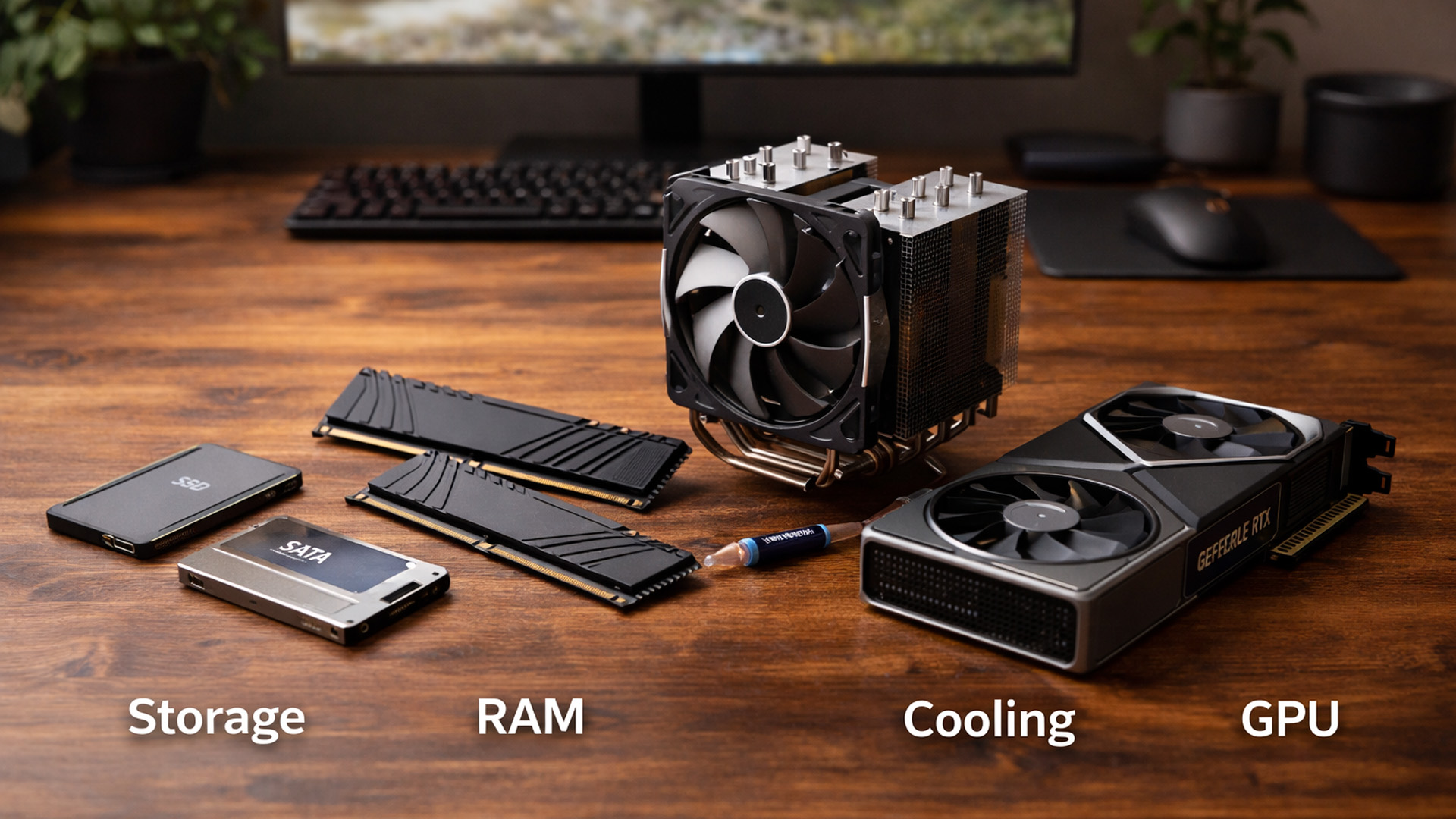
When you’re surrounded by deals, it’s easy to buy what looks exciting rather than what fixes your bottlenecks. A better approach is to upgrade in the order you’ll actually notice:

Last Updated: January 26, 2026
In today’s UK homes and offices, networking isn’t optional - it’s the backbone of how we work, study, stream, and stay connected. From remote meetings and online gaming to smart homes and cloud storage, everything relies on reliable networking accessories and networking devices working together behind the scenes.
Yet many people still struggle with slow Wi-Fi, unstable connections, or poor coverage, not because their internet provider is bad, but because their networking equipment isn’t set up correctly.
What Is Networking? (A Simple Explanation)
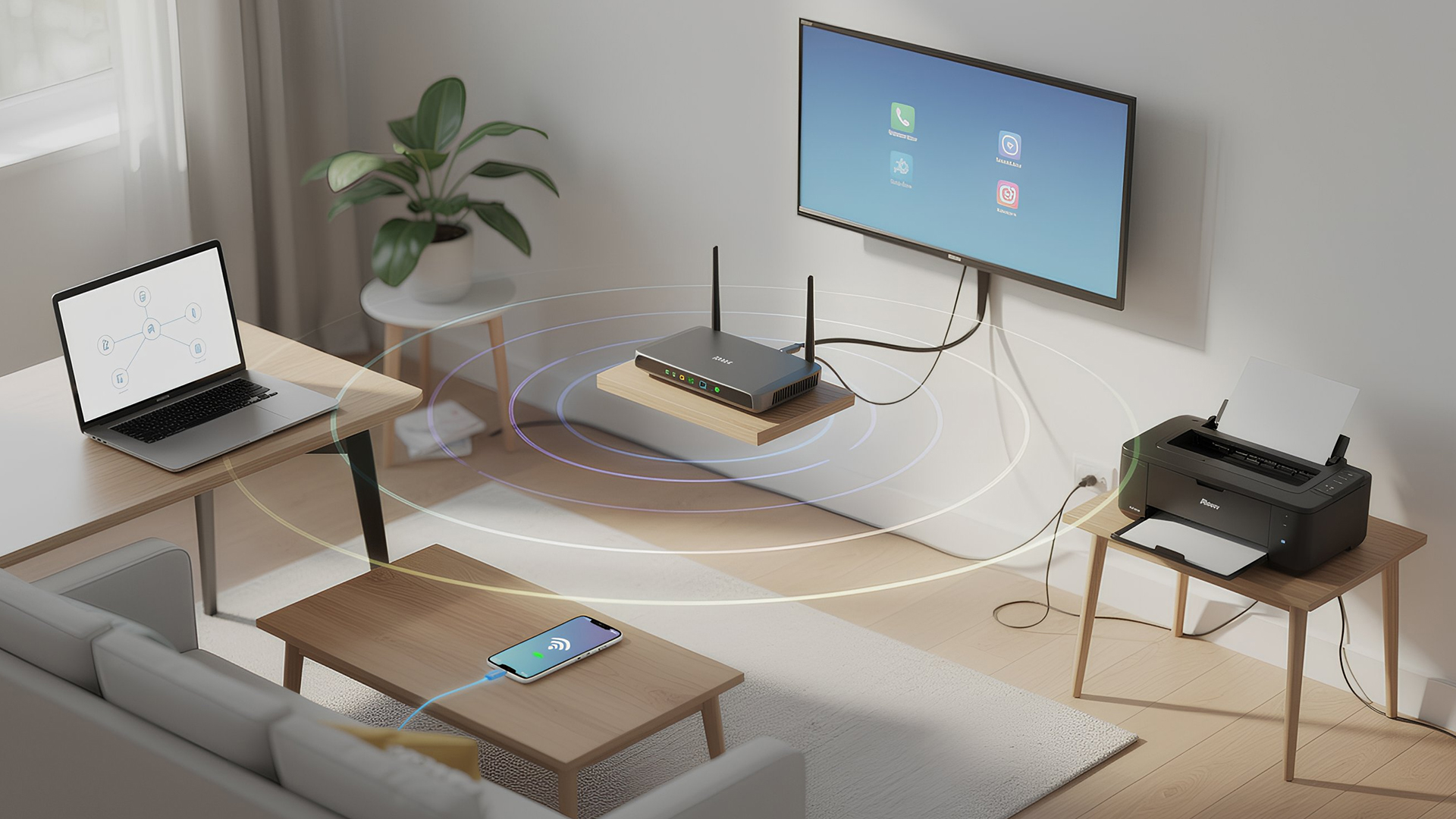
Networking is the process of connecting devices so they can communicate, share data, and access the internet. These devices might include:
- Laptops and desktops
- Smartphones and tablets
- Printers and scanners
- Smart TVs and streaming devices
- Smart home systems (lights, cameras, thermostats)
To make this possible, you need a combination of networking devices (like routers and access points) and networking accessories (such as network cards, adapters,
Last Updated: March 09, 2026
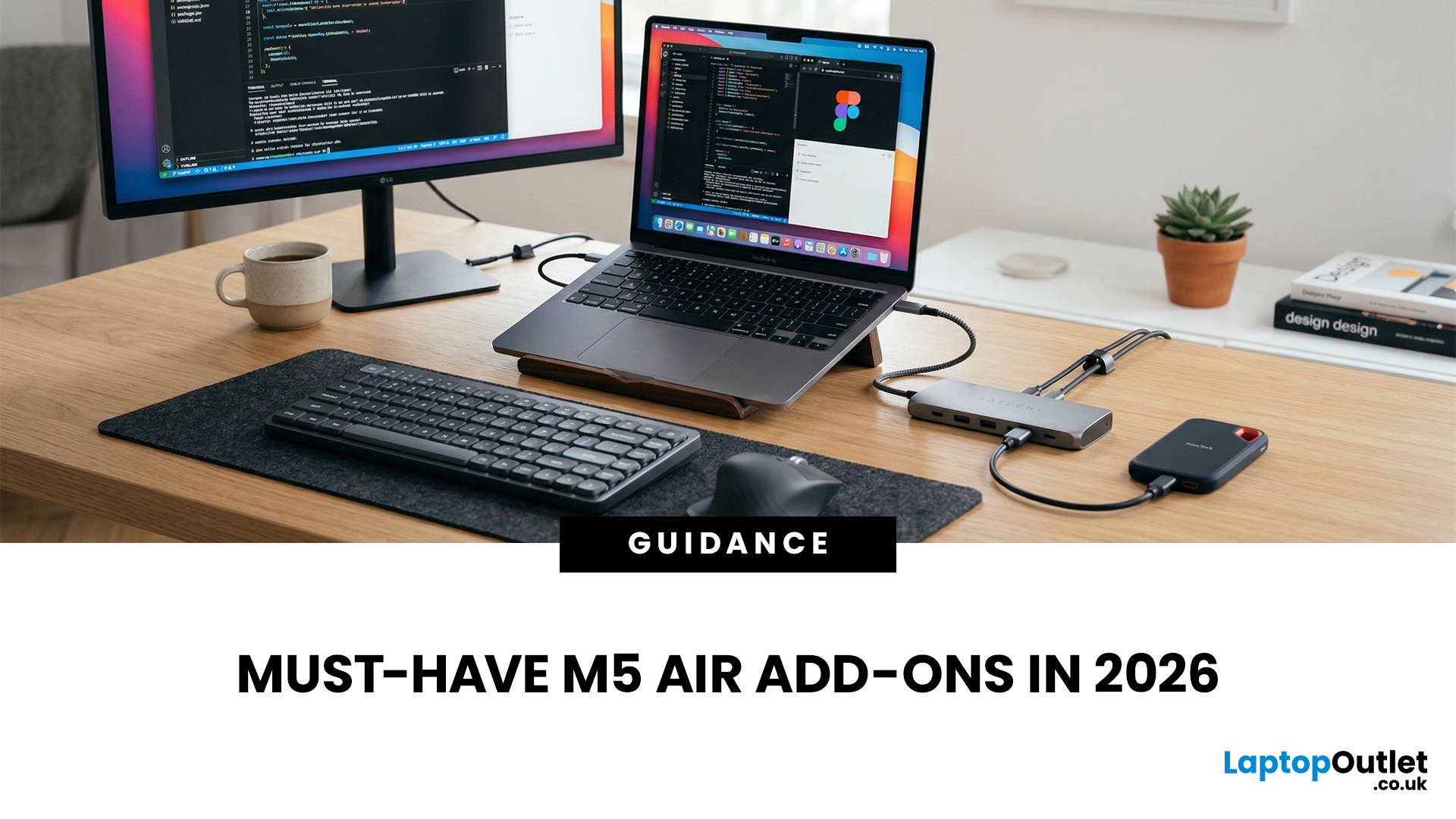
You just got (or are about to get) the M5 MacBook Air. Congrats, your backpack is about to get lighter, and your vibe is about to get cleaner. But here’s the thing: the laptop is the main character… and the right accessories are the supporting cast that makes the whole show hit.
This guide breaks down the best MacBook Air M5 accessories for 2026, what’s worth buying, what’s overhyped, and how to build a setup that fits your life (commuter, student, creator, desk goblin… all valid).
What to Consider Before Buying MacBook Air M5 Accessories
Let’s skip the “add to cart frenzy” and do a 30-second reality check.
1) What ports do you need?
Most people don’t need a spaceship dock, they need a few essentials:
- USB-A for random flash drives or older accessories
- HDMI for monitors/classroom projectors
- SD/microSD if you shoot content
- A pass-through charging port so your hub isn’t stealing your only charging slot
2) Where do you use your MacBook the most?
- On the go: prioritize protection + compact
Last Updated: October 12, 2026

Last Updated: June 22, 2026
The right VR accessories depend on which headset you own and how you use it. For most users, the highest-impact upgrades are a comfort head strap with a battery pack, a silicone face cover for hygiene, and an audio solution. If you wear glasses, prescription lens inserts are well worth the investment.
The best approach is not to buy every accessory at once. Start with the one or two upgrades that fix your biggest pain points, then build your setup around how you actually play, watch, exercise or socialise in VR.
This guide explains how to choose VR accessories by headset type, play style, comfort needs and budget.
Why VR Accessories Make a Real Difference
Even the best VR headsets ship with compromises. Manufacturers keep costs down by including basic foam facial interfaces, lightweight straps that can feel unbalanced, and built-in audio that rarely matches a dedicated headset. The right virtual reality accessories address exactly those shortcomings without requiring you to buy an entirely
Published: July 01, 2026
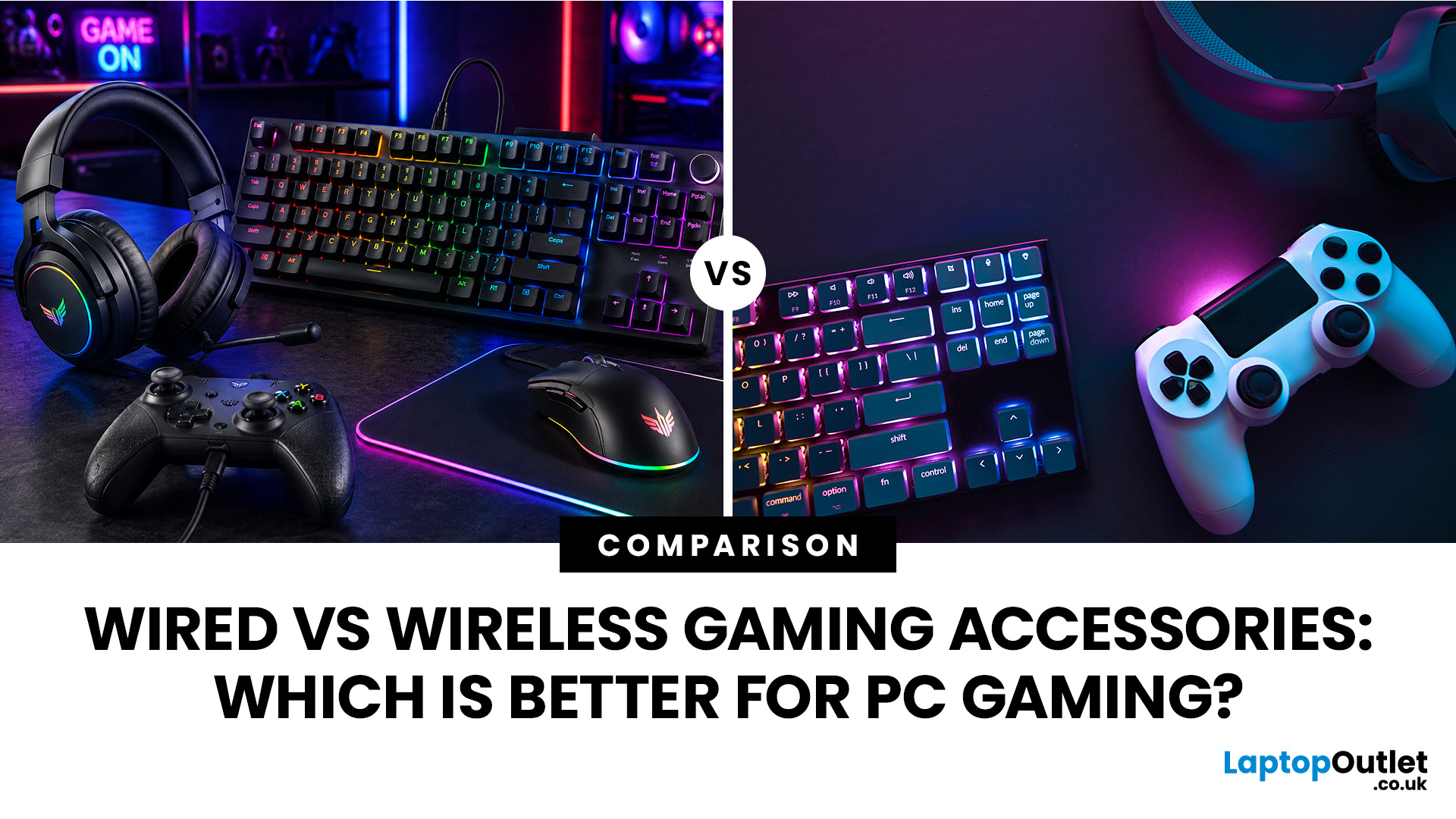
When building a PC gaming setup, choosing the right accessories matters just as much as choosing the right system. Your keyboard, mouse, headset, controller, and display all affect how comfortable, responsive, and enjoyable your games feel.
Many gamers compare wired vs wireless gaming accessories before upgrading their setup. Wired options are known for reliable performance and no battery concerns, while wireless models offer cleaner desks and more freedom of movement. Some players need speed and stability. Others want comfort, flexibility, and fewer cables. The right choice depends on what you play, how often you play, and how you use your desk.
What are Wired Gaming Accessories?
Wired gaming accessories connect directly to your PC using a cable, usually through USB or a 3.5mm audio port. Common examples include wired keyboards, mice, headsets, controllers, and charging docks.
The main appeal is consistency. You do not need to worry about charging, Bluetooth pairing, signal drops, or battery
Last Updated: September 03, 2026
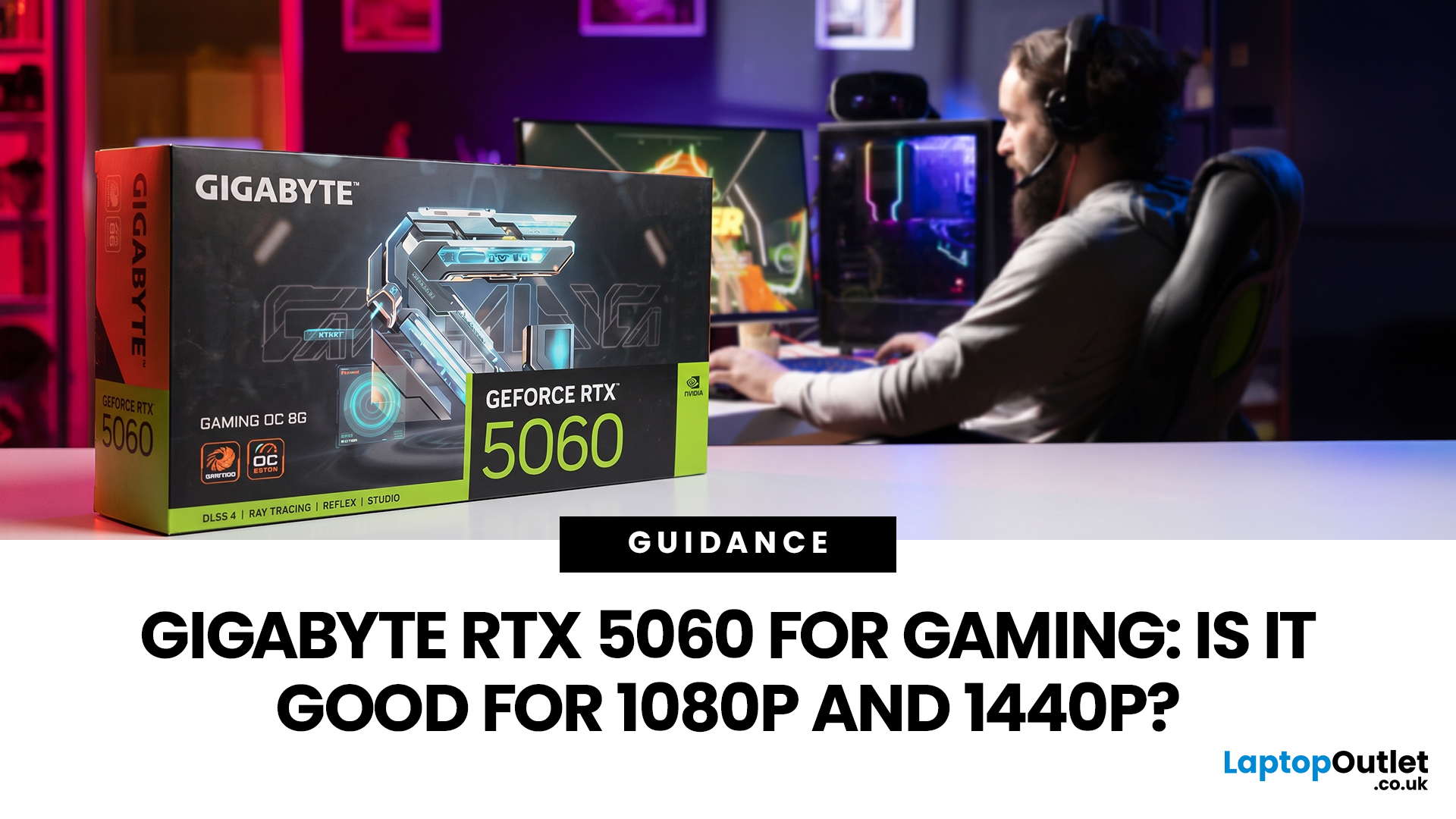
Thinking about buying the Gigabyte GeForce RTX 5060 for gaming? If you're targeting smooth 1080p gameplay, it's a strong contender, offering impressive performance with Nvidia's Blackwell architecture, DLSS 4, ray tracing, and fast GDDR7 memory. But how well does it handle 1440p? While it performs well in esports and optimised titles, demanding AAA games can push its 8GB VRAM to the limit. Here's what you can realistically expect at both resolutions.
Gigabyte RTX 5060 Gaming Performance: Quick Verdict for 1080p & 1440p
| User Type | Is the Gigabyte RTX 5060 a Good Fit? | Why |
| 1080p competitive gamer | Yes | High frame rates, low latency features and DLSS support |
| Casual PC gamer | Yes | Smooth Full HD gaming without overbuying |
| 1440p gamer on a budget | Sometimes | Good with optimised settings and DLSS |
| Ultra settings AAA gamer | Not always | 8GB VRAM can limit texture quality |
| Small PC builder | Yes | Gigabyte’s compact, efficient designs are easy to fit |
| Content creator/gamer hybrid | Yes | Nvidia Studio, NVENC and AI features |
Last Updated: September 03, 2026
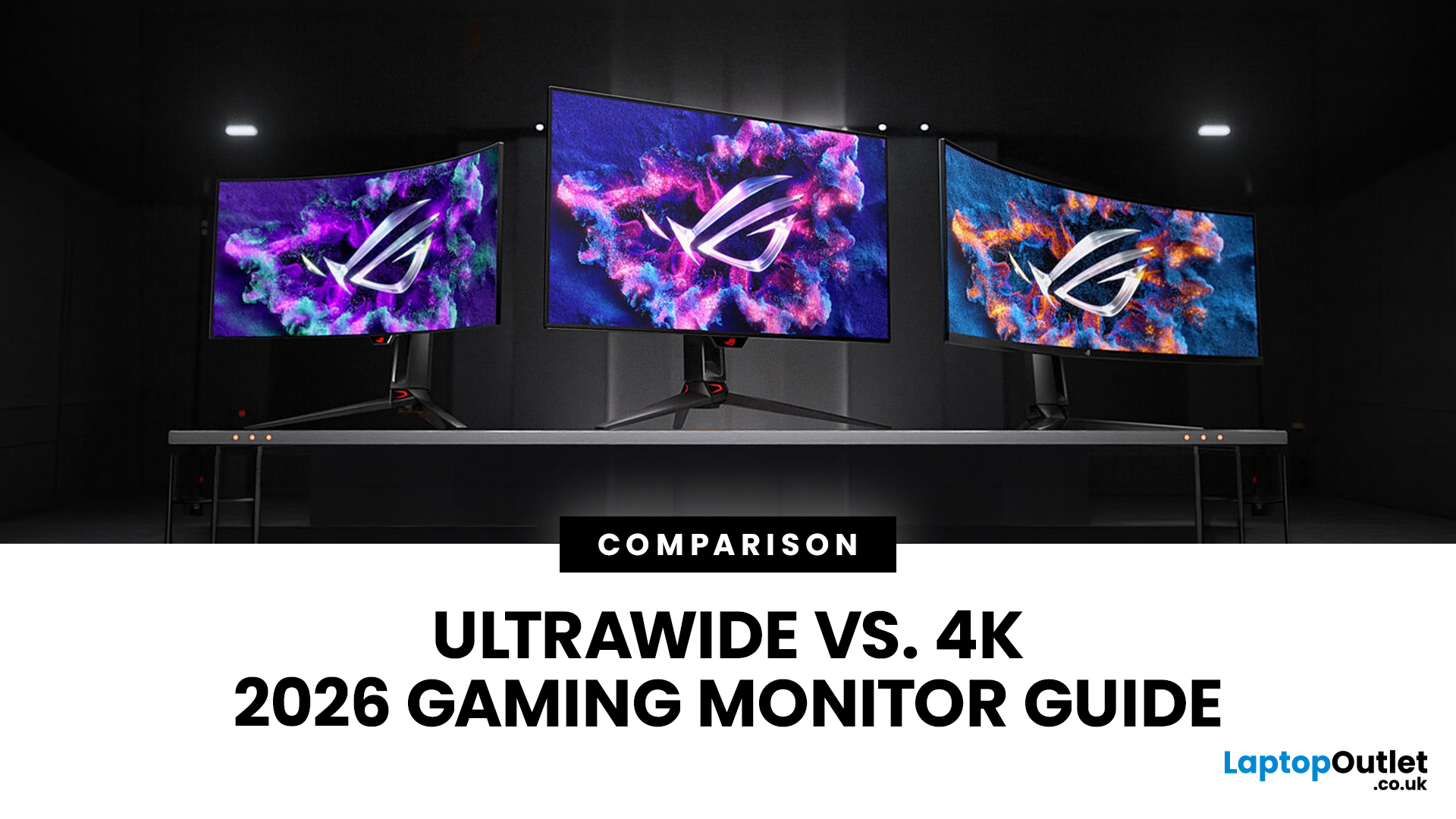
Choosing between an Ultrawide vs 4K monitor is one of the biggest decisions for gamers upgrading their setup in 2026. Both options can transform your gaming experience, but they do it in very different ways. The right choice depends on your games, GPU, desk space and budget, as well as whether you prioritise immersive gameplay or sharper resolution. This gaming monitor guide compares ultrawide and 4K displays across performance, game genres, GPU requirements, refresh rates, response time, and overall value.
Ultrawide vs 4K Monitor: Quick Comparison
| Feature | Ultrawide Gaming Monitor | 4K Gaming Monitor |
| Best for | Immersion, racing, RPGs, simulators, multitasking | Sharp visuals, AAA games, console gaming, creative use |
| Common aspect ratio | 21:9 or 32:9 | 16:9 |
| Main strength | Wider field of view | Higher pixel density |
| Image sharpness | Very good, especially at 3440 x 1440 | Excellent at 3840 x 2160 |
| GPU demand | Moderate to high | Very high |
| Competitive gaming | Good with high refresh rate | Good, but harder to drive |
Last Updated: September 03, 2026
Buying an HP gaming laptop in 2026 can feel like being asked to pick between “save money now” and “avoid regret later.”
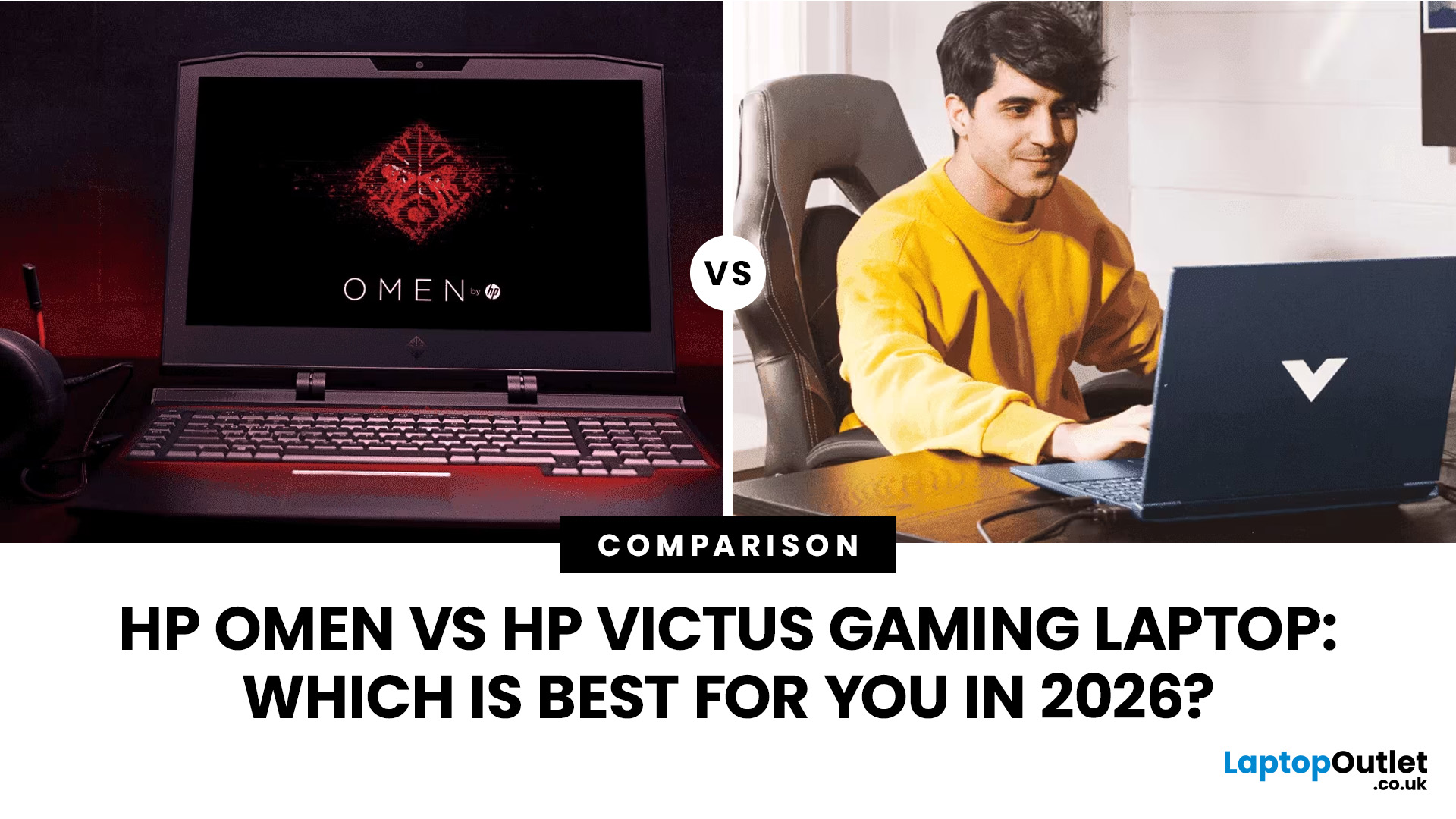
Choose HP Victus if you want the best price-to-performance balance for esports, coursework, everyday use, and casual AAA gaming. Choose HP OMEN if you want higher frame rates, better display quality, stronger cooling, and a laptop that feels ready for heavier games over the next few years.
The HP Victus gaming laptop is the value pick: more affordable, more student-friendly, and solid for 1080p gaming. The HP OMEN gaming laptop is the performance pick: stronger cooling, better displays, higher-end GPUs, and more headroom for AAA games, streaming, and long-term use.
So, which one should you actually buy?
HP OMEN vs HP Victus: The Simple Difference
HP uses Victus and OMEN for different types of gamers.
The HP Victus gaming laptop is built for mainstream buyers who want a proper gaming laptop without paying premium money. It usually targets 1080p gaming, 144Hz displays, and
Last Updated: September 03, 2026
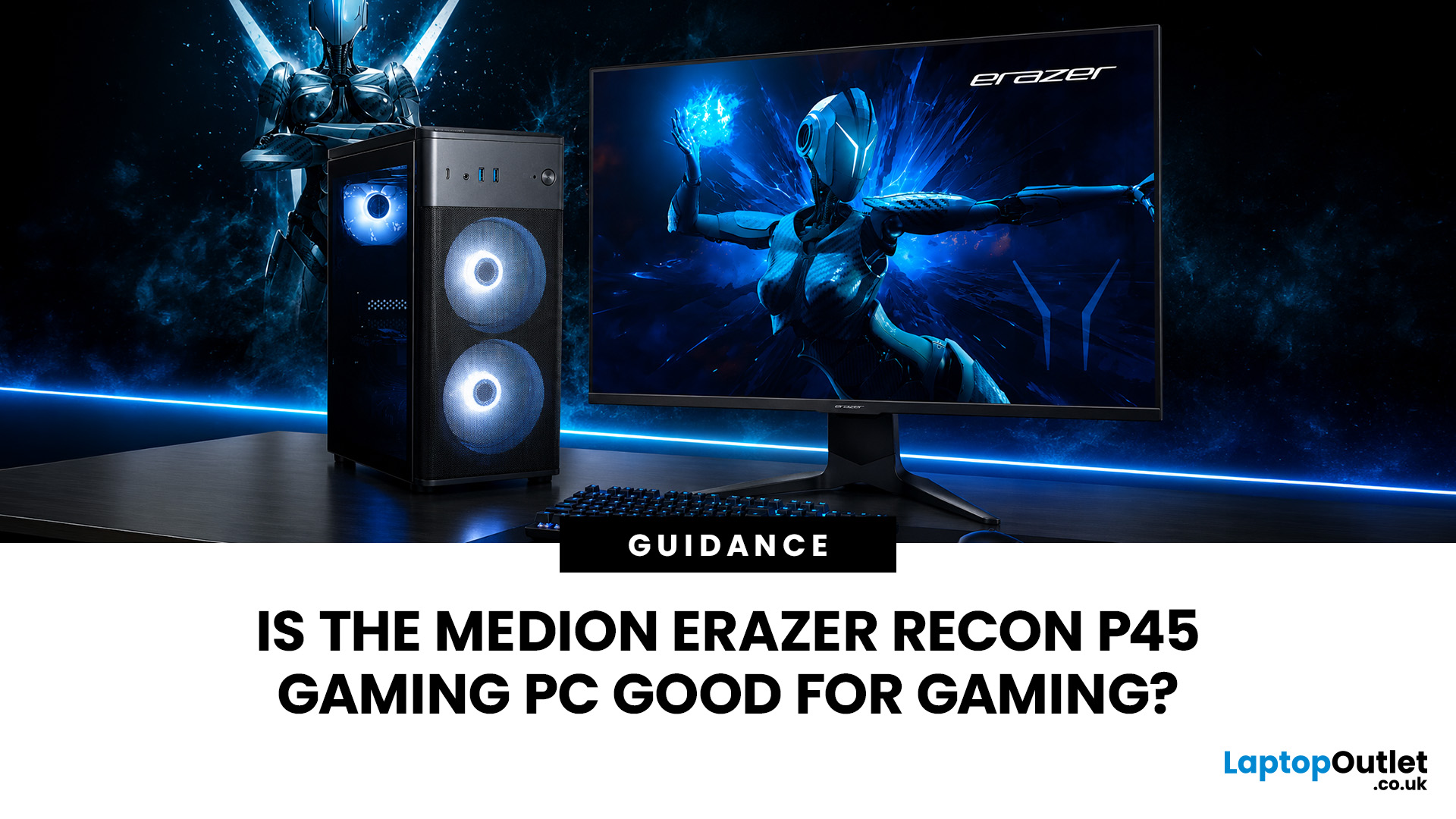
Yes, the Medion Erazer Recon P45 is a good gaming PC for players who want smooth everyday gaming, strong 1080p performance, fast loading times and a ready-to-use desktop without building a PC from scratch.
At Laptop Outlet, current Medion Erazer Recon P45 Gaming PC options include configurations with an AMD Ryzen 5 5500, 1TB SSD, Windows 11 Home, and dedicated NVIDIA RTX graphics, including RTX 5060 and RTX 5050 variants. The RTX 5060 model also includes 32GB RAM in the listed specification, while the RTX 5050 model is listed with 16GB RAM.
Is the Medion Erazer Recon P45 Worth it?
For most UK gamers, the Medion Recon P45 PC makes sense if you want a capable prebuilt gaming desktop that can handle modern games, multitasking, streaming, schoolwork, everyday browsing, and entertainment. It is especially suitable for:
| User Type | Is it a Good Fit? | Why |
| Beginner gamers | Yes | No PC-building knowledge needed |
| 1080p players | Yes | RTX graphics and Ryzen 5 power are well matched |
| Students | Yes | Good for gaming, |

