



OMEN Gaming PC for AAA Gaming: Features, Performance & Buying Guide
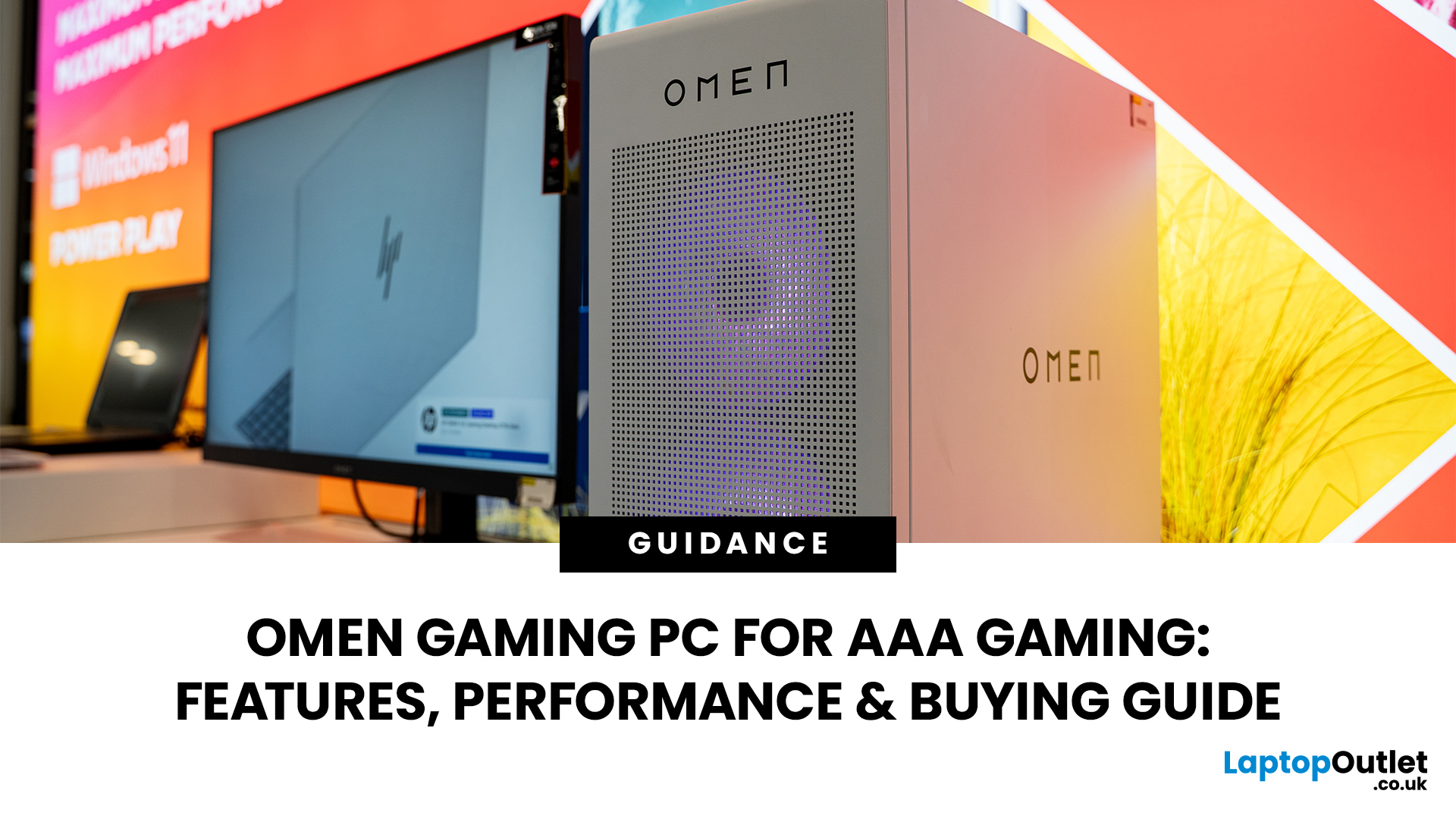
AAA games can be absolutely stunning, but they are not shy about demanding serious hardware. High-resolution textures, dense open worlds, ray-traced lighting, advanced physics, and background asset streaming can push an ordinary desktop to its limits. If your computer is short on graphics power, memory or cooling capacity, the result may be stuttering, inconsistent frame rates and a graphics menu full of compromises.
That's where an OMEN gaming PC comes in. An HP OMEN desktop combines dedicated gaming graphics, modern processors, SSD storage, and performance-focused cooling in a pre-built system. But not every configuration delivers the same experience, one OMEN gaming desktop may be ideal for 1080p gaming, while another is built for high-refresh 1440p or demanding 4K gameplay. This guide breaks down the HP OMEN specs that actually matter and how to match them to the way you play.
Is an OMEN Gaming PC Actually Good for AAA Games?
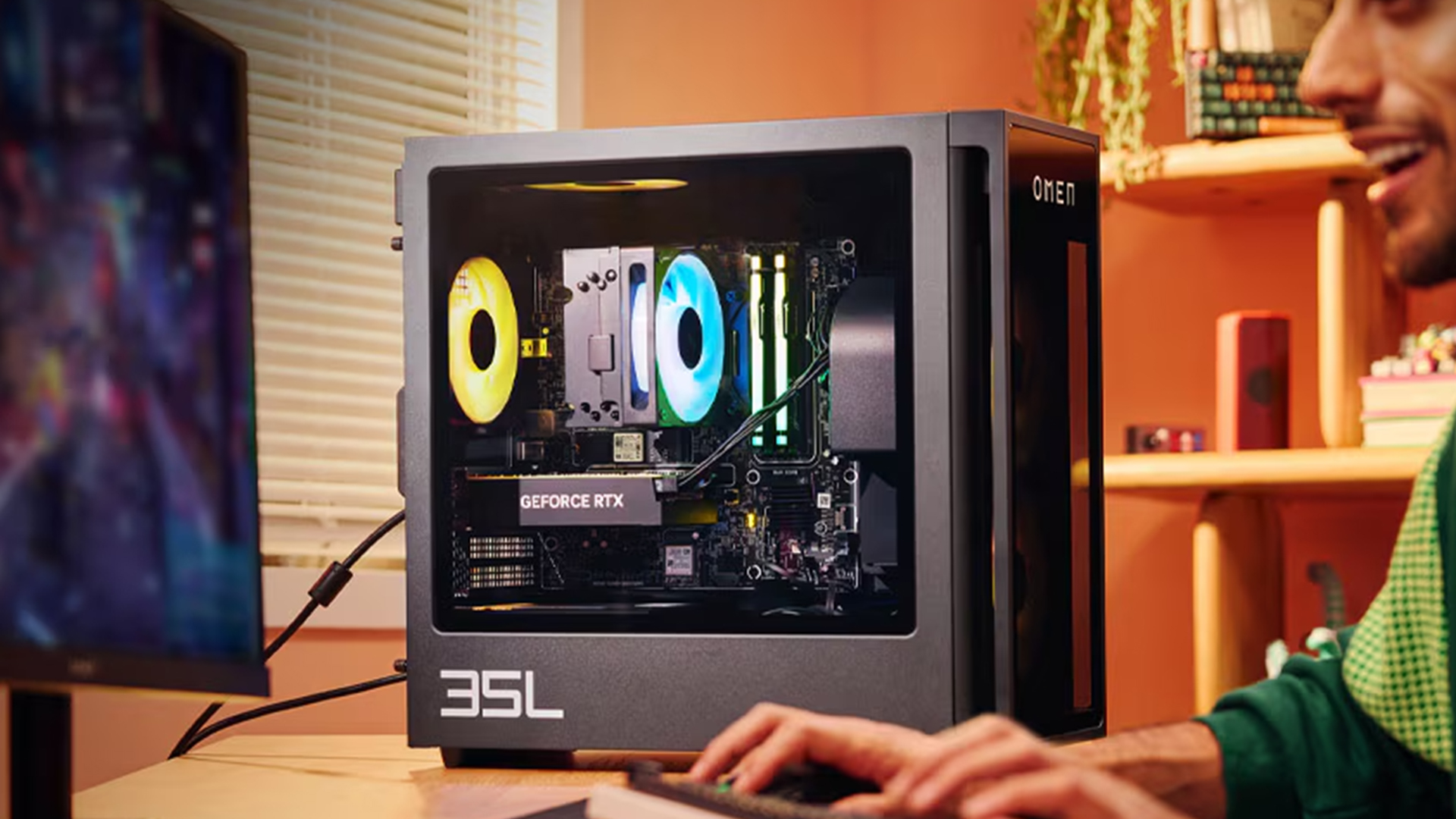
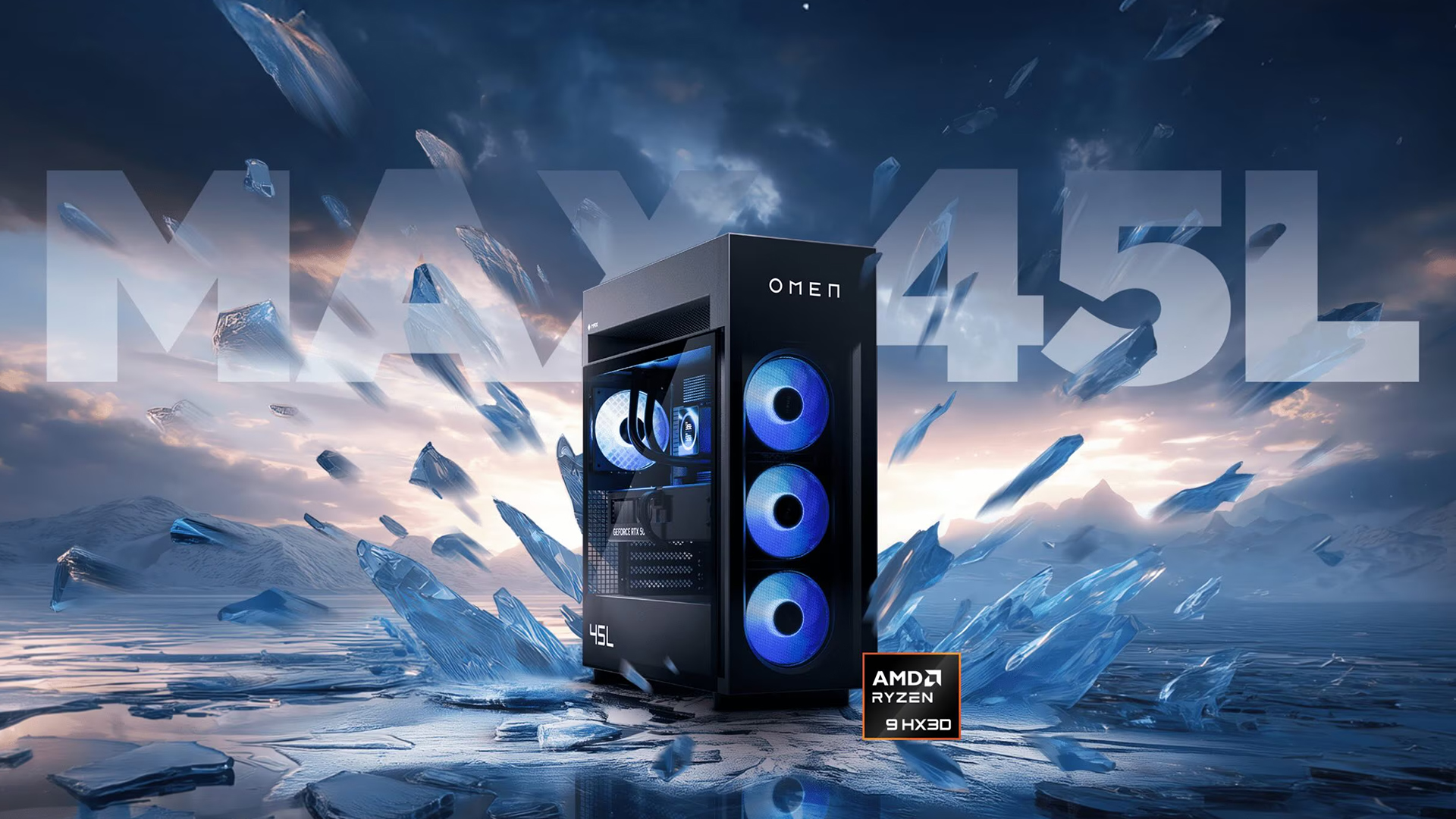
Yes. A correctly configured OMEN PC for AAA games can deliver an excellent experience at 1080p, 1440p, or 4K; the key word being correctly configured. OMEN is a product family, not a single fixed specification. The range currently spans OMEN 16L, 35L, and 45L systems, each covering different processor, graphics, memory, and storage tiers. Buying on the words "gaming PC" alone isn't enough; the resolution and games you play should drive the spec.
Meet the OMEN Desktop Range: 16L, 35L, or 45L?
The number in an OMEN desktop's name reflects the approximate chassis capacity in litres. A larger chassis generally means more room for high-performance components, cooling hardware and future upgrades, though the installed specification still matters more than case size alone.
|
OMEN range |
Best suited to |
Key advantage |
Main consideration |
|
OMEN 16L |
Space-conscious 1080p and mainstream gamers |
Compact footprint |
Less physical upgrade and cooling room |
|
OMEN 35L |
Most 1440p and mixed-use AAA gamers |
Strong balance of performance, cooling and expandability |
Specification range varies significantly |
|
OMEN 45L |
Enthusiast 4K, ray tracing and creator workloads |
Maximum cooling and component headroom |
Larger chassis and higher overall cost |
What OMEN PC Features Make the Biggest Difference?
A long spec sheet can look impressive while hiding an unbalanced build. Here's what actually moves the needle on OMEN PC performance.
1. The graphics card does most of the work
For most AAA titles, the dedicated GPU has the greatest influence on frame rate, graphics quality, ray-tracing performance, supported resolution, texture quality, and upscaling or frame-generation support. A stronger processor cannot fully compensate for an underpowered graphics card at 1440p or 4K.
- Mainstream GPU: best for 1080p and selected 1440p gaming
- Upper-mid-range GPU: the sensible choice for high-quality 1440p
- High-end GPU: built for demanding 4K, heavier ray tracing and longer performance headroom
2. VRAM matters more as settings climb
Video memory stores textures, geometry, frame buffers and other graphics data. Higher resolutions, ultra-quality texture packs and ray tracing all increase VRAM use; exceed what's available and you'll see texture pop-in, hitching or reduced performance.
|
Gaming target |
Practical VRAM target |
|
1080p mainstream gaming |
8GB or more |
|
1440p high settings |
12GB or more |
|
4K and demanding textures |
16GB for stronger headroom |
These are buying targets, not universal minimums, actual needs vary by game engine and settings.
3. The processor controls more than average frame rate
The CPU handles game logic, AI, physics, background tasks and the draw calls sent to the GPU. It matters most when you're playing simulation or strategy games, targeting very high frame rates, streaming while gaming, running heavily modded titles, or pairing the PC with a high-end GPU.
Modern AMD Ryzen X3D processors are particularly strong for gaming-focused builds, while higher-tier Intel and AMD chips suit mixed gaming and creative work. Avoid overspending on the processor at the expense of the GPU, a balanced pairing usually beats an extreme CPU bolted to a modest graphics card. If you're leaning toward Ryzen and Radeon, it's worth comparing dedicated AMD gaming desktops directly.
4. 16GB vs 32GB of RAM
16GB remains usable for many existing games, but 32GB is the more comfortable target for a new AAA gaming PC, it gives you headroom for background apps, streaming software, large mods, and general longevity. CD Projekt Red, for example, lists 16GB as a requirement (not a luxury) across Cyberpunk 2077's ray-tracing tiers, which shows where the baseline is heading. If the rest of your build is aimed at 1440p or 4K, 32GB is worth the upgrade.
5. An NVMe SSD is essential, not optional
Modern games continuously stream textures and world data from storage, and an SSD retrieves assets far faster than a mechanical hard drive, Cyberpunk 2077's official requirements specify SSD storage outright. A 1TB SSD is a sensible starting point; step up to 2TB if you run a large library, mods, or recorded footage, and remember that Windows, apps and recovery data eat into the advertised capacity before games even get a look-in.
6. Cooling protects sustained performance
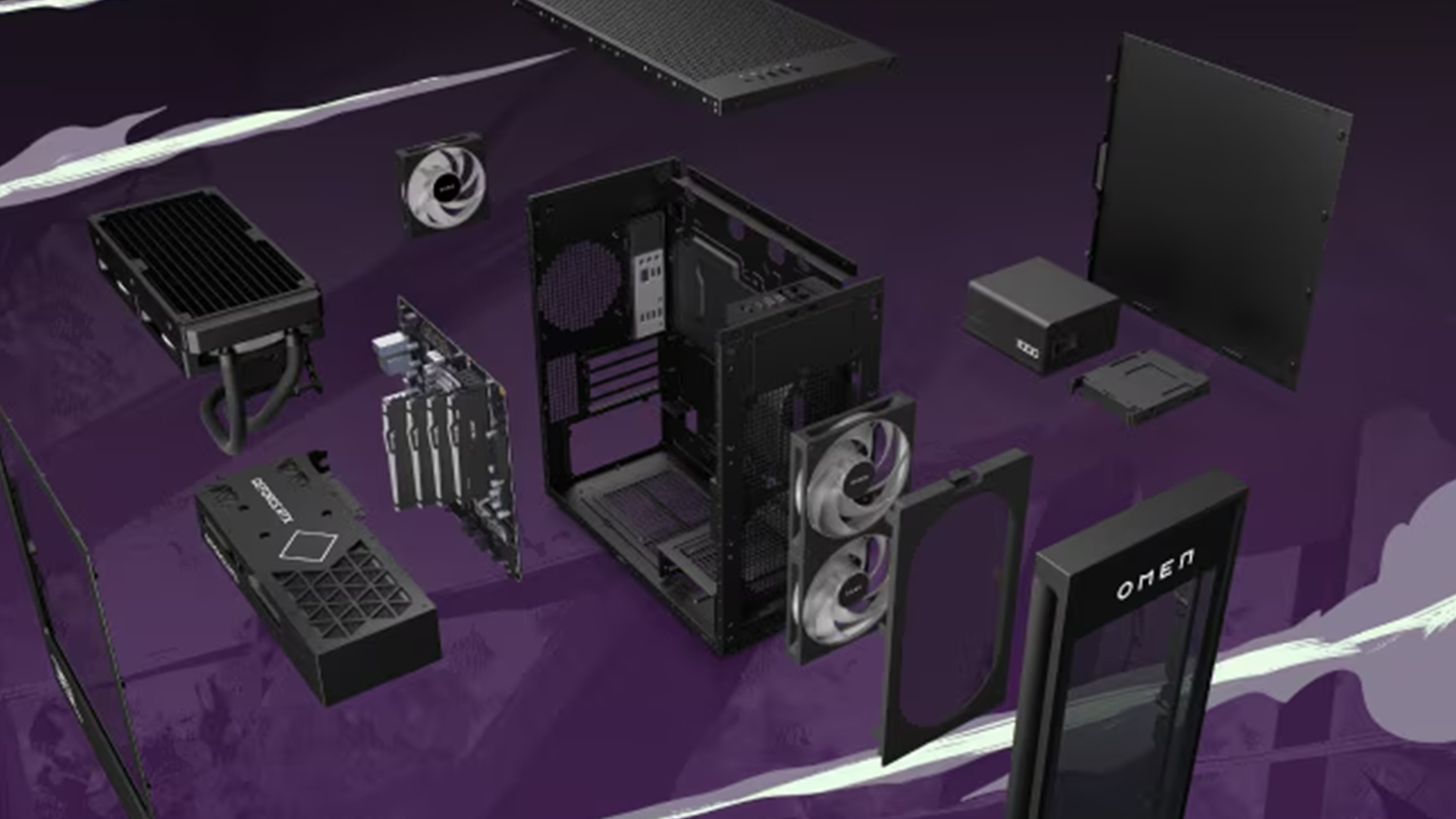
Powerful hardware produces heat, and if cooling can't remove it efficiently, components throttle to stay within safe limits, affecting sustained clock speeds, fan noise and long-session performance. Some current OMEN 35L configurations use a 240mm liquid CPU cooler and large system fans, while the 45L is positioned as the maximum-cooling option in the family. When comparing two similar PCs, look at the cooling system, not just the processor and graphics card names.
7. Tool-less access makes upgrades less intimidating
A desktop shouldn't become obsolete just because your game library grows. HP builds tool-less access, labelled components and spacious interiors into relevant OMEN 35L and 45L systems. Before upgrading a pre-built PC, confirm physical dimensions, motherboard compatibility, power connectors, power-supply capacity and warranty conditions.
8. OMEN Gaming Hub adds useful control
OMEN Gaming Hub centralises performance tuning and lighting controls, letting you switch between quiet everyday operation and more aggressive gaming settings without digging through multiple apps. Available features vary by system.
If you're weighing a desktop against something more portable, our HP OMEN vs HP Victus gaming laptop comparison covers which OMEN gaming laptop range fits your budget and use case in 2026.
Matching an OMEN PC to Your Resolution and Use Case
Your monitor resolution, and what else you use the PC for, should drive the rest of the purchase.
|
Use case |
Suggested RAM |
Storage starting point |
GPU priority |
Suitable OMEN family |
|
1080p AAA gaming |
16GB–32GB |
1TB SSD |
Mainstream |
16L or 35L |
|
High-refresh 1080p esports |
32GB preferred |
1TB SSD |
Strong CPU + suitable GPU |
16L or 35L |
|
1440p high settings |
32GB |
1TB–2TB SSD |
Upper-mid-range |
35L |
|
4K high settings |
32GB or more |
2TB preferred |
High-end |
High-spec 35L or 45L |
|
Gaming and streaming |
32GB or more |
2TB preferred |
Balanced high-tier CPU and GPU |
35L or 45L |
|
Gaming and content creation |
32GB–64GB |
2TB or more |
High-end GPU with sufficient VRAM |
35L or 45L |
A few notes worth flagging beyond the table:
- 4K specifically relies heavily on the GPU, native 4K renders four times as many pixels as 1080p, and ray tracing pushes the workload further. Upscaling and frame generation help, but they're not a substitute for buying an appropriately powerful GPU. Cyberpunk 2077's published requirements show how sharply demands rise between 1080p ray tracing and 4K ray-traced settings.
- Streaming and recording add encoding and multitasking overhead, a capable hardware encoder on the GPU and generous storage matter more here than in pure gaming builds, since recorded footage eats space fast.
- Modded games can push RAM, VRAM and storage well past stock requirements, budget for 64GB and a 2TB SSD if you mod heavily.
- Competitive/esports players should weight the CPU and system memory more than the table implies, since minimum frame rates and input latency matter as much as visual settings, and Ethernet plus a monitor that can actually hit your target refresh rate matter too.
This is also where the OMEN 35L earns its reputation as the best-balanced pick: it covers everything from 1440p to demanding 4K and streaming builds without the size or cost of the 45L.
A Smart OMEN Buying Checklist
- Start with your monitor. Note its resolution, maximum refresh rate, and port support. There's little point paying for 4K performance if you're using a 1080p screen.
- Check your most demanding games' official requirements. Minimum specs launch a game; they don't guarantee the visual quality or frame rate you actually want.
- Fund the GPU before the extras. Prioritise the graphics card over decorative upgrades, excess storage, or an unnecessarily powerful CPU, pairing a high-end processor with a modest GPU is the single most common way to disappoint yourself at 4K.
- Treat "Ultra" settings with suspicion. They often cost a large performance hit for a small visual gain; "High" is frequently the better balance.
- Don't assume more RAM always means more performance. Going from insufficient to sufficient RAM helps a lot; going from 32GB to 128GB rarely changes ordinary gaming frame rates. Save the bigger numbers for workloads that genuinely use them.
- Inspect cooling and power delivery, not just headline specs. Two PCs with similar-sounding specs can use very different coolers and power supplies. Check CPU cooler type, case fan count/size, PSU wattage and efficiency rating.
- Compare the exact product number, not just the family name. Retail listings can use near-identical names for systems with different processors, graphics cards, storage and cooling, the full product code is what actually tells you what you're buying.
- Budget for the monitor and accessories, not just the tower. A fast HP gaming computer paired with a weak monitor or uncomfortable peripherals delivers an incomplete experience, set aside part of the budget for essential gaming accessories like a responsive mouse, mechanical keyboard, and comfortable headset.
- Read reviews of the exact configuration, not the brand. An OMEN gaming PC review of an RTX 5080-equipped 45L tells you very little about an entry-level 16L. Look for tests using the same GPU, CPU, memory mode and power limits as the system you're actually buying.
Even a well-specced desktop can occasionally run into frame-rate drops, overheating, or startup problems, our HP gaming PC troubleshooting guide covers the common fixes.

Bottom Line
An HP OMEN gaming PC is a reliable way into smooth AAA gaming without building a system from scratch. With options ranging from compact setups to high-performance towers, there's a configuration for most types of gamer. The key is matching the spec to your resolution and how you'll actually use the machine: a balanced OMEN 35L offers excellent value for most people, while the 45L suits 4K and heavier creative workloads, and the 16L suits tighter spaces. Prioritise the GPU, aim for 32GB of RAM where budget allows, and check the exact product number before you buy.

Still Got Questions?
Is OMEN good for AAA gaming?
Yes. An OMEN Gaming PC can run demanding AAA games when its graphics card, processor, RAM and cooling match the target resolution. Mainstream configurations suit 1080p, while stronger OMEN 35L and 45L systems can target high-refresh 1440p or 4K gaming.
Which OMEN PC is best for gaming?
The OMEN 35L is the best-balanced choice for many gamers because it offers powerful configuration options, capable cooling and upgrade room without the size or cost of the flagship 45L. The OMEN 45L is better suited to enthusiast 4K gaming and demanding creator workloads, while the 16L suits compact setups.
How much RAM do AAA games need?
Many AAA games can run with 16GB of RAM, but 32GB is the better target for a new gaming PC. It provides more room for modern games, browsers, voice chat, streaming software, modifications and background applications.
Can OMEN gaming PCs run 4K games?
Yes. High-specification OMEN desktops can run games at 4K, but performance depends on the installed GPU, game, graphics preset and ray-tracing settings. For demanding 4K gaming, prioritise a high-end graphics card, sufficient VRAM, 32GB of RAM and strong cooling.
Is HP OMEN better than HP Victus?
OMEN generally offers higher performance ceilings, more advanced cooling, greater personalisation and stronger upgrade potential. Victus is often the better value for mainstream or budget gaming. The better purchase ultimately depends on the exact GPU, processor, memory, cooling and price of each configuration.
| Read More: |
| Latest HP Laptops You Shouldn't Miss in 2026 |
| HP vs Dell vs Lenovo Desktop PCs: Which One Should You Buy? |
| Intel Core i7 vs i9 Gaming PCs: Which Should You Choose in 2026? |
Related Articles

Last Updated: August 12, 2026
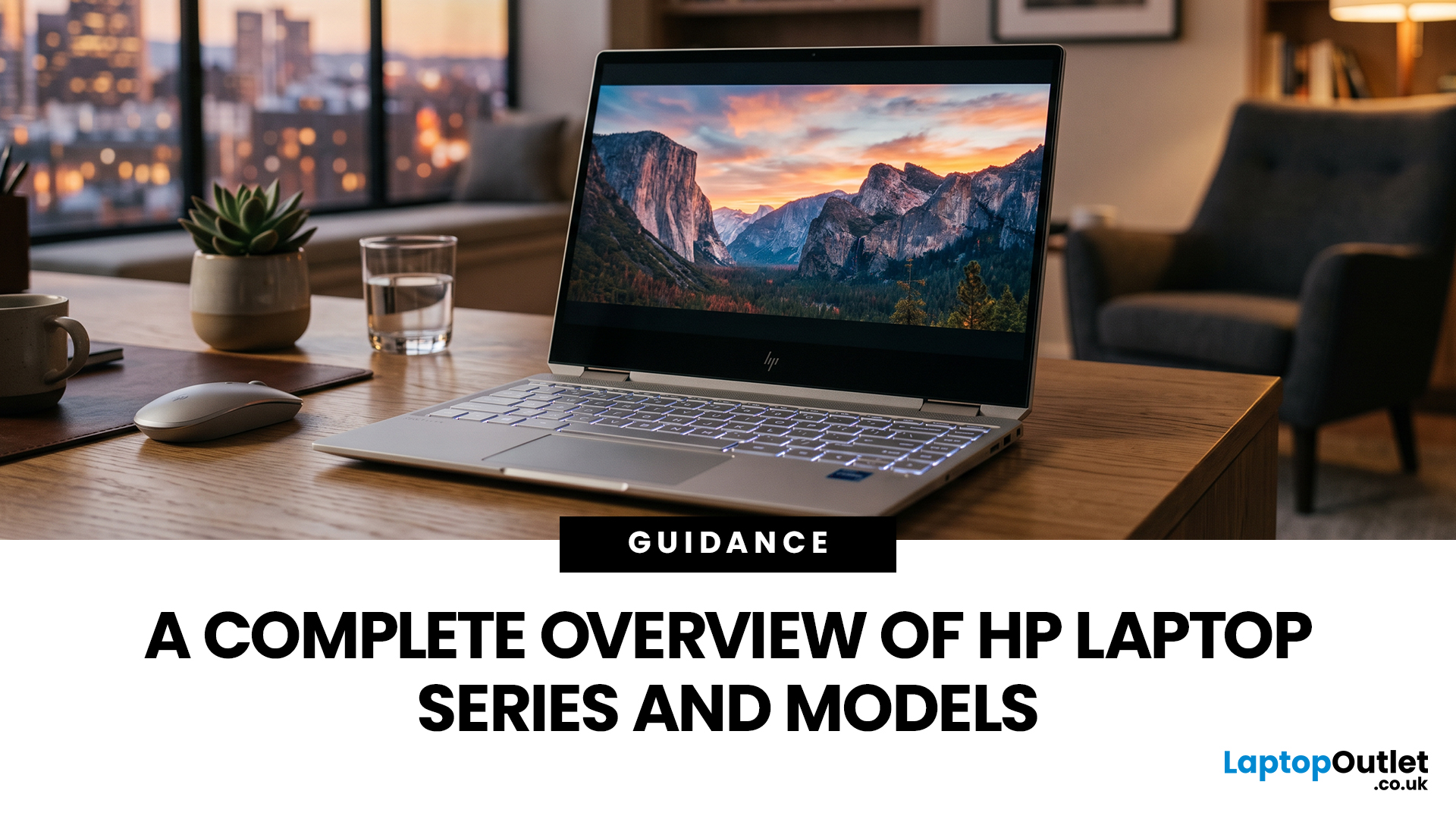
HP offers several laptop families designed for different types of users, which can make choosing between them difficult. The current HP laptop series range covers everyday home computing, education, gaming, business and demanding professional workloads.
OmniBook and Chromebook models mainly serve consumers and students, while Victus and OMEN focus on gaming. ProBook and EliteBook are designed for business environments, and ZBook systems target professional workstation tasks.
HP has also reorganised much of its newer consumer range under the OmniBook name. This guide explains the major HP series, their current model families, advantages, limitations and the users they suit best.
HP Laptop Series at a Glance
HP divides its laptops broadly according to workload, performance level and intended user. The series name gives you a useful starting point, but individual specifications still matter because two models within the same range may use different processors, graphics, displays and memory

Last Updated: February 03, 2026
Choosing a new processor used to be a simple choice between raw power and budget value. However, as we move through 2026, the landscape has shifted.
The rivalry of Intel vs AMD desktop processors has reached a fever pitch, with both "Team Blue" and "Team Red" offering incredible technology that caters to very specific types of users.
This guide breaks down everything you need to know about the current market to help you decide which brand deserves a spot in your desktop PC.
The State of the Market in 2026
As we move through 2026, both manufacturers have moved beyond simple core-count wars.
Intel has doubled down on its "Arrow Lake" and "Nova Lake" architectures, focusing heavily on integrated AI NPUs (Neural Processing Units) and a refined tiled architecture.
Meanwhile, AMD continues to dominate the enthusiast market with its Zen 5 architecture, led by the legendary 3D V-Cache technology.
Intel’s Current Strategy: The AI PC Era
Intel has successfully transitioned to its LGA 1851 socket.

Published: February 04, 2026
Your desktop PC is a key part of daily life. It handles work, gaming, and more. But how long can it last? Many users worry about desktop PC lifespan.
The good news is you can extend it to five years or beyond. With smart choices and simple habits, your setup stays reliable. This guide shares practical steps. It covers everything from processor picks to daily care.
Understanding Desktop PC Lifespan
Desktop PCs don't have a fixed expiry date. Their lifespan depends on build quality, usage, and maintenance. On average, a well-kept desktop lasts 5-8 years. But push it right, and you can hit 10 years or more. Why care? A longer desktop computer lifespan saves money and reduces waste.
Key Factors Affecting Longevity
Several elements play a role in how long your desktop endures. First, hardware quality matters most. Cheap parts wear out fast. Second, heat buildup shortens life—poor cooling is a killer. Third, software updates keep things secure and efficient. Finally, your habits, like overworking

Last Updated: February 11, 2026
Buying a desktop PC can quickly become frustrating. Endless specs, unfamiliar terms, and conflicting advice make it hard to know what really matters, and easy to waste money on the wrong setup. But here’s the solution: once you understand what desktop PC specifications actually do, choosing the right machine becomes simple. In this desktop PC specs explained guide, we break down every key component in plain English, showing you exactly what you need for work, home or gaming, and what you can safely ignore. No jargon, no guesswork, just confident buying decisions.
Processor (CPU): The Brain of Your Desktop
The processor, or CPU, is one of the most important parts of any desktop PC. It handles instructions and calculations, directly affecting how fast your system feels.
What to look for:
- Cores & Threads: More cores help with multitasking and demanding software
- Clock Speed (GHz): Higher speeds generally mean faster performance
What you actually

Last Updated: February 10, 2026
Buying a desktop PC is a big decision, especially when prices can range from a few hundred pounds to several thousand. The right choice depends not just on your budget, but on how you plan to use your PC now and in the future.
Let us help you understand exactly what you get at different price points, what specifications really matter, and how to avoid common mistakes. Whether you’re buying your first desktop or upgrading an older system, this guide will walk you through everything you need to know.
Why Choose a Desktop PC Instead of a Laptop?

Before diving into budgets, it’s worth understanding why many UK buyers still choose desktops:
- Better performance for the price
- Easier and cheaper upgrades
- Longer lifespan
- Improved cooling and sustained performance
- More connectivity options
For home offices, gaming setups, and creative work, desktops almost always offer better long-term value.
Understanding Desktop PC Specifications (Quick Primer)
If you’re not technical, these are the core components
Last Updated: May 05, 2026
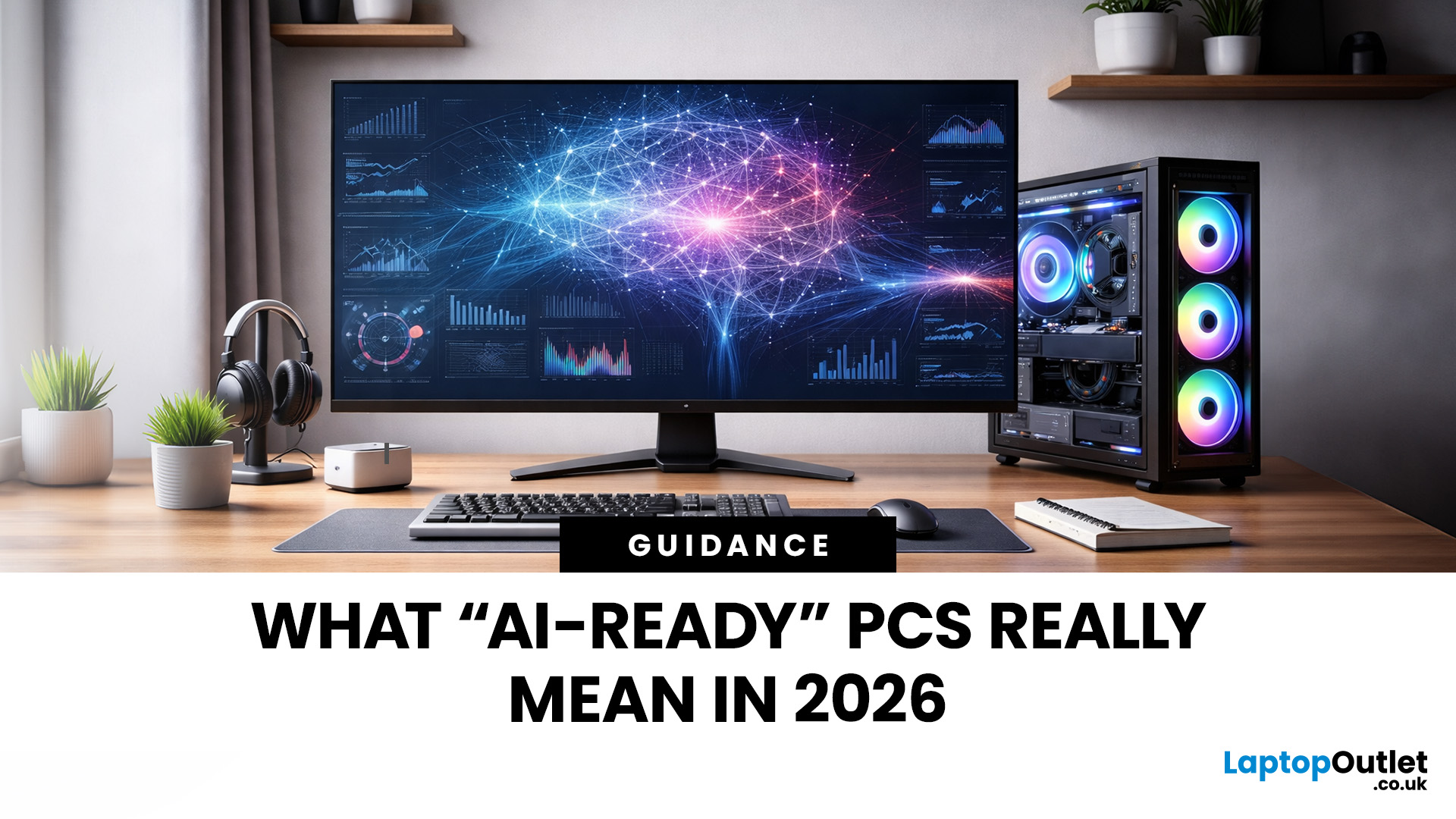
Let’s call this out early: “AI-Ready” is one of those phrases that sounds important but tells you almost nothing by itself.
Every PC brand is using it. Every listing claims it. And most buyers still walk away thinking, “Cool… but what does that actually do for me?”
So instead of selling you a future fantasy, let’s talk about what AI-Ready desktops actually change in 2026, where they matter, and where they really don’t.
First: Why Everyone Is Suddenly Calling Their PCs “AI-Ready”
AI didn’t just become a software thing - it became a hardware conversation.
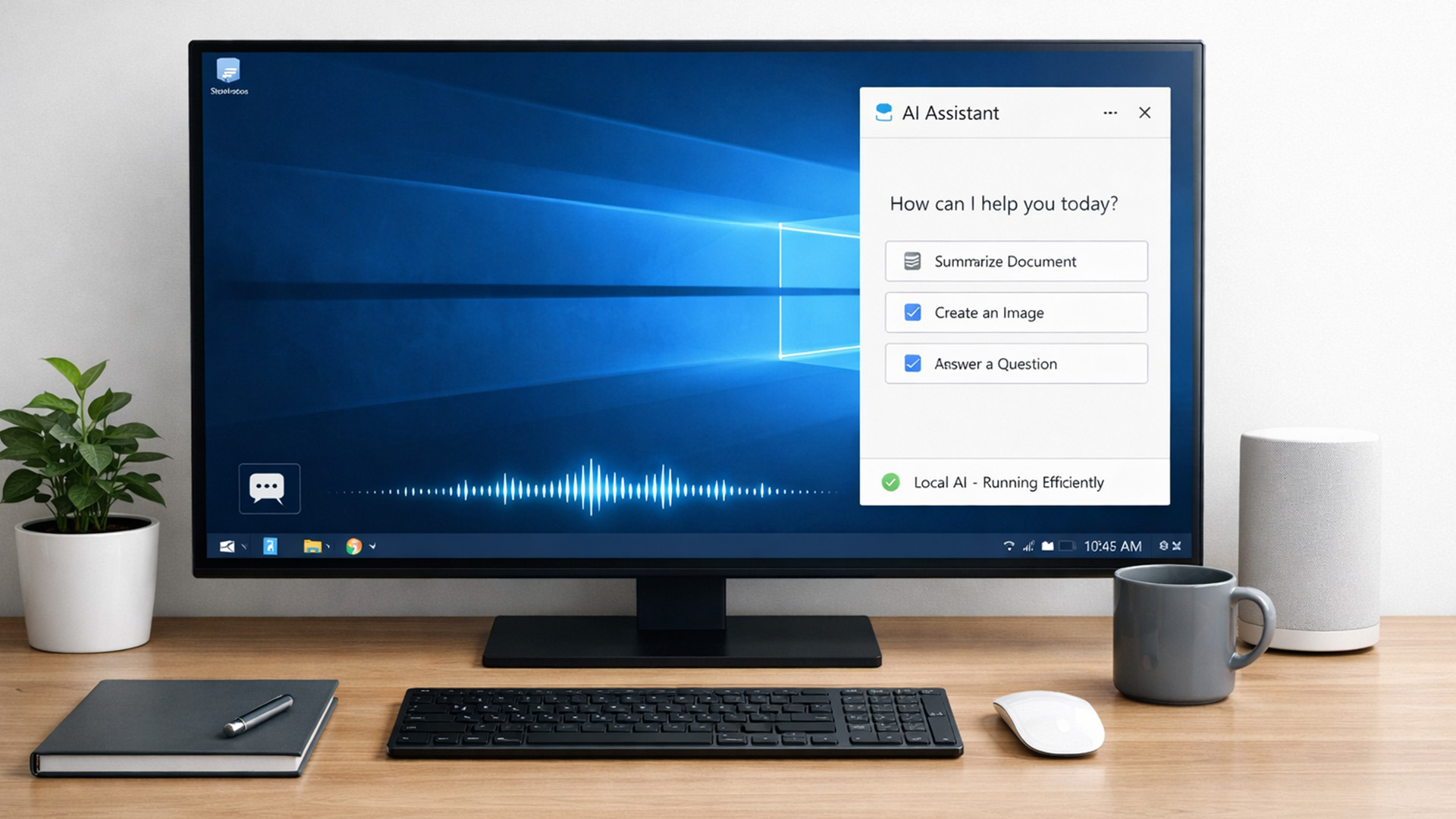
For years, AI lived in the cloud. You typed something, it went to a server, magic happened, and the result came back. Now, operating systems (especially Windows) are pushing AI features onto the device itself. That shift is what triggered the “AI-Ready” wave.
An AI-Ready desktop is basically a PC that can:
- Run certain AI tasks locally
- Do it efficiently
- Without destroying performance or power usage
That’s it. No sentience. No robot takeover.

Last Updated: February 11, 2026
Choosing the right desktop PC can feel a bit like picking a side in a long-running tech rivalry. HP, Dell, and Lenovo are three of the biggest names and for good reason. They all offer reliable, powerful desktops that suit everything from casual home use to hardcore business workloads and creative setups.
But when it comes to HP vs Dell vs Lenovo desktop PCs, which brand actually wins for you?
Why Compare HP, Dell, and Lenovo Desktop PCs?
HP, Dell, and Lenovo are all global heavyweights in the PC world. They each offer a wide range of desktops — from budget-friendly towers to powerful workstations and compact all-in-one PCs.
But here’s the thing:
Not all desktop PCs are built for the same kind of user.
Some are better for productivity, some for gaming, and others for long-term reliability. Understanding the differences is key before you hit “Add to Basket”.
HP Desktop PCs: Style Meets Performance
HP desktops are known for blending solid performance with modern design. If you like your
Published: February 09, 2026
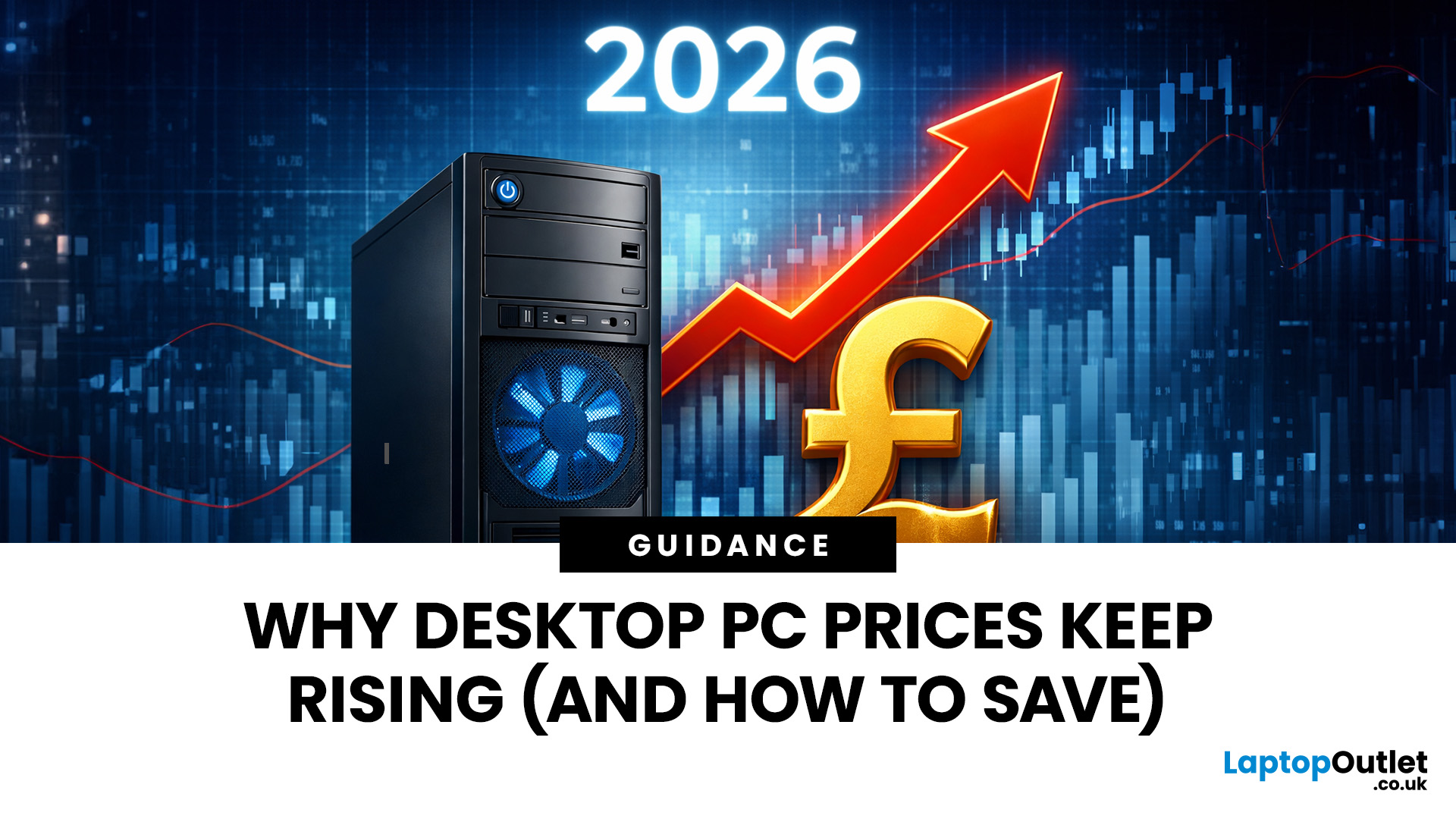
If you have been browsing for a new PC lately, you might have noticed a bit of a price shock. Whether you are looking for a sleek all-in-one for your home office or a powerful gaming rig, the numbers on the price tags in 2026 are noticeably higher than they were just a couple of years ago.
Many UK buyers are left scratching their heads, asking the same question: why are desktop PCs expensive all of a sudden? It is a fair question. In this guide, we will break down exactly what is driving these costs and, more importantly, how you can still find incredible value.
Key Reasons Desktop PC Prices Are Rising
Understanding the "why" behind the price hike helps you time your purchase better. Here are the primary factors driving the market today.
The "AI Squeeze" on Components
The biggest culprit isn't a lack of chips, but a shift in what those chips are used for. Huge data centres are currently buying up almost 70% of the world’s advanced memory (DRAM) and storage (NAND) to power AI models.

Last Updated: September 15, 2026
If you’re asking “are refurbished desktop PCs worth it” in 2026, you’re not alone. Refurb is having a moment in the UK, partly because budgets are tight, and partly because more people want a cheaper, lower-waste way to get solid tech. At the same time, buyers are more hesitant than ever… and that hesitation is not random. A few very 2026-specific changes have raised the stakes.
This guide breaks down the real reasons people hesitate in 2026, and how Laptop Outlet reduces those risks so you can buy refurbished with genuine peace of mind - without losing out on choice or price.
What changed in 2026 that made buyers more cautious?
1) The Windows 10 “cliff edge” is now behind us
Windows 10 support ended on 14th October 2025, which means many older desktops are now in a riskier zone if they can’t upgrade cleanly.
Yes, Microsoft offers Extended Security Updates (ESU), but for consumers it’s a limited runway (through 2026) and comes with requirements that can add friction.
Why this makes refurbished
Published: March 12, 2026
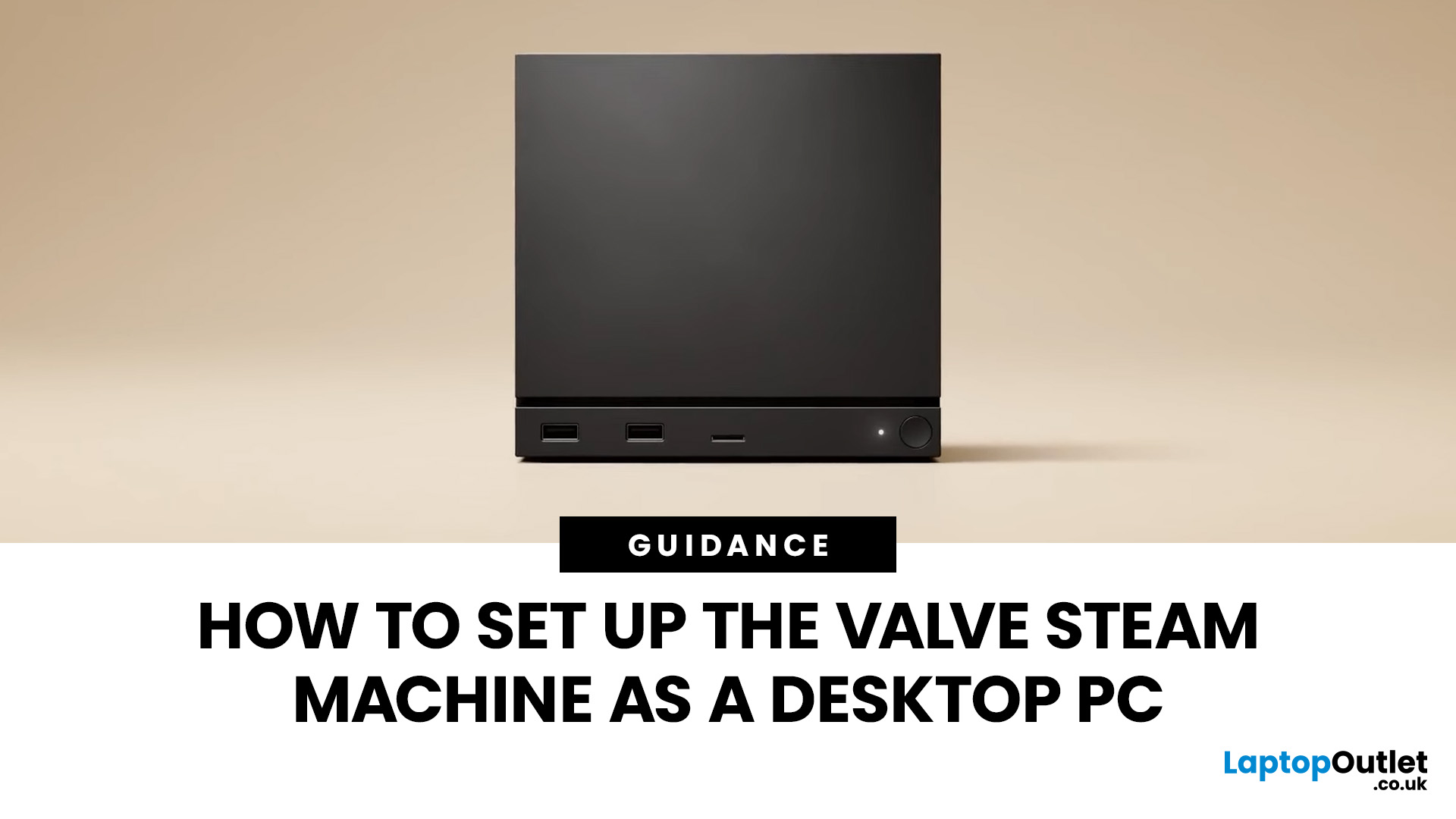
If you have an old Valve Steam Machine tucked away under the telly or on a shelf, you might be wondering whether it can still do more than launch games. The good news is that, with the right setup, it can absolutely pull double duty as a compact desktop computer for everyday use.
This guide walks you through a practical Valve Steam Machine setup for desktop use, from connecting a monitor and peripherals to accessing SteamOS desktop mode and making the system feels more like a standard PC. Whether you want a lightweight machine for web browsing, media streaming, or casual home computing, repurposing a Steam Machine can be a clever and cost-effective option.
What is a Valve Steam Machine?
A Valve Steam Machine was originally designed as a living-room gaming PC. It brought PC gaming closer to the console experience, usually running SteamOS and focusing on controller-friendly play from the sofa.
That said, the hardware inside many Steam Machines is still capable of handling basic desktop

