



What is a Mini PC? Everything You Need to Know Before Buying
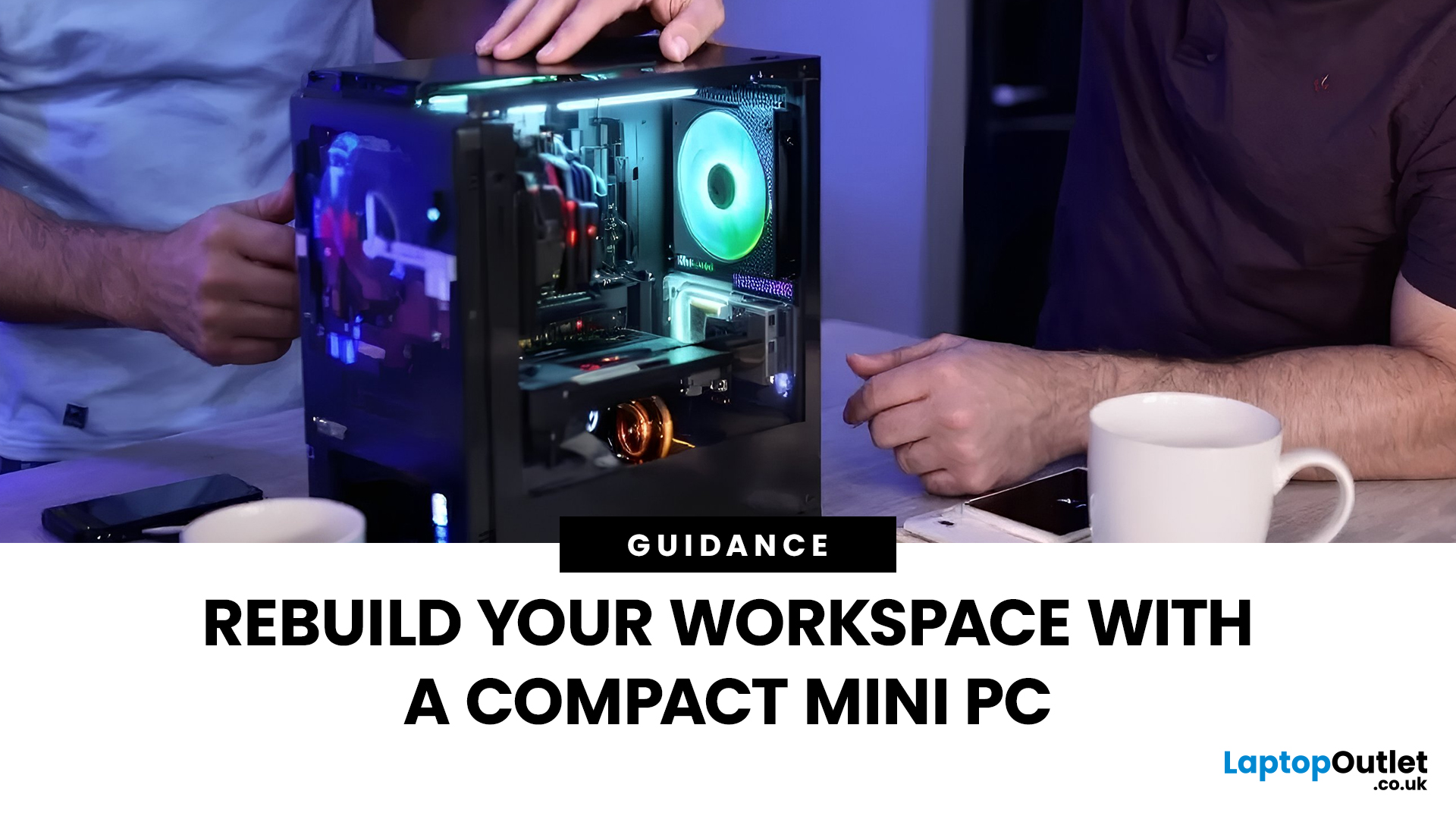
In a world where technology is getting smaller, faster, and smarter, mini PCs are gaining major popularity. These compact computing powerhouses deliver the performance of traditional desktops, but in a fraction of the space. Whether you’re working from home, studying, streaming, or gaming, a mini PC can be a sleek and efficient solution for your setup.
In this guide, we’ll cover everything you need to know about mini PCs, from how they work to why they might be the perfect fit for your needs.
What is a Mini PC?
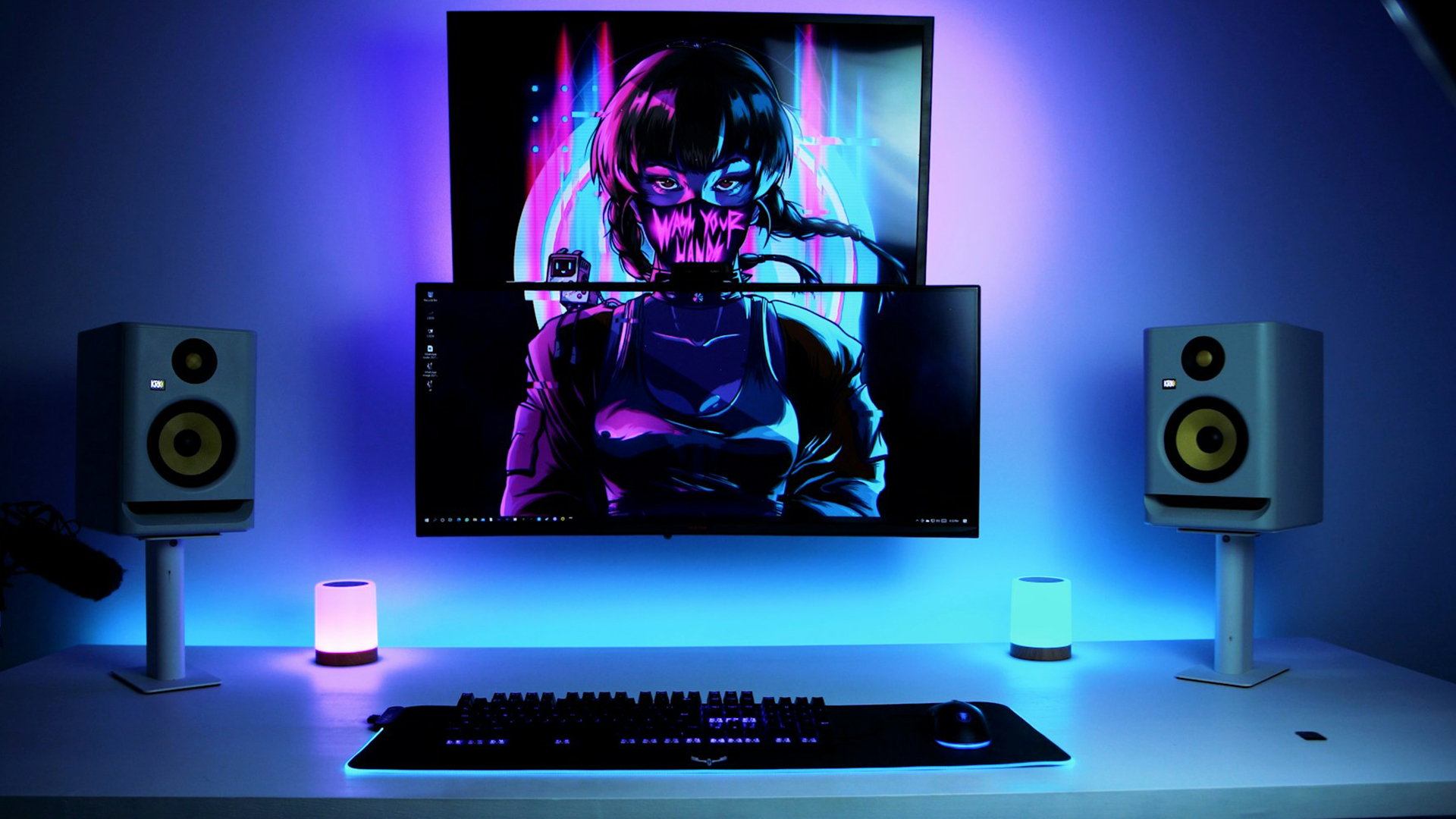
A mini PC (short for mini personal computer) is a small, lightweight desktop computer designed to perform everyday tasks without taking up much space. Despite their compact size, modern mini PCs come equipped with powerful processors, ample storage, and connectivity options comparable to full-sized desktops.
They’re ideal for users who value portability, efficiency, and minimalism, making them popular among students, professionals, and even gamers.
How Does a Mini PC Work?
Just like any standard computer, a mini PC includes essential components such as a CPU (processor), RAM (memory), storage, and graphics capabilities. However, these are engineered to fit into a much smaller chassis.
Most mini PCs use energy-efficient laptop-grade processors (such as Intel Core or AMD Ryzen mobile chips), helping them stay cool and quiet. They often come pre-installed with Windows 11, making setup quick and easy, simply connect a monitor, keyboard, and mouse, and you’re ready to go.
Why Choose a Mini PC?
1. Space-Saving Design
The most obvious advantage of a mini PC is its compact size. Whether you live in a studio flat, use a shared workspace, or simply prefer a clutter-free desk, a mini PC fits neatly anywhere, even mounted behind a monitor.
2. Energy Efficiency
Mini PCs typically consume less power than traditional desktops, which can help reduce your electricity bills and environmental footprint. They’re ideal for those who use their computer for long hours daily.
3. Versatility and Portability
Many mini PCs weigh less than a kilogram, making them easy to carry between home and office. They’re also versatile, suitable for everything from office tasks to media streaming and even light gaming.
4. Quiet Operation
With efficient cooling systems and low-power processors, mini PCs operate almost silently, creating a distraction-free workspace.
5. CustomisationOptions
Some models allow you to upgrade storage and memory, giving you flexibility to adapt performance as your needs grow.
Common Uses of Mini PCs

For Home and Office Work
Mini PCs are perfect for tasks like browsing, email, video conferencing, and word processing. Pair one with a sleek monitor, and you’ve got a stylish productivity setup.
For Entertainment
Turn your mini PC into a home theatre system by connecting it to your TV. Stream your favourite shows, play music, or even emulate retro games.
For Education
Students love mini PCs for their affordability and portability. They make an excellent choice for study spaces or dorm rooms.
For Business and Retail
Mini PCs are frequently used for digital signage, point-of-sale systems, and office kiosks because they’re small, reliable, and easy to maintain.
For Creative and Light Gaming Tasks
While not built for heavy AAA gaming, mini PCs with dedicated GPUs (like Intel Arc or NVIDIA GeForce) can handle creative software such as Adobe Photoshop, and even casual gaming.
Key Features to Look for Before Buying
Processor (CPU)
Choose a mini PC with a modern processor like an Intel Core i5/i7 or AMD Ryzen 5/7. These ensure smooth multitasking and excellent performance for work or entertainment.
Memory (RAM)
For general use, 8GB of RAM is sufficient. If you work with demanding software or multitask often, go for 16GB or more.
Storage
Mini PCs commonly use SSD (Solid-State Drive) storage, which is faster and more reliable than traditional HDDs. A 512GB SSD offers a good balance between speed and capacity.
Ports and Connectivity
Ensure the mini PC includes USB-C, HDMI, Ethernet, Wi-Fi 6, and Bluetooth support. These features make it easier to connect accessories, displays, and networks.
Graphics
If you plan on light gaming or creative work, look for models with integrated AMD Radeon graphics. For higher performance, some mini PCs support external GPU (eGPU) setups.
Operating System
Most mini PCs come with Windows 11 Home or Pro, but some offer Linux for advanced users and developers.
Mini PC vs Traditional Desktop: Which is Better?

|
Feature |
Mini PC |
Traditional Desktop |
|
Size |
Compact and portable |
Bulky, requires space |
|
Power Consumption |
Energy-efficient |
Higher power usage |
|
Performance |
Excellent for daily tasks |
Best for high-end workloads |
|
Upgradability |
Limited but possible |
Highly upgradeable |
|
Noise Level |
Very quiet |
Can be noisy with fans |
|
Price |
Generally affordable |
Varies widely |
In short, if you value portability, low energy use, and simplicity, a mini PC is an excellent choice. But if you need maximum performance and expandability, a traditional desktop might still be your best bet.
The Future of Mini PCs
With continued innovation in processor efficiency and compact design, mini PCs are becoming more powerful than ever. Brands are now introducing models capable of AI-assisted performance, 4K video editing, and even compact gaming rigs.
As remote work and hybrid learning continue to grow, the mini PC is shaping up to be the go-to choice for users who want style, performance, and practicality, all in one neat package.

Is a Mini PC Right for You?
A mini PC is perfect for anyone who wants powerful computing without the bulk. Whether you’re setting up a home office, upgrading your entertainment system, or looking for a travel-friendly computer, a mini PC offers versatility, performance, and value for money.
At Laptop Outlet, you’ll find a wide range of mini PCs from trusted brands like ASUS, MSI, Lenovo, HP, and Intel NUC, all at competitive prices. Explore our collection and find the perfect mini PC for your needs today.

Still Confused?
Can I use a mini PC for gaming?
Yes, many mini PCs can handle casual and mid-range gaming, especially those with dedicated or high-end integrated graphics.
Are mini PCs upgradeable?
Some models allow you to upgrade RAM and SSD storage, but options vary depending on the design.
Do mini PCs overheat easily?
No, mini PCs are designed with efficient cooling systems and energy-saving components to prevent overheating.
Can I connect multiple monitors?
Yes. Most mini PCs support dual or triple display setups via HDMI, DisplayPort, or USB-C.
Is a mini PC worth it for everyday use?
Absolutely! For work, streaming, browsing, or studying, a mini PC offers reliable performance in a compact and affordable form.
| Read More: |
| Best Mini PCs for Office Work and Productivity in 2025 |
| Best Desktop PCs for Work: Top Picks for Professionals |
| Mini PC vs. Tower PC: Which is Right for You? |
Related Articles

Last Updated: April 06, 2026
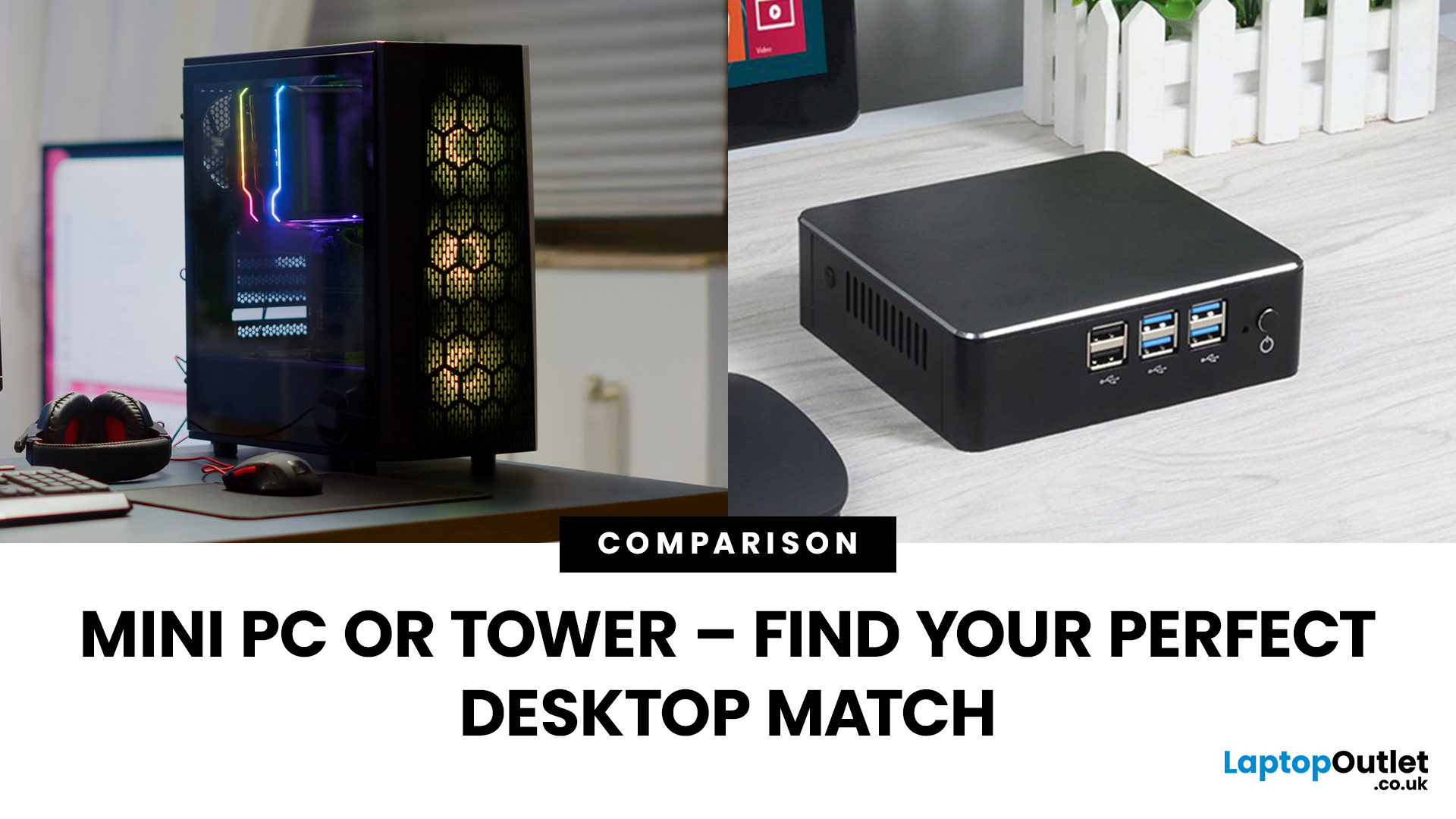
Need a black and white answer to ‘mini PC vs. tower PC’? You have come to the right place! Mini PCs and tower PCs are great devices suitable for different needs. While mini PCs are compact, space-saving, and offer competent-high performance, tower PCs are typically more robust, super spacious, capable of accommodating various components, and offer higher performance potential. Ultimately, choosing between them depends on your needs and preferences. However, mini PCs are ideal for people with limited space, everyday users, remote workers, and frequent travellers. At the same time, tower PCs are terrific options for gamers, content creators, professionals, tech enthusiasts, heavy multitaskers, and power users.
Mini PC vs. tower PC is a frequently discussed topic, often with a straightforward answer. Both offer distinct advantages and are fantastic options for different types of users. If you have limited space, want to enjoy competitive performance at a cost-effective price, and prioritise
Last Updated: June 15, 2026
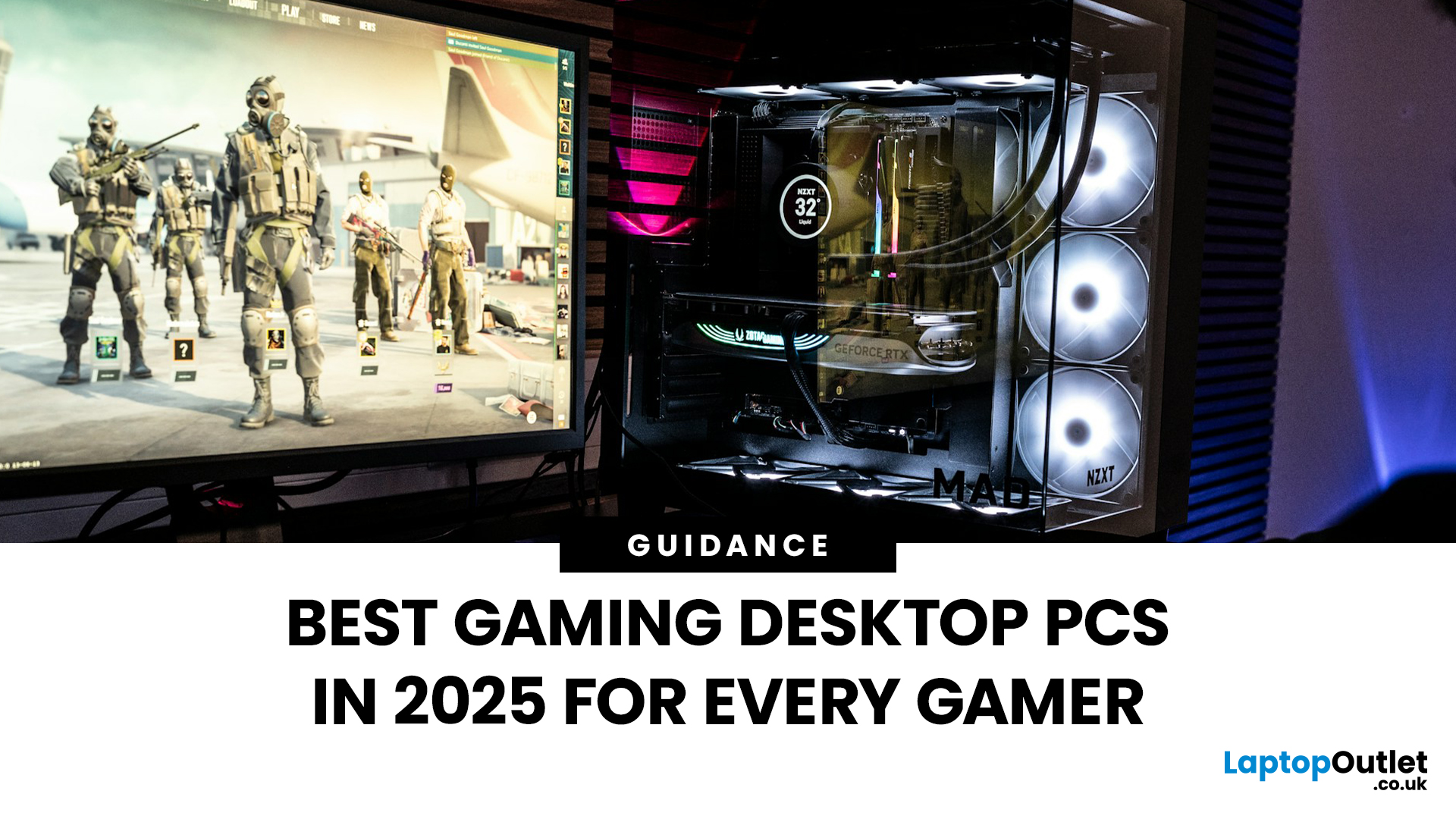
The world of gaming desktops has never been more exciting. In 2026, gamers can enjoy next-level performance powered by Intel Core 14th Gen and AMD Ryzen 9000-series processors, paired with NVIDIA RTX 40 and 50-series GPUs. Whether you’re after an entry-level setup or a high-end machine for 4K gaming and VR, today’s best gaming desktop 2026 options offer something for every type of player. This guide breaks down the top categories, performance, features, and ideal users, to help you buy the best gaming desktop PC for your needs.
Best Budget Gaming Desktops in 2026
If you’re new to PC gaming or shopping on a budget, 2026 offers plenty of affordable options that deliver reliable 1080p performance.
Budget Highlights
- Processor: Intel Core i5-14400F / AMD Ryzen 5 8600G
- Graphics: NVIDIA RTX 50 series / AMD Radeon RX 7000 series XT
- RAM & Storage: 16GB DDR5, 512GB – 1TB SSD
Top Choices
| Model Image | Model | Processor | Graphics Capability | Memory (RAM) | Storage | Operating System | Special Features |
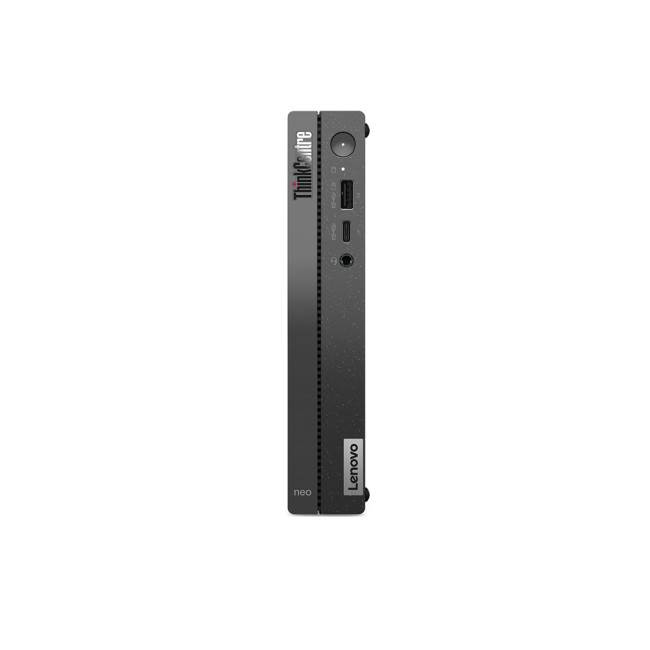 | Lenovo |

Last Updated: September 28, 2026
Quick Answer: Prebuilt or Custom PC?
A prebuilt PC is usually better if you want a complete, tested computer with Windows, warranty support and minimal setup. A custom PC gives you greater control over components, cooling, appearance and future upgrades. Neither is automatically faster or less expensive. The better choice depends on the exact specification, component quality, total cost and how much involvement you want.
Buying a desktop PC often comes down to one choice: buy a complete system or choose the components yourself.
Both routes can deliver excellent performance. The difference is mainly in how much control, setup work, upgrade flexibility and support you want after buying.
This guide compares prebuilt vs custom desktop PCs across cost, performance, cooling, warranties, upgrades and everyday use so you can decide which approach actually suits your needs.
What Is the Difference Between a Prebuilt and Custom PC?
A prebuilt PC arrives as a complete system assembled by a manufacturer
Last Updated: October 24, 2025
Whether you’re building your dream gaming rig or configuring a high-performance workstation, one of the biggest decisions you’ll face is how to keep your system cool. With modern CPUs and GPUs pushing the limits of performance, thermal management is more important than ever. The debate between air vs liquid cooling PC solutions is one that no serious builder can ignore. In this article, let’s discuss how both cooling methods work, their pros and cons, and which one may be best suited to your particular use case.
How PC Cooling Works: Basics & Why it Matters
To understand the difference between methods, it helps to go back to fundamentals.
Heat Generation in Modern PCs
Every time your CPU or GPU does work, it consumes electrical energy. Inevitably, some of that becomes heat. If that heat isn’t effectively carried away, component temperatures will rise, leading to thermal throttling or even permanent damage.
As such, effective PC cooling solutions are essential for maintaining performance,
Published: October 23, 2025
Your complete guide to performance, specs, and picking the right system for work or play.
When it comes to raw power, flexibility, and longevity, desktop PCs still reign supreme. Sure, laptops have gone lighter, and tablets now pretend to be “pro,” but if you’re serious about performance — whether for gaming, design, business, or just smooth multitasking - a desktop remains the smart choice.
In this ultimate desktop PCs guide, we’ll cover everything: from how desktops stack up against laptops, to what all those spec-sheet numbers (CPU, GPU, RAM, SSDs) really mean. You’ll also find insights into the latest desktop PC trends in 2025, and our recommendations for every type of user — from casual home users to hardcore creators.
1. Desktop PCs vs Laptops —What’sthe Real Difference?
Before diving into specs and performance, let’s address the age-old debate: why pick a desktop when you can buy a laptop? The answer depends on your priorities — but desktops win in more areas than most people think.
Last Updated: August 25, 2026
The best desktop PC for work depends on matching hardware to your actual tasks rather than simply choosing the most powerful option. Finance teams working in spreadsheets need different specifications compared to architects using 3D software, while reception areas often benefit from compact all-in-one systems instead of traditional towers. This guide highlights current desktop PCs from Laptop Outlet across four categories: Tower PCs, All-in-One PCs, Mini PCs and Workstations, based on availability checked on 14 August 2026, though stock may change.
How We Selected These Desktop PCs for Work
We prioritised business-ready specifications, useful connectivity, sensible memory and storage configurations, operating-system suitability and the workload each machine is best placed to handle. Rather than treating every professional as a power user, the list covers everyday office work, hybrid working, compact desks, creative projects and heavier technical workloads.
A useful rule is to buy for your
Last Updated: April 02, 2026
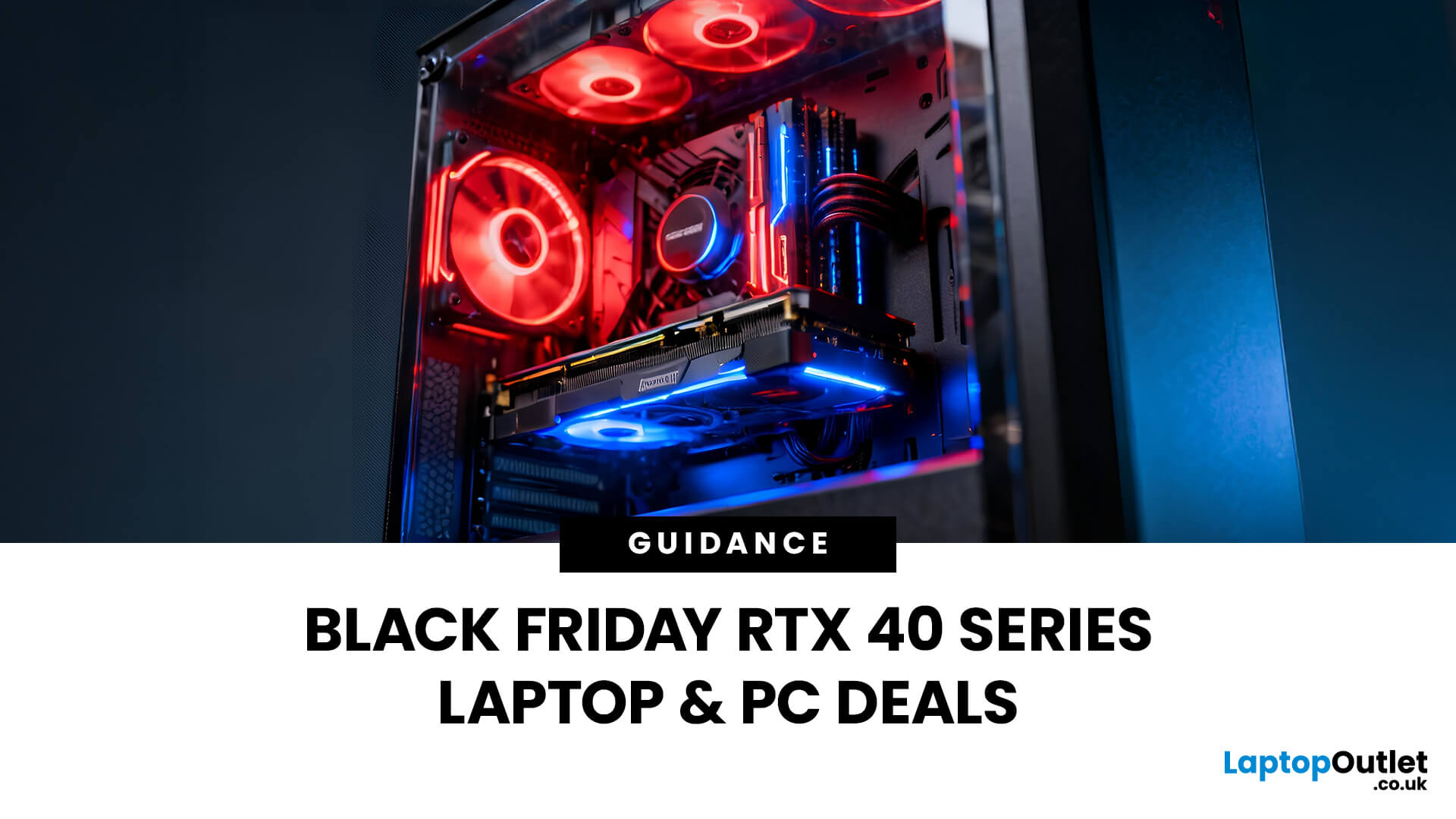
Black Friday 2025 is set to bring some of the best deals we’ve seen yet on gaming laptops and PCs, especially those powered by NVIDIA’s RTX 40-series graphics. But this year, smart buyers aren’t just chasing discounts, they’re targeting the right specs for lasting performance. The RTX 4060 and RTX 4070 GPUs have become the ideal mid-to-high range picks, balancing power, efficiency, and price. Pair that with fast DDR5 RAM and a 1TB NVMe SSD, and you have a future-ready setup built for modern gaming. This guide breaks down exactly what to look for in fast DDR5 RAM and a 1TB NVMe SSD, and you have a future-ready setup built for modern gaming. This guide breaks down exactly what to look for and make the most of Black Friday gaming laptop deals (RTX 4070) in the UK.
The 2025 Gaming Hardware Landscape: What’s Changed
Gaming hardware has evolved quickly over the past year, and 2025’s market looks very different from before. NVIDIA’s RTX 40-series GPUs, like the RTX 4060 and RTX 4070, now deliver

Last Updated: September 29, 2026
Black Friday can be a great time to upgrade your gaming setup, but waiting until the final Friday of November is not always necessary. Gaming laptops and PCs often appear in promotions before the main event, while particular specifications can become harder to find as demand increases.
So, should you buy early or hold out? This guide explains when to start looking, when waiting makes sense and how to judge a gaming laptop or PC before Black Friday 2026 without making the decision purely on the size of the discount.
When Is Black Friday 2026?
Black Friday 2026 takes place on Friday, 27 November, followed by Cyber Monday on Monday, 30 November. Black Friday is no longer necessarily limited to one day either. UK retailers commonly begin running promotions earlier in November, meaning there may be opportunities to buy before the main weekend.
For gamers, that changes the question from “Should I wait for Black Friday?” to “Is the gaming system I want already at the right price?”
Laptop Outlet
Last Updated: October 28, 2025
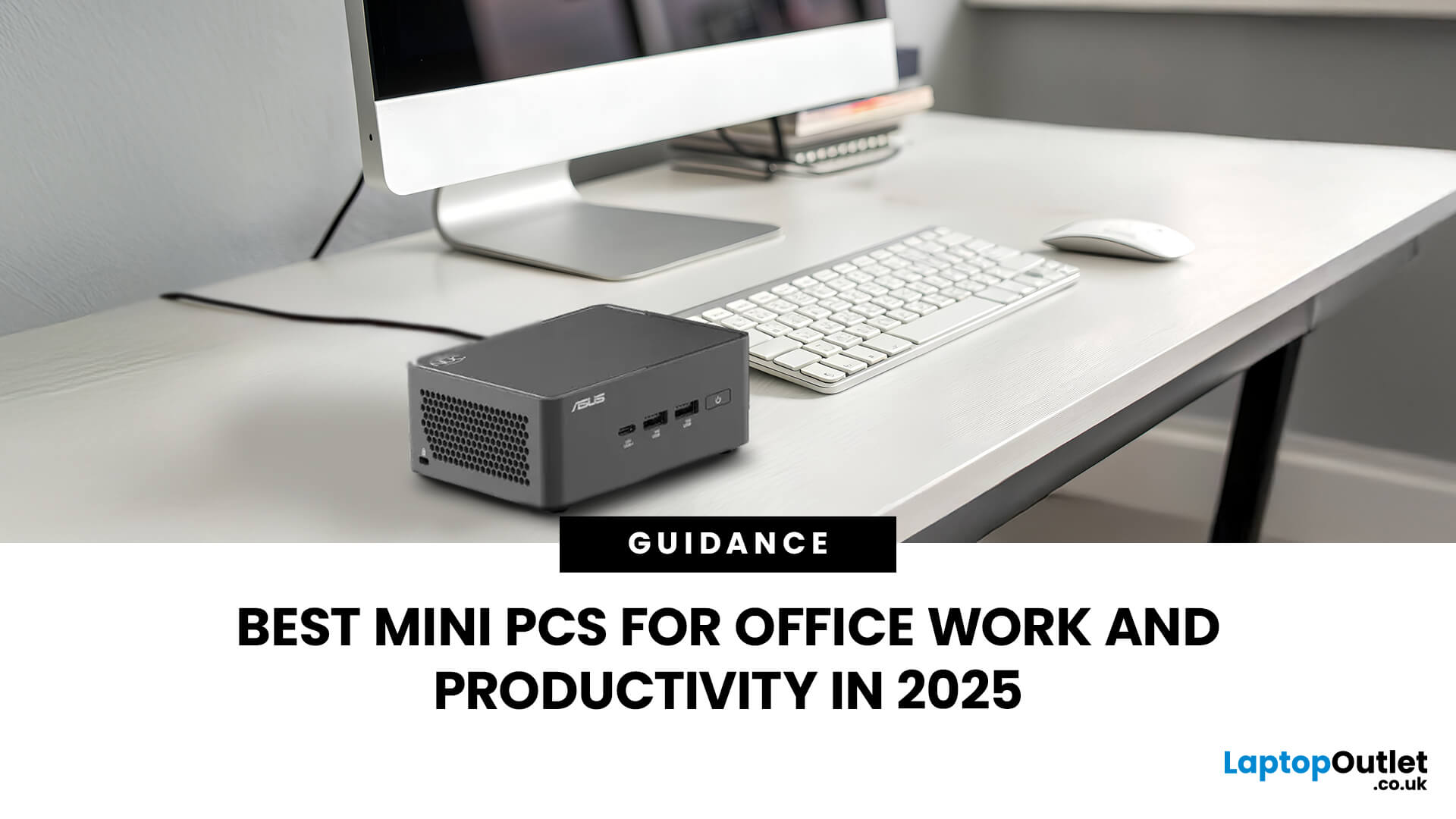
Gone are the days when office PCs had to be bulky towers humming under desks. In 2025, mini-PCs have become the ultimate productivity machines, small, silent, and surprisingly powerful. Whether you’re a remote worker, a startup founder, or managing a hybrid workspace, these compact desktops deliver desktop-grade performance without eating up your desk space.
If you’re searching for the best mini-PC for office work, this guide breaks down the top performers built for speed, efficiency, and multitasking, from entry-level options to high-end productivity powerhouses.
Why Choose a Mini PC for Work in 2025?
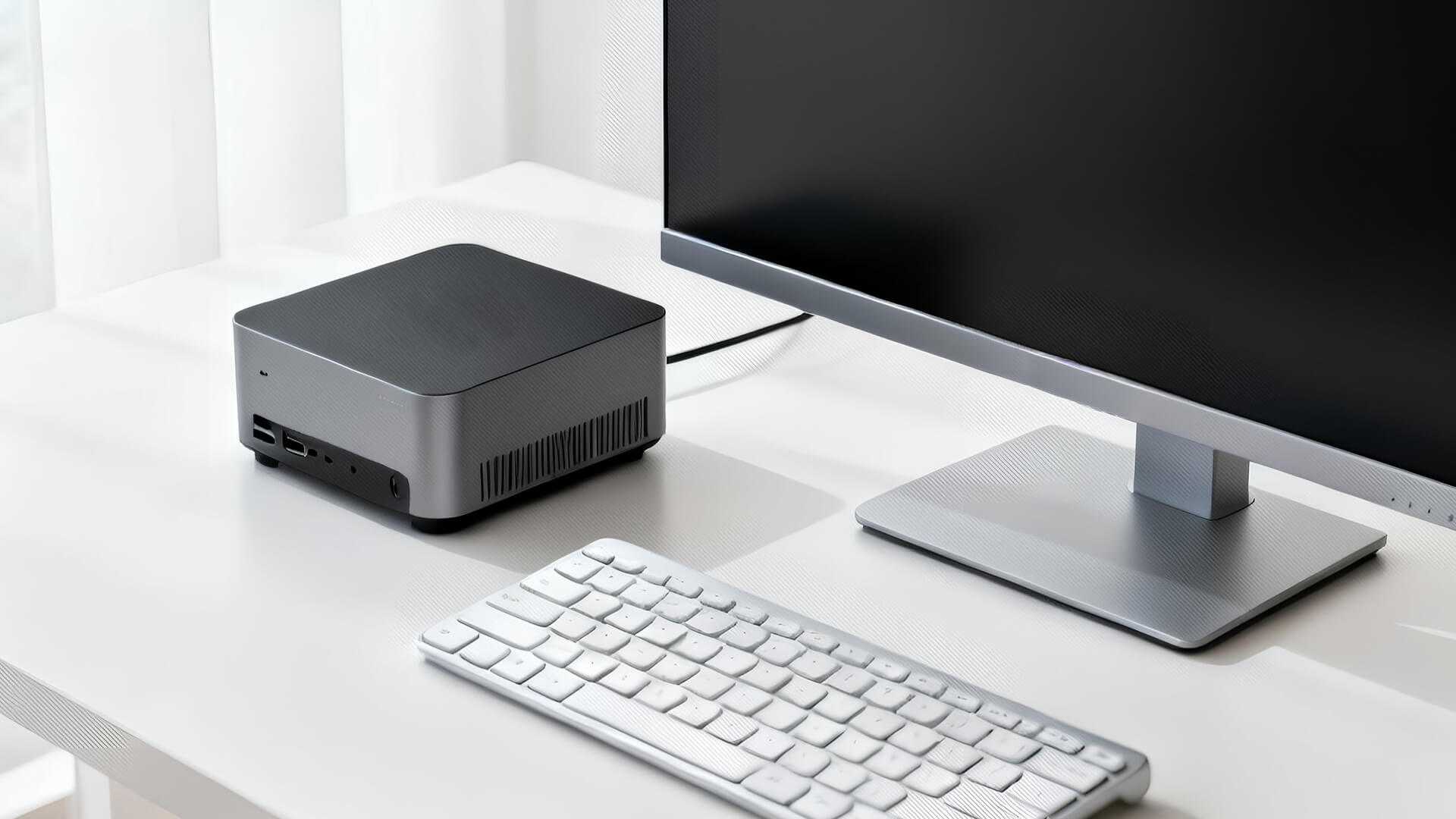
Modern mini-PCs are redefining what “office-ready” means. Thanks to next-gen CPUs, fast SSD storage, and efficient cooling, they now handle everything from heavy spreadsheets to video conferencing and multitasking without breaking a sweat.
Here’s why professionals are ditching bulky towers for compact desktops:
- Space-Saving Design: Ideal for minimalist desks or multi-monitor setups.
- Silent

