



Remote Work 2.0: The Tech Setup Professionals Need in 2026
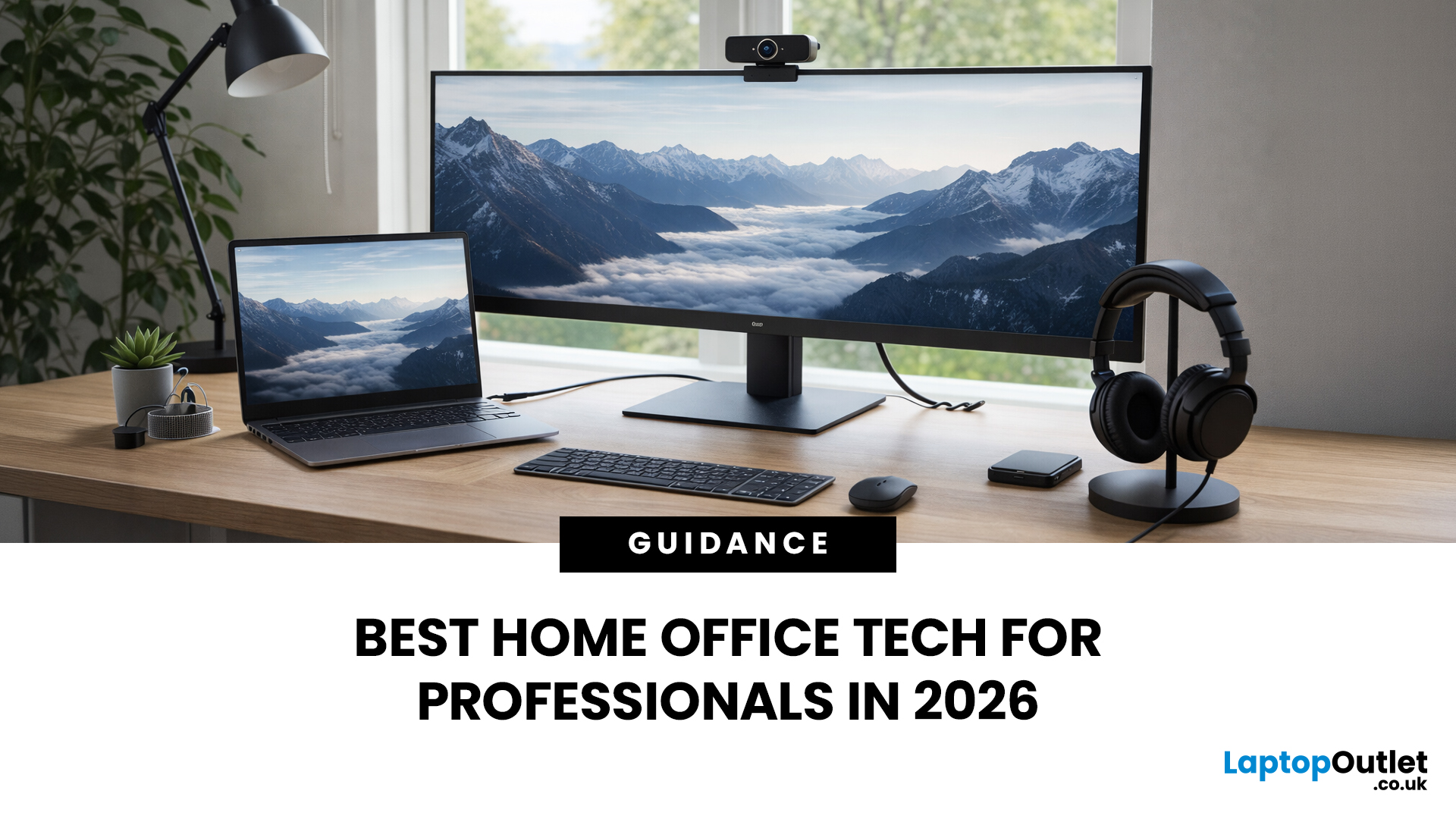
If your remote setup still revolves around “a decent laptop and home Wi-Fi”, you’re behind. In 2026, remote work is judged by output and presence. Your audio quality affects how credible you sound. Your connectivity affects whether clients trust you. Your screen space affects how quickly you work. And your security setup determines whether your business data is actually protected.
Most people still treat home-office tech like: A chair. A webcam. A desk lamp. Useful, yes, but disconnected. What professionals need now is a deliberate tech stack. One that reduces friction, prevents small failures, and works the same way every single day.
That is Remote Work 2.0. It is not about owning more gear. It is about engineering reliability into your workday.
What Remote Work 2.0 Really Means in 2026
For professionals, four elements matter more than anything else:
1. Stable connectivity
If your connection drops mid-presentation, nothing else matters. Wi-Fi 7 and modern mesh systems are no longer overkill in busy households. And if your desk doesn’t move, the Ethernet is still the gold standard.
2. Meeting-grade audio
Clear audio signals authority. Built-in laptop microphones are rarely good enough. A proper headset with noise cancellation is the fastest credibility upgrade you can make.
3. Proper screen real estate
Working from a 13-inch display for eight hours a day is inefficient and physically draining. A QHD or ultrawide monitor changes how you work within minutes.
4. Security that matches hybrid reality
Your home network is part of your company perimeter now. MFA, password management and endpoint protection are not optional extras.
Everything else is refinement.
The Core of Your Setup: A Capable Laptop
Everything starts with the laptop. In 2026, professionals should realistically aim for:
- 16GB RAM as a working baseline
- Fast SSD storage
- A high-quality 1080p or better webcam
- Wi-Fi 6E or Wi-Fi 7 support
- Strong battery life
Modern AI-enhanced laptops such as Microsoft’s Copilot+ PC range include dedicated NPUs. While not every workflow relies on AI processing yet, local AI acceleration is increasingly relevant for collaboration tools, background effects and productivity features.
For professionals buying through Laptop Outlet, the key is balance. Do not overspend on raw CPU power if your workflow is browser-based and cloud-driven. Prioritise battery health, thermals, connectivity, and camera quality instead.
Upgrade One: Your Monitor Changes Everything
If you upgrade one piece of hardware this year, make it your display. A 27-inch QHD monitor gives you room for documents, spreadsheets, and side-by-side work. An ultrawide simplifies multitasking without needing dual screens.
In 2026, USB-C hub monitors are particularly valuable. These displays:
- Charge your laptop
- Provide additional USB ports
- Offer Ethernet connectivity
- Reduce cable clutter
Video conferencing monitors go further by integrating a high-quality webcam and microphone array directly into the display. This approach simplifies desk layout and improves framing.
If the budget is limited, prioritise resolution and USB-C power delivery. If your workday is meeting-heavy, integrated conferencing features are worth serious consideration.
Audio First. Always.
There is a simple rule in remote work: people forgive slightly soft video, but they do not forgive broken audio.
If you are still using built-in laptop microphones, upgrade that first. A dedicated headset designed for Teams or Zoom environments immediately improves clarity and reduces background noise.
Wired models remain extremely reliable and affordable. Wireless options are ideal if you move between calls and tasks throughout the day. This is not about sounding fancy. It is about being heard clearly the first time.
Camera: Get It Right, But Get the Basics Right First

Even in 2026, most built-in laptop cameras are at best serviceable. If you’re on client calls, interviews or leadership meetings, an external webcam still gives you better consistency, sharper detail, and more control over framing.
When choosing one, focus on what actually improves call quality:
- 1080p as a minimum; 4K if you regularly present or record
- Adjustable field of view so you control how much of your space is visible
- A physical privacy shutter
- Strong low-light performance that doesn’t turn you into a grainy silhouette
But here’s what many buyers get wrong: lighting matters more than resolution. A well-lit face on a 1080p camera looks far more professional than a 4K webcam fighting a bright window behind you. Position yourself facing natural light where possible. If that’s not practical, a simple desk light placed behind your screen will outperform any premium sensor working in poor conditions.
Connectivity: Making Your Internet Boring Again
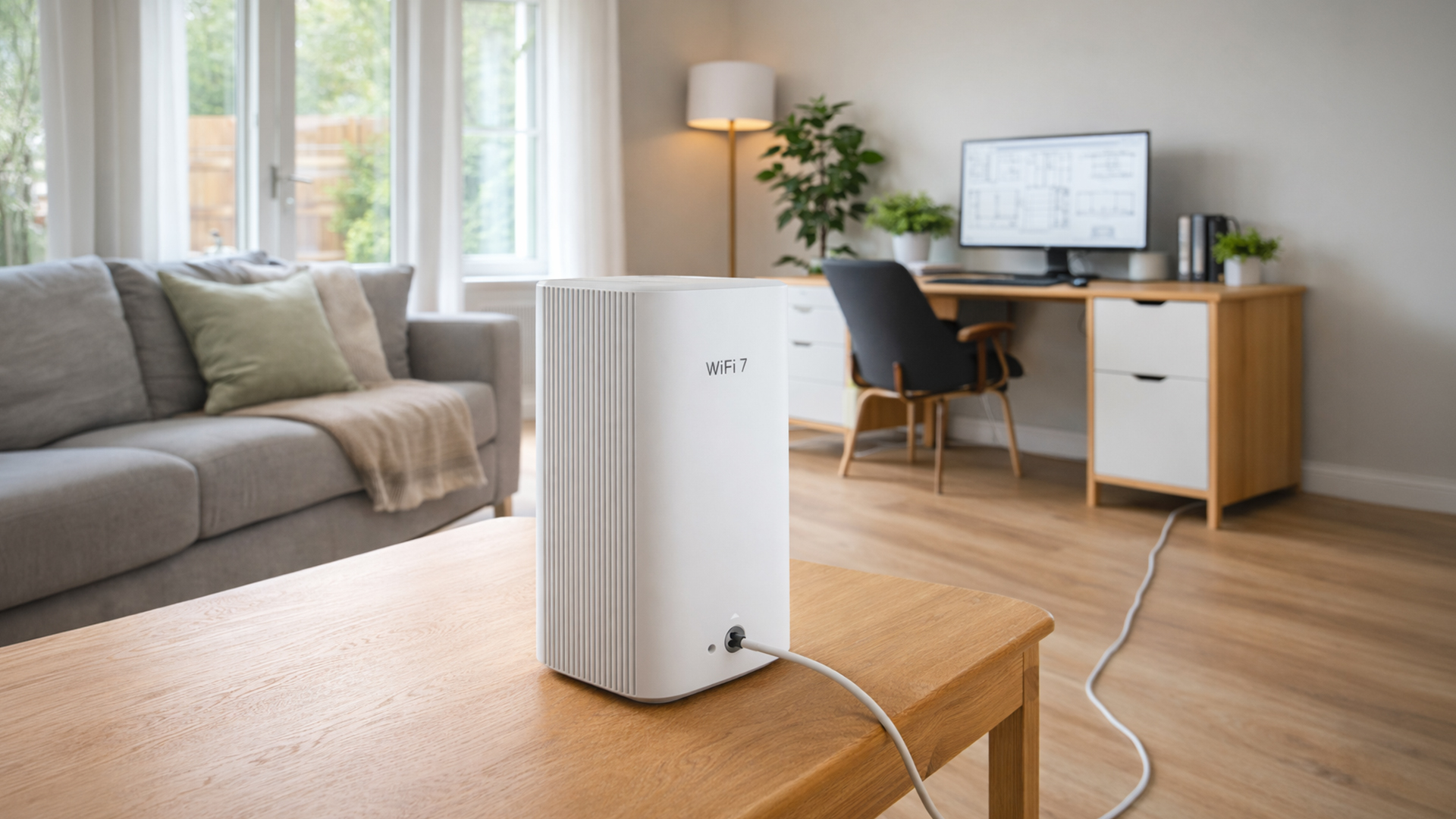
When remote setups fail, they usually fail at the network layer.
Wi-Fi CERTIFIED 7 is gaining attention in 2026 because it supports wider channels, multi-link operation and improved performance across congested environments. For larger homes or households with multiple heavy users, Wi-Fi 7 mesh systems offer greater resilience.
That said, not every professional needs a flagship mesh system. For many households, a well-positioned Wi-Fi 6 mesh kit eliminates dead zones at a more accessible price.
The most overlooked upgrade remains simple: wired Ethernet. If your desk is fixed, running a cable directly to your router or mesh node removes radio interference entirely. Stability improves instantly.
Single-Cable Desk Mode
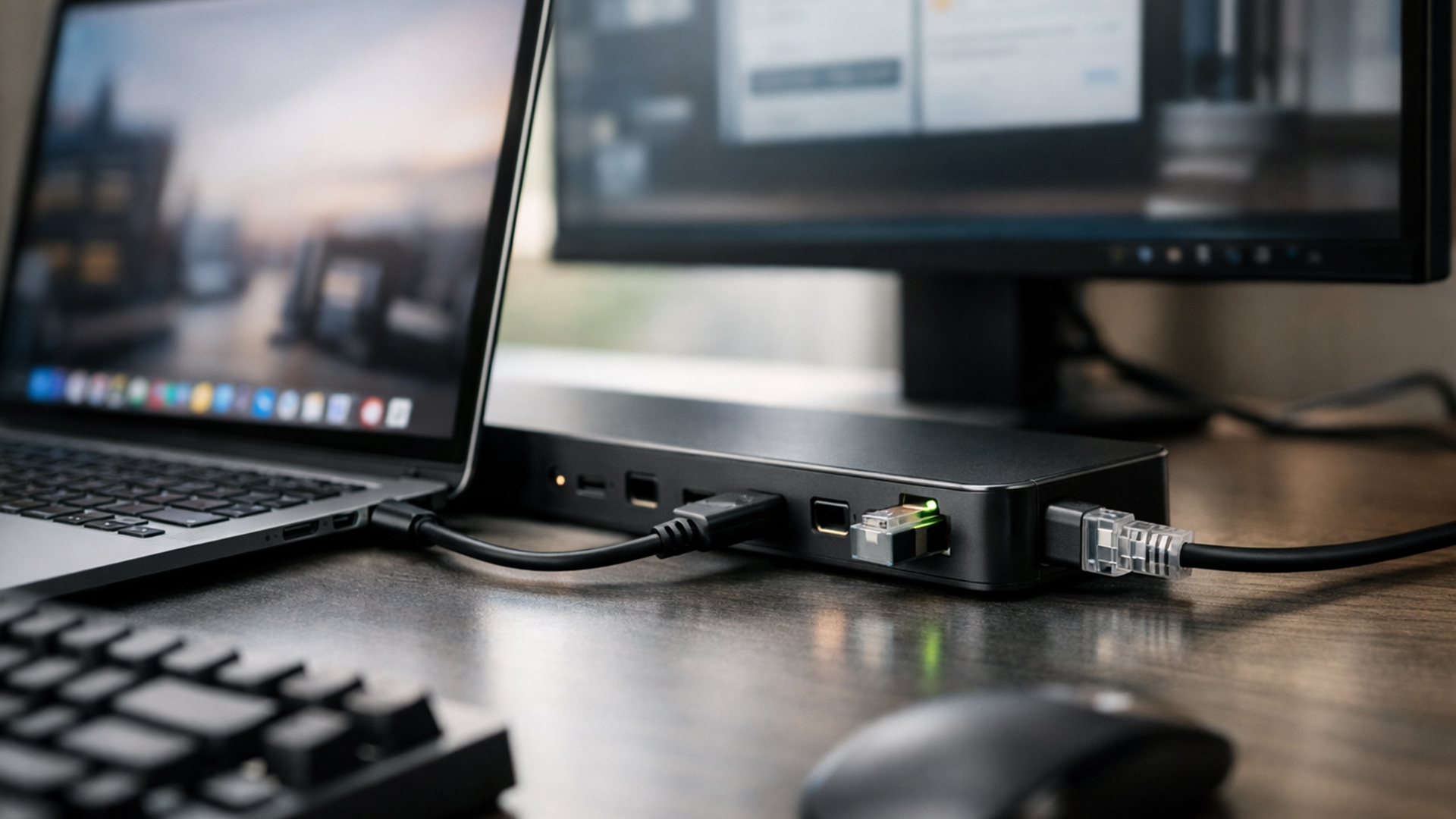
Hybrid professionals benefit from what can be called single-cable desk mode.
This means:
- One cable connects to your laptop
- Power, display, Ethernet and peripherals activate instantly
- No repeated plugging and unplugging
Thunderbolt 4 and USB4 docks are central to this approach. When paired with a USB-C hub monitor, you can transform your desk into a clean, professional workstation.
Compatibility matters here. Always confirm:
- Power delivery wattage matches your laptop
- Dock supports required display resolution and refresh rate
- Operating system compatibility
Laptop Outlet’s range of docks and monitors allows professionals to build this clean setup without overspending on unnecessary features.
Security Is Part of Your Tech Stack
Many mainstream home office articles treat security as an afterthought. In reality, hybrid workers are operating outside traditional corporate perimeters.
A minimum 2026 baseline should include:
- Multi-factor authentication on all business accounts
- A password manager
- Endpoint protection suitable for business use
- Encrypted cloud storage
For small businesses and contractors, Microsoft 365 Business Premium bundles productivity apps with integrated security features including Defender for Business. Even freelancers should use a reputable password manager rather than relying on browser autofill alone.
Remote Work 2.0 assumes your home network is an extension of your company network.
Ergonomics Prevent Long-Term Fatigue
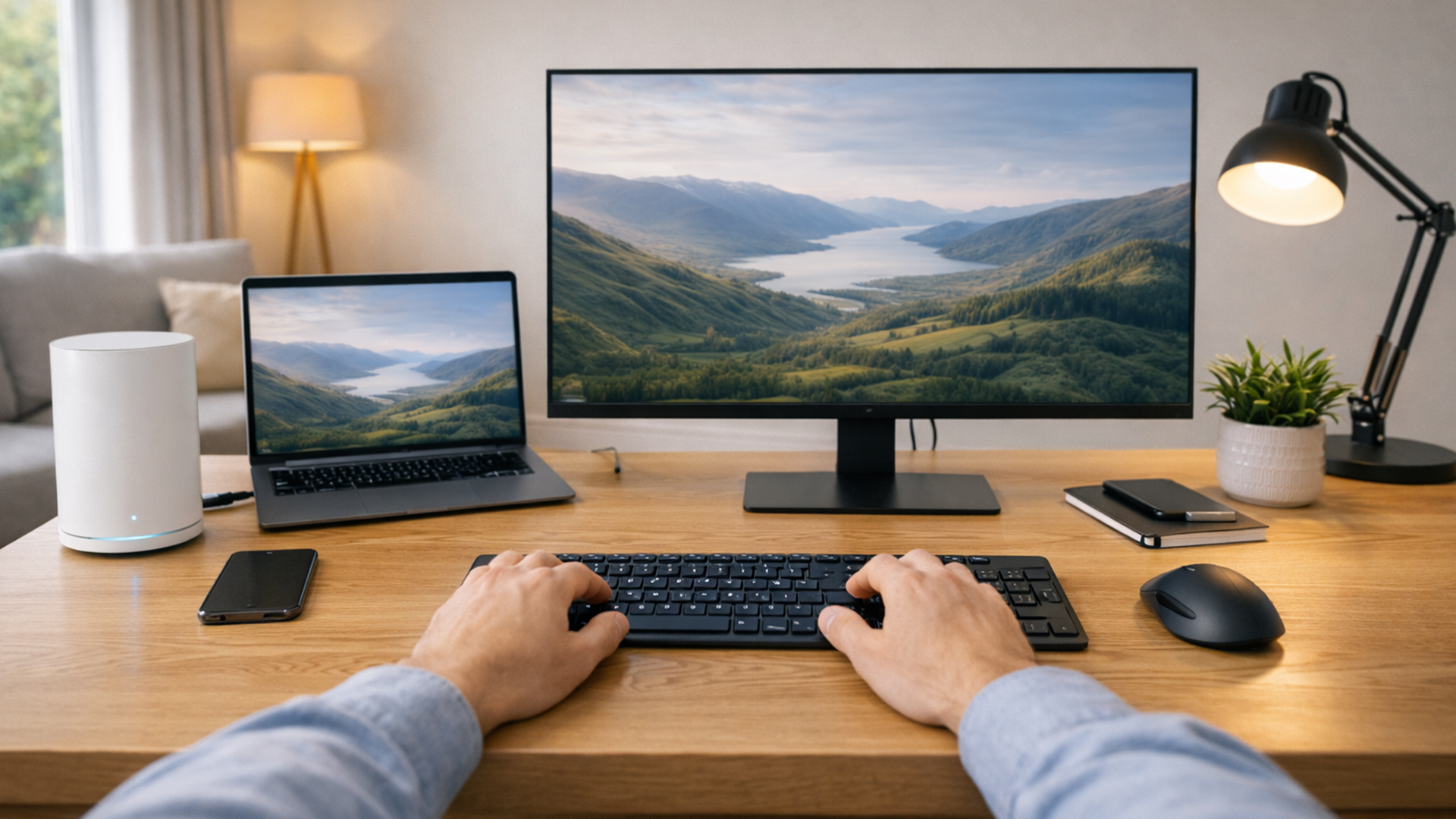
- Your monitor should sit at eye level.
- Your elbows should rest comfortably at around 90 degrees.
- Your screen should be roughly an arm’s length away.
If you shift constantly in your chair by midday, it is not “just one of those days”. It is your setup. An ergonomic chair is not indulgent if you sit for 8 hours a day. Even budget options can significantly improve posture compared to dining chairs or sofas.
Productivity is both physical and digital.
The 30-Day Remote Work Upgrade Plan
Rather than replacing everything at once, prioritise improvements that deliver immediate gains.
|
Week |
Priority Focus |
What to Do |
Why It Matters |
|
Week 1 |
Audio & Connectivity |
Upgrade to a professional headset. Reposition your router. Update router firmware. Test wired Ethernet if possible. |
Clear audio and stable internet remove the most common causes of remote work disruption. |
|
Week 2 |
Display & Desk Setup |
Add or upgrade to a QHD or ultrawide monitor. Consider a USB-C hub monitor or Thunderbolt dock to enable single-cable connectivity. |
More screen space improves productivity immediately. A clean cable setup reduces friction daily. |
|
Week 3 |
Security Baseline |
Enable multi-factor authentication on all work accounts. Implement a password manager. Review device security and endpoint protection. |
Hybrid work extends your security perimeter. A stronger baseline reduces business risk. |
|
Week 4 |
Ergonomics & Lighting |
Adjust monitor height and distance. Evaluate chair support. Improve desk lighting for video calls and eye comfort. |
Comfort prevents fatigue and supports consistent performance across long workdays. |

Building a 2026-Ready Tech Stack with Laptop Outlet
Most competitor content separates laptops, monitors, and accessories into isolated recommendations. The smarter approach is integration.
A modern remote setup should feel cohesive:
- A capable laptop with modern connectivity
- A productivity-focused display
- Meeting-grade audio
- Stable wired or mesh networking
- Strong security foundations
- Ergonomics that sustain focus
Laptop Outlet is well-positioned to support this approach because it offers business-grade laptops, docking solutions, monitors and networking equipment in one place, allowing professionals to build complete systems rather than piecemeal upgrades. Remote Work 2.0 is not about aesthetics or gadget collecting. It is about engineering reliability into your workday. When your setup runs smoothly, you focus on the work itself. And in 2026, that is the real competitive advantage.

Frequently Asked Questions
What is the most important upgrade for remote work in 2026?
For most professionals, audio quality is the fastest and most noticeable upgrade. A dedicated headset dramatically improves call clarity and reduces background noise. After that, adding a proper monitor provides the biggest productivity boost.
Is Wi-Fi 7 necessary for working from home?
Not for everyone. If you live in a smaller property with light network usage, a strong Wi-Fi 6 setup is often sufficient. However, larger homes, busy households and professionals transferring large files may benefit from Wi-Fi 7 or a modern mesh system. If your desk is fixed, wired Ethernet remains the most stable option.
Do I really need an external webcam?
If you attend regular client-facing meetings, yes. External webcams offer better image consistency, improved low-light handling and greater framing control. That said, lighting placement will often improve your video quality more than upgrading from 1080p to 4K.
How much RAM is recommended for a remote work laptop in 2026?
For smooth multitasking with browsers, video calls and productivity software, 16GB RAM is a practical baseline. Power users working with large datasets, creative software or development tools may require more.
What makes a hybrid work setup different from a standard home office?
A hybrid setup prioritises quick transitions between locations. This usually means USB-C or Thunderbolt docking, single-cable desk connections, lightweight but powerful laptops and cloud-based security tools. The goal is consistency, whether you are at home, in the office or travelling.
| Read More: |
| Remote Work with ASUS ZenBook: Portability & Productivity Boost |
| Which is Best for Office Work – LED Monitor or OLED Monitor? |
| What Are Networks |
Related Articles

Last Updated: July 31, 2025
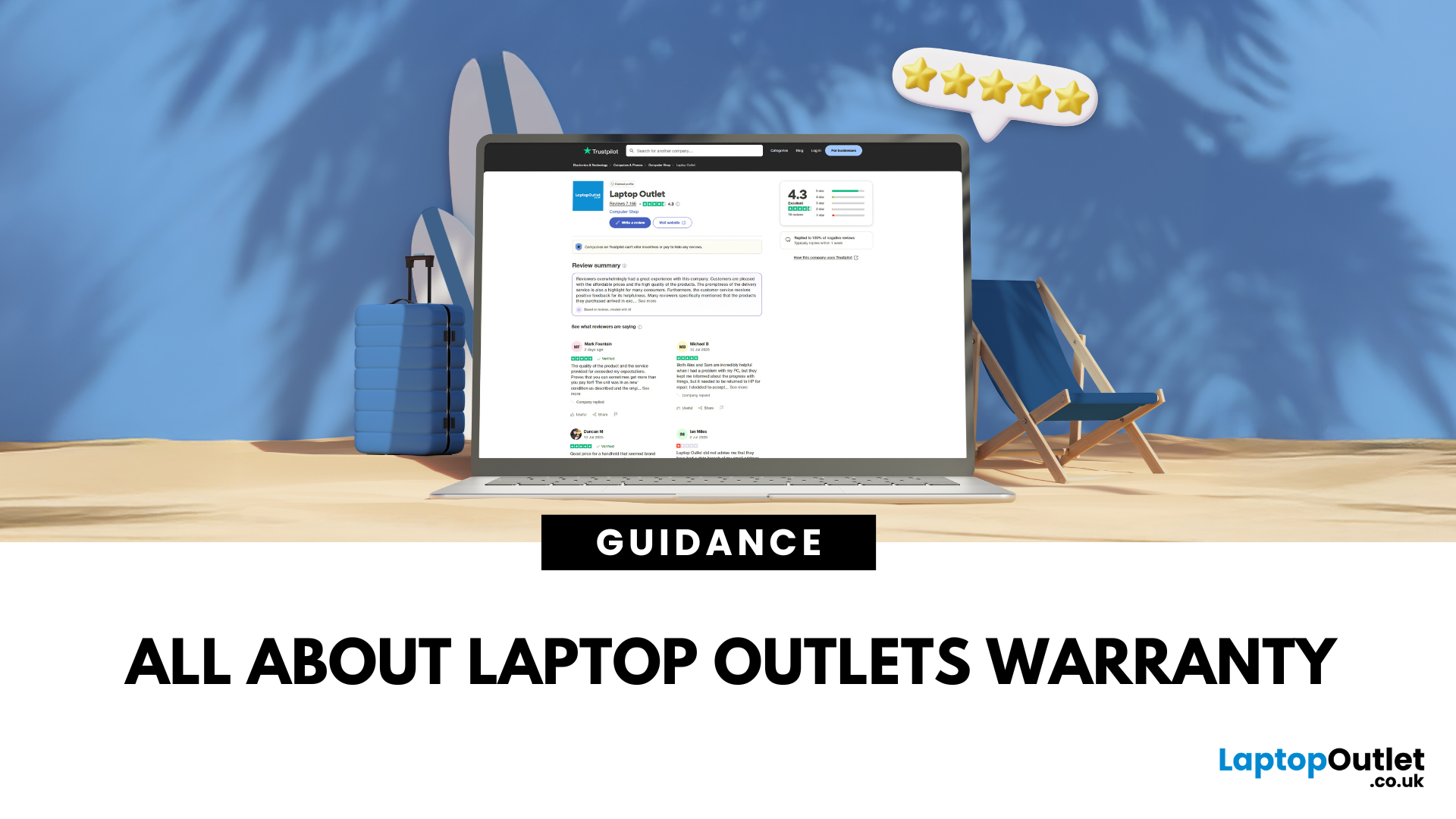
Worried about warranty? We get it — buying tech should feel exciting, not stressful. Whether you're picking up a brand-new gaming rig or a refurbished work laptop, we’ve got your back with a warranty that’s as solid as our deals.
Here’s everything you need to know — quick, clear, and no tech jargon.
What Warranty Do You Get at Laptop Outlet?
We keep it simple:
-
New Products: Covered by a manufacturer’s warranty (typically 1 year or more).
-
Refurbished & Open-Box Items: Covered by our Laptop Outlet warranty — details vary by product.
You’ll always see your warranty length listed on the product page. No guessing. No fine print surprises.
Example: Buying a refurbished HP laptop? Look out for “12-Month Warranty Included” in the product specs.
What Does the Warranty Cover?
Our warranties cover hardware faults that pop up through normal use, including:
-
Screen issues
-
Charging or power problems
-
Hardware not working as expected
If it’s a genuine fault, we’ll repair or replace it — simple

Last Updated: August 01, 2025
Why do over 800,000 customers trust Laptop Outlet with their tech upgrades? Whether you're a student on a budget, a home worker after a reliable setup, or just hunting for the best deal online — here’s why UK shoppers keep coming back.
Epic Deals, All Day Every Day
We don’t do average prices.
You’ll always find:
- Daily deals and seasonal sales that actually save you money
- Budget-friendly tech without cutting corners
Tip: Check out our Refurbished section for even deeper discounts
Refurbished Tech That Feels Brand New
Refurbished doesn’t mean risky.
Our certified refurbished laptops are:
- Fully tested, cleaned, and performance-checked
- Backed by a 12-month warranty
- A smart, sustainable way to upgrade for less
Great for your wallet and the planet
Excellent Trustpilot Rating
Don’t just take our word for it — hear it from real shoppers:
- 98% customer satisfaction
- Thousands of glowing reviews
- Rated highly for service, speed, and value

Last Updated: October 30, 2025
Remote work has become part of everyday life. Whether you’re working from home, hopping between meetings, or travelling across cities, a reliable laptop can make all the difference. That’s where the ASUS laptops come in - sleek, powerful, and designed for people who get things done on the move.
It’s not just about specs or looks. The ASUS ZenBook laptop is built for real-world use: strong performance for multitasking, battery life that actually lasts, and a design that doesn’t hold you back. If your workdays shift between kitchen tables, co-working spaces, and coffee shops, this laptop fits right in.
Why the ASUS ZenBook Is Ideal for Remote Work

For anyone who works remotely, the perfect laptop should be light enough to carry everywhere, powerful enough to multitask, and reliable enough to last the entire working day. The ZenBook range hits this sweet spot effortlessly.
Modern ZenBook models are thin, light, and stylish – yet surprisingly powerful under the hood. They combine Intel Core
Last Updated: February 27, 2026
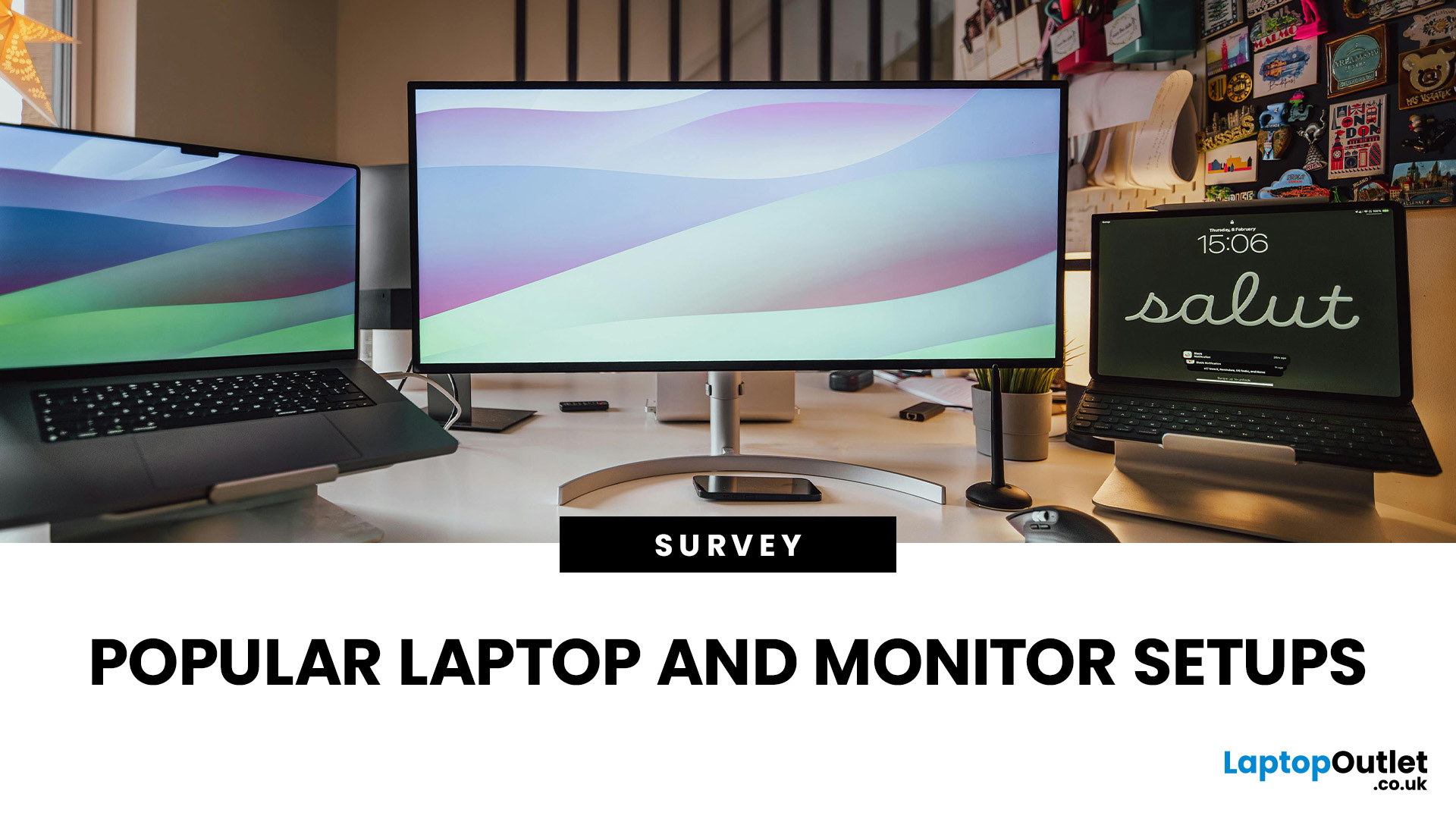
In the years, since hybrid and remote work became widespread across the UK, a crucial question has reshaped how organisations equip their staff: what research reveals about hardware, ergonomics, and productivity? In this survey-style analysis, we will examine UK-specific guidance (HSE, Acas, GOV.UK), peer-reviewed ergonomics & productivity studies, academic findings on posture, dual monitors, and screen design, evidence-based home hardware trends in 2025, to explore what users actually prefer.
Work-From-Home Hardware Shaping Users’ Productivity
Hybrid Work is Now the UK’s Norm
The Office for National Statistics (ONS) reports that hybrid working is most common among professional and managerial occupations, jobs that depend heavily on computer use, document handling, communication platforms and online collaboration.
(ONS, “Who Are The Hybrid Workers?” 2024)
Professionals who rely on digital productivity naturally gravitate toward larger screens, dual monitors, and ergonomic peripherals,
Last Updated: January 28, 2026
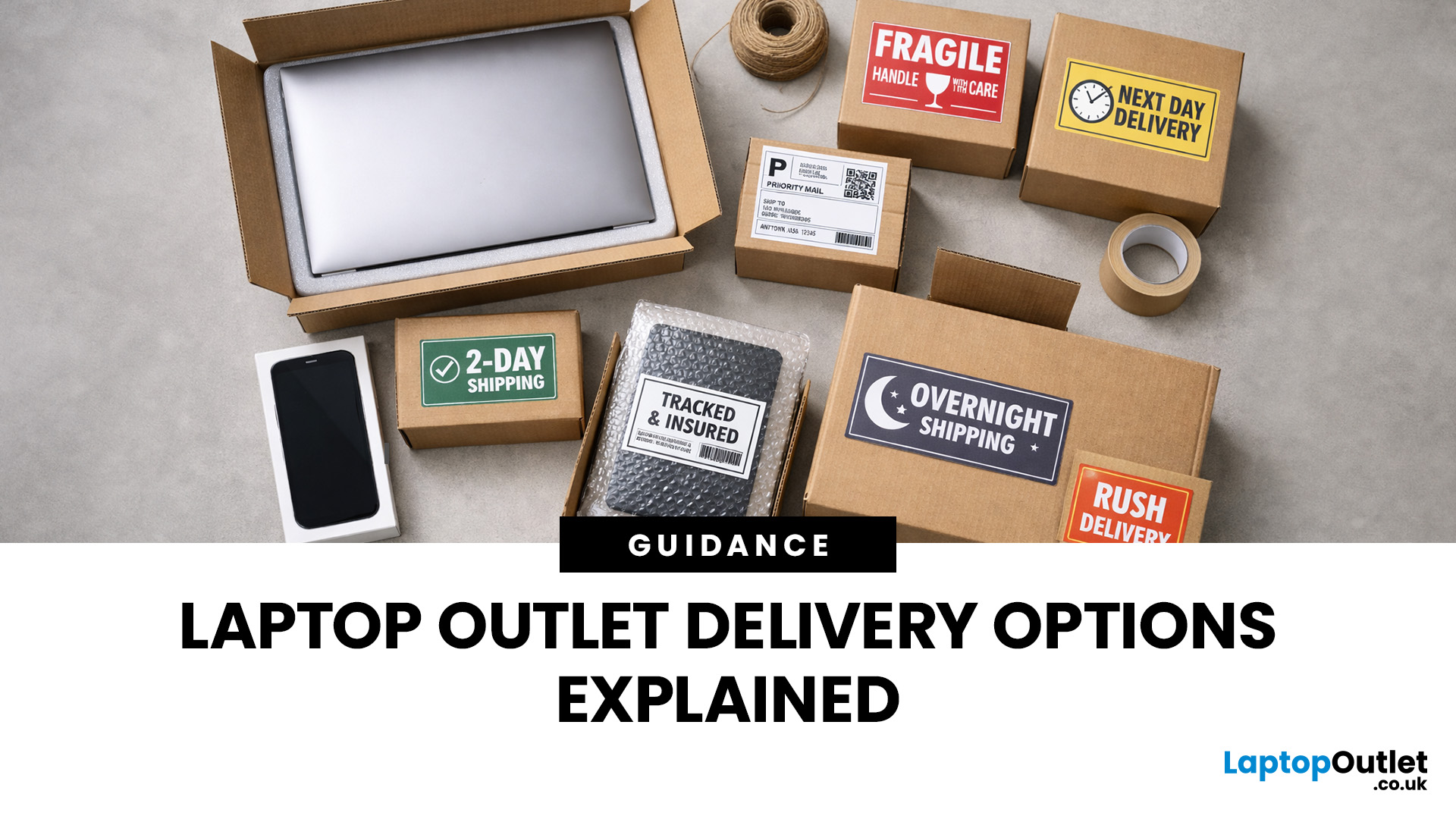
Buying tech online isn’t just about specs and price; delivery speed, flexibility, and reliability matter just as much. Whether you’re replacing a broken work laptop, upgrading your home setup, or ordering a last-minute gift, knowing your delivery options can make all the difference. In this guide, we explain Laptop Outlet delivery services options, how they work, and which service is best for your needs, from free standard delivery to next-day and book-a-slot delivery.
What Delivery Options Does Laptop Outlet Offer?
Laptop Outlet provides multiple delivery services designed to suit different customer needs, budgets, and timeframes. Each option is clearly shown at checkout, so you can choose the delivery speed and convenience level that works best for you. These include:
- Free Standard Delivery
- Next-Day/Priority Delivery
- Book-a-Slot Scheduled Delivery
How Does Laptop Outlet Delivery Work?
For full details, customers can always refer to the dedicated delivery info page. Laptop Outlet’s
Last Updated: January 28, 2026
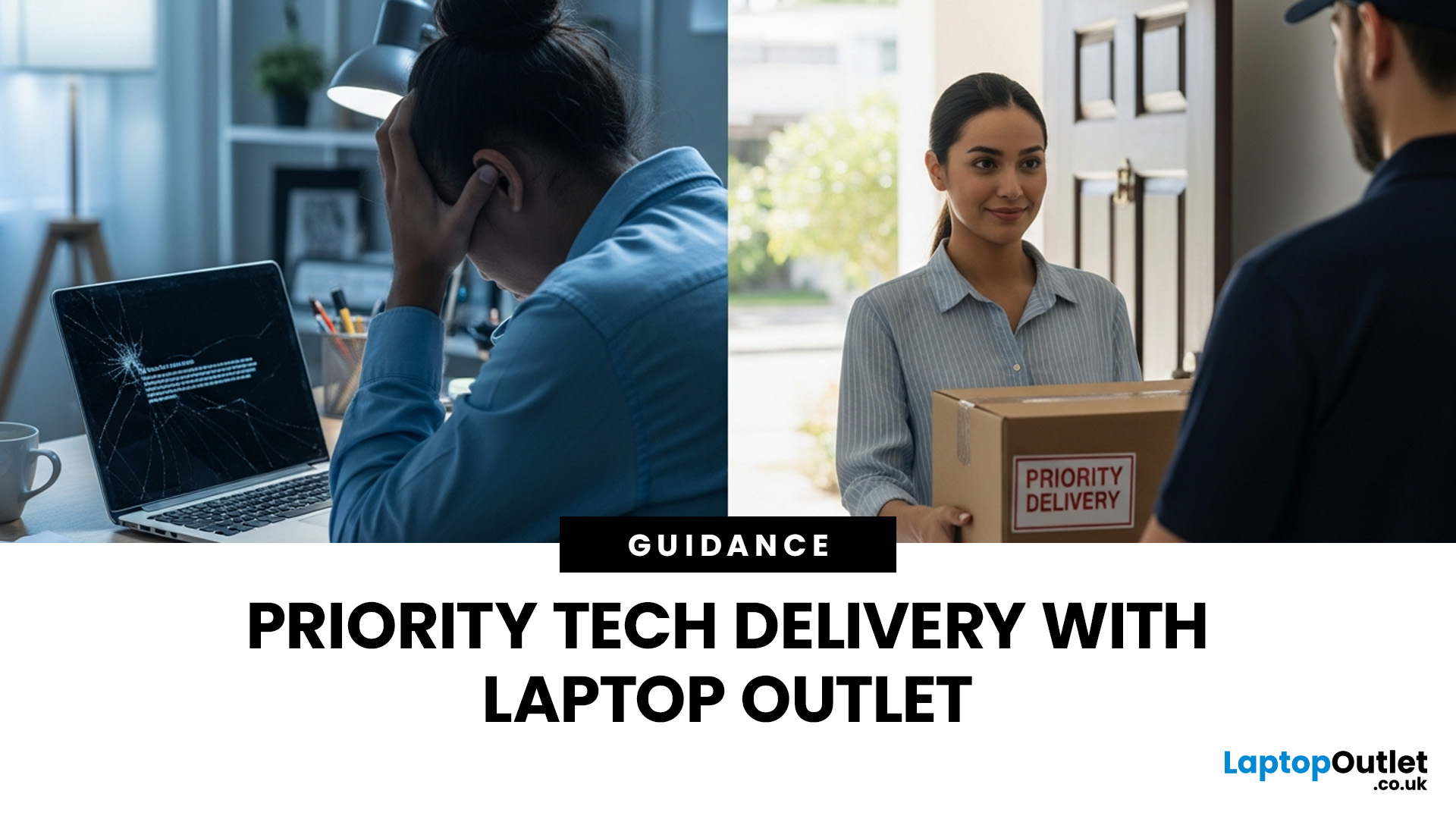
Let’s be honest — when your tech lets you down, waiting is the last option you want. Maybe your laptop stopped working the night before a deadline, your PC failed mid-project, or you’ve just realised you need a new device now, not next week. That’s exactly where Laptop Outlet next-day / priority delivery comes in. If you need fast, reliable tech delivery in the UK, this guide explains how Laptop Outlet’s next-day service works, what you can order, and why it’s the smart choice for urgent tech needs.
Why Speed Matters When Ordering Tech Online
When your laptop or PC breaks, everything slows down — work, study, gaming, even staying connected. Waiting days for a replacement just isn’t practical. With next-day laptop delivery, you don’t have to put life on pause. Laptop Outlet’s express service is built for:
- Last-minute replacements
- Urgent work-from-home setups
- Business and study deadlines
- Time-sensitive gifts or upgrades
If speed matters to you, Laptop Outlet Express shipping delivers when

Last Updated: January 28, 2026
Let’s be real — waiting around all day for a delivery is no one’s idea of fun. You’ve got meetings, errands, school runs, and about a million other things going on. The last thing you want is to be stuck at home wondering “Will it arrive now… or later?” That’s exactly why customers love Laptop Outlet book-a-slot delivery.
This delivery option puts you in control, letting you choose when your tech arrives, not the other way around. Here’s how it works, why it’s so popular, and whether it’s the right choice for your next order.
What is Laptop Outlet Book-a-Slot Delivery?
Laptop Outlet’s book-a-slot delivery service is a scheduled tech delivery service that allows you to pick a specific delivery day and time slot at checkout. Instead of waiting around all day, you get a clearly defined delivery window, so you know exactly when your order is arriving. In short:
- You choose the day, time, and location
- The courier delivers within that slot
- Your tech arrives when it suits you
It’s one of Laptop

Last Updated: August 28, 2026
Working from home and studying online have become the norm in 2026, which means your monitor is no longer just a screen, it is where you spend hours reading, writing, video calling and multitasking. A good home office display needs to deliver sharp text, comfortable viewing and reliable eye-care features without costing a fortune.
That is why AOC has become one of the most popular brands for affordable productivity setups. Whether you need a cheap AOC 27 inch monitor for essays and coursework or a larger QHD screen for full-time remote work, there are plenty of options designed for comfort and clarity.
In this guide, we break down the best AOC monitor for home office and study, including budget picks, eye-care displays and refurbished bargains.
What Makes a Good Home Office Monitor?
Choosing the best AOC monitor for home office use starts with understanding what actually improves comfort and productivity. Unlike gaming displays, office monitors are about clarity, screen space and reducing
Last Updated: August 28, 2026
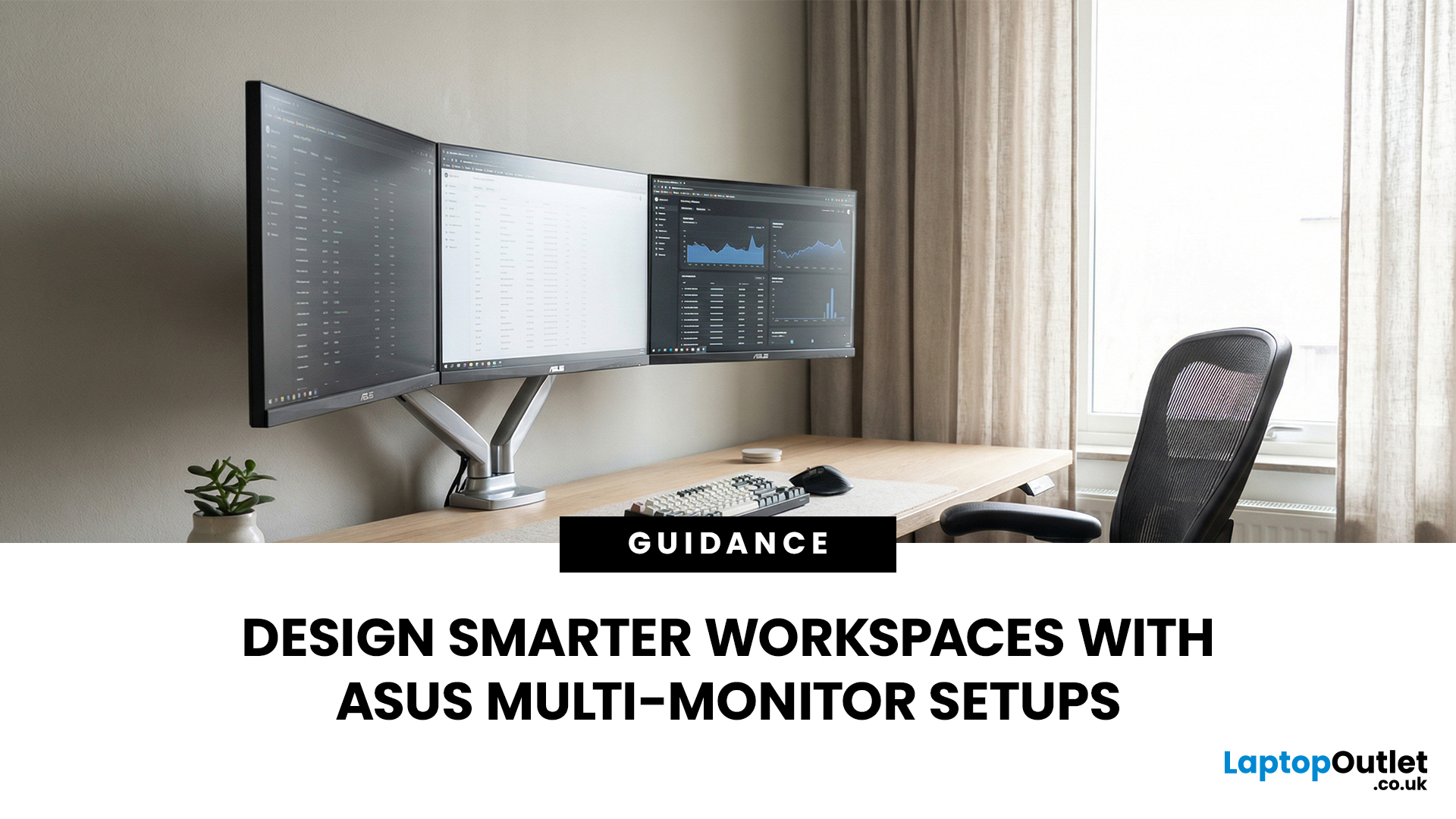
A single screen just does not cut it anymore. Whether you are writing code, managing client accounts, or analysing live market data, a well-built ASUS multi monitor setup can transform how you work. It gives you more room to think, less time switching between tabs, and a setup that genuinely supports your workflow.
This guide walks you through everything — from picking the right monitors to cabling, ergonomics, and ready-to-use layout ideas for teams and individuals alike.
Why Multi-Monitor Setups Boost Productivity
The case for multiple screens is not just about having more space. It is about working smarter. Research consistently shows that extended display setups can cut task-switching time and reduce cognitive load. When your reference document, communication tool, and primary work window each have their own screen, you stay in flow longer.
Suitable Roles: Devs, Finance, Support, Creatives
Not every job benefits equally, but a wide range of professionals gain a clear edge from multi-screen
Last Updated: August 13, 2026
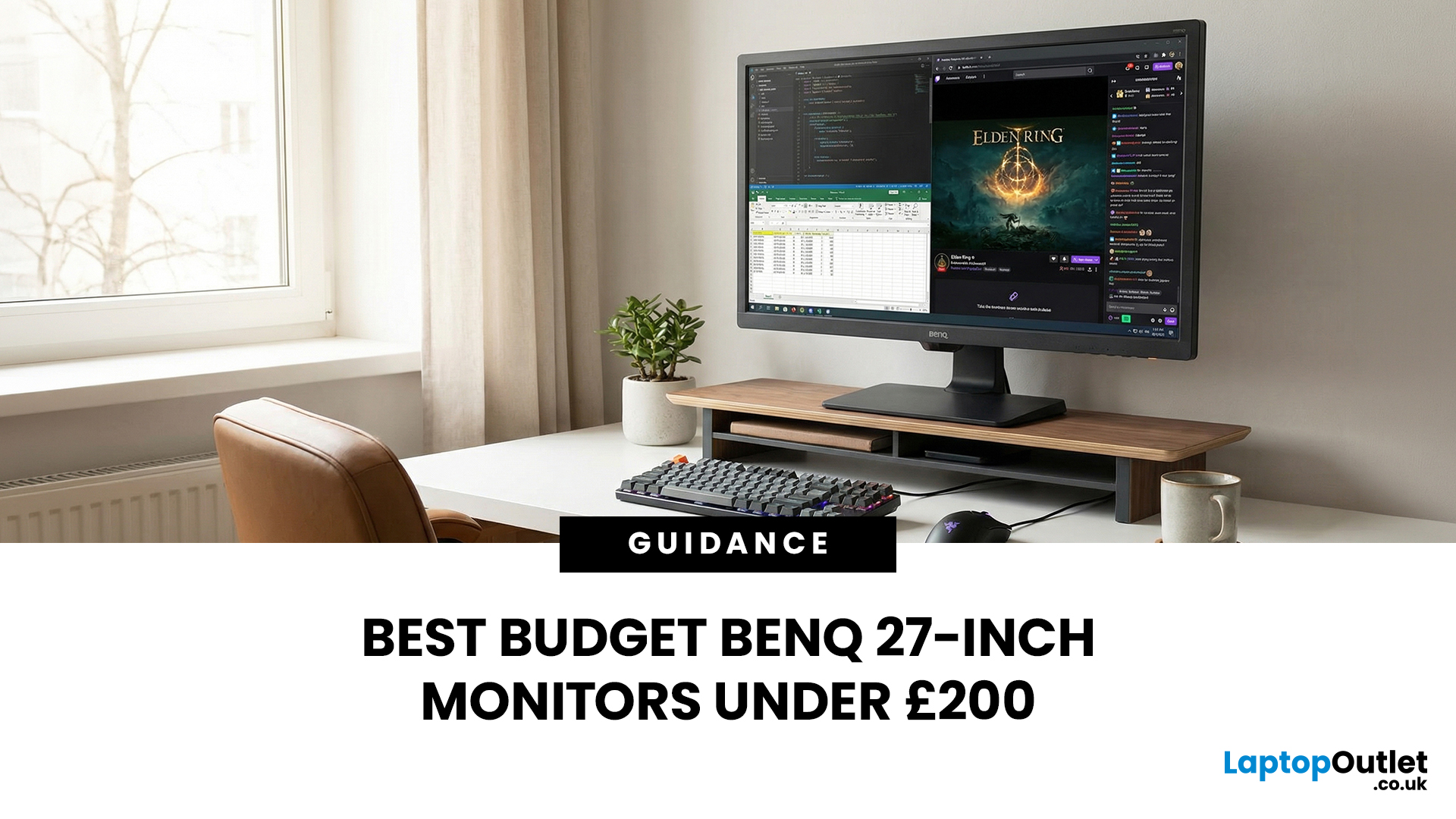
A 27-inch display gives you enough screen space for documents, spreadsheets, online classes, streaming, and gaming without taking over the average desk. Better still, choosing an affordable model no longer means settling for a basic 60Hz or 75Hz screen.
Today’s budget-friendly BenQ range includes Full HD IPS displays with 100Hz and 144Hz refresh rates, eye-care features, built-in speakers, USB-C connectivity, and ergonomic stands on selected models. That gives buyers considerably more choice, whether the priority is office productivity, studying, or smoother casual gaming.
What Can You Expect from a BenQ 27-Inch Monitor Under £200?
The specifications available at this price have improved significantly. Rather than assuming every affordable display will have a low refresh rate and a basic stand, it is better to compare individual models. Features available across the models in this guide include:
- Full HD 1920 x 1080 resolution
- IPS panel technology
- 100Hz or 144Hz refresh rates
- BenQ Eye-Care

