



Gaming Desktop PCs vs. Gaming Laptops: Which Should You Buy?
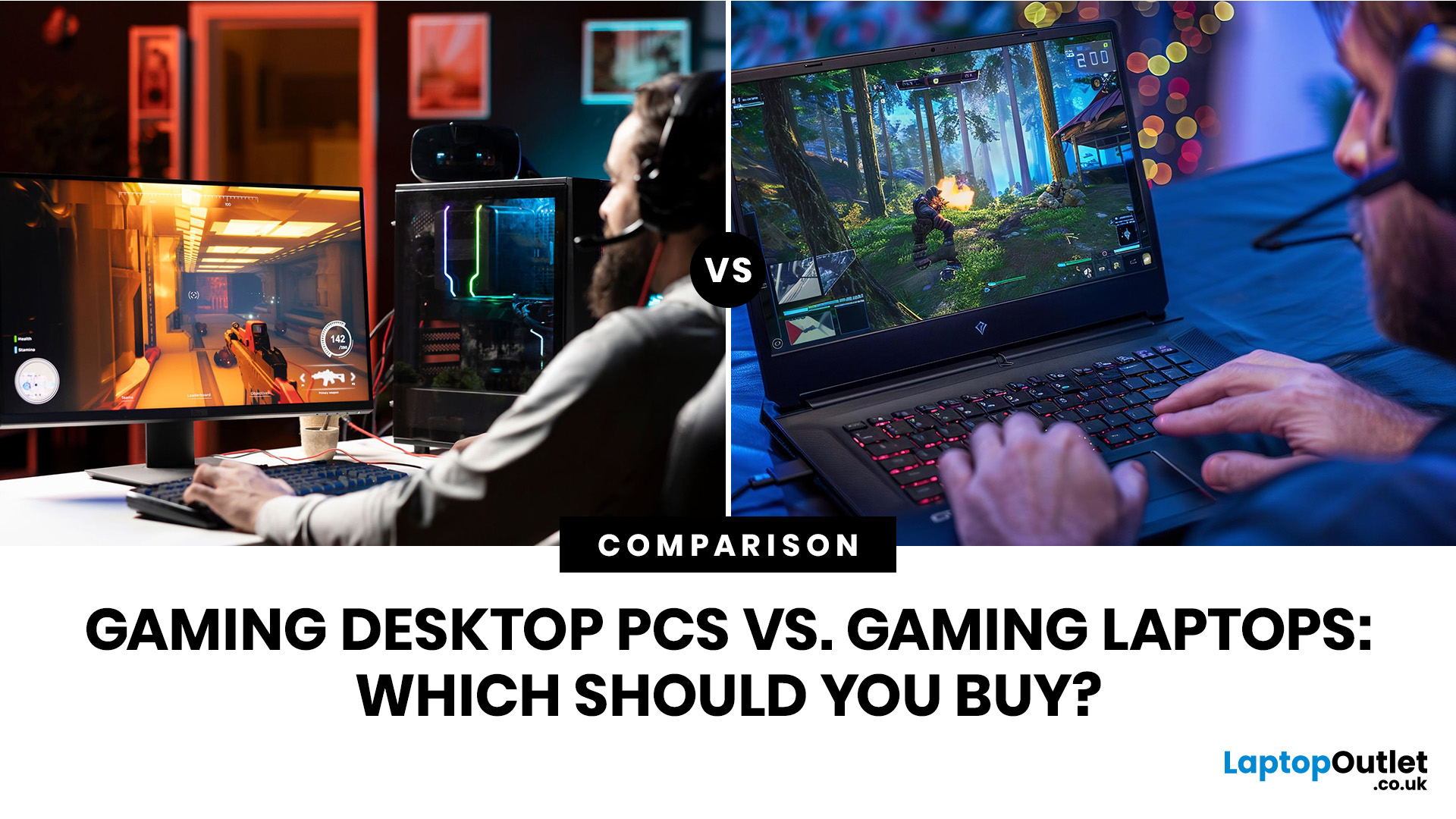
Choose a gaming desktop PC if you want the strongest performance, easier upgrades, better cooling, and the best long-term value. Choose a gaming laptop if you need portable play, a built-in screen, and one machine for gaming, study, work, or travel. In 2026, the sensible choice depends on your space, budget, upgrade plans, and real-world performance expectations.
The debate between a PC gaming laptop vs desktop has been running for years, and in 2026 it is more relevant than ever. Many current gaming laptops and PCs now support NVIDIA RTX 50-series graphics, PCIe Gen 5 storage, and DDR5 memory. On paper, they have never been closer. In practice, the differences that matter most to everyday gamers remain clear and significant. This guide will compare both platforms across all meaningful aspects to help you choose the right one.
Gaming Desktop vs Gaming Laptop: A Side-by-Side Overview
Before diving into the detail, here is a top-level comparison across the factors most UK buyers care about. Use this as a quick reference and read on for the full breakdown of each area.
|
FACTOR |
GAMING DESKTOP |
GAMING LAPTOP |
|---|---|---|
|
Raw Performance |
Higher at the same price |
Strong, but thermally limited |
|
Portability |
Fixed location |
Take it anywhere |
|
Value for Money |
Better performance per pound |
You pay for compact engineering |
|
Upgradability |
GPU, CPU, RAM, storage, cooling |
RAM and storage only (usually) |
|
Lifespan |
7+ years with upgrades |
3 to 5 years typically |
|
Thermals / Cooling |
Full-size heatsinks, liquid cooling possible |
Vapour chamber, but constrained |
|
Display Choice |
Any monitor you choose |
Built-in panel, limited flexibility |
|
Battery Life (Gaming) |
Plugged in always |
Under 2 hours under load |
|
Space Required |
Desk space, peripherals needed |
All-in-one, low footprint |
|
Noise Levels |
Varies; good cases run quietly |
Fans loud under heavy load |
|
Entry-Level UK Price (2026) |
From ~£600 |
From ~£700 |
Planning a dedicated setup? Explore gaming PCs for home setups that deliver stronger performance, better cooling, and long-term upgrade potential.
Gaming Laptop vs Desktop Performance Comparison
This is the question everyone asks first, and it is important to understand the nuance here. Raw GPU performance still clearly favours the gaming desktop, but the gap has closed more than it used to be.
Desktop GPUs vs Mobile GPUs: Same Name, Different Beast
One of the biggest traps buyers fall into is assuming that an RTX 5070 in a laptop performs the same as an RTX 5070 in a desktop. It does not. NVIDIA engineers mobile GPU variants to operate at lower power limits, typically between 45 and 150 watts compared to much higher power limits on desktop equivalents.
This figure is called the Total Graphics Power (TGP), and two laptops with exactly the same GPU name can perform noticeably differently if one has a higher TGP and better cooling. That gap directly affects clock speeds and real-world frame rates. Always check the TGP in the full spec sheet before buying, not just the GPU name on the box.
Watch Out:
The RTX 5080 Laptop GPU shares the RTX 5080 branding and Blackwell architecture, but it has fewer enabled CUDA cores and operates at far lower power than the desktop RTX 5080. Despite sharing a name, real-world performance is considerably lower. Laptop versions of current-gen GPUs often benchmark closer to the desktop GPU tier below.Thermal Throttling: The Silent FPS Killer
Even a well-specced gaming laptop can deliver desktop-comparable frame rates in short bursts. The problem is sustained load. When a laptop's GPU and CPU hit their thermal ceiling during a long gaming session, the system reduces clock speeds automatically to stay safe. This is called thermal throttling, and it can meaningfully drop in-game performance over time.
Desktop towers have room for large heatsinks, multiple case fans, and even liquid cooling. They maintain stable clock speeds across hours of play in a way that even premium vapour-chamber laptop designs struggle to match. If you regularly play for two or more hours at a time, this difference is noticeable.
Gaming Laptop Performance in 2026: Genuinely Good, With Caveats
The good news is that high-performance gaming laptops in 2026 are genuinely strong for 1080p and 1440p gaming. Models with RTX 5070 or RTX 5080 mobile GPUs handle most AAA titles at high to ultra settings with comfortable frame rates. DLSS 4/4.5 features, including Multi Frame Generation, help bridge the gap further at higher resolutions.
At the same price point, though, a gaming desktop PC setup still delivers stronger sustained performance in most like-for-like comparisons. That lead matters most at 1440p and 4K, under heavy workloads, or during long sessions.
For better ray tracing, DLSS support, and high-resolution gaming, explore gaming laptops and gaming PCs with RTX graphics that suit your budget.
Upgradability and Long-Term Value: The Factor Most Guides Skip
This is arguably the most underappreciated aspect of the gaming desktop laptop debate, and the one most likely to affect your wallet over a five-year ownership period.
What You Can Upgrade on a Gaming Desktop
A desktop's modular design means you can replace individual components as they age out, without discarding the rest of the system. This makes desktop PCs a flexible option for gamers who want to upgrade their hardware over time. The components you can swap include the GPU, CPU, motherboard, RAM, storage drives, power supply unit, case fans, and the cooling solution. A desktop built today with a mid-range GPU can receive a new graphics card in three years and return to playing current games at high settings. The total cost is one GPU, not a whole new machine.
What You Can Upgrade on a Gaming Laptop
The upgrade options on most gaming laptops are limited to RAM (on models where it is not soldered) and storage via an M.2 SSD slot. The CPU and GPU are fixed to the motherboard in the vast majority of models. When the GPU can no longer keep pace with new games, replacing the entire laptop is the only realistic option, including the screen, keyboard, battery, and chassis you may still find perfectly usable.
This is not a dealbreaker if you plan to use your laptop for three to four years and then upgrade. But if you are thinking about five-year-plus ownership, the desktop's upgrade flexibility leads to significantly lower total cost of ownership over time.
Lifespan Comparison
|
YEAR |
GAMING DESKTOP |
GAMING LAPTOP |
|
Year 1 to 2 |
Full performance, no action needed |
Full performance, no action needed |
|
Year 3 |
Possibly add RAM or larger SSD |
Can upgrade storage; battery starts degrading |
|
Year 4 to 5 |
GPU upgrade restores top performance |
Performance noticeably dated; full replacement likely needed |
|
Year 6 to 7+ |
Second GPU upgrade possible; still viable |
End of useful life for demanding titles |
Price and Value for Money: What Does Your Budget Actually Buy?
Price is where the gaming PC vs laptop debate becomes most practical. Understanding what each platform gives you at different spending levels helps you set realistic expectations and avoid buyer's remorse.
UK Price Tiers in 2026
|
TIER |
GAMING DESKTOP (PREBUILT) |
GAMING LAPTOP |
TARGET USE |
|---|---|---|---|
|
Budget |
£600 to £800 |
£700 to £900 |
1080p at medium to high settings |
|
Mid-Range |
£1,200 to £1,600 |
£1,100 to £1,500 |
1440p at high to ultra settings |
|
High-End |
£2,000 to £3,000 |
£1,800 to £2,800+ |
4K gaming, content creation |
A gaming desktop at the mid-range tier typically includes a display, keyboard, and mouse in the overall budget calculation, since these are additional purchases. When you factor those in, a £1,200 desktop setup can easily reach £1,500 to £1,600 in total spend. A gaming laptop includes everything built in, which narrows the real-world price gap at lower tiers.
Why Are Gaming Laptops More Expensive Per Unit of Performance?
You are paying for the engineering required to pack high-performance components into a compact, portable chassis. That includes the miniaturised cooling system, the built-in display, the battery, and the slim form factor design. None of these come cheaply.
Desktops, by contrast, use standardised component slots and large cases that cost comparatively little to manufacture. The performance budget goes almost entirely into the GPU, CPU, and RAM. This is why performance per pound consistently favours the desktop side of a gaming PC vs gaming laptop comparison.
Pro Tip:
UK buyers pay more for GPUs than US equivalents due to VAT and import logistics. This makes the desktop's value advantage even more significant here compared to international buying guides. Getting more GPU for your pound matters.Display, Peripherals, and the Full Gaming Setup
The screen and input devices are a bigger part of the gaming experience than hardware specs alone. This is an area where the two platforms work very differently, and it is worth thinking through before making a decision.
Desktop: Your Monitor Is Your Choice
With a gaming desktop, you choose the display entirely independently. That means you can pair your PC with a 27-inch 1440p 165Hz IPS panel for colour accuracy, a 24-inch 1080p 240Hz IPS display for competitive gaming, an ultra-wide 34-inch curved screen for immersion, or even multiple monitors. Your visual experience scales with your budget and preferences, not the laptop manufacturer's choice.
High refresh rate monitors (144Hz, 165Hz, 240Hz) make a genuine difference in competitive titles. Choosing a well-matched display is part of building the best gaming setup for beginners and experienced players alike.
Laptop: Fixed Panel, Variable Quality
Gaming laptops include a built-in display, which is convenient but means you accept what the manufacturer chose. Budget to mid-range models often ship with a 144Hz IPS panel at 1080p or 1200p resolution. Premium models now offer Mini-LED and OLED panels at 2560x1600 resolution with 165Hz or higher refresh rates, which look excellent.
The key thing to check is whether the laptop's GPU can actually drive the built-in display at its rated refresh rate. A 240Hz panel paired with a mid-range mobile GPU often means the GPU cannot produce 240 frames per second in demanding titles, making the display spec somewhat aspirational at that tier.
Peripherals: Desktop Needs More, Laptop Needs Some
A gaming laptop includes a keyboard and trackpad, though most serious players add an external gaming mouse and a headset at minimum. A desktop requires a monitor, keyboard & mouse, and headset or speakers as separate purchases, adding to the total cost. Factor this into your budget comparison rather than comparing bare machine prices alone.
Complete your setup with essential PC gaming accessories, including monitors, keyboards, gaming mice, headsets, and speakers.
Noise, Heat, and Day-to-Day Living with Your Gaming Machine
These are the everyday factors that benchmark charts often miss, but it affects how much you enjoy your setup every single day. Thermal management and noise levels are meaningfully different between the two platforms.
Gaming Desktop Thermal Headroom
A desktop case provides significantly more airflow volume, and you have control over the cooling solution. A well-configured mid-tower with three or four case fans runs quietly at load and maintains stable temperatures across long sessions. Premium builds add all-in-one liquid coolers for the CPU, keeping thermals well below throttling thresholds. You are not fighting physics inside a 2.5cm-thick chassis.
Gaming Laptop Noise and Heat Under Load
Gaming laptops can be loud. Fan noise during demanding gameplay is significant on most models, often reaching 45 to 50 decibels under full load. Heat output from the chassis vents is also noticeable, particularly from the keyboard area and rear exhaust. This is not a dealbreaker, but it is worth knowing if you share a room or plan to use the machine in quiet environments.
Vapour chamber cooling on premium models (the ASUS ROG Zephyrus G16 being one well-regarded example) does reduce throttling and keeps sustained performance more consistent. However, it does not eliminate the fundamental constraint of cooling high-TDP components in a compact enclosure.

Gaming Desktop Pros and Cons
Desktops are not the right choice for every gamer. Here is an honest look at what you gain and what you give up, so you can weigh up the gaming desktop pros and cons clearly.
|
Pros of Gaming Desktops
|
Cons of Gaming Desktops
|
Gaming Laptop Pros and Cons
Gaming laptops have improved significantly, and dismissing them as a compromise is no longer fair. Here is an honest view of the gaming laptop pros and cons in the current market.
|
Pros of Gaming Laptops
|
Cons of Gaming Laptops
|
Who Should Buy a Gaming Desktop, and Who Should Buy a Gaming Laptop?
This is where all the technical comparison translates into a straightforward recommendation. There is no universally correct answer, but there is almost always a clearly better answer for your specific situation.
|
Buy a Gaming Desktop If...
|
Buy a Gaming Laptop If...
|
The Middle Ground
Some gamers buy a mid-range gaming laptop for portability and pair it with a monitor, keyboard, and mouse at their desk. This gives flexibility at the cost of some performance and a higher total spend. If portability is genuinely a regular requirement rather than a hypothetical, this can be a sensible approach.
Should You Consider Refurbished Gaming Hardware?
Buying refurbished is a route that many UK gamers overlook, but it can meaningfully stretch your budget, particularly at the mid-range tier where the difference between a good and a great GPU matters most.
Certified refurbished devices are tested, repaired where needed, and sold with warranty coverage. A refurbished RTX-equipped gaming laptop or desktop from a reputable retailer will typically include a 12-month warranty and cost significantly less than a new equivalent. For buyers on a tighter budget who want more GPU for their pound, it is a practical option worth factoring in.
The key is buying from a retailer that grades and tests stock properly, rather than second-hand listings where condition and history are unknown. Laptop Outlet specialises in this, with thorough grading and full warranty cover across refurbished gaming stock.

So, How Do You Prefer to Game?
The PC gaming laptop vs desktop decision ultimately comes down to your lifestyle, not just hardware specs. A gaming desktop delivers more performance per pound, better long-term upgrade potential, and superior sustained performance for home-based players. A gaming laptop offers genuine portability, convenience, and the flexibility to game wherever you are.
In 2026, neither platform is a weak choice; it is about matching the right tool to how you actually game. If you sit at a fixed desk, invest in a desktop. If you move around, a laptop makes far more practical sense.

Let’s Clear Things Up...
Are gaming desktops cheaper than gaming laptops?
Yes, generally. A gaming desktop delivers more performance per pound than an equivalent gaming laptop, largely because you are not paying for a built-in display, battery, or compact engineering.
What's better, a gaming laptop or PC?
For performance and value at a fixed desk, a gaming PC wins. For portability and convenience, a gaming laptop is the better choice. It depends entirely on your lifestyle and where you play.
Can a gaming laptop replace a desktop PC?
A gaming laptop handles most titles well in 2026, but thermal limits and soldered components mean it cannot fully replace a desktop for sustained high-performance gaming over many years.
How long does a gaming laptop last compared to a desktop?
Gaming laptops typically feel outdated in 3 to 5 years. Gaming desktops last 7 years or more with targeted component upgrades, such as a new GPU or additional RAM when needed.
Is a gaming desktop better for 4K gaming?
Yes. Gaming desktops with full-power GPUs like the RTX 5080 handle 4K gaming at high settings far more reliably than mobile equivalents at the same price point.
Do gaming laptops overheat?
Gaming laptops can throttle under sustained load due to thermal constraints in the compact chassis. Vapour chamber cooling on premium models helps, but desktop thermal headroom is still superior.
What is the best gaming setup for beginners in the UK?
For a beginner gaming at home, a mid-range gaming desktop with an RTX 5060 Ti or similar, paired with a 1080p or 1440p monitor, offers the best starting point for your budget in 2026.
| Read More |
| Best Gaming Desktop PCs in 2026 for Every Gamer |
| Everything You Need to Know About Gaming Laptops: Buying Guide & Expert Tips |
| How to Build a Gaming PC? |
Related Articles


Last Updated: December 02, 2025
If you’re hunting for the best gaming laptops of 2025, you’re in luck; this year has delivered some of the most powerful, portable, and genuinely budget-friendly machines we’ve seen in years. With GPUs becoming more efficient, CPUs offering console-level performance, and cooling systems finally catch up. Gaming laptops in 2025 aren’t just powerful - they’re smart, stylish, and surprisingly accessible.
Whether you’re a casual player looking for smooth 1080p gaming, a competitive esports enthusiast chasing those 300+ FPS moments, or a hardcore creator-gamer hybrid who needs workstation-level power, there’s a machine built for you. The best part? You no longer need a king-sized budget to get impressive performance.
Welcome to your complete guide to the best gaming laptops of 2025 - sorted by budget, playstyle, and performance needs.
Budget Gaming Laptops (Under £800)

Perfect for casual gamers, students, first-time buyers, and those who want reliable FPS without blowing the bank.
1. Acer

Last Updated: February 26, 2026
Before diving into specs and comparisons, it’s important to understand where HyperX fits in the gaming laptop ecosystem. HyperX started as a premium gaming accessory brand known for headsets, keyboards, and memory modules. Their products were built for competitive players and quickly gained global traction.
Today, HyperX’s gaming DNA influences HP’s gaming ecosystem. Many of the performance standards and design philosophies seen in HyperX products carry over into HP’s Omen series. This is why HyperX laptops are often associated with, or based on, Omen builds, because HP owns HyperX and integrates their performance-first design approach.
If you’ve ever researched gaming laptops, you’ve likely come across HP, widely recognised as a top tech brand with strong, long-lasting hardware. Their Omen series, featured here at HP laptops, is built on the same principles that define HyperX: high performance, durability, smart cooling, and competitive-edge engineering.
So, when we talk about HyperX

Last Updated: December 12, 2025
For years, HyperX has been one of the most recognised names in gaming, known for high-performance headsets, keyboards, memory modules and accessories trusted by both casual players and esports professionals. But as HyperX’s influence expands into the laptop world through the HP products ecosystem, many buyers are now asking the big question:
Are HyperX Gaming Laptops Worth It?
The short answer: Yes, if you want strong performance, gaming-focused features, durable build quality, and reliable long-term value.
For the detailed answer, you need to scroll down and read it all. Below, you’ll find a complete analysis of HyperX laptop pros and cons, performance, features, durability, and how HyperX compares to other brands. We’ll also examine whether these laptops deliver genuine value, and offer a full HyperX laptop guide to help you decide if they’re right for you. Let’s explore what makes these laptops unique and when they might not be the best option.
What Are HyperX Gaming Laptops? Understanding

Last Updated: December 12, 2025
Setting up your new HyperX gaming laptop is one of the most exciting parts of stepping into PC gaming. If you've just unboxed your device and you're unsure where to begin, this beginner-friendly breakdown will walk you through everything you need to know. From optimising software to boosting cooling performance, you’ll find everything you need to unlock the full potential of your new machine. Many first-time gamers skip key setup stages, leaving their devices underpowered or inefficient. This guide ensures you’re not one of them.
1. Getting Started: The Essential First Steps
Before diving into settings and performance tweaks, it’s important to take care of the basics. Begin by connecting your laptop to a reliable power source. Gaming laptops, especially HyperX devices designed for high performance, require stable power for initial configurations and updates. Allow your system to complete its first-time boot optimally, as this ensures firmware, BIOS settings, and essential drivers are
Last Updated: March 04, 2026
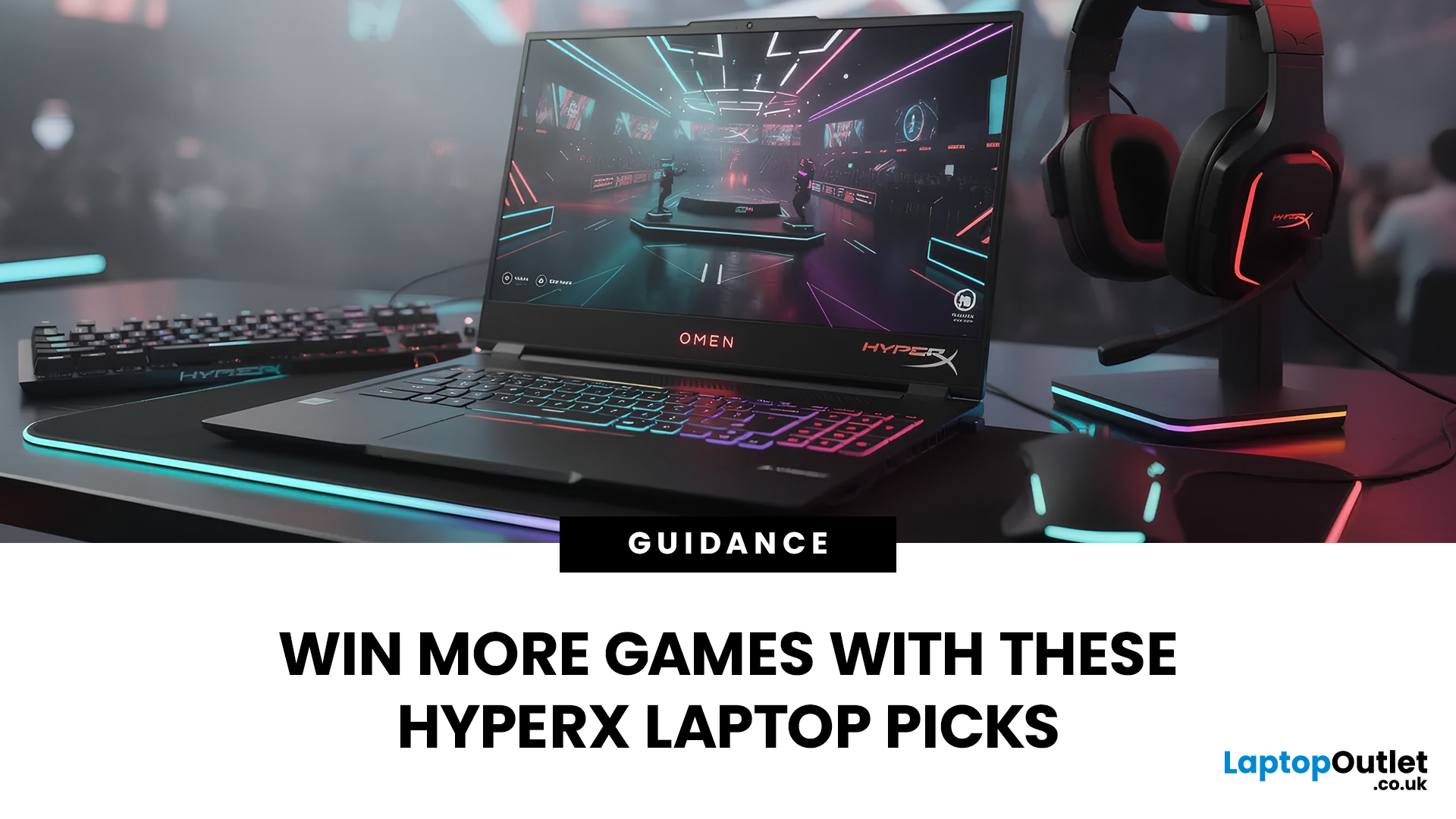
The world of competitive gaming moves fast. If you are serious about rising through the ranks in 2026, your gear must keep pace. This is where high-performance HyperX Gaming Laptops come into their own.
HyperX, known for engineering some of the best memory and peripherals in the world, has become central to the OMEN and Victus gaming lines. These machines combine reliable, high-speed components with premium display technology. They offer the raw power needed for modern AAA titles and the precision required for esports.
If you are hunting for serious hardware, this guide explores the best options for 2026. We look at HyperX gaming laptop specs to ensure you find the ultimate machine for competitive dominance.
Understanding the HyperX Ecosystem
When you search for the best HyperX laptops, you are primarily looking at the pinnacle of HP’s gaming division: OMEN and Victus.
It is crucial to understand the relationship between these brands:
- HyperX: This is a premium gaming brand renowned
Last Updated: February 26, 2026
DOMINATE THE BATTLEFIELD. UPGRADE YOUR WEAPON.
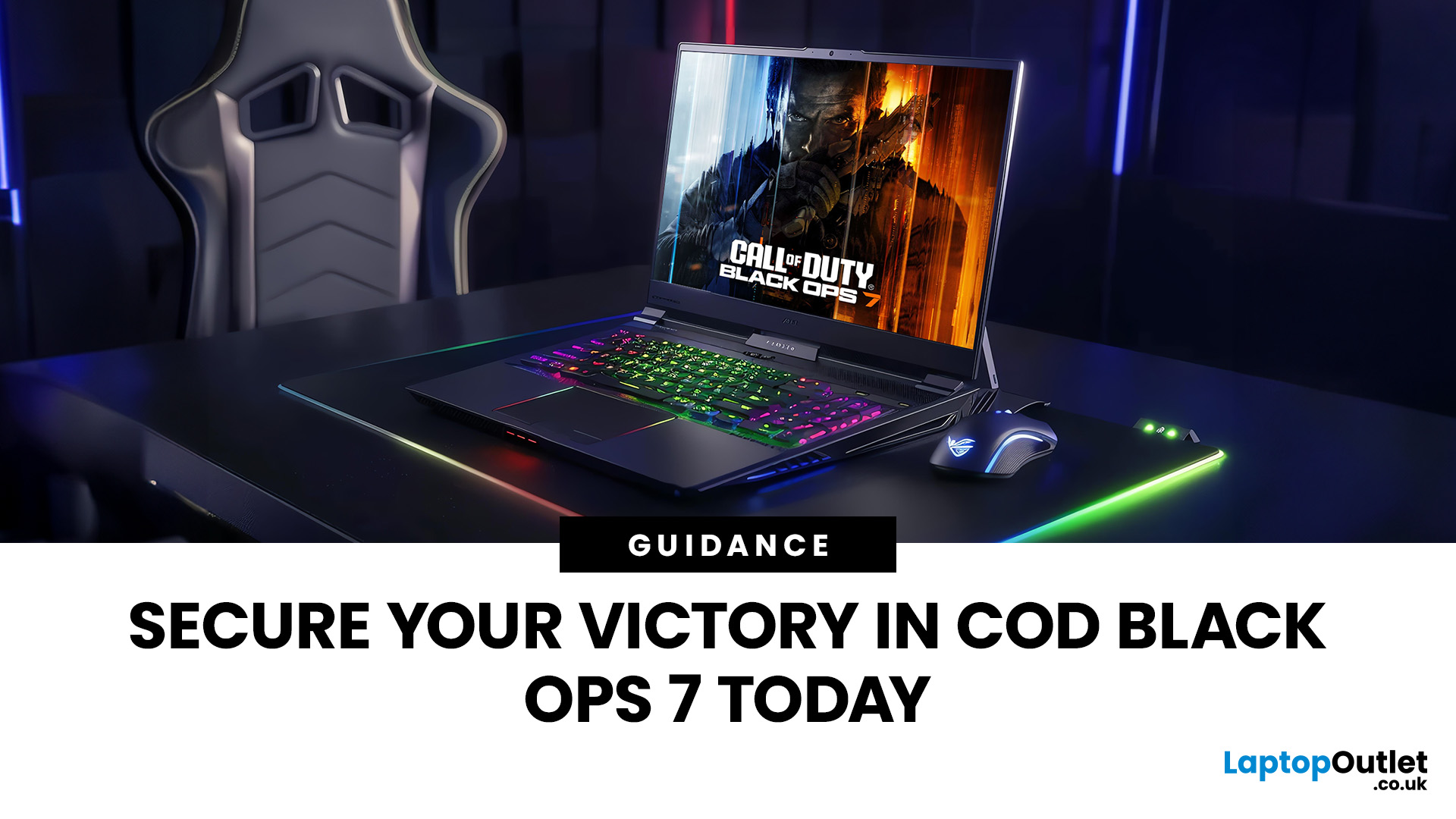
The arrival of Call of Duty: Black Ops 7 is a massive event. This game promises some of the most intense, visually spectacular, and competitive FPS action we’ve seen yet.
To truly dominate the leaderboards, you need more than skill; you need a machine that can keep up. That’s where a high-performance laptop comes in.
To help you secure your victory, we’ve put together 8 best gaming laptops for Call of Duty: Black Ops 7 Season 01. Get ready to experience this game with crystal-clear visuals and lightning-fast frame rates.
Why the Right Gaming Laptop Matters for Black Ops 7
Call of Duty titles are known for their demanding hardware requirements, and Black Ops 7 pushes those boundaries even further. Your laptop needs to render massive maps, intense firefights, and stunning visual effects instantly.
Here is why you need to invest in the right machine:
- Higher FPS: In competitive FPS games, a higher frame rate (FPS) translates directly to a smoother,

Last Updated: March 12, 2026
If you’re preparing to dive into Europa Universalis V (EU V), you already know you’re in for hundreds of hours of territory expansion, diplomacy, micro-strategy, and historical sandbox storytelling. Grand strategy titles may not appear graphically intense, but they rely heavily on CPU power, AI simulations, late-game processing, and stable performance during long sessions. With modern visuals, expansions, and large campaign data, reliable hardware becomes essential, especially when comparing the best laptops for Europa Universalis V.
In this guide, we highlight the top gaming laptops for multi gaming, outline the EU V recommended specs laptop needs, and help you choose from the most capable RTX laptops for strategy games available today.
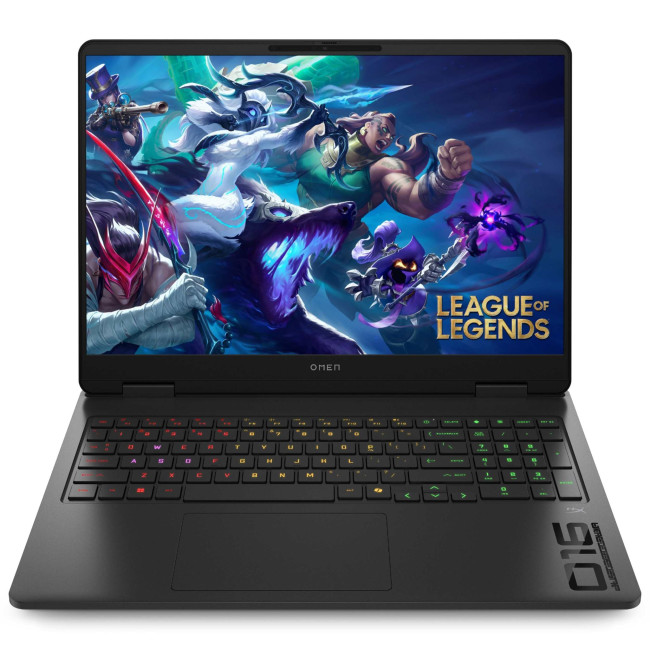
1. HP OMEN Gaming 16 AP0301NA
Technical Specifications
- AMD Ryzen 9 8940HX 16-Core Processor
- 16" WQXGA Display, IPS, 2560 x 1600 Max. Resolution
- 24 GB RAM, 1 TB SSD
- Dedicated NVIDIA RTX 5070 Graphics
- USB 3.2 | HDMI | USB-C
- Black Colour
- 1 Year
Last Updated: June 05, 2026
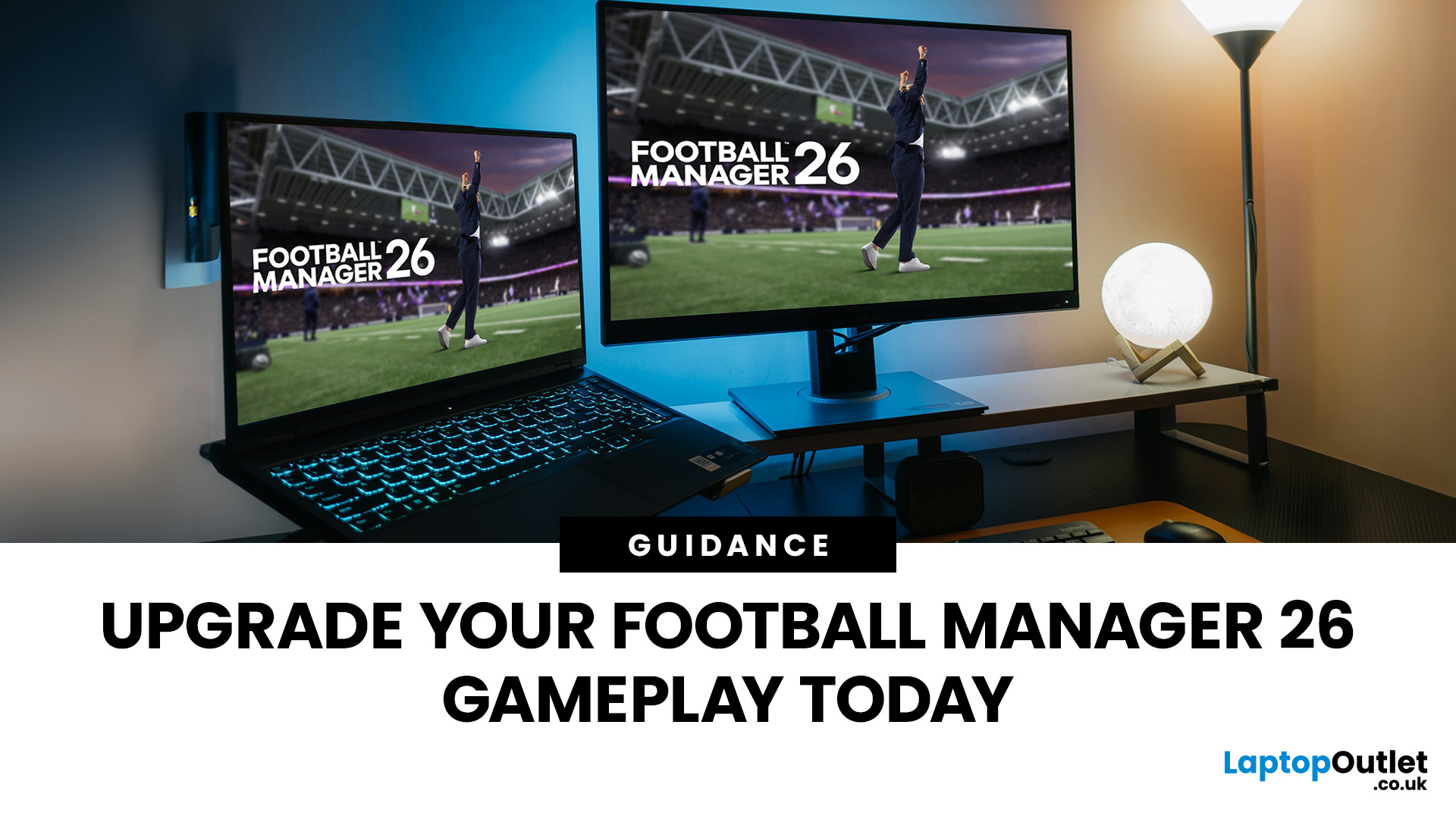
Football Manager 26 is finally here, built on a new Unity-powered 3D match engine with richer lighting, animations and stadium detail.
The good news? Sports Interactive has kept the minimum specs low, so older systems can still load up the game. The less good news is that the new engine leans more heavily on both CPU and GPU, especially during 3D matches and busy transfer windows.
If you want fast simulations, big databases and smooth 3D on high settings, you need the right hardware. This guide walks through Football Manager 26 recommended specs, then highlights the best gaming laptops and PCs for Football Manager 26 available from Laptop Outlet – from budget-friendly picks to powerhouse rigs.
Which Hardware Matters More for Football Manager 26?
Before choosing your machine, it is vital to understand what Football Manager 26 actually is. It is a detailed management simulation, not a graphics-intensive action game.
When you hit the 'Continue' button, the game is not just rendering a stadium.
Last Updated: February 24, 2026
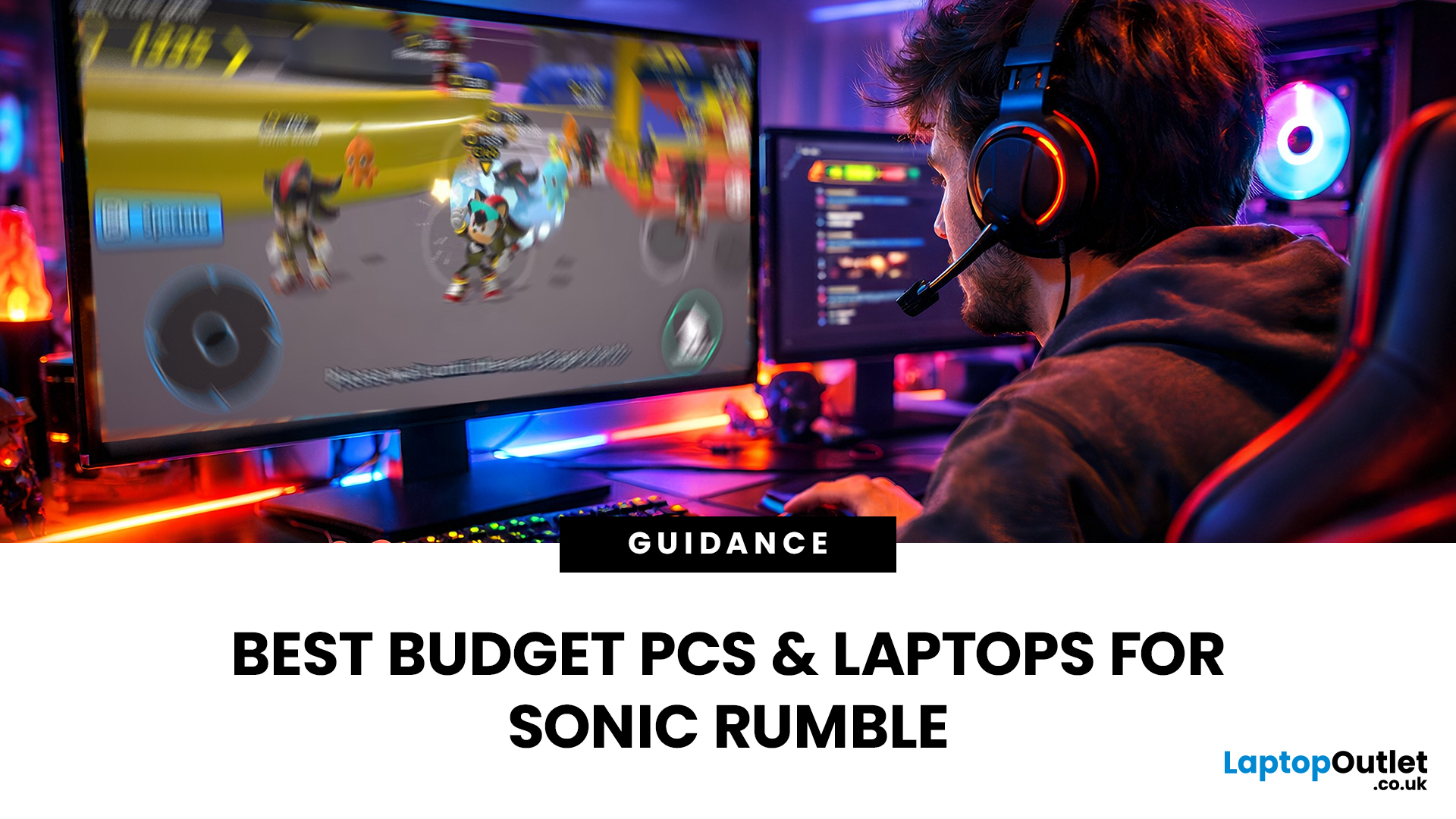
Looking for the best budget gaming laptops and PCs for Sonic Rumble? You’re in the right place. At Laptop Outlet, we’ve scoured our range of powerful yet affordable gaming laptops, so you can find the perfect gear to jump into Sonic’s newest adventure without breaking the bank. Whether you’re after cheap gaming PC deals Sonic, gaming laptops with entry-level GPUs, or compact rigs that punch above their weight, we’ve got you covered. Let’s dive into the best options that’ll give you smooth gameplay, popping visuals, and long-lasting performance.
Recommended Specs to Play Sonic Rumble
By balancing these core specs, you’ll enjoy Sonic Rumble with the performance it deserves:
Processor (CPU)
A modern multi-core processor (such as Intel Core i5/i7 or AMD Ryzen 5/7) is great for entry-to-mid-range gaming. For high-end gaming, you would need an i9 or AMD Ryzen 9.
Graphics (GPU)
To play Sonic Rumble smoothly, aim for at least an entry-level dedicated GPU, something like NVIDIA’s RTX 4070 or
Last Updated: July 10, 2026
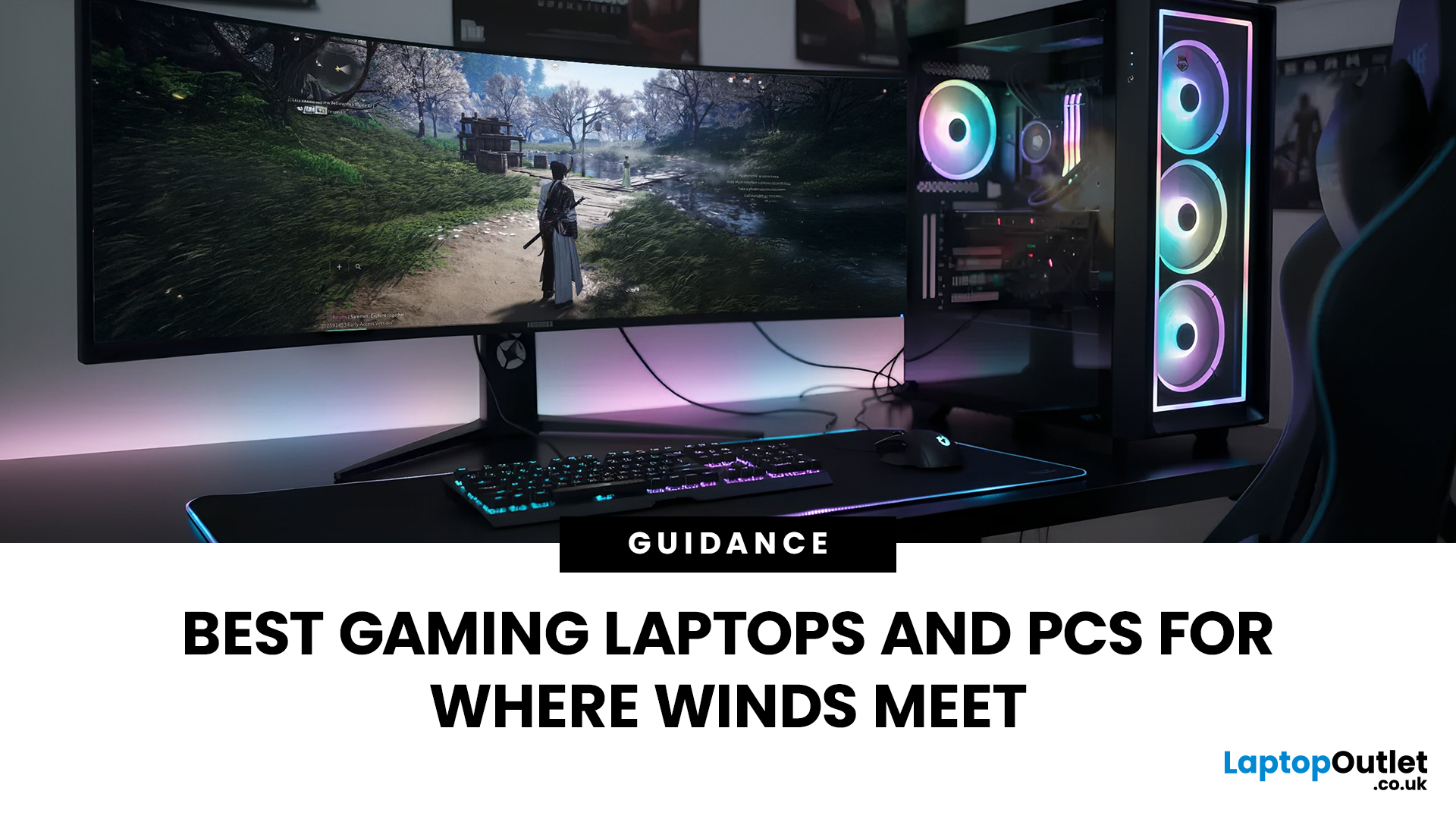
If you’re gearing up to explore the beautifully crafted, action-packed world of Where Winds Meet, choosing the right hardware is just as important as mastering your combat skills. This visually rich open-world action RPG blends fast-paced combat, sweeping landscapes and cinematic storytelling, all of which demand capable, well-balanced hardware.
In this guide, we’ll break down the recommended specs for Where Winds Meet, explain what really matters when it comes to performance, and highlight excellent-value options, including gaming deals for Where Winds Meet that won’t stretch your budget.
Recommended Specs for Where Winds Meet
Before diving into specific systems, let’s outline the core specifications you should be aiming for.
Processor (CPU)
Open-world RPGs rely heavily on CPU performance for AI, physics and world simulation. A modern Intel Core i5 / i7 or AMD Ryzen 5 / 7 is ideal. This ensures stable performance during exploration and combat-heavy sequences.
Graphics Card (GPU)
A dedicated

