



ASUS Monitors for Business & Enterprise: The Complete Buying Framework
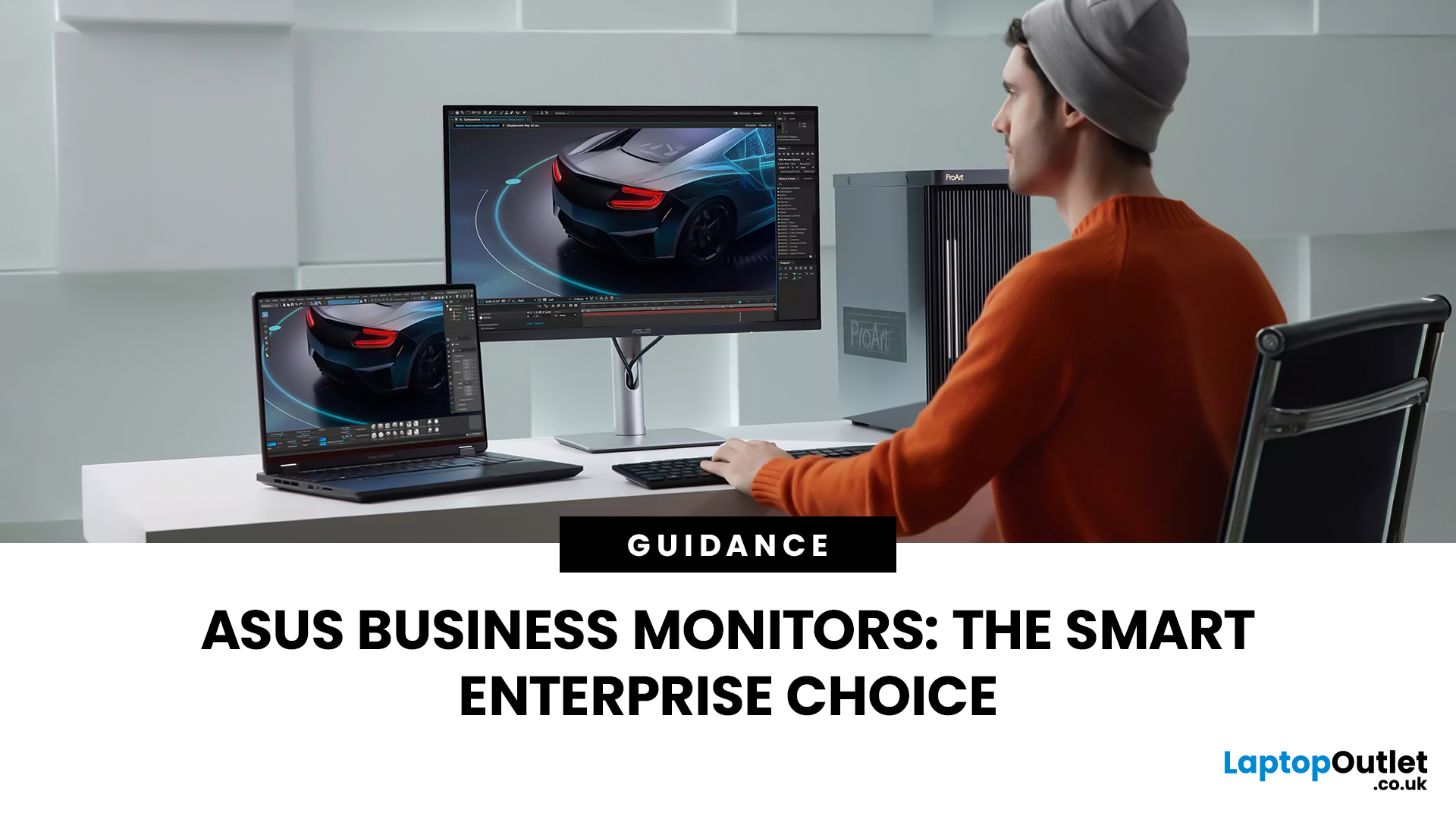
Modern workplaces are more screen-based than ever and in the UK, the average office employee now spends over 6 hours a day looking at a monitor. For businesses, that makes display choice more than just a tech detail; it’s a productivity and wellbeing decision.
The right ASUS business monitors can improve workflow efficiency, reduce eye strain, and support hybrid teams with flexible connectivity like USB-C docking. Whether you’re equipping a corporate office, a call centre, or a growing enterprise rolling out hundreds of workstations, choosing the right monitor spec matters.
In this buying framework, we’ll break down what UK organisations should prioritise, from screen size and ergonomics to ASUS Eye Care features, bulk purchasing, and the best monitor options for business use in 2026.
Why ASUS Monitors Work Well for Modern Workplaces

In today’s business environment, monitors are no longer just office accessories, they’re core productivity tools. From finance teams working across spreadsheets to customer support staff handling multi-window systems, the right display setup directly affects output, comfort, and efficiency.
ASUS business monitors are well suited for modern UK workplaces because they combine reliable build quality, strong warranty support, and a wide product range designed specifically for professional use. ASUS has become a trusted name not only in consumer tech but also in enterprise hardware, offering solutions that scale from small offices to large organisations.
With options ranging from simple Full HD screens to advanced USB-C productivity displays, ASUS office monitors UK buyers can find models that fit every department and budget. For businesses looking to standardise equipment, ASUS monitors deliver consistency, comfort features, and long-term value.
Key Business Use Cases (Office, Call Centres, Remote Work)
Different teams require different monitor setups, and ASUS offers best monitors for work across key business environments.
- Corporate offices benefit from larger screens and higher resolutions that improve multitasking and reduce the need to constantly switch between applications.
- Call centres and support teams often rely on dual-monitor configurations for handling CRM systems, communication tools, and ticketing platforms simultaneously, making these monitors for productivity a strong fit.
- Remote and hybrid workers increasingly need simplified setups. An ASUS USB-C office monitor allows laptop users to connect with a single cable for display, charging, and data, ideal for hot-desking or home offices.
- Creative and marketing teams may require colour accuracy and sharper resolutions for design-heavy workflows, making higher-end ASUS ranges a smart investment.
These varied use cases show why ASUS monitors for enterprises are designed with flexibility and scalability in mind. ASUS also offers specialist ranges beyond office use. Explore high-performance displays in our guide to ASUS ROG & TUF gaming monitors for esports, studios & gaming venues.
Overview of ASUS Business, Eye Care and Portable Ranges
ASUS offers several monitor families that support different workplace needs.
- Business-focused monitor ranges prioritise reliability, clean design, and everyday productivity features for standard office environments.
- ASUS Eye Care models are built for long hours of use, featuring low blue light modes and flicker-free technology to improve comfort across full workdays.
- Portable ASUS monitors provide lightweight secondary screens for professionals who travel or work across multiple locations, supporting modern hybrid workflows.
For organisations looking to standardise across departments, ASUS provides a broad portfolio that makes it easier to match the right monitor to each role, without switching brands or sacrificing consistency.
Businesses can explore the full selection of ASUS business monitors through the ASUS category range available at Laptop Outlet.
Core Specifications Business Buyers Should Prioritise

When purchasing monitors at scale, businesses need to look beyond basic screen size. The right specification choices can improve employee comfort, support long-term usability, and reduce IT complexity across teams.
Below are the key factors UK business buyers should prioritise when selecting ASUS monitors for enterprise deployment.
Screen Size, Resolution and Aspect Ratio
Screen size has a direct impact on productivity, especially in multi-tasking environments.
- 24-inch Full HD monitors are ideal for standard office desks and general admin work.
- 27-inch displays offer more space for spreadsheets, dashboards, and multitasking, making them popular across mainstream teams.
- Ultrawide aspect ratios can benefit analysts, developers, and finance departments that require wide-screen workflows.
Resolution also matters:
- Full HD is cost-effective for everyday use
- QHD improves clarity and workspace
- 4K monitors are best reserved for specialist creative or management setups
Choosing the right balance helps organisations equip teams efficiently without overspending.
Connectivity: HDMI, DisplayPort, USB-C and Docking
Connectivity is a major priority for modern enterprises, particularly as laptops replace desktop PCs.
Most ASUS monitors support standard ports such as HDMI and DisplayPort, but USB-C is increasingly essential for business environments.
An ASUS USB-C office monitor can provide:
- Single-cable connection
- Laptop charging
- Cleaner desk setups
- Easier hot-desking deployment
For hybrid workplaces, USB-C docking support is one of the most valuable features available.
Ergonomics: Height, Tilt, Pivot and VESA
Ergonomics is not just about comfort, it’s a workplace health requirement.
For employees spending hours at a desk, adjustable monitor stands can reduce strain and improve posture. Business buyers should look for:
- Height adjustment
- Tilt and swivel support
- Pivot rotation for vertical viewing
- VESA mounting compatibility for monitor arms and wall setups
These features are especially important in enterprise rollouts, where standardisation and employee wellbeing go hand in hand. For creative teams needing colour precision, ASUS’s ProArt range is purpose-built for design workflows. Learn more in ASUS ProArt & creator monitors: Colour-accurate displays for design teams.
Eye Health & Employee Comfort with ASUS Eye Care
Employee wellbeing is no longer optional; it’s a workplace priority. With office-based teams spending most of their working day in front of screens, eye comfort and visual clarity directly influence productivity and job satisfaction.
Many ASUS business monitors are equipped with Eye Care technology designed specifically for extended daily use. These features help reduce strain, minimise fatigue, and support long-term visual comfort, especially important in high-focus environments such as finance, administration, and customer support.
For UK enterprises focused on compliance, employee retention, and operational efficiency, investing in eye-friendly display technology is a practical and forward-thinking decision.
Low Blue Light & Flicker-Free Technology
ASUS Eye Care monitors include low blue light modes and flicker-free backlighting to reduce screen-induced eye strain.
- Low blue light technology helps reduce exposure to high-energy visible light, which can contribute to fatigue during prolonged use.
- Flicker-free screens eliminate subtle brightness fluctuations that are often invisible but can cause discomfort over time.
For teams working full-time on digital platforms, these features help create a more sustainable workstation setup, especially when rolled out across multiple departments.
Setting Eye-Care Modes Across Teams
Standardising display settings can improve consistency across teams. IT departments can configure brightness levels and blue light filters based on workplace requirements, helping reduce variation in user experience.
For enterprises deploying large numbers of ASUS monitors for productivity, creating uniform display settings ensures both comfort and operational consistency, particularly in call centres or open-plan offices.
Deployment Scenarios for Enterprises
Rolling out monitors across an organisation requires more than simply selecting a screen size. Different departments have different demands, and planning deployment properly reduces long-term inefficiencies.
Below are common enterprise deployment scenarios and how ASUS monitors can support them effectively.
Standard Desk Setups
For most corporate offices, a 24- or 27-inch monitor provides the ideal balance between space efficiency and usability.
Single-monitor setups are common for general administrative roles, while dual-monitor configurations are popular in departments that rely on multitasking, such as finance, HR, or operations.
Businesses looking for reliable monitors for productivity can explore a wide range of models suited to standard desk deployments across the broader monitor category.
If your organisation includes video editors or motion designers, choosing the right panel type matters. See our comparison in ASUS ProArt vs ROG: Best Monitors for Video Editing & Motion Graphics.
Hot-Desking and Hybrid Workstations
Hybrid working has changed monitor requirements significantly. Employees frequently move between home and office environments, making flexible connectivity essential.
An ASUS USB-C office monitor simplifies hot-desking by allowing users to connect and charge their laptops using a single cable. This reduces cable clutter, speeds up desk setup, and improves overall efficiency in shared workspaces.
For enterprises implementing hybrid policies, USB-C compatibility is no longer a luxury, it’s a necessity.
Meeting Rooms & Collaboration Spaces
Meeting rooms require different display considerations. Larger screen sizes, thin bezels, and VESA mounting compatibility make installation easier and improve visibility during presentations.
ASUS monitors designed for professional use can integrate smoothly into collaboration spaces, supporting video conferencing, presentations, and digital whiteboarding setups.
Choosing the right size and resolution ensures meeting rooms remain clear, professional, and easy to use.
Buying ASUS Monitors at Scale (Pricing, Refurbs, Deals)

For procurement teams, pricing and lifecycle planning are just as important as technical specifications. Standardising on a single brand like ASUS simplifies maintenance, warranty management, and future upgrades.
When purchasing ASUS business monitors at scale, organisations should evaluate both new and refurbished options depending on budget constraints and sustainability goals.
New vs Refurbished ASUS Monitors
New monitors provide full manufacturer warranty coverage and the latest features. They’re ideal for long-term deployments where consistency and lifespan are key priorities.
However, refurbished ASUS monitors can offer significant cost savings while still delivering reliable performance for non-specialist roles. Refurb options are especially suitable for administrative teams, temporary offices, or phased rollouts.
For organisations prioritising value and sustainability, refurbished models can form part of a cost-effective procurement strategy.
Finance & Bulk Buying Considerations
When purchasing bulk ASUS monitors for business, consider:
- Standardising screen sizes across departments
- Choosing models with consistent connectivity
- Planning phased refresh cycles
- Negotiating volume pricing
Enterprises can also monitor seasonal ASUS monitor deals to optimise budget allocation across large deployments.
For businesses looking to explore the full range of available options, the ASUS brand store provides a centralised selection of professional and business-ready models suited to enterprise environments.
Recommended ASUS Business Monitors from Laptop Outlet
Once you’ve identified the right specifications for your organisation, the next step is selecting models that match your budget, workforce needs, and deployment scale.
Laptop Outlet offers a strong range of ASUS business monitors suitable for UK enterprises, from entry-level office screens to premium productivity setups for management and specialist teams.
Below are the key categories to consider when building a standardised monitor fleet.
Entry-Level Options
For general office roles, administration teams, and large call centre deployments, entry-level ASUS monitors provide reliable performance at excellent value.
These models typically offer:
- Full HD resolution
- 23–24 inch screen sizes
- Essential HDMI and DisplayPort connectivity
- Eye Care features for all-day use
They are ideal for organisations purchasing bulk ASUS monitors for business while maintaining consistent workstation standards.
Businesses can browse affordable ASUS business monitors through Laptop Outlet’s dedicated ASUS monitor range.
Mid-Range for Mainstream Teams
For most modern workplaces, mid-range monitors deliver the best balance of clarity, comfort, and connectivity.
These models are well suited for:
- Hybrid work environments
- Spreadsheet-heavy workflows
- Teams needing sharper resolution for multitasking
Mid-range ASUS monitors often include:
- 27-inch QHD displays
- Ergonomic stands
- USB-C support for docking
- Enhanced Eye Care modes
For enterprises seeking dependable monitors for productivity, this tier is often the best long-term investment across mainstream departments.
Premium / Management Setups
Senior leadership teams, creative departments, and specialist roles may benefit from premium monitor configurations.
High-end ASUS business displays can include:
- Larger screen sizes
- 4K resolution
- Ultrawide aspect ratios
- Higher brightness and colour accuracy
- Advanced connectivity and build quality
These setups are ideal for executives, analysts, and teams working with high-detail content or multi-window workflows.
For a broader view of ASUS products beyond monitors, organisations can explore the full ASUS portfolio through the ASUS brand store.
Final Checklist for IT & Procurement Teams

Before finalising an enterprise monitor rollout, IT and procurement teams should confirm the following criteria to ensure consistency, value, and long-term usability:
- Have you standardised the ideal screen size (24” vs 27”) across departments?
- Does the chosen resolution match the workload requirements?
- Are USB-C docking features needed for hybrid teams?
- Do monitors support ergonomic adjustment for workplace compliance?
- Is VESA mounting required for arms, meeting rooms, or shared desks?
- Have you evaluated warranty coverage and lifecycle planning?
- Should refurbished options be included to reduce cost?
- Are there current ASUS monitor deals that support bulk purchasing efficiency?
Using a structured buying framework ensures your organisation invests in displays that improve productivity, employee comfort, and operational consistency.

Conclusion: Choosing ASUS Monitors for Enterprise Success
Selecting the right monitor fleet is a strategic investment for any organisation. With employees spending hours on-screen each day, display quality affects productivity, comfort, and overall workplace efficiency.
By focusing on the right specifications, Eye Care technology, deployment planning, and scalable purchasing strategies, UK businesses can confidently choose ASUS business monitors that support both performance and employee wellbeing.
To explore available models, procurement teams can browse the latest ASUS range through Laptop Outlet’s selection of ASUS business monitors, compare broader monitors for productivity, or consider cost-saving refurbished options as part of an enterprise rollout strategy.

Answering the question for ASUS Monitors for Business & Enterprise
Which ASUS monitors are best for all-day office work?
The best ASUS monitors for full-day office use are those with Eye Care features, ergonomic adjustment, and comfortable screen sizes such as 24 or 27 inches. Models with flicker-free technology and low blue light modes are especially suitable for extended working hours.
Are ASUS business monitors suitable for hybrid home/office setups?
Yes. Many ASUS office monitors UK buyers choose models with USB-C connectivity, making them ideal for hybrid workstations. A single-cable USB-C setup supports fast laptop docking and reduces desk clutter for shared environments.
What screen size is ideal for typical office desks?
For most standard office desks, 24-inch Full HD monitors provide a cost-effective solution. For improved multitasking, 27-inch displays are increasingly popular across enterprise environments.
Do ASUS business monitors support USB-C docking?
Many modern ASUS monitors include USB-C support, allowing laptops to connect, charge, and display through one cable. An ASUS USB-C office monitor is especially valuable for hot-desking and flexible workspaces.
Are refurbished ASUS monitors reliable enough for enterprise use?
Yes, in many cases. Refurbished ASUS monitors are a strong option for cost-conscious deployments, secondary workstations, or phased rollouts. Businesses should ensure warranty coverage and supplier quality standards when purchasing refurbished units.
Related Articles

Last Updated: August 04, 2026
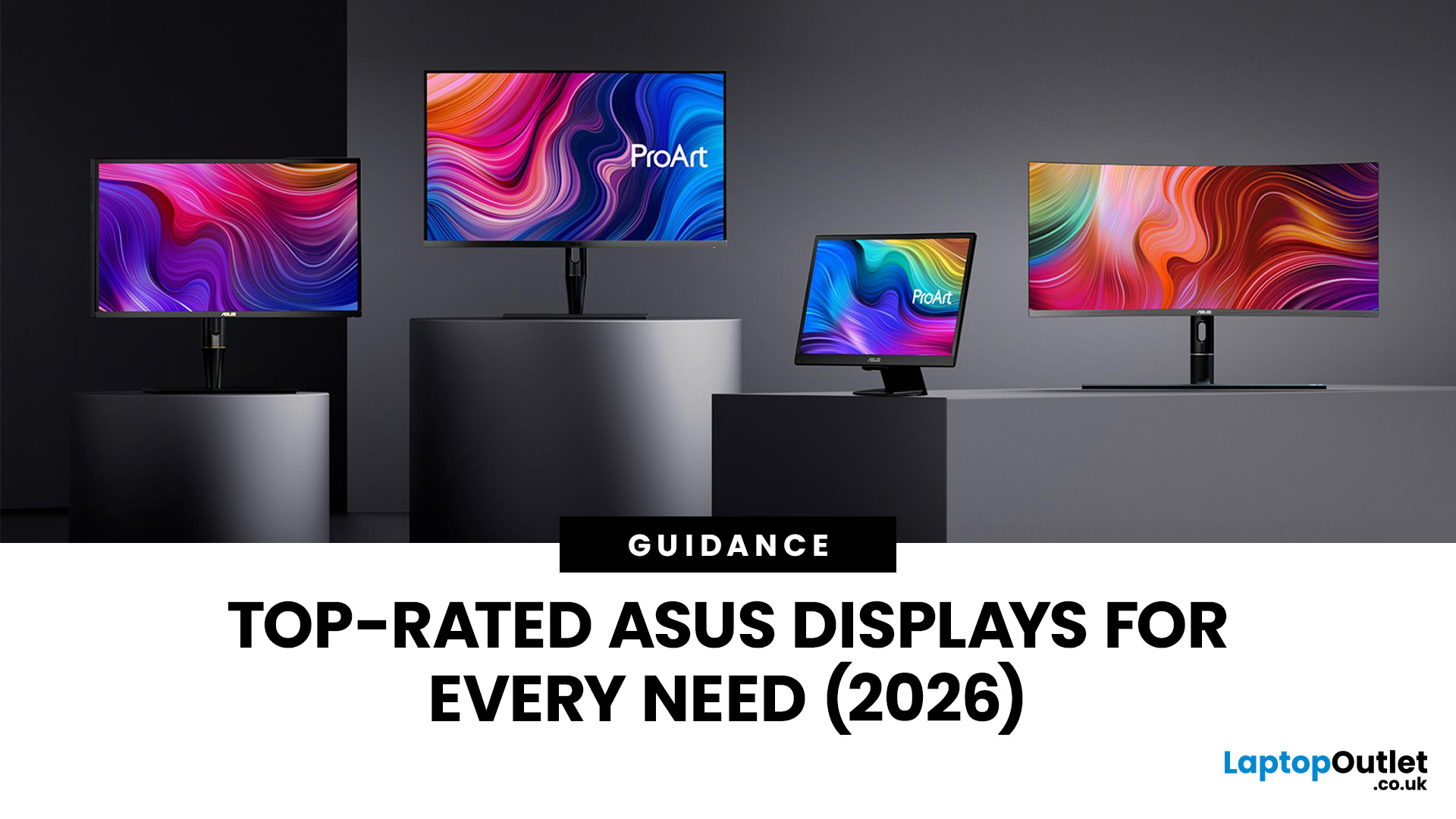
Choosing the right monitor makes a real difference. Whether you're gaming at high frame rates, editing photos, or managing spreadsheets all day, the display in front of you shapes your entire experience.
ASUS has become one of the most trusted monitor brands in the UK — and for good reason. Their line-up covers everything from portable office screens to ultrawide gaming monitors and colour-accurate displays for creative work.
In this guide, we've broken down the best ASUS monitors for 2026 by use case, so you can find exactly what you need, fast.
Best ASUS Monitors for Office Workers
Office monitors need to be reliable, comfortable, and practical. ASUS's business and ZenScreen ranges tick every box, offering everything from portable displays to large 4K screens designed for long working days.
1. ASUS ZenScreen Go MB16AHP — Best Portable Office Monitor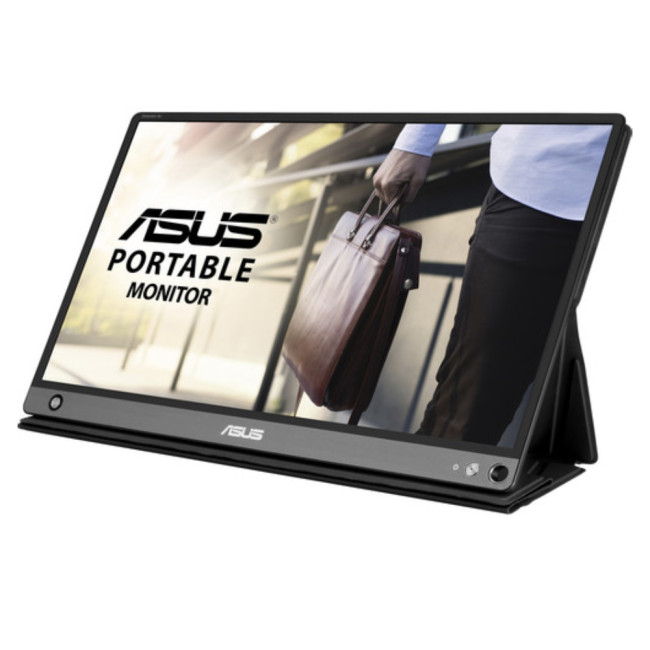
- Screen Size: 15.6"
- Panel Type: IPS
- Resolution: 1920 x 1080 (Full HD)
- Refresh Rate: 60 Hz
- Response Time: 5 ms
- Brightness: 220
Last Updated: April 08, 2026
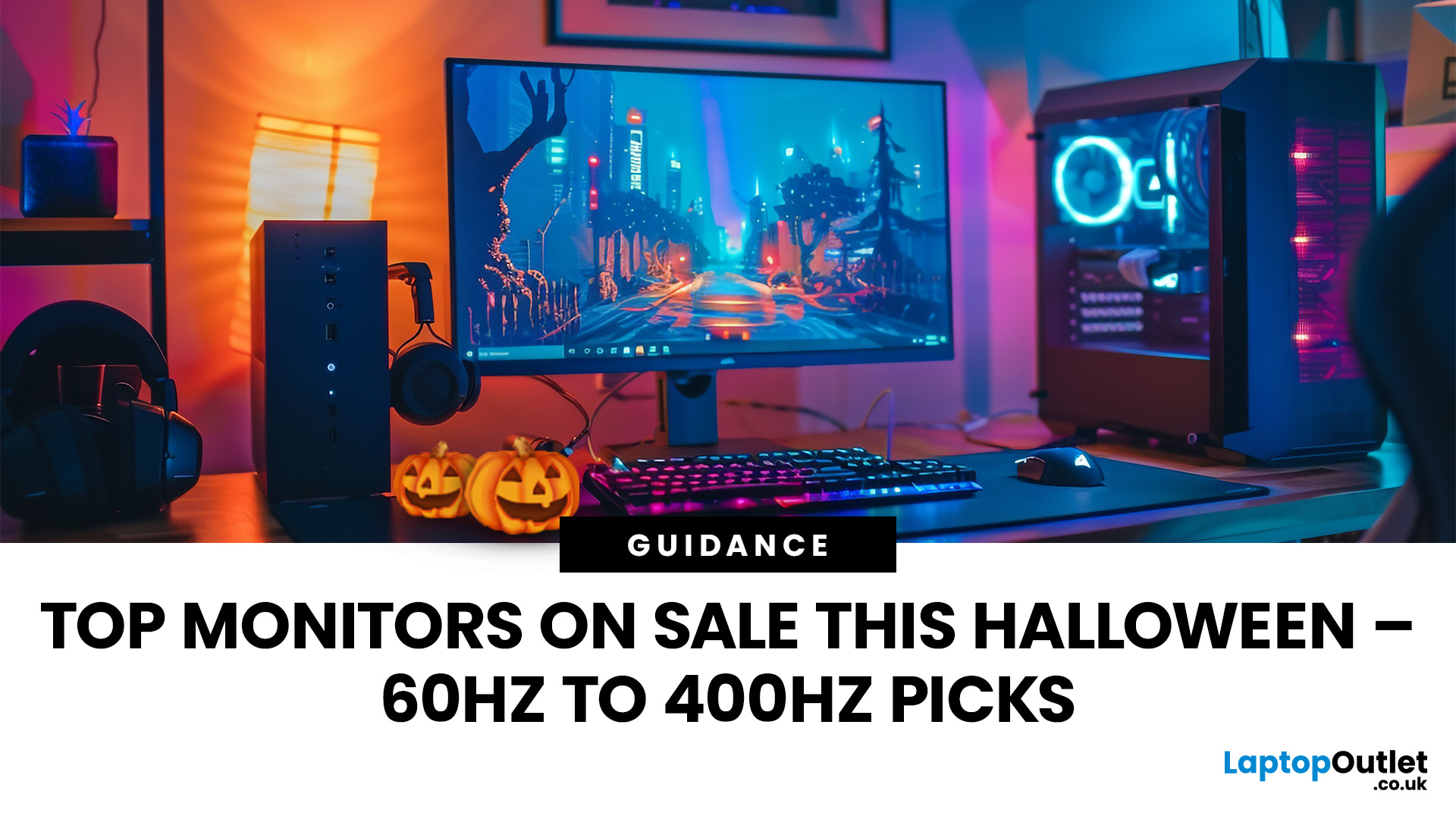
Halloween’s here and while most people are stocking up on sweets, the real treats are happening over at Laptop Outlet’s Halloween Sale. If you’ve been eyeing a new monitor, this is your moment. The discounts this year are no joke: from affordable 60 Hz office screens to lightning-fast 400 Hz gaming beasts, prices are dropping faster than a horror-movie jump scare.
Whether you’re chasing smoother frames, better colours, or a proper upgrade for your setup, this sale has something for every type of user. Think premium displays from trusted brands, curved and ultrawide options, and refresh rates that make your old monitor feel prehistoric.
Over the next few minutes, we’ll walk you through the best picks across every price and performance tier, so you can upgrade smartly before these Halloween deals disappear into
Why Halloween Is the Best Time to Snag a Monitor
Here’s the thing: Halloween has quietly become the underrated season for tech deals. While everyone’s waiting for Black Friday, Laptop
Last Updated: August 25, 2026
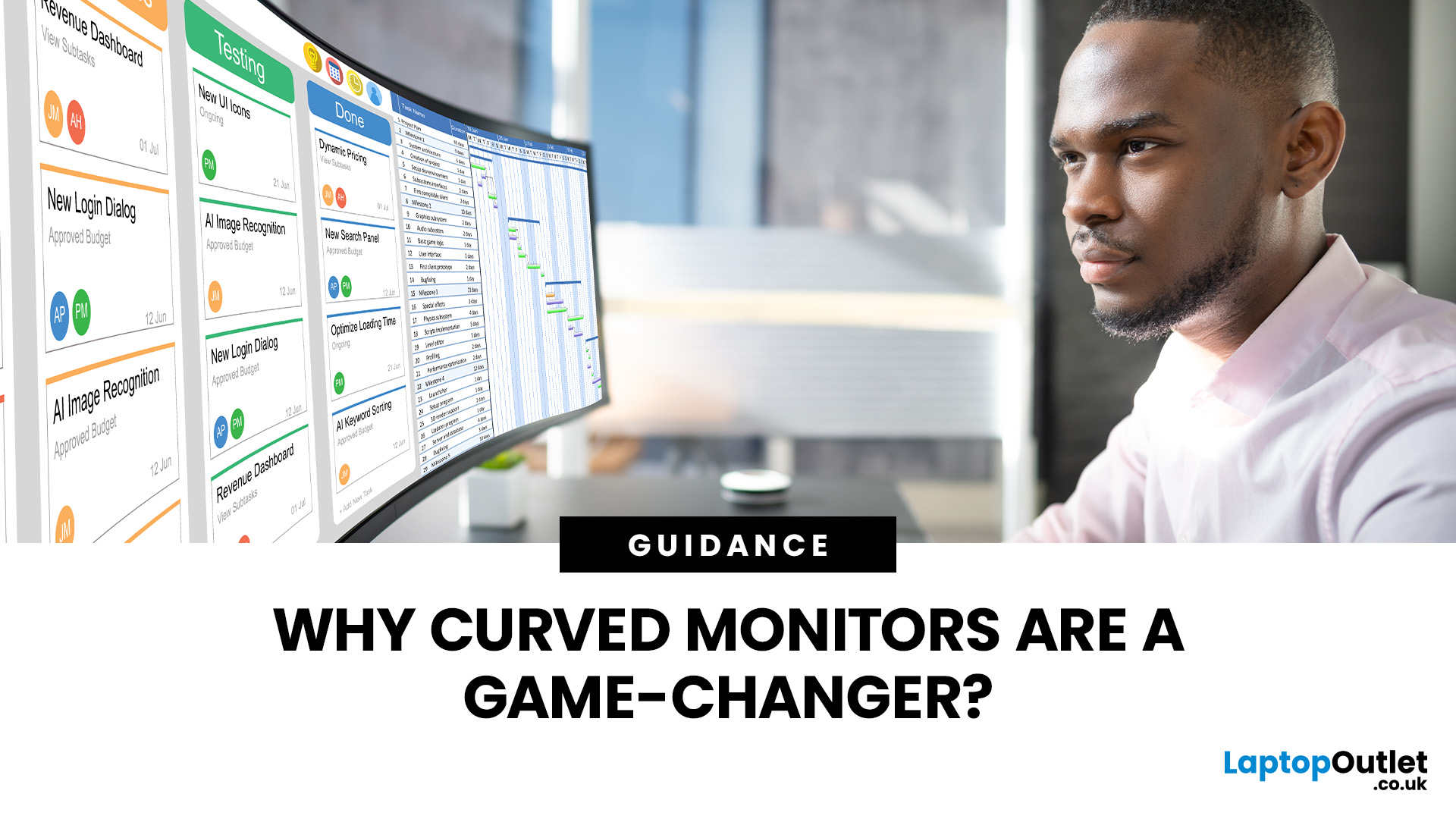
A bigger monitor gives you more room to work, watch and play, but wider flat screens can place their outer edges noticeably farther from your natural viewing position. Curved monitors address this by bringing those edges towards you, creating a more cohesive view across the screen.
That difference is useful far beyond gaming. From managing multiple work windows to editing timelines, watching films or creating a more immersive setup, the right curved monitor can make a large display feel easier and more engaging to use.
What Makes a Curved Monitor Different?
Curved computer displays change the relationship between your eyes and a wide screen. Instead of stretching straight across the desk, the edges angle gently towards your viewing position.
Monitor curvature is measured using figures such as 1000R, 1500R and 1800R. The number represents the radius of the curve in millimetres, with a lower number indicating a tighter, more pronounced curve.
| Curvature | How It Feels | Often Suited To |
| 800R-1000R |
Last Updated: May 06, 2026
Buying a certified refurbished monitor can feel like discovering a hidden gem. You get the same premium performance as a brand-new product, but at a fraction of the price. Still, many shoppers wonder, “How do I know it’s really been tested and certified properly?”
At Laptop Outlet, we believe that refurbished does not mean second-best. Our refurbished monitors are carefully tested, restored, and certified to deliver the same level of reliability, performance, and visual quality you would expect from a new device.
Here is a closer look at how our refurbished monitor testing process works, how each unit is certified, and what that certification means for you.
What are Refurbished Monitors?
Refurbished monitors are not “used” in the everyday sense. They’re often returns, display models, or items that have been opened but never actually used. Some may have had minor cosmetic imperfections or packaging damage, while others might simply be surplus stock.
Before these monitors reach our customers,

Published: November 19, 2025
Display technology has come a long way, from bulky CRTs to razor-thin, high-definition screens. In today’s tech landscape, two contenders are leading the race for the future of visual excellence: Mini-LED and OLED monitors. Both offer stunning image quality and advanced engineering, but each has unique strengths that make it better suited for specific users and use cases.
Understanding the Display Technology
Before comparing performance, it’s important to understand how each display type works.
What is OLED?
OLED (Organic Light Emitting Diode) technology uses pixels that emit their own light. Each pixel can turn on or off independently, producing perfect blacks and infinite contrast. Because there’s no backlight, OLED displays are thin, power-efficient (for darker content), and capable of exceptional colour accuracy.
What is Mini-LED?
Mini-LED (Mini Light Emitting Diode) is an evolution of traditional LED-backlit LCD screens. Instead of a few large LEDs behind the panel, Mini-LED displays
Last Updated: August 12, 2026
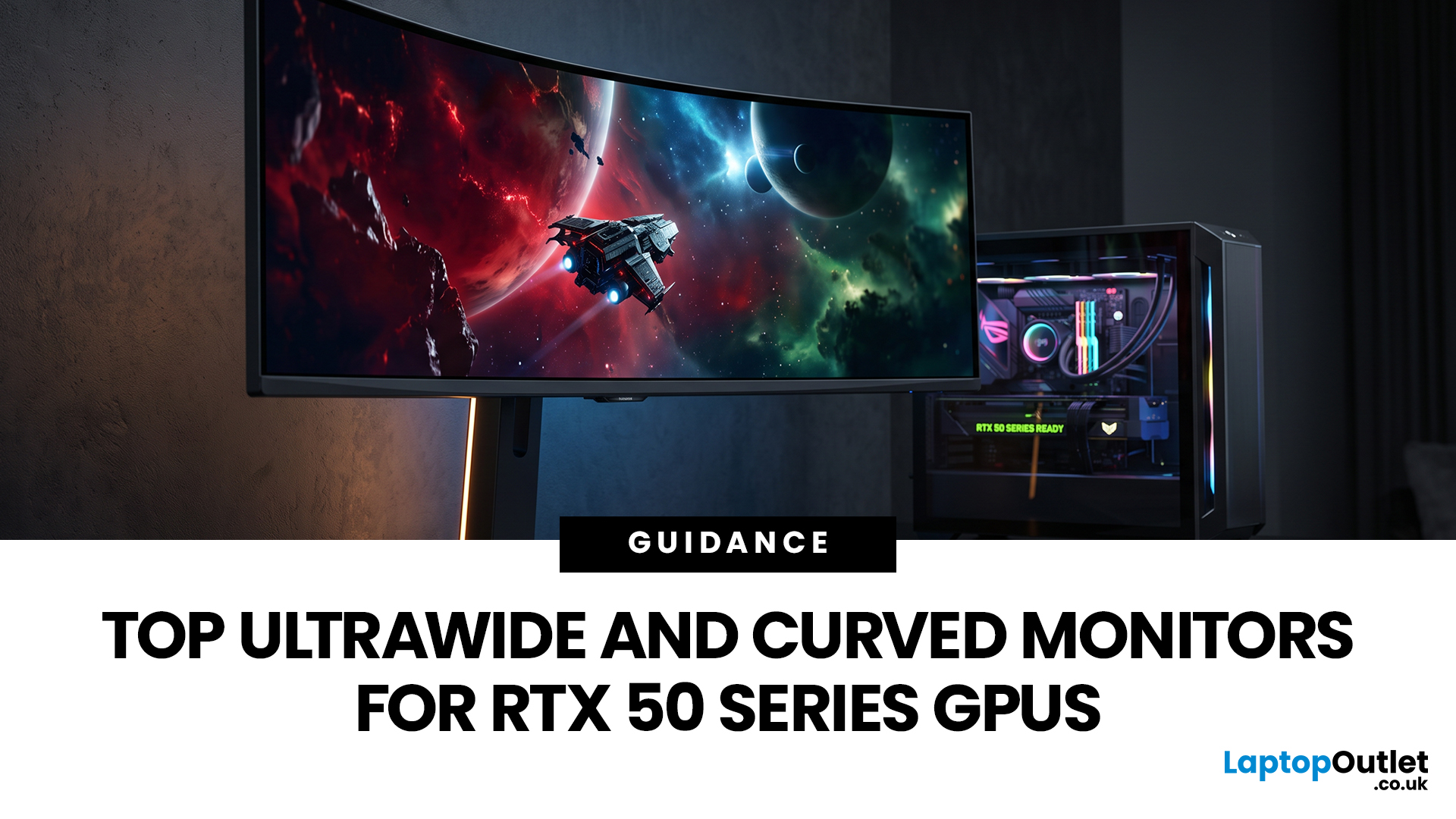
Picking a monitor for an RTX 50 Series GPU isn’t just about chasing the highest refresh rate, it’s about getting the right vibe for your setup. Think resolution, panel type and aspect ratio that actually match how you game, how powerful your RTX 5080 or RTX 5070 Ti is, and how much space you’ve got on your desk.
If you’re on an RTX 5080, a massive 49-inch 5120 × 1440 ultrawide hits different for immersive racing, sim and open-world gameplay. The RTX 5070 Ti feels right at home on a 34-inch 3440 × 1440 ultrawide, while a compact QHD curved monitor is perfect if you want smooth, high-refresh gaming on a budget.
Quick Comparison
| Best For | Monitor | Screen and Resolution | Refresh Rate | Panel | Main Strength | Consider Before Buying |
| RTX 5080 | Philips Evnia 49M2C8900 | 48.9-inch, 5120 × 1440, 32:9 | 240Hz | QD-OLED | Maximum immersion with OLED picture quality | Requires substantial desk space and strong GPU performance |
| RTX 5070 Ti | AOC G4 CU34G4Z | 34-inch, 3440 × 1440, 21:9 | 240Hz | Fast VA | Strong balance of speed, |
Last Updated: September 01, 2026
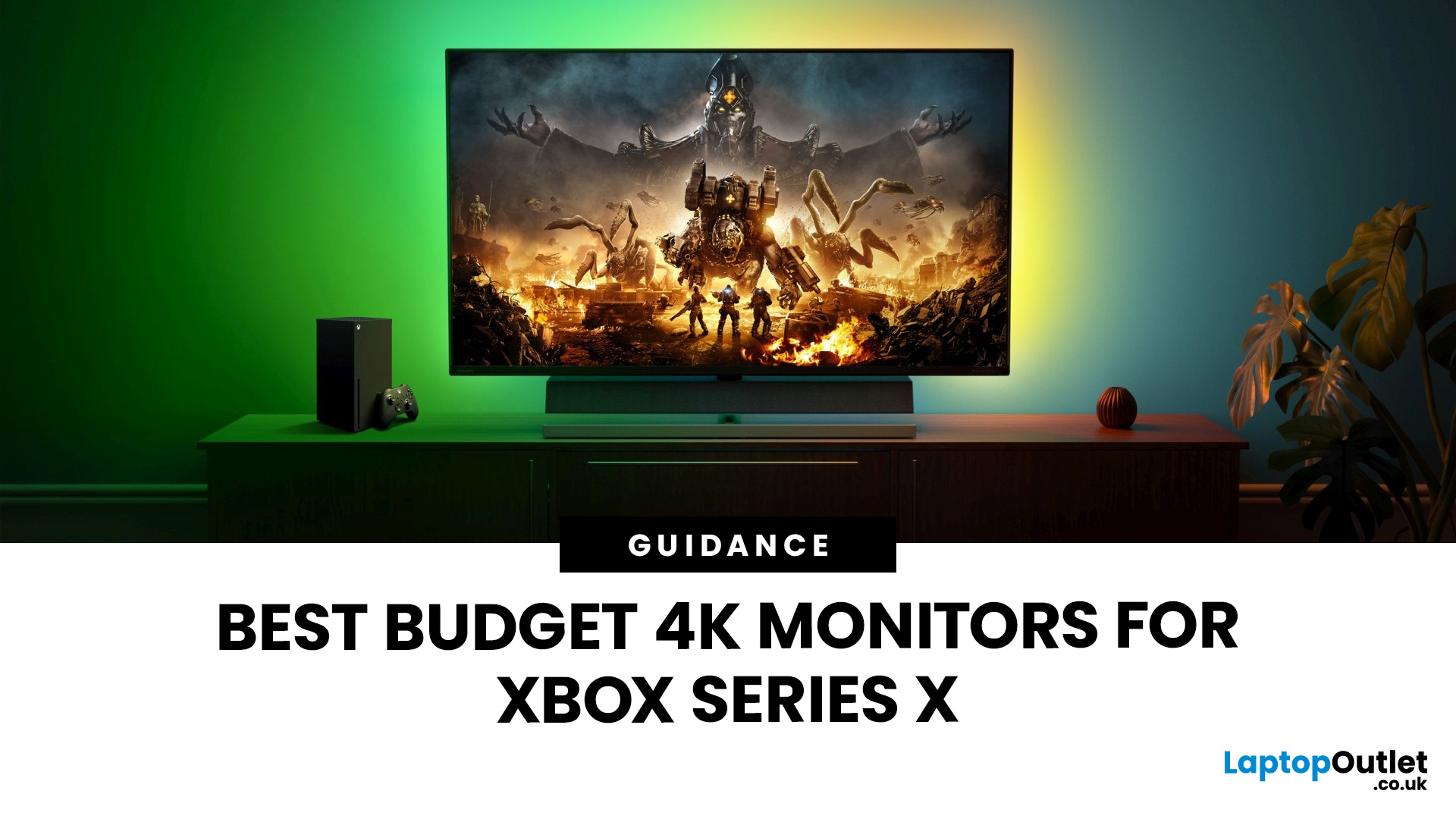
If you're looking to unlock true next-gen performance on your Xbox Series X without stretching your budget, you’re in the right place. The console is capable of extraordinary visuals, which includes from razor-sharp 4K resolution and buttery-smooth 120Hz gameplay to HDR brilliance and ultra-low latency. But to experience these features properly, you need the right display. That’s why we’ve curated a detailed guide to the best budget-friendly 4K monitors for Xbox Series X, helping you choose a display that enhances every moment of your gaming while keeping your wallet happy.
Why a 4K Monitor is Ideal for Xbox Series X
The Xbox Series X was built for 4K gaming. While you can play on lower resolutions, a monitor that fully supports the console’s capabilities will significantly improve your experience. Here’s why a 4K monitor for next-gen consoles is the perfect match:
True 4K Resolution
With a 4K monitor, you get four times the pixel density of 1080p, giving you:
- Sharper textures
- Improved

Last Updated: August 28, 2026
Gaming has changed forever. If you are still using an old LCD screen, you are missing out on the best visuals possible. In 2026, the best OLED gaming monitors have become the gold standard for every serious player. Whether you want a competitive edge in shooters or deep immersion in RPGs, OLED is the answer.
But why is everyone switching? It comes down to speed and colour. OLED panels offer near-instant response times. They also provide "true blacks" that no other screen can match. In this guide, we will look at the top OLED gaming screens available. We will also explain what to look for so you can find the perfect match for your PC or console.
1. AOC Gaming Q27G41ZDF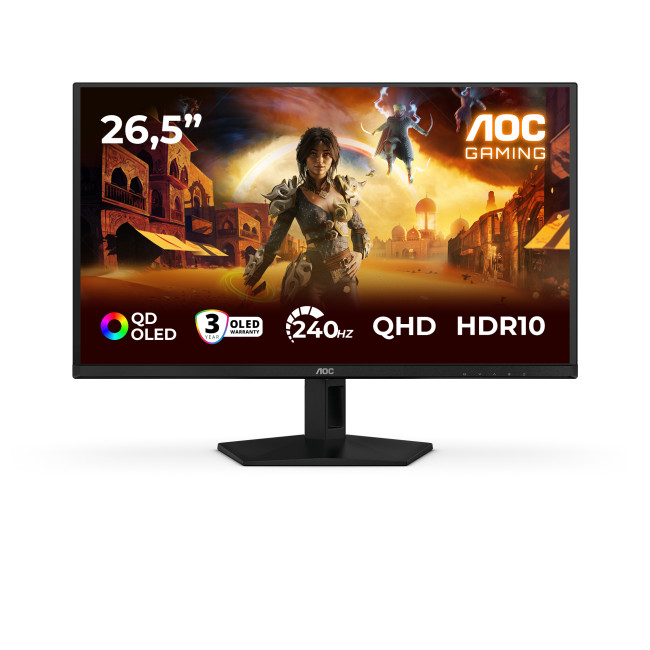
Key Specifications:
- Screen Size: 26.5-inch
- Panel Type: QD OLED
- Resolution: 2560 x 1440 (QHD)
- Refresh Rate: 240Hz
- Response Time: 0.03ms
- Aspect Ratio: 16:9
- Screen Shape: Flat
- Sync Technology: G-SYNC Compatible, Adaptive Sync
- Low Blue Light Technology: Yes
- HDR Standards: HDR10
Last Updated: August 28, 2026
Gaming has changed rapidly over the last few years. In 2026, players demand more than just a clear picture. They want fluid movement, deep colours, and hardware that looks as good as the game itself. This is where Philips Evnia monitors come into play.
The Evnia range was designed to break the "typical gamer" stereotype. These screens combine high-end performance with a sleek, modern aesthetic. Whether you are a competitive esports player or a casual console gamer, there is a model tailored for you.
Finding the right display can be tricky. You have to balance refresh rates, resolution, and panel types. In this guide, we break down the five best Philips monitors for gaming to help you level up your setup.
1. Philips Evnia 24M2N3201A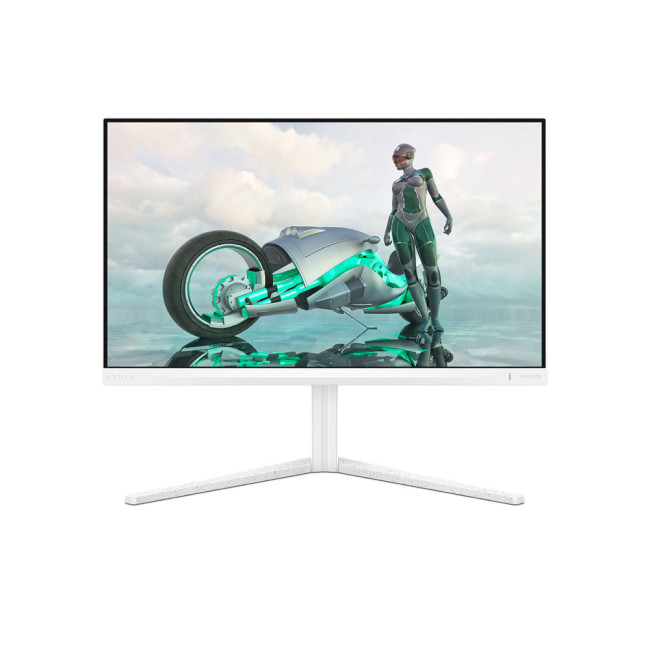
Key Specifications:
- Screen Size: 23.8 Inches
- Panel Type: Fast IPS
- Resolution: Full HD (1920 x 1080)
- Refresh Rate: 180Hz
- Response Time: 1ms (GtG)
- Aspect Ratio: 16:9
- Screen Shape: Flat
- Connectivity: 2x HDMI 2.0, 1x DisplayPort 1.4
- Features: Adaptive Sync,
Last Updated: December 31, 2025
Upgrading your display is one of the smartest ways to refresh your setup for the year ahead. A better monitor can make work feel smoother, games look sharper, and day-to-day browsing far more comfortable, without needing a whole new PC. The good news? You don’t have to pay full retail to get a premium panel. Choosing refurbished is a practical way to access higher specs (4K, OLED, high refresh rates, USB-C portability) for less, while keeping perfectly usable tech in circulation for longer. That’s especially true during New Year promotions, when clearance pricing and seasonal offers often collide. You’ll see everything from portable screens for hybrid work to big-format displays built for entertainment and collaborative spaces.
Classroom-Ready 4K Touch: Refurbished BenQ Education
If you’re upgrading a classroom, meeting room, training space, or collaborative studio, the BenQ RE8601 is a standout. At 86 inches with 4K clarity and interactive touch, it’s built for hands-on presentations,

