



ASUS ProArt & Creator Monitors: Colour-Accurate Displays for Design Teams
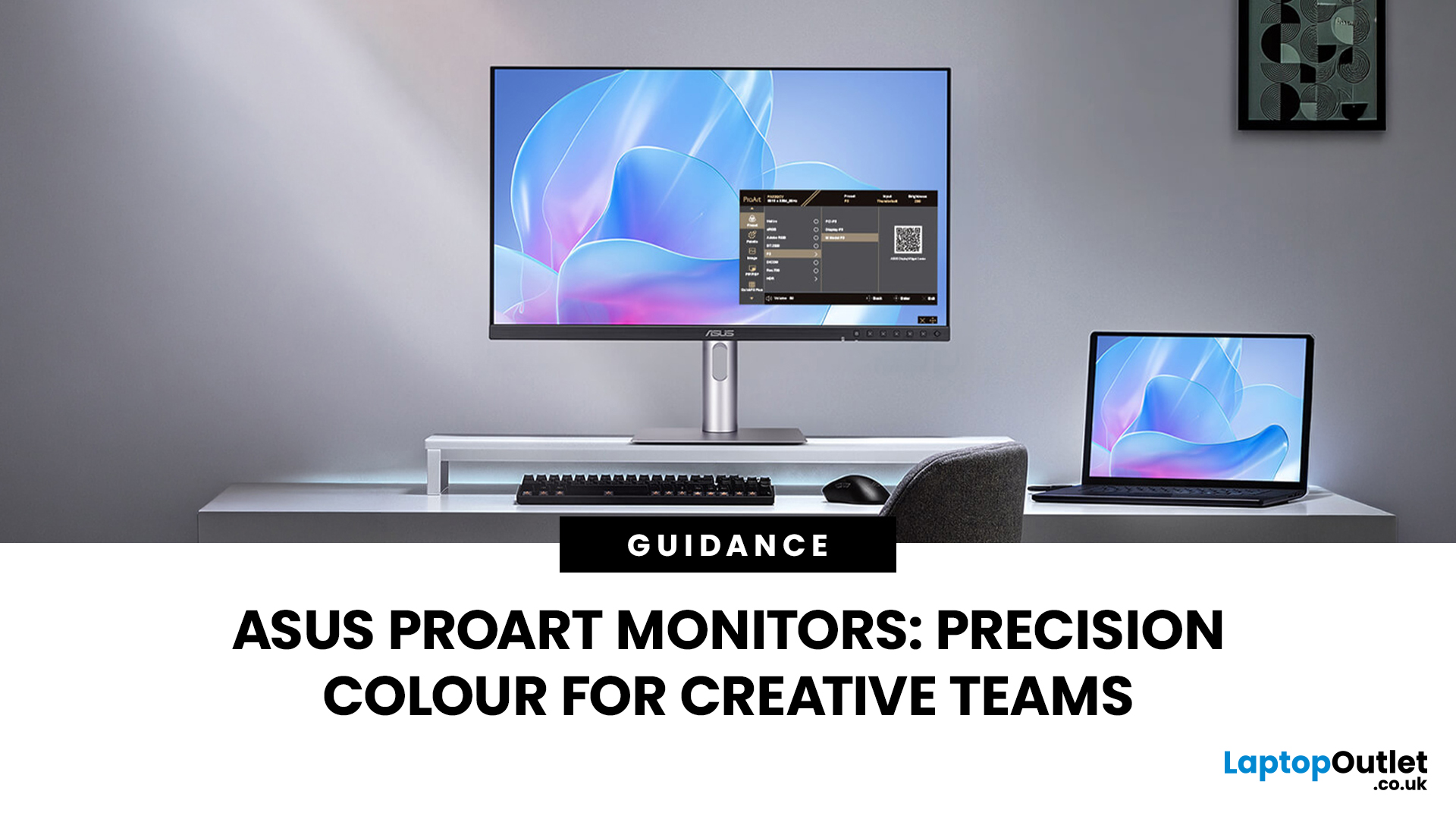
Creative work is more colour-critical than ever and studies show the average designer spends over 7 hours a day staring at a screen. That means your monitor isn’t just a display… it’s basically your studio. If colours are even slightly off, edits don’t match, prints come out wrong, and client work gets messy fast.
That’s where ASUS ProArt monitors come in. Built specifically for creators, they deliver factory-calibrated accuracy, wide colour coverage, and crisp 4K detail that makes photo editing, graphic design, and video workflows feel effortless. Whether you’re running a creative agency, an in-house design team, or a full studio setup, ProArt screens help you work with confidence, not guesswork.
Let’s break down what makes them worth it.
What Creative Teams Need from a Monitor
Not all monitors are built the same and creative teams feel that difference immediately. A standard office screen might be fine for spreadsheets, but when you’re adjusting skin tones, matching brand colours, or colour grading footage, accuracy isn’t optional. It’s everything.
Creative professionals need displays that deliver:
- Consistent colour reproduction
- High resolution for detail work
- Reliable brightness and contrast
- Long-session comfort
That’s why many studios looking for the best monitors for graphic design UK teams move toward purpose-built ASUS creator monitors rather than general office models. The goal isn’t flashy specs, it’s trust. If your monitor shows it, you need to believe it.
Typical Workflows (Photo, Video, 3D, Print)
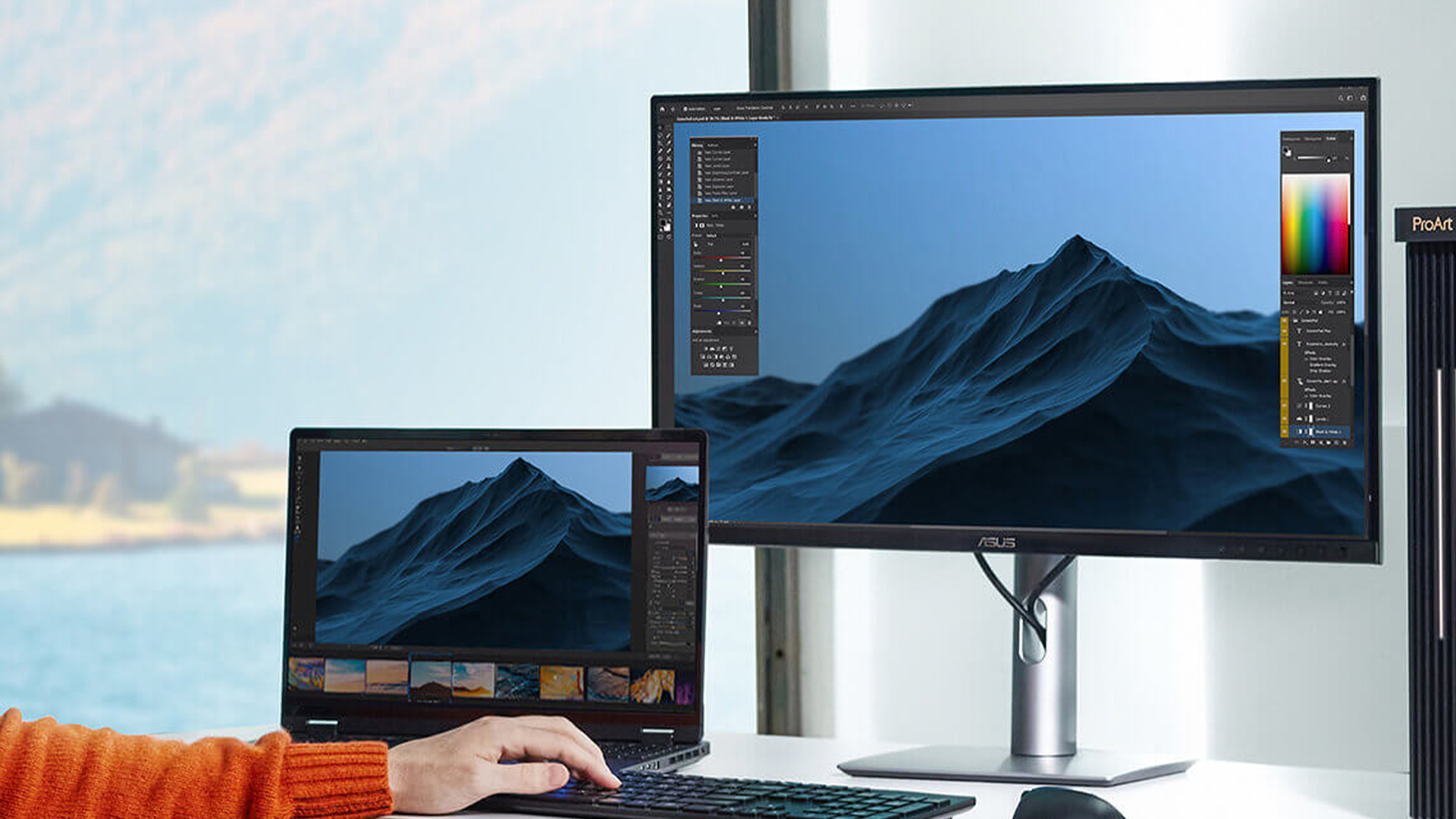
Different creative roles demand different display strengths and this is where monitor choice becomes strategic.
Photo editing
Photographers working in Lightroom or Photoshop rely on subtle tonal differences. An ASUS ProArt monitor for photo editing ensures skin tones, shadows, and highlights stay true-to-life, especially when printing or delivering to clients.
Video editing
For editors and colourists, dynamic range and colour depth matter. An ASUS ProArt for video editing supports wide colour spaces and HDR formats, making grading decisions more accurate and future-proof.
3D & animation
3D artists and motion designers need sharp detail and consistent colour rendering across complex scenes. Wide-gamut panels help preserve visual fidelity across workflows.
Print design
Print teams benefit from AdobeRGB coverage and colour stability, ensuring what’s on-screen matches the final output.
In short, the workflow should dictate the monitor, not the other way around.
Colour Accuracy vs Refresh Rate
Gaming monitors love to shout about 144Hz and ultra-fast response times. Creative monitors? They care about something else entirely, colour precision.
For designers and editors, refresh rate is secondary. What really matters is:
- Wide colour gamut coverage
- Low Delta E (colour accuracy measurement)
- Consistent brightness
- Stable calibration
This is where colour accurate ASUS monitors separate themselves from general-purpose displays. A lower Delta E value means colours are reproduced closer to how they’re meant to appear, which is critical when delivering client-facing work.
Creative teams don’t need ultra-fast frame rates. They need confidence that what they see is correct. That’s the ProArt difference.
Inside ASUS ProArt Technology
ASUS ProArt monitors aren’t just “nice screens”, they’re built around one core idea: creators need colour they can trust. While standard monitors focus on general display quality, ProArt displays are engineered for professional-grade accuracy, consistency, and calibration.
That’s why they’ve become a go-to choice for studios, photographers, editors, and design teams who work in colour-critical environments. From wide colour spaces to factory tuning, ProArt technology is designed t o make sure what you see on-screen is what you actually deliver.
Let’s break down what’s happening under the hood.
Colour Spaces, Delta E & Factory Calibration
Colour accuracy isn’t a vibe, it’s measurable.
ProArt monitors are designed to support professional colour standards, including:
- sRGB (web and digital design)
- AdobeRGB (photography and print workflows)
- DCI-P3 (video production and cinema colour grading)
This matters because different creative industries work in different colour spaces. A display that can’t cover them properly can lead to dull, inaccurate, or inconsistent results.
Another key metric is Delta E, which measures how closely a monitor reproduces “true” colour. Most ASUS ProArt monitors are factory calibrated with Delta E values below 2, meaning colour differences are nearly invisible to the human eye.
That factory tuning is a huge win for teams, because it reduces guesswork and ensures consistency across projects, especially when multiple designers are working on the same brand assets.
This is also where ASUS ProArt calibration becomes a major advantage: ProArt displays are built with long-term accuracy in mind, not just day-one performance.
HDR Formats and Bit Depth
Modern creative workflows aren’t limited to standard colour anymore, especially in video.
Many ProArt models support HDR formats such as HDR10, which allows for:
- Brighter highlights
- Deeper contrast
- More realistic visual depth
For editors working on premium content, HDR support helps ensure footage looks correct not just on your timeline, but on modern streaming and broadcast displays.
Bit depth is another major factor.
A typical consumer monitor may only support 8-bit colour, which can cause banding in gradients. ProArt displays often support 10-bit colour, allowing for smoother transitions and far more accurate shading, especially useful in colour grading, retouching, and cinematic editing.
Pair that with a sharp 4K ASUS ProArt display, and you get the clarity and precision creative professionals need for detailed work, whether you're designing, editing, or finishing high-end content.
ASUS ProArt vs Standard ASUS Monitors
At first glance, many ASUS monitors might look similar. They’re sleek, high-resolution, and well-built. So the obvious question is: why pay more for ProArt?
The difference comes down to purpose.
Standard ASUS monitors are excellent for office productivity, general use, and even light creative tasks. But ASUS ProArt monitors are engineered specifically for colour-critical workflows, where accuracy isn’t just helpful, it’s essential.
If your work directly impacts client branding, print output, or video delivery, the difference becomes noticeable fast.
Key Spec Differences
Here’s where ProArt separates itself:
Factory Calibration
ProArt monitors are individually factory calibrated to ensure high colour accuracy out of the box. Many standard displays are not tuned to that level.
Wider Colour Gamut
ProArt models typically offer higher coverage of AdobeRGB and DCI-P3, while general monitors may focus mainly on sRGB.
Lower Delta E Values
With Delta E < 2 on many models, ProArt displays offer colour reproduction that’s far closer to industry reference standards.
10-bit Colour Support
For editors and designers working with gradients and cinematic content, this matters more than refresh rate.
Creator-Focused Ergonomics & Connectivity
USB-C support, clean cable management, and professional build quality make ProArt displays better suited for studio setups.
If you’re comparing broader colour accurate ASUS monitors, ProArt models sit at the premium end of that spectrum, specifically tuned for creative accuracy rather than general use.
When ProArt Is Worth the Extra Budget
ProArt monitors aren’t necessary for every user. But they are absolutely worth it when:
- You deliver client-facing creative work
- You work in print and need AdobeRGB precision
- You colour grade video professionally
- Your team requires consistent output across multiple workstations
- Brand colour accuracy is critical
For freelancers doing occasional design work, a standard high-quality ASUS monitor might be sufficient. But for agencies, studios, and professional creative teams, the added calibration, gamut coverage, and colour stability of ProArt monitors justify the investment.
If you’re still weighing options, it can also help to compare different models across the wider ASUS range - including insights from guides like the breakdown of the best ASUS monitors for gaming and work, to understand where ProArt fits within the ecosystem.
In short: if colour accuracy directly impacts your deliverables, ProArt isn’t overkill, it’s insurance.
Choosing the Right ProArt Display by Role
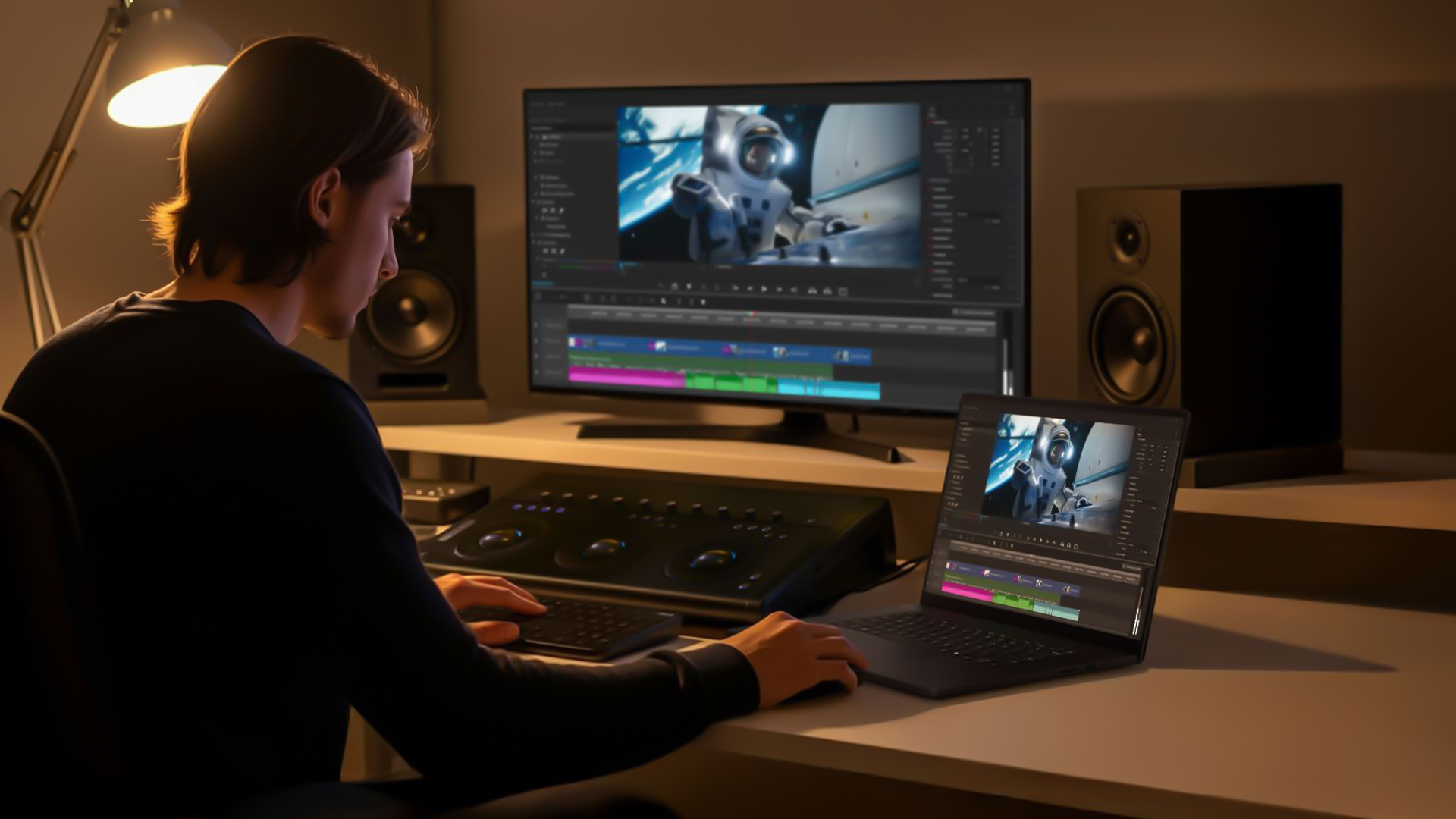
Not every creative professional needs the same monitor and that’s exactly why the ProArt lineup includes multiple models. The right display depends on what you create, how you deliver work, and how colour-critical your output needs to be.
Instead of asking “Which ProArt is best?”, the smarter question is: Best for what role?
Here’s how to break it down.
For Photographers
Photographers care about tonal precision, skin accuracy, and print consistency. If you’re editing RAW files in Lightroom or retouching in Photoshop, even slight colour shifts can throw off final output.
An ASUS ProArt monitor for photo editing should prioritise:
- High AdobeRGB coverage
- Low Delta E accuracy
- 4K resolution for detail clarity
- Consistent brightness across the panel
A 27-inch 4K panel is often the sweet spot for photographers, large enough for detail work without overwhelming desk space. A sharp 4K ASUS ProArt display allows you to zoom into fine textures, gradients, and shadow details without pixel distortion.
For print workflows especially, AdobeRGB coverage is essential to ensure on-screen edits translate accurately to physical output.
For Video Editors & Colourists
Video teams have slightly different needs. Colour grading, HDR workflows, and cinematic timelines require strong contrast control and wide colour support.
An ASUS ProArt for video editing should include:
- DCI-P3 colour coverage
- 10-bit colour depth
- HDR support (HDR10 or similar)
- Reliable brightness consistency
- USB-C connectivity for streamlined laptop setups
Video editors benefit heavily from larger screens, often 27-inch or above, especially when managing timelines, preview windows, and grading panels simultaneously.
For colourists working in professional environments, investing in a high-end ProArt model ensures smoother gradients, more accurate highlights, and better long-term colour reliability.
For Graphic and Web Designers
Graphic and web designers often work primarily in sRGB environments, especially for digital-first content.
For these teams, the focus should be on:
- Accurate sRGB reproduction
- Crisp resolution (QHD or 4K)
- Comfortable long-session viewing
- Adjustable ergonomics
Designers in UK agencies searching for the best monitors for graphic design UK teams typically benefit from ProArt models that balance colour precision with practical usability.
While ultra-wide colour spaces may not always be necessary for web-only design, factory calibration still ensures brand colours remain consistent across campaigns and deliverables.
For teams collaborating on shared assets, colour consistency becomes more important than raw specs, which is where ProArt’s tuning advantage stands out.
Calibration & Colour Management Across Teams

For solo creators, colour accuracy is a personal workflow advantage. For studios and design teams, it becomes something bigger: consistency across people, devices, and deliverables.
When multiple designers, editors, or departments collaborate on the same project, mismatched monitors can lead to inconsistent results, colours that look right on one screen but wrong on another. That’s why calibration and shared colour management are key reasons creative teams invest in ASUS ProArt monitors.
Using ProArt Calibration Tools
Many ProArt displays are built with calibration support in mind, helping teams maintain accuracy over time rather than relying on day-one factory tuning alone.
ProArt monitors often include:
- Dedicated creator preset modes
- Calibration-ready workflows
- Long-term colour stability for professional environments
This is where ASUS ProArt calibration becomes especially valuable. Regular calibration ensures colour accuracy stays consistent across months or years of use — critical for agencies delivering client-facing work.
For teams handling print proofing or high-end video output, this level of control isn’t a bonus, it’s part of professional standards.
Shared Profiles and Colour Consistency
In studio environments, colour management works best when it’s standardised.
Creative teams can benefit from:
- Shared ICC profiles across workstations
- Consistent colour output between departments
- Reliable matching between digital and print deliverables
- Reduced revision cycles caused by display variation
When every screen in the workflow is aligned, teams spend less time fixing colour mismatches and more time creating confidently.
That’s why ProArt displays are trusted not just by individuals, but by creative studios scaling across multiple editors, designers, and production roles.
Recommended ASUS ProArt & Creator Monitors from Laptop Outlet
Once you know what to prioritise, colour accuracy, calibration, HDR, and resolution, the next step is choosing the right model for your team’s budget and workflow.
Laptop Outlet offers a strong range of ASUS ProArt monitors suited for photographers, editors, designers, and creative studios across the UK.
Below are key tiers to consider.
Starter Options
For junior designers, small teams, or entry-level creative work, starter ProArt models provide the core benefits that matter most:
- Factory calibration
- Reliable sRGB accuracy
- Comfortable IPS panels
- Strong value for studio rollouts
These are ideal for teams upgrading from standard office displays to true colour accurate ASUS monitors without jumping straight into flagship pricing.
Mid-Tier Studio Picks
Mid-range ProArt displays offer the best balance for most creative departments, combining resolution, connectivity, and professional-grade accuracy.
A standout example is the ASUS ProArt PA279CV, a sharp 27-inch 4K creator display with USB-C support, ideal for studios that need both clarity and workflow efficiency.
Creative teams looking for a reliable 4K ASUS ProArt display can explore options like the PA279CV as a strong studio-ready choice.
Flagship Displays for Colour-Critical Work
For colourists, print-focused studios, and high-end production environments, flagship ProArt monitors deliver premium features such as:
- Wider DCI-P3 and AdobeRGB coverage
- HDR support
- Higher brightness consistency
- Advanced calibration workflows
These displays are best suited for teams where colour accuracy directly affects final delivery, such as grading suites, professional photography studios, or print proofing departments.
For broader browsing, teams can also explore the full range of colour-accurate ASUS monitors across ASUS’s wider monitor portfolio.
Top ASUS ProArt Picks at Laptop Outlet for Creative Studios
If you’re ready to invest in colour confidence, these standout ASUS ProArt monitors represent some of the strongest options available for UK creative teams. From compact studio setups to flagship colour-grading environments, each model below delivers the accuracy, resolution, and calibration support that designers, photographers, and editors rely on daily.
Starter ProArt Pick - ASUS ProArt PA247CV (23.8″)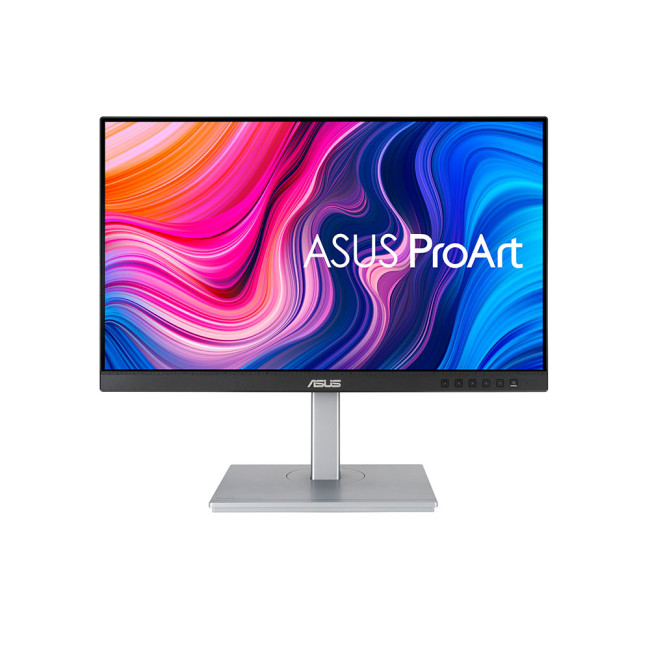
Highlight:
- 23.8" Full HD Display, IPS, 1920 x 1080 Max. Resolution
- 5 ms Response Time, 75 Hz Refresh Rate
- 16:9 Aspect Ratio
- 1x HDMI 1.4 | DisplayPort | USB C
- Black Silver Colour
For smaller workstations, junior designers, or teams just upgrading from standard office screens, the ASUS ProArt PA247CV 23.8″ is an excellent entry-level choice. It delivers reliable colour accuracy straight out of the box, built-in speakers for quick previews, and USB-C connectivity for streamlined workflows, ideal for photo editing, web design, and everyday creative tasks.
This model is a great way to bring the benefits of colour accurate ASUS monitors into your studio without overinvestment.
Mid-Tier Studio Pick - ASUS ProArt PA328QV (31.5″ QHD)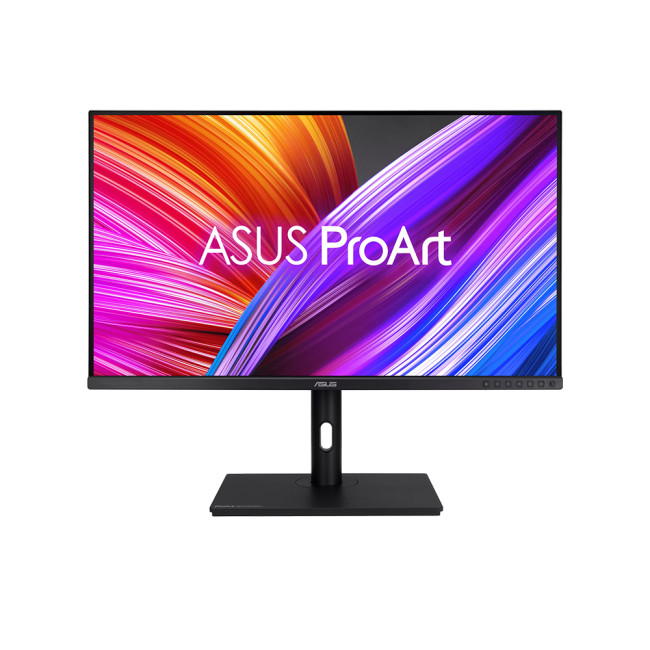
Highlight
- Height Adjustable Stand to 130mm
- 2 x 2W Built-In Speakers
- 31.5" Quad HD Display, IPS, 2560 x 1440 Max. Resolution
- 5 ms Response Time, 75 Hz Refresh Rate
- 16:9 Aspect Ratio
- 2 x HDMI | DisplayPort | USB
- Black Colour
Stepping up for more demanding creative work, the ASUS ProArt PA328QV 31.5″ is a powerhouse for multidisciplinary teams. Its large panel and Quad HD resolution give you extra screen real estate for timelines, layered compositions, and detailed photo edits. With wide gamut colour support and strong calibration performance, this display hits the sweet spot for photo editors, graphic designers, and even mid-level video workflows.
Flagship Colour-Critical Display - ASUS ProArt PA32UCDM (32″ 4K)
Highlight
- Height Adjustable Stand to 130mm
- 2x 3W Built-in Speakers
- 31.5" 4K Ultra HD Display, QD-LED, 3840 x 2160 Max. Resolution
- 0.1 ms Response Time, 240 Hz Refresh Rate
- 16:9 Aspect Ratio
- 1x HDMI 2.1 | USB-C | USB | Thunderbolt
- Silver Colour
For colourists, film editors, and studios where every shade matters, the ASUS ProArt PA32UCDM 32″ is a flagship display built for professional-grade colour work. With 4K resolution, advanced HDR performance, and industry-leading colour accuracy, it excels in high-end photo editing, video grading, and proofing workflows.

Conclusion: Why ProArt Is the Studio Standard for Colour Accuracy
In creative work, colour isn’t subjective, it’s part of the deliverable. Whether you’re editing photos, grading video, designing brand assets, or preparing print-ready projects, your monitor needs to show the truth.
That’s exactly what ASUS ProArt monitors are built for: factory-calibrated confidence, wide colour coverage, and professional-grade features that support real studio workflows.
For UK design teams, agencies, and creative departments, ProArt displays offer a long-term investment in consistency, accuracy, and smoother collaboration.
Creative professionals can explore the latest ASUS ProArt monitors, including colour-focused studio displays like the PA279CV, through Laptop Outlet’s creator-ready ASUS range.

Frequently Asked Questions
Are ASUS ProArt monitors suitable for colour-critical print work?
Yes. Many ProArt models support AdobeRGB colour spaces and factory calibration, making them highly suitable for print workflows where accurate proofing is essential.
Do ASUS ProArt monitors come pre-calibrated?
Most ASUS ProArt monitors are factory calibrated out of the box, typically achieving Delta E values below 2. This provides immediate accuracy for professional use.
What size monitor is best for video editing?
For most editors, 27 inches is the sweet spot, especially when paired with 4K resolution. Larger displays can benefit colourists and teams working with complex timelines.
Can ProArt monitors be hardware calibrated?
Many ProArt models support calibration workflows designed for long-term accuracy, making them suitable for studios that require consistent colour performance over time.
Is a ProArt monitor overkill for basic graphic design?
Not necessarily. While ProArt is built for colour-critical work, even everyday designers benefit from accurate brand colours, consistent output, and reduced eye strain. For casual or non-professional use, however, standard monitors may be sufficient.
Related Articles

Last Updated: August 04, 2026
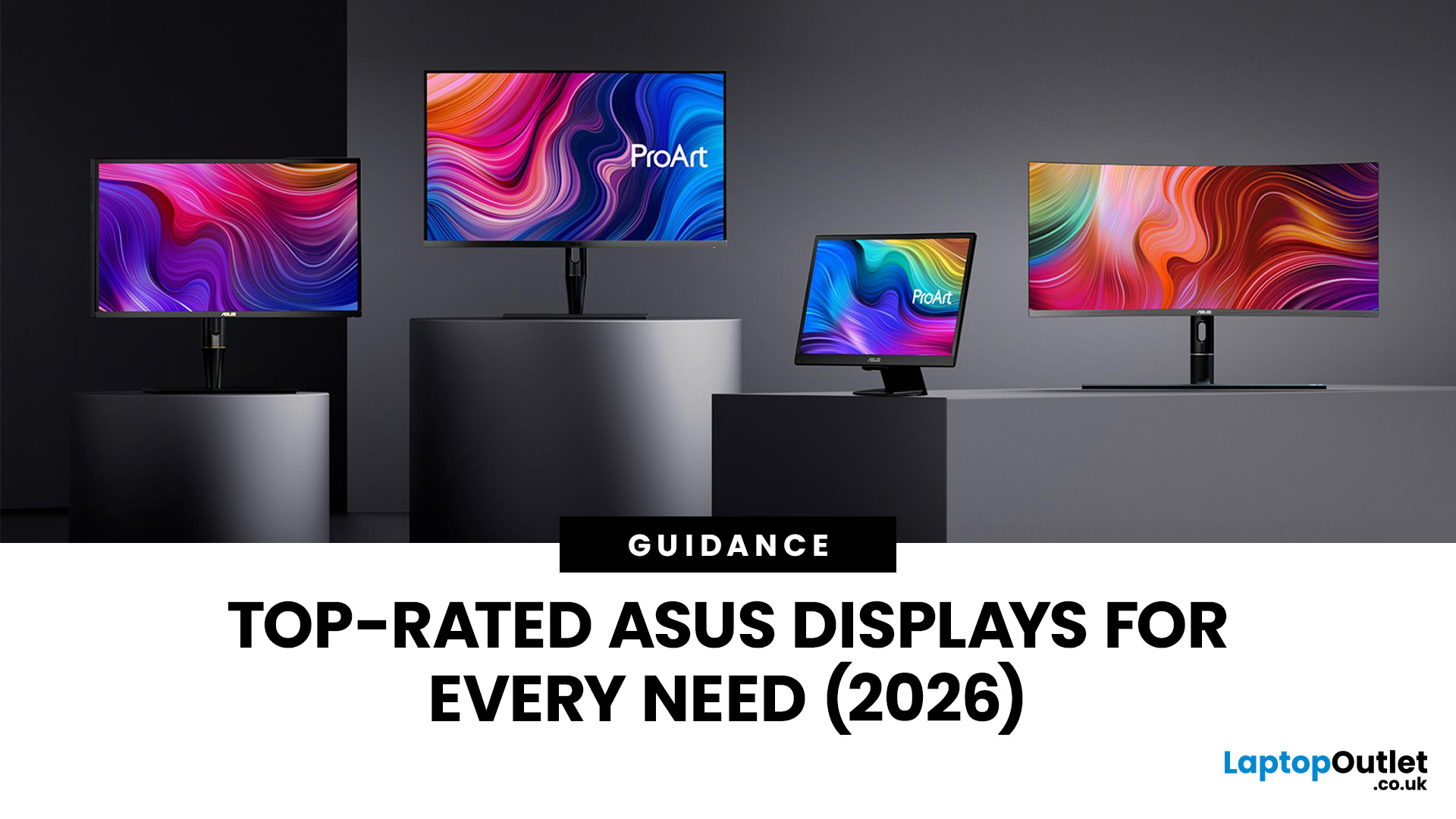
Choosing the right monitor makes a real difference. Whether you're gaming at high frame rates, editing photos, or managing spreadsheets all day, the display in front of you shapes your entire experience.
ASUS has become one of the most trusted monitor brands in the UK — and for good reason. Their line-up covers everything from portable office screens to ultrawide gaming monitors and colour-accurate displays for creative work.
In this guide, we've broken down the best ASUS monitors for 2026 by use case, so you can find exactly what you need, fast.
Best ASUS Monitors for Office Workers
Office monitors need to be reliable, comfortable, and practical. ASUS's business and ZenScreen ranges tick every box, offering everything from portable displays to large 4K screens designed for long working days.
1. ASUS ZenScreen Go MB16AHP — Best Portable Office Monitor
- Screen Size: 15.6"
- Panel Type: IPS
- Resolution: 1920 x 1080 (Full HD)
- Refresh Rate: 60 Hz
- Response Time: 5 ms
- Brightness: 220

Last Updated: April 08, 2026
Halloween’s here and while most people are stocking up on sweets, the real treats are happening over at Laptop Outlet’s Halloween Sale. If you’ve been eyeing a new monitor, this is your moment. The discounts this year are no joke: from affordable 60 Hz office screens to lightning-fast 400 Hz gaming beasts, prices are dropping faster than a horror-movie jump scare.
Whether you’re chasing smoother frames, better colours, or a proper upgrade for your setup, this sale has something for every type of user. Think premium displays from trusted brands, curved and ultrawide options, and refresh rates that make your old monitor feel prehistoric.
Over the next few minutes, we’ll walk you through the best picks across every price and performance tier, so you can upgrade smartly before these Halloween deals disappear into
Why Halloween Is the Best Time to Snag a Monitor
Here’s the thing: Halloween has quietly become the underrated season for tech deals. While everyone’s waiting for Black Friday, Laptop

Last Updated: August 25, 2026
A bigger monitor gives you more room to work, watch and play, but wider flat screens can place their outer edges noticeably farther from your natural viewing position. Curved monitors address this by bringing those edges towards you, creating a more cohesive view across the screen.
That difference is useful far beyond gaming. From managing multiple work windows to editing timelines, watching films or creating a more immersive setup, the right curved monitor can make a large display feel easier and more engaging to use.
What Makes a Curved Monitor Different?
Curved computer displays change the relationship between your eyes and a wide screen. Instead of stretching straight across the desk, the edges angle gently towards your viewing position.
Monitor curvature is measured using figures such as 1000R, 1500R and 1800R. The number represents the radius of the curve in millimetres, with a lower number indicating a tighter, more pronounced curve.
| Curvature | How It Feels | Often Suited To |
| 800R-1000R |
Last Updated: May 06, 2026
Buying a certified refurbished monitor can feel like discovering a hidden gem. You get the same premium performance as a brand-new product, but at a fraction of the price. Still, many shoppers wonder, “How do I know it’s really been tested and certified properly?”
At Laptop Outlet, we believe that refurbished does not mean second-best. Our refurbished monitors are carefully tested, restored, and certified to deliver the same level of reliability, performance, and visual quality you would expect from a new device.
Here is a closer look at how our refurbished monitor testing process works, how each unit is certified, and what that certification means for you.
What are Refurbished Monitors?
Refurbished monitors are not “used” in the everyday sense. They’re often returns, display models, or items that have been opened but never actually used. Some may have had minor cosmetic imperfections or packaging damage, while others might simply be surplus stock.
Before these monitors reach our customers,

Published: November 19, 2025
Display technology has come a long way, from bulky CRTs to razor-thin, high-definition screens. In today’s tech landscape, two contenders are leading the race for the future of visual excellence: Mini-LED and OLED monitors. Both offer stunning image quality and advanced engineering, but each has unique strengths that make it better suited for specific users and use cases.
Understanding the Display Technology
Before comparing performance, it’s important to understand how each display type works.
What is OLED?
OLED (Organic Light Emitting Diode) technology uses pixels that emit their own light. Each pixel can turn on or off independently, producing perfect blacks and infinite contrast. Because there’s no backlight, OLED displays are thin, power-efficient (for darker content), and capable of exceptional colour accuracy.
What is Mini-LED?
Mini-LED (Mini Light Emitting Diode) is an evolution of traditional LED-backlit LCD screens. Instead of a few large LEDs behind the panel, Mini-LED displays
Last Updated: August 24, 2026
Choosing between dual-mode and standard gaming monitors is becoming a key decision for gamers seeking better speed, visuals, and flexibility. As display technology advances, players now expect sharper colour, higher refresh rates, smoother motion, and features that adapt to different gaming styles.
Dual-mode monitors add a new option by offering two performance profiles in one screen, while standard gaming monitors remain popular for their simplicity and value. So, which is right for you? This guide compares their features, performance, benefits, and real-world uses to help you choose confidently, whether you play competitive shooters or immersive story-driven games at home.
Understanding the Basics: What are Dual Mode Gaming Monitors?
Dual mode gaming monitors are a relatively new category that provide two optimised display profiles within the same screen. These modes usually include:
1. A High-Resolution Mode
This mode might support 4K displays for gamers, or QHD resolution, higher brightness,

Published: November 24, 2025
The gaming landscape in 2025 is more advanced than ever, and at the centre of every elite gaming setup lies one essential component, the monitor. Performance-focused gamers now have new demands: adaptability, fluid responsiveness, and pinpoint accuracy tailored to various game genres. This is where dual mode gaming monitors stand out. Designed to deliver extraordinary flexibility, they allow you to switch between ultra-high-resolution visuals and lightning-fast frame rates depending on your playstyle.
What Are Dual Mode Gaming Monitors?
Dual mode gaming monitors are cutting-edge displays with the ability to switch between two distinct performance profiles:
- High-resolution mode – ideal for immersive open-world titles, with sharp visuals and cinematic detail.
- High refresh rate mode – optimised for competitive and fast-paced gameplay, where responsiveness and precision are key.
This new category bridges the gap between high-resolution gaming monitors for sharp visuals and high refresh rate
Last Updated: June 15, 2026
One monitor, two personalities; perfectly tuned for any game.
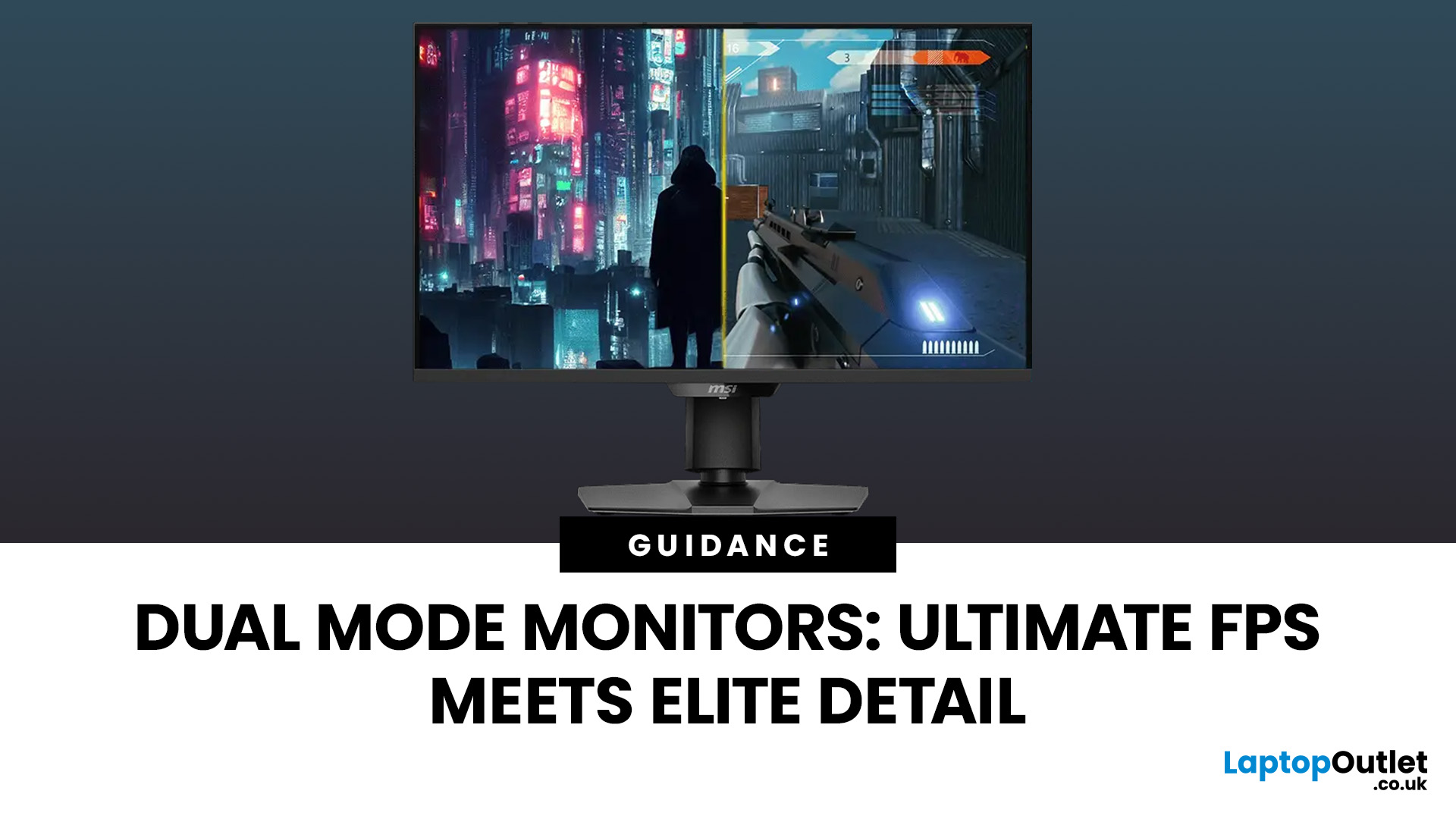
For years, gamers have faced a tough choice: do you pick a monitor with crystal-clear display and high resolution, or one with fast refresh rates for maximum speed? Trying to achieve both usually meant compromising on one side. That compromise is now a thing of the past, thanks to the dual mode gaming monitor.
This cutting-edge technology gives you the power to switch instantly between two different display modes, each optimised for a specific type of gaming. This simple switch can genuinely help improve FPS and dramatically enhance your overall visual quality.
If you want to know how dual mode gaming monitors improve FPS & visual quality, read on.
What Exactly are Dual Mode Gaming Monitors?
Before we get to the nuts and bolts of why dual mode monitor performance is so remarkable, let's nail down what they are.
A dual mode gaming monitor is a single display that has the unique, built-in ability to switch between two distinctly
Last Updated: August 12, 2026
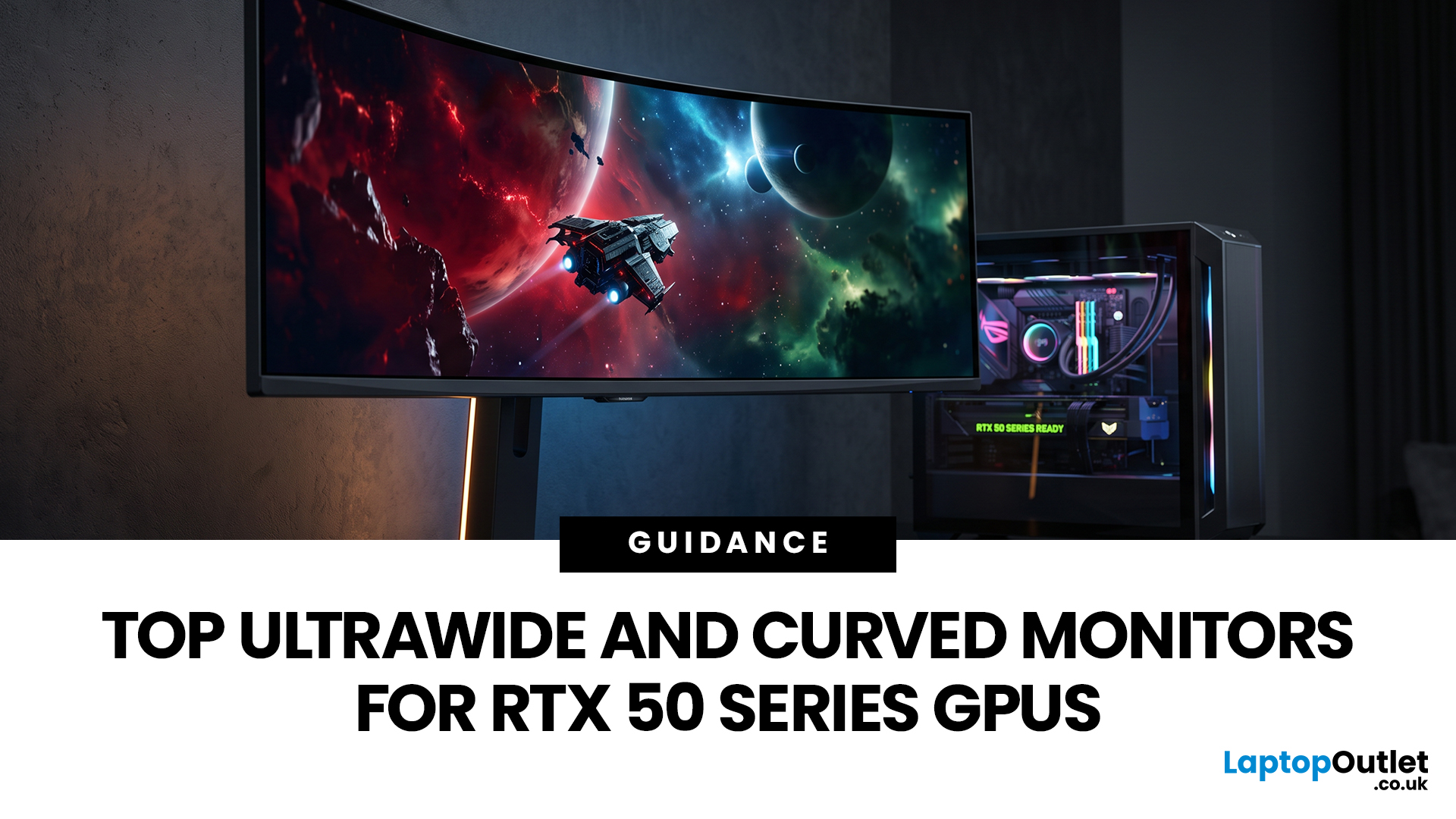
Picking a monitor for an RTX 50 Series GPU isn’t just about chasing the highest refresh rate, it’s about getting the right vibe for your setup. Think resolution, panel type and aspect ratio that actually match how you game, how powerful your RTX 5080 or RTX 5070 Ti is, and how much space you’ve got on your desk.
If you’re on an RTX 5080, a massive 49-inch 5120 × 1440 ultrawide hits different for immersive racing, sim and open-world gameplay. The RTX 5070 Ti feels right at home on a 34-inch 3440 × 1440 ultrawide, while a compact QHD curved monitor is perfect if you want smooth, high-refresh gaming on a budget.
Quick Comparison
| Best For | Monitor | Screen and Resolution | Refresh Rate | Panel | Main Strength | Consider Before Buying |
| RTX 5080 | Philips Evnia 49M2C8900 | 48.9-inch, 5120 × 1440, 32:9 | 240Hz | QD-OLED | Maximum immersion with OLED picture quality | Requires substantial desk space and strong GPU performance |
| RTX 5070 Ti | AOC G4 CU34G4Z | 34-inch, 3440 × 1440, 21:9 | 240Hz | Fast VA | Strong balance of speed, |
Last Updated: September 01, 2026
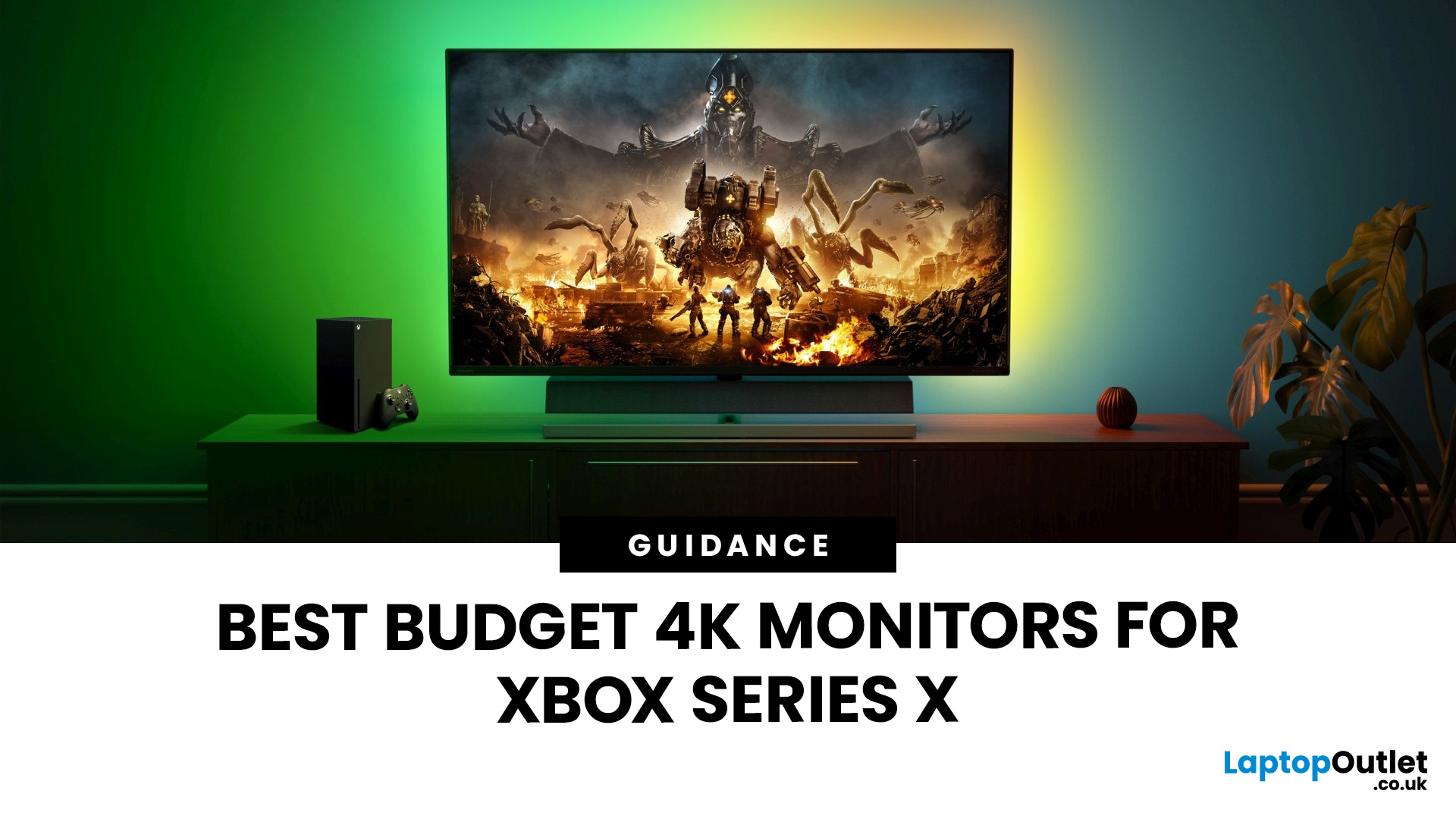
If you're looking to unlock true next-gen performance on your Xbox Series X without stretching your budget, you’re in the right place. The console is capable of extraordinary visuals, which includes from razor-sharp 4K resolution and buttery-smooth 120Hz gameplay to HDR brilliance and ultra-low latency. But to experience these features properly, you need the right display. That’s why we’ve curated a detailed guide to the best budget-friendly 4K monitors for Xbox Series X, helping you choose a display that enhances every moment of your gaming while keeping your wallet happy.
Why a 4K Monitor is Ideal for Xbox Series X
The Xbox Series X was built for 4K gaming. While you can play on lower resolutions, a monitor that fully supports the console’s capabilities will significantly improve your experience. Here’s why a 4K monitor for next-gen consoles is the perfect match:
True 4K Resolution
With a 4K monitor, you get four times the pixel density of 1080p, giving you:
- Sharper textures
- Improved

