



Future Displays: Mini-LED vs OLED Monitors Compared

Display technology has come a long way, from bulky CRTs to razor-thin, high-definition screens. In today’s tech landscape, two contenders are leading the race for the future of visual excellence: Mini-LED and OLED monitors. Both offer stunning image quality and advanced engineering, but each has unique strengths that make it better suited for specific users and use cases.
Understanding the Display Technology
Before comparing performance, it’s important to understand how each display type works.
What is OLED?
OLED (Organic Light Emitting Diode) technology uses pixels that emit their own light. Each pixel can turn on or off independently, producing perfect blacks and infinite contrast. Because there’s no backlight, OLED displays are thin, power-efficient (for darker content), and capable of exceptional colour accuracy.
What is Mini-LED?
Mini-LED (Mini Light Emitting Diode) is an evolution of traditional LED-backlit LCD screens. Instead of a few large LEDs behind the panel, Mini-LED displays use thousands of tiny LEDs divided into local dimming zones. This allows for improved contrast, deeper blacks, and higher brightness than conventional LED displays, while avoiding some of OLED’s drawbacks, such as burn-in risk.
Brightness and Contrast
OLED: Perfect Blacks, Lower Brightness
OLED monitors excel in contrast. Since each pixel emits its own light, they can completely turn off to produce true black levels, something backlit displays can’t replicate. This makes them ideal for watching movies or editing high-contrast visuals.
However, OLED panels typically struggle to reach the same brightness levels as Mini-LEDs, which can be an issue in brightly lit environments.
Mini-LED: Exceptional Brightness and Dynamic Range
Mini-LED displays can reach much higher peak brightness (sometimes exceeding 1,000 nits or more), making them excellent for HDR content and well-lit offices. While they can’t achieve perfect blacks like OLEDs, the large number of local dimming zones minimises haloing and creates impressive contrast.
Verdict:
- OLED wins for pure black levels and cinematic contrast.
- Mini-LED wins for brightness and outdoor visibility.
Colour Accuracy and Image Quality

Both technologies deliver stunning visuals, but their strengths differ slightly.
OLED: Superior Colour Precision
OLED’s self-emissive pixels allow for precise colour control and uniform illumination. This results in superior colour accuracy, especially in darker shades and gradients. For photographers, video editors, and digital artists, OLED displays often provide a more natural representation of tones.
Mini-LED: Wide Colour Gamut with HDR Advantage
Mini-LED monitors support wide colour gamuts (often 100% DCI-P3) and can handle HDR content beautifully, thanks to their high brightness levels. However, because of the underlying LCD layer, they may show slight blooming around bright objects on dark backgrounds.
Verdict:
- OLED is ideal for colour-critical work.
- Mini-LED is perfect for HDR-heavy applications like video playback or gaming.
Lifespan and Burn-In Resistance
OLED: Risk of Burn-In
One of OLED’s well-known issues is image retention or burn-in, where static elements (like taskbars or HUDs) can leave a faint ghost image over time. Modern OLEDs include pixel-shifting and screen refresh technologies to minimise this, but heavy static use, such as spreadsheets or constant UI exposure, can still pose a risk.
Mini-LED: Longer Lifespan
Mini-LED displays use inorganic backlights, meaning they’re not susceptible to burn-in. This makes them more reliable for long-term productivity or business use, especially where static content is displayed for hours.
Verdict:
- OLED offers better image quality but needs care to avoid burn-in.
- Mini-LED is more durable for extended or static use.
Response Time and Gaming Performance
OLED: Instant Response and True Blacks
Gamers love OLEDs for their near-instant response times (as low as 0.1 ms). Combined with perfect blacks and smooth motion handling, OLED monitors deliver unmatched immersion, especially in dark, fast-paced games. Variable refresh rate (VRR) support on OLEDs also ensures minimal screen tearing.
Mini-LED: High Refresh with Slight Lag
Mini-LED monitors have improved significantly, offering refresh rates up to 240Hz and fast response times. However, they still rely on LCD technology, so transitions may not be as instantaneous as OLED. On the plus side, Mini-LED’s superior brightness makes gaming in bright environments more comfortable.
Verdict:
- OLED dominates in response and visual immersion.
- Mini-LED is better suited for bright rooms and consistent performance.
Power Efficiency
OLED: Efficient in Dark
Since OLED pixels turn off when displaying black, they consume less power for darker images. However, power usage can spike when showing bright or white content (like documents or websites).
Mini-LED: Consistent but Power-Hungry
Mini-LEDs maintain consistent power draw since the backlight is always active, even when showing dark content. This means slightly higher energy consumption overall, though improved efficiency in modern designs is narrowing the gap.
Verdict:
- OLED is more power-efficient in dark or cinematic settings.
- Mini-LED consumes more power but remains steady across content types.
Price and Availability
OLED: Premium but Falling in Cost
OLED monitors were once reserved for luxury users, but prices are dropping rapidly. Still, they tend to remain more expensive due to manufacturing complexity and lower production yields.
Mini-LED: Balanced Value
Mini-LED monitors are typically more affordable for larger displays with premium brightness levels. They’re also becoming the go-to choice for high-end professional and gaming monitors from brands like ASUS, Dell, and Apple.
Verdict:
- OLED is a luxury option for perfectionists.
- Mini-LED offers excellent value for performance and durability.
Choosing Between Mini-LED and OLED
When deciding between Mini-LED vs OLED monitors, the best choice depends on your priorities:
|
Use Case |
Recommended Display |
Reason |
|
Professional Content Creation |
OLED |
Superior colour accuracy and black levels |
|
Office Productivity |
Mini-LED |
Better brightness, durability, and no burn-in |
|
Gaming Enthusiasts |
OLED |
Fast response times and immersive contrast |
|
Mixed Usage / HDR Content |
Mini-LED |
Balanced performance and cost efficiency |
|
Bright Environments |
Mini-LED |
High brightness and better visibility |

Bottom Line
The Mini-LED vs OLED monitor debate highlights how far display technology has evolved. OLED reigns supreme for cinematic visuals and colour precision, while Mini-LED shines in brightness, longevity, and all-around reliability. Ultimately, the best monitor is the one that aligns with your needs, whether it’s pixel-perfect colour for creative work or powerful brightness for everyday productivity. Both represent the future of displays, and together, they’re redefining what “visual excellence” means in the modern digital world.

Your What & Why
What is the main difference between Mini-LED and OLED monitors?
Mini-LED monitors use thousands of small backlights for enhanced brightness and contrast, while OLED monitors use self-lit pixels that can turn off completely to produce perfect blacks and superior colour accuracy.
Which is better for gaming: Mini-LED or OLED?
OLED monitors generally offer faster response times and deeper blacks, providing a more immersive gaming experience. Mini-LED displays, however, perform better in bright environments and are less prone to burn-in.
Are OLED monitors prone to burn-in?
Yes, OLED displays can experience image retention or burn-in if static elements remain on-screen for long periods. Modern OLED monitors include pixel-shifting and refresh features to minimize this risk, but caution is still advised for heavy static use.
Do Mini-LED monitors provide better brightness?
Absolutely. Mini-LED monitors can reach higher peak brightness levels, often exceeding 1,000 nits. This makes them excellent for HDR content and use in well-lit environments where OLED might struggle.
Which is better overall: Mini-LED or OLED monitors?
It depends on your use case. OLED excels in colour accuracy and cinematic contrast, making it ideal for creative professionals and gamers. Mini-LED offers higher brightness, longer lifespan, and better durability, perfect for office work or mixed usage.
| Read More: |
| OLED vs LED |
| Which is Best for Office Work – LED Monitor or OLED Monitor? |
| Best Monitors for Work & Play – Complete 2025 Guide |
Related Articles

Last Updated: February 23, 2026
- Choosing the right monitor is highly important for businesses to ensure added comfort, maximum productivity, and seamless work experience.
- Other than resolution, screen size, aspect ratio and further dynamics, an on-going battle in the monitor industry is between an LED monitor and an OLED monitor.
- LED monitor don’t create the image. It solely displays the images developed by the LCD panel working at the backend. On the other hand, an OLED monitor both creates and displays the images at the same time!
Choosing the right monitor for office work is extremely important to ensure maximum comfort, enhanced productivity, and complete user satisfaction. In the current era, there are so many options, technologies, and features available in the industry that picking the right monitor feels like solving a complicated math problem. But don’t worry, we've got you!
Before we go any further, it's important to understand that everyone has different needs and requirements. For instance, as

Last Updated: June 05, 2025
The Great Screen Debate
When shopping for a new TV, monitor, or smartphone, the terms OLED and LED come up a lot. But what’s the real difference, and which one should you go for? Let’s compare OLED vs LED displays so you can make the best choice for your eyes and your budget.
1. What Is LED?
- LED stands for Light Emitting Diode
- It’s a type of LCD (Liquid Crystal Display) that uses LED backlighting
- Common in most TVs, monitors, and budget devices
LED screens light up the whole screen from behind
2. What Is OLED?
- OLED stands for Organic Light Emitting Diode
- Each pixel produces its own light (no backlight needed)
- Found in high-end TVs, smartphones, and tablets
OLED screens can turn off individual pixels for perfect black
3. Picture Quality Comparison
Black Levels:
- OLED: True black—each pixel can turn off
- LED: Greyish blacks due to backlight bleed
Contrast Ratio:
- OLED wins—infinite contrast ratio
- LED has limited contrast by comparison
Brightness:
- LED: Brighter,
Last Updated: April 07, 2026
Walk into any modern office in the world and you’ll see how much the workplace has changed. Some desks sit empty while their owners log in from home; others are built around dual screens, webcams, and docking stations. A monitor used to be a passive rectangle on your desk. In 2026, it’s the centre of your working day.
A good business monitor now is about how well it supports the way you work, whether that means sharper spreadsheets, smoother scrolling, cleaner video calls, or simply reducing eye fatigue after hours of screen time.
HP has quietly positioned itself as one of the most dependable names in this space. Its business and productivity monitors don’t rely on gimmicks. Instead, they focus on the fundamentals professionals actually need: clear panels, comfortable ergonomics, sensible refresh rates, and connectivity that fits real office setups. HP also continues to build around eye comfort features like HP Eye Ease on many models, with an always on low blue light approach that’s designed
Last Updated: August 21, 2026
Dell UltraSharp business monitors are the strongest choice for colour-sensitive work, complex multitasking and premium USB-C or Thunderbolt setups. Dell Pro Plus models suit most office and hybrid workers, while Dell Pro displays cover essential everyday tasks at a lower cost. In 2026, choose by resolution, connectivity, ergonomics and workload, not by screen size, series name or headline price alone.
Read the complete guide for a deep dive into the world of Dell UltraSharp monitors and their broader Dell office and productivity ranges.
Which Dell Monitor Range Should You Choose?
Dell's business monitor range now covers several distinct needs. UltraSharp sits at the premium end, Dell Pro Plus focuses on productive office features and Dell Pro covers essential workplace requirements. Dell Plus serves broader home and mixed-use setups, while Alienware remains the gaming-focused family.
| Your Main Requirement | Best Starting Point | Features to Prioritise |
| Everyday admin, email and web work | Dell |
Last Updated: August 25, 2026
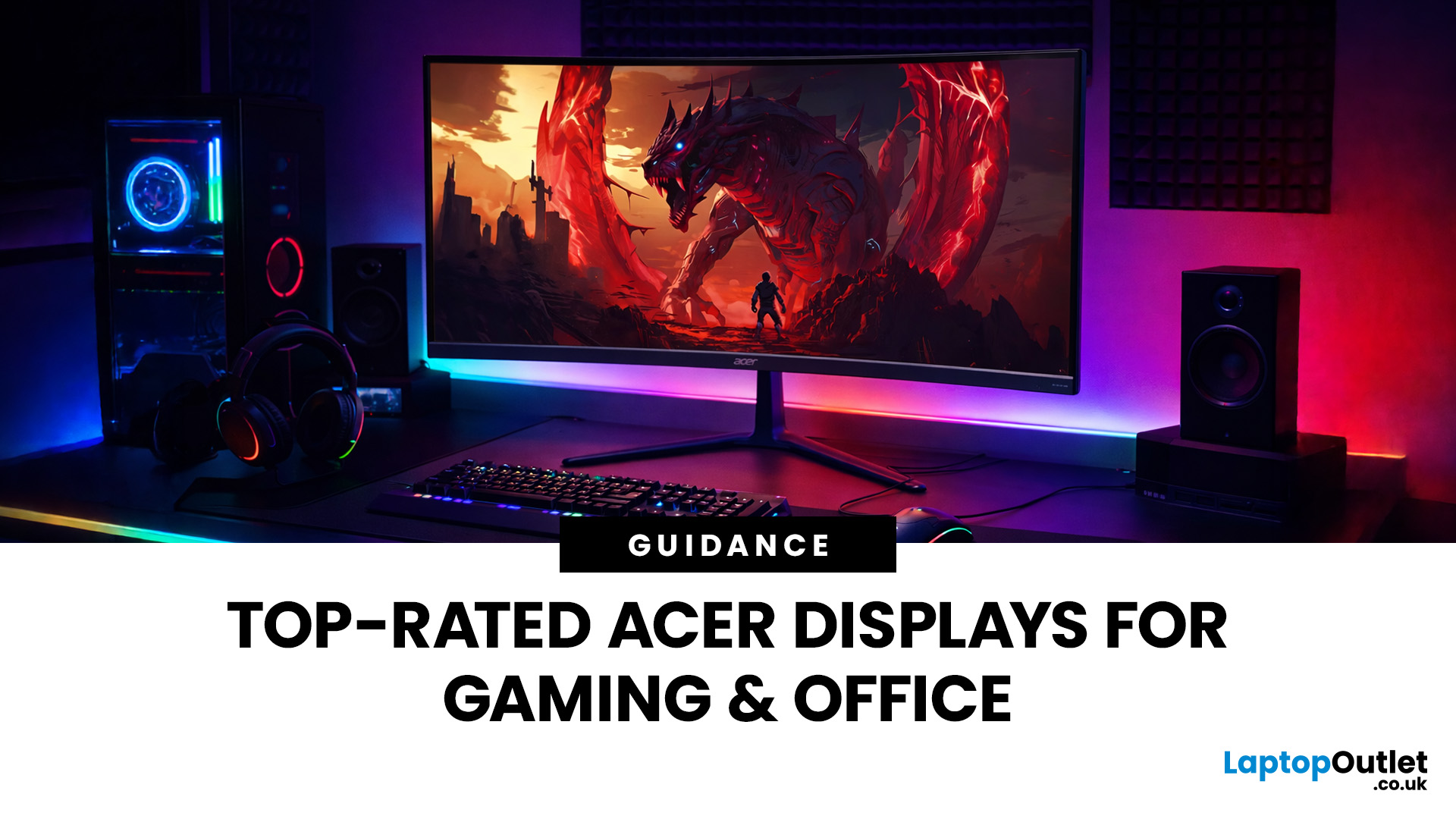
In 2026, BenQ screens for gaming and design stand out as some of the most versatile displays available, combining advanced technology, eye-care features, and excellent build quality. From BenQ gaming monitors designed for esports and AAA titles to BenQ design monitors aimed at creative professionals, the BenQ monitor lineup covers every need. This blog highlights the best BenQ monitors you can buy at Laptop Outlet, with a breakdown of their features, benefits, and why they’re trusted worldwide.
Why Choose BenQ Monitors in 2026?
Before diving into specific models, let’s explore why BenQ remains a top choice for professionals and gamers.
Innovation Across Categories
For competitive players, BenQ gaming monitors now feature refresh rates up to 240Hz, 1ms response times, and adaptive sync technologies like AMD FreeSync Premium and NVIDIA G-Sync compatibility. On the other hand, its design monitors offer factory-calibrated colour accuracy, HDR10 support, and wide gamut coverage (sRGB, AdobeRGB,
Last Updated: September 03, 2026
A good monitor changes everything. It makes your gaming sessions sharper, your workday less draining, and your screen time far more enjoyable. The trouble is, decent monitors can be pricey — and not everyone wants to overspend just to get a clear picture.
That is where Acer comes in.
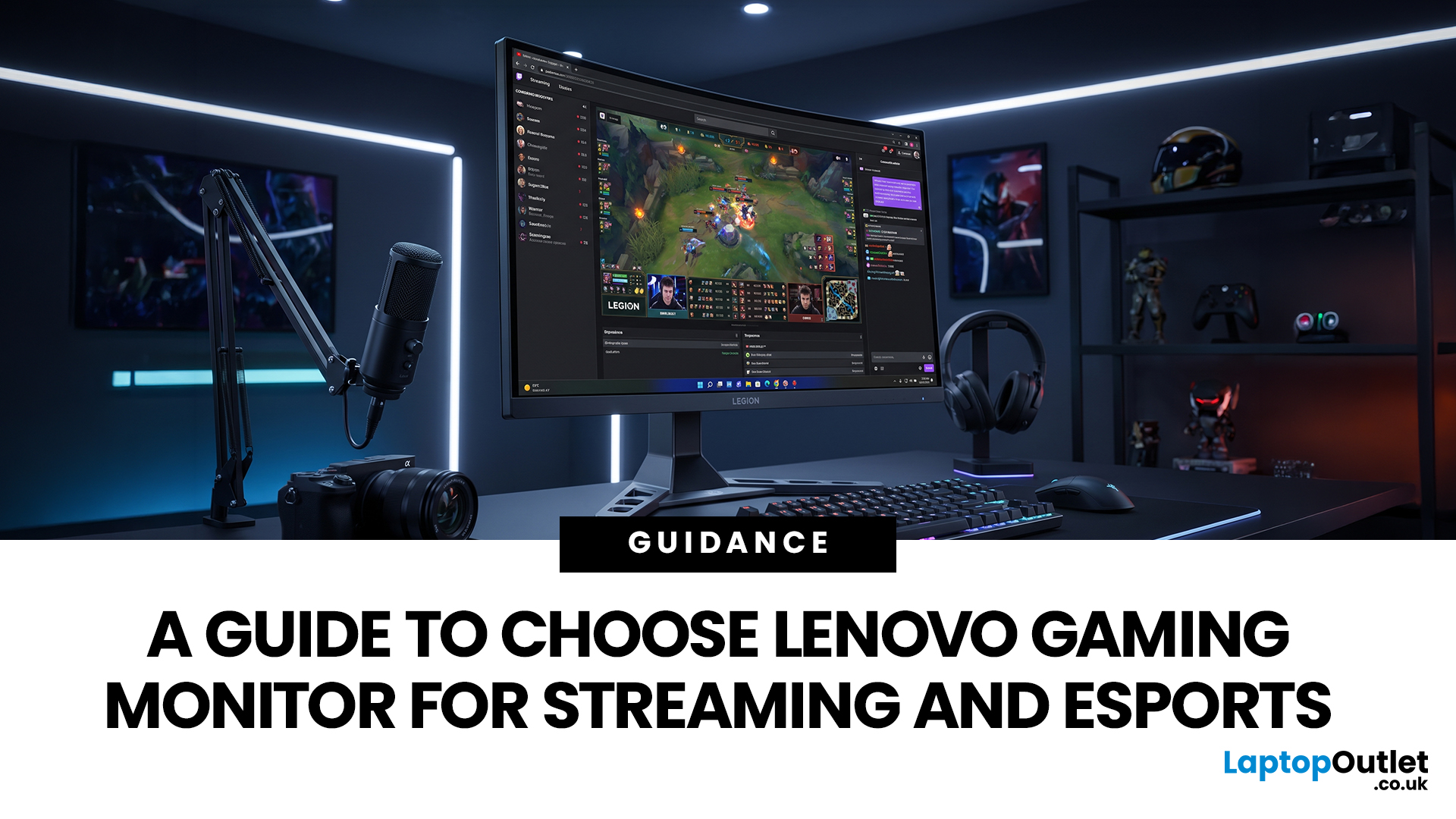
Acer has become one of the most trusted names in affordable display technology. Whether you are gaming late into the night or working through spreadsheets from home, there is an Acer monitor for your lifestyle and your budget. In 2026, their range spans from compact 21.5-inch office panels to sprawling 34-inch ultrawide gaming screens.
This guide covers the best Acer monitors currently available at Laptop Outlet, split into gaming and office categories, so you can find the right display without overthinking it.
Best Acer Gaming Monitors in 2026
A gaming monitor is a display built to keep up with fast-paced gameplay. Unlike standard screens designed for everyday tasks, gaming monitors prioritise speed, smoothness,
Last Updated: August 24, 2026
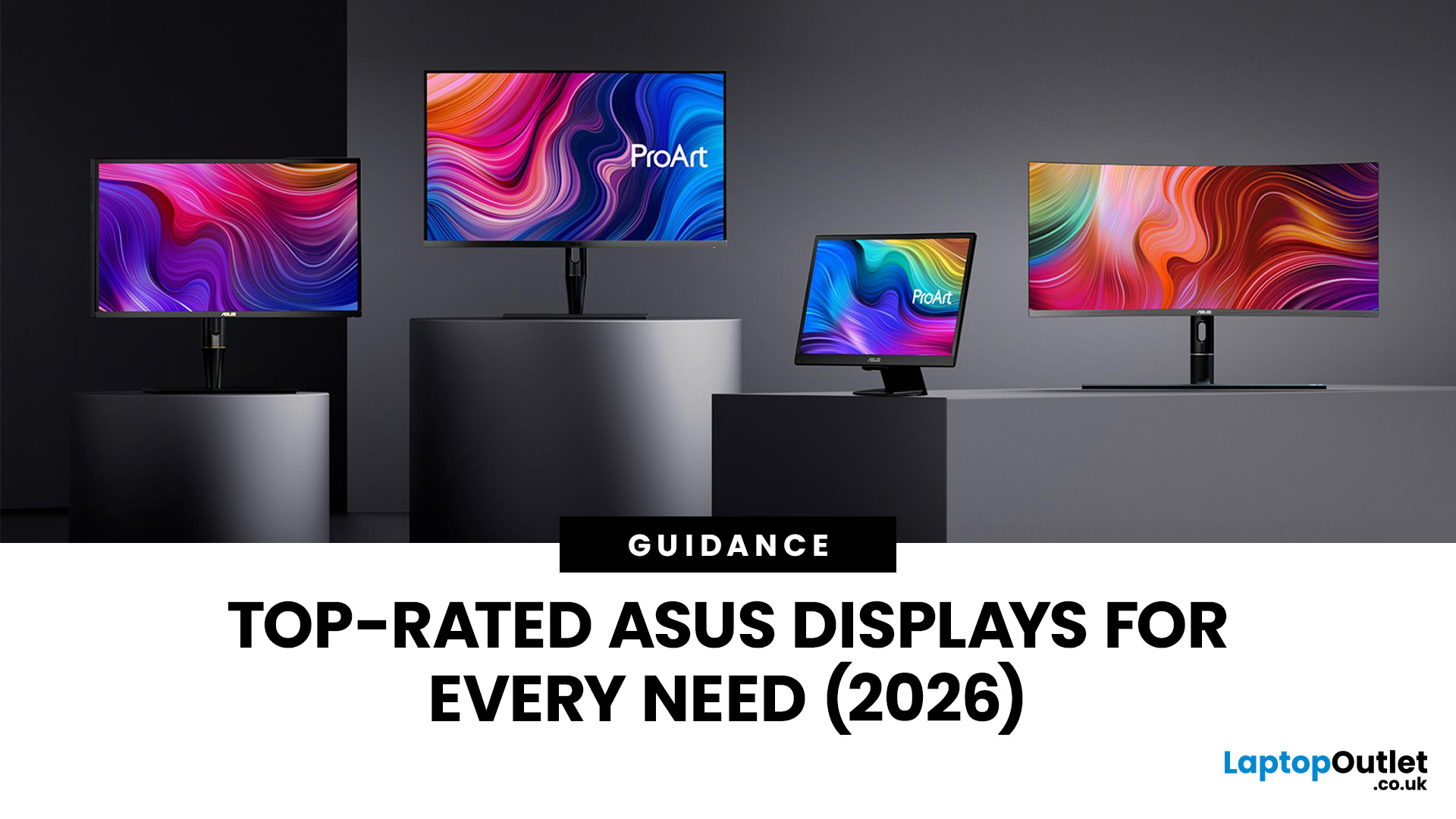
Getting a better monitor does not necessarily mean buying the most expensive screen or chasing the biggest specifications. The better approach is finding the features that improve what you actually do, whether that means clearer documents, more workspace, smoother gaming or a more comfortable everyday setup.
That is where KOORUI monitors offer plenty of choice. The range stretches from straightforward everyday displays to faster, higher-resolution and more advanced options. This guide breaks down what you get, where the value lies and what to consider before spending your money.
What Are KOORUI Monitors and Who Makes Them?
KOORUI is a display and consumer-electronics brand established in 2021 under HKC Group, a company involved in display-panel manufacturing and semiconductor display technology. The relationship gives KOORUI access to an established display supply chain while the consumer brand itself remains comparatively young.
For buyers, the important point is that KOORUI is not one
Last Updated: August 04, 2026
Choosing the right monitor makes a real difference. Whether you're gaming at high frame rates, editing photos, or managing spreadsheets all day, the display in front of you shapes your entire experience.
ASUS has become one of the most trusted monitor brands in the UK — and for good reason. Their line-up covers everything from portable office screens to ultrawide gaming monitors and colour-accurate displays for creative work.
In this guide, we've broken down the best ASUS monitors for 2026 by use case, so you can find exactly what you need, fast.
Best ASUS Monitors for Office Workers
Office monitors need to be reliable, comfortable, and practical. ASUS's business and ZenScreen ranges tick every box, offering everything from portable displays to large 4K screens designed for long working days.
1. ASUS ZenScreen Go MB16AHP — Best Portable Office Monitor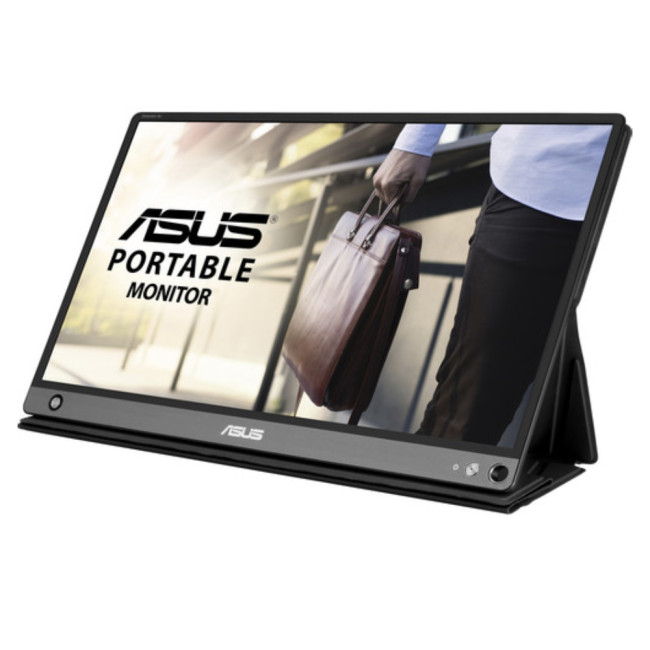
- Screen Size: 15.6"
- Panel Type: IPS
- Resolution: 1920 x 1080 (Full HD)
- Refresh Rate: 60 Hz
- Response Time: 5 ms
- Brightness: 220

Last Updated: October 09, 2025
Think back a few years... when you bought a laptop, what did you care about most? Probably the processor, maybe RAM, and the graphics card if you were into gaming. The display? It was usually just “good enough.”
Fast forward to 2025, and the screen has become just as important as the hardware inside. Whether you’re streaming, gaming, editing photos, or juggling multiple apps, the display is what you interact with most — and it shapes your entire experience.
This is especially true with Windows 11 laptops, as the operating system is designed to take full advantage of modern display technologies. Its sharper interface, multitasking layouts, HDR support, and gaming optimisation features really shine when paired with quality screens.
That’s why today’s Windows 11 laptop display comparison often comes down to three main types: OLED, IPS, and Microsoft’s PixelSense. Each has unique strengths, trade-offs, and ideal use cases. Understanding them will help you pick the best display type for Windows
Last Updated: April 08, 2026
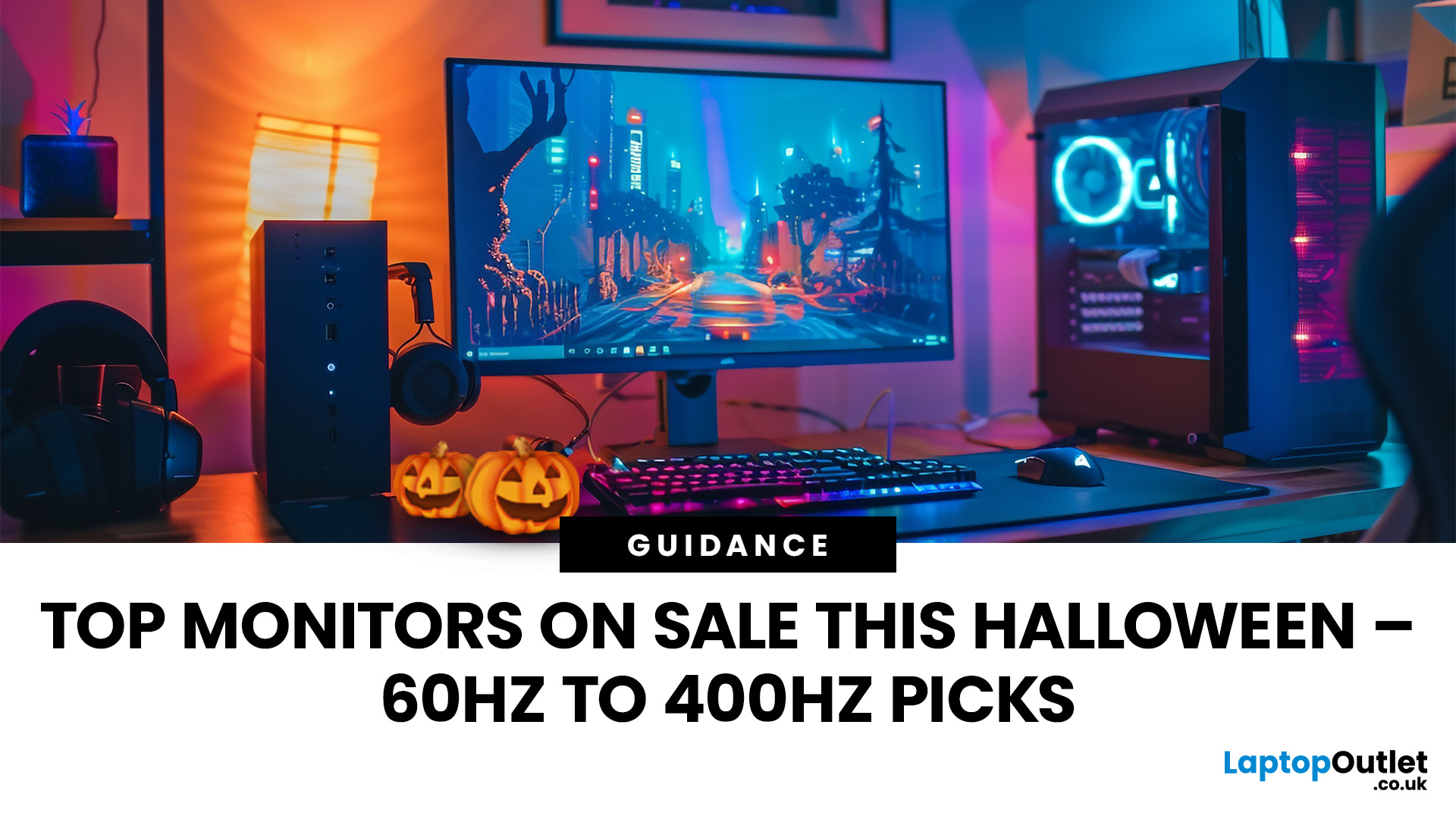
Halloween’s here and while most people are stocking up on sweets, the real treats are happening over at Laptop Outlet’s Halloween Sale. If you’ve been eyeing a new monitor, this is your moment. The discounts this year are no joke: from affordable 60 Hz office screens to lightning-fast 400 Hz gaming beasts, prices are dropping faster than a horror-movie jump scare.
Whether you’re chasing smoother frames, better colours, or a proper upgrade for your setup, this sale has something for every type of user. Think premium displays from trusted brands, curved and ultrawide options, and refresh rates that make your old monitor feel prehistoric.
Over the next few minutes, we’ll walk you through the best picks across every price and performance tier, so you can upgrade smartly before these Halloween deals disappear into
Why Halloween Is the Best Time to Snag a Monitor
Here’s the thing: Halloween has quietly become the underrated season for tech deals. While everyone’s waiting for Black Friday, Laptop

