



How Dual Mode Gaming Monitors Improve FPS and Visual Quality
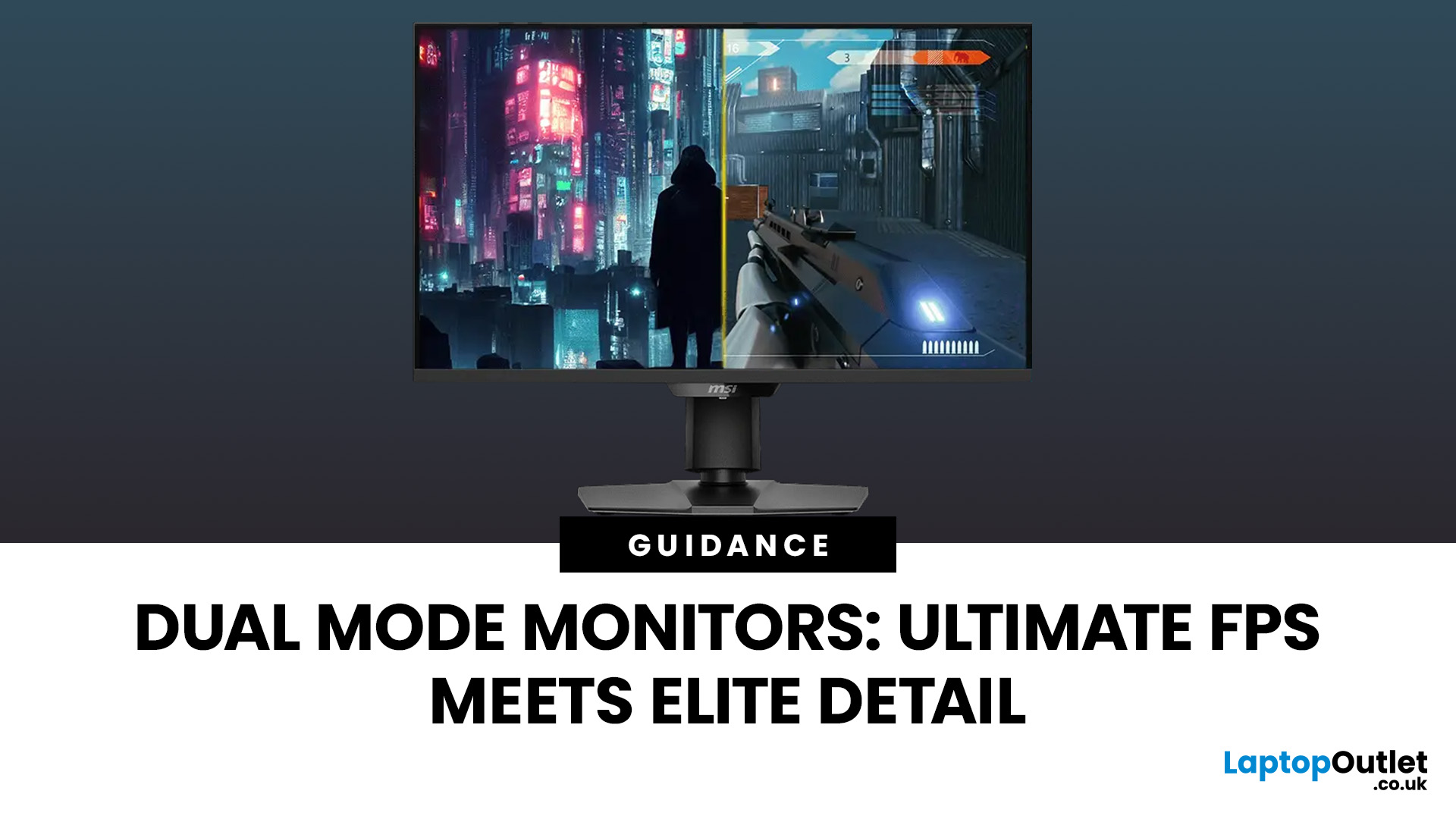
One monitor, two personalities; perfectly tuned for any game.
For years, gamers have faced a tough choice: do you pick a monitor with crystal-clear display and high resolution, or one with fast refresh rates for maximum speed? Trying to achieve both usually meant compromising on one side. That compromise is now a thing of the past, thanks to the dual mode gaming monitor.
This cutting-edge technology gives you the power to switch instantly between two different display modes, each optimised for a specific type of gaming. This simple switch can genuinely help improve FPS and dramatically enhance your overall visual quality.
If you want to know how dual mode gaming monitors improve FPS & visual quality, read on.
What Exactly are Dual Mode Gaming Monitors?
Before we get to the nuts and bolts of why dual mode monitor performance is so remarkable, let's nail down what they are.
A dual mode gaming monitor is a single display that has the unique, built-in ability to switch between two distinctly different native display settings, usually with the flick of a switch or a button in the On-Screen Display (OSD) menu.
Dual mode display technology benefits you by having two distinct operational modes:
Fidelity Mode: High Resolution / Moderate Refresh Rate
- Example: 4K (3840 x 2160) at 120Hz, 160Hz, or 240Hz.
- Best for: Visually demanding, cinematic, or AAA titles like Cyberpunk 2077 or Elden Ring, where immersion and detail are paramount.
Performance Mode: Lower Resolution / Ultra-High Refresh Rate
- Example: 1080p (1920 x 1080) or 1440p (2560 x 1440) at 240Hz, 360Hz, or even a blistering 480Hz/500Hz.
- Best for: Fast-paced, competitive esports titles like Valorant, CS:GO, or Apex Legends, where every single millisecond of reaction time matters.
This versatility is key. You're no longer confined to a single performance profile.
Check out the best dual mode gaming monitors in 2025 to unlock ultimate performance.
How Dual Mode Gaming Monitors Improve FPS

For competitive gaming, like Valorant or Call of Duty, speed is everything. We’re talking milliseconds. This is where dual mode gaming monitors FPS performance truly shines.
The whole point of getting a high FPS (Frames Per Second) is to see the enemy quicker and react faster. Having an improved FPS with dual mode monitor setup means you can instantly switch to the 'Performance Mode' when it matters most.
The Magic of Switching Resolutions
When you switch the monitor to its lower resolution mode (say, from 4K down to 1080p), the monitor does two important things:
- It Eases the GPU Load: Your desktop PC’s graphics card (GPU) no longer has to render millions of extra pixels. This freed-up power is then channelled directly into generating more frames.
- It Unlocks the Higher Refresh Rate: The monitor uses the reduction in data volume to enable a much faster refresh rate. This is the crucial link. More FPS from your PC, combined with a higher refresh rate on your screen, results in smoother, lag-free gameplay.
This immediate ability to shift focus is a superb element of a dual mode monitor. It’s like putting your gaming PC into top gear for a sprint.
Why The High Refresh Rate Matters
- Reduced Input Lag: The delay between your mouse click and the action on screen is minimised.
- Smoother Motion: Enemies no longer appear as a blurry mess (known as motion blur). You get razor-sharp clarity even when spinning around quickly.
- Faster Peeker's Advantage: You see the moment an opponent steps out from cover before they see you. Pure class.
Stop settling for choppy gameplay and discover the best gaming monitors with fast refresh rates right now.
How Dual Mode Gaming Monitors Boost Visual Quality
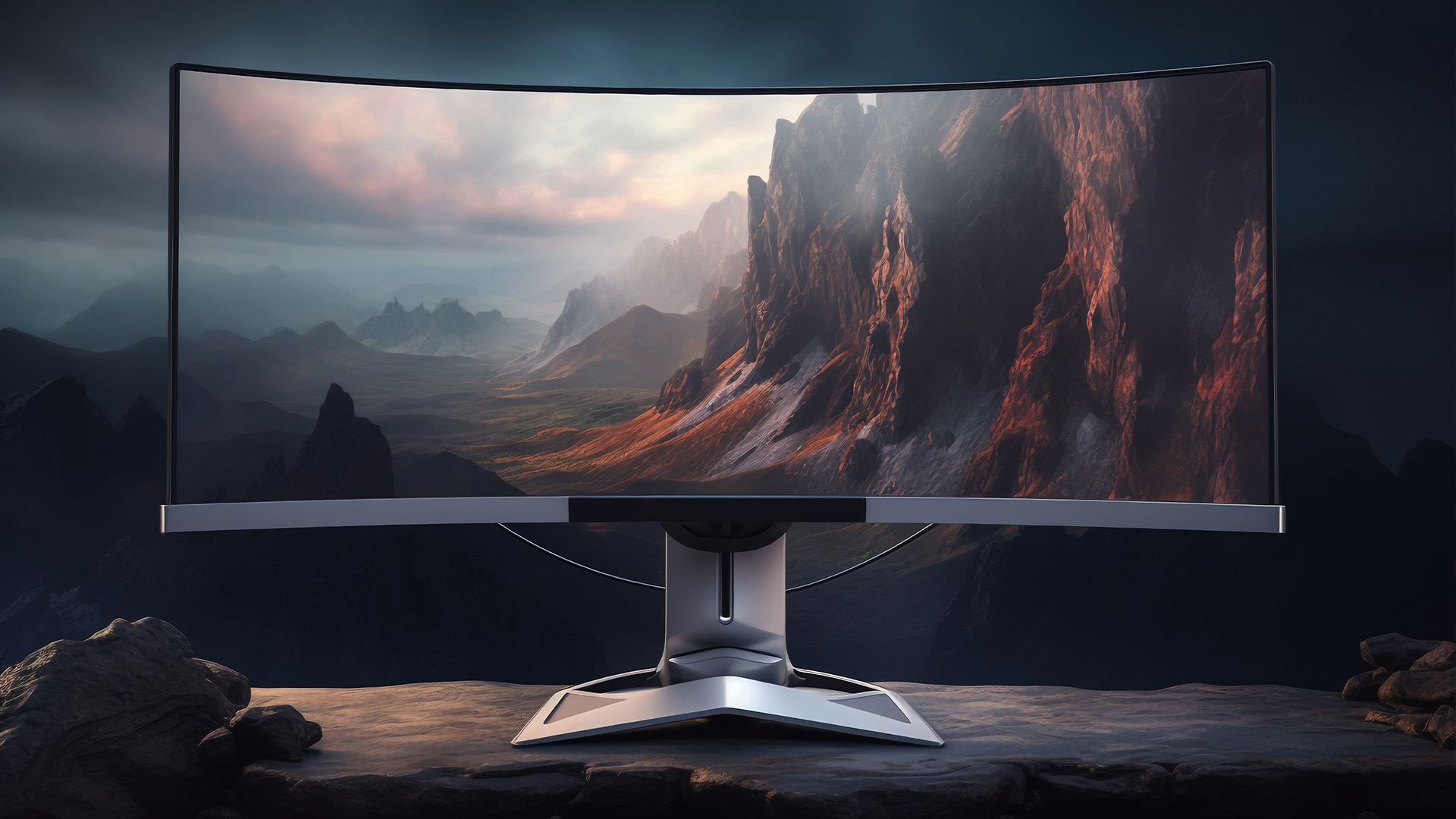
Sometimes, you just want to sit back and feast your eyes on a gorgeous environment. Think the sprawling landscapes of The Witcher 3 or the stunning lighting in Cyberpunk 2077. This is the moment to jump into 'Fidelity Mode'.
Native Resolution for Immersive Worlds
When you switch to the high-resolution setting (for example, 4K at 240Hz) the monitor operates at its native, highest pixel density.
The Power of 4K: Running the monitor at 4K (Ultra HD) resolution means four times the pixels of standard 1080p. This results in incredibly sharp images, fine details, and no noticeable pixel structure. It’s perfect for games where the scenery and textures are a major part of the experience.
Display Technology Benefits: Many modern dual mode monitors use advanced panel technology, such as OLED or QD-OLED. These panels inherently offer phenomenal visual qualities, including:
- Perfect Blacks: OLED pixels emit their own light, meaning they can turn completely off, leading to true, deep black levels.
- Vibrant Colours: Excellent colour gamut coverage (like DCI-P3) ensures games are displayed with rich, lifelike, and dynamic colours.
- High Contrast: The massive difference between the brightest whites and the deepest blacks creates an incredible sense of depth and realism.
See every detail in stunning clarity by checking out the best monitors with crystal-clear display available today.
Dual Mode vs Standard Gaming Monitors
The emergence of dual mode technology forces a direct comparison with traditional single-mode displays.
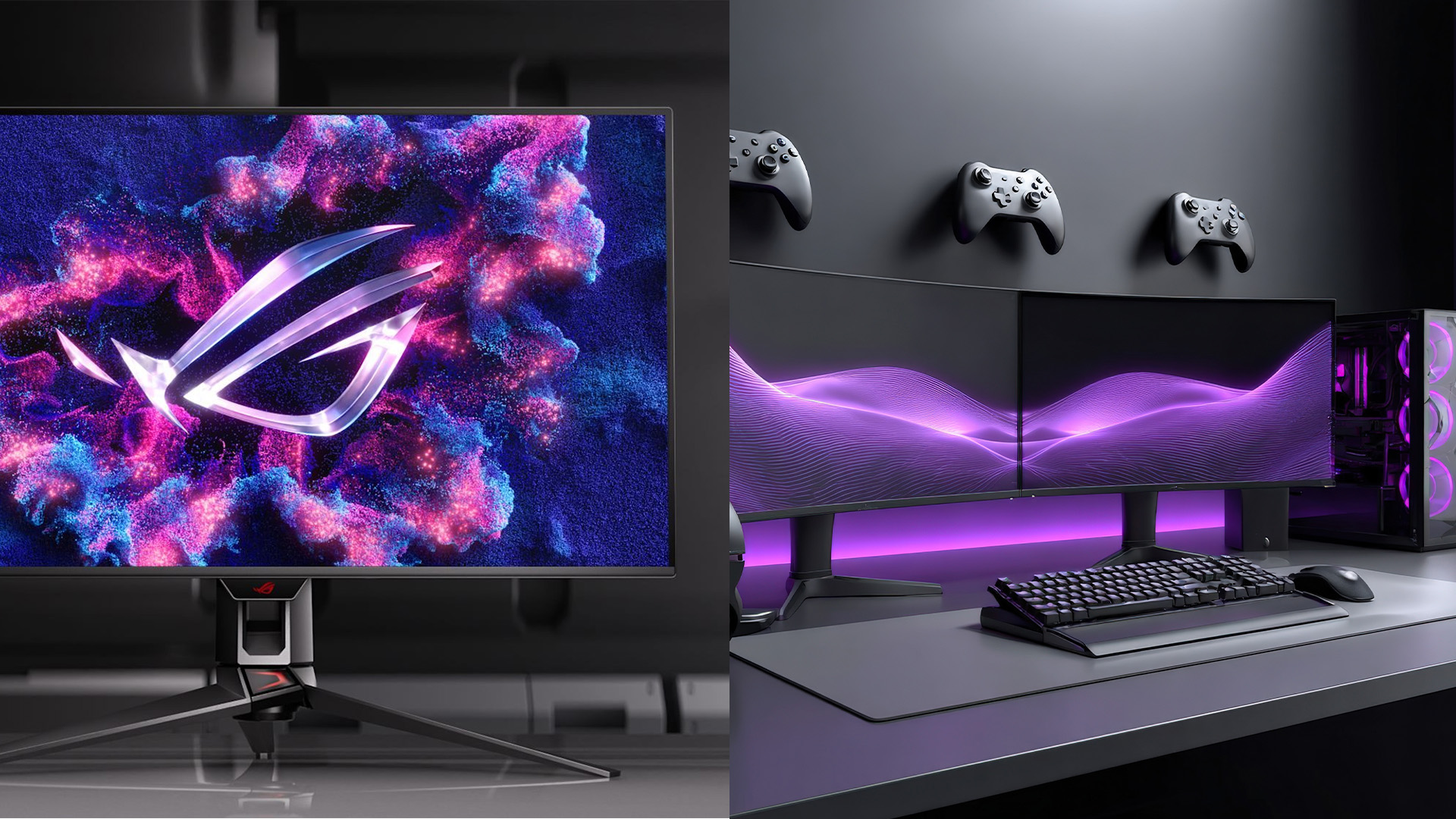
Dual Mode vs Standard FPS Performance and Visual Quality
Standard high-end gaming monitors are typically fixed at one resolution and refresh rate (e.g., 1440p @ 240Hz or 4K @ 160Hz). This means you are constantly compromising:
- Standard 4K Monitor: Great visuals, but the refresh rate is limited, and your high-end GPU is always bottlenecked by the sheer pixel count, making it harder to boost FPS in gaming.
- Standard High-Refresh Monitor: Amazing speed (e.g., 1080p @ 360Hz), but the visual quality can feel decidedly old-hat and blocky in non-competitive games.
Dual mode gaming monitors offer the sweet spot. You get the highest-end version of both worlds—top-tier resolution and top-tier refresh rate—depending on what you are playing.
|
Feature |
Dual Mode Gaming Monitor |
Standard Gaming Monitor (Fixed) |
|
Primary Goal |
Versatility (Speed and Visuals) |
Specialisation (Speed or Visuals) |
|
Resolution/Refresh |
Two distinct modes (e.g., 4K @ 240Hz AND 1080p @ 480Hz) |
One fixed mode (e.g., 1440p @ 240Hz) |
|
Competitive Gaming |
Elite responsiveness via ultra-high refresh rate mode. |
Limited by fixed refresh rate and resolution. |
|
Immersive Gaming |
Stunning clarity via high-resolution mode. |
Potential compromise on visual quality for speed. |
|
Value |
Effectively two monitors in one chassis. |
Requires a second monitor for the other experience. |
Read the comprehensive comparison guide on dual mode vs. standard gaming monitors to choose your next upgrade.
Your Dual Mode Gaming Monitor Optimiszation Guide
To truly get the most out of your purchase, you need smart gaming monitor optimisation. This isn’t just about flicking a switch; it’s about aligning your hardware's capability with the specific demands of the game you're playing.
Phase 1: Initial Setup Checklist
Before you crack on with any serious gaming, make sure your setup is configured properly:
- Driver Check: A lot of people forget this step, but make sure your monitor’s drivers are installed. It ensures the software and hardware communicate properly and unlocks the full functionality of your display.
- GPU Power is Key: Remember that the monitor only allows for a high frame rate; your Graphics Card (GPU) has to generate them. If you’re running an older card, you might struggle to hit those top-tier refresh rates.
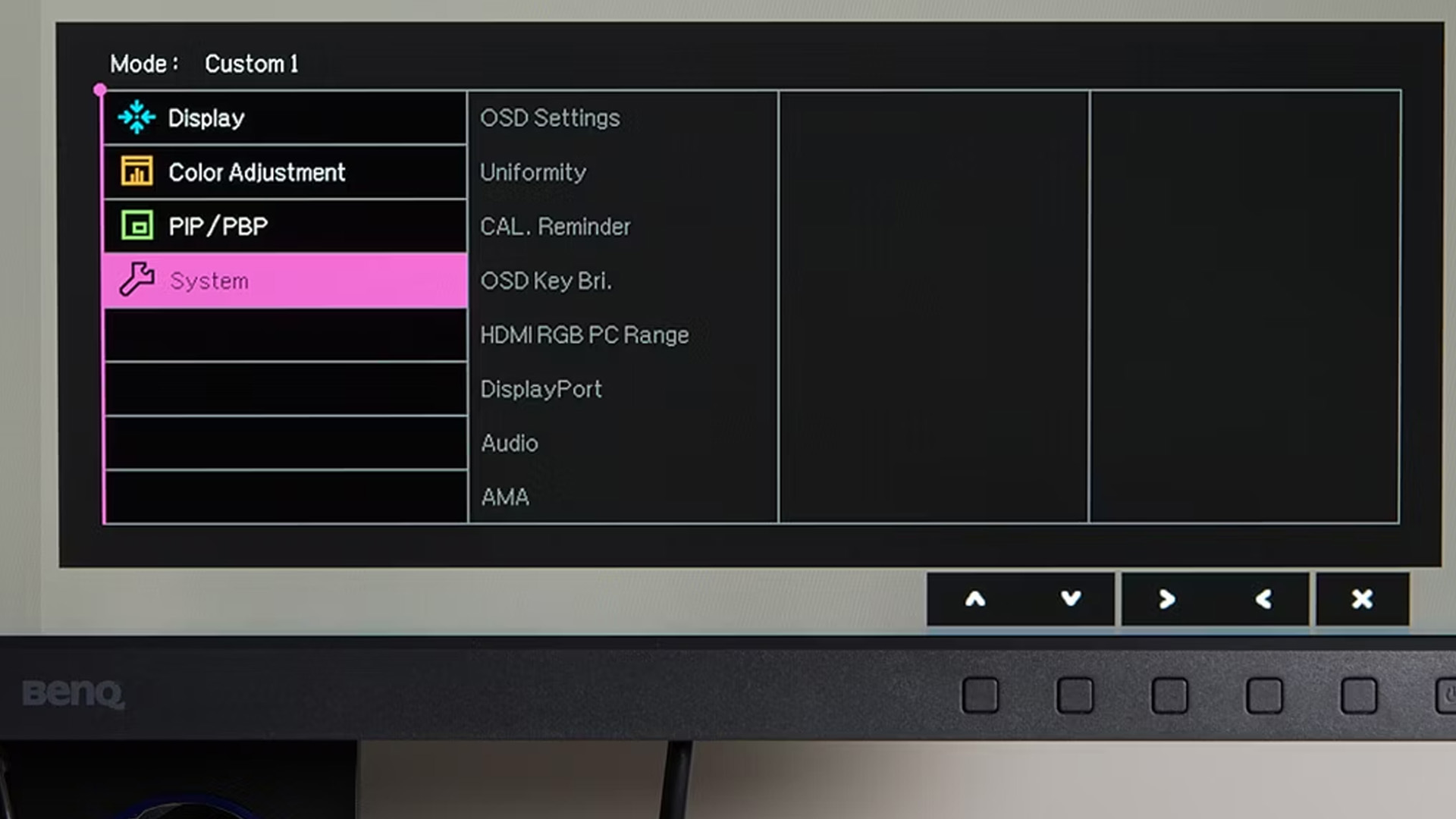
- Use the Monitor's OSD: Get into the On-Screen Display (OSD) menu and locate the dual mode switch. Many monitors let you bind this to a quick-access shortcut or button, which is really handy for rapid switching.
- Proper Cable: Always use the correct cable (usually DisplayPort 1.4 with DSC or HDMI 2.1) to support the full bandwidth needed for the highest resolution and refresh rate combo.
Phase 2: Contextual Usage Guide
Optimise your experience based on your gaming goal:
When to Use High-Speed Mode:
- The Moment: You enter a ranked match in any competitive game (e.g., CS2, Apex Legends, League of Legends).
- The Goal: Maximise frames and minimise latency. You need to see the enemy the instant they peek.
- Action: Switch the monitor to its low-resolution, high-refresh-rate mode. Ensure your in-game resolution setting matches this lower resolution (e.g., 1080p) to directly leverage the monitor’s speed. This is truly how to boost FPS in gaming from a display standpoint.
When to Use High-Resolution Mode:
- The Moment: You start a new single-player title or an immersive game like Cyberpunk 2077 or Red Dead Redemption 2.
- The Goal: Immerse yourself in the graphics and artistry of the game world.
- Action: Switch the monitor back to its native high-resolution setting (e.g., 4K). Ensure your in-game resolution also reflects this. This will deliver the sharpest, most detailed image possible.
By following this simple advice, you ensure that your dual mode gaming monitor gives your setup a brilliant lift, improving FPS exactly when you need it for a competitive advantage, and boosting visual quality for a pure entertainment experience.

The End of Compromise
Dual mode gaming monitors end the compromise between speed and beauty by allowing instant switching between a high-resolution mode (e.g., 4K/144Hz) and a super-fast competitive mode (e.g., 1080p/240Hz+).
Critically, dual mode gaming monitors improve FPS and visual quality by letting the display perfectly match the game's needs: offering immersive visuals for AAA titles or maximising FPS for esports. This makes them far superior to fixed-setting displays.
If you are serious about your gaming, this technology is a brilliant way to ensure your setup is truly top-tier. Get one, and you will find your gaming experience is not just better, but truly revolutionary.

In Case You Were Wondering...
Are dual mode gaming monitors worth the extra cash?
Absolutely, yes. While they are a bit pricier than standard displays, the value comes from getting two top-tier monitors in one. You get the best of both competitive speed and cinematic resolution, saving space and hassle.
How to improve FPS with dual mode monitor?
Switch to the monitor's “Performance Mode” (e.g., 1080p @ 480Hz). This lower resolution reduces the load on your GPU, allowing it to render frames faster, directly boosting your in-game FPS.
What are the top gaming monitor visual quality tips?
Set to native resolution for the sharpest image. Calibrate the colour and gamma settings for rich, accurate tones. Enable HDR if the game supports it and adjust brightness/contrast for superior dark scene visibility.
Do I need a powerful PC for a dual mode monitor?
Yes, a powerful PC is essential. While the low-resolution mode requires less power, you still need a high-end graphics card (like an RTX 4080 or better) to actually generate the 200+ FPS needed to take full advantage of the high-refresh setting.
What kind of connection do I need to use the dual mode features?
You’ll typically need a modern connection like DisplayPort 1.4 or HDMI 2.1 to handle the high bandwidth required for 4K at high refresh rates or 1080p at ultra-high refresh rates.
What are the best monitors for high FPS gaming?
The best monitors for high FPS gaming are the latest OLED/QD-OLED panels, offering 0.03ms response times. Look for models with 240Hz or higher refresh rates for the clearest competitive edge.
| Read More: |
| The 6 Best Gaming Monitors for Smooth and Immersive Gameplay |
| Which are the Best 4K Gaming Monitors? Selection Criteria |
| Lenovo ThinkVision Monitors 2026 for Business and Productivity |
Related Articles

Last Updated: June 17, 2026
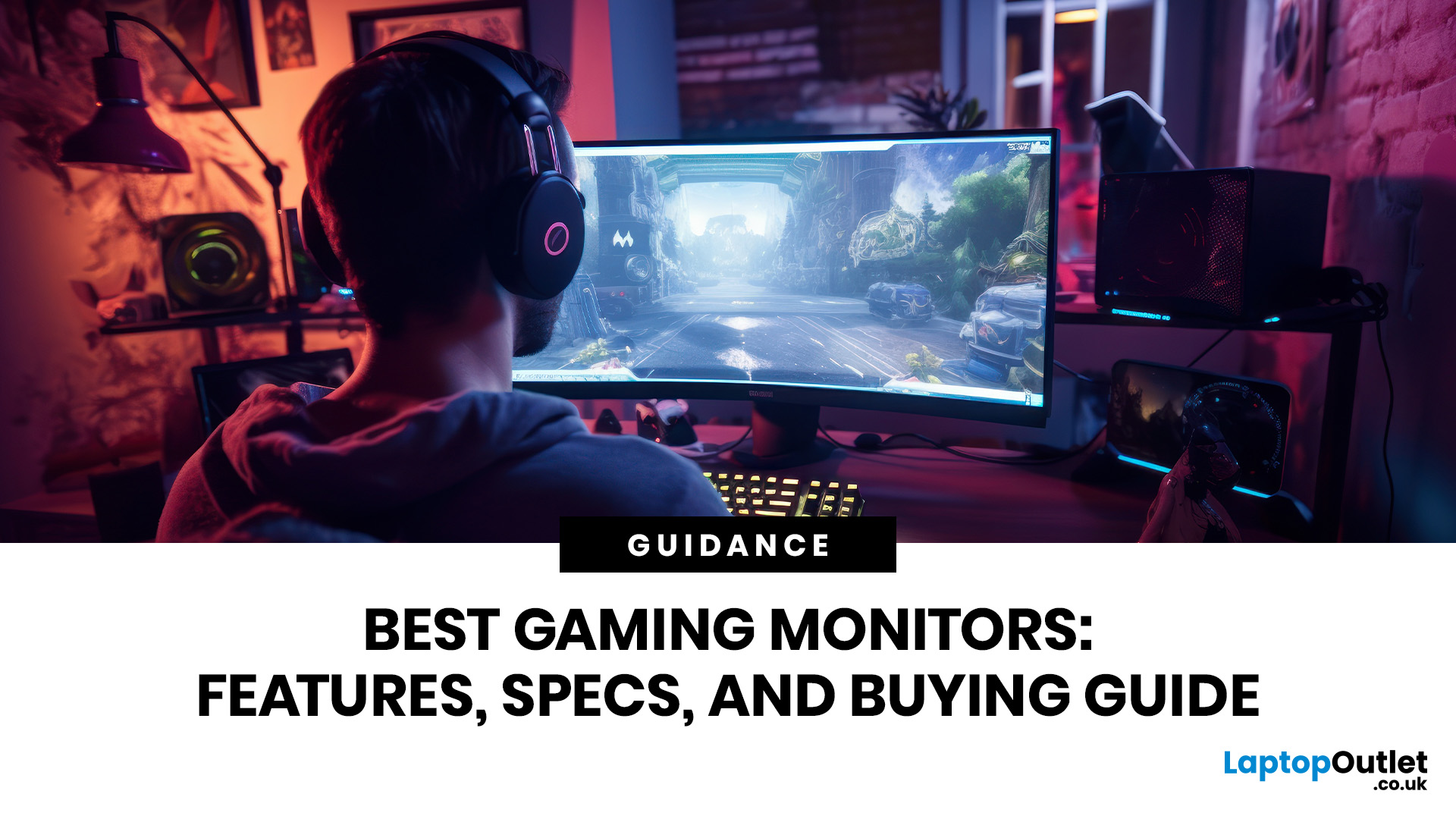
Gaming monitors enhance your setup with sharper visuals, faster response times, smoother motion, and richer detail for every genre. From PC gaming display screens to 4K monitors for gaming, the right screen helps you play comfortably, react quickly, and enjoy immersive performance whether you game casually or compete seriously online.
In 2026, the gaming monitor market has matured into something remarkable, OLED panels have gone mainstream, refresh rates have hit 480Hz on consumer hardware, AI-assisted rendering has changed how we think about resolution, and next-generation connectivity standards are finally living up to their promise.
Whether you are chasing frags in Counter-Strike 2 or Valorant, grinding through the sprawling open world of GTA VI, experiencing the photorealistic environments of Monster Hunter Wilds, or building your way through this year's AAA lineup, the display you choose will fundamentally shape that experience. It affects how smooth motion appears, how accurately
Last Updated: September 03, 2026
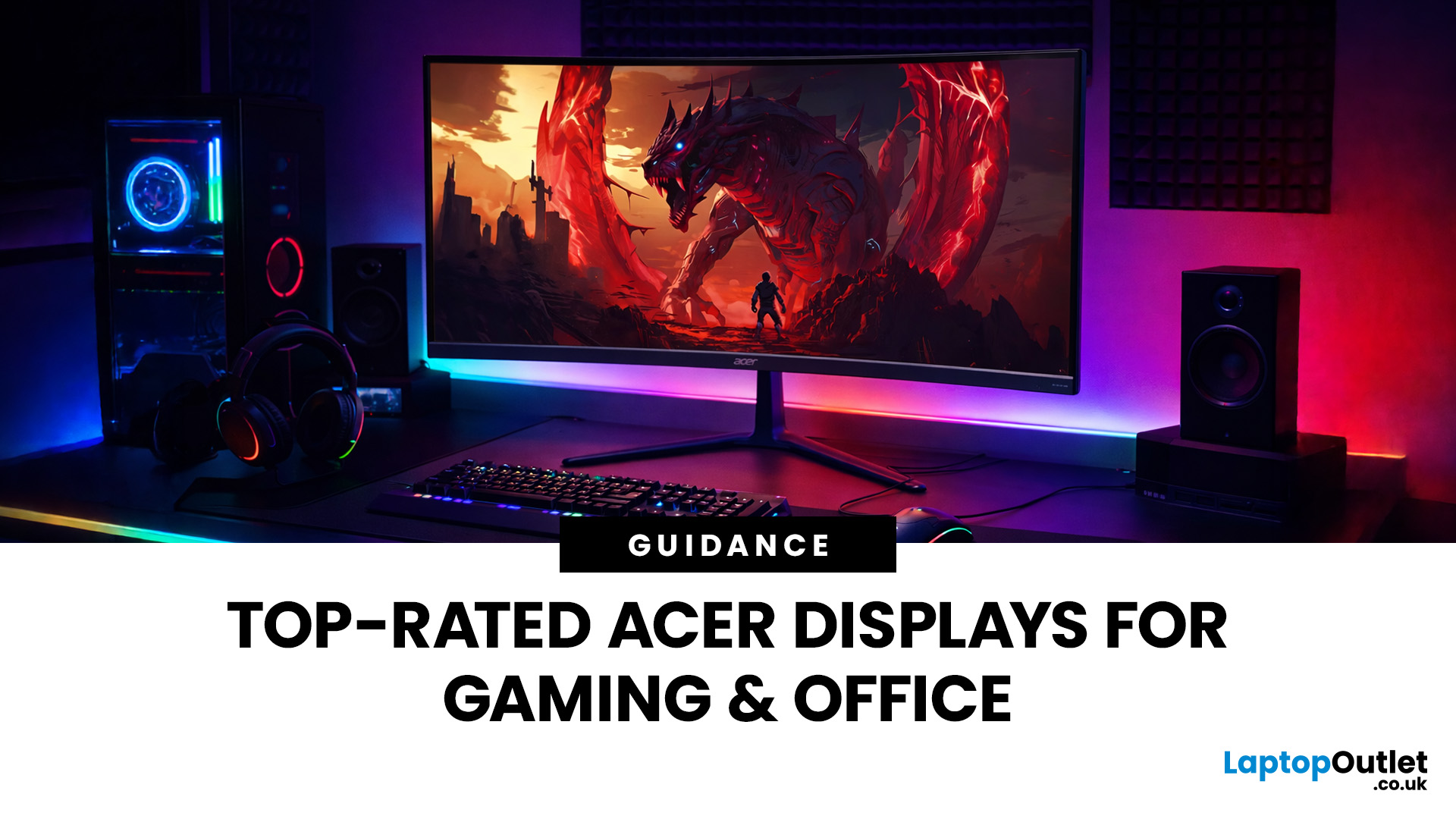
A good monitor changes everything. It makes your gaming sessions sharper, your workday less draining, and your screen time far more enjoyable. The trouble is, decent monitors can be pricey — and not everyone wants to overspend just to get a clear picture.
That is where Acer comes in.
Acer has become one of the most trusted names in affordable display technology. Whether you are gaming late into the night or working through spreadsheets from home, there is an Acer monitor for your lifestyle and your budget. In 2026, their range spans from compact 21.5-inch office panels to sprawling 34-inch ultrawide gaming screens.
This guide covers the best Acer monitors currently available at Laptop Outlet, split into gaming and office categories, so you can find the right display without overthinking it.
Best Acer Gaming Monitors in 2026
A gaming monitor is a display built to keep up with fast-paced gameplay. Unlike standard screens designed for everyday tasks, gaming monitors prioritise speed, smoothness,
Last Updated: August 24, 2026
Getting a better monitor does not necessarily mean buying the most expensive screen or chasing the biggest specifications. The better approach is finding the features that improve what you actually do, whether that means clearer documents, more workspace, smoother gaming or a more comfortable everyday setup.
That is where KOORUI monitors offer plenty of choice. The range stretches from straightforward everyday displays to faster, higher-resolution and more advanced options. This guide breaks down what you get, where the value lies and what to consider before spending your money.
What Are KOORUI Monitors and Who Makes Them?
KOORUI is a display and consumer-electronics brand established in 2021 under HKC Group, a company involved in display-panel manufacturing and semiconductor display technology. The relationship gives KOORUI access to an established display supply chain while the consumer brand itself remains comparatively young.
For buyers, the important point is that KOORUI is not one
Last Updated: August 04, 2026
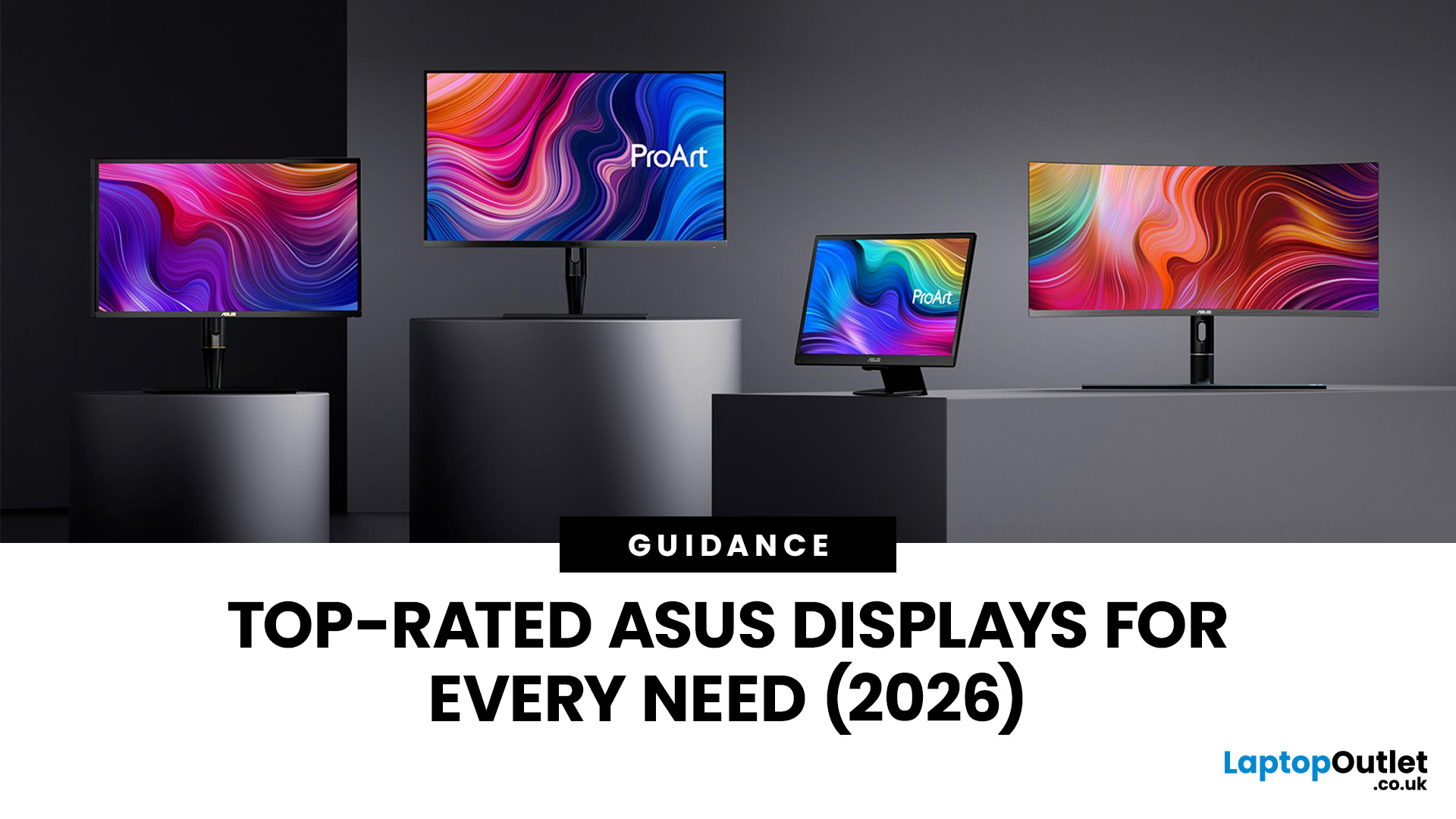
Choosing the right monitor makes a real difference. Whether you're gaming at high frame rates, editing photos, or managing spreadsheets all day, the display in front of you shapes your entire experience.
ASUS has become one of the most trusted monitor brands in the UK — and for good reason. Their line-up covers everything from portable office screens to ultrawide gaming monitors and colour-accurate displays for creative work.
In this guide, we've broken down the best ASUS monitors for 2026 by use case, so you can find exactly what you need, fast.
Best ASUS Monitors for Office Workers
Office monitors need to be reliable, comfortable, and practical. ASUS's business and ZenScreen ranges tick every box, offering everything from portable displays to large 4K screens designed for long working days.
1. ASUS ZenScreen Go MB16AHP — Best Portable Office Monitor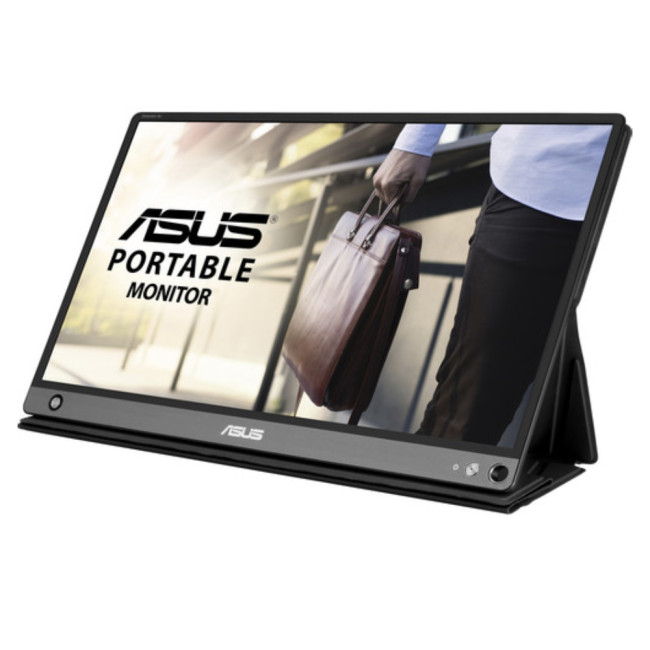
- Screen Size: 15.6"
- Panel Type: IPS
- Resolution: 1920 x 1080 (Full HD)
- Refresh Rate: 60 Hz
- Response Time: 5 ms
- Brightness: 220
Last Updated: April 08, 2026
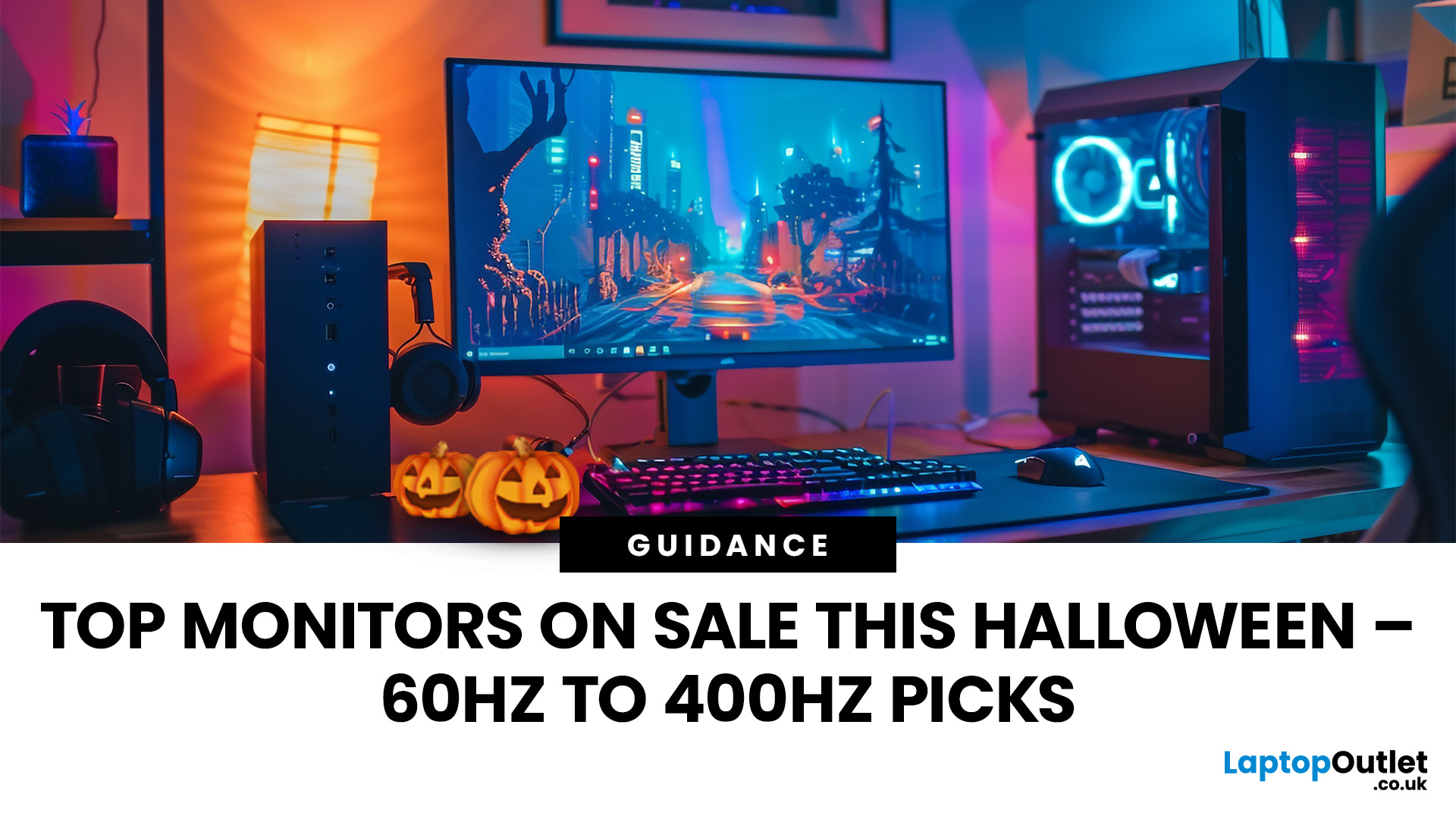
Halloween’s here and while most people are stocking up on sweets, the real treats are happening over at Laptop Outlet’s Halloween Sale. If you’ve been eyeing a new monitor, this is your moment. The discounts this year are no joke: from affordable 60 Hz office screens to lightning-fast 400 Hz gaming beasts, prices are dropping faster than a horror-movie jump scare.
Whether you’re chasing smoother frames, better colours, or a proper upgrade for your setup, this sale has something for every type of user. Think premium displays from trusted brands, curved and ultrawide options, and refresh rates that make your old monitor feel prehistoric.
Over the next few minutes, we’ll walk you through the best picks across every price and performance tier, so you can upgrade smartly before these Halloween deals disappear into
Why Halloween Is the Best Time to Snag a Monitor
Here’s the thing: Halloween has quietly become the underrated season for tech deals. While everyone’s waiting for Black Friday, Laptop
Last Updated: August 25, 2026
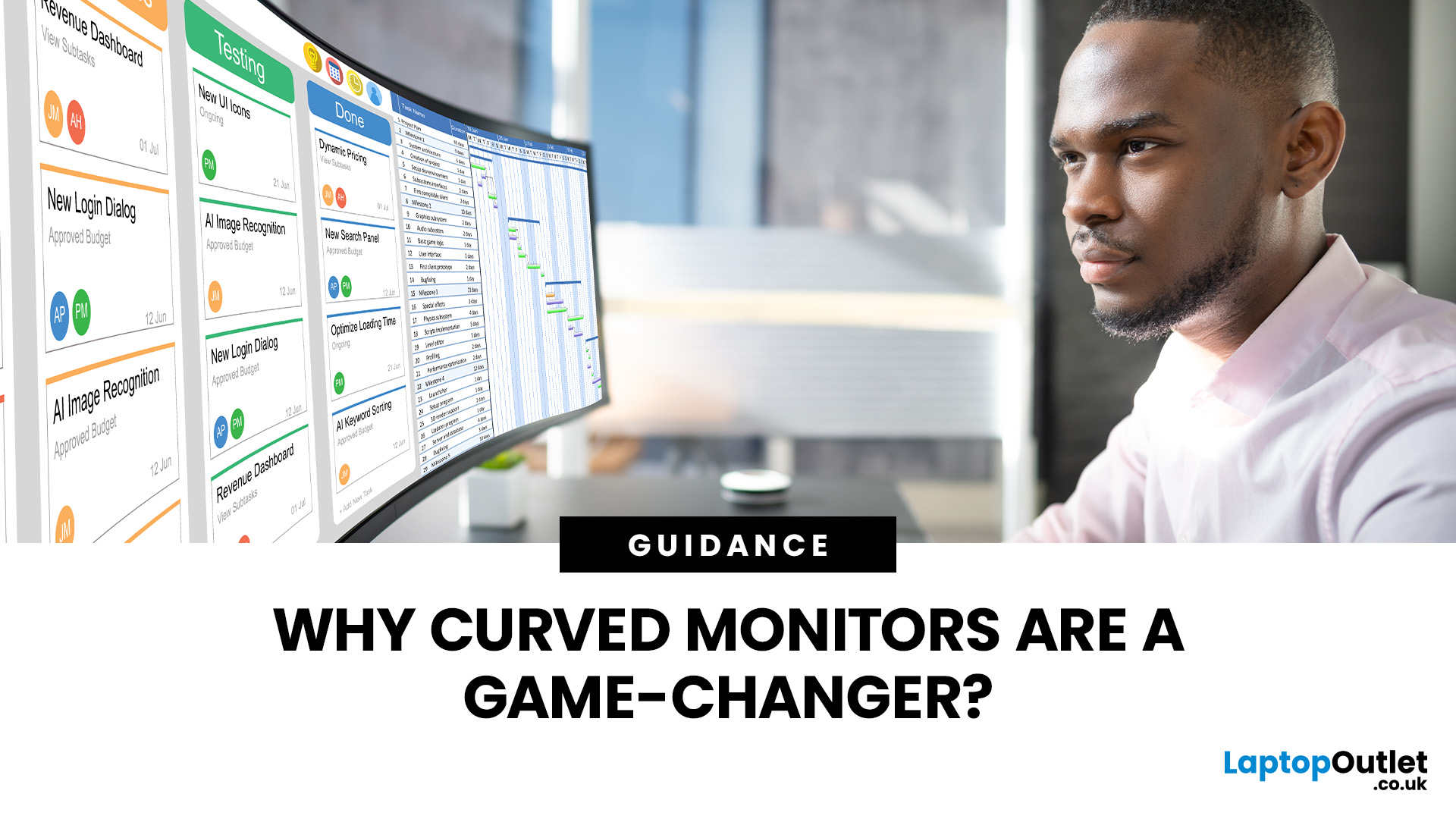
A bigger monitor gives you more room to work, watch and play, but wider flat screens can place their outer edges noticeably farther from your natural viewing position. Curved monitors address this by bringing those edges towards you, creating a more cohesive view across the screen.
That difference is useful far beyond gaming. From managing multiple work windows to editing timelines, watching films or creating a more immersive setup, the right curved monitor can make a large display feel easier and more engaging to use.
What Makes a Curved Monitor Different?
Curved computer displays change the relationship between your eyes and a wide screen. Instead of stretching straight across the desk, the edges angle gently towards your viewing position.
Monitor curvature is measured using figures such as 1000R, 1500R and 1800R. The number represents the radius of the curve in millimetres, with a lower number indicating a tighter, more pronounced curve.
| Curvature | How It Feels | Often Suited To |
| 800R-1000R |

Published: October 24, 2025
As Black Friday 2025 approaches, tech enthusiasts and gamers alike are gearing up for the biggest savings of the year. Among the most exciting deals, Black Friday monitor deals 2025 stand out, especially for those upgrading their setups with faster refresh rate displays. Whether you’re looking for an immersive 144Hz display, a lightning-fast 240Hz screen, or an elite 360Hz competitive gaming monitor, this year’s offers deliver something for everyone.
In this guide, we’ll break down everything you need to know about 144Hz vs 240Hz vs 360Hz monitors, the benefits of each, and how to find the best gaming monitor Black Friday 2025. From budget-friendly options to premium esports-ready panels, here’s your complete buying roadmap for this Black Friday season.
Why Refresh Rate Matters in Gaming Monitors
Understanding Refresh Rate
The refresh rate, measured in hertz (Hz), defines how many frames per second a monitor can display. A higher refresh rate means smoother motion, reduced screen tearing,
Last Updated: May 06, 2026
Buying a certified refurbished monitor can feel like discovering a hidden gem. You get the same premium performance as a brand-new product, but at a fraction of the price. Still, many shoppers wonder, “How do I know it’s really been tested and certified properly?”
At Laptop Outlet, we believe that refurbished does not mean second-best. Our refurbished monitors are carefully tested, restored, and certified to deliver the same level of reliability, performance, and visual quality you would expect from a new device.
Here is a closer look at how our refurbished monitor testing process works, how each unit is certified, and what that certification means for you.
What are Refurbished Monitors?
Refurbished monitors are not “used” in the everyday sense. They’re often returns, display models, or items that have been opened but never actually used. Some may have had minor cosmetic imperfections or packaging damage, while others might simply be surplus stock.
Before these monitors reach our customers,

Published: November 19, 2025
Display technology has come a long way, from bulky CRTs to razor-thin, high-definition screens. In today’s tech landscape, two contenders are leading the race for the future of visual excellence: Mini-LED and OLED monitors. Both offer stunning image quality and advanced engineering, but each has unique strengths that make it better suited for specific users and use cases.
Understanding the Display Technology
Before comparing performance, it’s important to understand how each display type works.
What is OLED?
OLED (Organic Light Emitting Diode) technology uses pixels that emit their own light. Each pixel can turn on or off independently, producing perfect blacks and infinite contrast. Because there’s no backlight, OLED displays are thin, power-efficient (for darker content), and capable of exceptional colour accuracy.
What is Mini-LED?
Mini-LED (Mini Light Emitting Diode) is an evolution of traditional LED-backlit LCD screens. Instead of a few large LEDs behind the panel, Mini-LED displays
Last Updated: August 24, 2026
Choosing between dual-mode and standard gaming monitors is becoming a key decision for gamers seeking better speed, visuals, and flexibility. As display technology advances, players now expect sharper colour, higher refresh rates, smoother motion, and features that adapt to different gaming styles.
Dual-mode monitors add a new option by offering two performance profiles in one screen, while standard gaming monitors remain popular for their simplicity and value. So, which is right for you? This guide compares their features, performance, benefits, and real-world uses to help you choose confidently, whether you play competitive shooters or immersive story-driven games at home.
Understanding the Basics: What are Dual Mode Gaming Monitors?
Dual mode gaming monitors are a relatively new category that provide two optimised display profiles within the same screen. These modes usually include:
1. A High-Resolution Mode
This mode might support 4K displays for gamers, or QHD resolution, higher brightness,

