



Best BenQ Monitors for Home Office & Study: Eye-Care, USB-C and Hybrid Work Setups
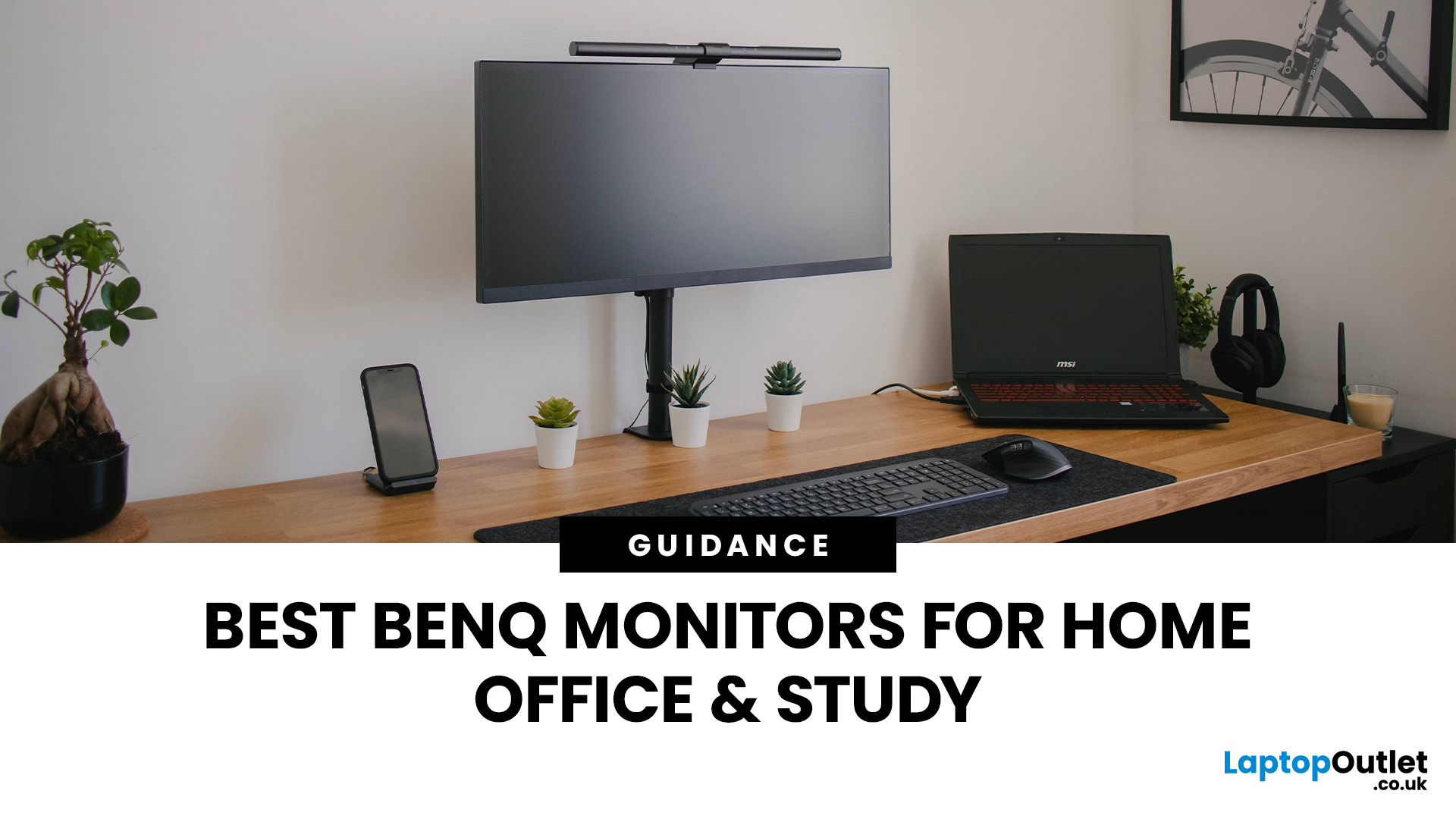
Creating a home workspace that actually makes you want to sit down and get things done starts with one key upgrade: your monitor. Whether you’re fully remote, juggling hybrid life, or deep into study mode, choosing the best BenQ monitor for home office use can seriously level up your focus, comfort and overall productivity.
Let’s be honest! Squinting at a tiny laptop screen for eight hours straight isn’t the vibe. You need space. You need clarity. You need something that doesn’t leave your eyes feeling fried by 4 pm. From compact Full HD screens that fit neatly on smaller desks to powerful 4K displays that handle heavy multitasking like a pro, there’s something for every type of workflow. So if you’re scrolling through BenQ monitors for home office and wondering which one deserves desk space, you’re in the right place.
What Makes a Good Home Office Monitor?
Not all monitors are created equal. A display designed for gaming or entertainment won’t always offer the same comfort and practical features required for long work sessions. So, what should you look for when choosing the best BenQ monitor for home office use?
1. Screen Size and Resolution
For most home setups, screen size directly affects productivity. A larger screen lets you comfortably run multiple windows side by side, reducing the need to constantly switch between tabs.
- 24–25 inch (Full HD) – Ideal for compact desks or student rooms.
- 27 inch (Full HD or QHD) – A popular sweet spot for productivity.
- 32 inch or 4K – Best for heavy multitasking, creative work or large spreadsheets.
A BenQ 27 inch monitor for productivity is often the go-to choice for professionals who want more screen space without overwhelming their desk.
2. Eye Comfort
If you spend 6–10 hours per day in front of your screen, eye strain becomes a real concern. Features like Low Blue Light and Flicker-Free technology are essential. That’s why many professionals look specifically for a BenQ Eye-Care monitor for work, designed to reduce fatigue over long periods.
3. Ergonomics and Adjustability
Height adjustment, tilt and swivel are key to maintaining good posture. A monitor that’s too low or too high can quickly lead to neck and shoulder strain.
4. Connectivity and Simplicity
Hybrid work means switching between laptops, desktops, and even tablets. A BenQ USB-C office monitor can simplify your desk by handling video, power delivery, and data through a single cable.
Essential BenQ Eye-Care Features for Long Days
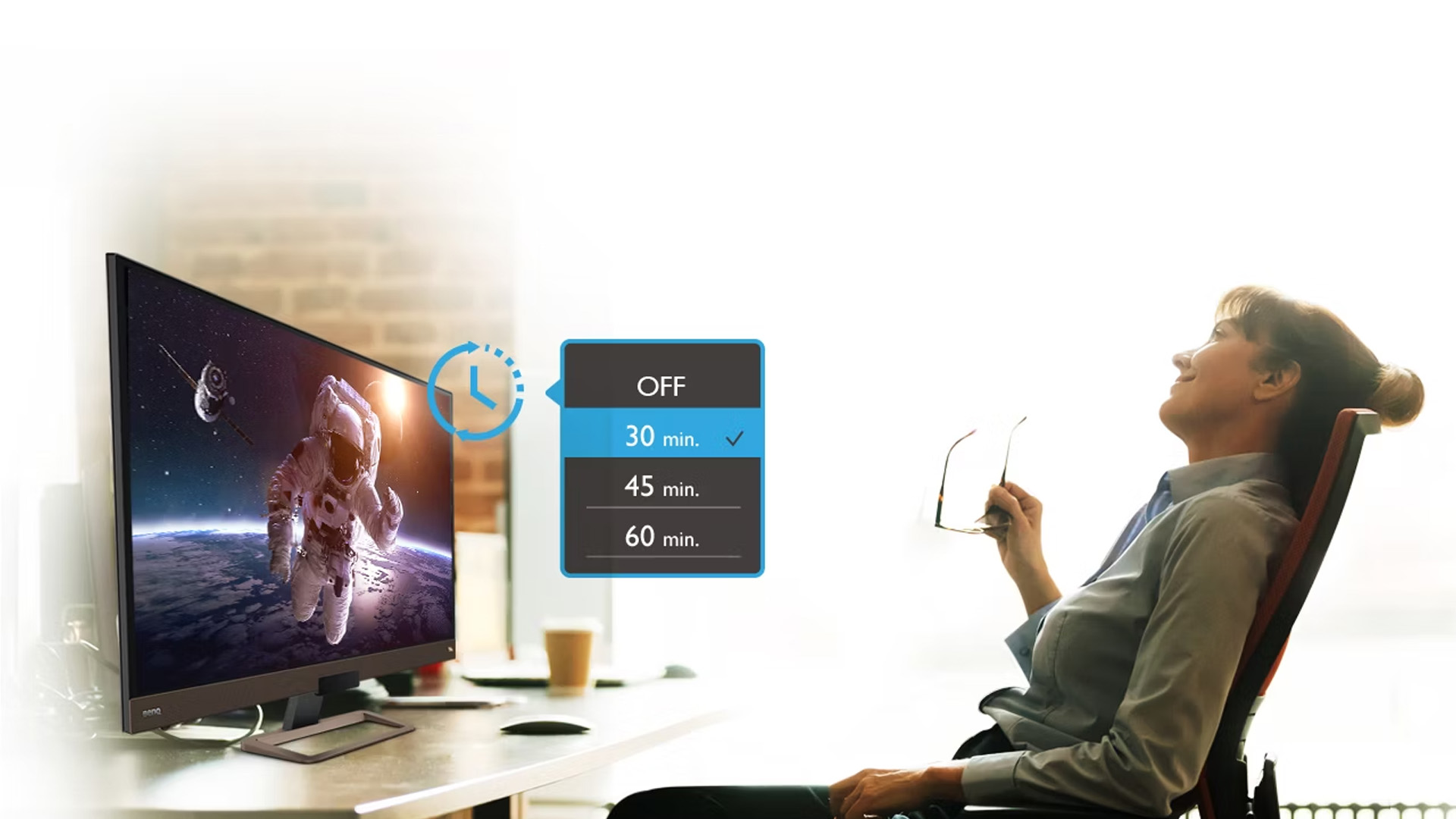
BenQ’s Eye-Care technology is one of the brand’s biggest strengths. If you’re looking for a monitor you can use comfortably from morning to evening, this is where BenQ stands out.
Low Blue Light Technology
Blue light exposure can contribute to eye strain and disrupted sleep patterns. BenQ’s Low Blue Light modes reduce harmful blue light without overly distorting colours, making them ideal for document editing, emails, and web browsing.
Flicker-Free Panels
Some monitors flicker rapidly in ways you may not consciously notice but your eyes do. Flicker-Free technology removes this issue, helping reduce headaches and fatigue during extended sessions.
Brightness Intelligence
Certain BenQ models automatically adjust brightness based on ambient light. This prevents screens from being overly bright in dark rooms or too dim in daylight conditions.
The aforementioned features are standard across many BenQ Eye-Care monitors for work, making them particularly suitable for professionals and students alike. If you’re searching for the best BenQ monitor for home office comfort, prioritising Eye-Care features is a smart move.
24–25″ BenQ Monitors for Compact Desks
Not everyone has space for a large display. If you're working from a small spare room, kitchen desk or student accommodation, a 24–25 inch monitor may be perfect. A Full HD 24-inch display delivers sharp text and clear visuals without unnecessary cost. For essays, spreadsheets and streaming lectures, it’s more than capable.
Why Choose 24–25 Inch?
A compact BenQ monitor for study is ideal for coursework, research, video calls, and everyday productivity tasks.
- Takes up less desk space
- More affordable
- Lower resolution requirements (Full HD works well at this size)
- Easy to pair with laptops
Who is it Best For?
- Students
- Remote workers with limited space
- Secondary monitors in dual-screen setups
- Budget-conscious buyers
27″ BenQ Monitors – The Sweet Spot for Productivity
For many professionals, a 26-28 inch display is the ideal middle ground. It offers noticeably more screen real estate than 24-inch models without demanding a huge desk. A BenQ 27 inch office monitor gives you room to work comfortably across multiple documents, browser windows or apps simultaneously.
Full HD vs QHD at 27″
At this size, QHD (2560 x 1440) becomes particularly attractive. It delivers sharper text and more usable workspace compared to Full HD.
Benefits include:
- Clearer fonts for long reading sessions
- More columns visible in spreadsheets
- Easier side-by-side multitasking
If you're upgrading from a laptop screen, a BenQ 27 inch monitor for productivity can dramatically improve workflow efficiency.
Ideal for Hybrid Workers
A 27-inch display is excellent for video conferencing while keeping documents open alongside. Combined with Eye-Care technology, it’s one of the most versatile sizes available. For many buyers searching for the best BenQ monitor for home office setups, 27 inches is the most popular and practical choice.
32″ and 4K BenQ Monitors for Heavy Multitasking
If your work involves complex spreadsheets, coding, creative editing, or large-scale data, stepping up to a 29-33 inch or 4K monitor can transform your setup.
Why Go 32 Inch?
- More visible rows and columns
- Larger timelines for editing
- Reduced need for dual monitors
- Better visibility at comfortable viewing distances
A 4K resolution (3840 x 2160) at 32 inches provides exceptional clarity. Text appears crisp, and detailed graphics remain sharp.
Who Benefits Most?
- Finance professionals
- Developers
- Designers
- Analysts
- Content creators
In some cases, a single 32-inch 4K display can replace a dual-monitor setup while maintaining a cleaner desk layout. For those considering a 4K upgrade or ultrawide setup, our BenQ productivity monitors guide breaks down the best models for serious workflow efficiency.
USB-C, Docking and Multi-Device Setups
Hybrid work often means switching between devices, perhaps a work laptop during the day and a personal device in the evening. This is where BenQ USB-C home office monitors become incredibly practical.
What Does USB-C Do?
A single USB-C cable can:
- Transmit video signal
- Deliver power to your laptop
- Transfer data
- Connect peripherals
Instead of juggling HDMI, power bricks and USB hubs, you plug in one cable and you’re ready to work.
Built-In KVM Switches
Some BenQ productivity monitors include KVM functionality, allowing you to control two devices with one keyboard and mouse. This is especially useful for professionals using separate work and personal machines.
If you’re building a streamlined setup, a BenQ USB-C office monitor helps keep cables to a minimum while maximising convenience. Is USB-C worth it? For many hybrid workers, absolutely. It reduces clutter, speeds up setup time and future-proofs your workspace.
Programming or 4K BenQ Productivity Monitor
BenQ also offers models tailored towards coding and technical work. These often include:
- Higher pixel density
- Specialised colour modes for coding
- Enhanced contrast for text clarity
If you spend long hours reading or writing code, these subtle optimisations can reduce strain and improve focus. Similarly, 4K monitors are ideal for:
- Large Excel sheets
- Design work
- Content editing
- Multi-window research
Choosing the Best BenQ Monitor for Home Office – Quick Recommendations
While your final decision depends on space and budget, here’s a simple breakdown:
- Compact desk or student room – 24–25″ Full HD BenQ monitor
- General office productivity – 27″ QHD BenQ monitor
- Heavy multitasking or technical work – 32″ 4K BenQ display
- Hybrid work with laptop docking – USB-C enabled BenQ model
All of these options can include Eye-Care features, making them suitable for long daily use. If you’re browsing the full range of BenQ monitors for home office, consider how much desk space you have, how many hours you work per day, and whether you need USB-C connectivity.
Top BenQ Picks Worth Adding to Your Desk
If you don’t want to scroll through endless specs and tabs, we’ve done the hard part for you. These three models strike the perfect balance between price, performance, and everyday productivity. Likewise, all three sit comfortably within the world of BenQ Eye-Care monitors for work, so whichever you choose, your eyes won’t hate you by the end of the day.
BenQ GW2486TC 23.8"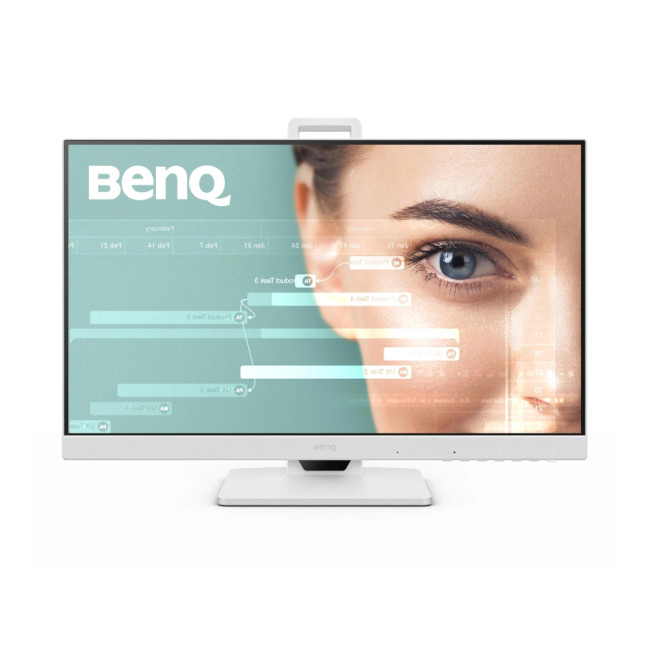
Best for: Hybrid workers who want one-cable simplicity
If your setup revolves around a laptop, this is a seriously smart choice. The BenQ GW2486TC delivers everything you need for a clean, clutter-free desk without overcomplicating things.
At 23.8 inches with Full HD resolution, it’s the ideal size for compact desks or minimalist setups. The IPS panel keeps colours consistent and text sharp from every angle, perfect for long document sessions, spreadsheets and video calls.
But the real win here? USB-C.
With USB-C connectivity, you can power your laptop, transfer data and send video through a single cable. That means fewer wires, less mess and faster setup every morning. If you're searching for the best BenQ monitor for home office use with modern connectivity, this one makes life easy.
Key highlights:
- Height Adjustable Stand
- Built in Speakers
- 23.8" Full HD Display, IPS, 1920 x 1080 Max. Resolution
- 5 ms Response Time, 100 Hz Refresh Rate
- 16:9 Aspect Ratio
- USB-C | HDMI | DisplayPort
- White Colour
- 2 Years Warranty
This is a great entry point into BenQ USB-C home office monitors, especially if you’re upgrading from just using your laptop screen.
BenQ BL2490 23.8"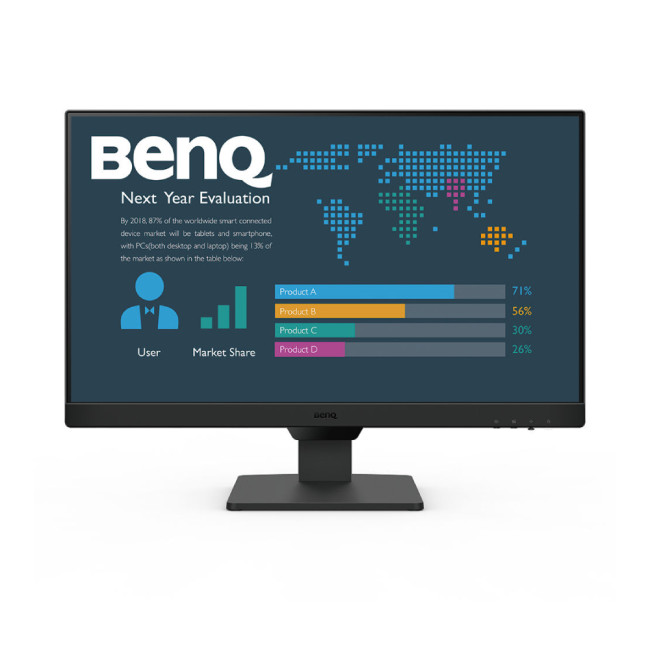
Best for: Students and budget-friendly productivity setups
Need something reliable, sharp and affordable? The BL2490 keeps things simple, in a good way.
At 23.8 inches, it’s a comfortable size for study desks, bedrooms or smaller home offices. Full HD resolution ensures crisp text, and the 100Hz refresh rate makes scrolling through notes, documents and social feeds noticeably smoother than standard 60Hz displays.
It doesn’t have USB-C, but if you’re connecting via HDMI or DisplayPort and want solid performance without paying extra for docking features, this monitor absolutely delivers.
It’s an excellent BenQ monitor for study, whether that’s essays, research, coding basics or online lectures. Plus, it includes the Eye-Care technology that makes long revision sessions easier on your eyes.
Why it works:
- Built in Speakers
- 23.8" Full HD Display, IPS, 1920 x 1080 Max. Resolution
- 5 ms Response Time, 100 Hz Refresh Rate
- 16:9 Aspect Ratio
- 2x HDMI | DisplayPort
- Black Colour
- 3 Years Warranty
BenQ BL2790C 27"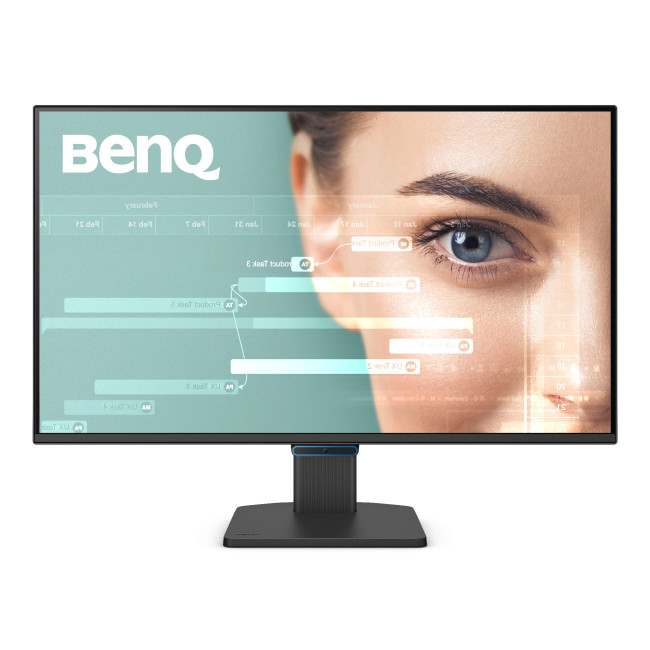
Best for: Professionals who want more screen space and smoother performance
Now we’re stepping things up.
The BL2790C is for anyone who feels limited by a smaller display. At 27 inches, you get noticeably more room to multitask, perfect for having emails open on one side, spreadsheets on the other, and still squeezing in a browser window.
This BenQ 27 inch office monitor also brings USB-C connectivity, meaning it doubles as a docking hub for laptop users. Plug in once and you’re ready to go.
The 144Hz refresh rate adds an extra layer of smoothness. It’s not just for gaming — it makes scrolling, animations and transitions feel cleaner and more responsive throughout your day.
Built-in speakers make it ideal for video meetings without needing extra desk accessories, keeping your setup tidy.
Standout features:
- 2x 2W Built-in Speakers
- 27" Full HD Display, IPS, 1920 x 1080 Max. Resolution
- 5 ms Response Time, 144 Hz Refresh Rate
- 16:9 Aspect Ratio
- HDMI 1.4 | Displayport | USB-C
- Black Colour
If you're after a BenQ 27 inch monitor for productivity that balances performance, comfort and connectivity, this one feels like a proper workspace upgrade. Looking for a larger display without stretching your spend? Our best budget BenQ 27-Inch monitors under £200 for work, study, and casual gaming article highlights strong value options.
Which One Should You Choose?
It really comes down to how you work.
- Tight on space? Go for the GW2486TC or BL2490.
- Want USB-C simplicity? Choose the GW2486TC or BL2790C.
- Need more screen space for multitasking? The BL2790C wins.
- Studying or working on a budget? The BL2490 is a smart pick.
Ready to upgrade your setup? Laptop Outlet has you covered.

Final Thoughts
Choosing the best BenQ monitor for home office use isn’t just about screen size, it’s about comfort, connectivity and how you work each day. Whether you need a compact study-friendly screen, a versatile BenQ 27 inch office monitor, or a fully featured USB-C productivity hub, BenQ offers dependable options designed for modern work patterns.

Still Have Questions?
What screen size is best for a BenQ home office monitor?
For most users, 27 inches offers the best balance between comfort and productivity. A BenQ 27 inch monitor for productivity gives you enough space for multitasking without overwhelming your desk. However, 24–25 inches works well for smaller setups, while 32 inches is ideal for advanced multitasking.
Do all BenQ office monitors have Eye-Care features?
Many modern models include BenQ’s Eye-Care technologies such as Flicker-Free and Low Blue Light. If eye comfort is a priority, look specifically for a BenQ Eye-Care monitor for work to ensure those features are included.
Is USB-C worth paying extra for on a BenQ home office display?
If you use a laptop as your main device, yes. A BenQ USB-C office monitor can power your laptop, transmit video and connect accessories with one cable. It simplifies your desk and improves convenience, particularly for hybrid workers.
Can one BenQ monitor handle both work and occasional gaming?
Yes. Many BenQ productivity monitors offer good refresh rates and response times suitable for casual gaming. While they’re not dedicated gaming displays, they can comfortably handle light gaming alongside everyday office tasks.
Is a budget BenQ monitor enough for study and light work?
Absolutely. A Full HD BenQ monitor for study is more than capable of handling essays, research, video calls and general productivity. Eye-Care features also help make long revision sessions more comfortable.
Related Articles

Last Updated: August 25, 2026
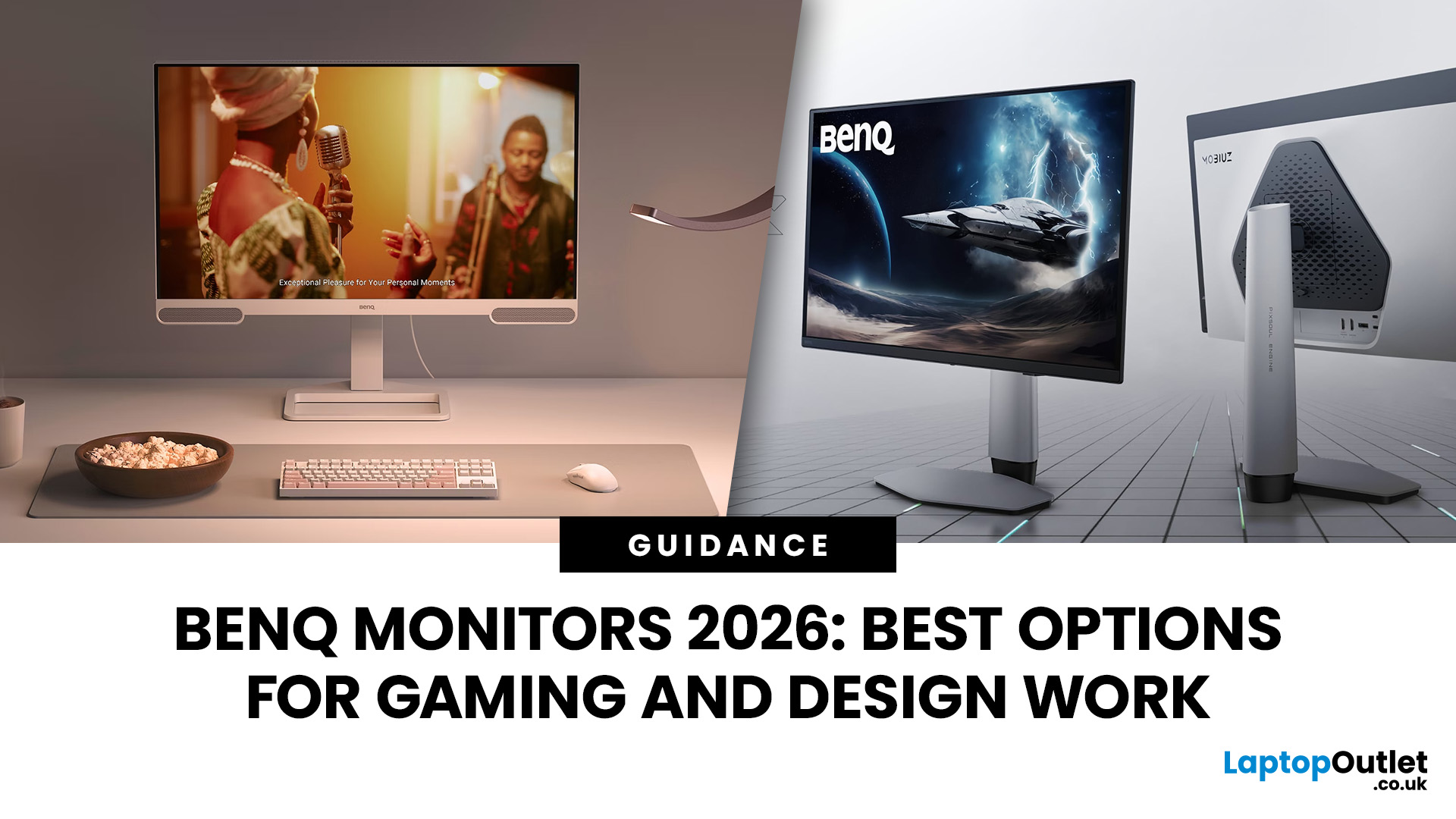
In 2026, BenQ screens for gaming and design stand out as some of the most versatile displays available, combining advanced technology, eye-care features, and excellent build quality. From BenQ gaming monitors designed for esports and AAA titles to BenQ design monitors aimed at creative professionals, the BenQ monitor lineup covers every need. This blog highlights the best BenQ monitors you can buy at Laptop Outlet, with a breakdown of their features, benefits, and why they’re trusted worldwide.
Why Choose BenQ Monitors in 2026?
Before diving into specific models, let’s explore why BenQ remains a top choice for professionals and gamers.
Innovation Across Categories
For competitive players, BenQ gaming monitors now feature refresh rates up to 240Hz, 1ms response times, and adaptive sync technologies like AMD FreeSync Premium and NVIDIA G-Sync compatibility. On the other hand, its design monitors offer factory-calibrated colour accuracy, HDR10 support, and wide gamut coverage (sRGB, AdobeRGB,
Last Updated: June 15, 2026
One monitor, two personalities; perfectly tuned for any game.
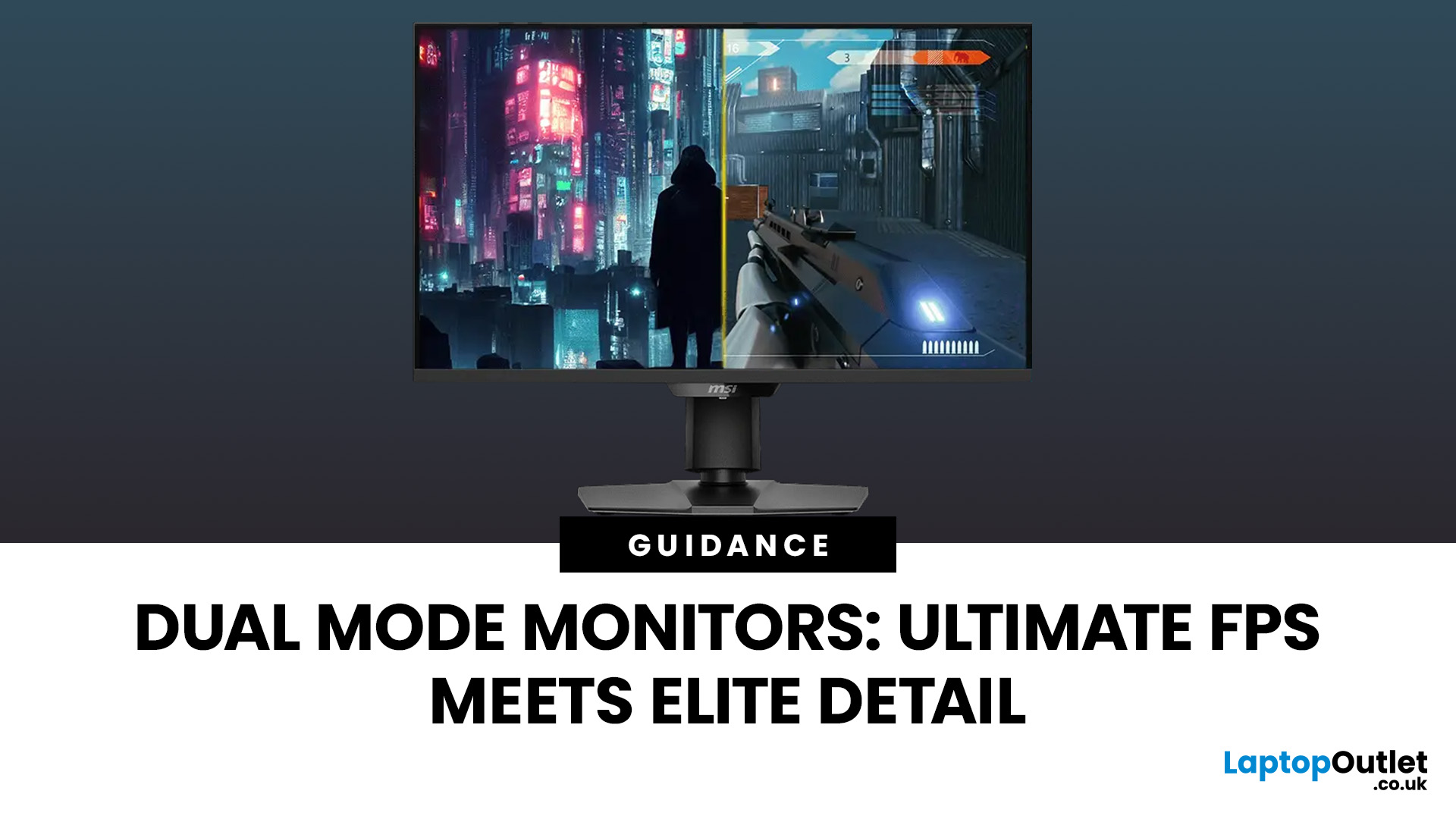
For years, gamers have faced a tough choice: do you pick a monitor with crystal-clear display and high resolution, or one with fast refresh rates for maximum speed? Trying to achieve both usually meant compromising on one side. That compromise is now a thing of the past, thanks to the dual mode gaming monitor.
This cutting-edge technology gives you the power to switch instantly between two different display modes, each optimised for a specific type of gaming. This simple switch can genuinely help improve FPS and dramatically enhance your overall visual quality.
If you want to know how dual mode gaming monitors improve FPS & visual quality, read on.
What Exactly are Dual Mode Gaming Monitors?
Before we get to the nuts and bolts of why dual mode monitor performance is so remarkable, let's nail down what they are.
A dual mode gaming monitor is a single display that has the unique, built-in ability to switch between two distinctly
Last Updated: August 12, 2026
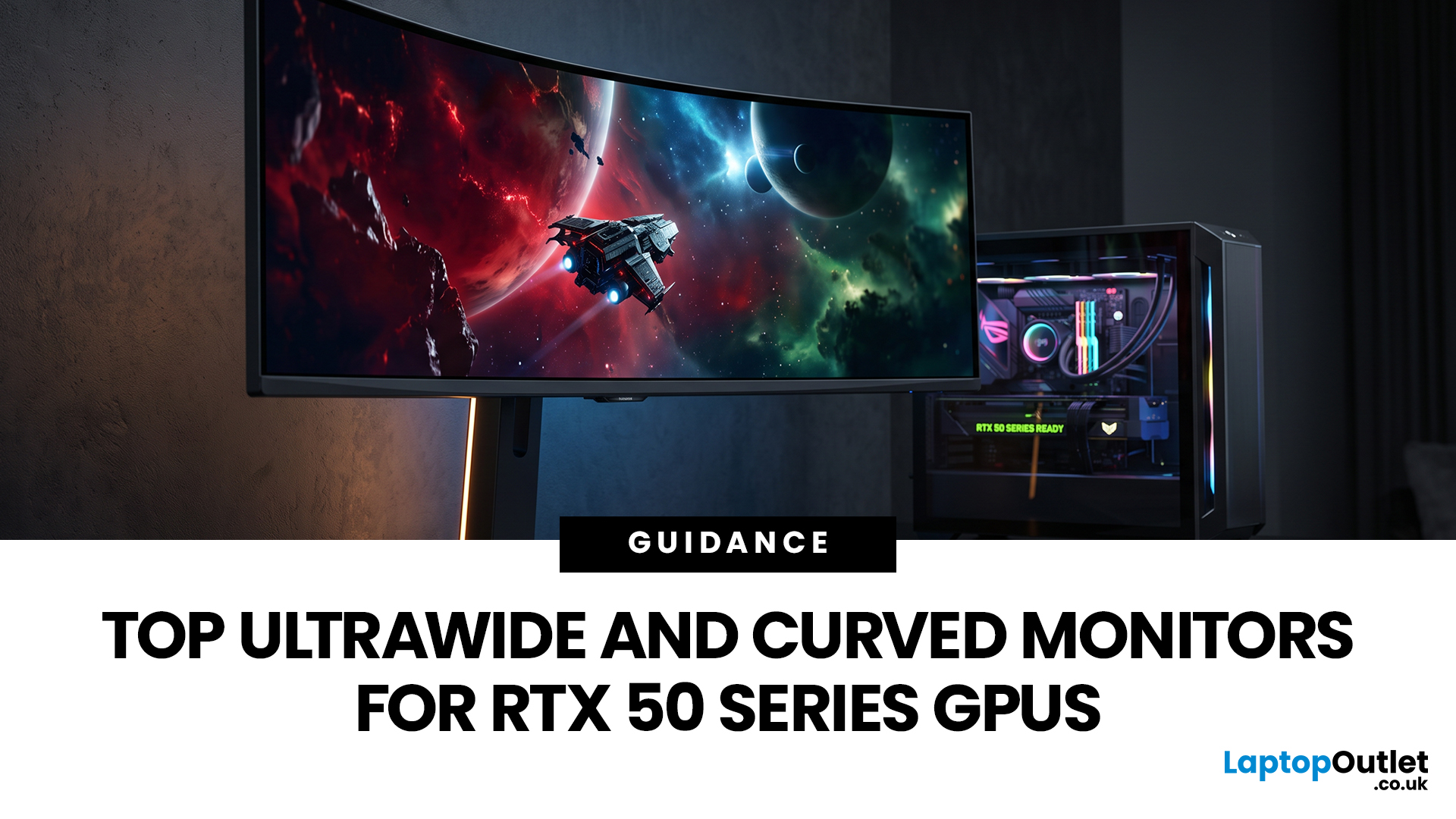
Picking a monitor for an RTX 50 Series GPU isn’t just about chasing the highest refresh rate, it’s about getting the right vibe for your setup. Think resolution, panel type and aspect ratio that actually match how you game, how powerful your RTX 5080 or RTX 5070 Ti is, and how much space you’ve got on your desk.
If you’re on an RTX 5080, a massive 49-inch 5120 × 1440 ultrawide hits different for immersive racing, sim and open-world gameplay. The RTX 5070 Ti feels right at home on a 34-inch 3440 × 1440 ultrawide, while a compact QHD curved monitor is perfect if you want smooth, high-refresh gaming on a budget.
Quick Comparison
| Best For | Monitor | Screen and Resolution | Refresh Rate | Panel | Main Strength | Consider Before Buying |
| RTX 5080 | Philips Evnia 49M2C8900 | 48.9-inch, 5120 × 1440, 32:9 | 240Hz | QD-OLED | Maximum immersion with OLED picture quality | Requires substantial desk space and strong GPU performance |
| RTX 5070 Ti | AOC G4 CU34G4Z | 34-inch, 3440 × 1440, 21:9 | 240Hz | Fast VA | Strong balance of speed, |
Last Updated: September 01, 2026
If you're looking to unlock true next-gen performance on your Xbox Series X without stretching your budget, you’re in the right place. The console is capable of extraordinary visuals, which includes from razor-sharp 4K resolution and buttery-smooth 120Hz gameplay to HDR brilliance and ultra-low latency. But to experience these features properly, you need the right display. That’s why we’ve curated a detailed guide to the best budget-friendly 4K monitors for Xbox Series X, helping you choose a display that enhances every moment of your gaming while keeping your wallet happy.
Why a 4K Monitor is Ideal for Xbox Series X
The Xbox Series X was built for 4K gaming. While you can play on lower resolutions, a monitor that fully supports the console’s capabilities will significantly improve your experience. Here’s why a 4K monitor for next-gen consoles is the perfect match:
True 4K Resolution
With a 4K monitor, you get four times the pixel density of 1080p, giving you:
- Sharper textures
- Improved

Last Updated: August 28, 2026
Gaming has changed forever. If you are still using an old LCD screen, you are missing out on the best visuals possible. In 2026, the best OLED gaming monitors have become the gold standard for every serious player. Whether you want a competitive edge in shooters or deep immersion in RPGs, OLED is the answer.
But why is everyone switching? It comes down to speed and colour. OLED panels offer near-instant response times. They also provide "true blacks" that no other screen can match. In this guide, we will look at the top OLED gaming screens available. We will also explain what to look for so you can find the perfect match for your PC or console.
1. AOC Gaming Q27G41ZDF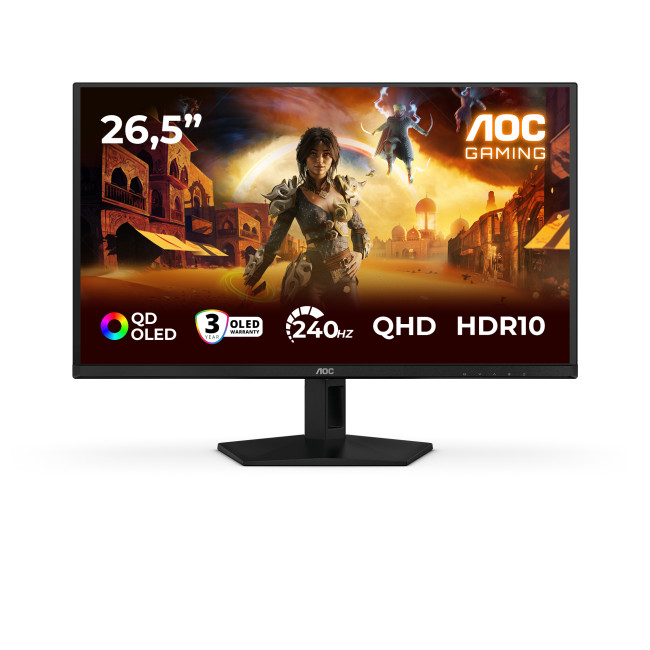
Key Specifications:
- Screen Size: 26.5-inch
- Panel Type: QD OLED
- Resolution: 2560 x 1440 (QHD)
- Refresh Rate: 240Hz
- Response Time: 0.03ms
- Aspect Ratio: 16:9
- Screen Shape: Flat
- Sync Technology: G-SYNC Compatible, Adaptive Sync
- Low Blue Light Technology: Yes
- HDR Standards: HDR10
Last Updated: August 28, 2026
Gaming has changed rapidly over the last few years. In 2026, players demand more than just a clear picture. They want fluid movement, deep colours, and hardware that looks as good as the game itself. This is where Philips Evnia monitors come into play.
The Evnia range was designed to break the "typical gamer" stereotype. These screens combine high-end performance with a sleek, modern aesthetic. Whether you are a competitive esports player or a casual console gamer, there is a model tailored for you.
Finding the right display can be tricky. You have to balance refresh rates, resolution, and panel types. In this guide, we break down the five best Philips monitors for gaming to help you level up your setup.
1. Philips Evnia 24M2N3201A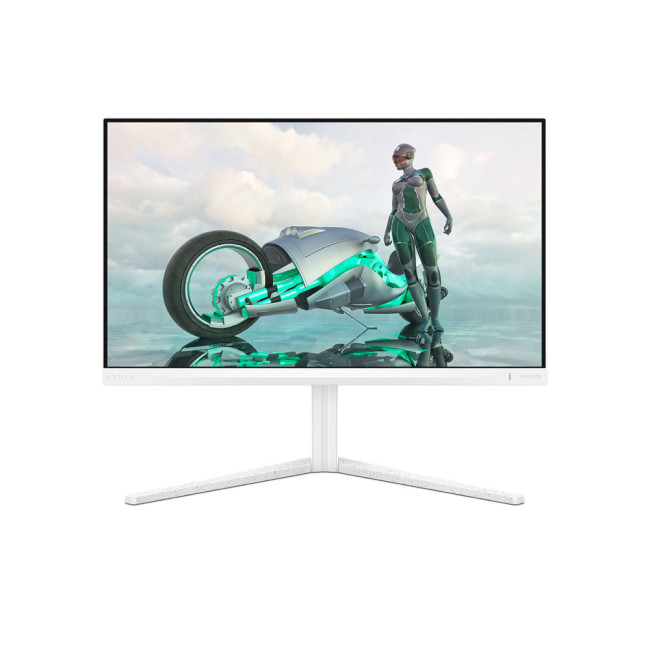
Key Specifications:
- Screen Size: 23.8 Inches
- Panel Type: Fast IPS
- Resolution: Full HD (1920 x 1080)
- Refresh Rate: 180Hz
- Response Time: 1ms (GtG)
- Aspect Ratio: 16:9
- Screen Shape: Flat
- Connectivity: 2x HDMI 2.0, 1x DisplayPort 1.4
- Features: Adaptive Sync,
Last Updated: July 10, 2026
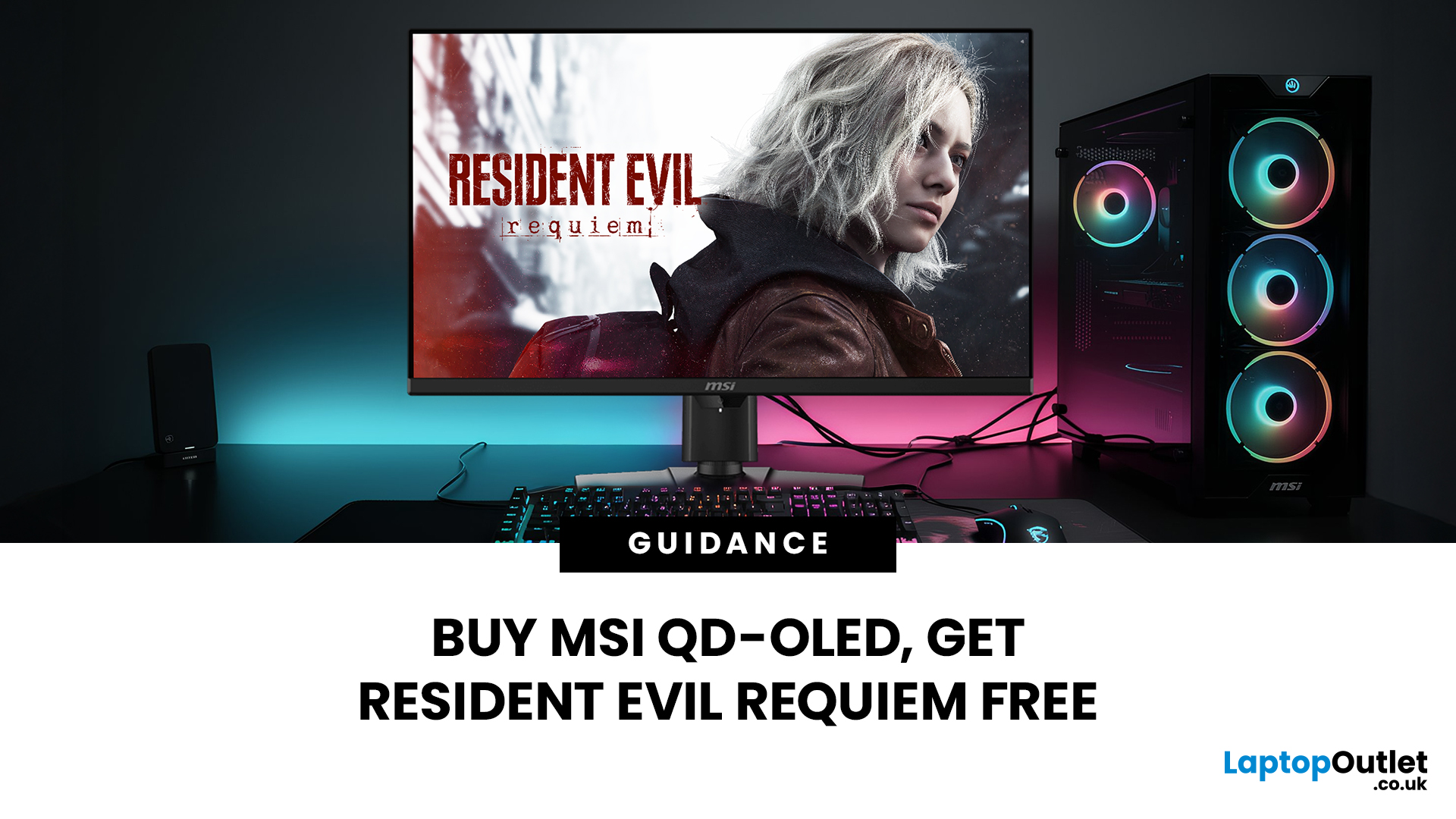
Gaming is about to get a whole lot better. If you are looking for a screen upgrade, now is the perfect time. MSI is currently offering a deal that is hard to ignore. When you buy a selected MSI QD-OLED monitor, you can get Resident Evil Requiem free.
This latest title usually costs £51.99. However, for a limited time, you can add it to your library without spending an extra penny. Combining the terrifying visuals of Resident Evil with the ground-breaking technology of QD-OLED is a match made in heaven.
In this guide, we will look at the best MSI gaming monitors included in this deal.
Why This Gaming Deal Matters
Gaming hardware is expensive. Getting a £51.99 game for free helps offset the cost of your new screen. But beyond the money, it is about the experience. MSI QD-OLED monitors are currently the pinnacle of display technology.
They offer:
- Perfect Blacks: No "halo" effect around bright objects.
- Vivid Colours: Quantum Dots provide a wider colour gamut.
- Instant Response: 0.03 ms is
Last Updated: June 15, 2026
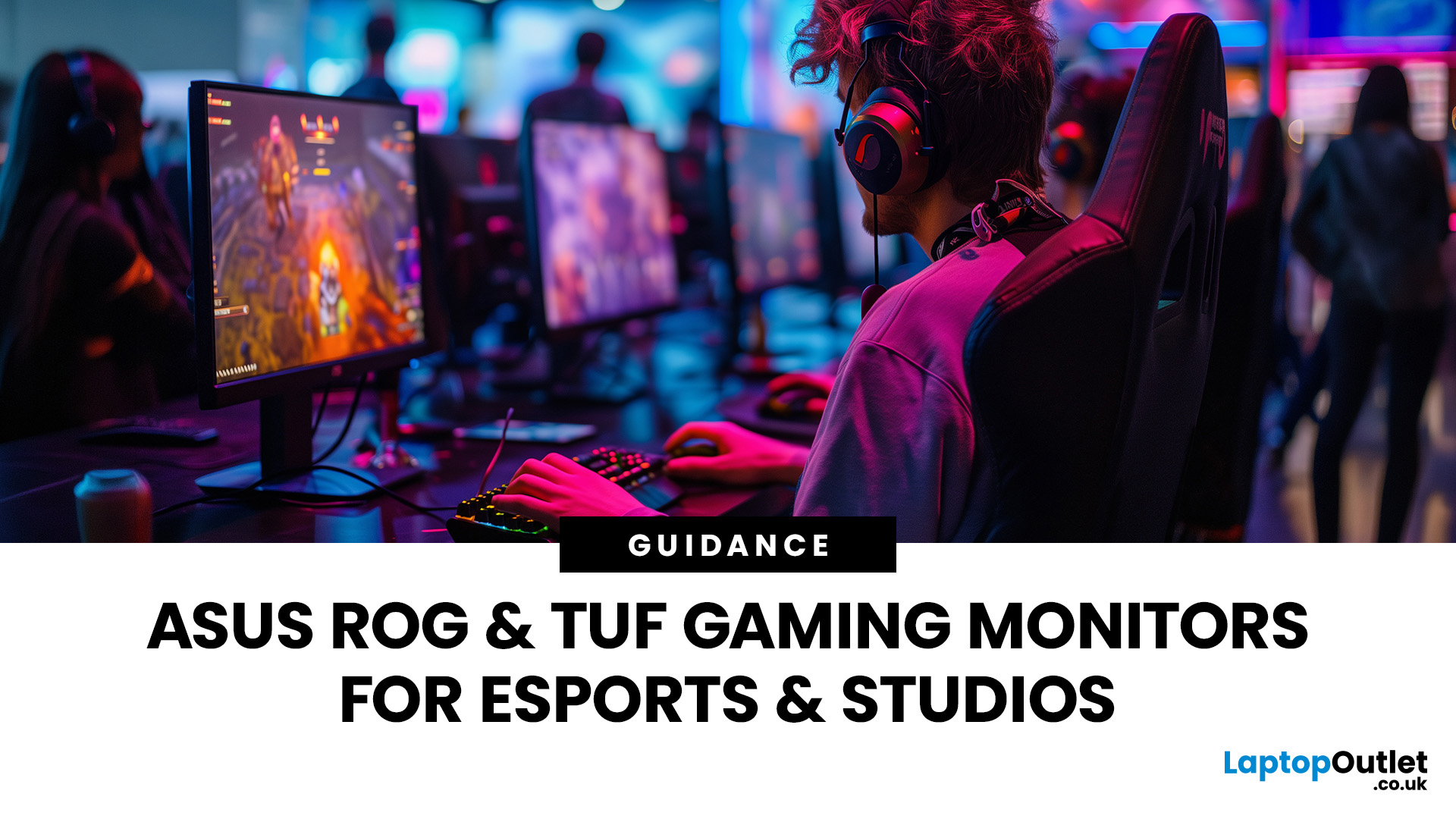
If you run an esports arena, gaming cafe, university esports lab, or content studio, your monitor choice is not a background decision. It directly affects performance, player satisfaction, brand perception, and long-term ROI. Competitive players notice the refresh rate instantly. Streamers notice colour accuracy. Venue owners notice durability. And everyone notices screen quality.
That’s why ASUS gaming monitors have become a staple across esports stages and gaming venues in the UK. From ultra-premium ASUS ROG gaming monitors built for tournament environments to scalable ASUS TUF gaming monitor options designed for multi-station rollouts, ASUS covers every level of competitive deployment.
If you're building or upgrading a gaming business, here’s what you need to know.
Why Esports & Gaming Businesses Choose ASUS
A single hardware issue during a tournament can damage a reputation fast. ASUS has built a strong position in esports by delivering consistency under pressure.
Brand Reputation
Last Updated: March 13, 2026
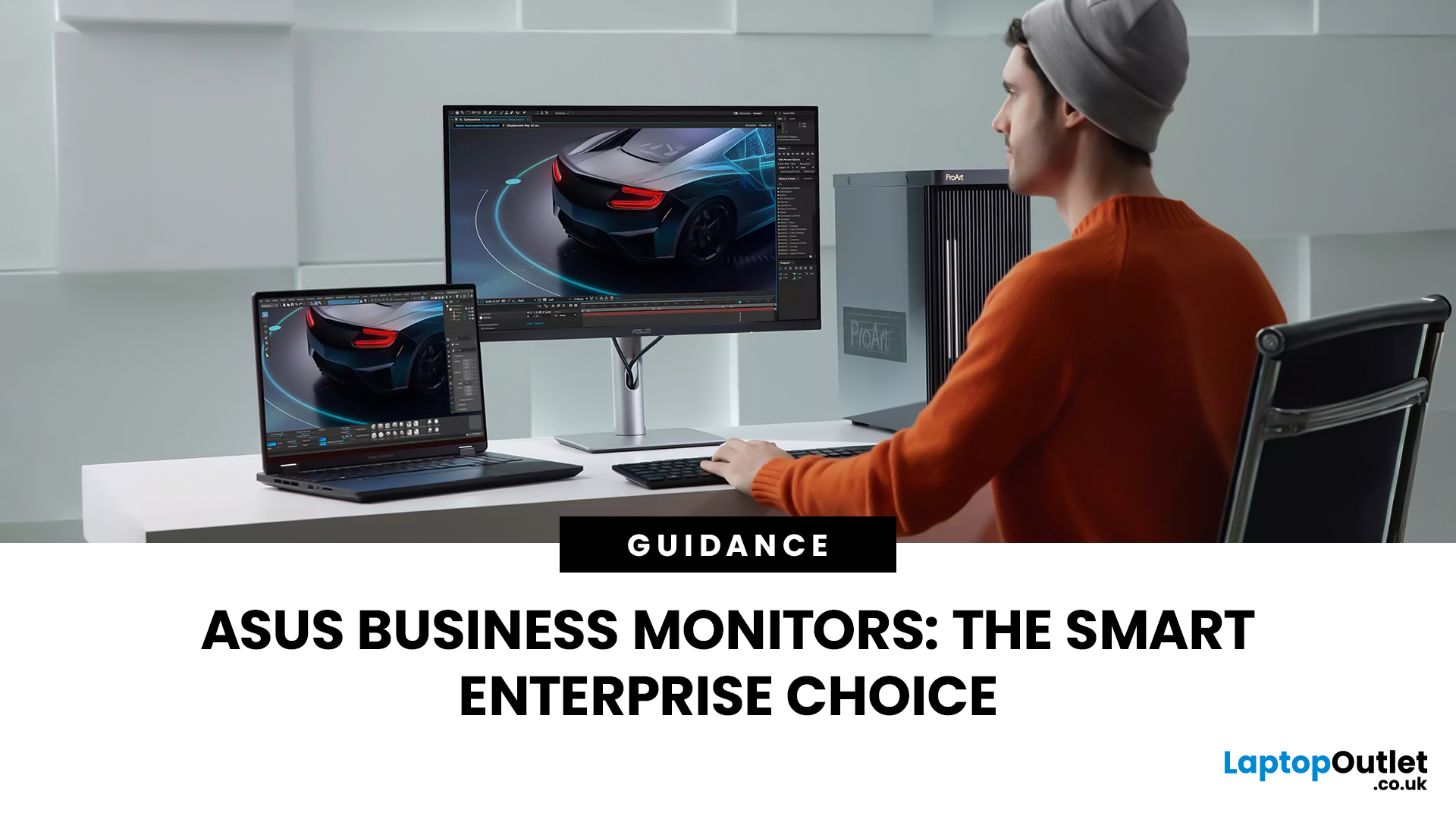
Modern workplaces are more screen-based than ever and in the UK, the average office employee now spends over 6 hours a day looking at a monitor. For businesses, that makes display choice more than just a tech detail; it’s a productivity and wellbeing decision.
The right ASUS business monitors can improve workflow efficiency, reduce eye strain, and support hybrid teams with flexible connectivity like USB-C docking. Whether you’re equipping a corporate office, a call centre, or a growing enterprise rolling out hundreds of workstations, choosing the right monitor spec matters.
In this buying framework, we’ll break down what UK organisations should prioritise, from screen size and ergonomics to ASUS Eye Care features, bulk purchasing, and the best monitor options for business use in 2026.
Why ASUS Monitors Work Well for Modern Workplaces

In today’s business environment, monitors are no longer just office accessories, they’re core productivity tools. From finance teams working across spreadsheets
Last Updated: March 13, 2026
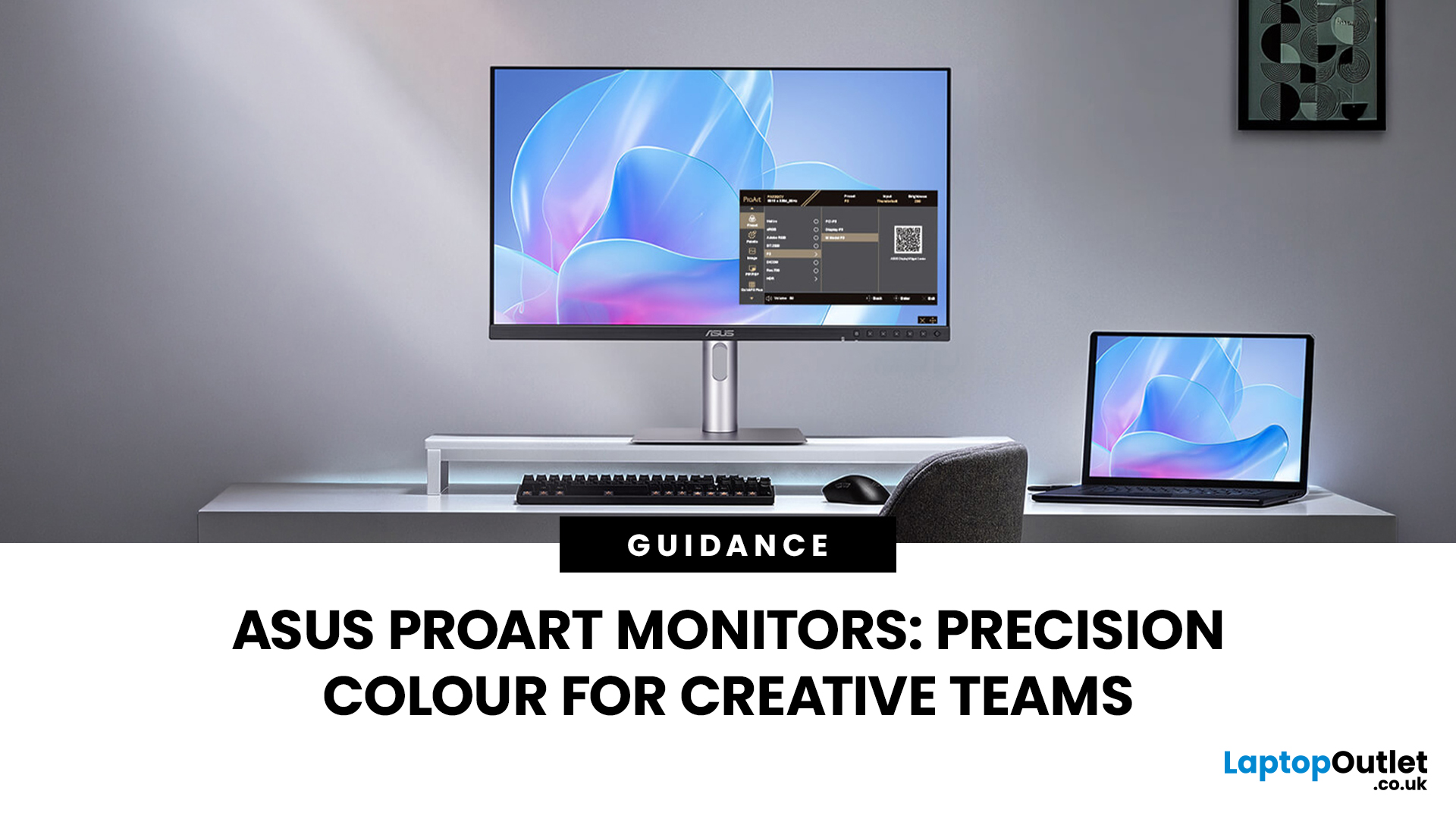
Creative work is more colour-critical than ever and studies show the average designer spends over 7 hours a day staring at a screen. That means your monitor isn’t just a display… it’s basically your studio. If colours are even slightly off, edits don’t match, prints come out wrong, and client work gets messy fast.
That’s where ASUS ProArt monitors come in. Built specifically for creators, they deliver factory-calibrated accuracy, wide colour coverage, and crisp 4K detail that makes photo editing, graphic design, and video workflows feel effortless. Whether you’re running a creative agency, an in-house design team, or a full studio setup, ProArt screens help you work with confidence, not guesswork.
Let’s break down what makes them worth it.
What Creative Teams Need from a Monitor
Not all monitors are built the same and creative teams feel that difference immediately. A standard office screen might be fine for spreadsheets, but when you’re adjusting skin tones, matching brand colours, or

