



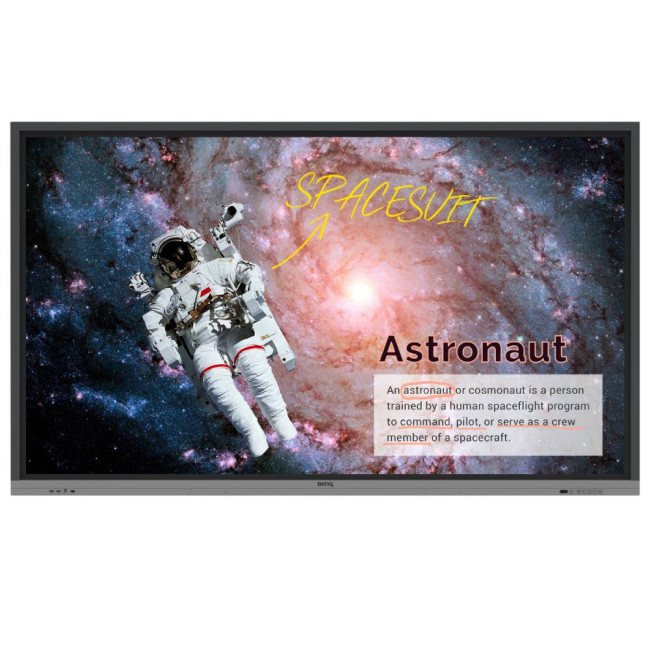
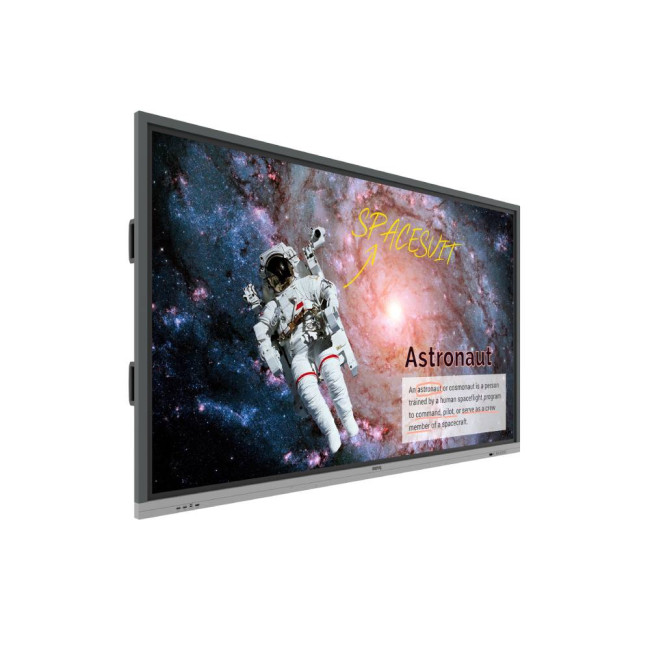
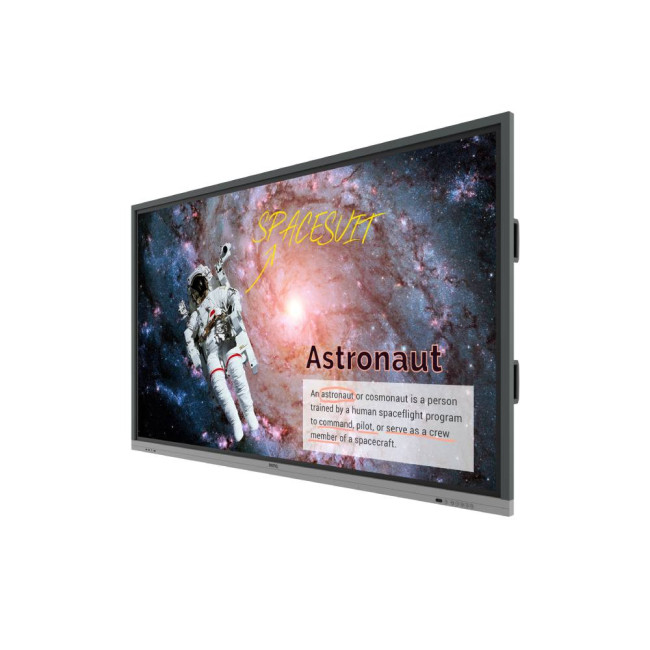
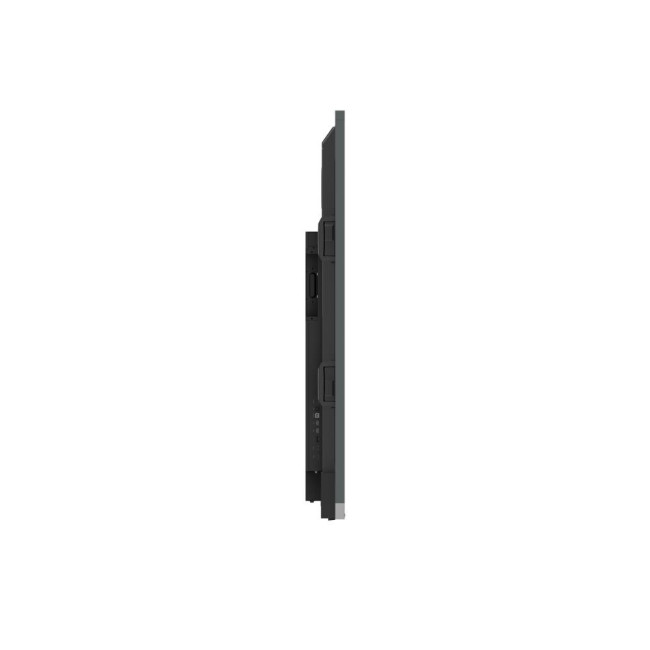
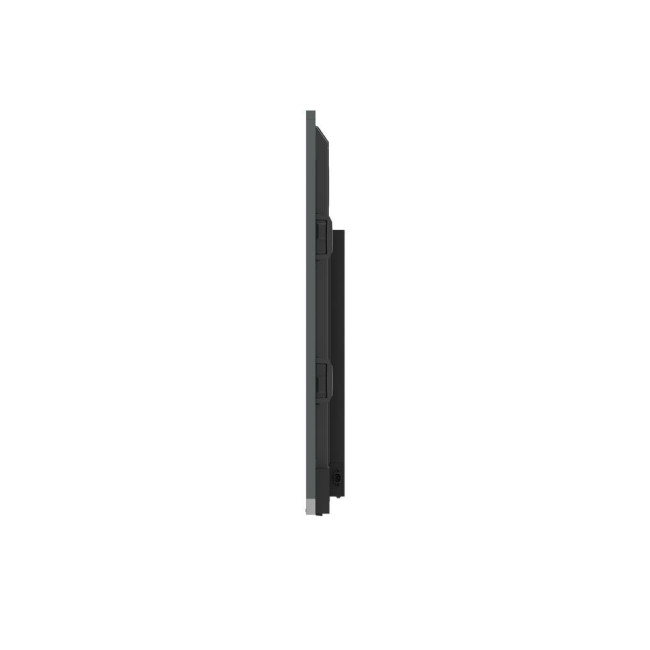
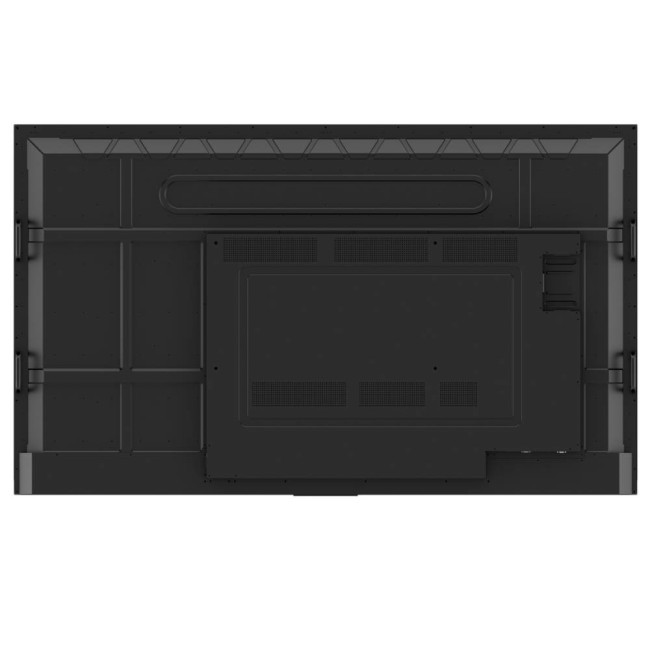
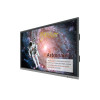
Refurbished BenQ Education RE8601 86" 4K Ultra HD Interactive Touchscreen Flat Panel Display

Secure Payment

Free UK Shipping

Easy Return
SKU: RFB-9H.F72TK.DE1



Annotate and Collaborate Everywhere with the Cloud
With cloud features, EZWrite 5 streamlines classroom discussions by making it smoother than ever for teachers and students to share ideas, notes, and opinions as if they are annotating on the same whiteboard regardless of where they are. Furthermore, with AMS service teachers will be able to access teaching materials stored in cloud storage and start the class directly with BenQ Education Interactive Display.
Cloud Whiteboard and Sticky Notes for Classrooms
Packed with teacher- and student-friendly features, BenQs EZWrite 5 is the leading annotation solution for interactive and collaborative classroom scenarios. Teachers and students can enjoy enhanced interactivity by using EZWrite Cloud Whiteboard to collect, categorize, edit, and share notes between the interactive displays and mobile devices.
Instant Access to the Cloud
EZWrite 5 allows teachers to directly download and upload files to cloud services, such as Google Drive and Dropbox. Exclusive to EZWrite 5, this convenient cloud access makes it easy for teachers to modify their materials and bring them everywhere.
Saving Files with EZWrite 5
Step1. Save your file
Step2. Choose your cloud storage
Loading Files with EZWrite 5
Step.1 Download a file from your cloud stroage
Step2. Open the file directly in EZWrite 5
Flexible Anytime Annotation
Step1. Press the Screen Shot button on the Floating Tool
Step2. Capture on-screen content directly on the display
Step3. Import to EZWrite 5 and make annotations
Adjustable Screen Capture Regions and Easy Import
With EZWrite's Floating Tool, teachers can capture screen shots of anything on the screen, including content from apps, websites, and videos from any source. They can then import this content into EZWrite 5 for further discussion and annotation on a brand new page.
Dual Pens for Simultaneous Collaboration with Different Colors
EZWrite 5 comes with dual pens that allow two users to write or draw simultaneously with different colors, making it ideal for lively classroom activities.
Brush Mode for Creative Education
EZWrite 5 is ideal for creative, inspired creation in art classes. Users are guaranteed to enjoy an effortless experience that feels like writing and drawing with actual pens and brushes.
Floating Tool
EZWrites built-in Floating Tool empowers teachers to write on top of any app, video, website, document, or image. Whether using Windows, Mac, Chrome, or Android, a teacher can take notes on top of any on-screen content and save them. With screen capture, it allows users to capture all †or just part †of the screen within two fingers at both hands. The Floating Tool also offers a smooth writing experience when used with HDMI, VGA, and other signal sources, ensuring maximum flexibility.
Intelligent Handwriting Recognition
EZWrite's handwriting recognition feature allows users to instantly convert written text, numbers, forms, and drawings into easily legible digital text without having to switch modes.
Immediate Message Delivery and Management
The Smart Broadcasting System with Instant Delivery and Easy Management
X-Sign Broadcast is a wireless broadcast system that can push alerts, messages and announcements during class. Unlike traditional classroom messaging systems, X-Sign Broadcast ensures immediate message delivery as well as group notification. Serving as a next-generation information center, X-Sign Broadcast lets you manage class time content and broadcast enriching material from any device. Creating an engaging learning environment has never been easier.
With its grouping function, X-Sign Broadcast can send messages to a selected group of screens, a single classroom or the whole school. The grouping function helps ensure information is only sent to the recipients for whom its intended, while also reducing the time and labor required to send messages to multiple people.
| Display | |||||||||||
|---|---|---|---|---|---|---|---|---|---|---|---|
| Screen Size | 86" | ||||||||||
| Touchscreen | Yes | ||||||||||
| Display Type | 3840 x 2160 | ||||||||||
| Panel Type | IPS | ||||||||||
| Brightness | 400 cd/m² | ||||||||||
| Response Time | 8 ms | ||||||||||
| Maximum Resolution | |||||||||||
| Screen Shape | Flat | ||||||||||
| Anti-glare Screen | Yes | ||||||||||
| Ports & Interfaces | |||||||||||
| connectivity | 3x HDMI | DisplayPort | VGA | ||||||||||
| VGA Ports | 1 | ||||||||||
| Display Ports | 1 | ||||||||||
| Built-in USB Hub | Yes | ||||||||||
| Headphone Out | Yes | ||||||||||
| Features | |||||||||||
| Built-in Speakers | Yes | ||||||||||
| Built-in Camera | No | ||||||||||
| AMD FreeSync | No | ||||||||||
| Low Blue Light Technology | Yes | ||||||||||
| Flicker-free Technology | Yes | ||||||||||
| Other Specifications | |||||||||||
| Most Suitable For | Creating | ||||||||||
| VESA Mounting | Yes | ||||||||||
| General | |||||||||||
| Colour | Black | ||||||||||
| Weight | 69 kg | ||||||||||
| Warranty | 1 Year | ||||||||||
Loading...