



Top 10 Gaming Monitors to Buy in New Year Deals 2026
If your setup is still running on an older 60–75Hz display (or a basic office screen), 2026 is the year to change that. The jump to a modern gaming monitor can be instantly noticeable: smoother camera movement, clearer motion in fast fights, and a more responsive “feel” when you aim, flick, track, or even just pan across open-world scenery. That’s why New Year gaming monitor deals are such a popular time to upgrade, stock is refreshed, prices tend to be competitive, and you can often find the exact spec combination you’ve been waiting for without paying peak-season prices.
Laptop Outlet makes this easier because there’s a wide range of gaming monitors in one place, so you can compare size, resolution, refresh rate and panel tech without bouncing between stores. A good starting point is the main gaming monitors category (it’s perfect for filtering by what matters most). And if you’re shopping across more than just monitors, it’s also worth keeping an eye on the wider promotions to save big in New Year tech sale.
What “best gaming monitors 2026” really means
In 2026, the “best” monitor isn’t one single feature; it’s the right combination for how you play. If you love ranked shooters, you’ll care about speed and clarity first. If you mainly play cinematic AAA games, you’ll likely care about contrast, HDR, and resolution. If you’re building a racing rig, immersion matters more than almost anything else. The deals are great, but clarity on your priorities is what turns a sale into a smart buy.
A simple way to decide is to pick your main lane:
- Competitive / esports: high refresh + very low latency
- All-rounder: sharp 1440p + high refresh + VRR
- Cinematic / console-first: 4K + strong HDR handling
- Immersion: ultrawide or curved display for presence and field of view
Once you know your lane, every spec becomes easier to judge.
Refresh rate: why 240Hz is everywhere in New Year sales
Refresh rate is the headline spec for most shoppers, and for good reason. In real gameplay, higher refresh can make motion look more “connected” and reduce the blur you see during fast camera moves. In 2026, you’ll see strong value in 144–180Hz, and you’ll see a lot of tempting 240Hz monitor deals New Year because 240Hz has become a mainstream target, not just an esports luxury.
That said, refresh rate is only as good as the performance you can feed it. If your PC regularly hits 200+ FPS in shooters, 240Hz can feel amazing. If your games hover around 80–120 FPS, you’ll still benefit (input feels snappier), but you may get more satisfaction from higher resolution, better contrast, or stronger HDR than from chasing the highest possible Hz number.
For shoppers hunting for esports monitor offers, the best approach is to decide whether you’re prioritising maximum FPS (often 1080p with very high refresh) or a sharper competitive image (1440p with high refresh). Both are valid; your GPU and game library decide which is “best.”
High refresh monitors really shine when matched with capable hardware, which is why deals on New Year processor deals 2026: Cheap processors for gaming, streaming & work can make just as much difference to sm
ooth gameplay as the screen itself.
VRR: the hidden hero in a G-SYNC & FreeSync monitor sale
One of the most meaningful “feel” upgrades, especially in real-world games where FPS rises and dips, is VRR (Variable Refresh Rate). When a monitor supports Adaptive Sync, it can match its refresh rate to your GPU output, which helps reduce tearing and stutter. That’s why a G-SYNC & FreeSync monitor sale can be such a smart time to buy: you’re not just buying speed, you’re buying smoother performance across the messy FPS swings that happen in open-world titles, busy multiplayer fights, or demanding new releases.
In plain terms: VRR is often what makes a setup feel consistently smooth, not just “fast in benchmarks.”
HDR gaming monitors: how to shop HDR without getting tricked
HDR can look incredible in the right conditions, with brighter highlights, deeper shadows, more depth in scenes, but it’s also one of the easiest terms to misuse in marketing. If you’re browsing HDR gaming monitors during New Year deals, think of HDR as “bonus impact” rather than the only reason to buy. The best HDR experiences usually come from displays with strong contrast (often OLED-class panels) or advanced backlighting. If you want to speed-run your comparison, it can help to scan Laptop Outlet’s advanced 4K gaming Monitors section because many HDR-focused models cluster there.
The key is balance: a great monitor should still look excellent in standard SDR and feel responsive in motion. HDR should enhance the experience, not be the only good thing on the spec sheet.
Size and resolution: why 27-inch is still the safest “sweet spot”
There’s a reason 27 inch gaming monitors dominate recommendations. For many desks, 27" is big enough to feel like a real upgrade without forcing you to sit too far back. It’s also the size where 1440p looks crisp and “premium” while remaining easier to run at high refresh than 4K.
As a quick rule for 2026:
- 1080p: best for max FPS value and competitive play
- 1440p: best balance of sharpness + speed (ideal for most gamers)
- 4K: best for detail, especially on 32" and larger screens
If you know you want UHD clarity, your fastest route is browsing the advanced 4K gaming Monitors category link above and filtering by size and refresh.
Curved vs ultrawide: immersion choices that feel different instantly
If you want your upgrade to feel dramatic, screen shape matters. Many players search curved gaming monitors New Year because the curve can pull the edges of the screen into your natural field of view, especially nice for larger displays and sim setups. If your main games are racing, flight, or simulation, it’s worth exploring Laptop Outlet’s Curved Monitors for simulation/racing category while you compare curvature and sizes.
If you want maximum workspace and a more cinematic view, an ultrawide gaming monitor can change how games feel, especially RPGs, driving titles, and any game with wide vistas. Ultrawide also shines for multitasking (Discord, guides, streaming controls) without needing a second screen.
Budget gaming monitors and low latency monitors deals: what to prioritise
Not every upgrade has to be premium to be meaningful. In 2026, budget gaming monitors can still deliver a big leap if you focus on the specs that matter most: high refresh (144Hz+), good motion handling, and VRR support. This is also where low latency monitors deals become very real because you can often get a fast, responsive screen without paying for high-end HDR or ultra-premium panel tech.
If you’re trying to stretch your money during New Year Gaming Monitor Deals, the strongest value usually comes from:
- 24–27" screens
- 1080p or 1440p resolution
- 144–180Hz refresh (or higher if your hardware supports it)
- VRR support for smoother gameplay
For gamers on tighter budgets, pairing an affordable high-refresh display with savings from New Year refurbished laptop deals 2026: Cheap laptops under £200 can still result in a surprisingly capable setup for esports and lighter titles.
Top Picks: Best Gaming Monitors to Grab in New Year Gaming Monitor Deals
If you’re hunting the best gaming monitors 2026 has to offer, New Year promos are the perfect time to upgrade, especially if you’re targeting low latency moni tors deals, esports monitors offers, or premium OLED/Mini-LED panels for HDR-heavy single-player games.
1) ASUS ROG Swift PG32UCDP - 31.5" OLED, 4K, 240Hz (Dual-mode 4K/240 + FHD/480)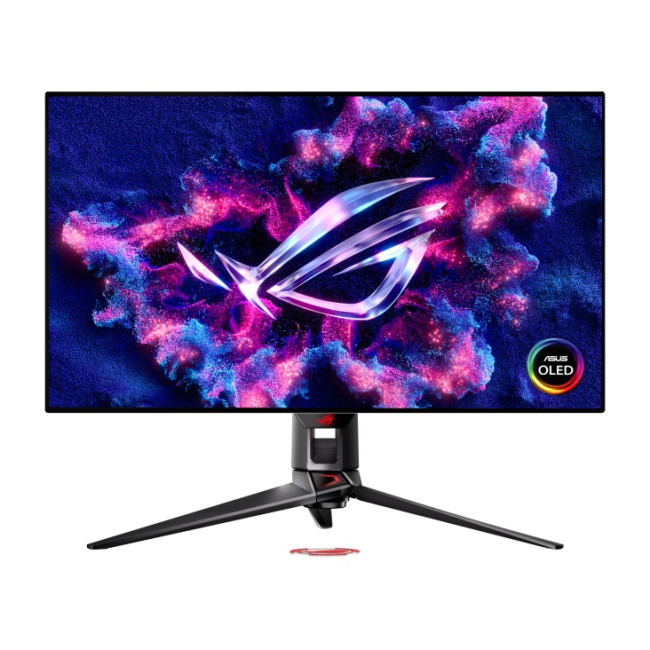
Highlights:
- Height Adjustable Stand to 80mm
- 90 W USB-C Power Delivery
- Dual Refresh Rate Mode (4K @ 240Hz and FHD @ 480Hz)
- 31.5" 4K Ultra HD Display, OLED, 3840 x 2160 Max. Resolution
- 0.03 ms Response Time, 240 Hz Refresh Rate
- 16:9 Aspect Ratio
- 2x HDMI 2.1 | DisplayPort | USB-C | USB
- Black Colour
- 3 Years Warranty
- 90LM0A50-B01370
- Condition: New
This is the “do-it-all” option for players who want premium visuals and serious speed. You get OLED contrast for cinematic games, plus a Dual Refresh Rate Mode that switches between 4K 240Hz and FHD 480Hz, ideal if you mix story titles with competitive shooters.
Best for: premium 4K gaming + competitive “speed mode”.
If you’re leaning toward cinematic 4K gaming or Mini-LED HDR displays, it’s worth comparing prices across New Year desktop PC deals 2026: Cheap gaming PCs & workstations to ensure your system can actually drive those pixels.
2) ASUS ROG Swift OLED PG32UCDMZ - 31.5" QD-OLED, 4K, 240Hz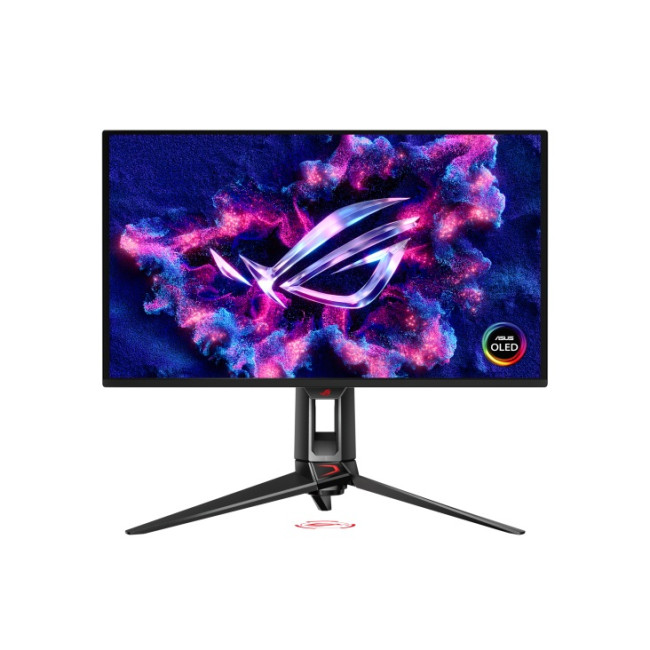
Highlights:
- Height Adjustable Stand to 80mm
- AMD FreeSync Premium Pro | NVIDIA G-SYNC Compatible
- VESA DisplayHDR 400 True Black
- 31.5" 4K Ultra HD Display, QD-OLED, 3840 x 2160 Max. Resolution
- 0.03 ms Response Time, 240 Hz Refresh Rate
- 16:9 Aspect Ratio
- 2x HDMI | DisplayPort | USB-C | USB
- Black Colour
- 3 Years Warranty
- 90LM09T0-B01371
- Condition: New
Want flagship clarity/contrast with high refresh? This QD-OLED option is built for sharp 4K detail and fluid motion, with features positioned for smooth play (including Adaptive Sync support) during a G-SYNC & FreeSync monitor sale season.
Best for: creators + gamers who want reference-level contrast and 4K sharpness.
3) MSI MPG 272URX QD-OLED - 26.5" (marketed as 27"), 4K, 240Hz, 0.03ms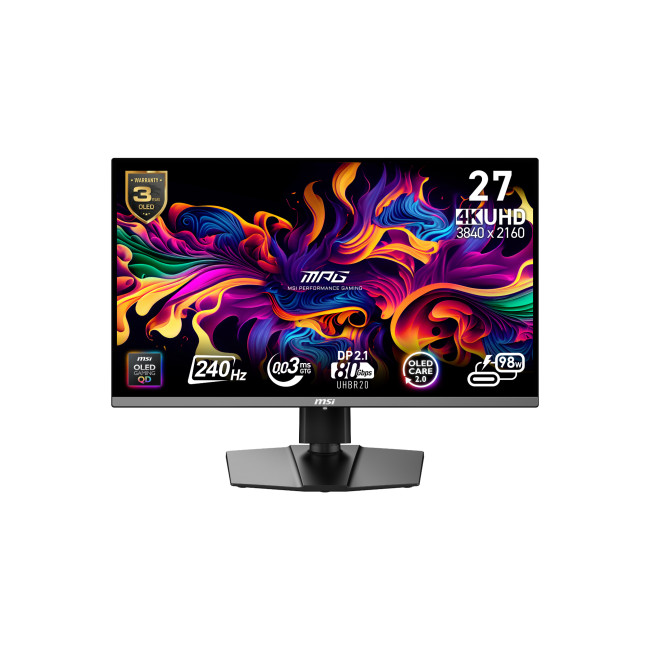
Highlights:
- Height Adjustable Stand to 110mm
- Adaptive Sync | NVIDIA G-SYNC Compatible
- 26.5" 4K Ultra HD Display, OLED, 3840 x 2160 Max. Resolution
- 0.03 ms Response Time, 240 Hz Refresh Rate
- 16:9 Aspect Ratio
- 2x HDMI | DisplayPort | USB | USB-C
- Black Colour
- 3 Years Warranty
- MPG 272URX QD-OLED
- Condition: New
An elite “4K + 240Hz” pick for PC gamers who want maximum clarity with near-instant response. It’s also listed as NVIDIA G-SYNC Compatible on Laptop Outlet, which is great for tearing-free gameplay at high FPS.
Best for: high-end PC builds pushing 4K at high frame rates.
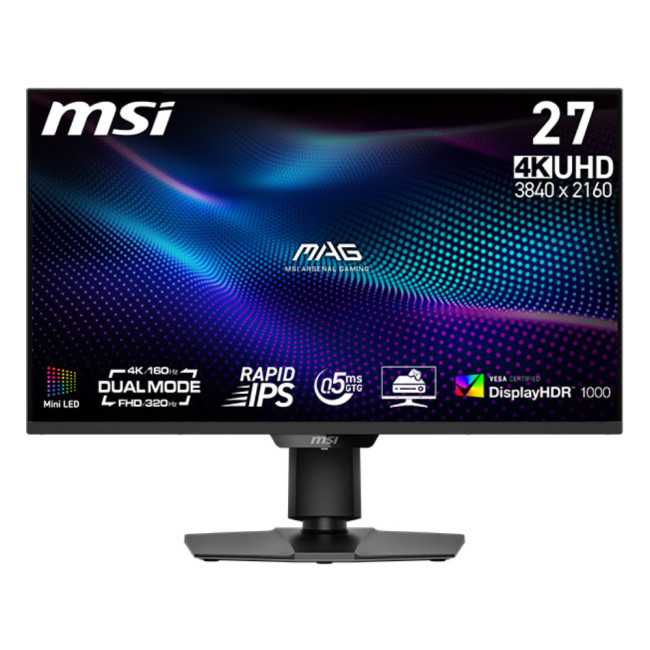
4) MSI MAG 274UPDF E16M - 27" Mini-LED, Dual-mode UHD 160Hz / FHD 320Hz, DisplayHDR 1000
Highlights:
- Adaptive Sync
- Height Adjustable Stand to 110mm
- 15W USB-C Power Delivery
- 27" 4K Ultra HD Display, Rapid IPS, 3840 x 2160 Max. Resolution
- 0.5 ms Response Time, 160 Hz Refresh Rate
- 16:9 Aspect Ratio
- 2x HDMI | DisplayPort | USB-C
- Black Colour
- 2 Year Warranty
- MAG 274UPDF E16M
- Condition: New
This is a strong “HDR-first” choice for gamers who love bright highlights and punchy contrast. Mini-LED backlighting + DisplayHDR 1000 gives it real pop in supported games, and dual-mode makes it flexible for both visuals (4K-ish detail) and competitive speed (higher Hz at lower res).
Best for: HDR gaming monitors fans who still want esports-ready refresh.
5) Samsung S27DG602 (Odyssey) - 27" OLED, QHD, 360Hz, 0.03ms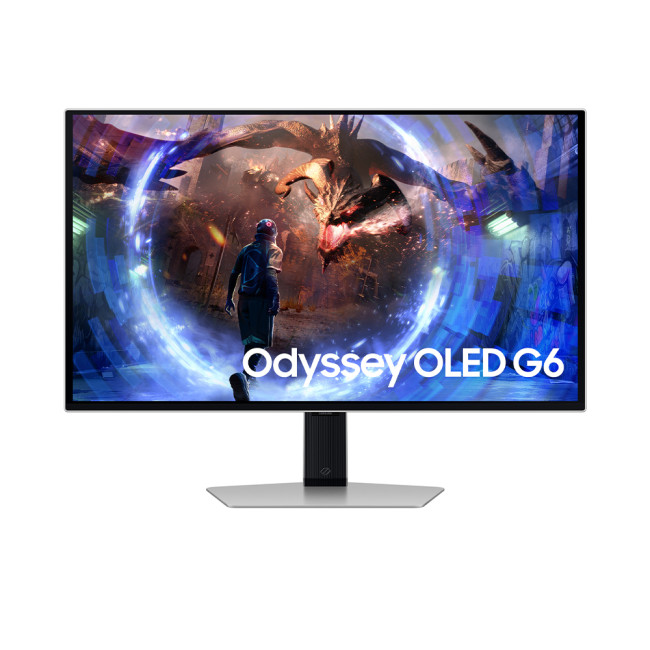
Highlights:
- AMD Freesync Premium Pro
- Height adjustable stand
- 360Hz Refresh rate, 0.03ms Response time
- 27" Quad HD Display, OLED, 2560 x 1440 Max. Resolution
- 0.03 ms Response Time, 360 Hz Refresh Rate
- 16:9 Aspect Ratio
- 2x HDMI 2.0 | Displayport
- Silver Colour
- 2 Years Warranty
- LS27DG602SUXXU
- Condition: New
If your priority is pure smoothness for competitive games, this is the headline esports option: 360Hz + OLED response makes motion feel extremely clean, perfect for tracking and flick shots when you’re chasing ranked wins.
Best for: esports monitors offers shoppers (Valorant/CS2/Apex).
6) AOC AGON Pro AG276QZD2 - 26.7" QHD QD-OLED, 240Hz, 0.03ms (HDR TrueBlack 400)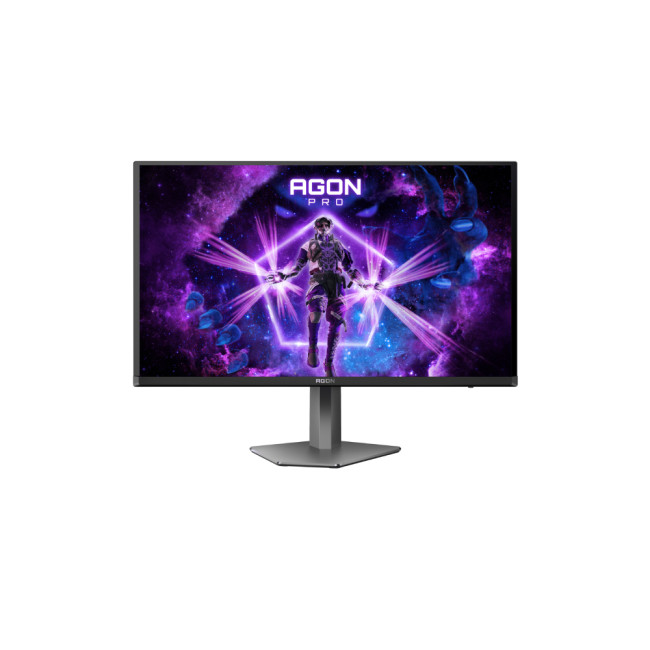
Highlights:
- Height Adjustable Stand to 130 mm
- 2x 5W Built in Speakers
- 26.7" Quad HD Display, OLED, 2560 x 1440 Max. Resolution
- 0.03 ms Response Time, 240 Hz Refresh Rate
- 16:9 Aspect Ratio
- 2x HDMI 2.0 | DisplayPort | USB
- Dark Grey Colour
- 3 Years Warranty
- AG276QZD2
- Condition: New
AOC’s AGON Pro entry is a high-end QHD OLED sweet spot: super fast, very contrasty, and easier to drive at high FPS than 4K. Great for players who want OLED without going up to 32" 4K pricing.
Best for: competitive + immersive gaming at QHD with OLED punch.
7) Samsung Odyssey G6 S27BG650EU - 27" QHD, 240Hz, 1ms, curved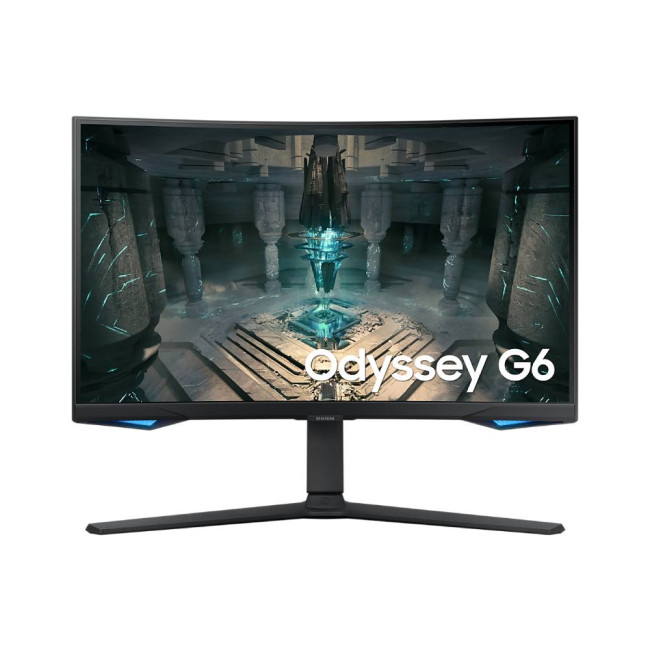
Highlights:
- AMD Freesync Premium Pro, Smart monitor
- Height adjustable stand
- Curved Smart Odyssey Gaming Monitor
- 27" Quad HD Display, VA, 2560 x 1440 Max. Resolution
- 1 ms Response Time, 240 Hz Refresh Rate
- 16:9 Aspect Ratio
- 2x HDMI 2.0 | Displayport
- Black Colour
- 2 Years Warranty
- LS27BG650EUXXU
- Condition: New
If you want a curved screen without going ultrawide, the G6 is a strong mid-to-high tier option: sharp QHD detail, 240Hz for fast play, and a curve that helps pull you into the action (especially in racers and open-world games).
Best for: curved gaming monitors New Year shoppers who want fast QHD.
8) Acer Nitro VG272U V3 - 27" 1440p IPS, 180Hz, 0.5ms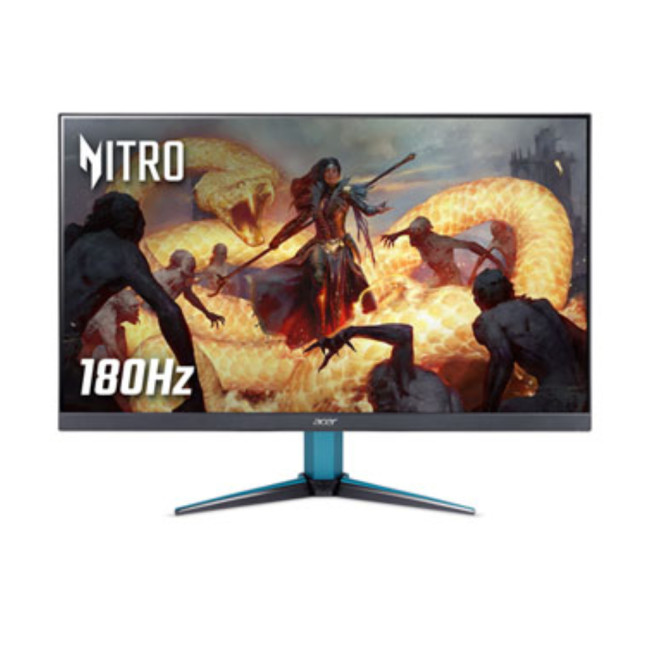
Highlights:
- AMD Freesync Premium
- Built in Speakers
- DisplayHDR 400
- 27" Quad HD Display, IPS, 2560 x 1440 Max. Resolution
- 0.5 ms Response Time, 180 Hz Refresh Rate
- 16:9 Aspect Ratio
- 2x HDMI 2.0 | Displayport
- Black Colour
- 2 Years Warranty
- UM.HV2EE.304
- Condition: New
This is the “big upgrade without OLED pricing” pick. QHD + high refresh is a noticeable jump from basic 60/75Hz screens, and 180Hz is plenty for most competitive titles, making it a smart choice in the budget gaming monitors category.
Best for: value-focused QHD gaming.
9) MSI MAG 274F - 27" IPS, Full HD, 200Hz, 0.5ms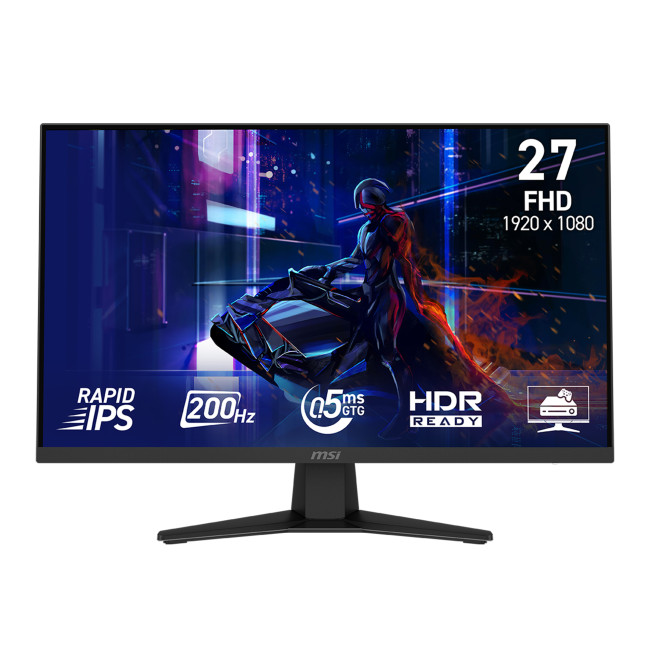
Highlights:
- Adaptive Sync
- Console mode - Seamless compatibility with Gaming consoles
- AI Vision - Smart Black tuner
- 27" Full HD Display, Rapid IPS, 1920 x 1080 Max. Resolution
- 0.5 ms Response Time, 200 Hz Refresh Rate
- 16:9 Aspect Ratio
- HDMI | DisplayPort
- Black Colour
- 3 Years Warranty
- MAG 274F
- Condition: New
If you mainly play esports and want high FPS without GPU strain, FHD at 200Hz is still a great buy, especially during low-latency monitor deals. It’s also a clean option for students or first-time PC builds.
Best for: budget-friendly speed and responsiveness.
10) MSI MPG 491CQP QD-OLED - 49" Curved QD-OLED, Dual QHD (5120×1440), 144Hz, 0.03ms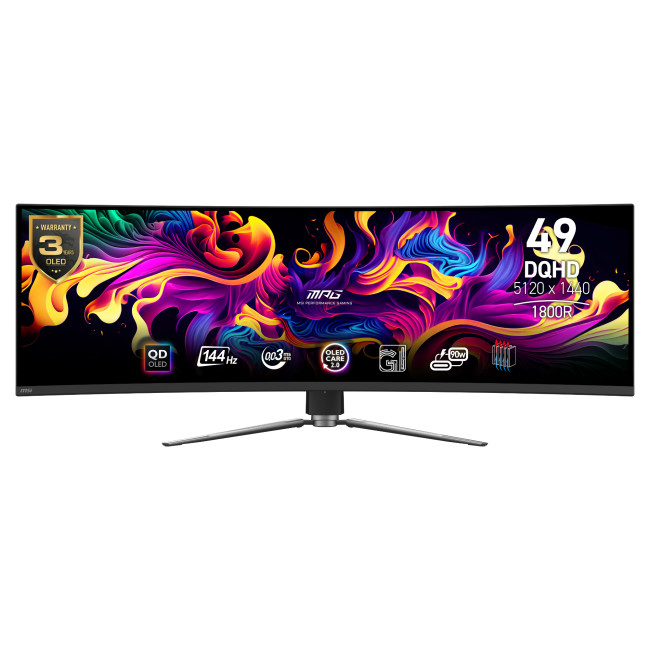
Highlights:
- Height Adjustable Stand to 100mm
- Adaptive Sync | AMD Freesync Premium Pro
- 1800R Curved Display
- 49" Dual Quad HD Display, 5120 x 1440 Max. Resolution
- 0.03 ms Response Time, 144 Hz Refresh Rate
- 32:9 Aspect Ratio
- 2x HDMI 2.1 | DisplayPort | USB | USB-C
- Black Colour
- 3 Years Warranty
- MPG 491CQP QD-OLED
- Condition: New
Your “sim rig / immersive setup” monster pick. The 32:9 super-ultrawide format is perfect for racing, flight sims, and big open-world games one screen that can replace a dual-monitor setup.
Best for: ultrawide gaming monitor fans and big-desk battlestations.
Bonus Picks (Also worth adding to your shortlist)
AOC G4 25G4SXU - 25" IPS, Full HD, 300Hz, 0.3ms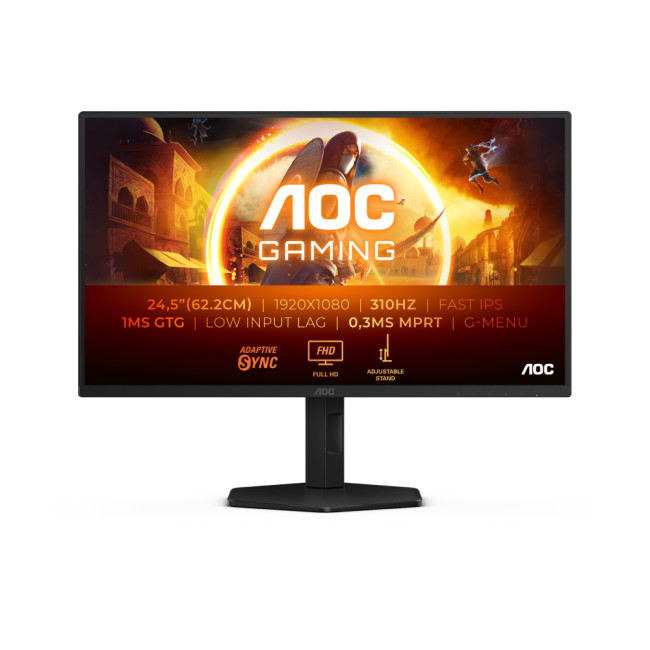
A dedicated competitive monitor: smaller size for easy eye-scanning, very high refresh for ultra-smooth motion.
MSI MAG401QR - 40" IPS Ultrawide (3440×1440), 155Hz, 1ms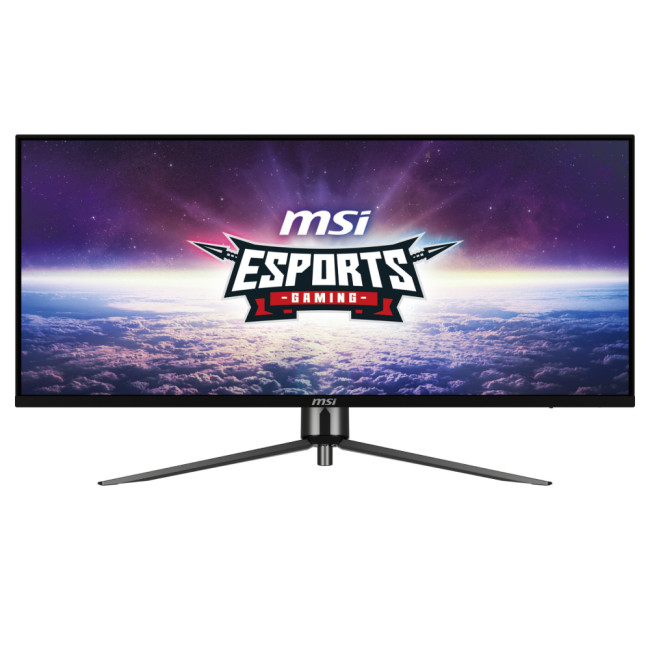
A more “affordable ultrawide” route versus 49" super-ultrawide, still excellent for immersive RPGs and racing.

How to shop New Year Gaming Monitor Deals without overthinking
Here’s the simplest shopping flow that keeps you confident:
- Decide your size (24–27", 32", curved, or ultrawide)
- Decide your resolution (1080p, 1440p, or 4K)
- Decide your refresh target (144Hz+ for most, 240Hz+ for competitive)
- Confirm VRR (this is the real-world smoothness booster)

Quick Answers
Is 240Hz worth it in 2026?
If you play competitive shooters and can push high FPS, yes—240Hz (and even 300Hz) can meaningfully improve motion clarity and “connected” aiming feel. For mixed gaming, 144–175Hz is often the best value.
What’s the best size: 27", 32", or ultrawide?
- 27" is the competitive standard (especially for 1440p or 4K).
- 32" is great for 4K immersion and productivity.
- Ultrawide (34"/49") is unbeatable for sims, racing, and “wraparound” immersion.
OLED or IPS for gaming?
OLED (and QD-OLED) wins on contrast and response time; IPS tends to be bright, versatile, and worry-free for mixed use. Your best move is picking based on your room lighting, usage mix, and how much you care about HDR impact.
Related Articles

Last Updated: June 10, 2026
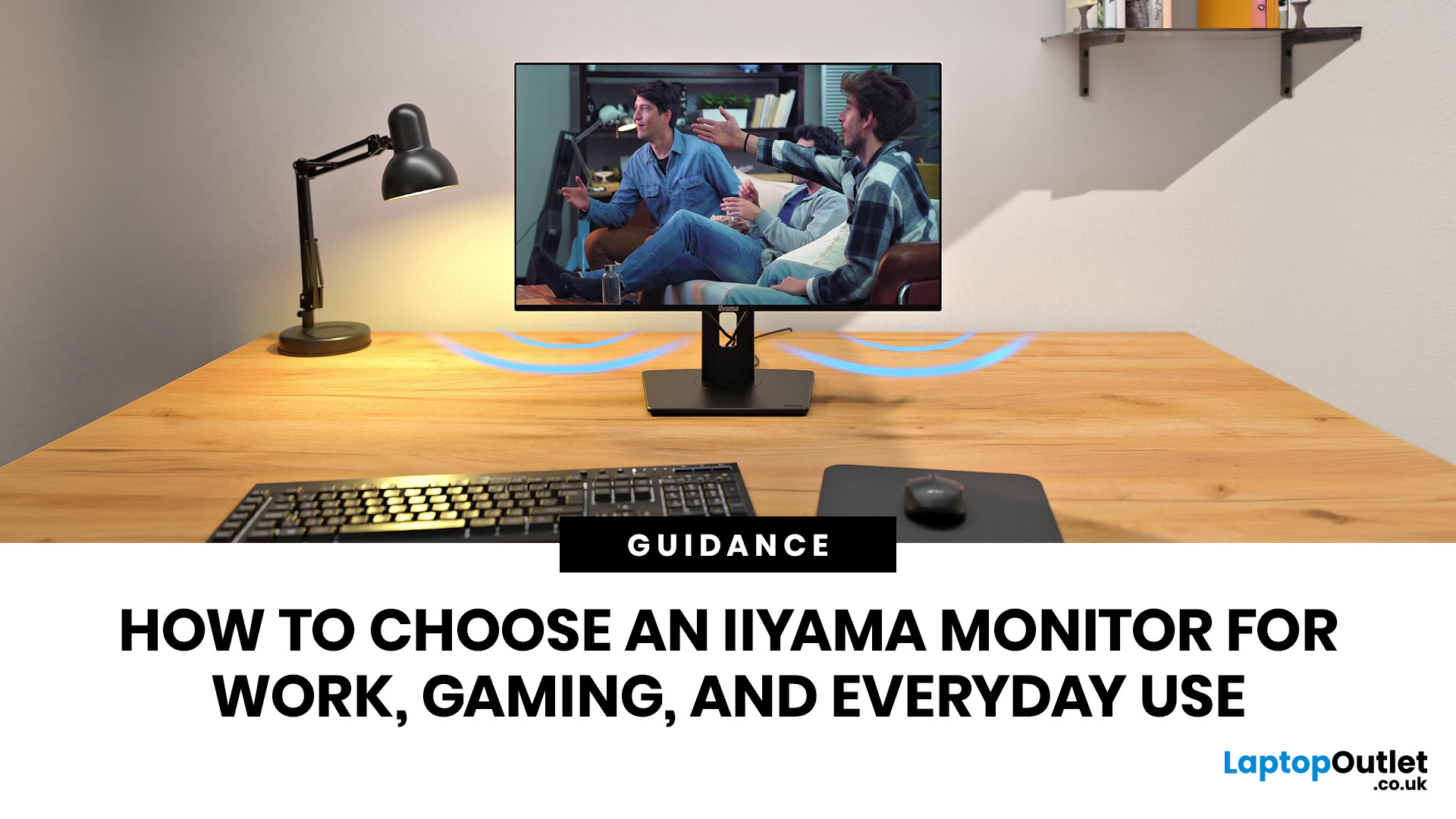
Choosing an iiyama monitor starts with one question: what will you use the screen for most often?
If you mainly work, look for comfort, clear text, useful ports and ergonomic adjustment. If you mainly game, focus on refresh rate, response time and smooth motion. If you need one screen for everyday use, choose a balanced monitor that fits your desk, your device and your daily routine.
This iiyama monitor selection guide explains the main iiyama monitor types, features and specifications, so you can choose the right screen for work, gaming, study, browsing or mixed use.
Quick answer: Which iiyama monitor should you choose?
- Choose an iiyama ProLite monitor if your main use is work, study, business productivity or hybrid working.
- Choose an iiyama G-Master monitor if your main use is gaming, esports or fast-moving entertainment.
- Choose a balanced iiyama monitor if you use the same screen for work, streaming, browsing and occasional gaming.
Here is the simple way to think about it:
| YOU MAIN USE |
|---|
Last Updated: August 28, 2026
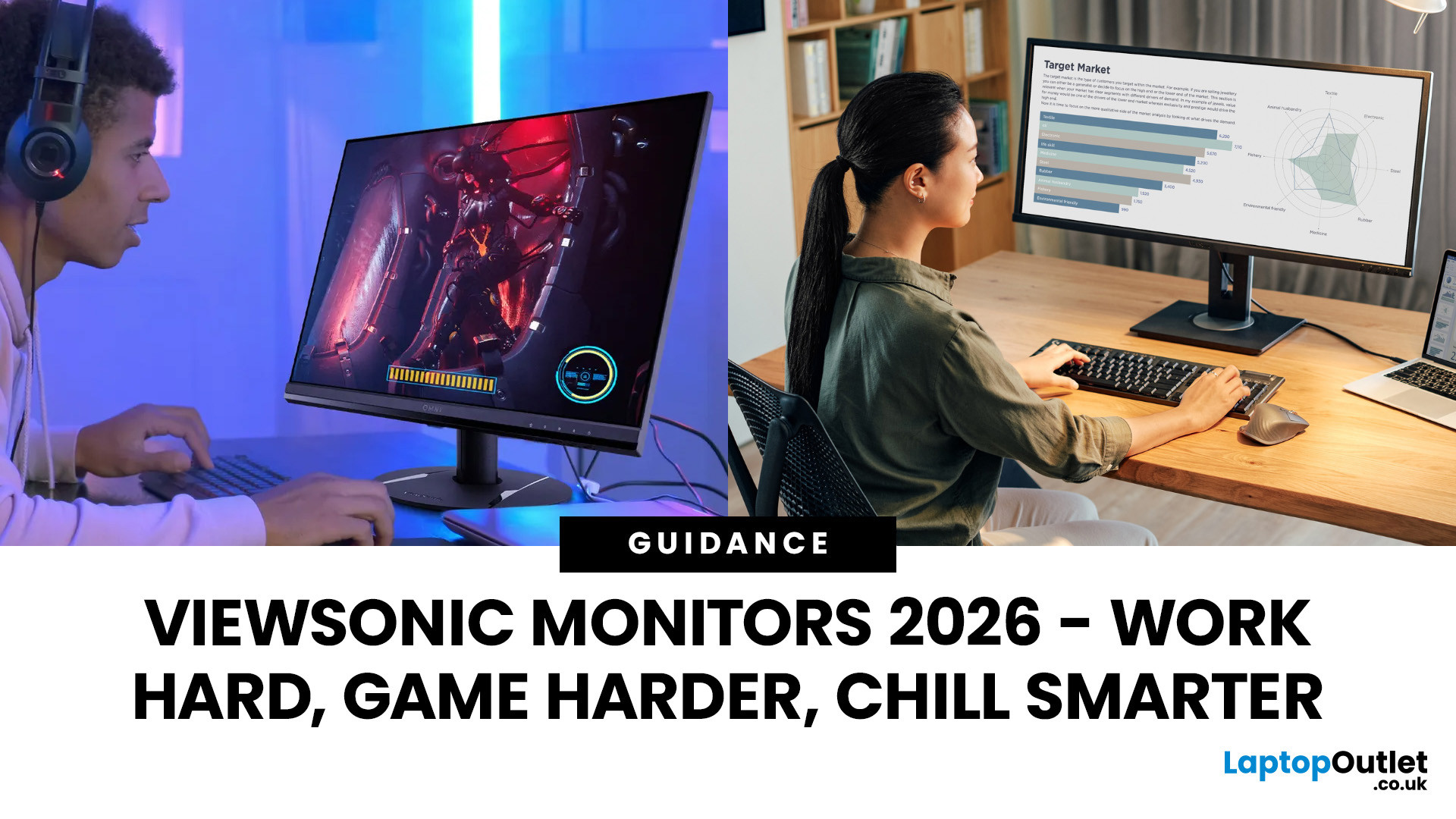
Here’s a fact: You’re probably reading this on a screen that’s either too small, too slow, or just… Shrug. Don’t worry, we didn’t hack your device; it’s the most predictable thing.
In 2026, good enough isn’t good enough anymore. You're on your third Zoom call of the day, mid-rank in Valorant, or pulling an all-nighter before your design portfolio is due, your monitor isn't just a screen. It’s your command centre, your creative canvas, your second (possibly better) brain.
And that’s where ViewSonic professional monitors come in.
This isn't about tossing fancy terms like “IPS” or “ergonomics” at you without context. It’s about what matters: sharp visuals, fast refresh rates, wide screens, and prices that don’t trigger a full-blown financial crisis. You want the best ViewSonic monitors that match your workflow and your weekend vibe? Cool. We are here to help you out.
Let’s break it down…. without boring you to death.
Why ViewSonic? (No Corporate Jargon, Just Facts)
ViewSonic has built its
Last Updated: April 07, 2026
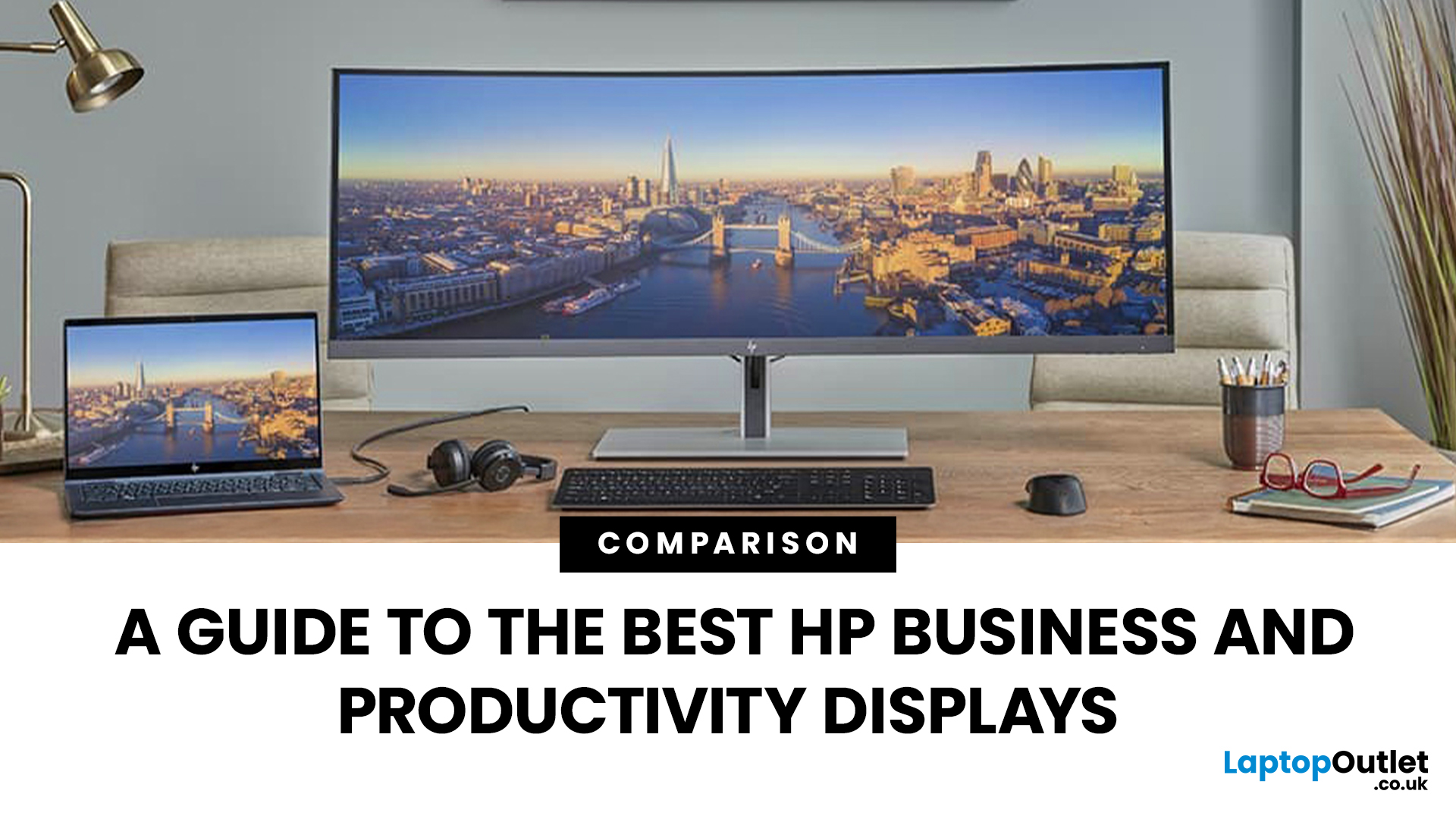
Walk into any modern office in the world and you’ll see how much the workplace has changed. Some desks sit empty while their owners log in from home; others are built around dual screens, webcams, and docking stations. A monitor used to be a passive rectangle on your desk. In 2026, it’s the centre of your working day.
A good business monitor now is about how well it supports the way you work, whether that means sharper spreadsheets, smoother scrolling, cleaner video calls, or simply reducing eye fatigue after hours of screen time.
HP has quietly positioned itself as one of the most dependable names in this space. Its business and productivity monitors don’t rely on gimmicks. Instead, they focus on the fundamentals professionals actually need: clear panels, comfortable ergonomics, sensible refresh rates, and connectivity that fits real office setups. HP also continues to build around eye comfort features like HP Eye Ease on many models, with an always on low blue light approach that’s designed
Last Updated: August 21, 2026
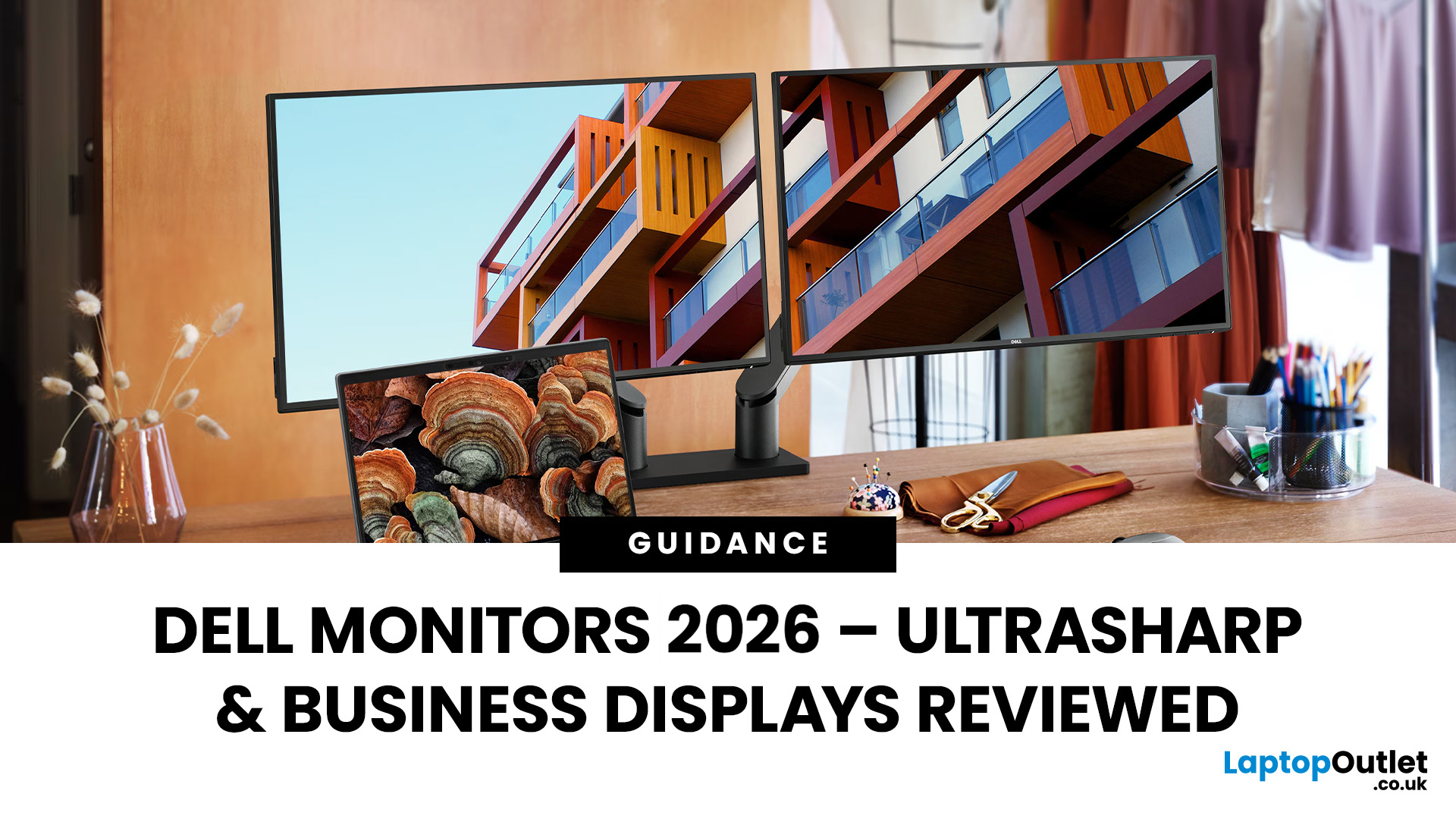
Dell UltraSharp business monitors are the strongest choice for colour-sensitive work, complex multitasking and premium USB-C or Thunderbolt setups. Dell Pro Plus models suit most office and hybrid workers, while Dell Pro displays cover essential everyday tasks at a lower cost. In 2026, choose by resolution, connectivity, ergonomics and workload, not by screen size, series name or headline price alone.
Read the complete guide for a deep dive into the world of Dell UltraSharp monitors and their broader Dell office and productivity ranges.
Which Dell Monitor Range Should You Choose?
Dell's business monitor range now covers several distinct needs. UltraSharp sits at the premium end, Dell Pro Plus focuses on productive office features and Dell Pro covers essential workplace requirements. Dell Plus serves broader home and mixed-use setups, while Alienware remains the gaming-focused family.
| Your Main Requirement | Best Starting Point | Features to Prioritise |
| Everyday admin, email and web work | Dell |
Last Updated: August 25, 2026
In 2026, BenQ screens for gaming and design stand out as some of the most versatile displays available, combining advanced technology, eye-care features, and excellent build quality. From BenQ gaming monitors designed for esports and AAA titles to BenQ design monitors aimed at creative professionals, the BenQ monitor lineup covers every need. This blog highlights the best BenQ monitors you can buy at Laptop Outlet, with a breakdown of their features, benefits, and why they’re trusted worldwide.
Why Choose BenQ Monitors in 2026?
Before diving into specific models, let’s explore why BenQ remains a top choice for professionals and gamers.
Innovation Across Categories
For competitive players, BenQ gaming monitors now feature refresh rates up to 240Hz, 1ms response times, and adaptive sync technologies like AMD FreeSync Premium and NVIDIA G-Sync compatibility. On the other hand, its design monitors offer factory-calibrated colour accuracy, HDR10 support, and wide gamut coverage (sRGB, AdobeRGB,
Last Updated: September 03, 2026
A good monitor changes everything. It makes your gaming sessions sharper, your workday less draining, and your screen time far more enjoyable. The trouble is, decent monitors can be pricey — and not everyone wants to overspend just to get a clear picture.
That is where Acer comes in.
Acer has become one of the most trusted names in affordable display technology. Whether you are gaming late into the night or working through spreadsheets from home, there is an Acer monitor for your lifestyle and your budget. In 2026, their range spans from compact 21.5-inch office panels to sprawling 34-inch ultrawide gaming screens.
This guide covers the best Acer monitors currently available at Laptop Outlet, split into gaming and office categories, so you can find the right display without overthinking it.
Best Acer Gaming Monitors in 2026
A gaming monitor is a display built to keep up with fast-paced gameplay. Unlike standard screens designed for everyday tasks, gaming monitors prioritise speed, smoothness,
Last Updated: August 24, 2026
Getting a better monitor does not necessarily mean buying the most expensive screen or chasing the biggest specifications. The better approach is finding the features that improve what you actually do, whether that means clearer documents, more workspace, smoother gaming or a more comfortable everyday setup.
That is where KOORUI monitors offer plenty of choice. The range stretches from straightforward everyday displays to faster, higher-resolution and more advanced options. This guide breaks down what you get, where the value lies and what to consider before spending your money.
What Are KOORUI Monitors and Who Makes Them?
KOORUI is a display and consumer-electronics brand established in 2021 under HKC Group, a company involved in display-panel manufacturing and semiconductor display technology. The relationship gives KOORUI access to an established display supply chain while the consumer brand itself remains comparatively young.
For buyers, the important point is that KOORUI is not one
Last Updated: August 04, 2026
Choosing the right monitor makes a real difference. Whether you're gaming at high frame rates, editing photos, or managing spreadsheets all day, the display in front of you shapes your entire experience.
ASUS has become one of the most trusted monitor brands in the UK — and for good reason. Their line-up covers everything from portable office screens to ultrawide gaming monitors and colour-accurate displays for creative work.
In this guide, we've broken down the best ASUS monitors for 2026 by use case, so you can find exactly what you need, fast.
Best ASUS Monitors for Office Workers
Office monitors need to be reliable, comfortable, and practical. ASUS's business and ZenScreen ranges tick every box, offering everything from portable displays to large 4K screens designed for long working days.
1. ASUS ZenScreen Go MB16AHP — Best Portable Office Monitor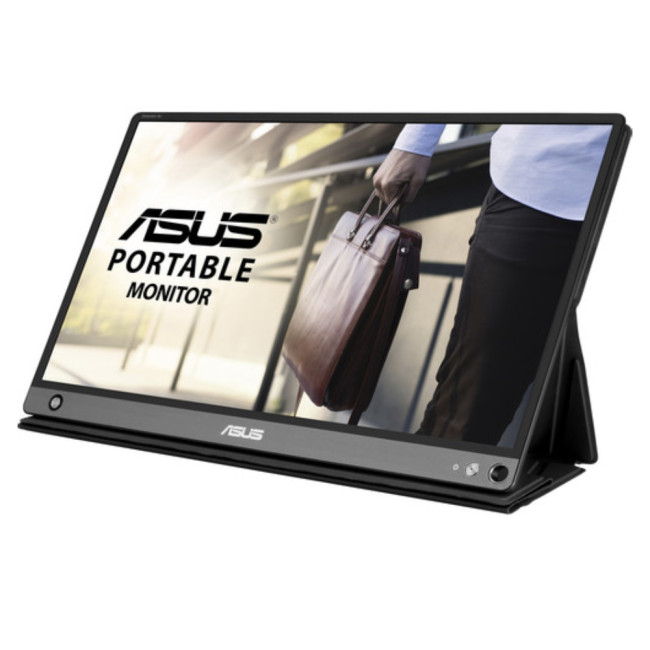
- Screen Size: 15.6"
- Panel Type: IPS
- Resolution: 1920 x 1080 (Full HD)
- Refresh Rate: 60 Hz
- Response Time: 5 ms
- Brightness: 220
Last Updated: April 08, 2026
Halloween’s here and while most people are stocking up on sweets, the real treats are happening over at Laptop Outlet’s Halloween Sale. If you’ve been eyeing a new monitor, this is your moment. The discounts this year are no joke: from affordable 60 Hz office screens to lightning-fast 400 Hz gaming beasts, prices are dropping faster than a horror-movie jump scare.
Whether you’re chasing smoother frames, better colours, or a proper upgrade for your setup, this sale has something for every type of user. Think premium displays from trusted brands, curved and ultrawide options, and refresh rates that make your old monitor feel prehistoric.
Over the next few minutes, we’ll walk you through the best picks across every price and performance tier, so you can upgrade smartly before these Halloween deals disappear into
Why Halloween Is the Best Time to Snag a Monitor
Here’s the thing: Halloween has quietly become the underrated season for tech deals. While everyone’s waiting for Black Friday, Laptop
Last Updated: August 25, 2026
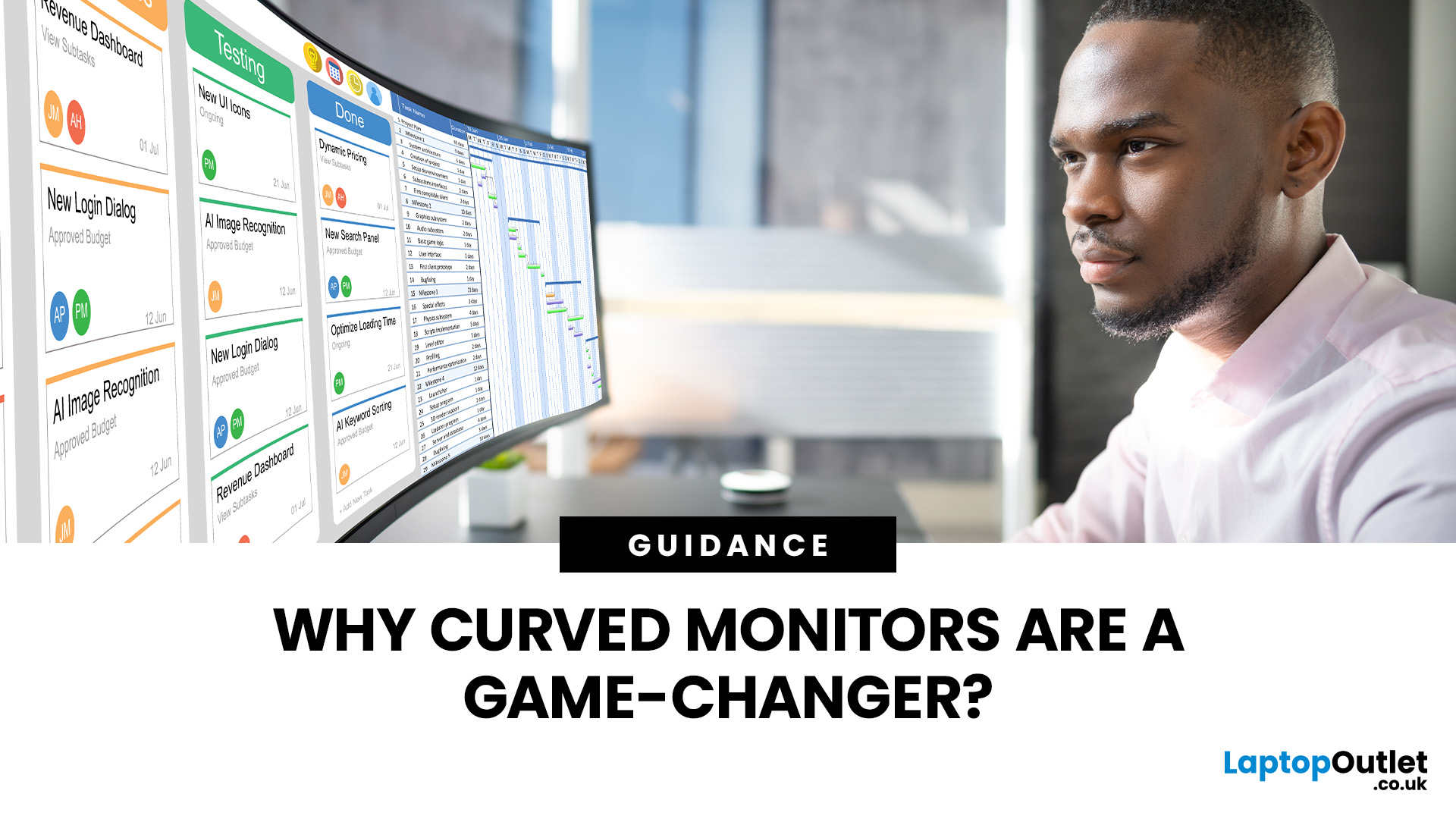
A bigger monitor gives you more room to work, watch and play, but wider flat screens can place their outer edges noticeably farther from your natural viewing position. Curved monitors address this by bringing those edges towards you, creating a more cohesive view across the screen.
That difference is useful far beyond gaming. From managing multiple work windows to editing timelines, watching films or creating a more immersive setup, the right curved monitor can make a large display feel easier and more engaging to use.
What Makes a Curved Monitor Different?
Curved computer displays change the relationship between your eyes and a wide screen. Instead of stretching straight across the desk, the edges angle gently towards your viewing position.
Monitor curvature is measured using figures such as 1000R, 1500R and 1800R. The number represents the radius of the curve in millimetres, with a lower number indicating a tighter, more pronounced curve.
| Curvature | How It Feels | Often Suited To |
| 800R-1000R |

