



ASUS Business Laptop vs Consumer Laptop: What’s Right for Your Needs?
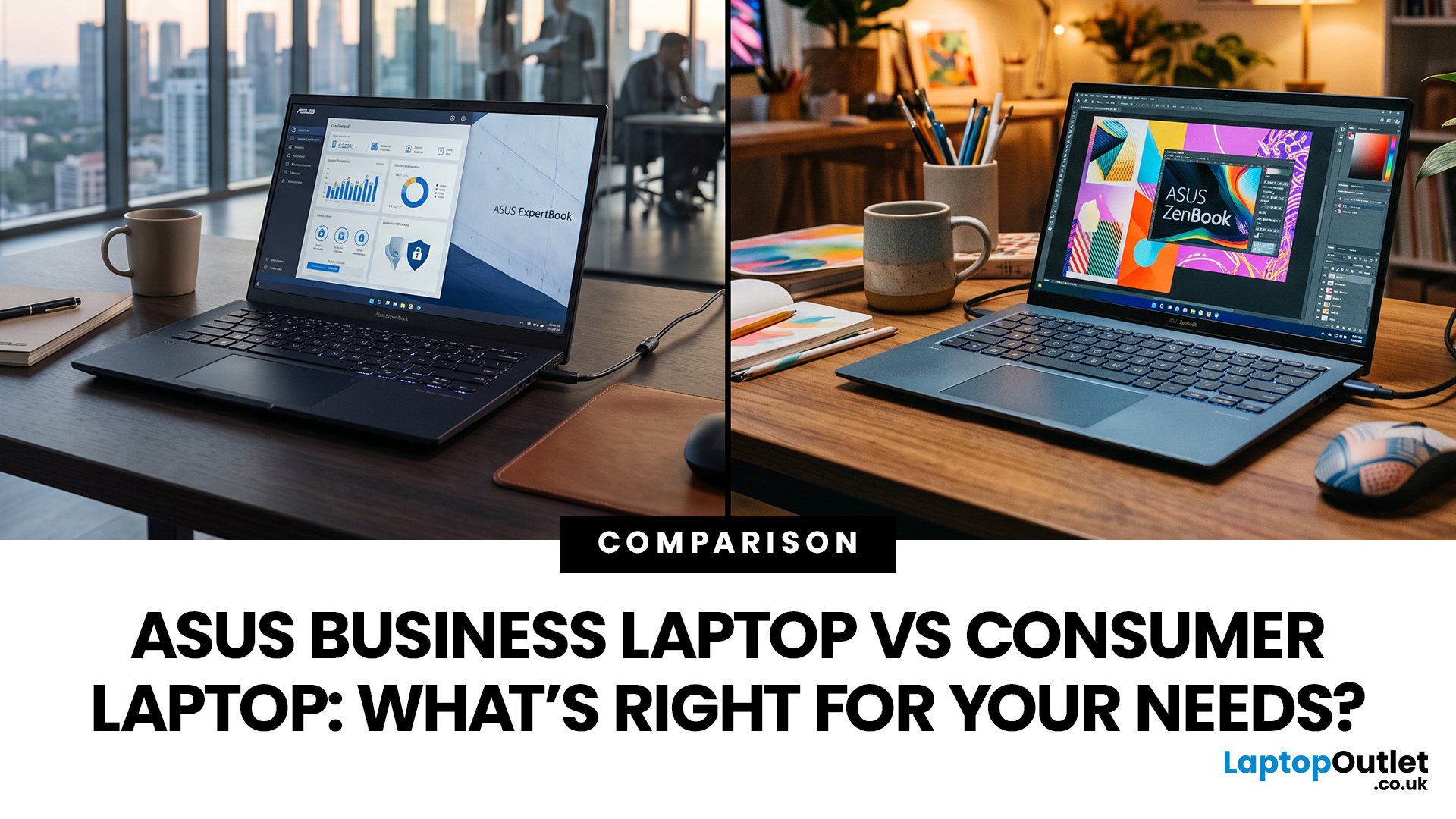
ASUS offers both business and consumer laptops designed for different types of users and workloads. The right option depends on how you work, the software you rely on, and whether you need advanced security, device management, or everyday flexibility. Business-focused ExpertBook models prioritise durability, connectivity and IT control, while Zenbook and Vivobook ranges emphasise portability, display quality and versatility. Both categories can handle professional tasks, so the key is matching features to your actual needs rather than assuming one is universally better.
ASUS Business Laptop vs Consumer Laptop: Quick Comparison
|
Feature |
ASUS Business Laptop |
ASUS Consumer Laptop |
|
Main purpose |
Professional, corporate and managed business use |
Home, study, everyday work, entertainment and creative use |
|
Typical ASUS ranges |
ExpertBook B, ExpertBook P, ExpertBook Ultra and selected business Chromebooks |
Zenbook, Vivobook, ProArt and standard ASUS Chromebooks |
|
Operating system |
Windows 11 Pro is common on ExpertBook models |
Windows 11 Home is common on many Windows consumer models |
|
Security |
Greater emphasis on business-grade security and management |
Strong everyday security, but fewer enterprise-focused functions on many models |
|
Durability |
Business ranges place greater emphasis on durability testing |
Varies considerably by series and model |
|
Design |
Usually professional and productivity-focused |
Wider choice of premium, stylish and creative designs |
|
Display |
Productivity-focused, although premium business displays are available |
Strong choice of OLED, high-resolution and creator-focused displays |
|
Connectivity |
Often designed around office peripherals and business workflows |
Varies from streamlined ultraportables to well-equipped everyday laptops |
|
Best for |
Companies, IT-managed teams, frequent business travellers and security-conscious users |
Students, home users, freelancers, creators and professionals without enterprise IT requirements |
Specifications differ between individual models, so these are general range characteristics rather than fixed rules. Current ASUS business and consumer families increasingly overlap in areas such as AI features, premium displays and lightweight design.
ASUS Business vs Consumer Laptops: 7 Key Differences
1. Security and Business Management
Security is one of the strongest reasons to consider a dedicated business laptop.
ASUS ExpertBook models place particular emphasis on business-grade security, with ASUS ExpertGuardian available across current parts of the range. The precise security hardware and management functions depend on the individual model and configuration, so businesses should check requirements before ordering devices for a fleet.
Windows edition also matters. Many current ExpertBook configurations ship with Windows 11 Pro, whereas numerous Zenbook and Vivobook models use Windows 11 Home. Windows 11 Pro adds business-oriented capabilities including BitLocker Drive Encryption and additional organisational management features.
A consumer laptop can still be secure enough for an individual professional. The advantage of a business model becomes more important when company data, managed devices and organisational security policies are involved. If you are deciding between ASUS's two main consumer ranges, our ASUS Vivobook vs Zenbook comparison explains where each series differs in everyday use
2. Build Quality and Durability
Business laptops frequently spend more time commuting between offices, client sites and meeting rooms, so durability receives greater attention.
ASUS states that ExpertBook models undergo MIL-STD 810H testing alongside its own durability tests. That does not make a laptop indestructible, but it indicates that durability is a deliberate part of the business range's design and testing process.
Consumer models vary much more. A premium Zenbook may use high-quality lightweight materials and offer a very robust design, while an entry-level everyday model may prioritise affordability. Buyers should therefore judge individual models rather than assuming every business laptop is better built than every consumer alternative.
3. Performance
One of the biggest misconceptions is that a business laptop must be faster than a consumer laptop.
It is entirely possible for a high-specification Zenbook, Vivobook or ProArt laptop to outperform a lower-tier ExpertBook in demanding applications. ASUS currently offers powerful processors and AI-capable hardware across both business and consumer families.
The difference is usually what the performance is packaged with. Business laptops combine their processing hardware with professional security, management, connectivity and durability priorities. Consumer ranges can place more emphasis on displays, entertainment, creative performance or thin-and-light design.
For Microsoft Office, web applications, accounting software, video meetings and general multitasking, both categories can perform well when configured with appropriate RAM, storage and processing power.

4. Windows 11 Home vs Windows 11 Pro
Many ASUS consumer laptops ship with Windows 11 Home, while Windows 11 Pro appears commonly across the ExpertBook range.
For a home user, student, freelancer or small-business owner working independently, Windows 11 Home may already provide everything required for everyday computing.
Windows 11 Pro becomes more relevant when a business needs additional security and management capabilities. Microsoft lists features such as BitLocker Drive Encryption among the differences between Home and Pro.
Do not pay for a professional operating system simply because the laptop will occasionally be used for work. Base the decision on your organisation's actual software, security and device-management requirements.
5. Displays and Design
Consumer ASUS laptops offer some of the broadest choices for users who care about display quality and appearance.
Zenbook models particularly emphasise thin-and-light design and premium displays, while Vivobook spans everything from practical everyday screens to higher-resolution OLED options on selected models. ASUS's ProArt family goes further by targeting professional creative users who need strong visual performance.
Business laptops traditionally prioritise practicality, but the gap has narrowed. Current premium ExpertBook models can also offer high-resolution displays, lightweight metal construction and modern styling.
If your work is mainly spreadsheets, email and browser-based applications, display resolution may be less important than anti-glare performance, connectivity or battery efficiency. For photography, design, video work and visual presentations, screen quality deserves much more attention.
6. Ports, Upgrades and Maintenance
Businesses often rely on monitors, headsets, storage devices, wired networks and meeting-room equipment. A practical selection of ports can therefore be more useful than an extremely thin chassis.
Current ExpertBook models include configurations designed with business connectivity and IT requirements in mind. Some models also emphasise flexible configurations, memory capacity or easier servicing, but upgradeability should always be checked model by model.
Consumer ultraportables may provide fewer physical connections in exchange for a slimmer design. That is not necessarily a disadvantage if you mostly work wirelessly or use a USB-C dock.
7. Cost and Long-Term Value
Business laptops can cost more than similarly specified mainstream consumer machines because part of the purchase covers features beyond raw performance.
Security, durability testing, professional operating systems, support options and manageability can all add value to an organisation. A company with dozens of devices may value easier administration and reduced disruption far more than an individual buyer would.
For personal use, study or straightforward office work, paying extra for enterprise functionality that you will never use makes little sense. A carefully chosen Vivobook or Zenbook could provide better value while still delivering the performance required.
ASUS Business Laptops: Pros and Cons
Understanding the ASUS business laptops pros and cons makes it easier to decide whether the additional professional features justify choosing ExpertBook over a mainstream model.
|
Pros |
Cons |
|
Strong focus on security and professional management |
Enterprise features may be unnecessary for individual users |
|
Business-focused durability testing |
Some configurations can cost more than consumer alternatives |
|
Windows 11 Pro commonly available |
Design choices can be more productivity-focused than entertainment-focused |
|
Suitable for managed company environments |
The most visually focused consumer laptops may offer more display choice |
|
Practical options for office and mobile work |
A business label does not automatically mean higher application performance |
|
Dedicated business series for SMBs and enterprises |
Configuration still needs careful checking |
You can also use our latest business laptop comparison to see how ASUS business models compare with professional laptops from other major brands.
Consumer ASUS Laptops: Pros and Cons
|
Pros |
Cons |
|
Broad range of specifications and form factors |
Enterprise management features are less common |
|
Strong options for OLED and high-resolution displays |
Windows 11 Home is common on many models |
|
Excellent choice for home, study, creative and hybrid use |
Durability and upgradeability vary significantly by model |
|
Options from everyday Vivobook models to premium Zenbooks |
Some thin models provide fewer physical ports |
|
Consumer models can still deliver very strong performance |
Businesses may need to add separate management or security solutions |
What is the Best ASUS Laptop for Business?
There is no single best ASUS laptop for business because a self-employed consultant and a company deploying hundreds of devices have completely different requirements.
The easiest way to choose is to match the ASUS series to your working environment.
ASUS ExpertBook for Dedicated Business Use
ExpertBook should be the starting point when the laptop will be a dedicated company device, particularly where security, durability and IT management are important.
The ExpertBook P series is positioned towards small and medium businesses, while the B series is designed with larger enterprises in mind. Premium professional users can also consider higher-tier ExpertBook options where portability and specification justify them.
ASUS Zenbook for Premium Hybrid Working
Not every professional needs an enterprise laptop.
A consultant, freelancer, manager or remote worker may value a premium screen, low weight and stylish chassis more than centralised IT features. In that situation, an affordable Asus Zenbook with the right processor, RAM and storage can be an excellent professional machine.
Zenbook is particularly worth considering when one laptop needs to cover both professional productivity and personal use. ASUS positions the range around premium portability and powerful everyday performance rather than traditional enterprise deployment.

ASUS Vivobook for Everyday Office Tasks
For email, documents, spreadsheets, online meetings, web applications, and everyday multitasking, there is often no need to buy an enterprise-class system.
There is a wide selection of reliable Vivobook laptops covering different processors, display sizes, memory capacities and storage configurations. A well-specified Vivobook can therefore make sense for home working, sole traders and smaller organisations where advanced IT management is not required.
ASUS Chromebook for Cloud-Based Work
A Chromebook can be a sensible business option when most work happens through a browser or cloud-based applications.
Before buying, check that the software your organisation depends on works correctly with ChromeOS. If it does, the best Asus Chromebook for your needs could provide a straightforward platform for email, documents, web applications, video meetings and cloud services.
ASUS also offers business-focused Chromebook Enterprise devices, showing that ChromeOS can serve both consumer and professional environments.
Which ASUS Laptop Should You Choose?
|
Your Main Requirement |
ASUS Range to Consider |
|
Managed corporate laptop |
ExpertBook B |
|
Small or medium-business laptop |
ExpertBook P |
|
Premium professional portability |
ExpertBook premium models or Zenbook |
|
Everyday office work without enterprise management |
Vivobook |
|
Premium laptop for work and personal use |
Zenbook |
|
Browser and cloud-based productivity |
ASUS Chromebook |
|
Professional creative applications |
ProArt |
|
Mixed home, study and office use |
Vivobook or Zenbook |
Start by deciding which features are essential rather than choosing purely by product family. Processor, memory, storage, operating system, screen quality and ports still need to match your workload.
You can find the right ASUS laptop by comparing the available ranges and configurations according to how the device will actually be used.

Conclusion
- Choose an ASUS business laptop when professional security, centralised management, durability, practical connectivity and business support are important parts of the buying decision. For organisations and employees using a laptop as a managed work device, the ExpertBook family is the most logical place to start.
- Choose a consumer ASUS laptop when your priorities are everyday versatility, premium design, display quality, personal productivity or better value without enterprise-focused features. Zenbook and Vivobook can both be highly capable work machines, particularly for freelancers, remote workers and smaller businesses without complex IT requirements.
Most importantly, do not assume that an ASUS business laptop will automatically be faster or that a consumer laptop is only suitable for casual use. Compare the actual specification and the features surrounding it. The right laptop is the one that supports your workload without making you pay for capabilities you do not need.

People Also Ask
Can an ASUS Consumer Laptop Be Used for Business?
Yes. An ASUS Zenbook or Vivobook can handle professional tasks such as email, Microsoft Office, online meetings, research and general multitasking when equipped with an appropriate specification. A dedicated business laptop becomes more valuable when you need enterprise security, IT management, durability or business-focused deployment features.
Is ASUS ExpertBook Better Than Zenbook?
Neither is universally better. ExpertBook is designed primarily around professional and organisational requirements, while Zenbook focuses more on premium portability, design and display quality. ExpertBook is generally the stronger fit for a managed business environment, whereas Zenbook can be an excellent choice for independent professionals and hybrid users.
Which ASUS Laptop Is Best for a Small Business?
ASUS positions the ExpertBook P series specifically towards small and medium businesses, making it a logical starting point when business security and professional features matter. Small businesses with simpler requirements may also find a suitable Vivobook or Zenbook more cost-effective.
Do Business Laptops Last Longer Than Consumer Laptops?
Not automatically. Business laptops are often designed and tested with frequent professional use in mind, but lifespan still depends on the individual model, build, workload, maintenance and how the device is treated. ASUS subjects its ExpertBook range to MIL-STD 810H and additional durability testing.
Do I Need Windows 11 Pro for Business?
Not necessarily. Windows 11 Home can be sufficient for individual professionals and straightforward office work. Windows 11 Pro is more appropriate when you need its additional business, management or security capabilities, such as BitLocker Drive Encryption.
Are ASUS Chromebooks Good for Business?
They can be, particularly for organisations using browser-based and cloud applications. Software compatibility should be checked first, especially where specialist Windows applications are required. ASUS offers both mainstream Chromebooks and business-focused Chromebook Enterprise devices.
Related Articles

Last Updated: August 28, 2026
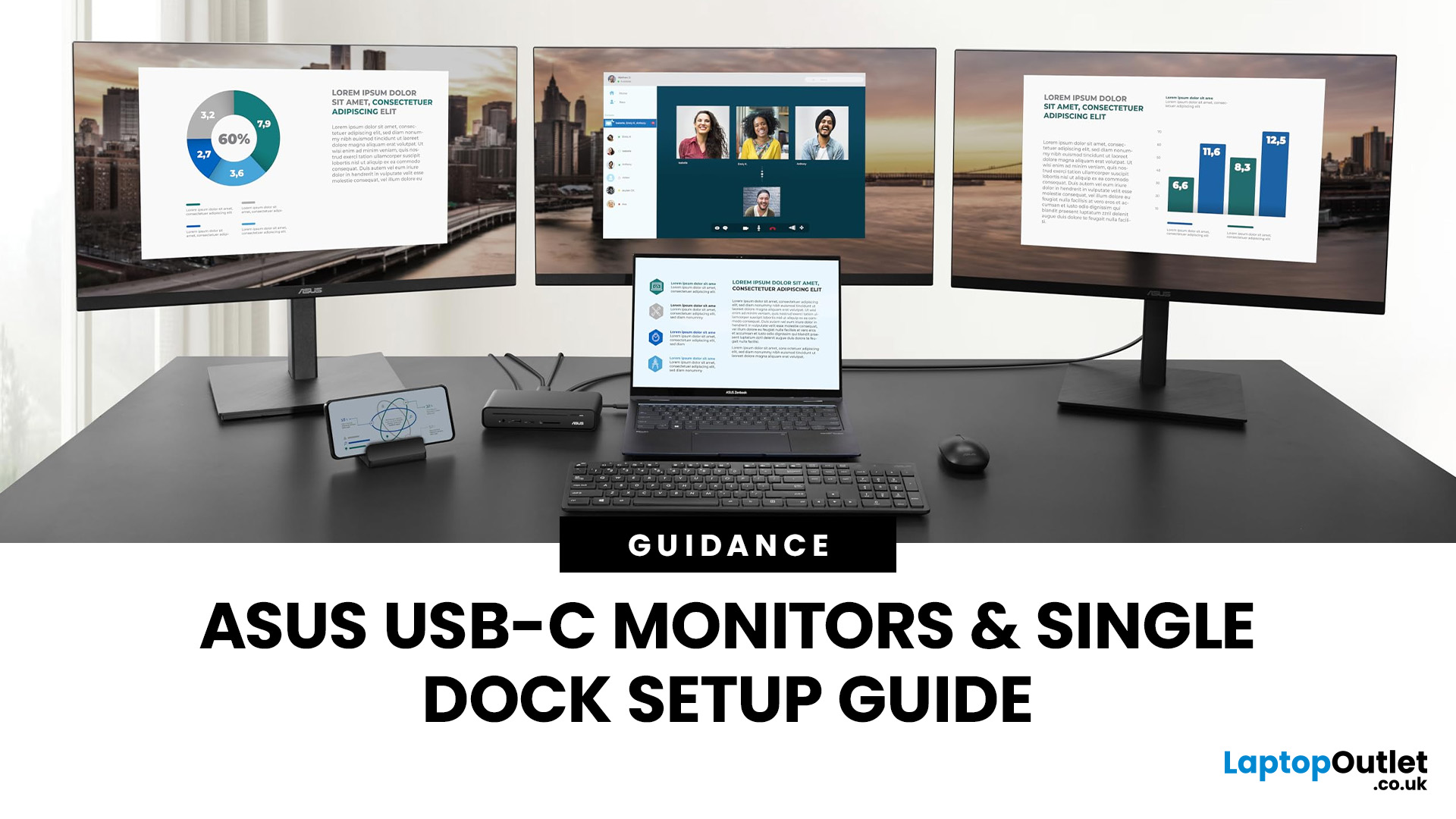
If you’re planning a desk refresh, rolling out new workstations, or managing a hot-desking environment, one question always comes up: how many ASUS USB-C monitors can you realistically run from a single dock? The short answer? It depends.
The long answer? It depends on your laptop’s GPU, the dock’s bandwidth, the monitor resolutions, and whether you’re daisy-chaining or using multiple video outputs.
In this practical IT deployment guide, we’ll break down exactly how ASUS USB-C monitors behave in real-world setups, what limits your configuration, and how to plan a reliable multi-monitor rollout without unpleasant surprises.
How USB-C Video and Power Actually Work
USB-C looks simple. One cable. Power. Video. Data. Done.
But behind that clean setup, there’s a lot happening.
USB-C monitors rely on a feature called DisplayPort Alt Mode. This allows the USB-C cable to carry video signals from your laptop’s GPU directly to the monitor. Many modern docks also use DisplayLink technology, which
Last Updated: March 13, 2026
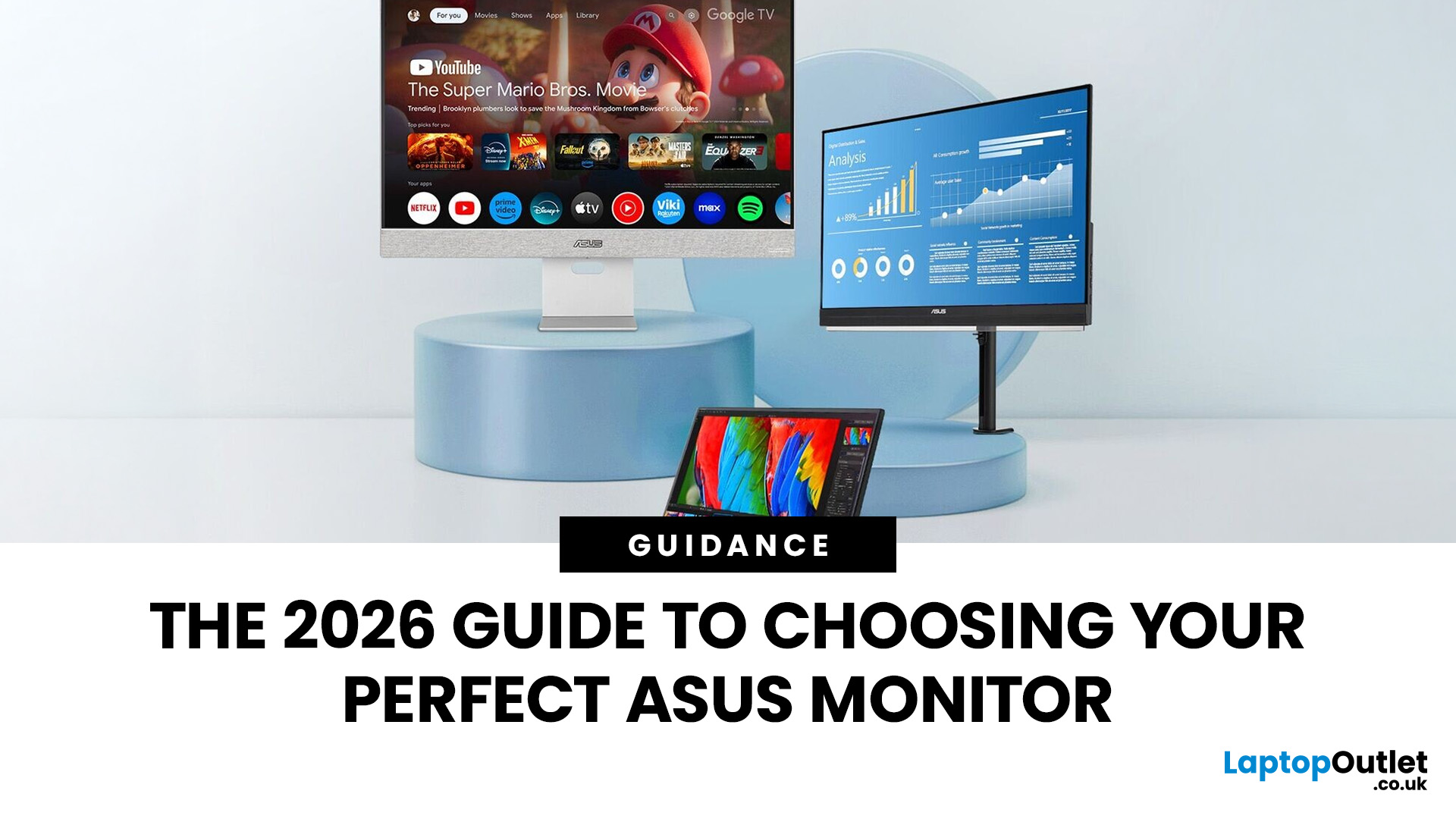
Choosing the right display in 2026 is about more than just resolution. It is about how a screen fits into your specific lifestyle. ASUS has remained a global leader by creating distinct lanes for every type of user. Whether you are a competitive gamer, a high-end designer, or a remote professional, understanding the core ASUS monitors uses is the first step to a perfect setup.
In this ASUS monitors 2026 guide, we look at how the brand has evolved its technology. From the staggering motion clarity of the latest OLEDs to the sustainable, eye-friendly designs of their business line, ASUS continues to set the benchmark for quality and reliability.
Why ASUS Monitors Are So Popular in 2026
The popularity of ASUS monitors stems from their ability to innovate within niche categories. ASUS does not just make "screens"; they build tools.
In 2026, the brand has focused heavily on "Dual-Mode" technology. This allows a single screen to switch between ultra-high resolution for work and extreme refresh
Last Updated: August 28, 2026
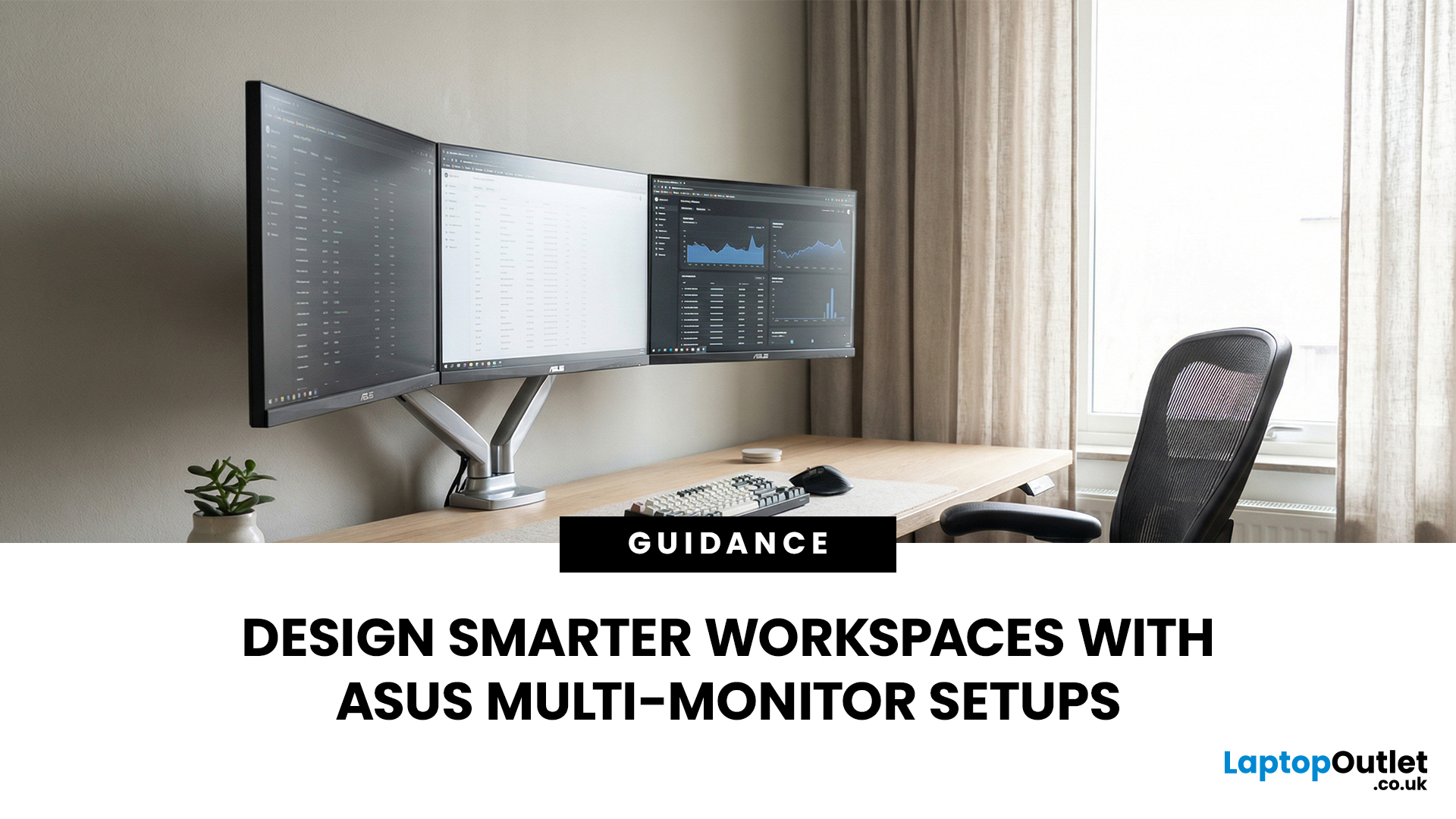
A single screen just does not cut it anymore. Whether you are writing code, managing client accounts, or analysing live market data, a well-built ASUS multi monitor setup can transform how you work. It gives you more room to think, less time switching between tabs, and a setup that genuinely supports your workflow.
This guide walks you through everything — from picking the right monitors to cabling, ergonomics, and ready-to-use layout ideas for teams and individuals alike.
Why Multi-Monitor Setups Boost Productivity
The case for multiple screens is not just about having more space. It is about working smarter. Research consistently shows that extended display setups can cut task-switching time and reduce cognitive load. When your reference document, communication tool, and primary work window each have their own screen, you stay in flow longer.
Suitable Roles: Devs, Finance, Support, Creatives
Not every job benefits equally, but a wide range of professionals gain a clear edge from multi-screen

Last Updated: March 13, 2026
Choosing the right ASUS monitor with a webcam can significantly simplify how modern meeting rooms operate. As hybrid work becomes the norm, businesses are looking for cleaner, more efficient conferencing setups that don’t rely on multiple external peripherals. An integrated solution that combines display, camera, microphone, and speakers into one device makes deployment faster and more cost-effective. For small meeting spaces and huddle rooms in particular, an ASUS business monitor with speakers and a built-in webcam offers a practical alternative to a full conferencing kit.
What to Know About Microsoft Teams Rooms Compatibility
It’s important to clarify how an ASUS monitor with webcam fits into a Microsoft Teams Rooms environment.
Microsoft Teams Rooms (MTR) systems are typically powered by a dedicated PC or collaboration bar. The monitor itself is not the Teams Rooms system, instead, it acts as the display and USB conferencing endpoint. When paired with a Teams-enabled PC, many ASUS
Last Updated: April 08, 2026
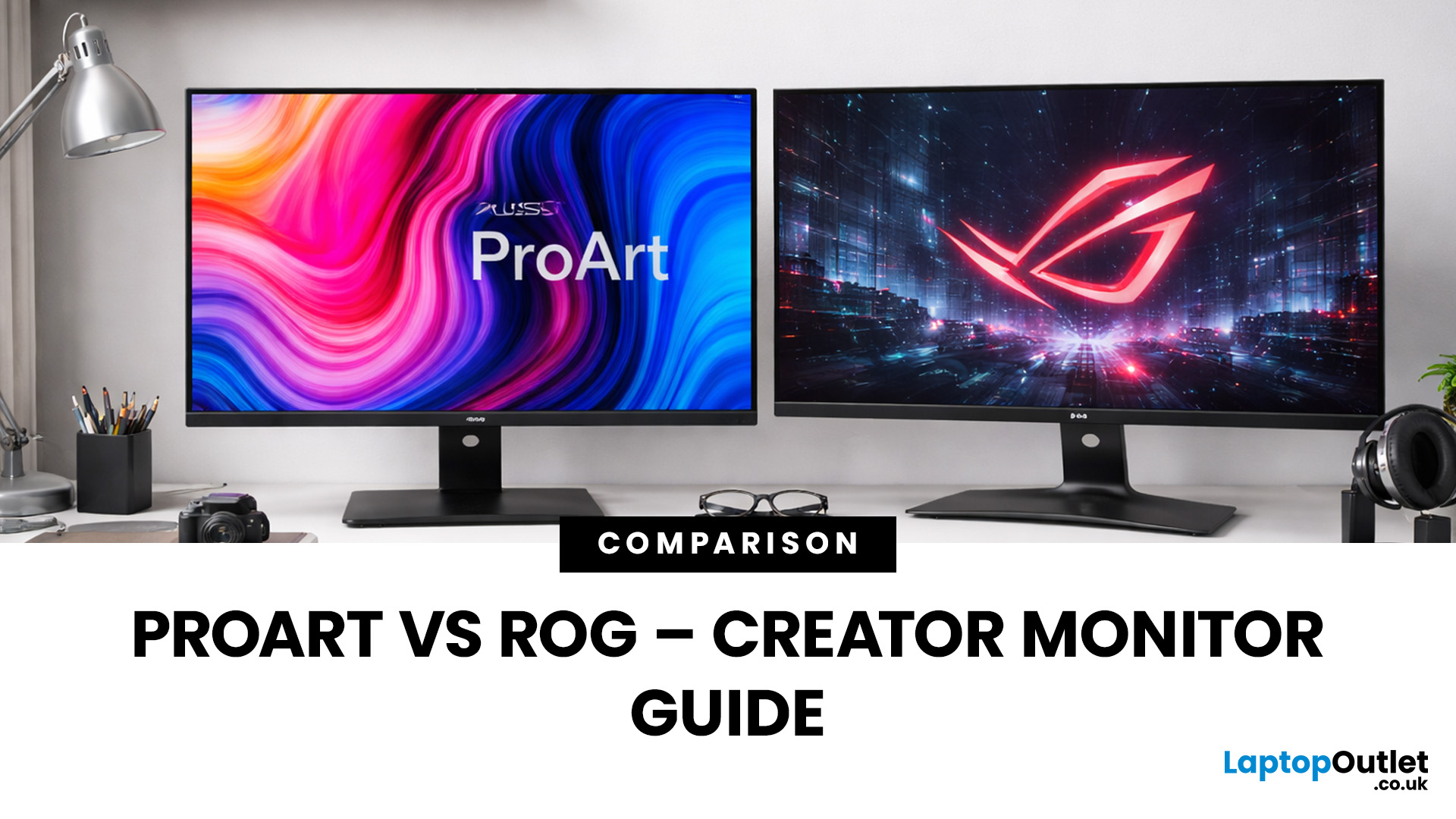
Choosing the right display can dramatically impact your workflow, especially when it comes to colour grading, motion graphics, and smooth timeline playback. If you're deciding between ASUS ProArt vs ROG for video editing, you're essentially choosing between two different philosophies: precision-focused colour accuracy or high refresh performance.
Both ranges are among the best ASUS monitors available today, but they serve different types of creators. In this guide, we’ll break down everything you need to know about ASUS ProArt vs ROG, including panel technology, refresh rates, HDR performance, and which models make the most sense for editors in the UK.
What Video Editors Actually Need from a Monitor
Before comparing models, it’s important to understand what really matters in a video editing monitor UK buyers should consider.
1. Colour Accuracy (ΔE, Rec.709 & DCI-P3)
For editors, colour accuracy is critical. If you're delivering to YouTube or broadcast, your monitor must reproduce colours

Published: March 12, 2026
The 2026 edition of the Zenbook Duo is a significant step up from its predecessor. It brings Intel's latest Core Ultra Series 3 processor, a redesigned hinge, brighter OLED panels, and a much larger battery.
But here’s the real question… do you actually need it?
This ASUS Zenbook Duo review breaks it down. You will get the full picture on performance, display quality, battery life, build quality, and most importantly, whether the dual-screen design is worth your money.
Design and Build Quality: Smaller, Stronger, and More Refined
At first glance, the Zenbook Duo looks deceptively ordinary. Closed up, it resembles a slightly chunky premium laptop. Open it, and the picture changes entirely. This section of our ASUS Zenbook Duo review looks at just how well-built this machine really is.
Ceraluminum Chassis
ASUS has built the entire chassis, including the hinge, kickstand, and screen surrounds, from Ceraluminum. This is their proprietary material that is 30% lighter and three times stronger

Last Updated: March 13, 2026
In a collaborative environment where multiple creatives work across several editing stations, ensuring consistent colour representation becomes even more challenging. This is where centralised colour management becomes essential. With advanced display technology and dedicated calibration tools, ASUS ProArt calibration provides studios with a reliable solution for maintaining colour consistency across multiple workstations. By combining hardware calibrated ASUS monitors, calibration software and studio-wide colour management practices, creative teams can ensure every designer, editor and colourist sees the same accurate image.
Why Colour Consistency Matters in Creative Studios
Creative studios often rely on multiple displays across editing suites, design desks and grading stations. Without proper calibration, each monitor may display colour differently. This leads to several problems:
- Designers seeing different shades of the same colour
- Video editors producing footage that looks different

Last Updated: August 24, 2026
Last Updated: September 03, 2026
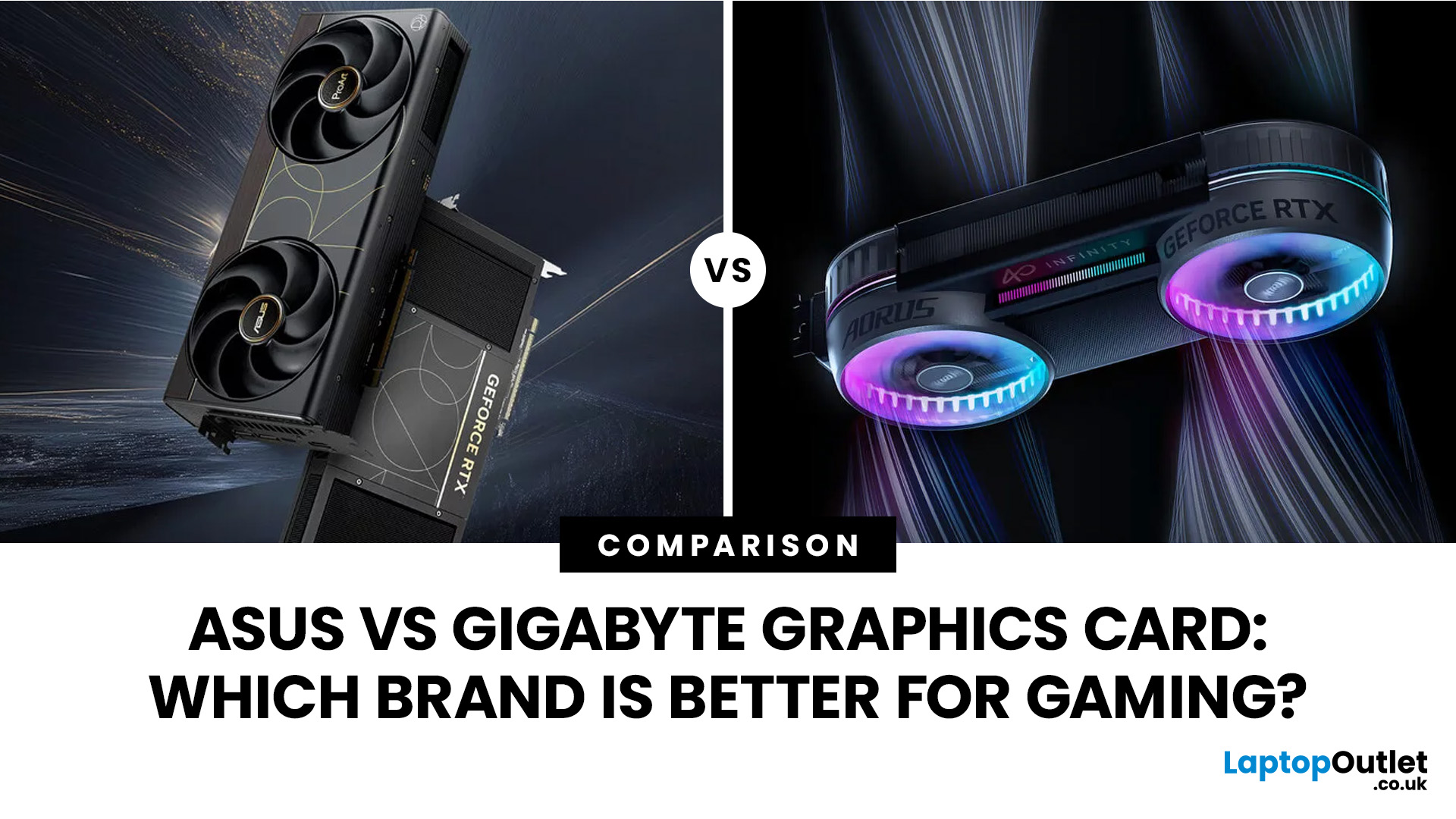
Both ASUS and Gigabyte are among the most trusted graphics card manufacturers available to UK gamers in 2026. In the ASUS vs Gigabyte graphics card comparison, ASUS typically leads on premium cooling, build quality, and software, while Gigabyte offers strong value across its mid-range and budget tiers. The right choice comes down to your budget, performance needs, and preferred feature set.
Choosing between ASUS and Gigabyte for your next graphics card is a decision many UK gamers face when building or upgrading a system. This guide breaks down every relevant factor so you can make an informed decision, whether you're gaming at 1080p, pushing 1440p on a competitive title, or targeting 4K. We also include best graphics card recommendations for different types of gamers.
A Quick Look at Both Brands
Before diving into the ASUS vs Gigabyte graphics card debate, here is a brief introduction to each brand and how they structure their GPU ranges. Knowing this makes it much easier to understand

Last Updated: July 17, 2026

