



Business Laptop Comparisons: Which Brand & Model Fits Your Needs?
Finding the best laptop for business is not as simple as choosing the fastest processor or the most expensive model. You need a device that fits your workload, travel habits, security requirements, and the software your company relies on.
A small business owner handling invoices and emails does not need the same laptop as a designer running 3D software. Likewise, an executive who travels every week may value weight, battery efficiency, and video-call quality more than raw processing power.
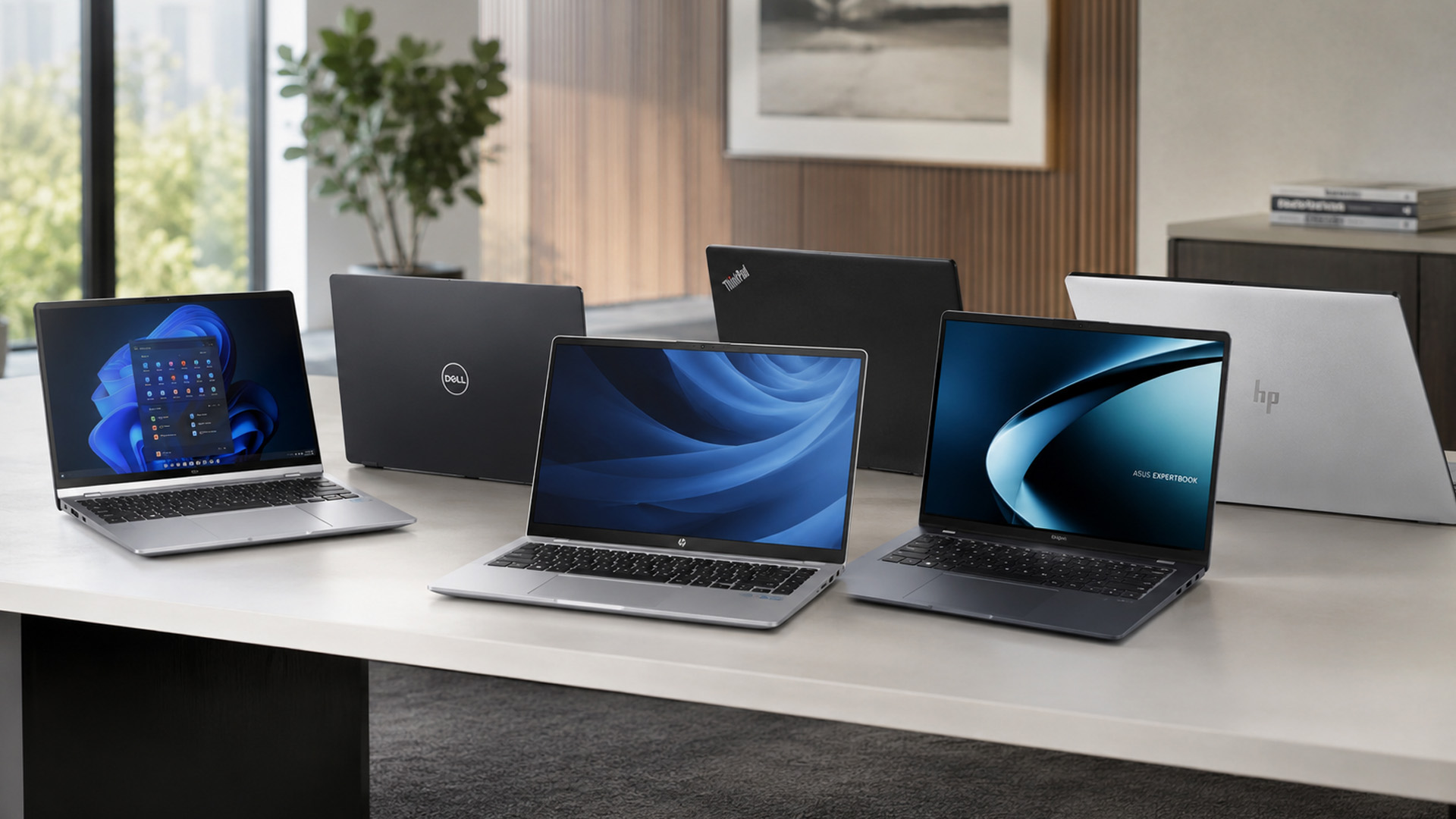
This 2026 business laptop comparison looks at specific Lenovo, ASUS, HP, and Dell models listed by Laptop Outlet. It will help you identify which professional notebook is best suited to your role, rather than recommending one laptop for every buyer.
Why Compare Business Laptops Before Buying?
Business laptops can look similar on paper. Several models may offer 16GB RAM, Windows 11 Pro and a 512GB SSD, yet deliver very different experiences once you consider screen size, keyboard layout, weight, connectivity, and upgrade options.
Comparing models before you buy helps you avoid two common mistakes. The first is paying for performance your team will never use. The second is choosing a low-cost laptop that becomes restrictive after only a year or two. A proper comparison should consider:
- The applications you use every day
- How many programs and browser tabs you run together
- Whether you work mainly at a desk or while travelling
- The number of external monitors and accessories you connect
- Your company’s security and management requirements
- Whether storage or memory can be upgraded
- How long you expect to keep the device
What Should a Business Laptop Offer in 2026?
The right specification depends on your workload, but most professional users should begin with 16GB RAM, a modern Intel Core, Intel Core Ultra, or AMD Ryzen processor, and Windows 11 Pro where business management features are required.

16GB RAM as a Practical Starting Point
Eight gigabytes of memory may still run email and basic documents, but it leaves limited room for modern multitasking. Microsoft Teams, cloud software, security tools, and numerous browser tabs can quickly consume available memory.
A 16GB laptop is therefore the sensible starting point for most employees. Move to 32GB if you regularly work with large spreadsheets, development tools, data analysis, or demanding creative applications.
A 512GB SSD for Most Users
A 512GB SSD offers a better balance than a smaller 256GB drive for most businesses. It provides enough capacity for applications, offline documents and project files without relying entirely on external or cloud storage.
A 256GB SSD can still work for employees who use browser-based platforms and store most files online. However, you should check how much space your company software, security tools and Windows updates will require.
Windows 11 Pro and Business Security
Windows 11 Pro adds business-focused capabilities such as BitLocker device encryption, Remote Desktop hosting, domain joining, and additional management controls.
You should also look for TPM 2.0, biometric login, a privacy shutter and firmware-level security. Some business ranges include additional brand-specific protection, such as HP Wolf Security or Lenovo ThinkShield.
Ports That Suit Your Desk
Do not assume every thin laptop connects easily to your existing office equipment. Check for USB-C, USB-A, HDMI, and Ethernet before buying.
Thunderbolt 4 can be especially useful if you want to connect a dock, external storage and multiple displays through a single cable. Employees who regularly present in meeting rooms may still benefit from a built-in HDMI port.
Best Laptop for a Small Business
A laptop for small business use should be affordable without becoming restrictive. For email, accounting software, customer management systems, documents, and video meetings, 16GB RAM is more important than paying for the highest processor tier.
ASUS ExpertBook P1: Best for Essential Office Work
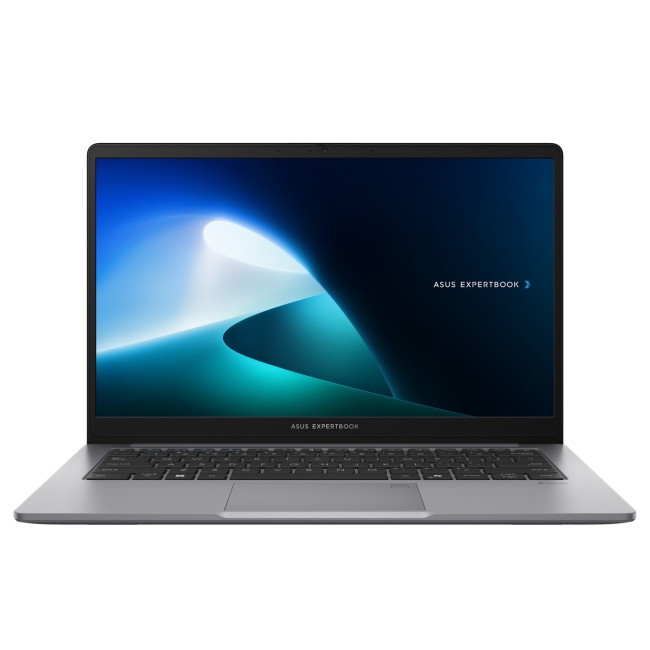
The ASUS ExpertBook P1 is a practical starting point for companies that need reliable everyday laptops without unnecessary premium features.
It combines an Intel Core 5 210H processor with 16GB RAM, a 256GB SSD and a 14-inch Full HD display. You also get Windows 11 Pro, USB-C, USB-A, HDMI, Ethernet and Wi-Fi 6 connectivity.
Its 256GB drive is the main limitation. It will suit employees who work mainly through Microsoft 365, cloud storage, and browser-based platforms, but businesses storing large files locally should consider a 512GB model.
Lenovo ThinkPad L14 Gen 5: Best Small-Business All-Rounder
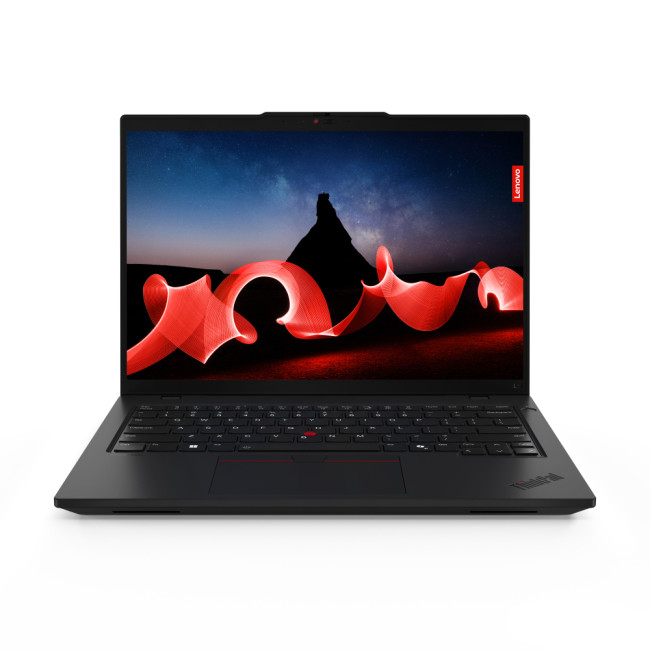
The Lenovo ThinkPad L14 Gen 5 is a reliable alternative for growing businesses that need a practical, in-stock professional laptop with strong everyday performance.
It features an Intel Core Ultra 5 processor, 16GB RAM and a 512GB SSD, delivering smooth performance for office applications, multitasking, video meetings and standard business software. The 14-inch WUXGA display also provides a taller workspace than traditional Full HD screens, making it easier to work with documents, spreadsheets, and web-based tools.
As with most ThinkPad business models, it is designed with durability and long-term use in mind, making it suitable for teams that need consistent performance across daily workloads.
Best for Office Productivity and Large Spreadsheets
If your laptop is your main working screen, a larger display can improve productivity. It gives you more room for spreadsheets, side-by-side documents, dashboards and accounting platforms.
Lenovo V15 G4 AMN
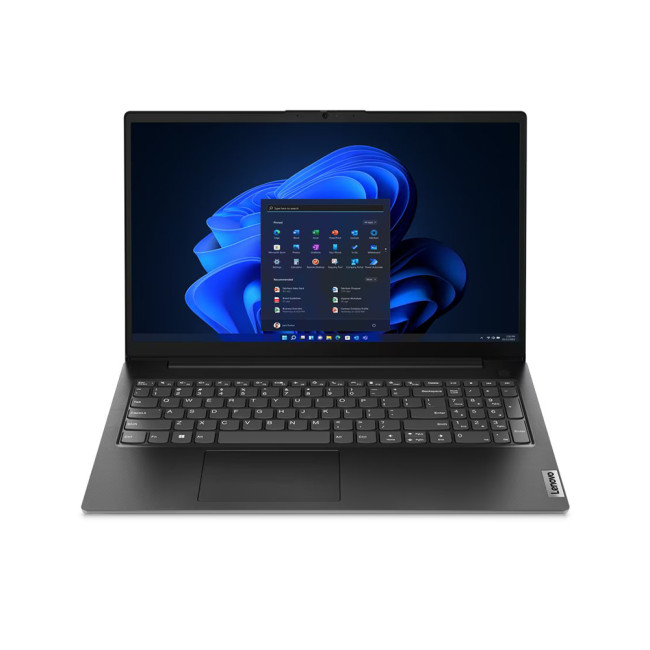
The Lenovo ThinkPad L16 Gen 2 is currently out of stock, so a strong alternative in the same category is the Lenovo V15 G4 AMN, which offers a practical large-screen productivity experience with reliable everyday business performance.
The Lenovo V15 G4 AMN features an AMD Ryzen 5 7520U processor, 16GB RAM, a 256GB SSD, and a 15.6-inch Full HD display designed for comfortable office use and day-to-day productivity tasks.
It also provides USB-C, USB-A, HDMI and Ethernet connectivity, making it well suited to office environments that rely on a mix of wired docking setups and wireless peripherals.
HP Business Laptops for Hybrid Work and AI
HP’s EliteBook range is designed around professional security, collaboration and portability. The two HP models in this comparison serve different buyers despite having the same 14-inch screen size.
HP EliteBook 840 G11: Best for Hybrid Workers
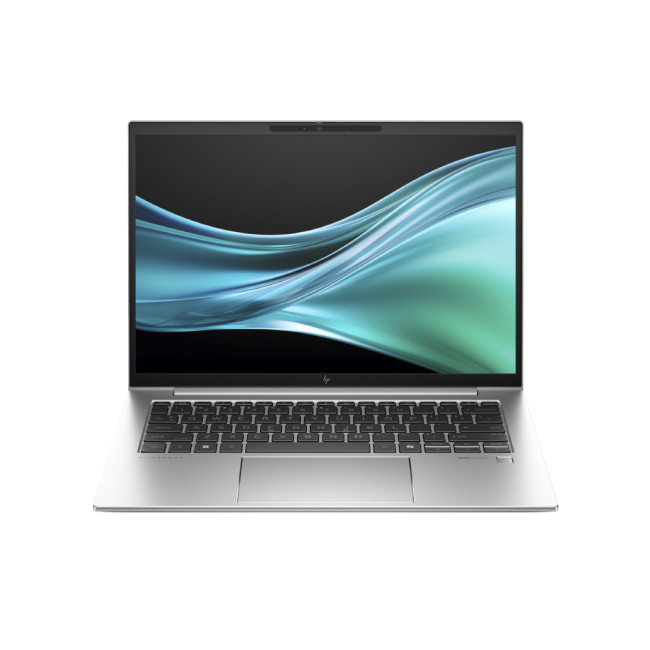
The HP EliteBook 840 G11 is one of the most balanced work laptops in this comparison, designed specifically for professionals who split their time between home, office and travel.
It is powered by an Intel Core Ultra 7 155U processor, paired with 16GB DDR5 RAM and a 512GB SSD, giving it the responsiveness needed for multitasking, business applications and video conferencing. The 14-inch 1920 x 1200 IPS display also provides extra vertical space compared to standard Full HD screens, which is useful when working with documents, spreadsheets and web-based tools.
In terms of connectivity, it includes two Thunderbolt 4 ports alongside HDMI and USB, making it easy to connect to docking stations, external monitors and office peripherals with minimal setup. The lightweight 1.41kg chassis further enhances portability, allowing users to move between work environments without inconvenience.
HP EliteBook 8 G1i: Best AI Business Laptop
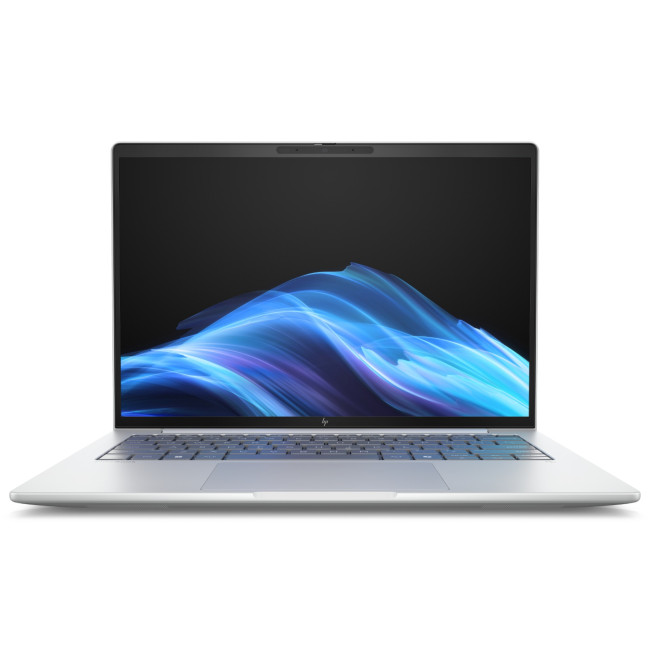
The HP EliteBook 8 G1i is better suited to businesses planning for AI-assisted productivity and heavier multitasking.
It features an Intel Core Ultra 5 228V processor, 32GB RAM, a 512GB SSD, Intel Arc graphics and a 14-inch WUXGA IPS display. It is also positioned as a Copilot+ PC and HP Wolf Pro Security Edition.
The 32GB memory allocation is especially valuable if you run several demanding applications together. However, a company using only email, basic spreadsheets and browser software may achieve better value from a 16GB model.
Dell Business Laptops for Travel and Corporate Teams
Dell’s Latitude range remains relevant for established business deployments, while newer Dell Pro models provide updated options for corporate users.
Dell Latitude 3450: Best for Everyday Business Mobility
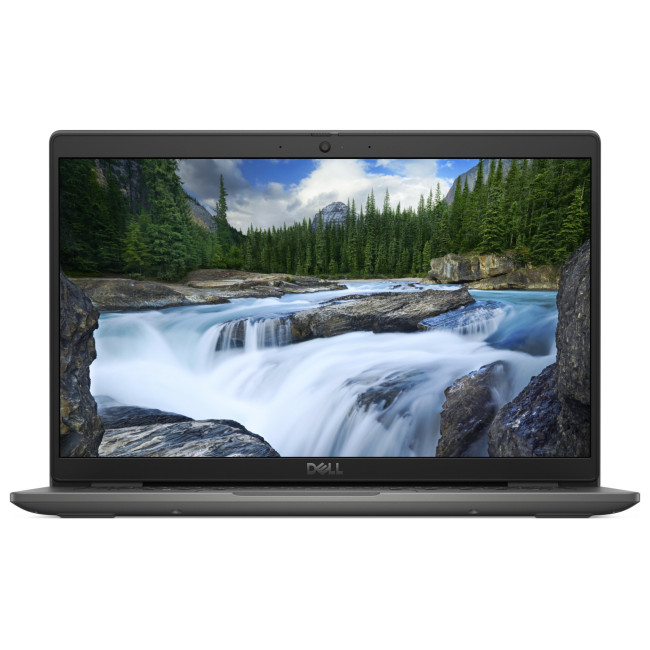
The Dell Latitude 3450 is a practical choice for professionals who need a reliable, lightweight business laptop for day-to-day productivity without unnecessary complexity.
It is powered by an Intel Core processor, paired with 16GB RAM and a 512GB SSD, delivering smooth performance for office applications, web-based tools, video conferencing, and multitasking. The 14-inch Full HD display offers a comfortable balance between portability and workspace, making it suitable for both desk-based and mobile use. Essential connectivity options such as USB-C, USB-A, HDMI and Wi-Fi ensure compatibility with modern office setups and peripherals.
Dell Pro 14 Plus: Best for Corporate Multitasking
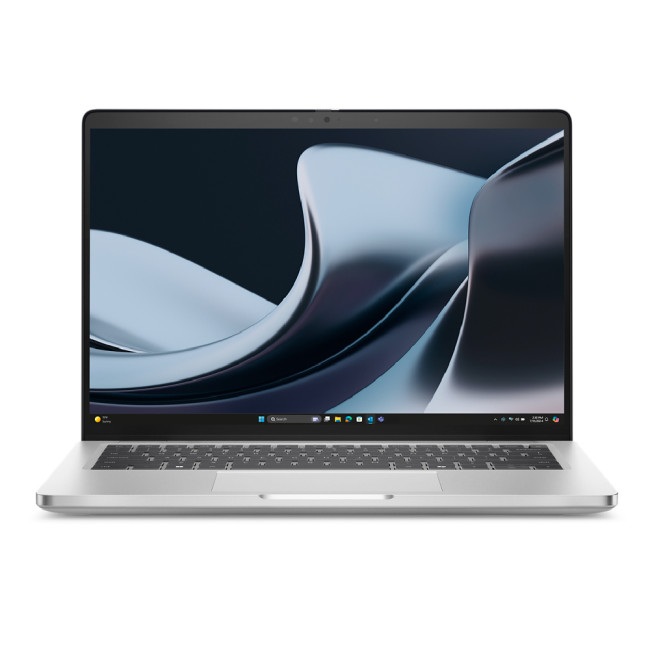
The Dell Pro 14 Plus is built for professionals who need consistent performance across demanding business workloads. Powered by an Intel Core Ultra 7 processor, it is paired with 32GB RAM and a 512GB SSD, giving you the headroom required for heavy multitasking, large datasets and modern cloud-based applications.
Its 14-inch WUXGA IPS display delivers a sharp, comfortable workspace that works well for long office sessions while still remaining portable enough for hybrid working. At around 1.5kg, it strikes a practical balance between mobility and stability. Connectivity is also well covered, with Thunderbolt 4, USB-C, USB-A, HDMI and Ethernet ports ensuring smooth integration into office setups, docking stations, and multi-monitor environments.
Best ASUS Laptop for Mobile Professionals
The ExpertBook P1 focuses on accessible business productivity, while the B5 moves closer to the premium professional market.
ASUS ExpertBook B5: Best for Consultants and Remote Work
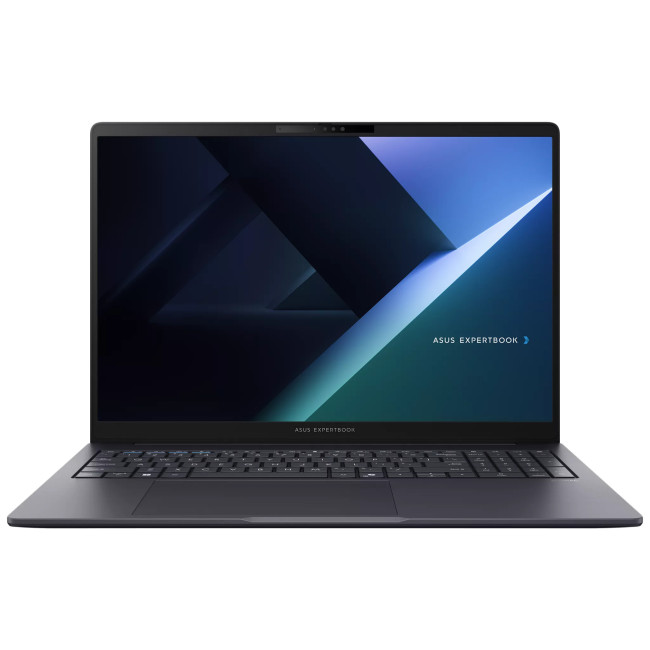
The ASUS ExpertBook B5 is a premium business Ultrabook designed for professionals who need strong performance in a lightweight, travel-friendly form factor. It is powered by an Intel Core Ultra 7 processor, paired with 16GB RAM and a fast 512GB SSD, making it well-suited for multitasking, business applications and cloud-based workflows.
Weighing just around 1.4kg, the ExpertBook B5 is easy to carry between home, office and client locations, making it a strong choice for hybrid and mobile professionals. It also includes modern connectivity such as Thunderbolt 4, USB-C, HDMI and Wi-Fi 6E, allowing seamless connection to docking stations, external monitors and peripherals in both office and remote setups.
Best High-End Business Laptop
The best high-end business laptop should not simply deliver strong benchmark results. It should also be easy to carry, comfortable to use and capable of replacing both a travel laptop and a main office machine.
Apple MacBook Pro 14-inch (M5): Best for Premium Business Performance
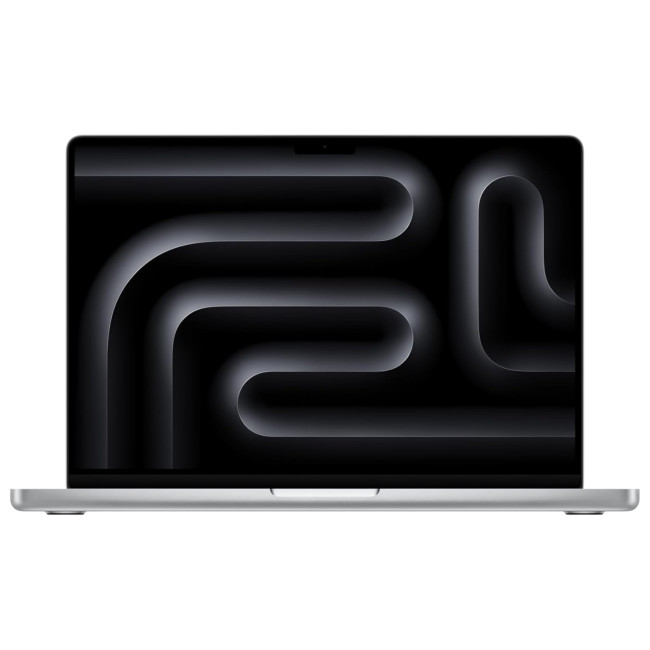
The Apple MacBook Pro 14-inch (M5) (MDE54BA) is a high-end business laptop designed for professionals who need exceptional performance, efficiency and build quality in a portable form factor.
It is powered by Apple’s latest M5 chip, delivering outstanding speed and responsiveness for demanding workloads such as advanced multitasking, data analysis, creative production, software development and AI-assisted workflows.
The 14-inch Liquid Retina XDR display offers exceptional brightness, colour accuracy and contrast, making it ideal for presentations, content creation and detailed visual work.

Do You Need an AI Laptop in 2026?
An AI PC contains a neural processing unit, or NPU, designed to accelerate compatible tasks. These can include background effects, transcription, image processing, security tools and selected Copilot+ features.
You should not buy an AI laptop solely because of the label. First confirm that it offers the correct memory, storage, ports, keyboard, and software compatibility. The NPU should add value to an already suitable laptop rather than compensate for an unsuitable design.

Final Thoughts
There is no single best laptop for every organisation in 2026. The HP EliteBook 840 G11 suit everyday business work, while the HP EliteBook 840 G11 and Dell Pro 14 Plus provide stronger options for hybrid and corporate environments.
For travel, the Dell Latitude 3450 and ASUS ExpertBook B5 offer compact, lightweight designs. The ThinkPad X1 Carbon Gen 13 is the standout premium option for executives who prioritise portability and performance, while the Apple MacBook Pro 14-inch (M5) is designed for specialist software that requires dedicated RTX graphics for engineering, CAD, and 3D workloads.
Start with your workload, then consider memory, screen size, storage, ports, weight, and security. This approach will lead you to the best laptop for business use without paying for features your team does not need.

In Case You’re Wondering...
Should businesses buy or lease laptops?
Buying suits smaller teams planning to keep devices for several years. Leasing can reduce upfront costs, simplify upgrades and provide predictable monthly expenses for larger organisations.
How often should a business replace its laptops?
Most businesses replace laptops every three to five years. Replacement may be needed sooner if performance declines, batteries deteriorate or devices no longer receive essential security updates.
Is a laptop docking station useful for business work?
A docking station connects monitors, keyboards, networks and other accessories through one cable. It is particularly useful for hybrid workers who regularly move between mobile and desk-based setups.
What warranty should a business laptop include?
Look for at least a three-year warranty when downtime could affect operations. On-site or next-business-day support may be more valuable than standard return-to-base cover for critical employees.
Can business laptops support multiple monitors?
Many modern business laptops support two or more external monitors through HDMI, USB-C or Thunderbolt. Check the laptop’s graphics capability, display outputs and maximum supported resolution before purchasing.
| Read More: |
| Top AI-Ready Laptops for Creators, Designers, and Developers |
| How to Choose the Right Windows 11 Laptop: Complete Buying Guide |
| Top 10 AI-Powered Features to Look for in a Laptop in 2026 |
Related Articles


Last Updated: August 06, 2026
Published: July 27, 2026
Last Updated: August 06, 2026
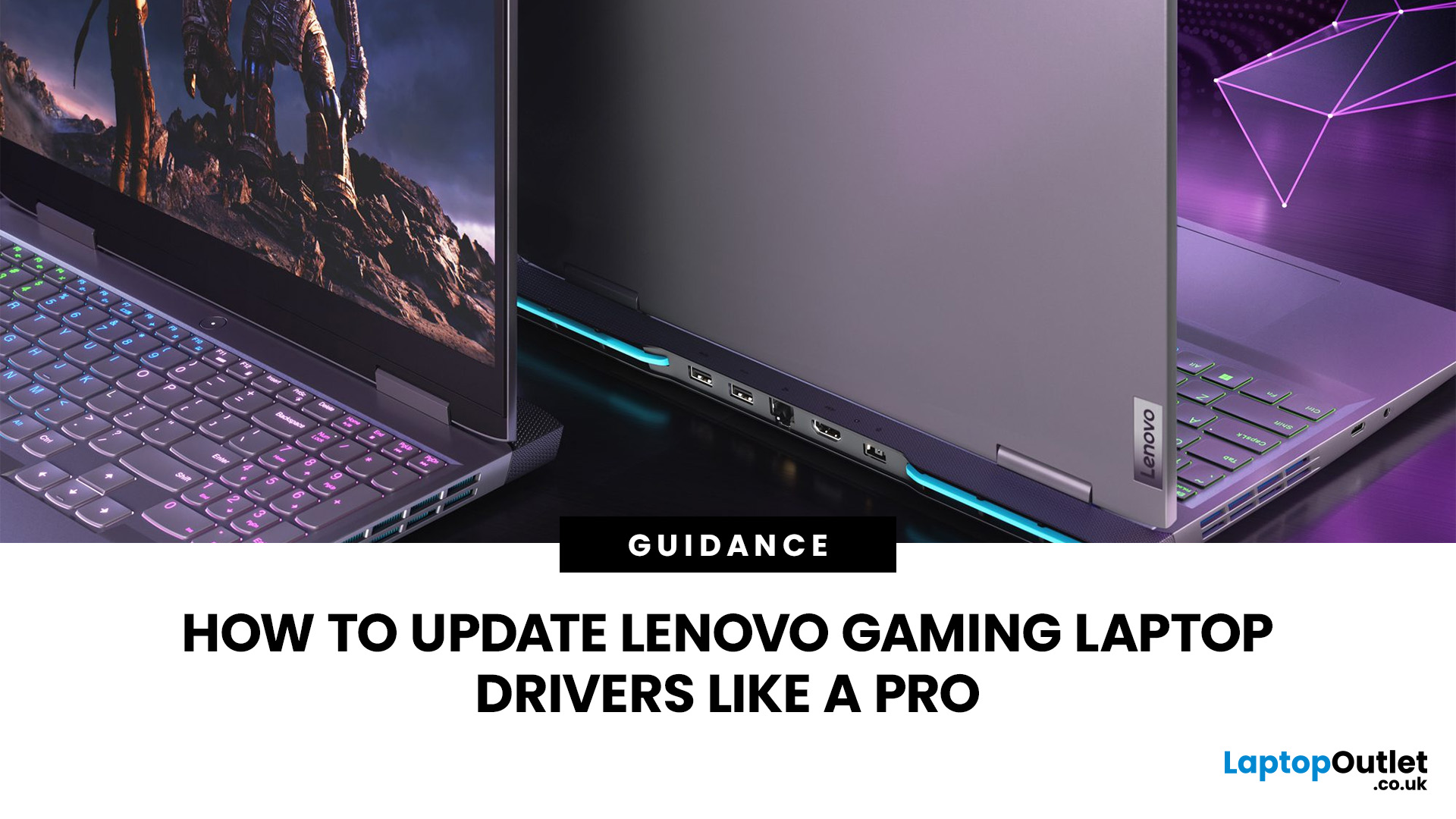
A safe Lenovo drivers update should begin with Lenovo Vantage or Lenovo Support, followed by Windows Update and, when needed, the official NVIDIA or AMD graphics software. Using these trusted sources helps ensure that chipset, graphics, audio, network, firmware and system drivers are matched to your specific Lenovo Legion or LOQ laptop.
Updating drivers can fix hardware problems, improve compatibility with newer games and address security or stability issues. However, installing every available update immediately is not always necessary. Graphics drivers often change frequently, while BIOS and firmware updates require more caution.
This guide explains how to check your current versions, install Lenovo laptop drivers safely and recover if an update causes problems. The same general process can also apply to professional Lenovo laptops for work, although gaming systems require additional attention to graphics and performance-related drivers.
Quick Driver Update Order
For most Lenovo gaming
Last Updated: July 28, 2026
Last Updated: September 28, 2026
Quick Answer
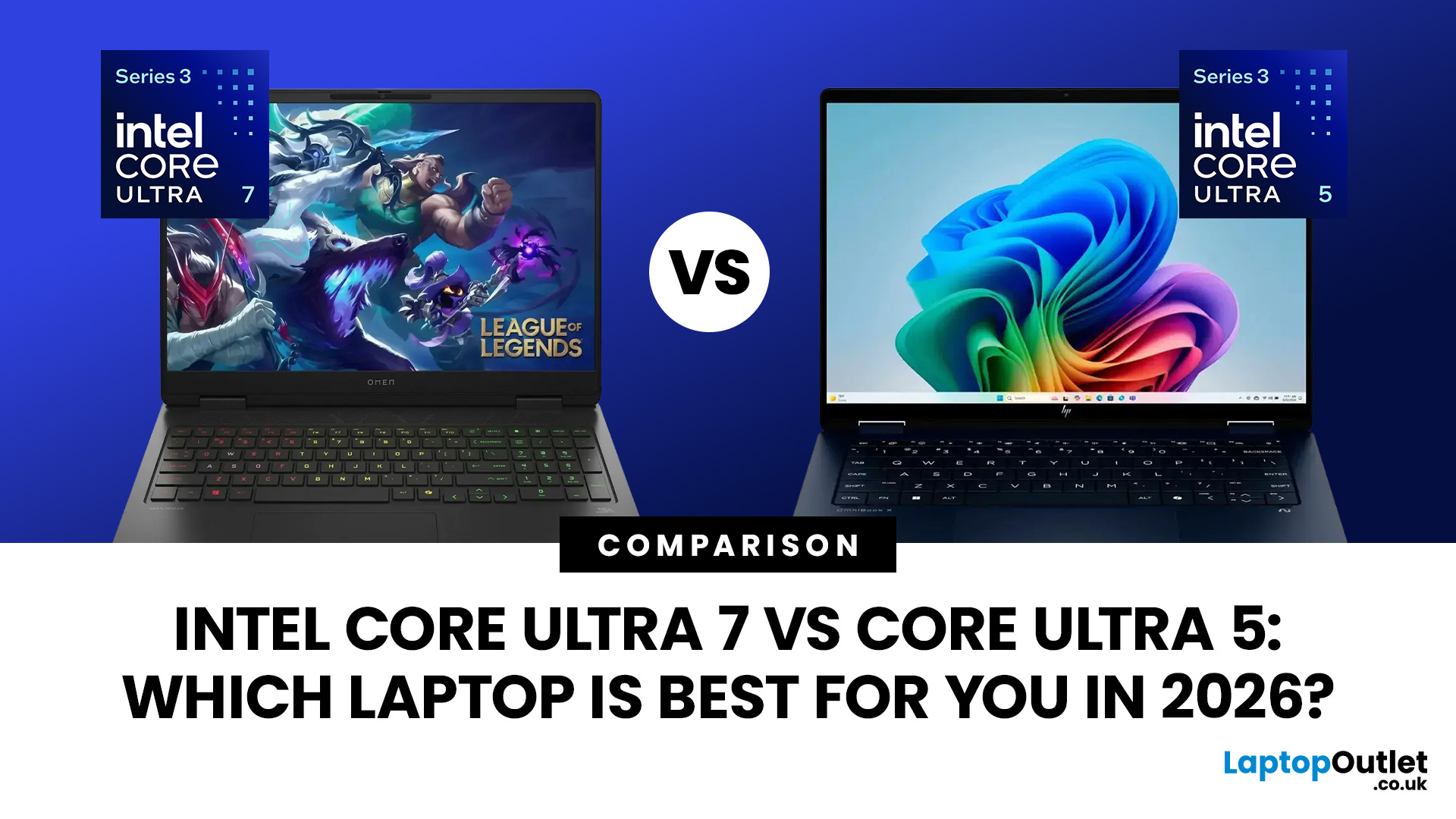
Intel Core Ultra 7 vs Core Ultra 5 comes down to workload, generation and laptop design. Core Ultra 5 is typically sufficient for productivity, study and moderate creative work, while Core Ultra 7 offers more CPU headroom for heavier multitasking and sustained workloads. However, graphics, NPU performance, cooling, RAM and processor suffix can matter more than the tier name alone.
Choosing between Intel Core Ultra 5 and Core Ultra 7 is more complicated in 2026 than simply assuming the higher number will always give you the better laptop.
Intel now has Core Ultra Series 1, Series 2 and Series 3 processors in circulation. Within those generations you will also find different processor classes designed for thin-and-light systems, efficient mobile computing and higher sustained performance. Intel identifies Ultra 5 and Ultra 7 as performance tiers, while the processor number indicates the series or generation.
That means the sensible comparison is not simply Ultra 5 vs Ultra 7.
Last Updated: July 29, 2026
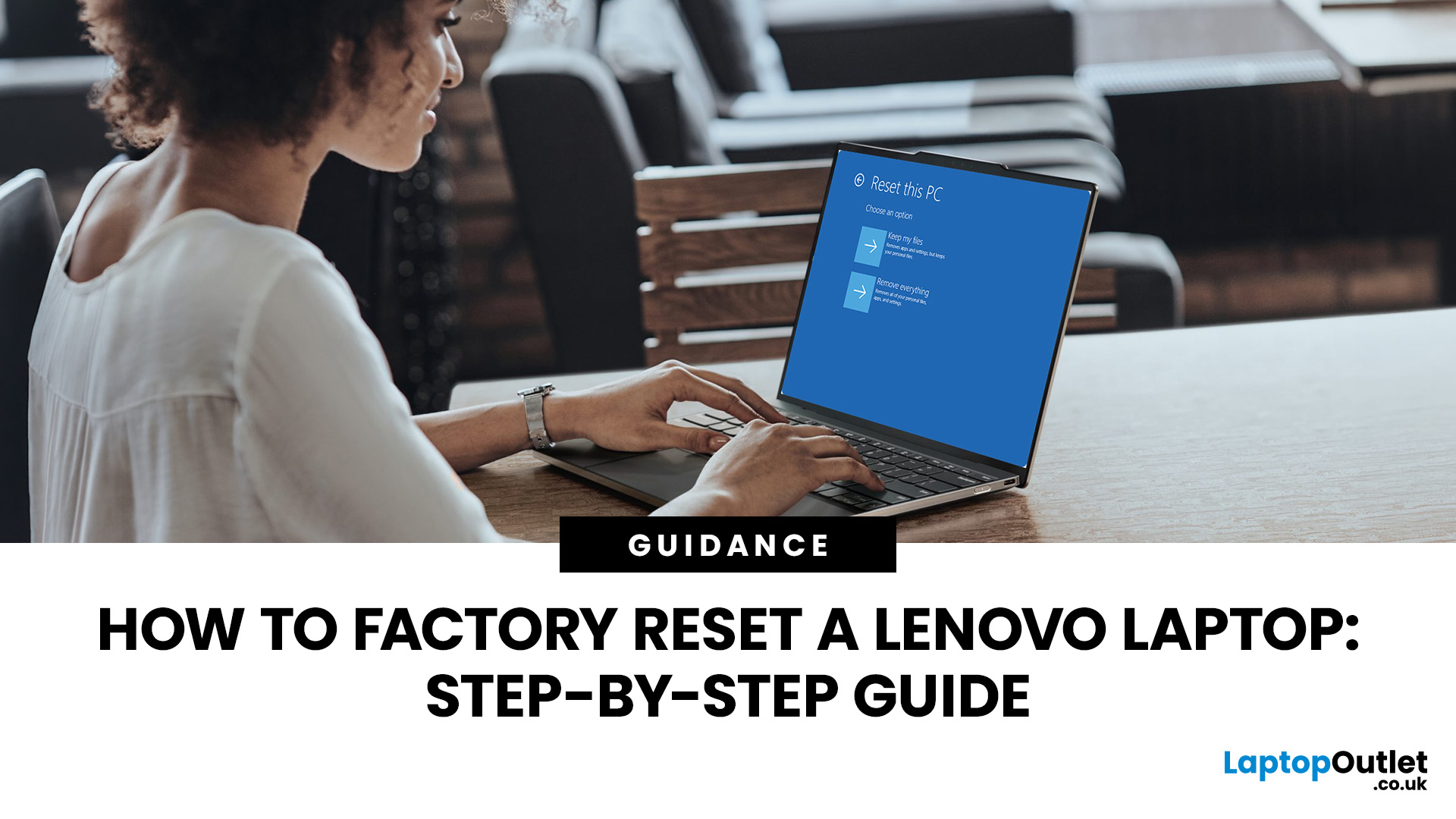
Your Lenovo laptop is slow, crashing, affected by persistent software problems or being prepared for a new owner; don't panic, it’s simply time for a factory reset.
A proper Lenovo factory reset reinstalls Windows and may remove applications, settings and personal data. This guide explains how to reset Lenovo laptop systems through Settings, the sign-in screen, Lenovo recovery mode, the Novo button or recovery media.
Before You Factory Reset Your Lenovo Laptop
- Back up documents, photos and other important files to cloud storage or an external drive.
- Keep the charger connected, remove unnecessary laptop accessories
Last Updated: September 03, 2026
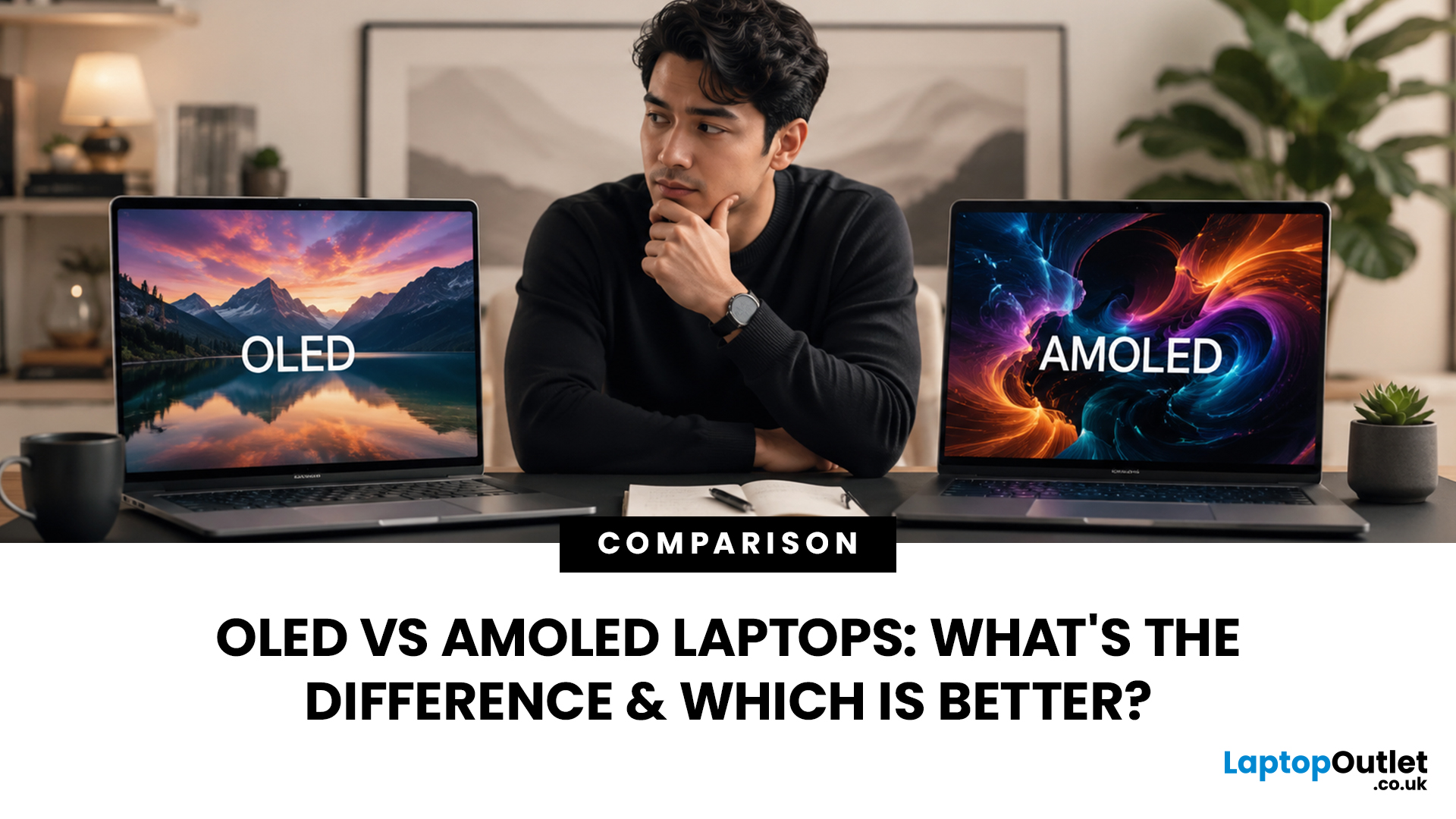
When comparing premium laptop screens, the OLED vs AMOLED debate is simpler than it seems. Both deliver deep blacks, vibrant colours, fast response times and strong contrast. OLED is the broader technology, while AMOLED is a type of OLED that uses an active-matrix system to control pixels. Many modern OLED laptops already use this system, even if not labelled AMOLED. Instead of focusing on the name, buyers should compare resolution, refresh rate, brightness, colour accuracy, battery life and burn-in protection. This guide helps you understand the differences and choose the right display for your needs.
OLED vs AMOLED: The Quick Answer
OLED, or Organic Light-Emitting Diode (OLED), is a display technology in which each pixel creates its own light. An OLED screen does not require the separate backlight used by traditional LCD panels.
AMOLED, or Active Matrix OLED (AMOLED), is a type of OLED display that uses an active-matrix transistor system to control each pixel quickly and individually.
Last Updated: August 17, 2026
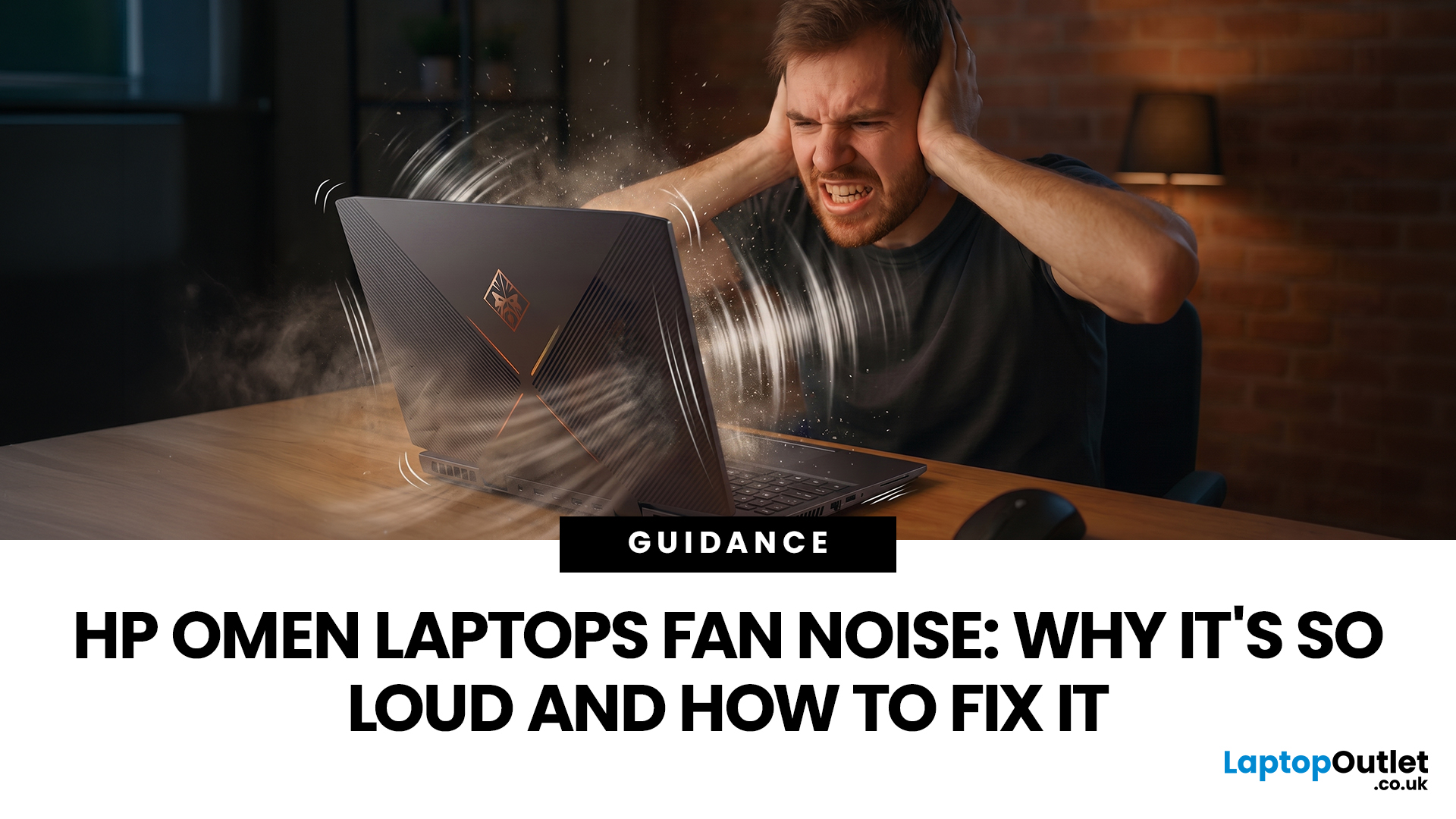
HP OMEN laptops use powerful processors and dedicated graphics, so their cooling systems can become clearly audible during gaming and other demanding work. Some HP OMEN fan noise is normal, but constant noise at idle, grinding or repeated overheating deserves attention. This guide explains how to identify the sound, diagnose the cause and choose a safe fix across the top HP OMEN laptop range.
| HP OMEN Fan Noise: Quick Answer Loud fan noise is normal while an OMEN laptop starts, updates, games, renders or runs a demanding AI task. HP says a brief fan surge for about five to twenty seconds at startup can be normal, while Performance mode deliberately increases fan speed to manage higher CPU and GPU power and temperature. Investigate an HP OMEN loud fan when it remains noisy during light use, produces mechanical sounds or appears with weak airflow, throttling or shutdowns. Many cases improve after reducing background load, changing settings, updating HP software and BIOS, restoring airflow |
Last Updated: August 20, 2026
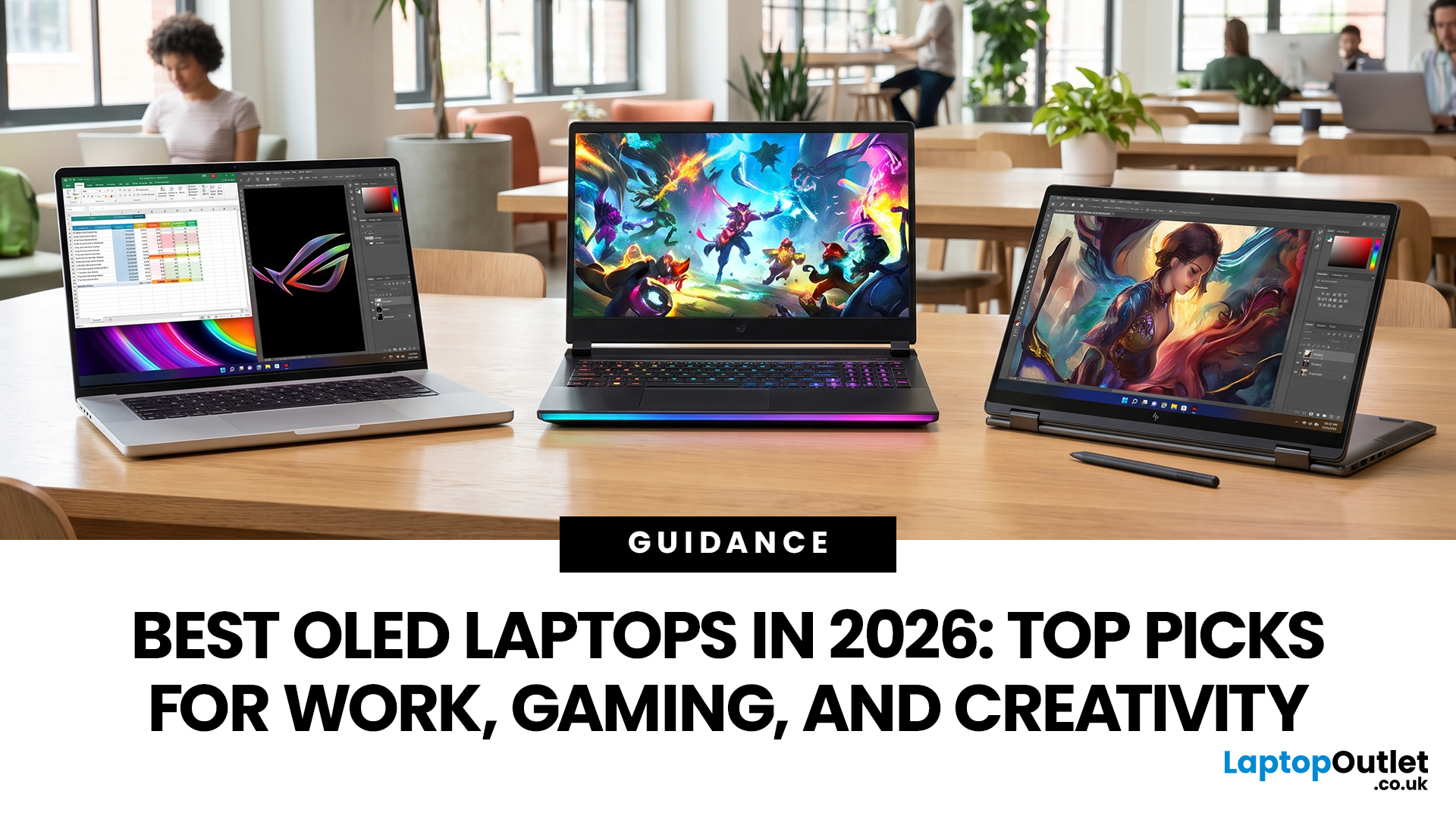
OLED screens are becoming more common across premium ultrabooks, creator workstations and gaming laptops in 2026. Newer panels offer higher resolutions, faster refresh rates and improved efficiency, while recent tandem OLED developments are also increasing brightness and durability.
However, an OLED screen does not automatically make a laptop suitable for every buyer. Processing power, graphics, memory, ports, battery life and weight remain equally important.
This guide compares the best OLED laptops for students, professionals, creators, gamers and everyday users. It also explains the specifications that matter, helping you understand what each feature means when choosing a laptop.
Quick Picks: Best OLED Laptops in 2026
| Category | Laptop |
| Best Overall | ASUS Zenbook S 16 |
| Best Premium | Samsung Galaxy Book5 Pro |
| Best Value | Samsung Galaxy Book4 |
| Best Student Laptop | ASUS Zenbook 14 OLED |
| Best Business Laptop | Samsung Galaxy XE550XGA |
| Best Creator Laptop | ASUS ProArt PX13 |
| Best Professional Workstation |
Published: August 03, 2026
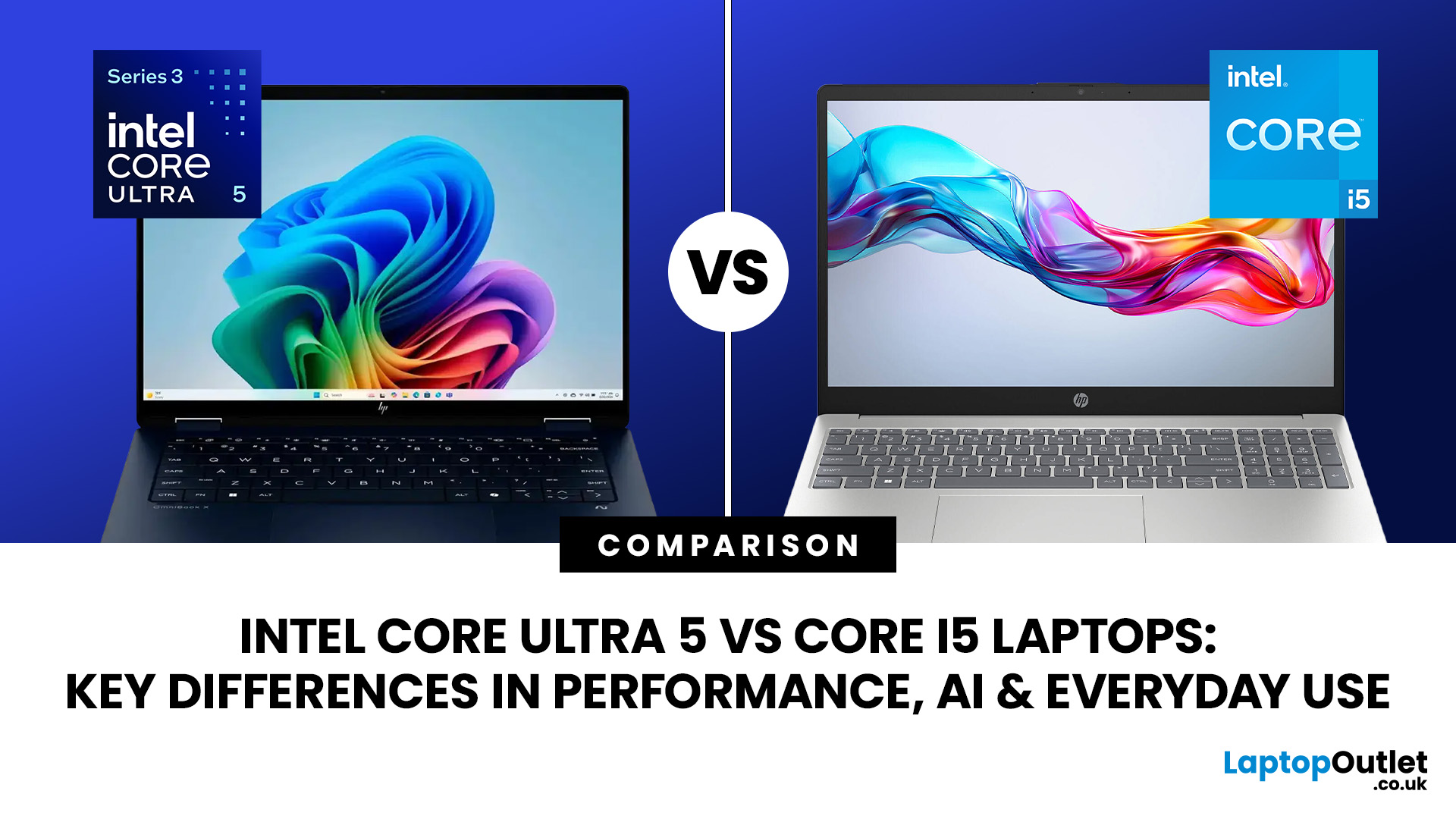
Intel has changed how it names and builds its laptop processors (CPUs). Traditional Core i5 chips remain widely available, but newer premium laptops increasingly use the Core Ultra 5 name, which Intel introduced alongside a major architectural redesign and built-in AI acceleration. That makes the Intel Core Ultra 5 vs i5 comparison more complicated than simply checking which number looks newer.
This guide explains the differences in everyday speed, multitasking, graphics, gaming, AI features, and battery life, without burying the answer under unnecessary technical jargon.
Quick Answer: Should You Buy Intel Core Ultra 5 or Core i5?
Buy Core Ultra 5 for stronger integrated graphics, on-device AI features and generally better efficiency. Buy Core i5 when price matters most, especially for office work or laptops with dedicated graphics card. Always compare the exact processor suffix and laptop configuration.
| If you want... | Buy | Why |
| Lowest price | Core i5 | Older i5 laptops are regularly discounted |

