



ASUS Chromebooks
Discover the perfect harmony of style, speed, and simplicity with ASUS Chromebooks. Designed for mod...
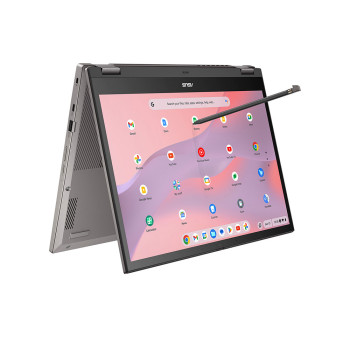
Finance available
Free Delivery *

Finance available
Free Delivery *
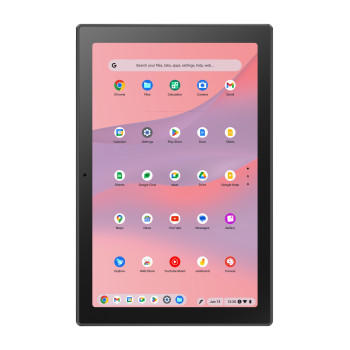
Finance available
Free Delivery *
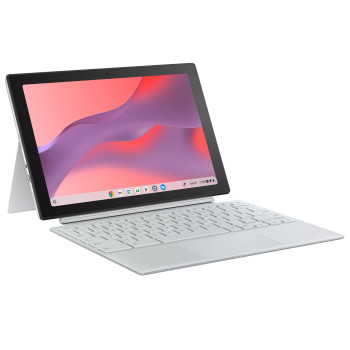
Finance available
Free Delivery *
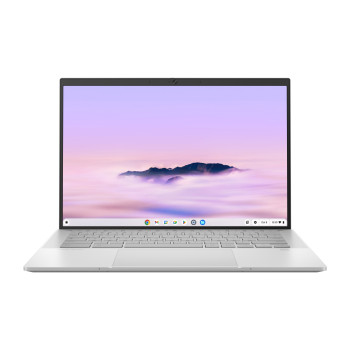
Finance available
Free Delivery *
Finance available
Free Delivery *
Finance available
Free Delivery *
Finance available
Free Delivery *
Finance available
Free Delivery *
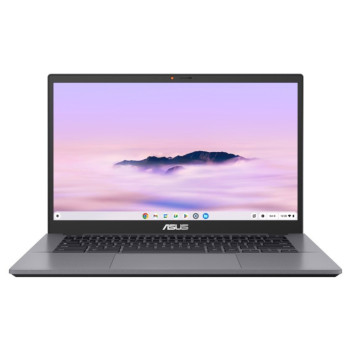
Finance available
Free Delivery *
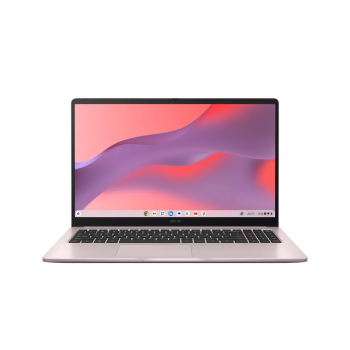
Finance available
Free Delivery *
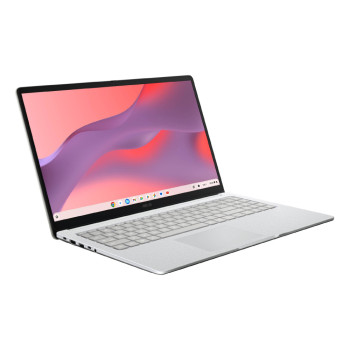
Finance available
Free Delivery *
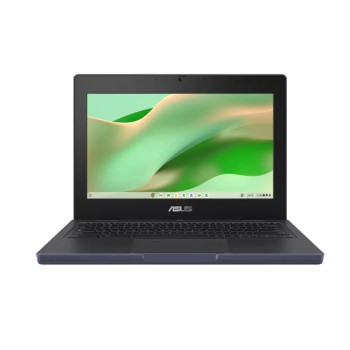
Finance available
Free Delivery *
Finance available
Free Delivery *
Finance available
Free Delivery *
Showing 15 of 17 Items
Which ASUS Chromebook suits you best?
Choosing the right ASUS Chromebook starts with how you plan to use it day to day. If you mainly need a laptop for browsing, emails, Google apps, streaming and documents, an entry-level model can be a smart and cost-effective choice. If you want something for regular study, flexible working or commuting, a reliable ASUS Chromebook with a compact design and good battery life is often the better fit.
If you prefer a device that can do more than basic web tasks, look at models with more RAM, more storage or a larger Full HD display. That extra headroom can make multitasking smoother and give you a better experience for work, study and entertainment. Whether you want a slim 11.6-inch option or a bigger screen for comfortable everyday use, there is an ASUS Chromebook laptop to match your routine.
Why buy an ASUS Chromebook?
ASUS Chromebooks are built for people who want a laptop that feels simple, fast and easy to carry. ChromeOS helps keep everyday computing straightforward, while ASUS adds the lightweight designs, practical features and flexible form factors that make these devices easy to use at home, in class or on the move.
An ASUS Chromebook computer is a strong option if you want:
- quick access to web-based apps and cloud tools
- a lightweight design that is easy to take anywhere
- dependable everyday performance for browsing, work and study
- touchscreen and 2-in-1 options for more flexibility
- a practical alternative to heavier traditional laptops
If you are ready to buy ASUS Chromebook models for school, travel or daily home use, the key is to focus on the features that will make the biggest difference to you.
What should you compare before you buy?
Not every ASUS Chromebook is designed for the same type of user, so it helps to compare a few essentials before you choose.
Screen size and portability
Smaller models are easier to carry and work well for travel, commuting and student use. Larger displays are better if you want more space for spreadsheets, documents, streaming or general home use. If portability is your top priority, you can also browse our wider range of portable laptops.
Touchscreen and flexibility
If you like tap-and-swipe navigation, sketching, note-taking or watching content in different positions, a touchscreen or 2-in-1 ASUS Chromebook can be worth the extra spend. If you are still comparing ChromeOS options, you can also explore our wider lightweight Chromebook range.
Performance and storage
For lighter tasks, basic configurations are usually enough. If you regularly keep multiple tabs open or want better day-to-day responsiveness, look for more RAM and storage. That can make a noticeable difference if you want the best ASUS Chromebook for more demanding everyday use.
Explore more ASUS and laptop options
If you already like the ASUS brand, it is worth viewing the full range of affordable ASUS laptops to compare Chromebooks with other ASUS models. If you are shopping for simple web-based devices, you may also want to browse our daily productivity laptops for more everyday-use options.
Not sure whether ChromeOS is the right fit? If you need broader software compatibility or a more traditional setup, compare our latest Windows 11 laptops before making your final decision.
Read More:
Review: ASUS Chromebook Flip 12.5" Touch Convertible Laptop Intel Core M7
Review: ASUS Chromebook Flip C433 14" Convertible Laptop Core i5
ASUS Chromebook vs ZenBook: Which Ultrabook Offers Better Value in 2026?
Read more