



ASUS ProArt RTX 5090: Compact Design Meets AI Performance and Advanced Cooling
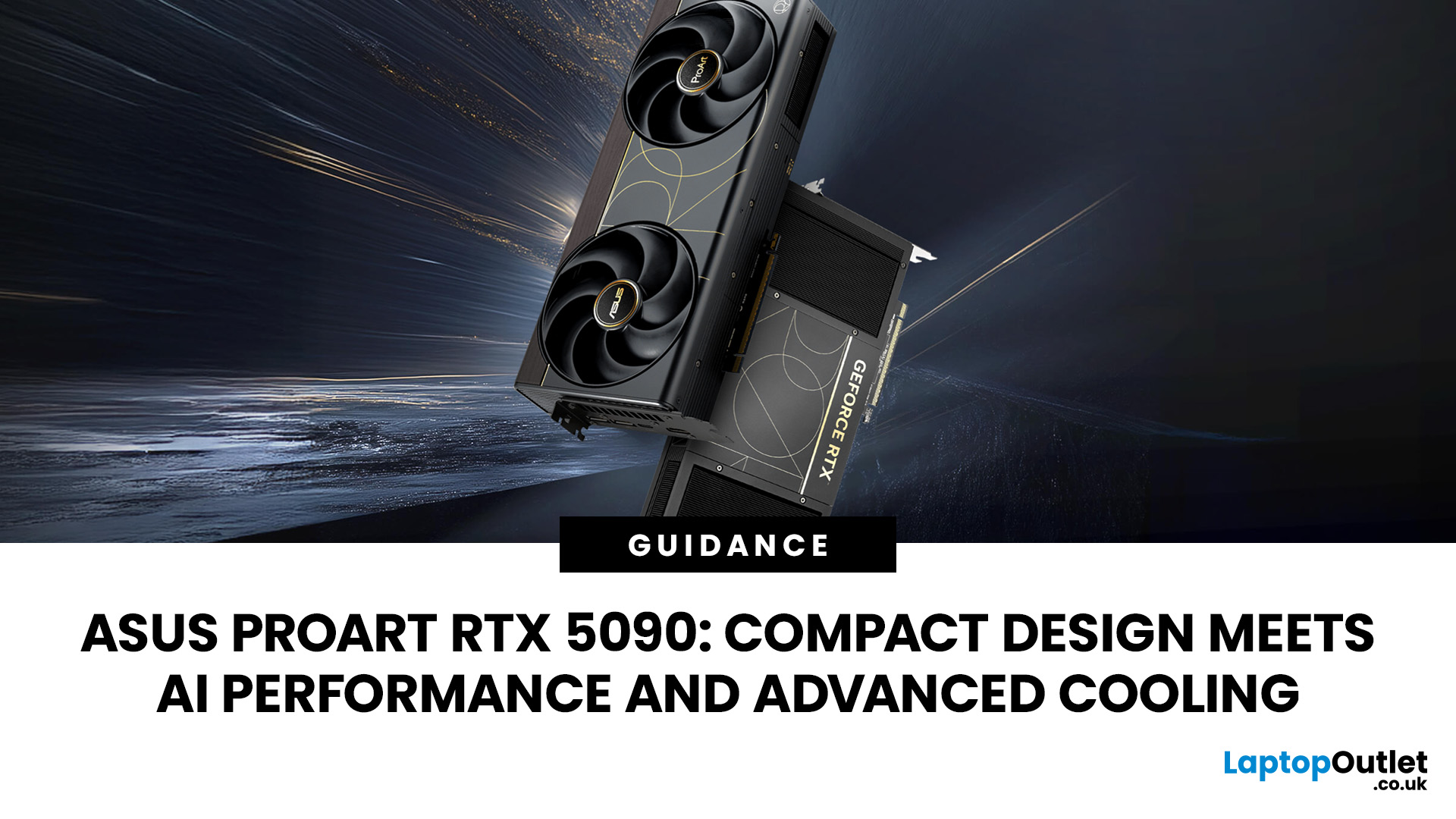
That is the problem the ASUS ProArt RTX 5090 tries to solve. Most RTX 5090 cards are fast, but many are also large, thick and awkward to fit. The ProArt version keeps the top-end NVIDIA GPU, then puts it into a cleaner 2.5-slot body aimed at creators, AI users, gamers, system builders and UK retailers selling premium workstations.
So, the question is not only “how fast is it?”
The better question is: does this card make RTX 5090 performance easier to live with?
This guide covers the ASUS ProArt RTX 5090 specs, cooling, AI performance, case fit, buyer profile and how it compares with other high-end ASUS RTX options.
What Is the ASUS ProArt RTX 5090?
The ASUS ProArt RTX 5090 is a premium NVIDIA GeForce RTX 5090 graphics card built for heavy creative work, AI tools, 3D rendering, video editing, visualisation and high-end gaming.
ASUS lists the ProArt GeForce RTX 5090 OC Edition with 32GB GDDR7 memory, 21,760 CUDA cores, 3352 TOPs AI performance, PCIe 5.0, a 512-bit memory interface, 28Gbps memory speed and an OC mode clock of 2512MHz. It measures 304 x 140 x 50mm, uses a 2.5-slot design, is marked SFF Ready, and carries a 1000W PSU recommendation.
For UK buyers comparing top ASUS RTX series GPUs, the ProArt RTX 5090 stands out because it is not trying to be the biggest card in the range. It is trying to be the more practical flagship option.
ASUS ProArt RTX 5090 Specs
|
Feature |
ASUS ProArt RTX 5090 OC Edition |
|
GPU |
NVIDIA GeForce RTX 5090 |
|
CUDA cores |
21,760 |
|
AI performance |
3352 TOPs |
|
Memory |
32GB GDDR7 |
|
Memory speed |
28Gbps |
|
Memory interface |
512-bit |
|
Bus |
PCI Express 5.0 |
|
OC mode clock |
2512MHz |
|
Default mode clock |
2482MHz |
|
Display outputs |
2 x DisplayPort 2.1b, 1 x HDMI 2.1b, 1 x USB Type-C |
|
Maximum display support |
4 |
|
Size |
304 x 140 x 50mm |
|
Slot width |
2.5-slot |
|
Recommended PSU |
1000W |
For creators, the useful number is not only CUDA cores. It is the mix of 32GB VRAM, a wide memory bus, fast GDDR7 memory, AI acceleration and a body that is less awkward than many flagship cards.
For retailers, that gives you a clearer sales angle: this is not just “the fastest card”. It is an RTX 5090 for buyers who care about power, space and clean workstation builds.
Why This Card Matters for UK Buyers
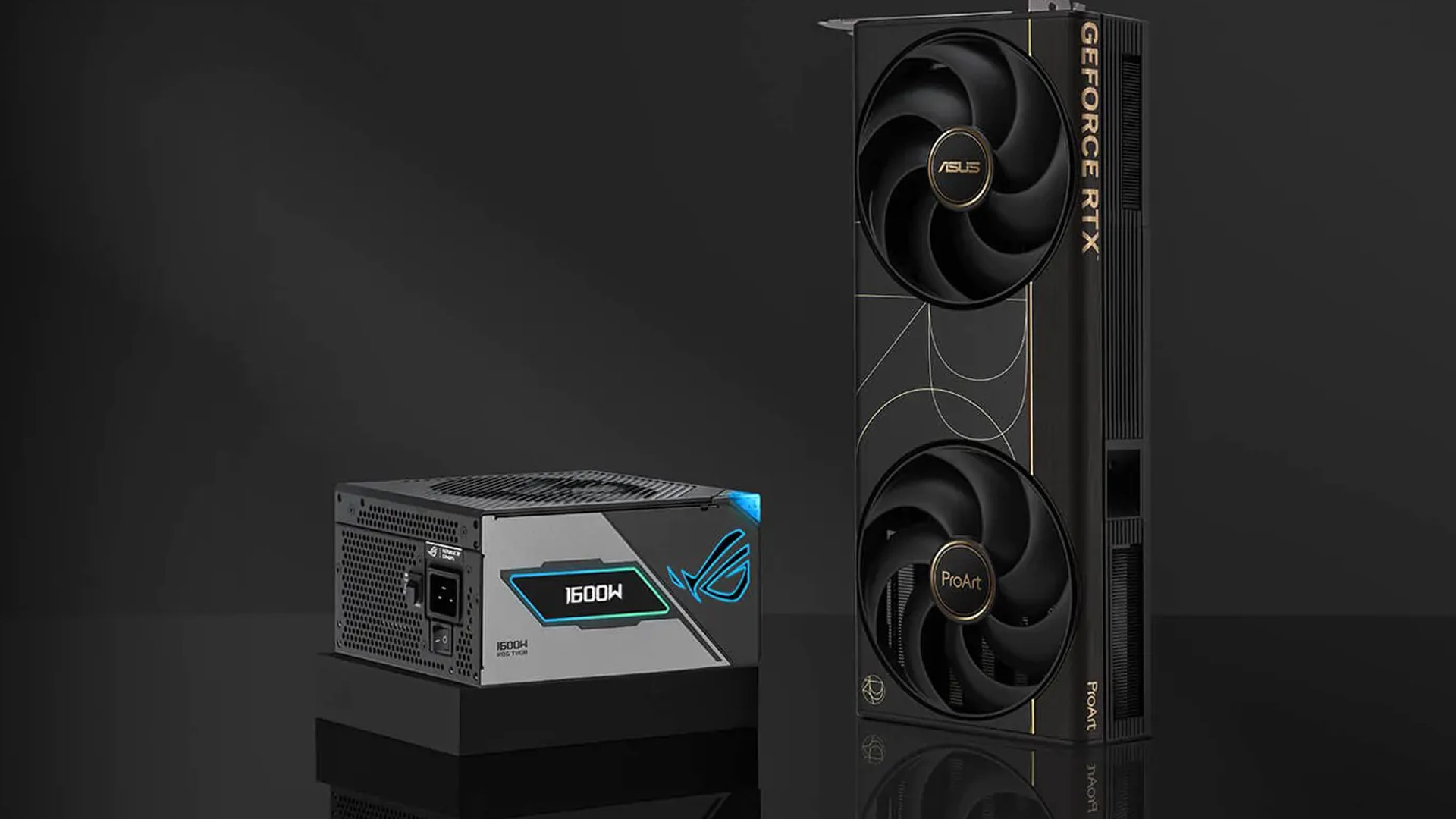
UK buyers often build around smaller desks, tighter cases and quieter setups. Not everyone wants a huge RGB-heavy tower beside them.
The ProArt RTX 5090 answers three common buying problems:
- The buyer wants RTX 5090 performance but has limited case space.
- The buyer needs strong GPU AI performance for creative tools or local workloads.
- The buyer wants a professional-looking PC that still handles serious gaming.
NVIDIA describes the GeForce RTX 5090 as a Blackwell-based GPU with 32GB GDDR7 memory, aimed at gamers and creators using advanced models, creative workloads, full ray tracing and low-latency gaming.
That makes the ProArt model a useful option for shoppers comparing NVIDIA performance graphics cards, especially when the build needs to balance power, cooling and space.
ProArt RTX 5090 Cooling: What ASUS Changed
Cooling is where this card has to prove itself.
A smaller flagship GPU is only useful if it can control heat under long workloads. A game session is one thing. A render queue, AI batch or export job is different.
ASUS gives the ProArt RTX 5090:
- Two large 115mm Axial-tech fans
- A vapour chamber
- Liquid metal thermal compound
- A double-vented backplate
- 2.5-slot SFF-ready construction
- GPU Tweak III software support
ASUS says the double-vented backplate delivers up to 11% greater heat dissipation, while the dual 115mm Axial-tech fans help increase airflow. The card also uses a vapour chamber and liquid metal cooling to help manage heat in the slimmer body.
Do not read that as magic.
The RTX 5090 is still a high-power GPU. NVIDIA lists the reference RTX 5090 at 575W Total Graphics Power, while ASUS recommends a 1000W PSU for the ProArt RTX 5090 OC Edition. The wider RTX 5090 platform also uses 32GB GDDR7 memory, a 512-bit bus and up to 1,792GB/s memory bandwidth.
Small card. Big heat.
That is the trade-off.
The ProArt cooler gives you a better chance of building a compact workstation properly. It does not replace good case airflow.
Cooling Mistakes to Avoid
- Using a sealed case with weak intake fans
- Blocking the backplate vent with poor cable routing
- Bending the 16-pin power cable too tightly
- Running long renders in quiet mode without checking temperatures
- Installing the card in a cramped case with no fresh air path
If you sell this card, sell the airflow plan with it. A premium GPU in a poor case is still a poor build.
RTX 5090 AI Performance: Who Needs It?
The phrase GPU AI gets used too casually. A faster GPU helps only when the software can use it.
The ASUS ProArt RTX 5090 makes sense for:
- AI image generation and local creative tools
- 3D rendering in Blender, V-Ray, OctaneRender or Redshift
- 4K, 6K and 8K video editing
- Unreal Engine visualisation
- Product design and CAD workflows
- Local AI experiments using smaller or optimised models
- High-end 4K gaming with ray tracing
This is where the card earns its price. Not in email, web browsing or light editing. In workloads where waiting costs time.
So, yes, the RTX 5090 AI performance angle is real.
But only for the right buyer.
ASUS ProArt RTX 5090 vs RTX 4090, RTX 5080, TUF and ROG Astral
Not every buyer should move straight to the ProArt RTX 5090. The better question is which card fits the job.
|
Option |
Best for |
Main drawback |
|
ASUS ProArt RTX 5090 |
Compact creator builds, AI workloads, 4K gaming, premium workstations |
Expensive, needs strong cooling and PSU |
|
RTX 4090 |
Buyers looking for used-market value and strong 4K performance |
Older architecture, less VRAM and bandwidth |
|
RTX 5080 |
High-end gaming at a lower cost |
Less suitable for heavy AI or large creative projects |
|
ASUS TUF RTX 5090 |
Gaming builds focused on durability and cooling |
Usually larger and more gaming-styled |
|
ASUS ROG Astral RTX 5090 |
Buyers who want ASUS’ most aggressive gaming cooler |
Bigger, more premium, less workstation-focused |
The RTX 5090 moves beyond the RTX 4090 with 32GB GDDR7, a 512-bit memory interface and much higher listed bandwidth, while the RTX 4090 sits at 24GB GDDR6X and a 384-bit bus in KitGuru’s comparison data.
Against ASUS’ own range, the positioning is clear.
The ProArt is the cleaner creator card. ROG Astral is the more aggressive ASUS gaming-focused option, with a quad-fan cooler and larger premium design. ASUS positions TUF as the durability-focused RTX 5090 option. RTX 5080 is the easier spend for buyers who do not need 32GB VRAM.
That is the simplest way to explain it to a customer. For buyers still comparing ASUS ranges, this guide to ROG vs TUF vs Prime vs ProArt graphics cards can help narrow down which ASUS GPU line fits the build best.
Who Should Buy the ASUS ProArt RTX 5090?
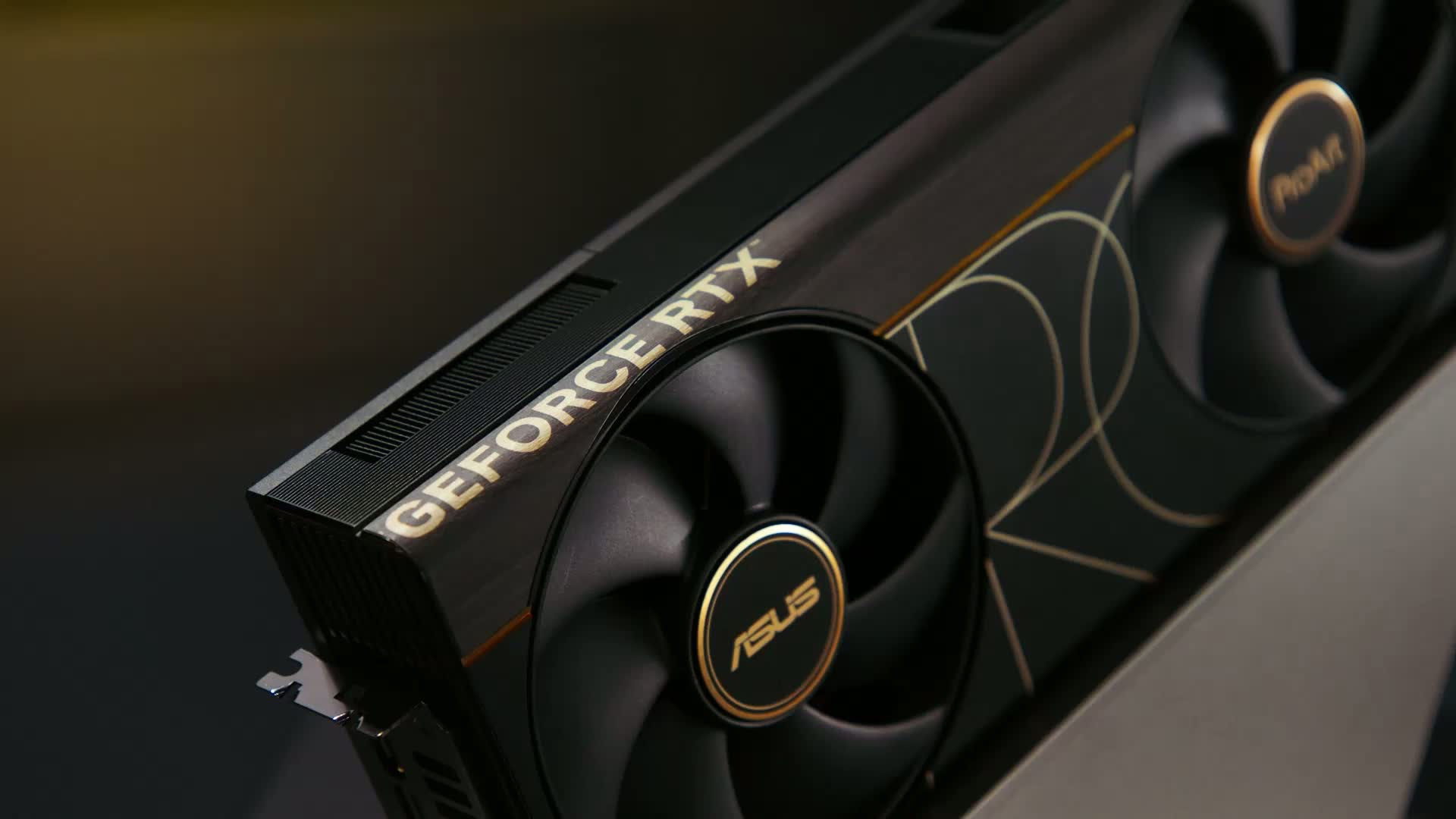
Buy this card if you can name the work it will do.
Good fits include:
- A creator editing large video projects
- A 3D artist rendering client scenes
- A gamer who also uses AI or design tools
- A retailer building premium creator PCs
- A workstation buyer who needs a powerful GPU in a cleaner case
- A small business user testing local AI workflows
It is probably not the right card if you:
- Mostly play esports titles at 1080p
- Have a weak or older PSU
- Do not use GPU-heavy software
- Want the best frame-per-pound value
- Own a compact case with poor airflow
There is no shame in stepping down.
For many buyers, an RTX 5080 or RTX 5070-class card may make more sense. But for customers who need a compact workstation GPU with flagship headroom, the ProArt RTX 5090 is much easier to justify.
UK Buying Checklist Before You Order
Before buying the ASUS ProArt RTX 5090, check these five points.
1. Case Space
The card is 304mm long and 50mm thick. That is compact for an RTX 5090, not compact compared with mid-range cards. Check GPU length, side panel clearance, front radiator space and cable room.
2. Power Supply
ASUS recommends a 1000W PSU for the ProArt RTX 5090 OC Edition. Use a modern, good-quality unit with the right connector support. Do not trust an old budget PSU because the sticker says the wattage is high.
3. Airflow
A powerful GPU needs fresh air and a clear exhaust path. Pair this card with a case that has proper front intake and rear or top exhaust.
4. Workload
This card makes sense when it saves time. Rendering, AI generation, 3D work, 4K gaming and large creative projects can justify it. Light office work cannot.
5. Live UK Pricing
High-end GPU prices and stock change quickly. If you are comparing advanced graphics cards for gaming, check warranty, delivery, returns and availability before buying. A cheaper listing is not always better if stock, returns or support are unclear.
After installation, keeping your GPU software current is one of the easiest ways to protect performance, especially if you follow a proper graphics card driver upgrade guide.
Common Setup Tips for the ASUS ProArt RTX 5090
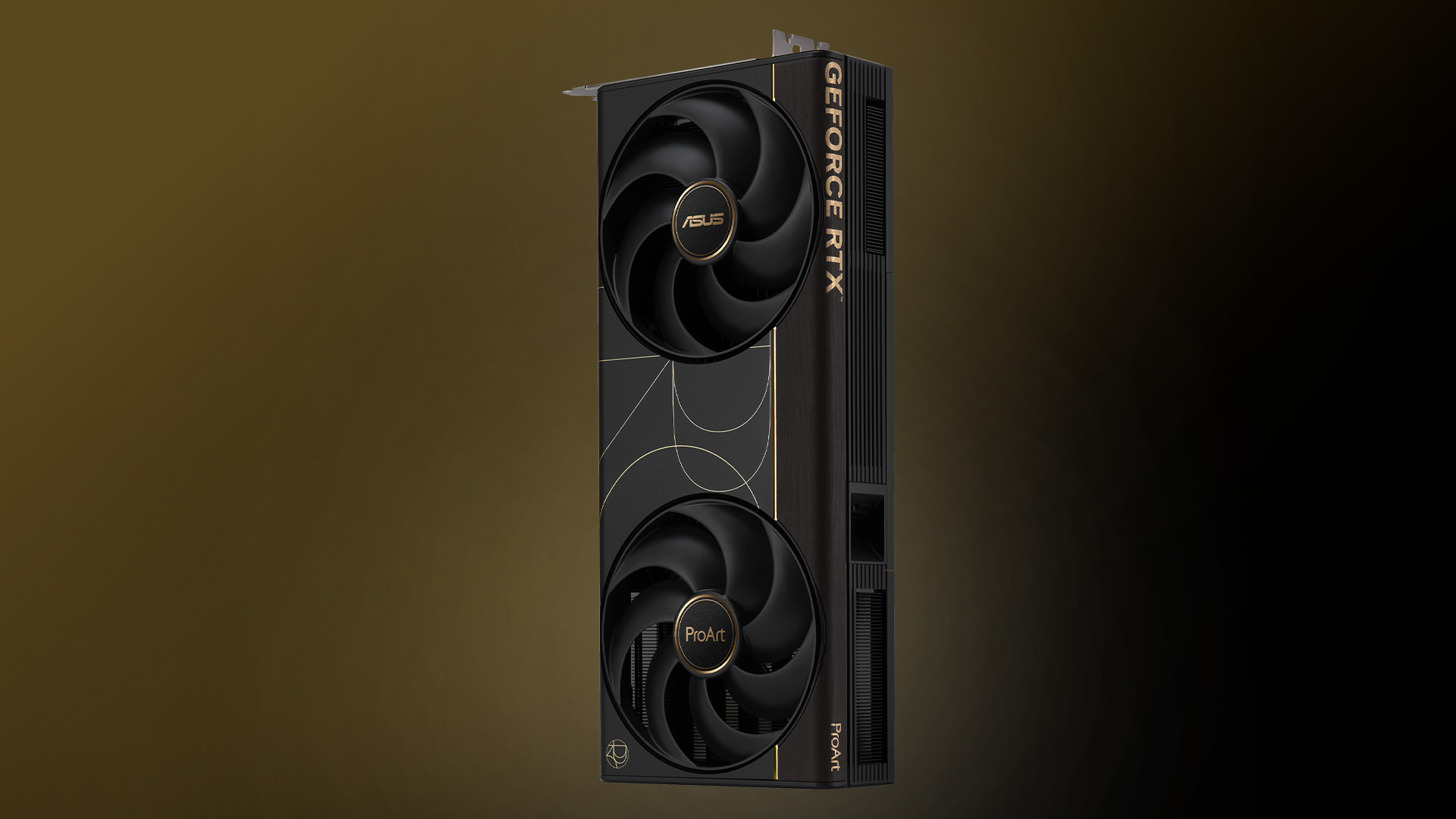
Getting the most out of the ASUS ProArt RTX 5090 depends on how well it is installed and configured within your system.
Here are a few practical setup tips to help ensure stable performance and long-term reliability:
- Use a high-quality PSU: A 1000W power supply is recommended but make sure it is from a trusted brand with proper efficiency ratings and modern connectors.
- Check cable clearance: The 16-pin power connector needs enough space to avoid sharp bends, which can affect stability and safety.
- Optimise airflow: Pair the GPU with a case that has strong front intake and rear or top exhaust fans to maintain consistent cooling.
- Update drivers regularly: Install the latest NVIDIA Studio or Game Ready drivers depending on your workload to ensure compatibility and performance.
- Monitor temperatures: Use tools like ASUS GPU Tweak III or other monitoring software to keep an eye on thermals during heavy workloads.
A well-configured system will not only improve performance but also extend the lifespan of your GPU. If the card does not appear after installation, follow this step-by-step guide on fixing an ASUS graphics card not detected issue before assuming the GPU is faulty.

Final Verdict: Should You Buy the ASUS ProArt RTX 5090?
The ASUS ProArt RTX 5090 is not for everyone.
That is the point.
It is for buyers who need serious GPU power but do not want a huge gaming-style card dominating the whole build. Its strongest angle is practical: RTX 5090 performance, 32GB GDDR7 memory, strong AI capability, advanced GPU cooling and a 2.5-slot body that makes more sense for premium creator PCs and compact workstations.
For UK gamers, creators and retailers, the buying decision should be grounded in four checks:
- Will it fit?
- Can the PSU handle it?
- Will the case cool it properly?
- Will the workload use the performance?
If the answer is yes, the ASUS ProArt RTX 5090 is one of the most useful high-end ASUS graphics cards to consider.
Compare current ASUS and NVIDIA graphics card options, check live UK pricing, and match the card to the build before you buy. That is how you avoid overspending, and how you end up with a GPU that actually earns its place.

Common Questins for ASUS ProArt RTX 5090
Is the ASUS ProArt RTX 5090 good for creators?
Yes. It is a strong GPU for creators working with 3D rendering, video editing, AI tools and high-resolution visual projects. The 32GB GDDR7 memory, 21,760 CUDA cores and compact 2.5-slot design make it useful for premium creator builds.
Is the ASUS ProArt RTX 5090 good for gaming?
Yes. It is built on the RTX 5090 platform, so it is suitable for high-end 4K gaming, ray tracing and DLSS-supported titles. It is overkill for many 1080p and 1440p gaming setups.
What makes ProArt RTX 5090 cooling different?
The ProArt RTX 5090 uses dual 115mm Axial-tech fans, a vapour chamber, liquid metal thermal compound and a double-vented backplate. ASUS says the backplate design boosts cooling efficiency by 11%.
Is the ASUS ProArt RTX 5090 small form factor friendly?
It is SFF Ready and uses a 2.5-slot design, but buyers still need to check case length, airflow and cable clearance. SFF Ready does not mean it fits every small PC case.
What PSU do you need for the ASUS ProArt RTX 5090?
ASUS recommends a 1000W PSU. For a stable build, use a quality modern power supply and check the connector requirements before installation.
Is the ASUS ProArt RTX 5090 better than the ROG Strix RTX 5090 for creative work?
ASUS currently positions ROG Astral, not ROG Strix, as its main ROG RTX 5090 desktop card. Compared with ASUS ROG RTX 5090 models, the ProArt RTX 5090 is usually better for creators because it has a cleaner workstation design, compact 2.5-slot body and creator-focused positioning.
Is the ASUS ProArt RTX 5090 suitable for small workstations?
Yes, but check the case first. The ASUS ProArt RTX 5090 is SFF-ready and measures 304 x 140 x 50mm, but it still needs strong airflow, enough cable clearance and a quality 1000W PSU.
What is the ASUS ProArt RTX 5090 release date?
ASUS announced the ProArt GeForce RTX 5090 on 13th May 2026. UK availability may vary by retailer, stock and pricing.
Related Articles

Last Updated: August 20, 2026
Last Updated: July 07, 2026
NVIDIA RTX Spark is one of the biggest PC announcements of the AI era. It is NVIDIA’s new AI computing platform for Windows PCs, built to bring local AI agents, RTX graphics, GPU acceleration and high-performance creative work into slim laptops and compact desktop systems.
That matters because personal computing is changing quickly. You are no longer only opening apps, browsing websites or editing documents. The next generation of PCs is being designed to understand your work, run AI models locally, help with coding, create images and videos, search your files, render complex scenes and play demanding games with AI-enhanced graphics.
This is where NVIDIA RTX Spark comes in. According to NVIDIA’s official RTX Spark product page, the platform brings together up to 6,144 Core Blackwell RTX GPUs, a 20-core NVIDIA Grace CPU, up to 128GB unified memory and up to 1 petaflop of AI performance in one platform. In simple words, NVIDIA wants RTX Spark to turn the Windows PC into a personal AI supercomputer.

Last Updated: June 18, 2026
For most buyers in 2026, the best laptop specs are a modern Intel Core Ultra 5/7 or AMD Ryzen AI 5/7 processor, 16GB RAM, 512GB SSD storage, and integrated graphics. Choose 32GB RAM, 1TB storage, and a dedicated GPU if you edit videos, create content, play demanding games, or use professional software.
Buying a new laptop in 2026 can feel confusing, especially when every product page is packed with technical words, numbers, and abbreviations. This processors & specs explained guide breaks everything down in plain English so you can understand what matters before you spend your money.
For most buyers, the four most important laptop components are the CPU, RAM, GPU, and storage. Once you understand these, it becomes much easier to compare models, avoid overspending, and choose a laptop that actually suits your daily needs.
What are Laptop Specs and Why Do They Matter?
Understanding laptop specifications becomes important. Specs affect:
- How fast your laptop feels when opening apps.
- How many
Published: June 11, 2026
Choosing the right gaming desktop can be the difference between smooth, immersive gameplay and a system that struggles within a year. This gaming PC buying guide explains the key components that affect gaming performance, future-proofing, and value for money, so you can buy with confidence rather than guessing from confusing spec sheets.
A good gaming PC is not just about the most expensive graphics card. It is about balance. The CPU, GPU, RAM, storage, cooling, power supply, motherboard, and case all work together. Whether you play competitive esports, cinematic single-player titles, open-world RPGs, racing games or VR, understanding the right configuration helps you avoid overspending and choose a desktop that lasts.
This article is designed as a practical gaming PC specs guide for beginners, but it also includes up-to-date 2026 advice for buyers comparing modern RTX, Radeon, Intel, and AMD-powered systems.
Why Buy a Gaming Desktop PC?
A gaming desktop PC remains one of the best choices
Last Updated: June 15, 2026
Overheating can slow down your PC, crash games, and damage key components. Checking CPU and GPU temperature helps spot heat issues early, compare readings with safe ranges, and choose the right fix, from cleaning vents to upgrading cooling fans, coolers, processors, or graphics cards for smoother everyday performance and overall stability.
Is your laptop sounding like it’s about to take off? Or does your PC randomly slow down, crash, or shut itself off? Yeah, that’s usually not a vibe. It could mean your system is overheating.
Doing a quick check CPU GPU temperature laptop test can help you spot heat issues before they turn into expensive damage. Whether you game, edit videos, stream, or just multitask like a boss, keeping an eye on your processor’s and graphics cards temperature is a smart move.
Here’s how to check both easily.
Signs Your PC or Laptop is Overheating
Your device usually gives you clues before things get serious. Watch out for:
- Loud fans running non-stop
- Sudden lag or freezing
Last Updated: June 30, 2026
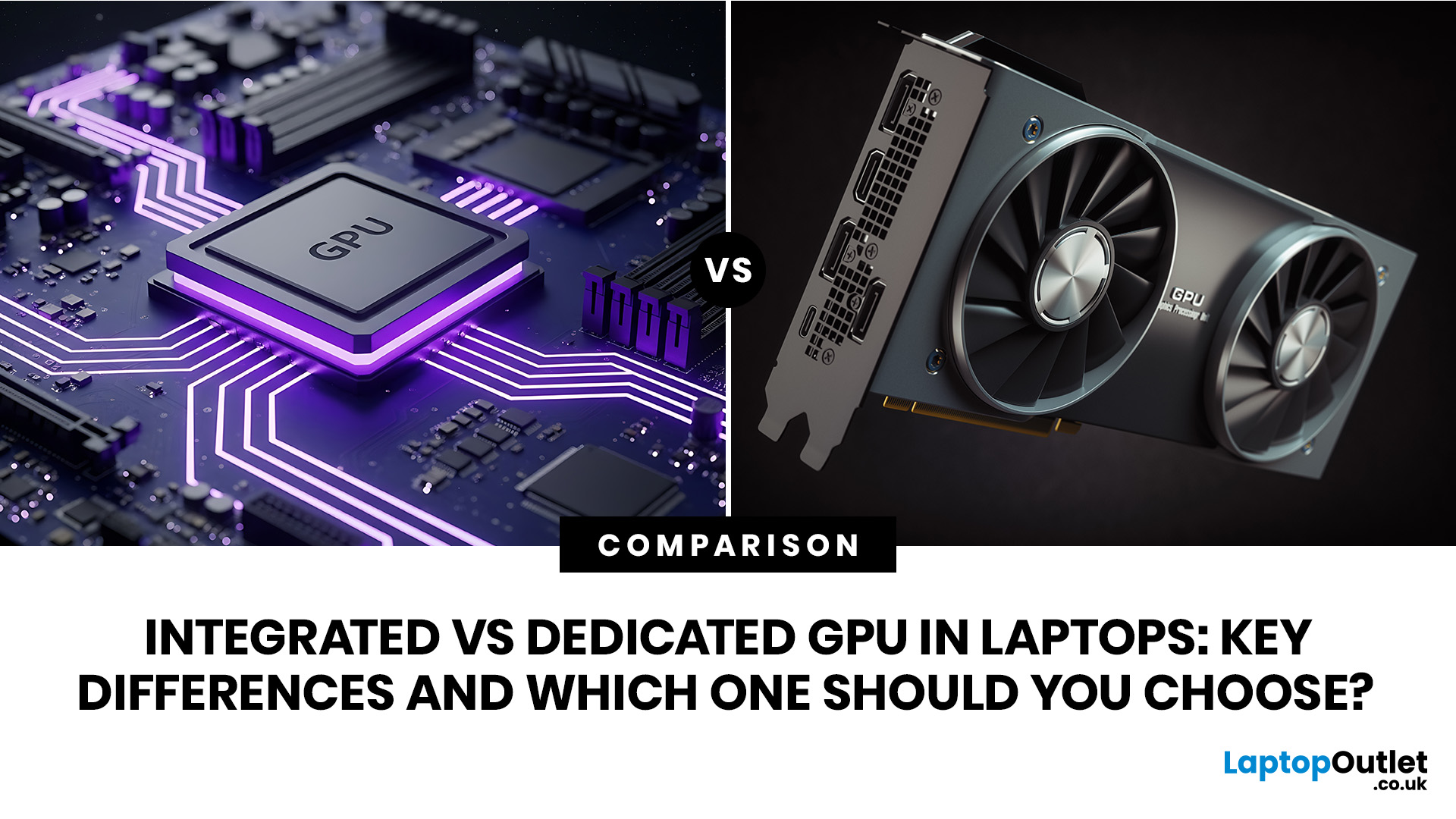
An integrated vs dedicated GPU laptop decision comes down to one simple question: do you need strong graphics performance every day, or do you mostly need a cooler, lighter, longer-lasting laptop for normal work?
For everyday browsing, office work, video calls, streaming, study and light photo editing, integrated graphics are usually enough. For serious gaming, 3D work, video editing, CAD, AI workloads or high-refresh creative work, a laptop with dedicated graphics card hardware is usually the better option.
Quick answer: Integrated vs dedicated GPU explained
Integrated graphics are built into the processor sharing, system memory. They are efficient, affordable and good for everyday laptop use.
A dedicated GPU is a separate graphics processor with its
Published: July 08, 2026
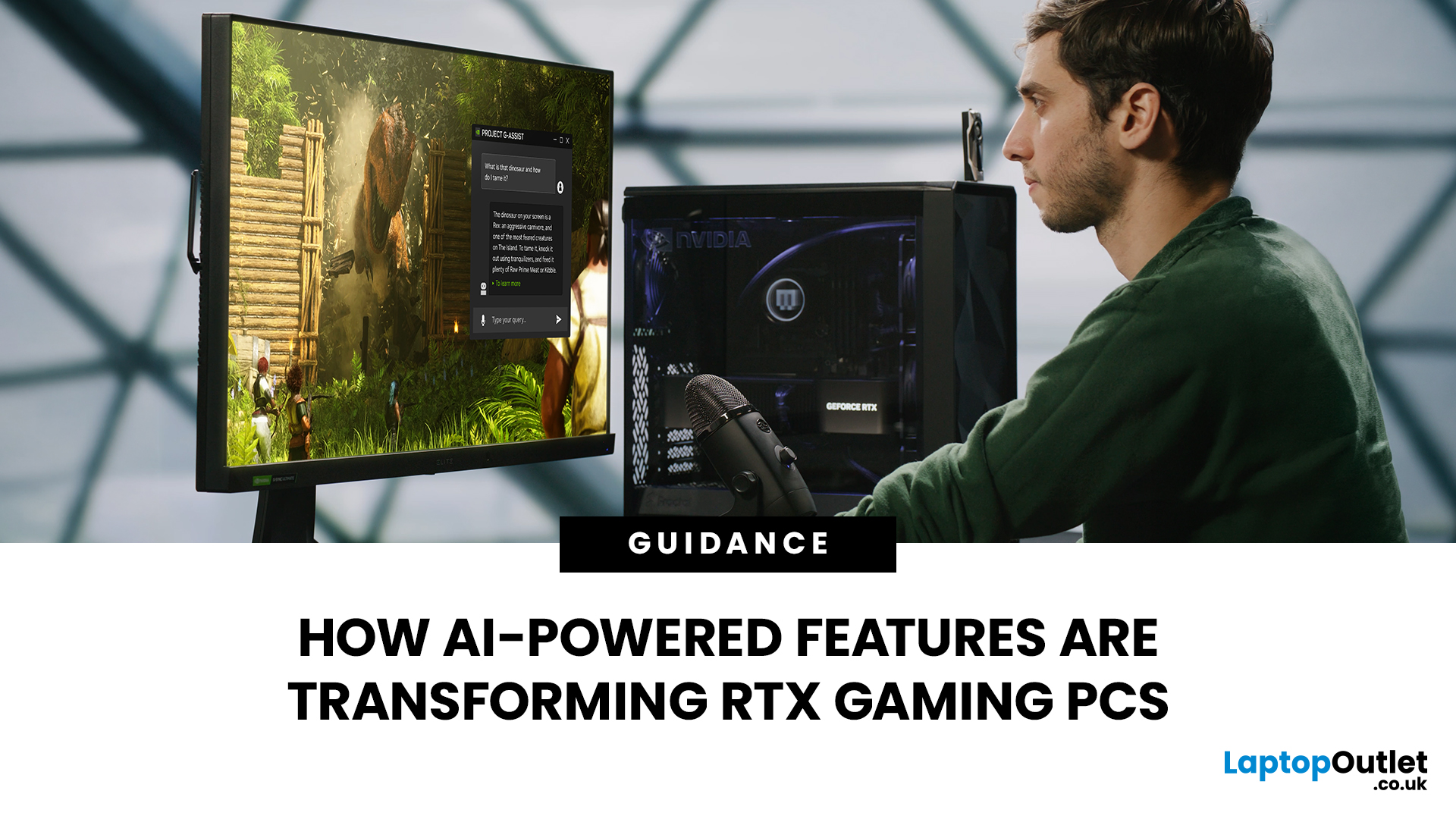
AI RTX gaming PCs can deliver real value, but only when their features align with how you actually play.
| AI-powered RTX gaming PCs use NVIDIA RTX AI features like DLSS upscaling, Frame Generation, ray tracing, and Reflex to boost FPS, improve visual quality, and reduce input lag. They are worth buying when matched to your games, monitor, and budget, especially for 1080p high-refresh, 1440p, streaming, and creator workloads. For UK gamers, prioritise RTX 5050/5060 or higher, 16GB RAM, a strong CPU, and 1TB SSD to get smoother gameplay, better ray tracing, and future-ready performance. |
Modern RTX gaming PCs use AI features like DLSS, Frame Generation, ray tracing, and NVIDIA Reflex to boost FPS, improve visuals, and reduce input lag. But the real value depends on your games, monitor, budget, and specs.
This guide explains what AI-powered RTX gaming actually means, which features matter, and how UK gamers can choose the right RTX PC without falling for marketing hype.
What Does “AI RTX Gaming
Last Updated: September 03, 2026
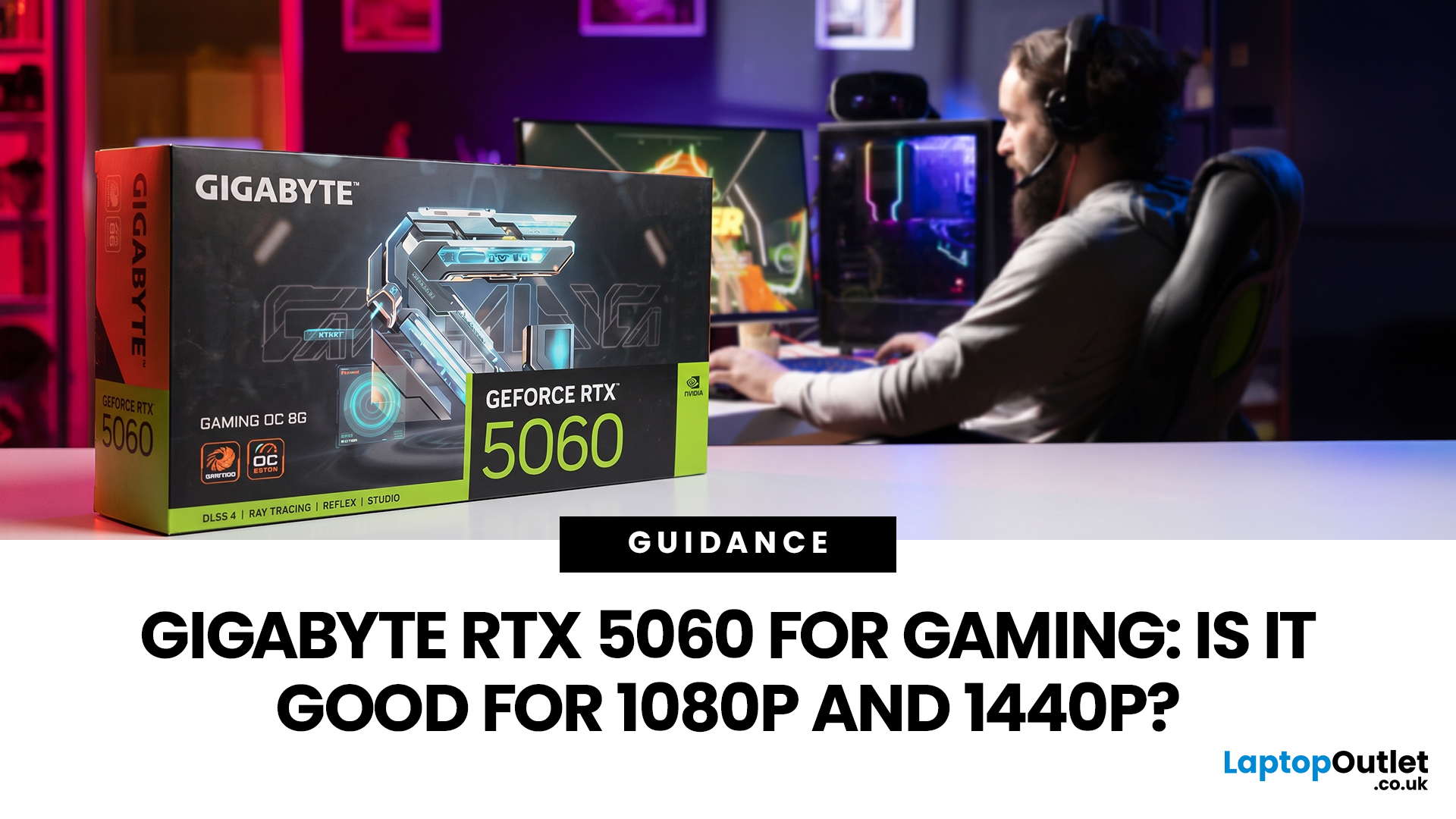
Thinking about buying the Gigabyte GeForce RTX 5060 for gaming? If you're targeting smooth 1080p gameplay, it's a strong contender, offering impressive performance with Nvidia's Blackwell architecture, DLSS 4, ray tracing, and fast GDDR7 memory. But how well does it handle 1440p? While it performs well in esports and optimised titles, demanding AAA games can push its 8GB VRAM to the limit. Here's what you can realistically expect at both resolutions.
Gigabyte RTX 5060 Gaming Performance: Quick Verdict for 1080p & 1440p
| User Type | Is the Gigabyte RTX 5060 a Good Fit? | Why |
| 1080p competitive gamer | Yes | High frame rates, low latency features and DLSS support |
| Casual PC gamer | Yes | Smooth Full HD gaming without overbuying |
| 1440p gamer on a budget | Sometimes | Good with optimised settings and DLSS |
| Ultra settings AAA gamer | Not always | 8GB VRAM can limit texture quality |
| Small PC builder | Yes | Gigabyte’s compact, efficient designs are easy to fit |
| Content creator/gamer hybrid | Yes | Nvidia Studio, NVENC and AI features |

Last Updated: August 24, 2026
Last Updated: September 03, 2026
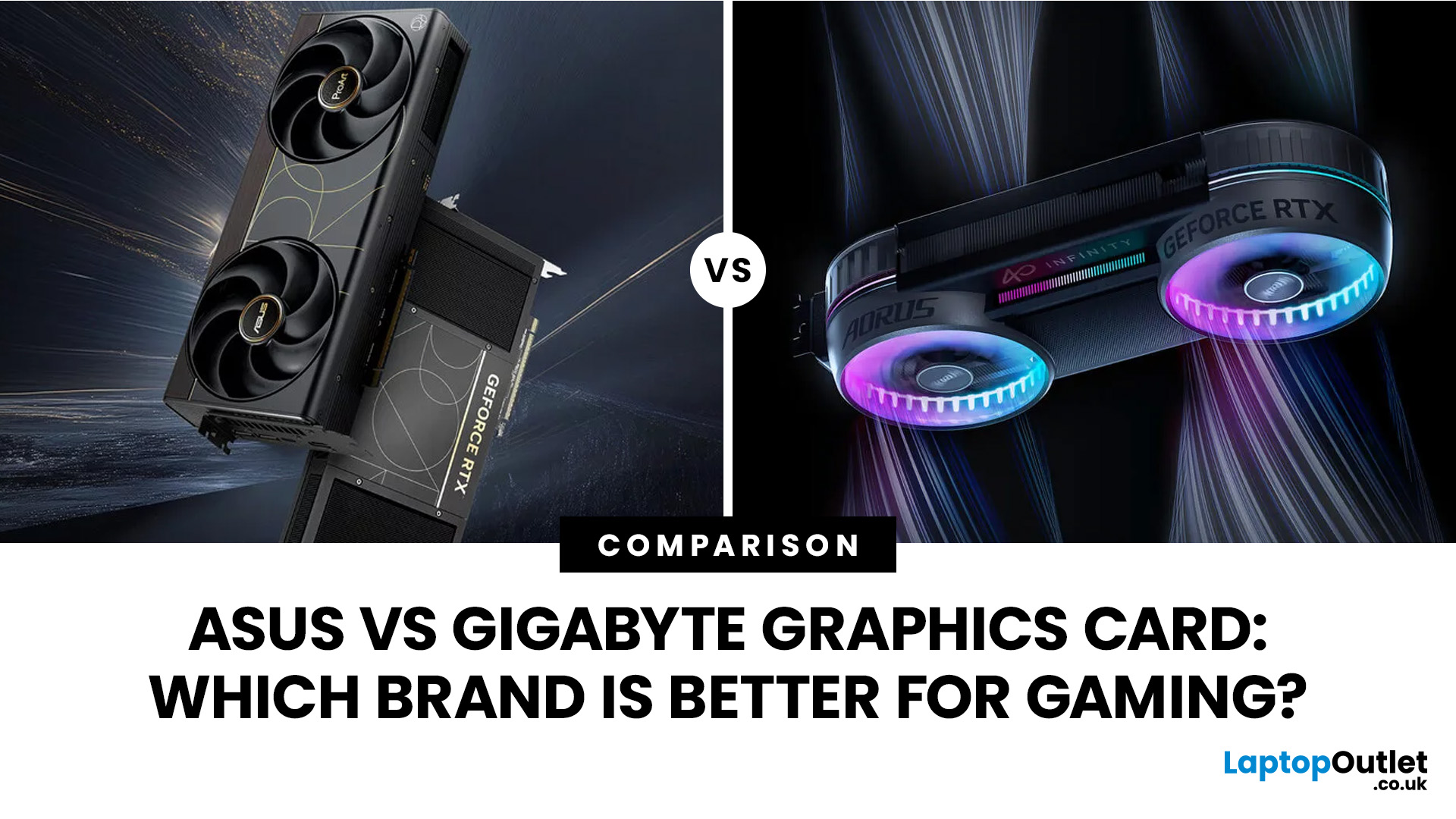
Both ASUS and Gigabyte are among the most trusted graphics card manufacturers available to UK gamers in 2026. In the ASUS vs Gigabyte graphics card comparison, ASUS typically leads on premium cooling, build quality, and software, while Gigabyte offers strong value across its mid-range and budget tiers. The right choice comes down to your budget, performance needs, and preferred feature set.
Choosing between ASUS and Gigabyte for your next graphics card is a decision many UK gamers face when building or upgrading a system. This guide breaks down every relevant factor so you can make an informed decision, whether you're gaming at 1080p, pushing 1440p on a competitive title, or targeting 4K. We also include best graphics card recommendations for different types of gamers.
A Quick Look at Both Brands
Before diving into the ASUS vs Gigabyte graphics card debate, here is a brief introduction to each brand and how they structure their GPU ranges. Knowing this makes it much easier to understand

