



Acer Predator vs Nitro: Which Acer Gaming Monitor Series is Right for You?
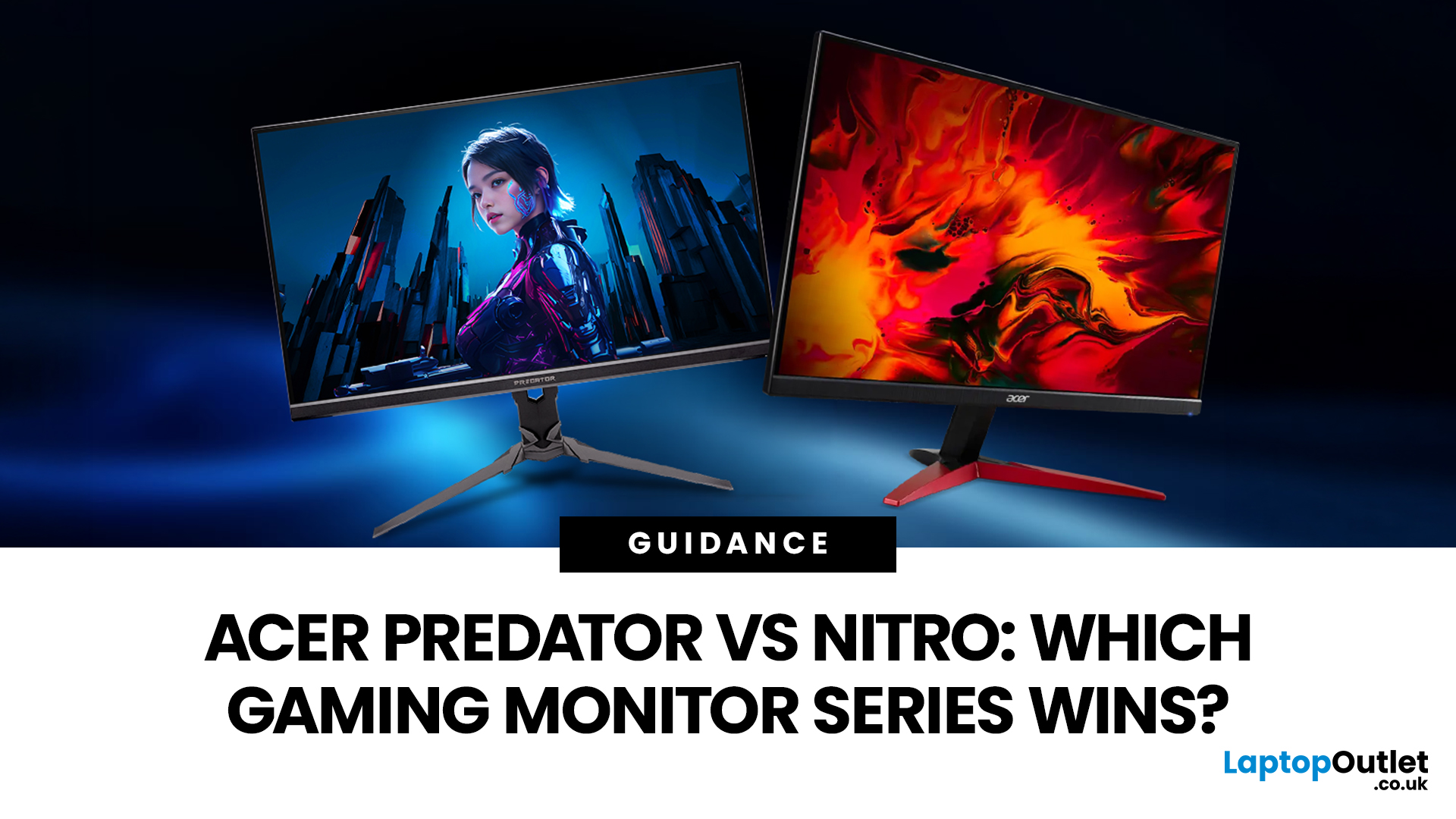
If you are comparing Acer Predator vs Nitro, you are likely at a point where a standard monitor no longer cuts it. Maybe you are upgrading your setup, moving into competitive gaming, or simply trying to get better value for your money.
Acer has made this decision slightly more complex by offering two strong Acer gaming monitor ranges that, at first glance, seem similar. Both support high refresh rates, both look like gaming displays, and both are widely available across the UK.
But once you dig deeper, Predator and Nitro are built for very different types of users. This guide breaks it down properly. No fluff, no brand hype, just a clear explanation of what matters when you are choosing between them.
Why Acer Splits Predator and Nitro in the First Place
Before comparing specs, it helps to understand Acer’s thinking. The company is not just offering two versions of the same product. These are two separate strategies:
- Predator is where Acer pushes performance, display innovation, and premium features
- Nitro is where Acer focuses on accessibility, pricing, and practical gaming performance
This is similar to how car brands separate performance models from everyday ranges. Both get you where you need to go, but they are designed for different expectations.
Design and Build: Subtle Difference, Real Impact
At a glance, both ranges look “gaming-focused”. But the difference becomes clearer once they are on your desk.
Predator feels like a flagship product
Predator monitors are built to feel premium. The stands are usually sturdier, often metal-based, and offer full ergonomic adjustments including height, tilt, swivel, and sometimes pivot. You will also notice:
- Thinner bezels
- More refined finishes
- RGB lighting on some models
- Better overall stability
This matters more than it sounds. A solid stand and good adjustability make a noticeable difference during long gaming sessions.
Nitro is more practical than premium
Nitro monitors keep things simple. The design is clean and modern, but less premium in hand. Typical trade-offs include:
- More plastic construction
- Limited adjustability on some models
- Lighter overall build
That said, for most setups, especially smaller desks or multi-use spaces, Nitro still looks perfectly at home.
Display Quality: Where the Gap Starts to Show
This is one of the most important differences in the Predator vs Nitro gaming monitor comparison.
Predator focuses on image precision and advanced tech
Predator models often include higher-end panel technologies such as:
- IPS panels with better colour accuracy
- Mini LED backlighting for improved contrast
- Wider colour gamuts like DCI-P3
- Factory calibration on select displays
Some newer Predator monitors even move into OLED territory, which dramatically improves contrast and response times. In real-world terms, this means:
- Colours look more accurate and vibrant
- HDR content looks impactful
- Dark scenes retain detail instead of washing out
If you are leaning towards performance-focused displays, our Acer Predator gaming monitors guide explores the best options for esports, 4K gaming, and high-end PC setups in more detail.
Nitro delivers solid, everyday performance
Nitro monitors still offer good visual quality, especially at their price point. You will typically find:
- IPS panels for balanced colour and viewing angles
- VA panels on some models for stronger contrast
For most users, especially those coming from older or standard monitors, the upgrade still feels significant. However, side-by-side with Predator, the difference becomes noticeable, particularly in HDR content and colour depth. If value and everyday gaming matter more, take a look at our Acer Nitro gaming monitors guide for affordable picks suited to console players and entry-level PC gaming.
Refresh Rate and Motion Performance
This is where many buyers initially focus, and rightly so.
Predator is built for high-performance gaming
Predator monitors are designed to push refresh rates higher than most users need:
- 165Hz, 240Hz, and even 360Hz options
- Extremely low response times
- Advanced motion handling
This matters most in fast-paced games where reaction time is critical. For example, in competitive shooters:
- Enemy movement appears smoother
- Tracking targets becomes easier
- Input feels more immediate
Nitro covers the sweet spot for most gamers
Nitro monitors typically sit in the range of:
- 75Hz to 165Hz
- Some newer models reaching 180Hz
For the majority of players, especially those playing a mix of games, this is more than enough. It is worth being honest here. If you are not playing at a competitive level, the jump from 165Hz to 240Hz is noticeable, but not game-changing for everyone.
Adaptive Sync and Real-World Gaming Experience
Both series aim to eliminate screen tearing and stuttering, but they approach it differently.
Predator includes more advanced sync support
Many Predator models support:
- NVIDIA G-Sync or G-Sync Ultimate
- More refined overdrive tuning
- Lower latency processing
This creates a smoother experience, especially when frame rates fluctuate.
Nitro focuses on compatibility and value
Nitro monitors usually include:
- AMD FreeSync support
- Compatibility with many NVIDIA GPUs via Adaptive Sync
For most setups, especially mid-range PCs and consoles, this works perfectly well.
Predator vs Nitro for Esports
If your main concern is competitive gaming, the choice becomes clearer.
Predator makes sense if you take performance seriously
You should lean towards Predator if:
- You play competitive shooters regularly
- You are targeting high frame rates above 200 FPS
- You already have, or plan to upgrade to, a powerful GPU
At this level, small advantages in motion clarity and latency start to matter.
Nitro works for casual competitive play
Nitro is still capable for esports titles, especially at 144Hz or 165Hz. But it is better suited for:
- Casual ranked play
- Entry-level competitive gaming
- Players who prioritise budget over marginal gains
Acer Nitro vs Predator for Console Gaming
This is where many UK buyers can save money by making the right call.
Consoles do not fully utilise Predator’s strengths
Most current consoles output:
- Up to 120Hz
- Fixed performance targets
- Limited HDR capability compared to high-end PC setups
Because of this, many of Predator’s premium features go underused.
Nitro aligns better with console capabilities
Nitro monitors often provide:
- 120Hz support
- Low input lag
- Affordable pricing
For PS5 or Xbox Series X users, this usually delivers the best balance. The only reason to choose Predator here is if you want:
- Better HDR performance
- A display that also doubles as a high-end PC monitor
Price and Value for UK Buyers
Price is often the deciding factor, especially in the current market.
Nitro: Strong value across the board
In the UK, Nitro monitors typically fall between:
- £120 and £350
This makes them one of the most accessible ways to upgrade into high refresh rate gaming.
Predator: A premium investment
Predator monitors usually start around:
- £400 and can exceed £1,500
You are paying for:
- Better panels
- Higher refresh rates
- More advanced features
The key question is whether you will use those features.
Real-World Buying Advice
Instead of thinking in specs, think in scenarios.
If you are upgrading from a basic monitor
Nitro will already feel like a major improvement. You get smoother gameplay and better visuals without stretching your budget.
If you are building a serious gaming setup
Predator makes more sense, especially if you are investing in a high-end GPU and want your monitor to keep up.
If you split time between work and gaming
Nitro often wins here. It is more balanced and less focused on extreme performance.
If you are chasing competitive performance
Predator is the safer long-term choice.

So, Which is the Best Acer Gaming Monitor Series?
There is no universal winner, but there is a clear pattern.
- Predator is about maximum performance and premium features
- Nitro is about practical performance and better value
For most UK buyers browsing Acer gaming monitors, Nitro will cover everything they need. But if you know you want more, and you will benefit from it, Predator justifies the higher price.

In Case You’re Wondering...
What is the main difference between Acer Predator and Nitro?
Predator monitors are premium models with higher refresh rates, better display technology, and advanced features. Nitro monitors are more affordable and designed for everyday gaming performance.
Is Acer Nitro good enough for gaming?
Yes. Acer Nitro monitors are more than capable for most gamers, offering high refresh rates and good image quality at a lower cost.
Is Predator worth it over Nitro?
It depends on your use. Predator is worth it for competitive gamers and high-end setups, but for general gaming, Nitro often provides better value.
Which is better for PS5 or Xbox Series X?
Nitro is usually the better choice for consoles because it matches their performance capabilities without unnecessary cost.
Are Predator monitors only for esports players?
No, but they are best suited for users who want high refresh rates, low latency, and premium visual performance.
Related Articles

Last Updated: July 22, 2026
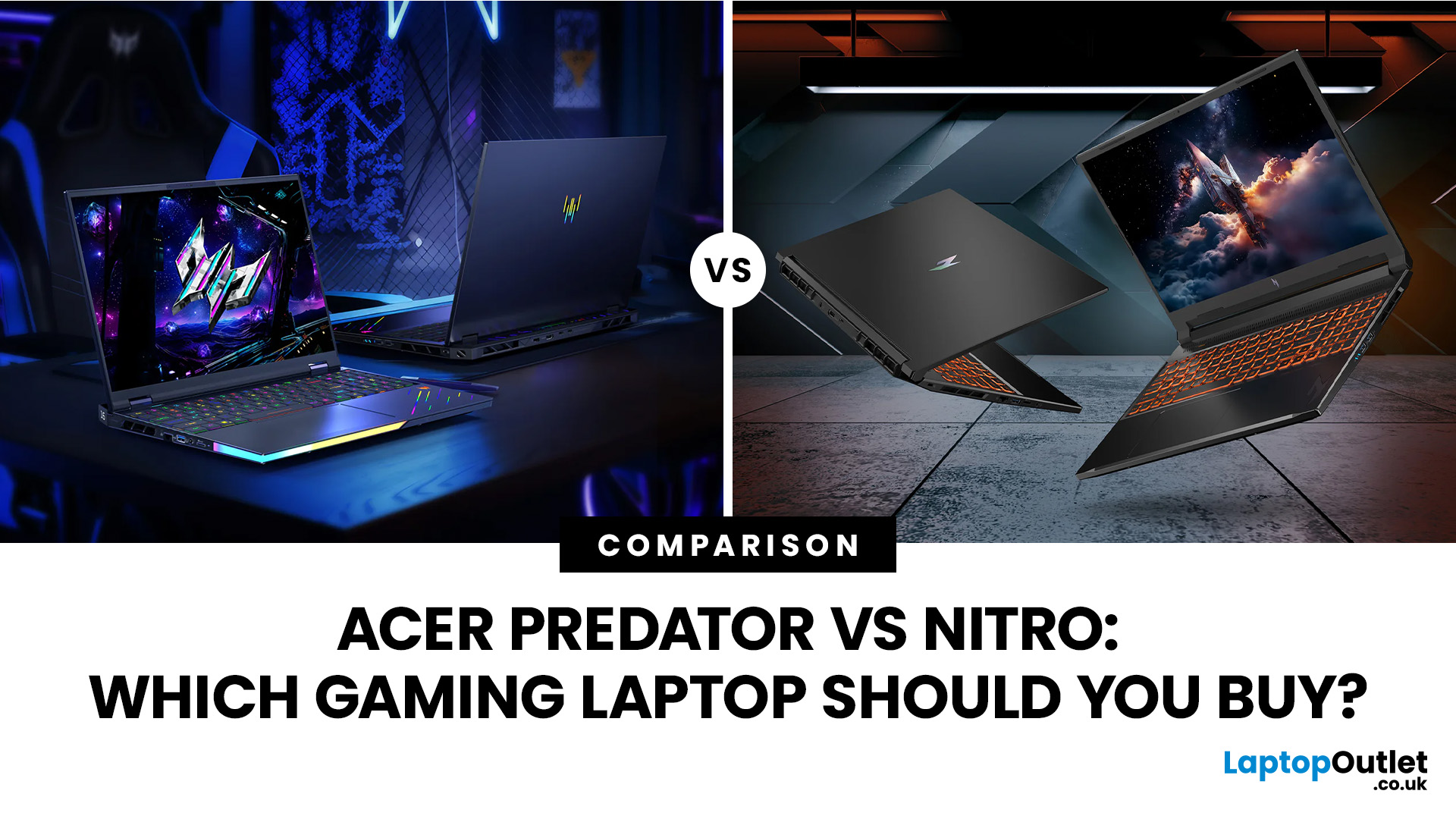
Acer Nitro is the smarter gaming laptop for most buyers, while Acer Predator is the stronger choice for players willing to pay more for higher-end performance, faster displays and greater cooling headroom. Yet this is no longer a simple contest between an affordable laptop and a powerful one.
However, an Acer badge does not tell the whole story: a well-configured Nitro can outperform a lower-spec or older Predator. This comparison examines gaming performance, displays, cooling, build quality and current prices to help you decide whether an Acer Nitro or Acer Predator is right for you.
Acer Predator vs Nitro: Quick Verdict
| Choose Acer Nitro if you want | Choose Acer Predator if you want |
| Better performance for your budget | The highest available gaming performance |
| Smooth Full HD or WUXGA gaming | High-refresh QHD, OLED or premium display options |
| A gaming laptop for study, work and play | A desktop-replacement gaming system |
| RTX performance at a lower entry price | Stronger cooling for sustained heavy |
Last Updated: September 03, 2026
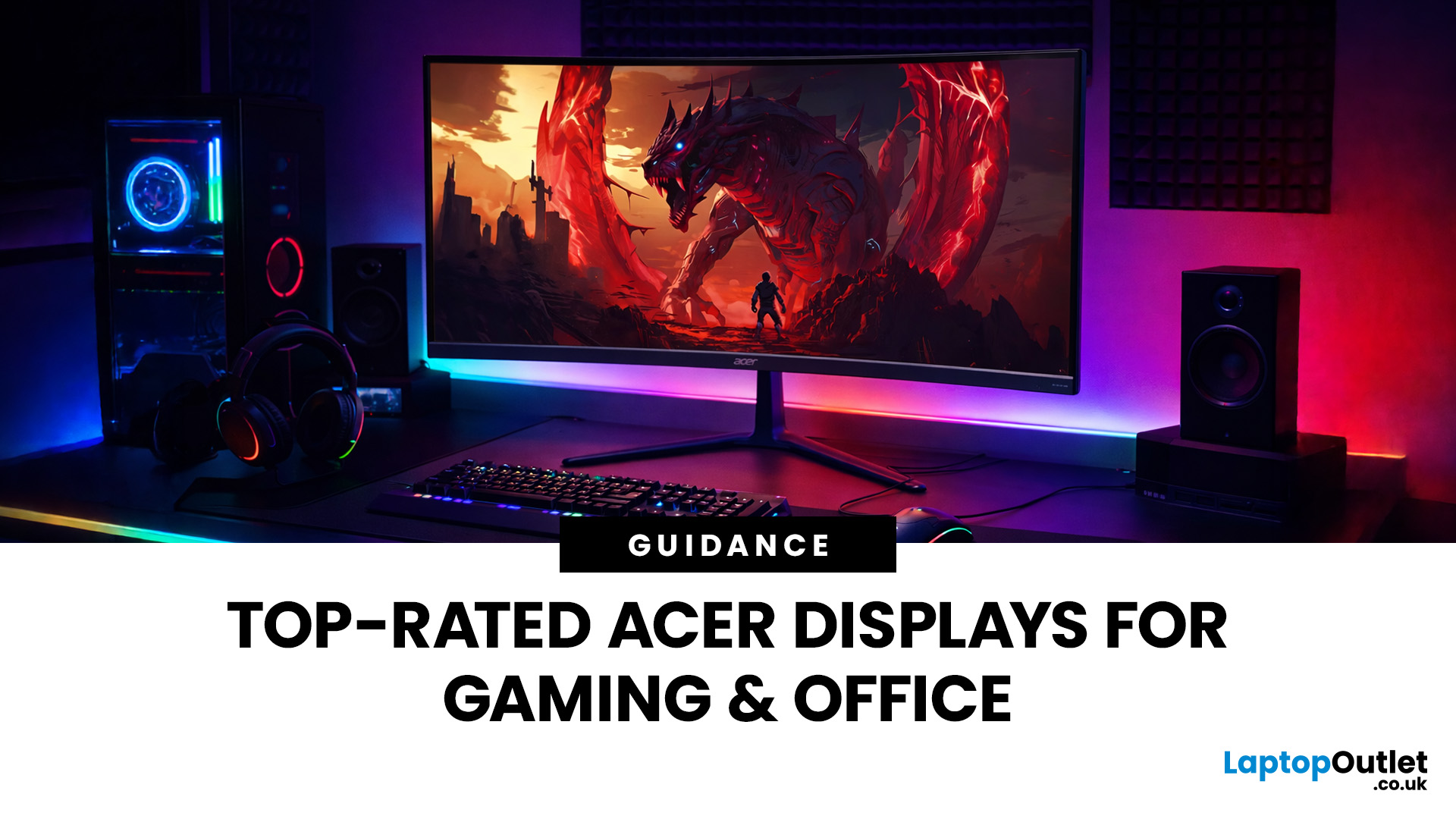
A good monitor changes everything. It makes your gaming sessions sharper, your workday less draining, and your screen time far more enjoyable. The trouble is, decent monitors can be pricey — and not everyone wants to overspend just to get a clear picture.
That is where Acer comes in.
Acer has become one of the most trusted names in affordable display technology. Whether you are gaming late into the night or working through spreadsheets from home, there is an Acer monitor for your lifestyle and your budget. In 2026, their range spans from compact 21.5-inch office panels to sprawling 34-inch ultrawide gaming screens.
This guide covers the best Acer monitors currently available at Laptop Outlet, split into gaming and office categories, so you can find the right display without overthinking it.
Best Acer Gaming Monitors in 2026
A gaming monitor is a display built to keep up with fast-paced gameplay. Unlike standard screens designed for everyday tasks, gaming monitors prioritise speed, smoothness,

Last Updated: September 03, 2026
When it comes to laptops, Acer has long been the quiet workhorse of the industry - never the flashiest, but consistently delivering machines that punch above their weight. In 2025, that reputation is stronger than ever. Whether you’re a student after something light and affordable, a professional needing a sleek companion for the office, or a gamer chasing frame rates, there’s an Acer laptop with your name on it.
The trouble is, with so many models - Aspire, Swift, Nitro, Predator and more - it can feel like wading through a sea of specs and sales jargon. That’s where this guide steps in. Think of it as your no-nonsense best Acer laptops buying guide, breaking things down by category, budget, and real-world use.
We’ll cover everything from the best budget Acer laptops to the top range of Acer gaming laptops, along with solid recommendations for students and business users. By the end, you’ll know exactly which Acer belongs in your bag.
Why Choose Acer?
Acer might not shout as loudly as

Last Updated: September 16, 2026
If you're in the market for a new laptop, it's definitely worth taking a closer look at Acer. Acer is one of the most established names in the laptop market, known for delivering a wide spectrum of devices that balance performance, design, and price. The brand covers everything from affordable student notebooks to high-end gaming rigs and enterprise-ready business systems.
Over the years, Acer has built a reputation for combining practical features with competitive pricing, often undercutting rivals without compromising on quality. Its portfolio is organised into series such as Aspire, Swift, Predator, Nitro, TravelMate, and Vero, each designed with specific users and workloads in mind.
This Acer laptop buying guide explains the differences between the series, highlights which models work best for students, professionals, and gamers, and outlines the key features to prioritise when comparing options. It also includes buying tips and expert recommendations to help you make a decision with

Last Updated: September 24, 2026
Acer has established itself as one of the most recognisable names in the laptop market, offering a wide range of devices that cater to students, professionals, gamers, and everyday users. Known for combining affordability with innovation, Acer strikes a balance between design, performance, and long-term value. In this article, we’ll provide a comprehensive overview of Acer laptops, covering their design language, build quality, performance benchmarks, cooling technology, and display features. By the end, you’ll know why Acer remains a strong contender in 2025 and how its laptops deliver exceptional value for money.
Overview of Acer Laptops
A Trusted Global Brand
Acer’s journey spans decades, and today it is known for delivering laptops that strike the right balance between price, innovation, and reliability. Its portfolio ranges from entry-level Chromebooks to high-performance Predator gaming laptops, ensuring coverage across all user types.
Position in 2025
With the rise of hybrid work

Last Updated: October 15, 2025
Acer has quietly built one of the most diverse laptop ranges on the market. While some brands focus on a single niche, Acer has gone broad, creating machines for every kind of user: from budget-friendly student laptops to thin-and-light ultrabooks, and even beastly gaming rigs that’ll chew through the latest AAA titles without blinking.
The key to understanding Acer lies in its series structure. Each family of laptops has its own personality and purpose. The Aspire range caters to everyday users who want balance on a budget. Swift laptops are all about style and portability for professionals. Nitro and Predator models push gaming to new levels, while Chromebooks simplify life for schools and casual users. And then there’s the TravelMate series, purpose-built for business reliability.
In this guide, we’ll break down the Acer Laptop Series one by one, highlight their standout models - like the Aspire 5, Swift Go, Nitro 5, Predator Triton, and Chromebook Spin - and explain who they’re best

Last Updated: September 01, 2026
Choosing a new monitor is not always straightforward. With so many screen sizes, panel types, and resolution options on the market, it is easy to get lost before you even reach a shortlist. This LG monitors buying guide cuts through all of that.
It walks you through every major LG screen series, explains the specs that actually matter, and helps you find the right display for your needs and budget. Whether you are gaming, working from home, editing photos, or simply upgrading a tired old screen, LG has a monitor built for the job. Let’s get started.
Why Choose an LG Monitor in 2026?
LG is one of the few brands that designs and manufactures its own display panels. That matters because it gives LG direct control over colour accuracy, panel quality, and how quickly new technology reaches the market.
Whether you need a budget-friendly Full HD screen or a professional-grade OLED display, LG offers a broad, well-priced range. They continue to lead with innovations like Nano IPS for
Last Updated: April 28, 2026
Choosing a new monitor is never as simple as picking the biggest screen you can afford. The panel technology underneath the glass makes a huge difference. It shapes how colours look, how fast the screen responds, and how comfortable it is to use for hours on end.
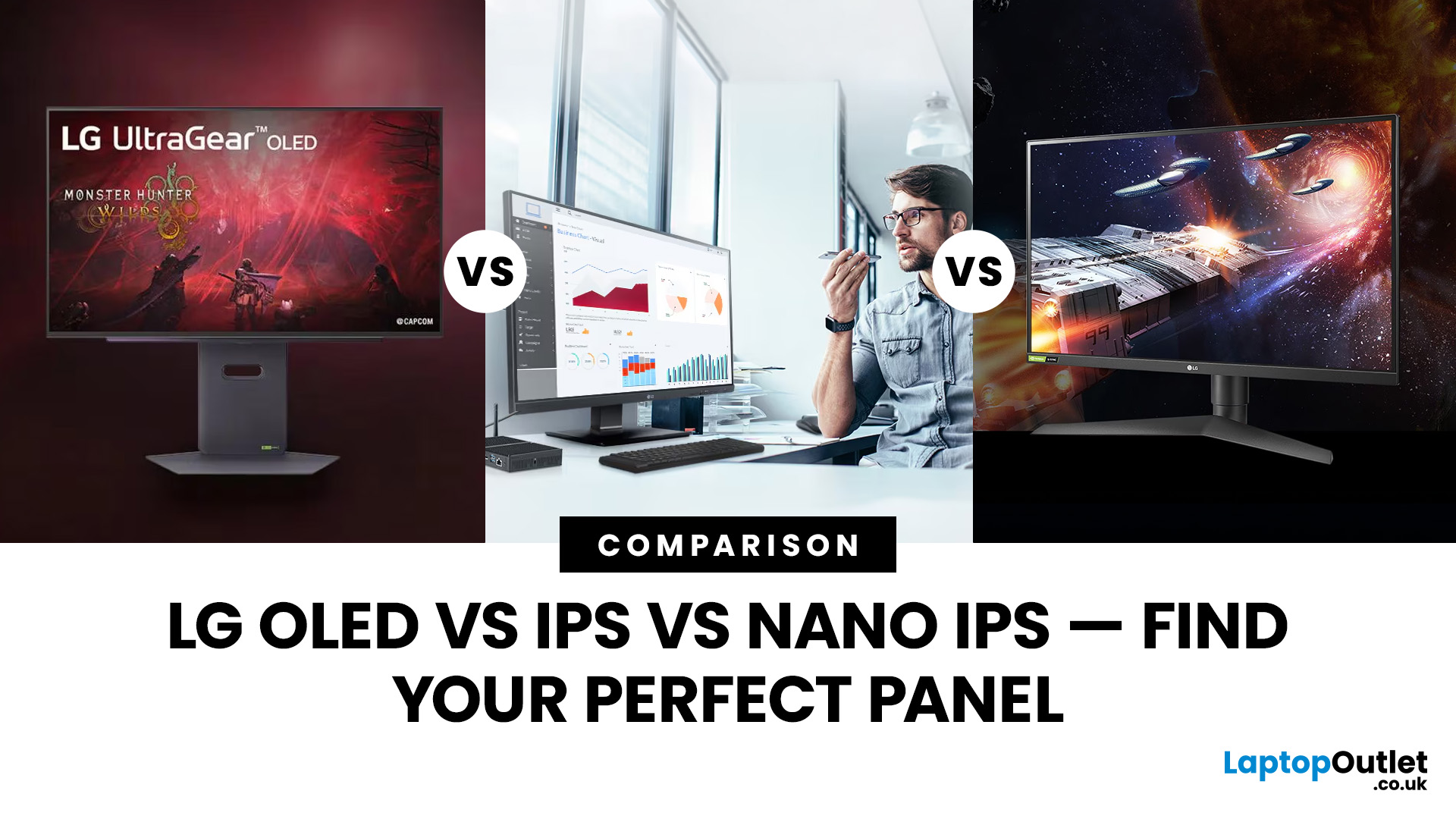
LG monitors feature all three major panel types under one roof — OLED, IPS, and Nano IPS. Each one has a distinct character. And each one suits a different kind of user.
So, if you are weighing up the LG OLED vs IPS vs Nano IPS debate, this guide cuts through the noise. We will explain what each panel actually does, where it excels, and where it falls short. By the end, you will know exactly which display belongs on your desk.
Understanding the Three Panel Types
Before diving into comparisons, it helps to understand what each technology actually does. The differences go deeper than just price.
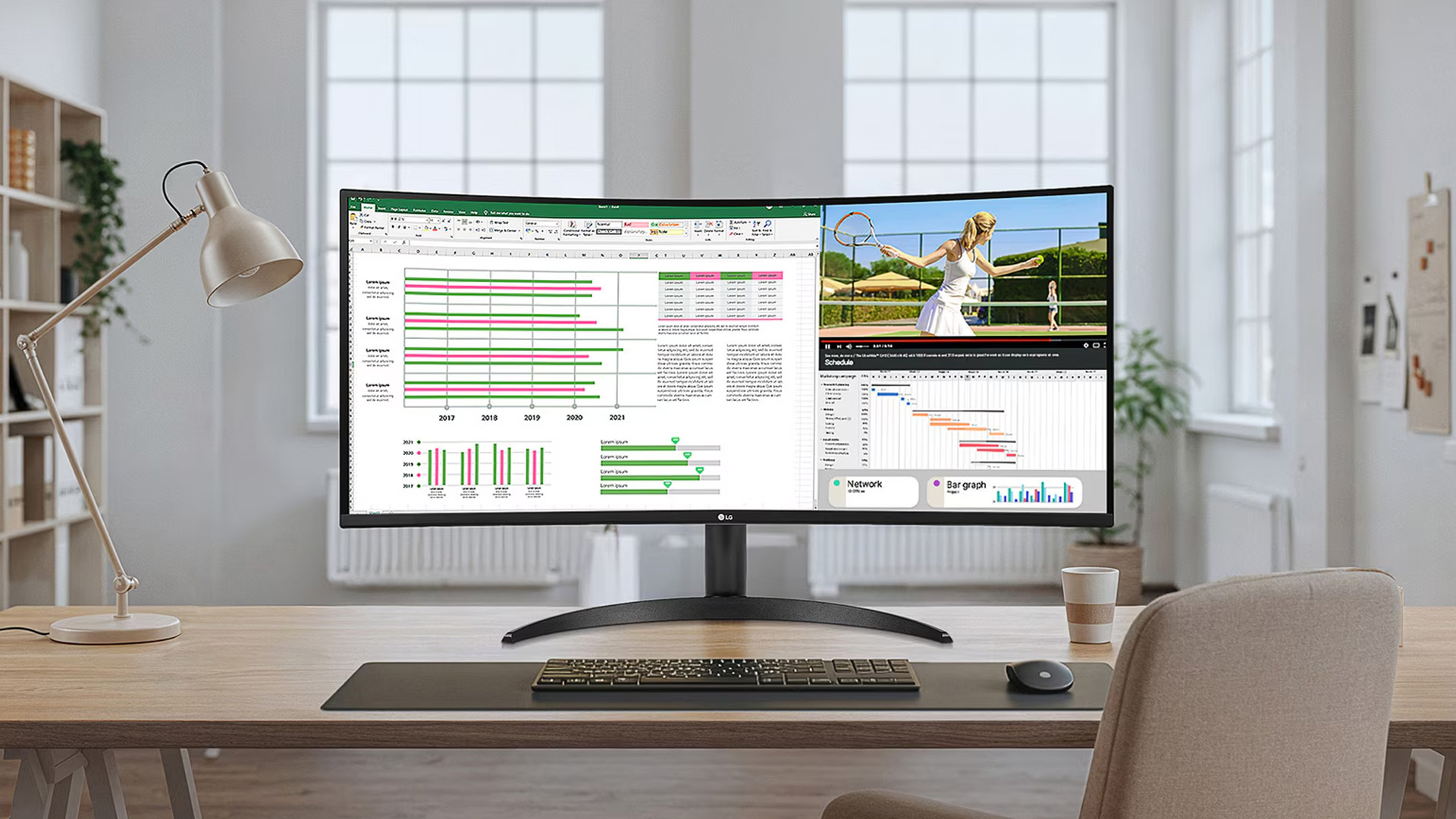
What Is an IPS Panel?
IPS stands for In-Plane Switching. This technology uses a backlight to illuminate liquid crystals, which then twist

Last Updated: September 01, 2026
A monitor can suit very different tasks depending on its resolution, refresh rate, panel type, colour performance, screen format, and connectivity. That is why understanding LG monitor uses is more helpful than simply comparing model names or product lines.
For gaming, the priority may be smooth motion and responsiveness. For office work, text clarity, screen space and ergonomics usually matter more. Creative workplaces greater emphasis on colour consistency, detail and a display that can be set up accurately for visual tasks.
This guide explains how LG displays can support gaming, productivity and creative applications, and how the most important display requirements change depending on what you do at your desk.
How LG Monitors Support Gaming
Refresh Rate and Motion Smoothness
Gaming places different demands on a display from office or general home use. Fast-moving scenes, rapid camera movement and competitive play can make refresh rate, response behaviour and motion clarity much more
Last Updated: August 28, 2026
Choosing the best gaming monitor brand can make a huge difference to your gaming experience. Whether you play competitive esports titles, immersive AAA games, or console exclusives on PS5 and Xbox Series X, the right monitor brand delivers smoother performance, better visuals, and long-term reliability.
In the UK gaming market, several brands consistently stand out for quality, innovation, and value. Companies like ASUS, LG, BenQ, AOC, Philips, and iiyama offer gaming monitors across every price range - from affordable 144Hz displays to cutting-edge OLED and 4K panels.
But with so many options available, it’s not always obvious which gaming monitor brand is best for your setup, budget, and gaming style.
Let’s discuss the best gaming monitor brands in the UK, compare their strengths, and help you choose the right one based on resolution, refresh rate, and platform compatibility.
What Makes a Gaming Monitor Brand Worth Buying in 2026?
When comparing the top gaming monitor brands, it’s important

