



AOC Monitors Buying Guide 2026 for Gaming and Office
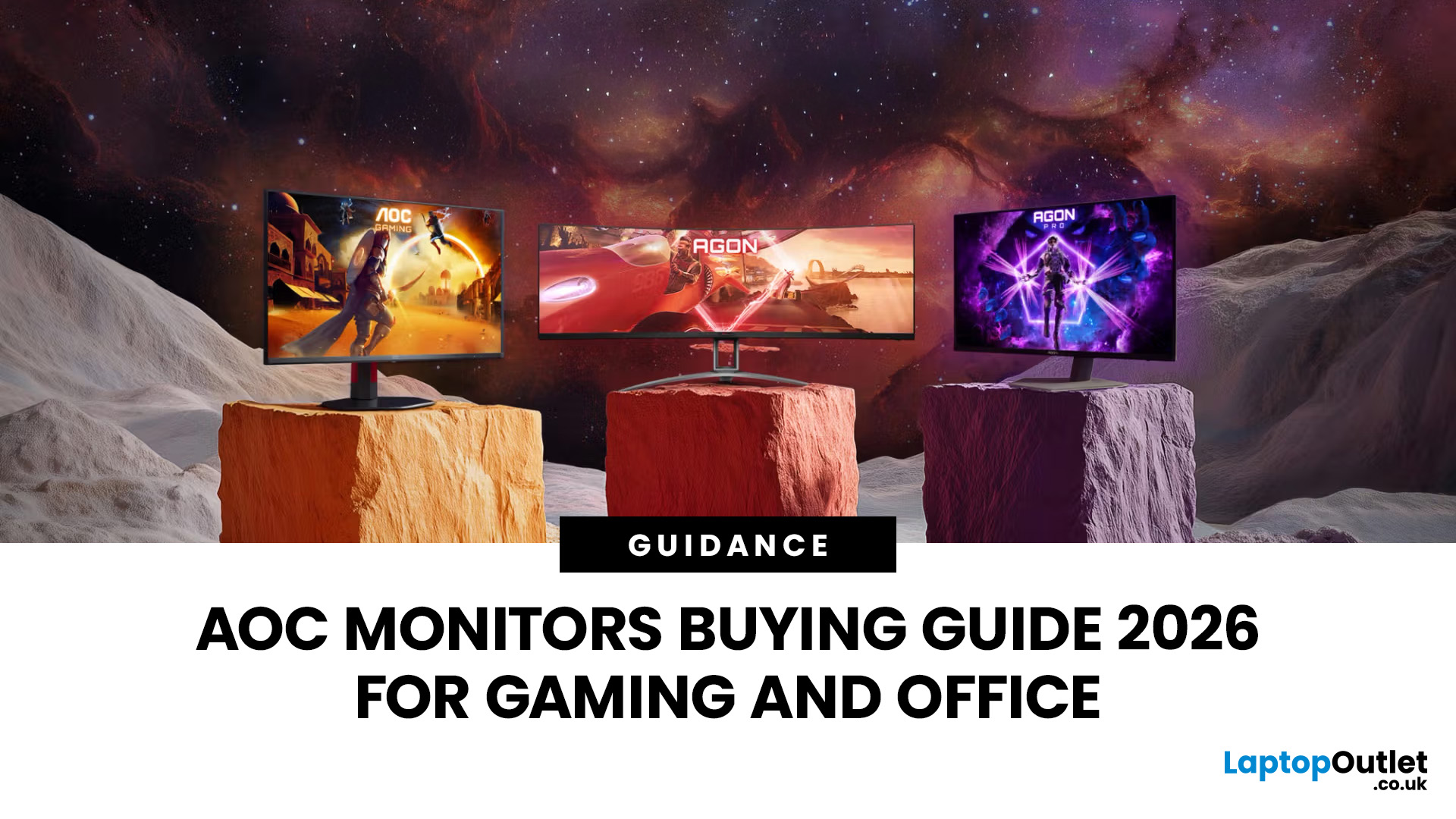
Choosing the right monitor can completely change the way you play, work, or create in 2026. Whether you’re looking for razor-sharp visuals for competitive gaming or a clear, comfortable screen for long workdays, AOC monitors for office and gaming stand out as one of the most versatile options on the UK market. Known for balancing affordability with high-end performance, AOC has become a go-to brand for gamers, students, and professionals alike.
From lightning-fast AOC gaming monitors to ergonomically designed AOC office monitors, the range is packed with options for every need and budget. Whether you want a sleek widescreen display, a powerful 4K setup, or a cost-friendly Full HD panel, there’s an AOC model for you.
Ready to level up? Let’s explore the best AOC monitors in 2026 and find the one that matches your setup.
Why Choose AOC Monitors in 2026?
- Affordable performance: Great value, even for budget AOC monitors.
- Gaming-first design: Fast refresh rates and ultra-low response times.
- Immersive options: Popular AOC curved monitors and widescreens.
- Office-friendly features: Ergonomic stands and eye-care tech.
- Future-proofing: 4K and HDR models at accessible prices.
AOC Gaming Monitors
If gaming is your priority, AOC gaming monitors bring the action to life. Expect smooth motion, vivid colours, and gaming-centric features like FreeSync and G-Sync compatibility. Whether you’re a casual gamer or a competitive eSports player, AOC has you covered:
- High refresh rates: Up to 240Hz for seamless gameplay.
- Quick response times: Crisp visuals with no motion blur.
- Immersive setups: Shop curved monitors for racing, RPGs, and FPS games.
- Choice of resolution: From new Full HD monitors to cheap 4K monitors.
Check out the full range here: Shop Gaming Monitors.
AOC Office Monitors
Work smarter, not harder. AOC office monitors are built for comfort and clarity, helping you power through spreadsheets, video calls, or creative projects without straining your eyes.
- Ergonomic designs: Adjustable stands for better posture.
- Eye-care features: Low Blue Light and Flicker-Free technology.
- Widescreen productivity: Easily multitask when you shop widescreen monitors.
- Crisp clarity: Choose from new Full HD monitors or 4K for sharper detail.
Find your work-friendly monitor here: AOC Monitors.
Best AOC Monitors in 2026: Categories
- Budget AOC Monitors: Ideal for students or home offices.
- AOC Curved Monitors: Designed for immersive play and multitasking.
- Full HD Monitors: Reliable everyday displays.
- Cheap 4K Monitors: Affordable UHD for next-gen gaming.
- Widescreen Monitors: Maximise screen space for work and play.
- Refurbished Monitors: Save money when you shop refurbished monitors.
Explore the full selection here: Monitors for Sale.
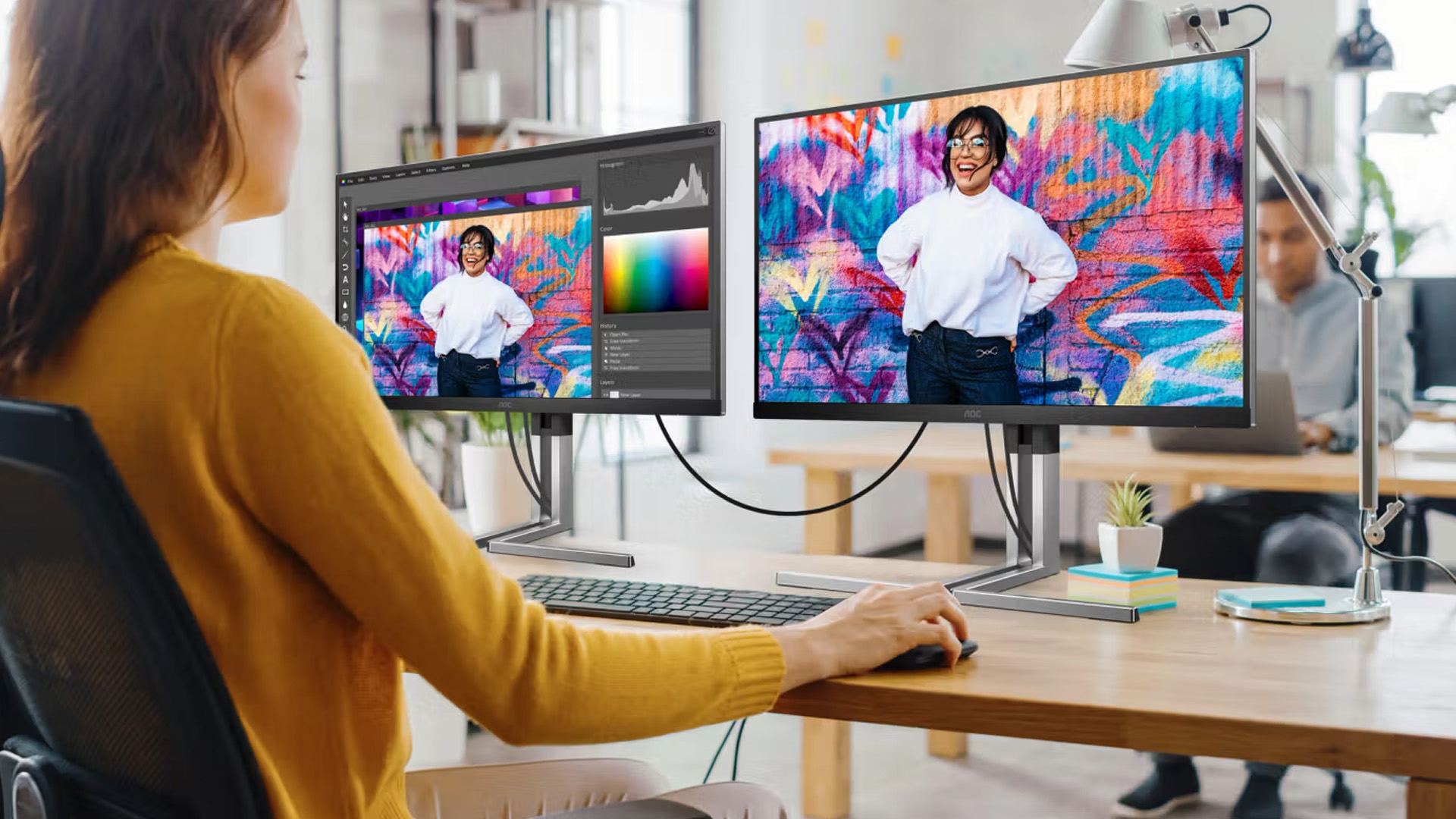
Product Highlights: Best AOC Monitors for Gaming and Office in 2026
Here are some of the best AOC monitors for office and gaming in 2026, carefully selected to suit different needs, from budget buyers to hardcore gamers and professionals.
AOC G3 25G3ZM/BK: 24.5" Full HD Gaming Monitor
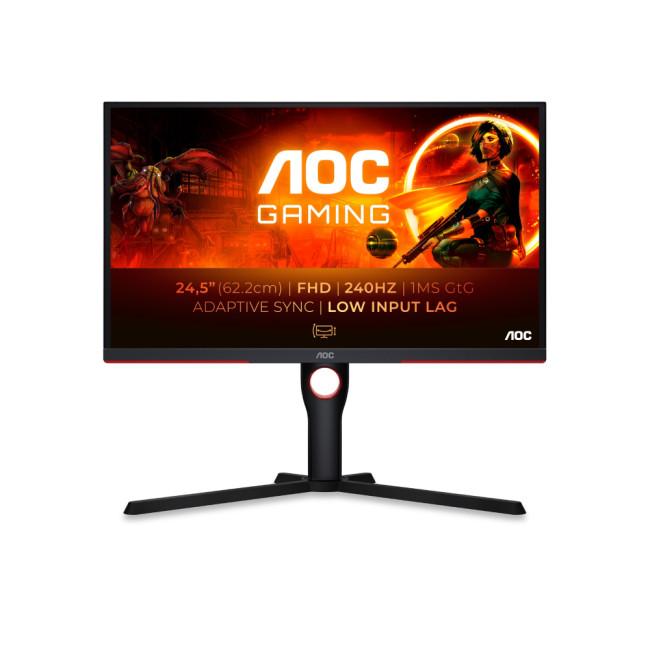
The AOC G3 25G3ZM/BK is a compact yet powerful option for gamers who want smooth performance without overspending. Featuring a sharp 24.5" Full HD VA display, this monitor boasts a 240Hz refresh rate and FreeSync technology, ensuring fluid motion and reduced screen tearing. Its slim bezels make it ideal for multi-monitor setups, while the flat screen design keeps visuals clear and consistent. A great pick for entry-level or competitive gamers seeking affordability with no compromise on speed.
Don't settle for less. Read this blog to uplift your gaming settings for an unparalleled experience!
AOC G4 CU34G4Z 34" Curved Gaming Monitor
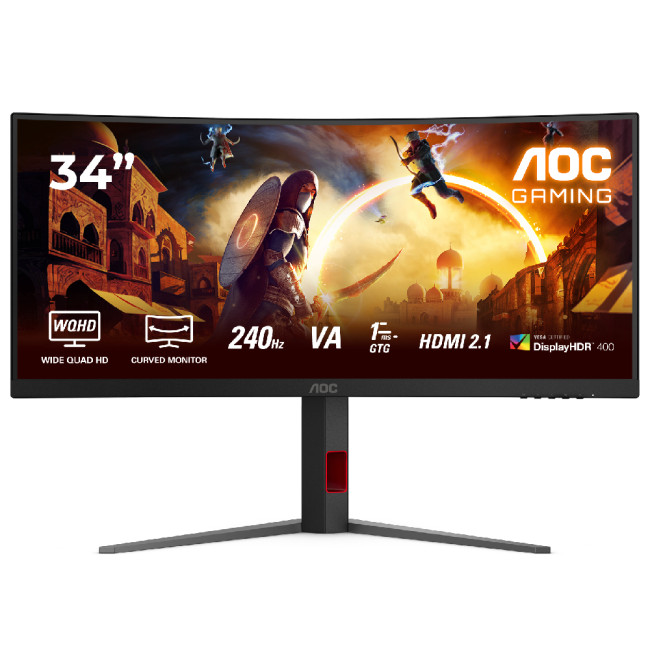
The AOC G4 CU34G4Z is built for immersive gaming with a 34" curved Fast VA display and sharp 3440 x 1440 UWQHD resolution. Its 240Hz refresh rate and 0.3ms MPRT response time make fast-paced games feel exceptionally smooth and responsive, while Adaptive Sync helps reduce screen tearing. The ultrawide 21:9 format also gives business users more room for spreadsheets, multiple windows and multitasking. With DisplayHDR 400 and an adjustable stand, it is a strong choice for gamers who also want a spacious monitor for productivity.
AOC 27B36X 27" IPS Full HD Gaming Monitor
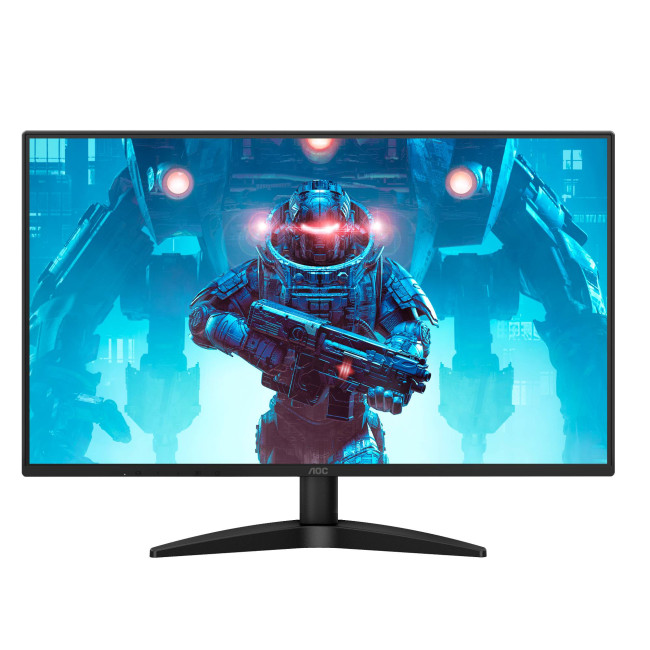
The AOC 27B36X combines a spacious 27" IPS display with the speed needed for gaming and everyday productivity. Full HD resolution keeps documents, web pages and entertainment clear, while a 144Hz refresh rate and 0.5ms MPRT response time deliver smooth motion during fast-paced games. Adaptive Sync helps reduce screen tearing, with HDR10 adding richer contrast to supported content. For business users, the larger screen provides useful working space for documents and multitasking, while Low Blue Light and Flicker-Free technologies support more comfortable extended use.
AOC Q27B35S3 27" IPS Quad HD Monitor with Speakers
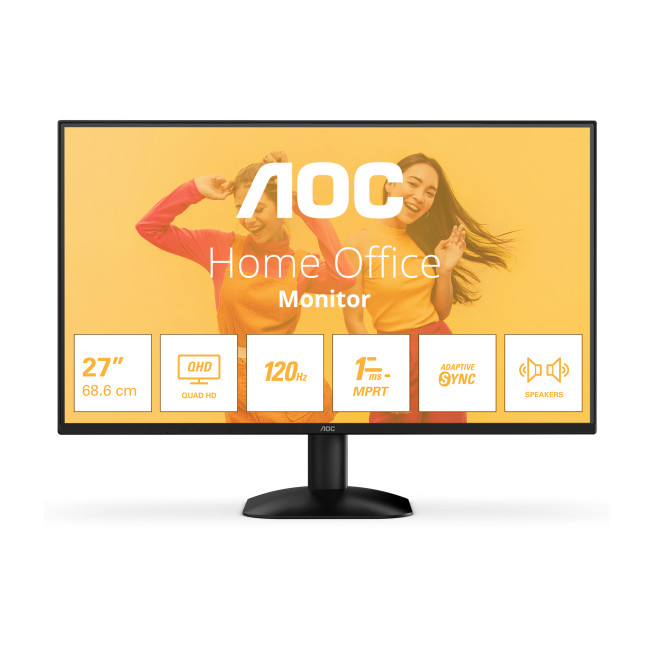
The AOC Q27B35S3 is an excellent all-round option for business users who also enjoy casual gaming. Its 27" IPS panel delivers a sharper 2560 x 1440 QHD resolution, giving you extra detail and workspace for spreadsheets, presentations, creative tasks and everyday multitasking. A 120Hz refresh rate, 1ms MPRT response time and Adaptive Sync provide smooth visuals when gaming or streaming, while built-in speakers help keep your desk setup simple. With Low Blue Light and Flicker-Free technology, it is particularly well suited to long working days followed by entertainment.
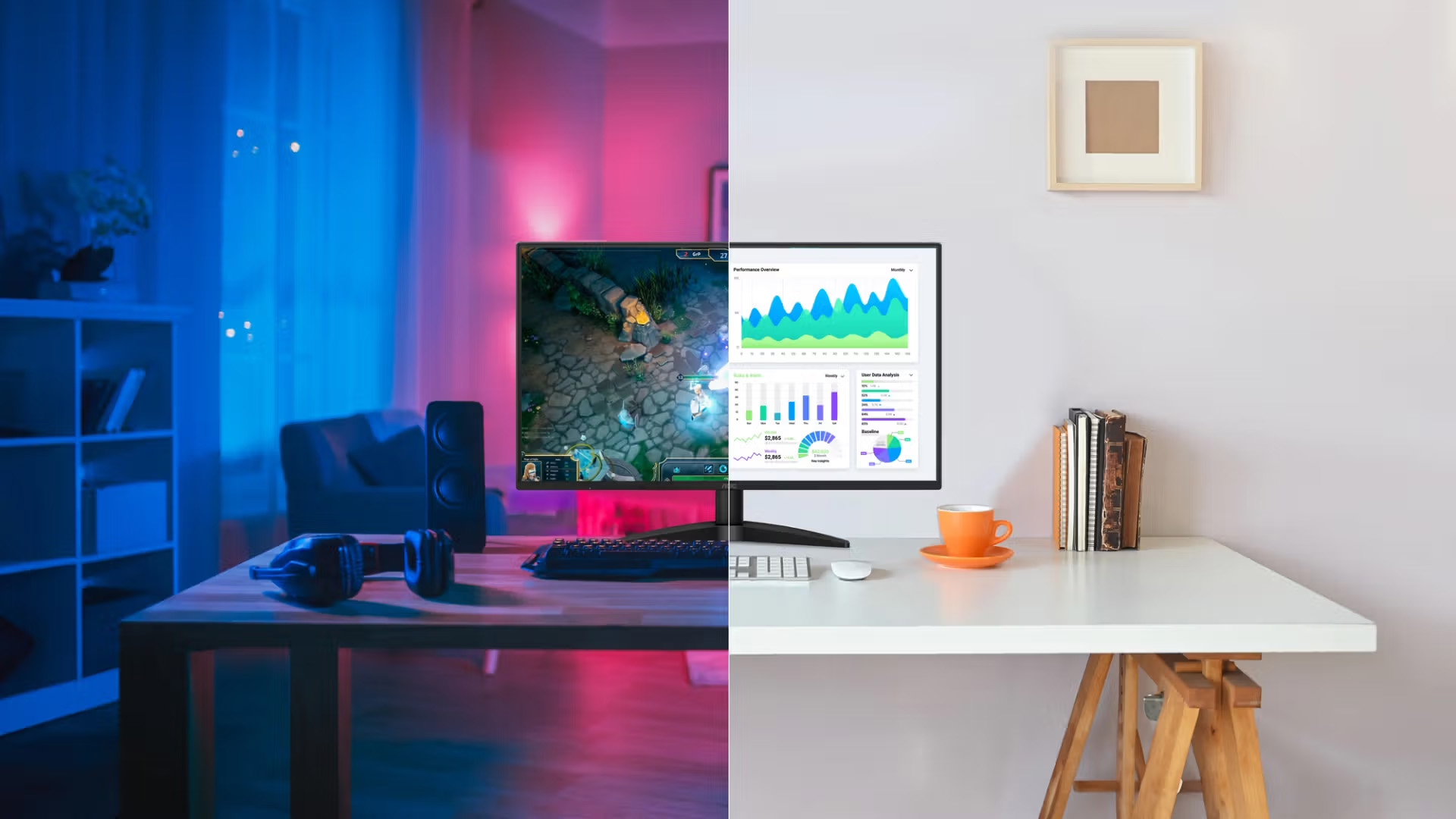
AOC G3 Q27G3XMN/BK: 27" QHD VA 180Hz Gaming Monitor

The AOC G3 Q27G3XMN/BK hits the sweet spot between affordability and premium gaming features. With a 27" QHD VA panel, you’ll enjoy sharper visuals than Full HD, paired with a 180Hz refresh rate for ultra-smooth performance. Its 1ms response time keeps motion blur at bay, perfect for action-packed games. This monitor is ideal for gamers who want higher resolution and smoother gameplay without stretching to 4K prices, making it one of the best budget AOC monitors in 2026.
AOC AGON Pro AG276QZD2: 27" OLED QHD 240Hz Gaming Monitor
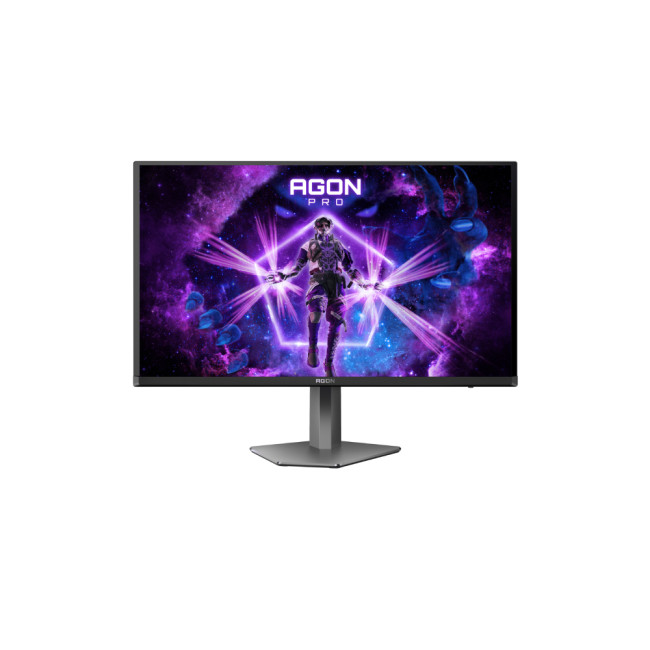
The AOC AGON Pro AG276QZD2 is built for gamers who want the very best. Featuring a 27" OLED panel, it delivers ultra-vivid colours, deep blacks, and unmatched contrast. With a 240Hz refresh rate and an insanely fast 0.03ms response time, this monitor is perfect for competitive players who demand precision and clarity. Built-in speakers and height adjustability add to its practicality, making it one of the most premium AOC gaming monitors available today. Ideal for elite-level setups.
AOC G4 CU34G4Z: 34" Curved UWQHD 240Hz Gaming Monitor
Step into true immersion with the AOC G4 CU34G4Z ultrawide curved monitor. Its 34" UWQHD panel provides extra screen real estate for both gaming and multitasking. Running at 240Hz with a super-fast 0.3ms response time, it ensures buttery-smooth visuals and reduced motion blur. This monitor is perfect for gamers who enjoy racing sims, RPGs, and cinematic experiences, but also need productivity space. Height adjustability ensures comfort, making it one of the most versatile curved monitors on the market.
AOC U27G4R: 27" 4K IPS 160Hz Gaming Monitor
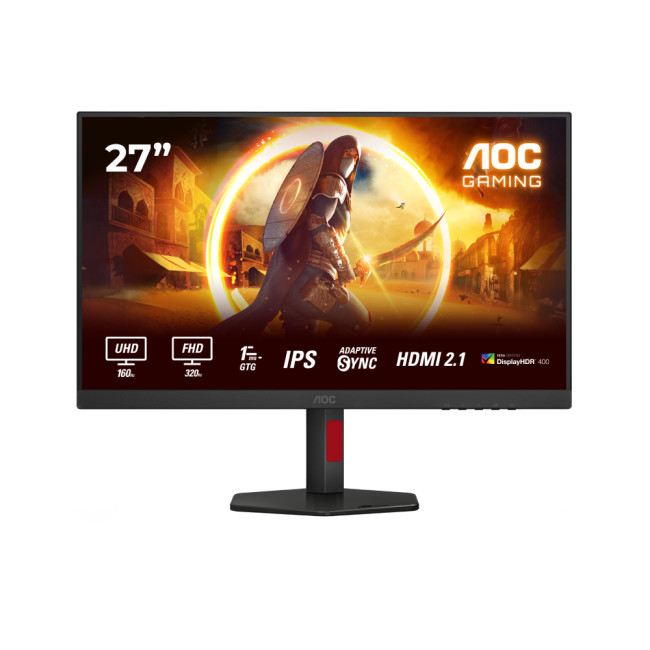
The AOC U27G4R delivers premium gaming in crisp UHD resolution. With a 27" IPS display, you’ll enjoy wide viewing angles, vibrant colours, and razor-sharp detail. A refresh rate of 160Hz paired with a 0.5ms response time ensures smooth gameplay, whether you’re gaming competitively or casually. Ideal for gamers and creators, this monitor offers the perfect balance between high resolution and speed. If you’re after cheap 4K monitors that still perform at a pro level, this is a top contender.
While AOC is fantastic for budget-conscious buyers, you may also want to explore premium alternatives like ASUS Monitors. Known for their high-end gaming performance, ASUS models compete closely with AOC, giving you more flexibility depending on your needs.

Conclusion
In 2026, choosing the right display has never been more important. Whether you’re chasing victory in your favourite game or improving productivity at work, AOC monitors for office and gaming deliver the right mix of performance, style, and value. From budget AOC monitors and AOC curved monitors to widescreen and 4K UHD options, there’s something for everyone.
What makes AOC special is how it balances price with features that matter, whether that’s a lightning-fast AOC gaming monitor or a comfortable AOC office monitor. And with plenty of deals at Laptop Outlet, upgrading your setup has never been easier.
Don’t wait — shop AOC monitors at Laptop Outlet today and get the perfect screen for gaming or work.

What should I look for when buying an AOC monitor in 2026?
Choose an AOC monitor based on screen size, resolution, refresh rate, panel type, connectivity and intended use. Gamers should prioritise fast refresh rates and low response times, while office users may prefer sharper resolution, comfort features and USB-C connectivity.
Are AOC gaming monitors good for competitive gaming?
Yes. Many AOC gaming monitors offer high refresh rates, low response times and adaptive sync support, making them suitable for fast-paced titles. For competitive gaming, look for 144Hz or higher refresh rates, QHD resolution and low input lag.
Which AOC monitor is best for office work?
For office work, choose an AOC monitor with a comfortable screen size, sharp Full HD or QHD resolution, an IPS panel and ergonomic adjustment. USB-C, built-in speakers and eye-care features can also make everyday productivity and multitasking more convenient.
Is a 24-inch or 27-inch AOC monitor better?
A 24-inch AOC monitor suits smaller desks, everyday office tasks and competitive gaming at Full HD. A 27-inch model offers more workspace and is better suited to QHD resolution, immersive gaming, creative tasks and side-by-side multitasking.
What refresh rate should I choose for an AOC monitor?
For general office work, 60Hz to 100Hz is usually sufficient. Casual gamers may prefer 120Hz or 144Hz, while competitive players can benefit from 165Hz, 240Hz or higher. Choose a refresh rate your graphics card can support consistently.
Related Articles

Last Updated: September 01, 2026
Not all gaming monitors are built the same, and the LG UltraGear range makes that very clear. Whether you're playing for fun on weekends, grinding ranked matches on a mid-range rig, or competing at a serious level, there's a specific UltraGear model that fits your needs.
This LG UltraGear guide breaks down the full lineup by player type so you can make a genuinely informed decision before spending your money.
What Makes LG UltraGear Different from Standard LG Monitors?
LG produces monitors for all sorts of uses, from office work to content creation to home cinema. UltraGear is the gaming-focused sub-brand, and it comes with a noticeably different spec sheet compared to LG's standard displays.
The core differences come down to priorities. Standard LG monitors are built around colour accuracy, ergonomics, and value for office use. UltraGear monitors are tuned for speed, responsiveness, and visual clarity under fast-moving gaming conditions.
In practical terms, this means LG UltraGear gaming
Last Updated: April 28, 2026
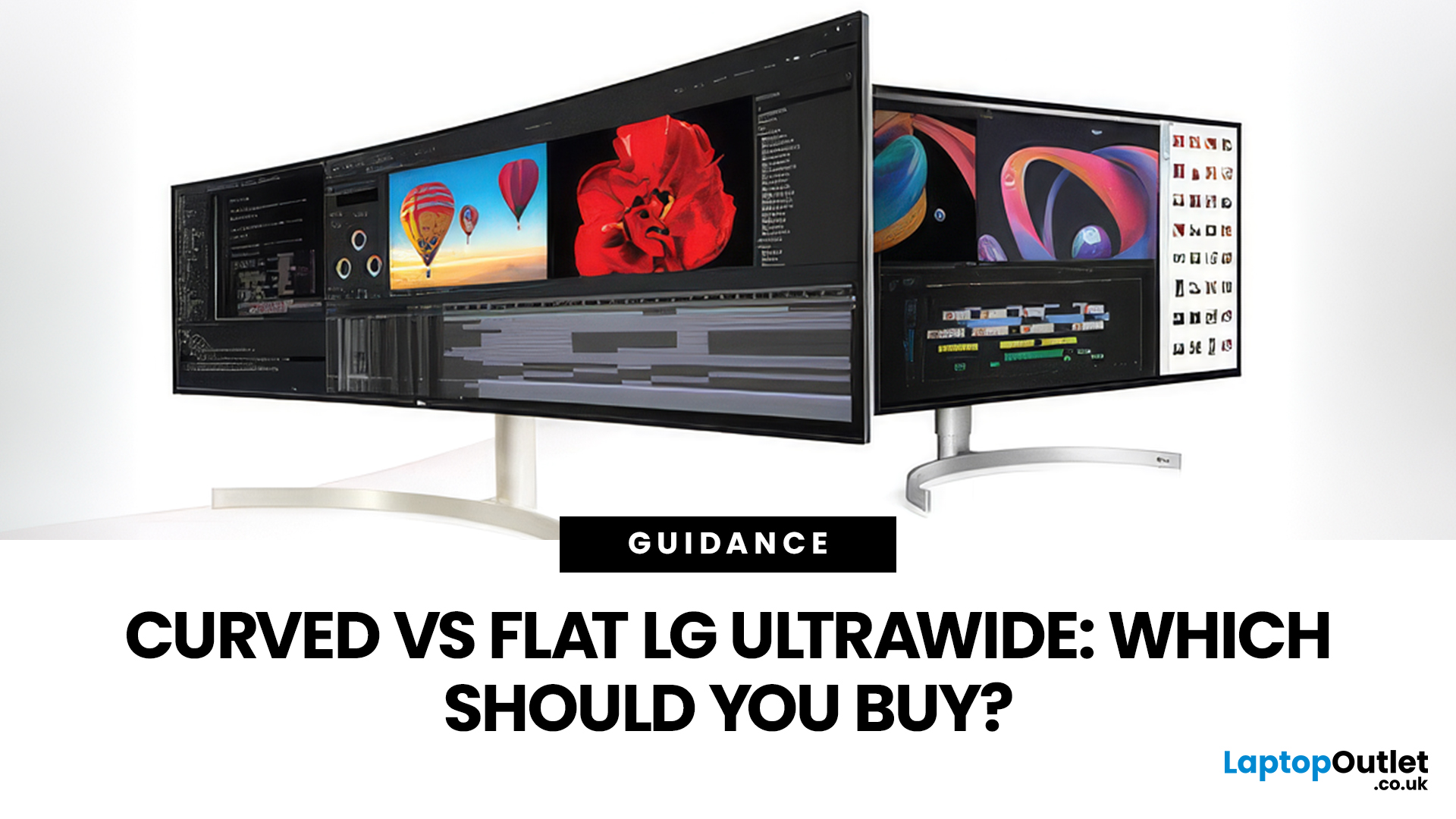
If you're choosing between a curved vs flat LG UltraWide monitor, the decision is more nuanced than it first appears. The right choice depends on what you do, how long you sit at your desk, and the kind of experience you want from your screen.
This guide breaks down every major use case side by side, with a clear verdict for each one, so you can make the right call before you spend your money.
What Makes LG UltraWide Monitors Different?
LG UltraWide monitors use a 21:9 aspect ratio, giving you roughly a third more horizontal screen space than a standard 16:9 display. That extra width is what makes the curved vs flat debate so relevant on these screens specifically.
On standard 26 to 28-inch monitors, the curve debate is largely down to personal preference. But once you hit 34 inches and beyond, the physics of how your eyes scan left-to-right starts to matter. On ultrawide displays of 34 inches or larger, the curvature brings the edges of the screen closer to you, covering more of your
Last Updated: April 14, 2026
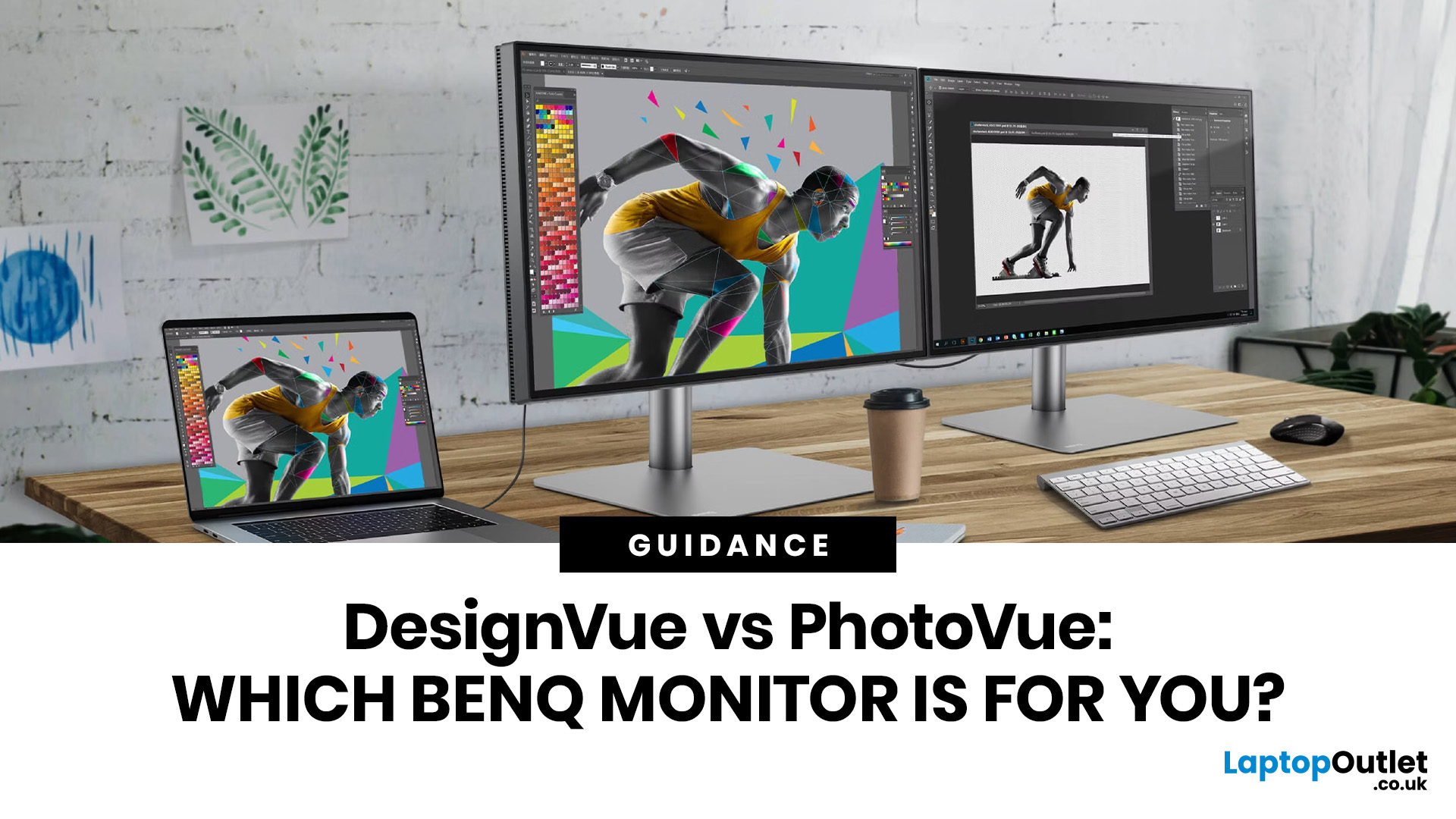
If you work with colour professionally, your monitor is your most critical piece of kit. BenQ monitors for creators are built around one principle: what you see on screen should accurately reflect what you print, publish, or deliver to a client.
Whether you are a photographer editing RAW files, a designer producing brand assets, or a video editor reviewing colour grades, accuracy matters at every stage. BenQ addresses this through two dedicated series: the DesignVue PD range and the PhotoVue SW range.
Each is engineered for a different creative discipline. This guide explains both series, covers the key specs to look for, highlights how they compare, and helps you decide which one fits your workflow best.
BenQ’s Creator Series: DesignVue & PhotoVue SW
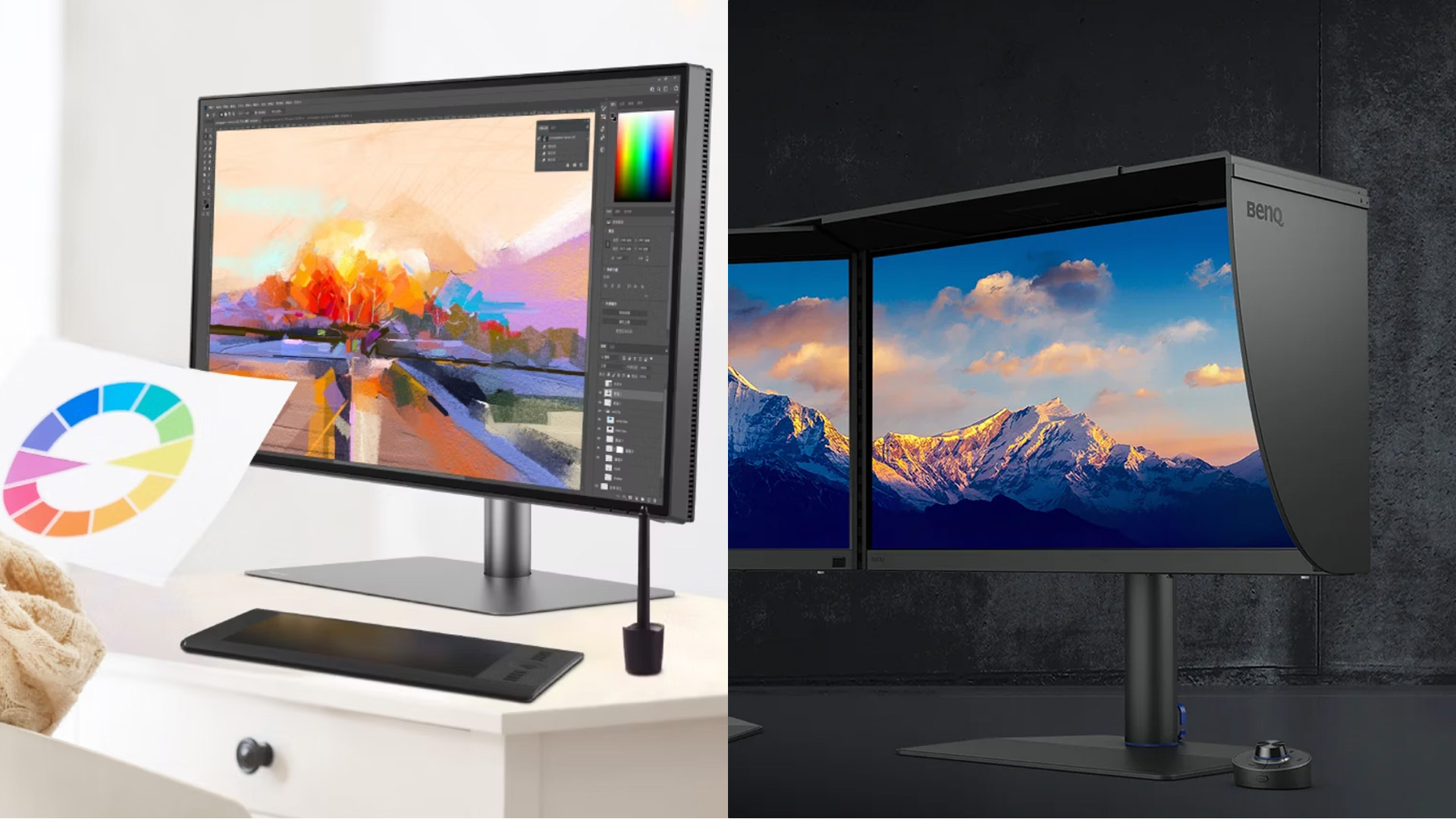
Finding the right BenQ monitors for creators starts with understanding why BenQ separates its professional range into two distinct families, each tailored to a different core workflow. Rather than one catch-all creative

Last Updated: April 14, 2026
If you want reliable colour from a BenQ creative monitor, calibration is not the final polish. It is the foundation. Whether you are editing photos, preparing work for print, designing for web, or reviewing client visuals, the goal is the same: your monitor should show colour in a way that is consistent, repeatable, and appropriate for the job in front of you.
This guide will walk you through how to calibrate a BenQ DesignVue monitor or BenQ PhotoVue monitor, when to use sRGB vs AdobeRGB on BenQ monitors, what hardware calibration changes, and how often you should recalibrate if accurate colour matters to your work.
Why BenQ Monitor Colour Calibration Matters
A high-spec monitor is only one part of colour accuracy. Out of the box, even a very good display may be too bright for print work, set to the wrong colour space for your workflow, or simply drift over time. That is where BenQ monitor colour calibration comes in.
BenQ explains that hardware calibration works by adjusting colour directly
Last Updated: April 28, 2026
Choosing the right monitor format can transform how you work. Whether you are a developer, analyst, designer, or remote professional, your display shapes your entire workflow.
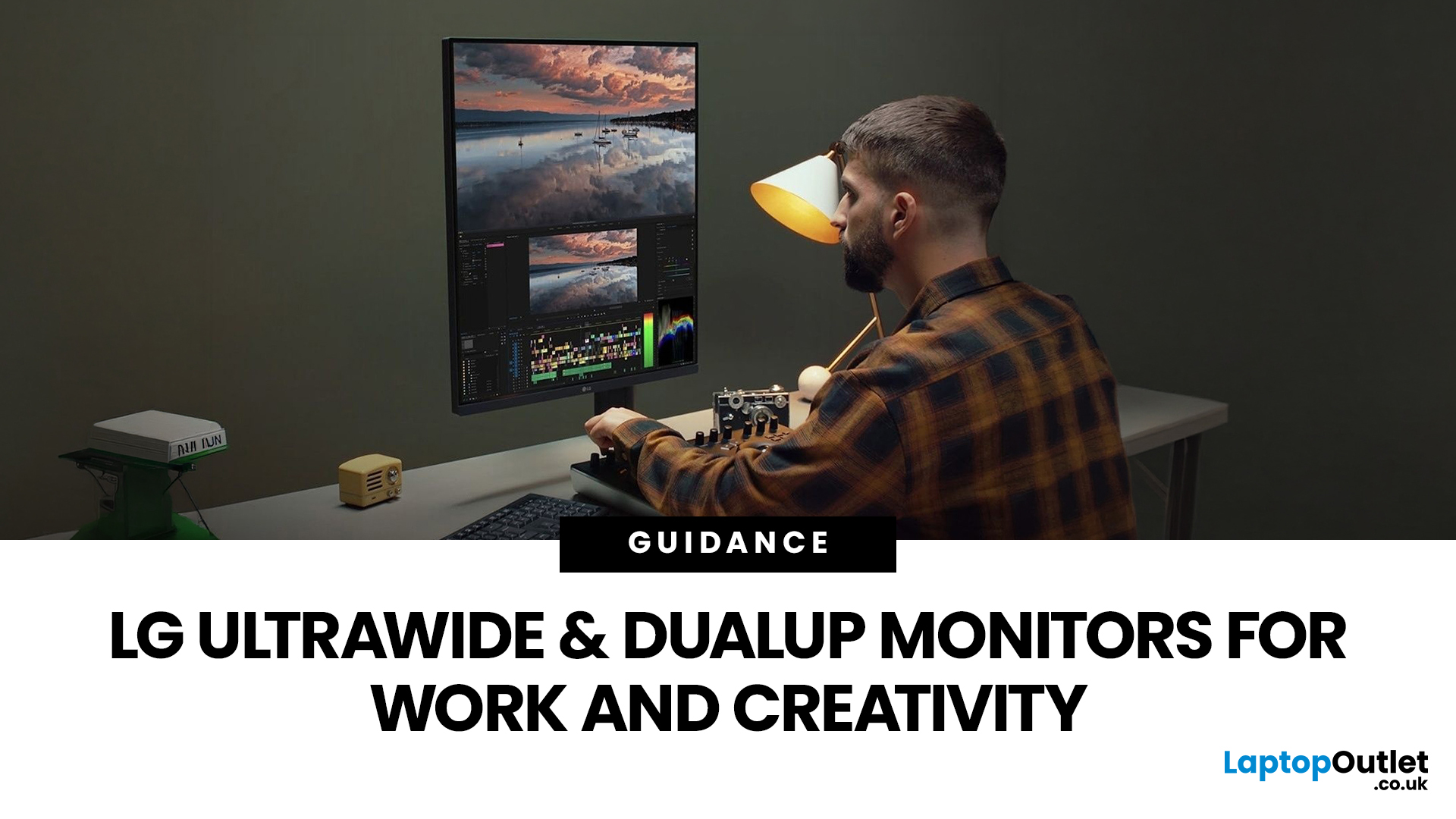
LG UltraWide and DualUp productivity monitors have become a firm favourite across the UK for professionals who need more screen space without the cable clutter of multiple setups.
This guide breaks down how each format performs for coding, content creation, dashboards, and day-to-day productivity, so you can pick the right one for your desk.
Why Screen Format Changes Everything
The shape of your display directly influences how many windows you can manage, how much you need to scroll, and whether your neck stays comfortable after a full working day. It is worth understanding the two non-standard formats LG offers before deciding which suits your setup.
LG monitors come in two distinctive formats: the horizontal 21:9 or 32:9 UltraWide and the vertical 16:18 DualUp. Both give you significantly more usable space than
Last Updated: August 28, 2026
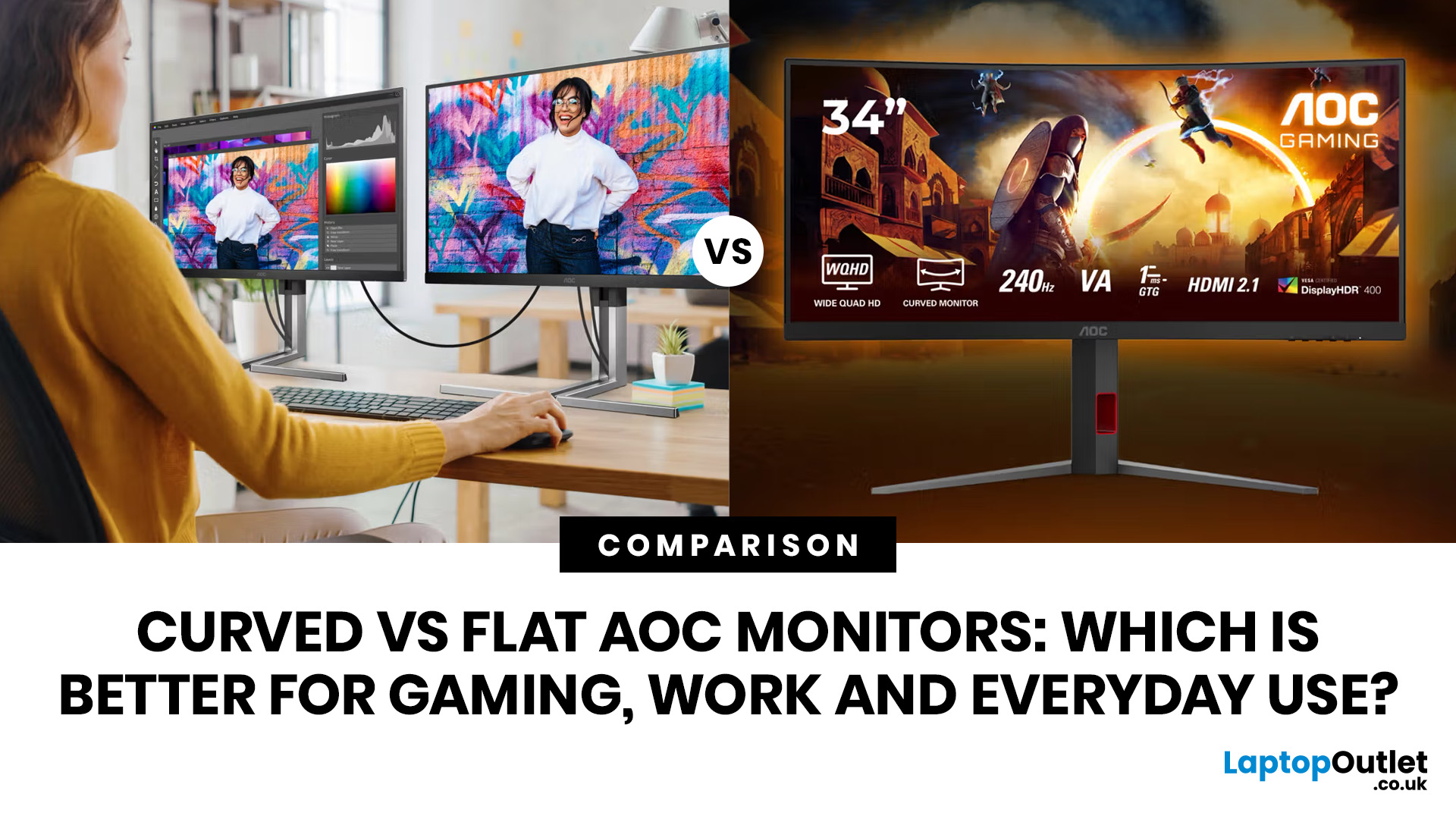
If you are comparing curved vs flat AOC monitors, the right choice depends less on trends and more on how you actually use your screen every day.
For gaming and entertainment, a curved display often feels more immersive, especially in racing games, open-world titles and films. For work, study and general day-to-day use, a flat screen is usually the more practical option because it is easier to position, easier to pair in dual-screen setups and often better suited to documents, spreadsheets and precision-focused tasks.
So, are curved monitors better? Not always. A curved model can be a great upgrade for the right person, but flat screens still make more sense for many buyers.
Here is the simplest way to think about it:
| Use case | Usually the better choice | Why |
| Immersive gaming | Curved | Feels more engaging and cinematic |
| Esports and fast competitive play | Depends | Refresh rate matters more than screen shape |
| Office work and spreadsheets | Flat | Cleaner lines, easier multi-window working |
| Study and everyday |
Published: April 27, 2026
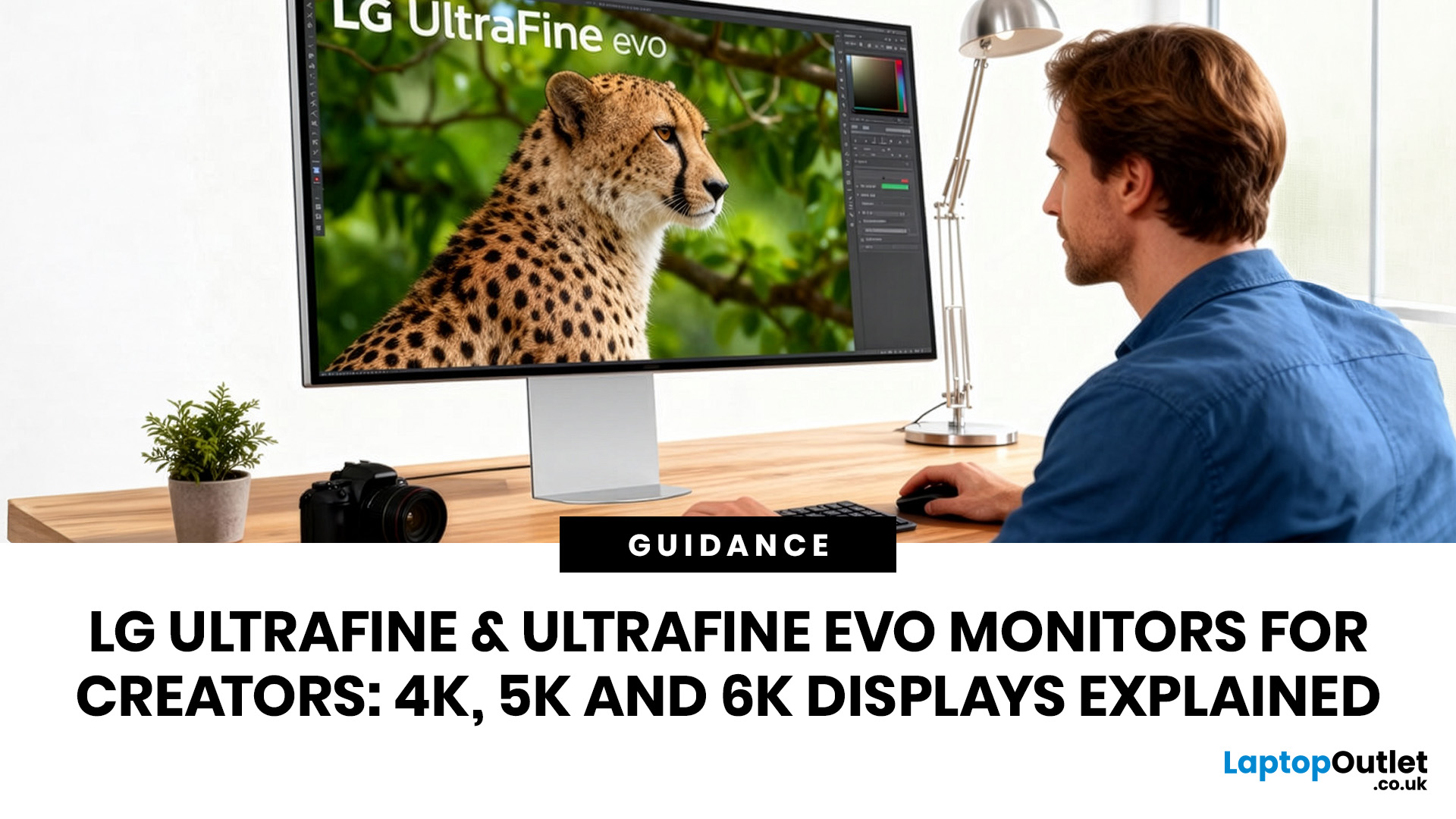
LG UltraFine monitors for creators cover three resolutions: 4K (entry-level colour accuracy), 5K (high pixel density), and 6K (the new UltraFine evo flagship). All prioritise wide colour gamut, IPS panel quality, and clean USB-C or Thunderbolt connectivity.
If you work in photo editing, video production, graphic design, or any colour-critical discipline, LG UltraFine monitors have been a trusted name for years. The right choice depends on your budget, resolution needs, and the software you rely on daily.
What Makes LG UltraFine Monitors Stand Apart for Creative Professionals?
Before going model by model, it helps to understand what the UltraFine brand actually stands for. It is a fundamentally different product category from general office or gaming displays, built around a single non-negotiable: colour and detail accuracy.
The Core Focus: Colour, Calibration, And Pixel Precision
Every UltraFine model ships with wide colour gamut coverage, typically covering 98–99% of the DCI-P3 colour
Last Updated: September 01, 2026
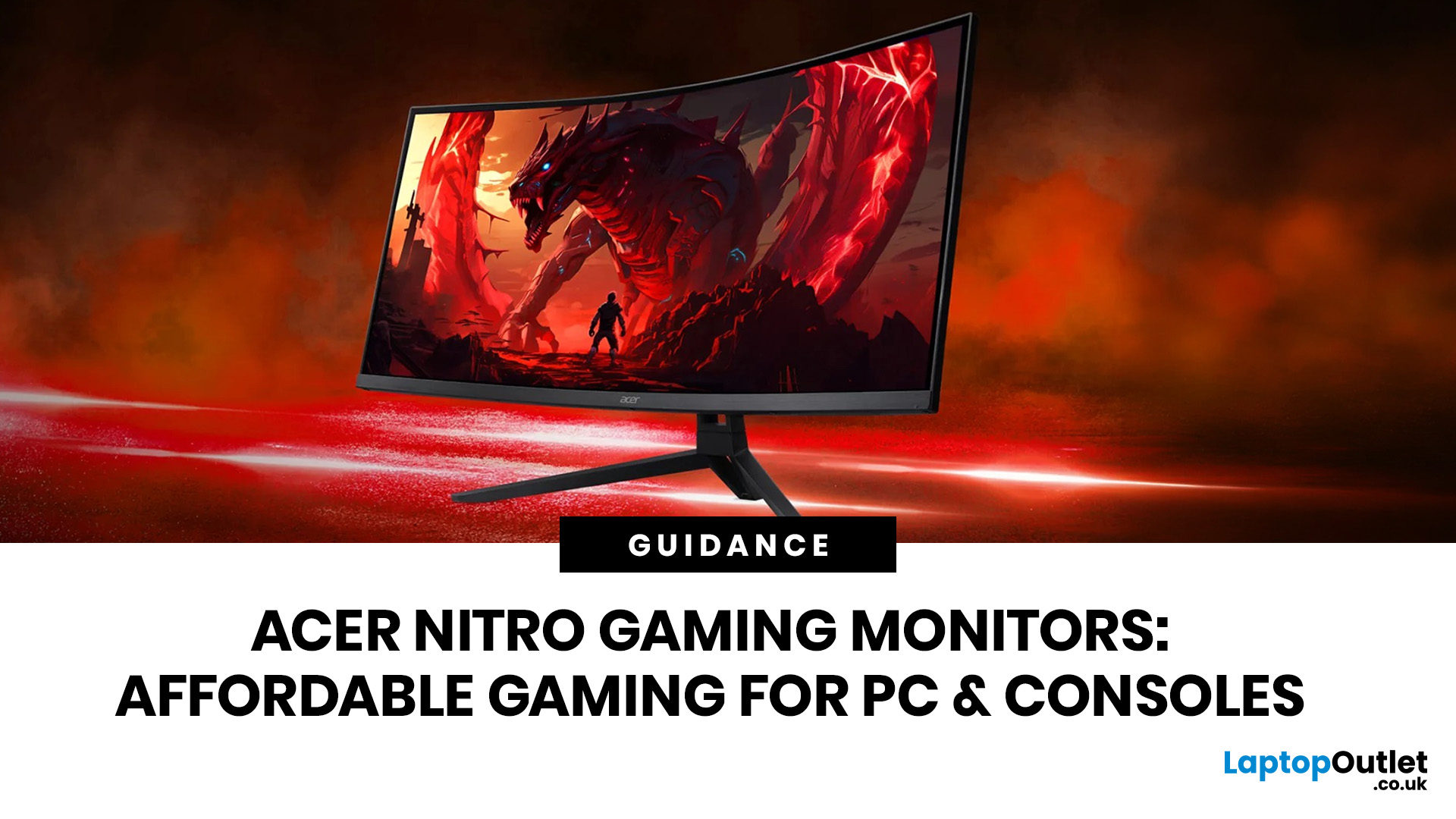
If you want smooth gameplay without jumping straight into premium OLED pricing, Acer Nitro gaming monitors are one of the easiest ranges to shortlist. Acer positions the Nitro line as a gaming family with options for fast-paced play, ultrawide immersion and richer colour, while Our Acer monitor range backs that up with Full HD, QHD, curved and ultrawide Nitro models aimed at buyers who want value, not just spec-sheet flexing.
That is exactly why Acer Nitro monitors UK shoppers keep coming back to the series. The range is broad enough to cover casual desk gaming, PS5 and Xbox setups, and entry-level PC esports, but it still stays realistic on price compared with high-end Predator and OLED alternatives. Nitro models from compact 23.8-inch Full HD panels up to 34-inch curved UWQHD displays, with refresh rates running from 120Hz to 240Hz.
Are Acer Nitro Gaming Monitors Good for Budget Gaming?
Yes. For casual gaming, console play and entry-level PC builds, Acer Nitro sits in a very practical
Last Updated: July 06, 2026
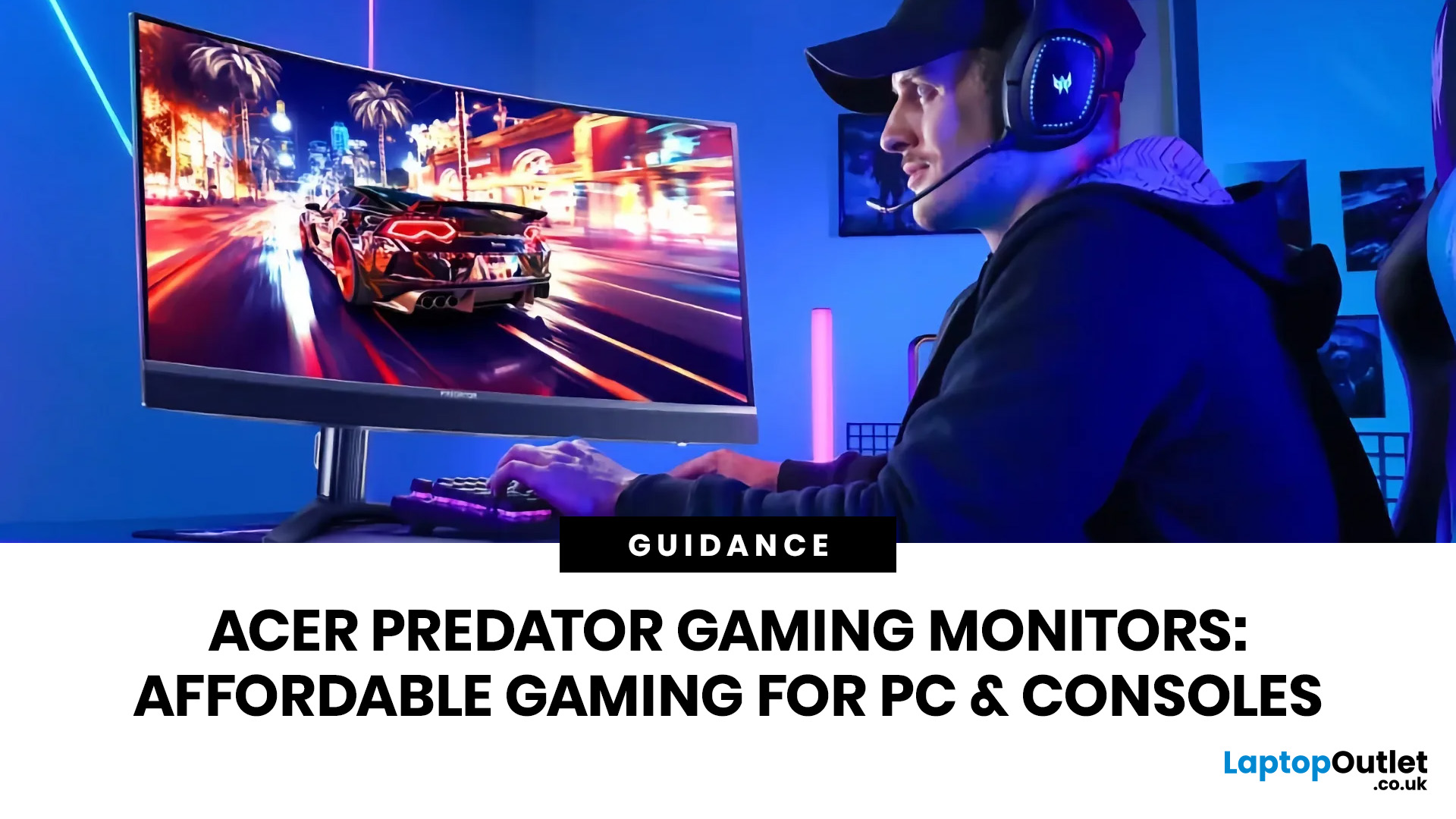
you are shopping for Acer Predator gaming monitors, you are usually not looking for a basic panel. You are looking for speed, image quality and a monitor that genuinely fits the kind of games you play. For some buyers, that means a fast 27-inch display for ranked shooters and esports titles. For others, it means a bigger 4K panel for high-detail single-player games. And for enthusiasts building the kind of setup that makes every desk photo look dramatic, it means an ultrawide or super-ultrawide screen that turns a gaming PC into the centrepiece of the room.
That is why Predator remains such an interesting range. Acer's broader monitor line covers different budgets and uses cases, but the Predator family is where Acer pushes harder on premium gaming features like OLED and QD-OLED panels, very high refresh rates, ultrawide formats and esports-level response times.
If you want the simple answer: Why choose Acer Predator monitor
Here is the short version.
- For competitive esports and fast shooters,
Last Updated: August 24, 2026
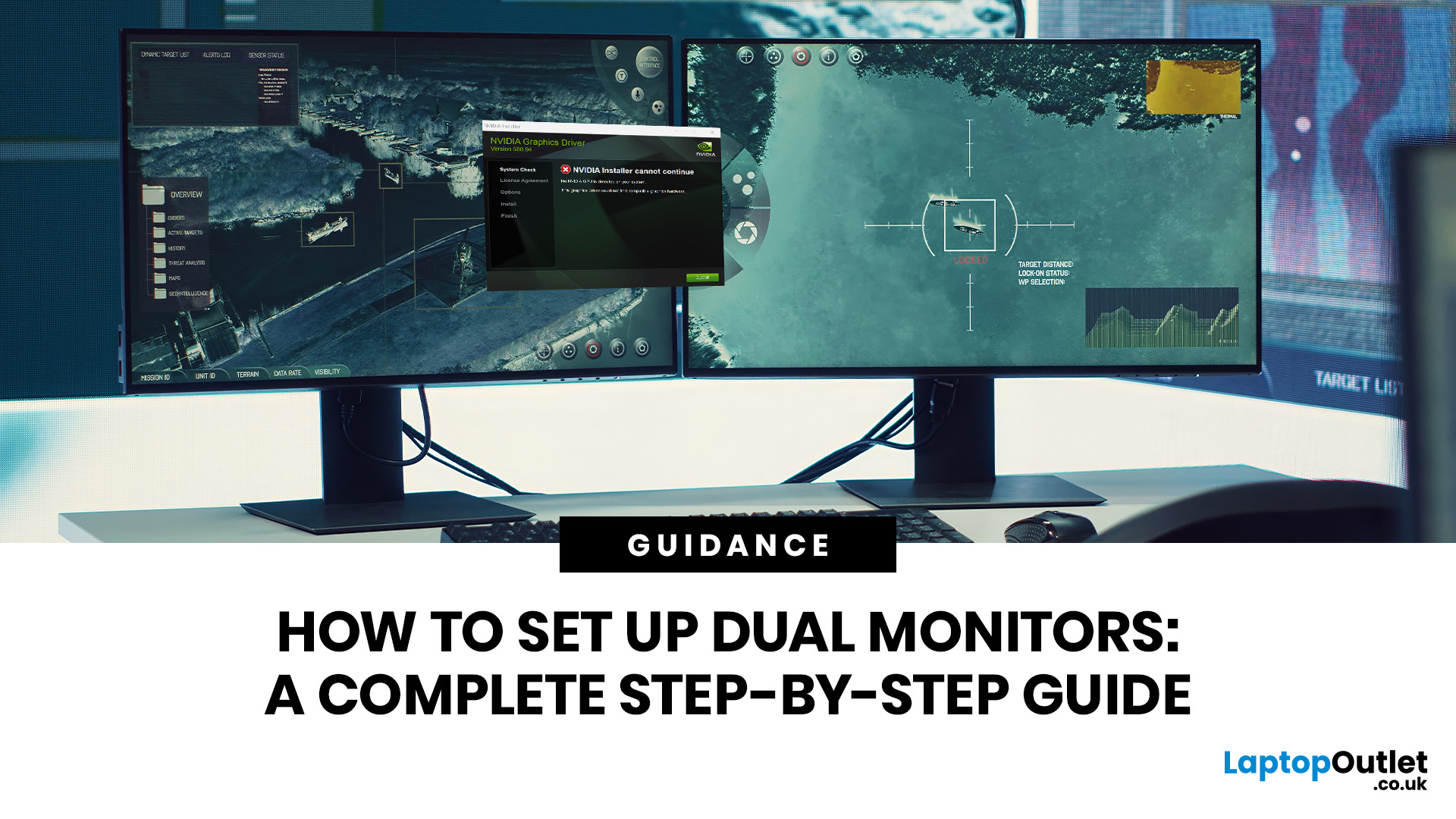
One screen is fine. Two screens? That is where your setup starts feeling seriously organised. Whether you are working from home, studying, gaming, editing, coding or just tired of switching between 27 tabs every five seconds, a dual monitor setup can make your desk feel cleaner and your workflow feel smoother.
The good news is that learning how to set up dual monitors is not as complicated as it sounds. You just need the right monitors, the correct cables or adapters, and a few display settings adjusted properly. This complete guide explains how to connect two monitors, how to set up dual monitors on Windows, how to set up dual monitors with a laptop, and how to get the best layout for work, study, gaming and everyday use.
How Do You Set Up Dual Monitors?
Here is the simple version.
To set up dual monitors, connect both screens to your laptop or desktop PC using HDMI, DisplayPort, USB-C, Thunderbolt or a compatible docking station. Then open your display settings, choose Extend these displays

