



Curved vs Flat AOC Monitors: Which Is Better for Gaming, Work and Everyday Use?
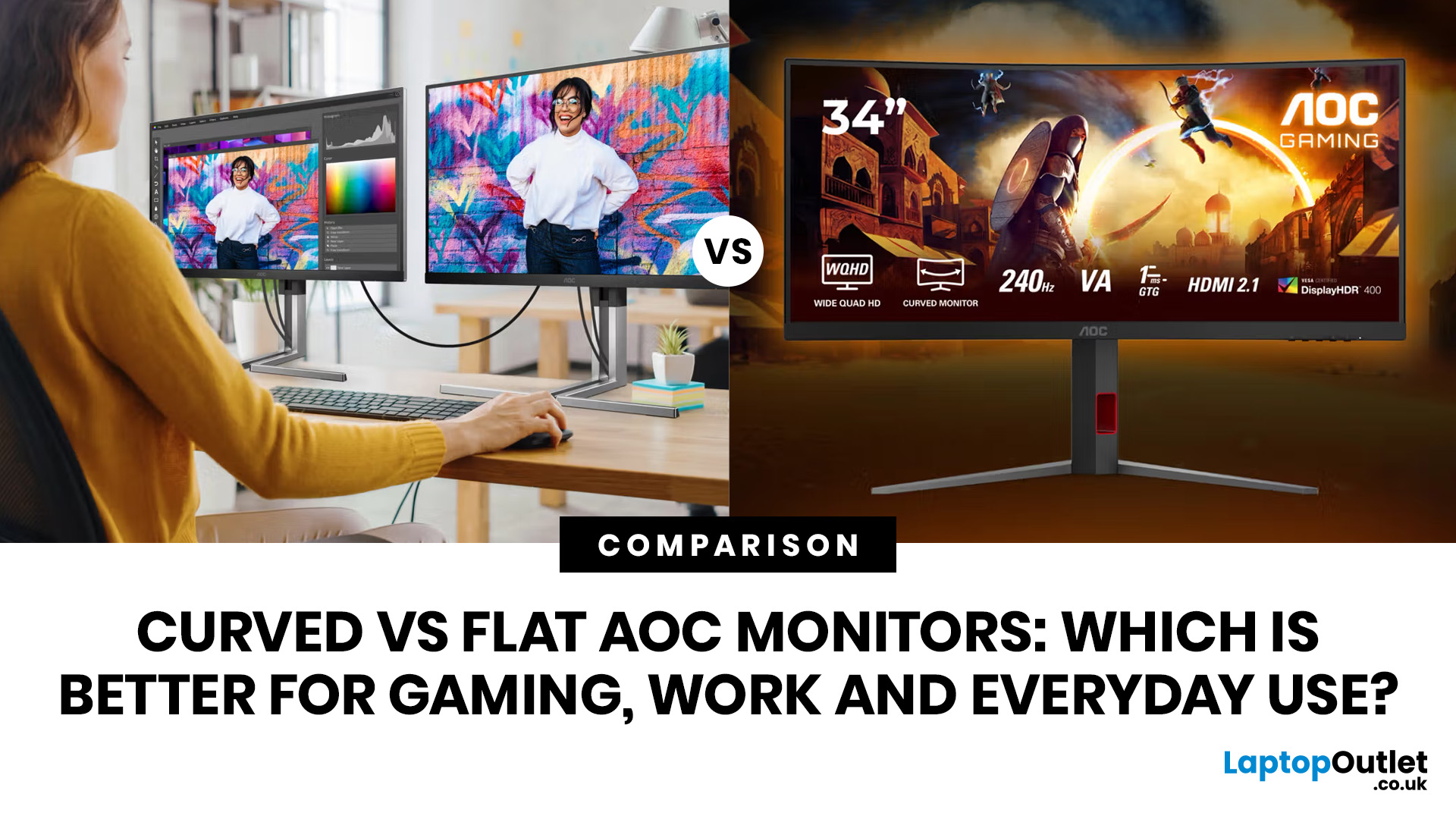
If you are comparing curved vs flat AOC monitors, the right choice depends less on trends and more on how you actually use your screen every day.
For gaming and entertainment, a curved display often feels more immersive, especially in racing games, open-world titles and films. For work, study and general day-to-day use, a flat screen is usually the more practical option because it is easier to position, easier to pair in dual-screen setups and often better suited to documents, spreadsheets and precision-focused tasks.
So, are curved monitors better? Not always. A curved model can be a great upgrade for the right person, but flat screens still make more sense for many buyers.
Here is the simplest way to think about it:
|
Use case |
Usually the better choice |
Why |
|
Immersive gaming |
Curved |
Feels more engaging and cinematic |
|
Esports and fast competitive play |
Depends |
Refresh rate matters more than screen shape |
|
Office work and spreadsheets |
Flat |
Cleaner lines, easier multi-window working |
|
Study and everyday browsing |
Flat |
Versatile, affordable and desk-friendly |
|
Single-monitor mixed use |
Depends |
Curved for immersion, flat for flexibility |
|
Dual-monitor setups |
Flat |
Easier alignment and simpler layout |
If you already know you want something entertainment-focused, browse the latest AOC curved gaming monitors.
How Curved and Flat Monitors Change the Viewing Experience
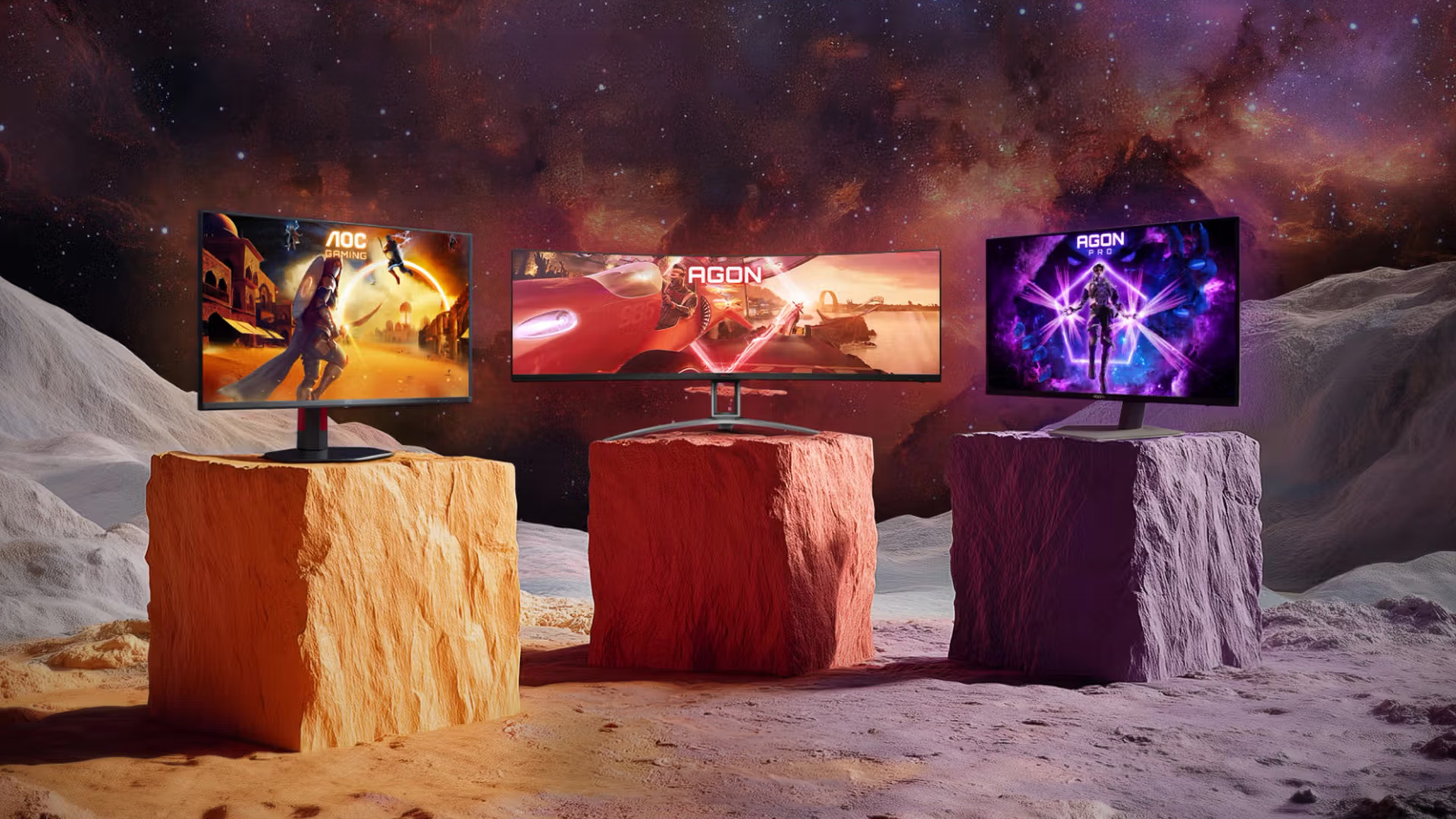
The biggest difference between curved and flat monitors is not just how they look on a desk. It is how they feel to use over time.
A curved screen is designed to pull the edges of the display slightly more into your field of view. On the right size screen, that can make games, films and even some types of multitasking feel more enveloping. Instead of the screen feeling like a flat panel in front of you, it can feel more like the content wraps around you slightly.
That is why many people shopping for an AOC curved gaming monitor are looking for immersion first. If you mainly play story-led games, racing titles, or watch a lot of video content, the curved format can feel more engaging than a flat equivalent.
Flat monitors, on the other hand, feel more neutral and more familiar. They present content in a straightforward way, which is exactly why they continue to dominate offices, classrooms and home study spaces. A flat panel is often easier to place on a smaller desk, easier to share with someone sitting beside you and usually easier to combine with a second monitor.
There is also a size factor. On smaller screens, especially around 24 inches monitors, the difference between curved and flat can feel subtle. On wider or larger screens, the curve becomes more noticeable and more useful. That means the shape of the monitor matters more as your screen gets bigger.
In practical terms, curved tends to be about experience, while flat tends to be about flexibility.
Curved AOC Monitors for Gaming and Entertainment
For many buyers, this is where curved monitors make the strongest case.
A good curved gaming screen can make a game world feel bigger and more immersive, particularly if you sit fairly close to your monitor. That is one reason curved AOC displays are popular with players who enjoy driving games, sports titles, RPGs and cinematic single-player releases. The screen shape adds to the sense of depth and presence in a way a flat panel often does not.
If that sounds like your kind of setup, the range of AOC curved gaming monitors is the best place to start. One strong example is the AOC C24G42E 24-inch curved gaming monitor, which is listed as a 24-inch Full HD curved model with a 180Hz refresh rate and 0.5ms response time.
That kind of spec balance matters. The truth is that for gaming, screen shape is only one part of the picture. Refresh rate, response time and panel quality often matter more than whether the display is curved or flat. A poor curved screen will not outperform a strong flat gaming monitor just because it has a curve.
So where does curved work best?
Curved AOC monitors make the most sense if:
- you mainly use one screen
- you want a more immersive look and feel
- you play games where atmosphere matters as much as reaction time
- you also use the monitor for films, streaming and general entertainment
Where can curved be less convincing? If you mostly play competitive shooters and sit very close to a smaller 24-inch monitor, the advantage of curvature may feel minimal. In those cases, many gamers are perfectly happy with a flat screen, especially if it offers better value or better ergonomics.
That is why the curved vs flat decision should always come after the performance decision. Choose the right refresh rate and response time first. Then choose the screen shape that matches how you want competitive gaming to feel.
Flat AOC Monitors for Work, Study and Content Creation
If your monitor is going to spend more time displaying spreadsheets than game maps, a flat panel is usually the safer choice.
A flat AOC monitor for office work is often easier to live with because it keeps everything visually straightforward. Rows, columns, browser windows, email inboxes and documents all feel natural on a flat screen. If you are regularly switching between tabs, writing assignments, editing presentations or working in split-screen mode, that simple, balanced layout matters.
Flat monitors also make more sense in multi-monitor setups. If you want two screens side by side, flat panels are usually easier to align cleanly. They sit together more naturally, they look more symmetrical on a desk and they are often more practical in tighter spaces.
For hybrid work and study setups, features like IPS panels, adjustable stands, built-in speakers, USB-C and webcams can be just as important as the screen shape itself. That is why many buyers looking for AOC flat office monitors focus on usability first and style second.
It is also worth being honest about productivity and curved displays. An AOC curved monitor for productivity can absolutely work well in the right setup, especially if you use one larger screen for side-by-side windows or want a more immersive ultrawide workspace. But curved is not automatically better for office tasks. For many users, especially those handling spreadsheets, admin work, documents or precise layout work, flats are still easier and more predictable.
If you are buying work, study or content creation first, flat usually wins because it is practical, adaptable and easier to fit into almost any desk setup.
When a Curved AOC Monitor Makes Sense – and When It Doesn’t
Curved monitors are not better in every situation. They are better in specific situations.
A curved AOC monitor makes sense when your setup is built around one main screen and you want that screen to feel immersive. It also makes sense when you spend a lot of your time gaming, streaming, or using wider-format layouts where the curve becomes more noticeable and more enjoyable.
It can also be a good choice if you simply prefer the look. A lot of people do it. A curved monitor can make a desk feel more modern and more premium, and that does matter if you care about the overall setup experience.
But curvedness does not make sense to everyone.
It may not be ideal if you:
- have a shallow desk and sit very close to the screen
- want a dual-monitor layout
- mostly use spreadsheets, documents and browser tabs
- need the most straightforward setup for study or office work
- want the simplest path to value for money
This is the key point many buyers miss: a curved monitor is not an upgrade over flat in every category. It is a different type of experience.
That is why the best question is not “which one is better?” The better question is “which one suits my setup better?”
If your screen is your entertainment hub, curved is often the more exciting option. If your screen is a productivity tool first, a flat is usually the most sensible choice.
Choosing Between Curved and Flat for Your Setup
Still undecided? Use this quick rule-of-thumb approach.
Choose curved if you want:
- a more immersive single-monitor gaming setup
- a screen that feels more cinematic for films and streaming
- a desk setup built around one main display
- a design that feels more modern and gaming-focused
Choose flat if you want:
- a monitor for work, study and everyday reliability
- a cleaner dual-monitor or multi-monitor layout
- a more flexible screen for mixed tasks
- better value without paying extra for a feature you may not fully benefit from
If you only want one monitor to do everything, the decision becomes more personal. A curved display can be a great all-rounder if you lean more towards gaming and entertainment. A flat display is the better all-rounder if you lean more towards office work, studying, browsing and general household use.
In other words:
- gaming-first buyer = curved often makes more sense
- productivity-first buyer = flat usually makes more sense
- equal mix of both = compare the specific model, not just the shape
You can also browse the wider monitors range if you want to compare shapes, sizes and price points before deciding.
Recommended Curved and Flat AOC Monitors
If you want simple buying direction rather than theory, here is the practical shortlist.
Recommended Curved and Flat AOC Monitors
If you are still deciding between curved vs flat AOC monitors, looking at real models makes the choice much easier. The flat options below are ideal for buyers who want a more traditional screen shape with strong gaming or creative performance, while the curved models are better suited to shoppers who want a more immersive setup for gaming and entertainment.
Best flat AOC monitors
1. AOC Q27G42ZE 27" QHD Gaming Monitor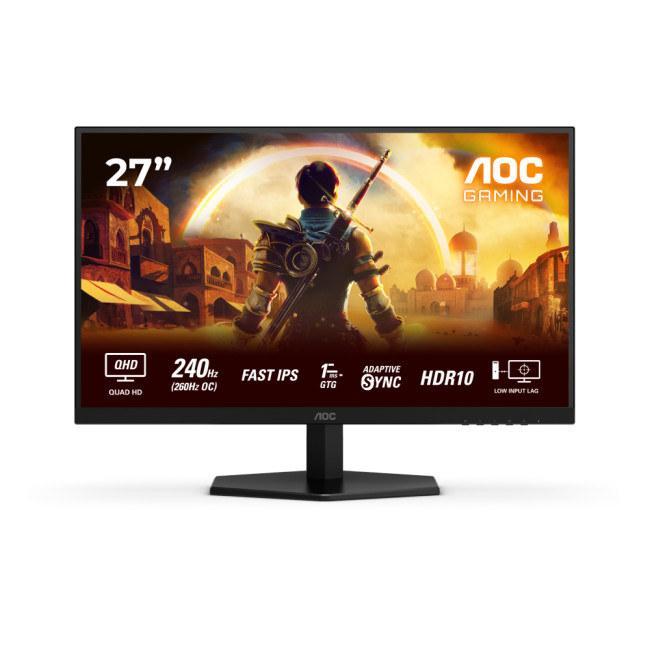
Highlights:
- Adaptive Sync
- HDR10
- 260 Hz Overclocked Refresh Rate
- 27" Quad HD Display, Fast IPS, 2560 x 1440 Max. Resolution
- 1 ms Response Time, 240 Hz Refresh Rate
- 16:9 Aspect Ratio
- 2x HDMI 2.0 | DisplayPort
- Black Colour
If you want a flat AOC monitor that balances sharp detail with fast performance, the AOC Q27G42ZE is one of the best options to recommend. It is a strong choice for gamers who want smoother motion and a sharper image than Full HD can offer.
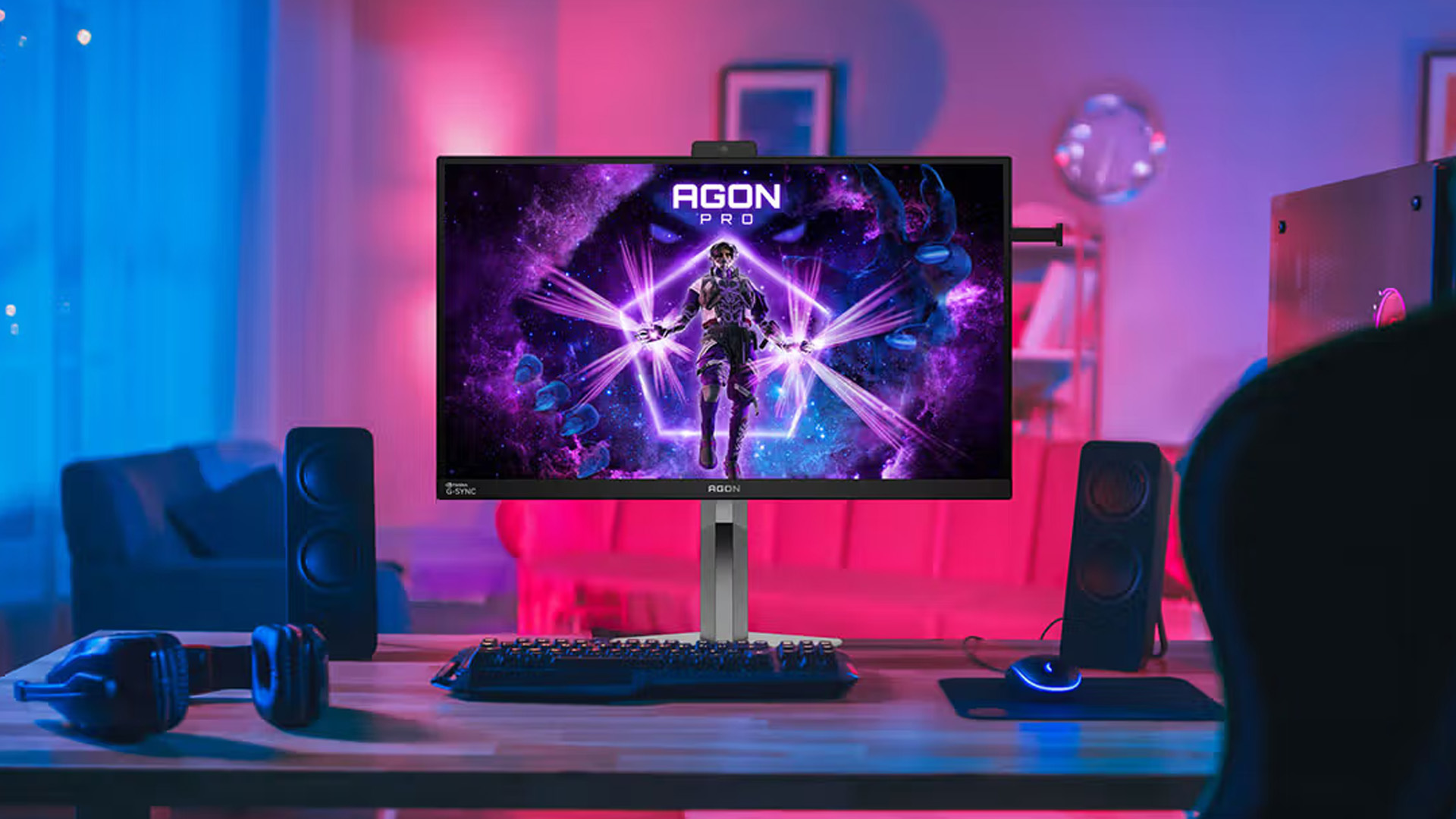
2. AOC AGON AG276UZD 27" 4K QD-OLED Gaming Monitor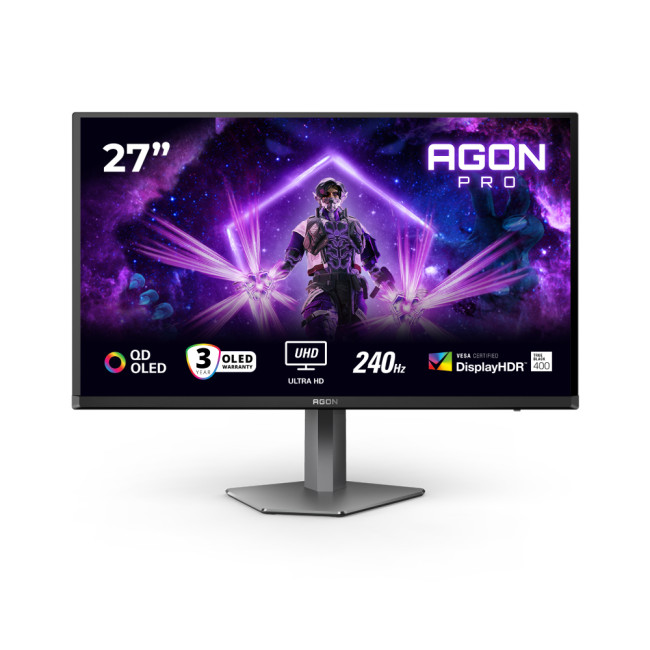
Highlights:
- Height Adjustable Stand
- 2x 5W Built in Speakers
- AMD FreeSync
- 27" 4K UHD Display, 3840 x 2160 Max. Resolution
- 0.03 ms Response Time, 240 Hz Refresh Rate
- 16:9 Aspect Ratio
- 2x HDMI 2.1 | DisplayPort | USB-C
- Black Colour
For a premium flat-screen recommendation, the AOC AGON AG276UZD stands out. This is the flat AOC monitor to highlight for shoppers who want flagship-level gaming visuals and a more high-end desk setup.
Best curved AOC monitors
3. AOC C32G2ZE/BK 31.5" Curved Gaming Monitor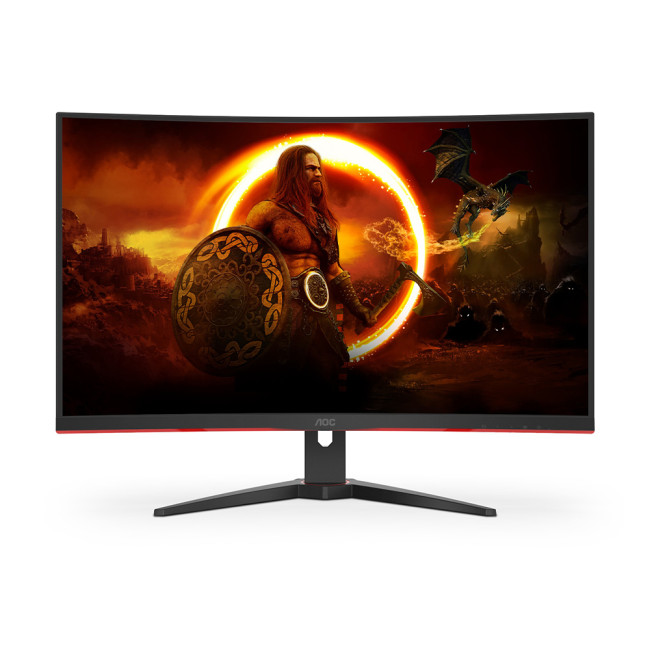
Highlights:
- AMD FreeSync Premium
- 1500R Curved Display
- 31.5" Full HD Display, VA, 1920 x 1080 Max. Resolution
- 4 ms Response Time, 240 Hz Refresh Rate
- 16:9 Aspect Ratio
- 2x HDMI 2.0 | DisplayPort
- Black | Red Colour
If the goal is a bigger and more immersive gaming screen, the AOC C32G2ZE/BK is an easy recommendation. It is a good fit for players who want a large-screen curved AOC gaming monitor without moving up to ultrawide.
4. AOC G4 CU34G4Z 34" Curved Ultrawide Gaming Monitor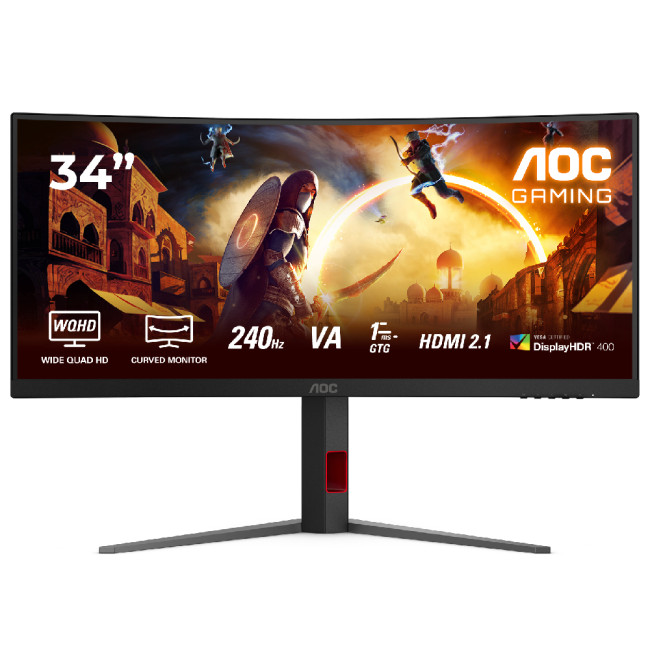
Highlights:
- Height Adjustable Stand to 130mm
- DisplayHDR 400
- 21:9 Aspect Ratio
- 34" , Fast VA, 3440 x 1440 Max. Resolution
- 1 ms Response Time, 240 Hz Refresh Rate
- 21:9 Aspect Ratio
- 2x HDMI | Displayport | USB
- Black | Red Colour
For shoppers who want the most immersive curved option in this list, the AOC G4 CU34G4Z is the standout. It is one of the best choices for racing games, cinematic titles and users who want a curved monitor that also gives them more screen space for multitasking.
5. AOC C27G4ZXE 27" Curved Gaming Monitor
Highlights:
- Adaptive Sync technology and HDR 10
- 27" Full HD Display, Fast VA, 1920 x 1080 Max. Resolution
- 0.3 ms Response Time, 280 Hz Refresh Rate
- 16:9 Aspect Ratio
- 2x HDMI 2.0 | DisplayPort
- Black Colour
Although it was listed in the flat section earlier, the AOC C27G4ZXE is actually another curved option. It is especially appealing for competitive players who care more about speed than resolution.
Best for immersive gaming
The AOC C24G42E 24-inch curved gaming monitor is a strong example of what makes a curved AOC gaming screen appealing. With its 24-inch curved Full HD panel, 180Hz refresh rate and 0.5ms response time, it is clearly aimed at fast, responsive gaming with a more wrapped-in feel.
Best for browsing more curved options
If you know you want a curved model but have not settled on size or budget yet, start with the full range of AOC curved gaming monitors. That gives you a better chance of comparing refresh rates, screen sizes and price points in one place.
Best for work, study and mixed productivity
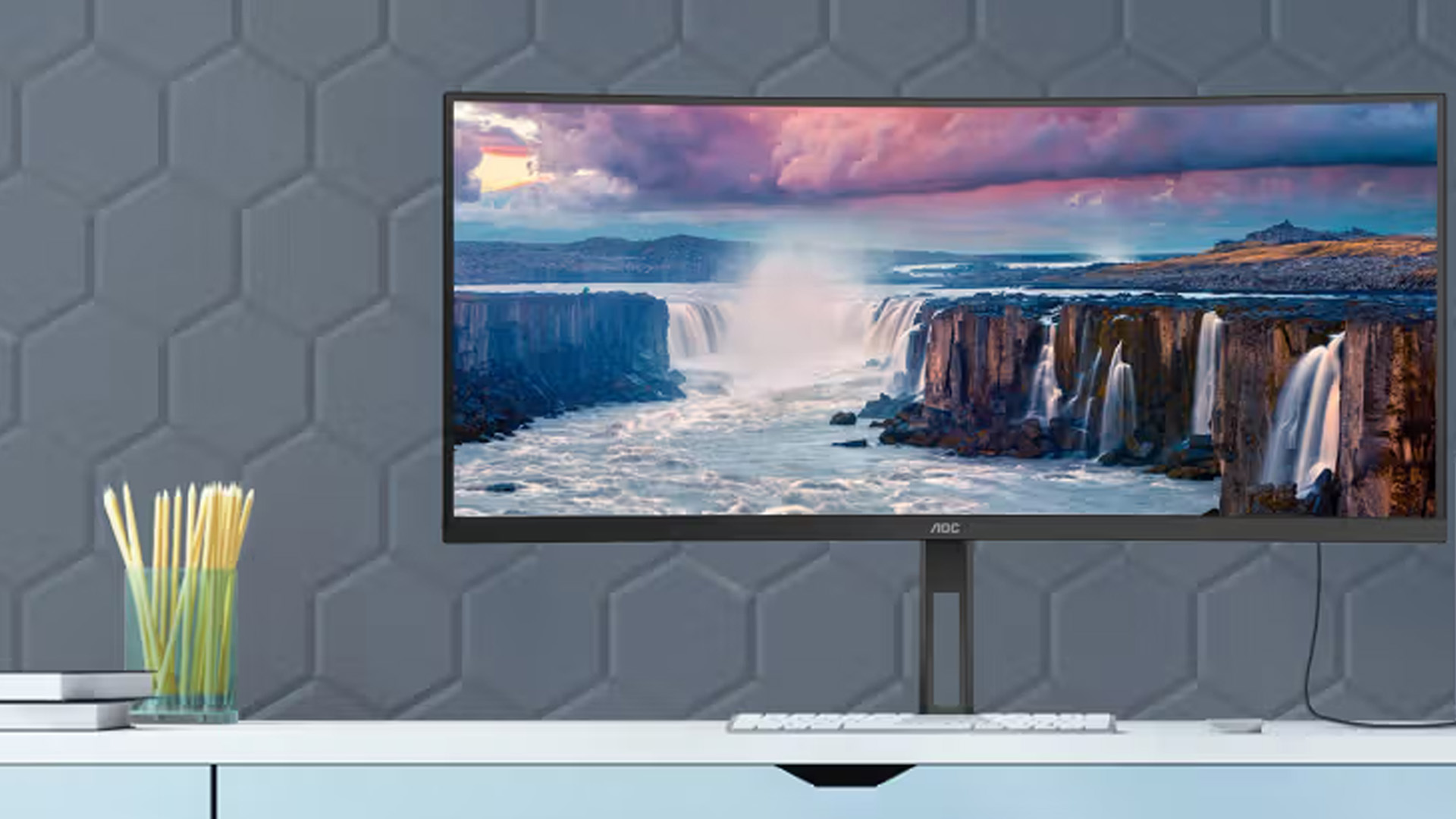
If your priority is office work, study, admin and general home use, a flat AOC monitor is usually the smarter buy. Rather than forcing a curved screen into a productivity-heavy role, start by narrowing down the flat models that match your desk space, budget, and feature needs.

Final verdict
When it comes to curved vs flat AOC monitors, there is no universal winner.
A curved AOC monitor is usually the better fit for immersive gaming, entertainment, and single-screen setups where you want your display to feel more engaging. A flat AOC monitor is usually the better fit for office work, study, spreadsheets, content creation and flexible day-to-day use.
So, if you are asking, are curved monitors better? The real answer is this:
- They are better for the right user.
- Buy curved if you want immersion.
- Buy a flat if you want versatility.
And if you want the best result overall, match the monitor to what you actually do most.

FAQs
Are curved AOC monitors actually better for gaming?
They can be, especially for immersive single-player games, racing games and entertainment-heavy setups. But they are not automatically better than flat models. Refresh rate, response time and panel quality still matter more than screen shape.
Is a curved monitor OK for office work and spreadsheets?
Yes, it can be, especially if you like a single-screen setup. But for spreadsheets, documents and multi-window productivity, many users still prefer a flat monitor because it feels simpler and more practical.
Do curved AOC monitors take up more desk space?
Sometimes. The screen itself does not always take up dramatically more room, but the stand and the way the monitor sits on the desk can require a bit more depth. It depends on the model and your desk layout.
Should I choose curved or flat if I only have one monitor?
If that one monitor is mainly for gaming and entertainment, curved is often the better choice. If it needs to handle work, study, browsing and everyday tasks first, flat is usually the safer all-round option.
Related Articles

Last Updated: April 28, 2026
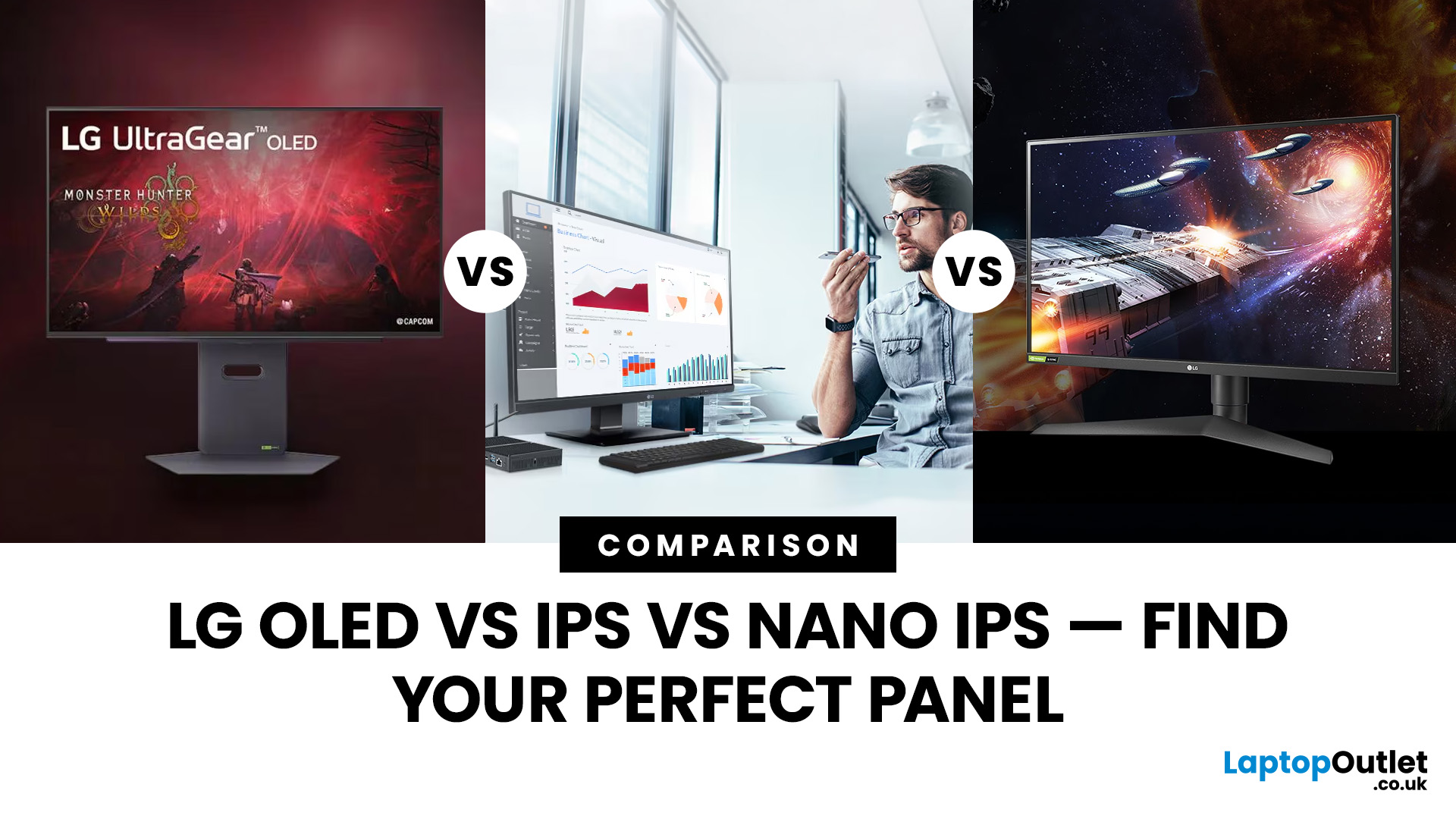
Choosing a new monitor is never as simple as picking the biggest screen you can afford. The panel technology underneath the glass makes a huge difference. It shapes how colours look, how fast the screen responds, and how comfortable it is to use for hours on end.
LG monitors feature all three major panel types under one roof — OLED, IPS, and Nano IPS. Each one has a distinct character. And each one suits a different kind of user.
So, if you are weighing up the LG OLED vs IPS vs Nano IPS debate, this guide cuts through the noise. We will explain what each panel actually does, where it excels, and where it falls short. By the end, you will know exactly which display belongs on your desk.
Understanding the Three Panel Types
Before diving into comparisons, it helps to understand what each technology actually does. The differences go deeper than just price.
What Is an IPS Panel?
IPS stands for In-Plane Switching. This technology uses a backlight to illuminate liquid crystals, which then twist
Last Updated: September 01, 2026
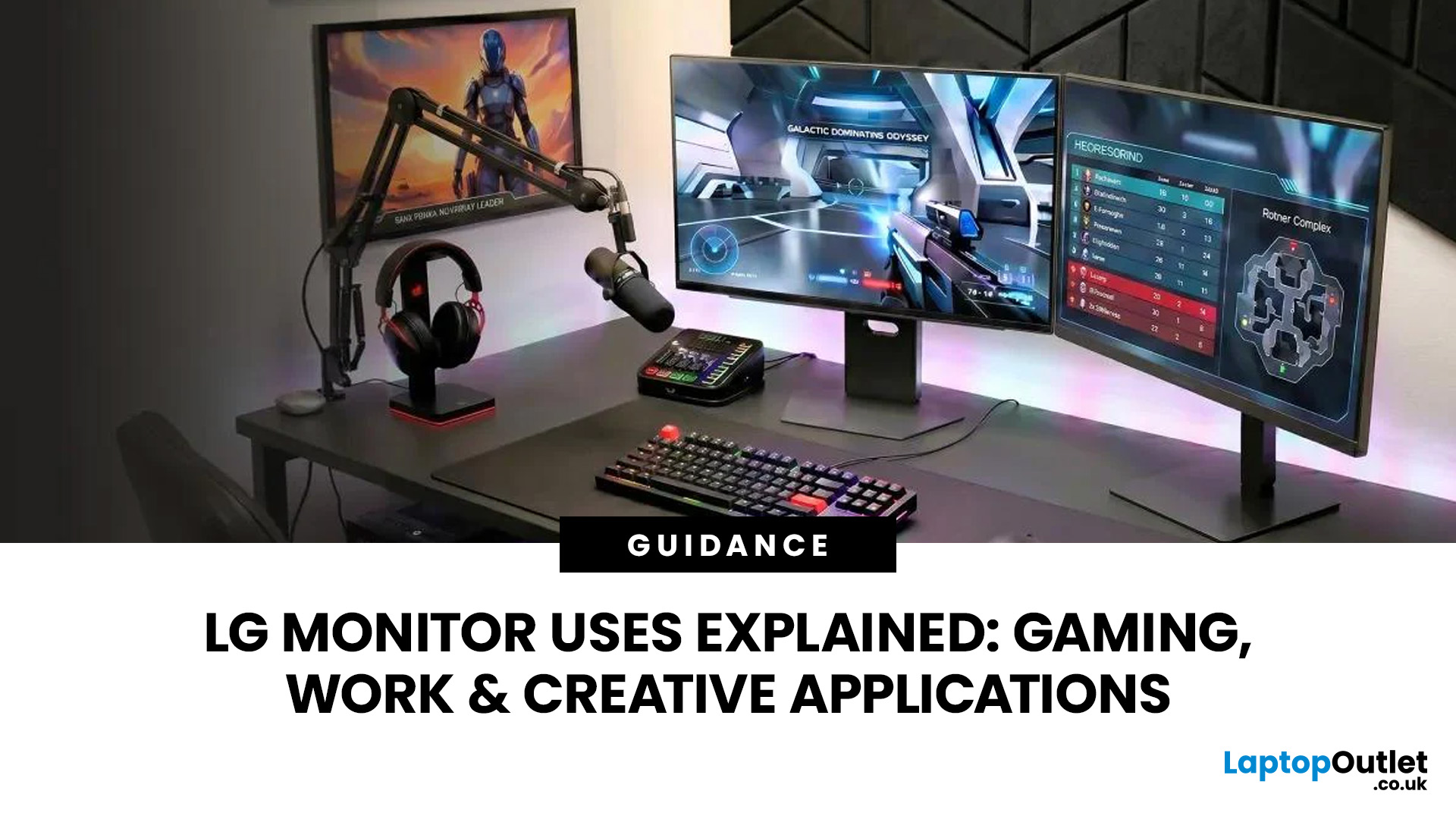
A monitor can suit very different tasks depending on its resolution, refresh rate, panel type, colour performance, screen format, and connectivity. That is why understanding LG monitor uses is more helpful than simply comparing model names or product lines.
For gaming, the priority may be smooth motion and responsiveness. For office work, text clarity, screen space and ergonomics usually matter more. Creative workplaces greater emphasis on colour consistency, detail and a display that can be set up accurately for visual tasks.
This guide explains how LG displays can support gaming, productivity and creative applications, and how the most important display requirements change depending on what you do at your desk.
How LG Monitors Support Gaming
Refresh Rate and Motion Smoothness
Gaming places different demands on a display from office or general home use. Fast-moving scenes, rapid camera movement and competitive play can make refresh rate, response behaviour and motion clarity much more
Last Updated: August 28, 2026
Choosing the best gaming monitor brand can make a huge difference to your gaming experience. Whether you play competitive esports titles, immersive AAA games, or console exclusives on PS5 and Xbox Series X, the right monitor brand delivers smoother performance, better visuals, and long-term reliability.
In the UK gaming market, several brands consistently stand out for quality, innovation, and value. Companies like ASUS, LG, BenQ, AOC, Philips, and iiyama offer gaming monitors across every price range - from affordable 144Hz displays to cutting-edge OLED and 4K panels.
But with so many options available, it’s not always obvious which gaming monitor brand is best for your setup, budget, and gaming style.
Let’s discuss the best gaming monitor brands in the UK, compare their strengths, and help you choose the right one based on resolution, refresh rate, and platform compatibility.
What Makes a Gaming Monitor Brand Worth Buying in 2026?
When comparing the top gaming monitor brands, it’s important
Last Updated: April 14, 2026
Choosing the right monitor can genuinely change how you play. Whether you’re grinding ranked matches, competing in esports, or just kicking back on your console, your display has a direct impact on performance, clarity and overall experience.
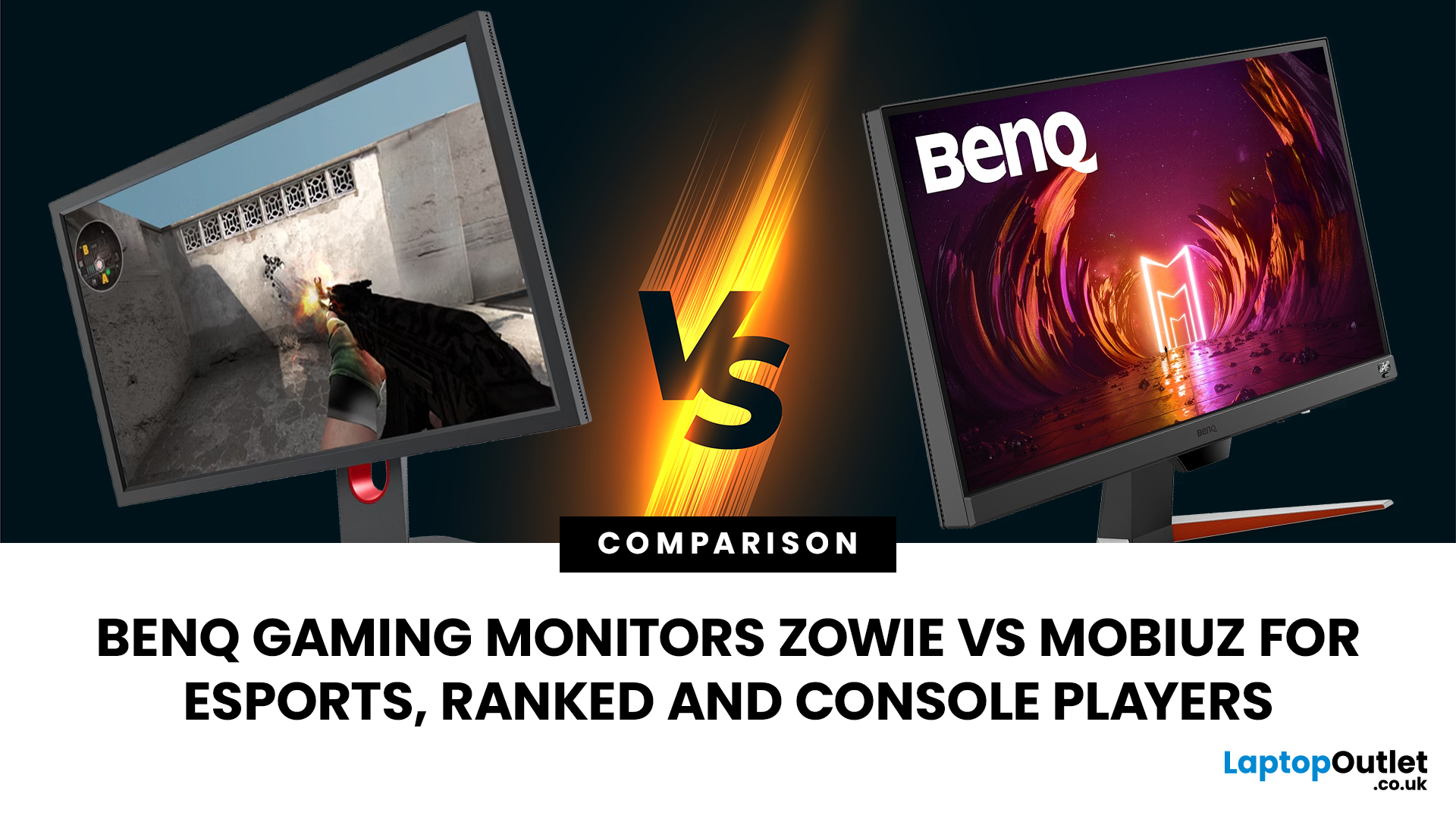
That’s where BenQ gaming monitors stand out. Known for precision engineering and gamer-first features, BenQ offers two standout ranges: ZOWIE and MOBIUZ. But when it comes to BenQ gaming monitors ZOWIE vs MOBIUZ, which one is right for you? Let’s break it down in a way that makes sense for how you play.
BenQ Gaming Monitors Explained
BenQ doesn’t take a one-size-fits-all approach to gaming. Instead, it splits its lineup into two clearly defined categories:
- BenQ ZOWIE esports monitors – built purely for competitive performance
- BenQ MOBIUZ gaming monitors – designed for immersive, all-round gaming
ZOWIE is about speed, precision and winning. MOBIUZ is about visuals, versatility and enjoying the full gaming experience. Both are excellent, but they serve
Last Updated: April 06, 2026
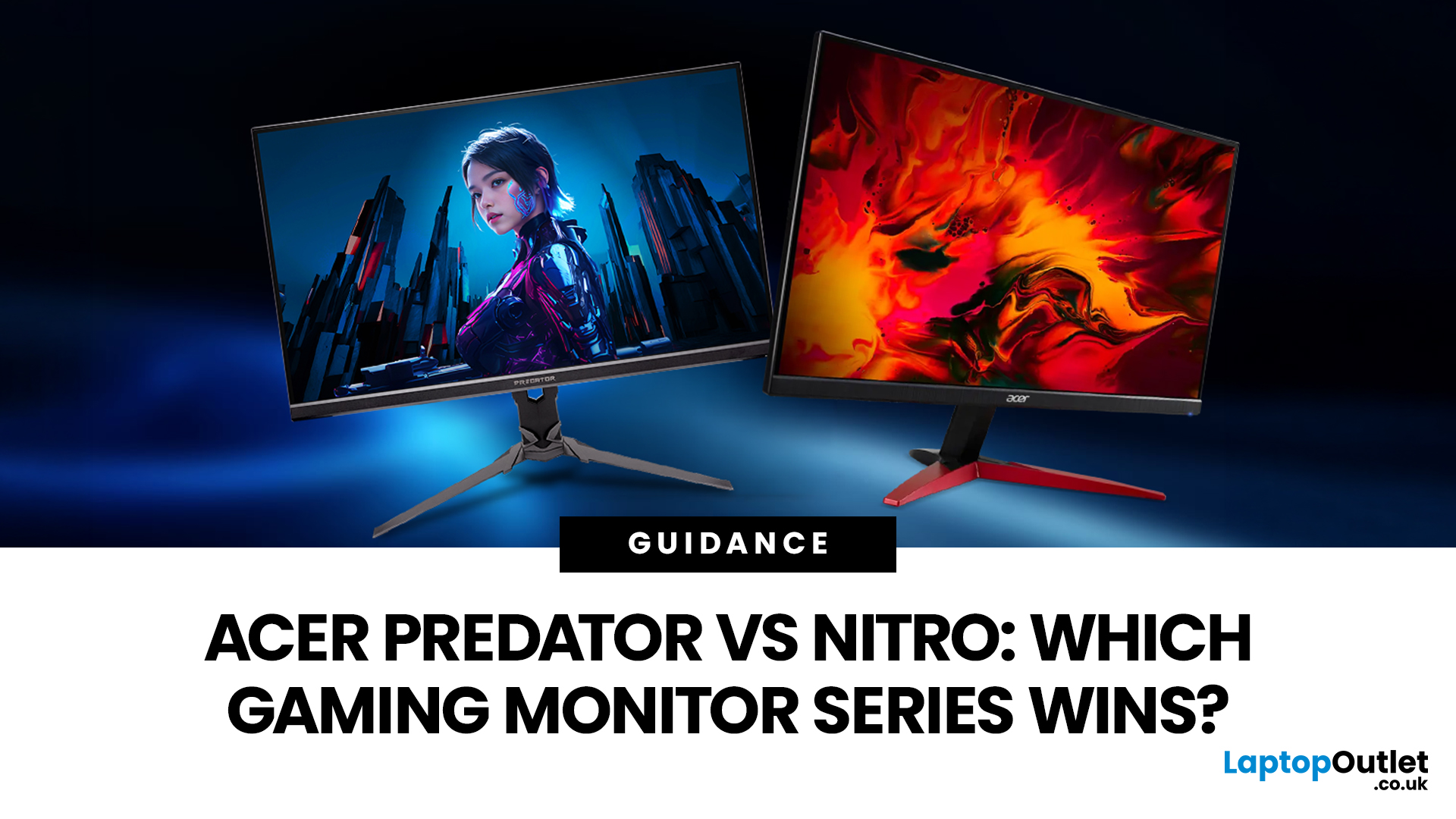
If you are comparing Acer Predator vs Nitro, you are likely at a point where a standard monitor no longer cuts it. Maybe you are upgrading your setup, moving into competitive gaming, or simply trying to get better value for your money.
Acer has made this decision slightly more complex by offering two strong Acer gaming monitor ranges that, at first glance, seem similar. Both support high refresh rates, both look like gaming displays, and both are widely available across the UK.
But once you dig deeper, Predator and Nitro are built for very different types of users. This guide breaks it down properly. No fluff, no brand hype, just a clear explanation of what matters when you are choosing between them.
Why Acer Splits Predator and Nitro in the First Place
Before comparing specs, it helps to understand Acer’s thinking. The company is not just offering two versions of the same product. These are two separate strategies:
- Predator is where Acer pushes performance, display innovation, and premium
Last Updated: April 14, 2026
Picking the right gaming monitor is no longer as simple as choosing the biggest screen you can afford. Your setup matters, your platform matters, and the way you play matters even more. A monitor that feels perfect for a competitive PC player might not be the best fit for someone gaming on a PS5 or Xbox Series X.
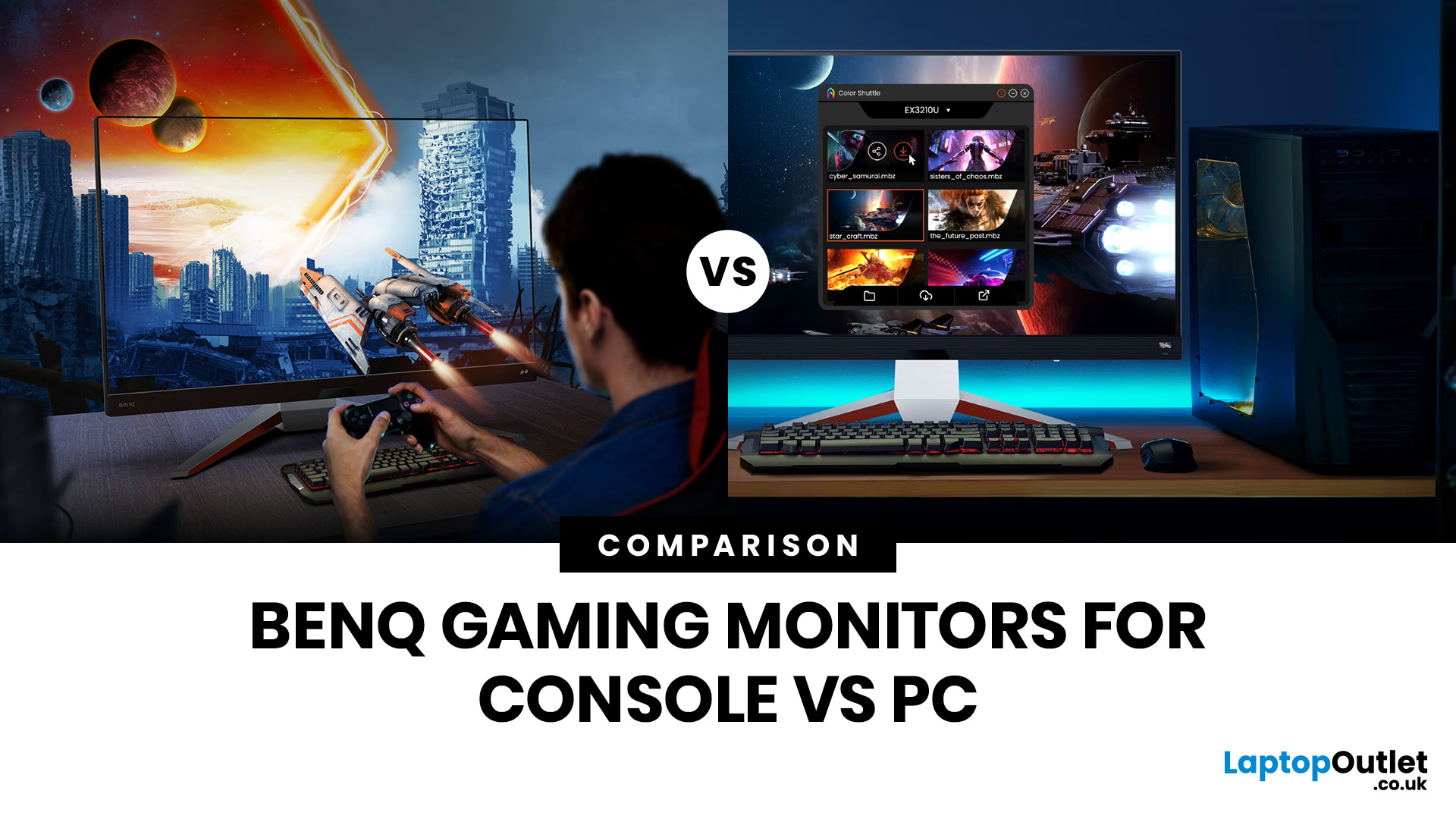
That’s exactly why choosing the right BenQ gaming monitor for console or PC comes down to more than specs on a product page. You need to think about refresh rate, resolution, connectivity and whether you care more about raw speed or immersive visuals.
BenQ makes that decision easier by offering two clear gaming monitor families. ZOWIE is built for fast, focused competitive PC play, while MOBIUZ is designed for players who want strong performance with more visual depth and better console-friendly features. If you’ve been stuck comparing 1080p, 1440p and 4K, this guide breaks it all down in a way that helps.
Do Console and PC Gamers Need Different BenQ Monitors?
Console and PC
Last Updated: April 28, 2026
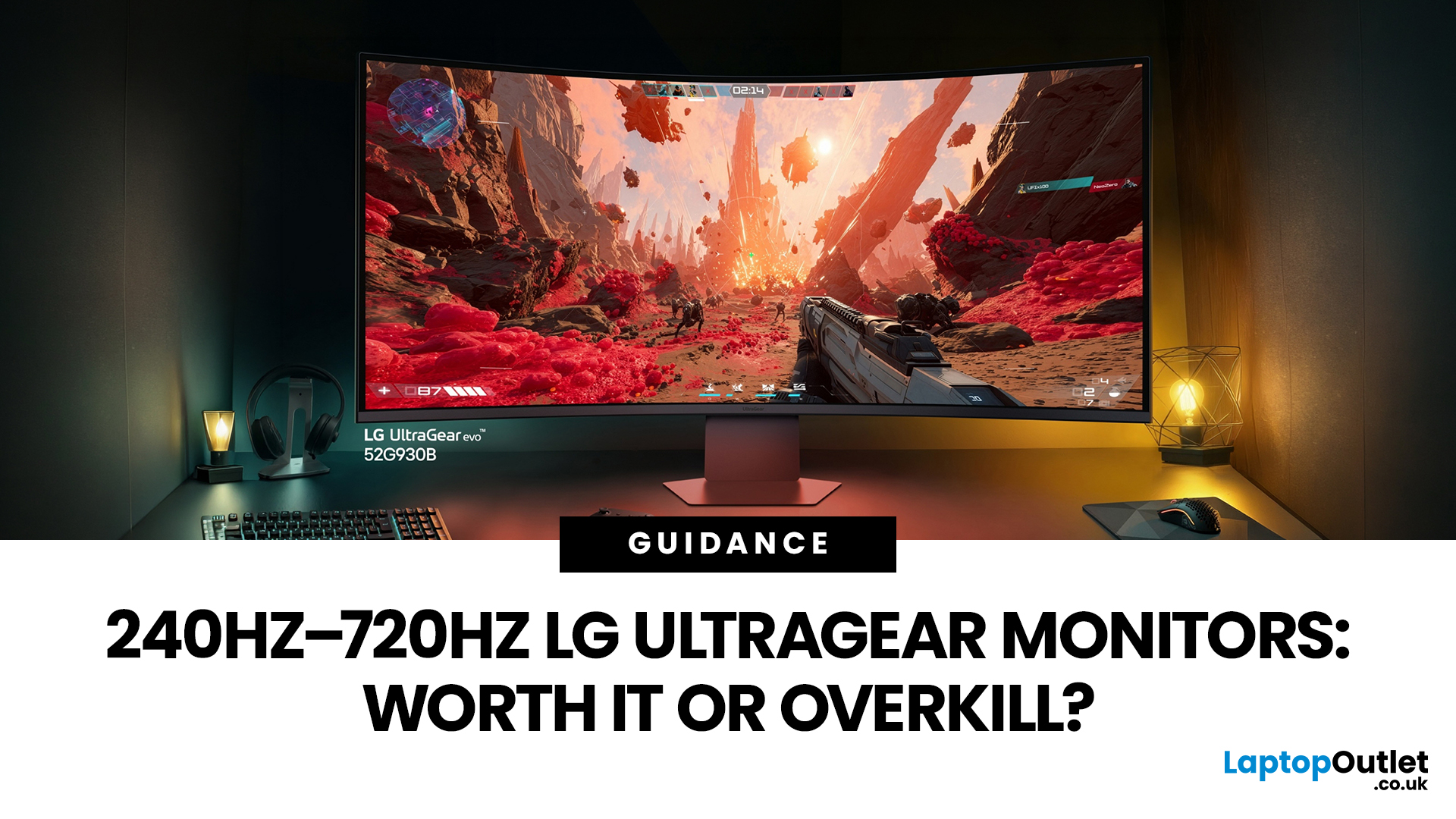
If you've been shopping for a gaming monitor lately, you've probably noticed the numbers getting a bit daft. 240Hz, 330Hz, 480Hz, 540Hz, and now 720Hz.
High refresh LG UltraGear monitors are pushing the boundaries of what gaming displays can do, and the specs are genuinely impressive. But the real question isn't what these monitors can do. It's whether you'll actually notice the difference when you're in the thick of a match.
This guide cuts through the spec sheet jargon and answers what most gamers genuinely want to know: when does a higher refresh rate actually matter, who benefits from it, and which part of the spectrum makes sense for your setup?
What Refresh Rate Actually Does During Gameplay
Refresh rate is one of the most talked-about monitor specs, yet it is also one of the most misunderstood. Before diving into the numbers, it helps to know what is actually happening at the hardware level, because the real-world experience comes from two separate things working together.
A monitor's
Last Updated: September 01, 2026
Not all gaming monitors are built the same, and the LG UltraGear range makes that very clear. Whether you're playing for fun on weekends, grinding ranked matches on a mid-range rig, or competing at a serious level, there's a specific UltraGear model that fits your needs.
This LG UltraGear guide breaks down the full lineup by player type so you can make a genuinely informed decision before spending your money.
What Makes LG UltraGear Different from Standard LG Monitors?
LG produces monitors for all sorts of uses, from office work to content creation to home cinema. UltraGear is the gaming-focused sub-brand, and it comes with a noticeably different spec sheet compared to LG's standard displays.
The core differences come down to priorities. Standard LG monitors are built around colour accuracy, ergonomics, and value for office use. UltraGear monitors are tuned for speed, responsiveness, and visual clarity under fast-moving gaming conditions.
In practical terms, this means LG UltraGear gaming
Last Updated: April 28, 2026
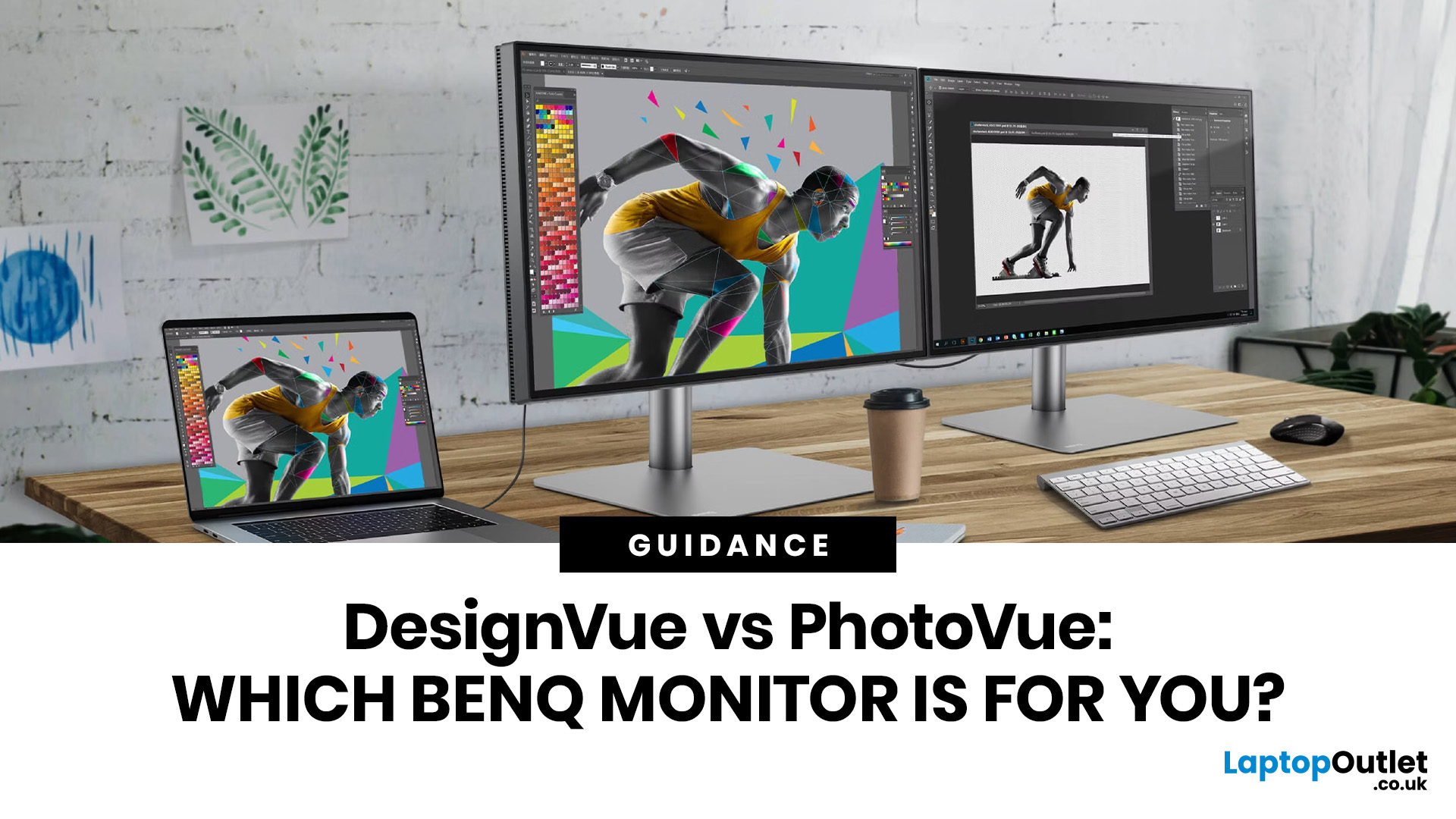
If you're choosing between a curved vs flat LG UltraWide monitor, the decision is more nuanced than it first appears. The right choice depends on what you do, how long you sit at your desk, and the kind of experience you want from your screen.
This guide breaks down every major use case side by side, with a clear verdict for each one, so you can make the right call before you spend your money.
What Makes LG UltraWide Monitors Different?
LG UltraWide monitors use a 21:9 aspect ratio, giving you roughly a third more horizontal screen space than a standard 16:9 display. That extra width is what makes the curved vs flat debate so relevant on these screens specifically.
On standard 26 to 28-inch monitors, the curve debate is largely down to personal preference. But once you hit 34 inches and beyond, the physics of how your eyes scan left-to-right starts to matter. On ultrawide displays of 34 inches or larger, the curvature brings the edges of the screen closer to you, covering more of your
Last Updated: April 14, 2026
If you work with colour professionally, your monitor is your most critical piece of kit. BenQ monitors for creators are built around one principle: what you see on screen should accurately reflect what you print, publish, or deliver to a client.
Whether you are a photographer editing RAW files, a designer producing brand assets, or a video editor reviewing colour grades, accuracy matters at every stage. BenQ addresses this through two dedicated series: the DesignVue PD range and the PhotoVue SW range.
Each is engineered for a different creative discipline. This guide explains both series, covers the key specs to look for, highlights how they compare, and helps you decide which one fits your workflow best.
BenQ’s Creator Series: DesignVue & PhotoVue SW
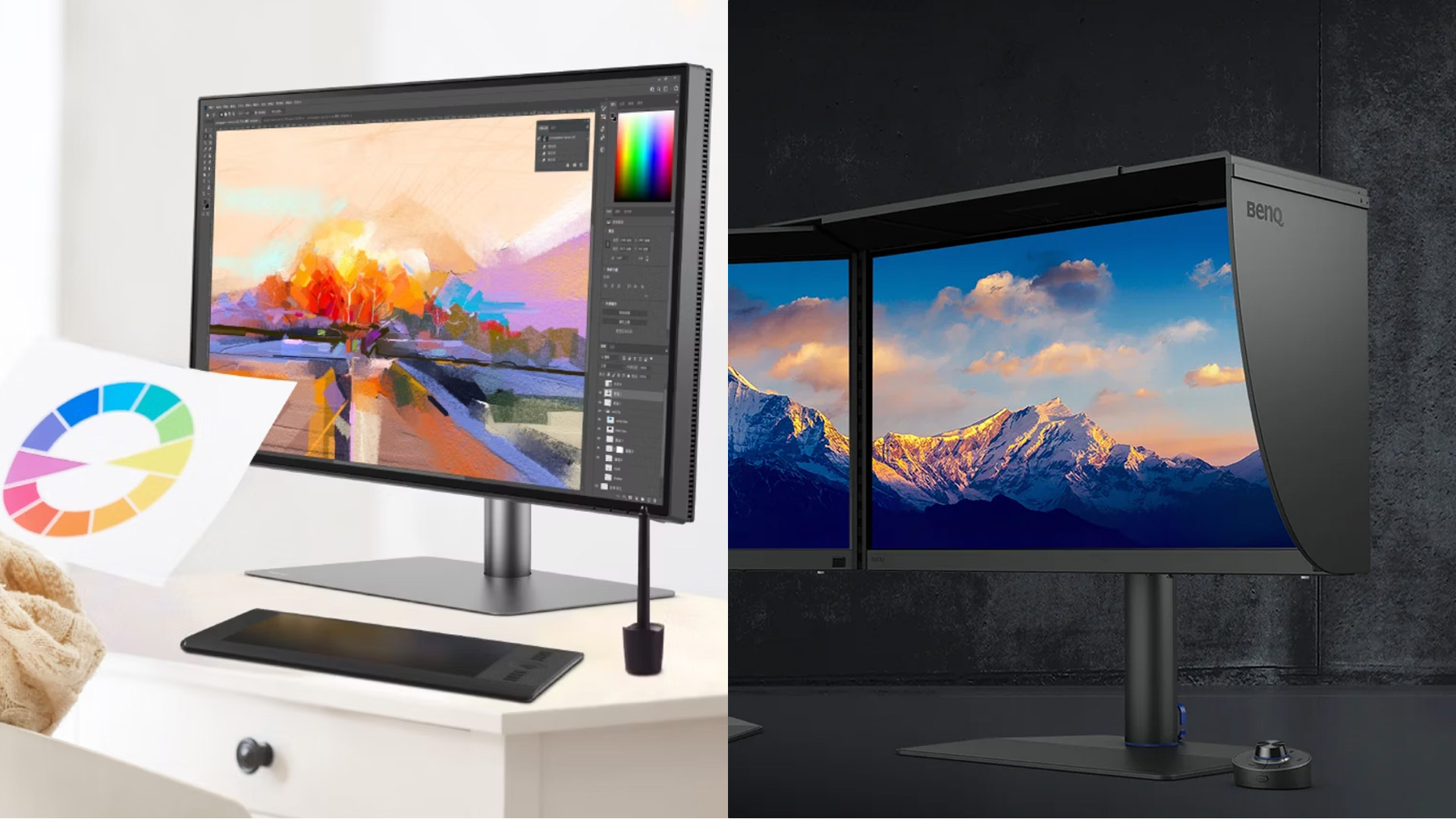
Finding the right BenQ monitors for creators starts with understanding why BenQ separates its professional range into two distinct families, each tailored to a different core workflow. Rather than one catch-all creative

