



BenQ Monitors for Creators: DesignVue PD and PhotoVue SW
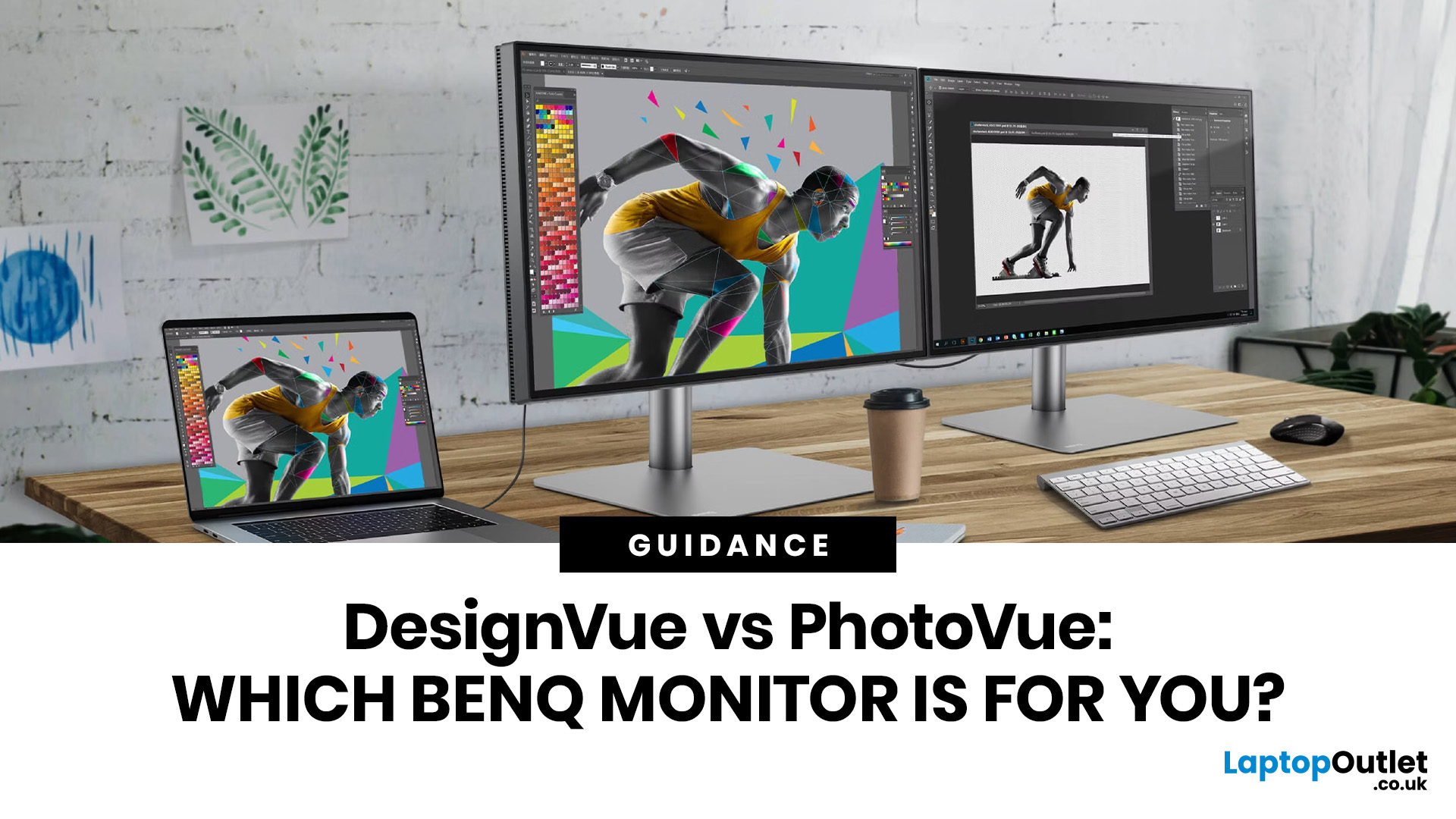
If you work with colour professionally, your monitor is your most critical piece of kit. BenQ monitors for creators are built around one principle: what you see on screen should accurately reflect what you print, publish, or deliver to a client.
Whether you are a photographer editing RAW files, a designer producing brand assets, or a video editor reviewing colour grades, accuracy matters at every stage. BenQ addresses this through two dedicated series: the DesignVue PD range and the PhotoVue SW range.
Each is engineered for a different creative discipline. This guide explains both series, covers the key specs to look for, highlights how they compare, and helps you decide which one fits your workflow best.
BenQ’s Creator Series: DesignVue & PhotoVue SW
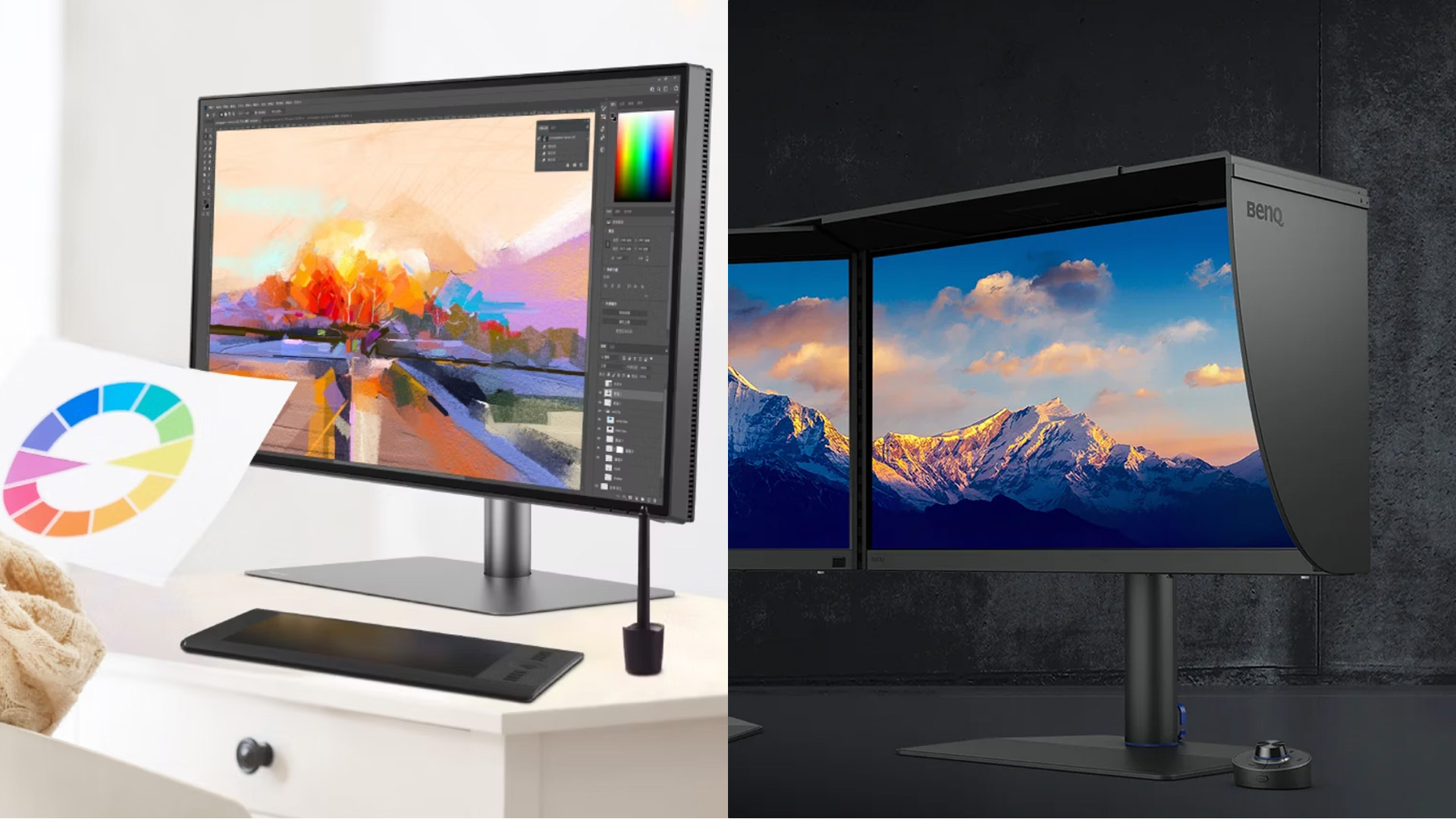
Finding the right BenQ monitors for creators starts with understanding why BenQ separates its professional range into two distinct families, each tailored to a different core workflow. Rather than one catch-all creative display, BenQ takes a targeted approach that genuinely serves different professional needs.
This split makes buying decisions clearer. Once you know which series suits your work, narrowing down the right model becomes far more straightforward.
BenQ DesignVue PD Monitors
BenQ DesignVue PD monitors are built for multi-discipline creative professionals who need versatile colour accuracy alongside strong productivity features. The range suits graphic designers, 3D artists, video editors, and those who work across multiple applications and platforms.
Key features of the DesignVue PD range:
- Factory-calibrated sRGB and DCI-P3 colour modes
- USB-C and Thunderbolt 4 connectivity on select models
- KVM switch for seamless dual-system workflows
- Dedicated colour modes for CAD/CAM, animation, and design
- Full macOS and Windows compatibility
- Built-in USB hub and height-adjustable stand
The BenQ PD2705U is an excellent entry into the DesignVue lineup, offering a 27" 4K IPS panel with 3840x2160 resolution, AMD FreeSync, built-in speakers, and Low Blue Light technology. It ships factory calibrated with VESA mount support and height adjustment, making it easy to integrate into any professional setup.
BenQ PhotoVue SW Monitors
BenQ PhotoVue SW monitors are purpose-built for photographers, retouchers, and print-focused professionals where wide colour gamut accuracy is a non-negotiable requirement. The SW series is designed specifically around the demands of colour-critical image work.
What sets the SW range apart from a standard creative display:
- 99% AdobeRGB colour gamut coverage as standard
- Hardware calibration support for ongoing colour accuracy
- Paper colour simulation and Darkroom mode for pre-print proofing
- Shading hood to eliminate ambient light interference
- SD card reader on select models for fast file transfer
- Anti-glare IPS panel across the full range
The BenQ SW242Q brings 24.1" WQXGA resolution with full 99% AdobeRGB accuracy to an accessible entry price. It is a strong starting point for photographers who need genuine professional-grade colour without committing to a larger 27" display.
Key Specs to Check Before You Buy
Not all creative monitor specifications carry the same weight. BenQ monitors for creators come with a detailed feature set, so understanding what each spec does in practice keeps your buying decision grounded and avoids paying for features you will never use.
Getting this right from the outset saves you from working with inaccurate colour, and avoids costly fixes after client delivery.
Colour Space Coverage
Colour gamut coverage determines how wide a range of real-world colours your display can reproduce accurately. For screen-based work such as UI/UX design, web graphics, and social media content, 100% sRGB is the accepted standard.
Print and photography work demands something wider. The 99% AdobeRGB coverage on SW series monitors matches the broader colour range that professional printers can reproduce, which is essential for accurate pre-print editing. DCI-P3, featured on DesignVue PD models, is the reference standard for digital cinema and broadcast video content.
Panel Resolution and Size
Both series use IPS panels throughout. This delivers wide viewing angles, consistent colour rendering from any position, and accurate tonal gradation across the full screen. This matters considerably when reviewing subtle gradients or fine retouching detail.
BenQ 4K creator monitors running at 3840x2160 on a 27" screen deliver high pixel density that makes fine typography, sharp linework, and image detail far easier to judge accurately. QHD (2560x1440) remains a solid choice if your system does not support full 4K output at optimal performance.
Calibration and Long-Term Accuracy
Factory calibration means each display is tuned and tested before leaving production, with a printed calibration report confirming the Delta E result. Most BenQ creator displays ship with Delta E below 2, which is the professional benchmark for colour accuracy.
Hardware calibration takes this further. Calibration data is written directly to the monitor's internal processor, preserving colour accuracy regardless of which computer or OS you connect to. Read more about how this works in the BenQ monitor calibration guide.
DesignVue PD vs PhotoVue SW: Side by Side
When comparing BenQ monitors for creators across both series, the differences in strengths and intended use become clear. Both are factory calibrated and professionally built, but they serve distinct workflows.
This comparison makes the key differences easy to read at a glance.
|
Feature |
DesignVue PD |
PhotoVue SW |
|
Primary use |
Design, 3D, video, development |
Photography, retouching, print |
|
Colour gamut |
sRGB + DCI-P3 |
99% AdobeRGB + sRGB |
|
Hardware calibration |
Select models |
Standard across range |
|
Shading hood |
Not included |
Included on most models |
|
Connectivity |
Thunderbolt 4, KVM, USB hub |
USB-C, SD card reader |
|
Best suited to |
Multi-discipline creatives |
Print and photo professionals |
If your work is print and photography focused, the SW series is the stronger fit. If you work across multiple creative disciplines on more than one machine, the PD series delivers more flexibility without sacrificing colour accuracy.
Which Creatives Benefit Most from These Displays?
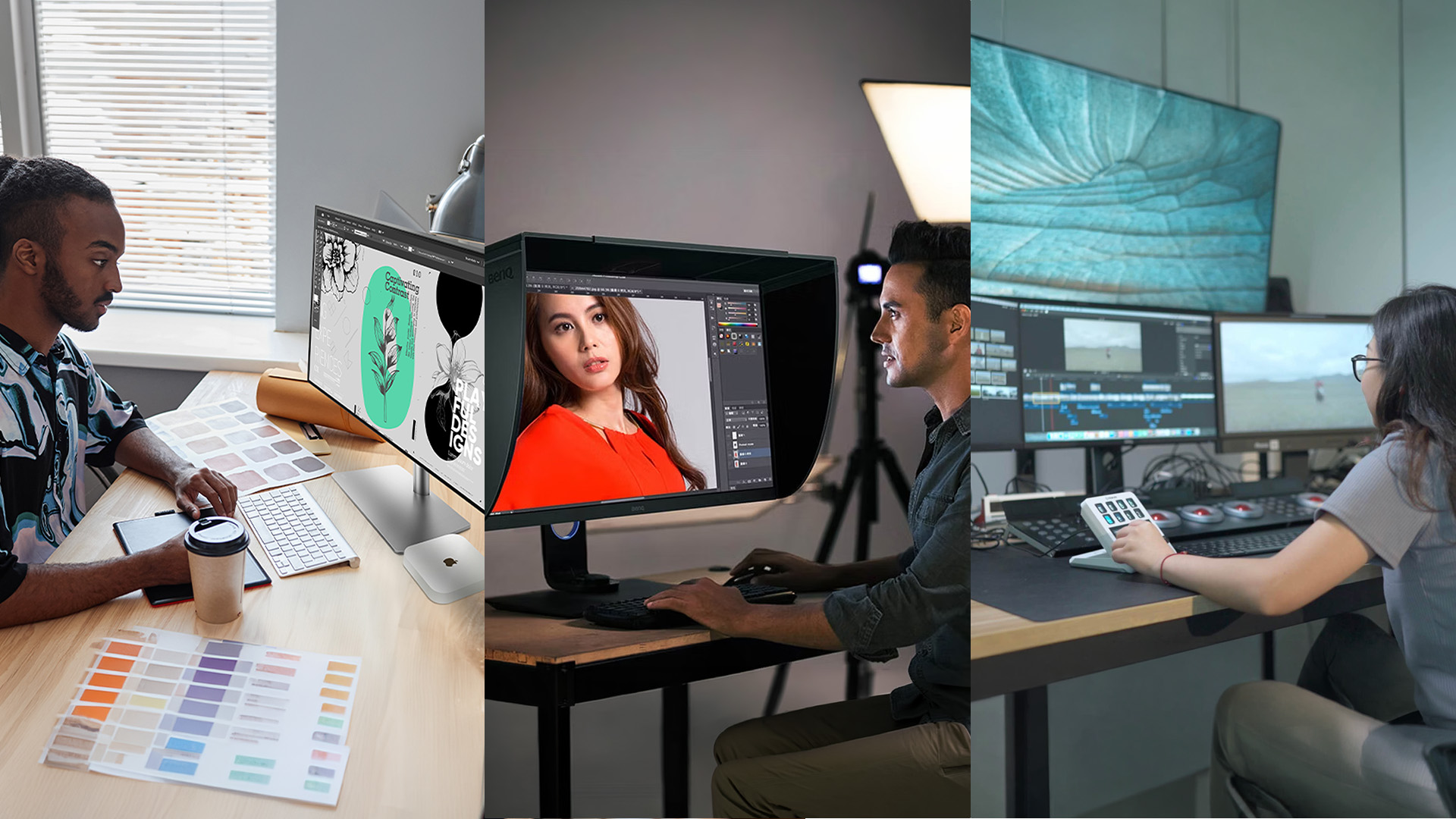
BenQ monitors for creators cover a wide range of professional use cases, but each series aligns more naturally with certain workflows than others. Understanding where each one excels helps you match the right display to your daily work without compromise.
Here is how each major creative role maps to the right series.
Graphic Designers
A BenQ monitor for graphic design needs to handle sRGB web output, print-ready artwork, and detailed UI work from a single calibrated screen. The DesignVue PD series is well suited to this, particularly for designers who move between creative and technical applications on a daily basis.
BenQ monitors for graphic designers in the PD range include dedicated colour modes for design, animation, and presentation, so you can switch viewing environments without manual adjustment. The BenQ PD2725U is a particularly capable option, offering calMan Ready hardware calibration, a full USB-C hub, and KVM switching for seamless dual-system setups.
Photographers and Retouchers
Photographers working in RAW require a display that renders the full tonal and colour range of an image with precision and consistency. The SW series is built precisely for this, with 99% AdobeRGB and hardware calibration as baseline features across the range.
A BenQ monitor for photo editing also needs to support soft proofing and paper colour simulation for accurate pre-print assessment. The BenQ SW272Q delivers this at 27" QHD (2560x1440) with 300 cd/m² brightness, an anti-glare IPS panel, a height-adjustable stand, and a full shading hood. BenQ monitors for photographers in the SW range also include a built-in USB hub for simplified peripheral management during long editing sessions.
Video Editors
Video editors grading for cinema, broadcast, or streaming need DCI-P3 colour coverage as a minimum requirement. Selecting BenQ monitors for creators with DCI-P3 support, particularly from the DesignVue PD range, ensures colour grades translate correctly across all delivery platforms.
4K resolution on PD series models lets editors review footage at native resolution directly in the timeline. Thunderbolt 4 connectivity on select models removes the need for additional adapters, connecting directly to a creative workstation via a single cable with full power delivery included.
Architects and CAD Professionals
The DesignVue PD series includes a dedicated CAD/CAM colour mode that sharpens line clarity and contrast in technical drawings. For architects, engineers, and product designers, this translates to more precise visual review of schematics and 3D visualisations.
At 4K resolution, fine linework and component detail are far clearer than on a standard Full HD display. This makes the PD range a practical choice for technical creative professionals who also need accurate colour for render presentations.

PD or SW: Which Path Will You Take?
Choosing between the DesignVue PD and PhotoVue SW comes down to your core workflow. Photographers and print professionals will get more from the SW range, where 99% AdobeRGB and hardware calibration deliver the accuracy their work demands. Designers, video editors, and multi-discipline creatives will find the PD range more versatile and better suited to cross-platform setups.
Both ranges represent BenQ monitors for creators at their most capable, combining factory-calibrated accuracy with professional build quality designed for long-term use. Upgrading to the right display is one of the most impactful investments you can make in your creative output.
Check out our full range of monitors and choose the one that fits your needs.

A Little Extra Insight...
What is the difference between BenQ DesignVue PD and PhotoVue SW monitors?
DesignVue PD monitors focus on versatile DCI-P3 accuracy for multi-discipline creatives, while PhotoVue SW prioritises 99% AdobeRGB for photographers and print professionals.
Do I really need AdobeRGB coverage for photography and print work?
Yes, if you shoot in RAW or deliver print-ready files. AdobeRGB's wider gamut keeps colour accurate from editing through to professional print output.
Is a 27" 4K screen enough for professional design and video editing?
Yes. At 27", 4K resolution delivers high pixel density ideal for detailed creative work, giving you sharp visuals and accurate colour for design and editing tasks.
How often should I calibrate a BenQ creator monitor?
Most professionals calibrate monthly. BenQ monitors for creators with hardware calibration hold accuracy longer between sessions than software-only calibration methods.
Are BenQ creator displays suitable for both Mac and Windows workflows?
Yes. USB-C, Thunderbolt 4, and KVM switching on select PD models makes transitioning between Mac and Windows systems entirely straightforward.
Related Articles

Last Updated: August 11, 2026
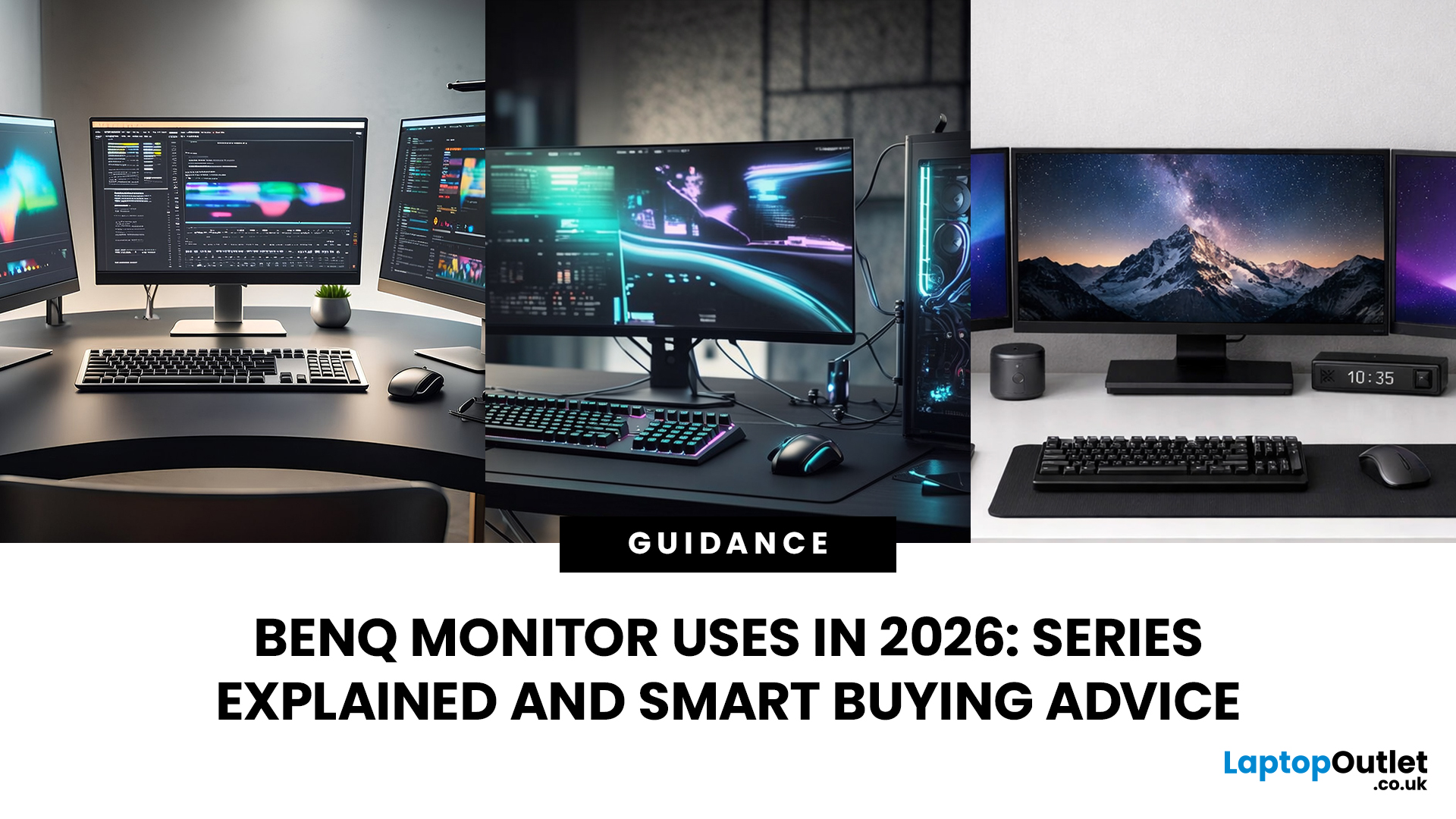
Getting the right monitor is no longer just about picking a size and hoping for the best. In 2026, the best results come from matching the screen to the job. That is where BenQ tends to do well. Instead of trying to make every display “good at everything”, the range is split into clear families built around specific uses: creative colour work, programming and text-heavy productivity, competitive gaming, immersive gaming, and comfortable home office setups.
This guide focuses on BenQ monitors uses in real setups, the key differences between series, and what to look for when you want one monitor for both gaming and work.
BenQ as a Brand in 2026
BenQ is a Taiwan-based electronics brand known globally for displays, including monitors and projectors. The BenQ name is tied to the idea of “Bringing Enjoyment ‘N’ Quality to life,” and the company’s display focus shows up most clearly in how it splits monitors into specialised series instead of pushing one “flagship for everyone.”
That specialisation
Last Updated: October 09, 2026
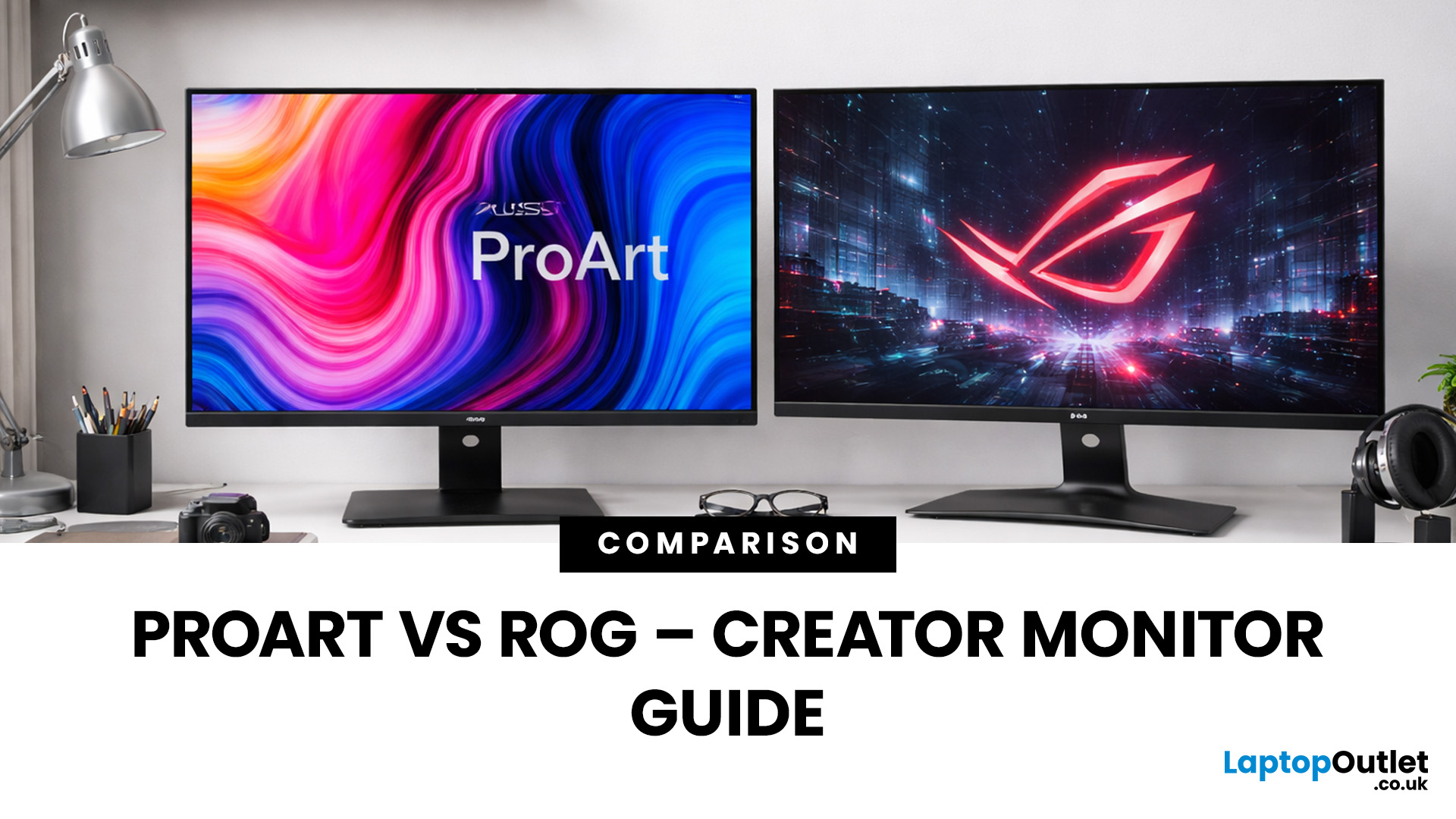
Choosing the right display can dramatically impact your workflow, especially when it comes to colour grading, motion graphics, and smooth timeline playback. If you're deciding between ASUS ProArt vs ROG for video editing, you're essentially choosing between two different philosophies: precision-focused colour accuracy or high refresh performance.
Both ranges are among the best ASUS monitors available today, but they serve different types of creators. In this guide, we’ll break down everything you need to know about ASUS ProArt vs ROG, including panel technology, refresh rates, HDR performance, and which models make the most sense for editors in the UK.
What Video Editors Actually Need from a Monitor
Before comparing models, it’s important to understand what really matters in a video editing monitor UK buyers should consider.
1. Colour Accuracy (ΔE, Rec.709 & DCI-P3)
For editors, colour accuracy is critical. If you're delivering to YouTube or broadcast, your monitor must reproduce colours
Last Updated: September 01, 2026
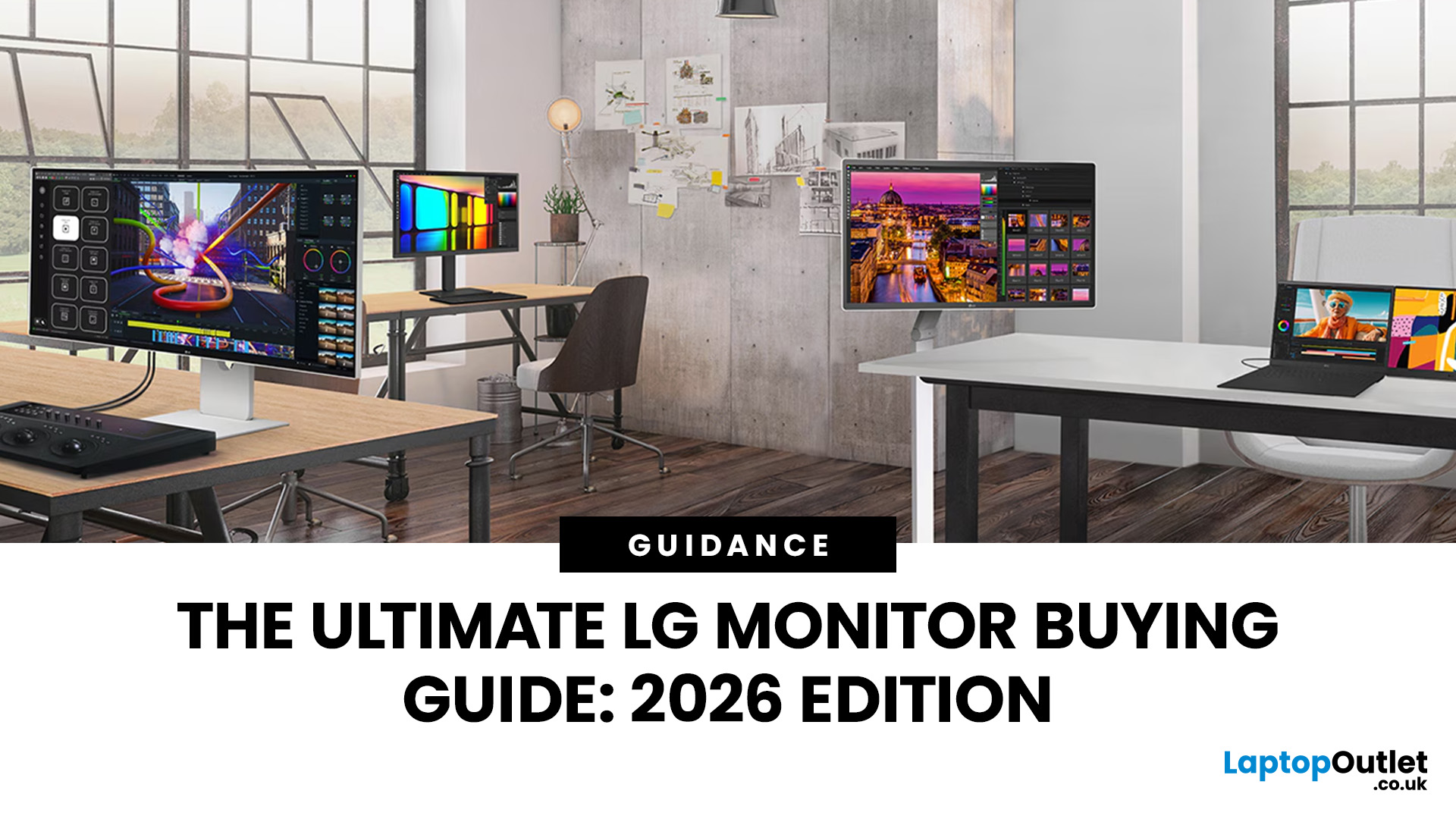
Choosing a new monitor is not always straightforward. With so many screen sizes, panel types, and resolution options on the market, it is easy to get lost before you even reach a shortlist. This LG monitors buying guide cuts through all of that.
It walks you through every major LG screen series, explains the specs that actually matter, and helps you find the right display for your needs and budget. Whether you are gaming, working from home, editing photos, or simply upgrading a tired old screen, LG has a monitor built for the job. Let’s get started.
Why Choose an LG Monitor in 2026?
LG is one of the few brands that designs and manufactures its own display panels. That matters because it gives LG direct control over colour accuracy, panel quality, and how quickly new technology reaches the market.
Whether you need a budget-friendly Full HD screen or a professional-grade OLED display, LG offers a broad, well-priced range. They continue to lead with innovations like Nano IPS for
Last Updated: April 28, 2026
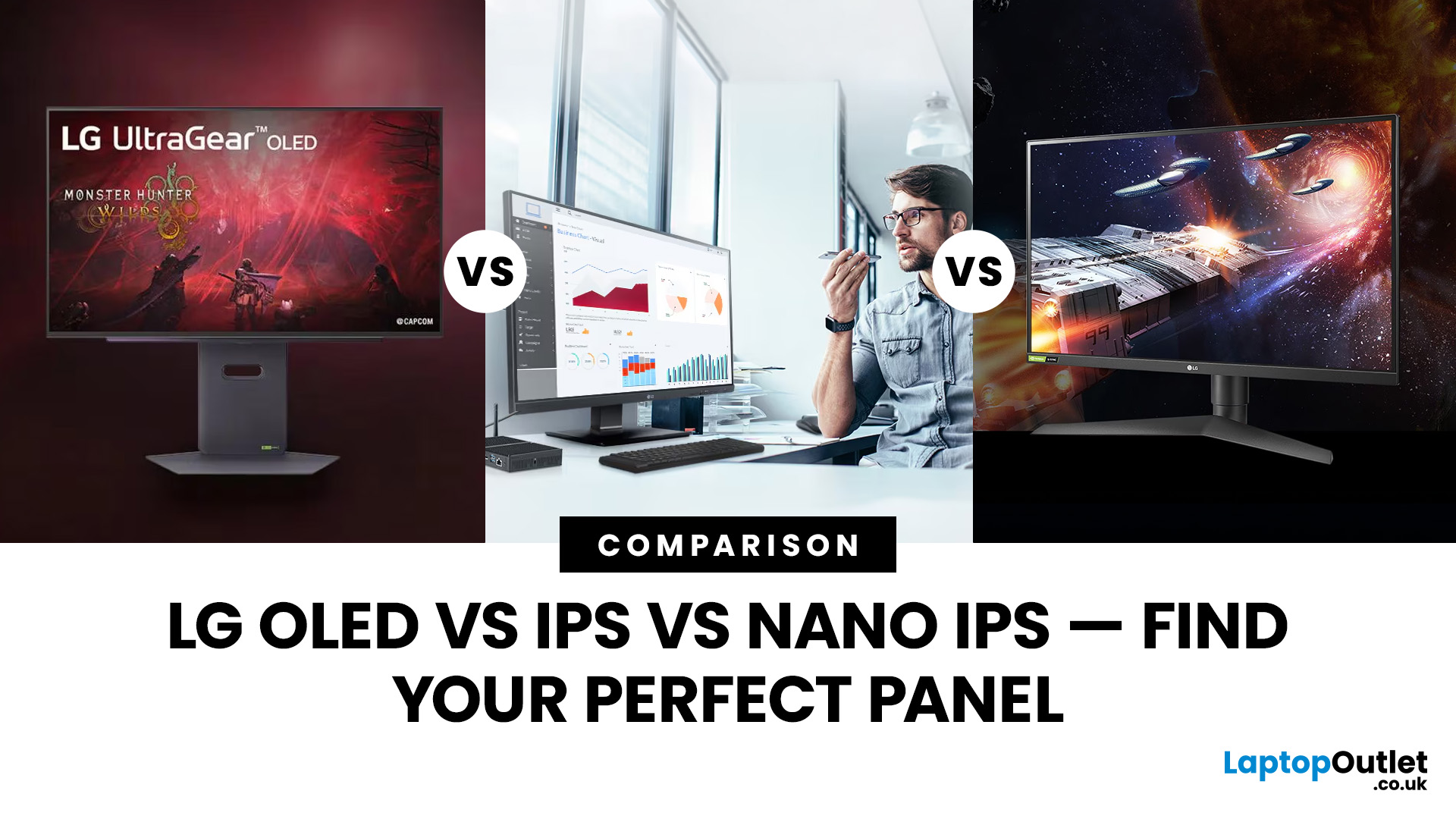
Choosing a new monitor is never as simple as picking the biggest screen you can afford. The panel technology underneath the glass makes a huge difference. It shapes how colours look, how fast the screen responds, and how comfortable it is to use for hours on end.
LG monitors feature all three major panel types under one roof — OLED, IPS, and Nano IPS. Each one has a distinct character. And each one suits a different kind of user.
So, if you are weighing up the LG OLED vs IPS vs Nano IPS debate, this guide cuts through the noise. We will explain what each panel actually does, where it excels, and where it falls short. By the end, you will know exactly which display belongs on your desk.
Understanding the Three Panel Types
Before diving into comparisons, it helps to understand what each technology actually does. The differences go deeper than just price.
What Is an IPS Panel?
IPS stands for In-Plane Switching. This technology uses a backlight to illuminate liquid crystals, which then twist
Last Updated: September 01, 2026
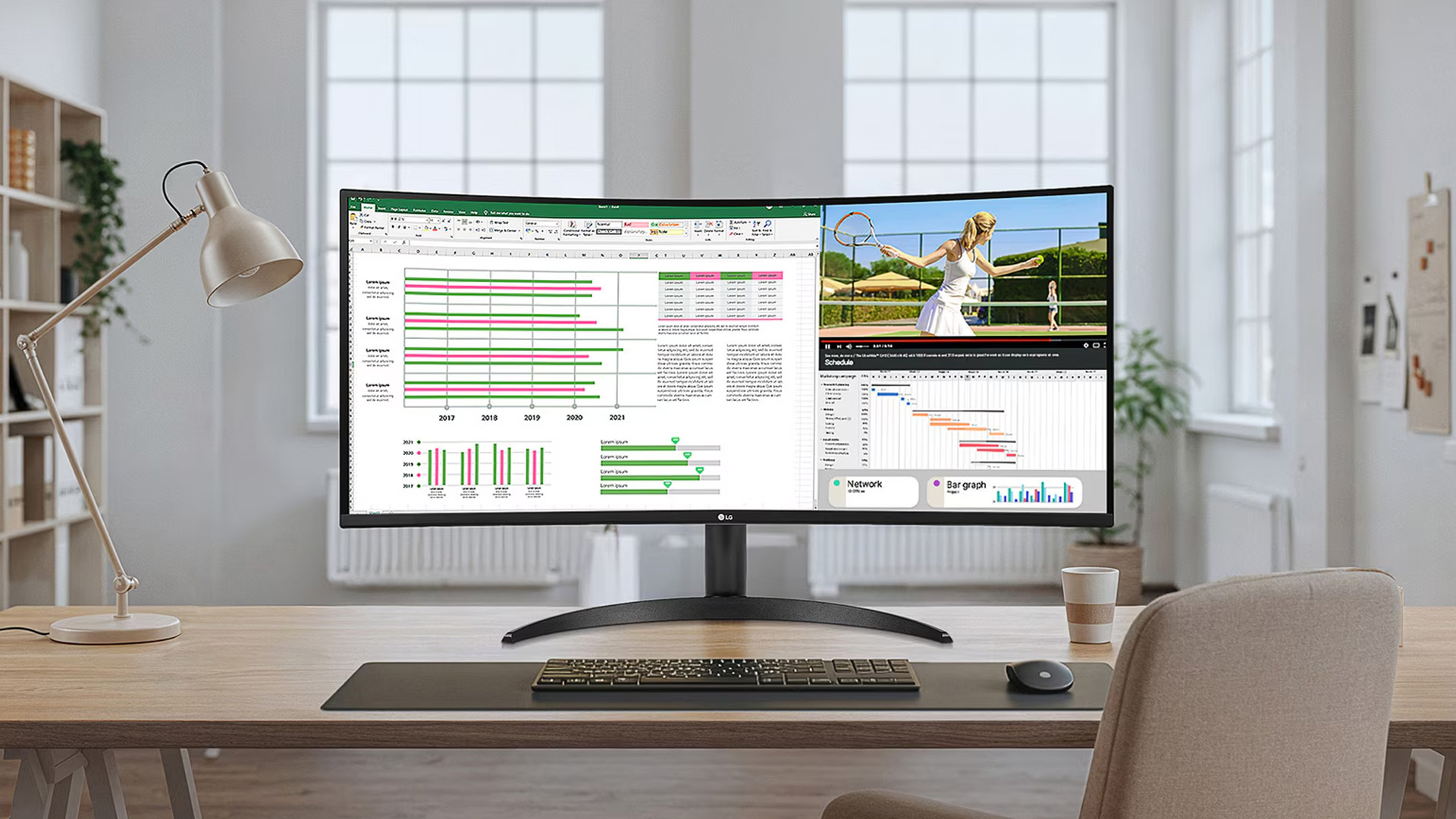
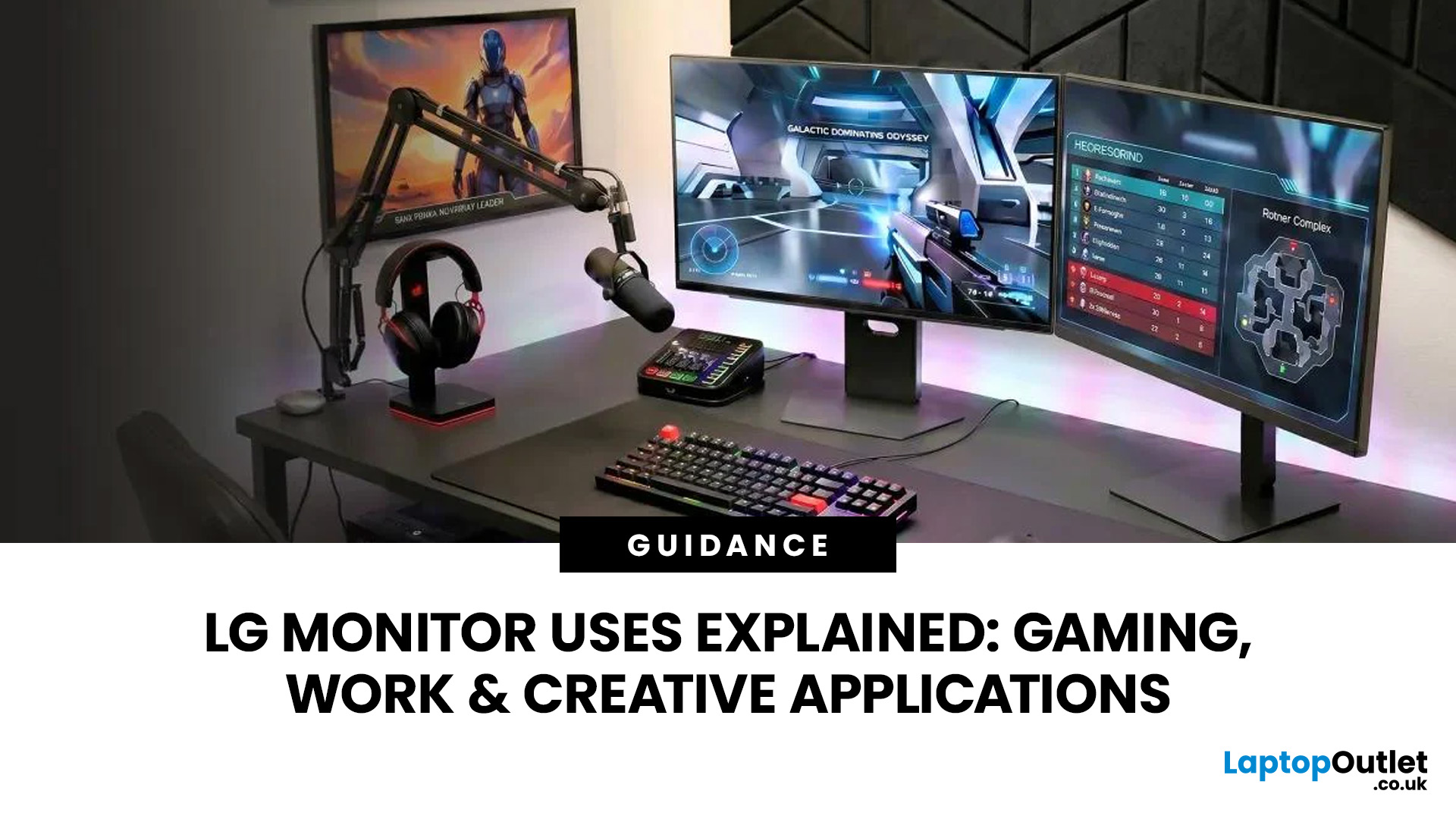
A monitor can suit very different tasks depending on its resolution, refresh rate, panel type, colour performance, screen format, and connectivity. That is why understanding LG monitor uses is more helpful than simply comparing model names or product lines.
For gaming, the priority may be smooth motion and responsiveness. For office work, text clarity, screen space and ergonomics usually matter more. Creative workplaces greater emphasis on colour consistency, detail and a display that can be set up accurately for visual tasks.
This guide explains how LG displays can support gaming, productivity and creative applications, and how the most important display requirements change depending on what you do at your desk.
How LG Monitors Support Gaming
Refresh Rate and Motion Smoothness
Gaming places different demands on a display from office or general home use. Fast-moving scenes, rapid camera movement and competitive play can make refresh rate, response behaviour and motion clarity much more
Last Updated: August 28, 2026
Choosing the best gaming monitor brand can make a huge difference to your gaming experience. Whether you play competitive esports titles, immersive AAA games, or console exclusives on PS5 and Xbox Series X, the right monitor brand delivers smoother performance, better visuals, and long-term reliability.
In the UK gaming market, several brands consistently stand out for quality, innovation, and value. Companies like ASUS, LG, BenQ, AOC, Philips, and iiyama offer gaming monitors across every price range - from affordable 144Hz displays to cutting-edge OLED and 4K panels.
But with so many options available, it’s not always obvious which gaming monitor brand is best for your setup, budget, and gaming style.
Let’s discuss the best gaming monitor brands in the UK, compare their strengths, and help you choose the right one based on resolution, refresh rate, and platform compatibility.
What Makes a Gaming Monitor Brand Worth Buying in 2026?
When comparing the top gaming monitor brands, it’s important
Last Updated: April 14, 2026
Choosing the right monitor can genuinely change how you play. Whether you’re grinding ranked matches, competing in esports, or just kicking back on your console, your display has a direct impact on performance, clarity and overall experience.
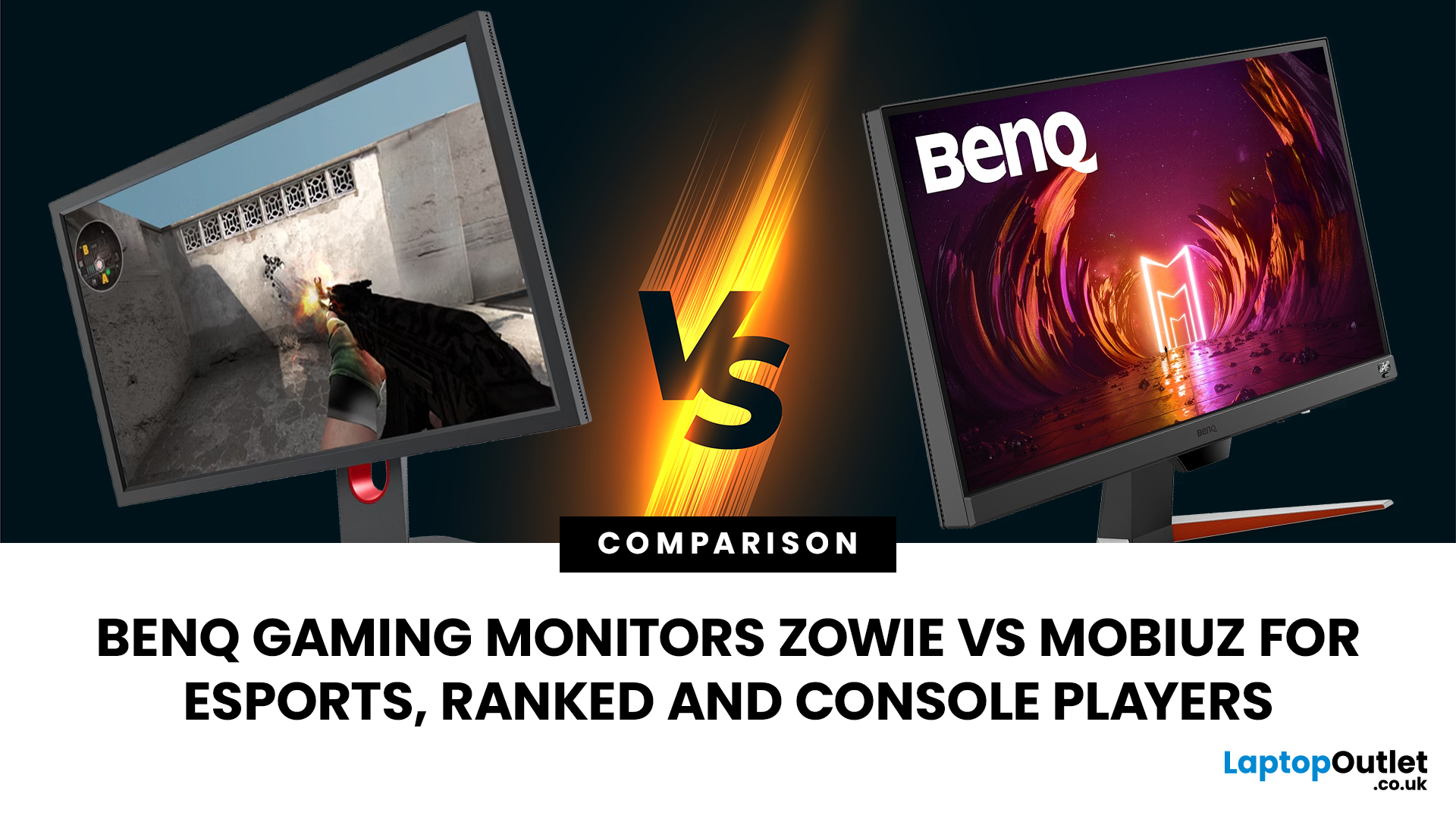
That’s where BenQ gaming monitors stand out. Known for precision engineering and gamer-first features, BenQ offers two standout ranges: ZOWIE and MOBIUZ. But when it comes to BenQ gaming monitors ZOWIE vs MOBIUZ, which one is right for you? Let’s break it down in a way that makes sense for how you play.
BenQ Gaming Monitors Explained
BenQ doesn’t take a one-size-fits-all approach to gaming. Instead, it splits its lineup into two clearly defined categories:
- BenQ ZOWIE esports monitors – built purely for competitive performance
- BenQ MOBIUZ gaming monitors – designed for immersive, all-round gaming
ZOWIE is about speed, precision and winning. MOBIUZ is about visuals, versatility and enjoying the full gaming experience. Both are excellent, but they serve
Last Updated: April 06, 2026
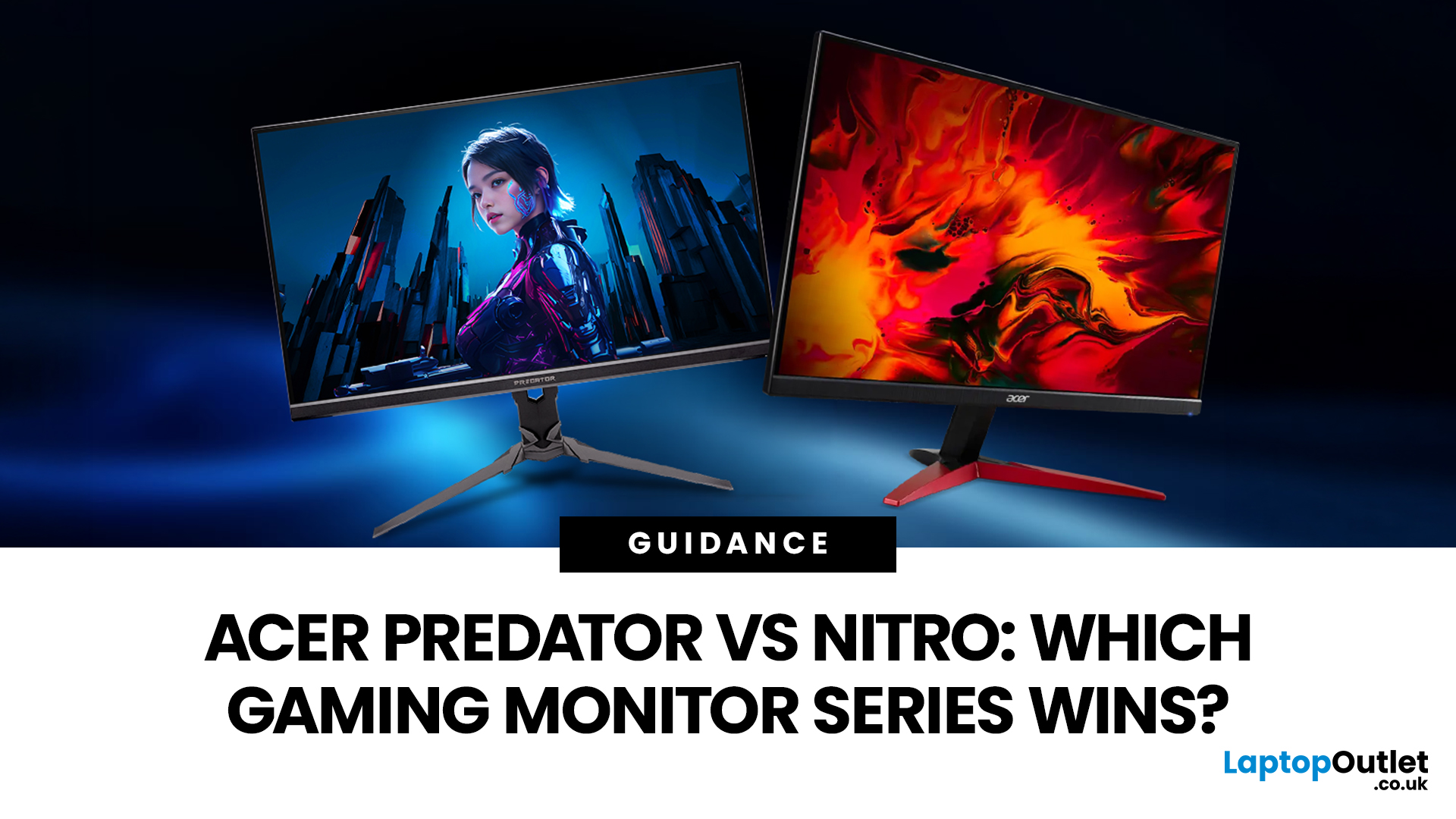
If you are comparing Acer Predator vs Nitro, you are likely at a point where a standard monitor no longer cuts it. Maybe you are upgrading your setup, moving into competitive gaming, or simply trying to get better value for your money.
Acer has made this decision slightly more complex by offering two strong Acer gaming monitor ranges that, at first glance, seem similar. Both support high refresh rates, both look like gaming displays, and both are widely available across the UK.
But once you dig deeper, Predator and Nitro are built for very different types of users. This guide breaks it down properly. No fluff, no brand hype, just a clear explanation of what matters when you are choosing between them.
Why Acer Splits Predator and Nitro in the First Place
Before comparing specs, it helps to understand Acer’s thinking. The company is not just offering two versions of the same product. These are two separate strategies:
- Predator is where Acer pushes performance, display innovation, and premium
Last Updated: April 14, 2026
Picking the right gaming monitor is no longer as simple as choosing the biggest screen you can afford. Your setup matters, your platform matters, and the way you play matters even more. A monitor that feels perfect for a competitive PC player might not be the best fit for someone gaming on a PS5 or Xbox Series X.
That’s exactly why choosing the right BenQ gaming monitor for console or PC comes down to more than specs on a product page. You need to think about refresh rate, resolution, connectivity and whether you care more about raw speed or immersive visuals.
BenQ makes that decision easier by offering two clear gaming monitor families. ZOWIE is built for fast, focused competitive PC play, while MOBIUZ is designed for players who want strong performance with more visual depth and better console-friendly features. If you’ve been stuck comparing 1080p, 1440p and 4K, this guide breaks it all down in a way that helps.
Do Console and PC Gamers Need Different BenQ Monitors?
Console and PC
Last Updated: April 28, 2026
If you've been shopping for a gaming monitor lately, you've probably noticed the numbers getting a bit daft. 240Hz, 330Hz, 480Hz, 540Hz, and now 720Hz.
High refresh LG UltraGear monitors are pushing the boundaries of what gaming displays can do, and the specs are genuinely impressive. But the real question isn't what these monitors can do. It's whether you'll actually notice the difference when you're in the thick of a match.
This guide cuts through the spec sheet jargon and answers what most gamers genuinely want to know: when does a higher refresh rate actually matter, who benefits from it, and which part of the spectrum makes sense for your setup?
What Refresh Rate Actually Does During Gameplay
Refresh rate is one of the most talked-about monitor specs, yet it is also one of the most misunderstood. Before diving into the numbers, it helps to know what is actually happening at the hardware level, because the real-world experience comes from two separate things working together.
A monitor's

