


Blog Categories






June 19, 2026

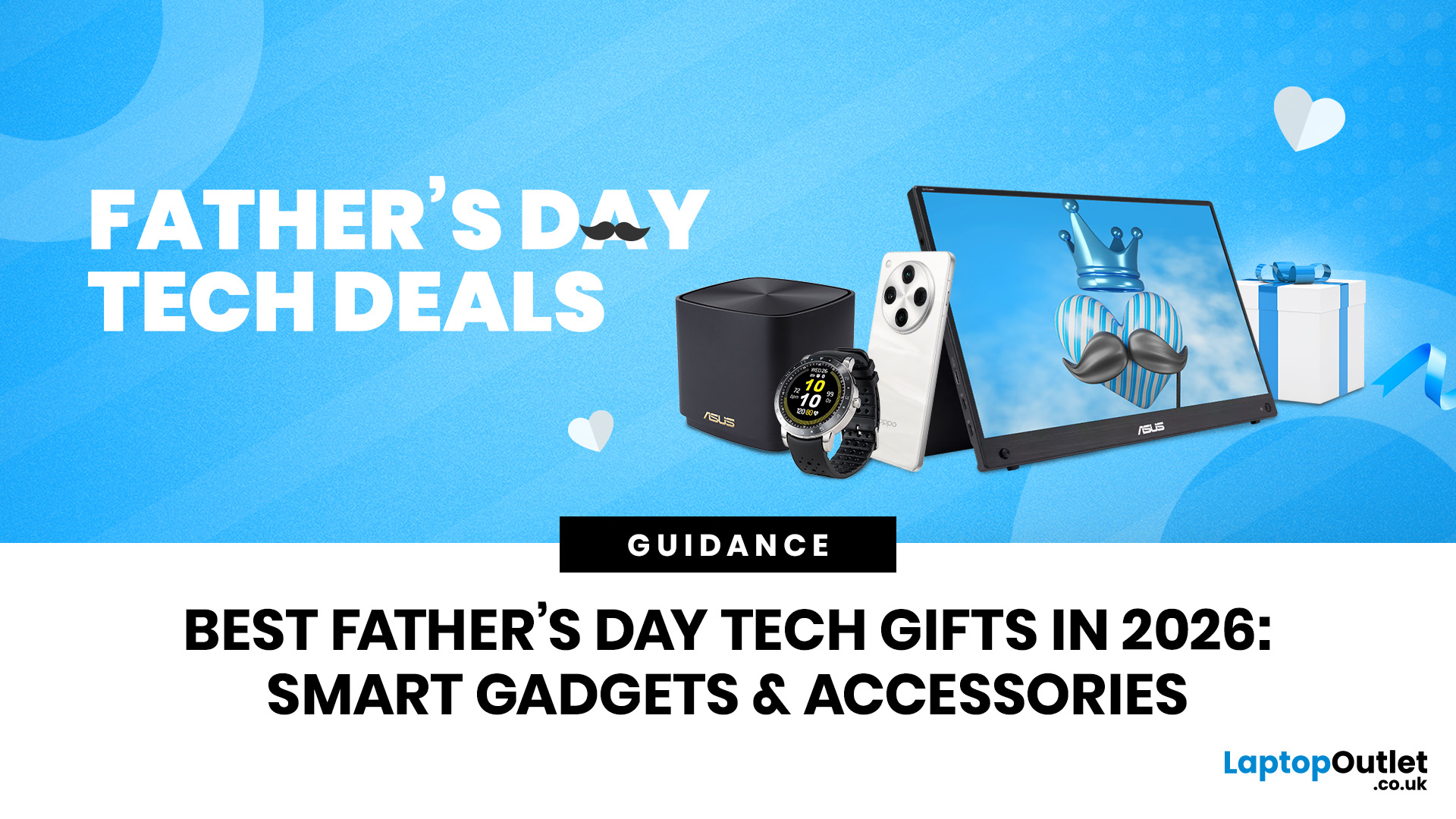
Father’s Day in the UK falls on Sunday 21 June 2026, which means there is still time to think beyond socks, mugs, and novelty cards. The best approach? Match the cool tech gift to his lifestyle. A work-from-home dad might appreciate a sharper monitor, a faster laptop, or better desk accessories. A gamer dad may want smoother gameplay, better sound, or more responsive controls. A dad who says he “doesn’t need anything” may still love a practical upgrade that improves his everyday routine.
This guide is built around decision-making, not guesswork. Whether you are shopping for smart gadgets and accessories for Father’s Day, premium gadgets for Father’s Day, or useful tech gifts Dad will actually use, start with how he spends his time.
What are the Most Useful Father's Day Tech Gifts in 2026?
The most useful Father’s Day tech gifts in 2026 are devices and accessories that solve a real problem: slow laptop performance, poor video calls, messy desks, weak audio, uncomfortable gaming setups, or
 The Complete Guide to Home Printers in 2026: Types, Features & Buying Advice
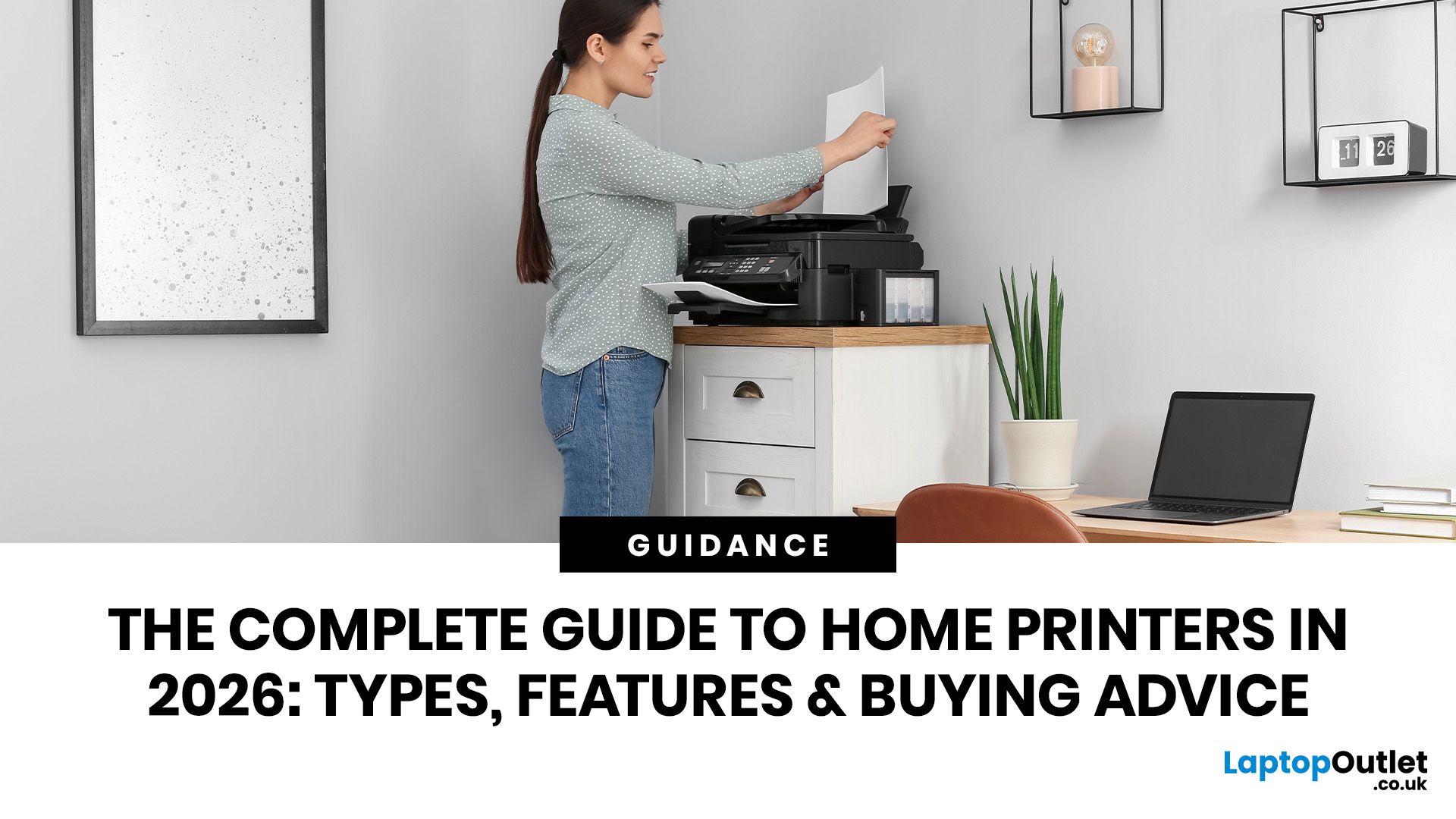
A printer sounds simple… until you need one.
Then suddenly you are comparing inkjet vs laser, cartridges vs ink tanks, print speed, Wi-Fi, duplex printing, scanners, toner, photo quality, paper sizes and running costs. And the worst part? The cheapest printer on the shelf can become the most expensive one after a few months of ink refills.
This home printers guide is here to make the decision easier.
Whether you are buying for schoolwork, hybrid working, family documents, shipping labels, retail paperwork
 Why Your Home Printer Isn’t Working: Common Issues & Fixes
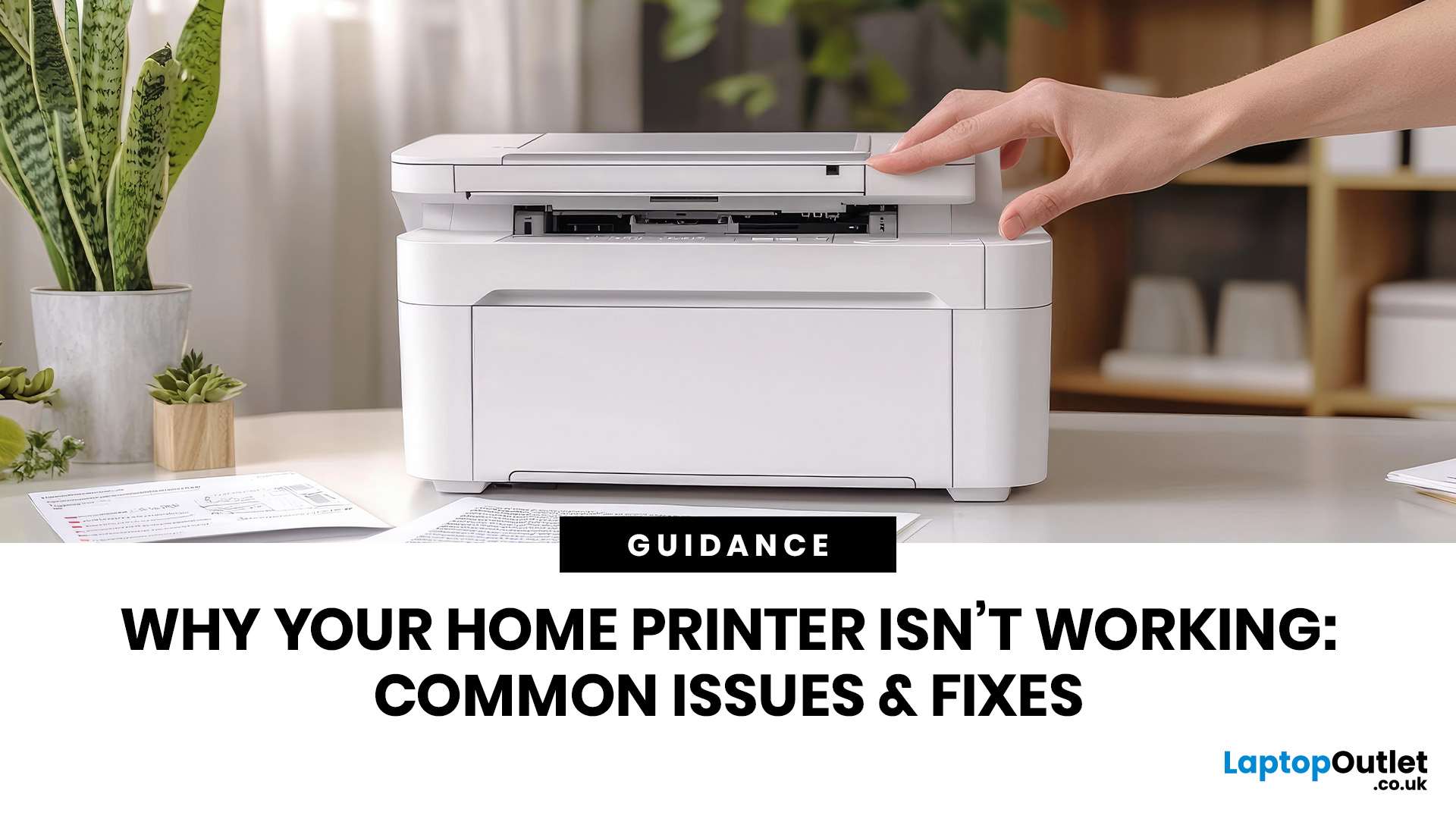
Your document is ready, your deadline is real, and your printer has chosen chaos.
When your home printer is not working, even a simple print job can turn into a frustrating delay. From offline errors and paper jams to driver issues and connection problems, most home printer problems have quick fixes once you know where to look.
This guide explains the common causes and practical steps to get your printer working again.
June 19, 2026
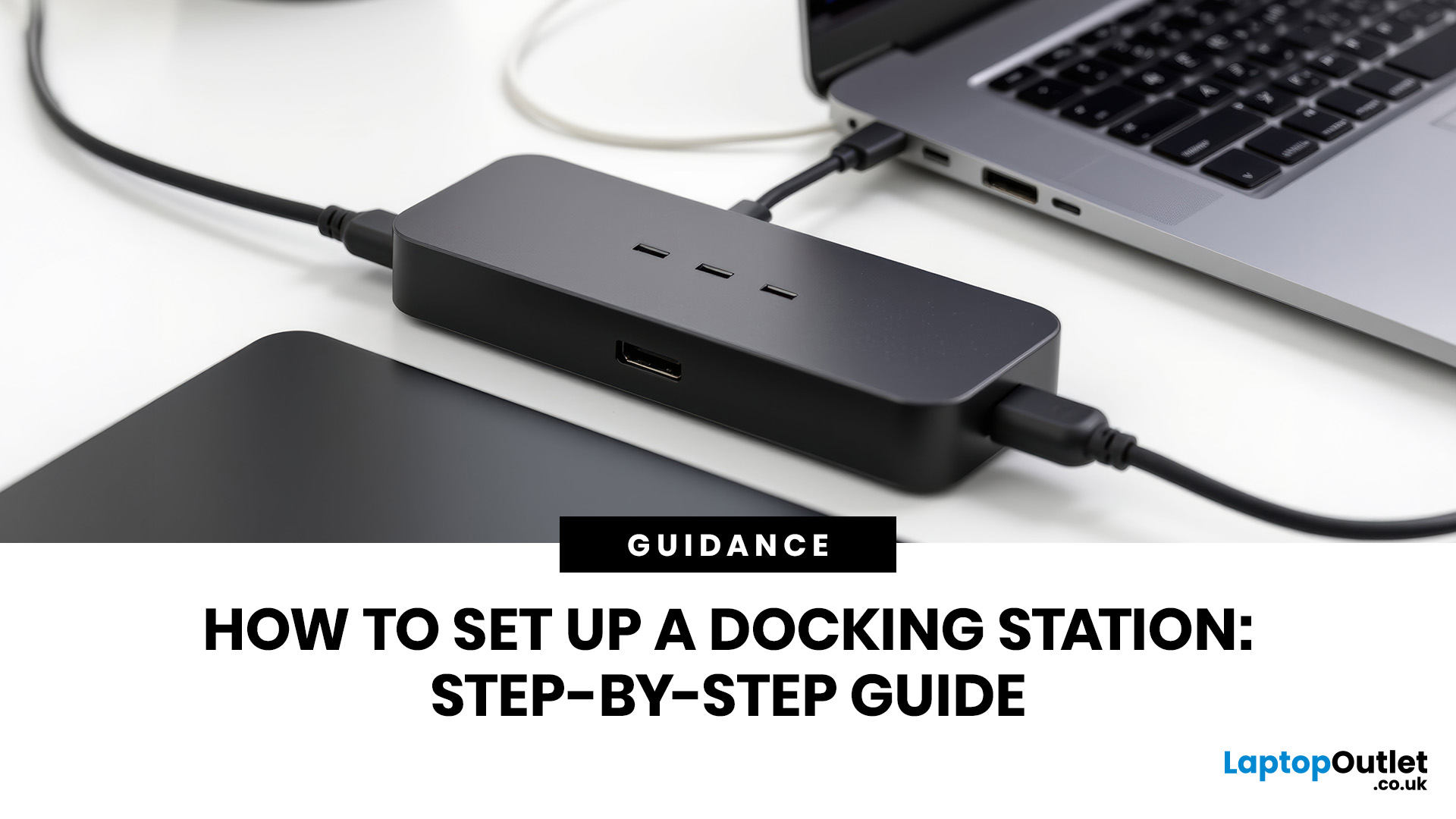
A docking station can turn your laptop into a cleaner, more comfortable desktop setup. Instead of plugging in your monitor, charger, keyboard and mouse, Ethernet cable and other accessories one by one, you can connect most of them through a single dock.
That sounds simple, but docking-station setup can become confusing when USB-C, Thunderbolt, HDMI, DisplayPort, power delivery, and dual monitors all come into play. A dock may physically connect to your laptop, but that does not always mean every feature will work. Your laptop port, dock specification, cable quality and monitor setup all matter.
This guide explains how to set up a docking station step by step, how to connect a dock to a laptop, how to configure single- or dual-monitor setups, and what to check if your docking station is not working. This guide caters to real laptop users who want a practical desk setup without wasting money on features they may not need.
Quick Answer: How Do You Set Up a Docking Station?
To set up a docking

June 18, 2026
AI FIFA World Cup 2026 technology touches almost every part of the tournament, from semi-automated offside calls and 3D player avatars to AI-stabilised broadcasts, biometric stadium entry, and Football AI Pro tactical analysis for all 48 teams. Human officials and decision-makers still hold final authority throughout.
The 2026 FIFA World Cup, hosted across the United States, Canada, and Mexico, is the biggest and most heavily monitored tournament in football history. With 48 teams playing 104 matches across 16 stadiums, FIFA and its technology partners have built a layer of AI underneath nearly everything fans see and experience.
This guide breaks down exactly where AI-powered football tech systems are being used, what they actually do, where the limits sit, and what UK fans should know before kick-off. We'll also look at the security risks AI brings, since that's just as important as the innovation itself.
Why AI Has Become Central to the FIFA World Cup 2026
FIFA describes 2026 as its
June 18, 2026
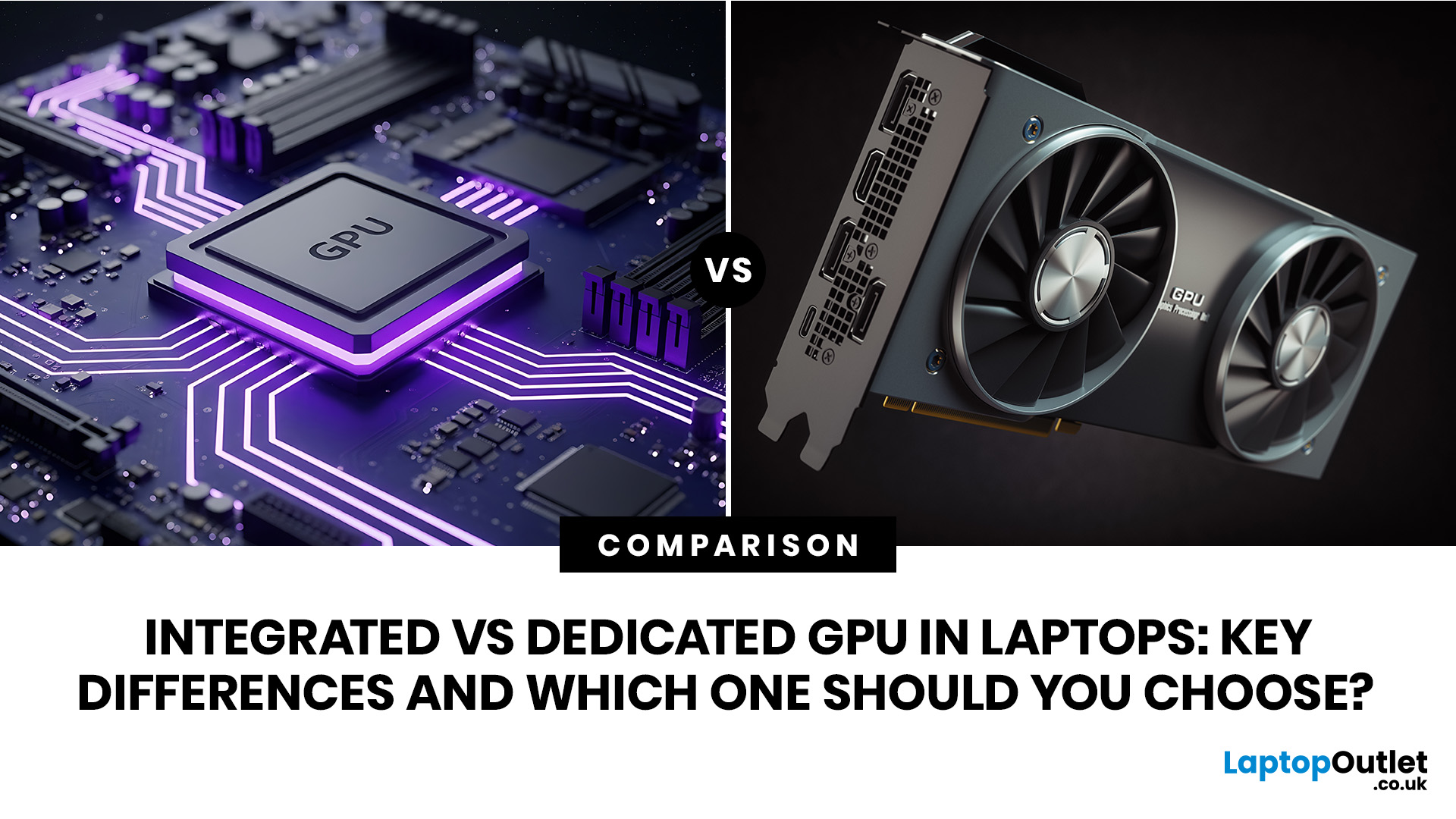
An integrated vs dedicated GPU laptop decision comes down to one simple question: do you need strong graphics performance every day, or do you mostly need a cooler, lighter, longer-lasting laptop for normal work?
For everyday browsing, office work, video calls, streaming, study and light photo editing, integrated graphics are usually enough. For serious gaming, 3D work, video editing, CAD, AI workloads or high-refresh creative work, a laptop with dedicated graphics card hardware is usually the better option.
Quick answer: Integrated vs dedicated GPU explained
Integrated graphics are built into the processor sharing, system memory. They are efficient, affordable and good for everyday laptop use.
A dedicated GPU is a separate graphics processor with its
 Tablet Buying Guide UK 2026: Best iPad, Android and Windows Tablets
The best tablet to buy in the UK in 2026 depends on how you plan to use it. Choose an iPad if you want a simple, reliable all-round tablet with excellent apps and accessory support. Choose an Android tablet if you want more choice, better value and flexible features for entertainment, kids or everyday use.
Buying a tablet in 2026 is not as simple as choosing the biggest screen or the lowest price. Today’s tablets can be entertainment devices, study tools, business companions, drawing tablets, gaming screens, travel essentials, and even laptop replacements. That is why this Tablet Buying Guide UK 2026 is designed to help you compare iPads, Android tablets and Windows tablets in a simple, practical way.
Whether you are a student looking
June 17, 2026
Your PC can look perfectly fine on the outside and still fail the moment it is pushed hard.
A game crashes after 20 minutes. A video export freezes at 92%. Your laptop randomly restarts during a heavy workload. Or maybe you have just upgraded your memory, changed your processor, built a new desktop, or enabled XMP/EXPO in the BIOS and want to know one thing:
Is my system actually stable?
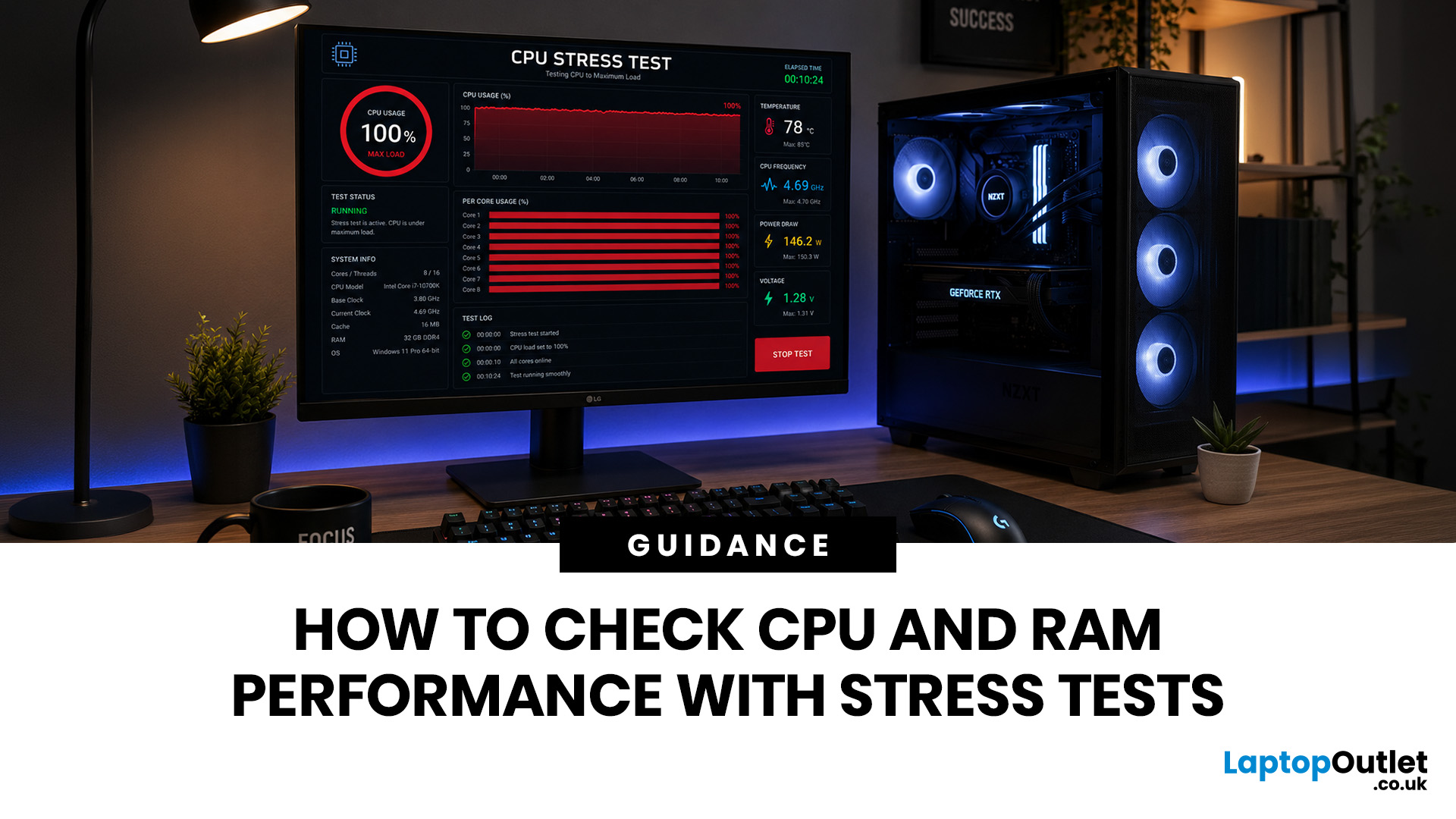
That is where a stress test CPU RAM process helps. By running a controlled CPU, RAM, or combined system stress testing session, you can find problems before they interrupt your work, gaming, editing, coding, or daily use.
In this guide, you will learn:
- What CPU and RAM stress testing
 Latest Home Printing Trends in 2026: What to Expect Next
Printers are no longer just “that thing in the corner” for the occasional return label.
For UK buyers, the most important shift is simple: people want printers that are affordable to run, easy to connect and useful for both home and work.
For UK homes, hybrid workers, students and small businesses, printers remain an important everyday tool. But with so many options available, choosing the right one can be challenging.
This guide explores the latest home printing trends in 2026 and what UK buyers should look for when choosing a printer for home, work or study.
Why Home Printing Still Matters for UK Buyers
The idea that nobody needs a printer anymore is outdated.
Many UK households now use printers for:
- Hybrid work documents
- School and university assignments
- Returns labels
- Invoices
June 17, 2026
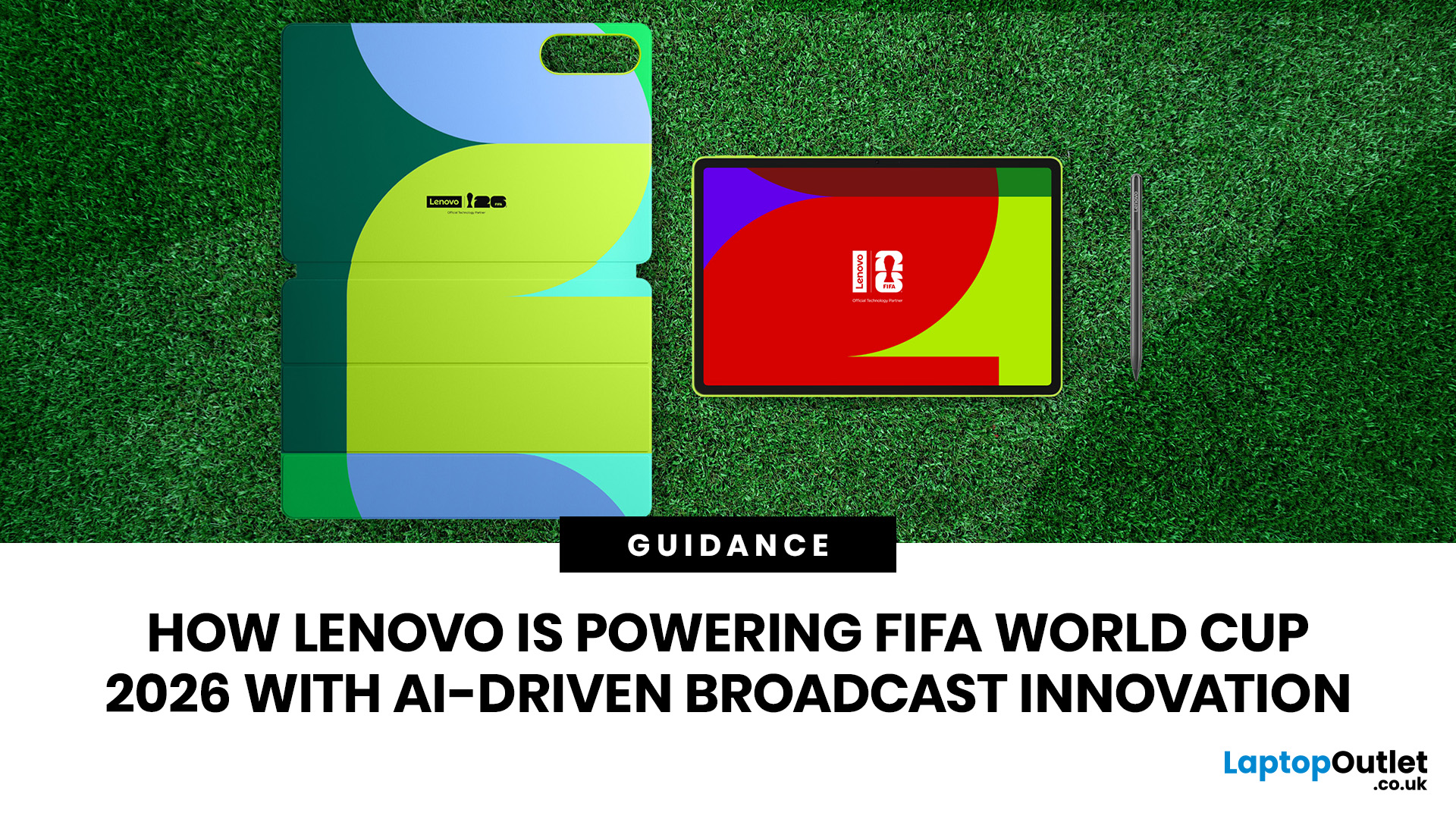
Lenovo technology is helping FIFA deliver a smarter and more connected FIFA World Cup 2026. Through advanced AI technology, intelligent infrastructure, and innovative broadcasting tools, Lenovo is transforming how matches are produced, analysed, and experienced by fans, broadcasters, teams, and tournament organisers worldwide.
The FIFA World Cup 2026 is in full swing across Canada, Mexico, and the United States, bringing unprecedented broadcasting demands. As the first 48-team FIFA World Cup with 104 matches, the tournament generates huge volumes of live video, data, and analysis that must be delivered instantly to global audiences.
This is where Lenovo technology plays a crucial role. Through the Lenovo FIFA partnership, Lenovo is supporting FIFA World Cup 2026 broadcasting with Lenovo AI-powered infrastructure, edge computing, connected devices, and near real-time IPTV delivery. Behind every match, Lenovo helps broadcasters manage complex workflows, ensuring fans enjoy a faster, smarter
June 18, 2026
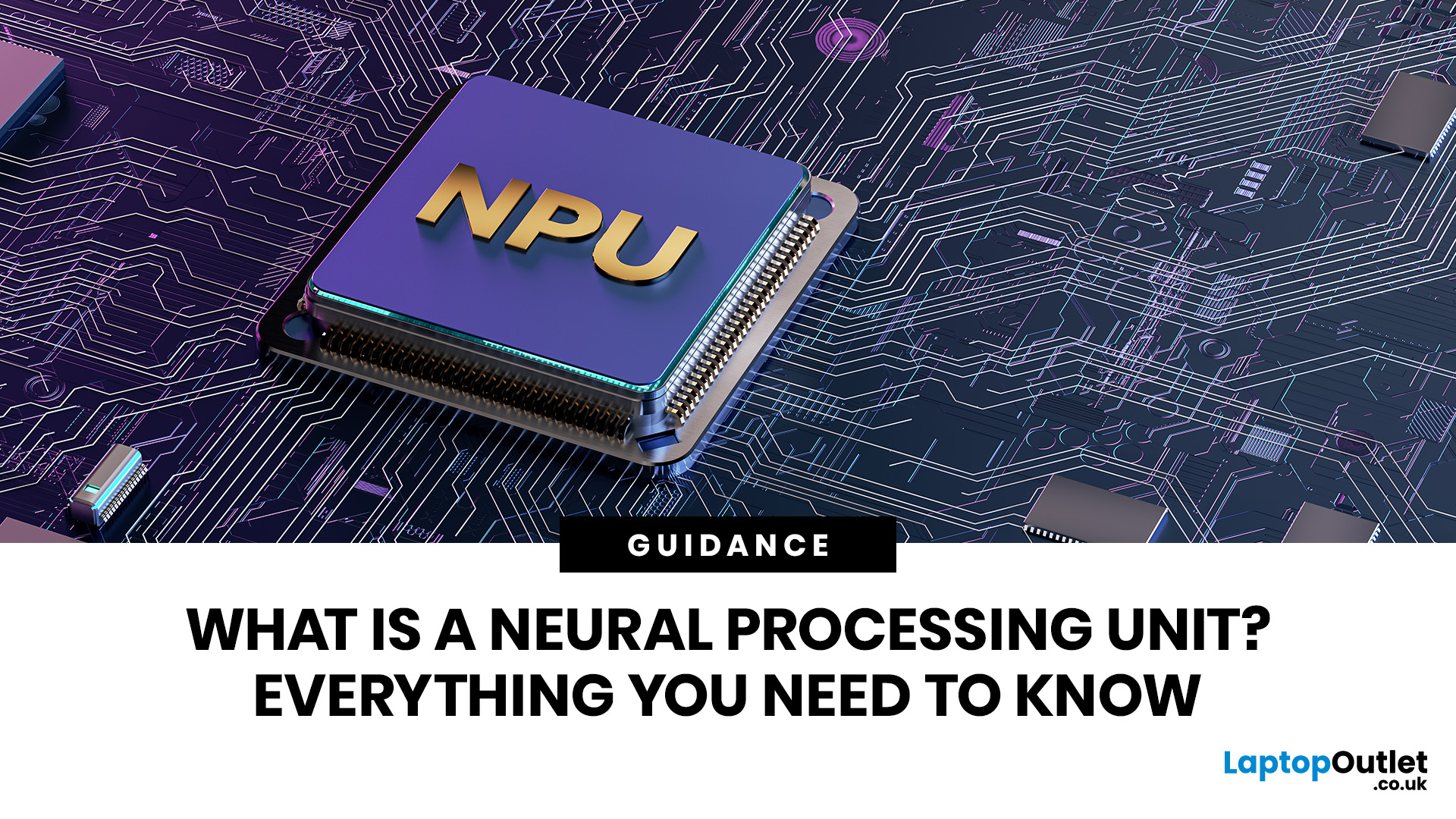
A Neural Processing Unit (NPU) is a dedicated chip inside modern laptops and devices built specifically to run artificial intelligence tasks. Unlike the CPU or GPU, an NPU handles AI calculations such as noise suppression, live captions, and background blur more efficiently and with less battery drain. In 2026, NPUs are standard in most mid-range and premium laptops.
If you have been shopping for a new laptop lately, you have probably noticed terms like "AI PC," "Copilot+ PC," or "on-device AI" appearing on spec sheets and product listings. Behind all of this sits a chip called the Neural Processing Unit (NPU). But what is it? This blog will have NPU explained for laptops, so you figure out if you need one in your next machine.
What Is a Neural Processing Unit (NPU)?
A Neural Processing Unit, or NPU, is a dedicated microprocessor designed from the ground up to accelerate artificial intelligence and machine learning workloads. While your laptop already contains a CPU for general tasks

June 16, 2026
Prime tech deals move fast. The best laptop, gaming, monitor, and PC upgrade offers can disappear long before most shoppers finish comparing specs.
The best deal is the one that matches your needs, not necessarily the biggest discount.
For UK buyers in 2026, the challenge is finding genuine tech value without rushing into the wrong deal. Whether you need a laptop, work setup, or gaming upgrade, the smartest move is to compare specs and value, not just discounts. It is knowing what to buy, when to buy it, and how to judge whether a deal is actually worth