



Tablet Buying Guide UK 2026: Best iPad, Android and Windows Tablets

The best tablet to buy in the UK in 2026 depends on how you plan to use it. Choose an iPad if you want a simple, reliable all-round tablet with excellent apps and accessory support. Choose an Android tablet if you want more choice, better value and flexible features for entertainment, kids or everyday use.
Buying a tablet in 2026 is not as simple as choosing the biggest screen or the lowest price. Today’s tablets can be entertainment devices, study tools, business companions, drawing tablets, gaming screens, travel essentials, and even laptop replacements. That is why this Tablet Buying Guide UK 2026 is designed to help you compare iPads, Android tablets and Windows tablets in a simple, practical way.
Whether you are a student looking for a note-taking device, a parent shopping for a child, a professional who needs a portable work machine, or a casual user who wants something for streaming, browsing and video calls, this guide to buying a tablet will help you make the right choice.
Quick Checklist: Best Tablet Choices for Every User in 2026
The best tablet depends on how you plan to use it. Here is a simple tablet selection guide to help you narrow down your options quickly.
|
USER TYPE |
BEST TABLET TYPE |
WHY IT WORKS BEST |
|---|---|---|
|
Everyday user |
iPad or Android tablet |
Easy to use, great for browsing, streaming and apps |
|
Student |
iPad, Android tablet or Windows tablet |
Good for notes, research, online classes and productivity |
|
Business user |
Windows tablet or Microsoft Surface tablet |
Better for Office apps, multitasking and keyboard use |
|
Creative user |
iPad or premium Android tablet |
Great stylus support, strong displays and creative apps |
|
Kids and families |
Android tablet or family-friendly tablet |
More budget options and parental control features |
|
Budget buyer |
Android tablet |
Wider choice of affordable models |
|
Laptop replacement seeker |
Windows tablet, Surface tablet or iPad with keyboard |
Better for productivity, documents and multitasking |
|
Travellers |
Lightweight iPad or Android tablet |
Portable, long battery life and easy entertainment on the go |
Expert Tip:
If you want the simplest all-round experience, choose an iPad. If you want flexibility and value, choose an Android tablet. If you need laptop-style productivity, choose a Windows tablet.Things to Consider When Buying a Tablet
Before comparing brands and models, it helps to understand the main things to consider when buying a tablet.
1. What Will You Use the Tablet For?
Your main use case should guide your decision. A tablet for watching Netflix does not need the same power as a tablet for graphic design, gaming, or business work.
|
MAIN USE |
WHAT TO PRIORITISE |
|---|---|
|
Streaming and browsing |
Good display, long battery life, decent speakers |
|
Studying |
Stylus support, keyboard compatibility, portability |
|
Work and business |
RAM, storage, keyboard support, Windows or productivity apps |
|
Drawing and design |
High-quality display, low-latency stylus, strong processor |
|
Gaming |
Powerful processor, high refresh rate, good storage |
|
Kids |
Parental controls, durability, protective case, budget price |
|
Travel |
Lightweight design, battery life, optional cellular model |
If you only need a tablet for browsing, online shopping and video calls, you do not need the most expensive model. But if you want to replace a laptop, edit videos, create artwork or manage work documents, it is worth investing in stronger performance and better accessories.
2. Screen Size: Small,Medium,or Large?
Tablet screen size affects portability, comfort and productivity. Bigger is not always better.
|
SCREEN SIZE |
BEST FOR |
PROS |
CONS |
|---|---|---|---|
|
7–8 inches |
Kids, reading, travel |
Lightweight and easy to hold |
Small for multitasking |
|
10–11 inches |
Everyday use, students, streaming |
Best balance of size and portability |
Not as spacious as larger tablets |
|
12 inches and above |
Work, drawing, laptop replacement |
Better for multitasking and keyboard use |
Heavier and usually more expensive |
For most UK buyers, a 10–11 inch tablet is the safest choice. It is large enough for streaming, browsing, video calls and note-taking, but still portable enough to carry around the house, university or office.
3. Display Quality
A tablet screen matters because it is the part you use most. If you watch films, read eBooks, draw, edit photos or use the tablet outdoors, display quality becomes even more important.
Look for:
- Full HD or higher resolution for sharper text and video.
- Good brightness if you use the tablet outdoors or near windows.
- OLED or premium LCD displays for better colour and contrast.
- Higher refresh rates, such as 90Hz or 120Hz, for smoother scrolling and gaming.
- Anti-reflective coatings if you read or work for long periods.
Budget tablets (tablets under £300 and tablets under £500) are fine for basic streaming and browsing, but a better display is worth paying for if you use your tablet daily.
4. Performance: Processor,RAMand Storage
Performance affects how smoothly your tablet runs apps, games and multitasking features. If you are following a beginners guide to buying a tablet, these are the three specs to understand first.
|
SPEC |
WHAT IT MEANS |
WHAT TO CHOOSE |
|---|---|---|
|
Processor |
The tablet’s main performance chip |
Better processors help with gaming, editing and multitasking |
|
RAM |
Short-term memory for running apps |
4GB is basic, 6GB–8GB is better, 8GB+ is ideal for power users |
|
Storage |
Space for apps, photos, files and downloads |
64GB is basic, 128GB is safer, 256GB+ is best for heavy users |
Some Android tablets support microSD cards, which can be useful if you want extra space for photos, videos and downloads. iPads usually do not offer expandable storage, so choose your storage carefully when buying.
5. Battery Life and Charging
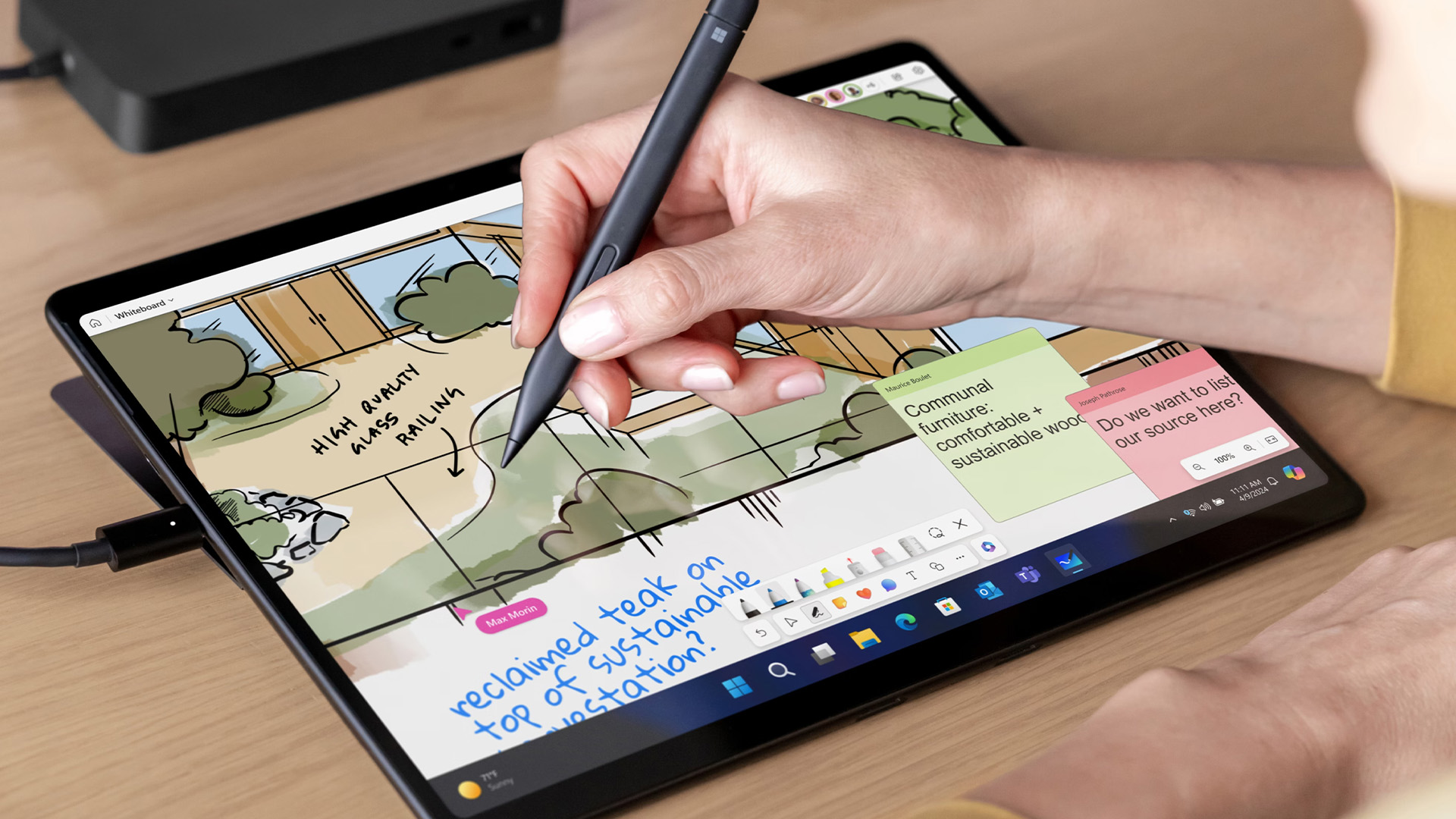
Battery life is one of the most important features in any tablet buying guide UK shoppers should consider. A good tablet should last through a typical day of mixed use, including browsing, streaming, video calls and note-taking.
For most users, look for:
- Around 8–12 hours of typical battery life.
- USB-C charging where possible.
- Fast charging support if you travel or commute.
- Reliable standby time so the tablet does not drain quickly when unused.
6. Wi-Fi or Cellular Tablet?
Most tablets come in Wi-Fi-only and cellular versions. A Wi-Fi tablet connects to home, office or public Wi-Fi. A cellular tablet can use a SIM or eSIM for mobile data, depending on the model.
|
OPTION |
BEST FOR |
PROS |
CONS |
|---|---|---|---|
|
Wi-Fi tablet |
Home, school, office, casual users |
Cheaper and simple to use |
Needs Wi-Fi or hotspot |
|
Cellular tablet |
Travellers, commuters, field workers |
Internet access on the go |
Costs more and may need a data plan |
For most buyers, Wi-Fi is enough. Choose cellular if you travel often, work outside the office or do not want to rely on your phone hotspot.
7. Keyboard, Stylus and Accessories
Accessories can turn a tablet into a more useful device. They can also increase the total cost, so include them in your budget.
|
ACCESSORY |
Worth Buying If You... |
|---|---|
|
Keyboard case |
Type essays, emails, reports or work documents |
|
Stylus |
Take handwritten notes, draw, annotate PDFs or design |
|
Share the tablet with kids or travel often |
|
|
Screen protector |
Want extra protection from scratches |
|
Stand or dock |
Use the tablet for video calls, recipes or desk work |
If you are buying a tablet for work, study or creativity, check keyboard and stylus compatibility before you buy.
iPad, Android, or Windows Tablet: Which is Best?
The right choice depends on your apps, budget, and daily routine.
|
TABLET TYPE |
BEST FOR |
MAIN STRENGTHS |
POSSIBLE DRAWBACKS |
|---|---|---|---|
|
iPad |
Everyday users, students, creatives |
Easy to use, great apps, strong accessories |
Usually less flexible storage and higher accessory costs |
|
Android tablet |
Budget buyers, families, entertainment |
More choice, flexible pricing, customisation |
Software updates vary by brand |
|
Windows tablet |
Work, business, productivity |
Desktop apps, Microsoft Office, laptop-style use |
Can be heavier and more expensive |
|
Microsoft Surface tablet |
Professionals and students |
Premium Windows experience, keyboard support |
Keyboard and accessories may cost extra |
|
Amazon Fire-style tablet |
Kids, casual use, streaming |
Affordable and family-friendly |
More limited app experience than standard Android tablets |
Choose an iPad if You Want Simplicity, Apps, and Long-Term Value
Apple iPads are popular because they are easy to use, powerful and supported by a wide range of apps and accessories. They are a strong choice for students, families, creatives and everyday users.
You can shop Apple iPads if you want a tablet for streaming, studying, browsing, drawing, video calls or general everyday use.
|
iPad Type |
Best For |
Buyer Profile |
|---|---|---|
|
Standard iPad |
Everyday use, students, families |
You want a reliable all-round tablet |
|
iPad mini |
Reading, travel, portability |
You want something compact and lightweight |
|
iPad Air |
Students, creatives, multitaskers |
You want more power without going fully premium |
|
iPad Pro |
Designers, professionals, power users |
You need top performance and premium display features |
Apple Types You Should Consider Before Buying
If you are already interested in Apple, this iPad section will help you choose the right model.
Standard iPad
The standard iPad is best for everyday use. It is a good choice for browsing, streaming, schoolwork, video calls and casual gaming.
Best for:
- Families.
- Students.
- Beginners.
- Everyday users.
- Light productivity.
iPad mini
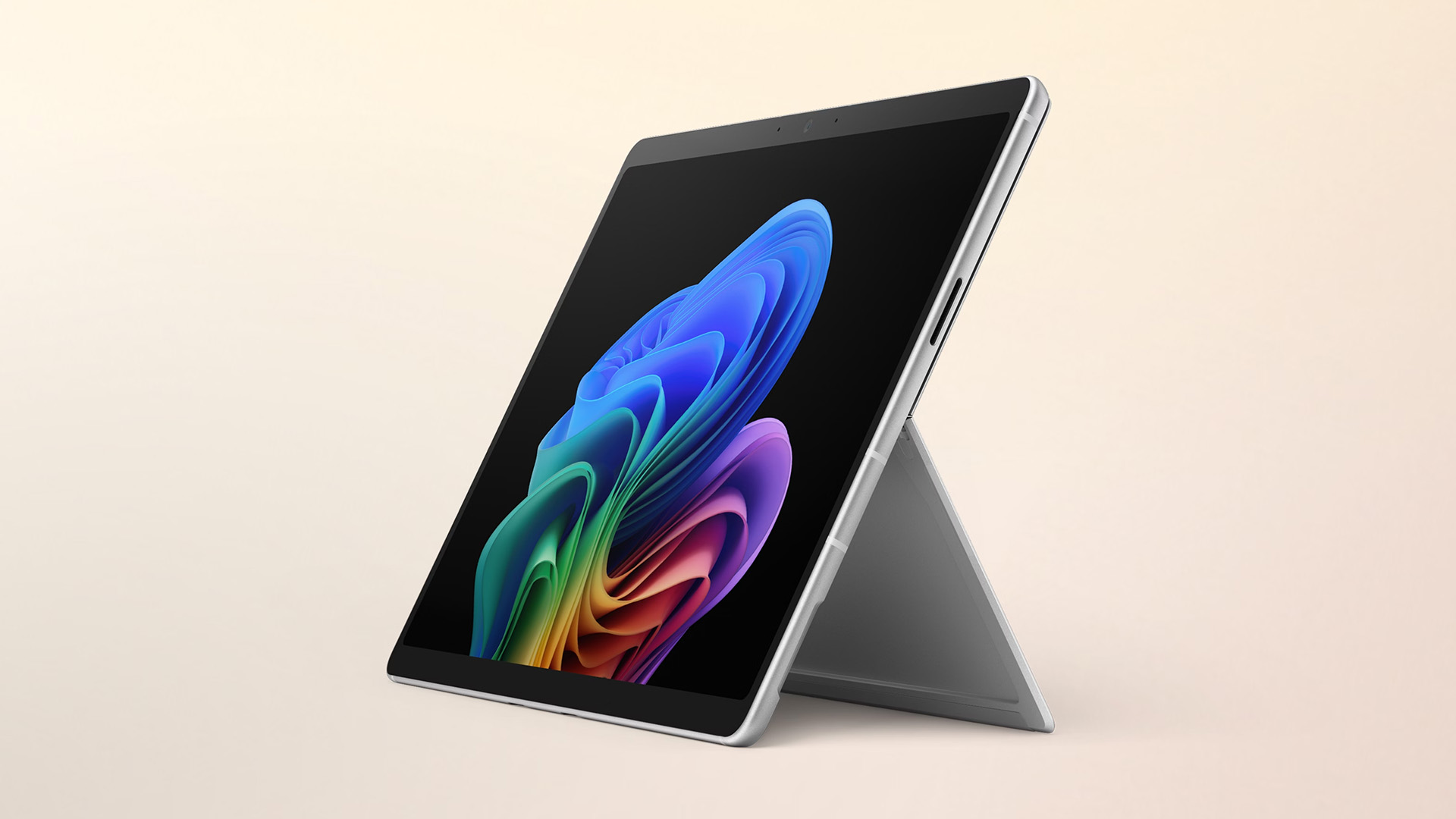
The iPad mini is best if portability matters most. It is easy to hold, simple to carry and great for reading, travel and quick notes.
Best for:
- Reading.
- Travel.
- Commuting.
- Compact everyday use.
- Users who want a smaller tablet.
iPad Air
The iPad Air is a strong middle option for people who want more power than the standard iPad but do not need the most premium iPad Pro.
Best for:
- Students.
- Creatives.
- Multitaskers.
- Note-taking.
- Light professional work.
iPad Pro
The iPad Pro is the premium option. It is best for users who need high-end performance, a larger display and advanced creative features.
Best for:
- Designers.
- Video editors.
- Digital artists.
- Professionals.
- Power users.
Choose an Android Tablet if You Want Choice and Flexibility
Android tablets are often the best value choice, especially if you want a tablet for streaming, browsing, kids’ apps, reading, gaming or light productivity.
|
ANDROID TABLET BENEFIT |
WHY IT MATTERS |
|---|---|
|
Wide price range |
Easier to find a tablet within your budget |
|
Multiple brands |
More screen sizes, designs and features |
|
Google services |
Good for Gmail, YouTube, Google Drive and Google Photos |
|
Customisation |
More control over layout, apps and settings |
|
Expandable storage on some models |
Useful for downloads, photos and family use |
|
Family-friendly options |
Good choice for kids and shared household tablets |
Android Tablet User Guide for Beginners
If you are new to Android, setup is usually simple. You sign in with a Google account, connect to Wi-Fi, download apps from the Google Play Store and customise the home screen.
For beginners, the most useful Android tablet settings include:
- Screen lock and fingerprint unlock, if available.
- Google Play Store app permissions.
- Parental controls through Google Family Link or device settings.
- App pinning for keeping one app open.
- Accessibility features such as text size, magnification and voice assistance.
- Battery saver mode.
- Storage management.
Some shoppers search for Android tablet guided access, but Guided Access is an Apple term. On Android, similar features may include app pinning, restricted profiles on selected devices, parental controls or device management settings. This is especially useful if you are buying a tablet for a child, classroom, business reception desk or shared household use. In addition, if you're comparing budget-friendly tablet options, learn whether a Amazon Fire tablet matches your entertainment, reading, or everyday browsing needs.
Top Reasons to Buy an Android Tablet
Android tablets are available across a wide range of budgets. Some are designed for streaming and family use, while others are powerful enough for gaming, drawing and productivity.
|
REASON |
WHY IT MATTERS |
|---|---|
|
More budget choice |
Easier to find affordable options |
|
Different brands |
More designs, features and sizes |
|
Google apps |
Good for Gmail, YouTube, Drive and Photos |
|
Customisation |
More control over your device |
|
Expandable storage |
Available on selected models |
|
Family options |
Useful for kids and shared use |
Choose a Windows Tablet if You Want Laptop-Style Productivity
A Windows tablet is best for people who want a tablet that feels closer to a laptop. Windows tablets are ideal for:
|
WINDOWS TABLET FEATURE |
WHY IT HELPS |
|---|---|
|
Runs Windows apps |
Useful for work software and desktop tools |
|
Keyboard and mouse support |
Feels more like a laptop |
|
Microsoft Office compatibility |
Great for Word, Excel, PowerPoint and Teams |
|
Better file management |
Familiar for Windows laptop users |
|
External display support |
Useful for desk setups |
|
2-in-1 flexibility |
Works as both tablet and compact laptop |
A Windows tablet is different from a typical iPad or Android tablet because it is designed around Windows productivity. This makes it ideal for users who want a tablet that can also work like a compact laptop.
Best Reasons to Buy a Windows Tablet
|
REASON |
WHY IT MATTERS |
|---|---|
|
Windows software |
Useful for work and study |
|
Desktop browsing |
More laptop-like web experience |
|
Keyboard and mouse support |
Better for productivity |
|
Microsoft Office |
Strong for Word, Excel and PowerPoint |
|
External accessories |
Useful for monitors, hubs and desk setups |
|
File management |
Familiar to Windows users |
Who Should Avoid a Windows Tablet?
A Windows tablet may not be the best choice if you only want a device for casual browsing, streaming and simple apps. In that case, an iPad or Android tablet may be easier and better value. However, if you want a portable productivity device, a Windows tablet is one of the strongest choices.
Microsoft Surface Tablets: Best for Premium Windows Productivity
Microsoft Surface tablets are among the best-known Windows tablets. They are popular with professionals, students and hybrid workers because they combine portability with a laptop-style experience.
Who Should Buy a Microsoft Surface Tablet?
A Surface tablet is worth considering if you like the flexibility of a tablet but still need Windows software.
|
USER |
WHY SURFACE MAKES SENSE |
|---|---|
|
Business user |
Good for Office, Teams, emails and documents |
|
Student |
Useful for essays, research, notes and presentations |
|
Remote worker |
Portable, keyboard-friendly and suitable for video calls |
|
Creative professional |
Good stylus support on selected models |
|
Laptop replacement buyer |
More laptop-like than many standard tablets |
Tablet Comparison: iPad vs Android vs Windows
Here is a detailed comparison table to help you choose the right platform.
|
FEATURE |
iPAD |
ANDROID TABLET |
WINDOWS TABLET |
|---|---|---|---|
|
Ease of use |
Excellent |
Good |
Good if you know Windows |
|
App selection |
Excellent |
Very good |
Strong for desktop apps |
|
Best for |
General use, students, creatives |
Value, entertainment, families |
Work, business, productivity |
|
Price range |
Mid-range to premium |
Budget to premium |
Mid-range to premium |
|
Customisation |
Limited |
Strong |
Strong |
|
Keyboard support |
Very good |
Varies by model |
Excellent |
|
Stylus support |
Excellent on compatible models |
Good on selected models |
Good on selected models |
|
Gaming |
Good mobile gaming |
Good mobile gaming |
Better for some PC-style games, depending on specs |
|
Storage flexibility |
Fixed storage |
Some models support microSD |
Varies by model |
|
Laptop replacement potential |
Good with accessories |
Moderate to good |
Strong |
|
Best buyer |
User who wants simplicity |
User who wants choice and value |
User who wants productivity |
Best Tablets by Use Case in 2026
The best tablet buying guide should not only compare brands. It should also help different users find the right device for their lifestyle.
Best Tablets for Students
Students need a tablet that is portable, reliable and comfortable to use for studying. A good student tablet should support online research, note-taking, video lessons, eBooks, documents and presentations.
Student Tablet Checklist
|
FEATURE |
WHY IT MATTERS |
|---|---|
|
Lightweight design |
Easy to carry around school, college or university |
|
Long battery life |
Useful for a full day of classes |
|
Stylus support |
Helpful for handwritten notes and diagrams |
|
Keyboard compatibility |
Better for essays and assignments |
|
Good front camera |
Useful for online classes and video calls |
|
128GB storage or more |
Safer for apps, notes and downloads |
- iPad: Great for note-taking, apps and general study.
- Android tablet: Good for students on a tighter budget.
- Windows tablet: Best for students who need Microsoft Office, desktop apps or laptop-style work.
For sixth form, college and university students, a keyboard case can make a big difference. It is also worth choosing a model that supports a stylus if handwritten notes are important.
Best Tablets for Work and Business
For business users, a tablet should do more than stream videos. It needs to handle emails, documents, spreadsheets, video calls, cloud storage and multitasking.
Business Tablet Checklist
|
FEATURE |
RECOMMENDED |
|---|---|
|
Screen size |
11 inches or larger |
|
RAM |
8GB or more for smoother multitasking |
|
Storage |
128GB minimum, 256GB preferred |
|
Keyboard support |
Highly recommended |
|
Operating system |
Windows for desktop apps, iPadOS or Android for lighter workflows |
|
Connectivity |
Wi-Fi 6 or better, cellular if travelling |
|
Security |
Fingerprint, face unlock or strong password support |
Best Tablets for Kids and Families
The best tablets for kids and families in 2026 is not always the most powerful one. Parents usually need something affordable, durable and easy to control.
Kids’ Tablet Buying Checklist
|
FEATURE |
WHY IT MATTERS |
|---|---|
|
Strong parental controls |
Helps manage screen time and apps |
|
Protective case |
Reduces damage from drops |
|
Good battery life |
Useful for travel and long days |
|
Affordable price |
Sensible for younger children |
|
Simple interface |
Easier for kids to use |
|
Content controls |
Helps restrict unsuitable apps and websites |
Best Tablets for Entertainment
If your main goal is entertainment, focus on display, speakers, battery life and storage. You do not need the most powerful tablet unless you also plan to game heavily.
Entertainment Tablet Checklist
|
FEATURE |
RECOMMENDED |
|---|---|
|
Screen |
10 inches or larger |
|
Display quality |
Full HD or better |
|
Speakers |
Stereo or quad speakers preferred |
|
Storage |
128GB if downloading films and shows |
|
Battery life |
8 hours or more |
|
Weight |
Comfortable for sofa or travel use |
Best Tablets for Drawing and Creativity
Creative users need a tablet with accurate stylus support, a good display and enough power for drawing, photo editing or design apps.
Creative Tablet Checklist
|
FEATURE |
WHY IT MATTERS |
|---|---|
|
Stylus support |
Essential for drawing and handwriting |
|
Low-latency pen input |
Makes drawing feel more natural |
|
Colour-rich display |
Helps with design and photo work |
|
Strong processor |
Useful for creative apps |
|
Large screen |
More space for artwork and editing |
|
Storage |
256GB or more for large files |
Best Tablets for Gaming
Gaming tablets need stronger performance than basic tablets. Casual games will run on most modern models, but demanding games need better hardware.
Gaming Tablet Checklist
|
FEATURE |
RECOMMENDED |
|---|---|
|
Processor |
Mid-range or premium chip |
|
RAM |
6GB minimum, 8GB+ preferred |
|
Storage |
128GB minimum, 256GB preferred |
|
Display |
High refresh rate if possible |
|
Speakers |
Good stereo sound |
|
Battery |
Strong battery life and fast charging |
Android tablets offer many gaming options at different prices. iPads are also strong for mobile gaming due to powerful chips and a large app ecosystem. Windows tablets may suit users who want access to some PC-style games, but performance depends heavily on the model.
Best Tablets for Seniors and Beginners
For seniors and beginners, the best tablet should be simple, clear and comfortable to use. A complicated device with too many features may not be the best choice.
|
FEATURE |
WHY IT HELPS |
|---|---|
|
Simple interface |
Easier to learn |
|
Large, bright screen |
Better for reading and video calls |
|
Good speakers |
Useful for calls and media |
|
Long battery life |
Less charging hassle |
|
Reliable app store |
Safer app downloads |
|
Accessibility settings |
Helpful for text size, voice control and magnification |
Best Tablets for Laptop Replacement
Many shoppers ask: can a tablet replace a laptop? The answer depends on what you do every day.
A tablet can replace a laptop if you mostly use:
- Email.
- Web browsing.
- Streaming.
- Video calls.
- Cloud documents.
- Notes and PDFs.
- Light photo editing.
- Social media.
- Online shopping.
A laptop may still be better if you need:
- Heavy multitasking.
- Advanced spreadsheets.
- Coding.
- Professional video editing.
- Specialist desktop software.
- Lots of ports.
- Large local storage.
Many users wonder if an iPad can handle productivity tasks, and our detailed iPad laptop replacement breakdown explains the strengths and limitations of using one as your primary computer.
Laptop Replacement Comparison
|
TABLET TYPE |
LAPTOP REPLACEMENT RATING |
BEST FOR |
|---|---|---|
|
iPad with keyboard |
Good |
Students, creatives, everyday productivity |
|
Android tablet with keyboard |
Moderate to good |
Light work, entertainment, flexible use |
|
Windows tablet |
Very good |
Office work, business, desktop apps |
|
Microsoft Surface tablet |
Excellent |
Professionals, hybrid workers, students |
How Much Should You Spend on a Tablet in 2026?
Tablet prices vary widely. The right budget depends on whether you want basic entertainment, study support, creative features or laptop-style productivity.
|
BUDGET LEVEL |
BEST FOR |
WHAT TO EXPECT |
|---|---|---|
|
Entry-level |
Kids, browsing, streaming |
Basic performance, simple display, limited storage |
|
Mid-range |
Students, families, everyday users |
Better performance, sharper screen, more storage |
|
Premium |
Creatives, professionals, gamers |
Strong processors, better displays, stylus and keyboard support |
|
2-in-1 productivity |
Business and laptop replacement |
Larger screens, keyboard support, Windows features |
For most people, a mid-range tablet offers the best balance. If you are buying for young children, a budget model may be enough. If you want a device for work or creative projects, spending more can save frustration later.
Top Reasons to Buy an Android Tablet
Android tablets are available across a wide range of budgets. Some are designed for streaming and family use, while others are powerful enough for gaming, drawing and productivity.
|
REASON |
WHY IT MATTERS |
|---|---|
|
More budget choice |
Easier to find affordable options |
|
Different brands |
More designs, features and sizes |
|
Google apps |
Good for Gmail, YouTube, Drive and Photos |
|
Customisation |
More control over your device |
|
Expandable storage |
Available on selected models |
|
Family options |
Useful for kids and shared use |
Android Tablet Buying Tips
When buying an Android tablet, check:
- Does it support the Google Play Store?
- How much RAM does it have?
- How much storage is included?
- Can storage be expanded?
- What Android version does it use?
- Does the brand provide software updates?
- Is the display Full HD or better?
- Does it support a stylus or keyboard?
- Are parental controls easy to use?
- Is it powerful enough for your apps?
For many buyers, Android tablets offer the best balance of features and affordability.
What to Know Before Buying Windows Tablet
A Windows tablet is different from a typical iPad or Android tablet because it is designed around Windows productivity. This makes it ideal for users who want a tablet that can also work like a compact laptop.
Best Reasons to Buy a Windows Tablet
|
REASON |
WHY IT MATTERS |
|---|---|
|
Windows software |
Useful for work and study |
|
Desktop browsing |
More laptop-like web experience |
|
Keyboard and mouse support |
Better for productivity |
|
Microsoft Office |
Strong for Word, Excel and PowerPoint |
|
External accessories |
Useful for monitors, hubs and desk setups |
|
File management |
Familiar to Windows users |
Who Should Avoid a Windows Tablet?
A Windows tablet may not be the best choice if you only want a device for casual browsing, streaming and simple apps. In that case, an iPad or Android tablet may be easier and better value. However, if you want a portable productivity device, a Windows tablet is one of the strongest choices.
Tablet Buying Mistakes to Avoid
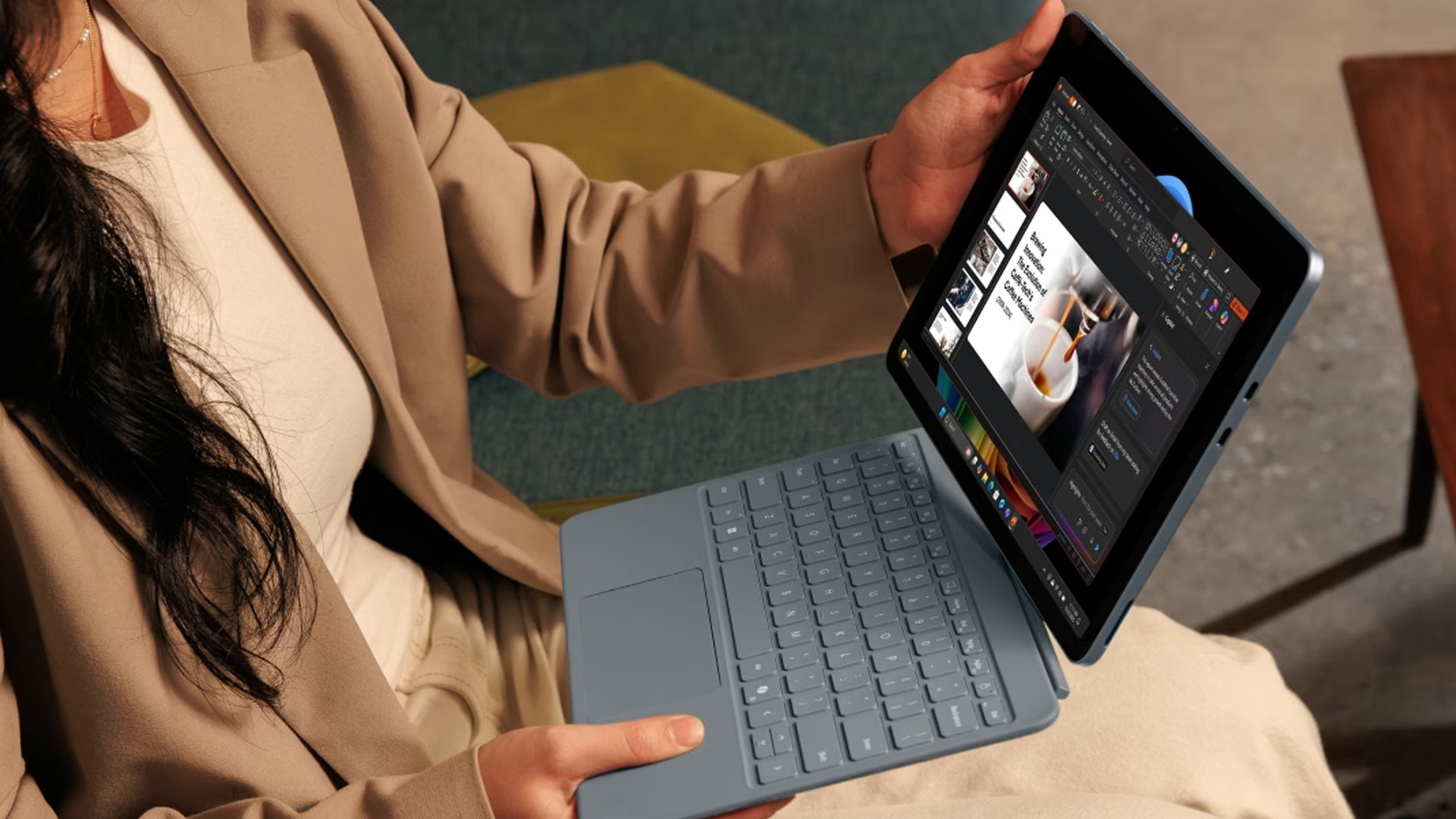
You should also avoid following common mistakes.
Mistake 1: Buying Too Little Storage
A cheap tablet with low storage can become frustrating quickly. Apps, photos and updates take up space, so choose 128GB or more if your budget allows.
Mistake 2: Ignoring Software Updates
Software updates improve security, features and app compatibility. Before buying, check whether the brand has a good reputation for updates.
Mistake 3: Choosing the Wrong Operating System
Do not buy a Windows tablet if you only want simple entertainment. Do not buy a basic Android tablet if you need professional desktop software. Choose the operating system based on how you actually work and relax.
Mistake 4: Forgetting Accessory Costs
Keyboards, styluses, cases, and screen protectors can add to the final price. Always compare the full setup cost, not just the tablet price.
Mistake 5: Buying the Wrong Size
A small tablet is great for reading but not ideal for multitasking. A large tablet is better for work but may be too heavy for casual sofa use.

Bottom Line
The best tablet in 2026 is the one that matches your daily needs, budget and preferred apps.
- Choose an iPad if you want a simple, reliable and polished tablet for everyday use, studying, creativity or family life. You can shop Apple iPads to compare current options.
- Choose an Android tablet if you want more choice, more affordable prices and flexible features. Browse Android tablets if value and variety matter most.
- Choose a Windows tablet if you want laptop-style productivity, Microsoft Office and desktop app support. Explore Windows tablets or Microsoft Surface tablets if your priority is work, study or business use.
For most UK shoppers, the safest approach is simple: decide your main use, choose the right operating system, check storage and RAM, then compare the total price with accessories included. That is the easiest way to find the best tablet for your needs in 2026.
For value-focused buyers, browse affordable tablet PCs to compare current deals.

Most Researched Tablet Queries in 2026
What is the best tablet to buy in the UK in 2026?
The best tablet depends on your needs. An iPad is a great all-round choice for most users. An Android tablet is best if you want more choice and better value. A Windows tablet is best if you need laptop-style productivity, Microsoft Office or desktop apps.
Is an iPad better than an Android tablet?
An iPad is usually better if you want simplicity, long-term app support and a polished user experience. An Android tablet may be better if you want more budget options, customisation or expandable storage on selected models.
Are Windows tablets worth buying?
Yes, Windows tablets are worth buying if you need productivity features, desktop apps, Microsoft Office and keyboard support. They are especially useful for students, business users and remote workers.
How much RAM do I need in a tablet?
For basic use, 4GB RAM may be enough. For smoother performance, 6GB–8GB is better. For professional work, gaming or creative apps, 8GB or more is recommended.
How much storage do I need in a tablet?
64GB is acceptable for light use, but 128GB is a better starting point for most people. Choose 256GB or more if you download films, store photos, play large games or use creative apps.
Related Articles

Last Updated: February 26, 2026
The iPad in 2026 isn’t just a tablet anymore. It’s a content machine, a work-from-anywhere setup, a creative studio, and low-key a laptop replacement for a lot of people in the UK. Apple has quietly (and sometimes not-so-quietly) levelled up the entire iPad lineup, and the Apple iPad trends in 2026 prove one thing: this ecosystem is built for performance, flexibility, and vibes.
This first section breaks down what’s actually new, what’s trending across the latest iPad models, and how Apple is pushing its tablet PCs further into laptop territory, without killing what makes the iPad iconic.
Apple iPad Trends in 2026: The Big Picture
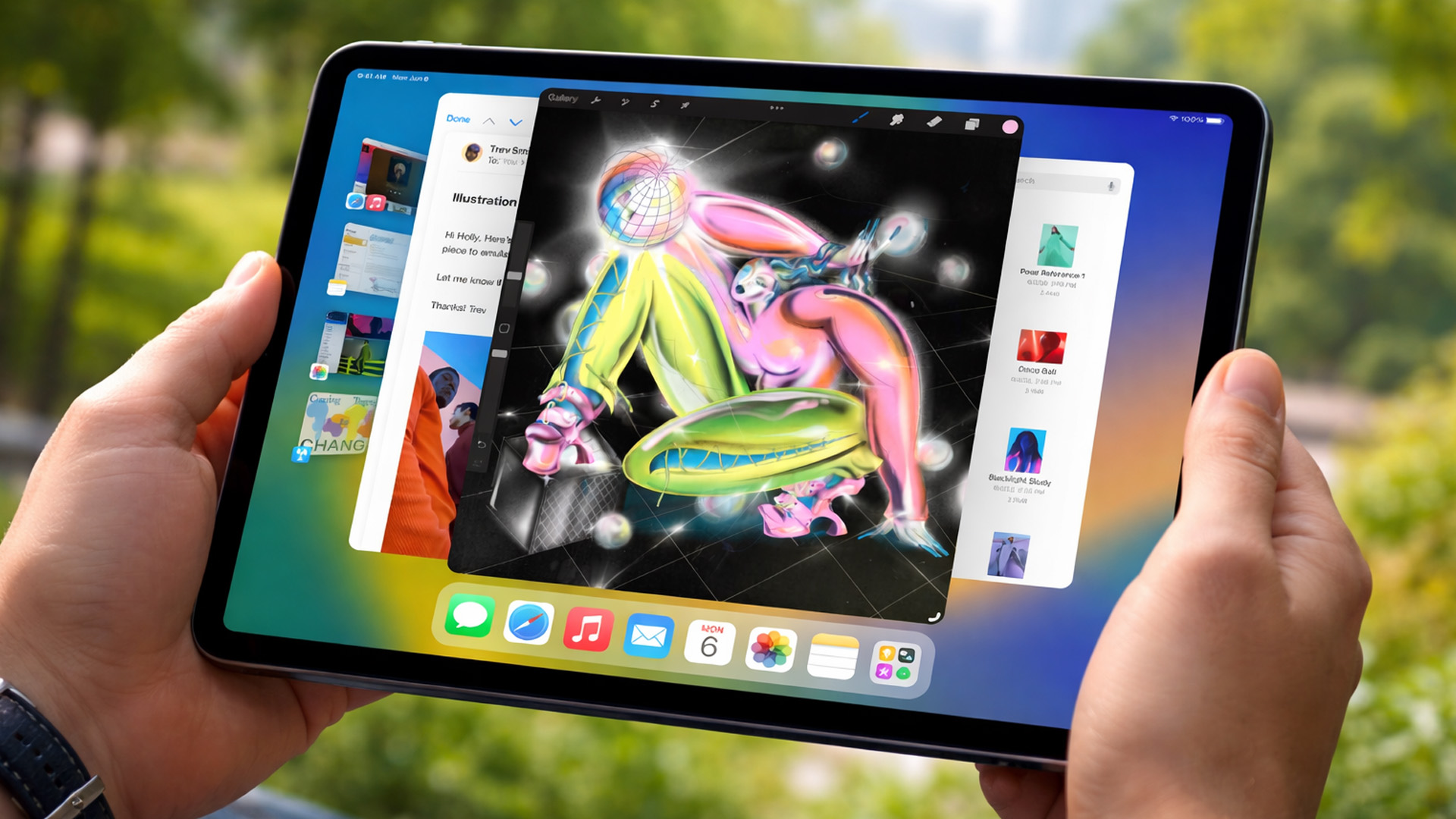
The biggest shift in Apple iPad trends this year isn’t just about faster chips or shinier displays - it’s about positioning. Apple is clearly doubling down on the iPad as a serious productivity and creativity device while still keeping it accessible for everyday users.
In the UK Apple iPad market, buyers are no longer asking “Do I need an iPad?” they’re asking
Published: March 03, 2026
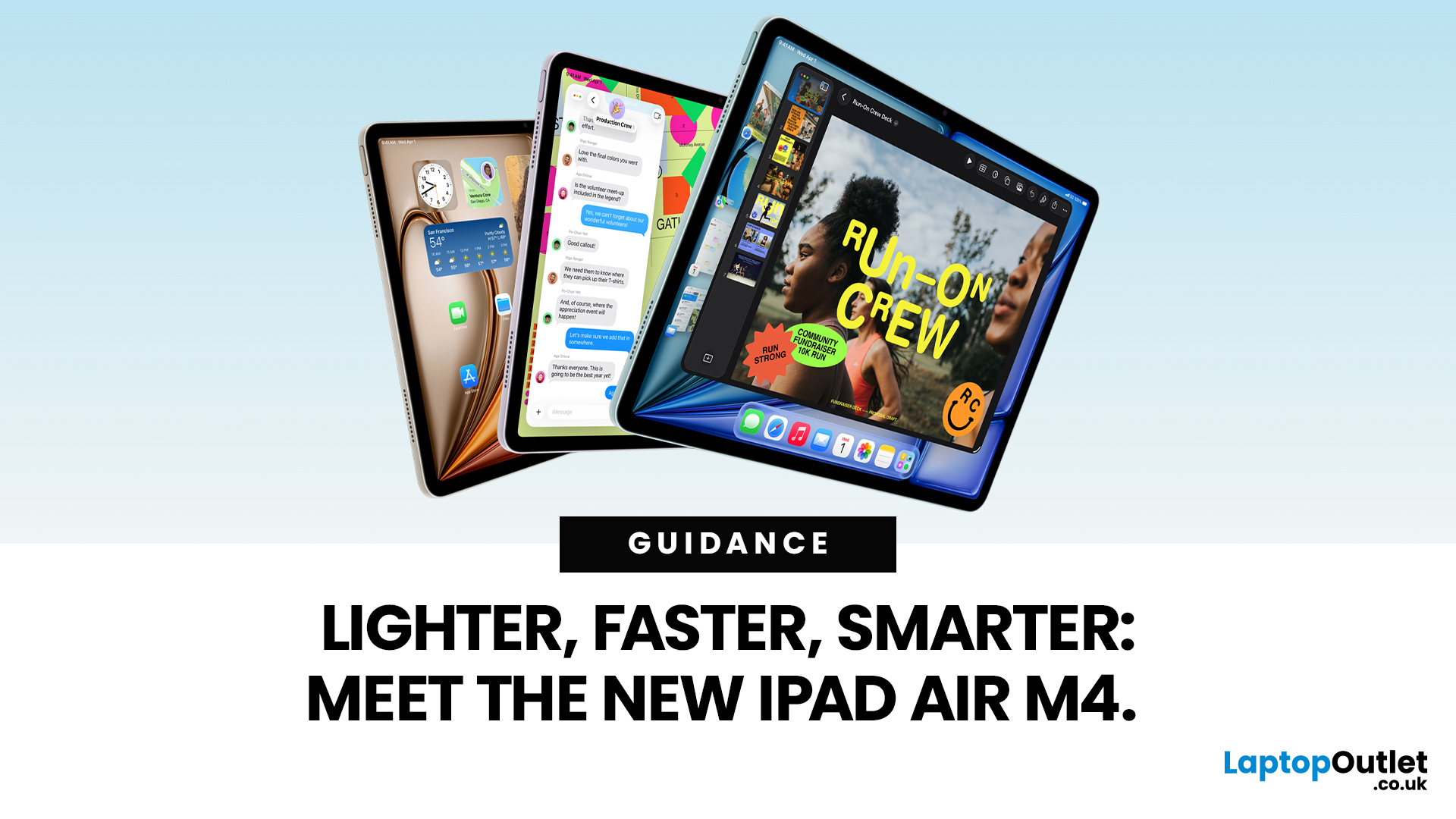
Apple has just unveiled the latest iPad Air, and it's a solid update for anyone in the Apple ecosystem. The iPad Air M4 brings fresh power under the hood without changing much on the outside.
If you're after an Apple tablet that handles work, play, and creativity with ease, this could be your next pick. Let's dive into what makes this device stand out in 2026.
Introducing the iPad Air M4
The new iPad Air comes in two sizes: 11-inch and 13-inch. Both pack the M4 chip, which boosts speed and efficiency. Storage starts at 128GB and goes up to 1TB.
You can choose Wi-Fi only or add cellular for on-the-go use. Colours include space grey, blue, purple, and starlight. This refresh keeps the sleek design fans love, but adds modern tech inside.
Moreover, it supports the latest accessories like the Apple Pencil Pro and Magic Keyboard. These turn the iPad Air M4 into a versatile tool for notes, drawing, or typing.
Powerful Performance with the M4 Chip
At the heart of the iPad Air M4 sits the M4
Published: March 03, 2026
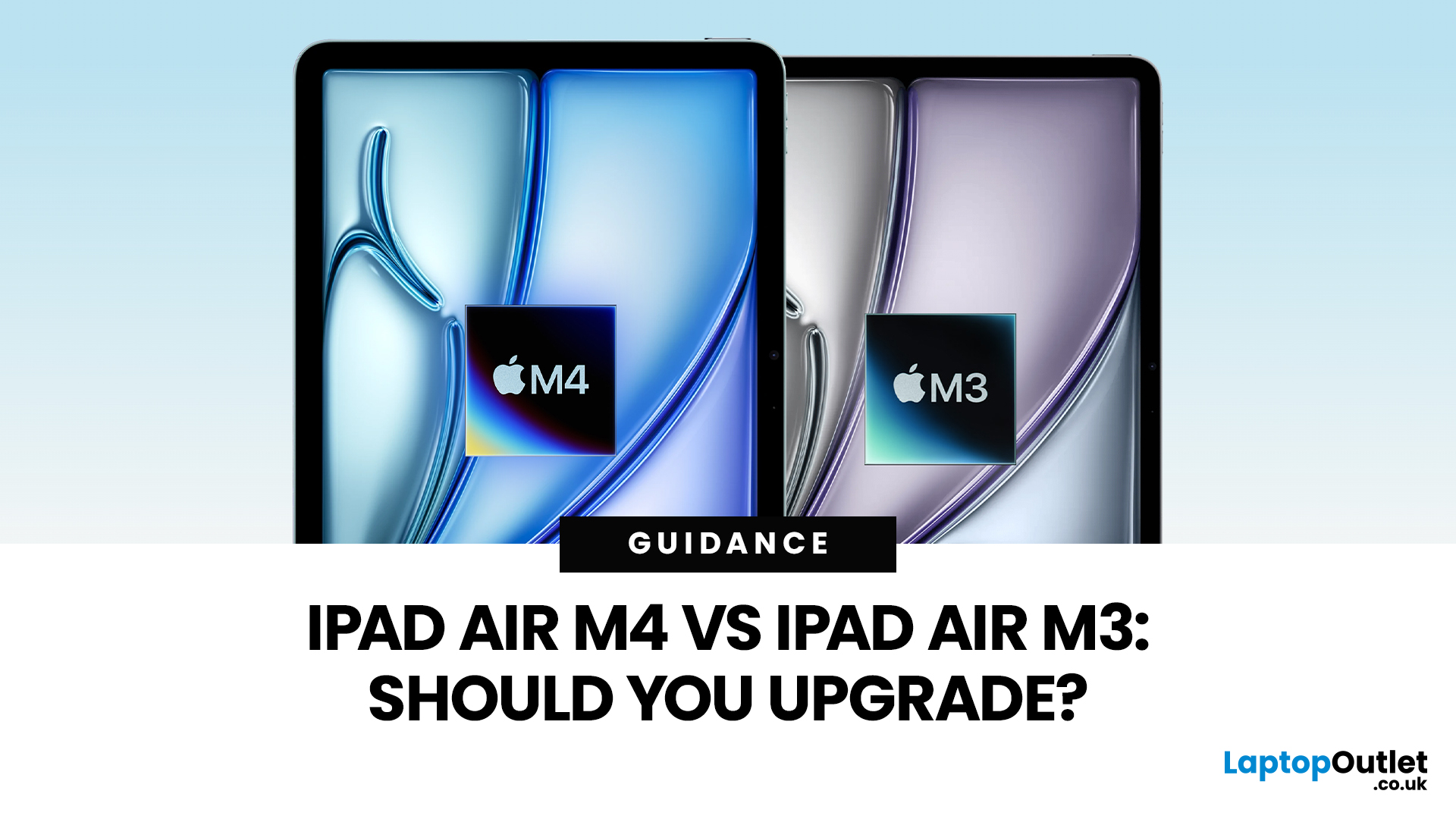
Apple’s iPad Air update for 2026 is exactly what most iPad Air buyers want: the same clean design in 11-inch and 13-inch sizes, but with a much stronger internal platform. The iPad Air M4 moves the Air line onto Apple’s M4 chip, adds more memory, and updates wireless and cellular hardware, so the device stays fast and responsive for longer.
If you are deciding between iPad Air M4 vs M3, the upgrade question is simple: do you need more headroom for heavier apps and multitasking, or is your iPad mainly a media, notes, and browsing device? The M4 model is better on paper and in real use for power tasks, but the M3 model remains “fast enough” for most people, especially if it is discounted.
Quick Answer: Should You Upgrade?
Upgrade to iPad Air M4 if
- You use your iPad like a laptop replacement: Stage Manager, split-screen work, lots of apps open, and big files.
- You do creative work (editing, design, illustration, audio projects), and you want smoother performance under load.
- You plan to
Published: March 04, 2026
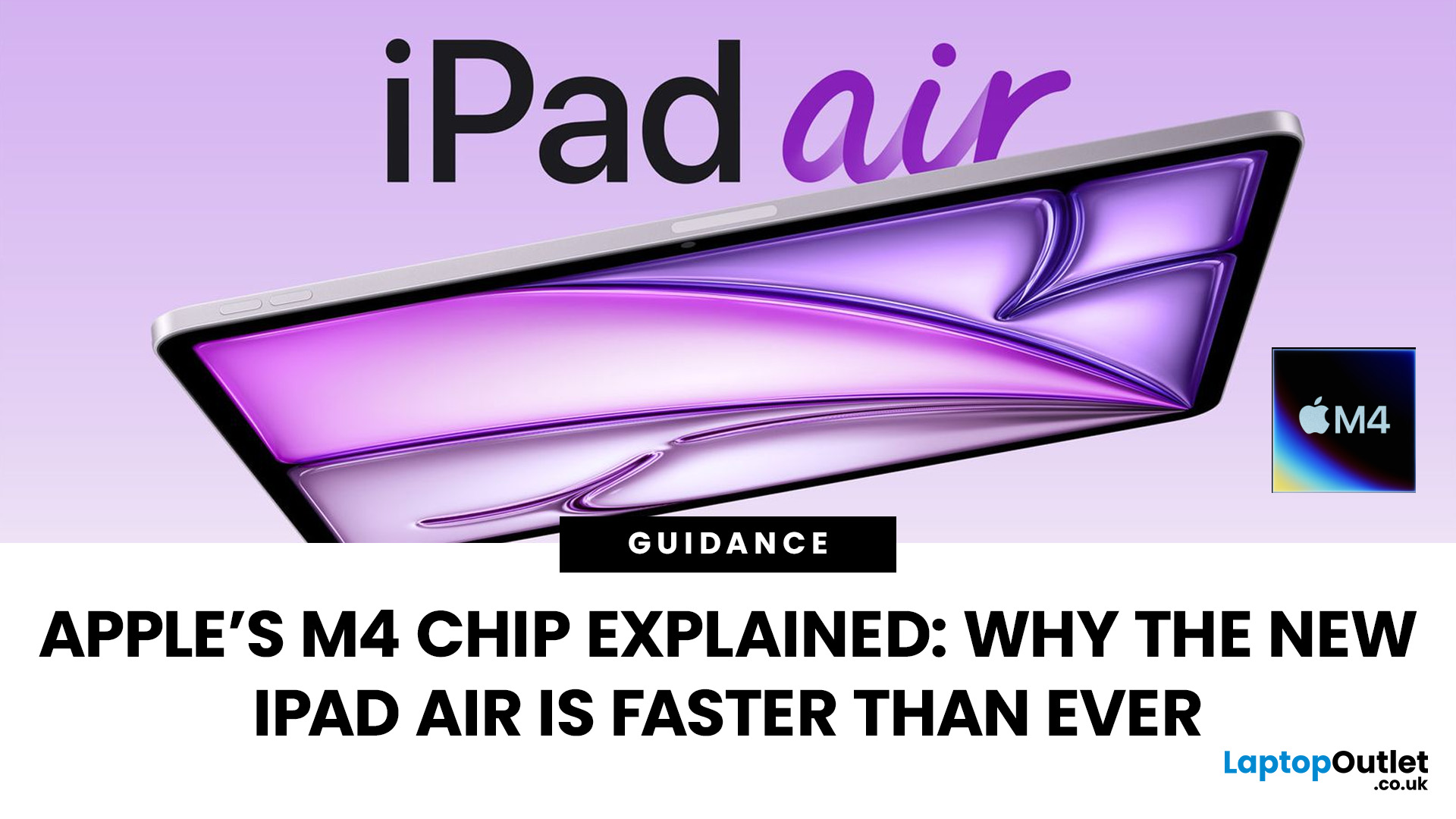
Apple’s silicon strategy has reshaped modern computing and the Apple M4 chip is the latest example of how powerful, efficient processors can transform mobile devices. In this article, we explain exactly what the M4 chip is, why it makes the new iPad Air faster, and what this means for everyday users in the UK and beyond.
What Is the Apple M4 Chip?
The Apple M4 chip is the newest generation of Apple silicon designed for tablets and other devices, including the latest iPad Air lineup. It builds on Apple’s previous M-series processors with improvements in CPU performance, graphical power and machine learning capabilities. The M4 integrates multiple central processing cores, a robust graphics unit and a dedicated neural engine into a single, efficient system-on-chip.
Unlike older mobile processors, which may separate components, the M4 combines CPU, GPU, memory controller, neural accelerators and other key functions into a single package. This unified architecture reduces latency and maximises
Published: March 06, 2026
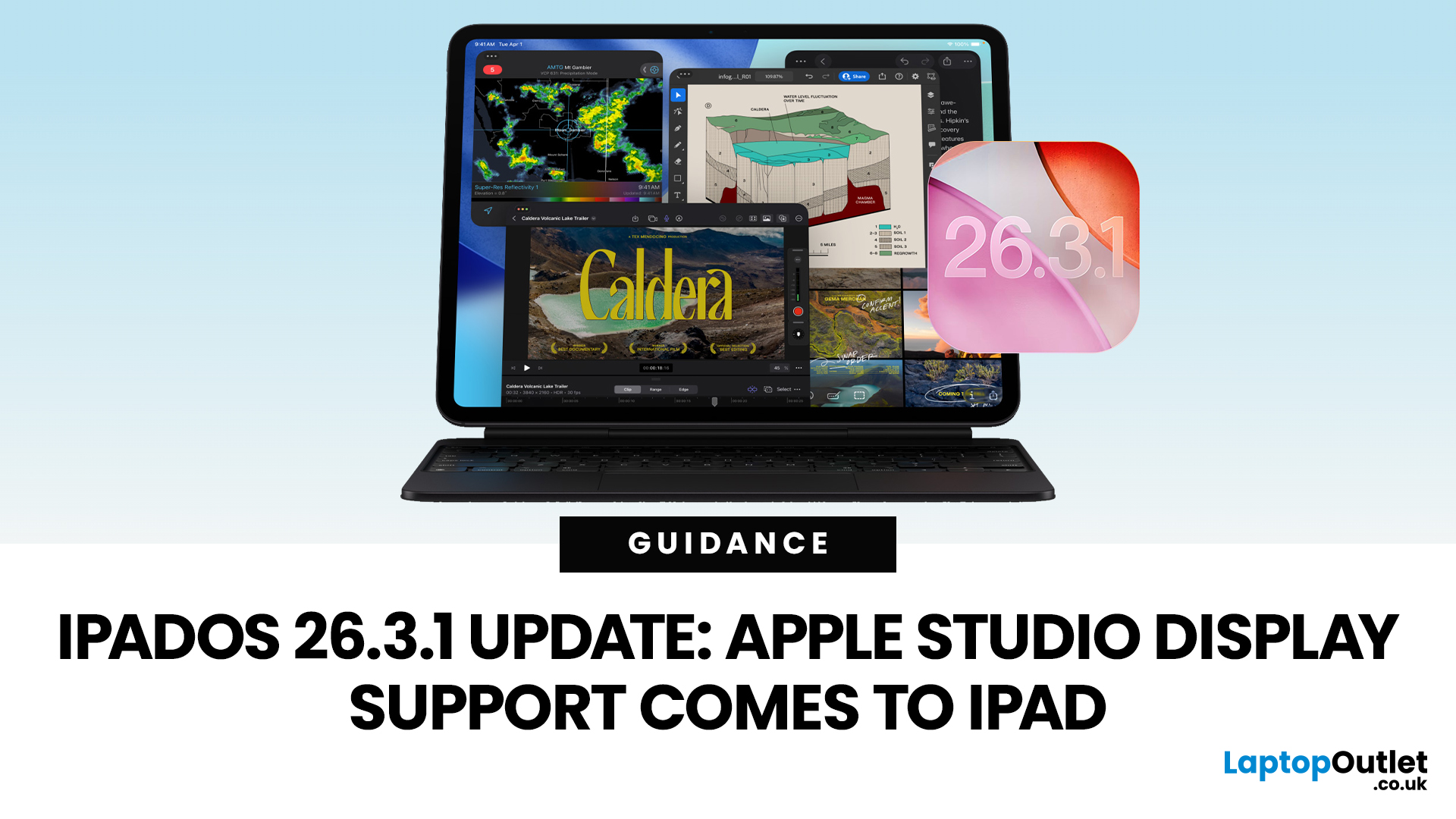
Apple has released the iPadOS 26.3.1 update (build 23D8133) on 4 March 2026, and while it’s a point release, it’s tied to something very tangible: support for Apple’s (new) Studio Display lineup, including Studio Display XDR.
That means, if you use an iPad as part of your desk setup, this is one of those updates that can quietly change your day-to-day. Not with flashy new emoji, but with better compatibility for a serious external monitor.
Below is what’s actually confirmed (and what isn’t), which iPads are included, and what to expect when you plug your iPad into Apple’s Studio Display.
What Apple says is in iPadOS 26.3.1
Apple’s Developer Releases listing confirms:
- iPadOS 26.3.1 (23D8133)
- Release date: 4 March 2026
Apple hasn’t published a public-facing, detailed changelog in the sources available here, and several reports describe the fixes as “unspecified bug fixes” alongside the key compatibility change.
What is clearly and directly supported: Studio Display compatibility now requires
Published: April 14, 2026
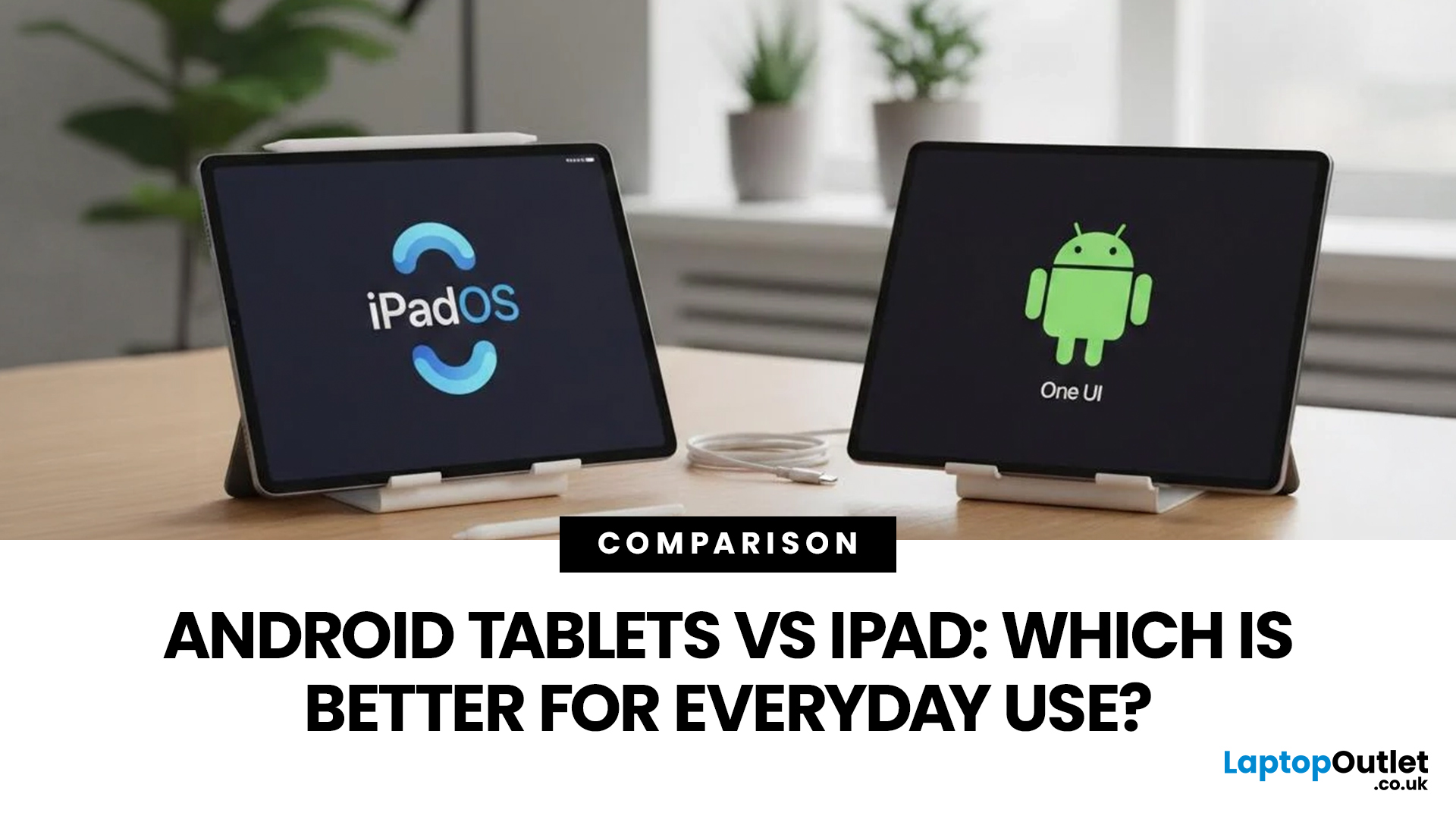
Choosing a tablet sounds easy… until you actually start looking.
Suddenly, it turns into a full-on ecosystem debate. Do you go for the clean, premium Apple experience? Or do you choose the flexibility, variety and better-value world of Android?
That’s exactly why so many buyers end up stuck between Android tablets vs iPad.
On one side, iPads have the polished reputation, smooth performance and that classic Apple “it just works” appeal. On the other, Android tablets give you more choice, more price points, more freedom and a way easier entry into the tablet world without your bank account crying in the background.
And if you’re an everyday buyer, that choice matters even more.
Because you’re probably not buying a tablet to do one ultra-specific thing. You want something that fits into daily life. Something good for streaming, scrolling, studying, replying to emails, joining video calls, browsing, shopping, taking notes, maybe even getting a bit of work done when needed.
So in this guide,
Last Updated: June 10, 2026
Quick Answer: The best iPad in 2026 for most people is the iPad Air with M4 because it delivers strong performance, Apple Intelligence support, 11-inch and 13-inch sizes, Wi-Fi 7, and better long-term value than the entry-level iPad. If you want the most affordable iPad, choose the 11-inch iPad with the A16 chip. If you want the smallest iPad, choose the iPad mini with the A17 Pro chip. If you need the most powerful iPad for design, editing, illustration, or professional workloads, choose the iPad Pro with M5.
Introduction
If you are searching for the best iPad in 2026, the answer depends on what you actually need your tablet to do. You do not need the most expensive iPad for browsing, streaming, schoolwork, emails, video calls, and everyday apps. You need the right balance of screen size, performance, storage, battery life, accessory support, and price.
Apple’s current iPad family gives you four main routes: the standard iPad for everyday use, the iPad mini for portability, the iPad
Last Updated: May 25, 2026
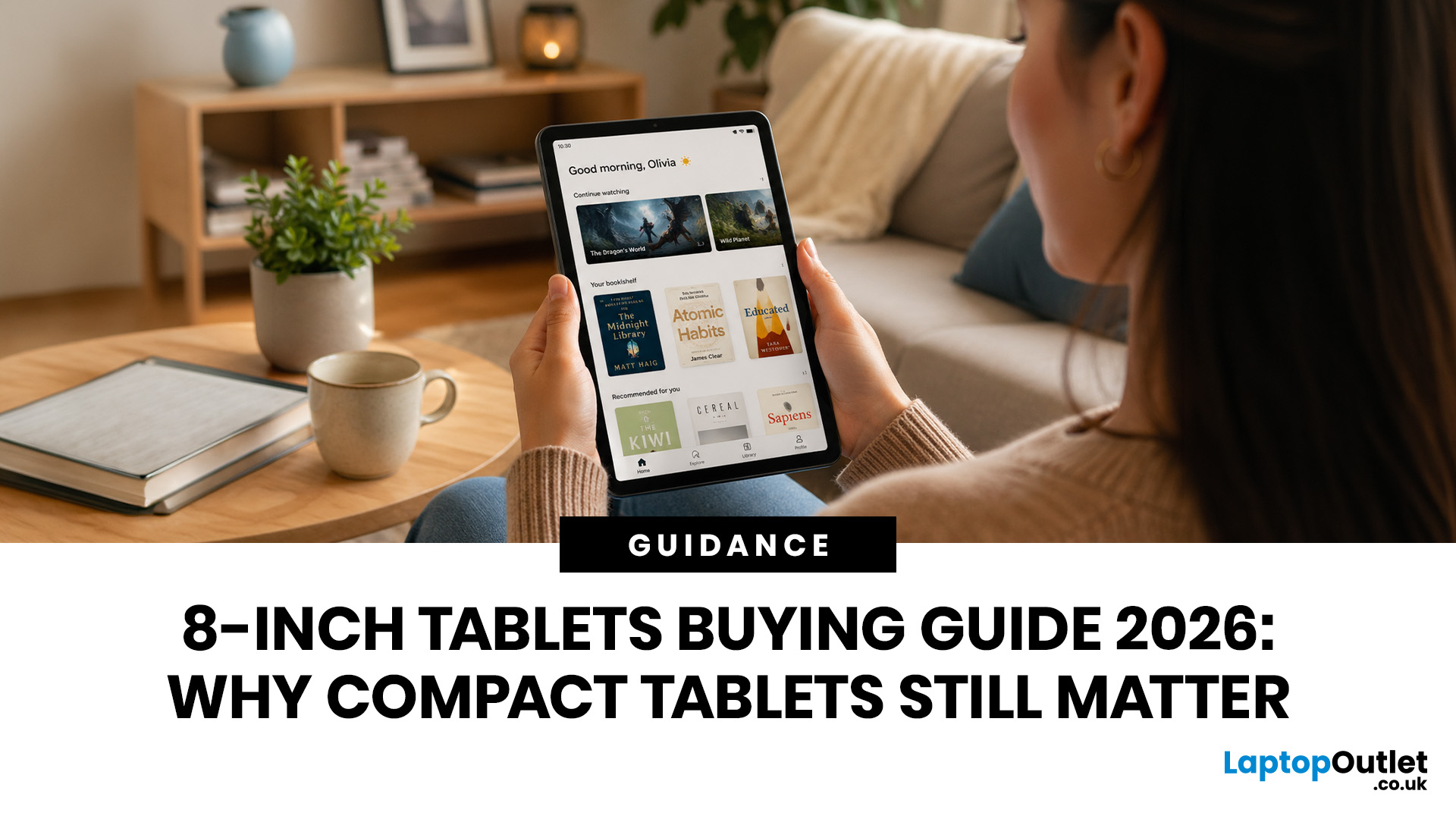
Big tablets are great until you actually have to carry one everywhere. A 12-inch screen looks dreamy on a desk, but on a packed train, budget flight, sofa armrest, or bedside table? Not always the vibe. That is exactly where 8 inch tablets still make sense in 2026. They sit in the sweet spot between a smartphone and a full-size tablet: bigger than your phone for reading, streaming and browsing, but still small enough to hold in one hand, throw in a bag and use without feeling like you are carrying a portable TV.
This 8 inch tablets buying guide is here to help you choose properly. We will compare compact tablets, explain the difference between the Apple iPad mini, Android small tablets and Amazon Fire options, and show which models make sense for reading, travel, streaming, kids, students, and everyday use.
And yes, compact tablets still matter. They are just not trying to be laptops. They are trying to be the device you actually take with you.
Are 8-inch Tablets Still Worth Buying in
Last Updated: June 10, 2026
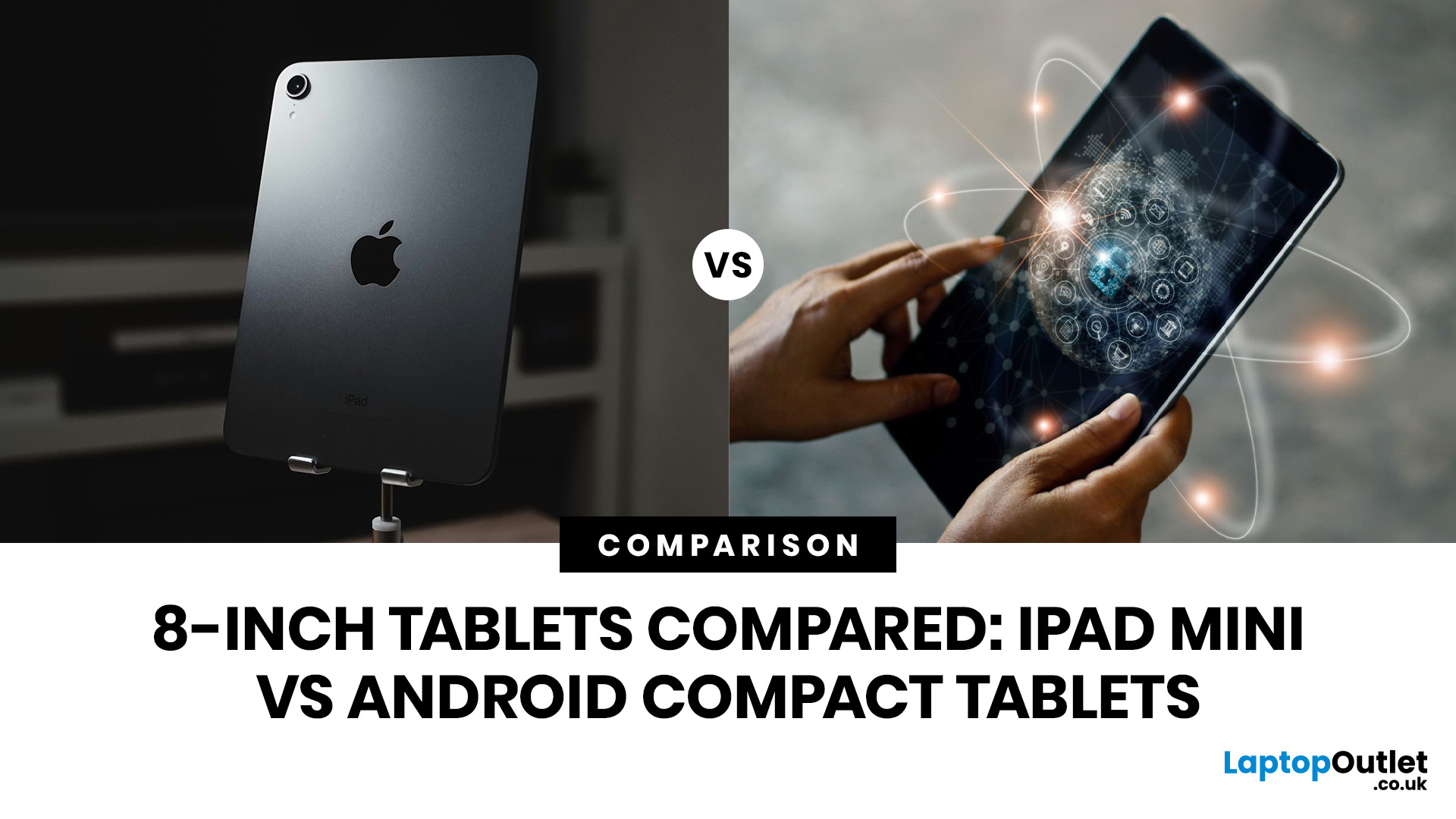
Quick Answer: The iPad mini is the better choice if you want premium performance, a sharper display, Apple Pencil support and long-term everyday speed. Android compact tablets are better if you want a more affordable small tablet for reading, browsing, streaming, video calls and casual use. For most buyers, the iPad mini wins on power and quality, while Android wins on value and budget-friendly practicality.
Small tablets are perfect when you want more screen than a phone but do not want to carry a 11-inch or 13-inch full size tablet everywhere. For reading, commuting, streaming, travelling and light everyday use, the real buying decision often comes down to iPad mini vs Android compact tablets.
In this guide, we compare both options across display quality, performance, software, battery, storage, connectivity, value and use cases so you can decide which compact tablet makes more sense for you.
Quick Comparison: iPad mini or Android Compact Tablet?
If you want the most powerful small tablet

Last Updated: July 13, 2026
Not every tablet needs to be huge. Sometimes, the best tablet is the one you can actually carry every day without it taking over your bag.
That is where the best 8-inch tablets for reading and travel come in. These compact tablets are built for people who want something bigger than a phone but lighter and easier to handle than a full-size 11-inch or 13-inch tablet. They are ideal for reading eBooks, checking emails, streaming on the train, browsing in bed, taking notes, keeping kids entertained, and travelling light. In this guide, we will help you choose the right compact tablet based on display quality, performance, battery, storage, connectivity, and real-world use.
Best 8-inch Tablets Currently Worth Considering at Laptop Outlet
| Model | Best for | Screen | Processor | Memory / storage | Battery |
| Premium reading, travel, notes and everyday use | 8.3-inch Liquid Retina, 2266×1488 | Apple A17 Pro | 128GB or 256GB options available in category | Up to 10 hours |

