




Blog Categories







September 25, 2026

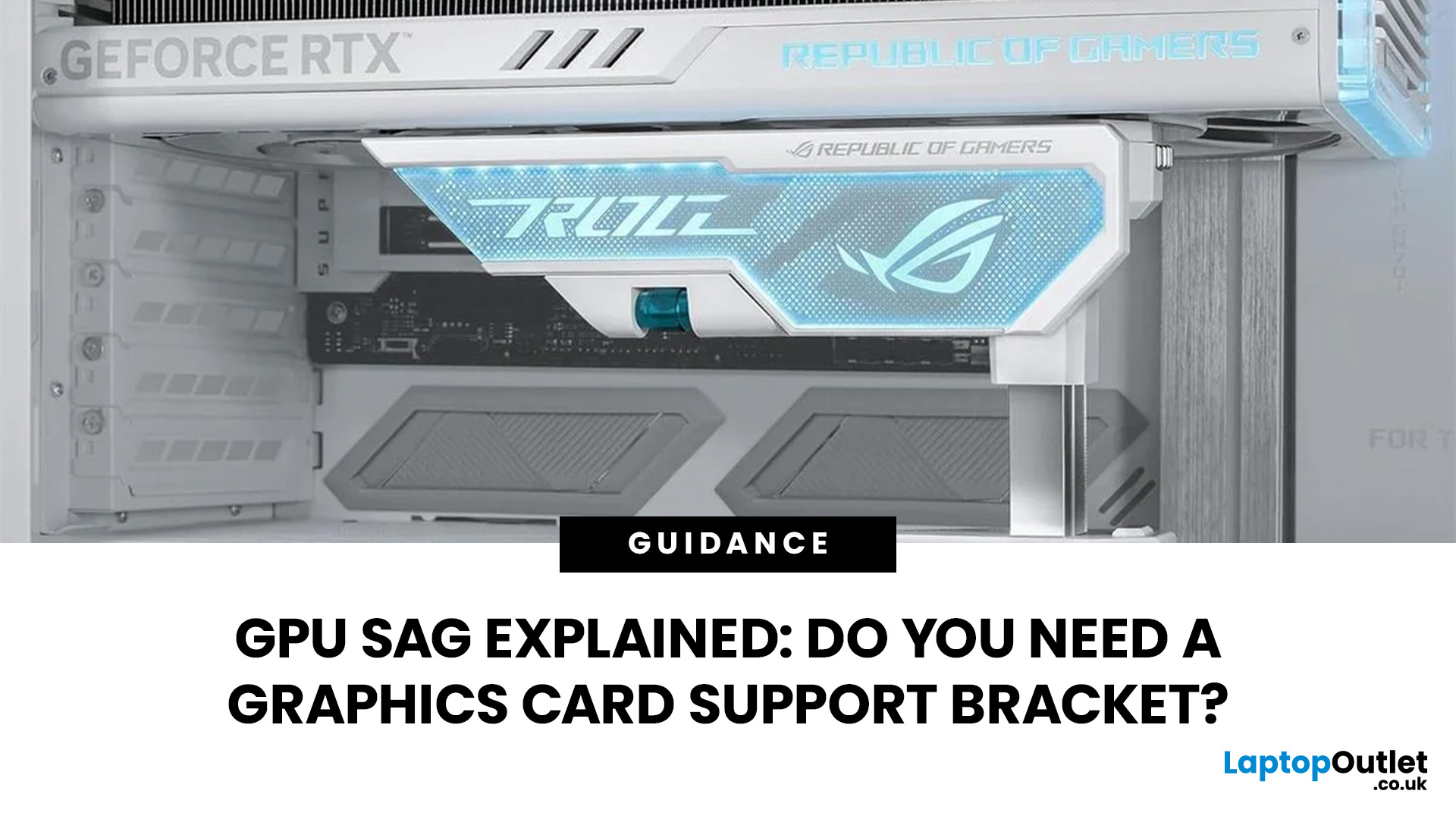
GPU sag is the downward tilt of a graphics card caused by its weight pulling on the unsupported end of the card. It is most noticeable with long, heavy GPUs using large multi-fan coolers. A slight tilt is not automatically a sign of damage, but obvious sag is worth checking rather than ignoring.
GPU sag is the downward tilt of a graphics card caused by its weight pulling on the unsupported end. A GPU support bracket is not always necessary, but it can help stabilise long or heavy graphics cards that visibly droop after correct installation. Before adding support, check the card is fully seated, securely screwed in and not being pulled by cables.
Before buying a GPU support bracket, make sure the graphics card is fully seated and properly secured to the case. If it still droops, a bracket, stand or holder can support the free end of the card without placing unnecessary upward pressure on it.
What Is GPU Sag?
GPU sag happens when one end of a horizontally mounted graphics card sits lower
September 02, 2026
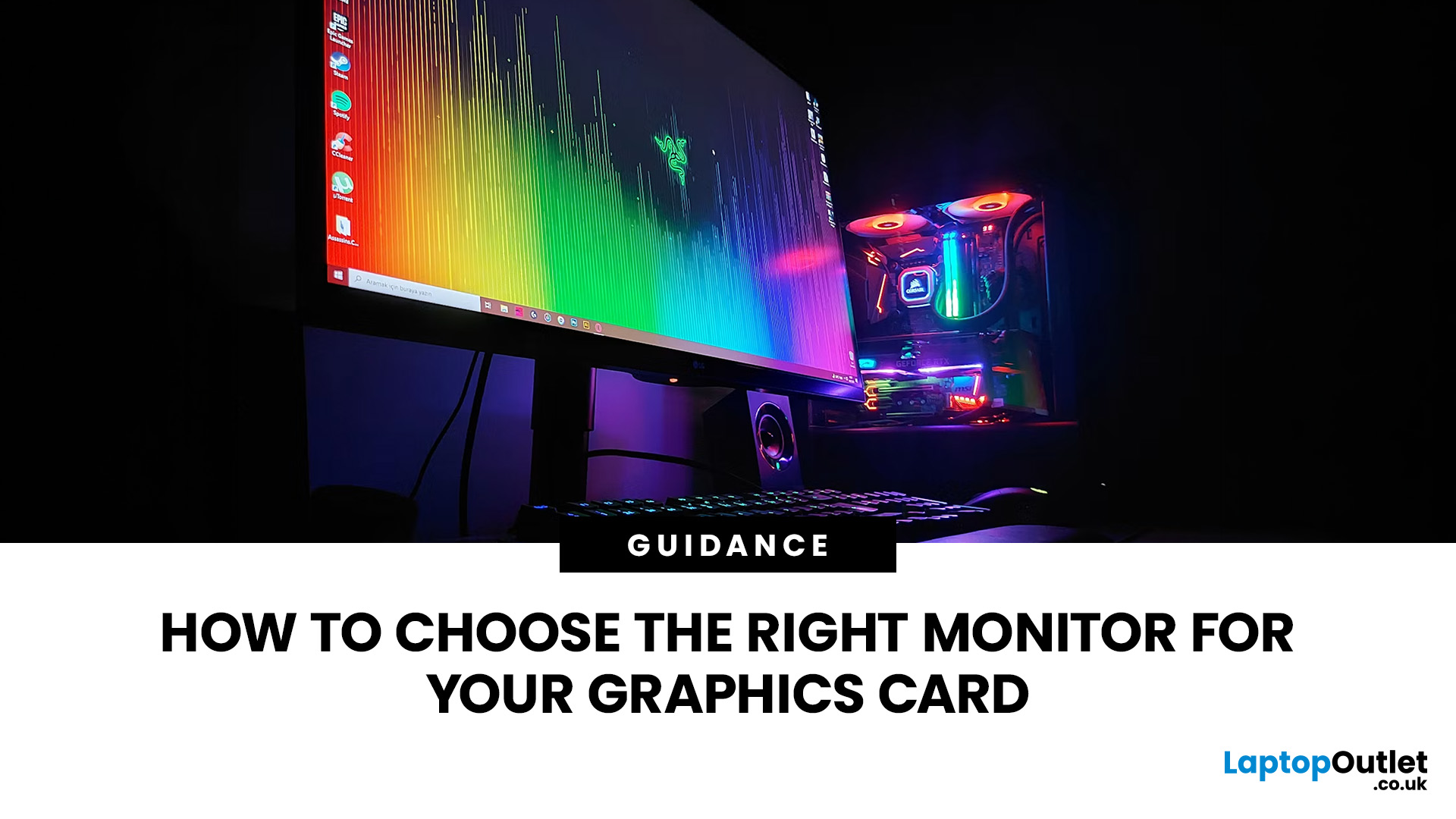
Choosing a monitor is not simply a case of buying the highest resolution or fastest refresh rate you can afford. Your graphics card has to render the resolution, generate enough frames to benefit from the screen’s refresh rate and support the connection needed to carry that signal.
Get those factors right and you can enjoy sharper images, smoother motion and better use of the hardware you already own. Here is how to choose the right monitor for gaming, creative work and everyday use without paying for display performance your PC cannot use.
Quick Answer: How Do You Choose the Right Monitor?
Start with your GPU’s real performance at the resolution you want. Match the monitor’s native resolution and refresh rate to the frame rates your graphics card can realistically deliver, then check variable refresh rate support and display connections. After that, compare panel type, screen size, HDR and other features based on how you use the PC.
For most buyers, resolution should come first, refresh
August 20, 2026
August 06, 2026
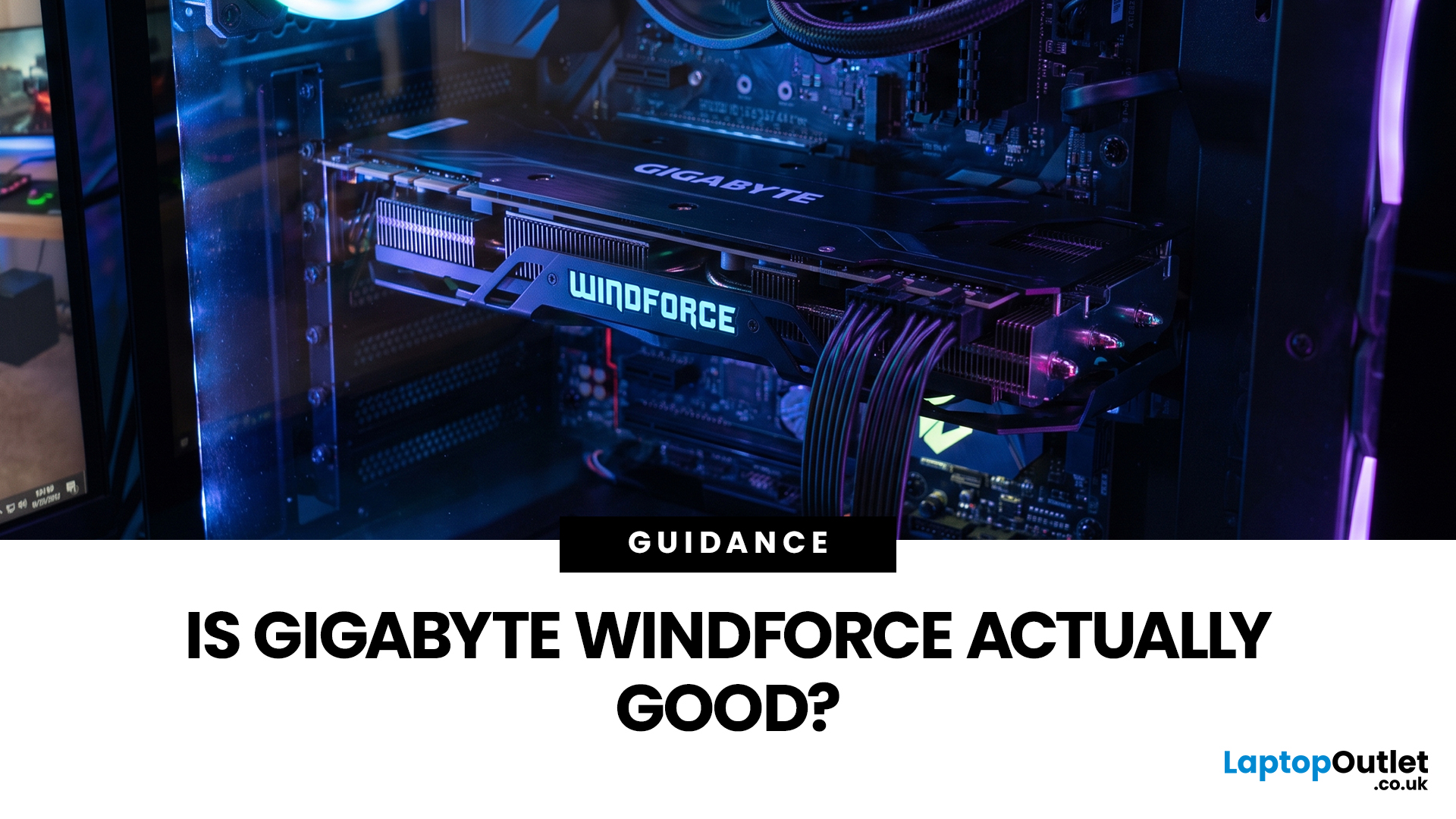
Gigabyte WINDFORCE graphics cards are generally good choices for gamers who want dependable cooling, sensible dimensions, and competitive pricing without paying extra for every premium feature. However, WINDFORCE does not identify the performance level of the GPU itself. An RTX 5080 WINDFORCE will still be substantially faster than an RTX 5060 WINDFORCE because the graphics processor matters more than the cooler’s name.
This guide explains how the WINDFORCE cooling system works, what to expect from temperatures and noise, and how Gigabyte WINDFORCE compares with Gaming OC and AORUS models.
What Does Gigabyte WINDFORCE Mean?
WINDFORCE is Gigabyte’s name for a collection of graphics card cooling technologies rather than a specific GPU architecture. Gigabyte uses the name both on dedicated WINDFORCE models and as the underlying cooling platform for certain Gaming OC and AORUS cards.
This distinction is important. A Gigabyte RTX graphics cards may use two or three fans, different numbers of
July 17, 2026
July 21, 2026
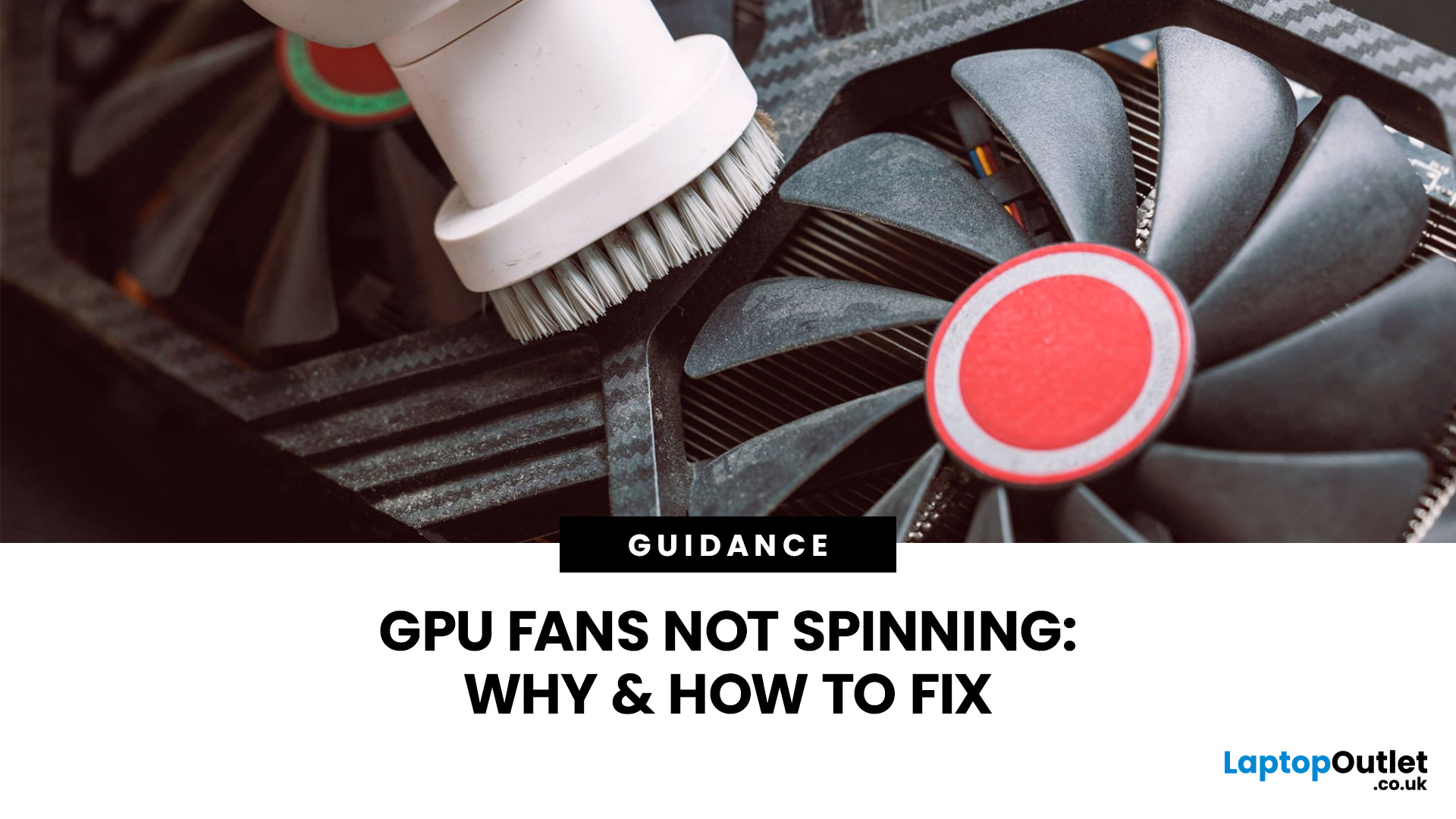
Your PC is on. Your game is loading. Everything seems fine… until you peek inside your case and notice your GPU fans not spinning. Instant panic? Understandable.
Your graphics card is one of the hottest components in a gaming PC, so when the fans stop moving, it feels like your graphics card is about to enter meltdown mode. But here’s the plot twist: graphics card fans not spinning is not always a bad sign. In many modern graphics cards, the fans stay off on purpose when the card is cool.
Still, if your GPU fan not working situation comes with overheating, crashes, noise, or poor performance, then yeah, it is time for some proper GPU fan troubleshooting. Let’s break down what is normal, what is not, and how to fix a processor fan not spinning issue without going full tech panic mode.
First, is it Normal for GPU Fans Not to Spin?
Sometimes, yes.
Many modern NVIDIA GeForce and AMD graphics cards for gaming come with a zero RPM or fan-stop mode. This means the fans do not spin when the GPU
September 03, 2026
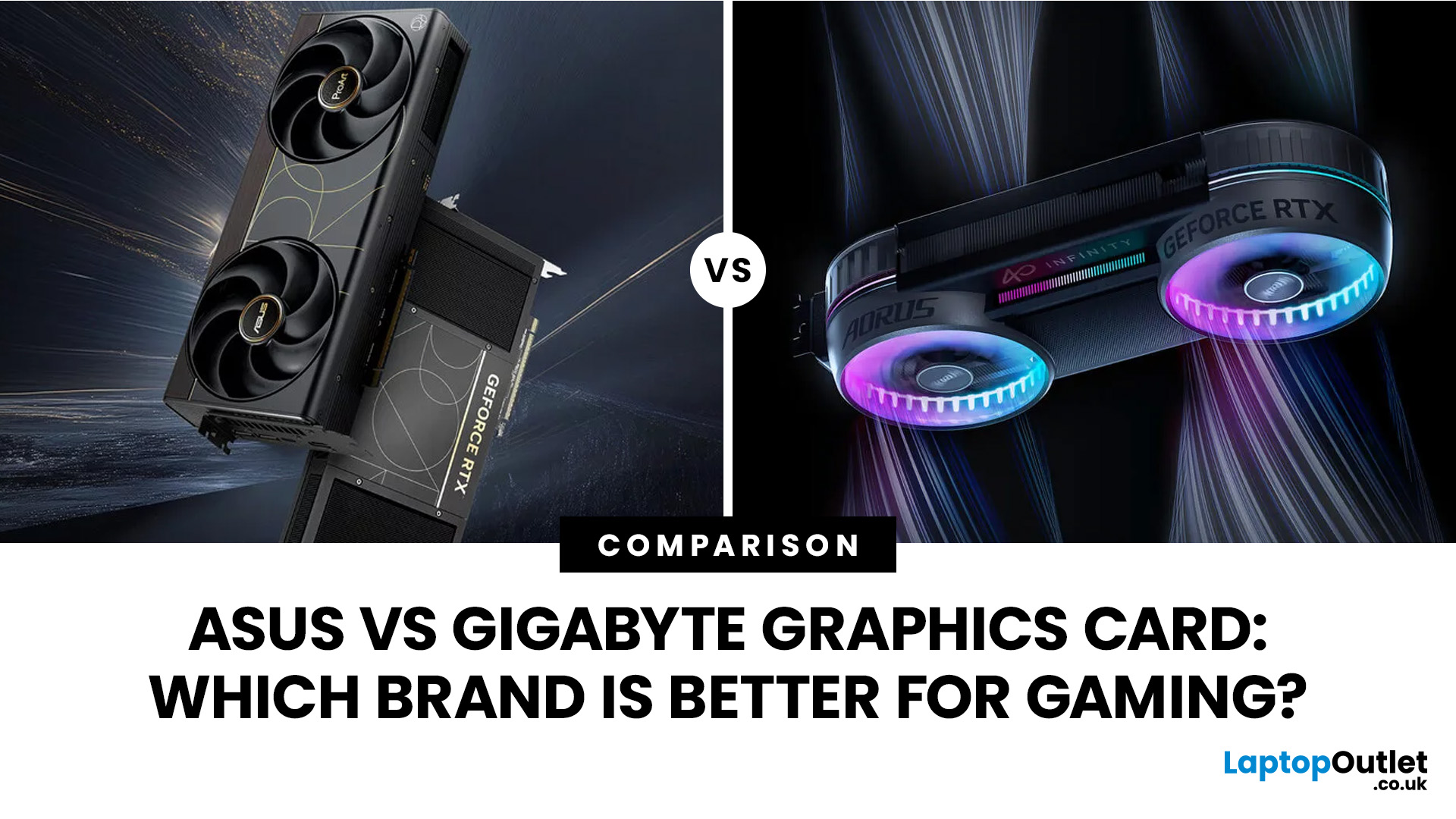
Both ASUS and Gigabyte are among the most trusted graphics card manufacturers available to UK gamers in 2026. In the ASUS vs Gigabyte graphics card comparison, ASUS typically leads on premium cooling, build quality, and software, while Gigabyte offers strong value across its mid-range and budget tiers. The right choice comes down to your budget, performance needs, and preferred feature set.
Choosing between ASUS and Gigabyte for your next graphics card is a decision many UK gamers face when building or upgrading a system. This guide breaks down every relevant factor so you can make an informed decision, whether you're gaming at 1080p, pushing 1440p on a competitive title, or targeting 4K. We also include best graphics card recommendations for different types of gamers.
A Quick Look at Both Brands
Before diving into the ASUS vs Gigabyte graphics card debate, here is a brief introduction to each brand and how they structure their GPU ranges. Knowing this makes it much easier to understand
August 24, 2026
September 03, 2026
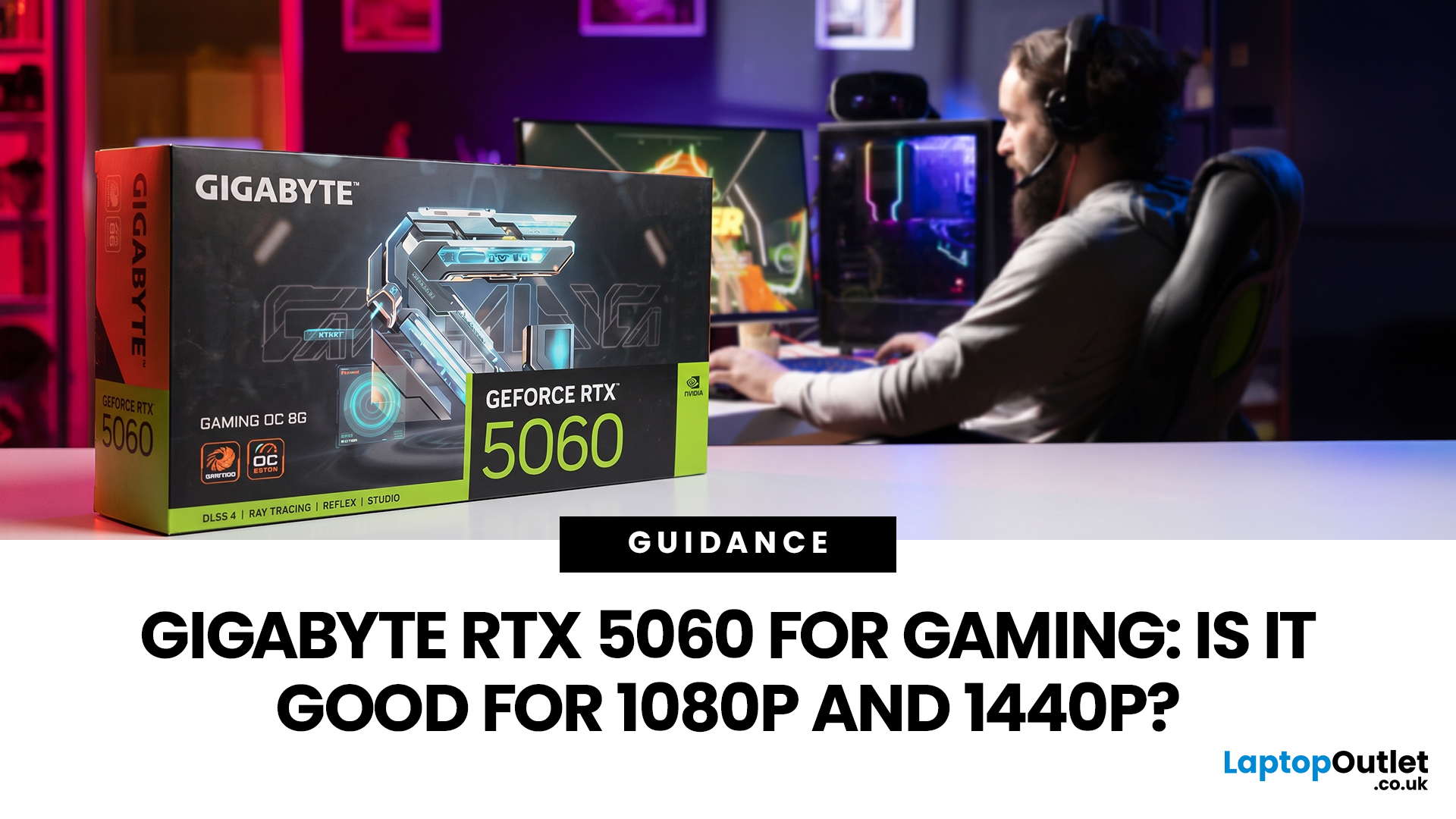
Thinking about buying the Gigabyte GeForce RTX 5060 for gaming? If you're targeting smooth 1080p gameplay, it's a strong contender, offering impressive performance with Nvidia's Blackwell architecture, DLSS 4, ray tracing, and fast GDDR7 memory. But how well does it handle 1440p? While it performs well in esports and optimised titles, demanding AAA games can push its 8GB VRAM to the limit. Here's what you can realistically expect at both resolutions.
Gigabyte RTX 5060 Gaming Performance: Quick Verdict for 1080p & 1440p
| User Type | Is the Gigabyte RTX 5060 a Good Fit? | Why |
| 1080p competitive gamer | Yes | High frame rates, low latency features and DLSS support |
| Casual PC gamer | Yes | Smooth Full HD gaming without overbuying |
| 1440p gamer on a budget | Sometimes | Good with optimised settings and DLSS |
| Ultra settings AAA gamer | Not always | 8GB VRAM can limit texture quality |
| Small PC builder | Yes | Gigabyte’s compact, efficient designs are easy to fit |
| Content creator/gamer hybrid | Yes | Nvidia Studio, NVENC and AI features |
June 30, 2026
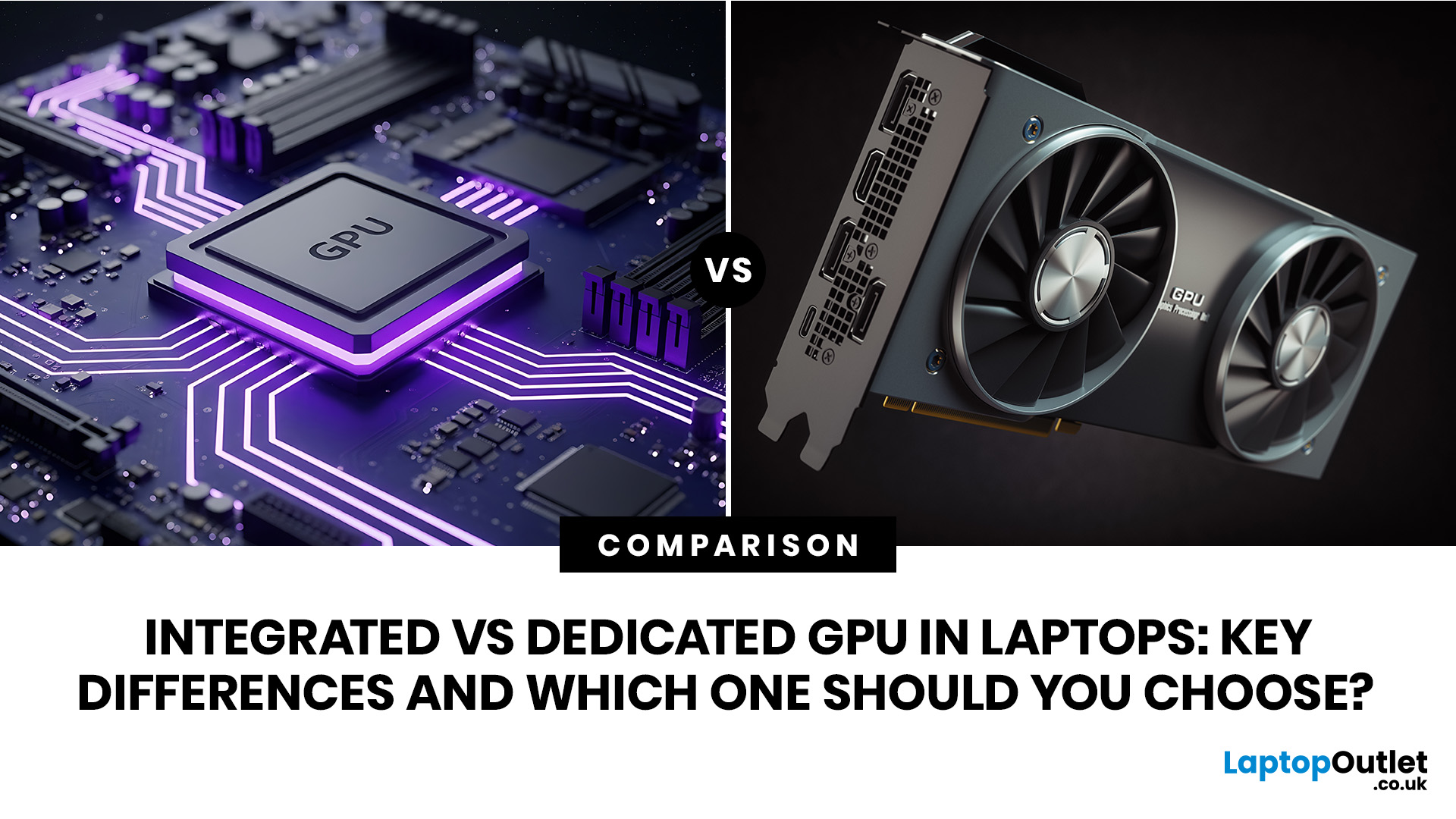
An integrated vs dedicated GPU laptop decision comes down to one simple question: do you need strong graphics performance every day, or do you mostly need a cooler, lighter, longer-lasting laptop for normal work?
For everyday browsing, office work, video calls, streaming, study and light photo editing, integrated graphics are usually enough. For serious gaming, 3D work, video editing, CAD, AI workloads or high-refresh creative work, a laptop with dedicated graphics card hardware is usually the better option.
Quick answer: Integrated vs dedicated GPU explained
Integrated graphics are built into the processor sharing, system memory. They are efficient, affordable and good for everyday laptop use.
A dedicated GPU is a separate graphics processor with its
July 07, 2026
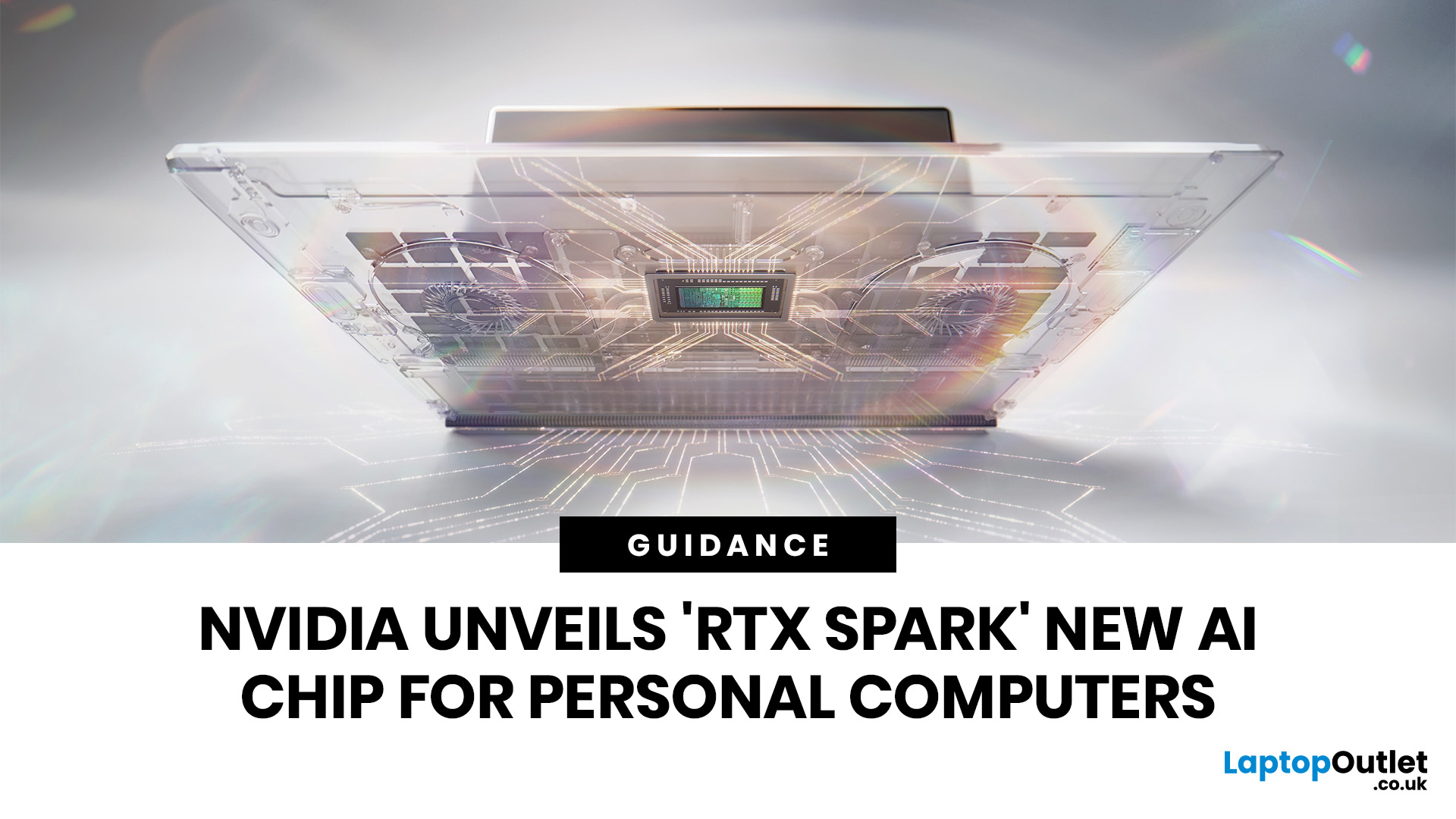
NVIDIA RTX Spark is one of the biggest PC announcements of the AI era. It is NVIDIA’s new AI computing platform for Windows PCs, built to bring local AI agents, RTX graphics, GPU acceleration and high-performance creative work into slim laptops and compact desktop systems.
That matters because personal computing is changing quickly. You are no longer only opening apps, browsing websites or editing documents. The next generation of PCs is being designed to understand your work, run AI models locally, help with coding, create images and videos, search your files, render complex scenes and play demanding games with AI-enhanced graphics.
This is where NVIDIA RTX Spark comes in. According to NVIDIA’s official RTX Spark product page, the platform brings together up to 6,144 Core Blackwell RTX GPUs, a 20-core NVIDIA Grace CPU, up to 128GB unified memory and up to 1 petaflop of AI performance in one platform. In simple words, NVIDIA wants RTX Spark to turn the Windows PC into a personal AI supercomputer.
August 20, 2026