




Blog Categories







September 24, 2026

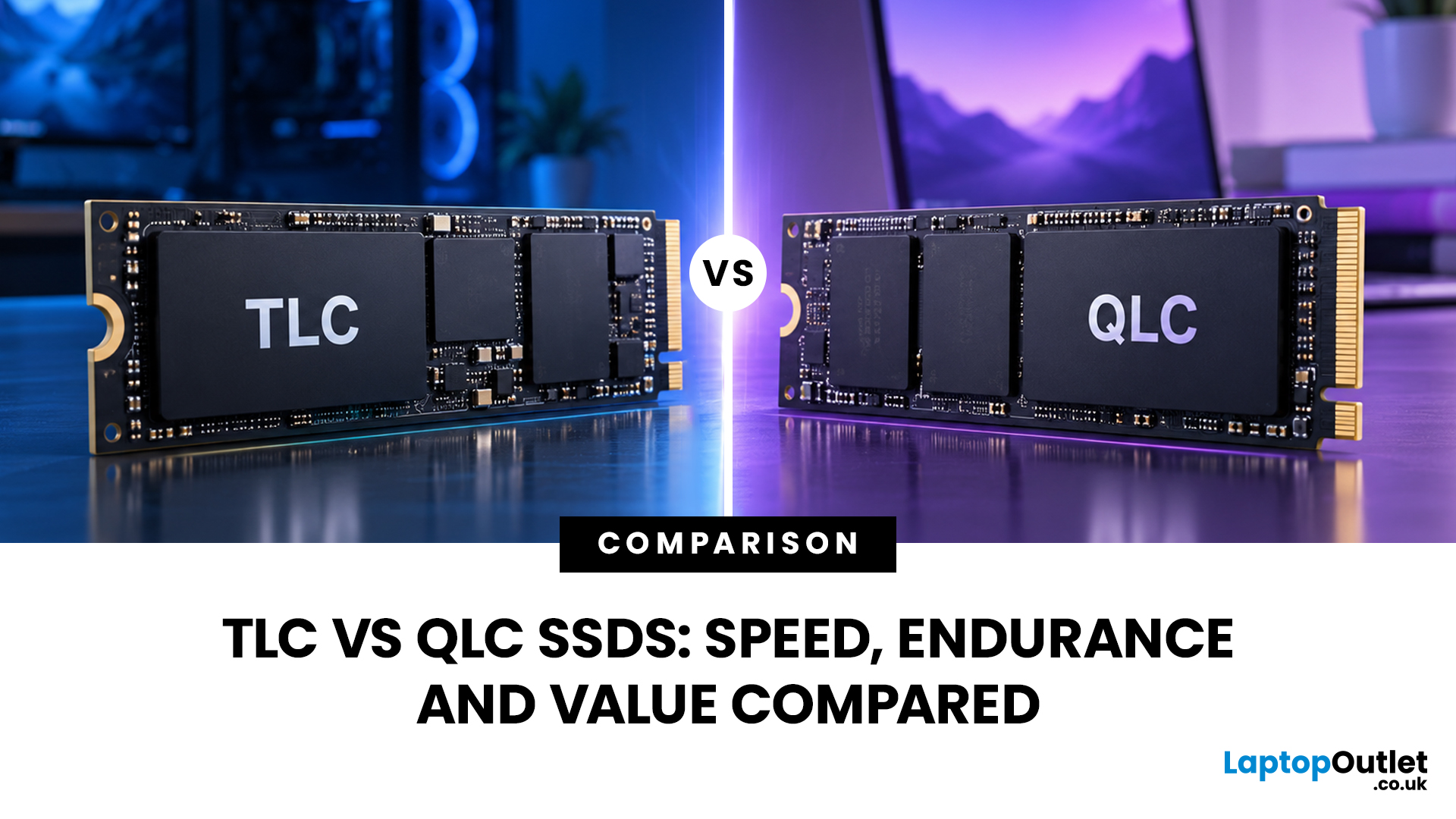
TLC SSDs store three bits of data in each NAND cell, while QLC SSDs store four. TLC generally provides higher write endurance and more consistent performance during sustained writes. QLC increases storage density, which can make larger capacities available at a lower cost per GB.
For most people, however, a TLC vs QLC SSD decision should not be based on NAND type alone. Controller design, SLC cache, firmware, capacity, interface and thermal performance can all affect how an SSD behaves in real-world use.
The right choice ultimately comes down to workload. Frequent large writes tend to favour TLC, while QLC can make sense for gaming libraries, media storage and everyday computing where capacity is more important than sustained write performance.
What TLC and QLC Mean
An SSD stores data in NAND flash, a type of non-volatile memory that retains information when your computer is switched off.
TLC and QLC are two common NAND flash types used in modern SSDs:
- TLC SSD: A triple level cell SSD stores
September 25, 2026
Two SSDs can both claim seriously fast read speeds while hiding one pretty important difference: one has dedicated DRAM, and the other does not.
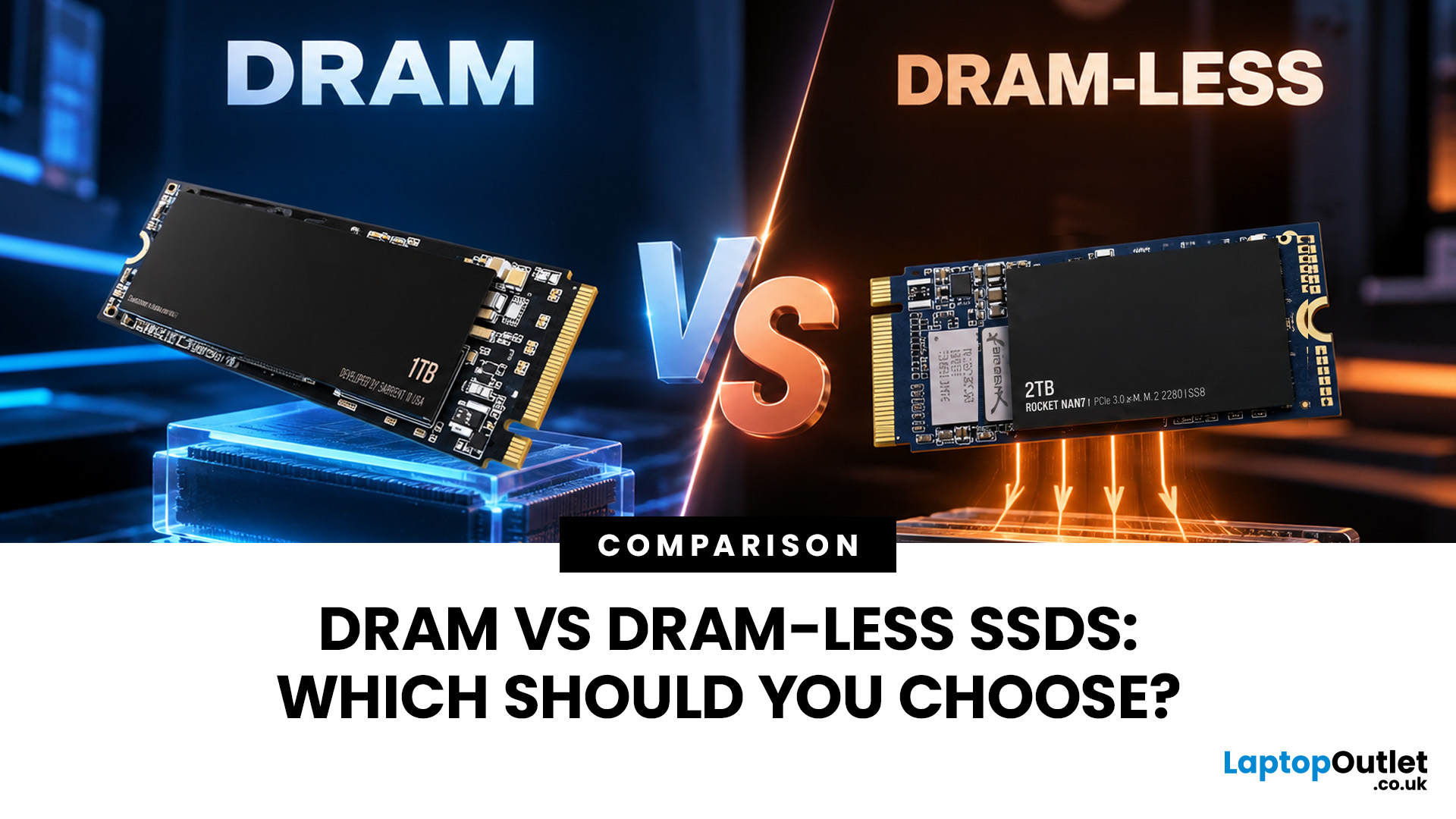
A DRAM vs DRAM-less SSD choice depends on how you use your PC. SSDs with DRAM generally offer more consistent random performance and sustained speeds, making them better suited to heavy workloads, large file transfers and professional use. Modern DRAM-less NVMe SSDs can still perform very well by using Host Memory Buffer (HMB), making them a strong choice for gaming, Windows 11 and everyday computing.
But the DRAM vs DRAM-less SSD debate is not as simple as “DRAM good, DRAM-less bad”. Modern NVMe drives have changed the game with Host Memory Buffer, smarter controllers and better caching. So, what actually matters when choosing one? Let’s break it down.
DRAM vs DRAM-Less SSD: Quick Answer
An SSD with DRAM has dedicated memory that helps its controller quickly locate and manage data stored across the NAND flash. This can improve responsiveness and
September 22, 2026
SSDs are fast. Like, really fast and tiny. And now we’re apparently supposed to worry about them getting too hot??
So… do SSDs actually need extra cooling, or are we just putting tiny heatsinks on everything because we can? It’s a fair question, especially now that modern SSDs are cramming more speed into less space and casually generating more heat while doing it.
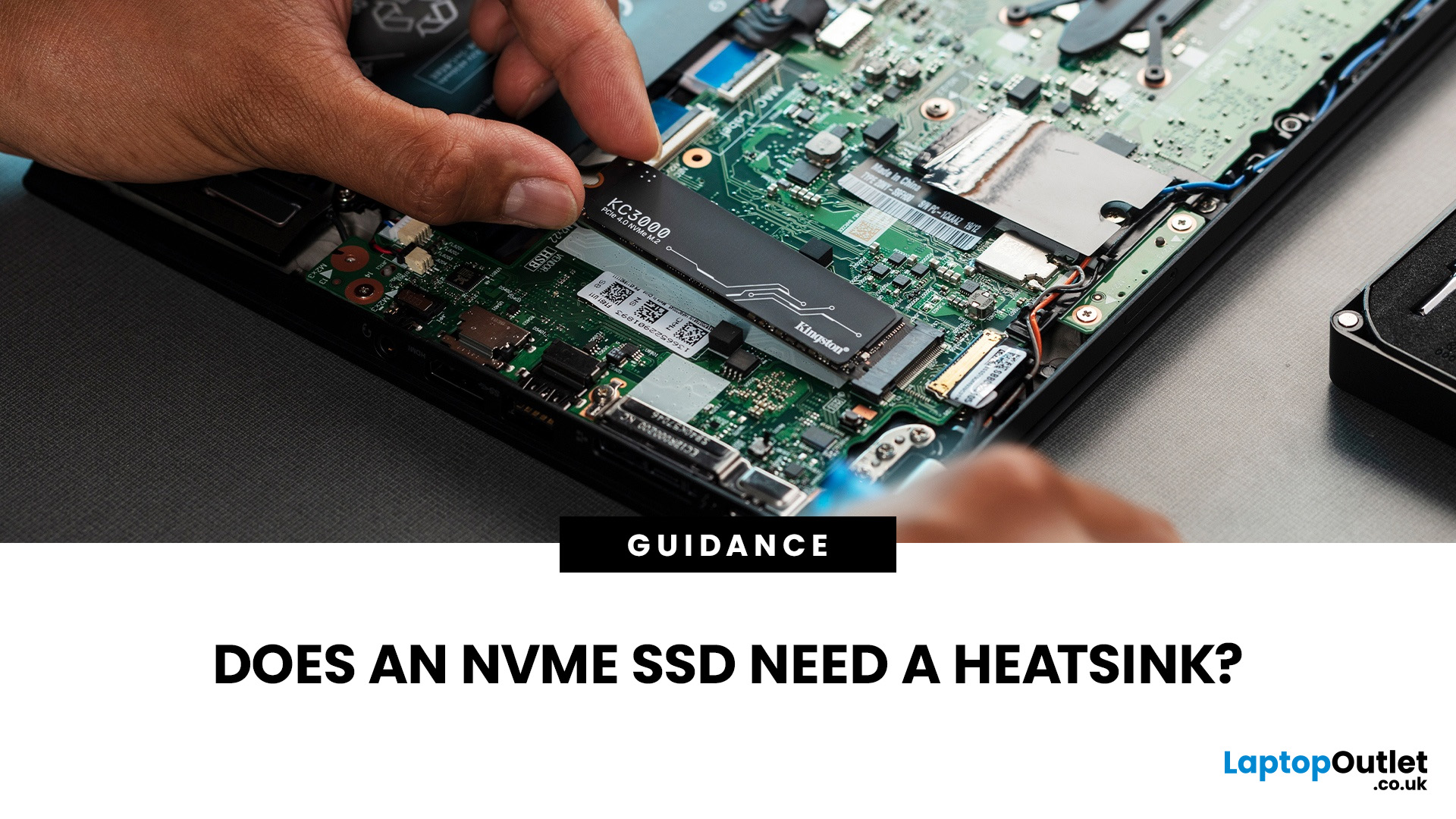
An NVMe SSD heatsink is not essential for every drive, but it can help maintain stable performance when an SSD runs hot during sustained workloads. High-performance PCIe 4.0 and PCIe 5.0 drives are more likely to benefit from additional SSD cooling, especially if airflow is limited. If your motherboard already includes an M.2 SSD heatsink, that may be sufficient. Always check the SSD manufacturer’s temperature limits and cooling guidance before adding extra cooling.
Whether you need one depends on your SSD, workload, airflow and the cooling already available in your system. Many drives can maintain safe temperatures using normal
September 22, 2026
Buying fast DDR5 RAM is only part of getting the performance printed on the box. Your memory may initially run at a lower standard speed until you enable the appropriate performance profile in your motherboard BIOS.
That is where Intel XMP and AMD EXPO come in. Both are RAM overclocking profiles that apply tested memory frequency, timing, and voltage settings without requiring you to configure every value manually.
So, what is the difference between XMP vs EXPO, and can you use an XMP kit with AMD or EXPO memory with Intel? Here is what you need to know before choosing or configuring your RAM.
XMP vs EXPO: What is the Difference?
The simplest distinction is the platform each standard was developed for.
Intel XMP, or Extreme Memory Profile, is Intel's memory-overclocking technology. AMD EXPO, or Extended Profiles for Overclocking, was developed for DDR5 memory used with AMD Ryzen processors on the AM5 platform.
Both technologies let a compatible motherboard read preconfigured performance

September 24, 2026

September 18, 2026
Installing RAM looks simple until you see four motherboard slots labelled A1, A2, B1 and B2. Put the memory in the wrong pair and your PC may still boot, but you might not be using the motherboard’s recommended memory configuration.
So, which RAM slots to use? On many four-slot desktop motherboards, a single stick goes in A2, while two sticks go in A2 and B2. With four compatible sticks, all four slots are populated. However, this is not a universal rule. Your motherboard manual should always take priority.
If you are upgrading capacity or building a PC, it is also worth checking that your RAM and memory modules are compatible with the motherboard before deciding where they go.
What Do A1, A2, B1 and B2 RAM Slots Mean?
Most mainstream desktop motherboards with four DIMM slots divide them between two memory channels, commonly called Channel A and Channel B.
The labels normally work like this:
| Slot | What the label usually means |
| A1 | First DIMM position on Channel A |
| A2 | Second DIMM position |
September 18, 2026
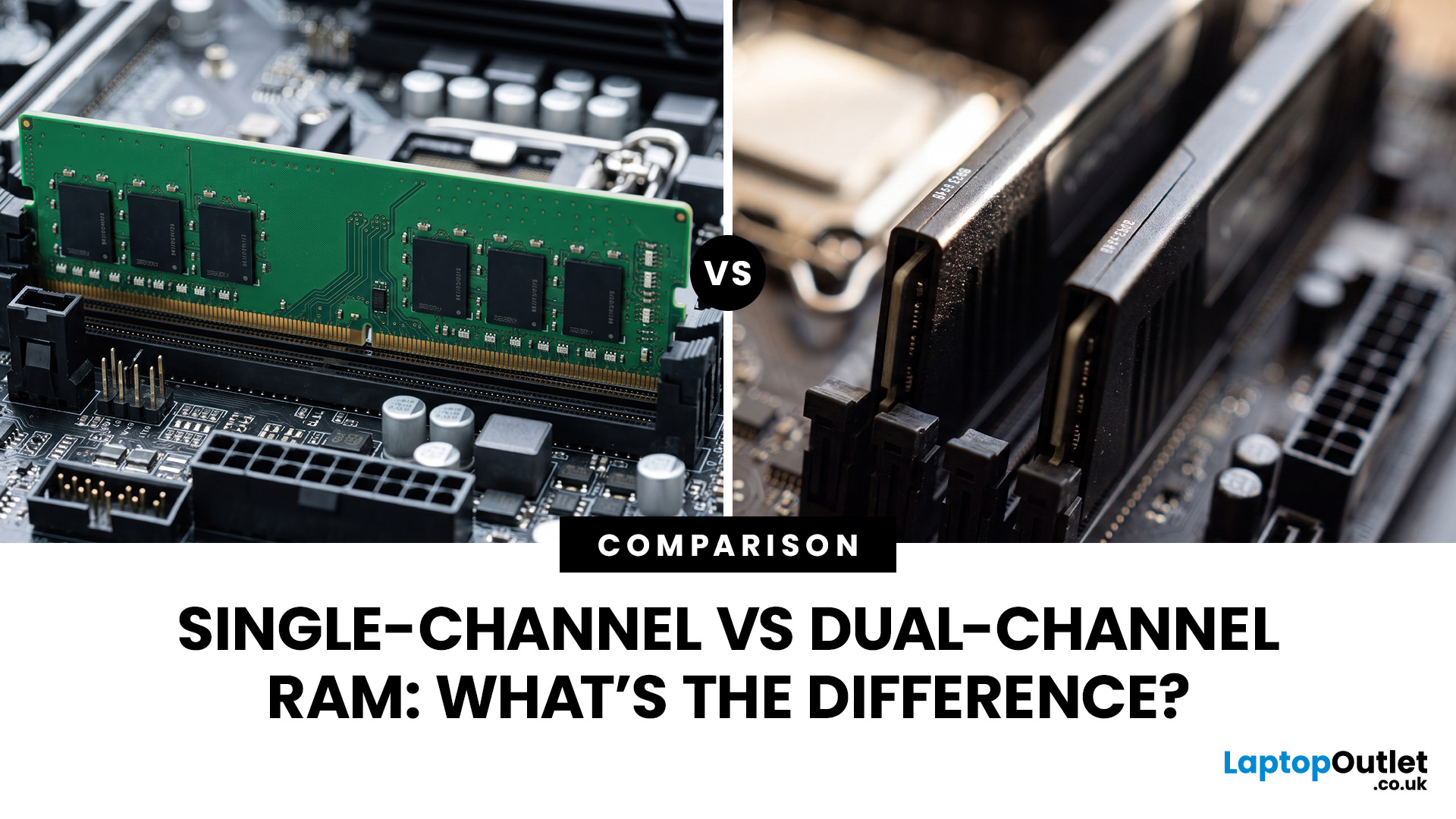
The difference between single channel vs dual channel RAM comes down to how the processor communicates with your system memory. Single-channel memory uses one system memory channel, while dual-channel memory uses two, allowing more data to move between the RAM and processor at the same time.
That extra memory bandwidth can improve performance in workloads that rely heavily on memory access. However, dual-channel RAM does not automatically make a desktop PC twice as fast. The difference you notice depends on the processor, graphics hardware, application and memory configuration.
If you are choosing new RAM and memory kits, understanding how channels work can help you decide whether one larger module or two smaller modules make more sense.
Single-Channel vs Dual-Channel RAM at a Glance
Here is the practical difference between the two configurations:
| Options | Single-Channel RAM | Dual-Channel RAM |
| System memory channels used | One | Two |
| Common configuration | 1x16GB | 2x8GB |
| Available memory bandwidth |
September 24, 2026
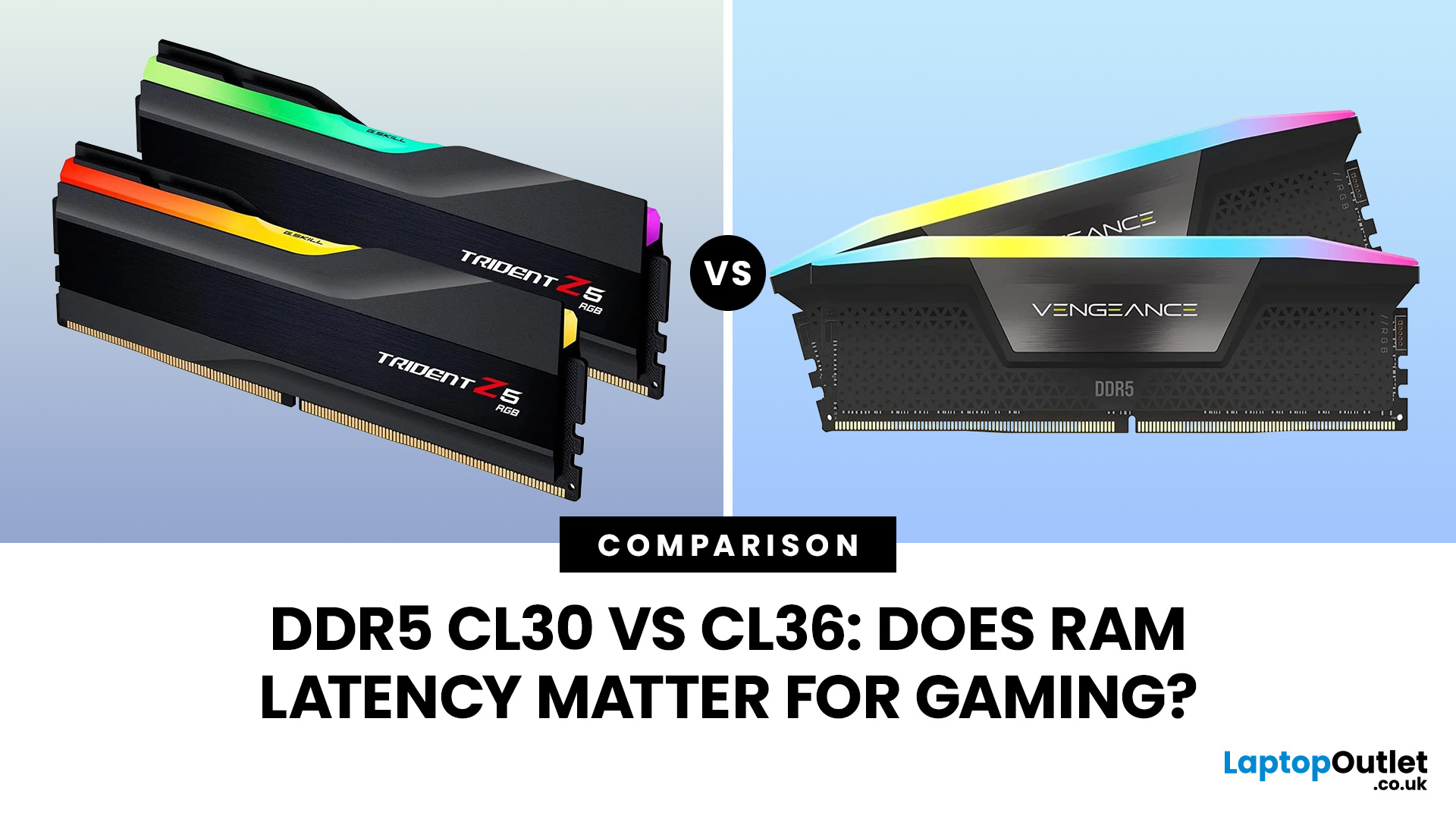
Quick Answer: If two DDR5 kits run at the same speed, CL30 has lower CAS latency than CL36. At DDR5-6000, CL30 works out at about 10ns of CAS delay versus 12ns for CL36. That can help in CPU-limited games, but the real gaming difference is usually much smaller than the 20% difference suggested by those latency figures. Memory speed, secondary timings, CPU architecture, and the game itself also matter.
When comparing RAM modules, specifications such as DDR5-6000 CL30 and DDR5-6000 CL36 can look confusingly similar. Both have the same data rate, so does paying attention to that CL number actually make a difference?
It can, but CL30 vs CL36 is not as simple as choosing the lowest number. Here is what those timings really mean and when lower RAM latency can affect your gaming PC.
What Do CL30 and CL36 Mean?
CL stands for CAS latency, or Column Address Strobe latency. It measures the number of memory clock cycles between a read command being issued and the RAM beginning to return the requested
September 17, 2026
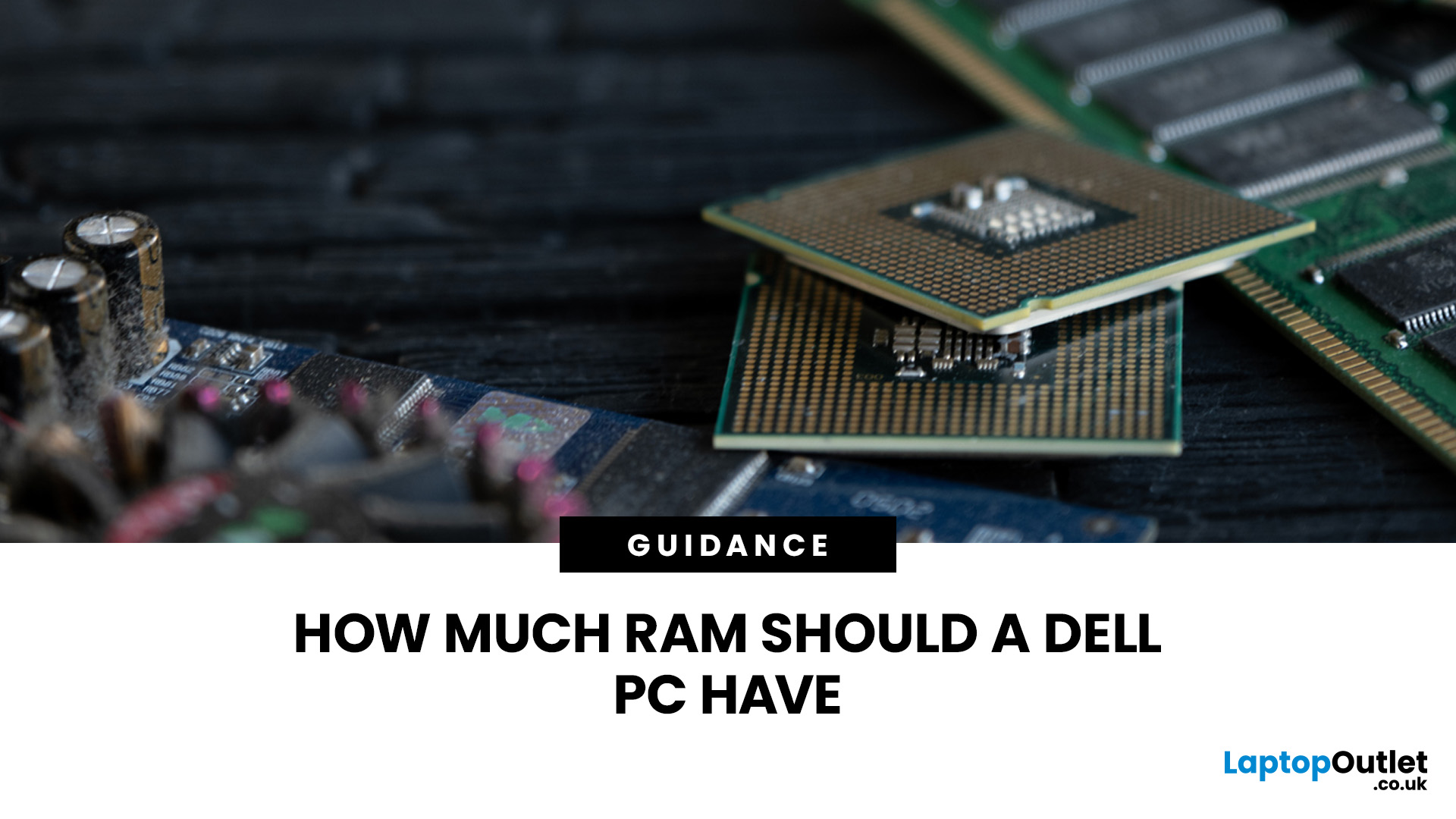
The amount of RAM in a Dell PC affects how comfortably it can handle everyday programs, multitasking, and more demanding applications. Too little memory can hold performance back, while paying for far more than your workload needs often brings little practical benefit.
RAM, or Random Access Memory, is the short-term working space your PC uses for active applications and data. As your workload becomes heavier or you run more programs at once, the amount of memory you need generally increases.
For most Dell desktop buyers, 16GB of RAM is the safest choice. Choose 8GB for basic browsing, email, and light office work, while 32GB or more makes sense for heavier creative, technical or multitasking workloads. RAM matters, but processor performance, SSD storage, graphics capability and upgrade options also shape how responsive the PC feels.
How Much Dell PC RAM Do You Need?
Your ideal Dell PC RAM capacity depends mainly on the applications you run and how many you expect to use simultaneously.
September 03, 2026
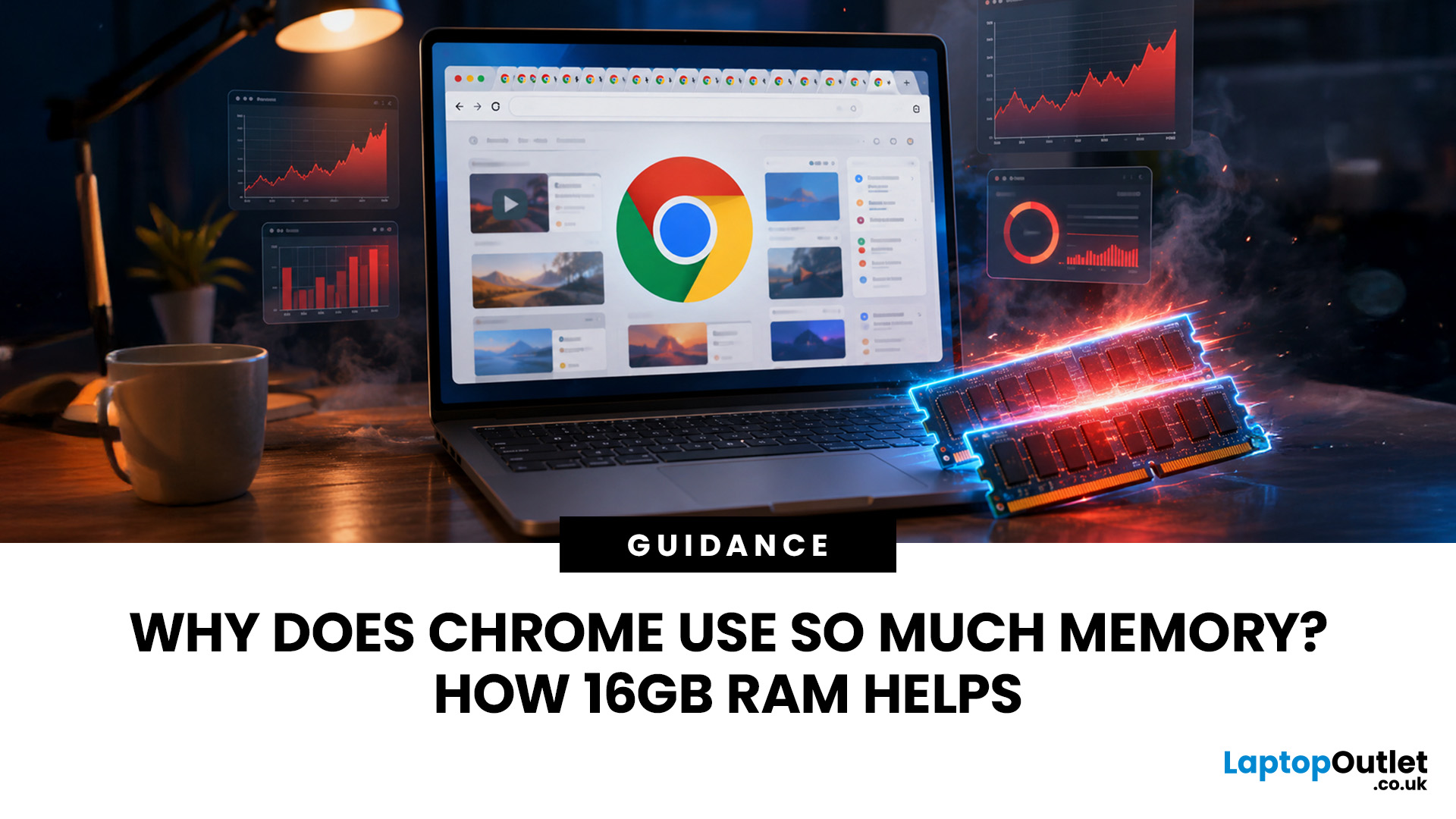
Seeing Chrome using too much memory in Windows Task Manager can be concerning, especially when only a handful of tabs appear to be open. However, visible tabs tell only part of the story.
Chrome may run multiple processes behind those tabs, while individual websites can range from simple articles to demanding web applications. The important question is therefore not just how much RAM Chrome uses, but whether that usage is causing slowdowns, tab reloads or problems when you multitask.
Why Does Chrome Use So Much Memory?
Chrome's memory use is largely connected to how the browser is designed and how demanding modern websites have become. High RAM usage alone does not mean Chrome is faulty or poorly configured.
Chrome Uses Multiple Processes
Chrome does not run the entire browser inside a single operating-system process.
Chromium uses a multi-process architecture. The main browser process handles core browser functions, while separate renderer processes handle web content. Chrome can also
June 22, 2026
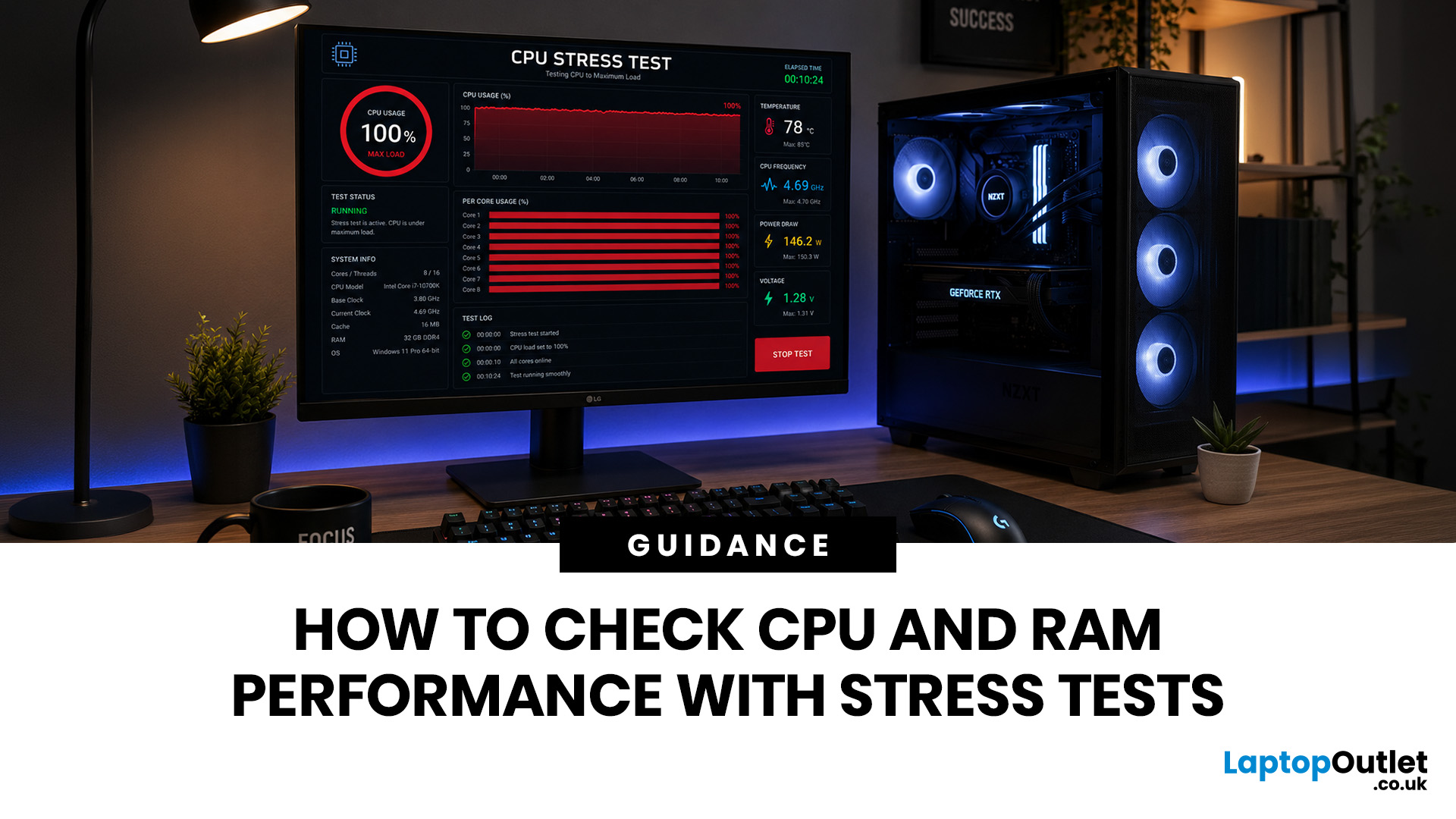
Your PC can look perfectly fine on the outside and still fail the moment it is pushed hard.
A game crashes after 20 minutes. A video export freezes at 92%. Your laptop randomly restarts during a heavy workload. Or maybe you have just upgraded your memory, changed your processor, built a new desktop, or enabled XMP/EXPO in the BIOS and want to know one thing:
Is my system actually stable?
That is where a stress test CPU RAM process helps. By running a controlled CPU, RAM, or combined system stress testing session, you can find problems before they interrupt your work, gaming, editing, coding, or daily use.
In this guide, you will learn:
- What CPU and RAM stress testing
May 01, 2026
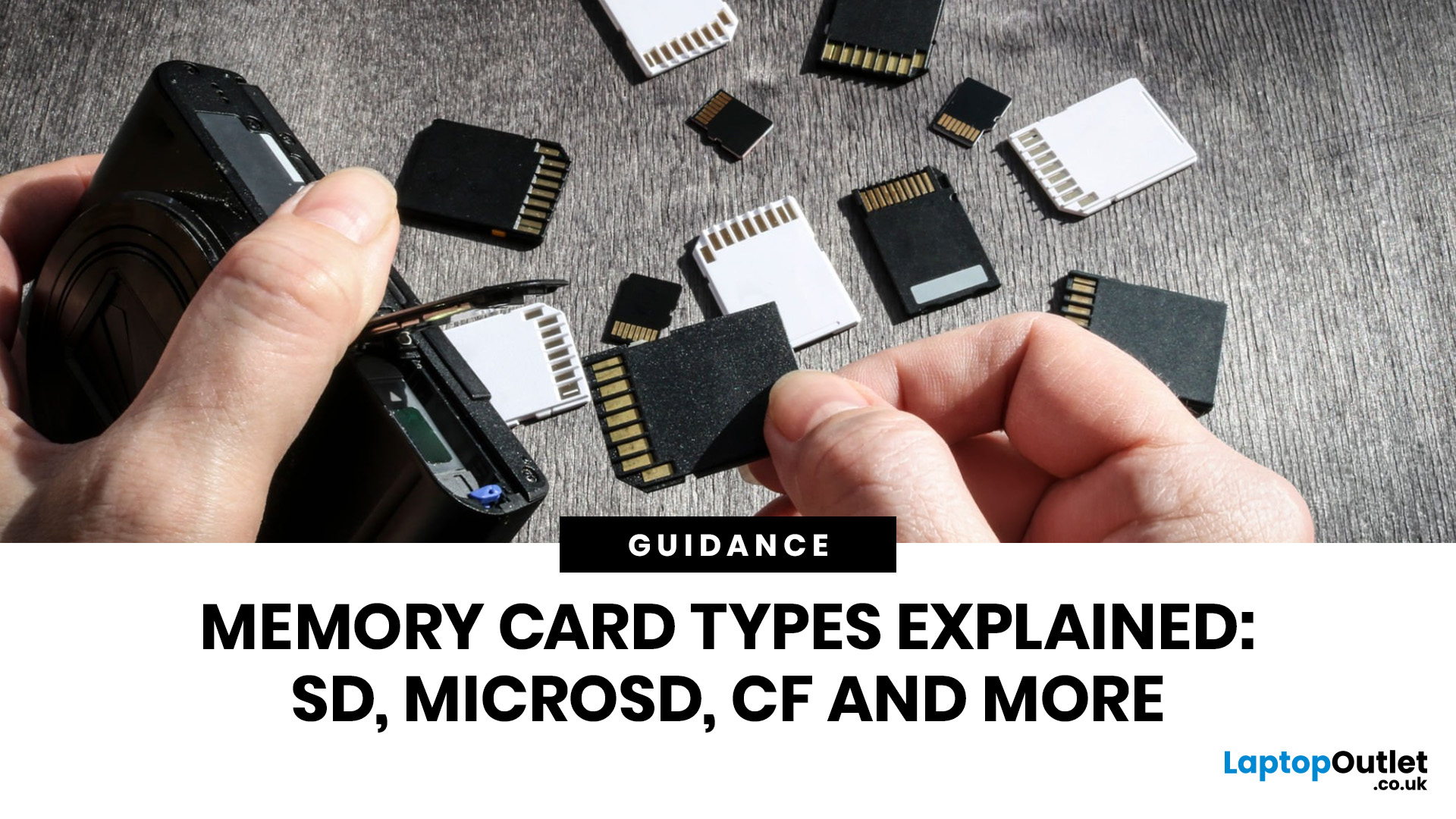
Memory cards look simply until you are standing there with a camera, drone, dash cam, or handheld console thinking, “Why does this tiny bit of plastic have more labels than a flight booking?” Fair. The names are confusing, the speed symbols look like exam questions, and buying the wrong one is a very expensive way to get absolutely nowhere.
So, let’s fix that.
This guide explains the main memory card types, the differences between SD, microSD, and CF, how memory cards work, and which card actually makes sense for your device. We’ll also answer the questions people ask all the time, like microSD the same as microSDXC, what is a CF card vs SD card, and how many pictures can a 64GB card hold. No waffle. No acronym soup. Just the stuff that helps you buy the right card first time.
Quick answer: what are the main types of memory cards?
Right now, the memory card world mostly splits into two big families: SD-based cards and CompactFlash-based cards. The SD family includes standard SD cards