




Blog Categories





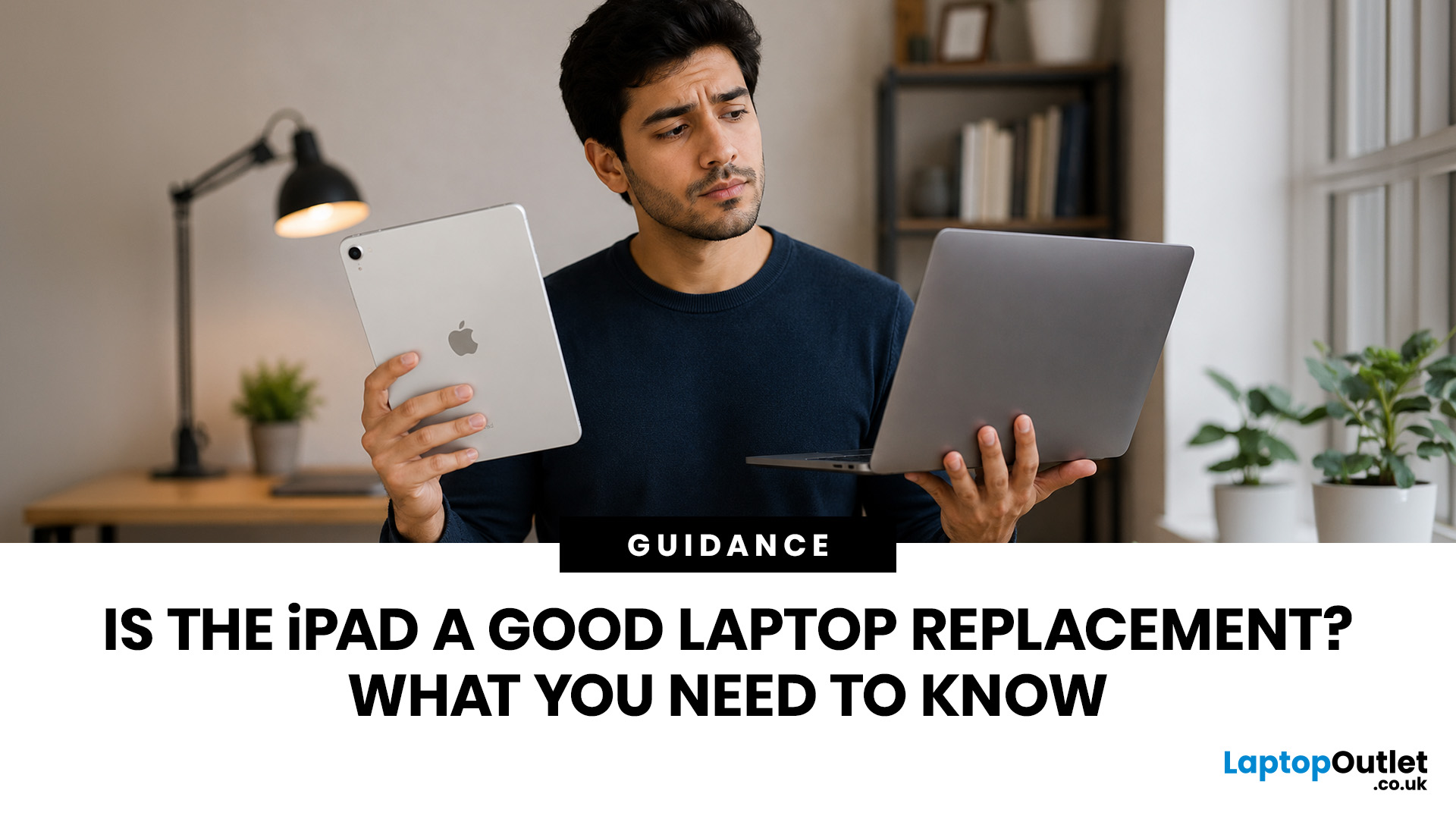 Is the iPad a Good Laptop Replacement? What You Need to Know
Yes, an iPad can replace a laptop for browsing, emails, documents, video calls, note-taking, and other everyday tasks, especially with a keyboard and accessories. However, laptops remain better for desktop software, coding, advanced spreadsheets and demanding professional workflows. For many users, an iPad is a laptop alternative.
The iPad has evolved from a simple entertainment device into a powerful tool for work, study, and creativity. With support for keyboards, Apple Pencil, multitasking features, and productivity apps, many people now consider it a genuine alternative to a traditional laptop. Whether you are a student, remote worker, creative professional, or frequent traveller, an iPad may be able to handle most of your daily tasks. However, it is not the right choice for everyone. This guide explores the benefits, limitations, and key considerations to help you decide if an iPad can truly replace your laptop.
iPad Laptop Replacement Short Comparison
| TASK | CAN AN IPAD REPLACE A LAPTOP? |
|---|
 Tablet Buying Guide UK 2026: Best iPad, Android and Windows Tablets
The best tablet to buy in the UK in 2026 depends on how you plan to use it. Choose an iPad if you want a simple, reliable all-round tablet with excellent apps and accessory support. Choose an Android tablet if you want more choice, better value and flexible features for entertainment, kids or everyday use.
Buying a tablet in 2026 is not as simple as choosing the biggest screen or the lowest price. Today’s tablets can be entertainment devices, study tools, business companions, drawing tablets, gaming screens, travel essentials, and even laptop replacements. That is why this Tablet Buying Guide UK 2026 is designed to help you compare iPads, Android tablets and Windows tablets in a simple, practical way.
Whether you are a student looking
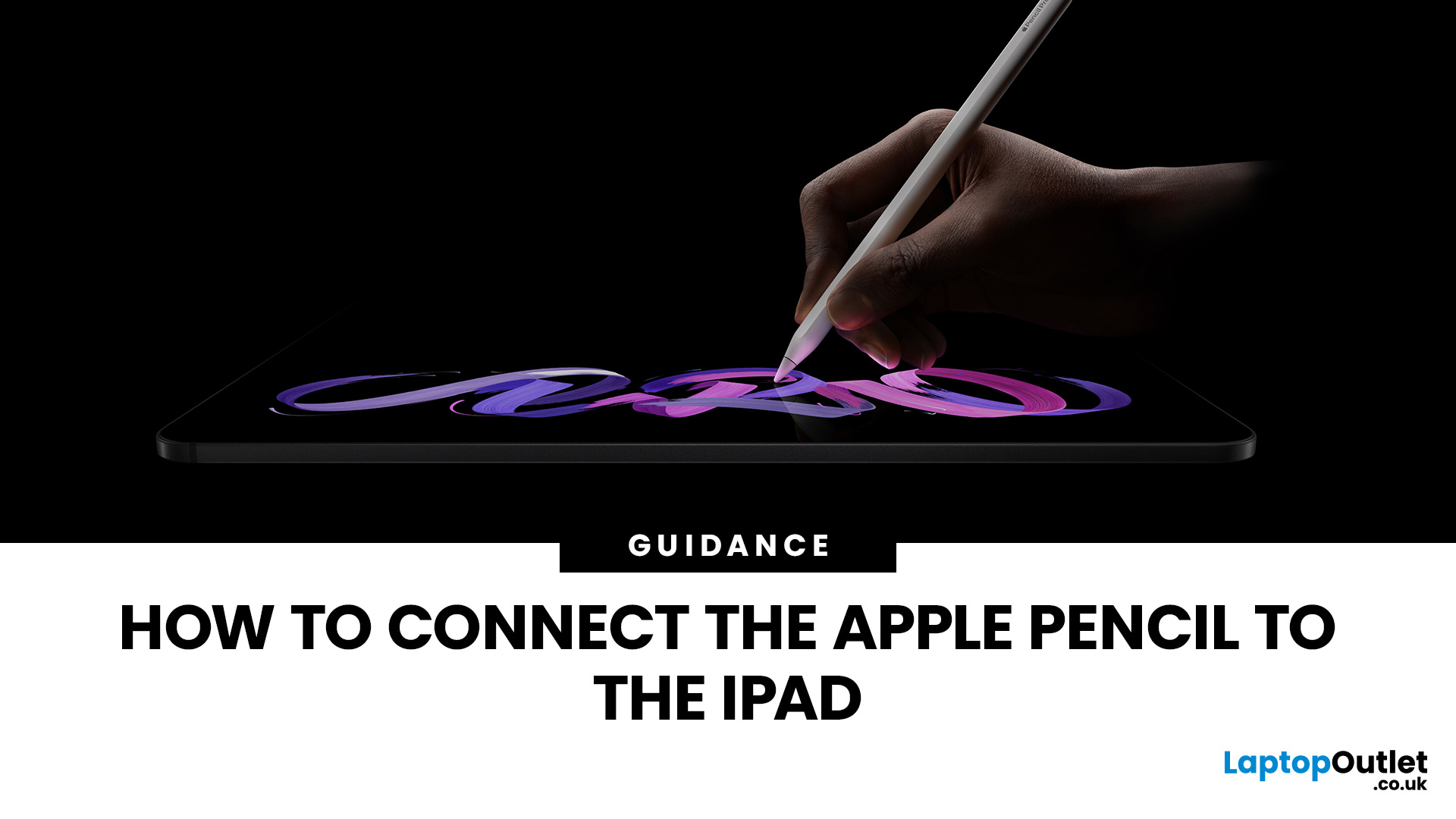 How to Connect the Apple Pencil to the iPad
If you have just bought an Apple Pencil or changed to a different iPad, you may be wondering how to connect Apple Pencil to iPad correctly. The process is usually simple, but it depends on which Apple Pencil model you own and which iPad you are using.
| To connect Apple Pencil to iPad, make sure your Apple Pencil model is compatible with your iPad, turn on Bluetooth, then pair it using the correct method. Apple Pencil Pro and Apple Pencil 2nd generation connect magnetically to the side of compatible iPads. Apple Pencil USB-C pairs using a USB-C cable, while Apple Pencil 1st generation connects through the Lightning connector or a USB-C to Apple Pencil adapter on newer iPads. |
Whether you use your iPad for note-taking, sketching, editing documents, studying or creative work, getting the Apple Pencil connected properly is the first step to making the most of your device. If you are comparing tablets before upgrading, you can also explore our tablet collection to find options for work, study
 How to Factory Reset iPad Without Apple ID or Passcode
Quick Summary
You can factory reset an iPad without a passcode using Recovery Mode on a Mac or Windows PC. This removes the screen lock, erases the iPad, and restores it to factory settings. However, a reset does not remove Activation Lock. If the iPad is linked to an Apple ID, you will still need the correct Apple ID password, the previous owner’s help, or proof of purchase for Apple Support.
Forgot your iPad passcode or seeing “iPad Unavailable”? You can factory reset it using Recovery Mode, a computer, or the lock-screen erase option.
However, a reset does not bypass Activation Lock. If the iPad is linked to an Apple ID, you’ll need the account details, the previous owner’s help, or proof of purchase for Apple Support.
Quick Answer: Can You Factory Reset an iPad Without Apple ID or Passcode?
Yes, you can erase a locked or disabled iPad without the screen passcode by using iPad Recovery Mode on a Mac or Windows PC. This removes the screen lock and restores the iPad to factory settings.
 Best iPad in 2026: Release Date, Specs & Which Model to Buy
Quick Answer: The best iPad in 2026 for most people is the iPad Air with M4 because it delivers strong performance, Apple Intelligence support, 11-inch and 13-inch sizes, Wi-Fi 7, and better long-term value than the entry-level iPad. If you want the most affordable iPad, choose the 11-inch iPad with the A16 chip. If you want the smallest iPad, choose the iPad mini with the A17 Pro chip. If you need the most powerful iPad for design, editing, illustration, or professional workloads, choose the iPad Pro with M5.
Introduction
If you are searching for the best iPad in 2026, the answer depends on what you actually need your tablet to do. You do not need the most expensive iPad for browsing, streaming, schoolwork, emails, video calls, and everyday apps. You need the right balance of screen size, performance, storage, battery life, accessory support, and price.
Apple’s current iPad family gives you four main routes: the standard iPad for everyday use, the iPad mini for portability, the iPad

March 13, 2026
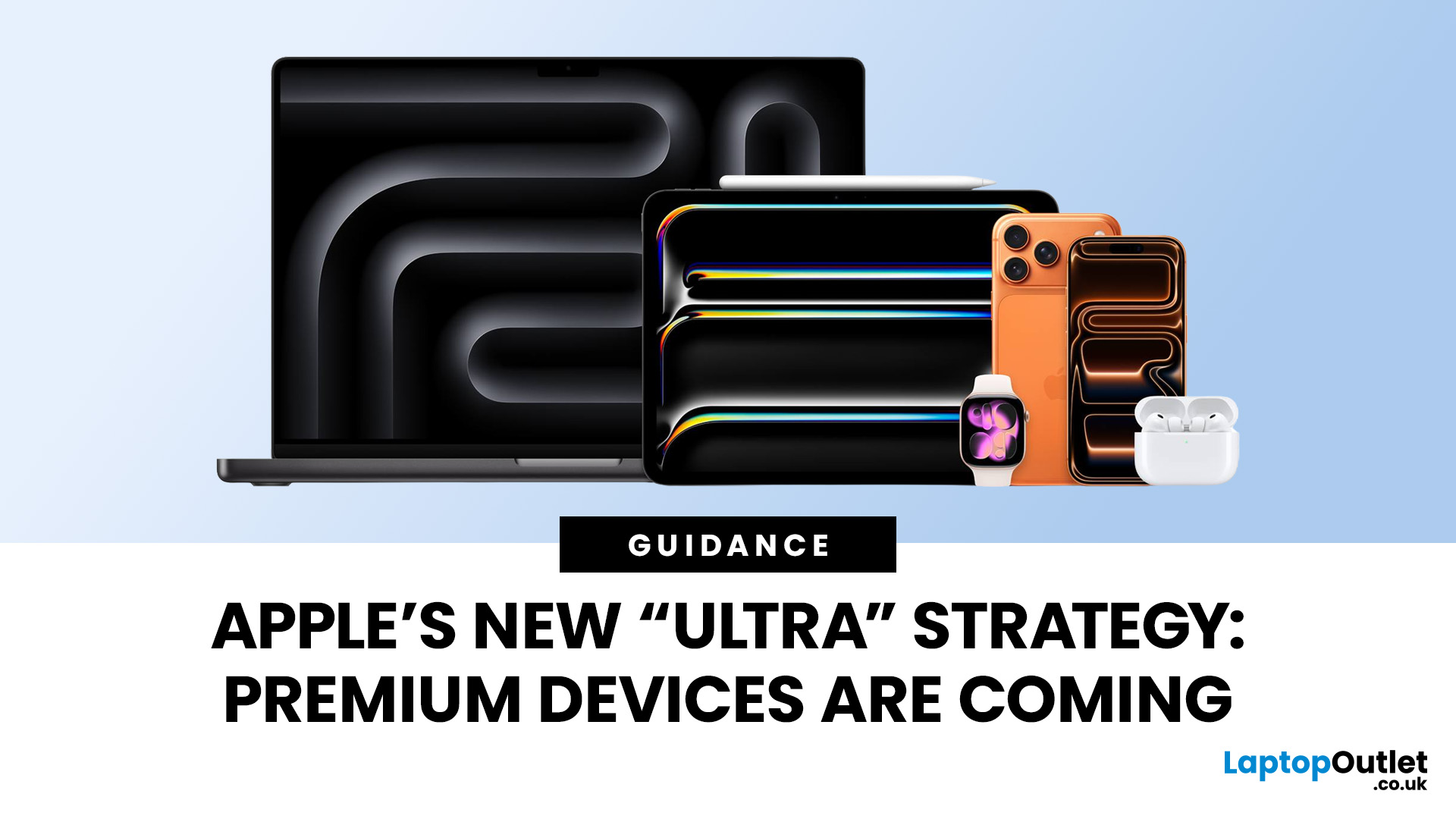
Apple has always been known for premium tech. But now the company is pushing things even further. Reports suggest Apple is introducing a brand-new ultra-premium tier of products, with devices that sit above the current “Pro” lineup.
From the iPhone Ultra and Apple Fold to AirPods Ultra and MacBook Ultra, Apple’s next wave of hardware could redefine what “flagship” means. And with Apple’s 50th anniversary approaching in 2026, the company appears to be preparing some of its most ambitious devices yet.
Apple Ultra Devices Strategy: A New Super-Premium Tier
For years, Apple’s product hierarchy was simple:
- Standard models (iPhone, iPad, MacBook Air)
- Pro devices for professionals
- Occasional high-end models like the Apple Watch Ultra
But Apple is now reportedly creating a new “Ultra” category above Pro, focused on extreme performance, premium materials, and experimental tech. Analysts say Apple is planning Ultra-tier devices across the iPhone, Mac, and AirPods lineup, expanding the concept
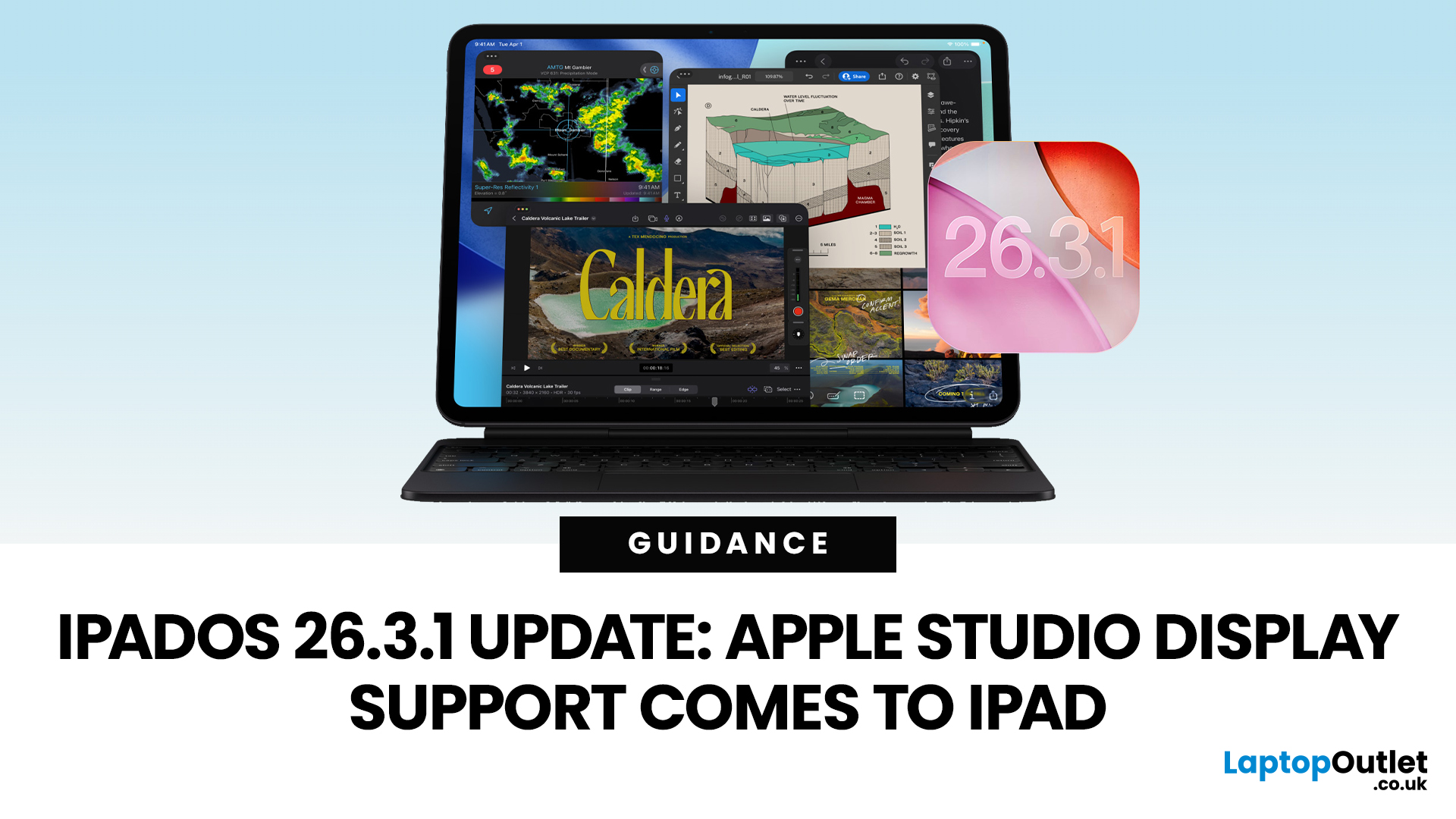 iPadOS 26.3.1 Update Adds Apple Studio Display Support for Apple iPad
Apple has released the iPadOS 26.3.1 update (build 23D8133) on 4 March 2026, and while it’s a point release, it’s tied to something very tangible: support for Apple’s (new) Studio Display lineup, including Studio Display XDR.
That means, if you use an iPad as part of your desk setup, this is one of those updates that can quietly change your day-to-day. Not with flashy new emoji, but with better compatibility for a serious external monitor.
Below is what’s actually confirmed (and what isn’t), which iPads are included, and what to expect when you plug your iPad into Apple’s Studio Display.
What Apple says is in iPadOS 26.3.1
Apple’s Developer Releases listing confirms:
- iPadOS 26.3.1 (23D8133)
- Release date: 4 March 2026
Apple hasn’t published a public-facing, detailed changelog in the sources available here, and several reports describe the fixes as “unspecified bug fixes” alongside the key compatibility change.
What is clearly and directly supported: Studio Display compatibility now requires
 Apple’s M4 Chip Explained: What Makes the New iPad Air Faster
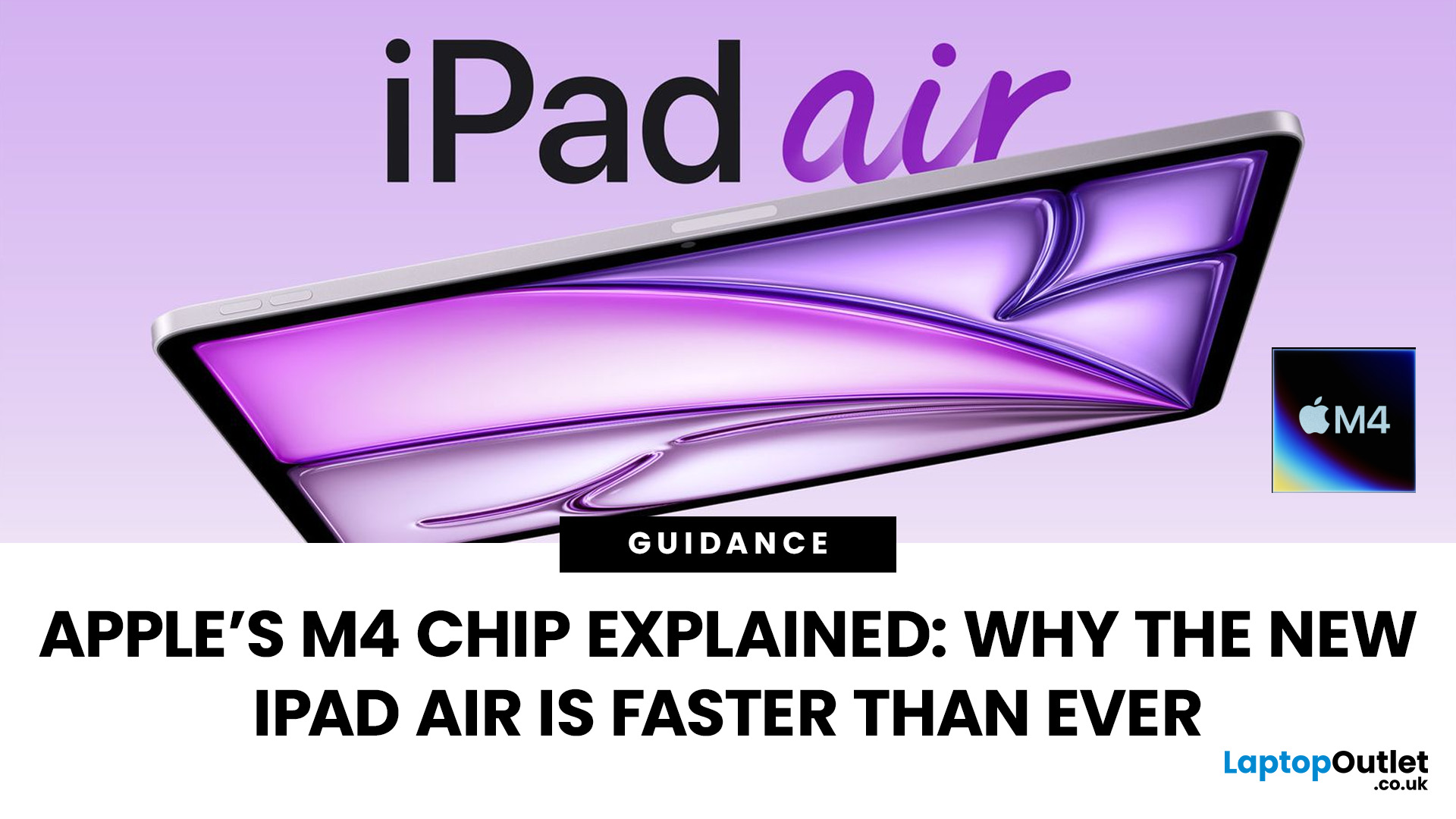
Apple’s silicon strategy has reshaped modern computing and the Apple M4 chip is the latest example of how powerful, efficient processors can transform mobile devices. In this article, we explain exactly what the M4 chip is, why it makes the new iPad Air faster, and what this means for everyday users in the UK and beyond.
What Is the Apple M4 Chip?
The Apple M4 chip is the newest generation of Apple silicon designed for tablets and other devices, including the latest iPad Air lineup. It builds on Apple’s previous M-series processors with improvements in CPU performance, graphical power and machine learning capabilities. The M4 integrates multiple central processing cores, a robust graphics unit and a dedicated neural engine into a single, efficient system-on-chip.
Unlike older mobile processors, which may separate components, the M4 combines CPU, GPU, memory controller, neural accelerators and other key functions into a single package. This unified architecture reduces latency and maximises
 iPad Air M4 vs iPad Air M3: Should You Upgrade?
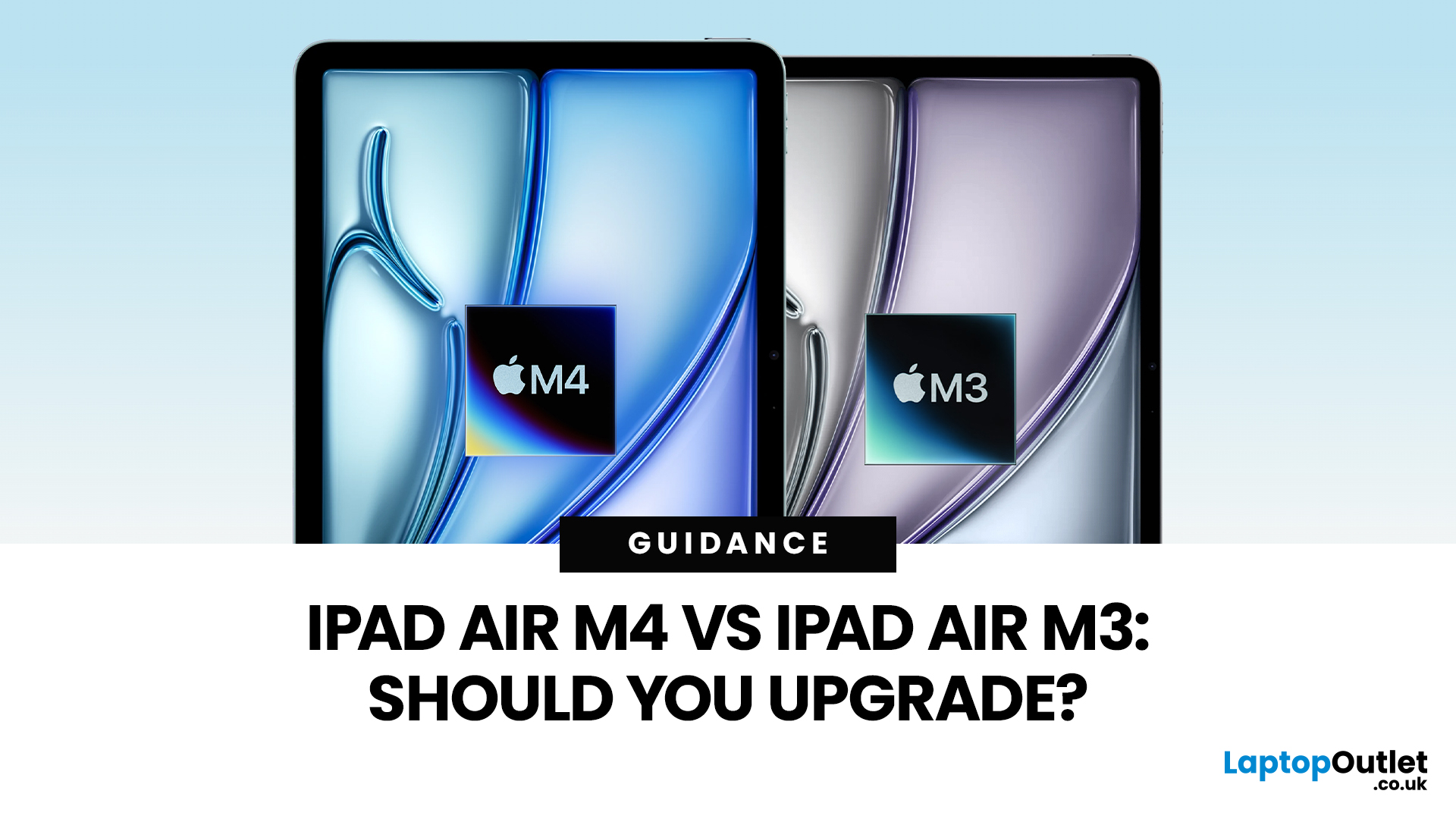
Apple’s iPad Air update for 2026 is exactly what most iPad Air buyers want: the same clean design in 11-inch and 13-inch sizes, but with a much stronger internal platform. The iPad Air M4 moves the Air line onto Apple’s M4 chip, adds more memory, and updates wireless and cellular hardware, so the device stays fast and responsive for longer.
If you are deciding between iPad Air M4 vs M3, the upgrade question is simple: do you need more headroom for heavier apps and multitasking, or is your iPad mainly a media, notes, and browsing device? The M4 model is better on paper and in real use for power tasks, but the M3 model remains “fast enough” for most people, especially if it is discounted.
Quick Answer: Should You Upgrade?
Upgrade to iPad Air M4 if
- You use your iPad like a laptop replacement: Stage Manager, split-screen work, lots of apps open, and big files.
- You do creative work (editing, design, illustration, audio projects), and you want smoother performance under load.
- You plan to
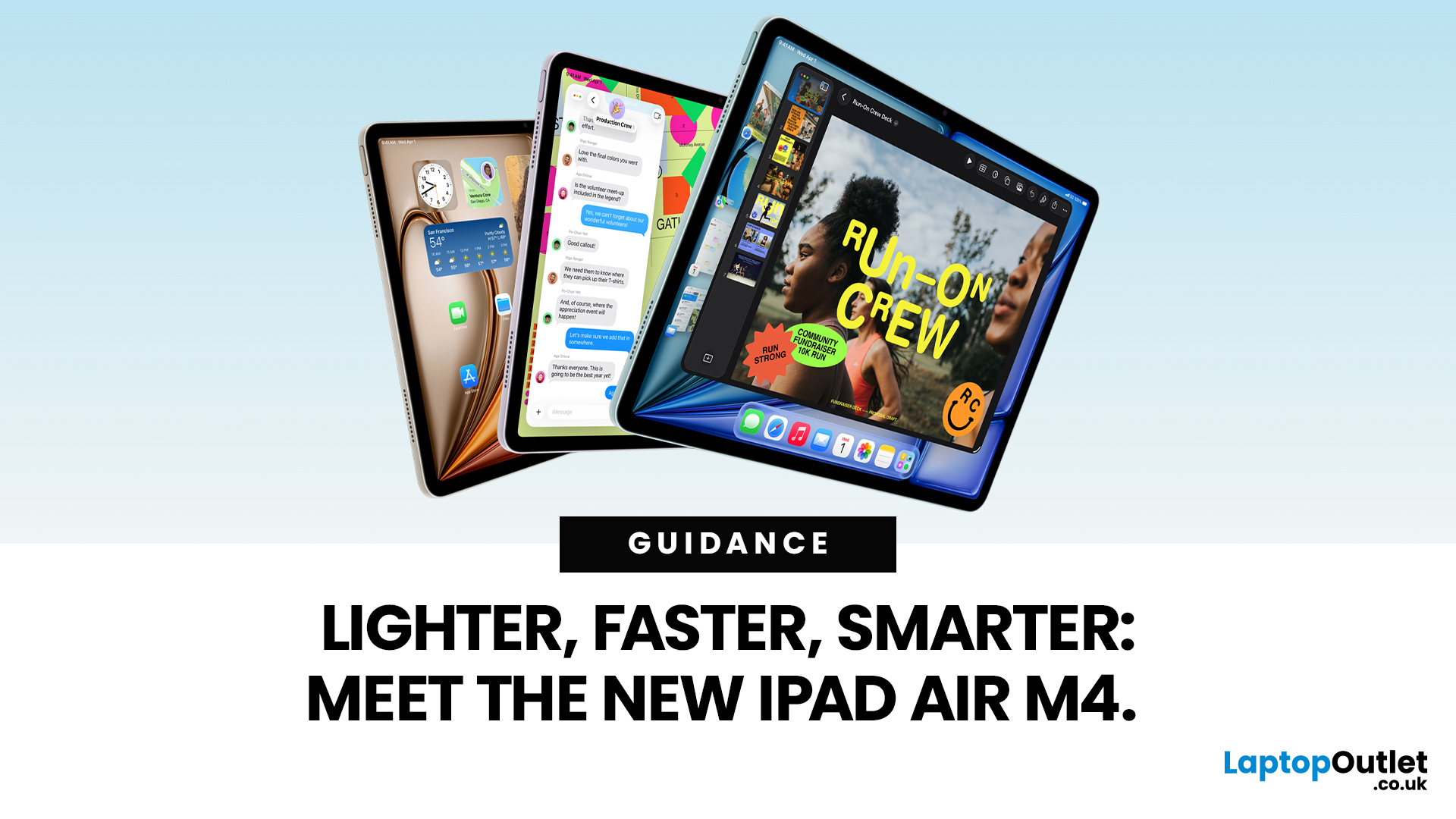 Top Features of the New iPad Air with M4 Chip in 2026
Apple has just unveiled the latest iPad Air, and it's a solid update for anyone in the Apple ecosystem. The iPad Air M4 brings fresh power under the hood without changing much on the outside.
If you're after an Apple tablet that handles work, play, and creativity with ease, this could be your next pick. Let's dive into what makes this device stand out in 2026.
Introducing the iPad Air M4
The new iPad Air comes in two sizes: 11-inch and 13-inch. Both pack the M4 chip, which boosts speed and efficiency. Storage starts at 128GB and goes up to 1TB.
You can choose Wi-Fi only or add cellular for on-the-go use. Colours include space grey, blue, purple, and starlight. This refresh keeps the sleek design fans love, but adds modern tech inside.
Moreover, it supports the latest accessories like the Apple Pencil Pro and Magic Keyboard. These turn the iPad Air M4 into a versatile tool for notes, drawing, or typing.
Powerful Performance with the M4 Chip
At the heart of the iPad Air M4 sits the M4
 Apple iPad Trends in 2026: What’s Changing and Why It Actually Matters
The iPad in 2026 isn’t just a tablet anymore. It’s a content machine, a work-from-anywhere setup, a creative studio, and low-key a laptop replacement for a lot of people in the UK. Apple has quietly (and sometimes not-so-quietly) levelled up the entire iPad lineup, and the Apple iPad trends in 2026 prove one thing: this ecosystem is built for performance, flexibility, and vibes.
This first section breaks down what’s actually new, what’s trending across the latest iPad models, and how Apple is pushing its tablet PCs further into laptop territory, without killing what makes the iPad iconic.
Apple iPad Trends in 2026: The Big Picture
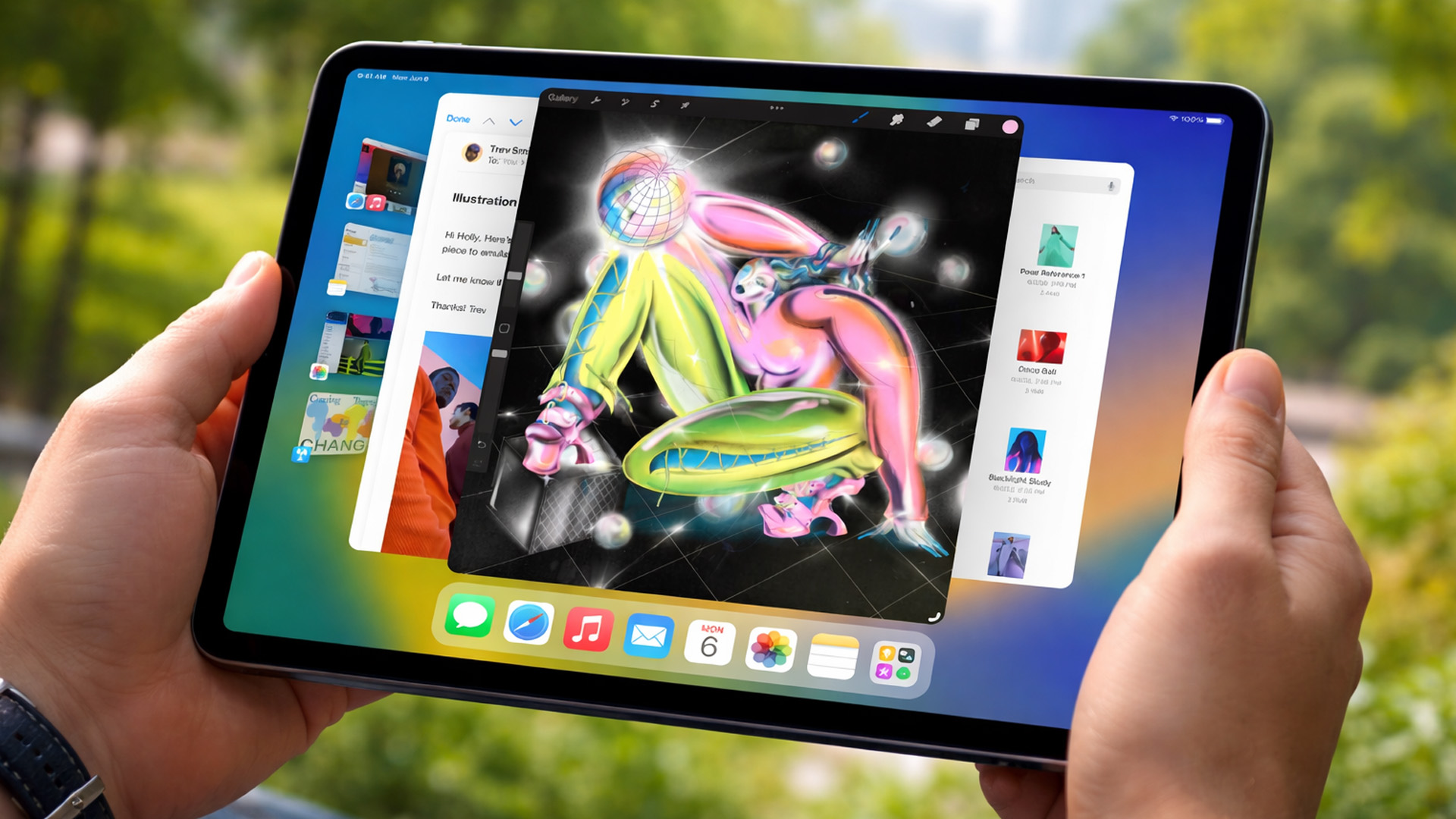
The biggest shift in Apple iPad trends this year isn’t just about faster chips or shinier displays - it’s about positioning. Apple is clearly doubling down on the iPad as a serious productivity and creativity device while still keeping it accessible for everyday users.
In the UK Apple iPad market, buyers are no longer asking “Do I need an iPad?” they’re asking
 New Year Tablet Deals 2026 – Cheap Android Tablets & iPads
New year, new goals, and the perfect new tablet to help you reach them. Whether you want to be more productive at work, excel in your studies, or simply enjoy better entertainment, the New Year tablet deals at Laptop Outlet are officially live.
This season, our New Year tech sale brings a massive shift in value, where "budget" no longer means "basic." From the latest iPads at great prices and cheap tablets running Android to the best Microsoft Surface tablet PC deals, there has never been a better time to upgrade.
If you have been waiting for the right moment to grab a bargain, your wait ends here.
Top New Year Tablet Deals for 2026
We have curated a list of the top six tablets available right now. These devices represent the best balance of price, performance, and features.
1. TCL NXTPAPER 11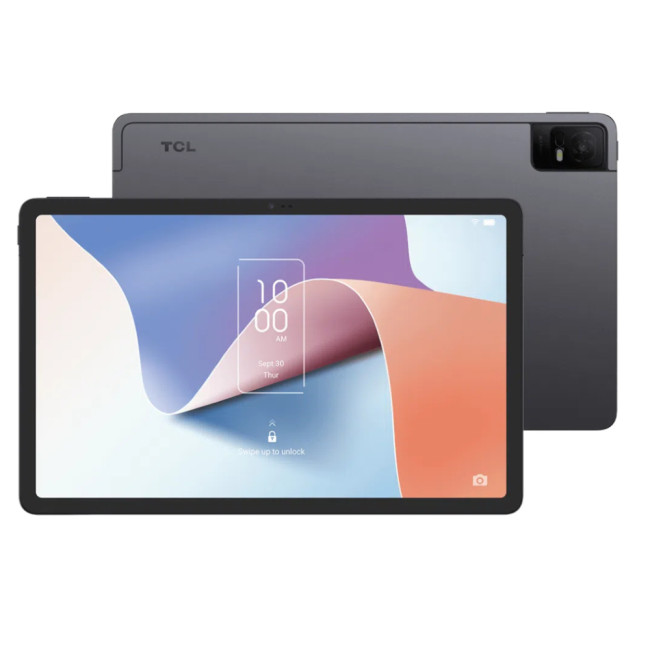
- Processor: MediaTek Helio P60T Octa-core
- Memory: 4GB RAM
- Storage: 128GB
- Display: 10.9-inch 2K (2000 x 1200) NXTPAPER 2.0 Technology
- Graphics: PowerVR GE8320
- Cameras: 8MP Rear, 8MP Front