



Integrated vs Dedicated GPU Laptop: Key Differences & Which One Should You Choose?
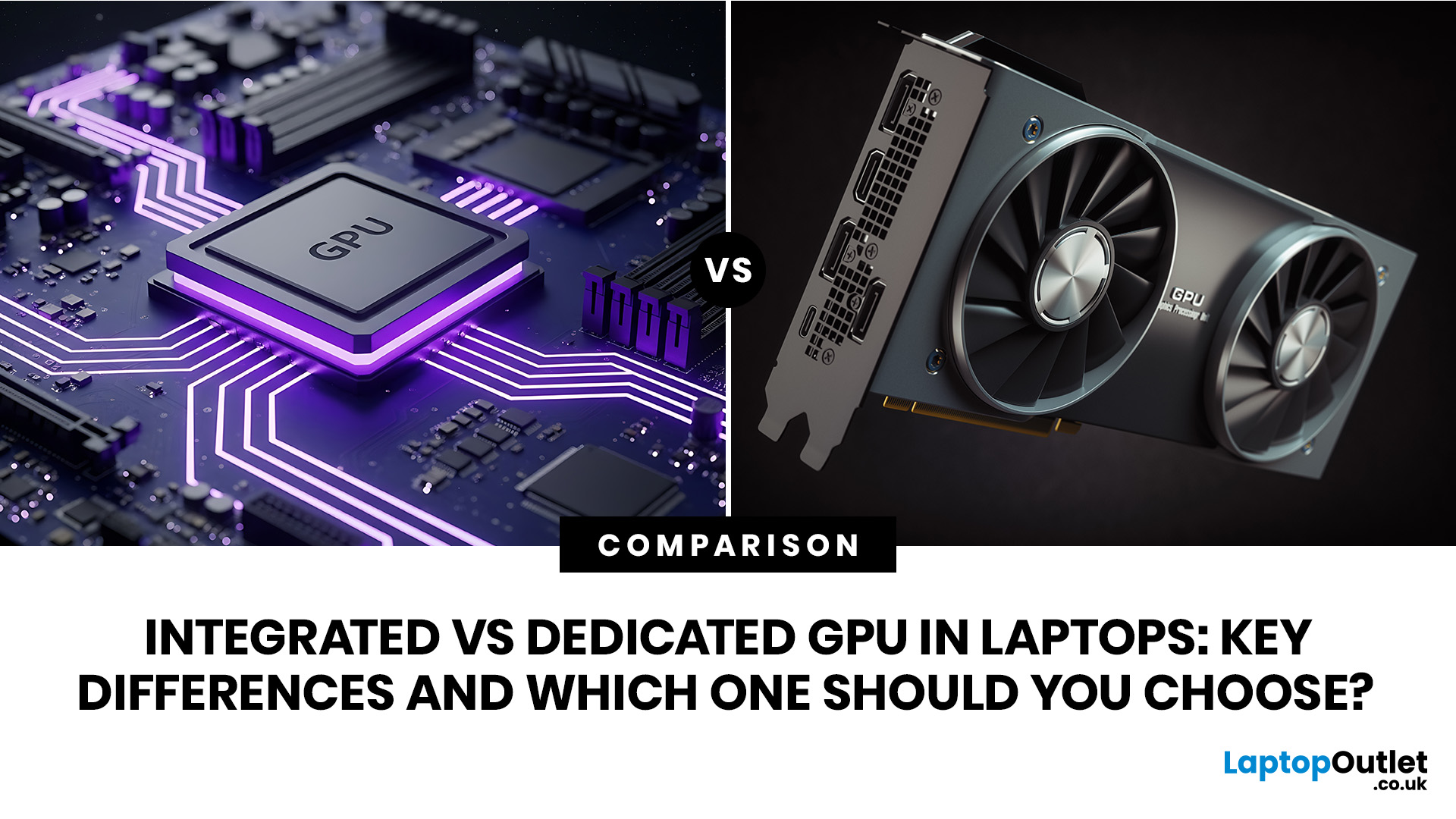
An integrated vs dedicated GPU laptop decision comes down to one simple question: do you need strong graphics performance every day, or do you mostly need a cooler, lighter, longer-lasting laptop for normal work?
For everyday browsing, office work, video calls, streaming, study and light photo editing, integrated graphics are usually enough. For serious gaming, 3D work, video editing, CAD, AI workloads or high-refresh creative work, a laptop with dedicated graphics card hardware is usually the better option.
Quick answer: Integrated vs dedicated GPU explained
Integrated graphics are built into the processor sharing, system memory. They are efficient, affordable and good for everyday laptop use.
A dedicated GPU is a separate graphics processor with its own graphics memory. It is more powerful for gaming, content creation and professional 3D workloads, but it usually adds cost, heat, weight and battery drain.
For most students, office users and home buyers, integrated graphics are the sensible choice. For gamers, creators, designers and engineers, a dedicated GPU is usually worth paying for.
What is an integrated GPU?
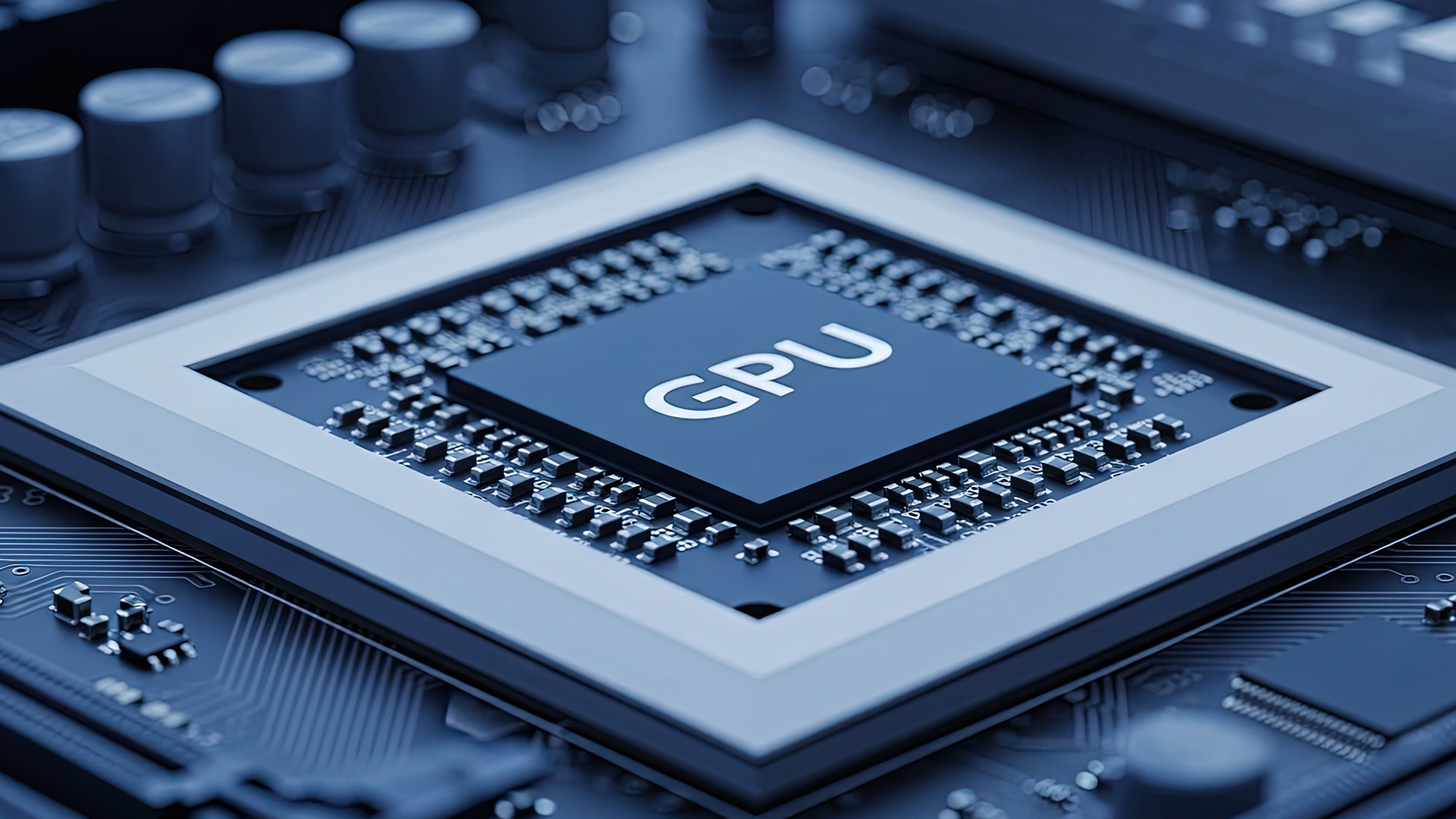
An integrated GPU, also called an integrated graphics processor, is a graphics chip built into the main processor package. In many laptops, this is listed as Intel Graphics, Intel Arc Graphics, Intel Iris Xe, AMD Radeon Graphics, or similar.
Instead of having its own dedicated video memory, an integrated graphics chip uses part of the laptop’s system RAM. This is why RAM speed, memory configuration, and total memory can affect integrated graphics performance.
In simple terms, integrated graphics are designed to handle the visual side of normal computing without needing a separate graphics card.
What integrated graphics are good for
Integrated graphics are usually suitable for:
|
If your laptop use is mostly documents, browser tabs, streaming and light editing, paying extra for a dedicated gpu may not give you a better everyday experience. A good starting point for broader buying advice is Laptop Outlet’s laptop buying guide, especially if you are comparing graphics alongside processor, RAM, display and storage.
What is a dedicated GPU?
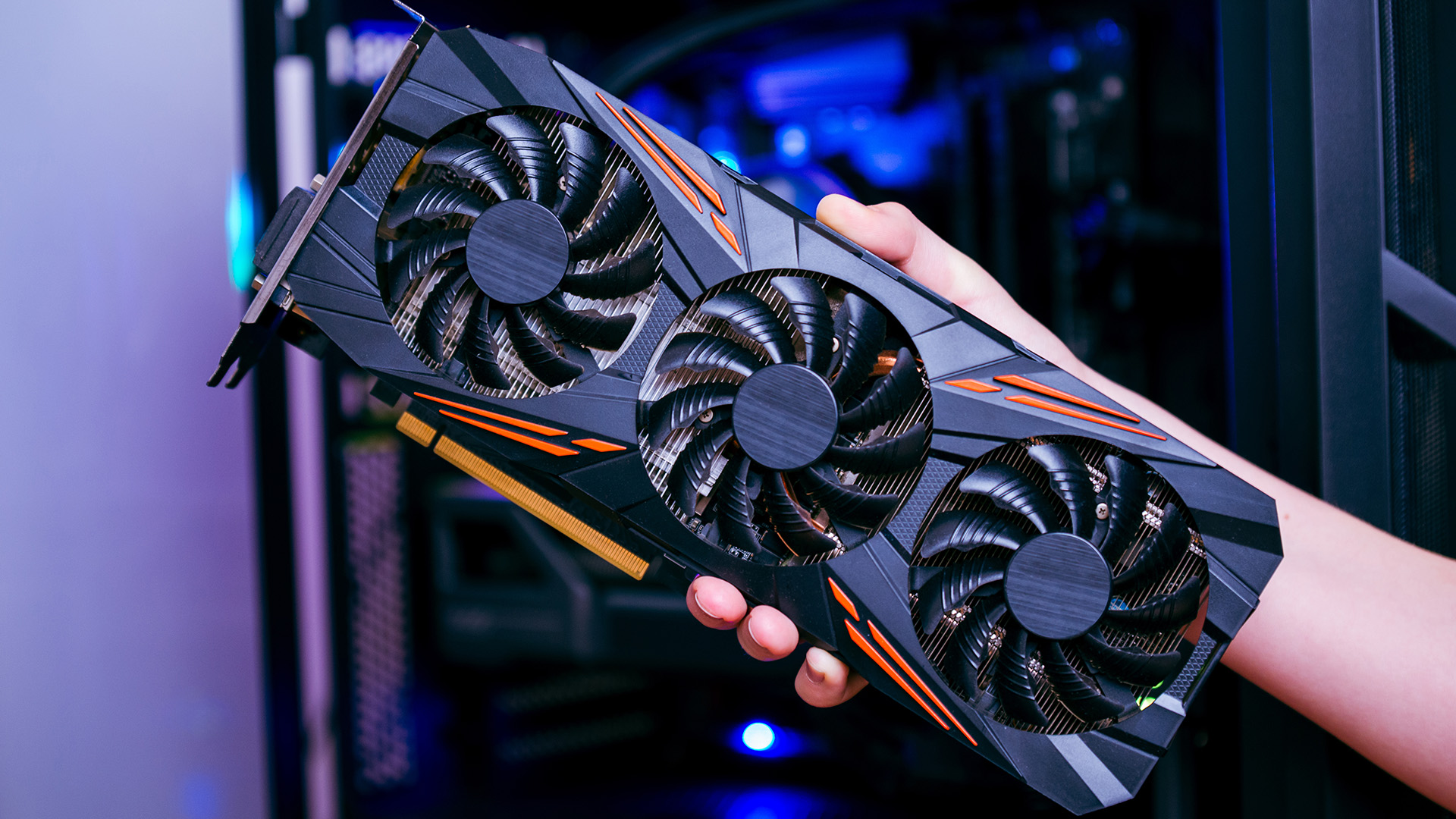
A dedicated GPU, sometimes called a discrete GPU, is a separate graphics processor made specifically for demanding visual workloads. In laptops, this can include NVIDIA GeForce RTX, NVIDIA GTX, AMD Radeon RX and Intel Arc dedicated options.
A dedicated graphics chip usually has its own VRAM, such as GDDR6 or GDDR7 memory, which is separate from the laptop’s main RAM. This helps the GPU process large textures, complex scenes, effects, video timelines and 3D workloads more efficiently.
This is why dedicated GPUs are more powerful for gaming, video editing, rendering, animation, CAD and some AI tasks.
What dedicated graphics are good for
A laptop with dedicated graphics card hardware is usually better for:
|
If you are comparing gaming models, it is worth looking at high-performance gaming laptops and checking the full specification before deciding, not just the GPU name.
Integrated vs dedicated GPU laptop: Key differences
|
FEATURE |
INTEGRATED GPU |
DEDICATED GPU |
|---|---|---|
|
Location |
Built into the processor |
Separate graphics chip |
|
Memory |
Shares system RAM |
Usually has dedicated VRAM |
|
Performance |
Good for everyday use and light graphics |
Better for gaming, editing, 3D and heavy graphics |
|
Battery life |
Usually better |
Usually shorter under load |
|
Heat and fan noise |
Usually lower |
Usually higher |
|
Laptop size |
Common in thin and light laptops |
Common in gaming, creator and workstation laptops |
|
Cost |
Usually more affordable |
Usually more expensive |
|
Upgradeability in laptops |
Not practically upgradeable |
Usually not upgradeable in laptops either |
|
Best for |
Students, office users, home users, portability |
Gamers, creators, designers, engineers |
The simple version: integrated graphics are efficient and practical; dedicated graphics are faster and more capable under heavy loads.
How do integrated graphics work in real life?
Integrated graphics use the processor package and system memory to draw the images you see on screen. This graphics integration keeps the laptop simpler, more power-efficient and often cheaper to build.
That is why many laptops with integrated graphics are slim, quiet and good for travel. They do not need the same level of cooling as a gaming laptop with a dedicated graphics card.
However, there are limits. Because the GPU integrated into the processor shares memory with the CPU, it can struggle with demanding textures, complex 3D scenes, high-resolution gaming and heavy rendering.
What to check before buying an integrated graphics laptop
Do not judge integrated graphics only by the words “Intel” or “AMD” in the listing. Check:
- The exact processor model
- The exact integrated graphics name
- Whether the laptop has 16GB RAM or more
- Whether the memory is dual-channel where relevant
- The display resolution
- The cooling design
- Reviews for the same laptop model
For integrated graphics, 16GB RAM laptop is often the safer choice than 8GB because the system has to share memory between the processor, graphics, Windows and open apps.
How dedicated GPUs work on laptops?
A dedicated GPU handles graphics-heavy tasks separately from the processor. It has more graphics cores, higher graphics power and its own memory pool. This is why dedicated GPUs can process games, 3D objects, effects and video workloads faster than most integrated options.
For example, NVIDIA RTX gaming laptops may include features such as ray tracing, AI upscaling and dedicated graphics memory. AMD dedicated graphics cards also offer dedicated GPU hardware for gaming and creator workloads.
If you are comparing desktop components as well as laptops, buy graphics cards is a practical place to start because it lets you compare GPU families separately from complete systems.
The laptop GPU detail many buyers miss: Power limits
Two laptops can list the same dedicated GPU and still perform differently. The reason is often GPU power.
Laptop graphics chips are limited by the power and cooling available inside the chassis. A thinner laptop may run the same GPU at a lower wattage than a thicker gaming laptop. That can affect frame rates, sustained performance, heat, and fan noise.
Before buying a gaming or creator laptop, check:
|
This is especially important with RTX gaming laptops, where the same GPU name can appear across very different laptop designs.
Is integrated graphics enough for gaming?
Integrated graphics can be enough for light gaming, older titles and less demanding esports games at sensible settings. It is not the best option for modern AAA gaming at high settings.
You may be fine with integrated graphics if you mostly play games such as:
- Minecraft
- Roblox
- The Sims
- League of Legends
- Valorant
- Rocket League
- Older Steam titles
- Indie games
You may want a dedicated GPU if you play newer AAA games, use high graphics settings, want ray tracing, or expect smooth performance on a 144Hz or 165Hz display.
For buyers comparing gaming options, NVIDIA GPUs for gaming are useful to compare on the component side, while complete gaming laptop pages help you see how those GPUs are paired with screens, processors and cooling.
Is a dedicated GPU worth it for work?
Yes, a dedicated GPU is worth it for work when your software actually uses GPU acceleration. This includes many video editing, 3D design, CAD, animation, rendering, and AI tools.
It may not be worth it if your work is mostly:
- Microsoft Office
- Google Workspace
- Accounting software
- Browser-based dashboards
- Online teaching
- Writing and research
- Basic photo resizing
- CRM and admin tools
For those tasks, a fast processor, enough RAM, a good SSD, and a comfortable display will usually matter more than dedicated graphics.
Integrated vs dedicated GPU for video editing
For basic video editing, integrated graphics can be enough, especially for short 1080p projects and simple cuts. For heavier editing, a dedicated GPU is usually a better choice.
Choose integrated graphics for light editing if you mostly make:
- Short social clips
- 1080p videos
- Simple cuts and transitions
- Basic colour adjustments
- Small school or business projects
Choose dedicated graphics for heavier editing if you work with:
- 4K footage
- Long timelines
- Multiple video layers
- Motion graphics
- Heavy effects
- Colour grading
- DaVinci Resolve, Premiere Pro or similar professional tools
Integrated vs dedicated GPU for students
Most students do not need a dedicated GPU. Integrated graphics are usually better for lectures, research, coursework, streaming, video calls and carrying the laptop around campus.
A dedicated GPU makes sense for students studying:
- Game design
- Architecture
- Engineering
- Animation
- Film production
- 3D modelling
- AI or data science
- Creative media
For general study, an integrated graphics laptop with 16GB RAM, a modern processor and good battery life is often the smarter buy.
Integrated vs dedicated GPU for business users
Business users should usually prioritise battery life, reliability, display quality, keyboard comfort, security features, and RAM before paying extra for dedicated graphics.
Integrated graphics are usually enough for:
- Presentations
- Spreadsheets
- Reports
- Video calls
- Browser-based tools
- CRM platforms
- Light image editing
Dedicated graphics may be useful for business users working with CAD, data visualisation, large creative files, multiple high-resolution displays or GPU-accelerated software.
Integrated vs dedicated GPU for creators
Creators need to look at the actual work, not just the job title.
A photographer editing RAW images may be fine with strong integrated graphics and plenty of RAM. A 3D artist rendering scenes every day will benefit from a dedicated GPU. A video editor working with 4K footage and effects will usually want dedicated graphics.
If you are building or upgrading a desktop setup for creative work, AMD dedicated graphics cards are worth comparing alongside NVIDIA and Intel options.
For creators, check:
|
Does a laptop with dedicated graphics always have better battery life?
No. A laptop with dedicated graphics usually has worse battery life when the dedicated GPU is active. Many modern laptops use hybrid graphics, where the system switches between the integrated graphics processor and dedicated GPU depending on the task.
This helps save power during light use and enables stronger performance when needed. However, battery life still varies by model, screen, processor, battery size, cooling design, and software settings.
A gaming laptop used for browsing may last reasonably well if it stays on integrated graphics. The same laptop used for gaming on battery may drain much faster.
What are hybrid graphics?
Hybrid graphics means a laptop has both an integrated graphics processor and a dedicated GPU. The laptop can use the integrated graphics chip for light tasks and the dedicated graphics chip for demanding tasks.
This setup is common in gaming and creator laptops because it balances performance and efficiency.
Common switching technologies include manufacturer-specific systems and Windows graphics settings. Some laptops also include a MUX switch or advanced display switching, which can route the screen directly to the dedicated GPU for better gaming performance.
What is a MUX switch and why does it matter?
A MUX switch allows the laptop display to connect directly to the dedicated GPU instead of routing everything through integrated graphics.
For gaming, this can improve performance and reduce latency in some laptops. For battery life, using integrated graphics is usually more efficient.
Not every buyer needs to worry about this. However, if you are buying a high-refresh gaming laptop, it is worth checking whether the laptop has a MUX switch, Advanced Optimus, or a similar graphics switching feature.
Can you upgrade integrated or dedicated graphics in a laptop?
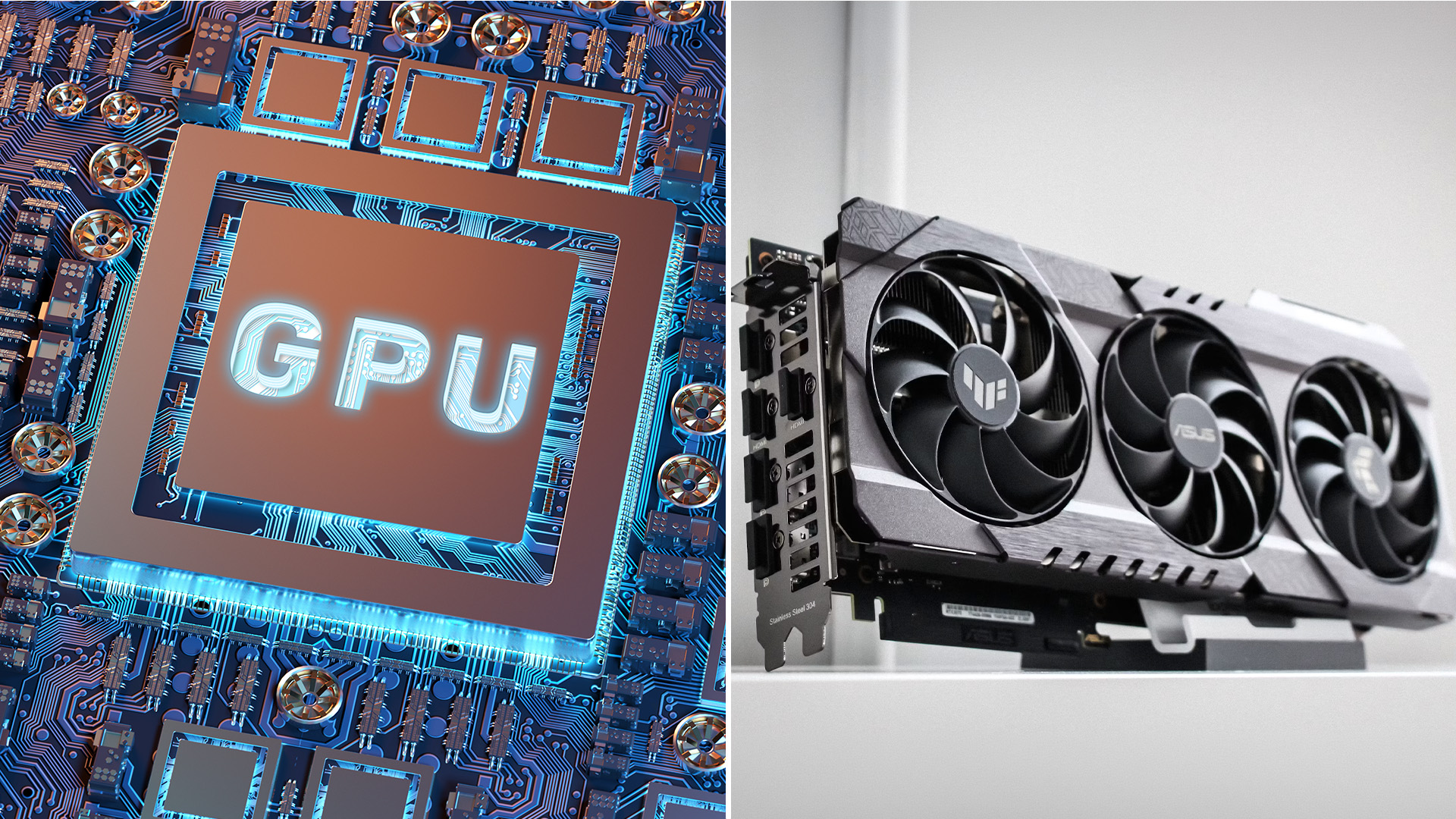
In most laptops, you cannot upgrade the integrated GPU or dedicated GPU later. The graphics hardware is usually soldered or built into the laptop’s internal design.
That means you should choose the right graphics level at the time of purchase.
For desktops, graphics upgrades are much more realistic. If you are buying a desktop PC rather than a laptop, comparing the best graphics cards can help you understand current value across GPU tiers.
Should you pay extra for a dedicated graphics card?
You should pay extra for a dedicated graphics card when your games or work will genuinely benefit from it. You should not pay extra just because the specification looks more powerful on paper. Also, wrong dedicated GPU laptop can also feel like a poor buy if it is too hot, too loud, too heavy, or if the battery life does not suit your routine.
What specs should you check before choosing a graphics card?
The GPU name is only one part of the decision. For a laptop, check the full system.
|
SPEC TO CHECK |
WHY IT MATTERS |
|---|---|
|
Exact GPU model |
Shows the graphics tier |
|
GPU wattage or TGP |
Affects real laptop performance |
|
VRAM |
Important for games, textures, video and 3D work |
|
RAM |
Integrated graphics share system memory |
|
Cooling |
Controls sustained performance and noise |
|
Display resolution |
Higher resolution needs more GPU power |
|
Refresh rate |
Gaming laptops need enough GPU power to use it |
|
Battery size |
Affects real portability |
|
Weight |
Dedicated GPU laptops are often heavier |
|
Reviews |
Helps confirm real performance and thermals |
If you are comparing Intel-based gaming systems, Intel gaming laptops are useful for buyers who want to compare processor and graphics combinations in one place.
Advantages of Integrated Graphics in a Laptop
Integrated graphics have clear benefits for everyday laptop buyers and are one of the main reasons many people choose an integrated vs dedicated GPU laptop with a focus on portability and efficiency.
They are usually:
|
Advantages of a Dedicated GPU in a Laptop
Dedicated graphics are better when performance matters more than portability. If you are comparing integrated graphics vs dedicated graphics for gaming or creative work, this is where dedicated GPUs stand out.
Dedicated graphics are better when performance matters more than portability.
They usually offer:
|
For serious gaming, NVIDIA GTX laptops can still be useful for budget-friendly 1080p gaming, although newer RTX models offer more modern features.
Limitations of Integrated Graphics
Integrated graphics are not inherently weak, but they do have limits.
Common limitations include:
|
Limitations of a Dedicated GPU
Dedicated graphics also have trade-offs.
Common drawbacks include:
|
This is why a dedicated GPU is not automatically the best option for every buyer.

Final verdict: Integrated vs dedicated GPU laptop
The integrated vs dedicated GPU laptop choice is really a balance between efficiency and performance.
Integrated graphics are the sensible choice for most everyday buyers. They keep laptops lighter, cooler, quieter and often more affordable. Dedicated graphics are better for buyers who need real graphics power for gaming, content creation, 3D work or professional software.
Before you decide, look beyond the words “integrated” or “dedicated”. Check the exact GPU, RAM, VRAM, cooling, display, battery size and laptop reviews. A well-balanced laptop will serve you better than a powerful-looking specification that does not fit your actual use.

Questions Buyers Ask About Integrated vs Dedicated Graphics
What is integrated GPU in a laptop?
An integrated GPU is a graphics processor built into the main processor. It shares system memory and is used for everyday visuals, streaming, office work, video calls, and light graphics tasks.
What is dedicated GPU in a laptop?
A dedicated GPU is a separate graphics chip with its own graphics memory. It is designed for demanding tasks such as gaming, video editing, 3D rendering, CAD, and AI workloads.
Is integrated graphics good enough for normal laptop use?
Yes. Integrated graphics are good enough for browsing, documents, streaming, video calls, online learning and light editing. Most everyday users do not need a dedicated GPU.
Is a dedicated GPU better than integrated graphics?
A dedicated GPU is better for demanding graphics work, but not always the best choice for every buyer. Integrated graphics are usually better for battery life, portability, quieter use and lower cost.
Can I play games on integrated graphics?
Yes, you can play lighter games, older titles and many esports games on integrated graphics. For modern AAA gaming, high settings, ray tracing or high-refresh displays, a dedicated GPU is usually the better option.
Does integrated graphics use RAM?
Yes. Integrated graphics use part of the laptop’s system RAM because they typically lack dedicated VRAM. This is why 16GB RAM is often a better choice than 8GB for laptops using integrated graphics.
Does a dedicated GPU make a laptop faster?
A dedicated GPU makes graphics-heavy tasks faster, such as gaming, rendering and video editing. It may not make everyday tasks like browsing, typing or email feel noticeably faster.
Is dedicated graphics worth it for students?
Dedicated graphics are worth it for students in design, engineering, architecture, animation, game development or media production. For general study, integrated graphics are usually enough and often better for battery life.
Can I upgrade my laptop's GPU later?
In most laptops, no. The GPU is usually built into the laptop’s design and cannot be upgraded like a desktop graphics card. Choose the right graphics level before buying.
Which is better for battery life, an integrated or dedicated GPU?
Integrated graphics are usually better for battery life. Laptops with dedicated GPUs can still save power through hybrid graphics, but battery life depends on the model, battery size, display and settings.
Related Articles

Last Updated: August 12, 2026
Picking a monitor for an RTX 50 Series GPU isn’t just about chasing the highest refresh rate, it’s about getting the right vibe for your setup. Think resolution, panel type and aspect ratio that actually match how you game, how powerful your RTX 5080 or RTX 5070 Ti is, and how much space you’ve got on your desk.
If you’re on an RTX 5080, a massive 49-inch 5120 × 1440 ultrawide hits different for immersive racing, sim and open-world gameplay. The RTX 5070 Ti feels right at home on a 34-inch 3440 × 1440 ultrawide, while a compact QHD curved monitor is perfect if you want smooth, high-refresh gaming on a budget.
Quick Comparison
| Best For | Monitor | Screen and Resolution | Refresh Rate | Panel | Main Strength | Consider Before Buying |
| RTX 5080 | Philips Evnia 49M2C8900 | 48.9-inch, 5120 × 1440, 32:9 | 240Hz | QD-OLED | Maximum immersion with OLED picture quality | Requires substantial desk space and strong GPU performance |
| RTX 5070 Ti | AOC G4 CU34G4Z | 34-inch, 3440 × 1440, 21:9 | 240Hz | Fast VA | Strong balance of speed, |

Last Updated: February 27, 2026
GPU price trends, which historically followed steady consumer demand cycles, were hijacked by a series of unprecedented global crises. These events first pushed the cost of graphics cards to astronomical highs, then plunged them into a sharp decline, before finally settling on a new, structurally higher price baseline.
This analysis examines the economic forces that drove this extraordinary five-year shift. We trace the market from the initial chaos of the supply chain fracture, through the speculative peak driven by cryptocurrency mining, and into the current era dominated by the massive enterprise investment in Artificial Intelligence (AI).
The Initial Storm (2020–Mid 2021): Scarcity and Supply Chain Shock
The sharp inflation in GPU prices did not begin with a single factor but with the convergence of two major, simultaneous economic disruptions: a severe global logistics crisis and a dramatic shift in consumer habits.

The Pandemic’s Logistical Fracture
The start of the COVID-19 pandemic
Last Updated: April 28, 2026
Finding the right graphics card at the right price has become one of the biggest challenges for PC gamers in the UK. With new GPU generations launching and stock levels fluctuating, buyers are looking for hardware that delivers strong performance without stretching their budget. In this guide, we explore everything you need to know about the NVIDIA RTX 5050 GPU, including expected gaming performance, anticipated UK pricing, and where it fits within today’s competitive graphics card market. We’ll also highlight the best alternatives available at Laptop Outlet, ensuring you have plenty of options if stock is limited.
What is the NVIDIA RTX 5050 GPU?
The NVIDIA RTX 5050 GPU is expected to sit at the entry-to-mid-level end of NVIDIA’s next-generation RTX lineup. Designed for gamers who want modern features without the premium price tag, the RTX 5050 PC graphics card is aimed at smooth 1080p gaming and entry-level 1440p performance. As part of NVIDIA’s latest architecture, the RTX 5050 graphics
Last Updated: January 13, 2026
Are you looking to upgrade your PC with cutting-edge performance, reliability, and exceptional gaming visuals? ASUS graphics cards remain one of the most trusted choices in the UK market. We bring you competitive prices, frequent deals, and a wide selection of ASUS GPUs designed for gamers, creators, and professionals alike. From advanced NVIDIA RTX models to efficient AMD Radeon options, ASUS continues to lead the way in innovation, cooling, and long-term durability.
Why Choose ASUS Graphics Cards?
ASUS has built a global reputation for producing premium PC components, and its graphics cards are no exception. Designed with performance, stability, and longevity in mind, ASUS PC graphics cards are trusted by enthusiasts and professionals worldwide.
Proven Engineering and Build Quality
ASUS graphics cards are engineered using high-quality components, reinforced PCBs, and advanced power delivery systems. This ensures consistent performance even under heavy workloads such as 4K gaming, 3D
Published: January 13, 2026
Choosing the right graphics card is one of the most important decisions when building or upgrading a gaming PC, and XFX graphics cards UK gamers trust continue to stand out for performance, reliability and value. As one of AMD’s most established board partners, XFX focuses exclusively on Radeon GPUs, delivering powerful gaming performance at highly competitive prices. We offer a wide range of XFX graphics cards deals, making it easier for you to access cutting-edge AMD technology without overspending. Whether you’re upgrading an older system, building a new gaming rig or searching for better value than current NVIDIA options, XFX delivers a compelling alternative. This guide explores everything you need to know about XFX GPUs, including performance, pricing, comparisons, and how to find the best XFX GPU deals UK buyers can rely on.
Why XFX Graphics Cards Are a Trusted Choice for AMD Gamers
XFX has built a strong reputation by focusing entirely on AMD hardware. Unlike brands that split
Last Updated: April 28, 2026
When it comes to upgrading your gaming PC or building a reliable high-performance setup, Gigabyte graphics cards are one of the suitable choices for gamers and creators. Known for strong performance, efficient cooling and excellent value, Gigabyte GPUs are designed to handle everything from everyday gaming to demanding creative tasks. Whether you’re aiming for smooth gameplay, detailed visuals or future-ready performance, there’s a Gigabyte graphics card to suit your needs and budget.
What Makes Gigabyte Gaming Graphics Cards Ideal for Modern Gaming?
Modern games demand more from hardware than ever before. Gigabyte has responded with GPUs that deliver high frame rates, detailed visuals and smooth gameplay across popular titles.
Performance that Keeps Up with New Games
From competitive esports titles to AAA blockbusters, Gigabyte gaming graphics cards are built to handle demanding workloads. Features such as ray tracing, DLSS (on NVIDIA models) and high memory bandwidth ensure consistent
Last Updated: July 20, 2026
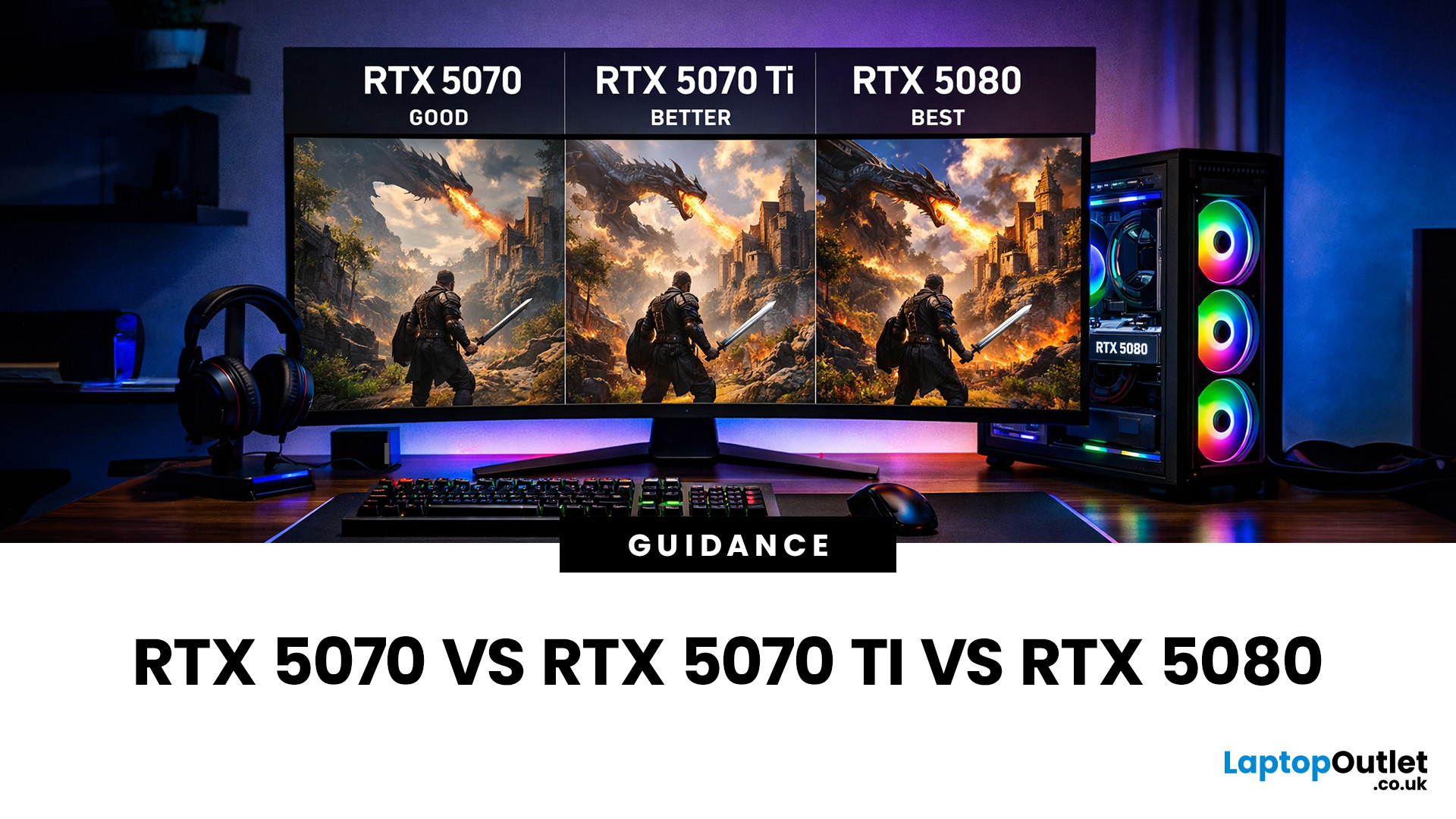
Choosing between an RTX 5070 and RTX 5080 gaming PC is one of the biggest decisions you may face when buying or upgrading a gaming desktop. Although both GPUs support NVIDIA’s latest gaming technologies, they are designed for different resolutions, performance targets, system budgets, and types of players.
In this RTX 5070 vs RTX 5080 comparison, we examine gaming performance, ray tracing, power requirements, system specifications, overall value and the right graphics card for you. We will also briefly explain where the RTX 5070 Ti fits for buyers who want more performance than the RTX 5070 without moving to a premium RTX 5080 gaming PC.
Whether you are considering an RTX 5070 prebuilt PC or planning a high-end custom desktop, this guide will help you understand the difference between RTX 5070 and 5080 gaming systems.
Understanding the RTX 50 Series Line-Up
NVIDIA’s RTX 50 series GPUs are designed to push performance further while improving efficiency and AI-powered features. Across the
Last Updated: August 20, 2026
Last Updated: June 18, 2026
For most buyers in 2026, the best laptop specs are a modern Intel Core Ultra 5/7 or AMD Ryzen AI 5/7 processor, 16GB RAM, 512GB SSD storage, and integrated graphics. Choose 32GB RAM, 1TB storage, and a dedicated GPU if you edit videos, create content, play demanding games, or use professional software.
Buying a new laptop in 2026 can feel confusing, especially when every product page is packed with technical words, numbers, and abbreviations. This processors & specs explained guide breaks everything down in plain English so you can understand what matters before you spend your money.
For most buyers, the four most important laptop components are the CPU, RAM, GPU, and storage. Once you understand these, it becomes much easier to compare models, avoid overspending, and choose a laptop that actually suits your daily needs.
What are Laptop Specs and Why Do They Matter?
Understanding laptop specifications becomes important. Specs affect:
- How fast your laptop feels when opening apps.
- How many
Published: June 11, 2026
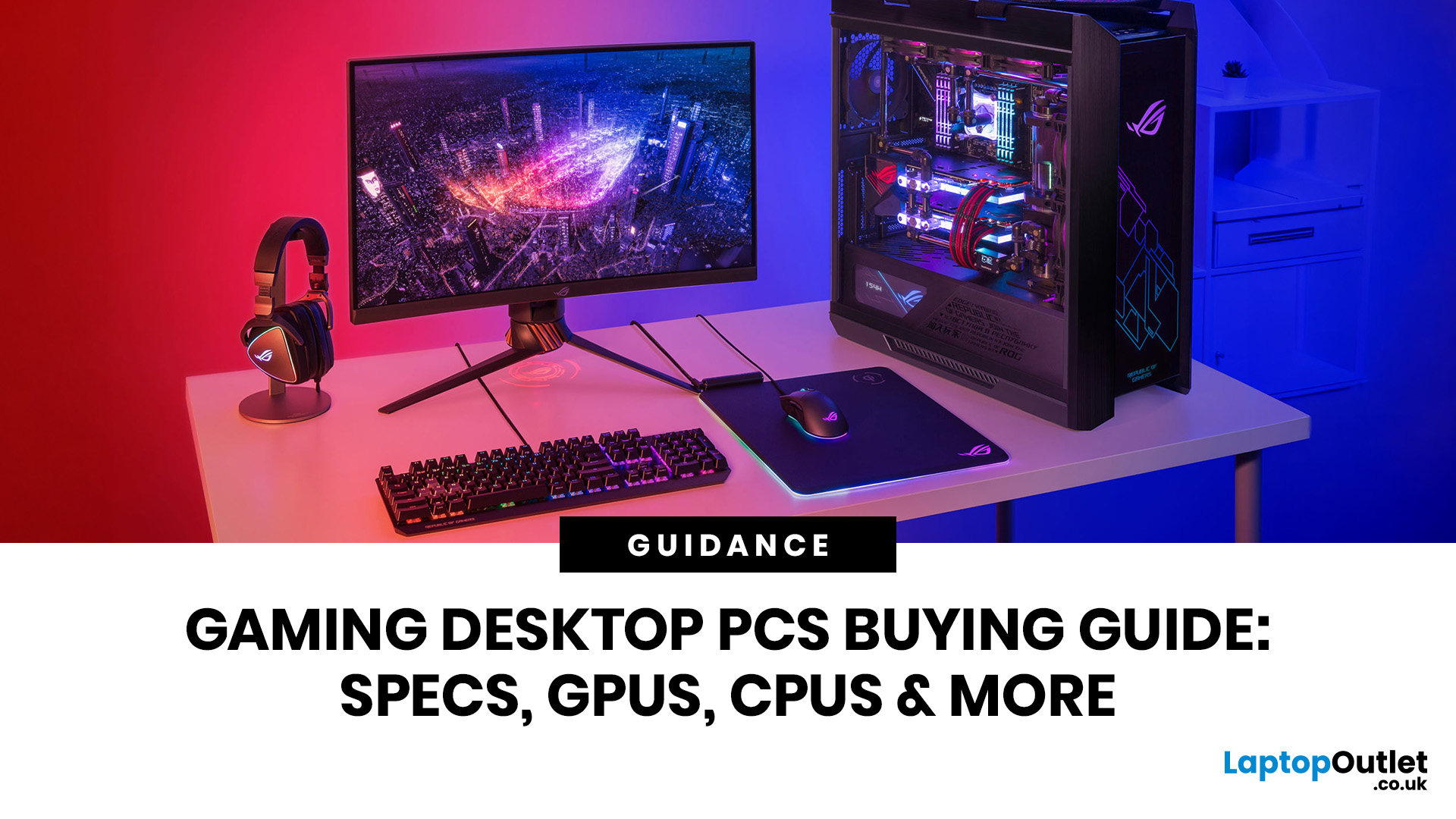
Choosing the right gaming desktop can be the difference between smooth, immersive gameplay and a system that struggles within a year. This gaming PC buying guide explains the key components that affect gaming performance, future-proofing, and value for money, so you can buy with confidence rather than guessing from confusing spec sheets.
A good gaming PC is not just about the most expensive graphics card. It is about balance. The CPU, GPU, RAM, storage, cooling, power supply, motherboard, and case all work together. Whether you play competitive esports, cinematic single-player titles, open-world RPGs, racing games or VR, understanding the right configuration helps you avoid overspending and choose a desktop that lasts.
This article is designed as a practical gaming PC specs guide for beginners, but it also includes up-to-date 2026 advice for buyers comparing modern RTX, Radeon, Intel, and AMD-powered systems.
Why Buy a Gaming Desktop PC?
A gaming desktop PC remains one of the best choices

