



Privacy Screen Protectors for Laptops: A Complete Guide

Using your laptop in public is normal now. Cafés, trains, airports, libraries, lecture halls, shared offices, the laptop comes everywhere. But if the person sitting next to you can casually read your emails, bank details, work chats or assignments, that is not exactly ideal.
That is where privacy screen protectors laptops come in. Whether you are a student, business user, commuter or hybrid worker, this guide explains how privacy screens work, their benefits, disadvantages, types and whether they are actually worth buying.
How Does a Privacy Screen Protector Work?
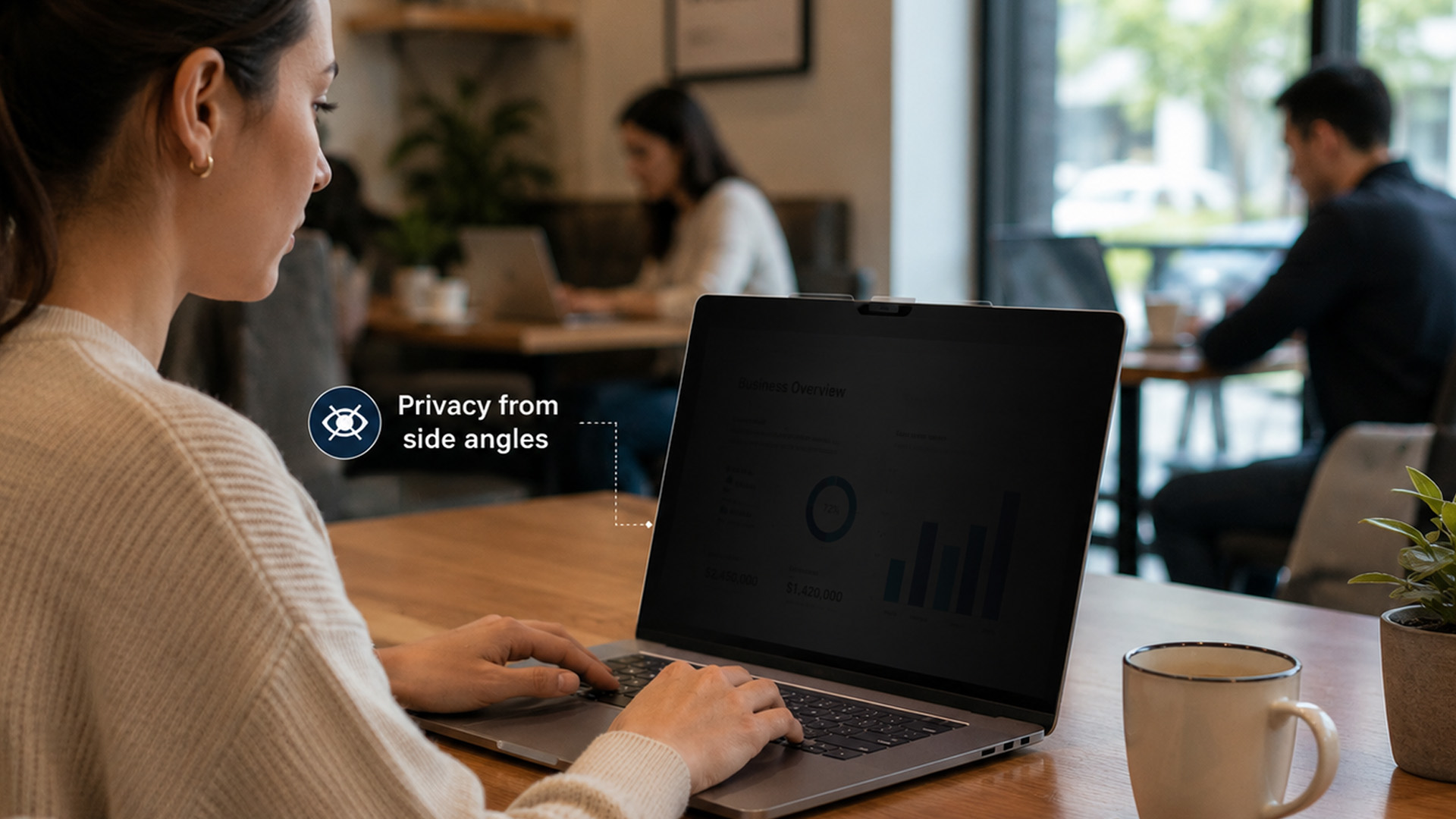
Most laptop privacy screens use tiny vertical filter layers, often called micro-louvres. These work a bit like blinds. When you look at the laptop straight on, you can see the display clearly. When someone looks from the side, the filter blocks the view.
This is also how laptops and notebooks privacy screens work in everyday spaces. If you are working on a train, someone sitting beside you should find it much harder to read your screen. However, privacy screens usually protect side views more than direct rear views. Someone standing right behind you may still see the display, depending on the angle and brightness.
Screen Protector Privacy Screen Benefits
There are several screen protector privacy screen benefits, especially if you use your laptop outside your home.
|
User Type |
Why It Helps |
|
Business users |
Protects emails, reports, client data and financial files |
|
Students |
Keeps notes, assignments and personal accounts private |
|
Commuters |
Stops nearby passengers from reading your screen |
|
Travellers |
Useful in airports, hotels, trains and lounges |
|
Remote workers |
Helps protect work information in cafés and shared offices |
The biggest benefit is privacy. A laptop privacy screen helps reduce shoulder surfing, which is when someone casually looks over or across at your screen. It is low-key awkward and, depending on what you are working on, potentially risky.
For professionals handling sensitive data, pairing privacy filters with secure business laptops can make mobile working safer and more practical.
If you work in libraries, lecture halls, or cafés, they can keep your notes, messages and accounts more private. Students who need portable devices for campus and commuting can also compare student laptops designed for everyday study.
Laptop Screen Protector Privacy Advantages
A laptop screen protector privacy filter has several useful advantages.
Better Privacy in Public
The main advantage is obvious: it keeps your screen out of other people’s business. If you work on confidential documents, personal accounts or private messages, this is a strong reason to use one.
Useful for Business and Hybrid Work
Privacy protectors for business laptops are especially useful for employees who travel, hot-desk or work in shared spaces. They can help protect client files, HR documents, finance reports, presentations and internal systems.
Helps Students in Shared Spaces
A privacy screen protector is also handy in university libraries, shared accommodation, classrooms and public transport. Not everyone needs to see your essay draft or group chat.
Adds Light Screen Protection
Some privacy screens also protect against minor scratches, fingerprints and smudges. They will not protect your laptop from major impact, but they can help keep the display cleaner.
Can Reduce Glare
Many privacy and screen protectors come with a matte or anti-glare finish. This can make the screen easier to view under bright lights or near windows.
Laptop Screen Protector Privacy Disadvantages
A privacy screen is useful, but it is not perfect. Here are the main laptop screen protector privacy disadvantages.
|
Disadvantage |
Why It Matters |
How to Avoid It |
|
Reduced brightness |
Screen can look darker |
Increase brightness or choose a quality filter |
|
Narrow viewing angle |
Harder to show others your screen |
Choose removable if you collaborate often |
|
Colour shift |
Images may look less accurate |
Avoid for colour-critical editing |
|
Fit issues |
Wrong size can look messy |
Check screen size and aspect ratio carefully |
|
Adhesive marks |
Some filters are harder to remove |
Choose removable or magnetic options |
Removable vs Adhesive Privacy Screen Protector Laptop
When choosing a privacy screen, the attachment type matters.
|
Type |
Pros |
Cons |
Best For |
|
Removable privacy screen |
Flexible, easy to take off, good for sharing |
Can be misplaced |
Students, hybrid workers |
|
Adhesive privacy screen |
Always attached, stable, tidy |
Harder to remove |
Business users, commuters |
|
Magnetic privacy screen |
Easy to attach and remove |
Needs compatible laptop design |
Modern laptops |
|
Slide-mount privacy screen |
Removable without full adhesive |
Tabs may be visible |
Office laptops |
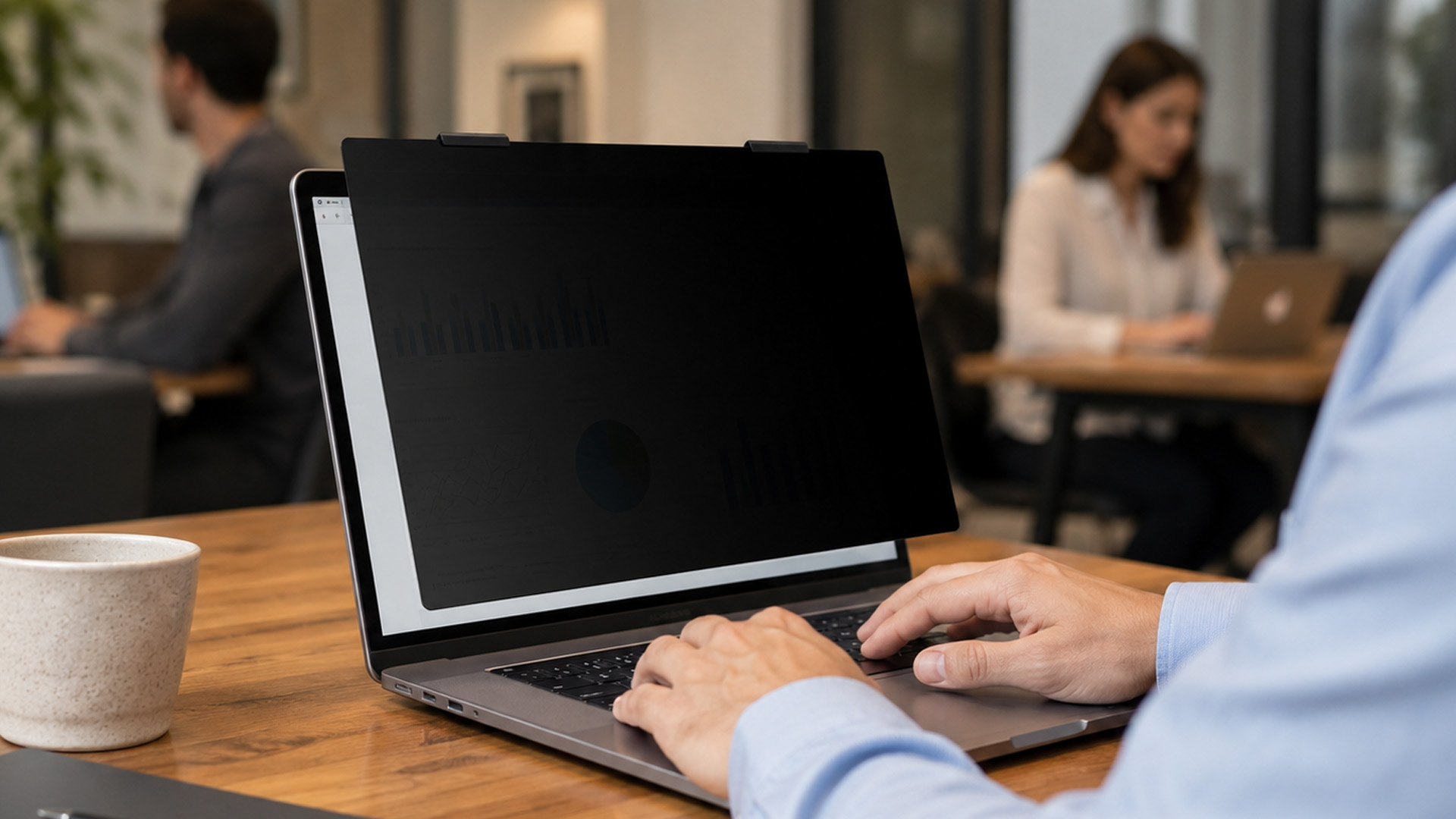
- A removable privacy screen for laptop use is best if you only need privacy sometimes. For example, you might use it on the train, then remove it at your desk when collaborating.
- An adhesive privacy screen protector laptop option is better if you always want privacy. It stays fixed in place and feels more permanent, but it is less flexible.
Do Privacy Screen Protectors Reduce Blue Light?
Some do, but not all. It depends on the product. Privacy protection and blue light reduction are different features. Some screen protectors combine both, while others only offer privacy.
Before buying, check the product details for blue light filtering, anti-glare coating or eye comfort features. Also remember that blue light reduction may slightly warm the display colour. If you do creative work where colour accuracy matters, this is worth considering.
Are Laptop Privacy Screens Worth it?
Yes, if you use your laptop in public, work with sensitive information or simply prefer more privacy. They are especially useful for business users, students, commuters and hybrid workers.
|
Scenario |
Is it Worth it? |
|
Working on business files in public |
Yes |
|
Studying in a library |
Yes |
|
Commuting by train |
Yes |
|
Working only at home |
Maybe not |
|
Colour grading or photo editing |
Not ideal |
|
Sharing your screen often |
Choose removable |
How to Choose a Privacy Screen Protector for Your Laptop
Before buying, check more than just the screen size. Fit and compatibility matter.
|
Feature |
What to Check |
Why it Matters |
|
Screen size |
13.3, 14, 15.6, 16 or 17.3 inches |
Ensures proper fit |
|
Aspect ratio |
16:9, 16:10 or 3:2 |
Prevents gaps or overhang |
|
Attachment type |
Adhesive, magnetic or removable |
Affects flexibility |
|
Finish |
Matte or glossy |
Changes glare and clarity |
|
Blue light |
Included or not |
Helps if eye comfort matters |
|
Touch support |
Touchscreen compatible |
Important for 2-in-1 laptops |
|
Privacy angle |
Side-angle protection |
Controls how private it feels |
You can also explore laptop accessories to complete your setup with privacy filters, adapters, mice, keyboards, and everyday essentials.
Privacy Screen Protector vs Laptop Bag or Cover: Do You Need Both?
A privacy screen protects what people can see. A laptop bags and covers protect the actual device when you are carrying it around.
|
Product |
Protects Against |
Best For |
|
Privacy screen protector |
Side viewing, light scratches, glare |
Public working and study |
|
Laptop bag |
Drops, bumps, travel damage |
Commuting and storage |
|
Laptop sleeve |
Scratches inside bags |
Students and hybrid workers |
|
Keyboard cover |
Dust and light spills |
Everyday protection |
Protecting your laptop goes beyond its internal features, so follow our guide on how to choose the best laptop bag based on device size, carrying comfort, style and everyday protection.

How to Install a Laptop Privacy Screen Protector
Installation depends on the type, but the basic process is simple.
- Turn off your laptop.
- Clean the screen with a microfibre cloth.
- Check the filter size and orientation.
- Remove dust or fingerprints.
- Apply adhesive tabs, magnetic strip or slide mounts.
- Align the privacy screen carefully.
- Attach it from top to bottom.
- Smooth out bubbles if using adhesive.
- Test the side viewing angle.
- Adjust brightness if needed.
For removable privacy screens, store the filter in a sleeve when not in use. This helps avoid scratches and dust.

Should You Buy a Privacy Screen Protector for Your Laptop?
A privacy screen protector is worth it if you use your laptop in public, work with sensitive information or just do not want people side-eyeing your screen. It is not perfect. It can reduce brightness, affect viewing angles and make screen sharing harder. But for commuters, business users, students and hybrid workers, it is a practical privacy upgrade.
|
Choose a Privacy Screen if… |
Skip or Choose Removable if… |
|
You work in public spaces |
You only use your laptop at home |
|
You handle business data |
You often show your screen to others |
|
You commute or travel |
You do colour-critical editing |
|
You study in shared spaces |
You dislike reduced brightness |
|
You want light scratch protection |
You need wide viewing angles |
The easiest way to think about it: a privacy screen protector will not make your laptop invincible, but it will make your screen harder for strangers to read. And honestly, that is the whole point.

Still Got Questions?
What is a laptop privacy screen protector?
A laptop privacy screen protector is a filter that limits the viewing angle of your display, making it harder for people beside you to see your screen.
How does a privacy screen protector work?
It uses tiny filter layers that block side views while keeping the screen visible from directly in front.
Are laptop privacy screens worth it?
Yes, they are worth it if you use your laptop in public, work with confidential information or want extra privacy in shared spaces.
Do privacy screen protectors reduce blue light?
Some do, but not all. Check the product specifications if blue light reduction is important to you.
What are the disadvantages of privacy screen protectors?
They can reduce brightness, affect colour accuracy, narrow the viewing angle and make it harder to share your screen.
| Read More: |
| Best Big Screen Laptops 2026: Powerful Picks for Work & Gaming |
| The 2026 RAM Crunch: Why AI Could Make Laptops More Expensive |
| Core i3 vs Core i5: Which Laptop is Right for You in 2026? |
Related Articles


Last Updated: September 15, 2026
If you’re asking “are refurbished desktop PCs worth it” in 2026, you’re not alone. Refurb is having a moment in the UK, partly because budgets are tight, and partly because more people want a cheaper, lower-waste way to get solid tech. At the same time, buyers are more hesitant than ever… and that hesitation is not random. A few very 2026-specific changes have raised the stakes.
This guide breaks down the real reasons people hesitate in 2026, and how Laptop Outlet reduces those risks so you can buy refurbished with genuine peace of mind - without losing out on choice or price.
What changed in 2026 that made buyers more cautious?
1) The Windows 10 “cliff edge” is now behind us
Windows 10 support ended on 14th October 2025, which means many older desktops are now in a riskier zone if they can’t upgrade cleanly.
Yes, Microsoft offers Extended Security Updates (ESU), but for consumers it’s a limited runway (through 2026) and comes with requirements that can add friction.
Why this makes refurbished
Published: March 12, 2026
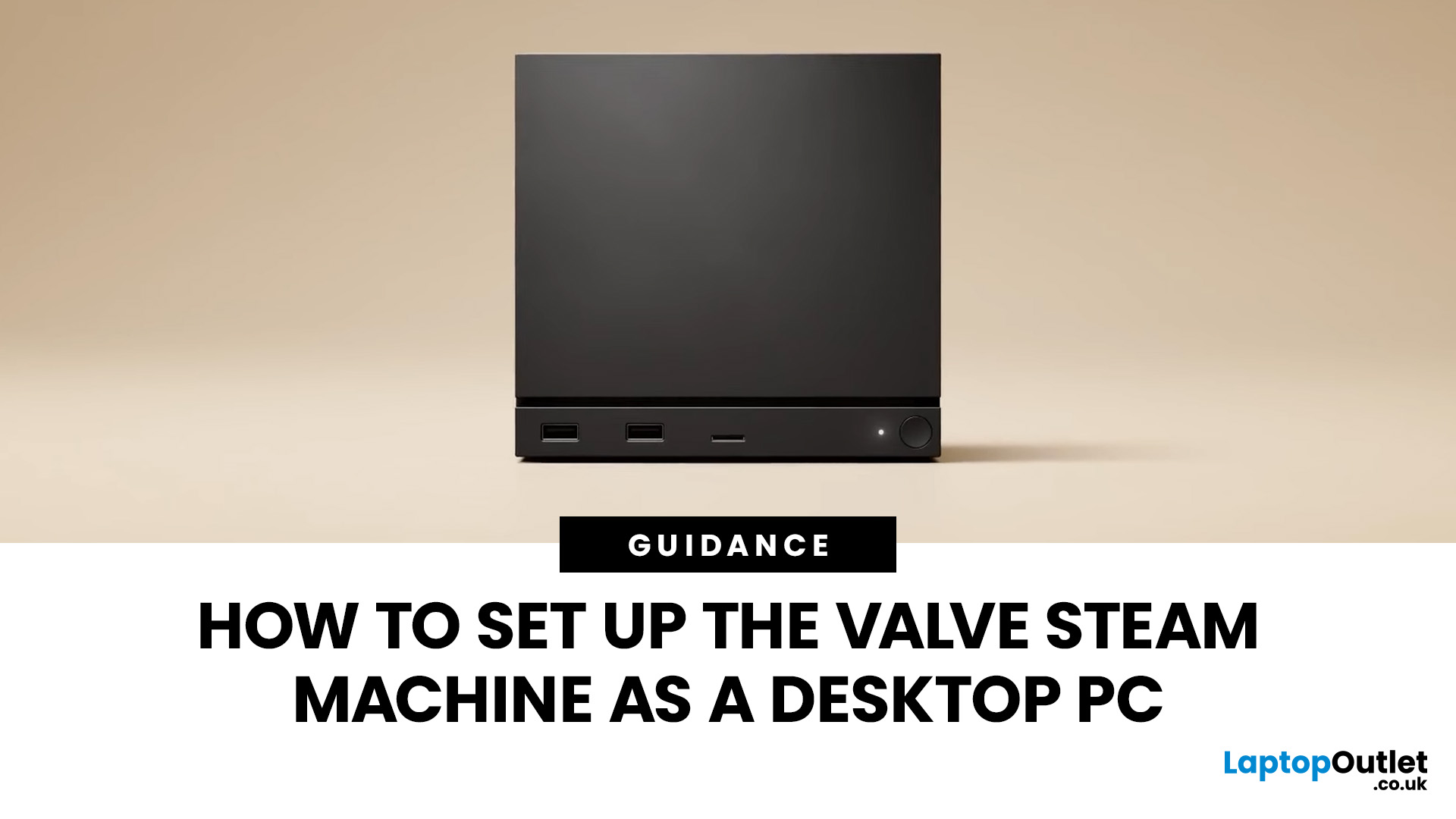
If you have an old Valve Steam Machine tucked away under the telly or on a shelf, you might be wondering whether it can still do more than launch games. The good news is that, with the right setup, it can absolutely pull double duty as a compact desktop computer for everyday use.
This guide walks you through a practical Valve Steam Machine setup for desktop use, from connecting a monitor and peripherals to accessing SteamOS desktop mode and making the system feels more like a standard PC. Whether you want a lightweight machine for web browsing, media streaming, or casual home computing, repurposing a Steam Machine can be a clever and cost-effective option.
What is a Valve Steam Machine?
A Valve Steam Machine was originally designed as a living-room gaming PC. It brought PC gaming closer to the console experience, usually running SteamOS and focusing on controller-friendly play from the sofa.
That said, the hardware inside many Steam Machines is still capable of handling basic desktop

Last Updated: March 30, 2026
NVIDIA DLSS 5 marks a much bigger shift than a routine version update. Rather than focusing mainly on upscaling and frame generation, NVIDIA is positioning DLSS 5 as a real-time neural rendering system that can add photoreal lighting and material detail to game scenes while they are being played. According to NVIDIA’s March 2026 announcement, it is the company’s biggest graphics breakthrough since real-time ray tracing arrived in 2018, with a launch scheduled for fall 2026.
For PC gamers, that matters because the long-running trade-off between image quality and performance may be changing again. Earlier DLSS versions were mainly about making games run faster at high resolutions. DLSS 5 expands that idea into visual interpretation, where AI is used not just to reconstruct pixels, but to enhance lighting response, material realism and scene fidelity in ways NVIDIA says were previously closer to Hollywood VFX than a 16-millisecond game frame.
For UK buyers looking at a gaming laptop or desktop
Last Updated: September 02, 2026
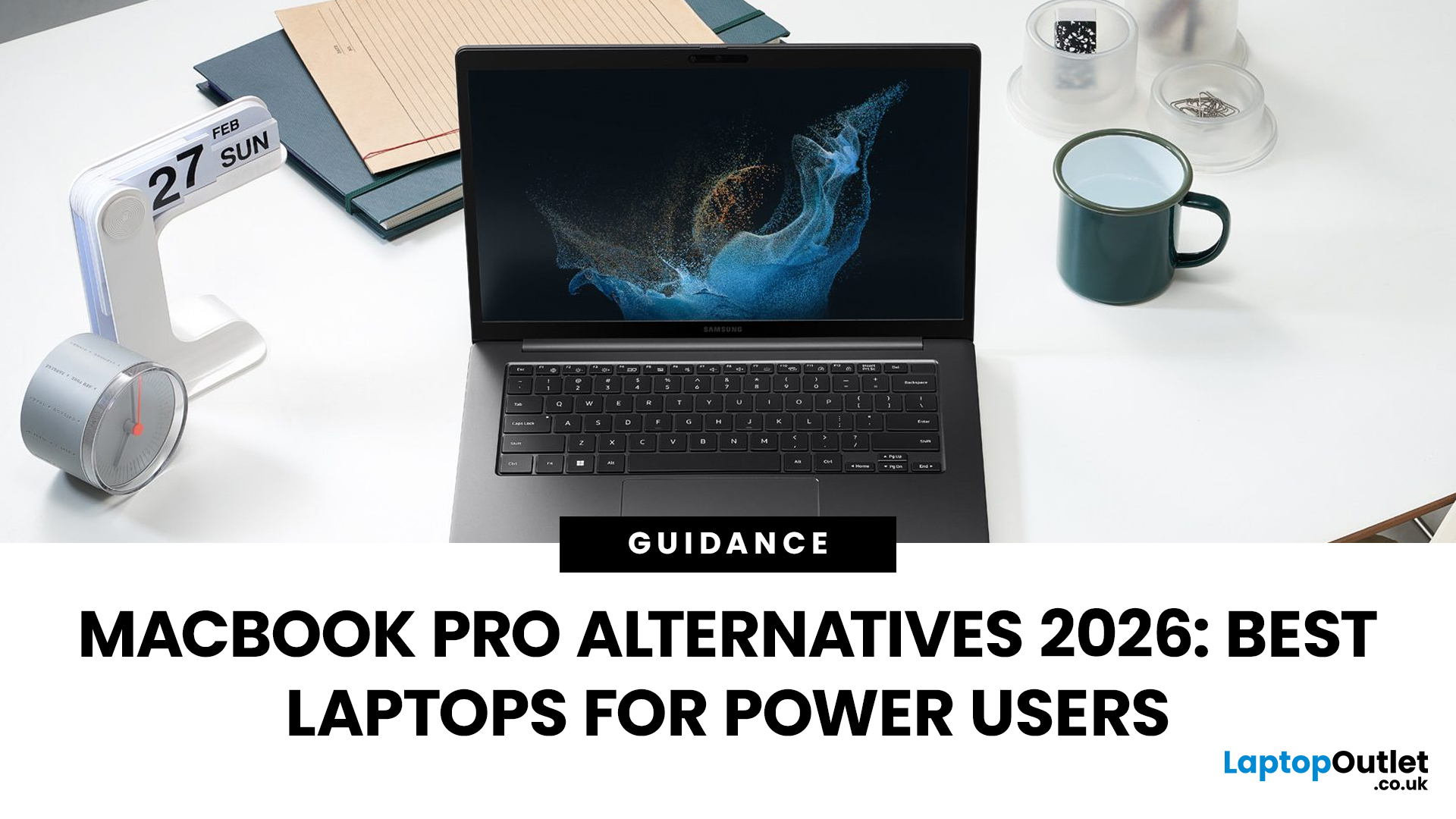
Looking beyond the MacBook Pro in 2026? This guide explores the best high-performance laptop alternatives for creators, developers, designers, and power users who want premium speed, displays, battery life, and value without being locked into Apple’s ecosystem.
If you're searching for the best MacBook Pro alternatives 2026 has to offer, you're not alone. Apple's flagship laptop remains one of the most impressive machines on the market, but it comes at a significant cost, and it isn't the right fit for everyone. Whether you're moving from macOS to Windows, exploring a different ecosystem, or simply want to know your options before spending over £1,500, this guide is for you.
Why Look for MacBook Pro Alternatives in 2026?
Apple's engineering is exceptional, but there are compelling reasons why even dedicated Mac users are reconsidering their options.
Price
The MacBook Pro starts at well over £1,500 in the UK. For many buyers, particularly students, freelancers, and small business owners,
Published: June 04, 2026
Big-screen laptops are becoming essential for UK buyers who want more workspace, stronger performance and immersive entertainment in one device. This 2026 guide compares 16-inch, 17-inch and larger laptops for work, gaming, study and creativity, helping you choose the right model for productivity, portability, battery life and long-term value today.
A larger display gives you more room for spreadsheets, timelines, browser tabs, creative apps, coding windows, and immersive games. Whether you are comparing laptops and notebooks, upgrading your work-from-home setup or searching for a capable gaming machine, large screen laptops now offer a much better balance of performance, display quality and portability than older bulky models.
Why Big Screen Laptops are More Popular Than Ever in 2026
Big-screen laptops are having a strong moment because people expect more from one device. A laptop is no longer used only for emails and web browsing. It may now need to handle video calls, AI meeting notes,
Published: June 11, 2026
Choosing the right gaming desktop can be the difference between smooth, immersive gameplay and a system that struggles within a year. This gaming PC buying guide explains the key components that affect gaming performance, future-proofing, and value for money, so you can buy with confidence rather than guessing from confusing spec sheets.
A good gaming PC is not just about the most expensive graphics card. It is about balance. The CPU, GPU, RAM, storage, cooling, power supply, motherboard, and case all work together. Whether you play competitive esports, cinematic single-player titles, open-world RPGs, racing games or VR, understanding the right configuration helps you avoid overspending and choose a desktop that lasts.
This article is designed as a practical gaming PC specs guide for beginners, but it also includes up-to-date 2026 advice for buyers comparing modern RTX, Radeon, Intel, and AMD-powered systems.
Why Buy a Gaming Desktop PC?
A gaming desktop PC remains one of the best choices
Last Updated: June 15, 2026
A gaming PC overheating usually comes down to one of five things: blocked airflow, dust build-up, weak cooling, aggressive game settings, or poor contact between the CPU/GPU and its cooler.
| Here is the fast version:
|
Gaming PC Overheating: What It Means and Why It Matters
You’re mid-match. Your FPS is smooth. Then suddenly, the game stutters, the fans sound like a jet engine, and your PC feels like it could toast bread.
That is not “just gaming PC life”.
A hot gaming desktop is normal. An overheating
Last Updated: August 24, 2026
Last Updated: September 03, 2026
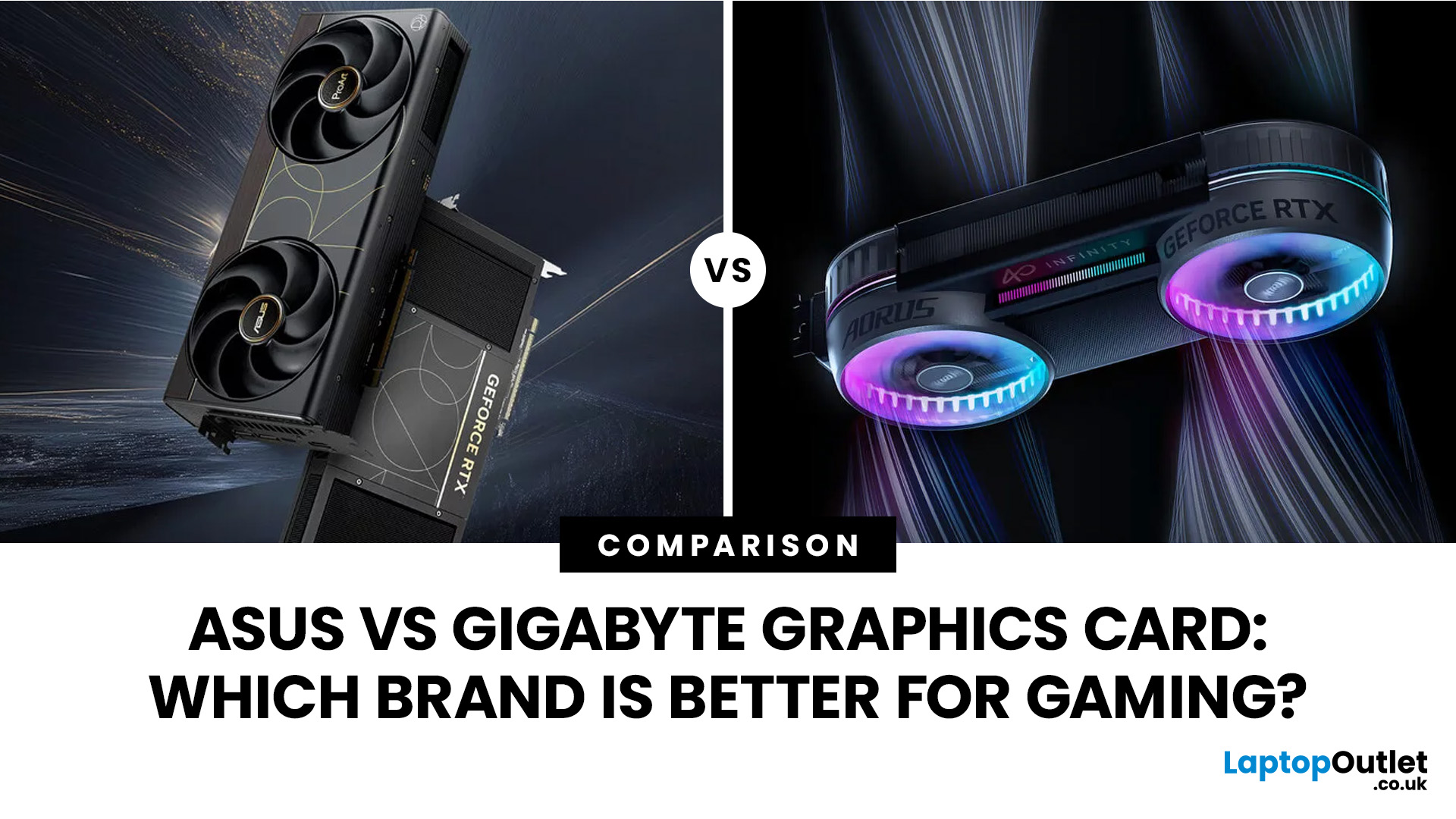
Both ASUS and Gigabyte are among the most trusted graphics card manufacturers available to UK gamers in 2026. In the ASUS vs Gigabyte graphics card comparison, ASUS typically leads on premium cooling, build quality, and software, while Gigabyte offers strong value across its mid-range and budget tiers. The right choice comes down to your budget, performance needs, and preferred feature set.
Choosing between ASUS and Gigabyte for your next graphics card is a decision many UK gamers face when building or upgrading a system. This guide breaks down every relevant factor so you can make an informed decision, whether you're gaming at 1080p, pushing 1440p on a competitive title, or targeting 4K. We also include best graphics card recommendations for different types of gamers.
A Quick Look at Both Brands
Before diving into the ASUS vs Gigabyte graphics card debate, here is a brief introduction to each brand and how they structure their GPU ranges. Knowing this makes it much easier to understand
Last Updated: September 03, 2026
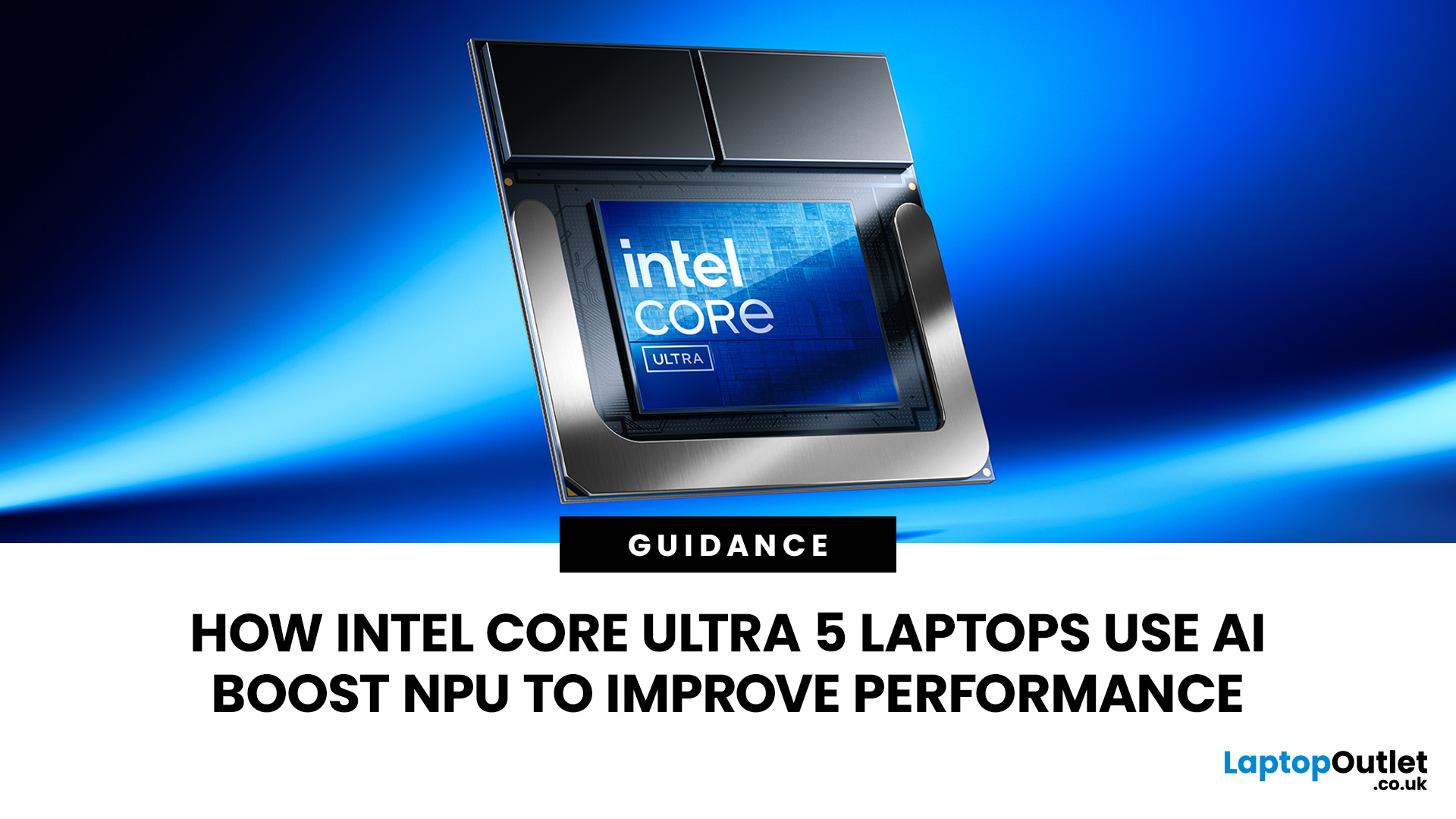
AI is no longer limited to the cloud or research labs. It’s now built into everyday laptops, powering features like clearer video calls, live captions, and smarter editing tools. At the heart of this is the intel core ultra 5 NPU, a dedicated AI engine within the processor that handles machine-learning tasks efficiently. An intel core ultra 5 processor combines CPU, GPU, and NPU, allowing each task to run on the most suitable hardware. This setup improves multitasking and efficiency, though benefits depend on software support and the specific processor model.
What is Intel AI Boost NPU in Core Ultra 5 Laptops?
Intel AI Boost is the name Intel uses for the neural processing hardware integrated into supported Core Ultra processors. It is designed to process AI inference workloads efficiently, particularly tasks that run continuously or repeatedly in the background.
The AI boost NPU complements the CPU and GPU rather than replacing them. It becomes a low-power engine for longer-running AI

