



Core i3 vs Core i5: Which Laptop is Right for You in 2026?
Choosing between an Intel Core i3 and Core i5 laptop can be confusing, especially when two laptops with the same processor tier can perform very differently. Your everyday workload, processor generation, power class and overall laptop specification all play a part in deciding which option makes more sense.
Core i3 is generally enough for browsing, Office apps, streaming and lighter study, while Core i5 is better suited to heavier multitasking, creative work, coding and more demanding software. In 2026, however, you should compare the exact processor generation and suffix, such as U, H or HX, rather than choosing a laptop based on the i3 or i5 badge alone.
Intel's laptop range has also evolved beyond the familiar Core i3 and Core i5 names, with newer machines using Intel Core 3, Core 5 and Core Ultra branding. This guide breaks down the differences so you can understand which processor type better matches the way you use your laptop.
Core i3 vs Core i5: What Is the Difference?
Traditionally, Core i3 and Core i5 identify different performance tiers within Intel's Core processor range. An i3 generally targets everyday computing, while an i5 tends to provide additional CPU resources for heavier workloads.
That does not mean every Core i5 laptop will outperform every Core i3 laptop in every situation. Processor generation, laptop power limits, cooling, memory, storage and the exact CPU model all influence real-world performance.
A useful starting point is:
|
Use case |
Core i3 |
Core i5 |
|
Web browsing and email |
Very suitable |
Very suitable |
|
Word, Excel and Google Docs |
Very suitable |
Very suitable |
|
Streaming and everyday use |
Very suitable |
Very suitable |
|
Multiple demanding apps |
Suitable for lighter use |
Usually better suited |
|
Programming |
Depends on workload |
Better for heavier projects |
|
Photo editing |
Light editing |
More suitable for heavier editing |
|
Video editing |
Basic projects |
Better starting point |
|
Gaming |
Depends heavily on GPU |
Depends heavily on GPU |
|
Battery life |
Laptop dependent |
Laptop dependent |
If your workload is mainly browser tabs, documents, emails and streaming, a recent Core i3 laptop can still provide everything you need. For regular multitasking or more CPU-intensive software, a Core i5 laptop normally gives you more processing headroom.
Intel Naming Has Changed in 2026
This is important when shopping for an Intel laptop today.
The familiar Intel Core i3, i5, i7 and i9 names are still found across many laptops using processors from generations such as 12th, 13th and 14th Gen. However, Intel has introduced a newer naming system that includes Intel Core 3, Core 5 and Core 7 processors. Intel's current Core family uses the shorter naming convention without the "i".
Intel also has the Core Ultra family, including Core Ultra 5, Core Ultra 7 and Core Ultra 9. Core Ultra processors use a different product family and can include dedicated hardware for AI workloads, alongside newer CPU and graphics architectures. Intel's current range extends to Core Ultra Series 3.
So if you see:
- Intel Core i3-1315U
- Intel Core i5-1335U
- Intel Core 5 120U
- Intel Core Ultra 5 225U
do not treat them as four steps on one simple performance ladder. They belong to different generations or product families.
When comparing Intel laptops, always check the complete processor model.
Generation Matters as Much as i3 vs i5
An i5 badge tells you its position within a processor family, but it does not tell you everything about performance.
A newer Core i3 can be built on a different architecture from an older Core i5, while two Core i5 processors can have completely different power targets and core configurations.
For example, Intel lists the Core i3-1315U with 6 cores and 8 threads, while the Core i5-1335U has 10 cores and 12 threads. Both are 13th Gen U-series laptop processors with a 15W processor base power.
Compare that with the Core i5-13420H. It has 8 cores and 12 threads, fewer total cores than the i5-1335U, yet it is a higher-power H-series processor with a 45W processor base power.
This is why simply saying "an i5 has more cores than an i3" does not explain the real difference.
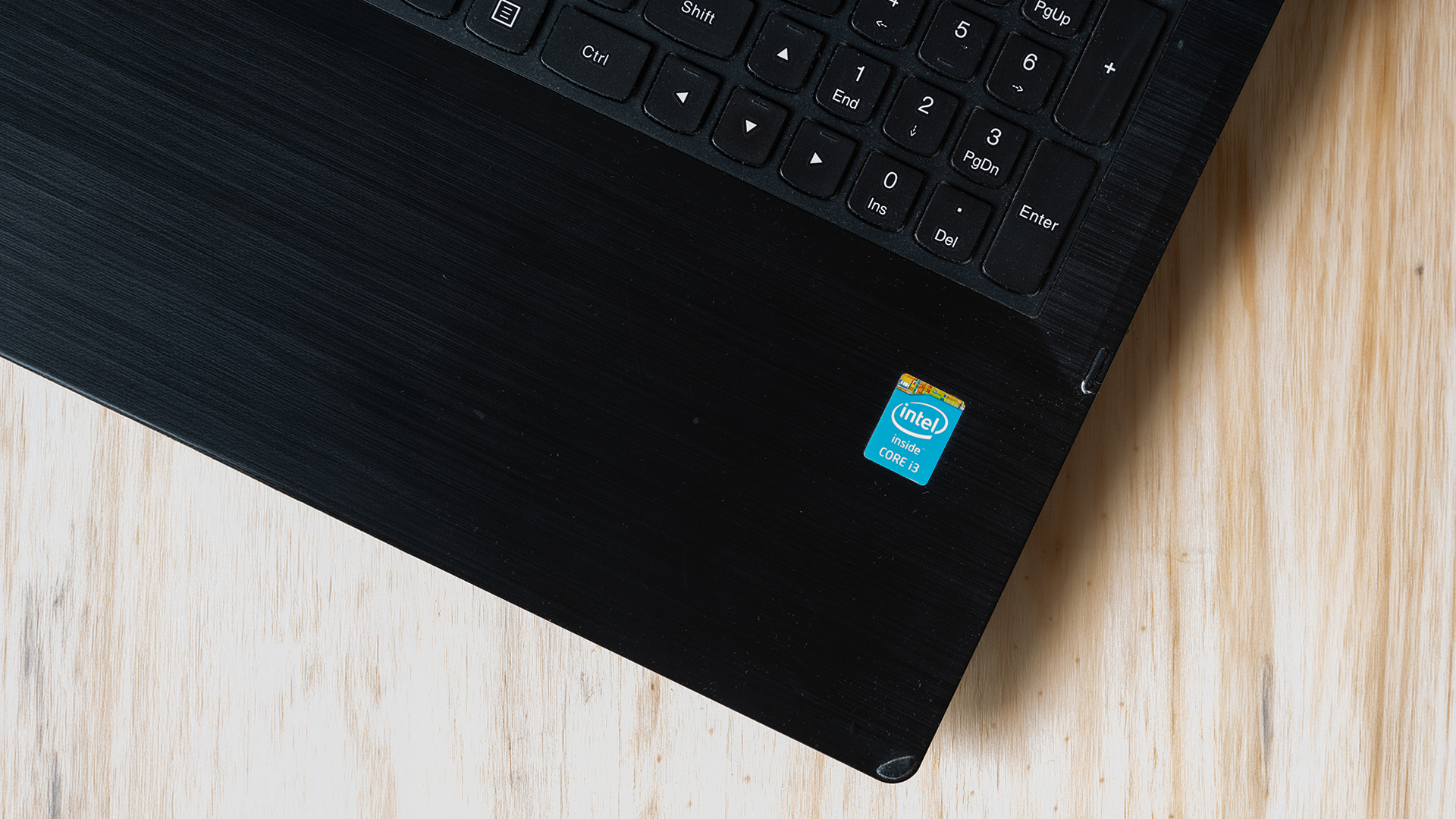
What Do U, H and HX Mean?
One of the easiest ways to understand an Intel laptop processor is to look at the letters at the end of its model number.
Intel identifies U-series processors as power-efficient mobile chips, while H-series processors are designed for higher mobile performance. HX sits at the higher-performance end of Intel's laptop processor range.
U-Series
Examples include the Core i3-1315U and Core i5-1335U.
U-series processors are commonly used in mainstream thin-and-light laptops where manufacturers need to balance processing performance, heat and battery life.
They make sense for:
- office work
- university
- web browsing
- video calls
- travel
- everyday multitasking
H-Series
An H-series processor such as the Core i5-13420H is designed for higher-performance laptops.
These CPUs are more appropriate when workloads include heavier multitasking, development work, media creation or other sustained CPU activity.
HX-Series
HX processors sit further towards high-performance mobile computing.
For example, Intel lists the Core i5-14500HX with 14 cores, 20 threads, a 55W processor base power and up to 157W maximum turbo power.
You are more likely to find this type of processor in larger gaming or performance laptops with more substantial cooling systems.
The important lesson is simple: Core i5-1335U and Core i5-14500HX are both called Core i5, but they target very different types of laptop.
Core i3 vs Core i5 for Everyday Use
For simple everyday tasks, the performance difference can be smaller than the names suggest.
Browsing, writing documents, streaming video and checking email are not particularly demanding workloads for a modern processor. A recent Core i3 paired with sufficient RAM and an SSD should handle these tasks comfortably.
Core i5 becomes more useful when those tasks start happening at the same time.
For example, a user running a video meeting while working with several browser tabs, spreadsheets, messaging apps and cloud tools is more likely to benefit from the additional CPU resources available from an appropriate Core i5 configuration.
That does not guarantee every i5 laptop will feel faster. A poorly configured laptop with limited RAM or slow storage can still create bottlenecks.
Core i3 vs Core i5 for Students
A Core i3 can be a sensible choice for many students.
Courses centred around essays, research, presentations, online lectures and web-based applications generally do not require a high-performance processor. RAM, battery life, screen quality, keyboard comfort and portability can matter just as much.
A Core i5 becomes more useful when the course involves more demanding software.
That can include:
- programming projects
- engineering applications
- virtual machines
- large spreadsheets or datasets
- photo editing
- video production
- 3D applications
Even then, check the software requirements before buying. Some university workloads depend heavily on RAM or graphics performance rather than the CPU tier alone.
For general study, compare the complete laptop rather than automatically paying more for Core i5.
Core i3 vs Core i5 for Working From Home
Both processors can work well in a home-office laptop.
A recent Core i3 is suitable for tasks such as email, web-based applications, Microsoft Office, document editing and routine video meetings.
Core i5 becomes more relevant for users who regularly combine several demanding applications. Large Excel workbooks, multiple monitors, collaboration software, browser-heavy workflows and specialist business applications can all increase CPU and memory demands.
RAM is especially important here. For lighter workloads, 8GB can still be workable, but 16GB gives a modern Windows laptop considerably more breathing room for multitasking.
If your current system slows down mainly when several applications are open, upgrading memory capacity can sometimes matter more than simply moving from an i3 badge to an i5 badge.
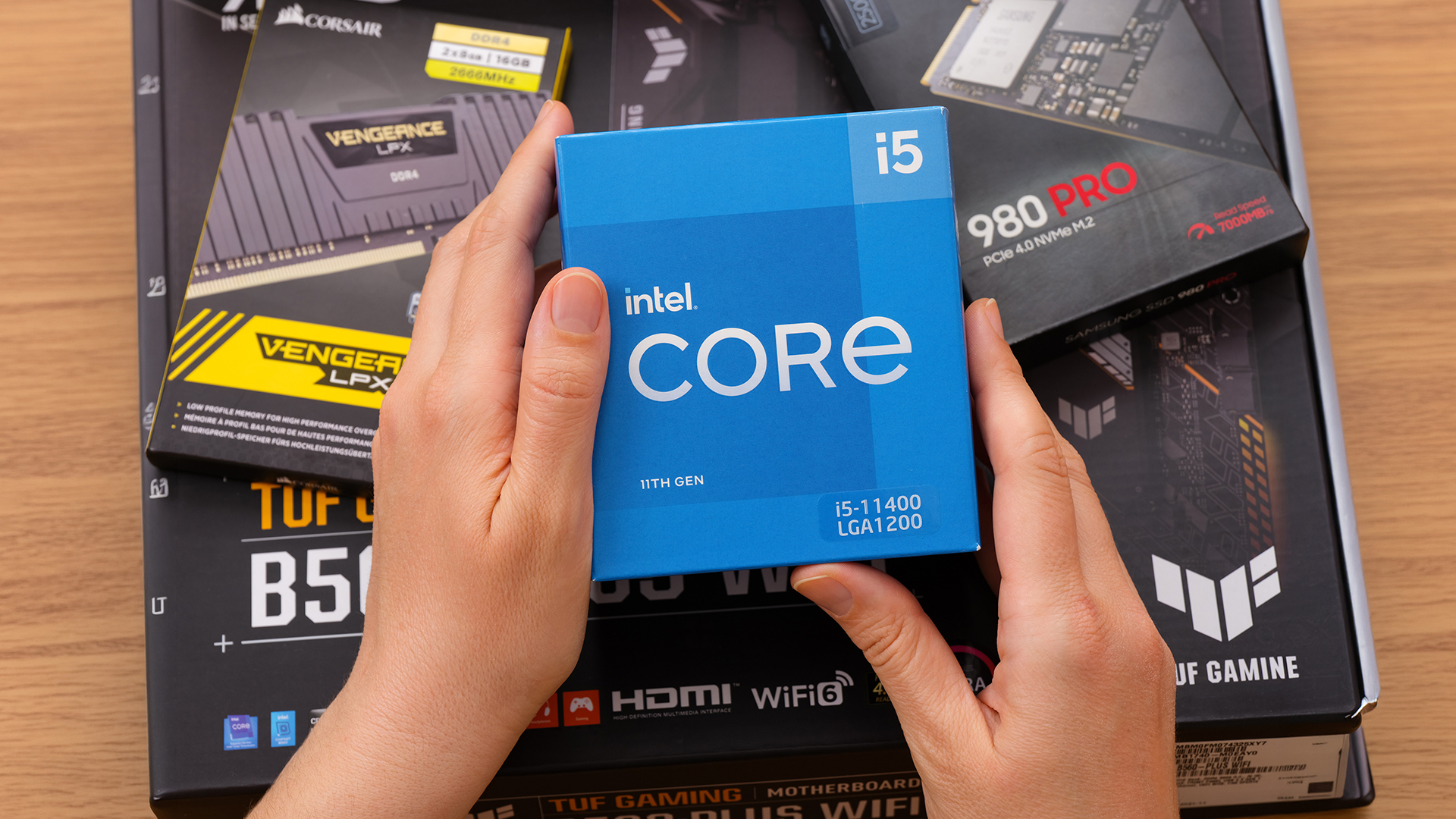
Is Core i5 Better for Gaming?
Not automatically.
Gaming performance depends on the complete laptop, particularly its graphics processor.
A laptop with a Core i5 and integrated graphics should not be assumed to outperform a differently configured machine simply because it has an i5 CPU. Likewise, a gaming laptop containing an H or HX-series processor and a dedicated NVIDIA GeForce or AMD Radeon GPU belongs to a very different performance class from a thin U-series office laptop.
For less demanding esports, indie and older games, integrated graphics may be sufficient depending on settings and resolution.
For graphically demanding games, pay close attention to:
- GPU model
- CPU model and suffix
- RAM capacity and configuration
- laptop cooling
- display resolution
- game requirements
When comparing gaming laptops, start with the GPU you need and then make sure the processor is appropriate for it.
Do not use "Core i5 required for gaming" as a blanket rule.
Is Core i5 Better for Creative Work?
Core i5 is generally the more suitable starting point for heavier creative workloads, but again, the exact processor matters.
Photo editing, compiling large projects, encoding video and rendering can use additional processor resources. An H-series Core i5 laptop can therefore make more sense than an entry-level U-series chip when sustained CPU performance is important.
GPU acceleration can also play a major role in applications such as video editors, 3D software and visual effects tools.
If your workload consists mainly of Canva, light Photoshop work or occasional editing, you may not need a high-power processor. For regular Premiere Pro, rendering or other demanding creative software, look beyond the i3/i5 label and check the full CPU, GPU and RAM configuration.
Does Core i3 Have Better Battery Life?
You cannot reliably predict laptop battery life from Core i3 vs Core i5 alone.
A laptop's battery life depends on its:
- processor and power limits
- battery capacity
- display size and brightness
- screen technology
- graphics hardware
- cooling design
- background software
- performance settings
- workload
Even within the same generation, an i3 and i5 can have similar rated processor power.
For example, Intel lists both the Core i3-1315U and Core i5-1335U with a 15W processor base power and maximum turbo power of 55W.
That does not mean two laptops using those chips will achieve identical battery life. The rest of the laptop matters.
If battery life is important, compare independent battery testing or manufacturer figures for the specific laptops, rather than assuming Core i3 will always last longer.
How Much RAM Do You Need?
Processor and memory should be chosen together.
8GB RAM
Suitable for lighter workloads such as browsing, documents, streaming and basic study when you do not keep large numbers of applications open.
16GB RAM
A stronger target for multitasking, business use, programming, and users who want more room for modern applications.
32GB RAM or More
Worth considering for demanding development environments, virtual machines, professional creation, large datasets and specialist software.
An i5 with too little memory can still feel restricted. Equally, a Core i3 laptop with 16GB RAM may provide a better everyday multitasking experience than an otherwise similar machine with an i5 and insufficient memory.
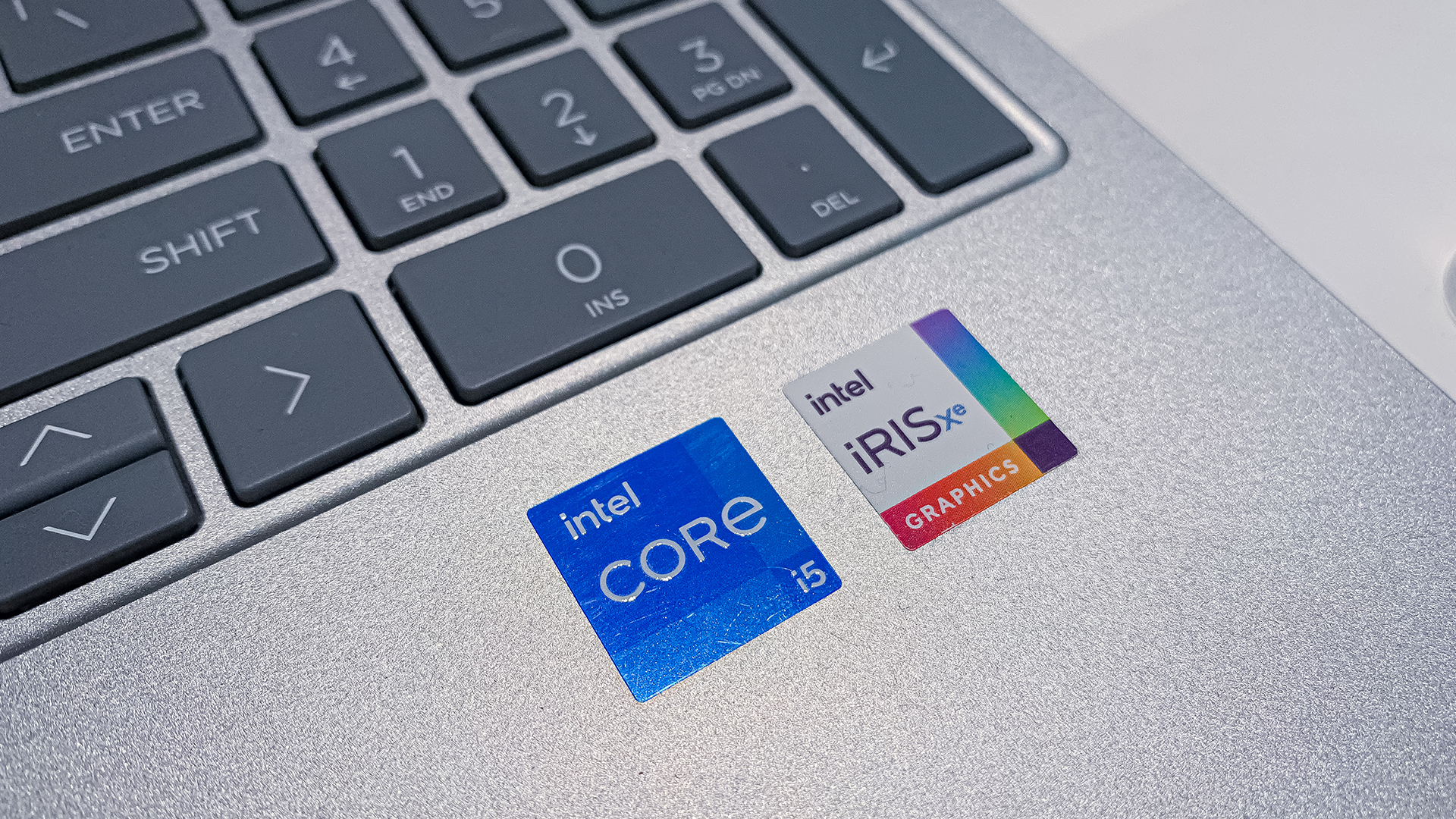
Core i3 vs Core i5: Which Should You Choose?
Choose based on your workload rather than the badge.
Core i3 makes sense when:
- your main tasks are browsing, email and documents
- you use web-based productivity tools
- you stream films and television
- your study workload is relatively light
- you want a straightforward everyday laptop
- you do not regularly run demanding software
You can compare current Core i3 laptops by processor, RAM, storage, display and operating system rather than CPU name alone.
Core i5 makes sense when:
- you multitask heavily
- you regularly use larger spreadsheets or datasets
- you code or compile larger projects
- you edit photos or video
- you want an H-series CPU for more demanding work
- you are buying a gaming laptop with an appropriate dedicated GPU
For more demanding workloads, compare current Core i5 laptops using the full processor model and laptop specification.
What About Core 3, Core 5 and Core Ultra?
This is the part many older i3 vs i5 comparisons now miss.
Intel's newer Core 3 and Core 5 processors use the company's updated naming system. Intel introduced a shorter three-digit processor numbering scheme for these Core processors, while Core Ultra exists as a separate family.
Intel launched Core Series 3 mobile processors in April 2026, so shoppers are increasingly likely to encounter the newer naming alongside older Core i-series machines.
Core Ultra processors are particularly relevant when comparing newer premium and AI-focused laptops. Current Core Ultra models can incorporate CPU, graphics and NPU resources designed for modern local AI workloads.
That means a search for "Core i3 vs Core i5" should now be treated as a starting point, not the entire Intel laptop buying hierarchy.

Core i3 vs Core i5: Final Verdict
For everyday browsing, documents, streaming, email and lighter university work, a recent Core i3 can still be a perfectly capable choice in 2026. There is no reason to move up a processor tier simply because an i5 sounds more powerful.
Core i5 is more appropriate when you regularly push the processor through heavier multitasking, demanding productivity, development, creation or other sustained workloads.
But the most important buying rule is this:
Never compare Intel laptops using i3 and i5 branding alone. Check the exact processor model, generation and suffix first, then compare RAM, graphics, storage, cooling, display and battery capacity.
An i5-1335U, i5-13420H and i5-14500HX may all carry the Core i5 name, but they are built for noticeably different laptop designs and workloads.
And if you are looking at newer machines, remember that Intel's current portfolio also includes Core 3, Core 5 and Core Ultra processors. The old i3 versus i5 hierarchy is still useful, but it is now only one part of choosing the right Intel laptop.
If you are considering AMD as well, our Intel Core i5 vs AMD Ryzen 5 comparison covers another common laptop processor decision.

Frequently Asked Questions
Is Core i3 still good in 2026?
Yes. A recent Core i3 can comfortably handle browsing, Office applications, streaming, online learning and lighter business workloads. Check the processor generation and complete laptop specification, particularly RAM and storage, because the i3 badge alone does not determine how responsive a laptop will feel.
Is Core i5 noticeably faster than Core i3?
It can be, particularly during CPU-heavy multitasking and demanding applications. The difference may be much less noticeable during simple web browsing or document editing. Compare processors from similar generations and power classes because an H-series i5 and U-series i3 are not directly equivalent laptop designs.
Is a newer Core i3 better than an older Core i5?
Potentially, depending on the exact processors and workload. Processor architecture, generation, core configuration, power limits and laptop cooling all affect performance. Do not assume an older Core i5 automatically beats every newer Core i3. Compare the complete CPU model before buying.
What is the difference between Core i3 and Core 3?
Core i3 belongs to Intel's older Core i naming convention. Intel's newer mainstream Core family uses names such as Core 3, Core 5 and Core 7 without the "i". Because they can come from different architectures and generations, they should not be compared by tier number alone.
What do U, H and HX mean on Intel laptops?
U identifies power-efficient mobile processors, while H indicates higher-performance mobile chips. HX is used for particularly high-performance laptop processors. These suffixes can significantly change what a processor is designed to do, so they should be checked alongside the Core i3 or Core i5 tier.
Is Core i3 or Core i5 better for university?
It depends on the course. Core i3 is often enough for essays, research, presentations and online lectures. Core i5 becomes more useful for programming, engineering, creation and other demanding software. RAM, battery life, portability and application requirements should also influence the decision.
Does Core i5 improve gaming performance?
Not by itself. Gaming depends heavily on the GPU, game, resolution and laptop cooling. A suitable Core i5 can support a powerful dedicated GPU, but the i5 badge alone does not make a laptop a gaming machine. Always compare the complete CPU and GPU combination.
| Read More: |
| Best Lenovo LOQ Laptops for Budget Gaming in 2026 |
| Geo vs Lenovo Laptops: Best Budget-Friendly Options Compared |
| Lenovo vs HP Laptops: Performance, Value & Best Picks |
Related Articles

Last Updated: June 05, 2026
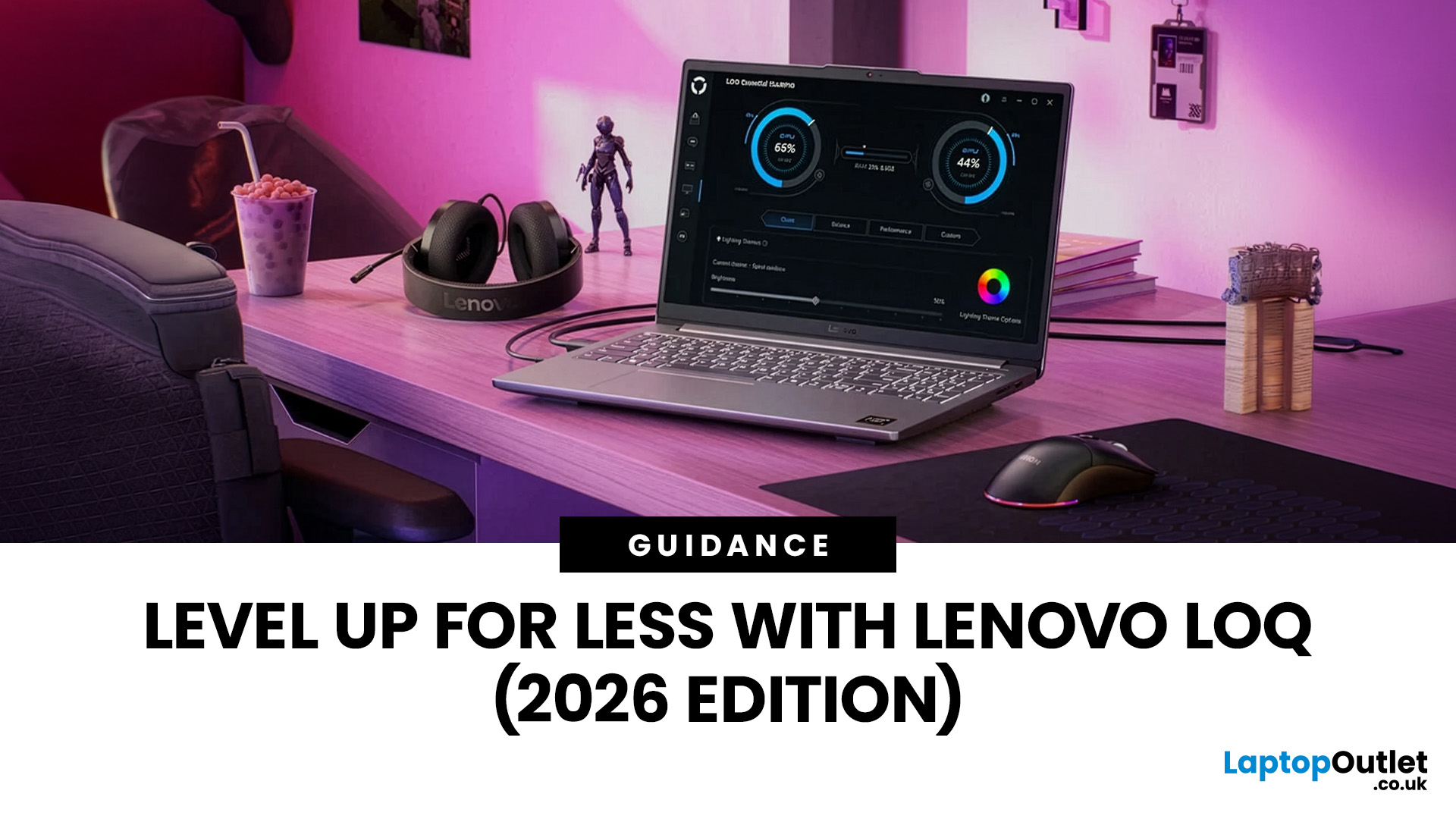
In 2026, you don’t need a four-figure budget to enjoy smooth, high-FPS gaming. With modern RTX 50-series graphics and 16GB RAM becoming the new standard, budget gaming laptops are more powerful and more accessible than ever. That’s where the Lenovo LOQ lineup comes in.
Designed as Lenovo’s entry-level gaming range, LOQ models deliver serious performance without the premium Legion price tag. Whether you’re grinding ranked matches, exploring open-world titles, or just want reliable everyday power, the best Lenovo LOQ laptops strike that sweet spot between price and performance.
In this guide, we’re breaking down the top Lenovo LOQ gaming laptops for 2026, who they’re perfect for, and how to choose the right one without overspending. Let’s get into it.
Why Lenovo LOQ Is Perfect for Budget Gaming in 2026
If you’re looking for a gaming laptop that doesn’t destroy your wallet but still runs modern games smoothly, Lenovo LOQ is basically the sweet spot in 2026.
Lenovo created the LOQ series

Published: February 18, 2026
Adobe Creative Cloud apps aren’t lightweight anymore and in 2026, they’re pushing laptops harder than ever. From editing high-resolution photos in Photoshop to building complex vector artwork in Illustrator and exporting 4K timelines in Premiere Pro, creative software demands serious performance. That means choosing the right laptops for Adobe Creative Cloud isn’t optional, it’s essential.
A slow system can kill your workflow, delay exports, and turn simple edits into waiting games. The good news? Modern creator machines are faster, smarter, and built specifically for creative workloads. In this guide, we’ll break down the best laptops for Photoshop, Illustrator, and Premiere Pro, so you can create without limits (or lag).
Why Your Laptop Matters for Creative Work in 2026
Creative work isn’t just “opening Photoshop” anymore - in 2026, Adobe apps are basically full production studios. Whether you’re designing brand visuals, editing YouTube videos, or building content for clients, your
Last Updated: February 19, 2026
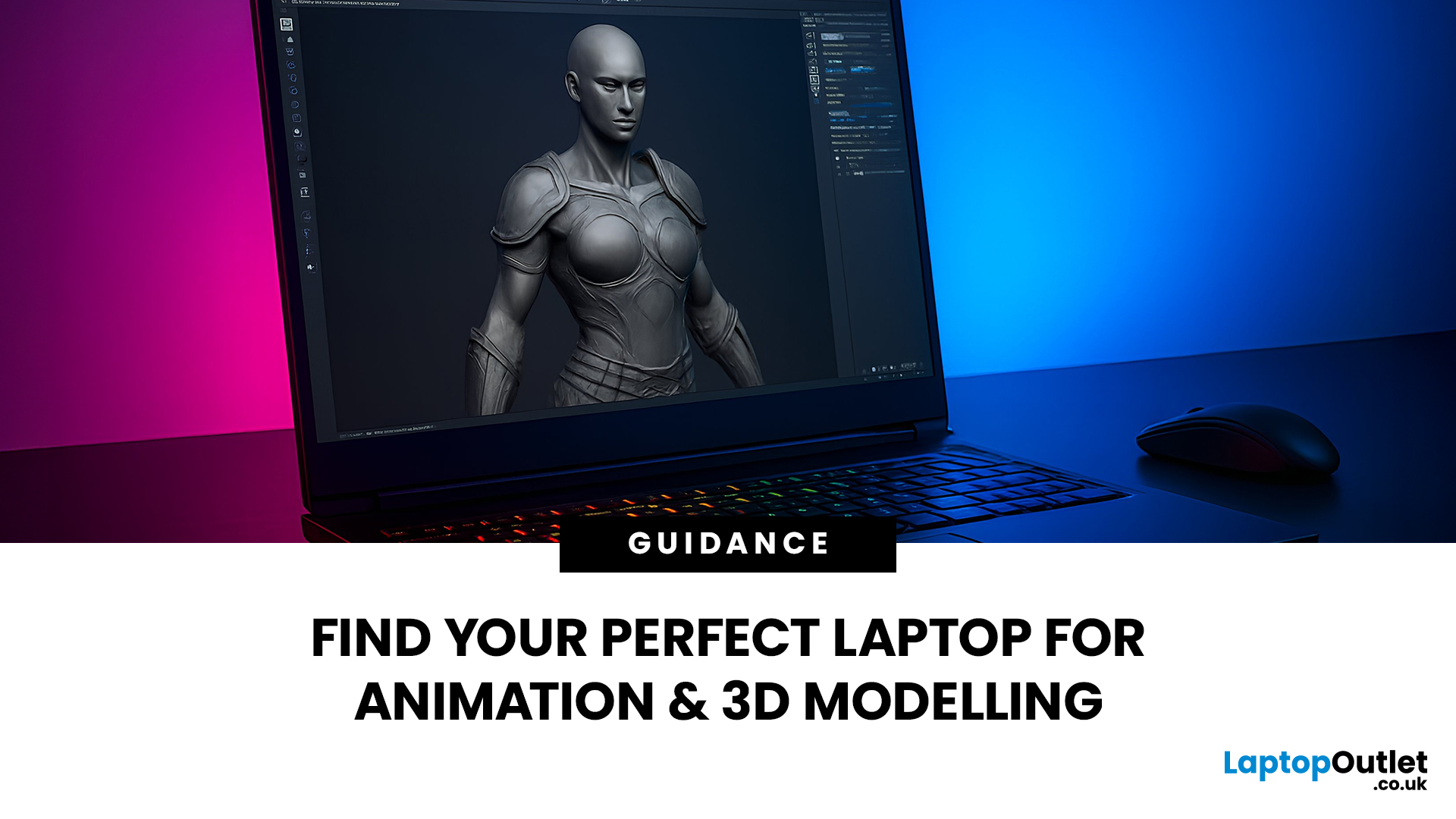
Are you a creative professional or a student looking for the perfect hardware? Choosing the right tools can make or break your workflow. Animation and 3D design are demanding tasks. They require power, precision, and reliability. In this guide, we explore the best laptops for animation and 3D modelling available today.
Why Your Hardware Matters for 3D Work?
Animation is not just about drawing. It involves complex calculations. When you work in software like Blender or Autodesk Maya, your computer handles millions of polygons. It also calculates lighting, physics, and textures in real-time.
If your laptop is too slow, you will face lag. Your software might crash. Most importantly, your rendering times will be incredibly long. High-performance 3D laptops solve these problems. They allow you to focus on your art instead of your technical issues.
To get the best results, you need a balance of components. This includes a fast processor (CPU), a powerful graphics card (GPU), and plenty of memory

Last Updated: March 09, 2026
The MacBook Air M5 landed on 3rd March 2026, and it has instantly become the most talked-about laptop of the year. This is the latest MacBook Air model yet, and it delivers upgrades across nearly every single category. Chip performance, display quality, AI features, battery life, storage, wireless connectivity — all of it improved.
This is not just a minor refresh. It is a well-rounded, thoughtfully improved machine that raises the bar for what a thin and light laptop can do in 2026. Let us go through every major feature, so you can decide whether this is the one worth buying.
Apple M5 Chip: A Meaningful Generational Jump
The Apple M5 chip performance is the centrepiece of this entire upgrade. Built on TSMC's third-generation 3-nanometer process, the M5 brings tangible improvements that users will notice from day one.
Here is a clear breakdown of how the M5 compares to the M4:
| Spec | MacBook Air M4 | MacBook Air M5 |
| CPU | 10-core (4P + 6E) | 10-core (4P + 6E), faster per core |
| GPU | Up to 10-core |
Last Updated: March 19, 2026
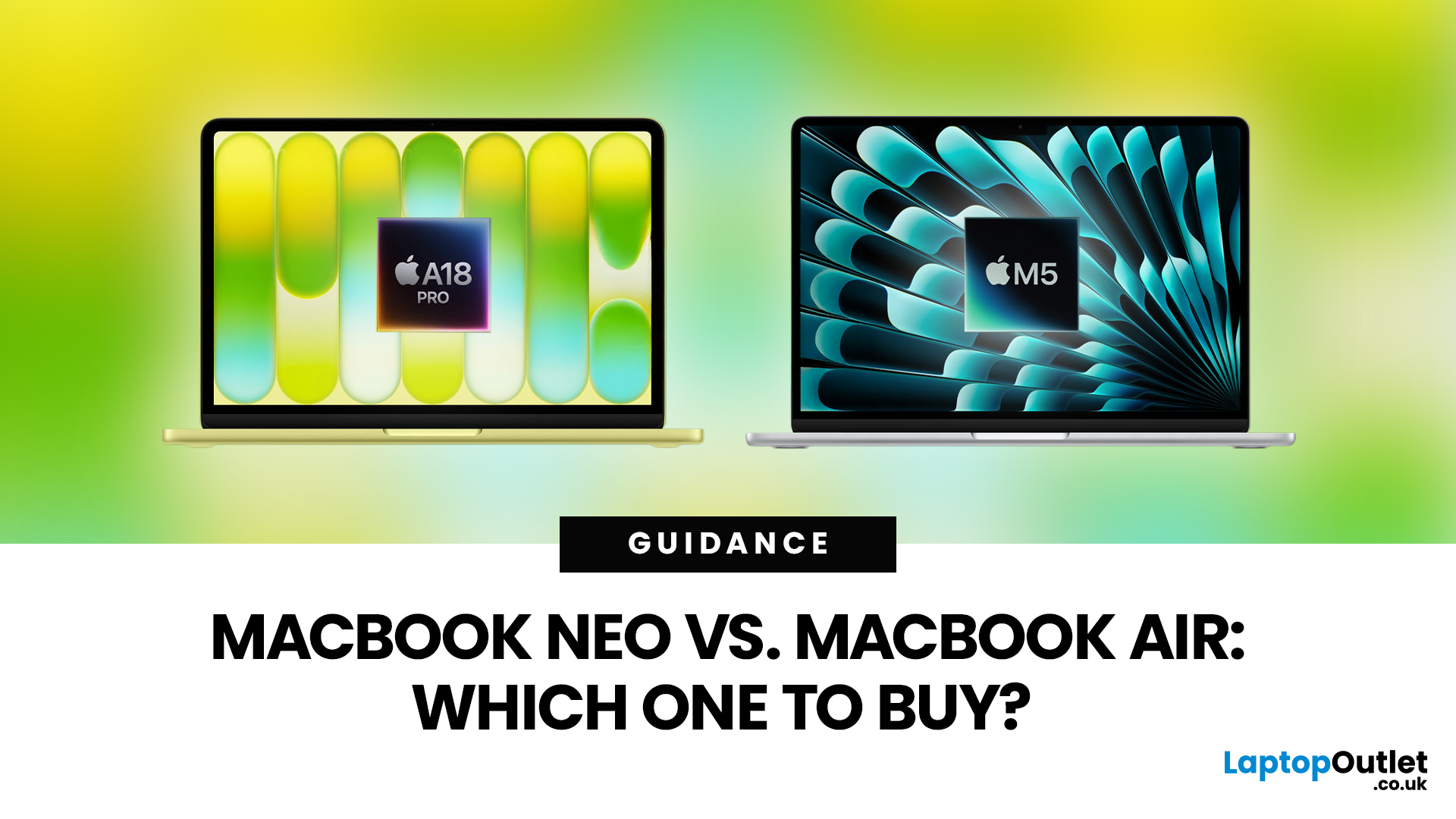
Apple’s 2026 MacBook line-up has a new talking point: MacBook Neo, a genuinely lower-cost Mac designed to bring more people into macOS without asking them to pay MacBook Air money. But the Air hasn’t suddenly become irrelevant. In fact, the newest MacBook Air (M5) is still Apple’s “default” recommendation for most buyers, thanks to stronger performance, more premium extras, and broader long-term headroom.
So, in this MacBook Neo vs MacBook Air guide, we’ll cut through the marketing, look at the real trade-offs (performance, ports, display, battery, and price), and help you choose the right Apple laptop for how you live and work in 2026.
MacBook Neo Overview
The MacBook Neo is Apple’s new entry-level MacBook, positioned below the Air on price. In the UK, Apple lists it from £599. To hit that price, Apple leans on iPhone-class silicon, the Neo is powered by the A18 Pro (the chip family used in iPhone Pro models), paired with 8GB of unified memory and 256GB or 512GB storage.
It also comes

Published: March 05, 2026
AI laptop buying in 2026 is not a trend you have to imagine. It is already changing how people shortlist, compare, and commit to a purchase.
Two shifts are happening at once. The first is behavioural: more people are using AI tools to conduct early research, compress reviews into a few usable insights, and quickly turn a vague requirement into a shortlist. Adyen’s UK retail research finds that 35% of UK consumers use AI to shop, and 56% of those say it influences what they buy.
The second shift is product-led: laptops are now being sold as AI PCs, with new labels and performance claims built around NPUs and TOPS. The problem is that marketing language and real-world value do not always line up. A badge can inflate the price, while the things that make a laptop genuinely pleasant to own are still the basics: screen, keyboard, battery, cooling, ports, and RAM.
So, the practical question in 2026 is not “Should you buy AI?” It is “Where does AI genuinely save time or improve the experience,
Last Updated: April 07, 2026
Buying an AI laptop in 2026 should be a quick decision. You pick a size, set a budget, and choose the “best” chip, right? In reality, the AI label is doing far too much work. Two laptops can sit side by side, both advertised as “AI-powered”, yet behave completely differently once you start writing documents, editing photos, joining video calls, or trying the latest Windows features.
That confusion usually comes down to one thing: people treat “AI laptop” as a single spec, when it’s really a mix of three engines working together.
- CPU: the general performance engine for everything you already do
- GPU: the visual and creative engine, also used for some AI workloads
- NPU: the efficiency engine for AI tasks that are built to run locally
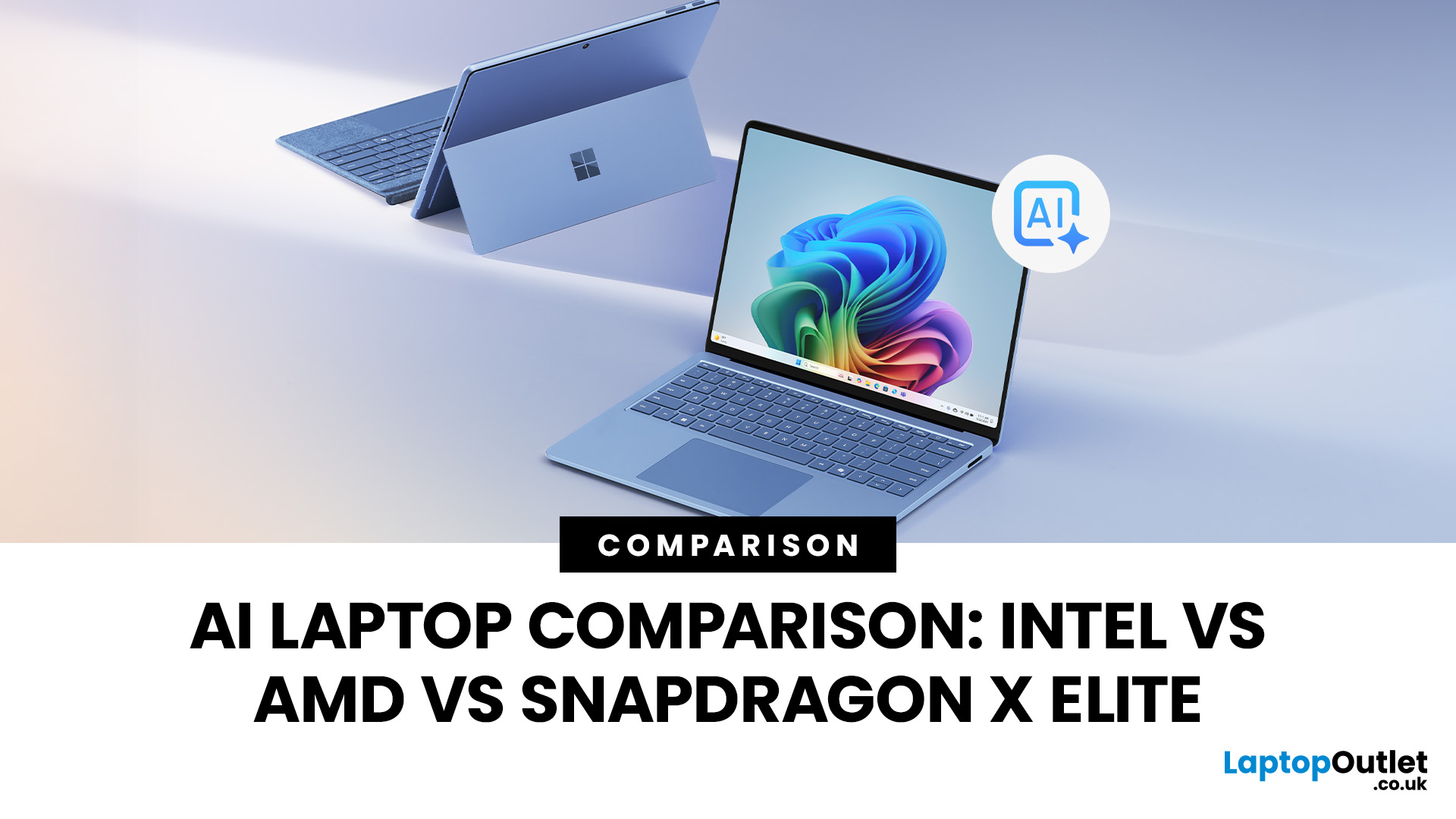
This guide compares the 3 platforms shoppers are most likely to cross-shop when searching for an AI laptop today: Intel Core Ultra 200V (Lunar Lake), AMD Ryzen AI 300 (XDNA 2), and Qualcomm Snapdragon X Elite. We’ll keep it practical, explain the specs, and help
Last Updated: March 09, 2026
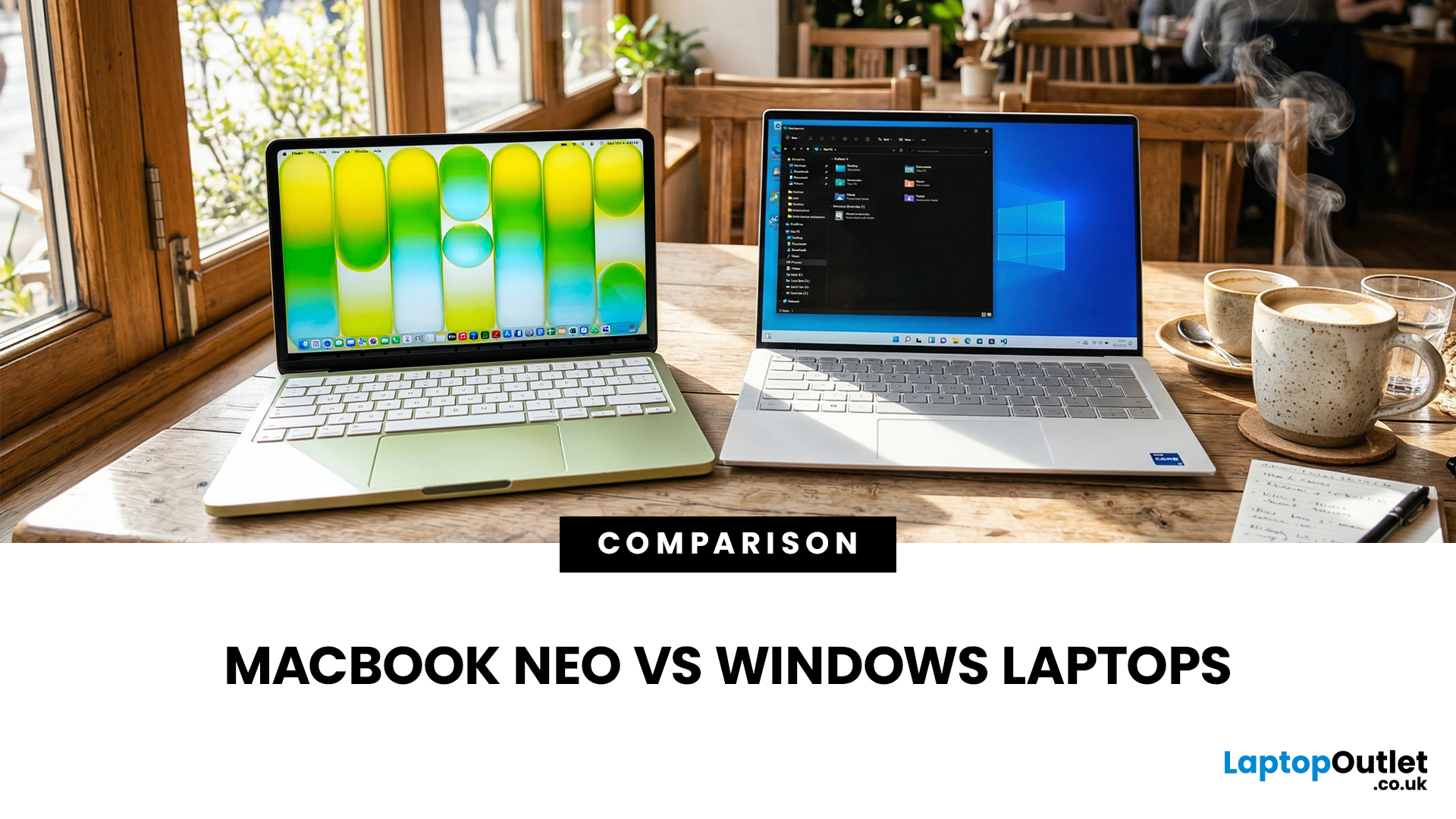
If you are comparing MacBook Neo vs Windows laptops, you are really asking one question: should you buy Apple’s cheapest Mac, or get a budget Windows laptop with more ports and more choice?
MacBook Neo is new, starts at £599, and is designed to be a simple, premium-feeling everyday laptop with macOS, long battery life, and strong call quality.
Budget Windows laptops can offer more screen sizes, more ports, and sometimes better upgrade options. But quality is inconsistent in this price range, and that’s where Neo tries to win.
Below is the practical, buyer-focused breakdown.
10-Second Answer Box
Choose MacBook Neo if
- You want the cleanest everyday experience for browsing, school, docs, and calls
- You value build quality and trackpad feel
- You want a laptop that stays fast and quiet for years, without tweaking settings
Choose a budget Windows laptop if
- You want more ports like HDMI and USB-A built in
- You need a bigger screen for the money
- You want the flexibility of Windows software and lots

Last Updated: July 06, 2026
AI-powered laptop features matter in 2026 for one reason: they change the everyday feel of a laptop, not just the spec sheet. The key shift is on-device AI. When tasks like search, captions, camera effects, and quick actions run locally on an NPU, they tend to respond faster, waste less battery, and rely less on a perfect internet connection. That is why “AI-ready” is now a real buying category, not a vague label.
If you are upgrading this year, focus less on hype and more on the features that will save time each week: an NPU you can trust, OS-level AI tools that sit inside your workflow, practical call and meeting upgrades, and enough RAM and storage headroom to keep those features running smoothly for years.
Why AI Laptop Features Matter in 2026
Laptop marketing always finds a new headline, but this cycle is different because it is tied to real platform requirements. Microsoft has separated “regular Windows laptops” from Copilot+ PCs by setting expectations around NPU capability, RAM,
Published: March 10, 2026
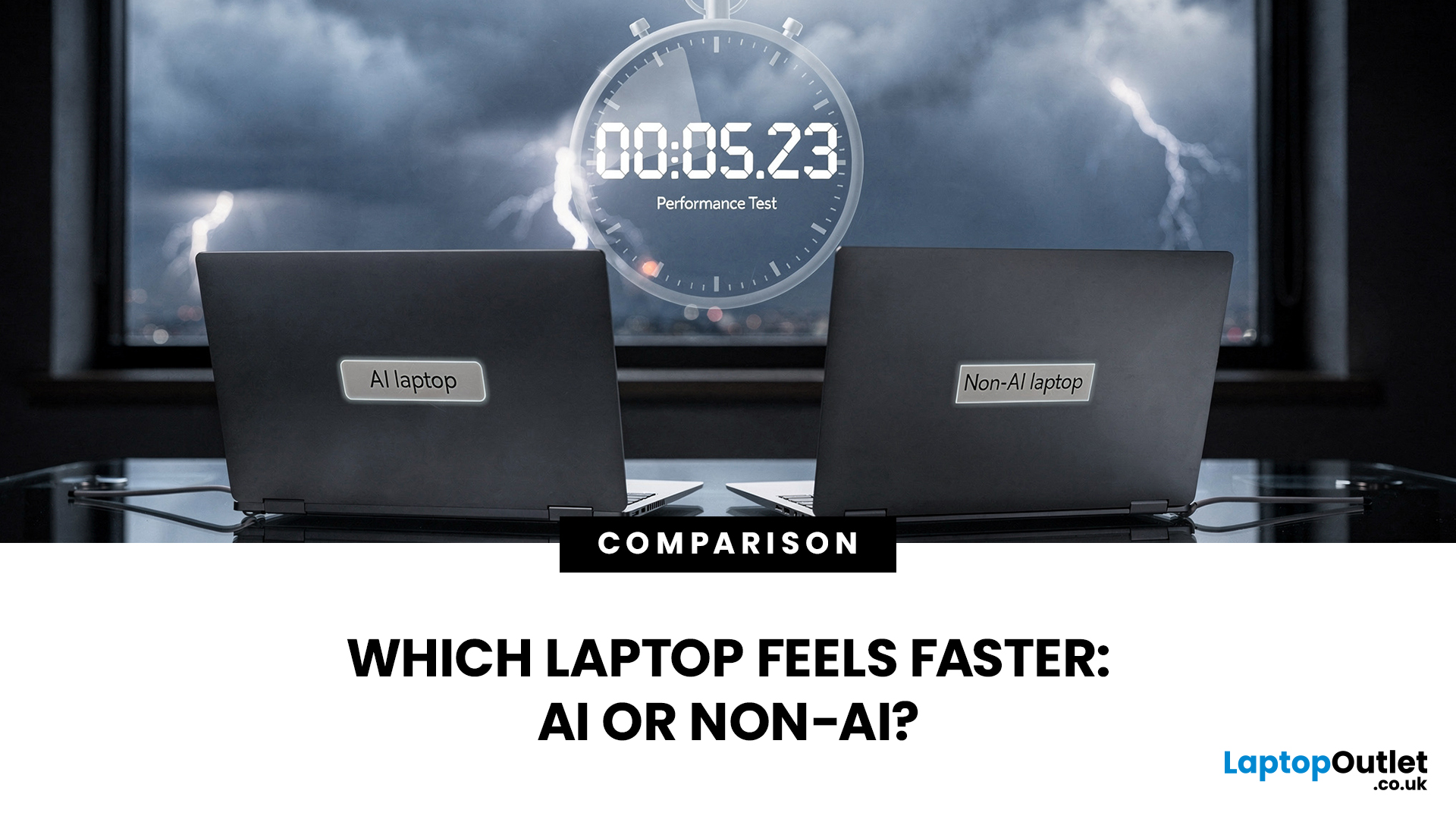
If you’re comparing AI vs non-AI laptops in 2026, the most important thing to understand is this: an “AI laptop” is not automatically faster at everything. In everyday tasks like browsing, working with Office documents, email, and file management, a powerful non-AI laptop can feel just as fast as a newer AI model.
Where AI laptops change, the experience is when you stack AI features on top of normal usage, and the laptop stays smooth. That’s the difference buyers actually feel: better battery efficiency under mixed workload, quieter operation, and on-device features that don’t steal as much CPU and GPU time.
This guide works like an AI laptop performance test, using the kind of checks you can actually repeat at home or at work: wake-from-sleep, app launch behaviour, video calls with camera effects enabled, captioning latency, and battery drain under a realistic office day. It will help you decide whether an AI laptop is worth it for your workload, or whether a well-specced non-AI laptop

